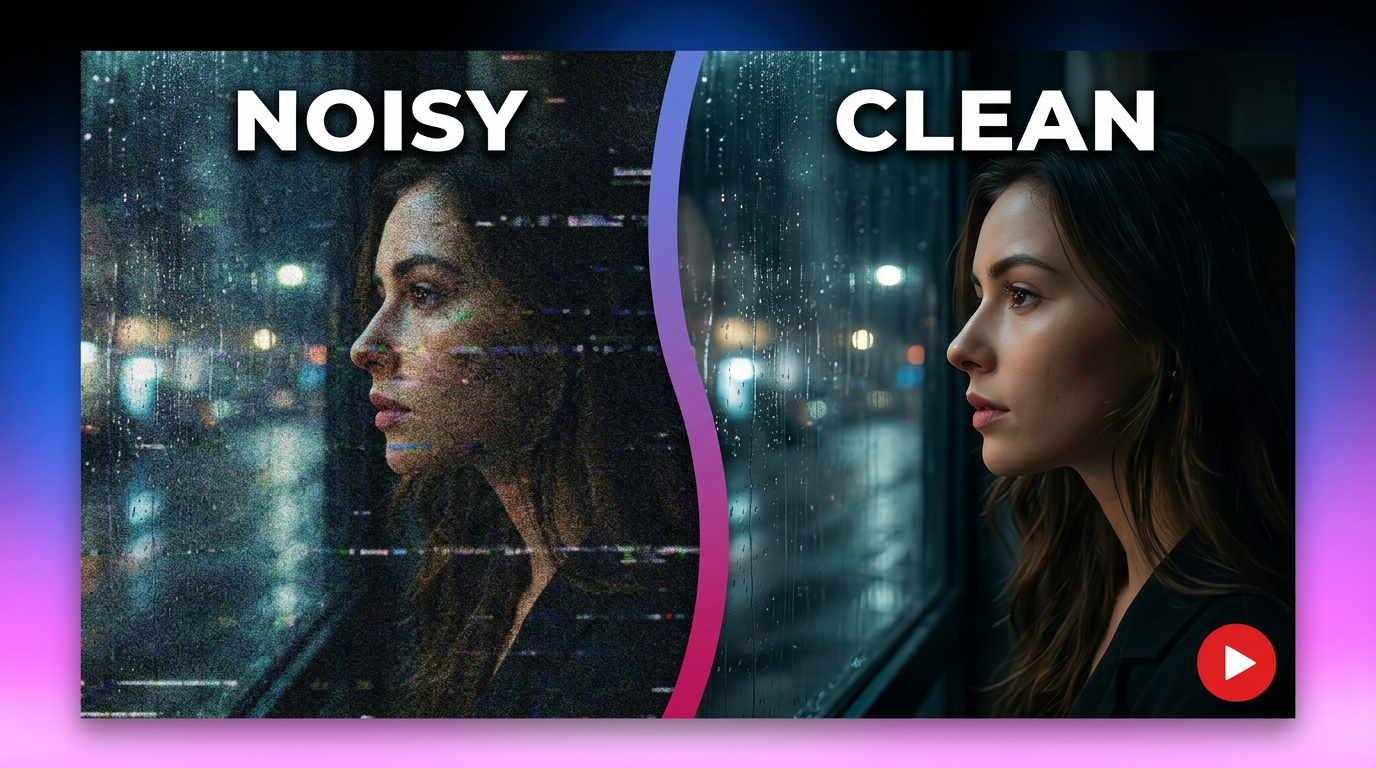
Types of Noise Explained: Meanings, Examples, and Practical Applications
Understand the major types of noise across communication, acoustics, and signal processing. Learn what causes unwanted noise, explore use cases, and discover how AI can reduce background noise in videos.

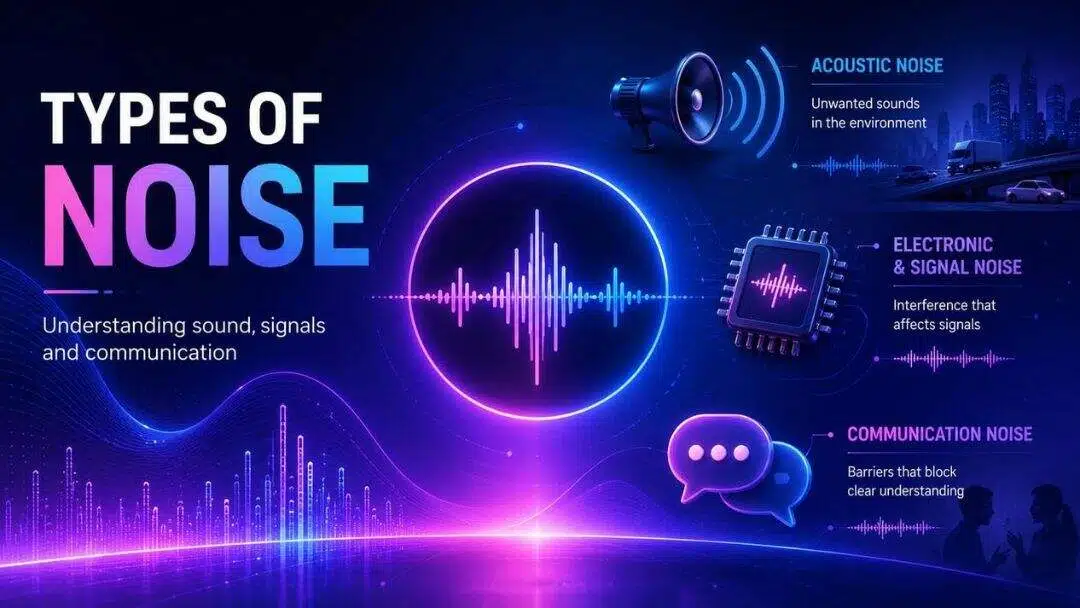
We hear sounds all the time: conversations, video recordings, electronic devices, and background environments. Understanding the different types of noise makes it easier to pinpoint what causes unwanted interference, improve communication, capture cleaner recordings, and choose the right techniques to reduce distractions in real-world situations.
Understanding noise and types of noise across fields
Noise means different things in different situations. In acoustics, it means unwanted sounds. In electronics, it describes interference that affects signals. In communication, it includes anything that interferes with the clear understanding of a message. These definitions differ, but all refer to disturbances that impair the intelligibility of the information to be communicated. What exactly defines noise?
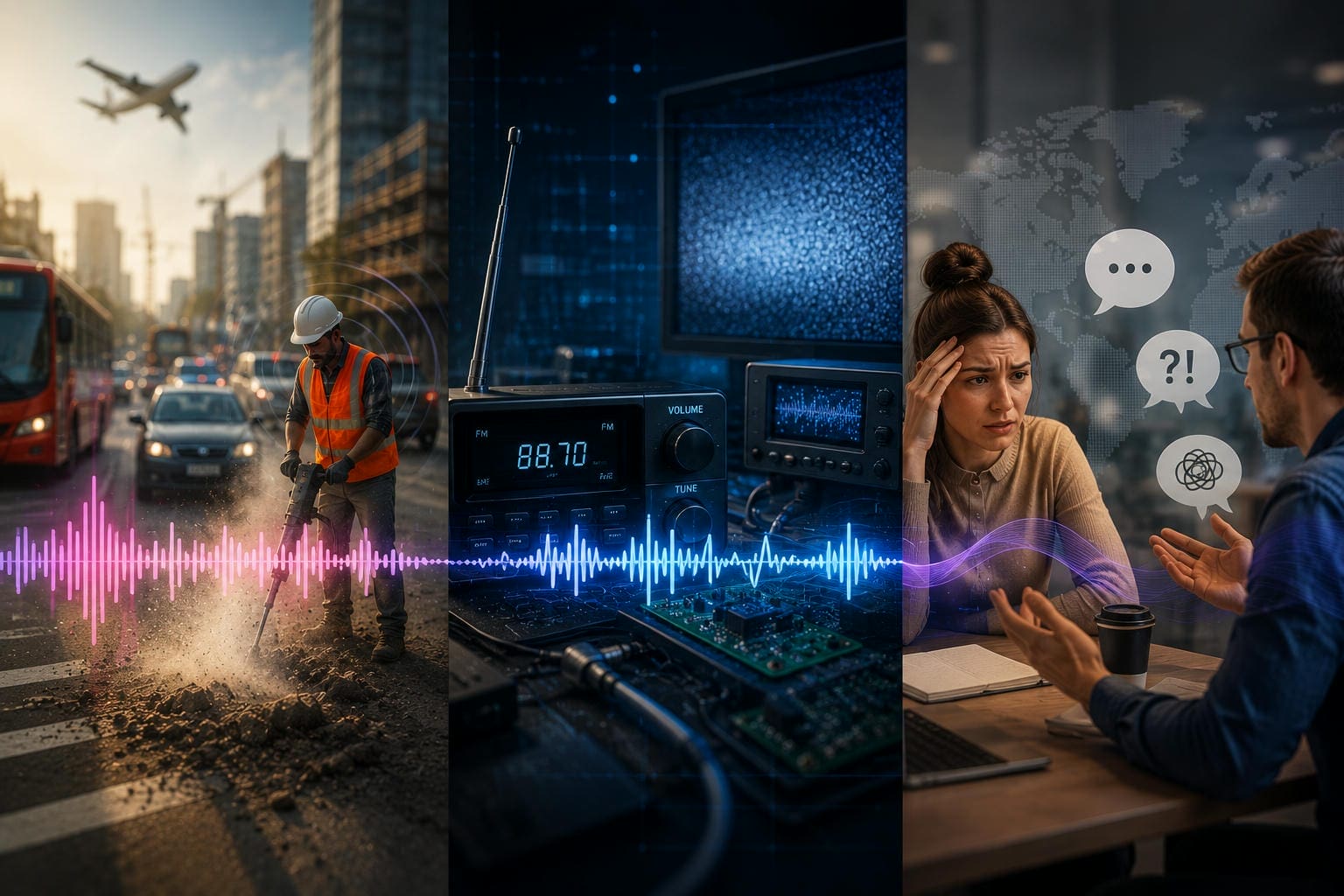
Noise can generally be grouped into three categories based on where it occurs and what it affects.
Acoustic noise
Acoustic noise is sound waves in air or water that are unwanted. Common examples include traffic, construction work, machinery and crowded public places. Noises like these can hinder the ability to understand conversations, reduce concentration and affect the quality of recorded audio, especially in outdoor or crowded settings.
Electronic & signal noise
Electronic and signal noise is a form of unwanted electrical interference that affects the transmission or processing of signals. It is normally used in radios, microphones, cameras, sensors and communication devices. Depending on the source, it can produce static, distortion or a lowered signal quality, which makes the original information less accurate.
Communication noise
Communication noise is anything that interferes with the sending or receiving of a clear message. It's not always something that you can hear, unlike acoustic noise. Physical distractions, language differences, emotional stress, and cultural differences can all interfere with effective communication, even when the message is clear.
Different types of noise and where they occur
Noise can arise from many sources, depending on the environment and context. Some types are easy to spot in everyday life, while others work behind the scenes in communication or electronic systems. Knowing where these different types of noise occur makes it easier to identify the source of interference and select the right way to reduce its impact.
Types of audio and environmental noise
Audio and environmental noise is unwanted sound from the surrounding environment that interferes with conversations, recordings, and listening experiences.
|
Noise Type |
Description |
Examples / Common Sources |
|---|---|---|
|
Traffic noise |
Unwanted sound from vehicles in busy urban environments |
Cars, buses, motorcycles, trucks |
|
Wind noise |
Low-frequency rumble caused by air movement |
Outdoor recordings, open windows, windy conditions |
|
Machinery noise |
Sound produced by operating equipment |
Construction tools, generators, air conditioners |
|
Human chatter |
Background conversation and crowd noise in occupied spaces |
Cafés, offices, classrooms, public venues |
|
Animal sounds |
Natural or domestic animal noises that can distract listeners |
Barking dogs, chirping birds, other wildlife |
|
Ambient noise |
Quiet, continuous background sounds often amplified by microphones |
Ceiling fans, computer cooling systems, keyboards, refrigerators |
Types of noise in communication
Communication can break down even when there is no loud background sound. Besides environmental distractions, physical conditions, emotions, language, and cultural differences can all interfere with how a message is delivered or understood. These are known as types of noise in communication:
Types of electronic and signal noise
Unlike environmental noise and communication noise, electronic and signal noise is produced within electrical circuits and digital systems. Electronic and signal noise can affect the performance of communication devices and can deteriorate the quality of the signal or introduce distortion. Some interference is unavoidable, but knowing its origin allows us to increase system reliability.
|
Noise Type |
Possible solution |
|---|---|
|
Thermal (Johnson) noise |
Reduce temperature and use low-noise amplifiers. |
|
Shot noise |
Optimize circuit design. |
|
Flicker (1/f) noise |
Use high-quality components and filtering. |
|
Impulse noise |
Use shielding, grounding, and surge protection. |
|
Quantisation noise |
Increase bit depth or sampling precision. |
Understanding noise colors and their practical uses
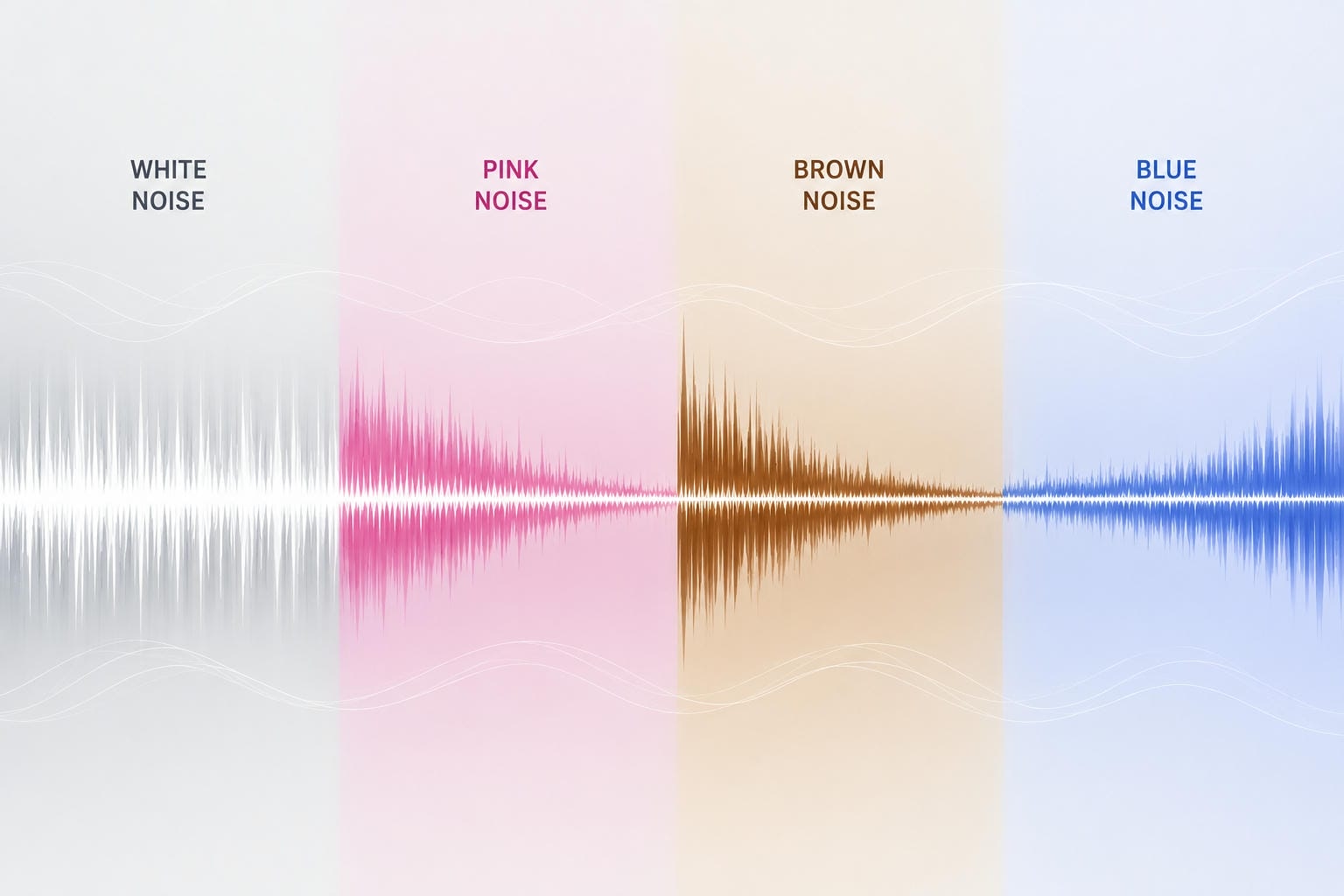
When people hear terms such as white noise or pink noise, they often assume they refer to actual colors. In reality, these names describe how sound energy is distributed across different frequencies rather than the appearance of the sound itself. Because each type has a unique frequency profile, different noise colors are used for purposes ranging from sound masking and relaxation to professional audio testing.
Which noise color is best for different situations?
The best noise color depends on your listening preferences and what you're trying to achieve. Each type distributes sound energy differently across frequencies, making it better suited for specific activities such as sleeping, studying, concentrating, or testing audio equipment. While individual preferences vary, the following practical scenarios can help you choose the right noise color for your needs.
-
White noise: Best for masking conversations in offices, reducing distractions while working, improving concentration, and creating a consistent background sound for relaxation.
-
Pink noise: Commonly used to promote better sleep, relaxation, and speaker calibration because of its balanced frequency distribution and more natural sound.
-
Brown noise: Ideal for studying, deep focus, meditation, or reducing distractions if you prefer deeper, bass-heavy sounds. Some people also find it helpful for managing tinnitus.
-
Blue noise: Rarely used for everyday listening, but widely applied in digital audio and image processing for dithering, reducing artifacts, and improving signal quality.
|
Noise Color |
Spectral Density Profile |
Common Real-World Examples |
Primary Practical Uses |
|---|---|---|---|
|
White Noise |
Equal energy per hertz across all frequencies |
TV static, a whirring mechanical fan |
Office sound masking, blocking background distractions, and improving concentration |
|
Pink Noise |
Energy drops by 3 decibels per octave as frequency increases |
Steady rainfall, wind blowing through rustling trees |
Better sleep, relaxation, and professional audio testing and calibration |
|
Brown Noise |
Energy drops by 6 decibels per octave (heavily bass-dominant) |
A deep, distant rumble of thunder, low ocean roaring |
Studying, deep focus, relaxation, and tinnitus management |
|
Blue Noise |
Energy increases by 3 decibels per octave (high-pitched) |
The subtle, sharp hiss of a pressurized water spray |
Audio and image processing, dithering, and reducing digital artifacts |
Why unwanted background noise affects video and audio quality
Whether you are recording a podcast, filming a vlog, conducting an interview, or joining an online meeting, unwanted background noise can seriously hurt audio quality. Distracting sounds make it harder for listeners to focus and understand the message, even when the visuals are sharp.
The table below highlights common noise sources and how they affect recordings:
|
Noise Source |
Typical Impact |
|---|---|
|
Wind |
Distorted dialogue |
|
Keyboard clicks |
Speech distraction |
|
Traffic |
Reduced clarity |
|
Echo |
Hollow audio |
|
Fan noise |
Constant background hum |
Some of the most common ways background noise affects video and audio quality include:
-
Makes speech difficult to understand: Competing sounds can mask voices, forcing listeners to replay sections or increase the volume.
-
Reduces viewer retention: Poor audio quality often causes viewers to leave videos before they finish, even if the content itself is valuable.
-
Makes podcasts sound unprofessional: Constant humming, traffic, or background conversations can distract listeners and reduce the overall production quality.
-
Hurts online meetings: Background distractions make discussions harder to follow and can lead to repeated questions or misunderstandings.
-
Creates problems during transcription: AI transcription tools generally perform better when speech is clear. Excessive background interference may reduce transcription accuracy.
-
Can reduce accessibility: Viewers who rely on captions or have hearing difficulties may find it harder to follow content when the original audio is unclear.
Fortunately, modern AI-powered tools such as a video denoiser can remove many of these unwanted sounds without requiring advanced audio editing skills.
Meet Vmake Labs: Remove background noise from videos with AI
Cleaning up audio used to require professional editing software and considerable manual effort. Today, AI can automatically detect common background sounds and reduce them while preserving the speaker's voice. Vmake Labs Remove Noise from Video is an online AI-powered tool designed to remove unwanted background noise from existing video files, helping creators produce cleaner, more professional-sounding videos with minimal effort.

Advanced Features for Clean Audio Workflows
Vmake Labs replaces complex post-production software with an intuitive, web-based tool built around four key capabilities:
-
Intelligent AI Noise Detection: The platform's advanced algorithms instantly scan your video's audio track to identify and isolate common real-world distractions, including wind rumbles, air conditioning hums, traffic noises, and background crowd babble.
-
Targeted Speech Enhancement: Unlike traditional audio filters that lower entire frequency ranges, Vmake Labs isolates and enhances human speech, ensuring dialogue sounds crisp and natural even after removing heavy background noise.
-
Browser-Based Processing: The tool runs entirely in your web browser. You can clean up your audio without downloading desktop apps, installing plug-ins, or utilizing your computer's CPU resources.
-
High-Fidelity Media Exports: Vmake Labs processes the underlying audio track while maintaining your video's original visual quality, aspect ratio, frame rate, and resolution.
-
A Streamlined Creative Workflow: The simplified interface makes it easy for vloggers, educators, podcasters, and corporate teams to clean up interviews, tutorials, and social clips in seconds.
For videos that require more than background noise removal, a video audio enhancer can further improve overall sound quality by refining dialogue and reducing remaining audio imperfections.
How to remove background noise from videos
Removing unwanted background sounds only takes a few simple steps:
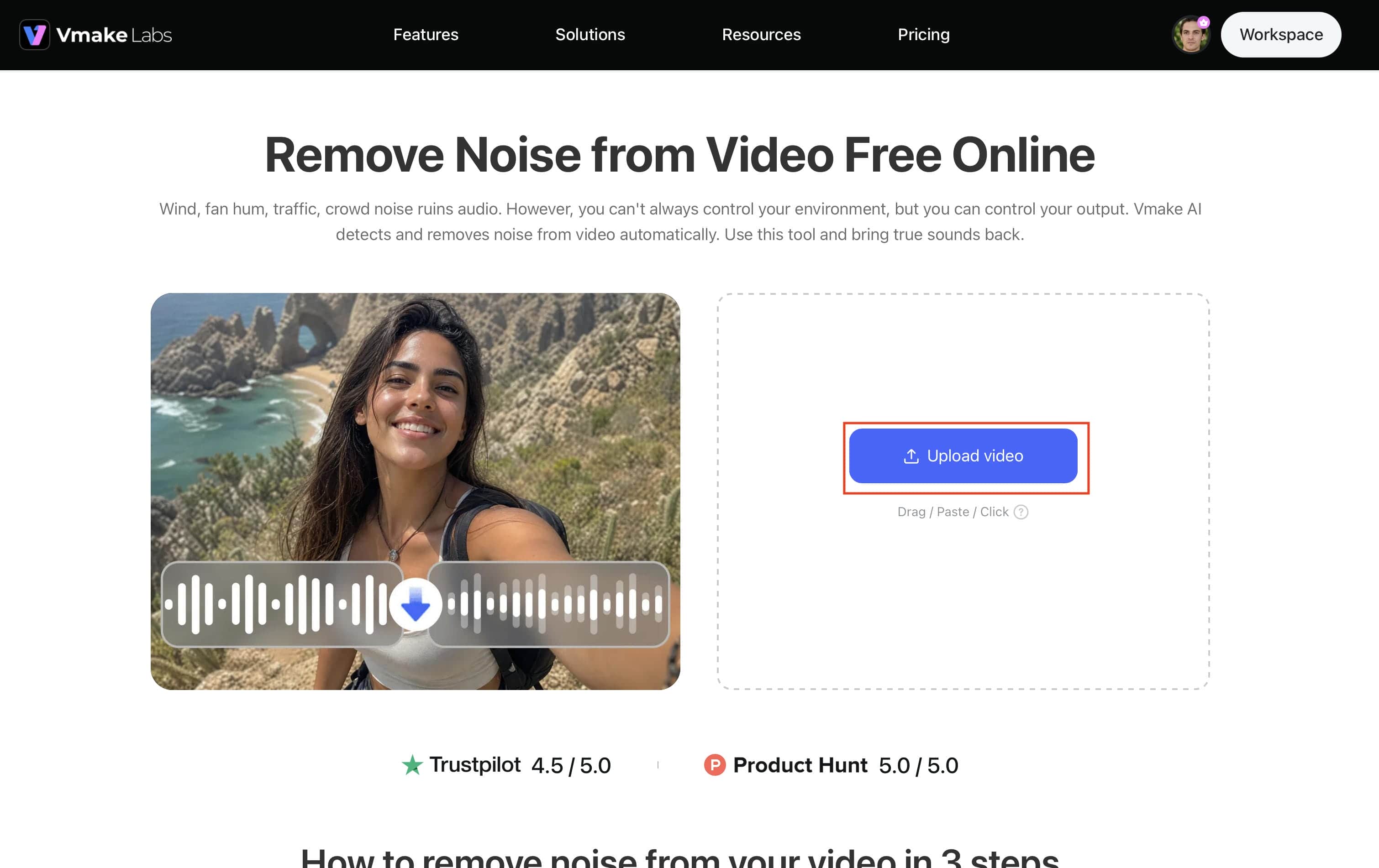
Step 1: Upload your video
Open Vmake Labs Remove Noise from Video and upload the video file you want to improve. The tool supports common video formats, making it easy to start without additional file conversion.
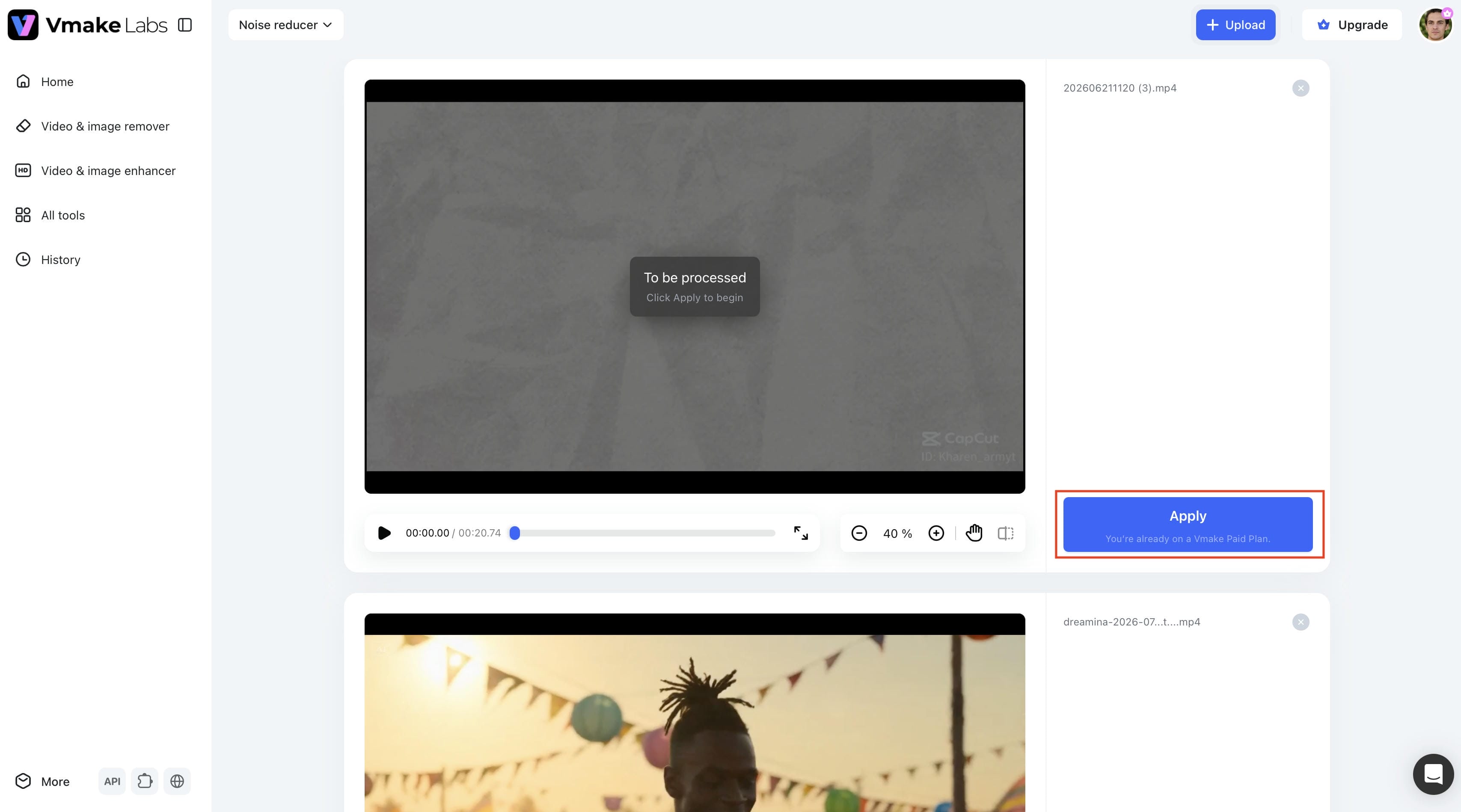
Step 2: Let AI process the audio
Once your video is uploaded, the AI automatically analyzes the audio track, detects background distractions, and enhances speech clarity. No manual editing or technical adjustments are required.
Step 3: Preview and export
Preview the processed video to compare the improved audio with the original. When you're satisfied with the results, export the cleaned video and use it for presentations, social media, online courses, podcasts, or other projects.

Conclusion
Noise can be many things, from unwanted sounds in the environment to interference in communication and electronic interference. Being aware of the various kinds of noise enables you to identify where they come from, enhance communication, and produce cleaner audio and video recordings. If you want to cut down on distractions in a conversation, or get better recorded material, then the right solution is going to depend on the type of interference you're up against. Vmake Labs Remove Noise from Video makes it easy to improve speech clarity and create cleaner, more professional-quality recordings if your videos contain unwanted background sounds such as wind, traffic, or fan noise.
FAQs
What is the relationship between the signal-to-noise ratio and audio quality?
A higher signal-to-noise ratio (SNR) means the desired audio is much louder than the background noise, resulting in clearer sound. If a recording already contains unwanted noise, tools like Vmake Labs Remove Noise from Video can help improve speech clarity.
How does physiological noise affect classroom learning?
Physiological noise occurs when physical conditions, such as hearing impairment, illness or fatigue, make it difficult to communicate or understand information. Better learning experience, clearer sound and less distraction
What causes the unique sound of blue noise?
Blue noise has more energy at higher frequencies, making it sound sharper and more high-pitched than white, pink, or brown noise. Rather than being used for relaxation or sleep, it is mainly applied in digital audio and image processing, particularly for dithering and reducing visual or audio artifacts.
Why is psychological noise difficult to overcome in workplace meetings?
Psychological noise is the impact of internal factors such as stress, anxiety, assumptions, or personal bias that influence the way people interpret information. Since these distractions are in the mind of the listener, effective communication and good listening are essential to minimise their effects in meetings.
Can background noise removal tools isolate specific voices in a crowded room?
They can eliminate a lot of background noise and improve speech clarity, but they can't always isolate a single voice when people talk over each other. Tools like Vmake Labs Remove Noise from Video work best when the main speaker is clearly separated from background noise.

You May Be Interested
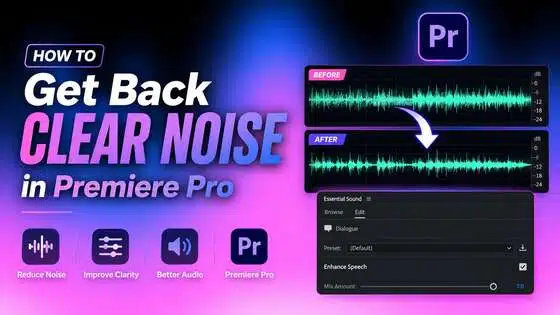
How to Get Clear Background Noise Removal in Premiere Pro
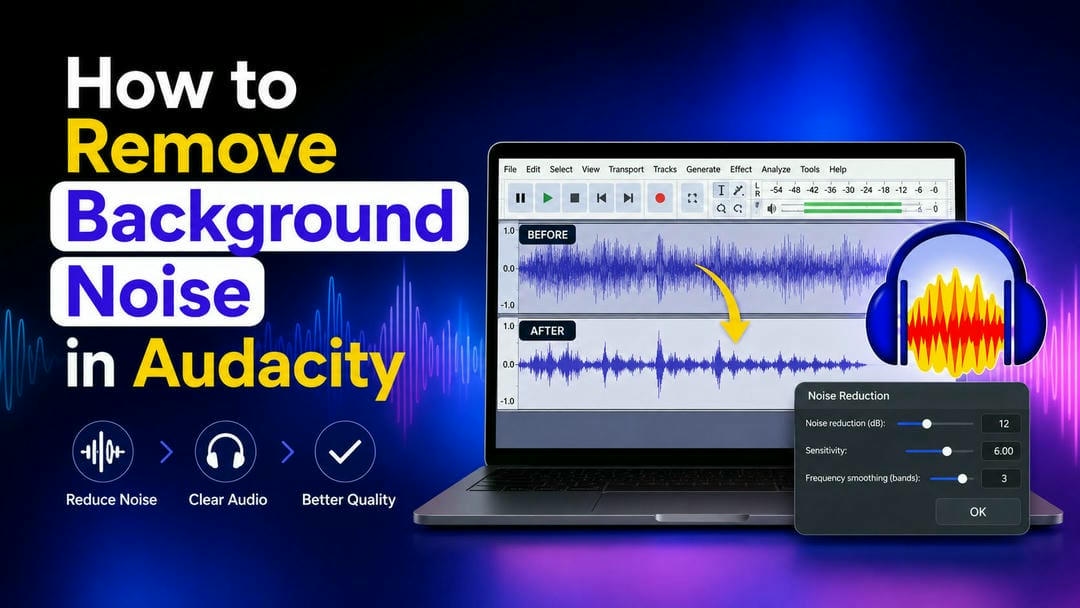
How to Remove Background Noise in Audacity: A Complete Guide
How to Remove Background Noise from Audio: Step-by-Step Guide