
Free Online Video Denoiser
Grainy footage should not hold your content back. Vmake Labs AI video denoiser detects and removes grain, compression blockiness, low-light noise and visual artifacts from any video frame by frame. Clean results, full resolution, no software to install. Free to start.




How to denoise video in 3 steps
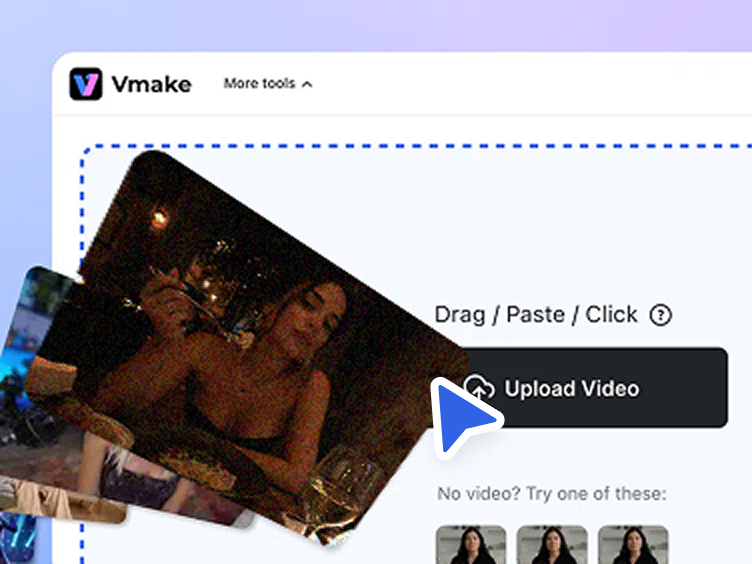
Upload your video
Click the Upload button or drag and paste your noisy file onto the upload area. Processing a batch of videos? Hit Batch upload and clean up to 30 clips in one session.
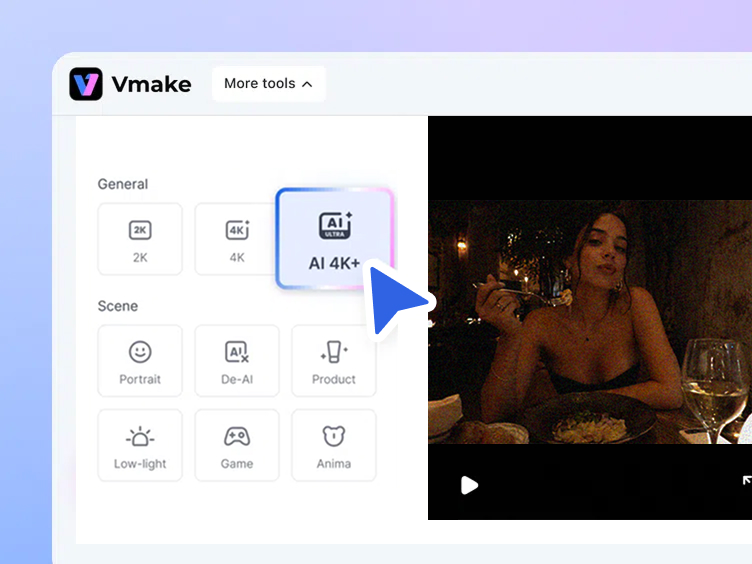
Choose your denoise model
Choose 2K, 4K, or AI 4K+ for overall enhancement, then select a Scene model that best matches your footage.
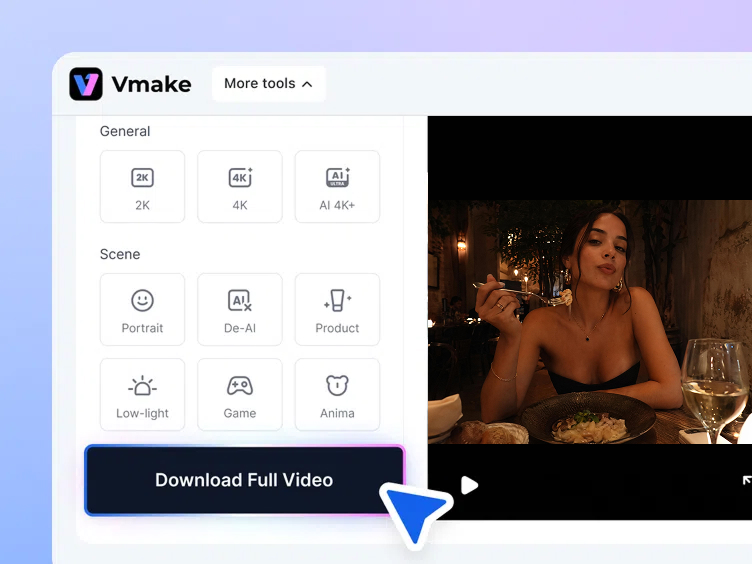
Download the clean result
A 5-second preview generates automatically so you can check the denoised result before committing. Click "Download 5s preview video" for free, or click "Download full video" to export the complete clean file.
Real-world use cases to denoise video for better quality


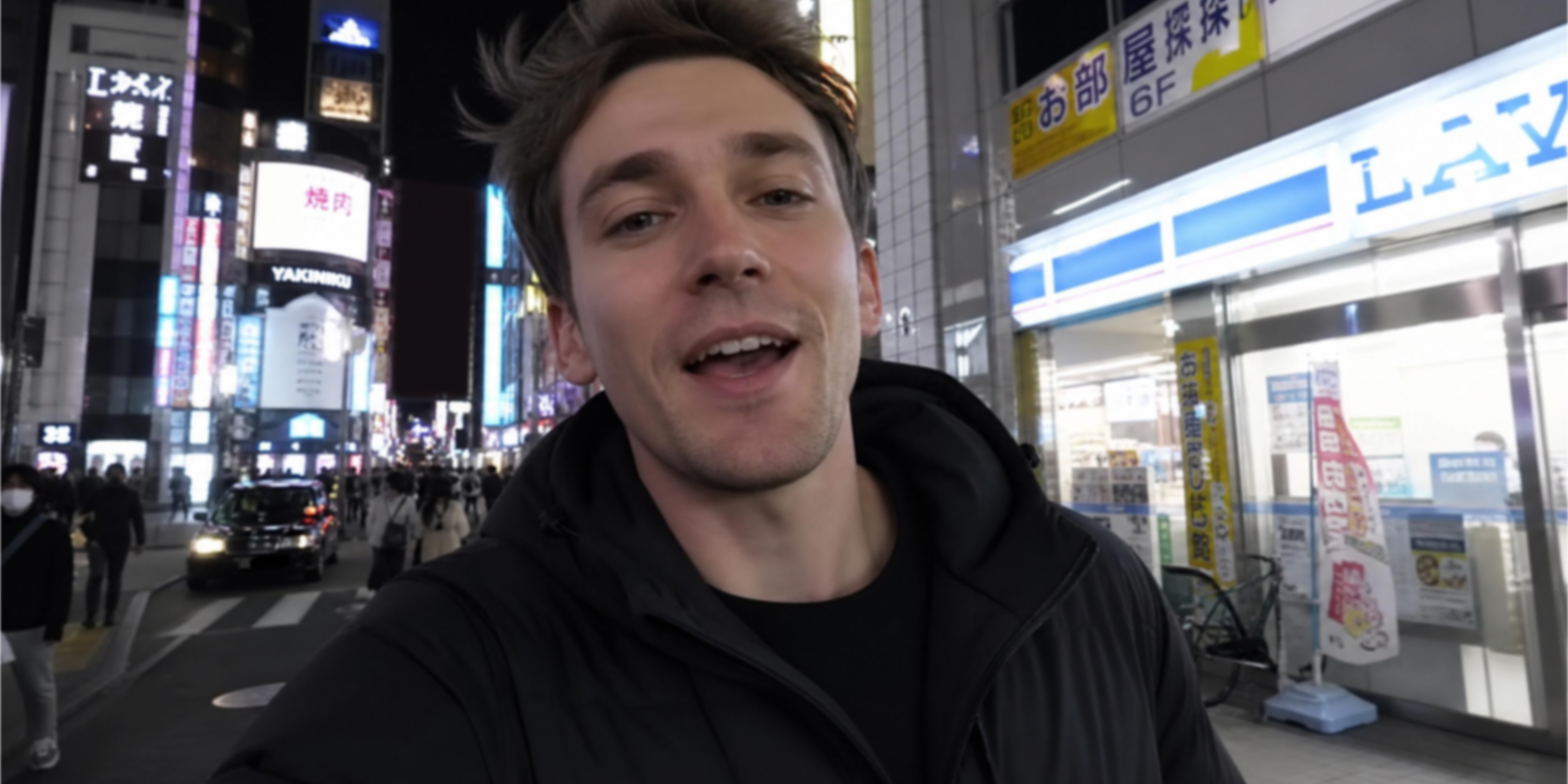




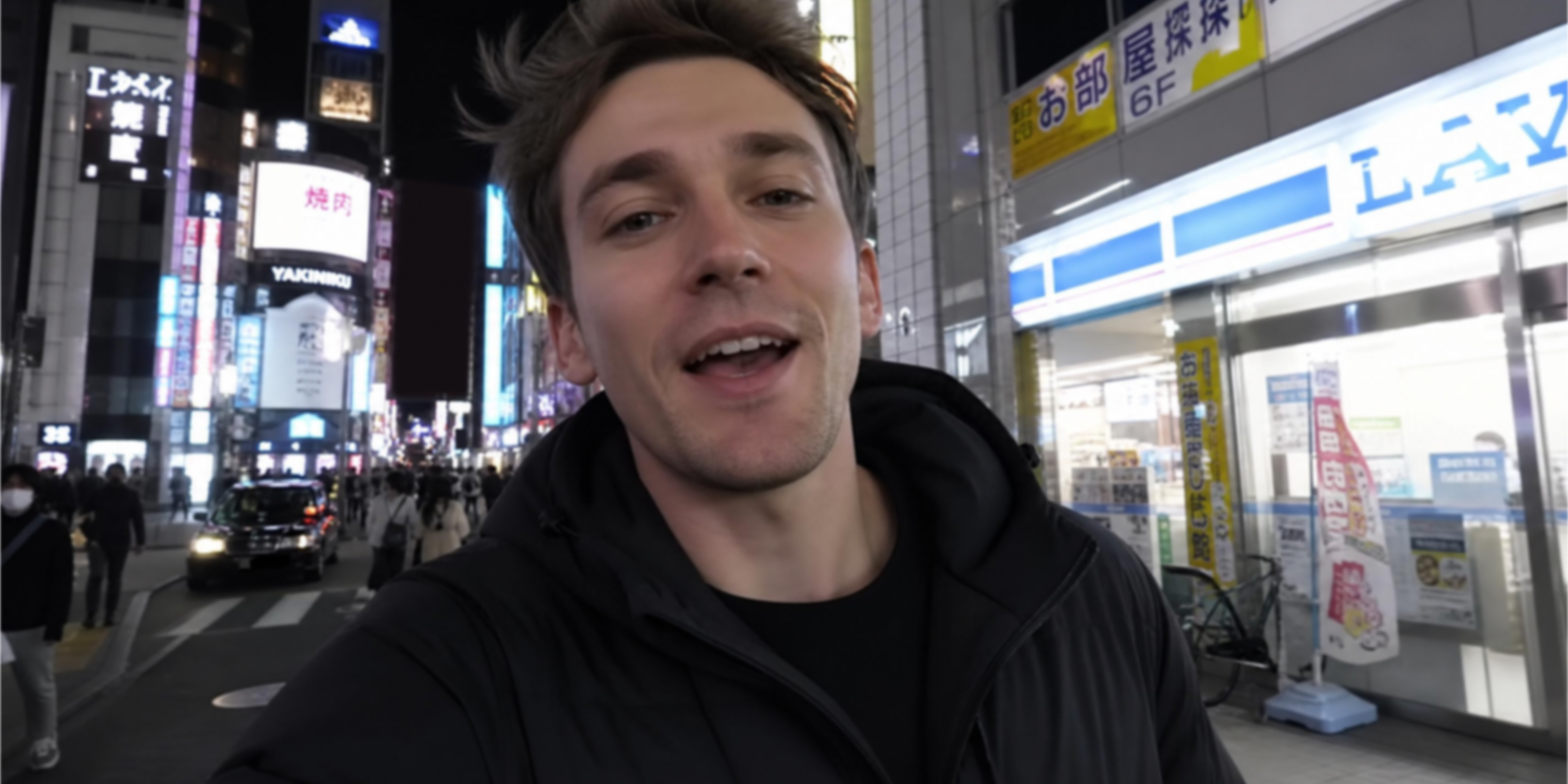



Powerful features to denoise and enhance video quality
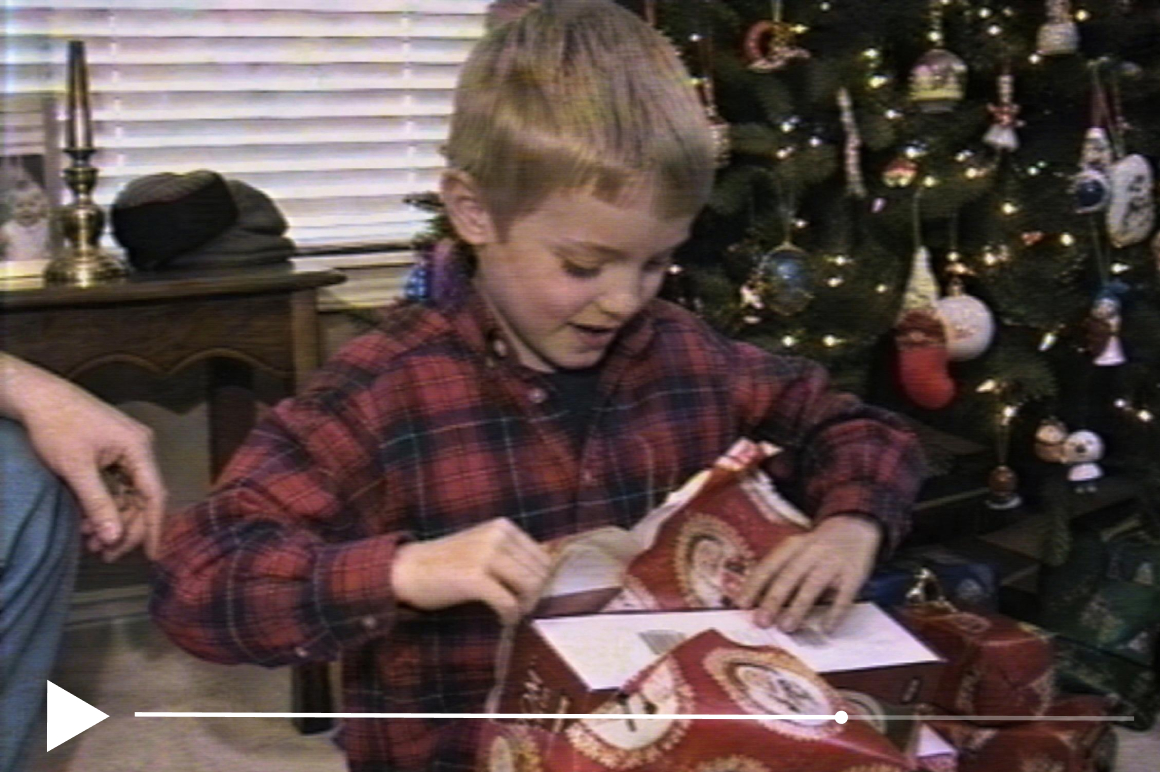
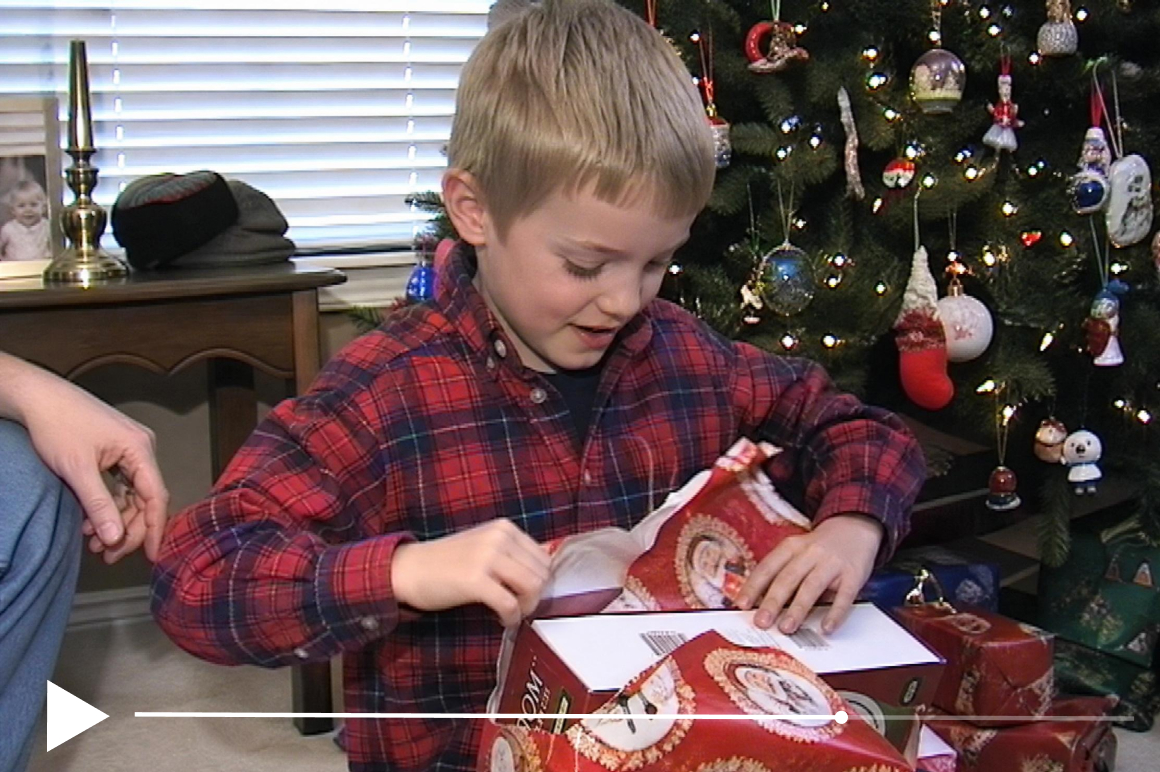
AI-powered noise removal
Vmake Labs self-developed large model repair algorithm analyses every frame individually to identify the type and distribution of noise. Compression blockiness, grain, edge ringing and AI-sense artifacts are each corrected with different techniques rather than a single filter applied uniformly. The result is accurate noise removal that holds up at full resolution without softening clean areas of the frame.
Detail preservation technology
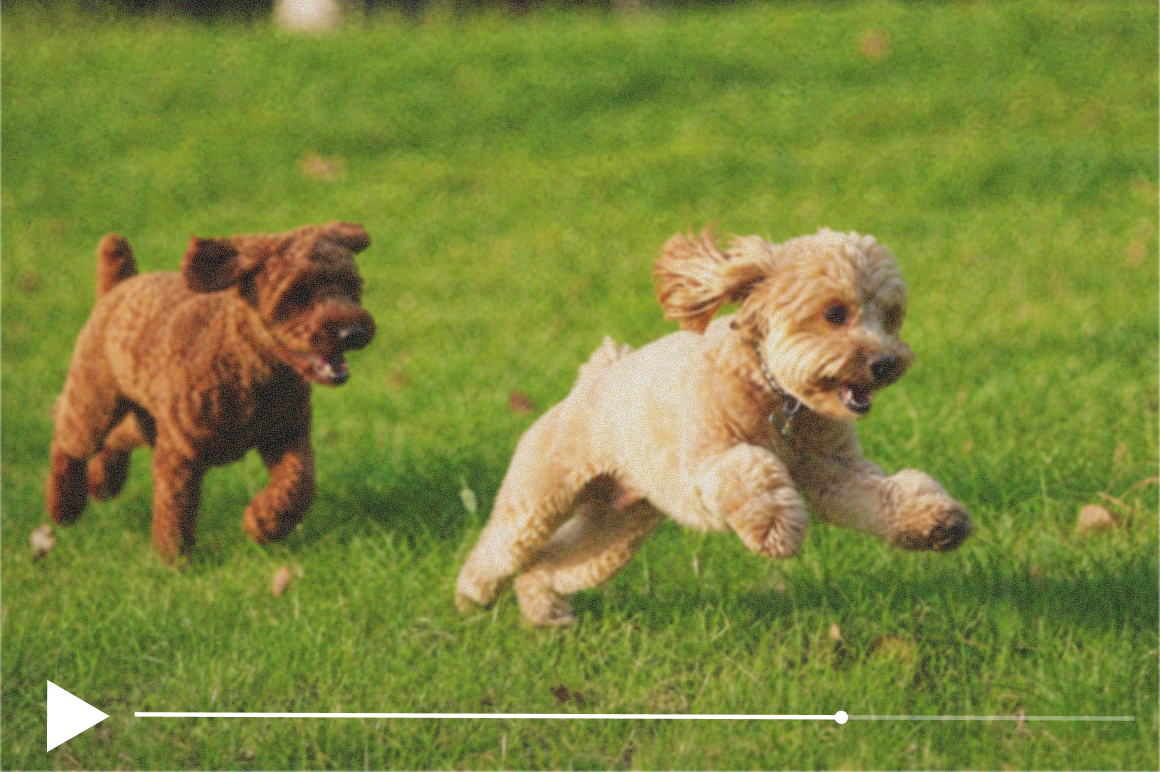
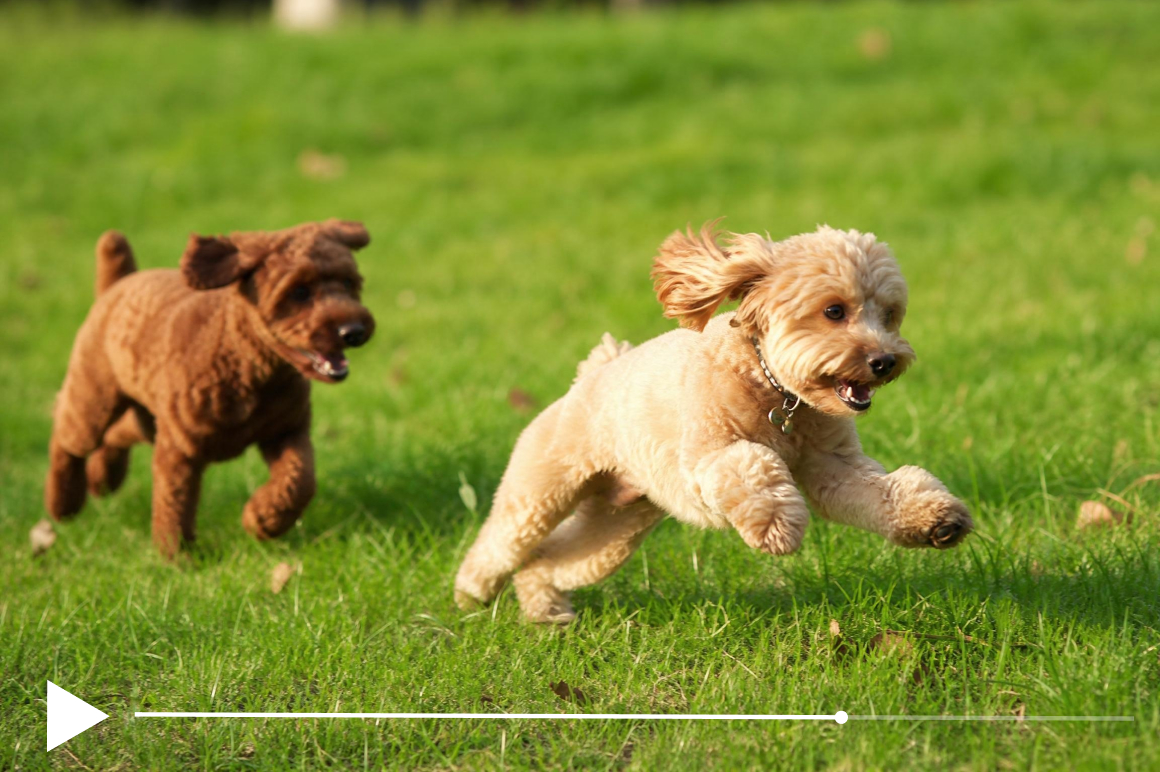
Standard denoise filters remove noise by blurring the frame, which destroys fine detail alongside the noise. Vmake Labs AI distinguishes between noise patterns and genuine image detail, cleaning one while preserving the other. Skin texture, background sharpness, text clarity and fine edges all remain intact after denoising.

Low-light scene model
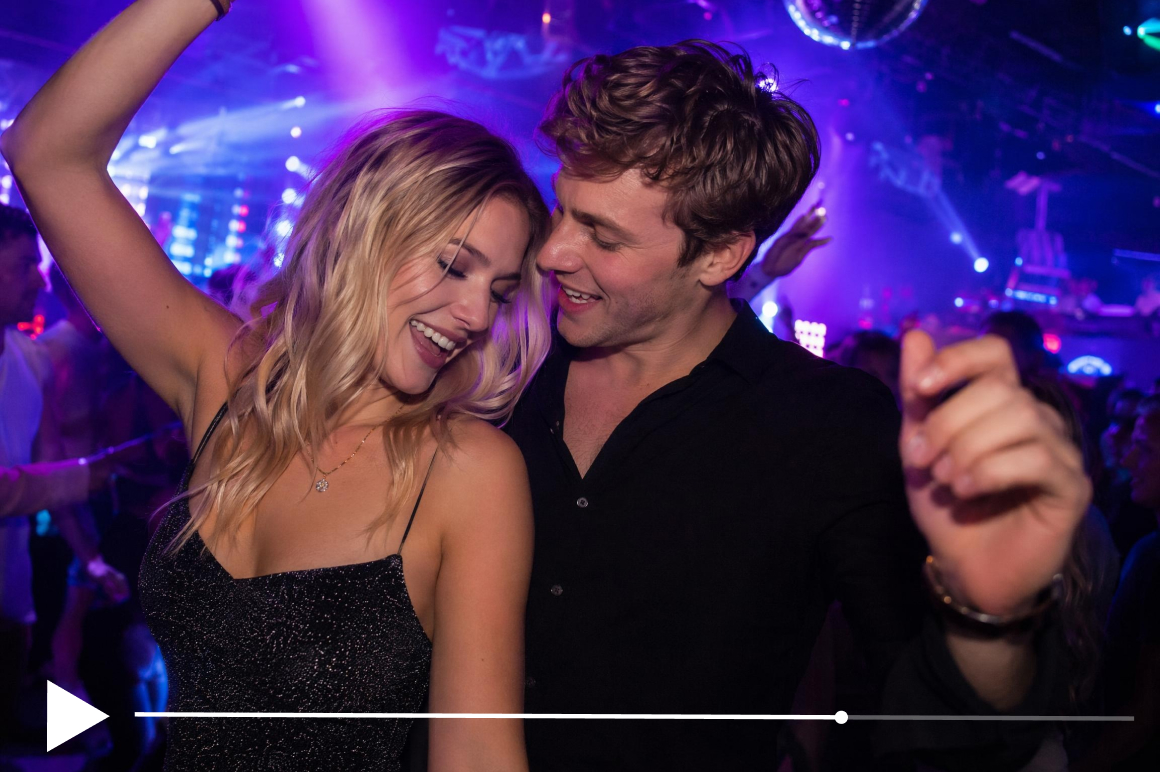
The Low-light model is purpose-built for dark-scene footage with high grain levels. It identifies and removes luminance and colour noise specifically from shadow and low-exposure areas, recovering natural shadow depth and colour accuracy that standard denoise tools flatten or remove entirely.


Batch processing
Process up to 30 videos in one session. Apply the same denoise model and resolution settings consistently across an entire content library without repeating the workflow for each file. One-click batch mode saves significant editing time for teams and creators working at scale.
Who can use our denoise feature for videos
Content creators and influencers
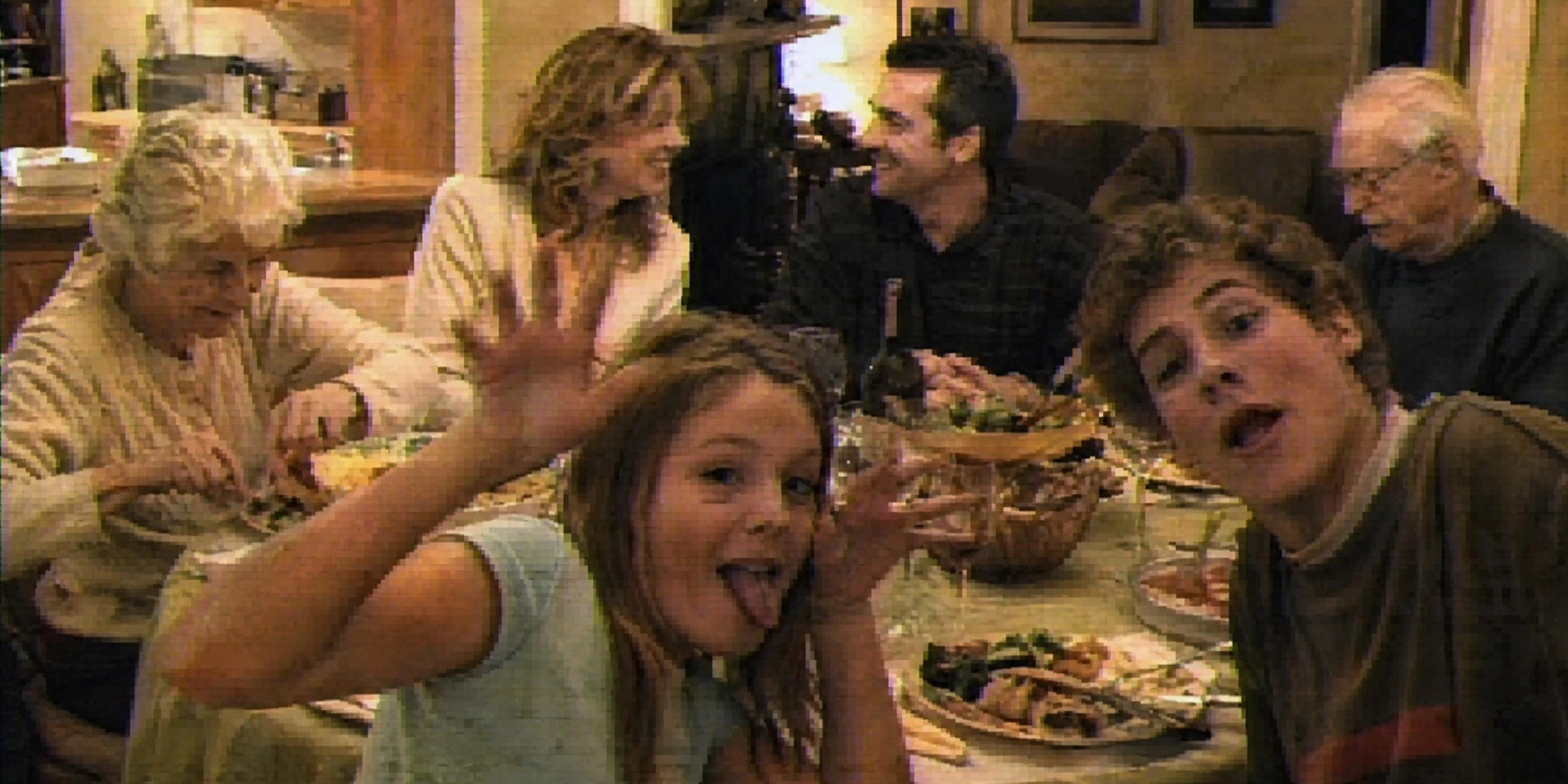
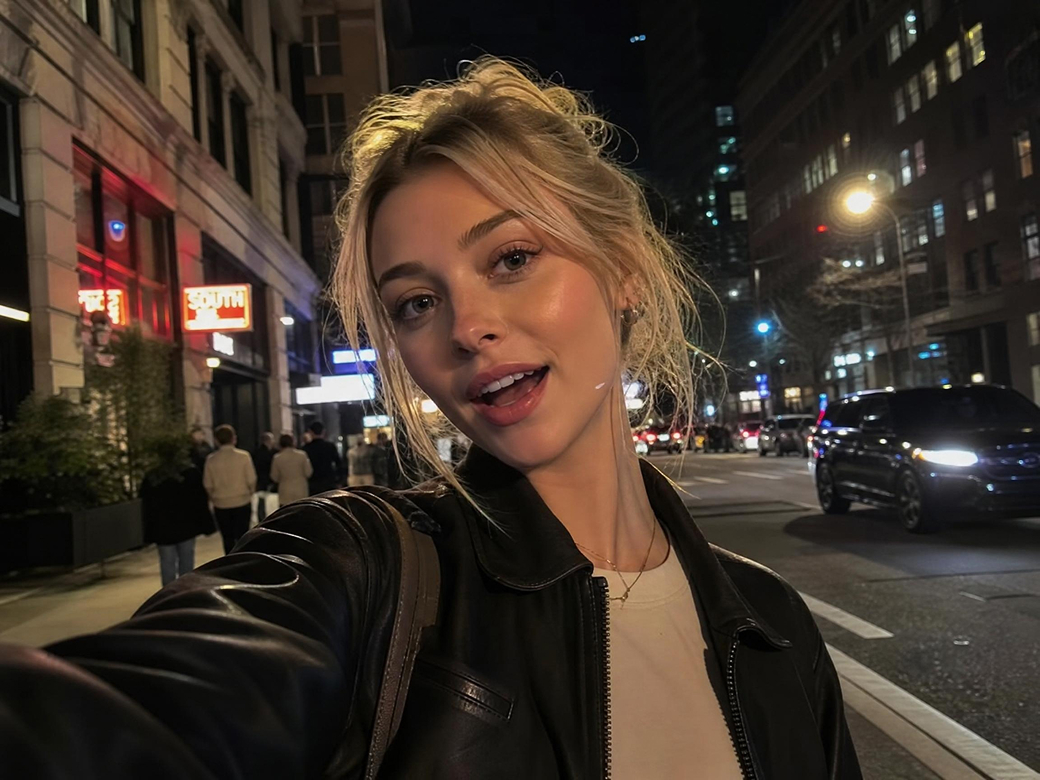
Creators whose footage came out grainy from low-light shooting or high ISO settings use Vmake Labs to denoise video and recover clean, watchable clips without reshooting. The batch mode handles multiple noisy clips from the same shoot in one session so the full content calendar stays on track.
Filmmakers and video editors
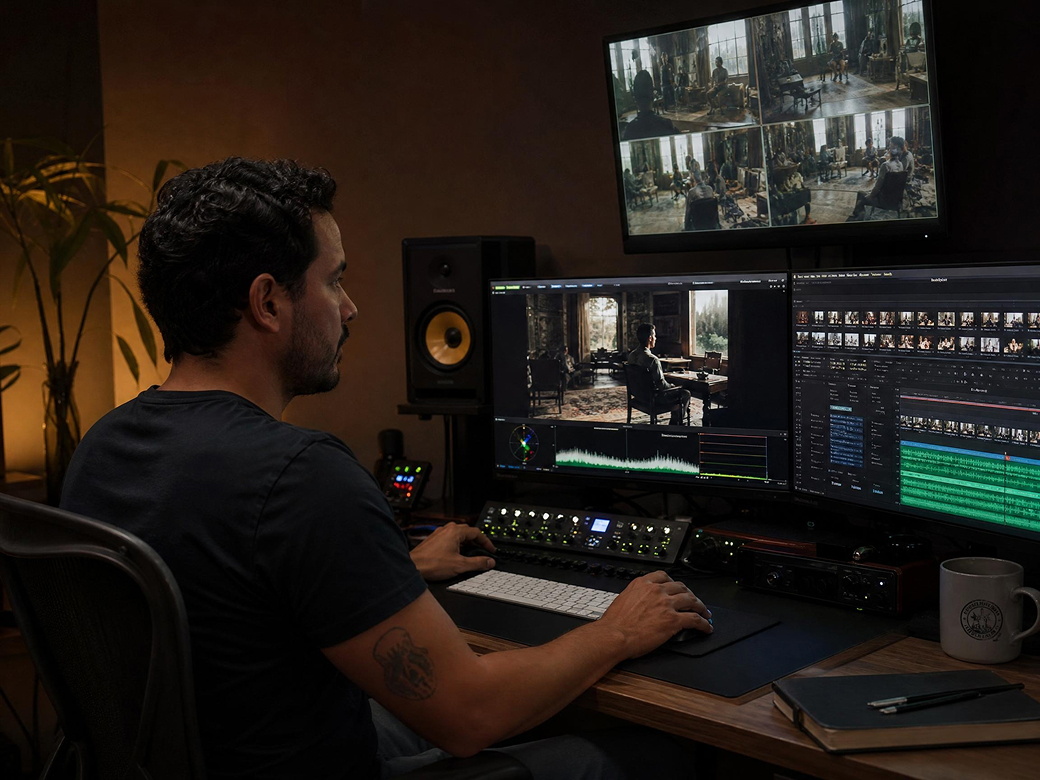
Filmmakers working with footage from multiple cameras and lighting conditions use Vmake Labs video denoiser to standardize noise levels across every clip before editing begins. Consistent baseline quality across the timeline reduces grading time and produces a more cohesive final cut.
Marketing and brand teams
Marketing teams repurposing video across ad platforms and social channels use Vmake Labs to remove compression noise before footage goes into new placements. Clean footage performs better in ad delivery and looks more credible across every screen size and placement context.

FAQs
Can I denoise video online for free?
Will denoising reduce video quality?
No. Vmake Labs distinguishes between noise patterns and genuine image detail. Sharpness, texture and colour in clean areas of the frame are preserved while noise is removed. You can also combine denoising with a resolution upgrade to 4K the same pass.
What types of videos can be denoised?
Vmake Labs removes grain from low-light footage, compression blockiness from social platform re-encoding, AI-sense noise from generated clips, and general visual noise from any source. All major formats including MP4, MOV and AVI are supported.
Which scene model should I use to denoise for video?
For dark or low-light footage, use the Low-light model. For AI-generated clips from Seedance, Kling or Sora, use De-AI. For portrait and face footage, use Portrait. For gaming or animated content, use Game or Anime. For general footage, use 2K, 4K or AI 4K+.
How many videos can I denoise at once?
Vmake Labs supports batch processing of up to 30 videos in a single session with consistent denoise settings applied to every clip.
Does it work on AI-generated video?
Yes. The De-AI scene model is purpose-built to remove visual noise specific to AI-generated footage including shimmering edges, false texture, over-bright areas and unnatural reflections.
Why choose the Vmake Labs denoise video tool

Vmake Labs analyses every frame individually and applies different correction techniques for each noise type. Compression blockiness, grain, AI-sense artifacts, and edge ringing are each targeted specifically.

Your videos are encrypted during upload and automatically deleted after processing. Vmake Labs never uses your files for AI training.

Preview the interpolated result before exporting your final video. You can continue enhancing, sharpening or upscaling the same clip without restarting the workflow.
Discover More Features

Video & Image Enhancer

Video Upscaler
AI Video Generator

Video Noise Reducer

Watermark & Text Remover

Video & Audio to Text

Video Background Remover

AI Video Translator
Ready to denoise your video?
Upload your noisy video, let the AI identify and remove every noise type frame by frame, and download a clean result ready to publish. Free to start. No account required. No watermarks on exports.
What our users say
I shot a vlog at night and the grain was completely overwhelming. Vmake Labs Low-light model cleaned it in minutes and the shadow detail stayed intact. I could not tell the difference from a clean daylight shot.
I needed consistent noise levels across clips from three different cameras for a documentary edit. Vmake Labs batch mode denoised the whole library in one session and the baseline quality across every clip was noticeably more even.
For this price you will not find better AI software for removing noise from video. Our compressed ad creative came out clean and the output quality held up for platform delivery. Very intuitive to use.
The De-AI model handles noise in generated video in a way that standard denoise tools completely miss. Shimmering edges and false texture from my Kling clips were corrected properly. A genuine video denoiser for AI-generated content.
I use Vmake Labs every week to clean up platform-compressed footage before reposting. The compression blockiness disappears and the clips look sharp again on every screen. Fast, reliable and free to start.
We used Vmake to restore archival brand footage that was full of grain and damage. The video denoiser combined with AI 4K+ upscaling produced results that looked genuinely usable alongside our current HD content.