

Boost Audio Quality in Any Video
AI Audio Enhancer: Improve Video Audio Online


How to Use Vmake Audio Enhancer
Upload Your Video
Go to the tool page and upload your video file. The platform supports standard formats for social media, interviews, podcasts, and tutorials.
AI Analyze & Enhance
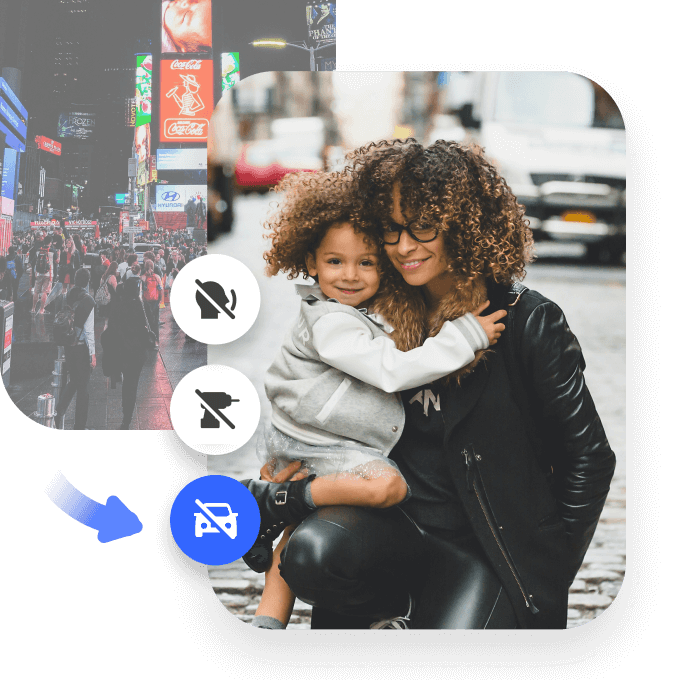
The AI will automatically find background noise, echoes, and volume problems. Then it separates speech from noise and cleans each layer for clearer audio.
Download the Improved Video
Check out the improved audio, and then download your video with cleaner, more balanced sound.
Audio Enhancer Use Cases for Video Creators

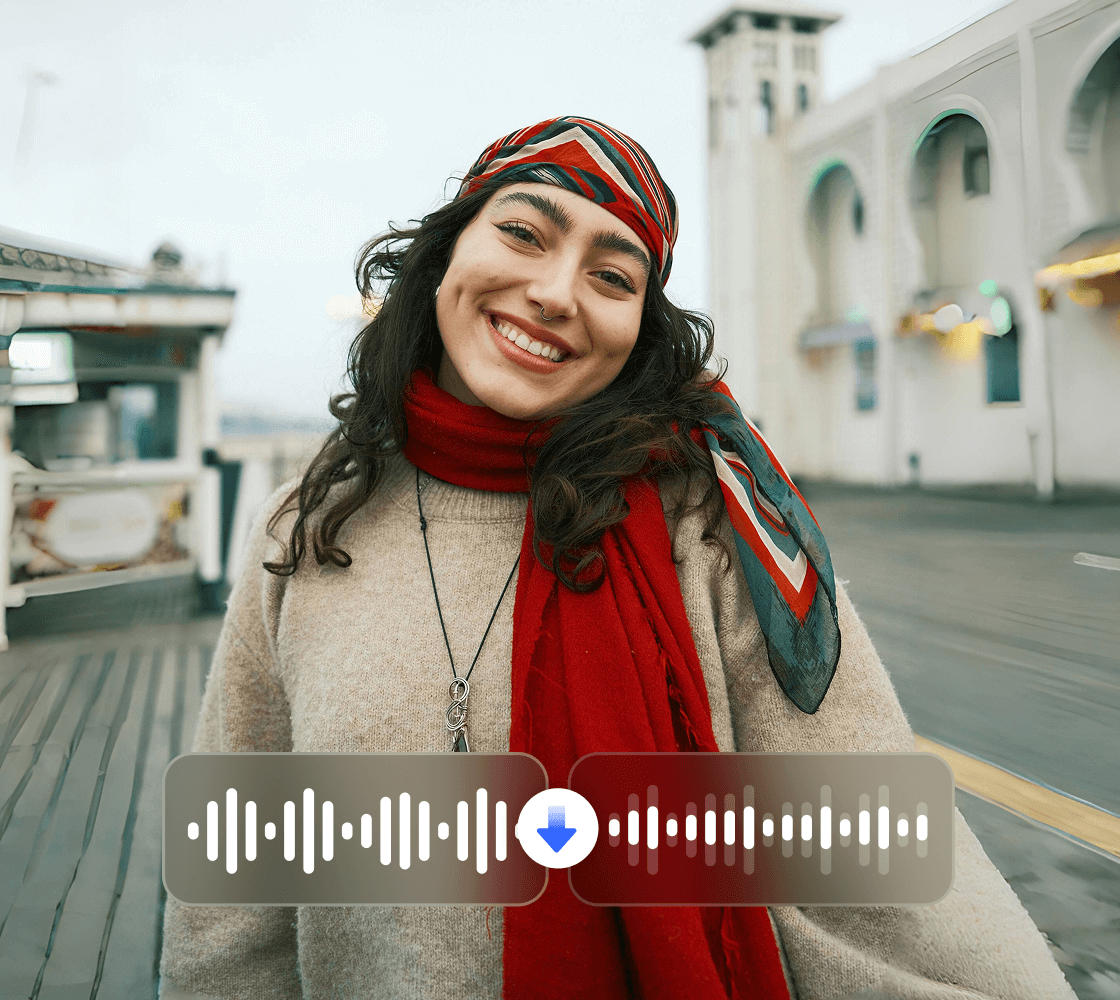
Crisp Audio for Engaging Outdoor Clips
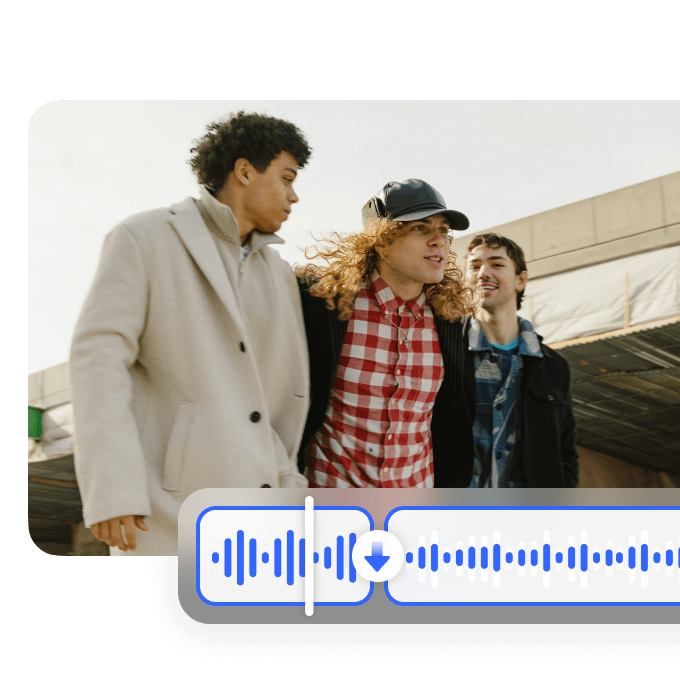
- Outdoor vlogs and social media reels often suffer from muffled narration due to wind, background chatter, or distance from the microphone.
- Vmake Video Audio Enhancer automatically detects these audio issues and amplifies speech clearly while reducing noise.
- It preserves natural tones and balances sound without over-processing, making travel footage, street adventures, or casual lifestyle clips engaging and professional.
- Whether capturing city walks, scenic landscapes, or impromptu interviews, your narration will stand out and hold viewers’ attention.
- Benefit: clarify voiceovers in travel videos instantly for polished, immersive content.
Benefits of Video Audio Enhancer

Instant AI Audio Boost for Clear, Engaging Videos
- AI Audio Analysis – Detects and enhances video audio issues with 95% accuracy using audio enhancer algorithms. Identifies low volume/muddiness; No over-processing.
- Voice & Clarity Boost – Amplifies speech while reducing noise for immersive sound. Enhances audio in video naturally; Preserves originals.
- Versatile EQ Tools – Ideal for balancing vlogs, podcasts, or ads. Custom sliders for bass/treble; Multi-track support.
- Free Online Access – Browser-based, no downloads. Mobile-ready; Secure files deleted after 24h.
- Lightning-Fast Results – Improve video audio online free in seconds, 4x quicker than studios.
Why Use Vmake Audio Enhancer

AI-Powered Noise Reduction & Enhancement

Simple, Fast & High-Quality Results

FAQs
What audio issues can Vmake's audio enhancer fix in videos?
Is Vmake's enhance audio in video tool free?
Yes, free for basic boosts (up to 1 min clips), no card needed—perfect for quick tests on improve video audio online free. Premium unlocks batch/4K (/pricing). Surpasses Kapwing's limits or Media.io's ads with watermark-free outputs. 40,000+ users enhance audio in video monthly for free; start today.
What video formats does Vmake support for audio enhancer?
MP4, MOV, AVI, MKV up to 2GB (5GB premium), handling stereo/mono up to 1080p. Export in original or enhanced MP3/WAV. Convert rares with CloudConvert. Broader than Cleanvoice.ai's podcast focus, ensures sync for all footage.
Does enhancing audio in video add distortion or change quality?
No—AI balances without over-boosting, preserving originals with 94% fidelity. Maintains sync/FPS, per tests. Rare peaks? Use preview sliders. Safer than Adobe's aggressive enhance; export pro-level improve video audio online free.
How long to enhance audio in video with Vmake?
Seconds for shorts, 45-90s for longer—cloud AI based on length. Premium prioritizes. Faster than Riverside's 2-min queues. Good connection for ai audio enhancer speed.
Integrate Vmake's video audio enhancer with editors?
Yes, export stems for Premiere/Audacity. API for automation (/api). Flexible, unlike isolated apps.
Privacy for videos during audio enhancement?
HTTPS encrypted, deleted after 24h, GDPR compliant. Trusted for pros.
If audio enhancement isn't ideal?
Tweak EQ sliders. Support@vmake.ai for tips/refunds. Boosts 25% over defaults—upload for optimized fix!
Discover More Features

Video & Image Enhancer

Watermark & Text Remover

Video Upscaler

AI Creative Ads

AI Video Generator

Video Background Remover

Video & Audio to Text


What Our Customers Say about Vmake Audio Enhancer
Vmake stands out for both ease of use and output quality. The interface is simple and well-organised, reducing time. Uploading, enhancing, and exporting videos is straightforward, reducing workflow stress. The final videos look sharper, clearer, and more refined without requiring advanced editing skills.
I have used Vmake since its early release, and it has remained dependable. The 4K upscaling works smoothly. The watermark removal feature performs exactly as expected. Though new tools have been added over time, the core functions continue to deliver strong results. It provides solid value for users focused on video enhancement.
Vmake helped me complete audio and video projects I had abandoned because other tools could not handle them properly. The tool resolved background noise in older footage, removed unwanted watermarks, and improved low-quality videos. The watermark removal works well enough in most situations, making footage reusable. The video enhancement restored clarity to files I would have otherwise discarded.
I tested this AI audio tool on a podcast video with uneven volume levels. It balanced everything automatically and produced voices that sounded clear and natural, without distortion. There was no need for plugins or manual editing. The process was simple from upload to download, making it suitable even for users with no technical background.
After testing several AI video tools, Vmake stood out for speed and consistency. It combines scripting, editing, and enhancement in one place, which makes it practical for frequent content production. The layouts highlight key messages, and tools for removing watermarks or stray elements reduce the need for additional editing. It is useful for creating daily short videos and quick promotional content without sacrificing quality.