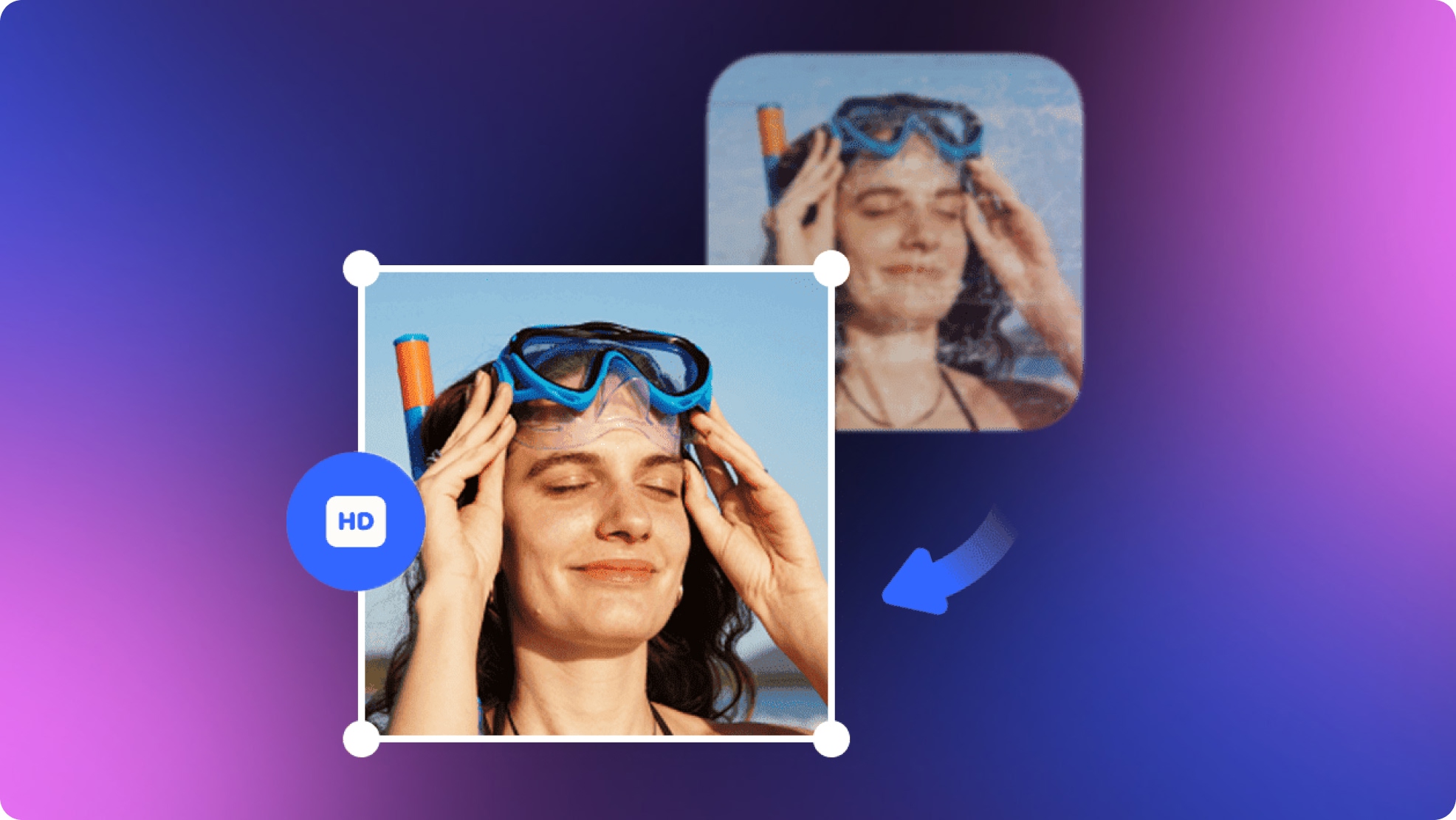
Remini Photo Enhancer Review: Should You Download It in 2026?
Explore our Remini Photo Enhancer review to compare its AI features, pricing, and image quality. See how it stacks up against Vmake Labs Image Enhancer for photo restoration.

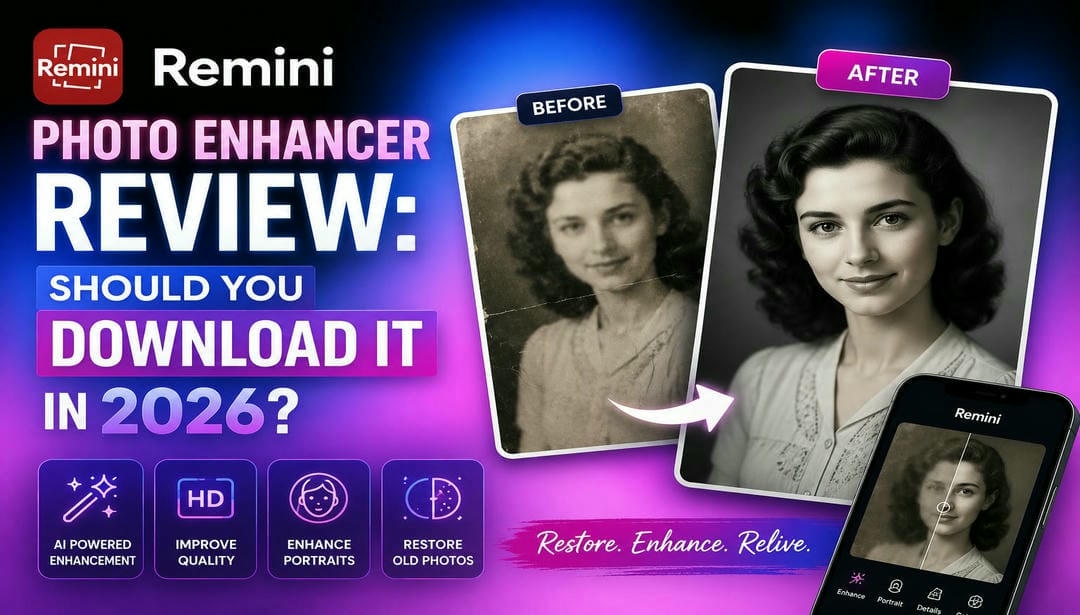
We tested Remini Photo Enhancer on portraits, old photos, and low-resolution images to evaluate its image quality, processing speed, ease of use, and pricing. This hands-on review also compares Remini with Vmake Labs Image Enhancer, helping casual users, creators, and photographers choose the right AI photo enhancement tool.
Exploring Remini Photo Enhancer and its AI capabilities
Remini Photo Enhancer is an AI-powered photo editing tool designed to improve image quality with minimal effort. It automatically restores details, sharpens blurry photos, enhances portraits, and upscales low-resolution images. Available as both a mobile app and the Remini web photo enhancer, it caters to casual users and professionals looking for quick photo improvements without advanced editing skills.
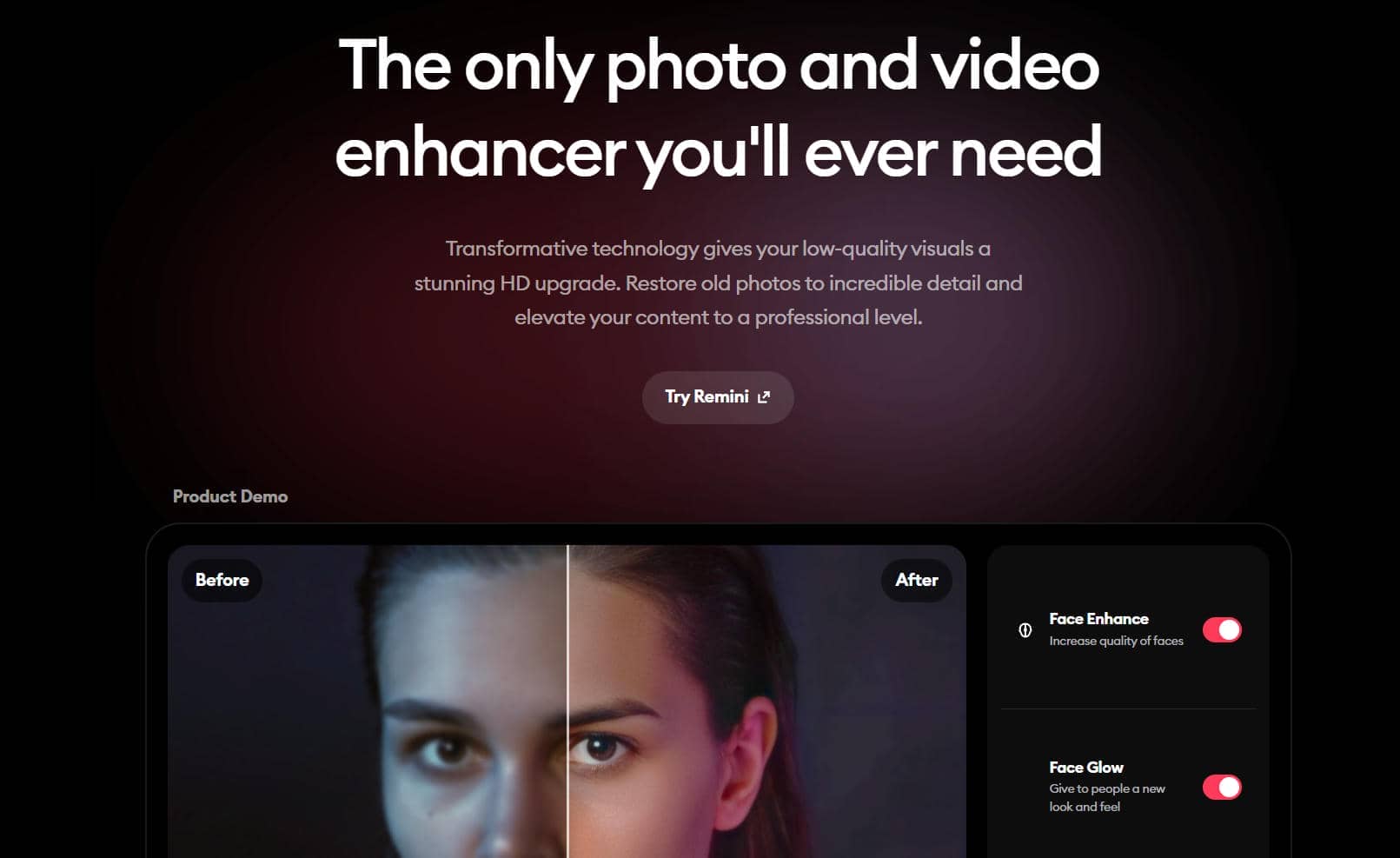
Standout AI features
Remini combines several AI-powered enhancement tools into one platform, making it suitable for restoring old photos, enhancing portraits, and improving everyday images. During testing, the tool performed best on portraits and slightly blurry photos, while results varied more on heavily compressed or severely damaged images.
-
AI photo enhancement: In our testing, the one-tap enhancement noticeably improved overall image clarity and sharpness within seconds. Portraits and everyday smartphone photos looked cleaner, although images with severe motion blur or compression still retained some visible artifacts.
-
Face restoration: Face restoration consistently delivers the strongest results. The AI recovered facial details, enhanced eyes, and refined skin texture, producing natural-looking portraits in most cases. However, on low-quality images, facial features occasionally appeared slightly overprocessed.
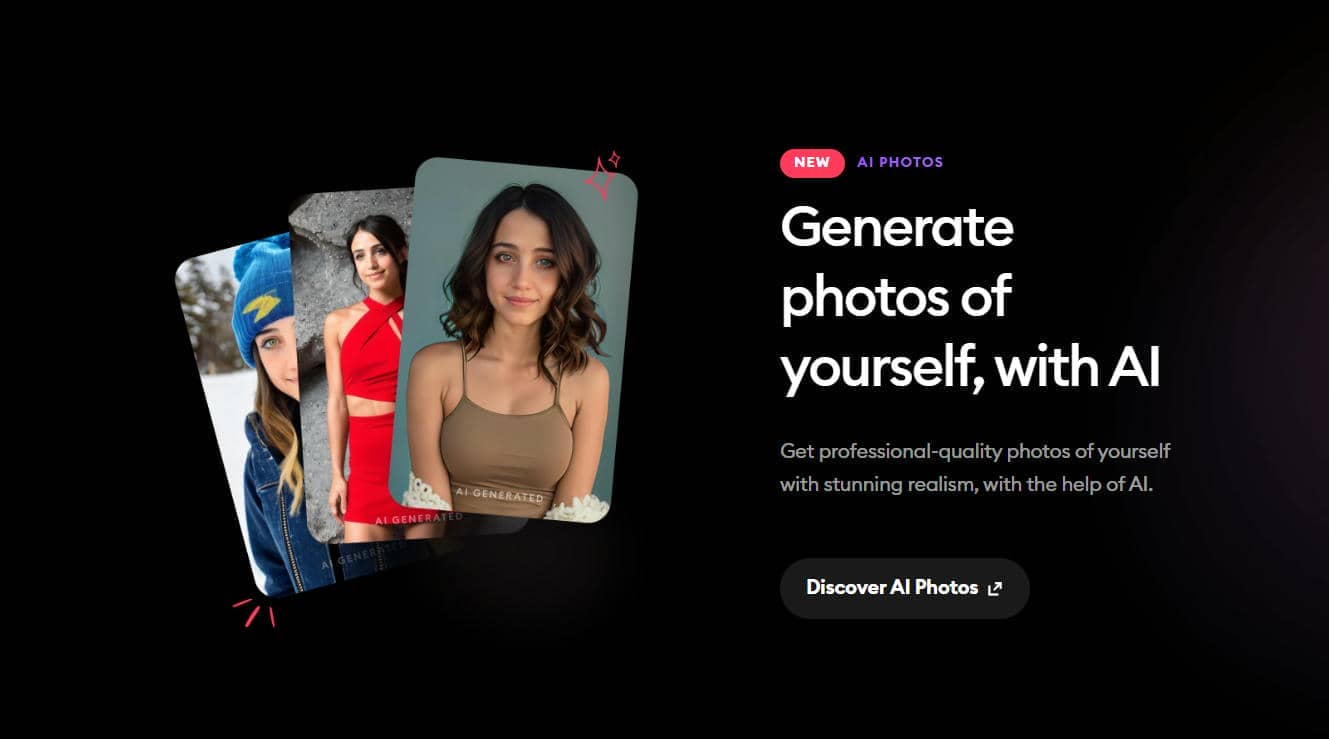
-
Image sharpening: Remini effectively sharpened moderately soft images by recovering edge details and improving overall clarity. While it handled mild blur well, photos with significant motion blur or extremely low resolution showed only limited improvement.
-
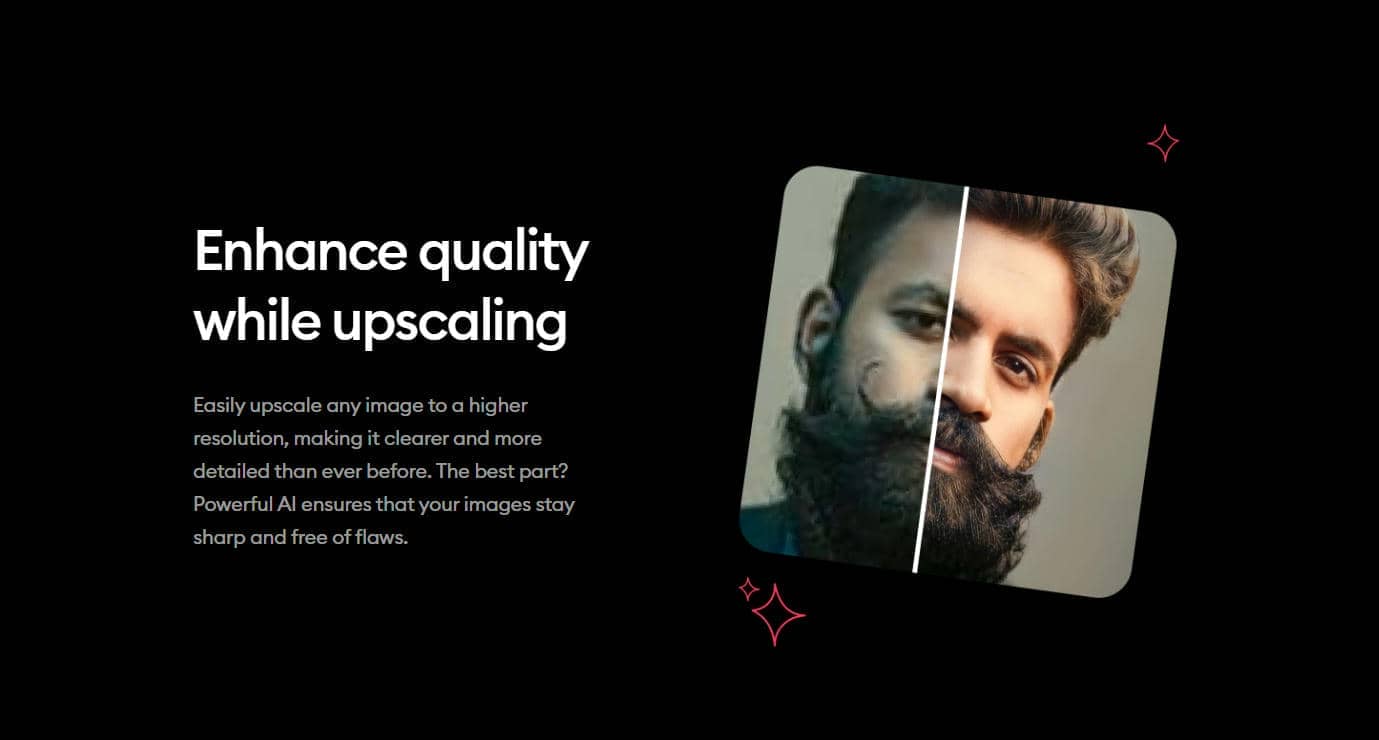
AI upscaling: Upscaling produces noticeably sharper, higher-resolution images suitable for sharing online or viewing on larger screens. The AI preserved most details during enlargement, although heavily pixelated images did not always regain fine textures.
-
Old photo restoration: The restoration feature performed well on faded family photos by improving clarity, restoring facial details, and enhancing overall contrast. It delivered the best results on lightly damaged photos, while images with severe scratches or missing areas still required additional editing.
-
Color enhancement: The AI automatically adjusted brightness, contrast, and saturation to create more vibrant images without manual edits. Colors generally appeared more balanced, though a few photos looked slightly oversaturated depending on the original lighting conditions.
How to use Remini Photo Enhancer
Remini Photo Enhancer is easy to use, even for first-time users. Most of the editing is done automatically by the AI, so you can improve the quality of the image in a few steps. The workflow is simple and easy for beginners, whether you are using the mobile app or the Remini web photo enhancer.
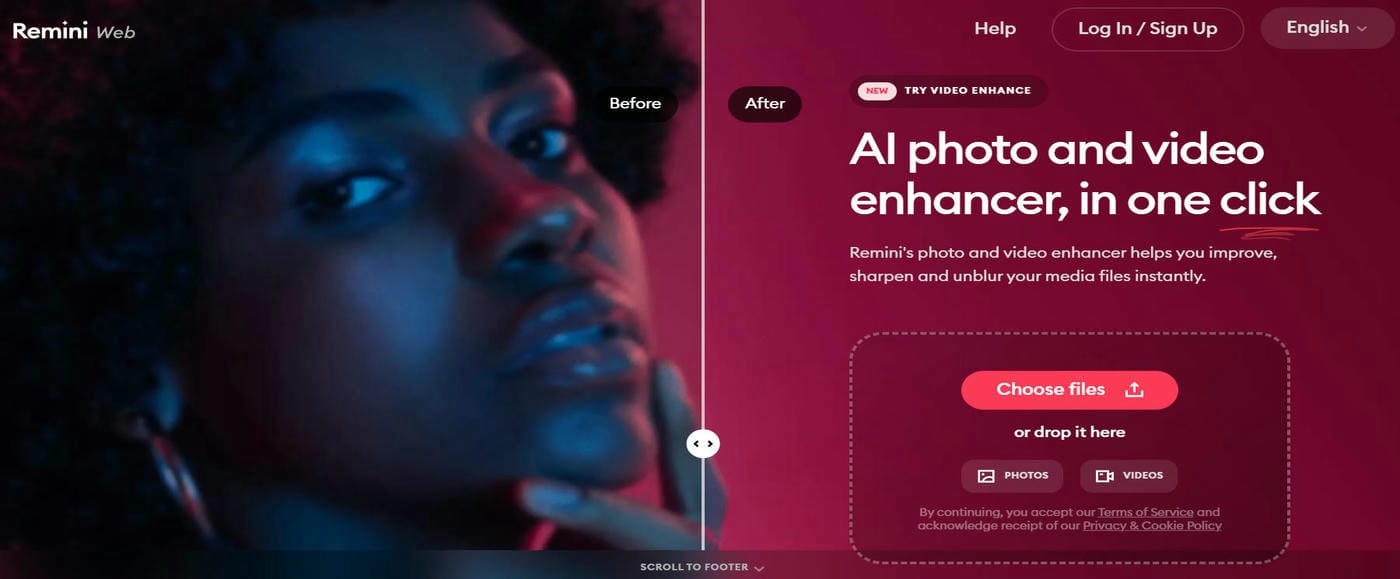
Step 1: Upload your photo
Open Remini and choose the image you want to enhance from your device. The tool supports common image formats and quickly prepares files for AI processing.
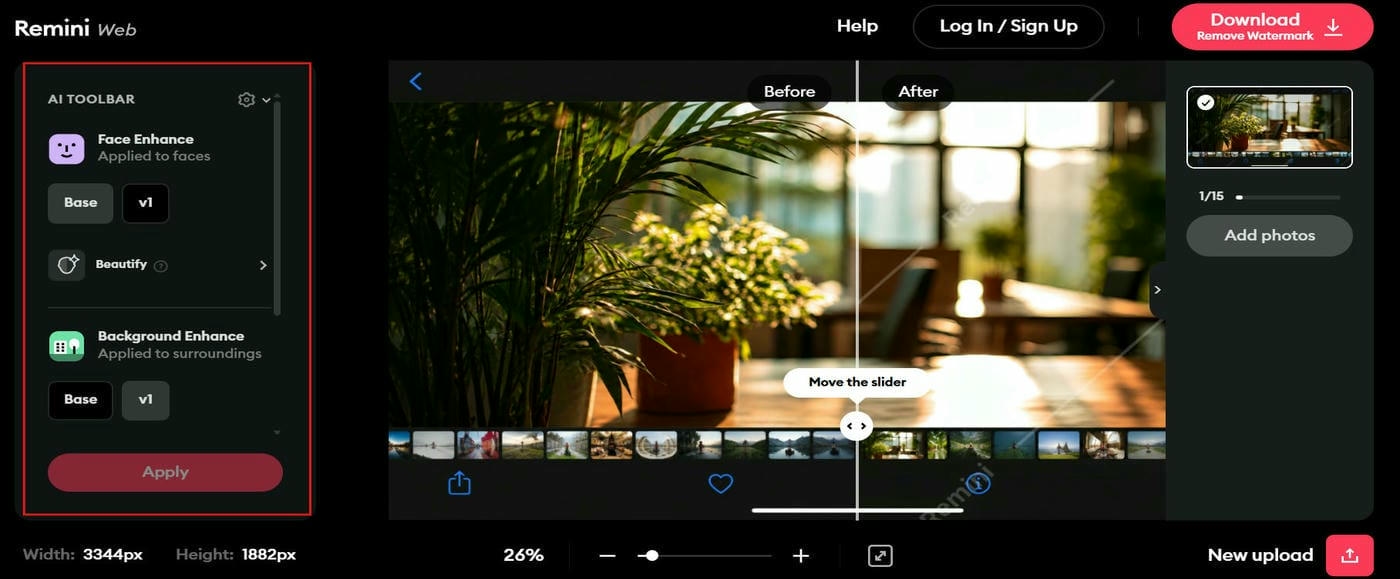
Step 2: Select an AI enhancement option
Choose the enhancement mode that best suits your image, such as portrait enhancement or photo restoration. The AI then analyzes the image and applies improvements automatically.
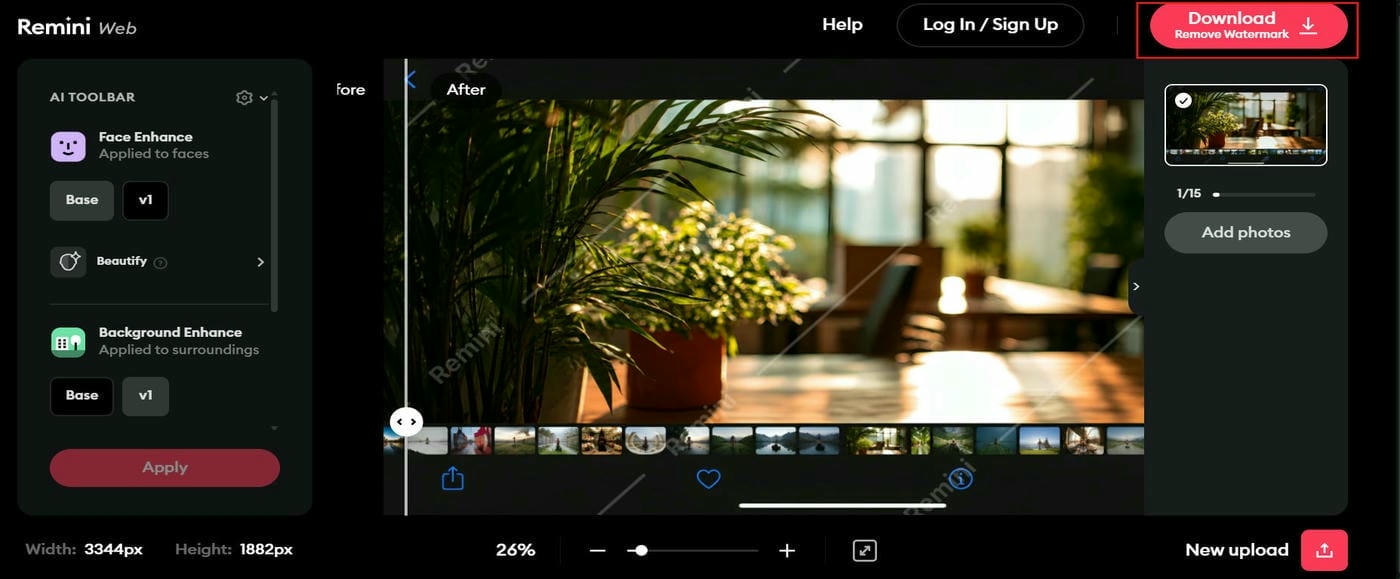
Step 3: Preview and download the enhanced image
Compare the enhanced version with the original to see the improvements. Once satisfied, save or download the processed image in the available output quality.
Is Remini Photo Enhancer worth using?
Whether you should download Remini Photo Enhancer or not depends on the editing you want to do. Works great for portraits and restoration of old photos. It has a simple workflow for beginners. But its subscription model and feature limitations may determine if it is within your budget and long-term needs.
Strengths and limitations at a glance
|
Strengths |
Limitations |
|---|---|
|
High-quality face enhancement: Produces impressive improvements in portraits by restoring facial details and sharpening important features. |
Credit-based free version: Free users have limited access to premium AI features. |
|
Fast AI processing: Most images are processed within seconds, making the editing experience efficient. |
Subscription cost: Unlocking the full feature set requires a paid subscription. |
|
Simple workflow: The clean interface makes photo enhancement accessible to users without editing experience. |
Limited manual editing: Users have little control over individual enhancement settings. |
|
Consistent portrait results: Portraits generally receive better enhancements than many other image types, especially selfies and profile photos. |
Mixed results on landscapes: Landscape and object photos may not receive the same level of improvement as portraits. |
Pricing and plans
|
Plan |
Price |
Key Features & Limits |
Best For |
|---|---|---|---|
|
Free Plan |
$0 |
• Capped daily credits • Standard face sharpening • Ad-supported & watermarked exports |
Casual users who restore one or two photos occasionally |
|
Pro Plan |
$6.99 – $9.99/month (~$50 – $99/yr options available) |
• Advanced HD face & background enhancement • Unblur, color fix & video processing • Unlimited photo exports with zero ads or watermarks |
Creators, professionals, and users who frequently restore photos or videos |
What real users think
-
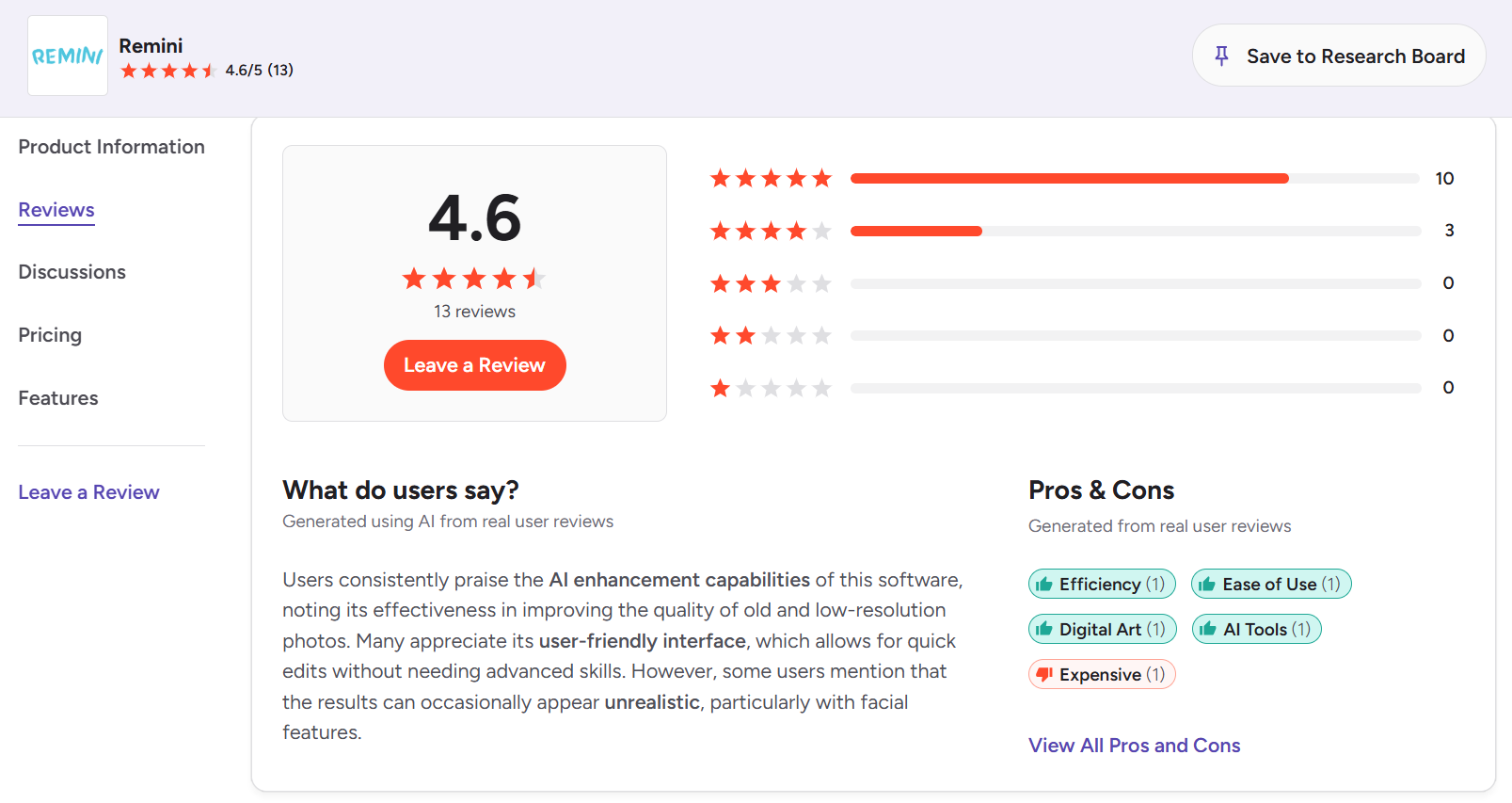
G2 users generally appreciate Remini Photo Enhancer for improving old, blurry, and low-resolution photos with minimal effort. Many also highlight its user-friendly interface and quick AI-powered editing process. Some reviewers note that facial enhancements can occasionally appear overly processed or less natural, especially on challenging images.
-
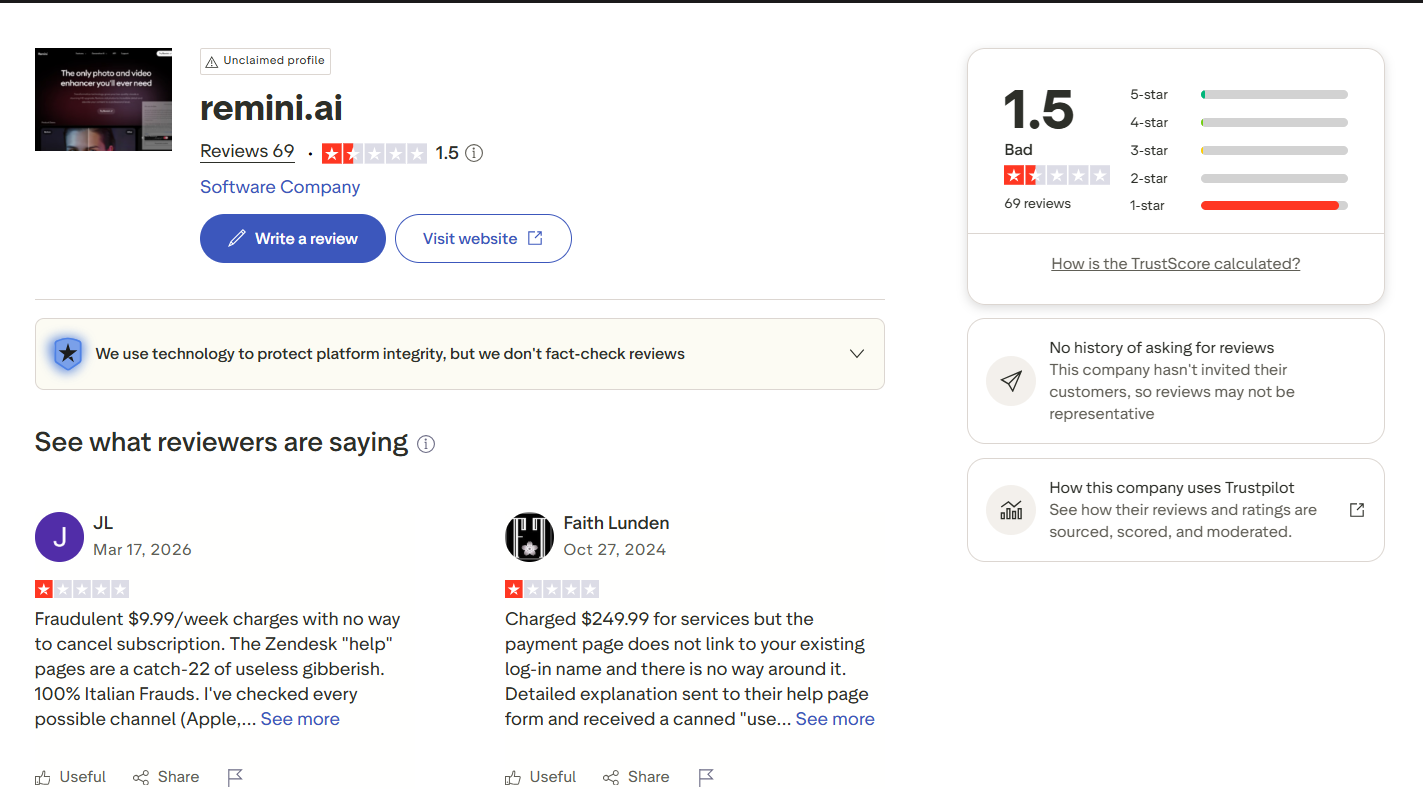
Trustpilot reviews focus more on the overall customer experience than on image enhancement quality. Common concerns include subscription management, unexpected billing, and customer support responsiveness. While these issues do not directly reflect the tool's AI capabilities, they are worth considering before purchasing a premium plan.
Restore blurry photos with Vmake Labs Image Enhancer
If you are looking for an alternative beyond portrait enhancement, then you can try Vmake Labs Image Enhancer. This application uses AI technology to sharpen images, increase resolution, and recover details in portraits, vintage photos, product shots, and daily images. It has a web-based interface and supports batch enhancement, so it is easy to enhance multiple images without advanced editing skills.
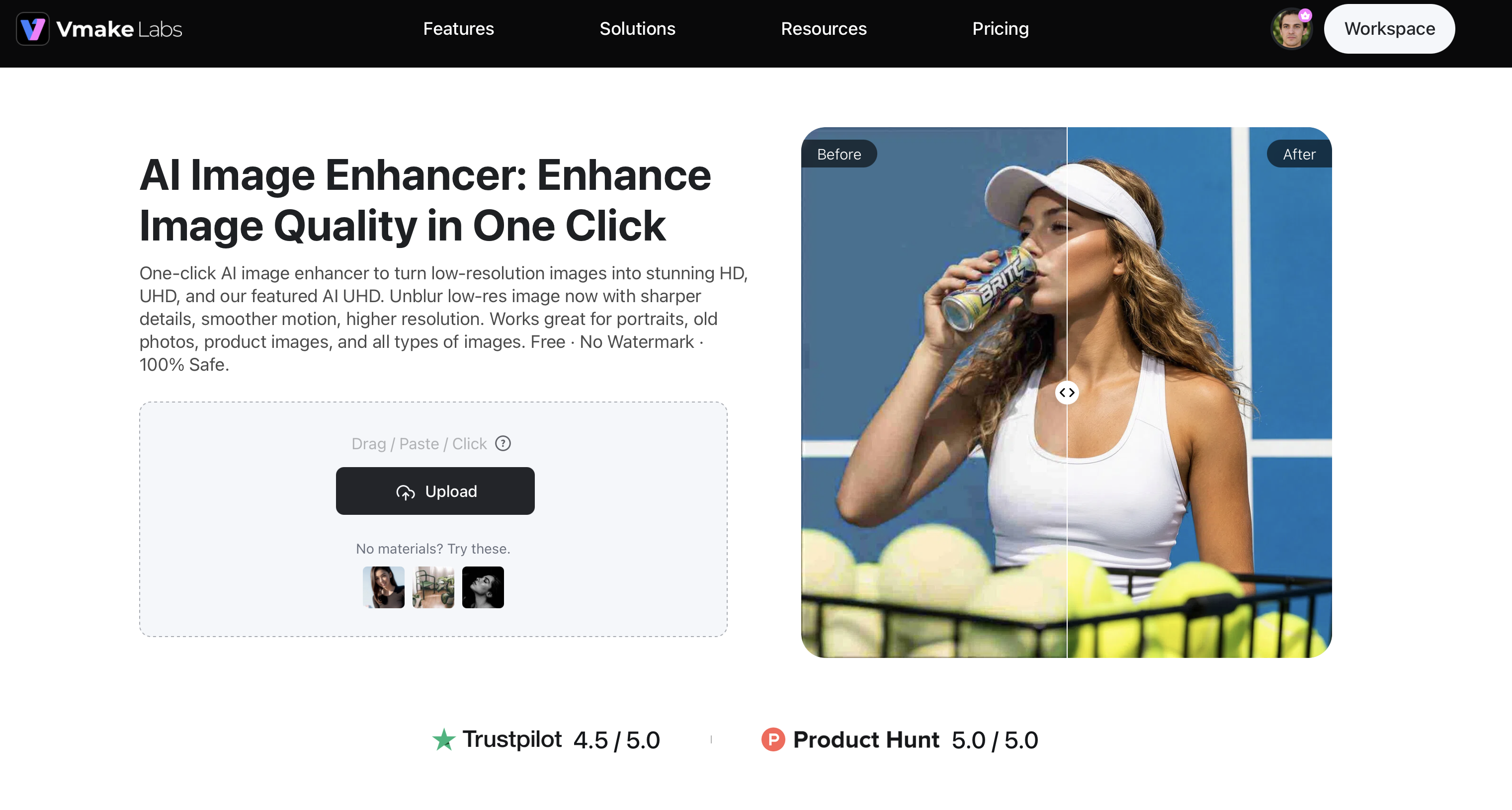
Step 1: Upload your image
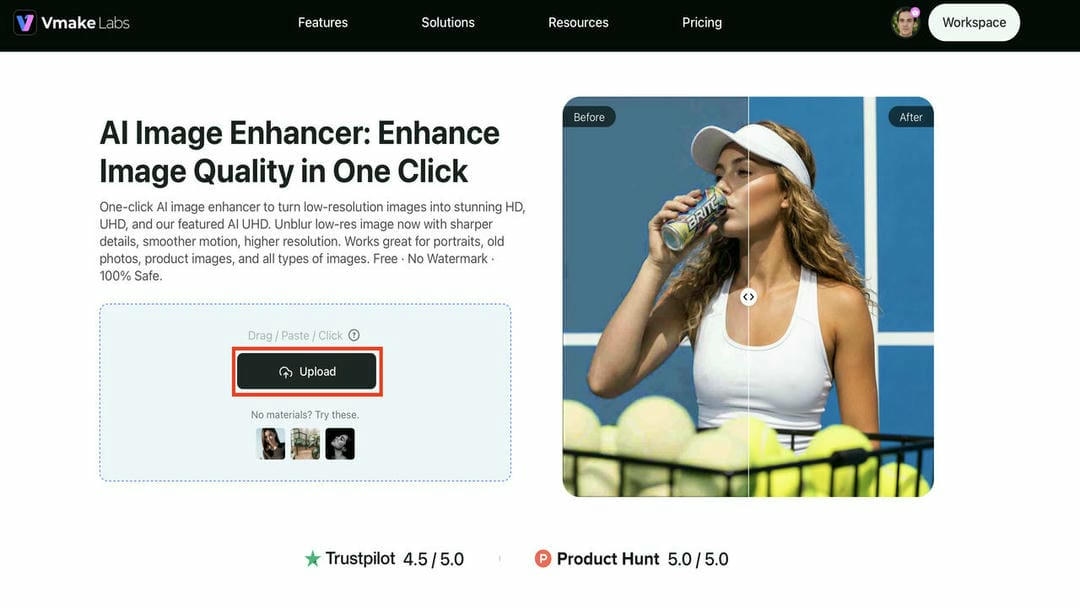
Open Vmake Labs Image Enhancer and upload the photo you want to improve. The tool supports common image formats, allowing you to start enhancing portraits, product images, old photos, or other low-quality pictures in just a few clicks.
Step 2: Enhance image quality automatically with AI
Select the best enhancement settings or scene mode according to your image, such as Portrait, Old Photo, or Commodity. The AI improves clarity, refines details, and boosts overall quality automatically, without any need for manual adjustment.
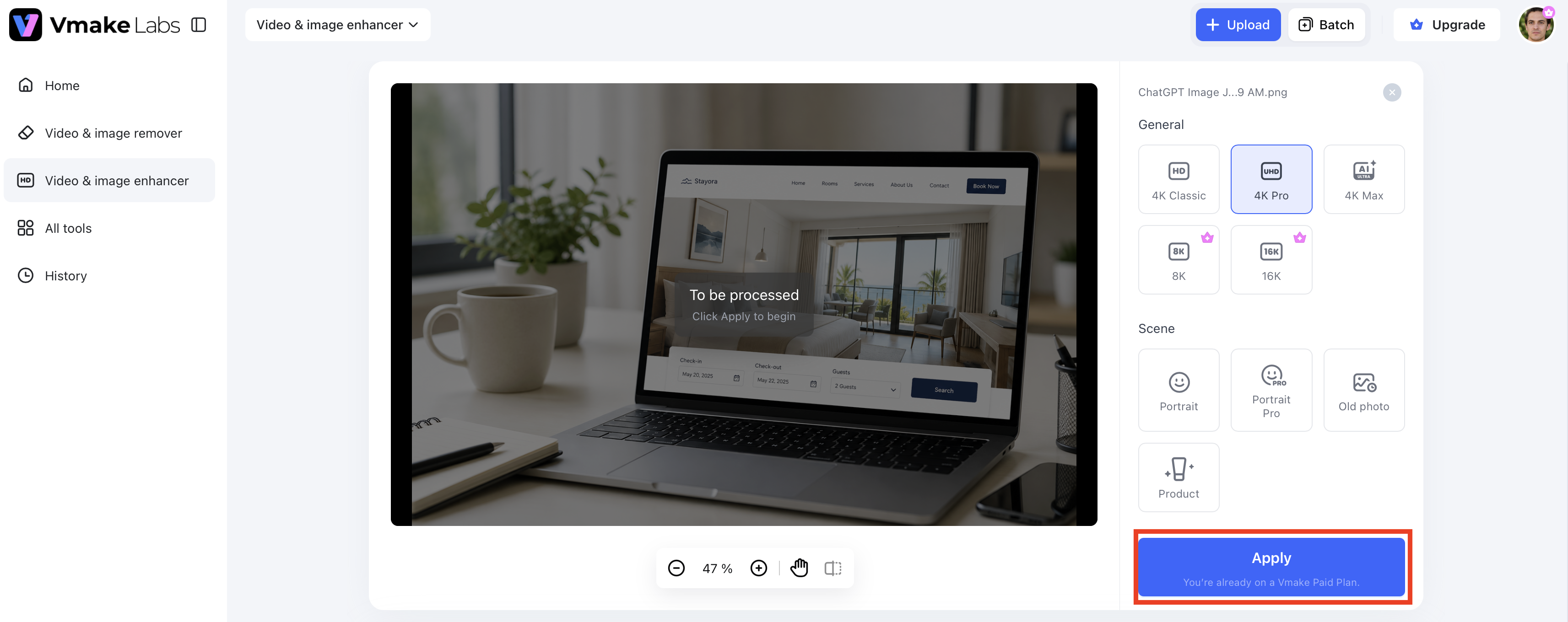
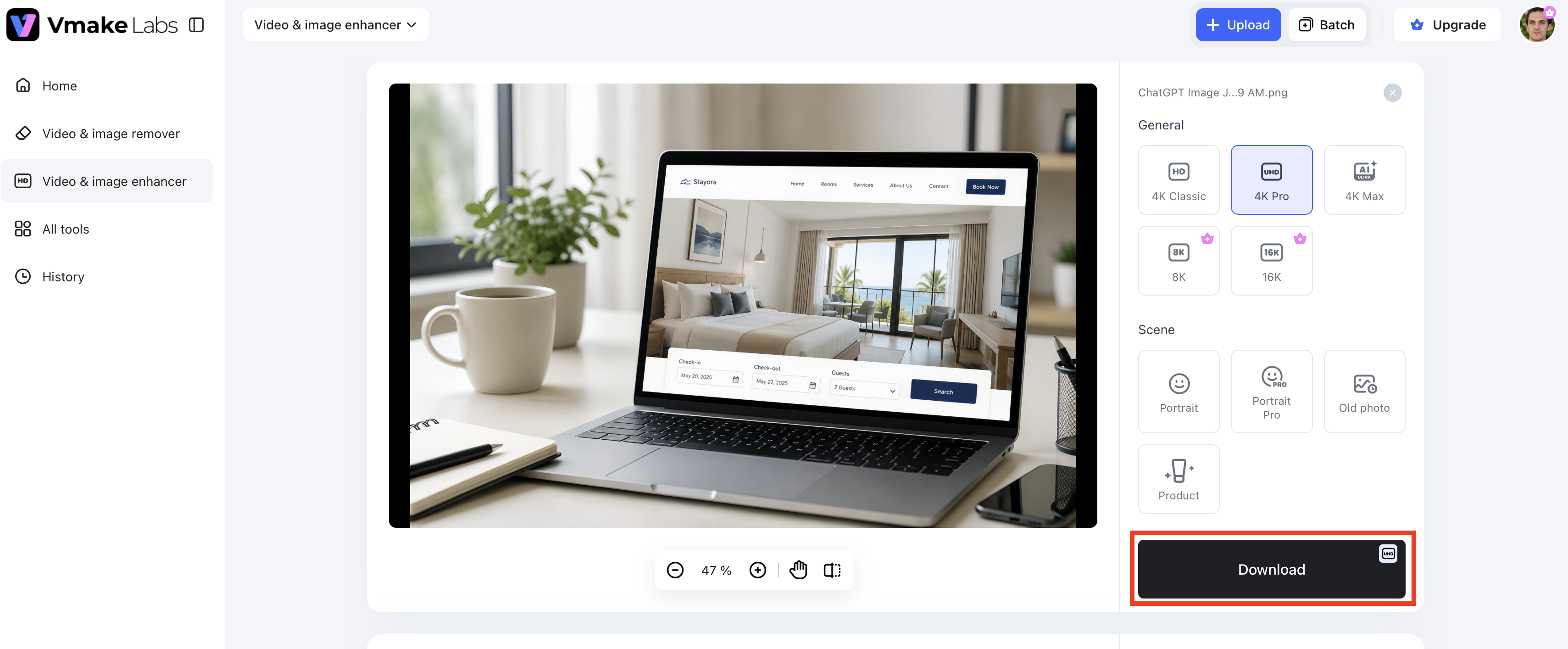
Step 3: Download the improved image
See the enhanced image and compare it with the original. When you are satisfied with the result, download the high-quality version for sharing, printing, or further editing.
Why choose Vmake Labs Image Enhancer
Vmake Labs Image Enhancer combines AI-powered technology with a simple workflow to improve image quality in just a few clicks. From restoring old photos to enhancing product images, it offers versatile tools for different editing needs.
-
AI image enhancement: Automatically enhances image clarity, sharpness, and overall quality while preserving natural details. It’s good for portraits, everyday photos, and low-res images.
-
AI super-resolution upscaling: Increases image resolution without significantly reducing quality. This helps produce sharper images that are suitable for printing, ecommerce, or larger displays.
-
Clarity enhancement with multiple scene modes: Optimize pictures with scene modes like Portrait, Old Photo, Commodity, and Landscape. AI changes the enhancement settings depending on the scene you select to achieve better results.
-
AI portrait enhancement: Enhances facial details, improves skin texture, and refines facial features to create more natural-looking portraits without excessive smoothing.
-
Old photo restoration: AI helps revive old memories by improving the clarity and details of old photos that have faded or are of low quality.
-
Batch enhancement for up to 30 images: Upload and enhance multiple images simultaneously, making it ideal for photographers, ecommerce sellers, and businesses managing large photo collections.
-
AI artifact removal: Reduces compression artifacts and unwanted visual imperfections while maintaining image details, helping photos appear cleaner and more professional.
Which image enhancer offers better value for your needs?
Remini Photo Enhancer and Vmake Labs Image Enhancer are both AI-based image quality enhancers, but they have different priorities in mind. Remini is great for improving portraits and facial features, but Vmake Labs has a wider range of enhancement options, including portraits, product images, old photos, and batch processing. Here is a comparison of the main differences to help you decide which tool is better suited for your editing workflow.
|
Feature |
Remini Photo Enhancer |
Vmake Labs Image Enhancer |
|---|---|---|
|
AI enhancement quality |
Excellent for portraits and facial details |
High-quality enhancement for portraits, products, and general photos |
|
Enhancement options |
AI enhancement for portraits, selfies, and old photos |
Clarity enhancement with scene modes for Portrait, Old Photo, Commodity, Landscape, and more |
|
Portrait enhancement |
Advanced face restoration |
Natural portrait enhancement with AI |
|
Old photo restoration |
Restores faded and damaged photos |
Restores old photos while improving clarity |
|
AI upscaling |
Improves image resolution |
AI super-resolution for sharper images |
|
Batch processing |
Limited support |
Batch enhancement for up to 30 images at once |
|
Ease of use |
Mobile-first and beginner-friendly |
Simple web-based workflow |
|
Free features |
Limited free credits |
Free trial with core enhancement features |
Choose Remini Photo Enhancer if your primary goal is restoring facial details in portraits, selfies, or old family photos with minimal effort. Its AI is particularly effective for portrait-focused enhancements.
Vmake Labs Image Enhancer is the choice for you if you want a more flexible solution to improve different types of images, like portraits, product photos, old photographs, and multiple images at once. Its scene modes, AI upscaling, and batch enhancement features make it great for content creators, ecommerce sellers, and businesses with larger collections of images.
Conclusion
Remini Photo Enhancer is a dependable option for users who want to improve portraits, selfies, and old family photos with minimal effort. Its AI-powered restoration delivers impressive facial enhancements and sharper images, making it ideal for everyday photo editing. However, the free version has limitations, and premium features require a subscription. If you need broader enhancement capabilities, Vmake Labs Image Enhancer offers a versatile alternative with AI upscaling, scene-specific enhancement modes, artifact removal, and batch processing for up to 30 images. Choose Remini for portrait-focused edits, or Vmake Labs for a more flexible solution that handles a wider variety of image enhancement tasks.
FAQs
Is Remini Photo Enhancer free to use?
Yes, Remini Photo Enhancer offers a free version that allows users to enhance photos with AI. However, free usage is limited, and accessing advanced features or removing restrictions requires a premium subscription.
Does the Remini AI Photo Enhancer really work?
Yes, the Remini AI Photo Enhancer can greatly improve the quality of portraits, selfies, and old photos by restoring facial features, sharpening images, and enhancing the overall quality. Results are usually best on portrait images, but the amount of improvement can vary depending on the original photo.
Can I use the Remini web photo enhancer on a browser?
Yes, in addition to its mobile app, Remini also offers a web version that lets users upload and enhance photos directly from a browser without installing the app.
Which app similar to Remini Photo Enhancer is worth trying?
If you're looking for an app similar to Remini Photo Enhancer, Vmake Labs Image Enhancer is a strong alternative. It supports AI-powered image enhancement, super-resolution upscaling, scene-specific enhancement modes, and batch processing for multiple images.
Is Vmake Labs Image Enhancer better than Remini for restoring old photos?
Both tools can do a good job of restoring old photos. Remini is the top app for improving facial features in portraits. But Vmake Labs Image Enhancer offers additional options, including AI upscaling, scene modes, artifact removal, and batch enhancement, making it a more comprehensive option for various image restoration requirements.

You May Be Interested

Canva Video Enhancer Review [2026]: Pros, Cons, and Pricing
Best AI Image Upscaler Tools in 2026: Upscale Images to 4K, 8K & Beyond

Airbrush Video Enhancer Review 2026: Features, Pros, and Cons

Best AI Image Enhancer in 2026: Top Tools to Upscale and Fix Blurry Images
Best AI Photo Enhancer Tools in 2026 (Free & Online): Improve Image Quality Instantly