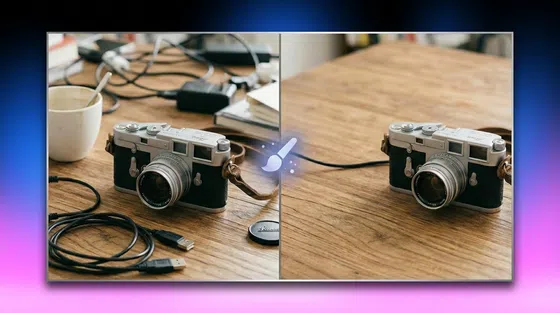
AI Photo Enhancer: Best Tools to Improve Image Quality in 2026
 Ken DawsonMay 19, 2026
Enhancing blurry, grainy, dark, or low-resolution photos manually isn’t only time-consuming, but also requires advanced skills. But thankfully, photo enhancer AI tools have made the process quick and effortless. Now, anyone can make their photos look polished.
In this article, you will learn about the best AI photo enhancer free and online tools to help with your personal and professional projects alike.
What Is an AI Photo Enhancer?
An AI photo enhancer is a tool that uses AI and machine learning to automatically improve an image’s quality. It can detect blurry areas, reduce noise, enhance facial details, correct lighting, and upscale images without making them look overly edited.
It often turns a pixelated image into clear 4K visuals without any professional editing knowledge. Some tools focus on portraits, like YouCam AI Photo Enhancer; some are designed to restore old family pictures, like Remini AI Photo Enhancer; while others are designed for product images, social media photos, or marketing visuals.
Why Use an AI Photo Enhancer?
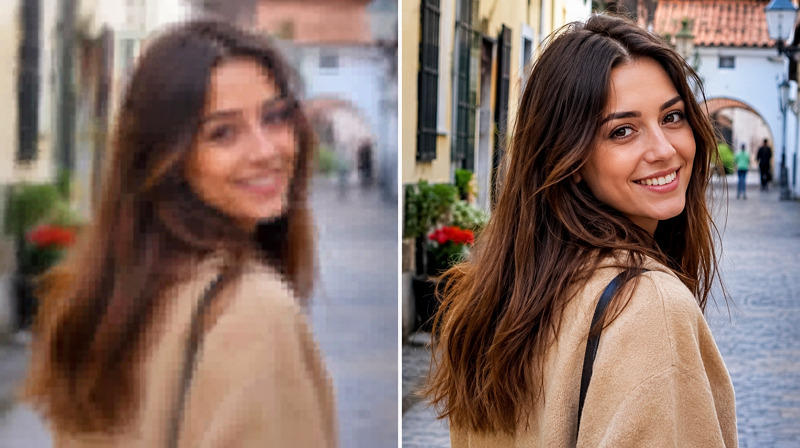
People use AI photo enhancement tools for different reasons. Let’s consider a few:
Improve Image Resolution Instantly
Low-resolution images often look pixelated, especially when enlarged. An AI photo resolution enhancer can quickly upscale them to 2K, 4K, or 8K quality by adding detail rather than stretching the pixels.
Restore Old or Blurry Photos
Old photos often suffer from scratches, fading, blur, and grain. An AI photo quality enhancer restores lost facial details, reduces noise, and sharpens the image. This can make old memories easier to view and share.
Save Time With Automated Editing
Traditional editing takes from several minutes to hours. With an AI powered photo enhancer, you can make almost all adjustments automatically. This is useful for people who edit large numbers of images.
Enhance Photos for Social Media and E-commerce
High-quality photos perform better because they look more professional. For e-commerce, sharp product photos help customers see texture, color, and detail. And for social media, enhanced images can make posts look more polished.
Key Features to Look for in the Best AI Photo Enhancer
Since not every tool yields the same results, the best AI photo enhancer depends on your image type, purpose, and preferred workflow. Here are some important features to check before choosing an enhancer:
AI Image Upscaling Technology
Check a tool’s ability to increase image resolution while maintaining sharpness and detail. It can be 2K, 4K, or even 8K resolution.
Detail Recovery and Noise Reduction
Select an AI photo enhancer that cleans up compression artifacts and removes visual noise from low-light or ISO photos without giving an artificial look.
Face Enhancement and Portrait Optimization
Go for a tool that is specialized in enhancing facial features in selfies, headshots, portraits, etc., without making the skin look plastic.
Batch Processing for Multiple Images
If you need to enhance several images at once, look for an AI photo enhancer that supports fast batch processing while maintaining consistent quality.
Online vs Desktop AI Enhancer Tools
An online AI photo enhancer is perfect for quick results, even without technical experience. However, for more creative control, professional retouching, and offline workflow, desktop tools like Adobe Photoshop AI Photo Enhancer work well.
Best AI Photo Enhancer Tools in 2026 (Compared)
Below is a simple comparison of the best free AI photo enhancer tools to help you select the right solution for your needs:
|
Tool |
Sign Up Required |
Price |
Free Usage |
Speed |
AI Upscaling |
Batch Support |
|---|---|---|---|---|---|---|
|
Vmake AI Image Enhancer |
No |
Free, $9.99/mo |
Preview |
5 sec (fast) |
4K, AI 4K+ |
Yes |
|
PicsArt AI Photo Enhancer |
Yes |
$15/mo |
No |
1-2 min (slow) |
2K |
No |
|
AirBrush AI Enhancer |
No |
Free + $9/mo |
3 images |
2-3 min (slow) |
4K |
No |
|
Cutout.pro Image Enhancer |
No |
Free + $5/mo |
One image |
12 sec (moderate) |
4K |
No |
|
PicWish AI Photo Enhancer |
Yes |
Free + $3.33/mo |
3 images |
8 sec (fast) |
4K |
Yes |
|
Canva Image Enhancer |
Yes |
Free, $5/mo |
No |
5 sec (fast) |
8K |
No |
Vmake AI Image Enhancer
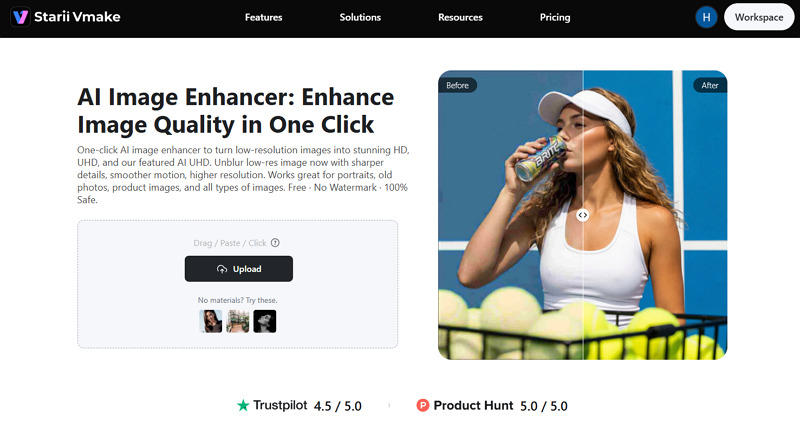
Vmake AI Image Enhancer is a comprehensive solution for those who want fast processing without a complex dashboard. It not only upscales images to 4K resolution but also sharpens blurry images, restores lost details, and improves clarity in a single click. It works with all types of images, including AI-generated ones, delivering natural-looking results.
Strengths:
-
Simple UI with no ads
-
Support all major video formats
-
Scene-based photo enhancement
Best For: Content creators, marketing teams, and e-commerce sellers
PicsArt AI Photo Enhancer
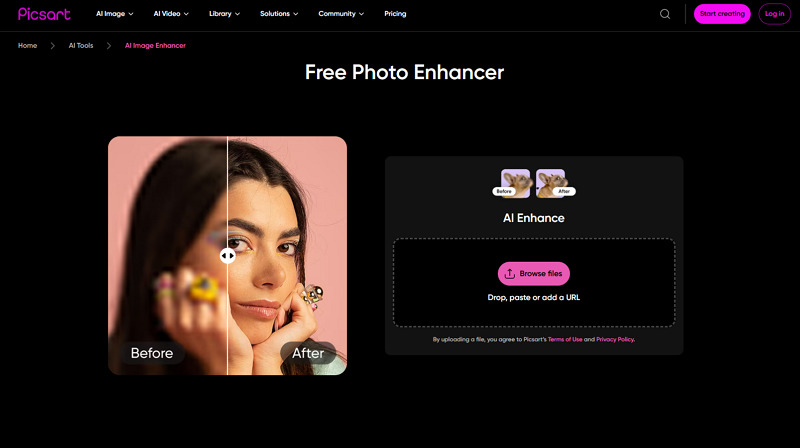
PicsArt AI photo enhancer is a good choice for improving and fixing image quality with creative touch-ups. It can make photos clearer and sharper, with well-defined edges; however, the colors appear slightly darker and less saturated. Besides, it offers a broader range of editing tools, templates, filters, and design options.
Strengths:
-
One-click photo enhancement
-
No watermark on the free output
-
Available for Android and iPhones
Best For: Social media content, personal edits, and quick creative designs
AirBrush AI Enhancer
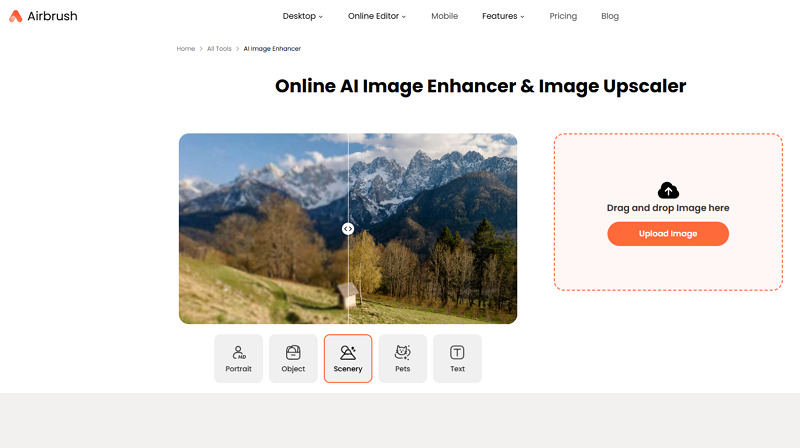
AirBrush is another online AI photo enhancer that focuses on making images clearer, sharper, and more visually attractive for online sharing. It can adjust brightness, contrast, saturation, and sharpness, depending on the image type, i.e., portrait, object, text, pets, or scenery. It even restores photo detail with up to 4x upscaling.
Strengths:
-
Super-easy to use
-
Support uploading from mobile
-
Available for all platforms
Best For: Mobile users who want fast, casual photo touch-ups
Cutout.pro Image Enhancer
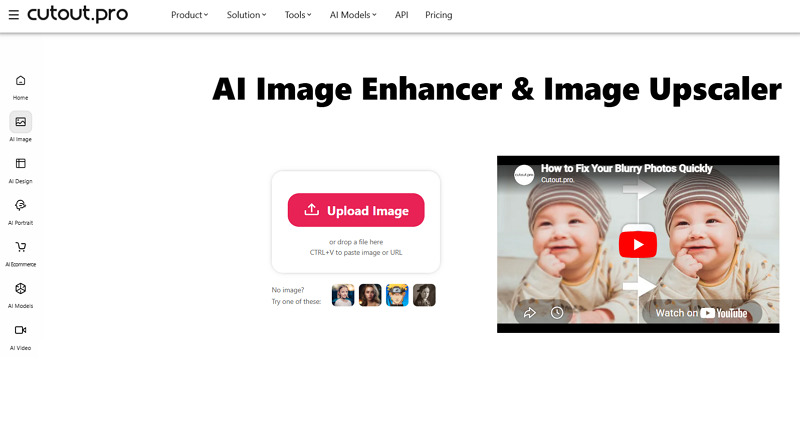
Cutout.pro is a basic photo enhancer AI platform focused on improving image sharpness and resolution. It solves all photo quality issues like denoising, deblurring, color correction, and lossless upscaling, with a single click. Its generative enhancement supports enhancing portraits, landscapes, products, and more. However, it doesn’t offer much control over the results.
Strengths:
-
Offer decent-quality output
-
No watermark in the free version
-
Available as an Android and iOS app
Best For: AI super enlargement and portrait enhancement
PicWish AI Photo Enhancer
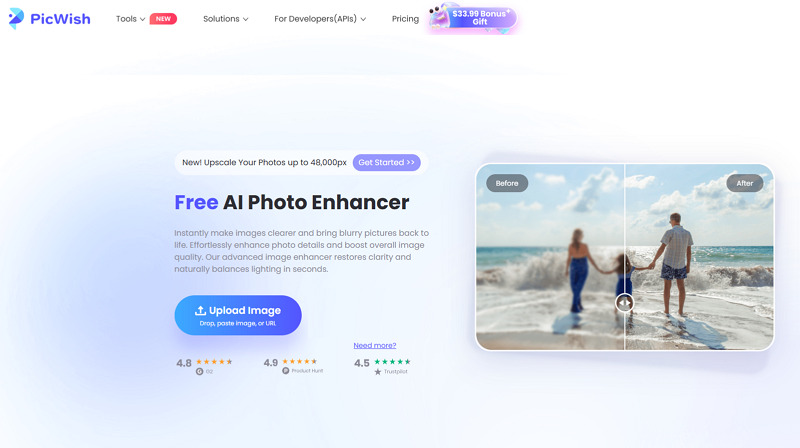
PicWish is another AI photo quality enhancer that helps you with both enhancement and quick retouching. It offers various AI models to enlarge small photos, fix severe blur & portraits, upscale portraits, anime, or text, as well as restore old photos or repair scratches. With multi-platform support, it also helps you colorize and beautify faces if needed.
Strengths:
-
Simple and fast processing
-
Special editing & enhancement tools
-
Enhance up to 30 images at once
Best For: E-commerce & listings, printing, social media, and gaming & streaming
Canva AI Image Enhancer
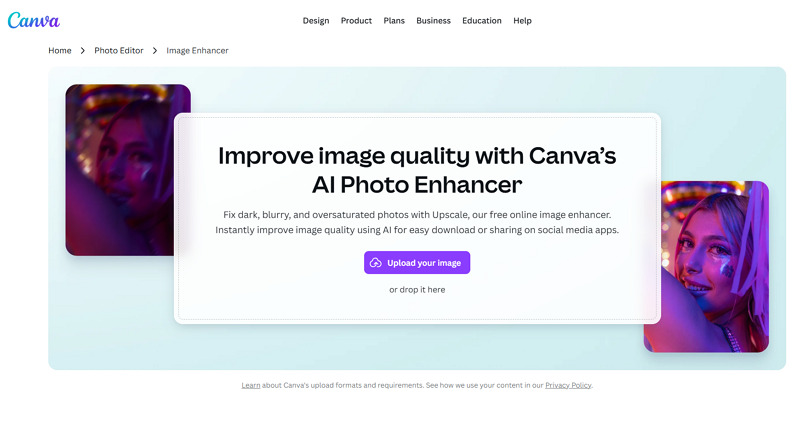
Known for powerful design tools, Canva also offers an online AI image enhancer that facilitates improving photo quality with a few clicks. You can fix blurry and dark photos as well as upscale them to 8x resolution. Although it doesn’t offer the powerful results, the convenience of having it within Canva makes it a practical solution.
Strengths:
-
Various enhancement filters and effects
-
Auto-adjust brightness, contrast, and saturation
-
Integration with the Canva design workflow
Best For: Canva users and social media creators for fast workflows
How to Enhance a Photo Using AI (Step-by-Step)
Enhancing photos using different AI powered photo enhancer tools is similar. Here is a step-by-step guide on using Vmake AI Image Enhancer:
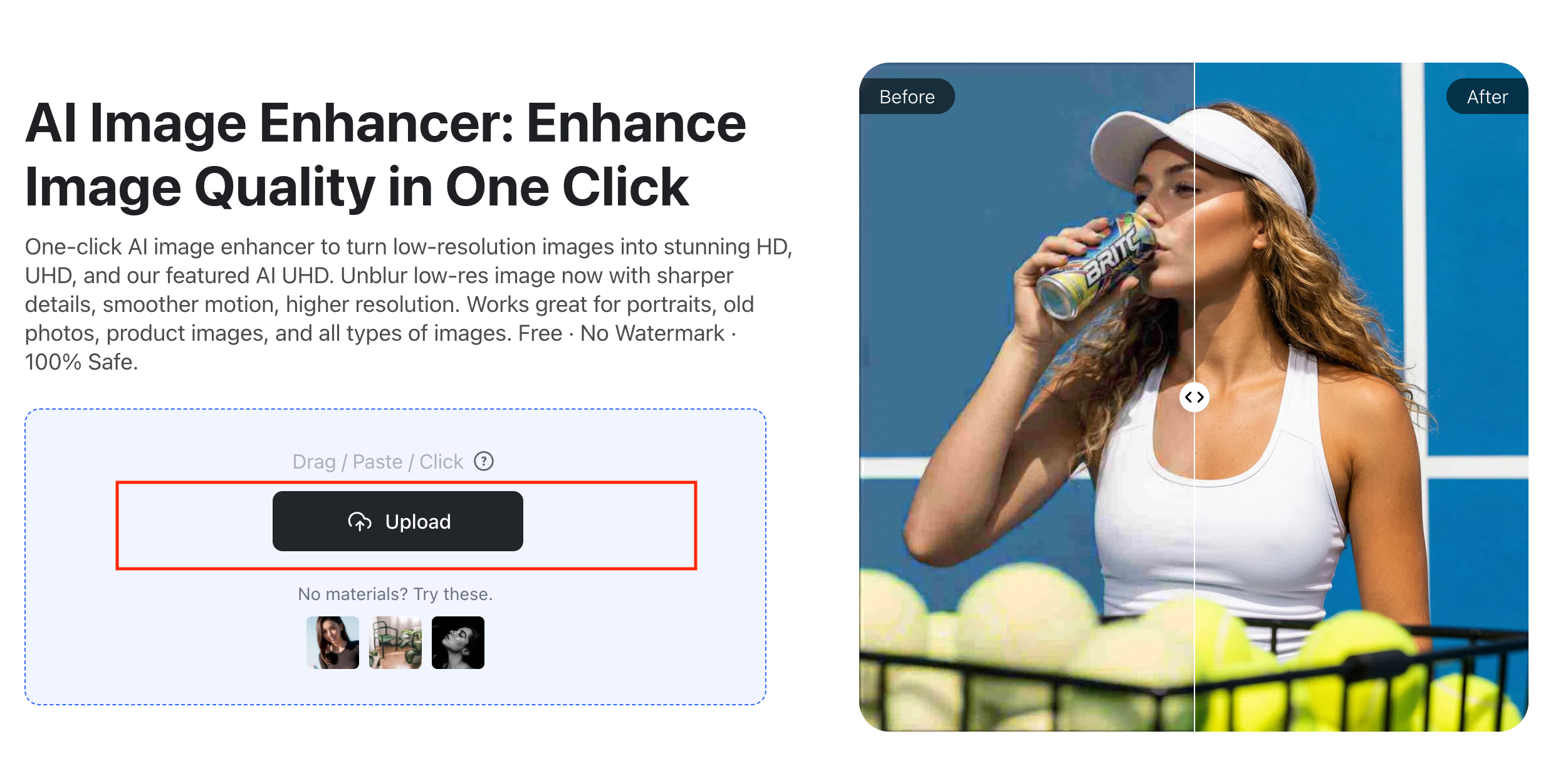
Step 1:Upload Your Image
The first step is to open the tool in your browser and tap the “Upload” button to import the photo.
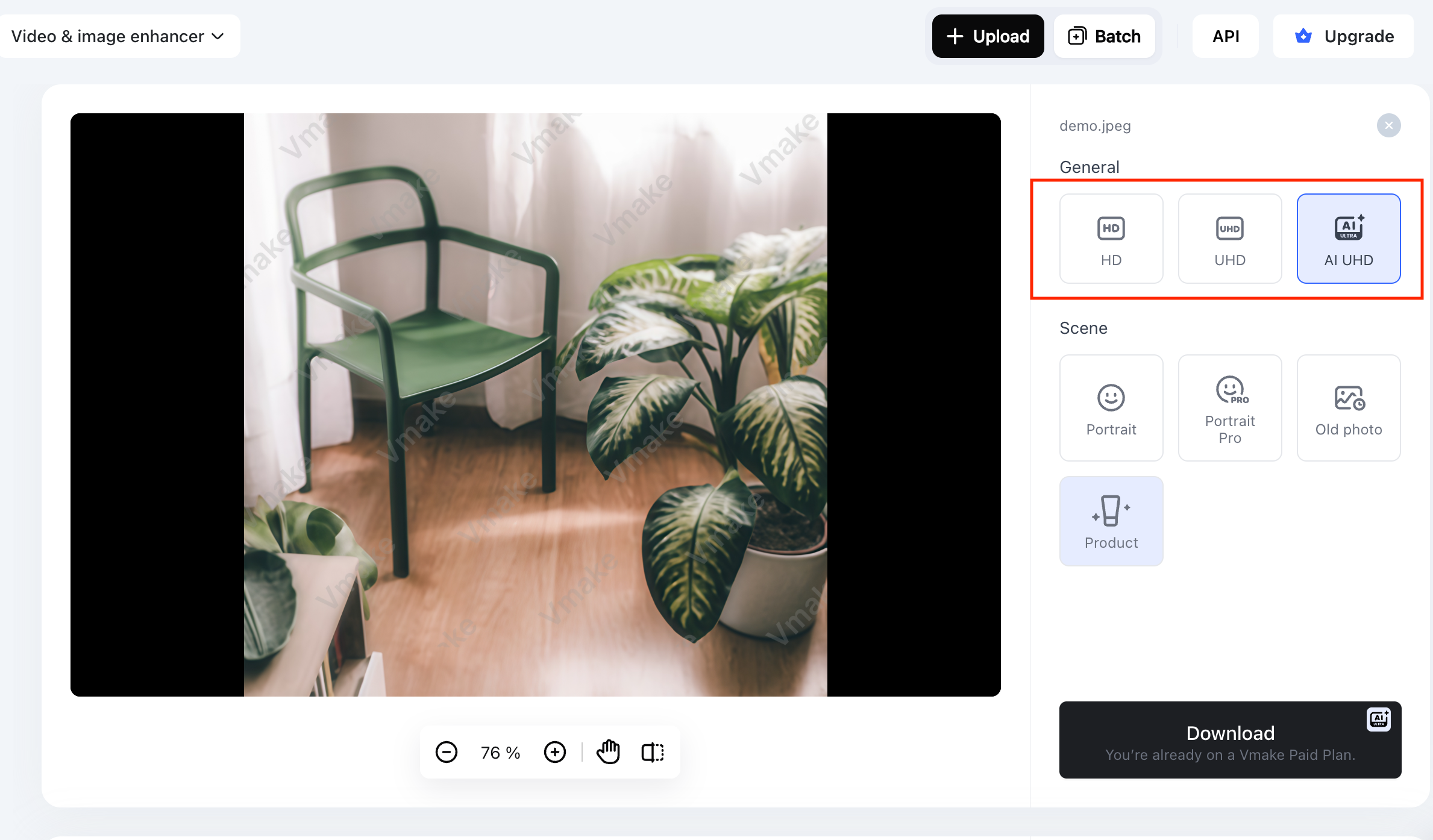
Step 2:Choose Enhancement Settings
Next, pick “HD,” UHD,” or “AI UHD.” You can also select a scene, such as a portrait, an old photo, or a product.
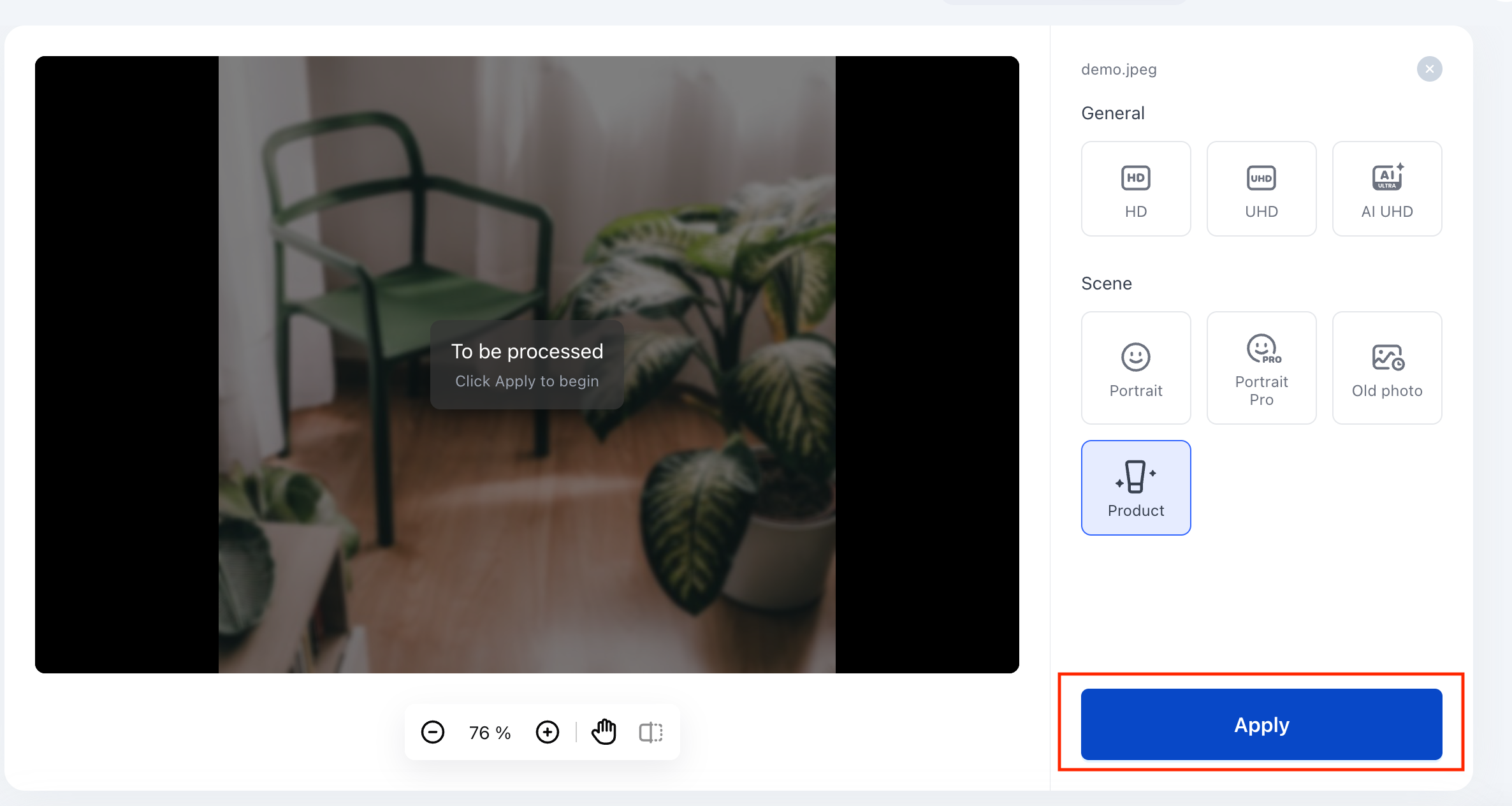
Step 3:Apply AI Upscaling
It’s time to press the “Apply” button and wait for the AI to finish its enhancement.
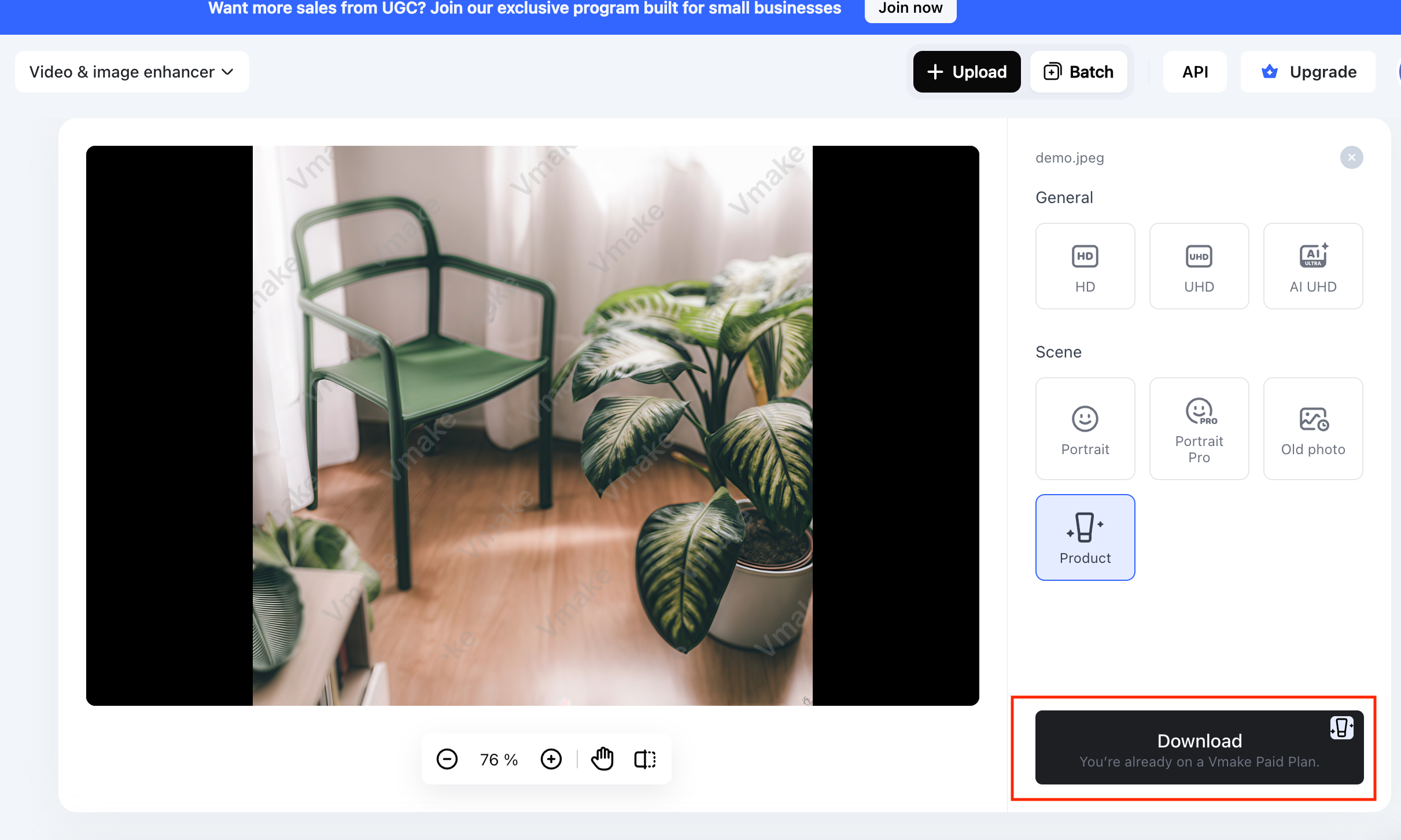
Step 4:Download the Enhanced Photo
Once done, preview the output and if it’s fine, hit the “Download” tab. That’s all!
Why Choose Vmake AI Image Enhancer?
While all the tools available above are useful, Vmake AI Image Enhancer is highly recommended for various reasons. Let’s explore:
Fast Online Enhancement
It works directly in the browser at a fast speed, so you can quickly enhance photos without installing any complex software.
High-Quality AI Upscaling
It helps fix blurry images, improves clarity, and upscales them to 4K resolution. This can make a noticeable difference in how professional they look.
Designed for E-commerce and Marketing Images
Besides portraits, this broader platform focuses on enhancing product and marketing visuals to drive growth. This makes it useful for online sellers, small businesses, and marketing teams.
Beginner-Friendly Interface
Vmake keeps the interface and navigation simple, making it easier for beginners to improve photo quality quickly.
Common AI Photo Enhancement Use Cases
Below are the most common cases where AI photo enhancement is used:
Restore Old Photos
Old photos can be sharpened, brightened, and repaired to some extent. Tools such as Vmake, PicWish, and Fotor AI Photo Enhancer are used for old or blurry portraits.
Improve Low-Resolution Images
If an image is too small for a website, print, or product listing, an AI photo resolution enhancer can upscale it to make it more usable.
Enhance Product Photos for Online Stores
AI photo enhancers reduce blur, improve detail, and make the product images look cleaner. This makes them useful for marketplaces, Shopify stores, Amazon sellers, and social commerce.
Improve Social Media Images
Social platforms are highly visual. Enhancing a photo can help make a profile, post, reel cover, or thumbnail look more engaging and professional.
FAQ: AI Photo Enhancer
What is the best AI photo enhancer?
The best one depends on your purpose. However, Vmake AI Image Enhancer is an all-in-one solution for quickly upscaling, enhancing portraits, product images, and old photos.
Can AI improve image quality?
Yes. AI enhance photo quality by sharpening details, reducing noise, correcting blur, improving contrast, and increasing resolution. However, results depend on the original image.
Are there free AI photo enhancer tools?
Yes. Many platforms offer free AI photo enhancement, such as Vmake, Airbrush, PicWish, Cutout, and Canva. Some tools allow free previews, while others support limited or lower-resolution downloads.
How can I enhance a blurry photo?
For this purpose, open an online AI photo enhancer such as Vmake, upload the image, select and apply the enhancement settings, preview the result, and download the output.
Can AI upscale images to 4K?
Yes, most AI photo enhancer tools allow you to upscale images to 4K or higher, such as Vmake, Airbrush, Cutout, PicWish, and Canva.
Final Thoughts
Whether you need to fix blurry portraits, upscale product images, restore old pictures, or polish content for social media, this post has a solution for everyone. Each recommended AI powered photo enhancer helps save time and produce clean results. However, Vmake AI Photo Enhancer is best for portraits, old photos, and e-commerce visuals, especially if you’re a beginner looking for quick enhancement.

You May Be Interested
AI Video Enhancement And Upscaling: Pros, Cons, Alternatives, and Future Trends
AI Video Enhancement vs. Traditional Video Editing: Comparative Guide for 2025