ChatGPT Christmas Photo Prompts: Create Stunning Holiday AI Images
Explore the best ChatGPT Christmas photo prompts for family, couples, pets, and holiday cards. Learn to create festive AI images in minutes with Vmake Labs Image Generator for holiday projects.

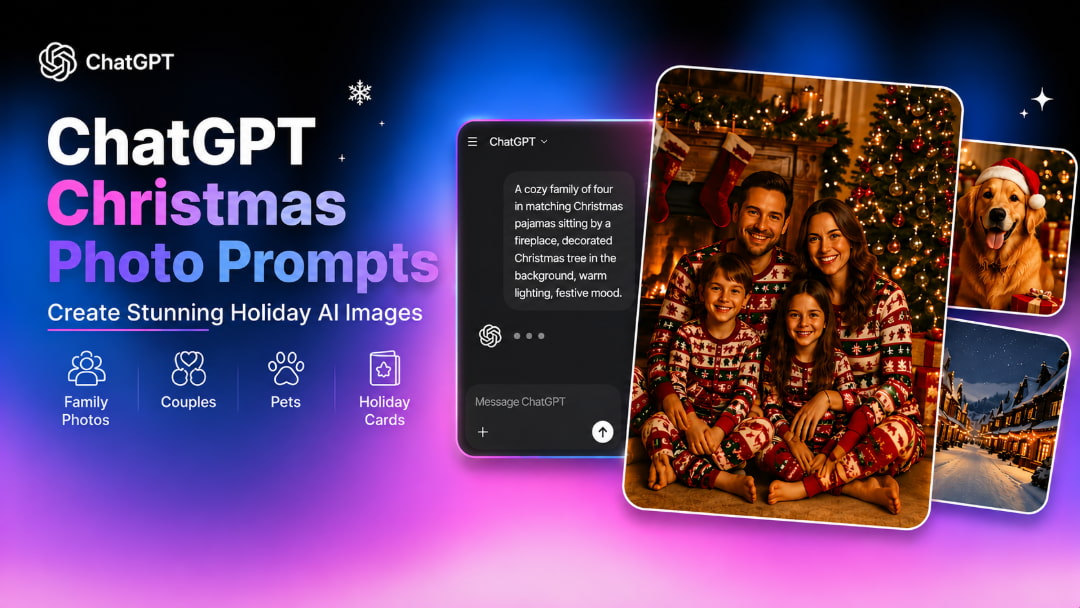
With the right AI prompt, you can get more creative Christmas photos. ChatGPT Christmas photo prompts can create family portraits, couple photos, pet pictures, snowy scenes, and holiday cards. You can create personalized Christmas images from simple ideas with clear descriptions of the setting, clothing, lighting, and style.
What Are ChatGPT Christmas Photo Prompts?
ChatGPT Christmas photo prompts are detailed instructions that describe the festive image you want to create. They can include the people or subject, Christmas setting, clothing, decorations, lighting, expressions, camera angle, and photography style to guide the AI toward a specific result.
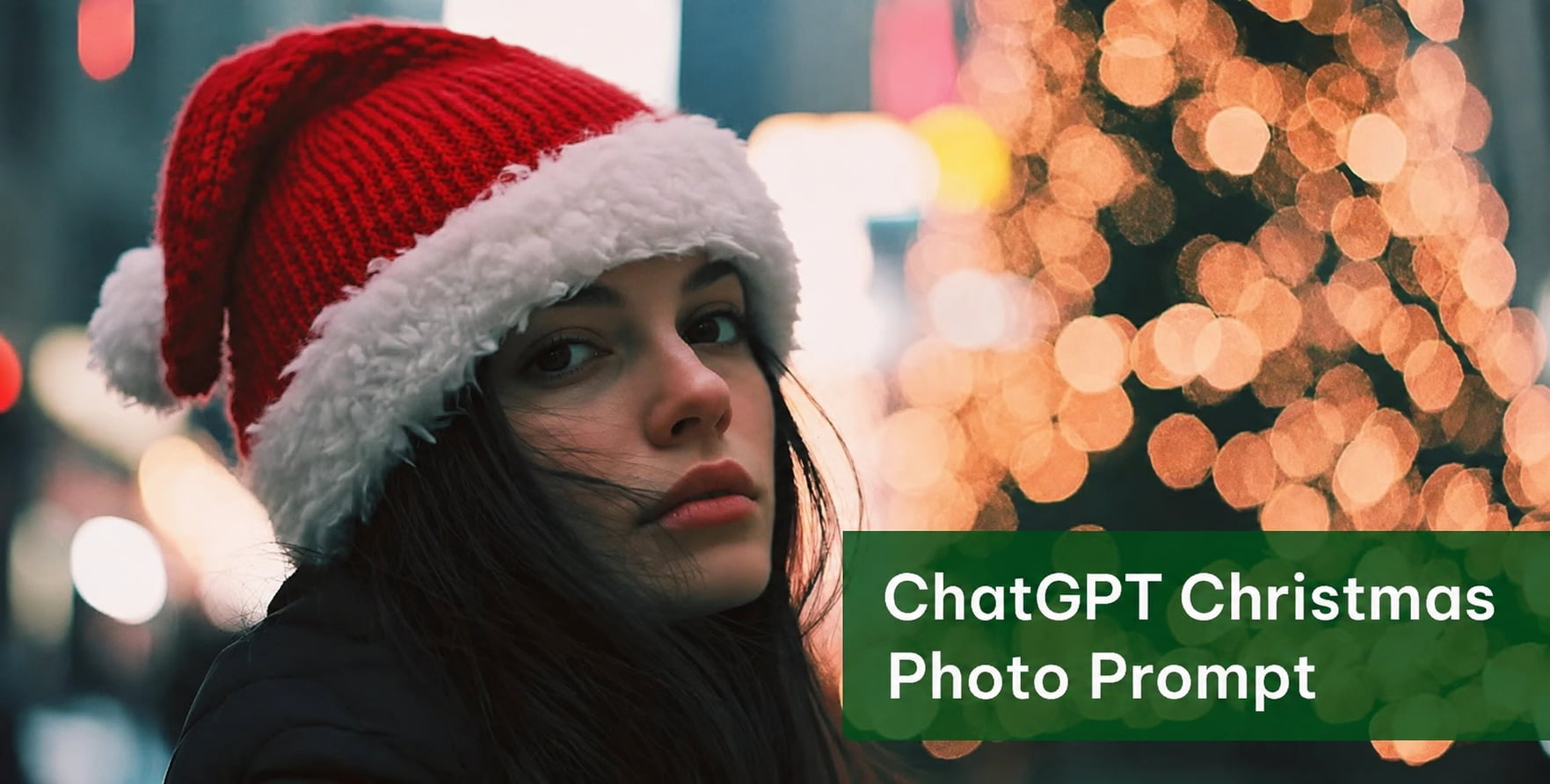
For example, a prompt can turn a simple idea such as a family Christmas photo into a detailed scene with matching sweaters, a decorated tree, wrapped presents, warm lighting, and natural expressions. You can also customize prompts for couples, children, pets, snowy scenes, or Christmas cards.
How to Write Effective ChatGPT Christmas Photo Prompts
The more detailed and clear your prompt is, the better direction you'll give the AI when it creates your Christmas images. Instead of a short description, explain the subject, the setting, the appearance, the lighting, and the visual style so that the generated image will be closer to your idea.
Build a Detailed Christmas Prompt
Start with the main subject and build the Christmas scene around it. Include details that define the people, environment, appearance, and overall visual style.
-
Describe the main subject or people: Mention who should appear in the image, such as a family, couple, child, or pet, along with their pose or expression.
-
Choose a festive Christmas setting: A decorated home room, snowy outdoor landscape, Christmas market, fireplace, café, or any other holiday scenario.
-
Include clothing and seasonal accessories: Add Christmas sweaters, winter coats, Santa hats, scarves, festive dresses, or other accessories that fit the scene.
-
Specify the lighting and camera angle: Use warm Christmas lighting, soft natural lighting, dramatic lighting, close-up portraits, or wider shots.
-
Select a photography or artistic style: Pick a style that fits your concept, like realistic photography, cinematic portraits, vintage photography, and lifestyle photography.
Write Clear and Specific Prompts
Now that you have your main pieces, make a short prompt that the AI can understand while retaining all the elements relevant to the Christmas scene you want to build and avoiding unnecessary suggestions.
-
Avoid generic descriptions: Use specifics like dazzling fairy lights, scarlet decorations, wrapped presents, or falling snow in place of generalizations like "make it festive."
-
Focus on one style: Select a visual style and remain consistent, instead of mixing different photography or art styles.
-
Add festive details: Include seasonal elements that strengthen the Christmas theme without overcrowding the scene.
-
Refine your prompt: Check the output image and change the lighting, expressions, clothing, or background, or use an image enhancer to get a better result next time.
10 ChatGPT Christmas Photo Prompts
These ChatGPT Christmas photo prompts include snowy scenes, holiday cards, couples, children, pets, and family portraits. You can either customize the details to create your own festive AI images or copy them directly into ChatGPT.
-
Family Christmas Portrait
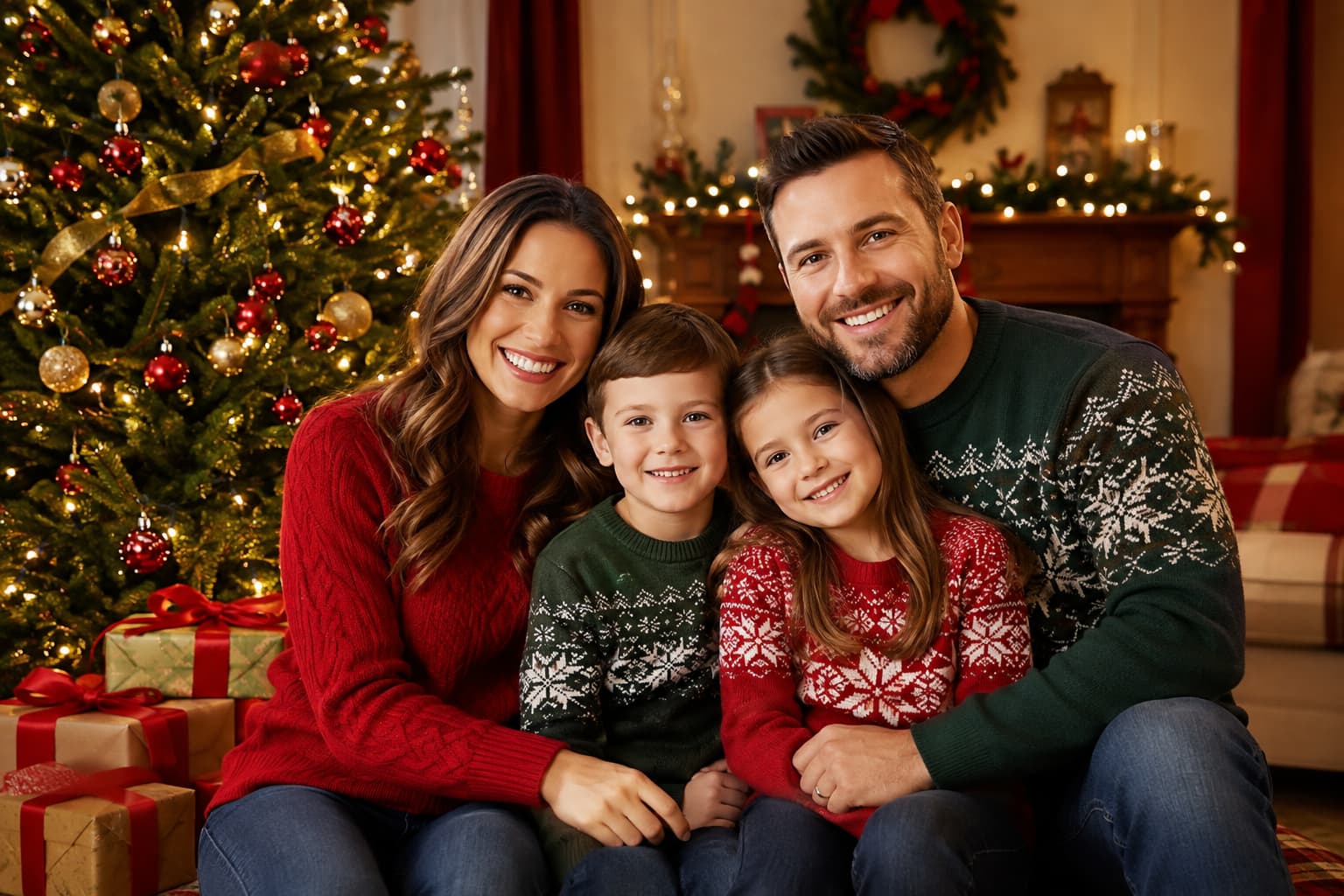
"Create a warm family Christmas portrait beside a decorated tree, with coordinated red and green sweaters, wrapped gifts, soft golden lighting, natural smiles, and realistic professional photography."
The matching attire, festive décor, cozy lighting, and organic facial expressions produce a traditional and hospitable family Christmas photo.
-
Cozy Couple by the Fireplace
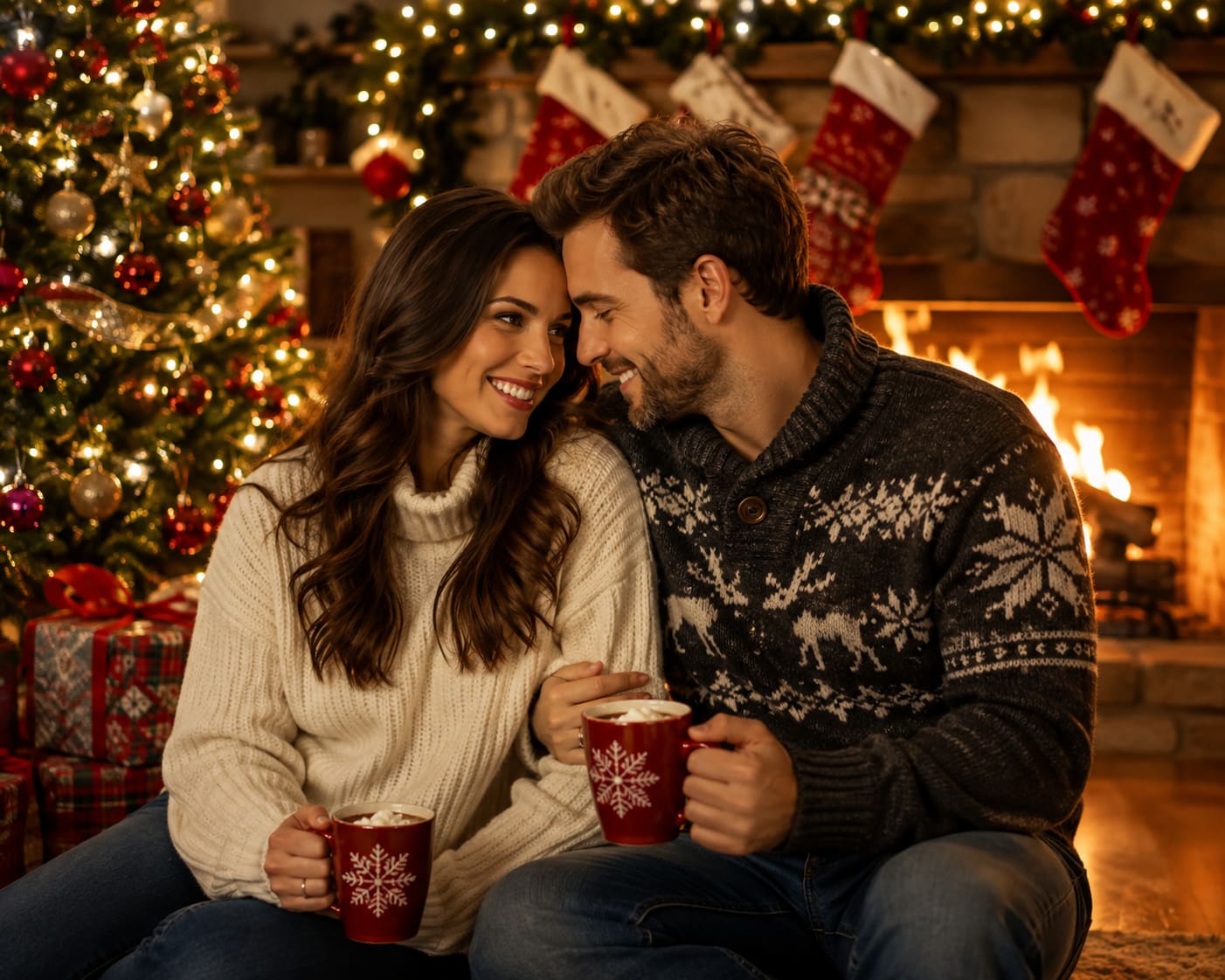
"Create a romantic Christmas portrait of a couple beside a glowing fireplace, wearing cozy winter sweaters, surrounded by a decorated tree and gifts, with warm cinematic lighting and natural expressions."
The fireplace, Christmas tree, warm lighting, and cozy clothing create an intimate and romantic holiday atmosphere.
-
Children Decorating the Christmas Tree
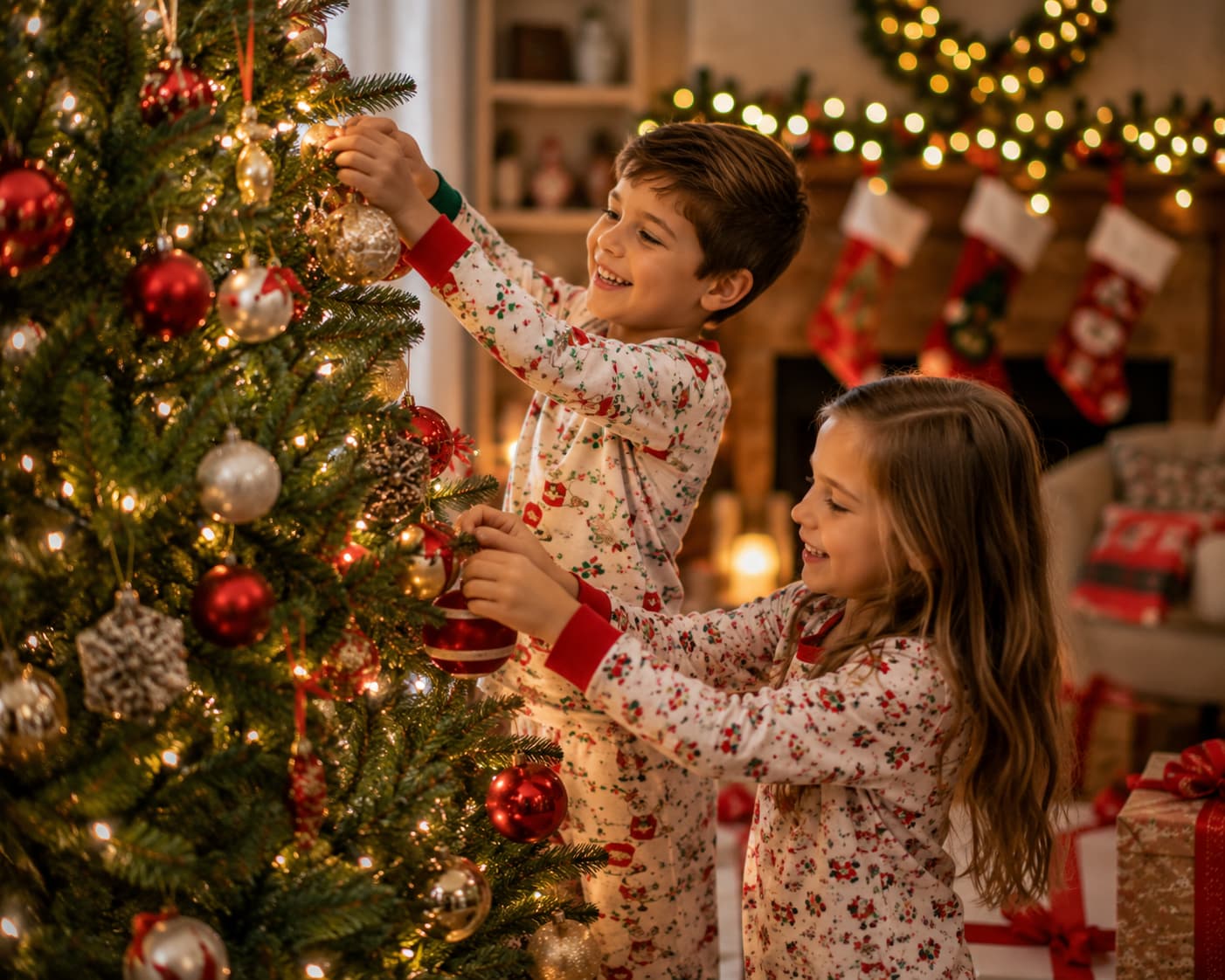
"Take a joyful Christmas photo of children decorating a Christmas tree, wearing festive pajamas, surrounded by ornaments and gifts, with warm lighting, natural expressions, and candid photography."
The kids playing with the decorations create a natural Christmas scene that will seem more real and memorable than a planned shot.
-
Christmas Pet Portrait
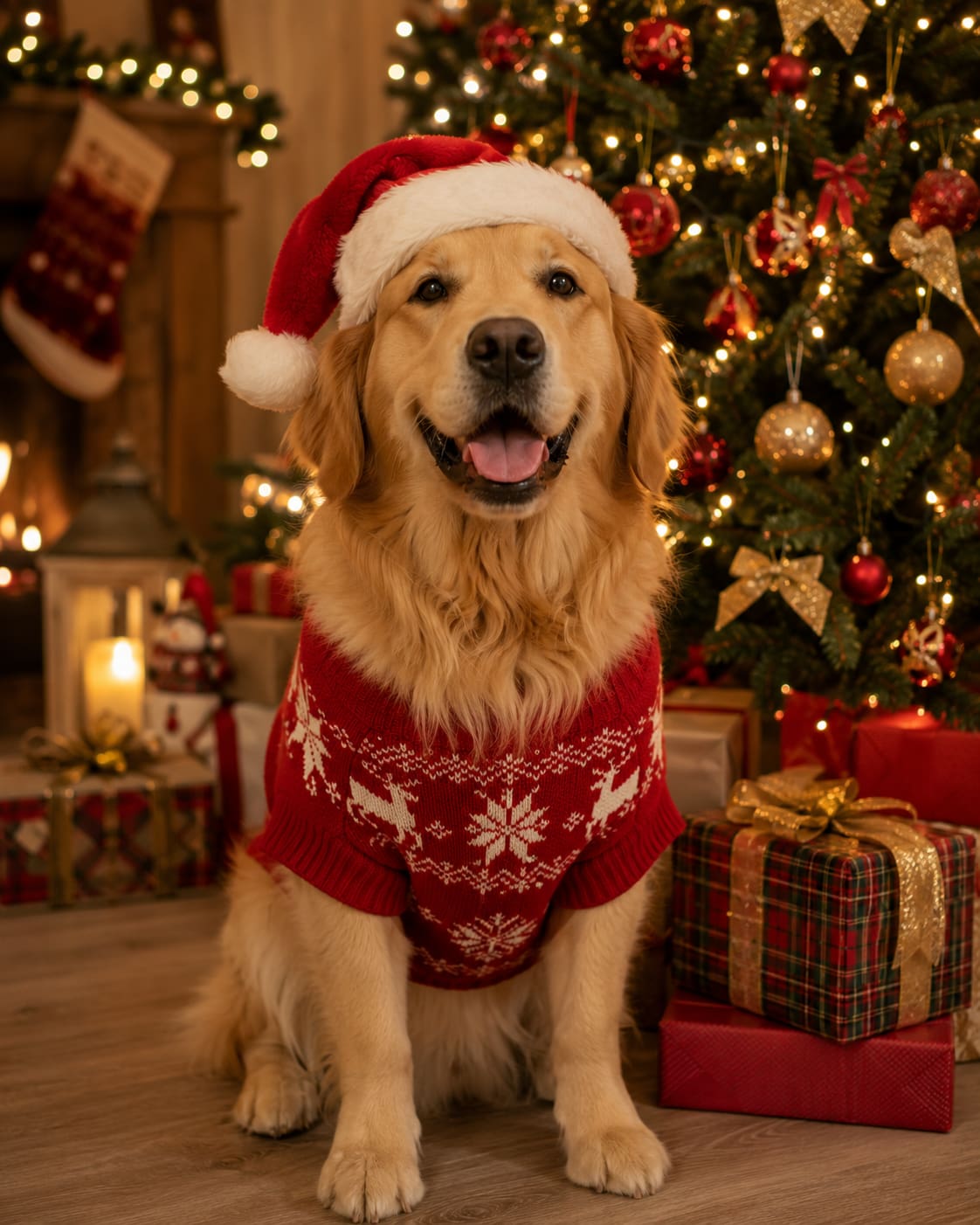
"Create a realistic Christmas portrait of my dog beside a decorated tree, wearing a red Christmas sweater and Santa hat, surrounded by gifts and warm fairy lights, with detailed fur and soft lighting."
The festive accessories, glowing lights, and detailed fur turn a familiar pet photo into a personalized Christmas portrait.
-
Snowy Outdoor Christmas Scene
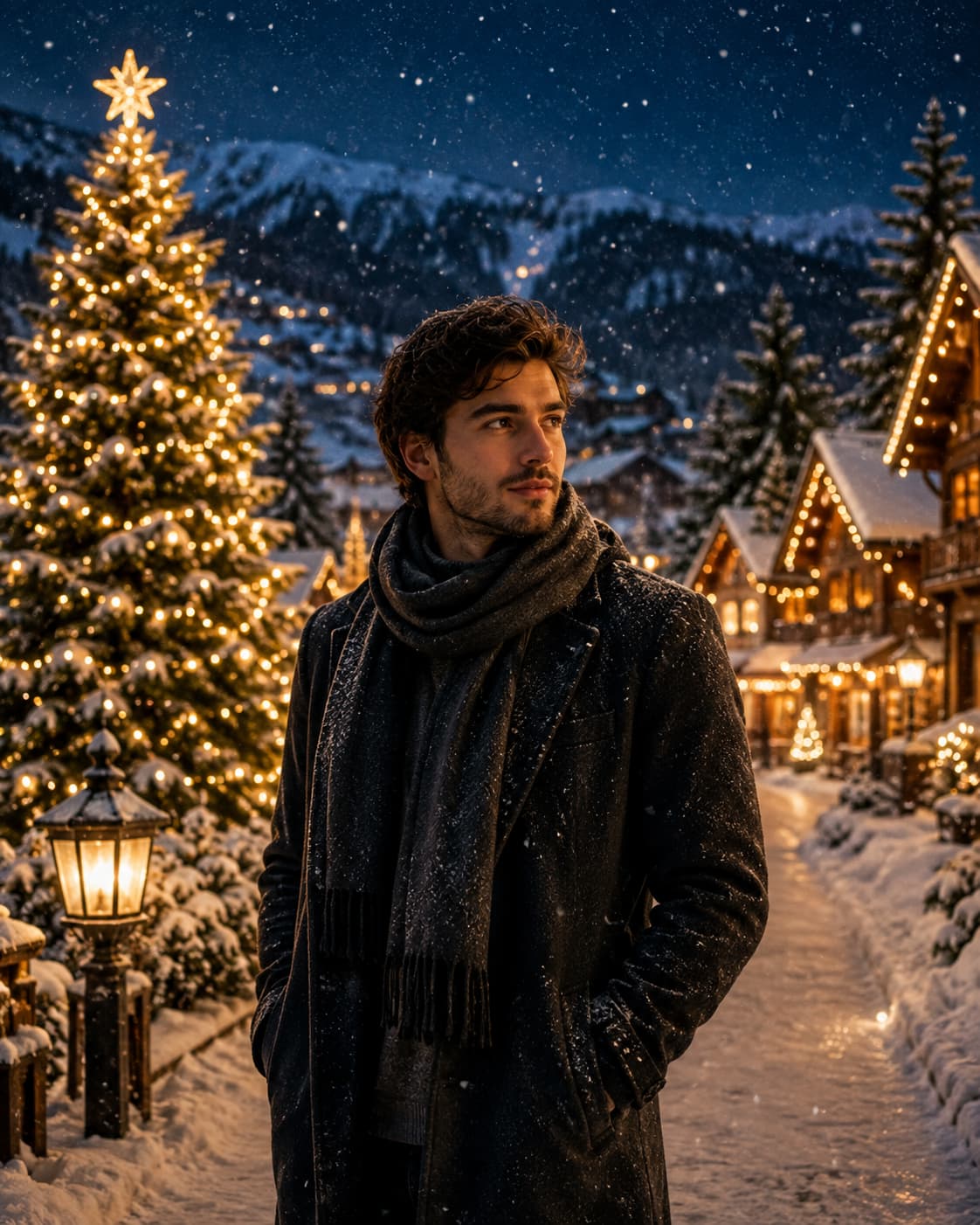
"Create a cinematic Christmas portrait of a person in a snowy village, wearing an elegant winter coat, surrounded by glowing cabins, pine trees, Christmas lights, and gentle snowfall at night."
The combination of snowy surroundings and warm Christmas lights creates a cinematic winter scene with a cozy holiday feel.
-
Luxury Holiday Portrait
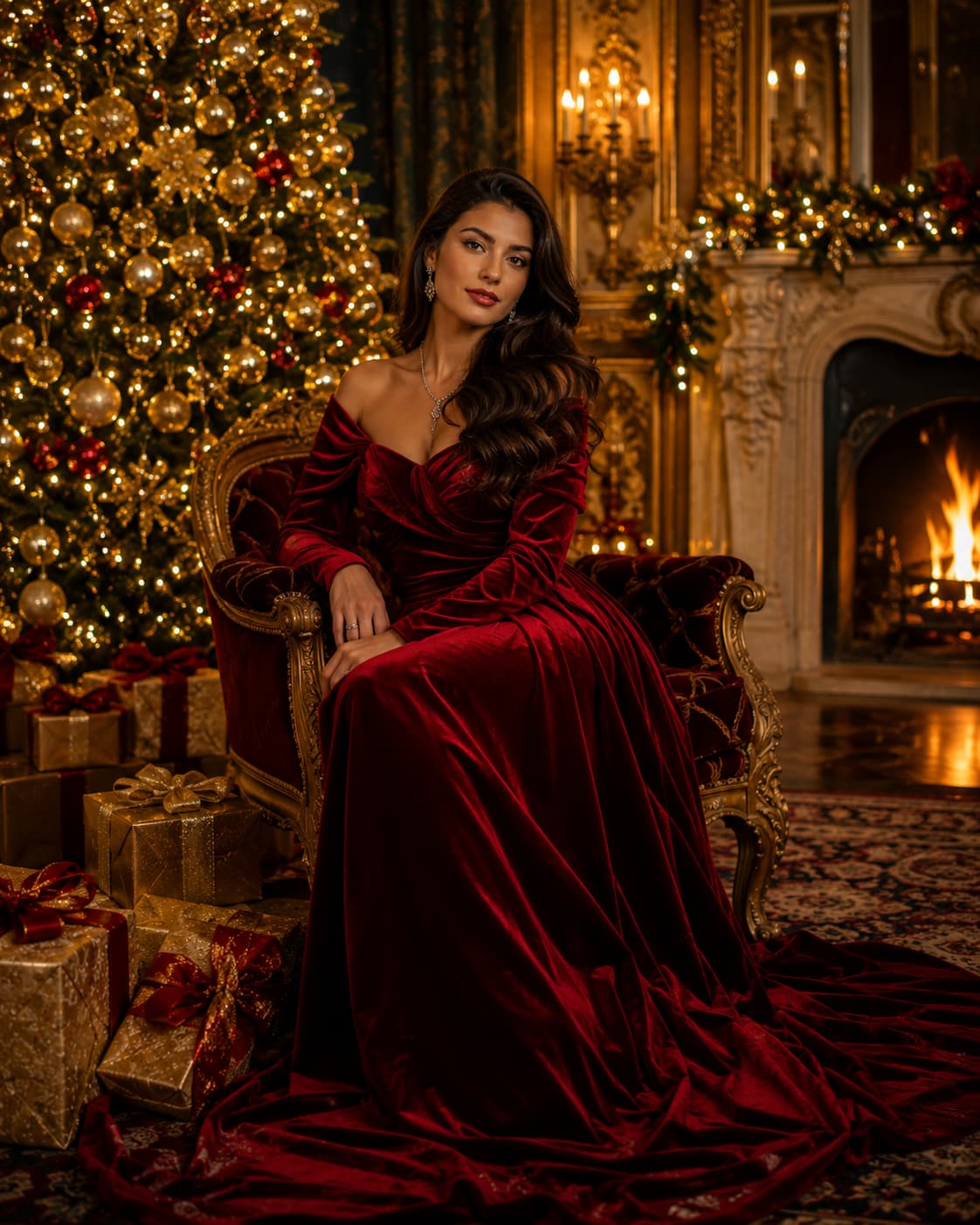
"Create a luxury Christmas portrait of a woman in a red velvet gown inside an elegant holiday setting with gold decorations, glowing trees, dramatic lighting, and high-end editorial photography."
The image has a sophisticated, polished holiday editorial feel with a red velvet outfit, gold decorations, and dramatic lighting.
-
Vintage Christmas Family Photo
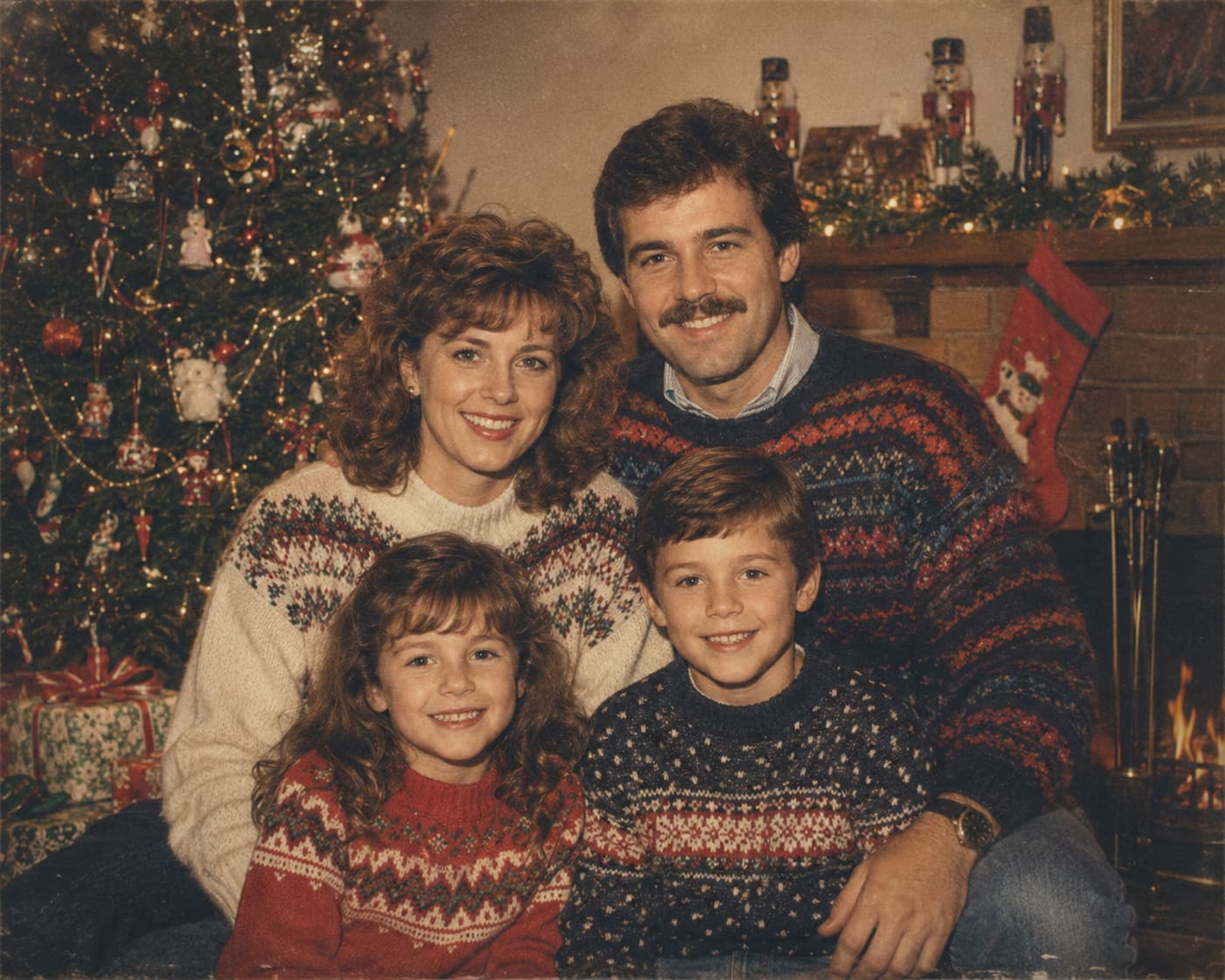
"Transform this family photo into a nostalgic 1980s Christmas portrait with classic sweaters, vintage decorations, warm lighting, subtle film grain, faded colors, and old-camera photography."
Vintage colors, film grain, classic clothing, and retro decorations give the family photo a nostalgic Christmas appearance.
-
Funny Christmas Morning Scene
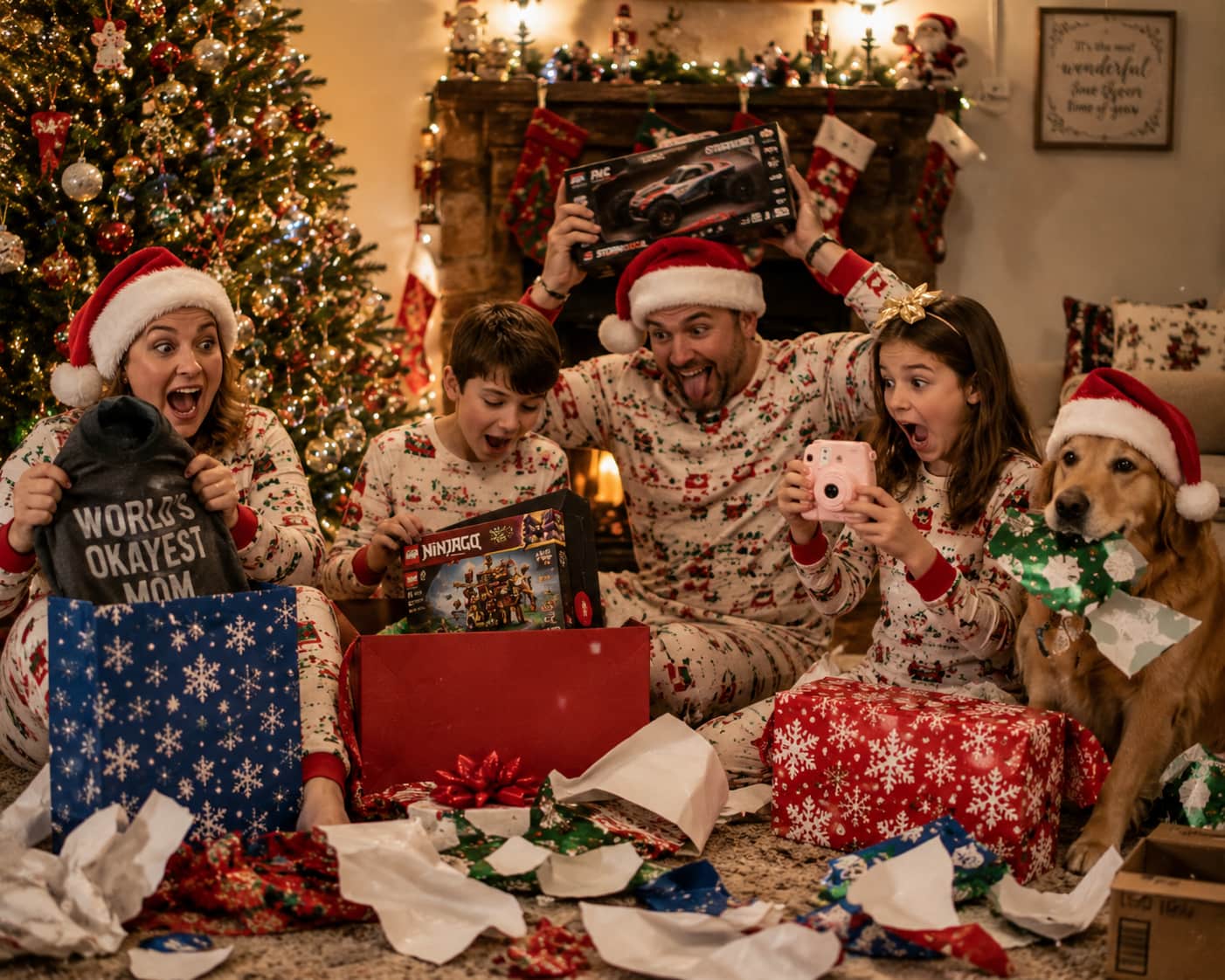
"Design a funny Christmas morning family picture with everyone opening gifts, scattered wrapping paper, large presents, a decorated tree, Santa hats, silly faces, and candid photography."
The funny faces, big presents, and crumpled wrapping paper make for a funny and lively Christmas morning.
-
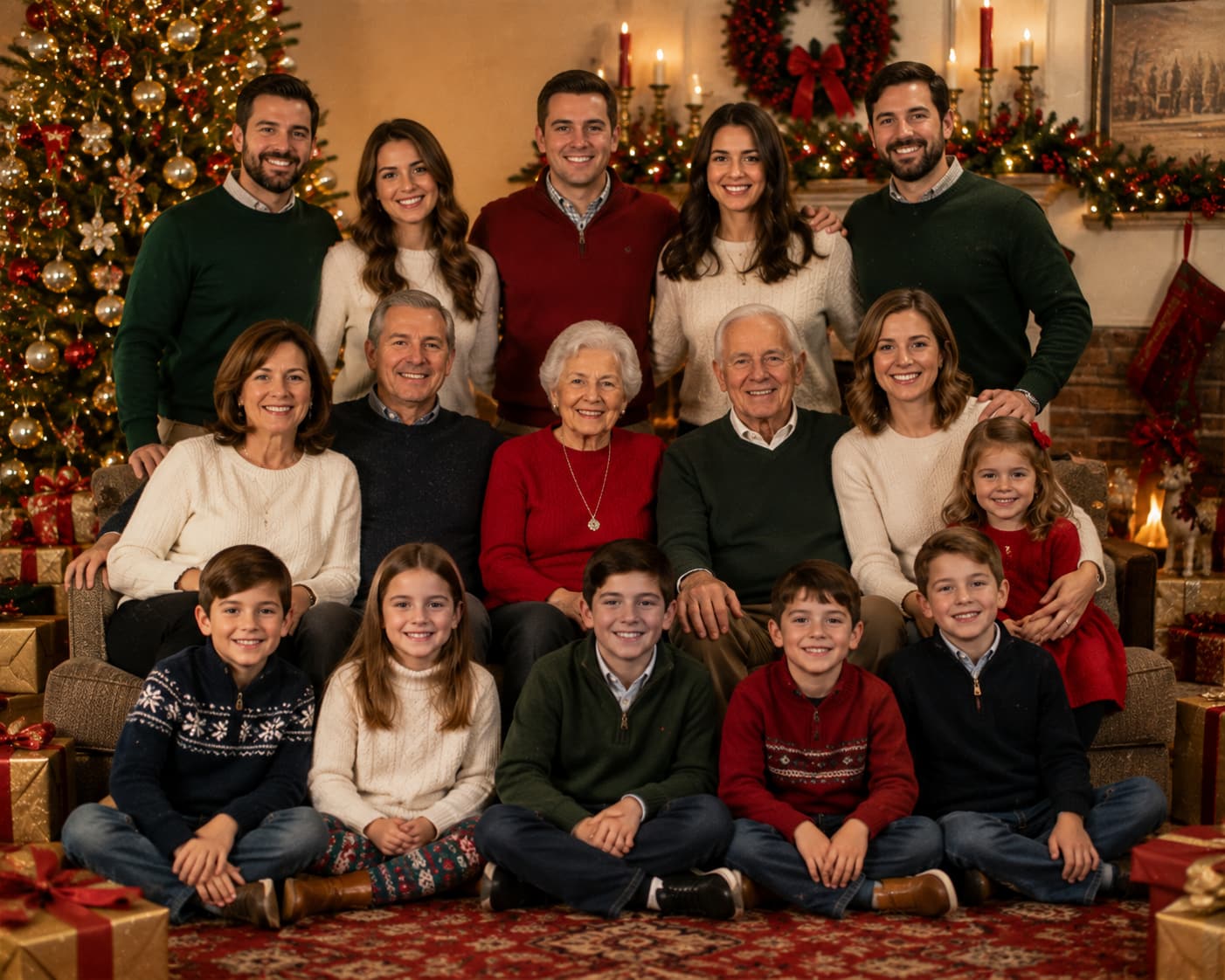
Christmas Card Portrait
"Create an elegant family Christmas card portrait beside a decorated tree, with coordinated winter outfits, warm fairy lights, wrapped gifts, natural smiles, and clean space for a holiday greeting."
The balanced composition and clean space make the image suitable for adding a personalized Christmas greeting or holiday message.
-
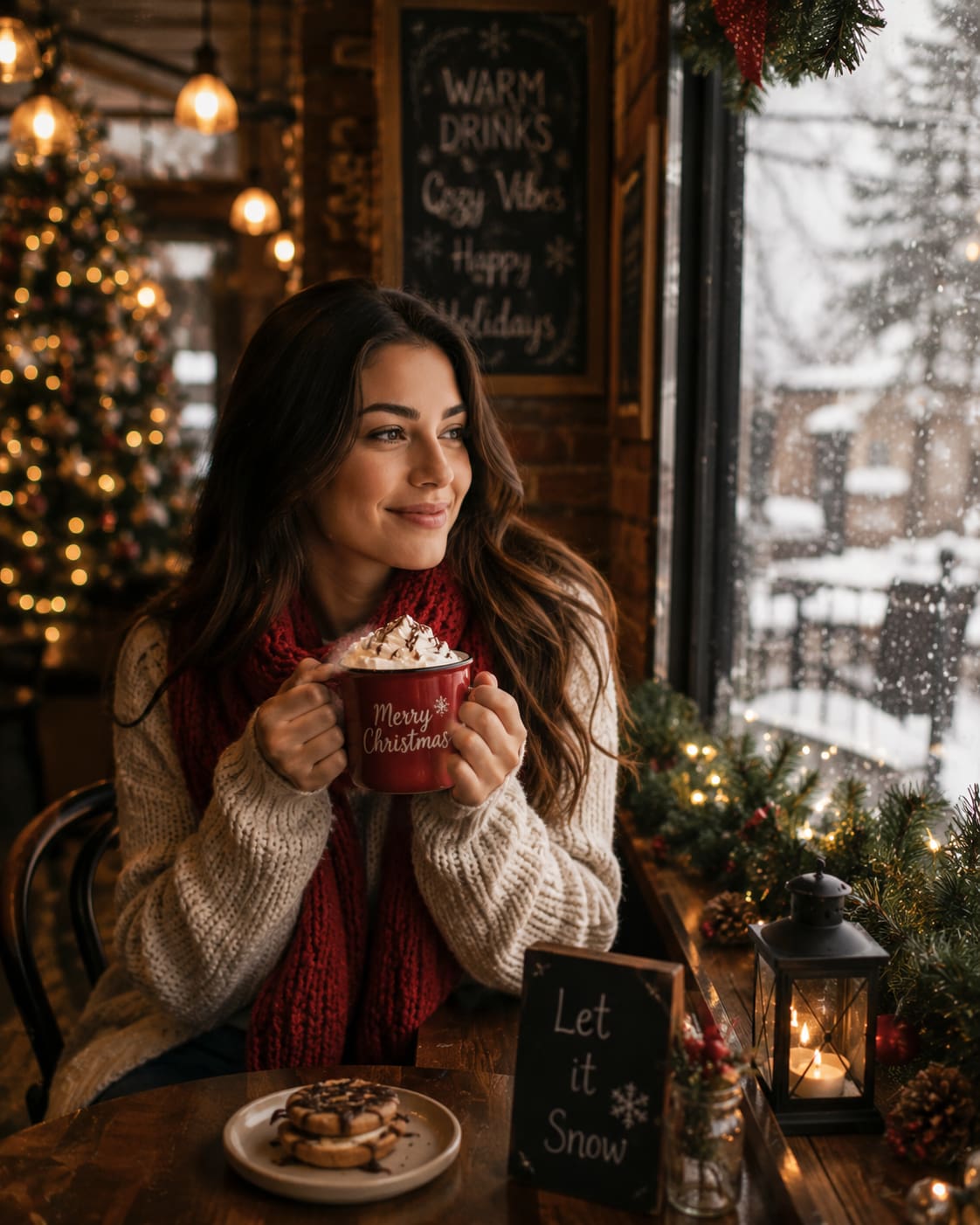
Cozy Christmas Café Scene
"Create a cozy Christmas café portrait of a person holding hot chocolate beside a snowy window, surrounded by festive decorations and warm lights, with cinematic lifestyle photography and soft bokeh."
The snowy windows, hot chocolate, festive decorations, and soft lighting create a warm lifestyle image with a modern Christmas atmosphere.
How to Improve Your ChatGPT Christmas Photo Prompts
Once you have a basic Christmas prompt, you can improve the generated image by making the scene more specific and then testing small variations. Start by adding details that define the scene, then adjust the style to find the strongest result.
Add More Visual Details
Build on the same Christmas scene by describing the elements that affect how the final photo looks. Adding these details gives ChatGPT clearer direction instead of leaving important parts of the image open to interpretation.
-
Decorations and props: Add Christmas trees, ornaments, stockings, wrapped gifts, candles, or other props that fit the scene.
-
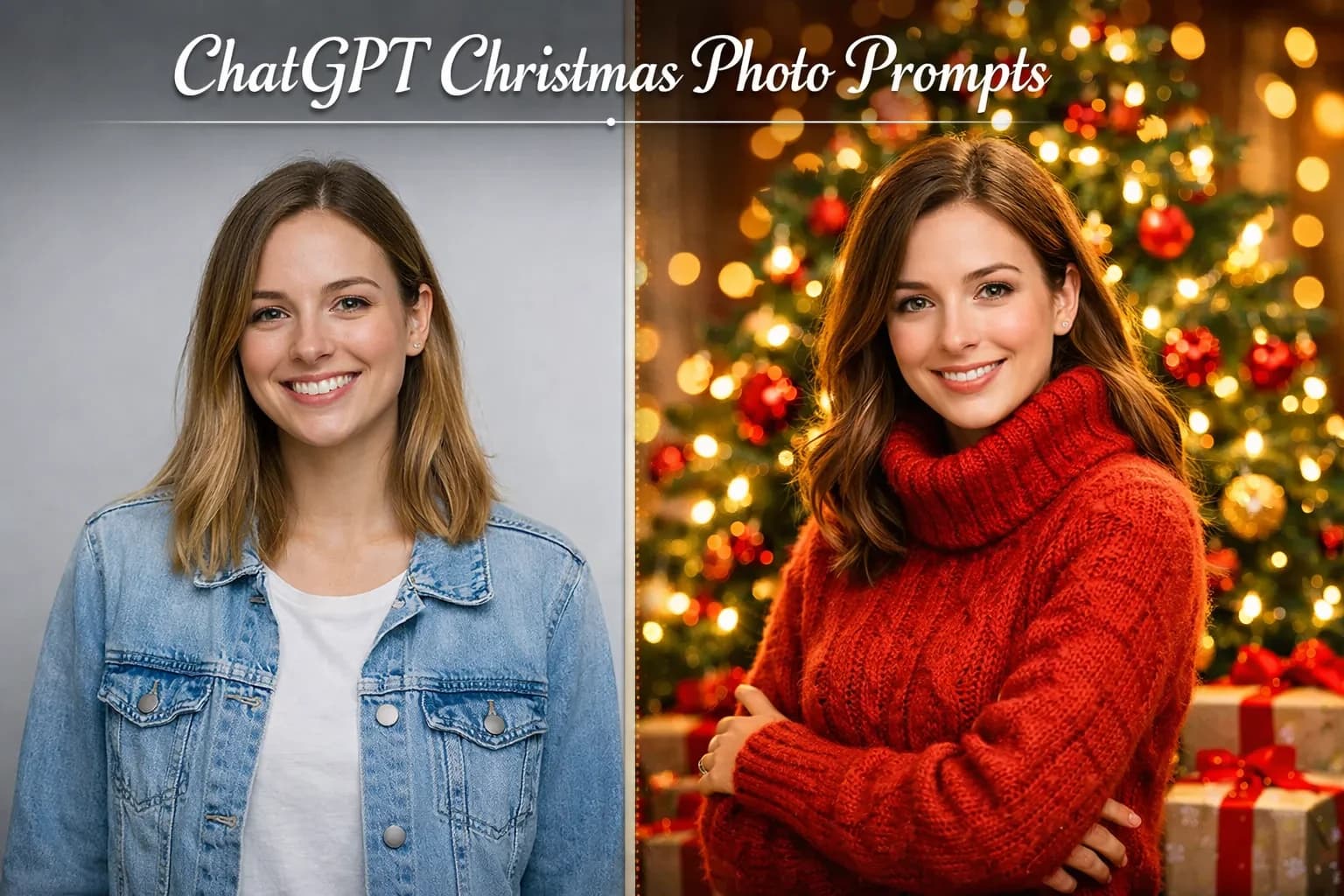
Background details: Explain where the scene takes place and what should appear behind the main subject, such as a decorated living room or snowy Christmas setting.
-
Facial expressions: Describe how people should look, for example, smiling naturally, laughing, or looking excited so that their expressions match the festive mood.
-
Lighting: Use warm Christmas lights, soft indoor lighting, candlelight, or natural window light to set the scene and create the mood.
Experiment with Prompt Variations
After adding visual details, create variations on the same Christmas theme rather than changing everything at once. This will help you see which changes make the most effective image.
-
Try different Christmas themes: Keep the same subjects but change the setting from a cozy indoor celebration to a snowy outdoor scene or elegant holiday setting.
-
Test different styles: Apply realistic photography, cinematic photography, vintage photography, or another suitable style while keeping the main scene consistent.
-
Compare results: Look at how each variation changes the composition, lighting, expressions, and overall Christmas atmosphere.
-
Choose the best version: Look at how each variation changes the composition, lighting, expressions, and overall Christmas atmosphere, and use an image sharpener when the final image needs more clarity.
Alternative Tool: Vmake Labs for ChatGPT Christmas Photo Prompts
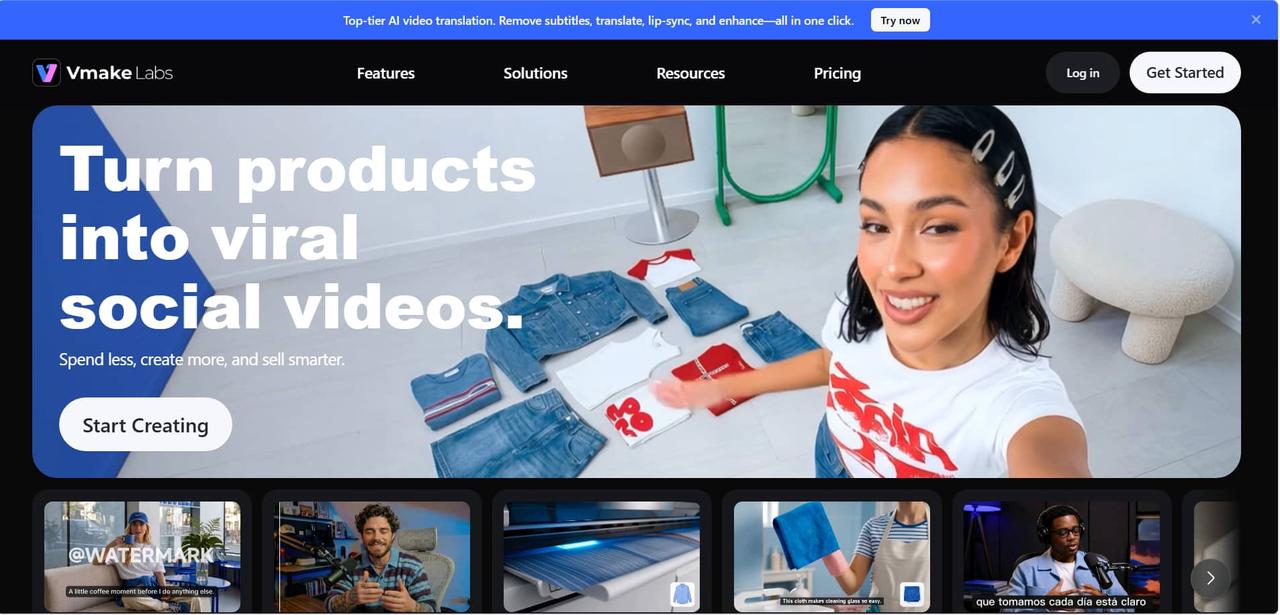
Once you have created a Christmas photo prompt in ChatGPT, you can take that same prompt to Vmake Labs Image Generator and see what different visuals come up. It supports both text-to-image generation and image-to-image workflows, which are handy for creating new festive scenes or transforming your own photos.
How to Create Christmas AI Images With Vmake Labs
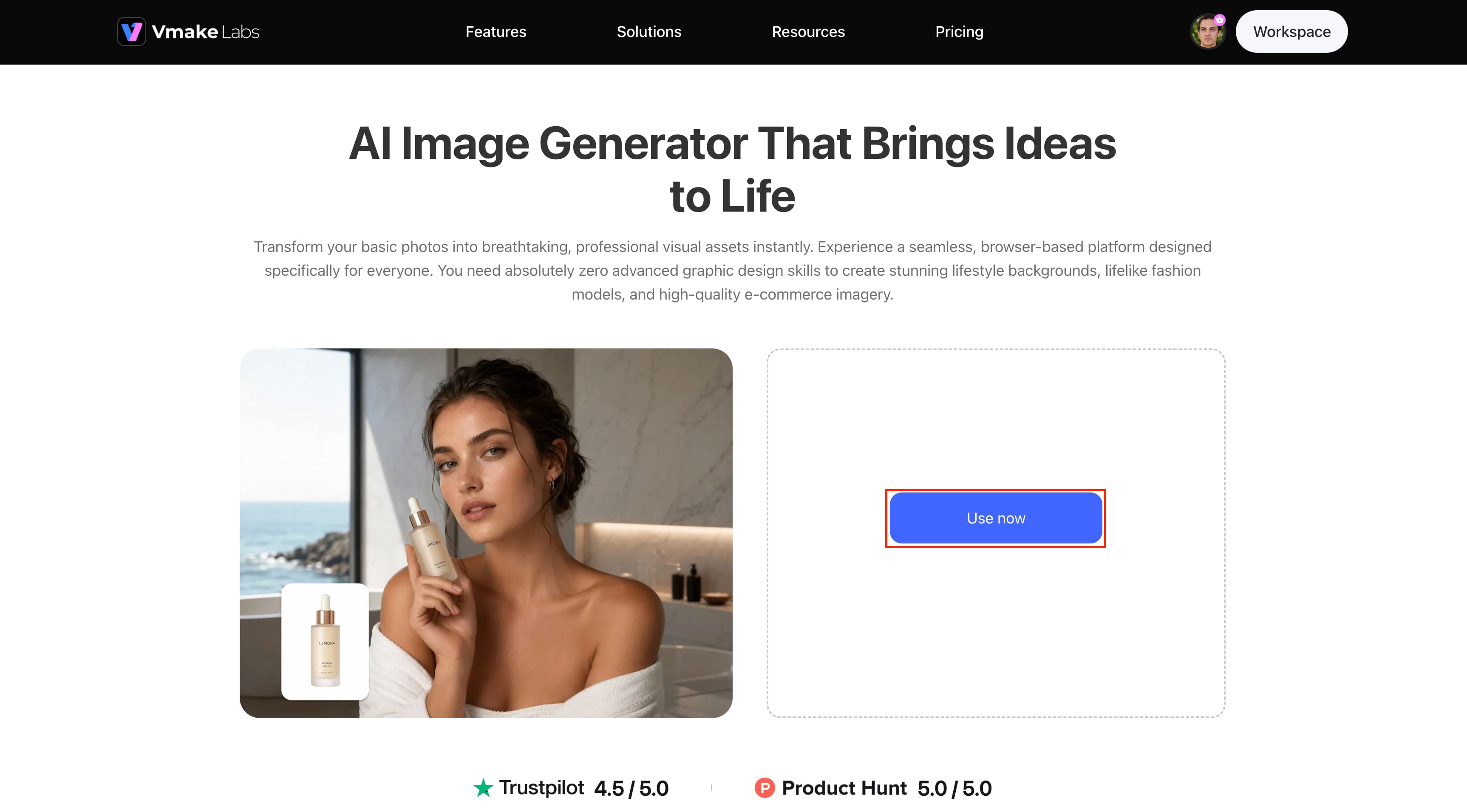
Step 1: Open the Vmake Labs AI Image Generator Click "Use now" on the Vmake Labs AI Image Generator page to open the image-generation workspace. Choose the Text-to-Image option to create a new Christmas image from your ChatGPT prompt.
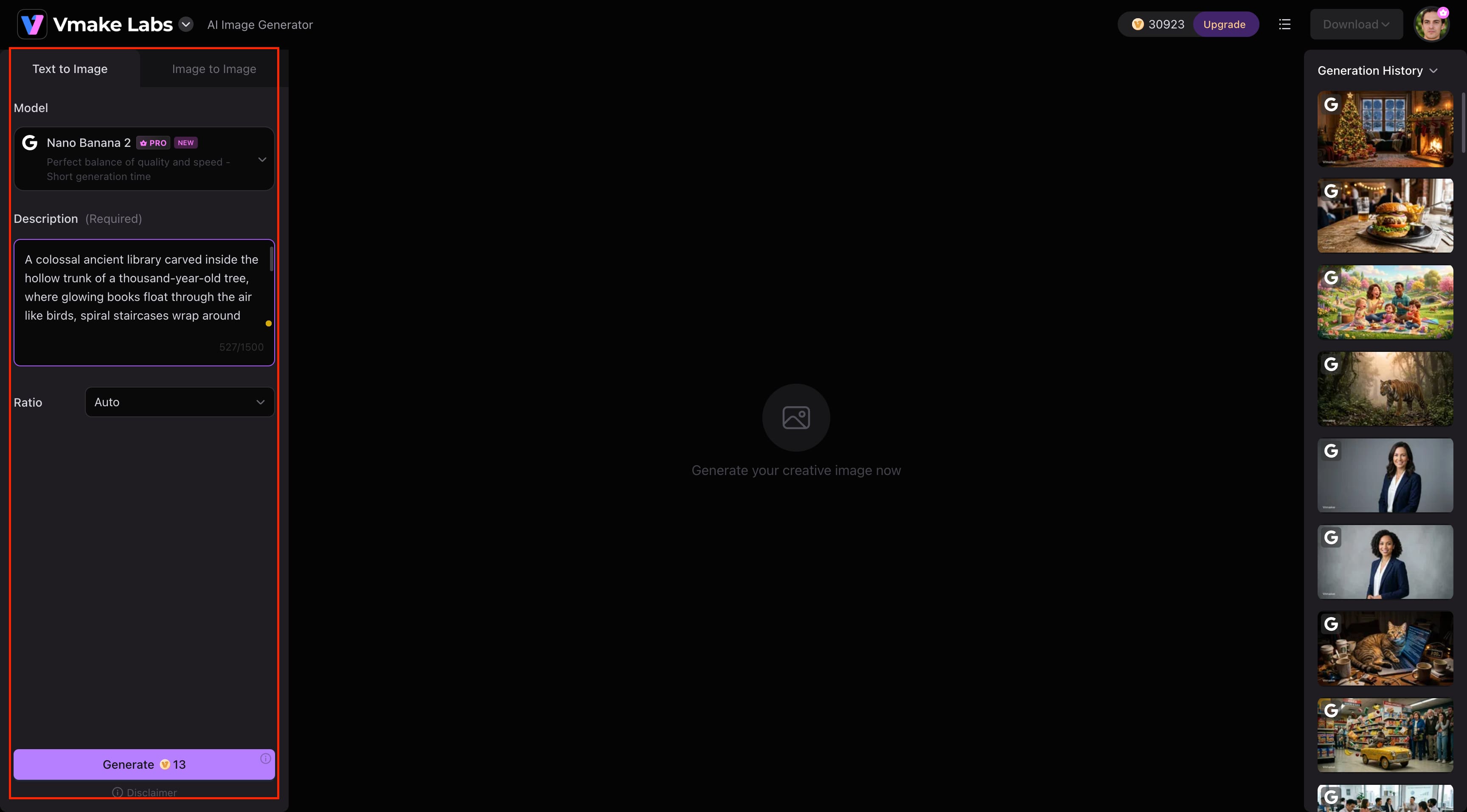
Step 2: Choose a Model, Add Your Prompt, and Generate Select an available AI model, paste your Christmas prompt into the Description box, and choose your preferred aspect ratio. Click Generate to create your Christmas image based on the prompt and settings you selected.
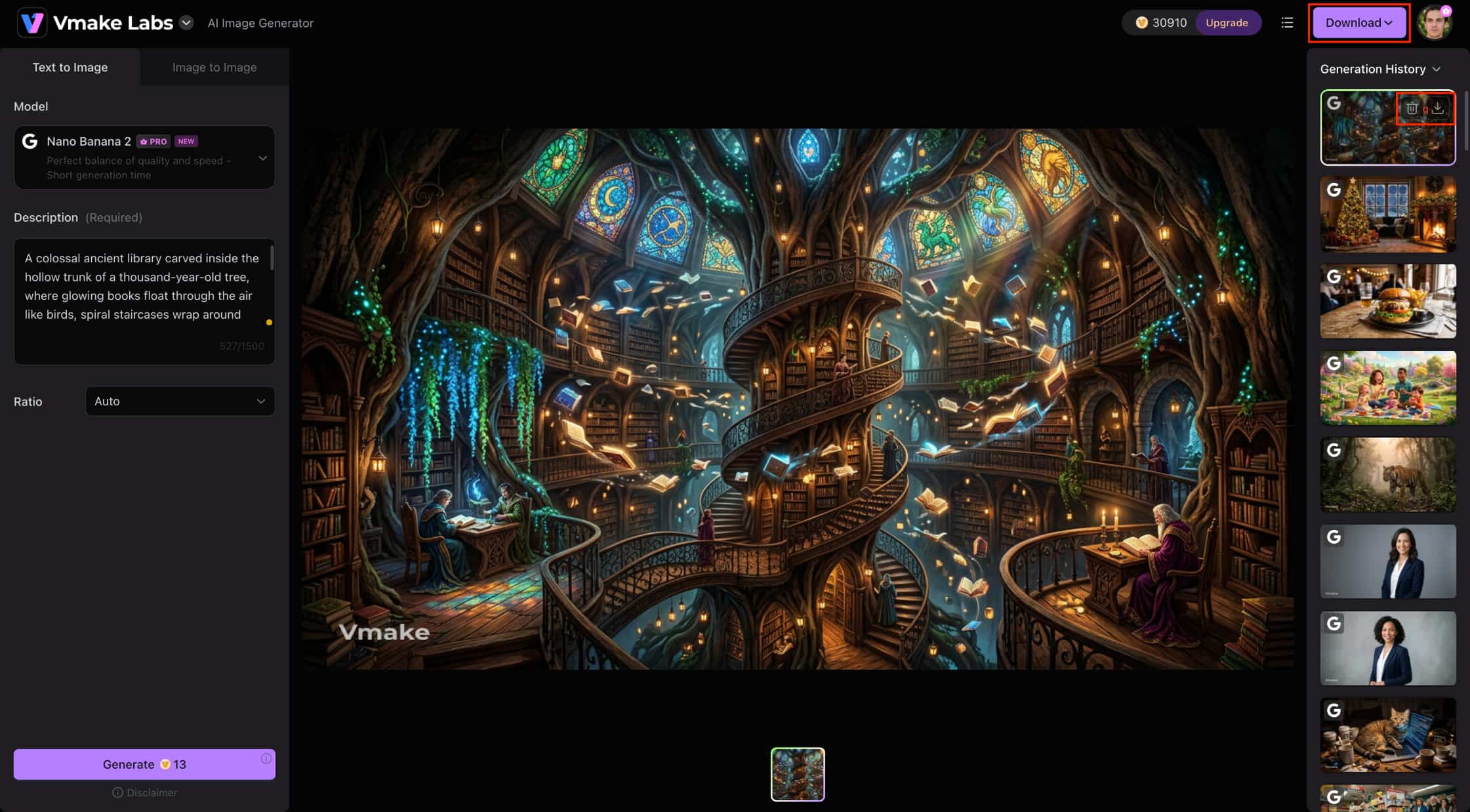
Step 3: Download Your Christmas Image Review the generated Christmas image and make any prompt or setting changes if you want to refine the result. When you're satisfied with the image, click Download to save the final Christmas image.
Why Choose Vmake Labs Image Generator?
Vmake Labs gives you more ways to experiment with the Christmas prompts you create in ChatGPT. Its image-generation workflows can help you create new festive scenes or personalize existing photos.
-
Create from ChatGPT prompts: Use Text-to-Image to turn your Christmas ideas into new festive visuals, or use Image-to-Image to transform your own photos into holiday portraits.
-
Explore different AI models: Choose from available models such as Nano Banana 2, Nano Banana Pro, Nano Banana, Seedream 4.0, and GPT Image 1, depending on your plan to experiment with realistic, artistic, or stylized Christmas images.
-
Use reference images: Upload reference images when creating personalized family, couple, or pet portraits and use them to guide the generated result.
-
Choose flexible aspect ratios: Select an image format suited to Christmas cards, social media posts, festive invitations, or holiday marketing materials.
-
Compare different results: Experiment with prompts, models, and reference images to find a Christmas image that best matches your creative idea.
Conclusion
ChatGPT Christmas photo prompts make it easier to turn simple holiday ideas into personalized AI images. By describing the subject, setting, clothing, lighting, and style clearly, you can create family portraits, couple photos, pet images, snowy scenes, and Christmas cards. Experiment with different prompt variations to find the result that best matches your vision. You can also use your favorite prompts with Vmake Labs to explore additional AI image-generation options.
FAQs
Can ChatGPT create Christmas photo prompts in different styles?
Yes. ChatGPT can write prompts for Christmas photo ideas in realistic photography, vintage portraits, cinematic scenes, luxury editorials, cozy lifestyle images, and more. Add the setting, lighting, mood, and visual style you would like to make the prompt more specific.
Are ChatGPT Christmas photo prompts free to use?
The prompts themselves can be created and customized without purchasing them. However, generating the actual images may depend on the AI image generator you use, as different platforms can have their own usage limits, credits, or subscription plans.
Can I use my own photo to create Christmas-themed AI images?
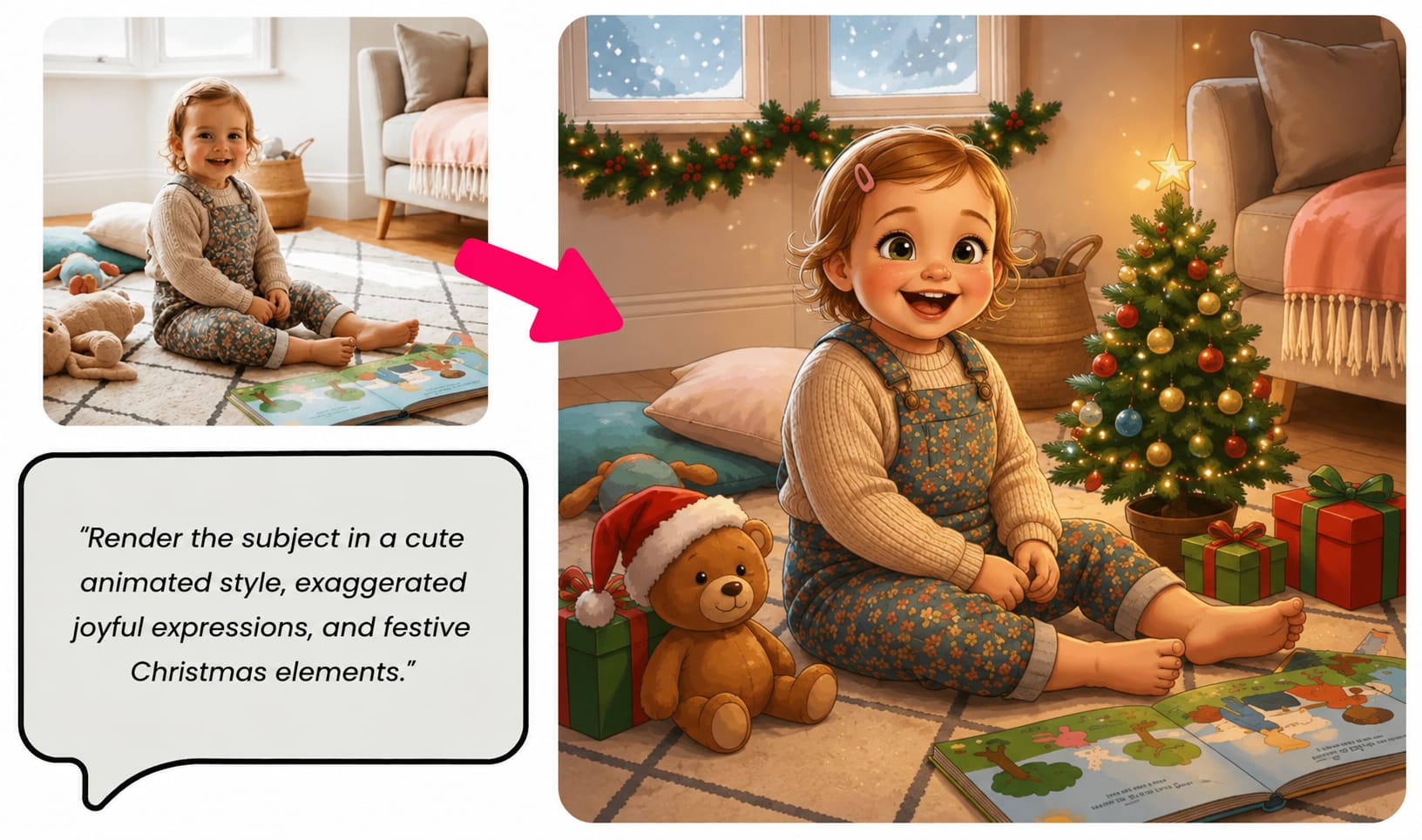
Yes. You can use your own photo as a reference when creating a personalized Christmas image. Describe the festive setting, clothing, decorations, and style you want while using the reference image to guide the appearance of the subject.
How can I make AI-generated Christmas photos look more realistic?
Use specific details about lighting, facial expressions, clothing, background, camera angle, and photography style. If the image you create isn't what you hoped for, try to avoid vague descriptions and refine the individual elements of your prompt with an AI image fixer.
Which AI image generator works best with ChatGPT Christmas photo prompts?
There is no single best AI image generator for every Christmas image, as different models can produce different styles and results. Vmake Labs Image Generator is one option for testing ChatGPT Christmas prompts with Text-to-Image and Image-to-Image workflows, allowing you to experiment with different models, reference images, and visual styles.

You May Be Interested
Can ChatGPT Generate Images? Limits & Alternatives
Can ChatGPT Transcribe Audio? Complete 2026 Guide
ChatGPT Image Generator Review: A Complete Hands-on Review

ChatGPT Video Generator Review: Features, Pricing & Best Alternative
Mastering Seedance 2.0: 10 Advanced Prompts for Multi-Shot AI Video