Best AI image generator: 10 tools to create stunning AI art in 2026
Explore the best AI image generator tools for stunning artwork, product visuals, and marketing content. Compare leading platforms and see why Vmake Labs stands out for fast, high-quality image creation.

With AI image generators, you can create beautiful artwork, marketing images, product photos, and social media graphics from simple text prompts. In this guide, we compare the best AI image generator tools of 2026, detailing features, strengths, pricing, and use cases to help you choose the right one.
Compare the best AI image generators at a glance
If you're short on time, Here's a comparison table so you can quickly get a bird's-eye view of the leading AI image generators. Each tool is a leader in its own field, ranging from artistic illustrations to marketing visuals and commercial content creation.
|
AI Image Generator |
Best For |
Image Quality |
Free Plan |
Platform |
|---|---|---|---|---|
|
Vmake Labs |
Marketing, products & social content |
Excellent |
Yes |
Web |
|
Midjourney |
Artistic images |
Excellent |
No |
Discord/Web |
|
ChatGPT |
Everyday image creation |
Excellent |
Limited |
Web, Mobile |
|
Adobe Firefly |
Commercial design |
Excellent |
Limited |
Web |
|
Ideogram |
Typography and posters |
Excellent |
Yes |
Web |
|
Leonardo AI |
Game assets & concept art |
Very Good |
Yes |
Web |
|
Flux AI |
Photorealistic generation |
Excellent |
Limited |
Web |
|
Recraft |
Logos & illustrations |
Excellent |
Yes |
Web |
|
Canva AI |
Social media graphics |
Very Good |
Yes |
Web, Mobile |
|
Dreamina |
Creative AI artwork |
Very Good |
Yes |
Web |
How to choose the best AI image generator
The best AI image generator depends on your goals. Some tools focus on photorealism, while others specialize in illustrations, typography, or commercial design. Before choosing one, consider the following factors.
|
Criteria |
Key Focus |
Impact |
|---|---|---|
|
Quality & Realism |
Sharp details, realistic lighting, correct anatomy, minimal artifacts. |
Professional output needing fewer edits. |
|
Prompt Accuracy |
Interprets complex subjects, camera angles, lighting, and styles. |
High consistency; fewer prompt revisions. |
|
Style & Customization |
Supports photorealism, art, anime; offers aspect ratio and reference controls. |
High creative flexibility across diverse projects. |
|
Speed & Usability |
Fast rendering times; intuitive, beginner-friendly interface. |
Faster workflow and higher productivity. |
|
Pricing & Free Tiers |
Trial credits, free tier availability, clear subscription tiers. |
Alignment with budget and volume needs. |
|
Commercial Rights |
Permissive licensing for marketing, ads, and client work. |
Legal protection and compliance security. |
10 best AI image generators worth trying
We chose these AI image generators based on image quality, editing flexibility, prompt accuracy, ease of use, pricing, and feedback we received from creators, designers, and marketers.
-
Vmake Labs AI Image Generator (Featured First)
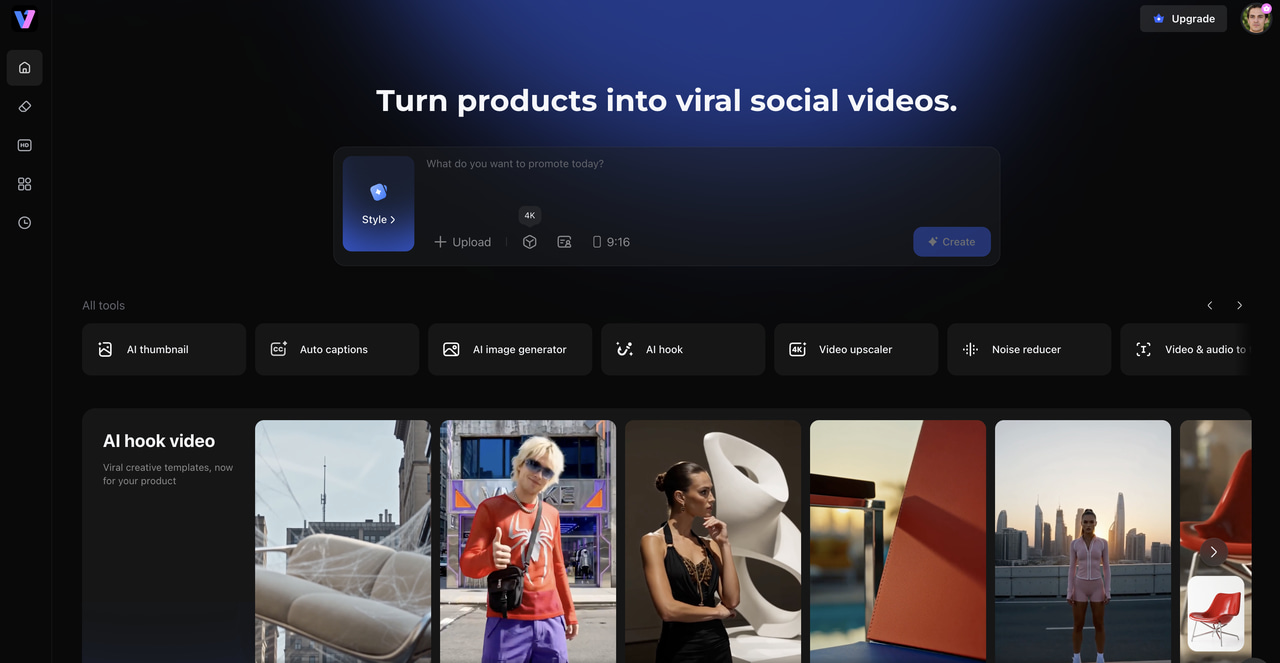
Vmake Labs is an AI image generator for creating product photos, marketing creatives, social media visuals, and digital artwork from text prompts. It offers multiple AI models for different image styles and lets users generate images directly in the browser. Its workflow is well suited for marketers, e-commerce sellers, designers, and content creators who need images for commercial projects.
Key features
-
Multiple AI models for every style: Generate images from text prompts using AI models optimized for realistic photos, artistic illustrations, product images, and creative concepts.
-
High-quality images for various use cases: Create photorealistic portraits, product photos, marketing creatives, social media graphics, and digital artwork with detailed and professional quality results.
-
Fast browser-based image generation: Create AI images directly from your browser without installing software, with cloud processing that delivers quick results across devices.
-
Flexible aspect ratios for any platform: Choose from a variety of predefined aspect ratios for social media, websites, online stores, presentations, and advertising so you don't have to crop manually.
-
Simple interface for all skill levels: The simple prompt-driven workflow allows beginners to generate images with ease, and professionals can use it to create and fine-tune high-quality visuals with plenty of flexibility.
Step-by-step guide
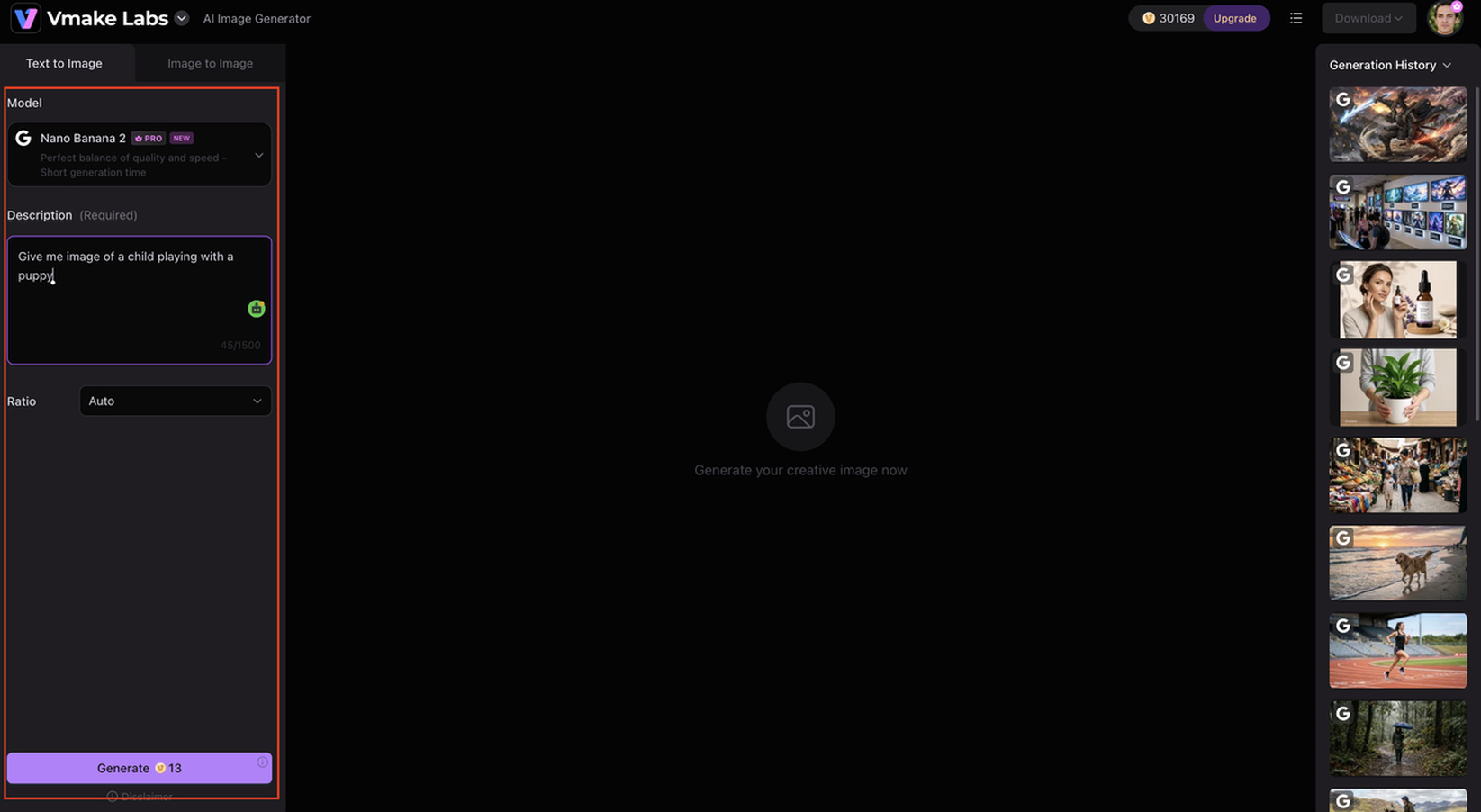
Step 1: Enter your text prompt
Start by describing the image you want to create. Adding details such as the subject, background, lighting, colors, camera angle, and artistic style helps the AI generate more accurate and visually appealing results.
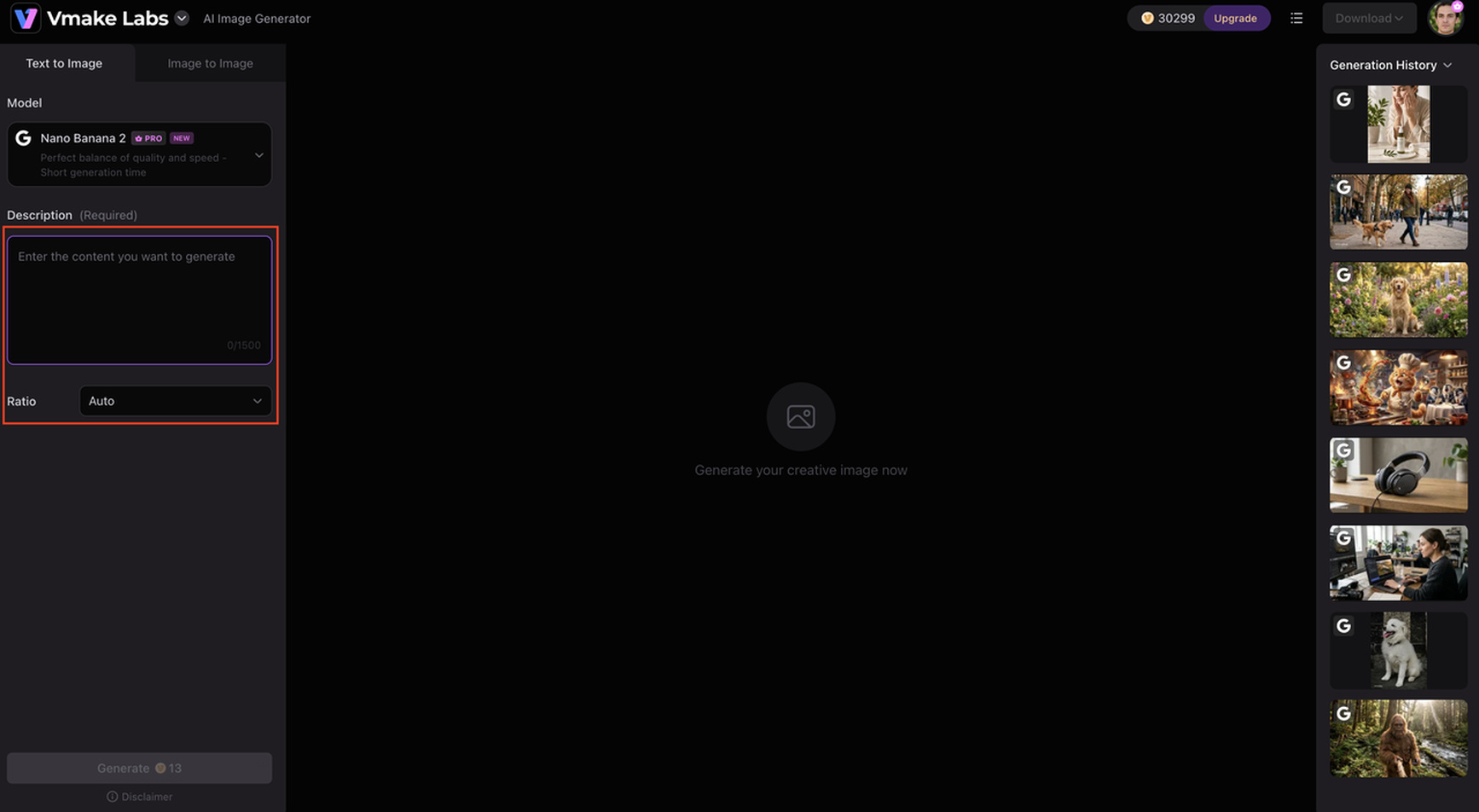
Step 2: Choose your preferred AI model and aspect ratio
Choose the appropriate AI model for your project, then select an aspect ratio based on where your image will be utilized. For example, square forms perform well for social media, yet landscape layouts are more appropriate for banners and presentations.
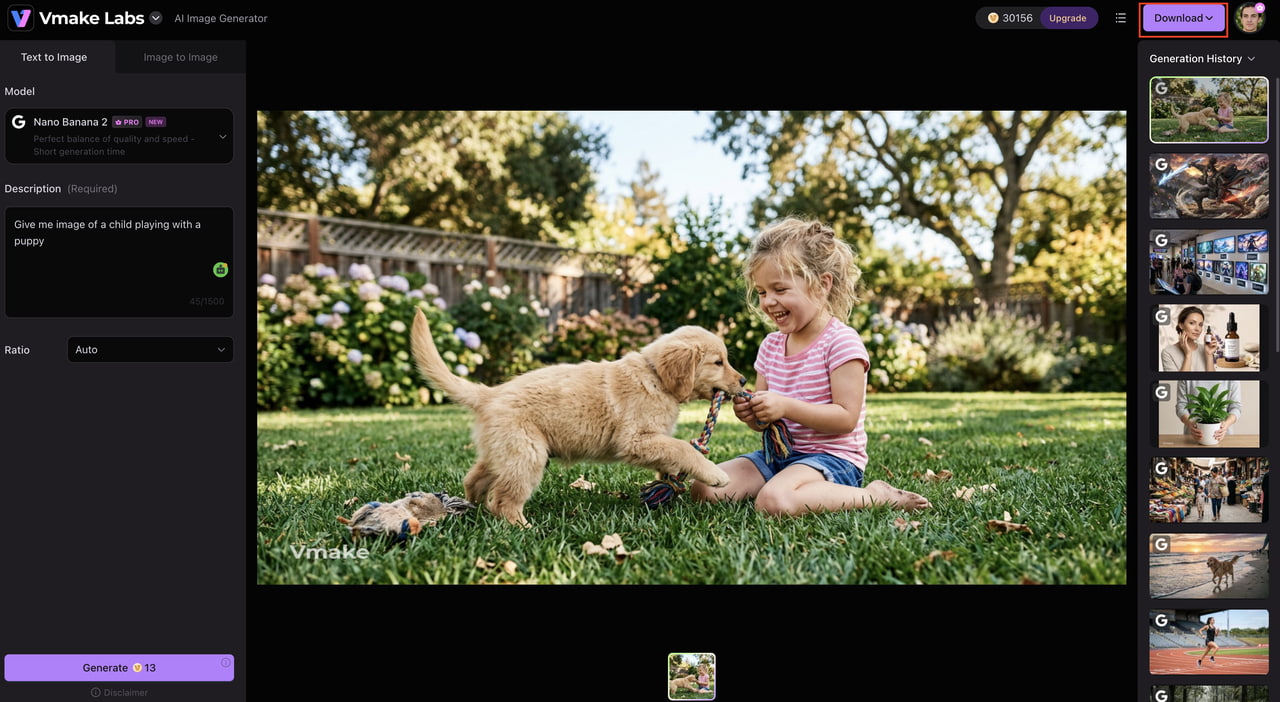
Step 3: Generate, refine, and download your image
Click Generate and review the AI-generated results. If needed, adjust your prompt or try another model to improve the output before downloading the final image in your preferred format.
Pros and cons
|
Pros |
Cons |
|---|---|
|
|
Pricing
|
Plan |
Pricing |
Best for |
|---|---|---|
|
Free |
$0 |
Exploring the platform with limited feature access and AI models. |
|
Plus |
$9.99/month |
Individual creators who need more monthly credits, access to popular AI models, and faster creative workflows. |
|
Pro |
$29.99/month |
Professionals and businesses that require higher credit limits, more AI models, batch processing, and commercial use. |
-
Midjourney
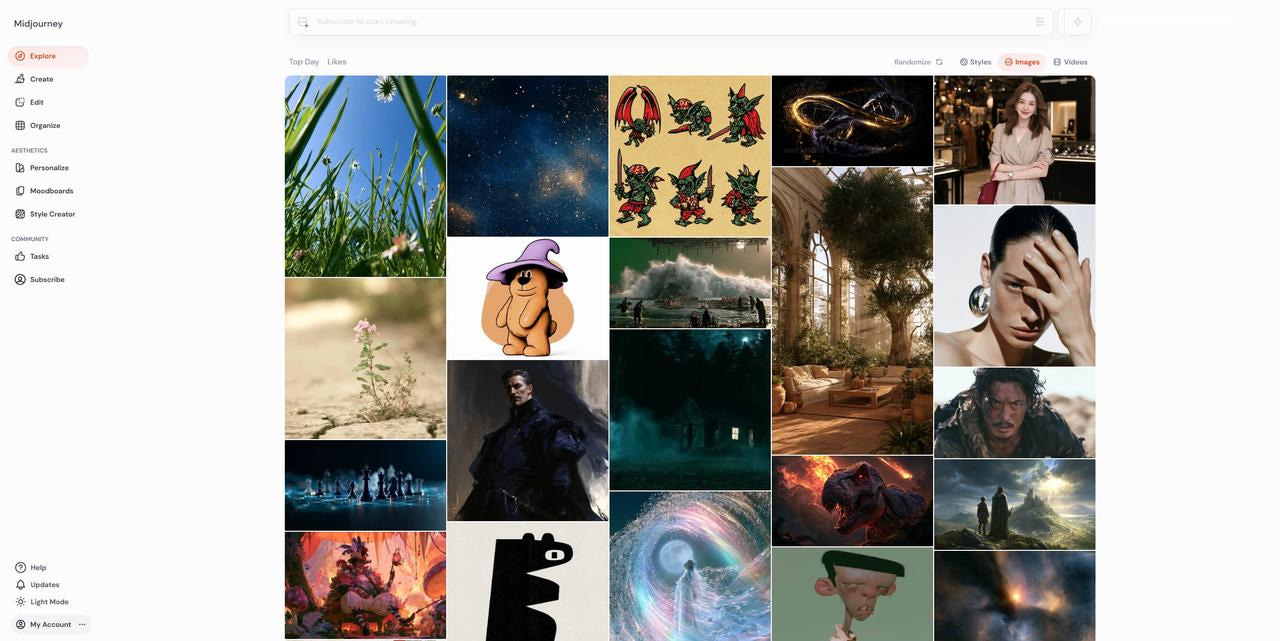
Midjourney specializes in concept art, fantasy illustrations, character designs, and cinematic scenes. It produces highly stylized images with consistent artistic direction, making it a preferred choice for illustrators, game artists, and creative professionals working on visual storytelling.
Key features
-
Exceptional artistic image generation
-
Advanced prompt interpretation
-
Consistent artistic styles
-
Large creative community
Pros and cons
|
Pros |
Cons |
|---|---|
|
|
Pricing
|
Plan |
Price |
Best For |
|---|---|---|
|
Basic |
$8 / mo ($96/yr) |
Hobbyists & beginners doing light testing |
|
Standard |
$24 / mo ($288/yr) |
Freelancers & creators needing high volume |
|
Pro |
$48 / mo ($576/yr) |
Agencies & commercial artists needing privacy |
|
Mega |
$96 / mo ($1,152/yr) |
Enterprise production studios & heavy pipelines |
-
ChatGPT (GPT Image)
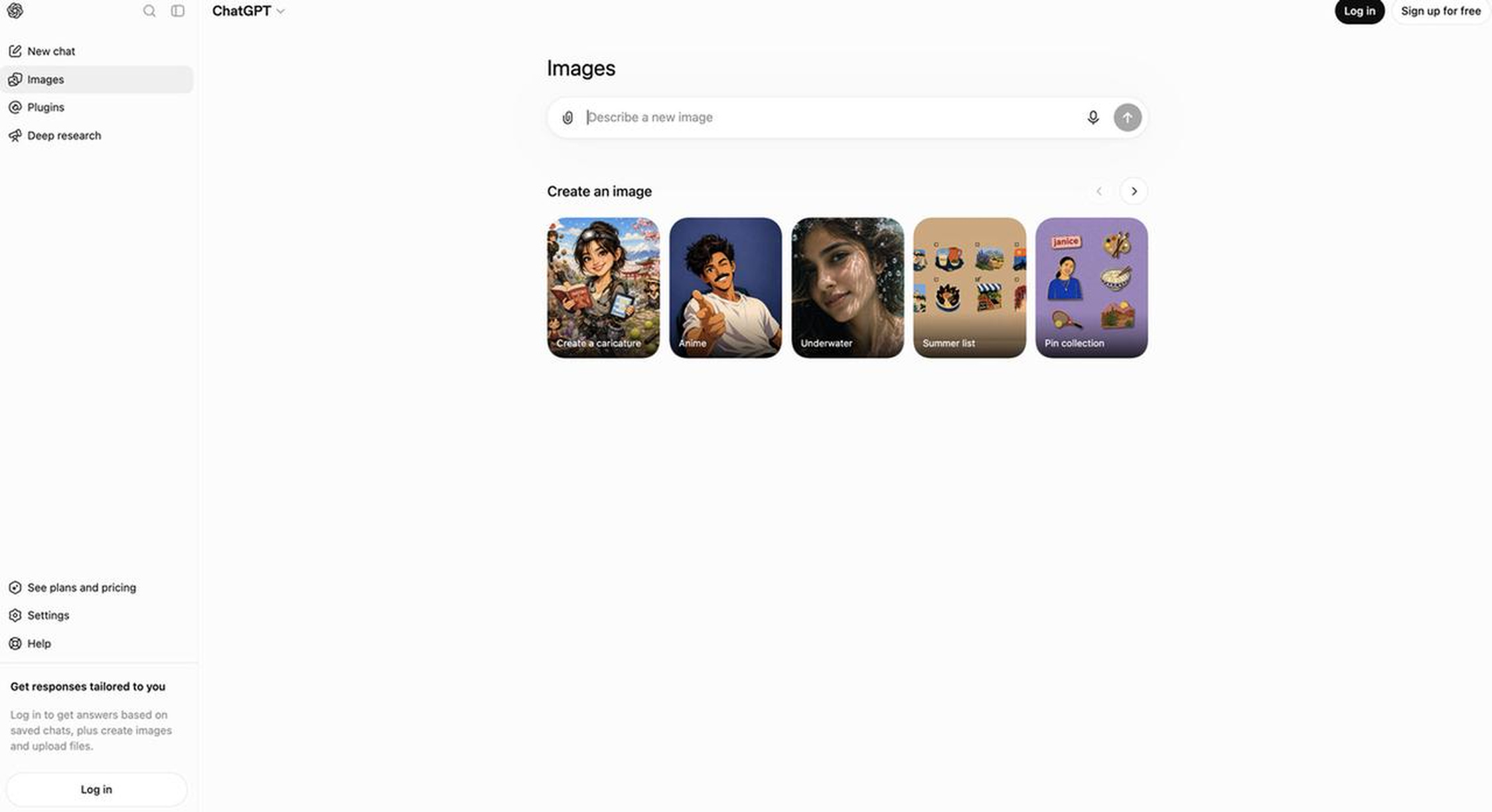
ChatGPT (GPT Image) generates and edits images through natural language conversations. Users can refine an image by asking for changes to objects, backgrounds, colors, or styles without rewriting the entire prompt. It's useful for content creation, presentations, marketing materials, and everyday design tasks.
Key features
-
Conversational image generation
-
Prompt refinement through chat
-
Image editing capabilities
-
High-quality realistic and creative outputs
-
Cross-platform accessibility
Pros and cons
|
Pros |
Cons |
|---|---|
|
|
Pricing
|
Plan |
Pricing |
Best for |
|---|---|---|
|
Free |
Free (limited image generation) |
Casual users who want to try AI image generation. |
|
Plus |
$20/month |
Individuals who need higher image generation limits, faster responses, and access to the latest GPT models. |
|
Pro |
$200/month |
Power users, professionals, and businesses requiring the highest usage limits and priority access to advanced features. |
-
Adobe Firefly
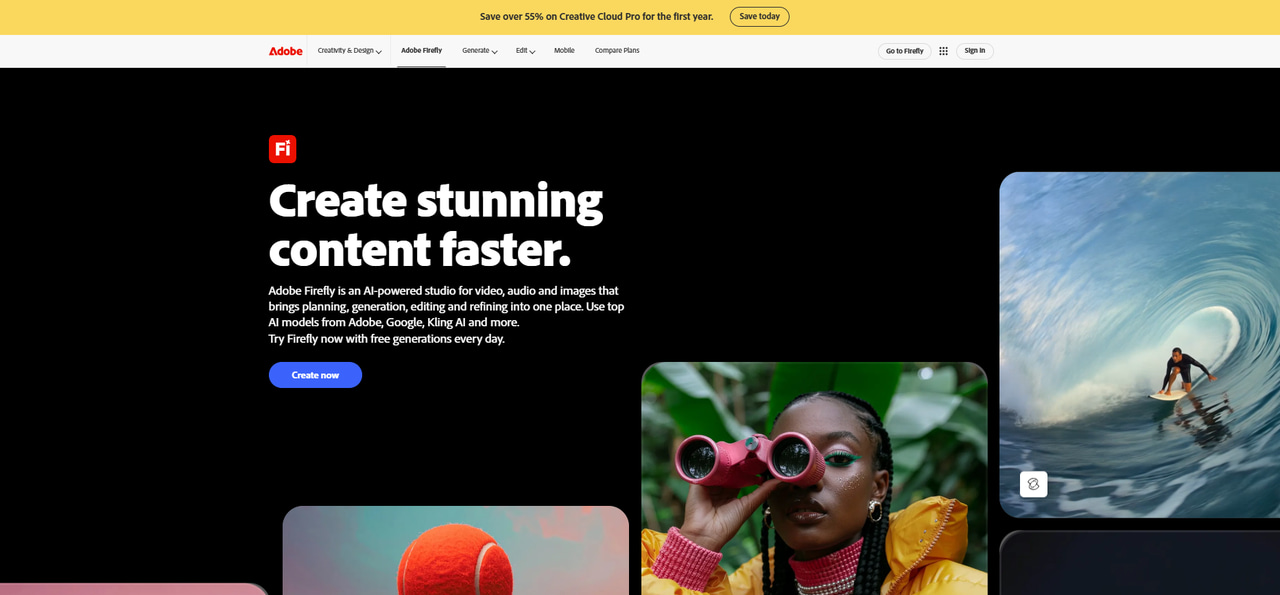
Adobe Firefly focuses on commercial content creation and integrates directly with Photoshop, Illustrator, and Adobe Express. It supports text-to-image generation and AI editing features like Generative Fill, making it suitable for brand assets, advertising materials, and client projects.
Key features
-
Commercially trained AI models
-
Text-to-image generation
-
Generative Fill
-
Adobe Creative Cloud integration
-
Professional editing workflow
Pros and cons
|
Pros |
Cons |
|---|---|
|
|
Pricing
|
Plan |
Pricing |
Best for |
|---|---|---|
|
Firefly Standard |
$9.99 / month |
Creators need a moderate amount of AI generation (2,000 generative credits/month) for images, video, and audio. |
|
Firefly Pro |
$19.99 / month |
Regular creators who need higher credit volume (4,000 credits/month) along with access to Adobe Express Premium and Photoshop on web/mobile. |
|
Firefly Pro Plus |
$49.99 / month |
Advanced users need substantial credit limits (10,000 credits/month) and extended video/audio generation capabilities. |
|
Firefly Premium |
$199.99 / month |
High-volume content creators, professionals, and agencies needing large-scale AI creation (50,000 credits/month). |
-
Ideogram
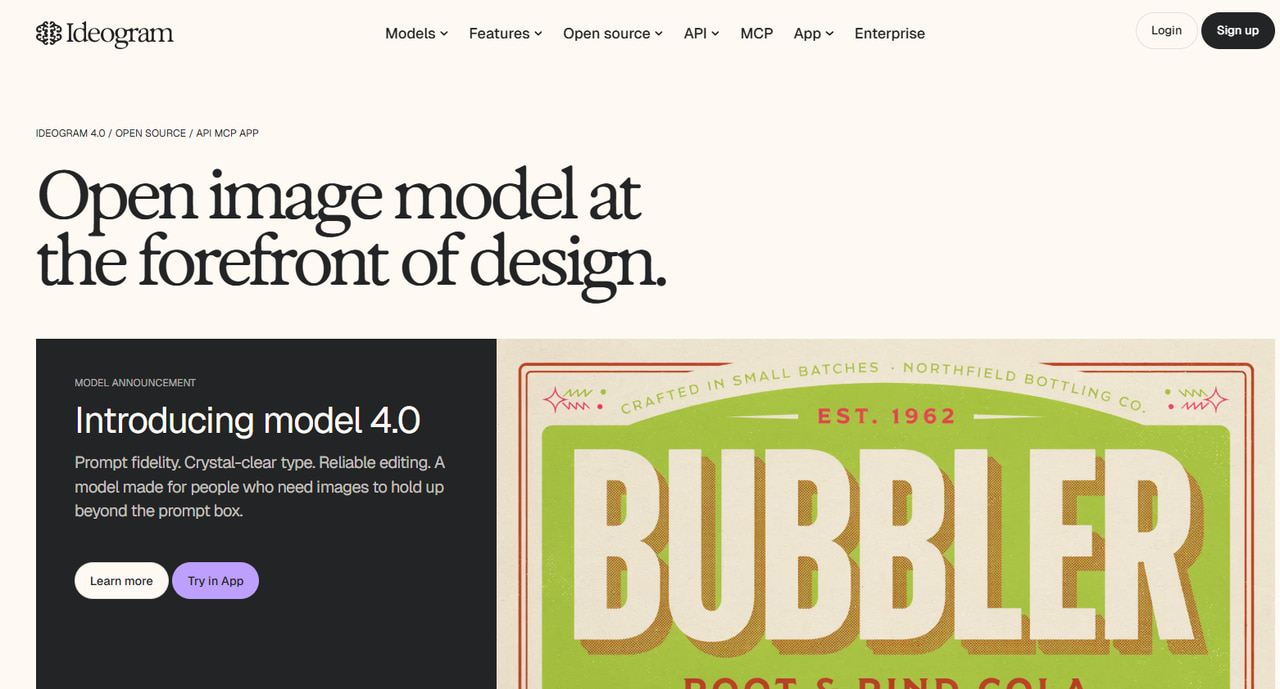
Ideogram is designed for projects that combine AI-generated images with readable text. It performs particularly well for posters, advertisements, social media graphics, book covers, and logos where typography is an important part of the final design.
Key features
-
Industry-leading text rendering
-
Professional graphic design outputs
-
Multiple artistic styles
-
Magic Prompt enhancement
-
Easy web-based interface
Pros and cons
|
Pros |
Cons |
|---|---|
|
|
Pricing
|
Plan |
Price (Annual Billing) |
Best For |
|---|---|---|
|
Free |
$0/mo |
Hobbyists wanting casual/light testing |
|
Plus |
$15/mo |
Creators & freelancers needing standard private workflows |
|
Pro |
$42/mo |
High-volume users & professional designers |
|
Team |
$20/user/mo |
Small teams requiring centralized management |
|
Enterprise |
Custom pricing |
Large organizations & custom integrations |
-
Leonardo AI
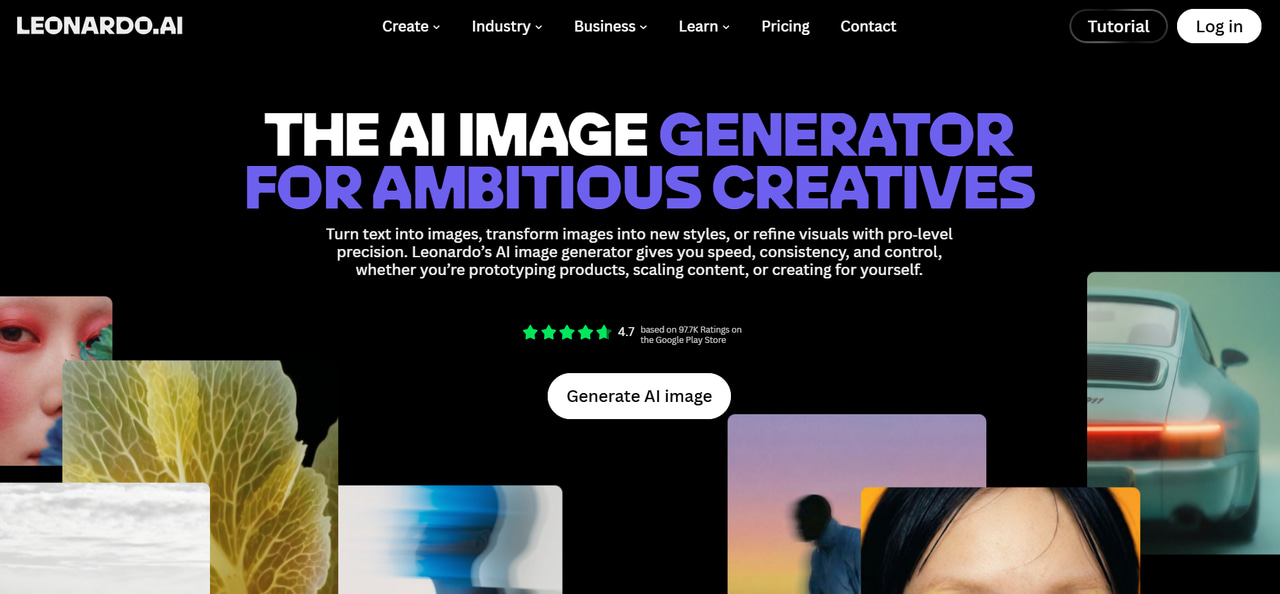
Leonardo AI targets game developers, illustrators, and concept artists who need characters, environments, props, and other creative assets. It also offers custom AI models and image-to-image workflows for users who want more control over the generation process.
Key features
-
Game asset generation
-
Custom AI models
-
Image-to-image generation
-
Built-in editing tools
-
Community models and prompts
Pros and cons
|
Pros |
Cons |
|---|---|
|
|
Pricing
|
Plan |
Pricing |
Best for |
|---|---|---|
|
Free |
$0 / month |
Casual creators and beginners wanting to explore AI art with basic daily tokens (150/day) |
|
Essential |
$12 / month |
Daily hobbyists and enthusiasts needing private creations and a higher token allowance (8,500 credits/month) |
|
Premium |
$30 / month |
Professional creators and power users requiring high token volume (25,000 credits/month) and unlimited relaxed image generation |
|
Ultimate |
$60 / month |
High-volume studios, agencies, and pros needing maximum tokens (60,000 credits/month) alongside unlimited relaxed image and video generation |
-
Flux AI
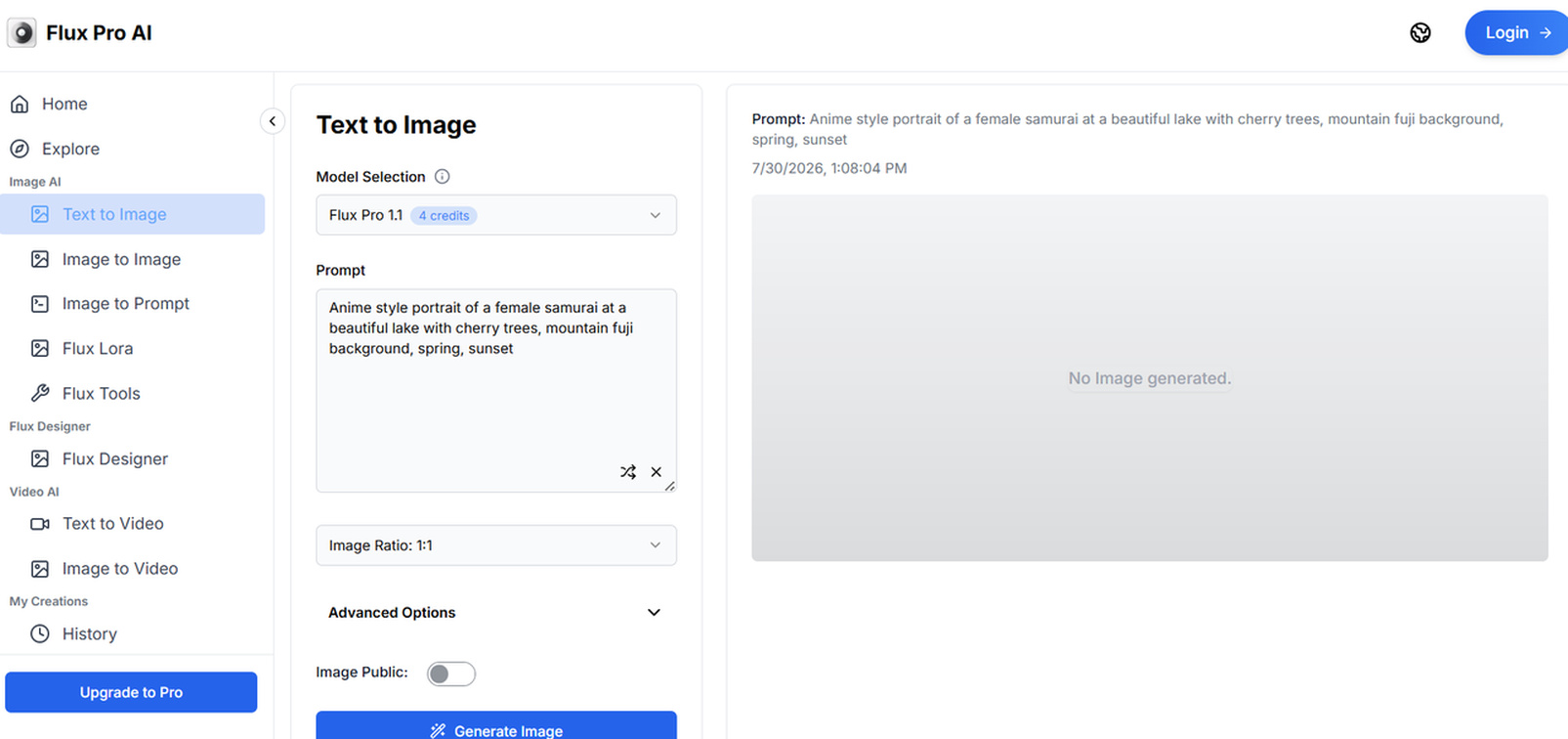
Flux AI focuses on realistic image generation for portraits, products, interiors, architecture, and lifestyle photography. Its accurate prompt interpretation and detailed outputs make it suitable for marketing visuals, mockups, and commercial content.
Key features
-
Highly realistic image generation
-
Excellent prompt understanding
-
Fast image generation
-
Multiple artistic styles
-
High-resolution outputs
Pros and cons
|
Pros |
Cons |
|---|---|
|
Excellent realism |
Limited built-in editing |
|
Fast generation speed |
Some versions require paid access |
|
Strong prompt accuracy |
Smaller ecosystem than competitors |
|
High-resolution outputs |
Limited free usage |
|
Multiple creative styles |
Pricing
|
Plan |
Pricing |
Best for |
|---|---|---|
|
Starter |
$20 / month (or $16 / month billed annually) |
Individual designers starting with PCB design tools, AI chat, and up to 50 private projects (includes 10 ACUs/month) |
|
Pro |
$142 / month per editor (or $112 / month billed annually) |
Professional engineers and designers needing unlimited private projects, advanced library imports, and a higher AI quota (100 ACUs/month/editor) |
|
Teams |
$158 / month per editor (or $120 / month billed annually) |
Organizations requiring shared workspaces, centralized billing, pooled Agent Compute Units (ACUs), and all Pro features |
-
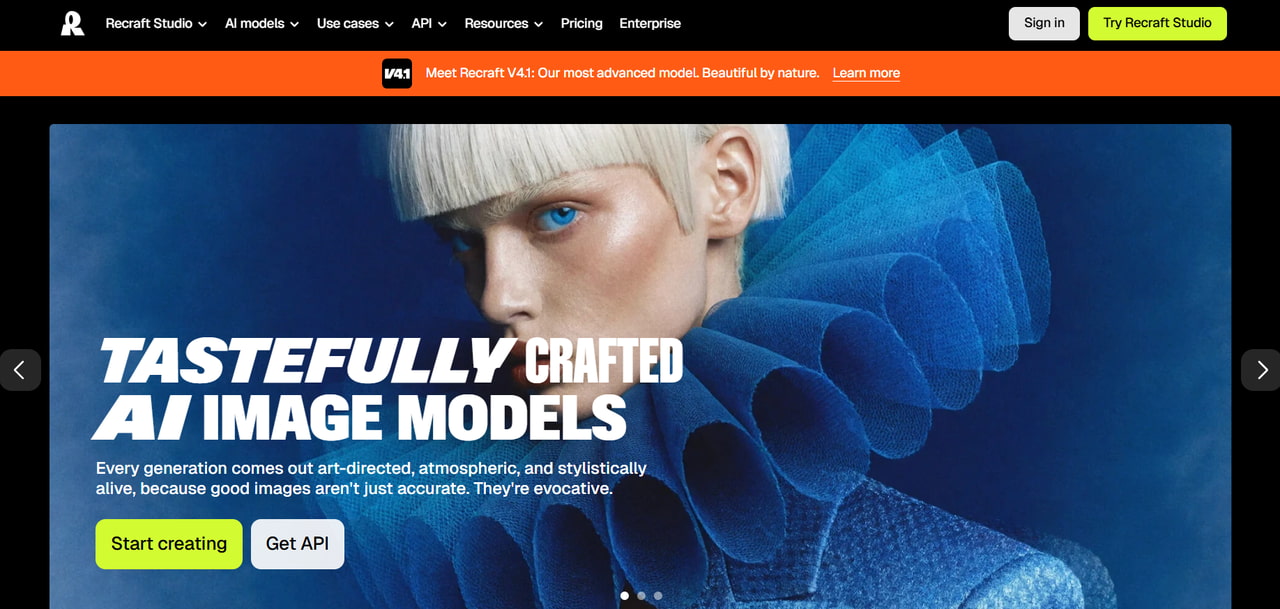
Recraft
Recraft is built for creating logos, vector illustrations, icons, and branding assets. Unlike many AI image generators, it supports editable vector outputs, making it useful for graphic designers, startups, and businesses developing visual identities.
Key features
-
AI logo generation
-
Vector image creation
-
Illustration generation
-
Brand consistency tools
-
Simple editing workflow
Pros and cons
|
Pros |
Cons |
|---|---|
|
Excellent vector support |
Smaller image style library |
|
Great for branding |
Less focused on photorealism |
|
Easy editing tools |
Limited free usage |
|
Professional logo generation |
Some advanced features are paid |
|
Consistent visual styles |
Pricing
|
Plan |
Pricing |
Best for |
|---|---|---|
|
Free |
$0 / month |
Exploring AI features at a basic level (personal use only, public images) |
|
Basic |
$12 / month (or $10 / month billed annually) |
Individual creators with core image generation needs and commercial rights (1,000 credits/month) |
|
Pro |
$19 / month (or $16 / month billed annually) |
Professional creators who need scale and video generation capabilities (2,000 credits/month) |
|
Teams |
$21 / month per seat (or $18 / month per seat billed annually) |
Teams collaborating on shared creative workflows, custom styles, and centralized billing (2,000 credits/month per seat) |
-
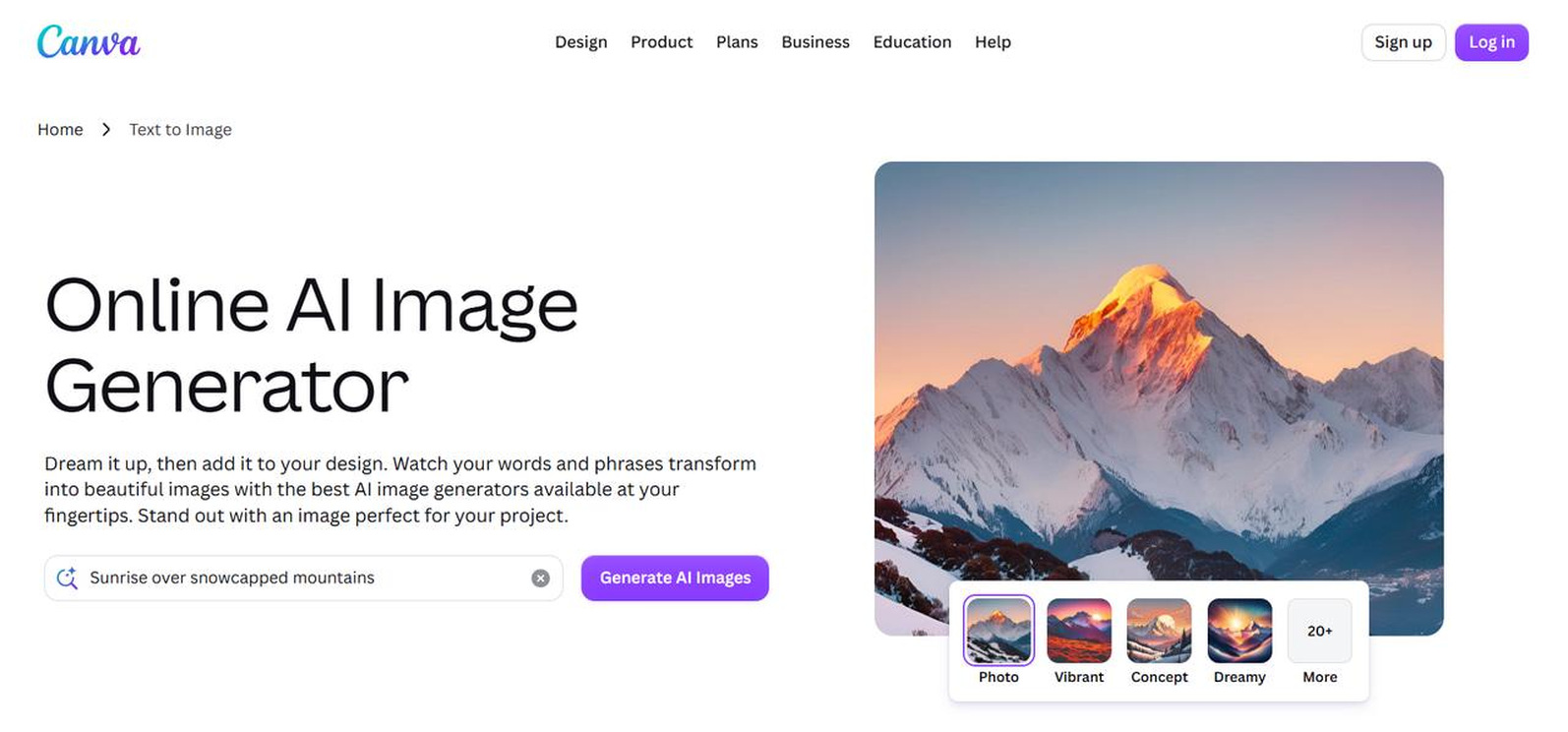
Canva AI
Canva AI generates images directly inside Canva's design workspace, allowing users to combine AI visuals with presentations, social media posts, flyers, and marketing templates. It works well for users who want to create and publish designs without switching between multiple applications.
Key features
-
Integrated AI image generation
-
Drag-and-drop editor
-
Extensive template library
-
Real-time collaboration
-
Cross-platform availability
Pros and cons
|
Pros |
Cons |
|---|---|
|
Beginner-friendly |
AI generation is less advanced than dedicated tools |
|
Huge template library |
Premium assets require subscription |
|
Excellent collaboration |
Limited creative customization |
|
Integrated design platform |
Free AI usage is limited |
|
Available on multiple devices |
Pricing
|
Plan |
Pricing |
Best for |
|---|---|---|
|
Canva Free |
Free / $0 |
Beginners and occasional users |
|
Canva Pro |
$15/month or $120/year ($10/mo billed annually) |
Content creators, marketers, and professionals |
|
Canva Teams / Business |
$10/user/month billed annually ($100/user/yr) or $13–$15/user/month (min. 3 seats) |
Businesses and collaborative design teams |
-
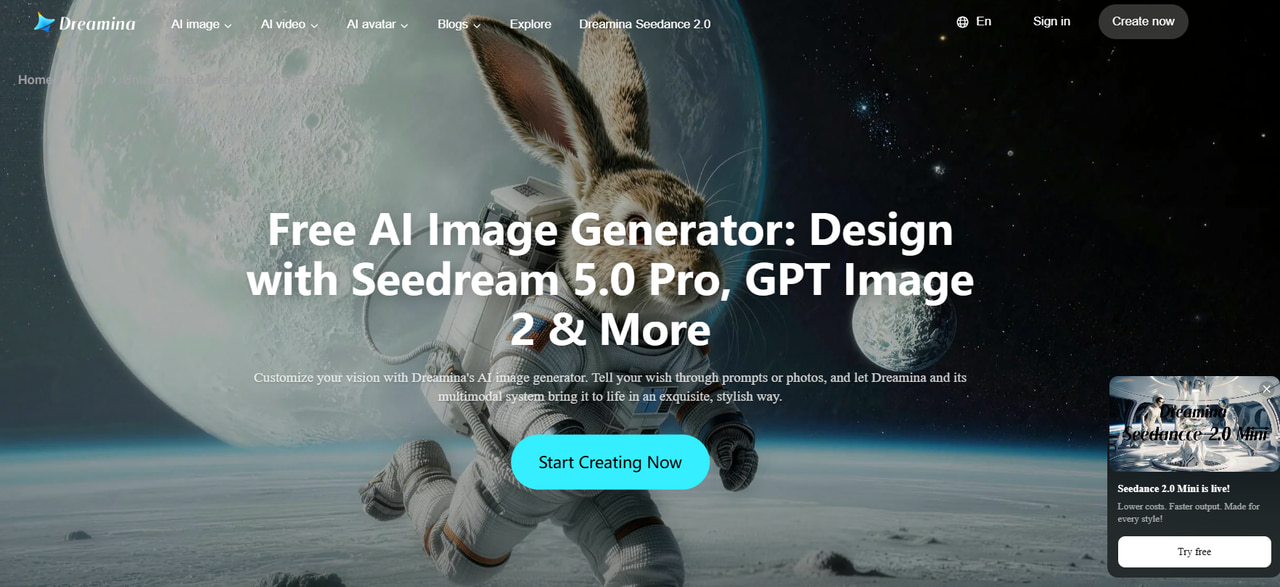
Dreamina
Dreamina creates illustrations, concept art, posters, wallpapers, and social media visuals using text prompts and multiple AI models. Its flexible generation options make it suitable for creators experimenting with different artistic styles and visual concepts.
Key features
-
Creative AI art generation
-
Multiple AI generation models
-
Flexible aspect ratios
-
Beginner-friendly workflow
Pros and cons
|
Pros |
Cons |
|---|---|
|
High-quality creative artwork |
Limited free credits |
|
Multiple AI models |
Advanced editing features are limited |
|
Easy-to-use interface |
Some features require paid access |
|
Flexible output formats |
Smaller community than competitors |
|
Strong artistic styles |
Pricing
|
Plan |
Pricing |
Best for |
|---|---|---|
|
Free |
$0 / month |
Casual users looking to test features with daily bonus credits and limited access |
|
Basic |
$18 / month |
Individual creators generate moderate content (1,010 credits/month, up to 505 images or 42 videos) with watermark removal and enhanced video quality (60 FPS) |
|
Standard |
$42 / month |
Regular creators needing higher generation capacity (4,040 credits/month) and all Basic features |
|
Advanced |
$84 / month |
High-volume power users seeking the best value per credit and maximum generation capacity (13,110 credits/month) |
Get better results from any AI image generator
Even the strongest AI image generator will work better if you give it precise instructions and fine-tune your suggestions. These practical tips can help you develop more precise, realistic, and visually pleasing photos with fewer retries.
-
Write detailed prompts: Describe the subject, background, lighting, colors, camera angle, and style to help the AI generate more accurate results.
-
Specify style and composition: Mention visual styles like photorealistic, anime, or watercolor, along with lighting and camera perspectives for better-quality images.
-
Refine and compare results: Generate multiple variations and improve your prompt with small adjustments instead of starting from scratch.
-
Upscale and check licensing: Enhance only your final image to save credits, and review commercial usage terms before using AI-generated images professionally.
Final thoughts
The finest AI picture generator for you will depend on your creative needs. Midjourney is great for creative photos; Ideogram is great at text rendering. Adobe Firefly is good for commercial design, and for conversational editing you can use ChatGPT. Other options like Leonardo AI, Flux AI, Recraft, Canva AI, and Dreamina are also great for varied creative requirements. If you're looking for a well-rounded solution that offers you several AI models, quick generation, high-quality outputs, and an easy-to-use interface, Vmake Labs is a wonderful choice. Experiment with various tools and prompts to find the AI image generator that best suits your productivity and creative ideas.
FAQs
-
What is the best AI image generator?
The best AI image generator depends on what you require. Midjourney is ideal for artistic creations, Adobe Firefly works well for commercial design projects, and ChatGPT provides conversational picture production. Vmake Labs is a strong all-rounder for consumers looking for a balance of quality, speed, and ease of use.
-
Which is the best free AI image generator?
Vmake Labs, Ideogram, Leonardo AI, Canva AI, and Dreamina are just a few AI picture creators with free plans. Free versions usually have credit limits but are a wonderful way to get a taste of AI image generating before committing to a paid plan.
-
What is the best AI for image generation for beginners?
For novices, platforms with easy-to-use interfaces and uncomplicated procedures are often fun to use. Vmake Labs, ChatGPT, and Canva AI have made it easier to create high-quality photos without having advanced prompt engineering or design skills.
-
Which AI image generator creates the most realistic images?
Tools like Flux AI, ChatGPT (GPT Image), Adobe Firefly, and Vmake Labs are capable of creating extremely realistic photos with the correct lighting, textures, and precise details. The last quality also depends on how comprehensive and descriptive your prompt is.
-
Can I use AI-generated images for commercial purposes?
Yes, many AI image generators allow commercial use, but the licensing terms vary by platform and subscription plan. Before using AI-generated images for advertising, branding, or client work, always review the tool's commercial usage policy and terms of service.

You May Be Interested

FLUX AI Image Generator Review 2026: Is It Worth Using?

Raphael AI Image Generator Review 2026: Worth Trying?
How to Create Professional YouTube Thumbnails with AI: A Creator’s 2026 Strategy
PicsArt AI Image Generator Review 2026: Is It Worth Using?
Playground AI Image Generator Review 2026: Is It Worth Using?