GenTube AI Image Generator Review: Tested Features, Pros, & Verdict
We tested the GenTube AI image generator to evaluate its image quality, speed, customization, and real-world usability. See if it's worth using and discover how Vmake Labs simplifies creation.

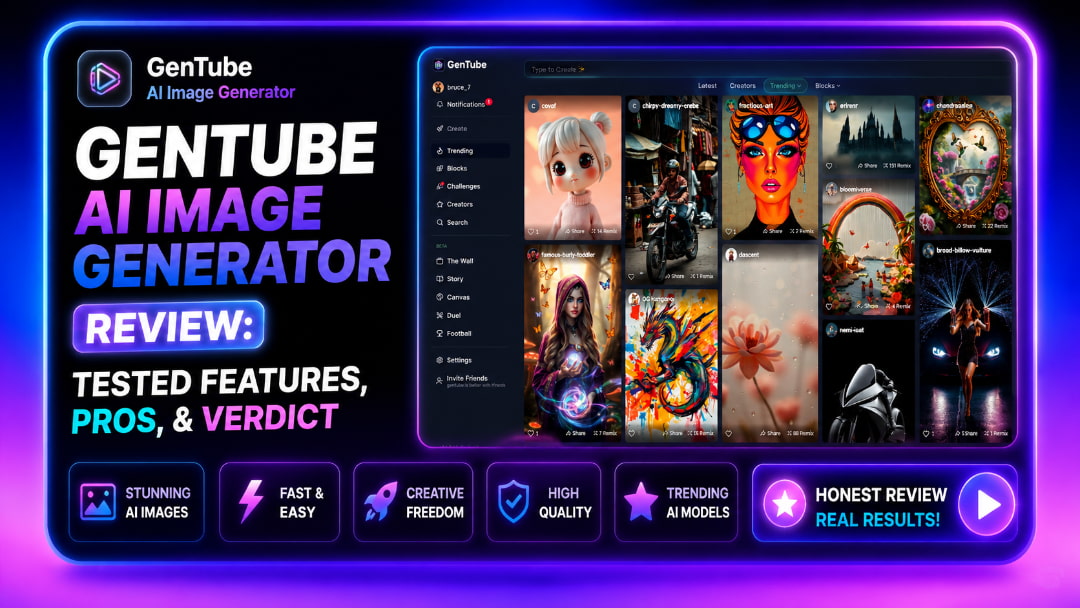
GenTube has gained global attention for offering fast AI image generation with a generous free experience. But does it actually deliver consistent quality? This GenTube AI image generator review combines hands-on testing, international community feedback, and feature analysis to help you decide if it’s the right tool for your workflow.
What is the GenTube AI Image Generator?
The GenTube AI image generator is a cloud-based web application designed to turn conversational text descriptions into visual art almost instantaneously. Because the entire rendering engine operates on remote cloud servers rather than local hardware, creators can access the system across global regions and standard web browsers without needing an expensive, high-end GPU. The text-to-image workflow is structured around simplicity, catering primarily to hobbyists, casual artists, and creators who need rapid visual concepts. Lately, the platform has surged in popularity across technical communities like Reddit, YouTube, and Hugging Face, driven largely by its lightning-fast render speeds and a zero-cost usage model that removes traditional paywalls.
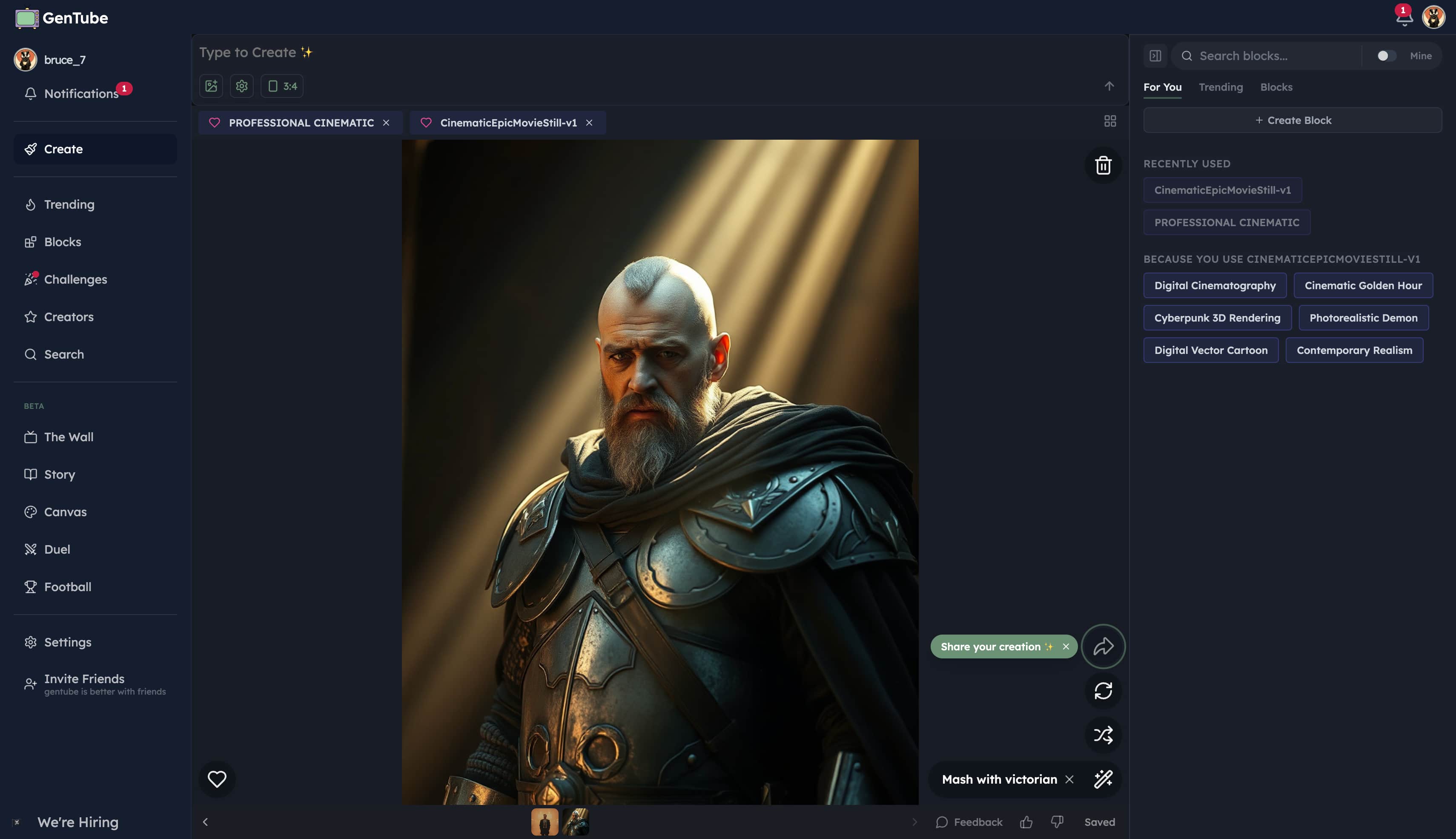
Key Features of GenTube AI Image Generator
-
Lightning-fast text-to-image engine: Renders visual concepts from simple text prompts in just a few seconds.
-
Multiple artistic presets: Easily switch between Anime, Realism, and 2D Illustration styles to match various aesthetic goals.
-
Cloud-based ecosystem: Operates within a browser environment, eliminating the need for heavy local GPU processing.
-
Smart prompt suggestions: Helps beginner creators formulate descriptive inputs for better artistic coherence.
-
Community Gallery: Provides an interactive feed of live creations for instant style inspiration and prompt discovery.
-
Accessible free-usage model: Allows casual experimentation without requiring immediate paid subscriptions.
Our Hands-On GenTube AI Image Generator Review
We tested GenTube across 50+ diverse prompts on both desktop and mobile browsers to evaluate prompt adherence, geographic server response time, style fidelity, and overall creation speed.
|
Category |
Score (out of 10) |
Expert Note |
|---|---|---|
|
Prompt Adherence |
7.5/10 |
Handles simple concepts well, but occasionally struggles with highly complex, multi-subject instructions. |
|
Generation Speed |
9.5/10 |
Consistently delivers images in just a few seconds, making it one of the fastest on the market. |
|
Image Realism |
6.5/10 |
Thrives with anime and digital art styles; photorealism can sometimes feel slightly synthetic. |
|
UI/UX (Ease of Use) |
9/10 |
Highly intuitive, globally accessible browser interface requiring zero technical knowledge. |
|
Free Tier Value |
9/10 |
Offers a highly generous free-access model, perfect for hobbyists and casual testing. |
Deep-Dive In-Text Analysis
When evaluating prompting ease, the natural language processor interprets conversational English smoothly for single-subject scenes, though multi-character interactions often lose spatial accuracy.
Testing realism against stylized art reveals a sharp divide: while the engine excels at vibrant anime aesthetics and crisp digital illustrations, photorealistic prompts frequently display synthetic skin textures and overly smooth lighting.
Consistency remains an occasional challenge, as typical generative quirks, such as distorted finger structures, blended background details, and minor latency spikes during high-traffic windows, can appear during complex rendering tasks.
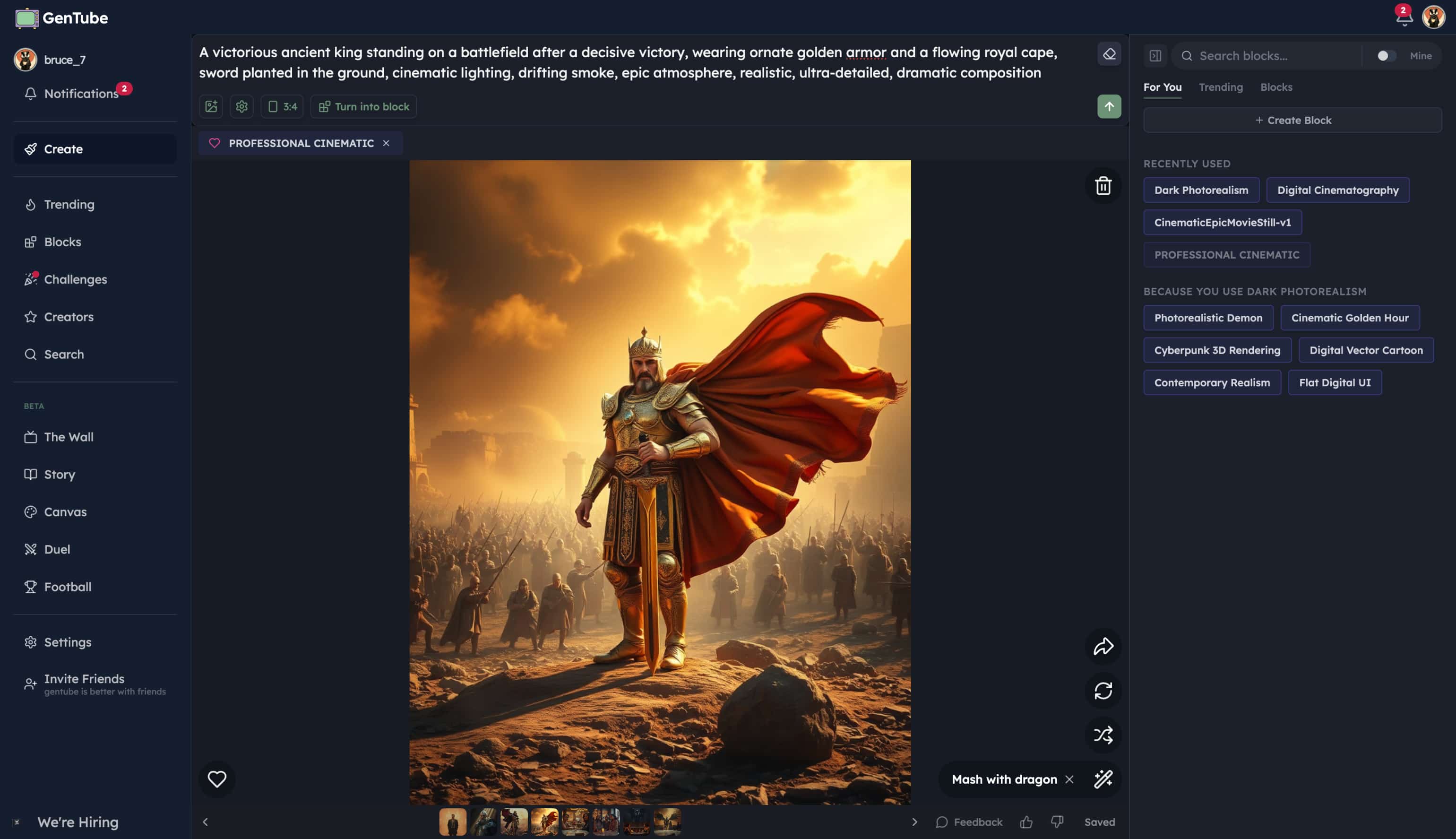
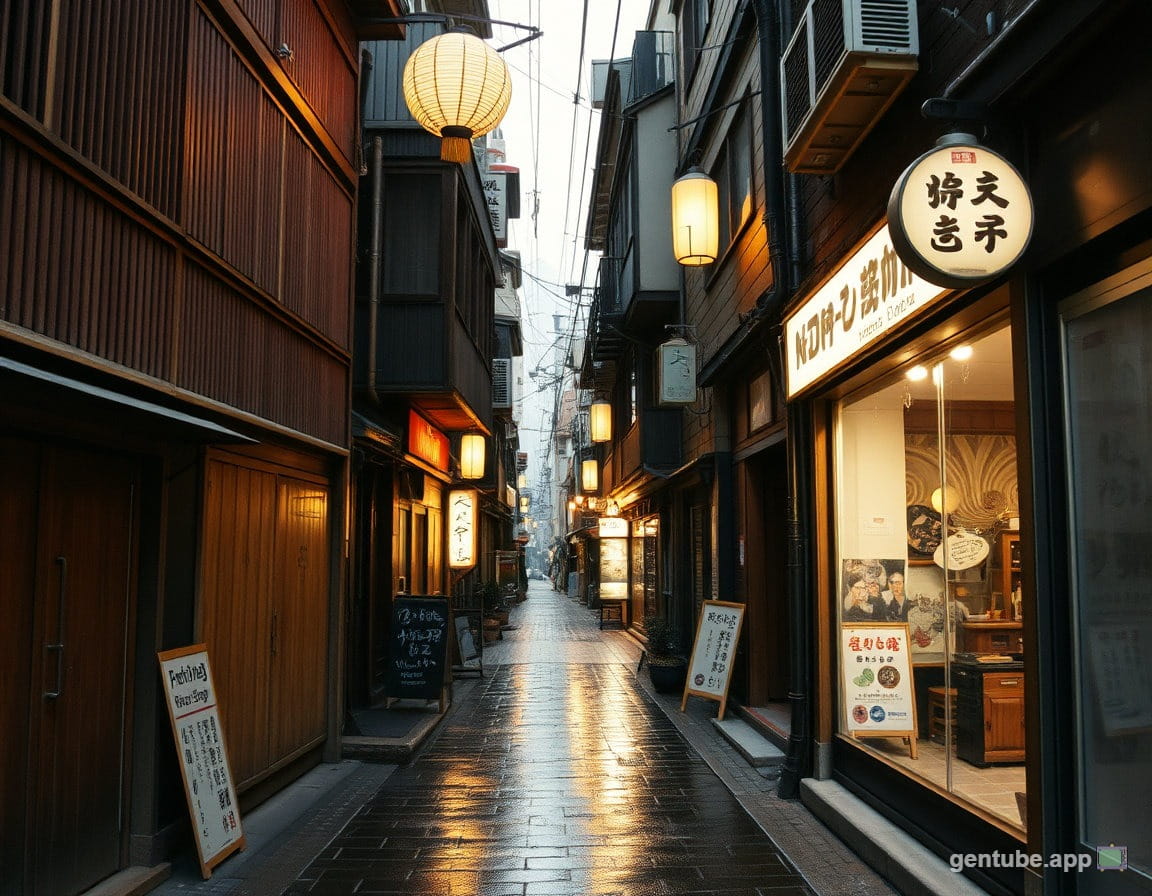
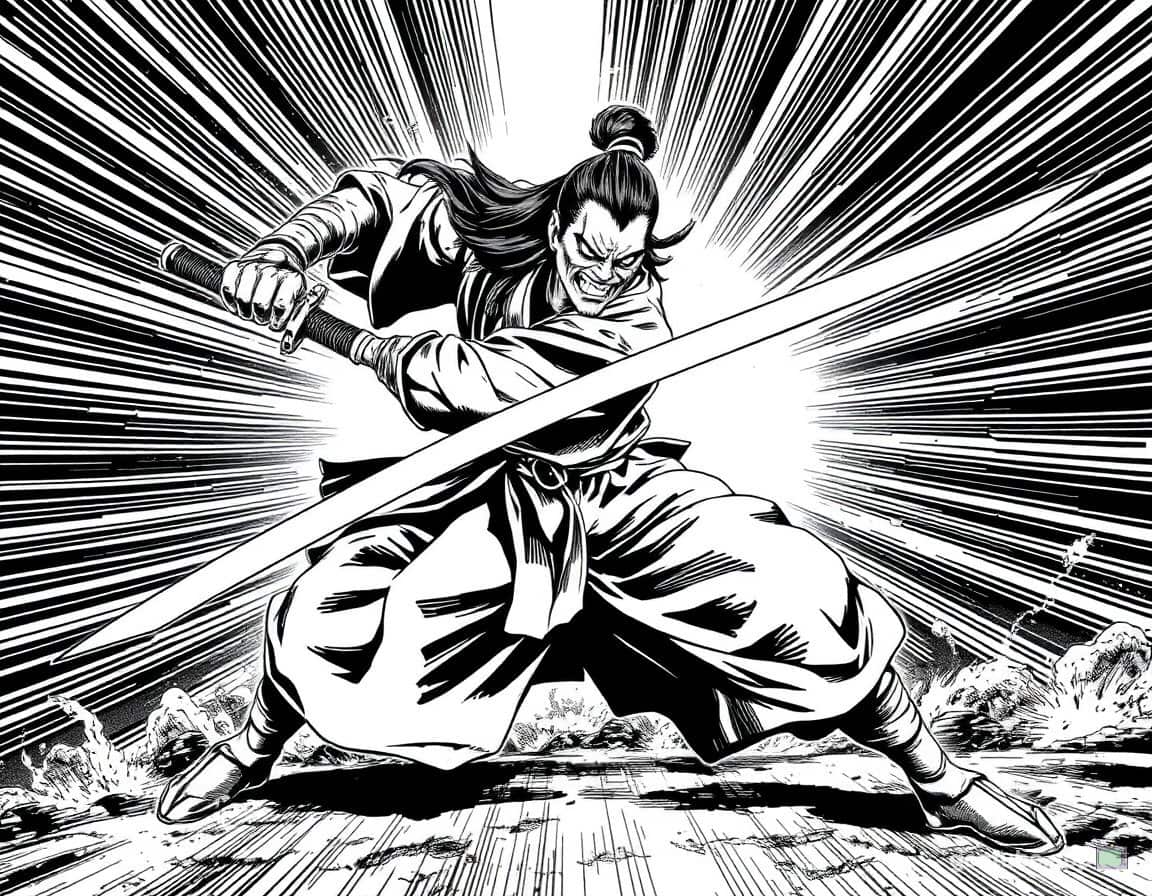
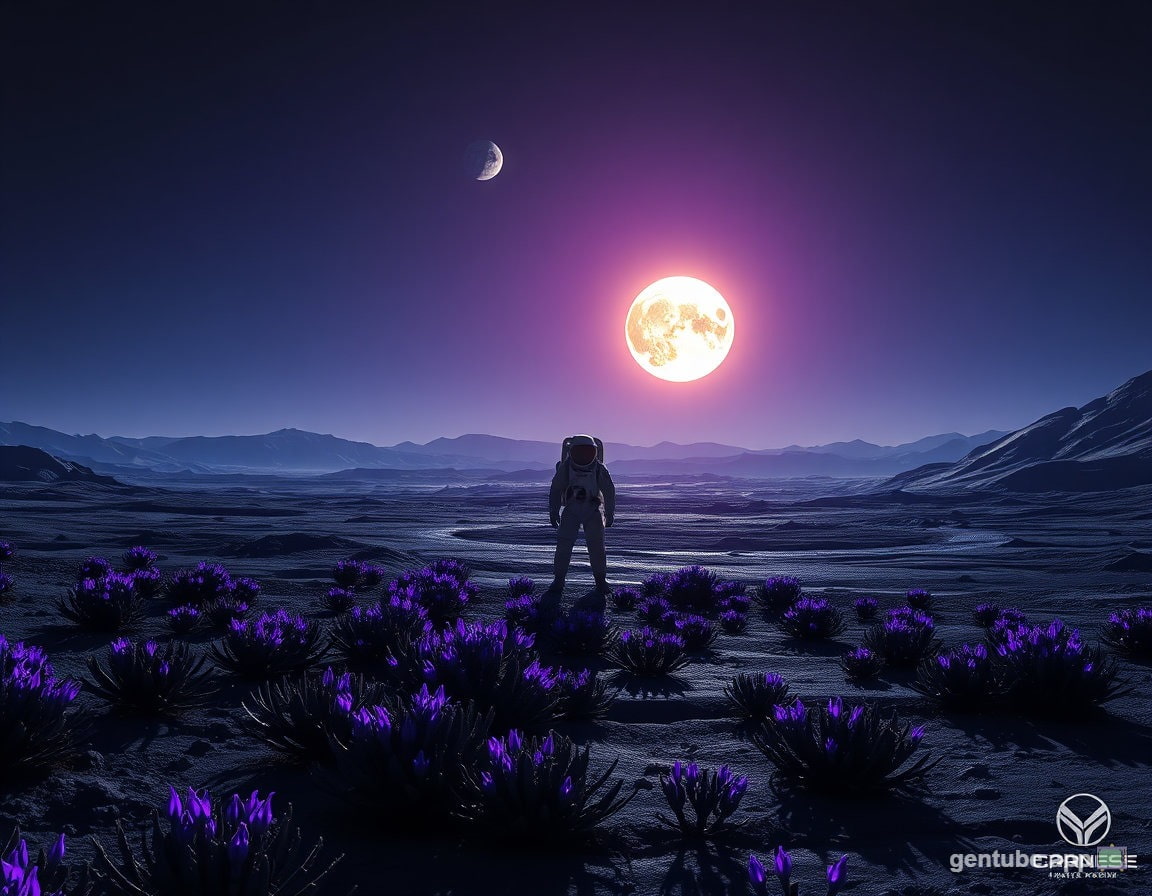
Test results
Realistic street view
Manga anime
Sci-fiction scene
What Users Say About GenTube (Community Consensus)
-
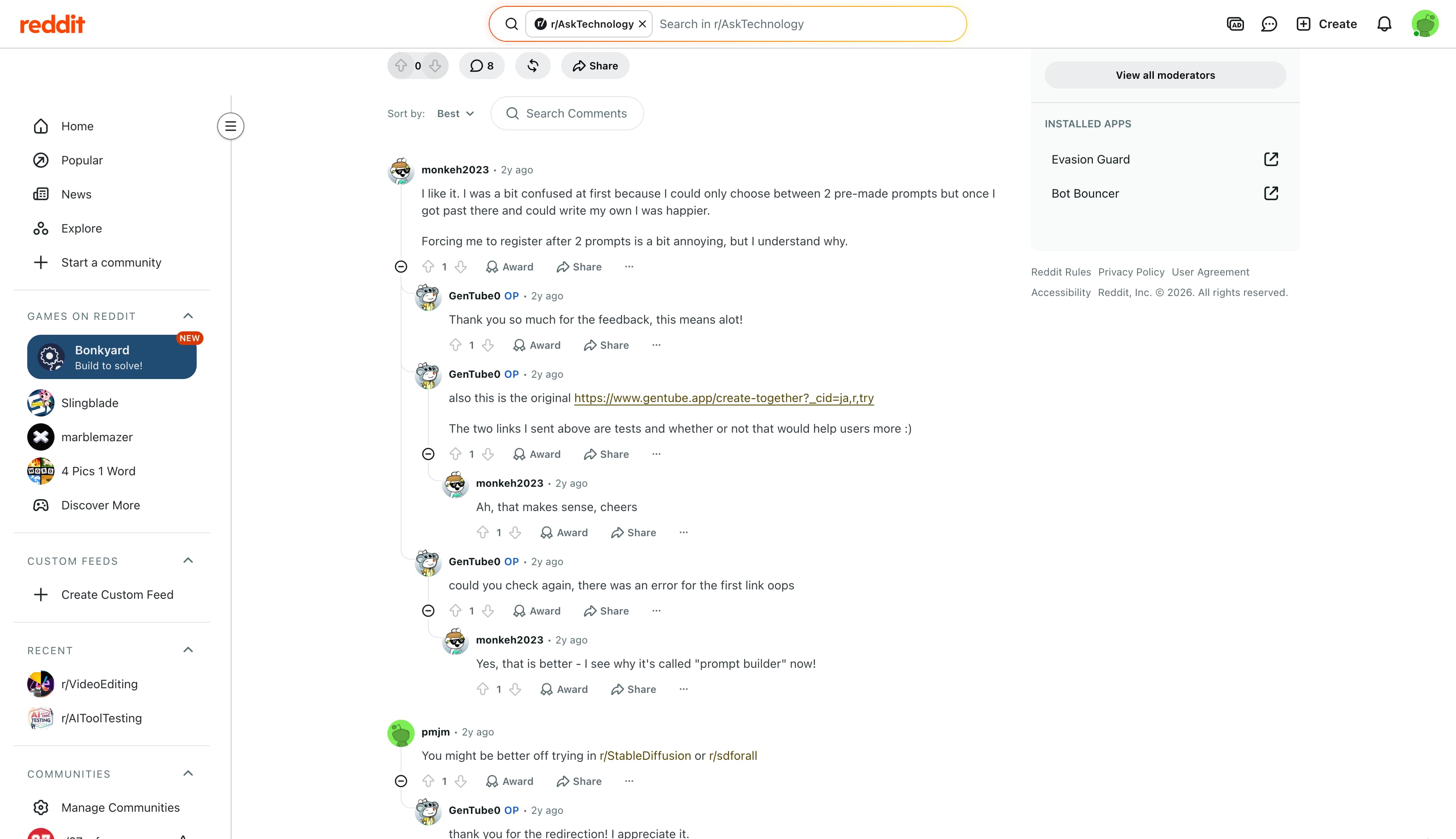
Reddit (r/AskTechnology): Thread replies highlight how fast the tool generates images, with users noting that basic ideas render in seconds. However, several posts point out that complex scenes with multiple people often mix up body positions and background elements.
-
Tech Blogs & Software Review Sites: Independent write-ups confirm that the advertised two-second generation time holds up under normal use. Reviewers also praise the free browser access, giving casual experimenters a risk-free way to test AI art tools.
-
YouTube & Class Central Tutorials: Video walkthroughs showcase the simple dashboard layout, proving that complete beginners can make graphics right away. Content creators repeatedly mention that while anime styles look sharp, exporting high-resolution artwork requires external upscaler software.
Vmake Labs AI Image Generator: A Stronger Choice for Branded Image Creation
As a creative studio, Vmake Labs offers an AI Image Generator that helps small businesses generate, enhance, and optimize visual content to capture attention, build brands, and drive sales. Powered by multi-model technology, the platform supports both Text to Image and Image to Image creation, allowing users to guide their output using structural reference images. Tailored specifically for marketing, product visuals, advertisements, and branded creative assets, Vmake Labs gives creators reliable tools to produce polished graphics that fit commercial campaigns without quality drop-offs.
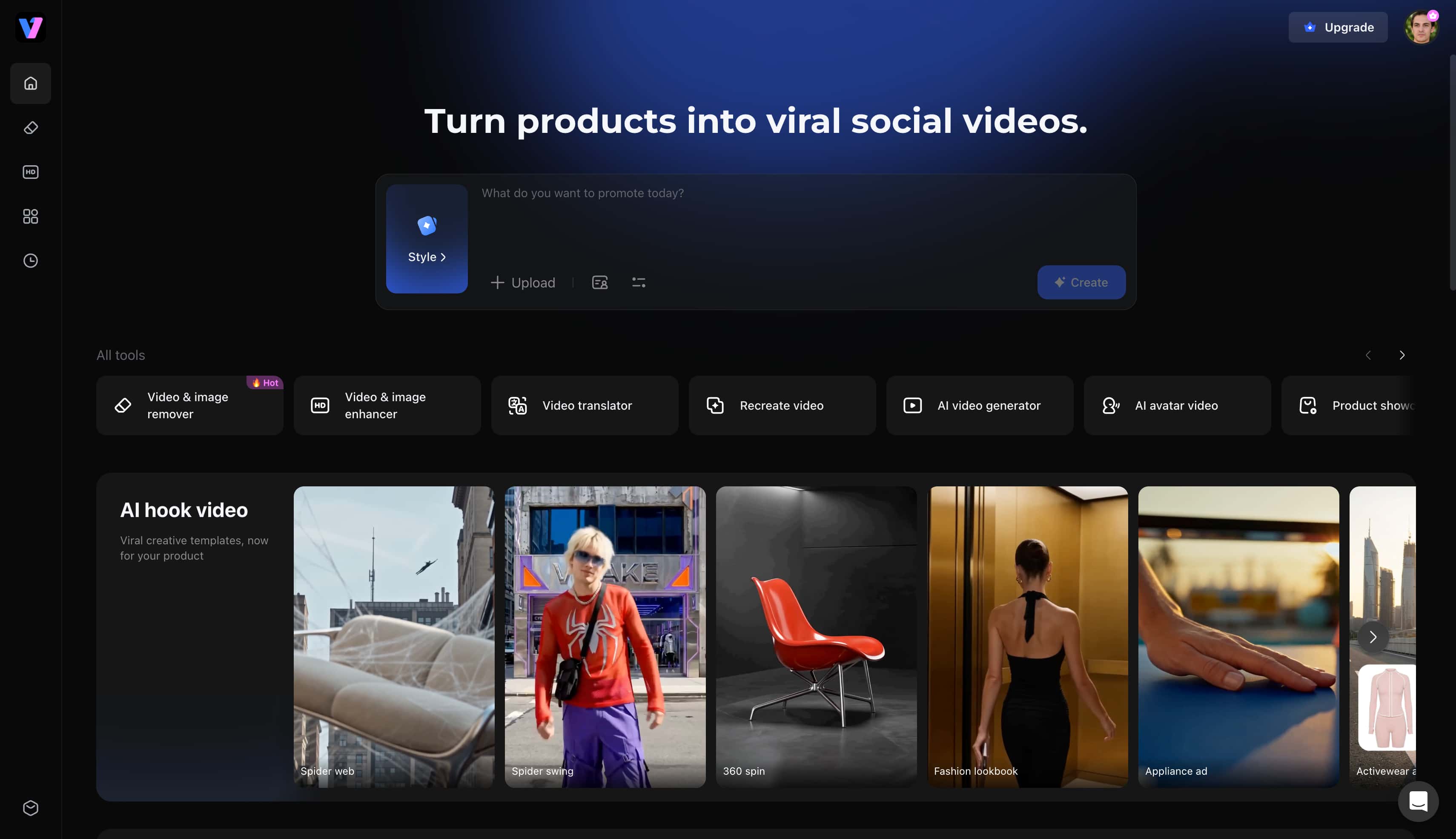
Why Choose Vmake Labs for AI Image Generation?
-
Access to multiple leading AI image engines in a unified workflow: The platform integrates top-tier models like Nano Banana 2, Nano Banana Pro, and GPT Image 1 into a single interface. Users can switch between rendering engines seamlessly to match specific creative requirements without changing platforms. This multi-model support ensures creators can leverage advanced architectural improvements for cleaner visual assets.
-
Dual capabilities: Creators can utilize advanced Text-to-Image and Image-to-Image creation to build scenes entirely from scratch or use reference photos to guide structural layouts. This approach ensures that character designs and product mockups maintain visual consistency across marketing campaigns.
-
Browser-based, platform-neutral workflow accessible worldwide: The cloud application runs smoothly across desktop and mobile browsers without requiring heavy local processing power. Teams can access active projects from any location, streamlining collaborative design efforts.
-
Multi-platform aspect ratio presets (Instagram, TikTok, YouTube, E-commerce): Pre-configured canvas sizes eliminate the guesswork of resizing graphics for different digital channels. Visuals can be optimized instantly for vertical mobile feeds, widescreen video headers, or standard product catalogs. For creators building a broader visual presence, pairing generated assets with a dedicated thumbnail maker ensures a consistent layout across channel uploads.
-
High-speed, commercial-ready image rendering: Optimized server infrastructure processes complex prompts rapidly without sacrificing fine textures or lighting accuracy. The resulting outputs are clean, detailed, and prepared for immediate deployment in advertising workflows.
-
High-resolution image exports ready for print and digital campaigns: Generated files download at crisp resolutions suitable for large-scale displays, web banners, and physical marketing collateral. This high-fidelity rendering prevents pixelation and maintains professional brand standards across all marketing channels.
How to Create Professional AI Images with Vmake Labs
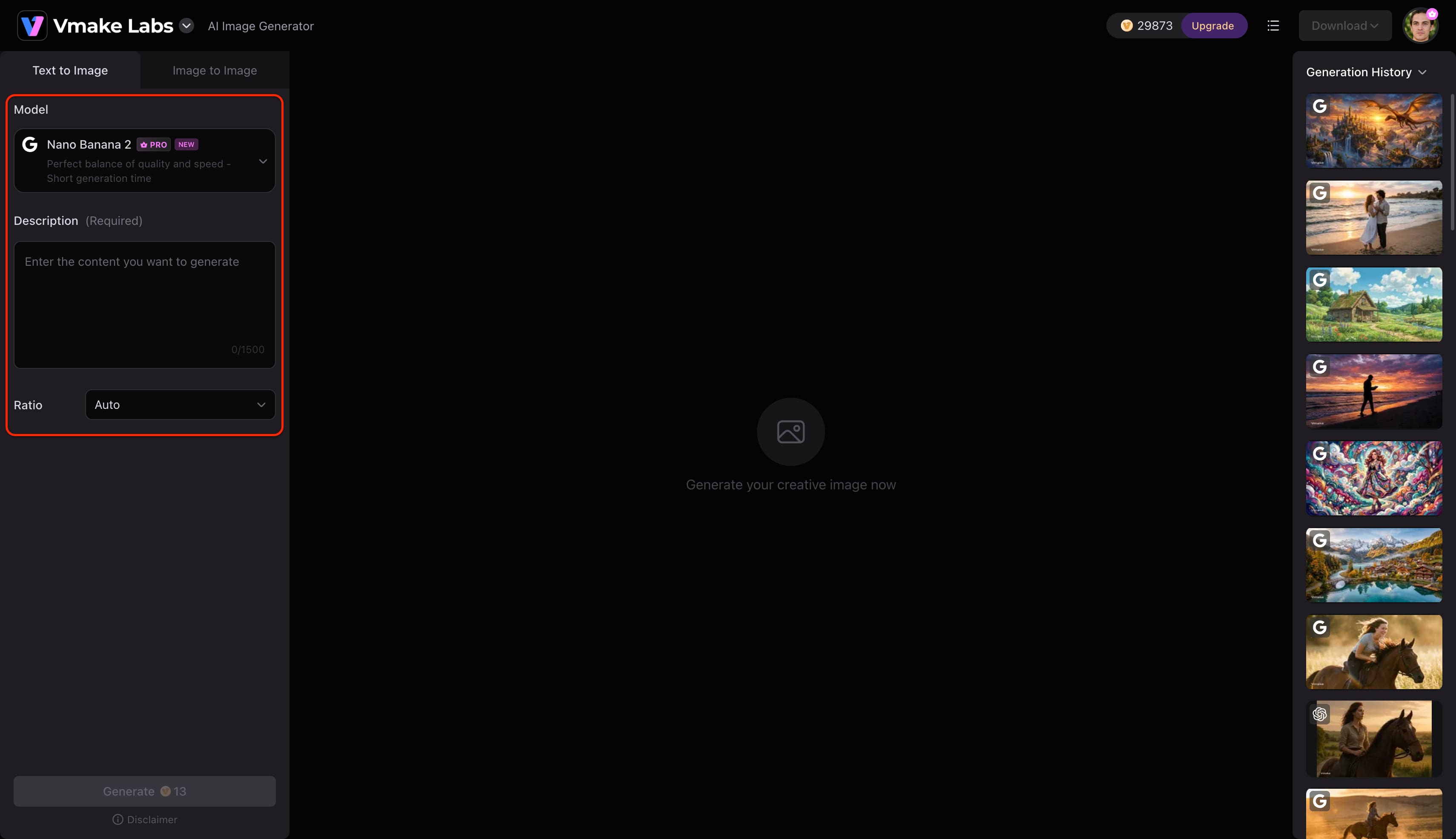
Step 1: Enter a text prompt or upload a reference image
Open Vmake Labs AI Image Generator and choose either Text to Image or Image to Image. Enter a text prompt describing the image you want to create, or upload up to three reference images to guide the AI before generation.
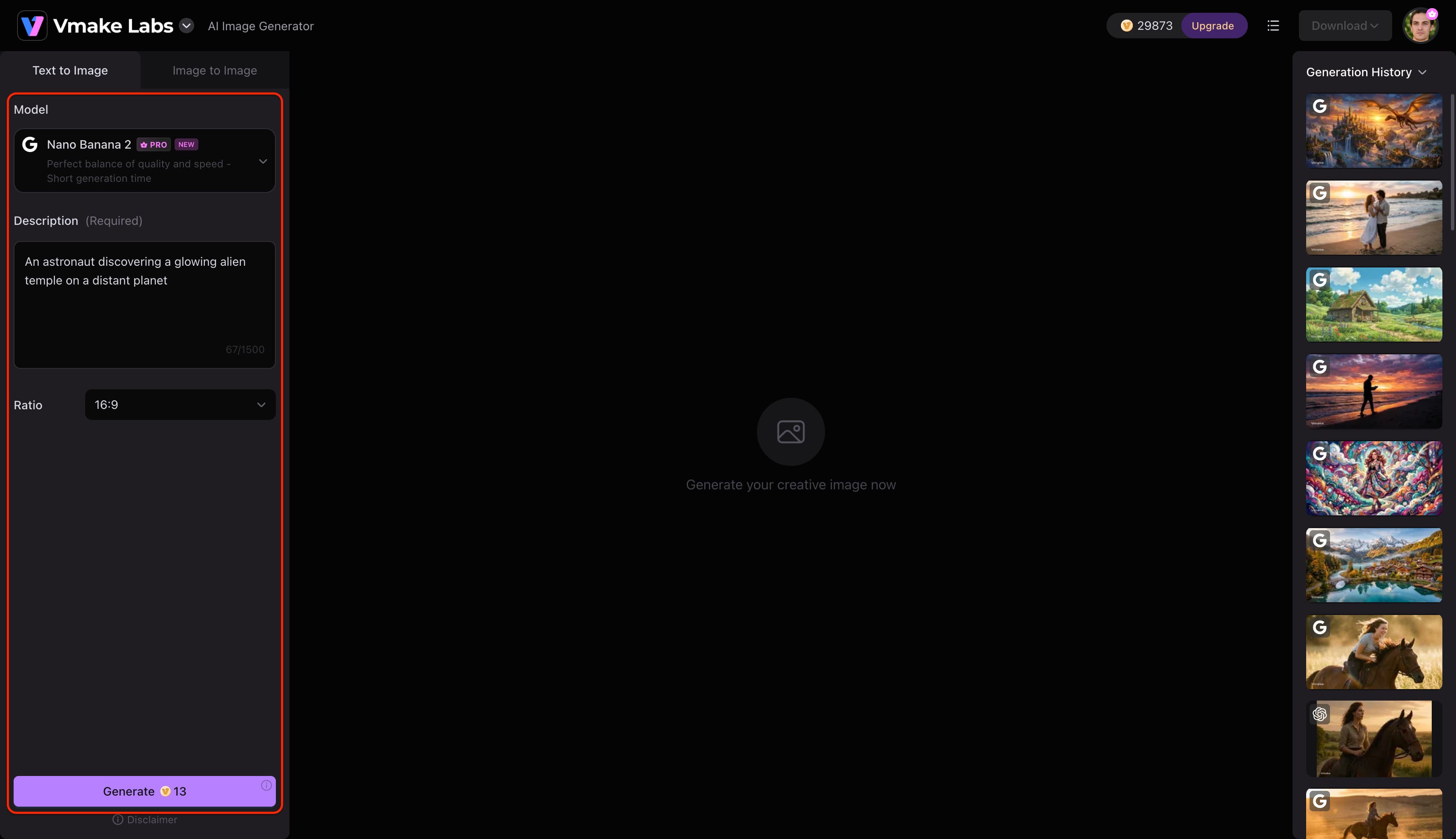
Step 2: Choose an AI model and customise the generation settings
Select the AI model that best suits your project. Vmake Labs AI Image Generator supports Nano Banana 2, Nano Banana Pro, Nano Banana, Seedream 4.0, and GPT Image 1. Then choose your preferred aspect ratio before clicking Generate.
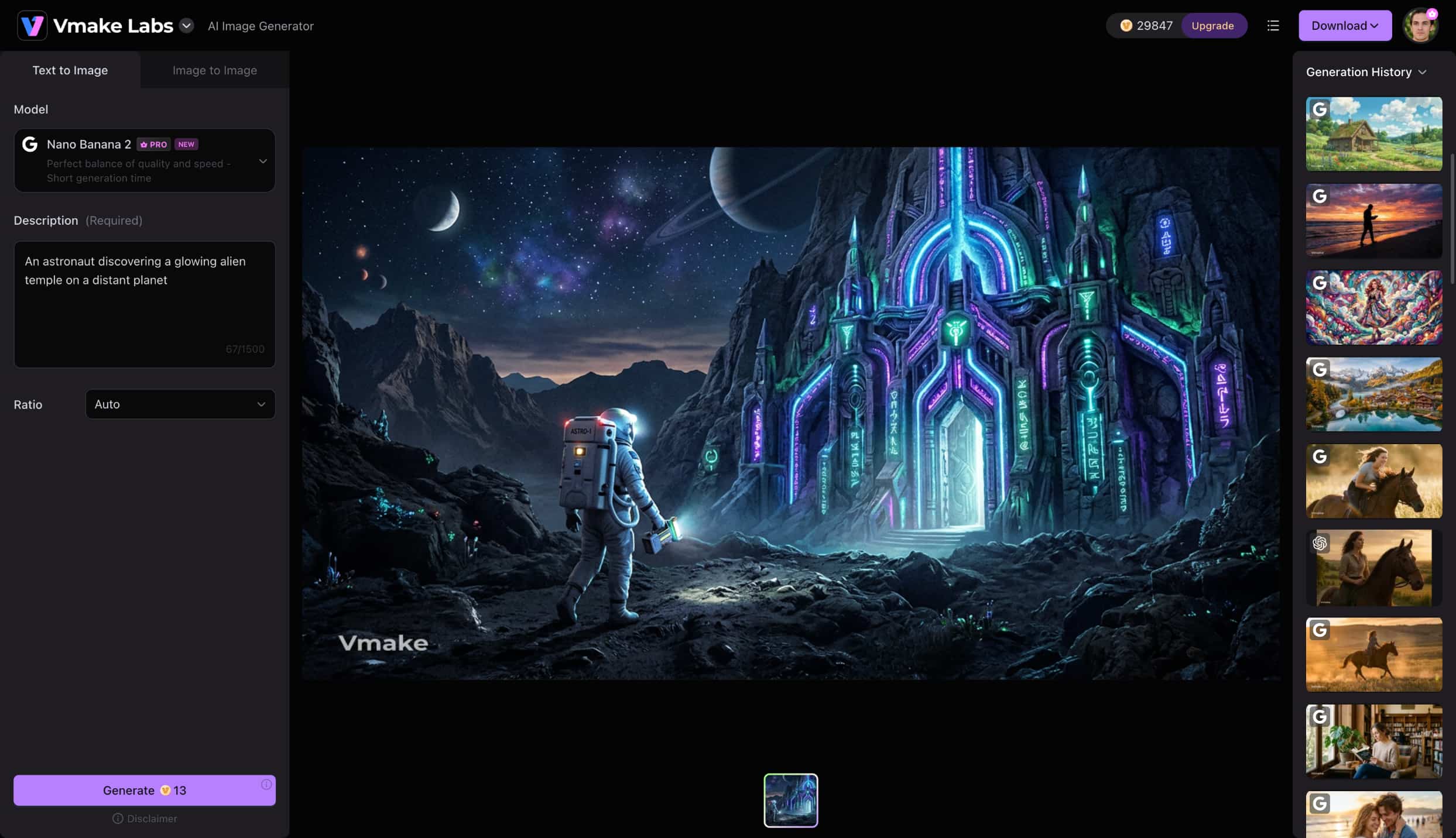
Step 3: Generate and download your image
Click Generate to create your images. Review the generated results, generate additional variations if needed, and download the image that best matches your project.
GenTube AI Image Generator vs. Vmake Labs
Choosing between GenTube and Vmake Labs comes down to what your current project demands—quick, exploratory concept art or polished commercial assets. GenTube fits casual testing with its free, rapid engine, while Vmake Labs delivers strict brand control, high-res exports, and ad-ready layouts. The side-by-side breakdown below shows how both tools compare across key creation tasks.
|
Feature |
GenTube AI Image Generator |
Vmake Labs AI Image Generator |
|---|---|---|
|
Best For |
Casual creators, hobbyists, fast concept art |
Businesses, marketers, e-commerce, professional creators |
|
Primary Strength |
Raw speed and free accessibility |
Commercial-grade fidelity and brand consistency |
|
Image-to-Image Workflow |
Limited / Basic |
Advanced (ideal for product references and staging) |
|
Output Resolution |
Standard web resolution |
High-resolution, marketing-ready exports |
|
Social Media Optimization |
Basic aspect ratios |
Tailored aspect ratios for IG, TikTok, and YouTube |
|
Target Aesthetic |
Anime, quick renders, stylized illustrations |
Photorealism, professional product mockups, ad creatives |
Final Decision Matrix
-
Who should choose GenTube: Casual users needing fast, zero-cost stylized artwork or quick concept sketches.
-
Who should choose Vmake Labs: E-commerce stores, digital agencies, and professional content creators who require high-resolution outputs, brand alignment, and multi-ratio ad graphics. For specialized visual campaigns, utilizing an AI cartoon generator can also help maintain distinct illustrative branding across social promotions.
Conclusion
GenTube is a fun, quick option if you want to test visual ideas without creating accounts or spending money. It handles anime drawings well and creates drafts fast, but it lacks the editing controls needed for business branding. If you need sharp photo realism and reliable marketing graphics, Vmake Labs is the better fit. Casual users can enjoy GenTube for quick experiments, while businesses should pick Vmake Labs for dependable, high-resolution visual assets.
FAQs
Is the GenTube AI Image Generator completely free?
GenTube offers a generous free tier that lets you generate images right in your browser without paying upfront. You can test basic text prompts freely without setting up a subscription.
Does GenTube support image-to-image generation?
GenTube mainly handles text-to-image conversion rather than working from existing uploaded photos. If you need to transform product photos into marketing ads, Vmake Labs works much better.
Is GenTube accessible globally without special hardware?
GenTube runs entirely in cloud servers, so you can access it from standard web browsers anywhere. You don't need a heavy local GPU or custom setup to run it.
What is the best GenTube AI Image Generator alternative?
Vmake Labs AI Image Generator stands out as the top alternative for commercial projects and marketing assets. It delivers higher output resolutions, extra control settings, and cleaner photorealistic textures.
Which AI image generator is better for branded marketing content?
Vmake Labs works far better for branded marketing because it includes custom aspect ratios and image-to-image tools. It also exports print-ready files and connects directly with video tools.

You May Be Interested
Best AI Video Generator: Top Tools Tested (2026)
Aiarty Image Enhancer Review: Is It Worth It for 2026?

ChatGPT Video Generator Review: Features, Pricing & Best Alternative
Can ChatGPT Transcribe Audio? Complete 2026 Guide

Canva AI Image Generator Review: Is It Worth It in 2026?

11 Best Image to Video AI Generators Compared in 2026