
ChatGPT Video Generator Review: Is It Worth It in 2026?
This ChatGPT video generator review explores features, pricing, video quality, and real-world performance. Compare its capabilities and discover a faster workflow with Vmake AI.

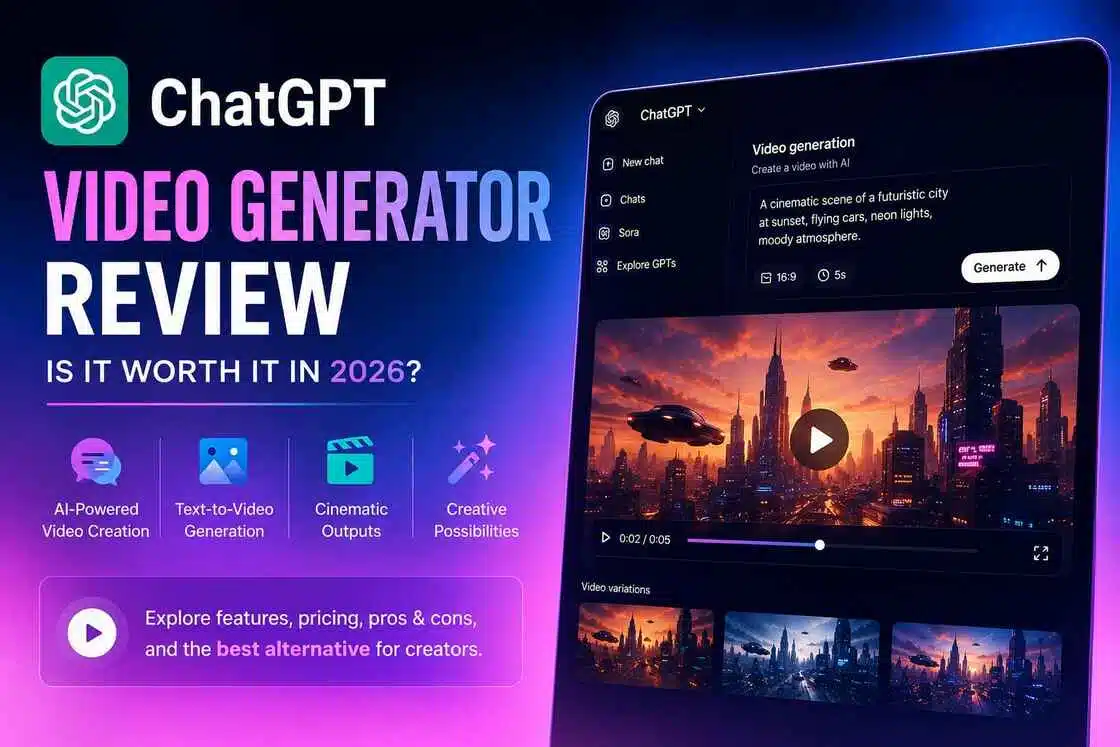
ChatGPT is a powerhouse, but its video workflow is completely different from standalone platforms. This review breaks down exactly what it can and can't do, compares it to specialized tools, and helps you decide if it genuinely fits your creative workflow in 2026.
Overview of ChatGPT Video Generator
ChatGPT helps users create video concepts, scripts, storyboards, and detailed video prompts using natural language. In some ChatGPT experiences where OpenAI's video-generation technology is available, users may also be able to generate videos directly from text descriptions. This makes it useful for creators, marketers, educators, and businesses producing marketing videos, social media content, product demos, educational materials, and storytelling projects.
Core Capabilities
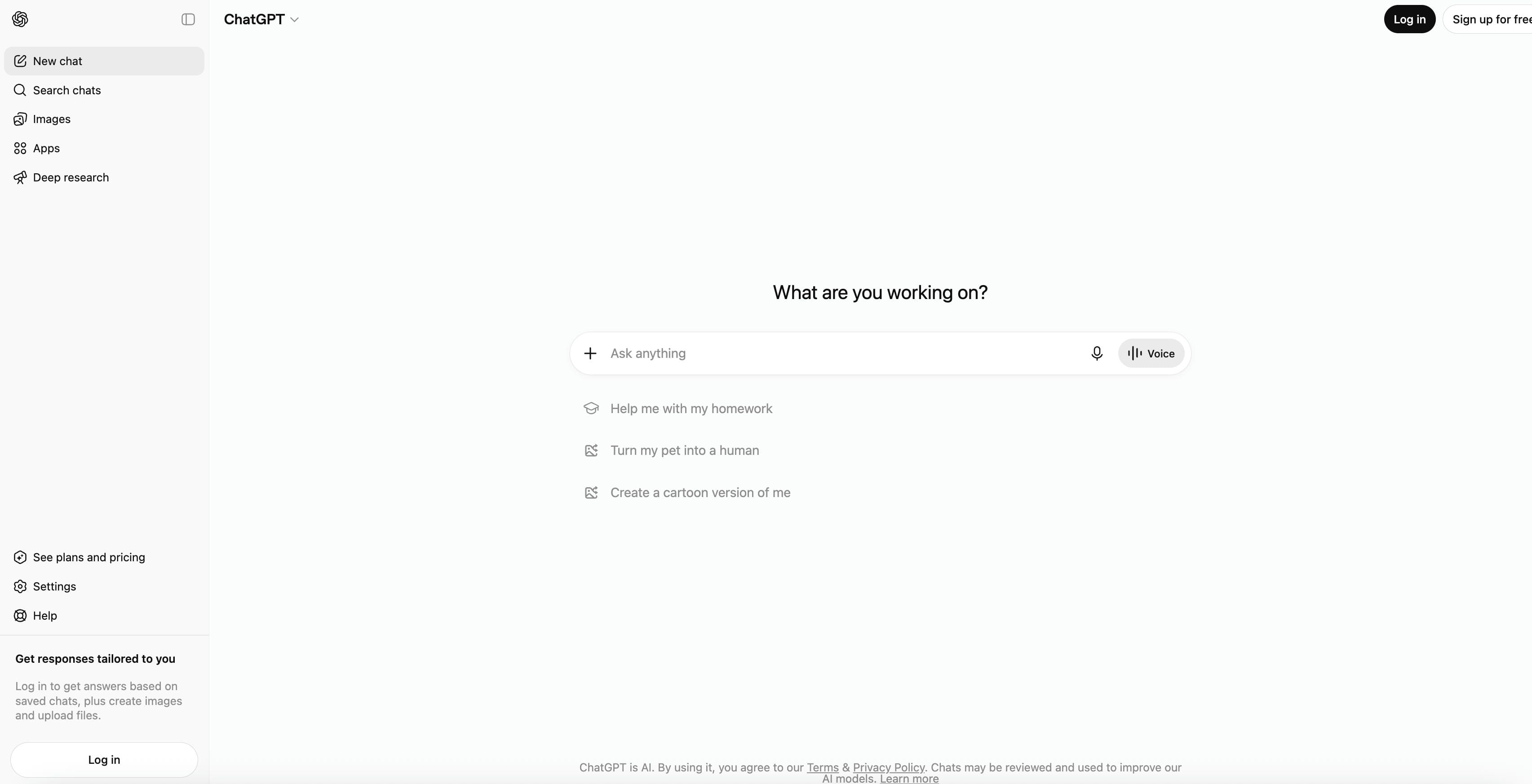
To reduce workflow friction, the setup gives creators multiple entry paths inside a single chat window:
-
ChatGPT Video Generation from Prompts: Translates natural human sentences directly into high-fidelity video clips without needing traditional programming.
-
Storyboarding and Video Planning: Maps out sequential scene cards, suggesting visual structures, angles, and actions based on your initial idea.
-
Text-to-Video Creation: Takes a raw conceptual prompt and generates a moving visual clip completely from scratch.
-
Image-Assisted Video Generation: Accepts static image file uploads and applies predictive physics to animate them seamlessly.
-
AI-Assisted Script Creation: Writes voiceover copies and supports video transcript generator workflows for content planning, video hooks, and descriptive audio overlays. It also helps generate scripts, voiceover drafts, and video outlines that can be adapted for video production workflows.
Key Features of ChatGPT Video Generator
AI-Powered Video Creation
The prompt-based engine turns simple text descriptions into complete video scenes, automatically interpreting key details such as subjects, actions, settings, and visual style. It automatically handles scene construction by interpreting descriptive nouns and verbs, effectively eliminating the need for manual stock asset hunting. Marketers can easily organize consecutive clips into logical stories, while the backend engine implements digital camera properties to deliver realistic light reflections, proper depth of field, and authentic motion speeds.
Prompt-Based Video Workflows
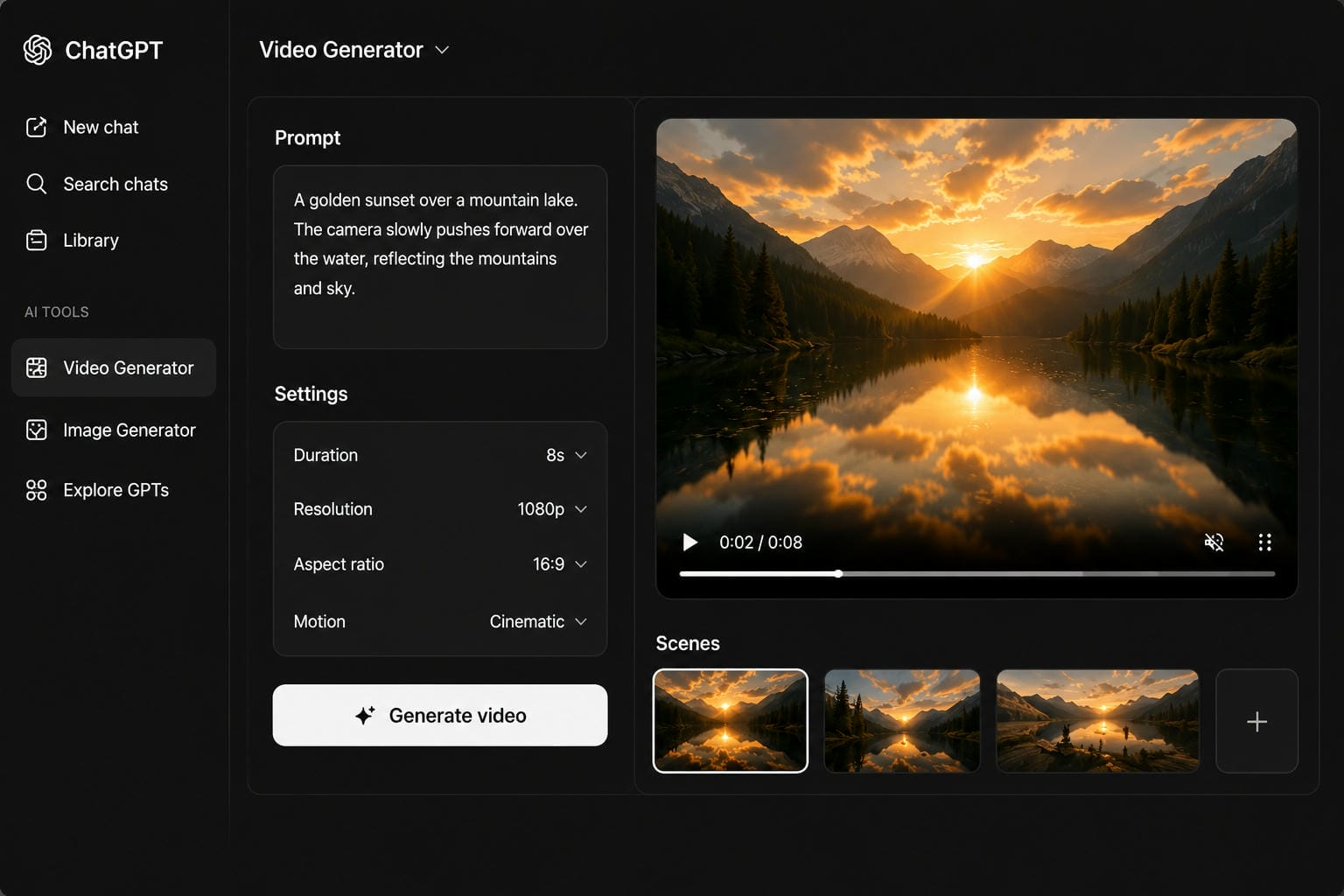
Creators can easily pitch initial visual concepts into the chat interface, using the AI to brainstorm visual metaphors and framing options before spending processing credits. If a rendered scene needs adjustments, you simply type a revision, like asking for faster camera movement to refine the output without starting from scratch. The system also segments long marketing ideas into manageable scene prompts while acting as an on-demand partner for creative ideation.
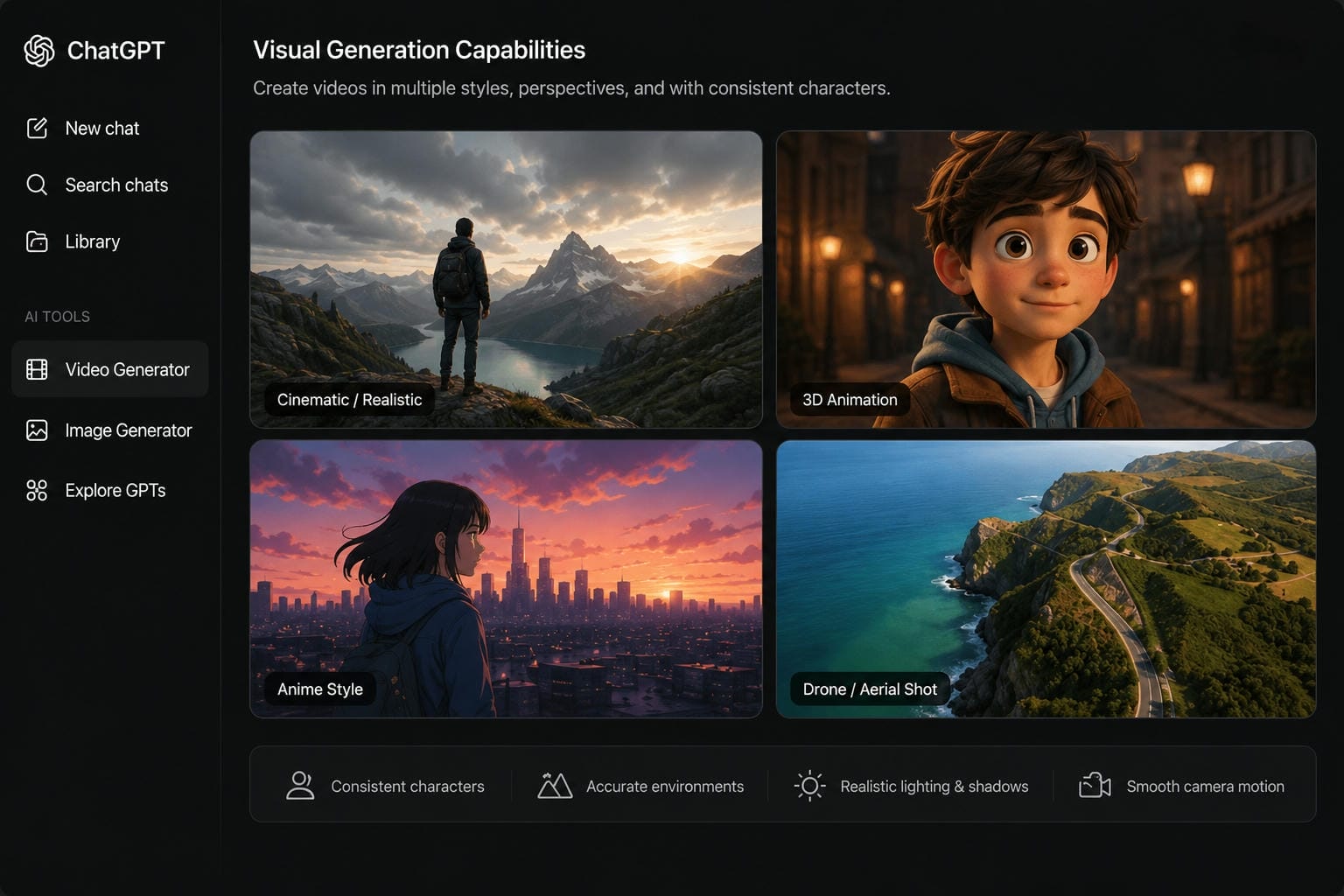
Visual Generation Capabilities
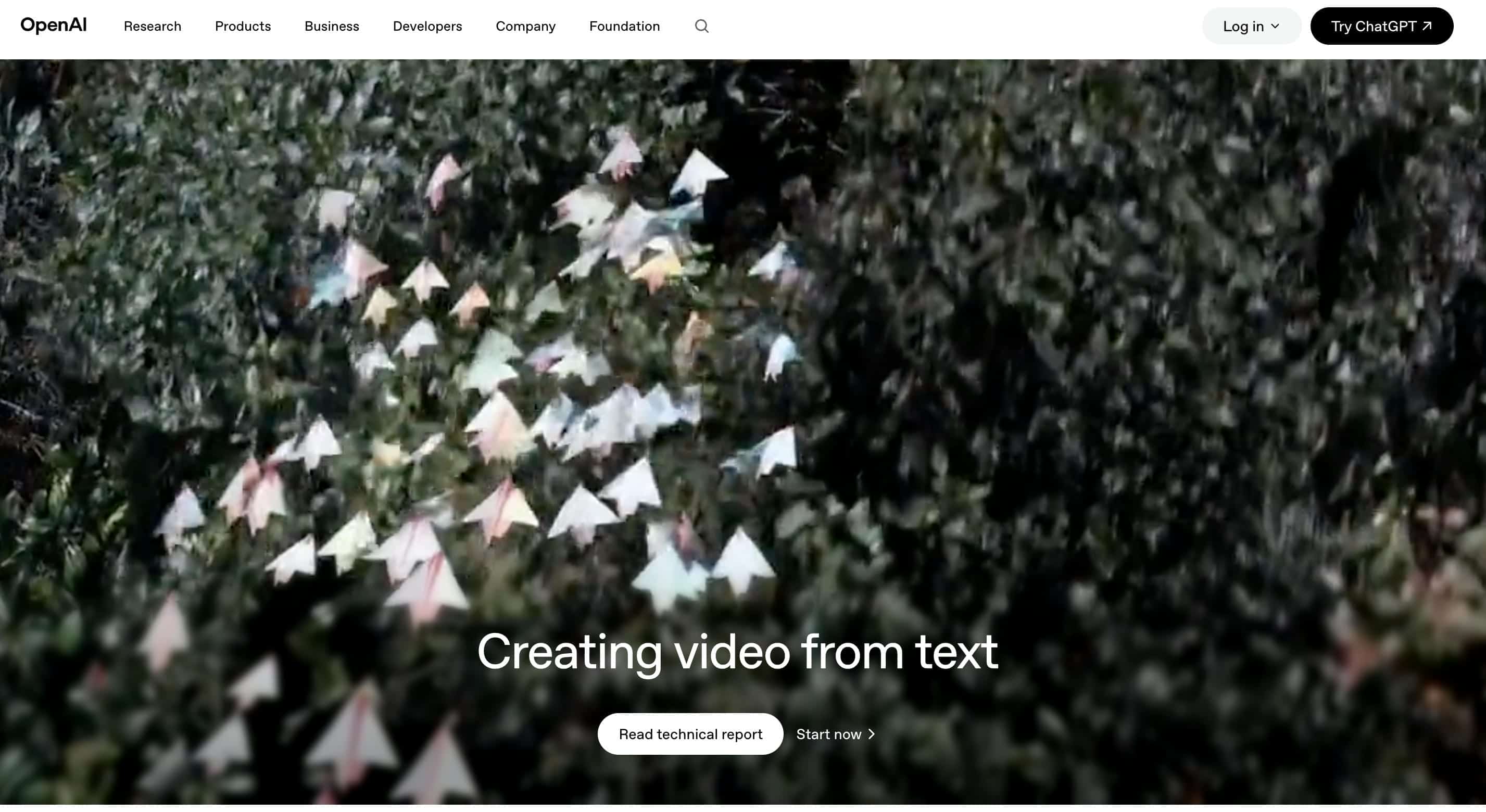
The platform adheres strictly to real-world structural rules, producing highly cohesive environmental textures, accurate horizons, and believable proportions. It can generate recognizable characters with relatively consistent visual features and outfit details across multiple shots, helping create a more cohesive viewing experience. Creators can effortlessly tap into diverse style customisation options, from hyper-realistic film aesthetics to clean 3D graphics complemented by dynamic camera sweeps, smooth pans, and drone tracking simulations.
Content Creation Support
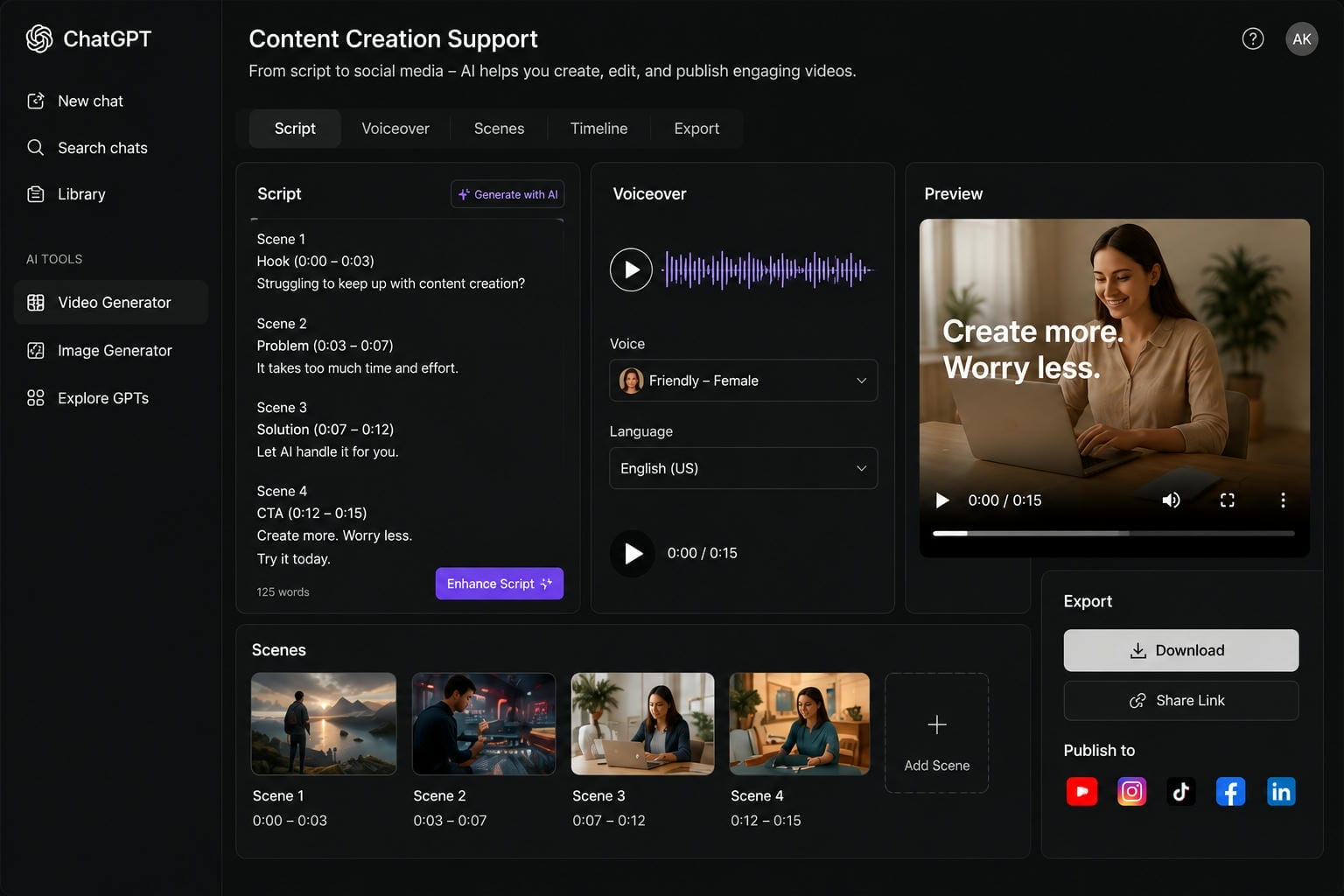
Beyond pure visuals, the integrated text engine co-creates comprehensive scripts and voiceover tracks timed to match your video frames perfectly. It builds structured video outlines complete with targeted audience hooks and strong calls to action for digital campaigns. This makes it highly efficient for turning simple product lists into visual narratives and generating organized social media content calendars tailored directly to platform-specific trends.
How to Use ChatGPT Video Generator
Step 1: Enter Your Video Prompt
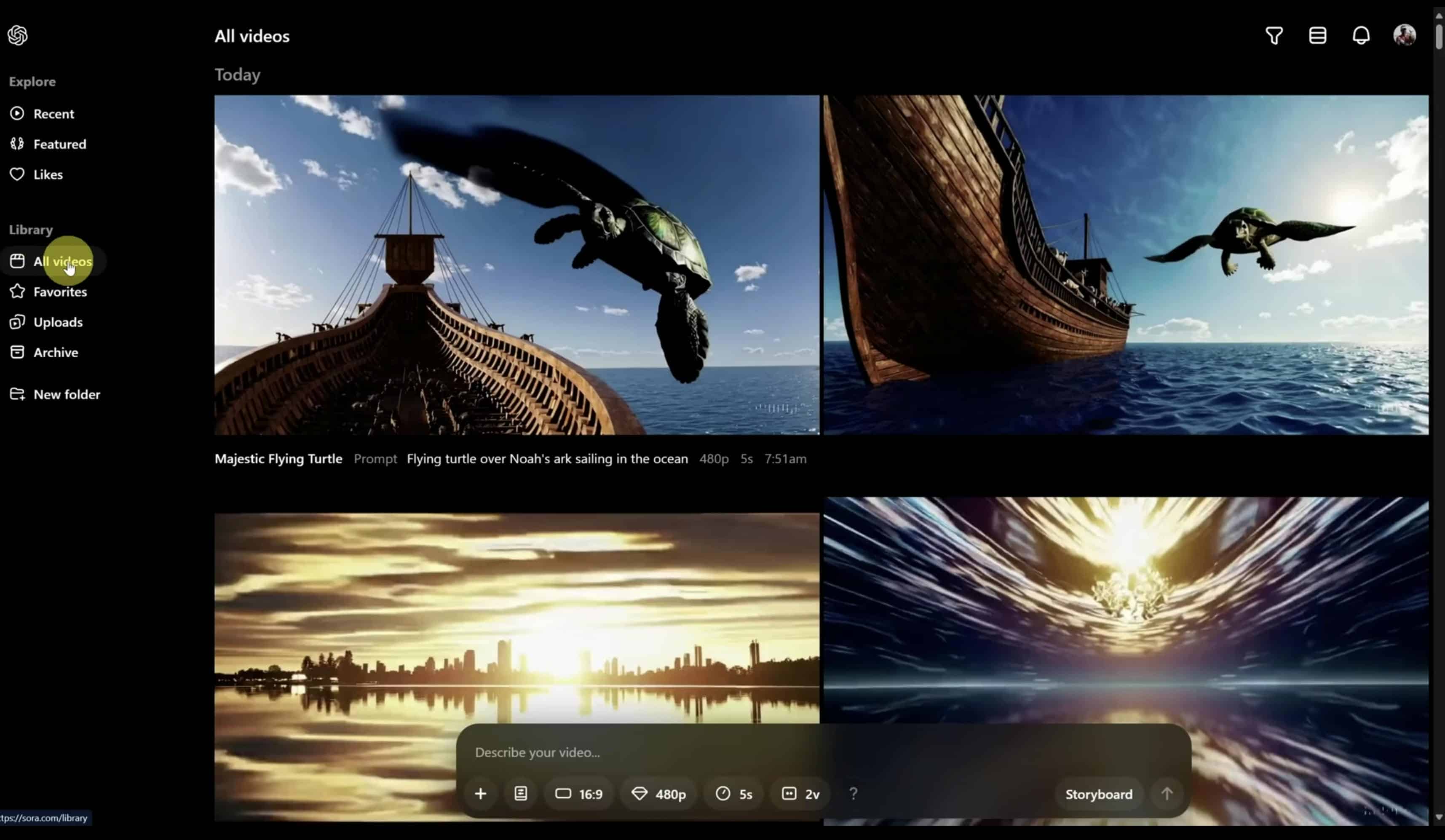
Open ChatGPT's video generation workspace and enter a text prompt describing the video you want to create. You can define the subject, action, visual style, aspect ratio, resolution, and duration to guide the generation process.
Step 2: Generate the Video
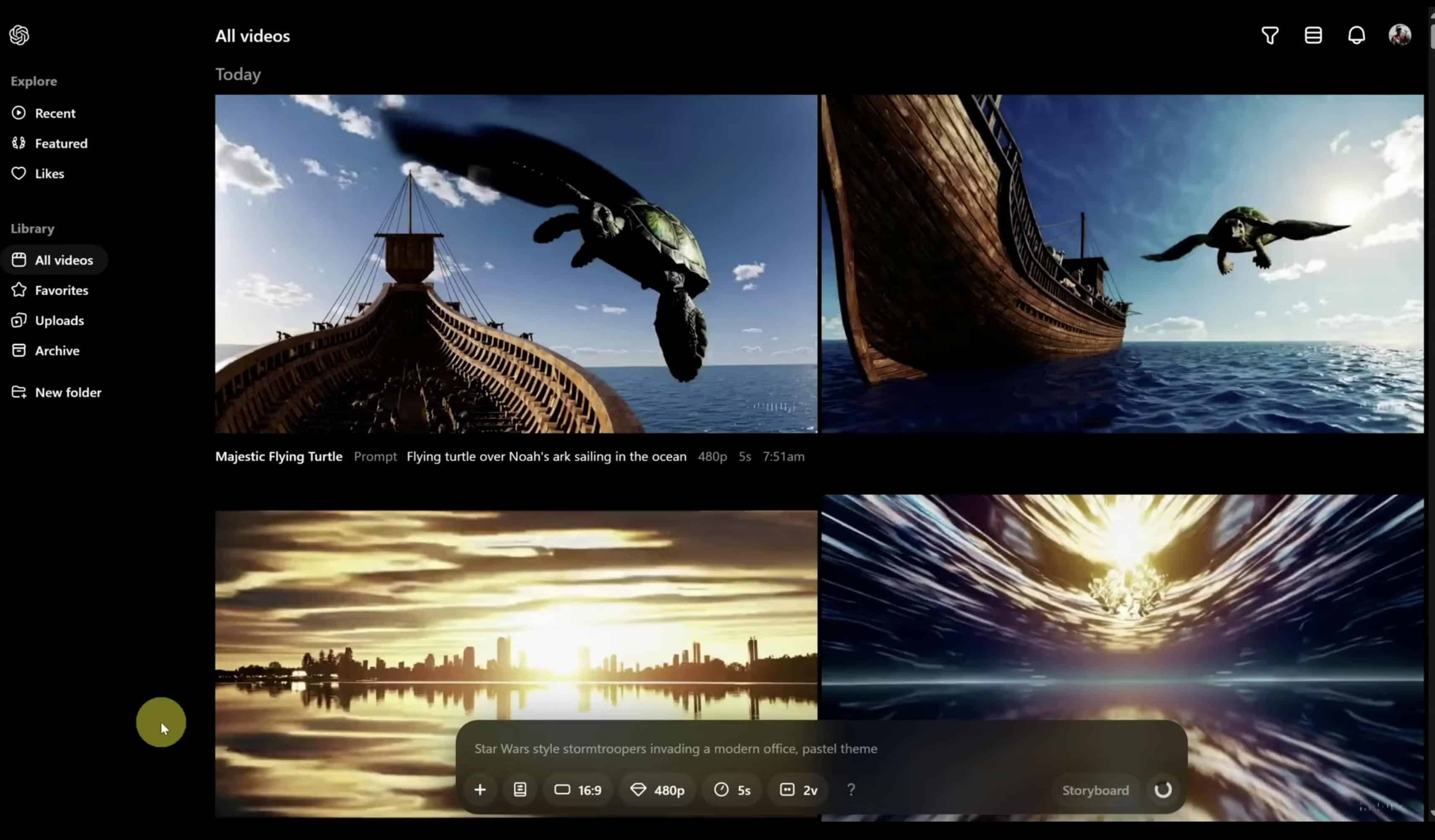
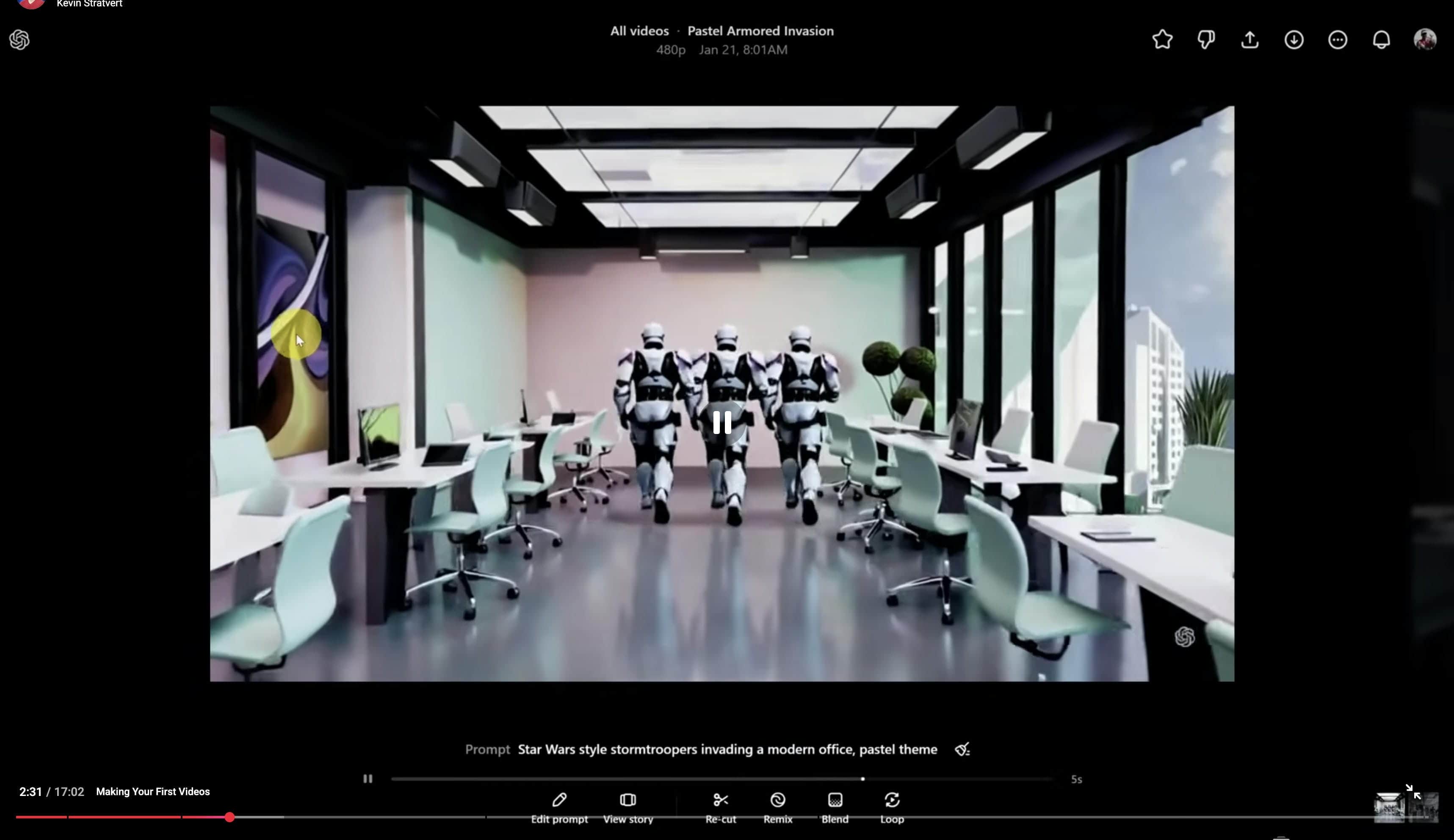
Submit your prompt and wait for the AI to generate the video. Once the process is complete, the generated video will appear in your video library, where you can view and manage your creations.
Step 3: Review and Refine the Result
Open the generated video to preview the output. You can review the result and use available tools to edit the prompt, view the storyboard, create variations, remix scenes, or regenerate the video for further improvements.
Pros, Cons, and Pricing of ChatGPT Video Generator
|
Pros |
Cons |
|---|---|
|
Strong prompt understanding |
Limited free access |
|
High-quality visual outputs |
Generation credits may be restricted |
|
Easy-to-use conversational workflow |
Video creation can take time |
|
Excellent for creative ideation |
Less specialized than dedicated video platforms |
|
Supports cinematic video generation |
Feature availability depends on subscription tier |
Pricing and Plans
ChatGPT video generation availability depends on the user's subscription plan and OpenAI's supported video features.
|
Plan |
Price |
Key Features |
|---|---|---|
|
Free |
$0/month |
Limited access and usage restrictions |
|
Plus |
$20/month |
Access to ChatGPT with supported video generation features |
|
Pro |
$200/month |
Higher usage limits and expanded access |
While ChatGPT is a great assistant for planning and scriptwriting, it isn't a silver bullet for fast video production. You often have to hook it up to outside software, which drags out the process and complicates your workflow. If you want to create videos without the multi-platform headache, a dedicated AI video tool gets you from prompt to finished file much faster.
Meet Vmake AI: A Powerful Alternative to ChatGPT Video Generator
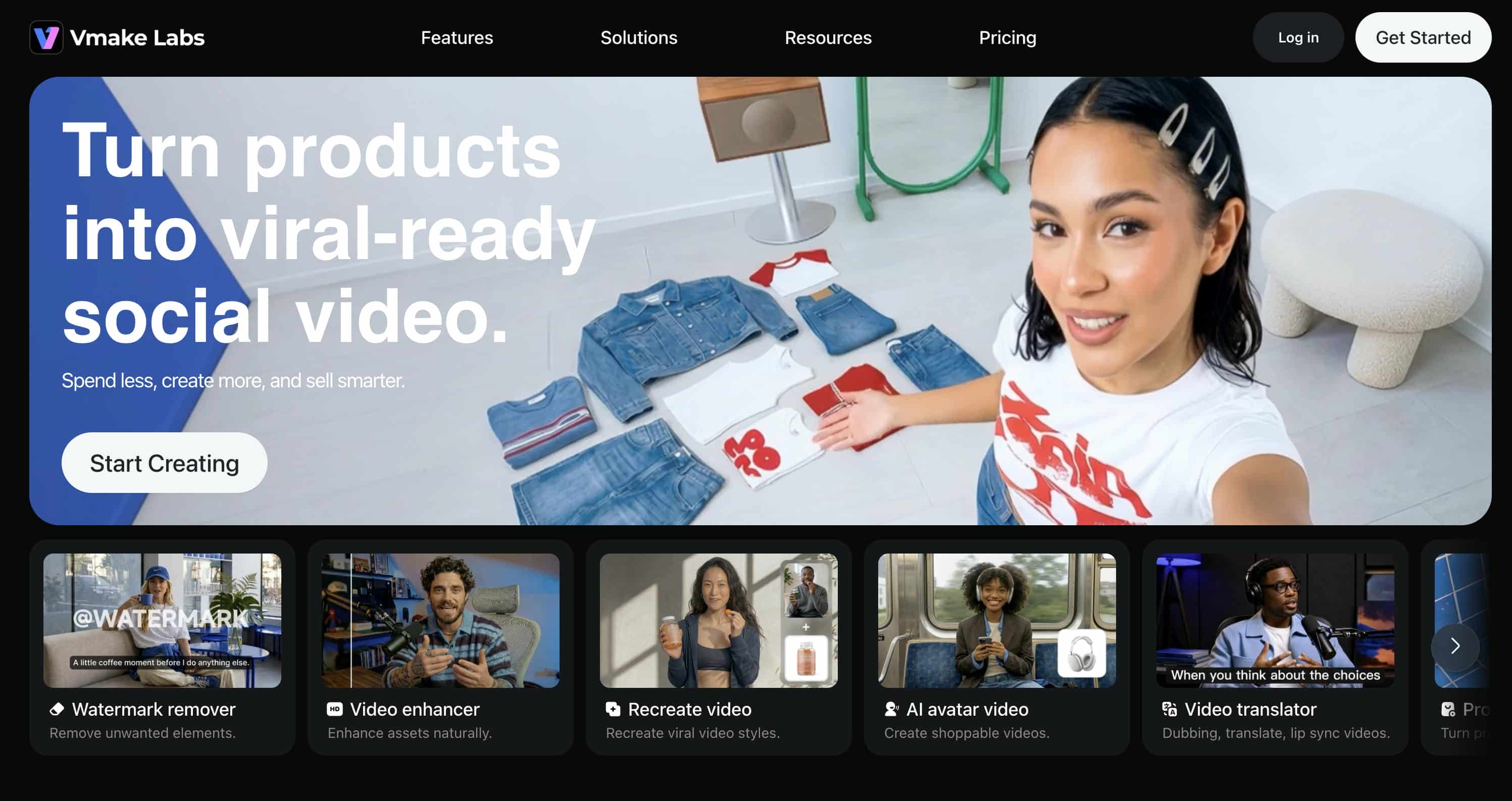
Vmake AI is designed specifically for AI video creation. Rather than combining video generation with broader AI functionality, it focuses on helping users generate, customize, and export videos through a streamlined workflow. The platform supports multiple leading AI video models and makes video creation accessible to both beginners and experienced creators.
Key Features of Vmake AI Video Generator
-
AI video generation with multiple models: Vmake AI provides access to several leading AI video generation models from a single platform, including Veo 3.1, Kling 3.0, Seedance 2.0, Sora 2, Vidu, Wan, and Hailuo.
-
Text-to-video and image-to-video generation: Users can generate videos from text prompts or transform images into animated content. Whether you're creating marketing videos, social media content, product showcases, or creative projects, Vmake AI provides flexible creation options.
-
Fast video generation: The platform streamlines the video creation process, helping users generate content efficiently without switching between multiple tools or workflows.
-
Multiple styles: Users can generate different visual styles through prompts and model selection, making it suitable for cinematic, realistic, artistic, or marketing-focused content. This flexibility makes it suitable for creators, businesses, marketers, and e-commerce brands.
-
User-friendly workflow: Designed for both beginners and experienced creators, Vmake AI offers an intuitive interface that simplifies the video generation process. Users can create videos without requiring advanced editing skills or technical expertise.
How to Generate Videos Using Vmake AI
Step 1: Open the AI Video Generator
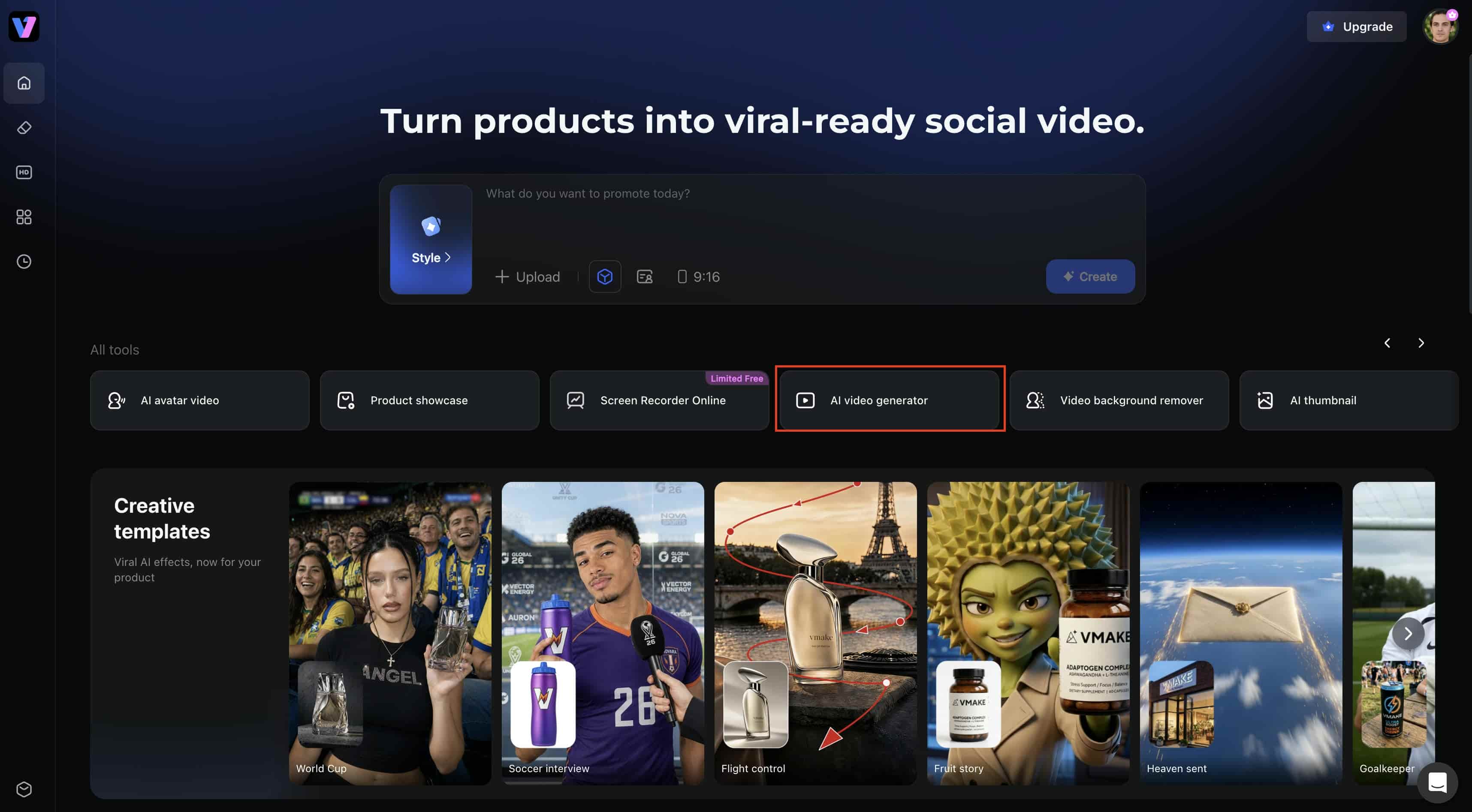
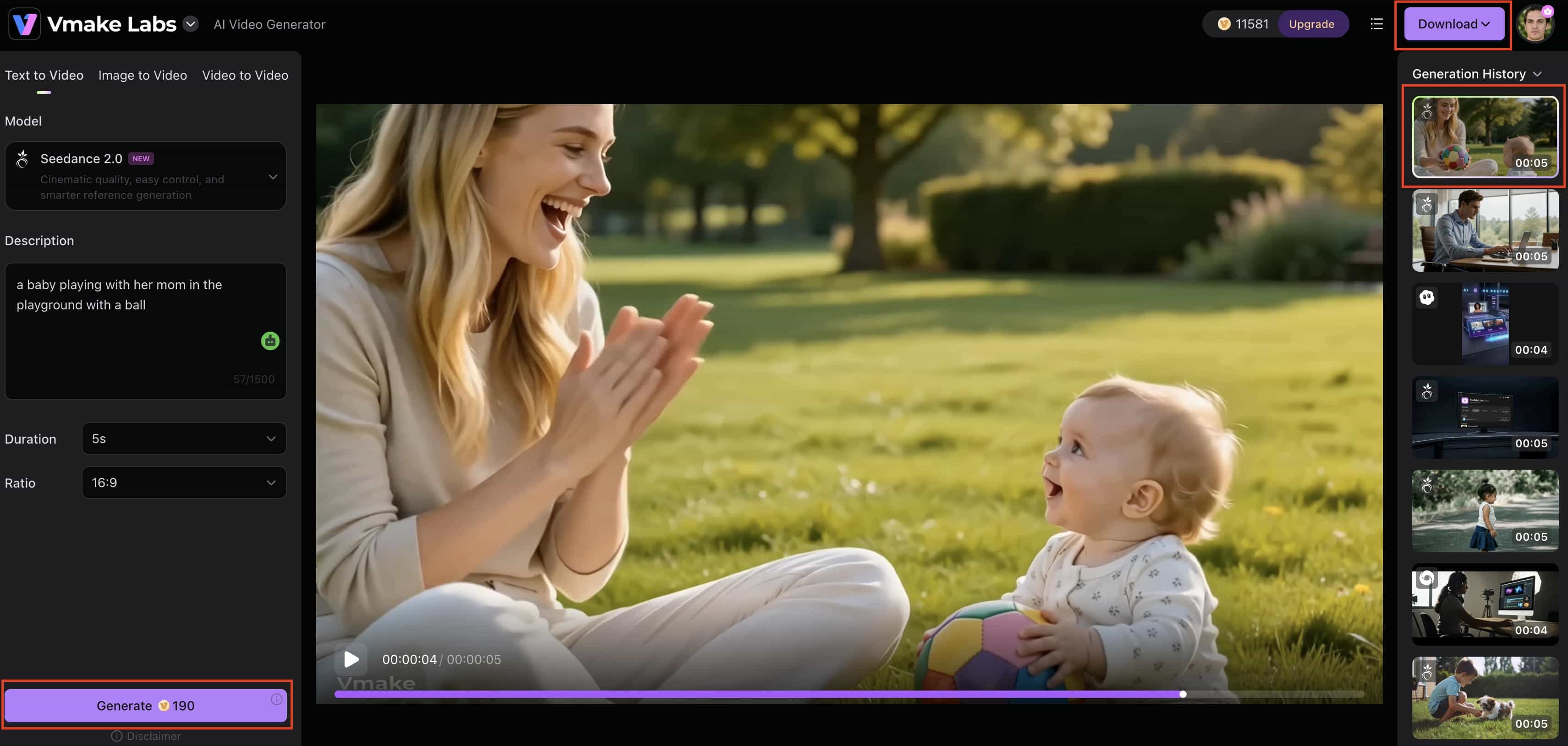
Go to the Vmake AI platform and open the AI Video Generator. The platform features a user-friendly interface designed to simplify the video creation process. From the video generation workspace, you can choose your preferred AI model and start creating videos using either text prompts or images.
Step 2: Enter Prompts and Adjust Generation Settings
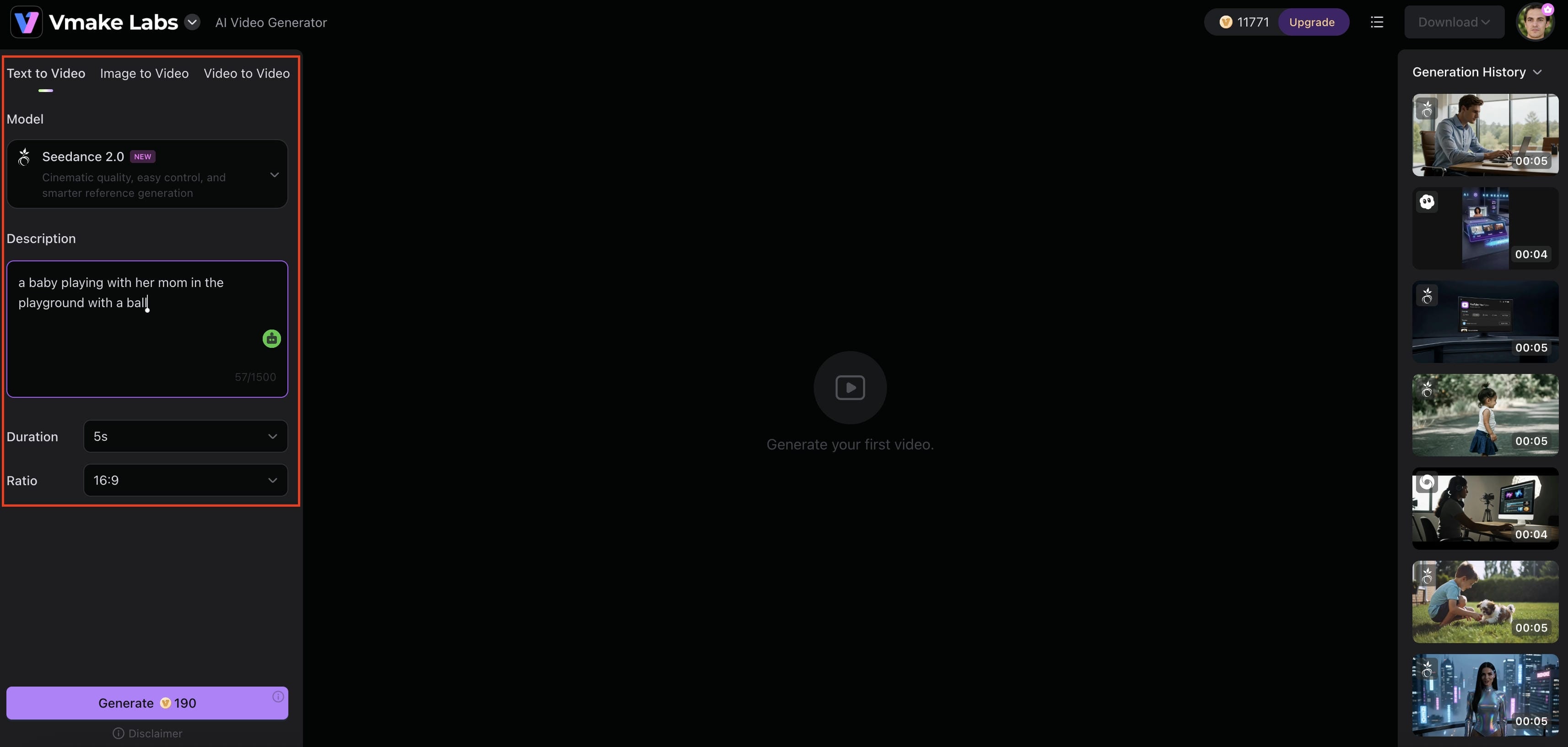
Choose either Text to Video or Image to Video depending on your preferred workflow. Enter a detailed prompt describing the scene, subject, action, or visual style you want to generate, or upload an image to use as a reference. You can then customize settings such as video duration and aspect ratio before generating the video.
Step 3: Generate, Preview, and Export the Final Video
Click Generate and allow the AI model to create your video. Once the generation process is complete, preview the output to ensure it matches your expectations. If you're satisfied with the result, download the final video and use it for social media, marketing campaigns, product promotions, presentations, or other creative projects.
ChatGPT Video Generator vs Vmake AI
|
Feature |
ChatGPT Video Generator |
Vmake AI |
|---|---|---|
|
Core Focus |
AI conversation and video generation |
Dedicated AI video creation |
|
Ease of Use |
Conversational workflow |
Streamlined video-focused workflow |
|
Text-to-Video |
Yes |
Yes |
|
Image-to-Video |
Limited workflow options |
Dedicated support |
|
Video Customization |
Good |
Extensive |
|
Generation Speed |
Varies by demand |
Fast workflow |
|
Best For |
AI-assisted content creation |
Direct video production |
Choose ChatGPT video generator if you want a conversational, AI-assisted workflow focused on text-to-video generation and content brainstorming.
Choose Vmake AI if you need a fast, dedicated video production tool with extensive customization and strong image-to-video support.
Conclusion
In this ChatGPT video generator review, ChatGPT proves to be a great multi-tool for creators and social media teams who require rapid, stylish video material, but it's not designed for high-end post-production perfection on its own. The biggest benefits are its strong prompt logic and conversational flow. However, users seeking higher-quality video generation, dedicated image animation, and built-in enhancement features will prefer dedicated video platforms such as Vmake AI.
FAQs
-
Is ChatGPT a video generator?
ChatGPT can support video creation through OpenAI's video generation capabilities, helping users generate prompts, scripts, storyboards, and video content. Its strength lies in combining conversational AI with creative workflows. Users looking for a dedicated video creation platform may also consider tools such as Vmake AI.
-
Can ChatGPT generate videos for free?
Limited video generation capabilities may be available depending on OpenAI's current plans and feature availability. However, access, usage limits, and supported features can vary by subscription tier. For users seeking a dedicated video creation workflow, Vmake AI also offers AI-powered video generation tools.
-
Is ChatGPT good for professional video creation?
Yes, ChatGPT can be effective for professional video creation. It can help with scripting, concept building, storyboarding, and AI-assisted content creation. However, those who are looking for a more production-oriented approach could find value in dedicated video platforms like Vmake AI that offer specific video creation features.
-
What is the best alternative to ChatGPT AI video generator?
Today, there are many AI video generation platforms available depending on your demands. Vmake AI is a good choice for users who want to generate text-to-video and image-to-video videos, access to several AI video models, and an easy-to-use video creation process.
-
Does ChatGPT support image-to-video generation?
Yes, image-assisted video generation may be available through OpenAI's supported video generation features and workflows. Users who frequently create videos from images may also benefit from dedicated image-to-video tools available on platforms such as Vmake AI.

You May Be Interested
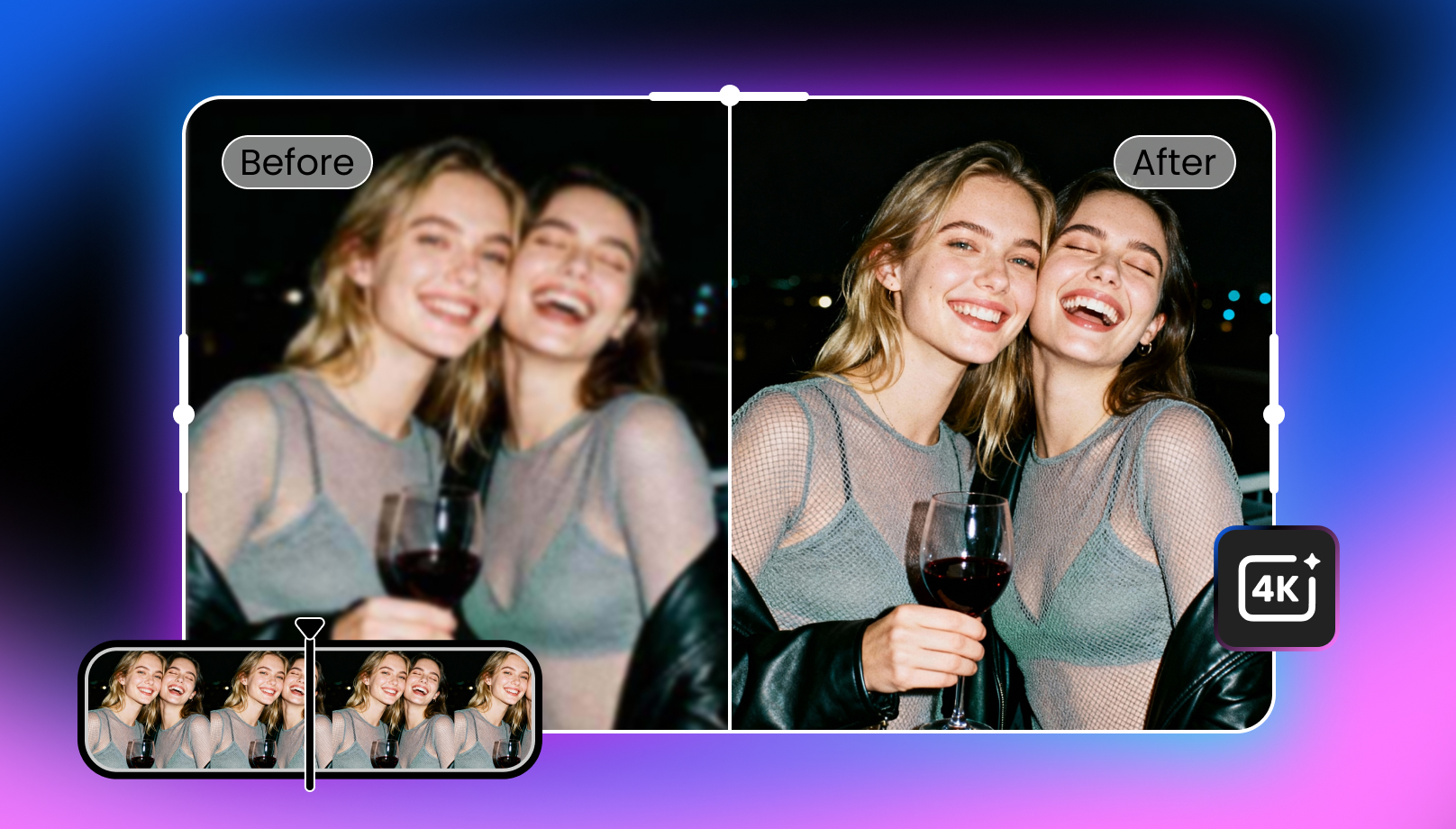
2026 Wink Video Enhancer Review: Pros, Cons, and Alternatives
Synthesia AI Video Generator: Turn Text Into AI Videos Easily
Avatar AI Video Maker for Business Advertising: Top Tools Compared
