
Fix Blurry Images With AI Image Fixer
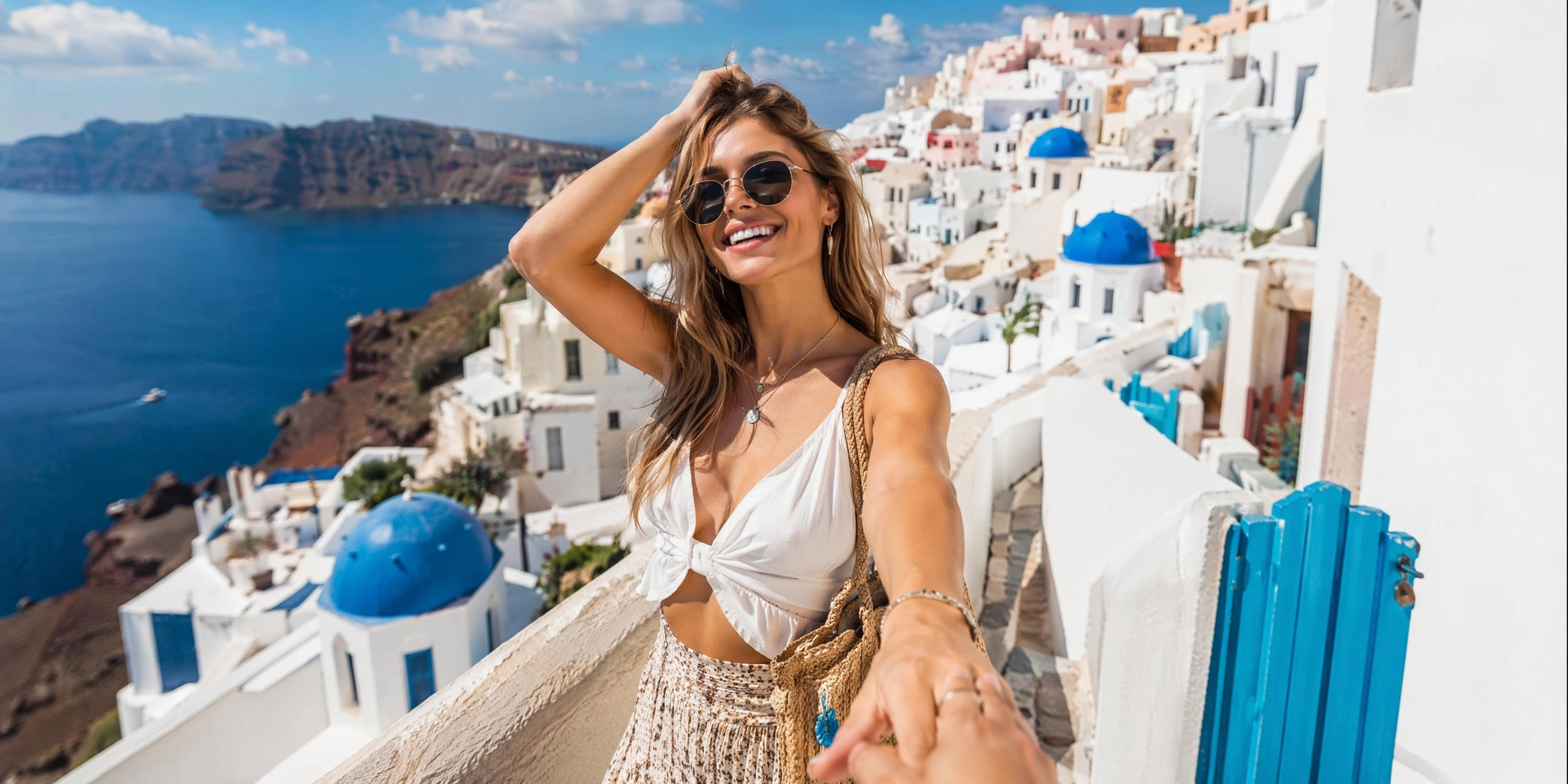
Transform blurry, low-quality photos into stunning, high-resolution visuals with just one click. Our advanced AI effortlessly restores details and removes noise. No professional editing experience is required. Upload your photo now and let Vmake Labs perform its magic!
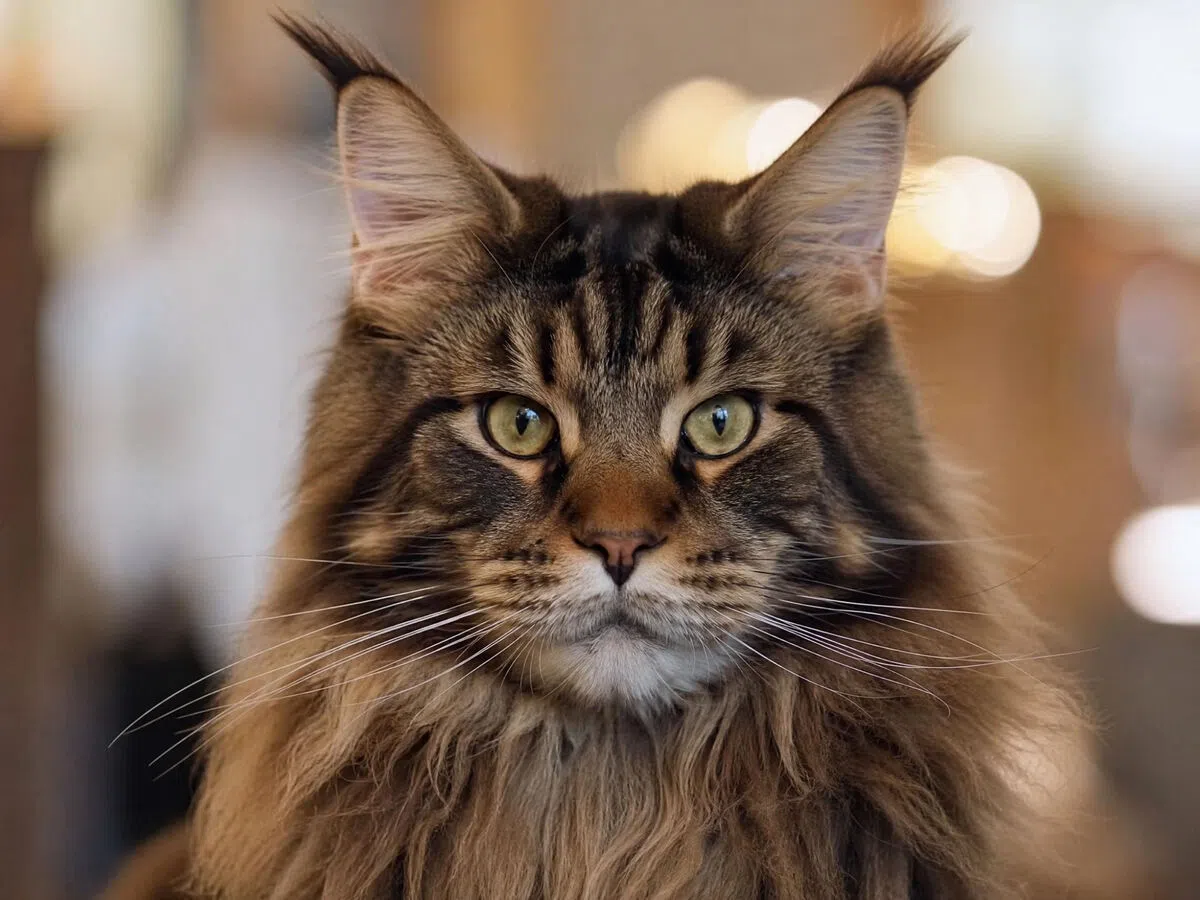


How to fix images with AI image fixer in 3 steps
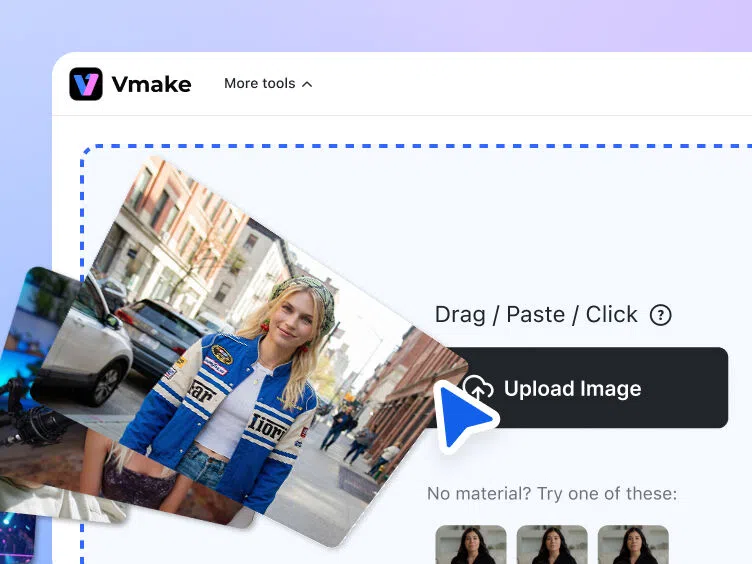
Step 1. Upload photo
Begin by first accessing Vmake Labs AI image fixer tool. From there, you need to upload your blurry image to Vmake online servers, for processing.
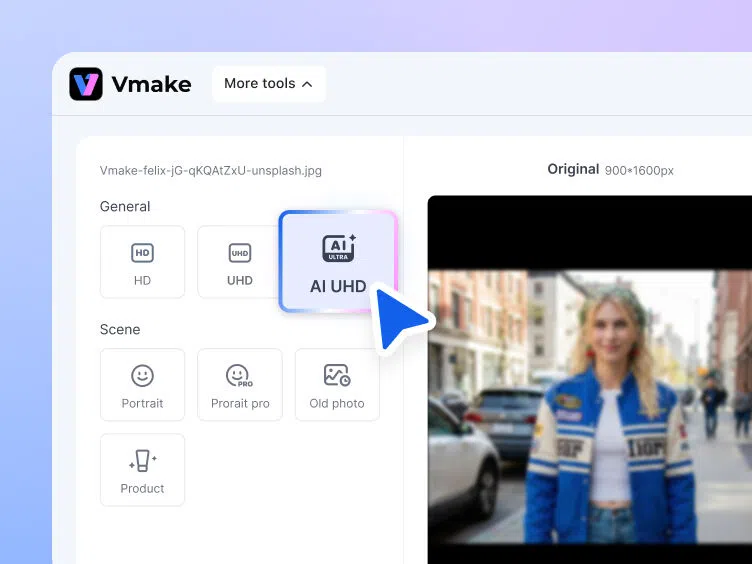
Step 2. Fix and customize
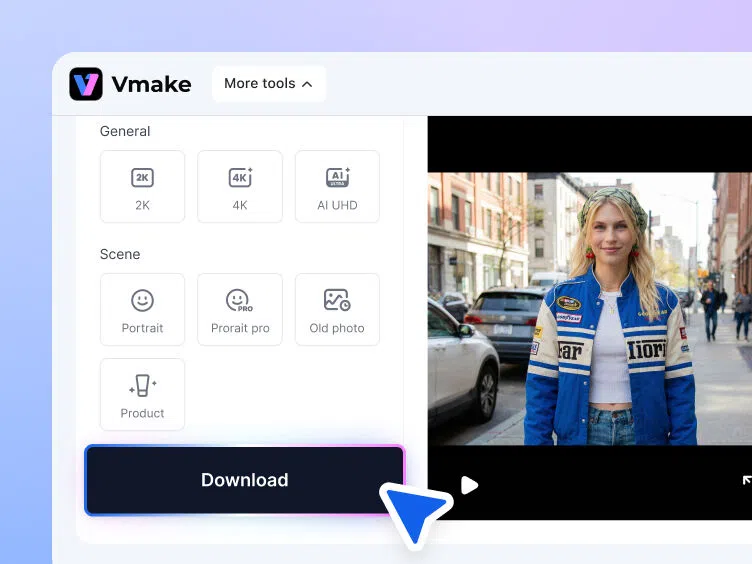
Once uploaded, Vmake Labs automatically enhances your image. You can also adjust the resolution in "General" and choose the best "Scene" effect for your photo.
Step 3. Finalize and export
Once the enhancement processing is complete and you are happy with the results, you can click on "Download" option to export your image, so that you can share it online.
Vmake Labs AI image fixer is perfect for every image problem


Defining features of Vmake Labs AI image fixer
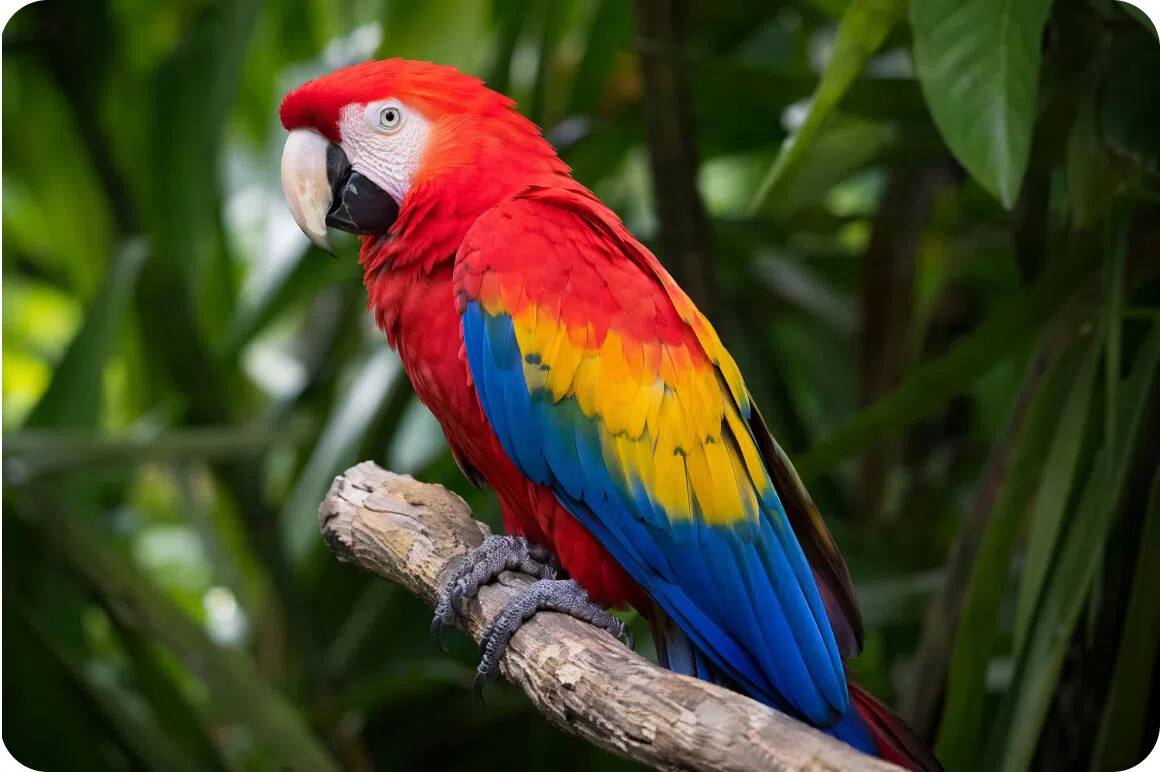
AI image resolution upscaler
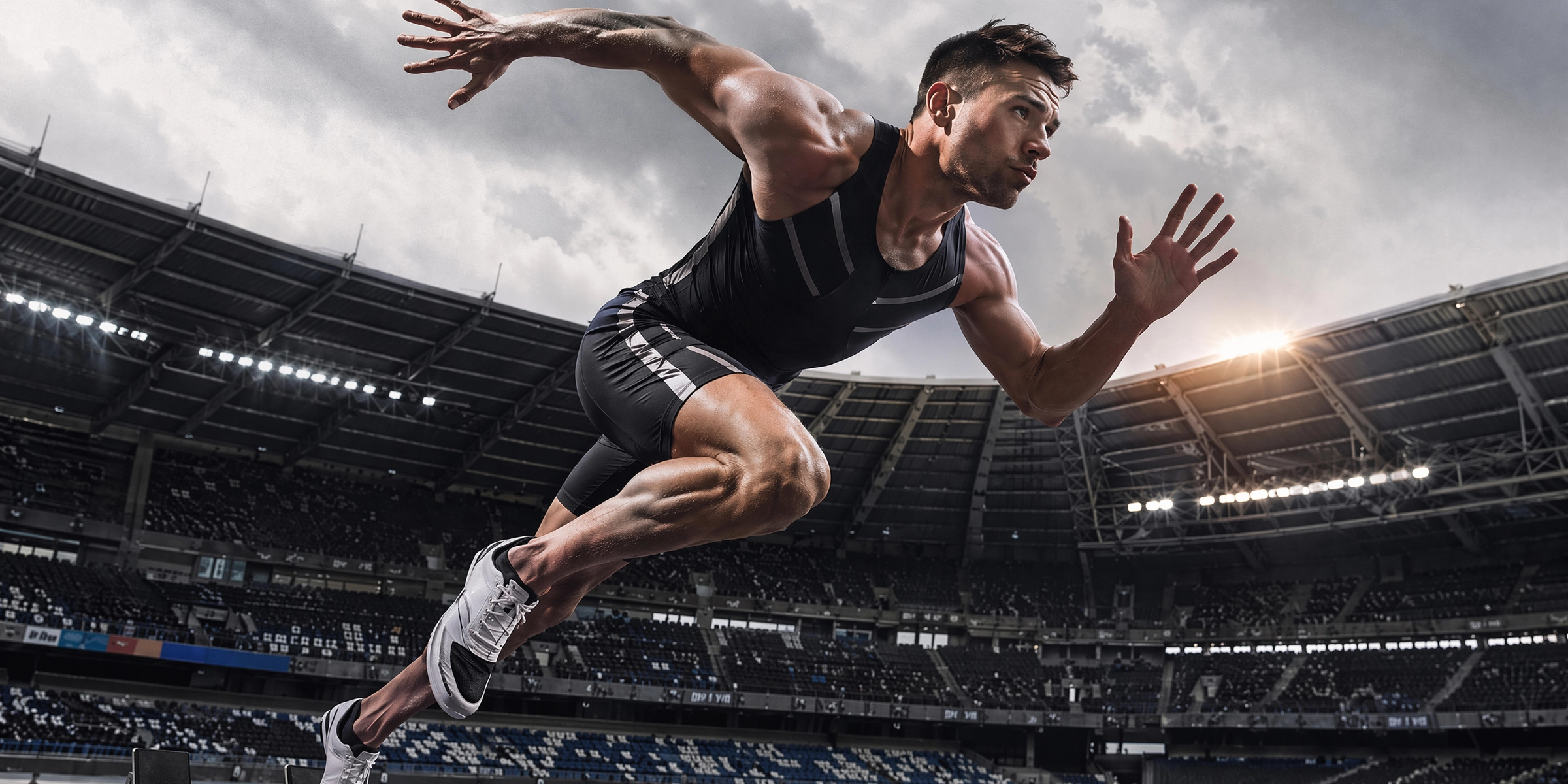
Breathe new life into your old, pixelated, or compressed photos. Vmake's powerful AI resolution upscaler analyzes missing pixels and intelligently reconstructs them. Seamlessly upgrade low-resolution images into breathtaking, crystal-clear 4K(UHD) visuals that are absolutely perfect for both large-format printing and high-end digital displays without losing quality.
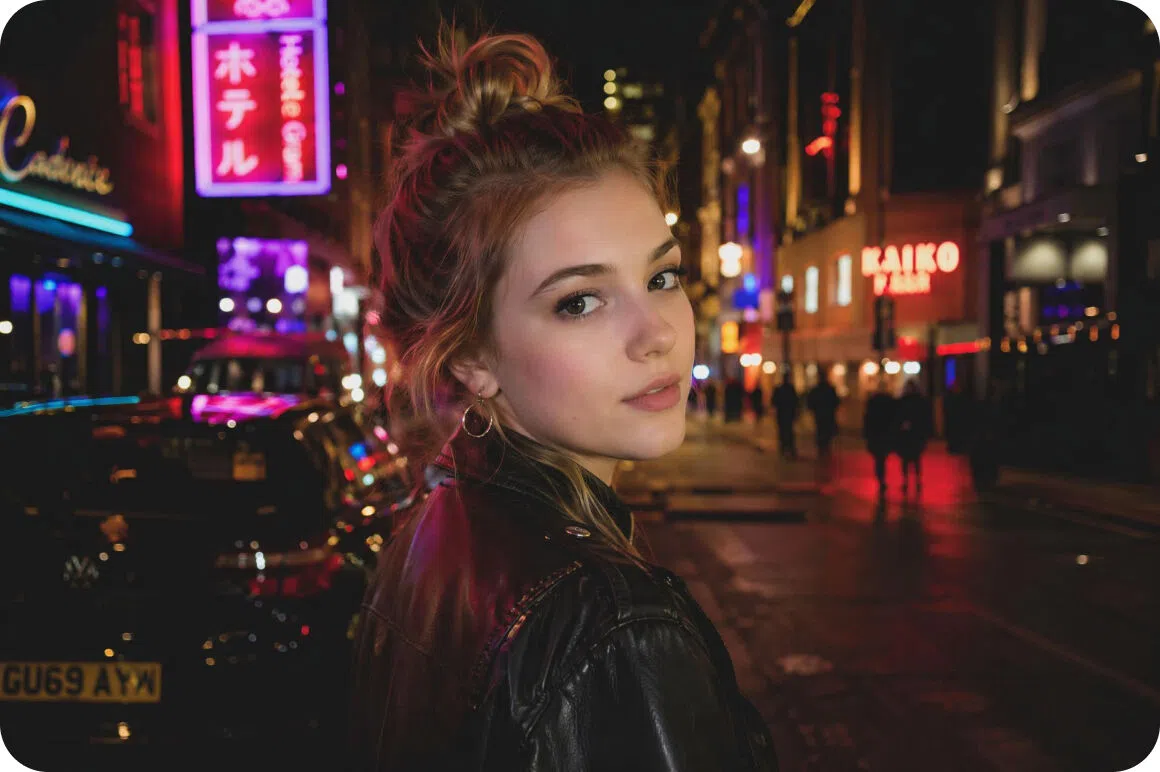
Intelligent image noise reduction
Say goodbye to annoying grain and visual distortion caused by low-light conditions or poor camera sensors. Our intelligent noise reduction algorithm automatically smooths out artifacts while preserving crucial edge details, resulting in remarkably clean, professional-looking photographs that look like they were perfectly shot in a studio.
Efficient batch image upload option
Stop wasting valuable time editing pictures one by one. With our efficient batch upload feature, you can easily process and enhance dozens of photos simultaneously online. Streamline your entire workflow, maintain consistent quality across all your images, and get your digital projects done much faster today.
Vmake Labs AI image fixer is ideal for professionals & creators
Social media managers
Creating daily content is demanding. Vmake empowers social media managers by instantly fixing imperfect shots. Transform average pictures into scroll-stopping posts that delight your audience, flawlessly maintain your brand aesthetic, and drive significantly higher engagement across all your various social platforms.
E-commerce business owners
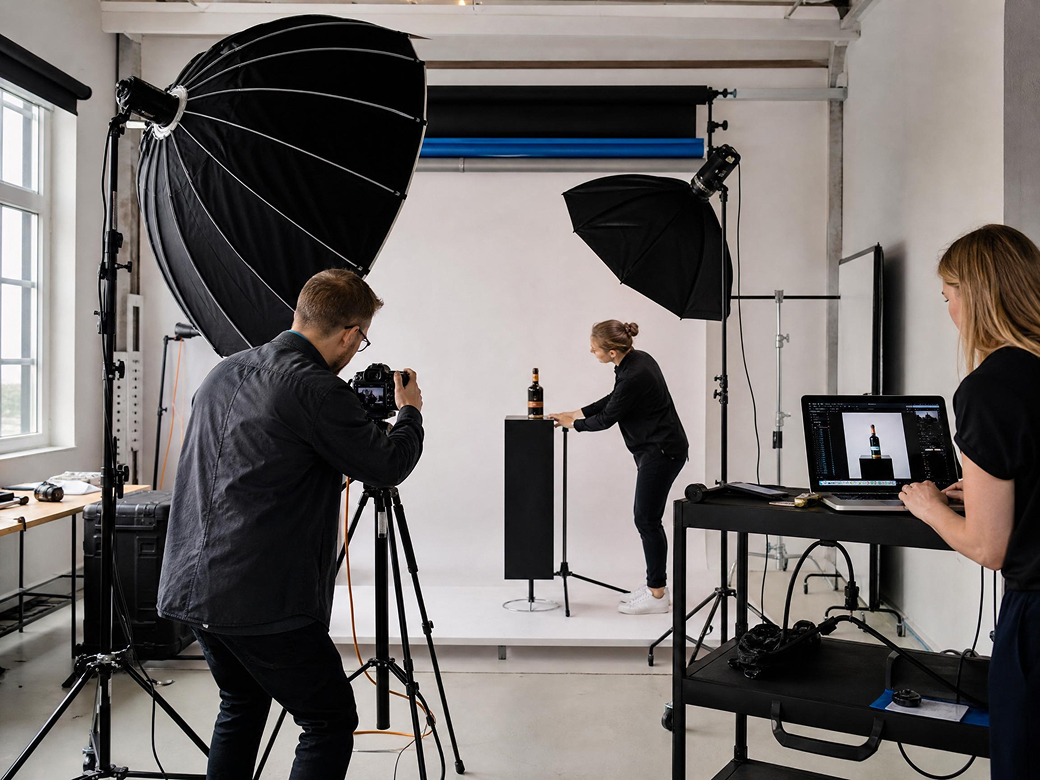
High-quality visuals drive online sales. Vmake help e-commerce business owners elevate product photography without hiring expensive professionals. Eliminate blur and noise to present your inventory with stunning clarity, ultimately building absolute consumer trust and drastically reducing shopping cart abandonment rates across your entire store.
Freelance digital marketers
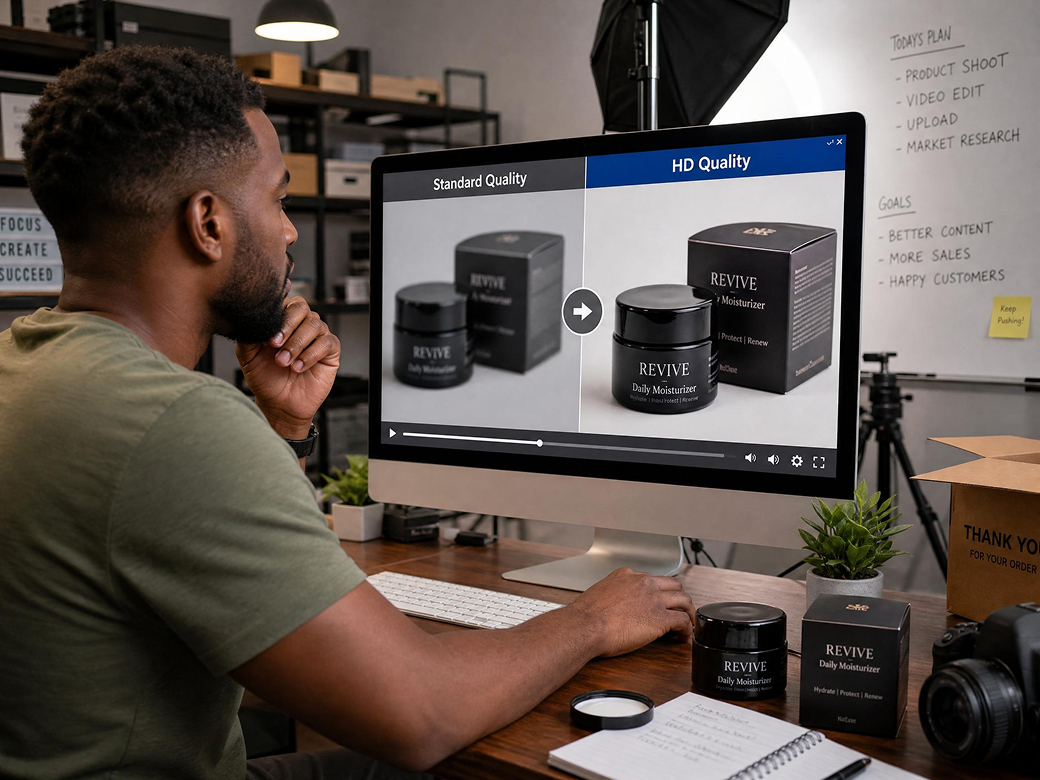
Client expectations for visual assets are constantly rising. Vmake provides freelance digital marketers with a reliable tool to rescue low-resolution client assets. Deliver flawless, professional ad creatives and marketing materials that easily exceed expectations, boost campaign performance, and help you win more lucrative contracts.
Frequently asked questions
How does the AI image fixer actually improve photos?
Can I remove watermarks using this AI image fixer?
Vmake Labs AI image fixer strictly focuses on enhancing quality and upscaling. To remove watermarks professionally and cleanly, you need to use dedicated watermark removal feature of Vmake.
Does the AI image fixer work on mobile devices?
Absolutely! Vmake is fully optimized for mobile web browsers. You can also download our iOS and Android apps to effortlessly enhance your photos directly from your smartphone device.
How long does it take to fix one image?
Vmake Labs AI processing is incredibly fast. Most images are fully unblurred, denoised, and perfectly upscaled within just three to five seconds, allowing you to download the result almost instantly.
What image file formats does the Vmake platform support?
Vmake Labs supports all major image formats, including JPG, JPEG, and PNG files, ensuring maximum compatibility for all your personal or professional digital photo enhancement projects today.
Why professionals depend upon Vmake Labs AI image fixer every day?

Our servers utilize cutting-edge AI technology to deliver incredible image editing speed. Transform your blurry photos into high-resolution masterpieces in mere seconds without any frustrating delays or lagging.

We prioritize exceptional visual fidelity. Our algorithm guarantees professional-grade, high-resolution image results. Enjoy crisp edges, vibrant colors, and stunning clarity that effortlessly rivals expensive manual professional photo retouching.

You do not need technical skills to use Vmake. Our clean dashboard makes navigating the tool simple. Just drag, drop, and let the AI do all the heavy lifting.
Discover More Features

Video & Image Enhancer

Watermark & Text Remover

Video Upscaler

AI Video Generator

Video Background Remover

Video & Audio to Text

Video Noise Reducer

AI video translator
Fix your images seamlessly with Vmake Labs AI image fixer
Stop settling for blurry, low-quality photos. Join thousands of creators and beautifully enhance your images with Vmake powerful AI today!
Why Vmake Labs AI image fixer is popular among users across the globe
I'm constantly taking photos on the move, and sometimes they turn out blurry. Vmake is the perfect tool for quick photo enhancement! It completely sharpens everything in seconds without making it look over-edited. It has saved my content schedule more times than I can count.
Running an online store means dealing with hundreds of product images. Vmake absolutely saves hours of manual editing work for my team. We just batch upload the files, and it cleans up noise and fixes resolution instantly. It is the best investment for our business.
Clients often send me tiny, pixelated graphics to use in campaigns. I've tried many tools, but Vmake is hands down the best AI upscaler on the market. It reconstructs details flawlessly, giving me usable, high-res assets every single time. I highly recommend trying it out!
I have absolutely zero Photoshop skills, so editing was always a nightmare. Vmake is incredibly easy to use for beginners like me. I just drop my picture in, and the AI does the heavy lifting. My website photos look so much more professional now!
I recently scanned a bunch of vintage pictures, but they were covered in visual noise. Vmake beautifully fixed my old grainy family photos! It smoothed out the imperfections while keeping natural faces intact. I am honestly blown away by the amazing results it provided.
When managing multiple brand accounts, speed is absolutely everything. Vmake has quickly become an indispensable tool for daily social posts. It rescues subpar event photos and turns them into crisp, vibrant images ready for Instagram. I literally cannot do my job without using it.