Transcription vs Translation: What's the Difference?
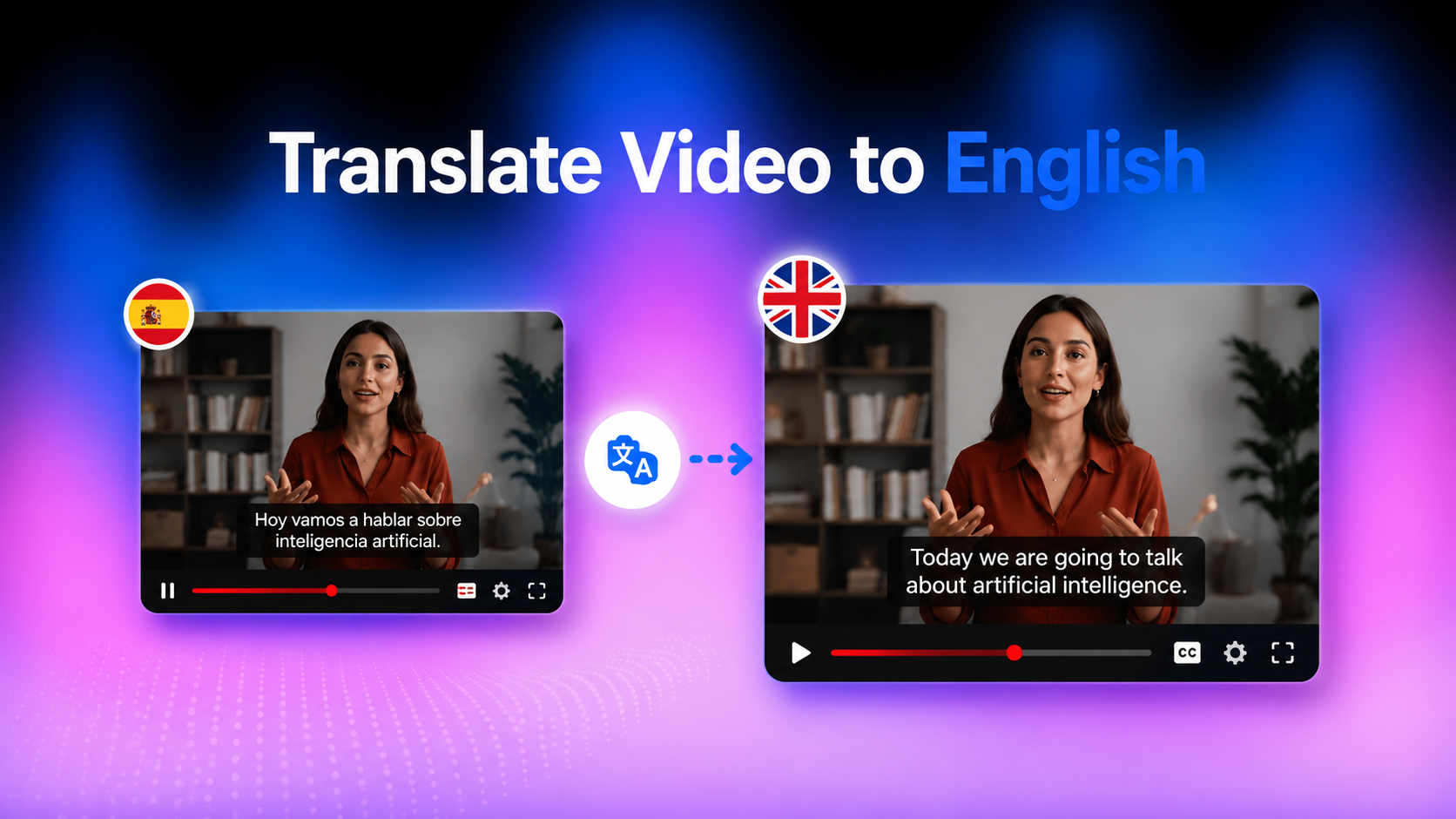
Confused about transcription vs translation? Learn the key differences, when to use each, and discover how Vmake AI Video Translator helps localize videos with subtitles, dubbing, and lip sync.

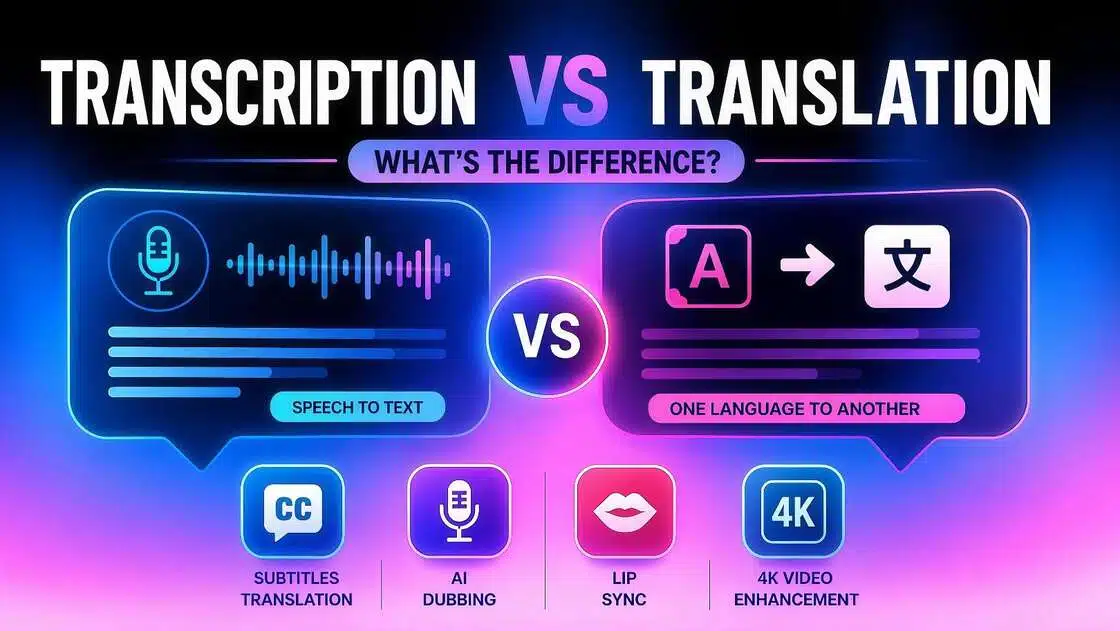
Multilingual content can easily blur the line between transcription and translation. Both involve encoding information into a different format, but for different purposes. In this guide, we’ll go over transcription vs translation, when to use each, and how they work together to make video localisation easier.
What is Transcription?
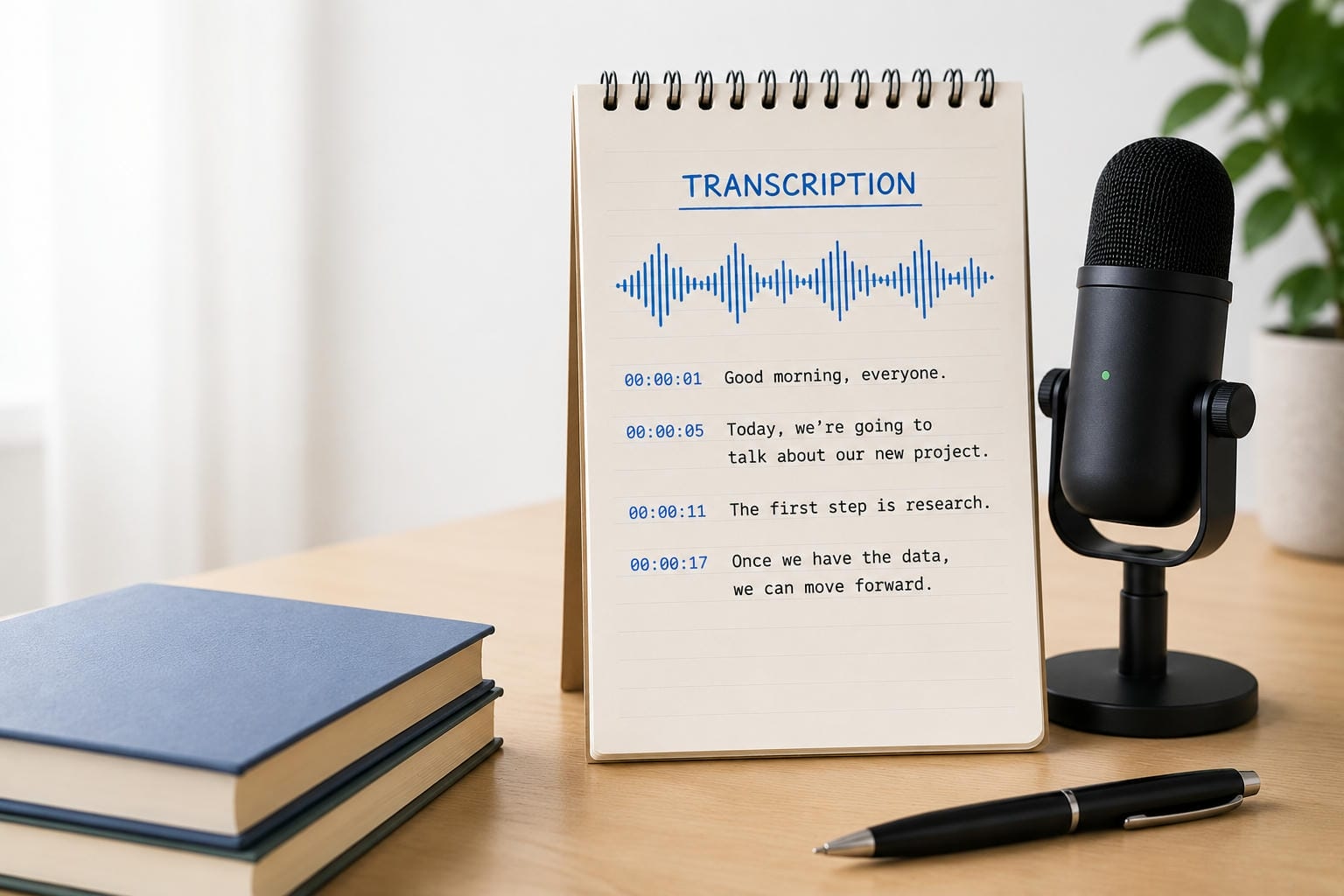
Transcription is the process of converting speech into text, without changing the language of speech. Transcription provides spoken dialogue, not what is said, making it easier to read, search, and reference audio or video content. Transcription creates an accurate written record of the original speech, whether you're creating captions for a YouTube video, recording a business meeting, or turning a podcast into a blog post. The language is the same, so the aim is to keep the words of the speaker as close to the original as possible, but still be readable.
Common uses of transcription
Because transcription creates searchable and editable text, it's widely used across many industries.
-
Meeting notes: Convert recorded meetings into written documentation for easier sharing and future reference.
-
Interviews: Journalists and researchers often transcribe interviews before writing articles or reports.
-
Podcasts: Podcast transcripts improve accessibility and make episodes easier to repurpose into blogs or social media posts.
-
Video captions: Many creators use transcripts as the foundation for subtitles and closed captions.
-
Medical and legal documentation: Professionals rely on accurate transcripts to record consultations, hearings, and case discussions.
What is Translation?
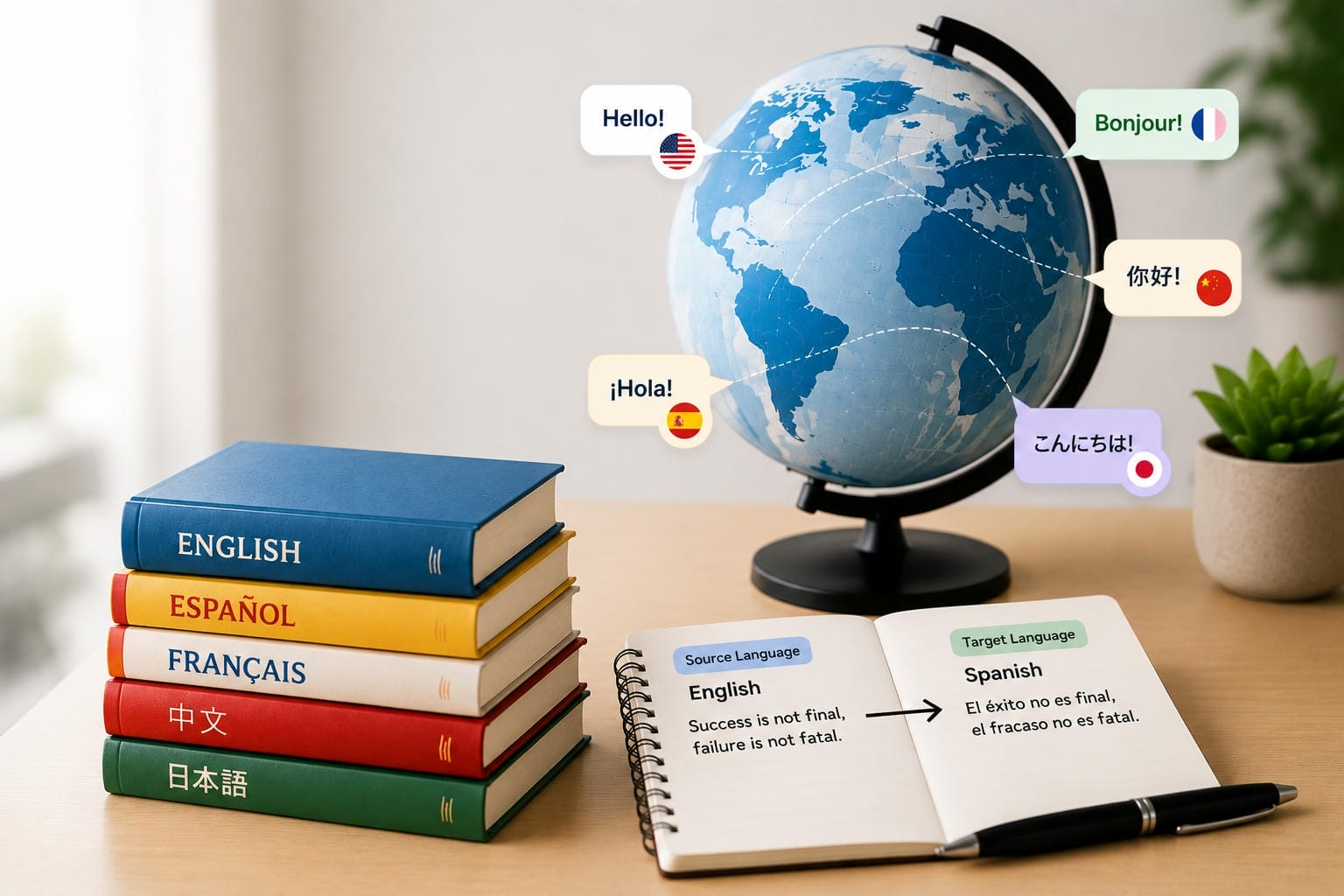
Transcription keeps the original language intact. Translation is the conversion of text or speech from one language to another, preserving its meaning. Instead of a word-for-word translation, the aim is to convey the message of the original in a way that will sound natural to the ears of the target language. Translation can be used for documents, websites, marketing materials, subtitles and even spoken dialogue in videos. As companies and creators target audiences in other countries, translation has become an essential part of content localization.
Common uses of translation
Translation plays an important role whenever information needs to cross language barriers.
-
Websites: Businesses translate websites to serve customers in different countries.
-
Marketing content: Advertisements, product descriptions, and promotional materials are localized for international markets.
-
Video localization: Subtitles, dubbed audio, and translated voiceovers make videos accessible to global audiences.
-
Documents: Contracts, manuals, reports, and educational materials are translated for multilingual communication.
-
International communication: Organizations use translation to collaborate with clients, partners, and teams worldwide.
Although transcription and translation are different processes, they often complement each other. For example, a video is typically transcribed first to create an editable script before that transcript is translated into multiple languages for subtitles or AI dubbing.
Transcription vs Translation: Key Differences
While transcription and translation often work together, they serve different purposes. The table below compares their key differences.
|
Feature |
Transcription |
Translation |
|---|---|---|
|
Purpose |
Convert speech into written text |
Convert content from one language to another |
|
Language |
Stays in the original language |
Changes to a different language |
|
Input |
Audio or video |
Text, audio, or video |
|
Output |
Written text |
Translated text or speech |
|
Requires language change |
No |
Yes |
|
Primary focus |
Capturing spoken words accurately |
Preserving meaning, context, and tone |
|
Best for |
Captions, transcripts, meeting records |
Video localization, multilingual content, global communication |
The main difference is that transcription converts speech into text, while translation converts one language into another. Transcription is usually the first step in most video localisation workflows, producing an editable transcript that can be translated into subtitles, voiceovers, and other types of multilingual content.
When Should You Use Transcription, Translation, or Both?
The right choice will depend on your goal. If you simply need a written record of what was said, transcription will suffice. If you want to reach people who speak another language, translation is better. Both processes often collaborate in many video localisation projects to make content accessible to a global audience.
When transcription is the better option
The best transcriptions are ones where no change is needed in the original language. It is often used to generate video captions, transcribe interviews into text, record meeting minutes, and produce podcast transcripts. Transcription is ideal for improving accessibility, creating searchable records and repurposing spoken content into written formats, as it retains the original language.
When translation is the better option
If you want to communicate with audiences who speak a different language, then translation is the right choice. It is used widely to localise websites, documents, marketing campaigns, and videos, enabling businesses and creators to tap into more audiences without needing to rebuild content from the ground up.
How transcription and translation work together
In many localisation workflows, translations are based on transcription. The original audio is then converted to editable text. The text is then translated to one or more languages, either for subtitles or for dubbed audio. This approach improves consistency and makes it easier to produce multi-language versions of the same content.
Example: Imagine you have a tutorial on YouTube in English, and you want to publish it for Spanish and Japanese audiences. Instead of re-recording the tutorial, you first transcribe the original narration, then translate the transcript into both languages, which you then use to create subtitles or AI-dubbed audio. That means you can quickly publish localised versions of the same video and keep a consistent message across markets.
Best Practices and Common Mistakes for Transcription and Translation
Whether you're transcribing speech, translating content into another language, or localizing videos for global audiences, following a few best practices can improve accuracy and create a better viewing experience. Avoiding common mistakes also helps ensure your transcripts, subtitles, and translated content remain clear, natural, and consistent.
Best practices
-
Start with high-quality audio: Clear speech and minimal background noise improve transcription accuracy, creating a stronger foundation for translation and subtitle generation.
-
Choose the right process: Use transcription when you need a written record in the original language, translation when communicating with audiences in another language, and combine both when localizing videos for multilingual viewers.
-
Review translations before publishing: AI can produce accurate results quickly, but reviewing subtitles, dubbed audio, and terminology helps ensure the final content sounds natural and fits the intended context.
-
Maintain consistent terminology: Keep names, technical terms, and brand references consistent throughout the transcript, subtitles, and translated audio to avoid confusing viewers.
Common mistakes to avoid
-
Confusing transcription with translation: Transcription converts speech into text in the same language, while translation converts content into another language. Using the wrong process can lead to unnecessary work.
-
Skipping the transcription stage: When translating videos or audio recordings, an accurate transcript provides the foundation for better subtitles, dubbing, and overall localization.
-
Relying solely on AI output: Although AI speeds up localization, reviewing the final subtitles and translations helps catch contextual errors and improve readability.
-
Ignoring subtitle timing and formatting: Accurate translations are less effective if subtitles are poorly timed or difficult to read. Always check subtitle synchronization before publishing.
How Vmake AI Simplifies Multilingual Video Localization
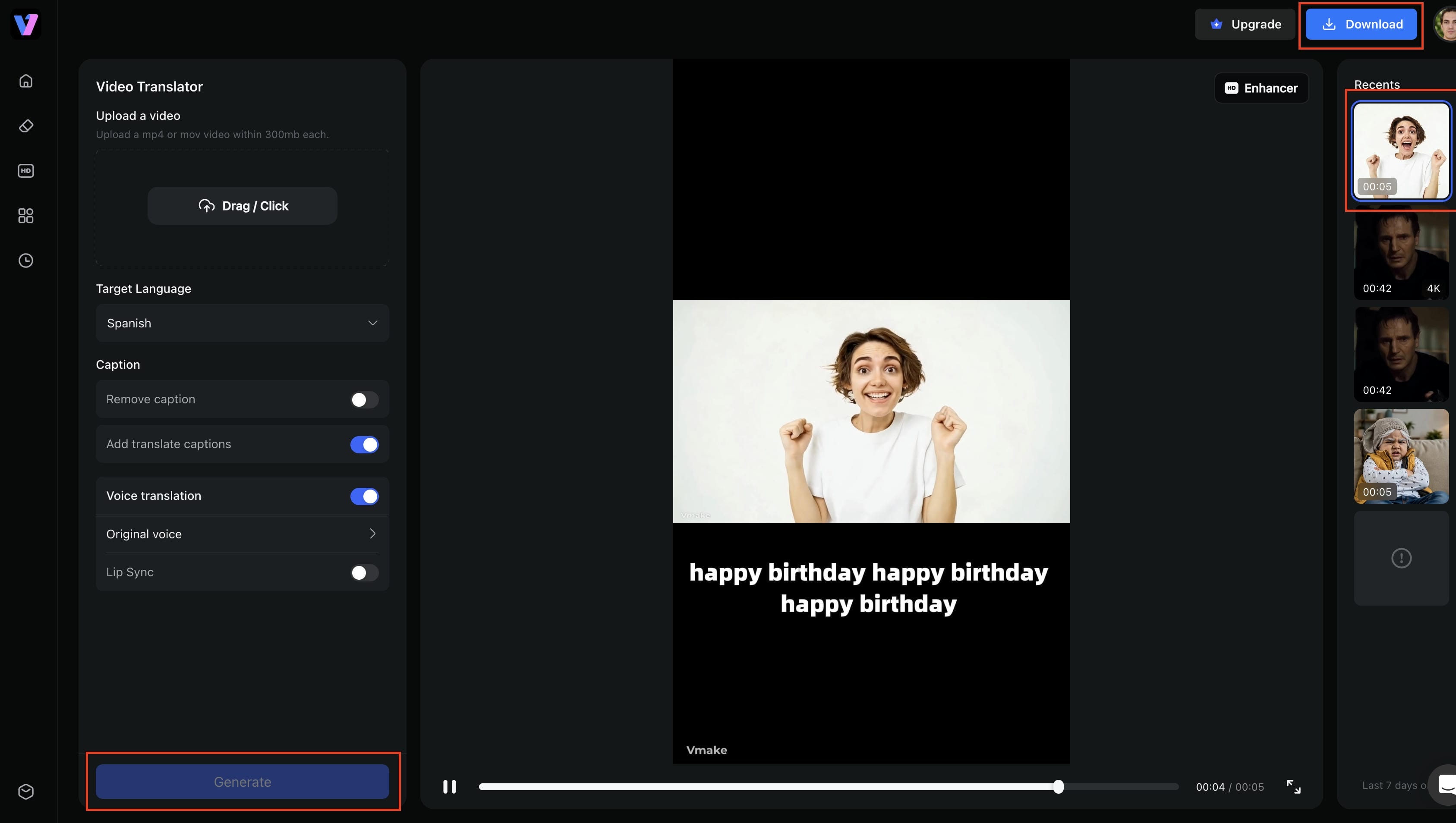
The process of creating a multilingual video usually includes transcription, translation, subtitle editing, dubbing, and exporting the final video. Having different tools for each step can be time-consuming and cause inconsistencies. Vmake AI Video Translator makes this workflow easy by combining these functions on a single platform. Upload your video, choose the target language, turn on the features you want and easily export a localised video. This allows for faster and more efficient video localisation for creators, businesses, educators and marketing teams.
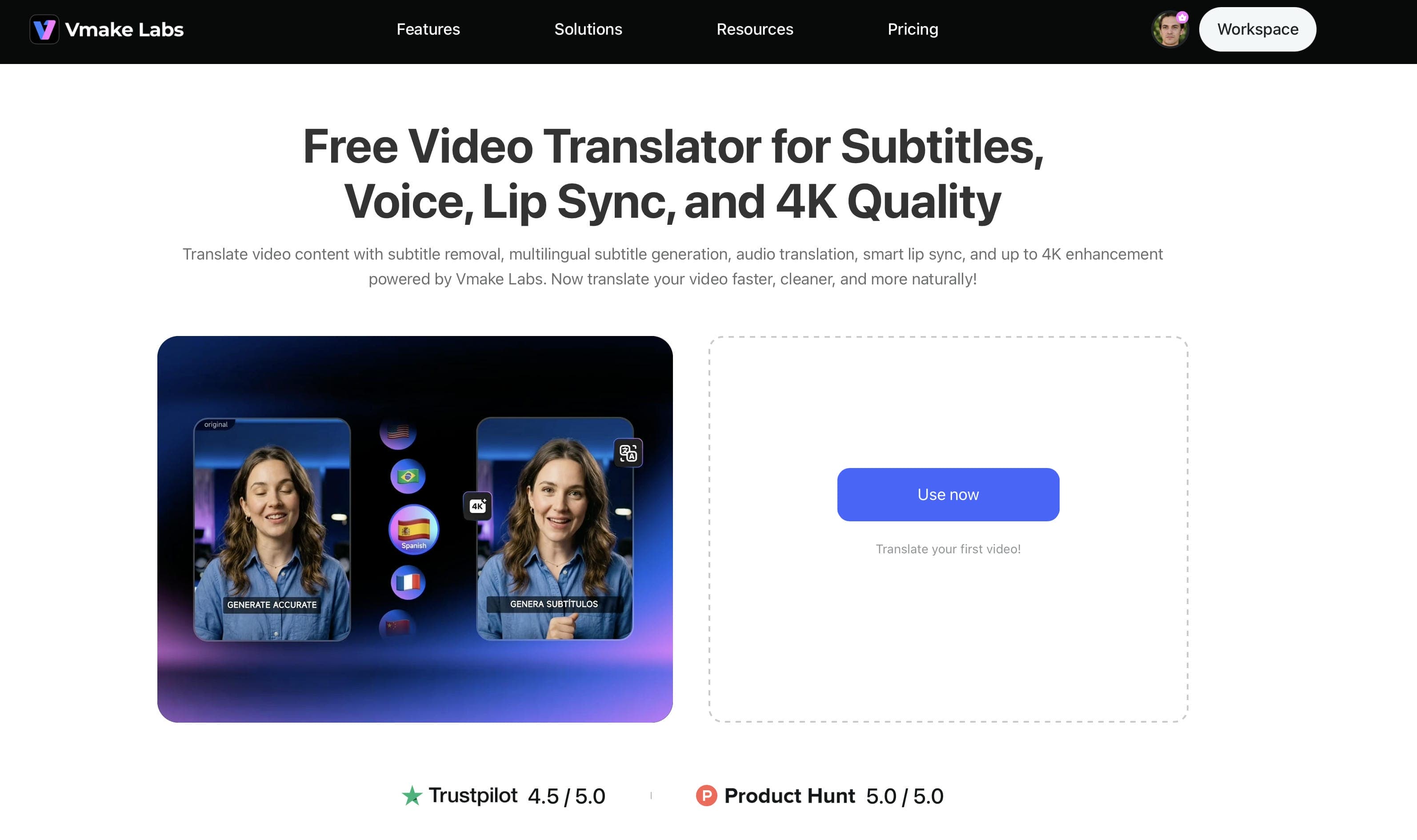
How to translate a video with Vmake AI
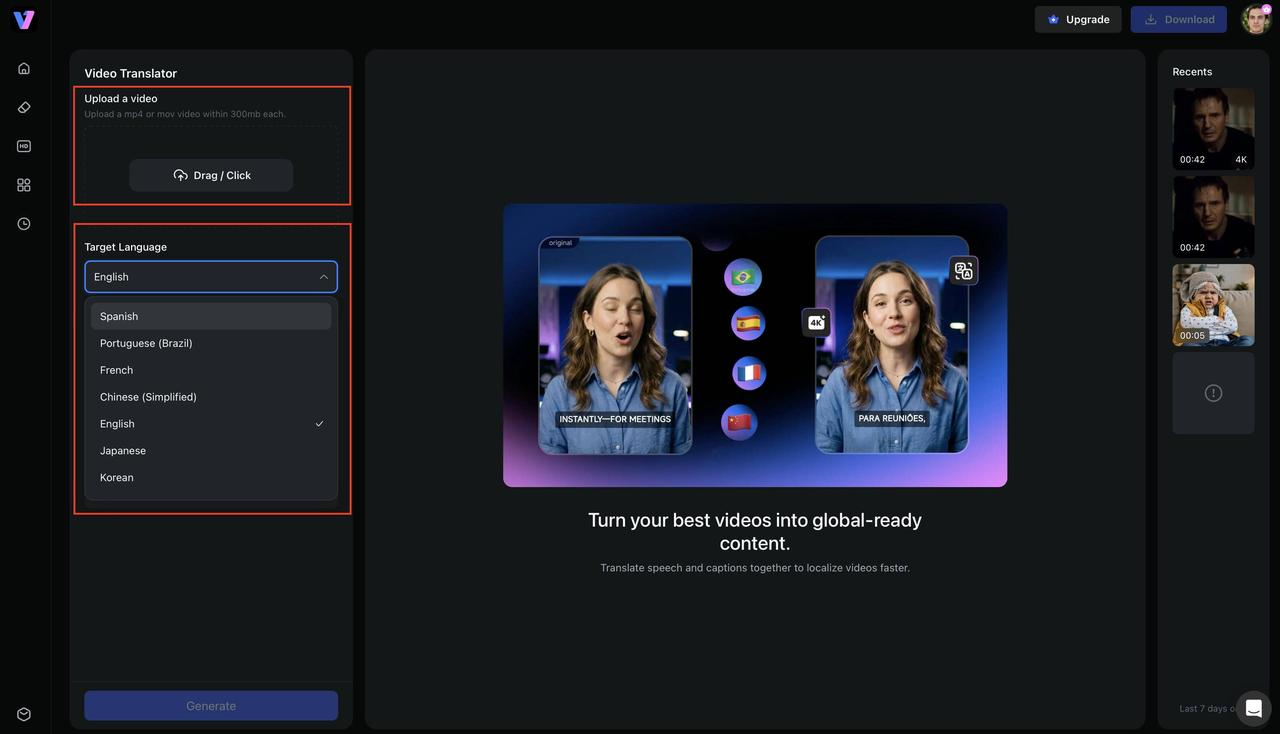
Step 1: Upload your video and choose the target language
Open Vmake AI Video Translator and upload your video from your device. Once the upload is complete, select the original language and choose the language you want to translate it into. The platform supports common video formats such as MP4, MOV, M4V, 3GP, and AVI.
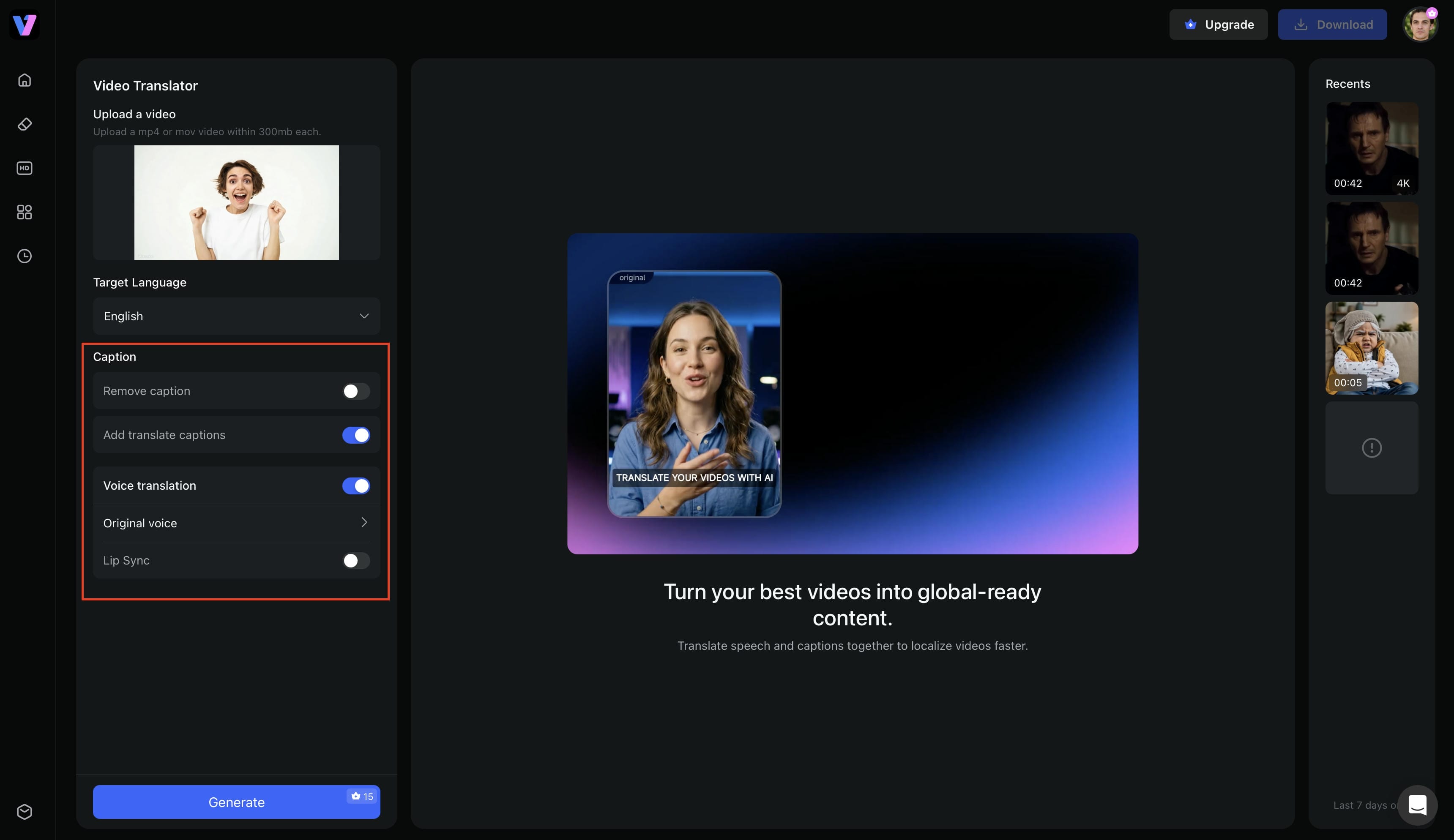
Step 2: Enable the features you need
Choose the features that match your project. You can generate translated subtitles, translate audio, enable AI dubbing, turn on lip synchronization, or remove existing subtitles before creating new ones. Since Vmake AI uses a modular workflow, you only enable the features required for your video.
Step 3: Export your translated video
Click Generate and let the platform process your video. After reviewing the output, export the translated version with subtitles, AI dubbing, lip synchronization, and optional 4K video enhancement, depending on the features you selected.
Key Features of Vmake AI Video Translator
Vmake AI goes beyond basic subtitle translation by combining multiple video localization tools into a single workflow. Instead of switching between different platforms, you can manage subtitles, dubbing, and video enhancement in one place.
-
One-stop translation workflow: Translate subtitles, generate AI dubbing, synchronize lip movements, and export your video without relying on multiple editing tools.
-
Flexible subtitle control: Remove existing subtitles, generate new ones, or translate subtitles into another language while keeping them synchronized with the video.
-
AI dubbing with voice cloning: Create natural-sounding translated voiceovers that closely match the original speaker, making multilingual videos more engaging.
-
Intelligent lip synchronization: Align translated speech with the speaker's lip movements to create a smoother and more realistic viewing experience.
-
Optional 4K video enhancement: Improve video quality during export, helping translated videos look sharper across YouTube, social media, and other platforms.
-
Modular translation features: Turn on only the features you need, giving you more flexibility and control over each translation project.
Conclusion
Transcription and translation are often used together, but they are different. Transcription is the process of converting speech into writing, while translation is the process of adapting that language into another language. Whether it's a video localisation project, transcription forms the basis for subtitles, and translation makes those subtitles accessible to global audiences. Understanding when to use each process helps you select the right workflow for your content. If you need translated audio, subtitle management, and lip sync as well, Vmake AI Video Translator integrates all these features into one workflow to make multilingual video creation more efficient.
FAQs
What is the difference between transcription and translation?
Transcription converts spoken audio into written text while keeping the original language unchanged. Translation, on the other hand, converts text or speech from one language into another while preserving its meaning. In video localization, transcription is often completed first, followed by translation to create multilingual subtitles or dubbed audio.
Can you translate without transcription?
Yes. It depends on the content and the tool you are using. Text documents can be translated directly, without transcription. For spoken video or audio, it's often better to first create a transcript, which makes it easier to generate subtitles or review the translation. Many AI video translation tools do this automatically behind the scenes.
Are subtitles transcription or translation?
They can be one or the other. If the subtitles are in the same language as the spoken dialogue, they 're a form of transcription. If they appear in another language, they are translations. A lot of multilingual videos use both processes, starting with transcription and then translating the subtitles for international viewers.
Can AI translate spoken videos into other languages?
Yes. Modern AI tools can recognize speech, generate subtitles, translate them into multiple languages, and even create AI-generated dubbed audio. Some platforms, including Vmake AI Video Translator, also support lip synchronization to create a more natural viewing experience.
Does Vmake AI support AI dubbing and lip sync?
Yes. Vmake AI Video Translator supports AI-generated dubbing, lip synchronization, subtitle translation, and flexible subtitle management within a single workflow. Depending on your project, you can enable only the features you need and export a localized video ready for sharing across different platforms.

You May Be Interested
How to Transcribe a Video to Text: Guide to Accurate Transcriptions
Best Subtitle Translation Tools in 2026 Compared
How to Translate a Video Online for Free in 3 Simple Steps (2026 Guide)
How to Translate YouTube Videos to Any Language: 4 Easy Methods in 2026