
20+ Best ChatGPT Image Prompts for Stunning AI Images
Discover the best ChatGPT image prompts for portraits, products, logos, anime, and photo editing. Turn your favorite prompts into stunning AI visuals with Vmake Labs AI Image Generator.

ChatGPT makes creating AI artwork easier than ever, but the quality of your results will depend on the prompts you write. No matter if you're taking portrait, product, anime art photos or editing existing images, this guide provides 20+ ready-to-copy ChatGPT Image prompts along with practical tips to get more consistent, professional-looking results.
How do you write effective ChatGPT image prompts?
The quality of an AI-generated image is largely depends on the prompt you give it. However, detailed prompts provide more precise creative direction, resulting in more accurate compositions, realistic lighting, and better artistic consistency; ChatGPT, in contrast, can understand natural language. Instead of just describing the subject, give details about the style, composition, camera angle, lighting, colors, and intended use to achieve professional-looking results.
What makes a good ChatGPT image prompt?
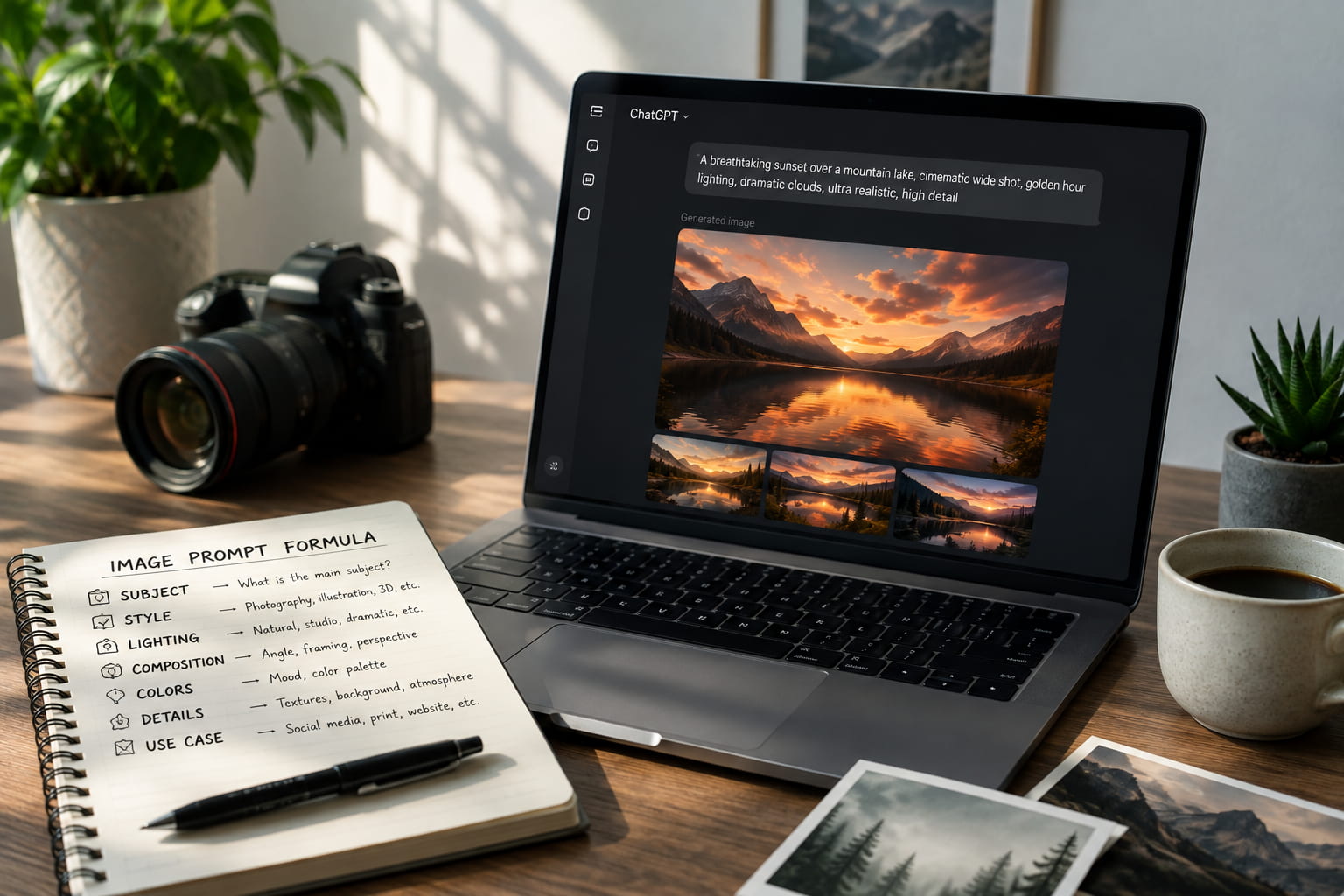
A good prompt pulls together a number of visual elements that come together. Each component helps the AI interpret a different facet of the image you want to generate.
|
Element |
Why it matters |
Example |
|---|---|---|
|
Subject |
Defines the main focus |
Luxury perfume bottle |
|
Style |
Controls artistic direction |
Cinematic photography |
|
Lighting |
Improves realism |
Golden hour |
|
Composition |
Better framing |
Close-up |
|
Camera details |
Adds realism |
85mm DSLR |
|
Mood |
Creates emotion |
Elegant |
|
Aspect ratio |
Matches platform |
16:9 |
Prompt template you can reuse
Instead of writing prompts from scratch every time, follow a repeatable structure that includes the most important visual elements.
Template: Create a [subject] in [style] with [lighting], [camera angle], [composition], [background], [color palette], [mood], optimized for [use case].
Example: Create a luxury perfume bottle, in a cinematic photography style, with soft golden hour lighting, 85mm close up camera angle, white marble background, warm neutral colors, elegant mood, optimized for an ecommerce product page.
Best ChatGPT image prompts for every creative project
A great ChatGPT image prompt is more than a simple description. It provides enough context for the AI to understand the subject, visual style, lighting, composition and the mood it is trying to convey. The same prompt framework can be used across different projects, but the details you emphasize will vary depending on whether you're creating portraits, product photos, illustrations, or marketing assets. Here are some examples grouped by use case so you can easily copy, customize, and generate images for your creative needs.
Portrait prompts
From professional headshots to cinematic characters, these prompts help create realistic and expressive AI portraits.
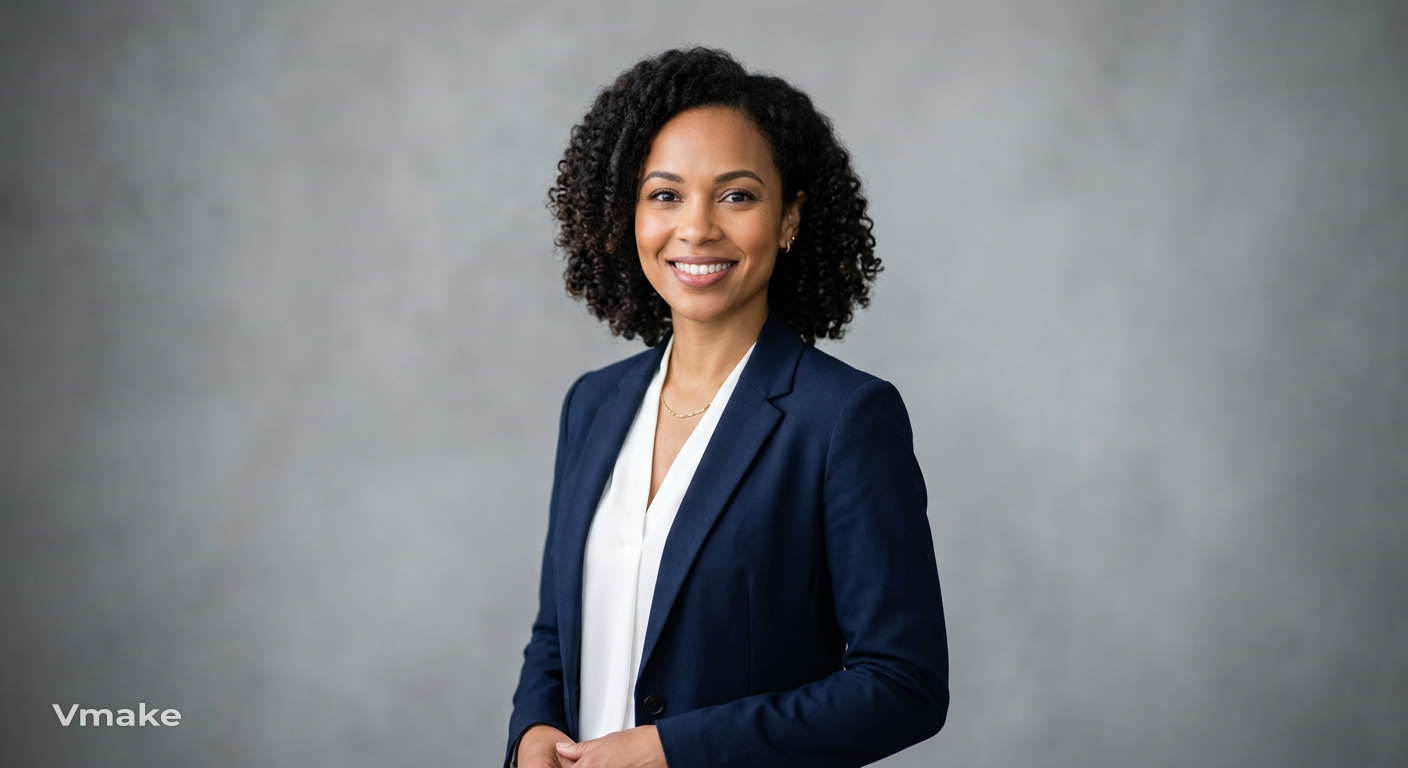
1. Professional corporate headshot
Prompt: Create a professional corporate headshot of a confident marketing manager wearing a navy blazer, standing against a clean grey studio background with softbox lighting, captured on an 85mm lens with shallow depth of field.
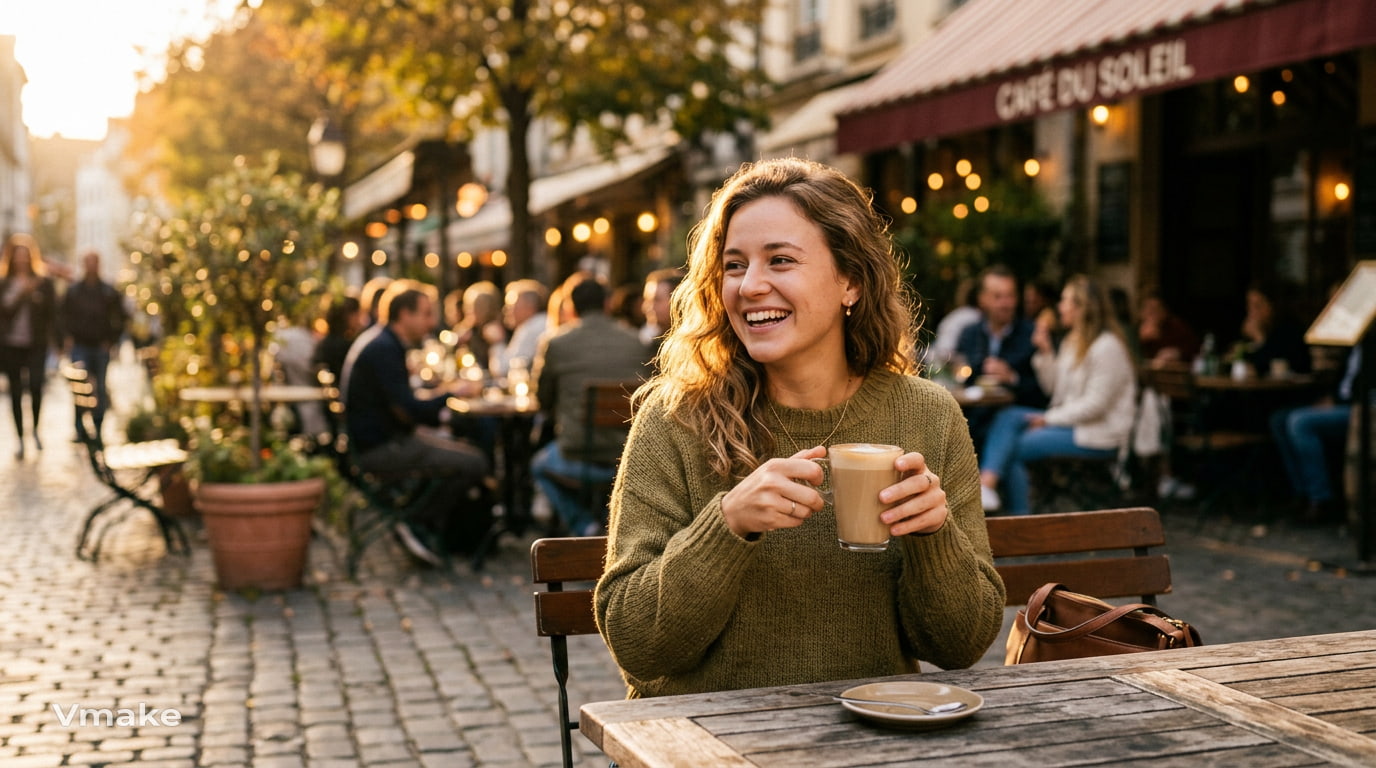
2. Golden hour lifestyle portrait
Prompt: Generate a lifestyle portrait of a young woman enjoying coffee at an outdoor café during golden hour, warm sunlight, soft bokeh background, realistic photography with a 50mm lens.
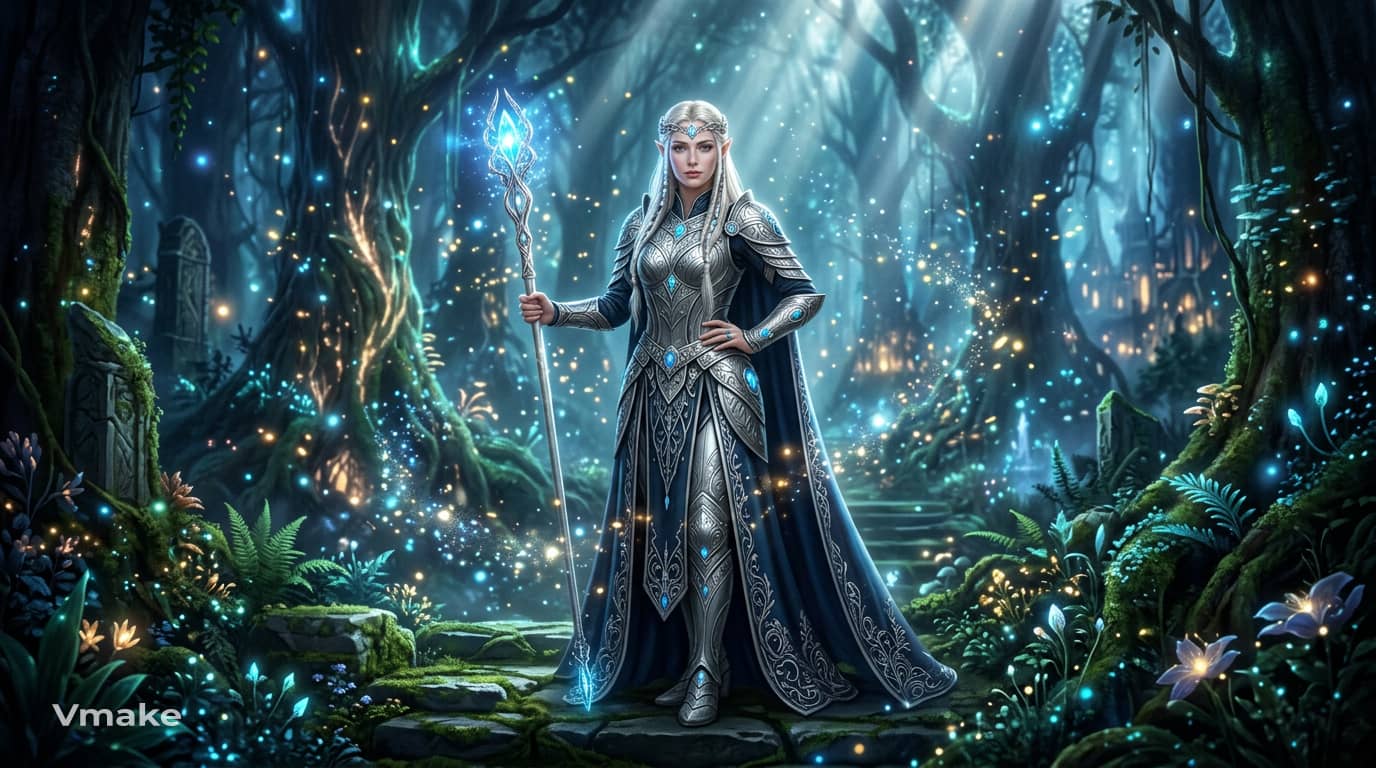
3. Fantasy elven queen
Prompt: Generate an elegant elven queen wearing silver armor inside an enchanted forest, surrounded by glowing magical particles, cinematic fantasy artwork with volumetric lighting.
Product photography prompts
Well-written product prompts highlight lighting, materials, and composition to create polished commercial images.
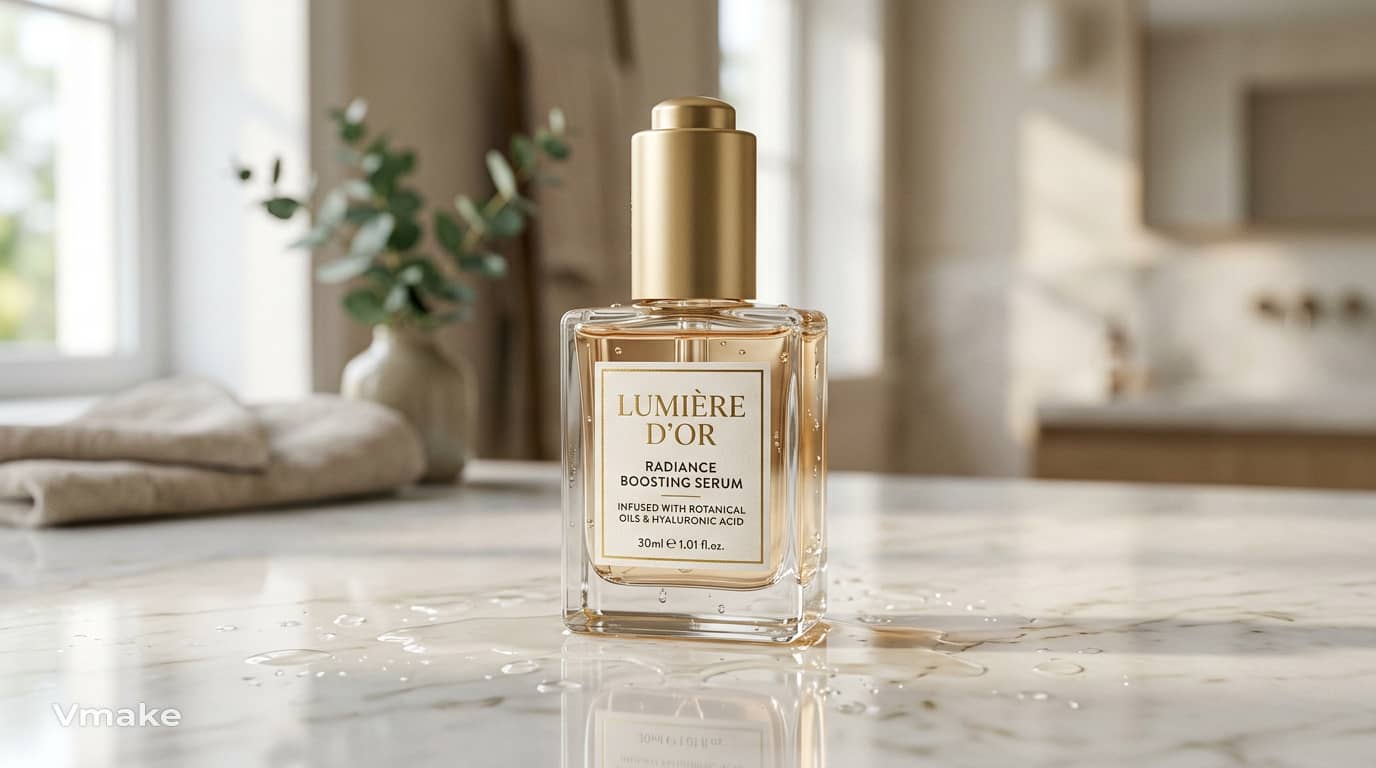
1. Luxury skincare product
Prompt: Create a luxurious skincare serum in a bottle on a white marble background with soft natural light, subtle water droplets, realistic reflections, elegant commercial photography.
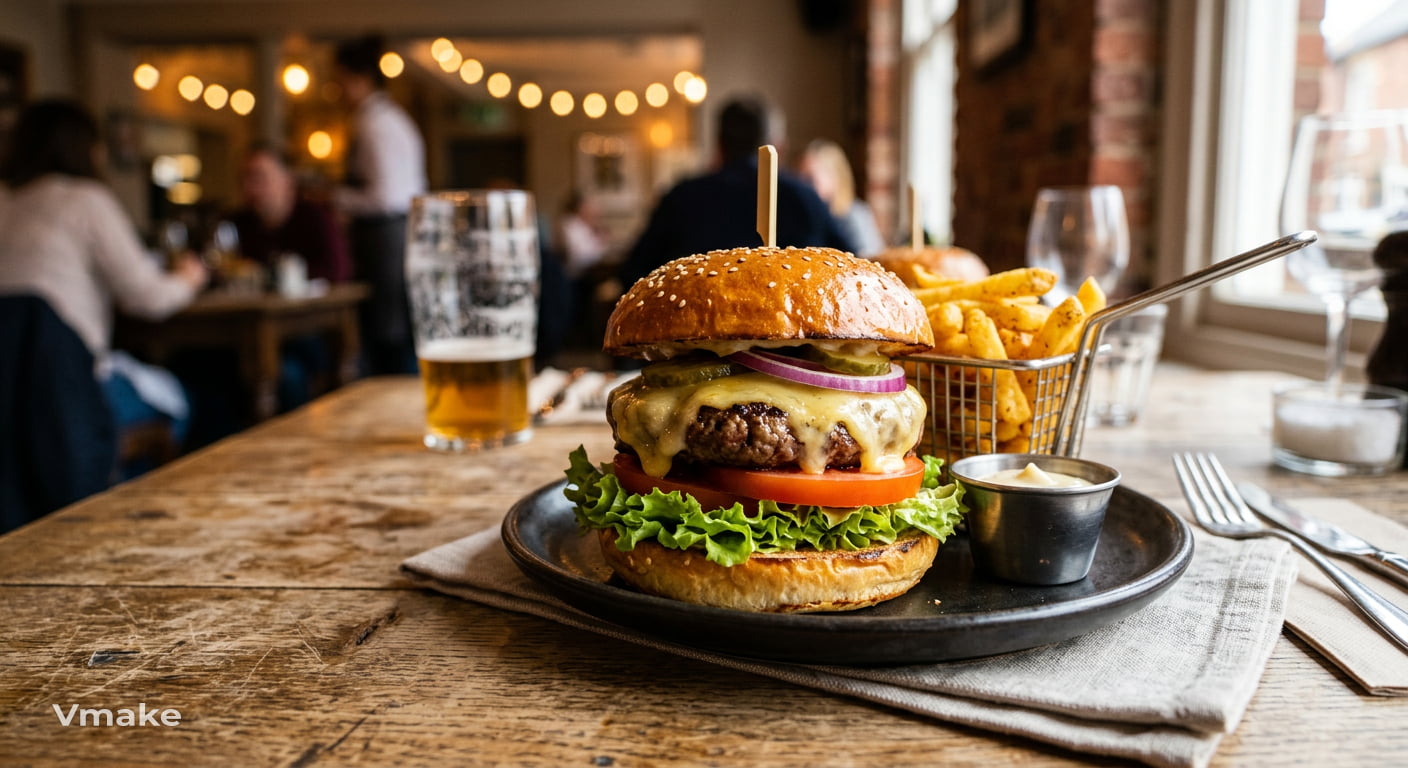
2. Gourmet food photography
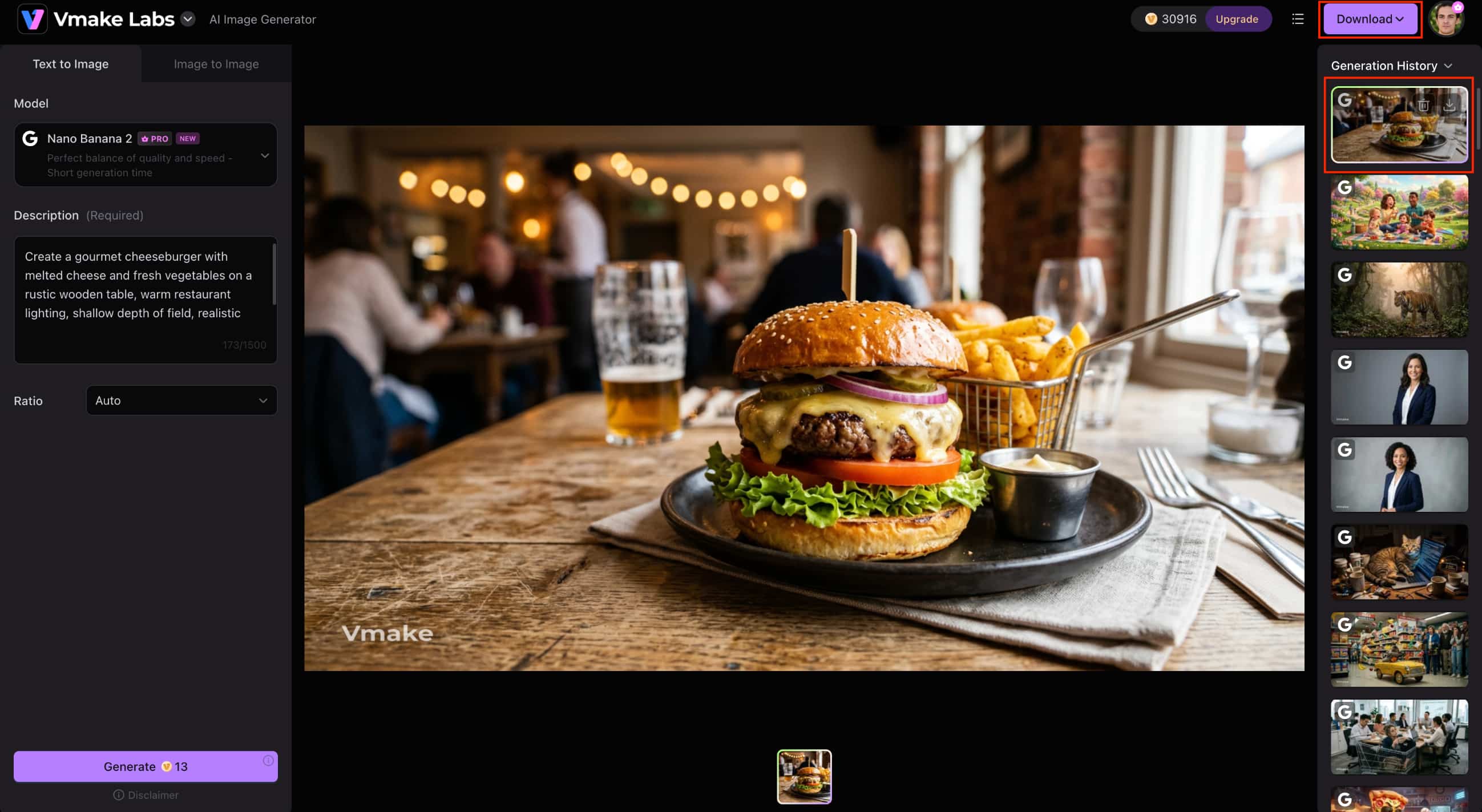
Prompt: Create a gourmet cheeseburger with melted cheese and fresh vegetables on a rustic wooden table, warm restaurant lighting, shallow depth of field, realistic food photography.
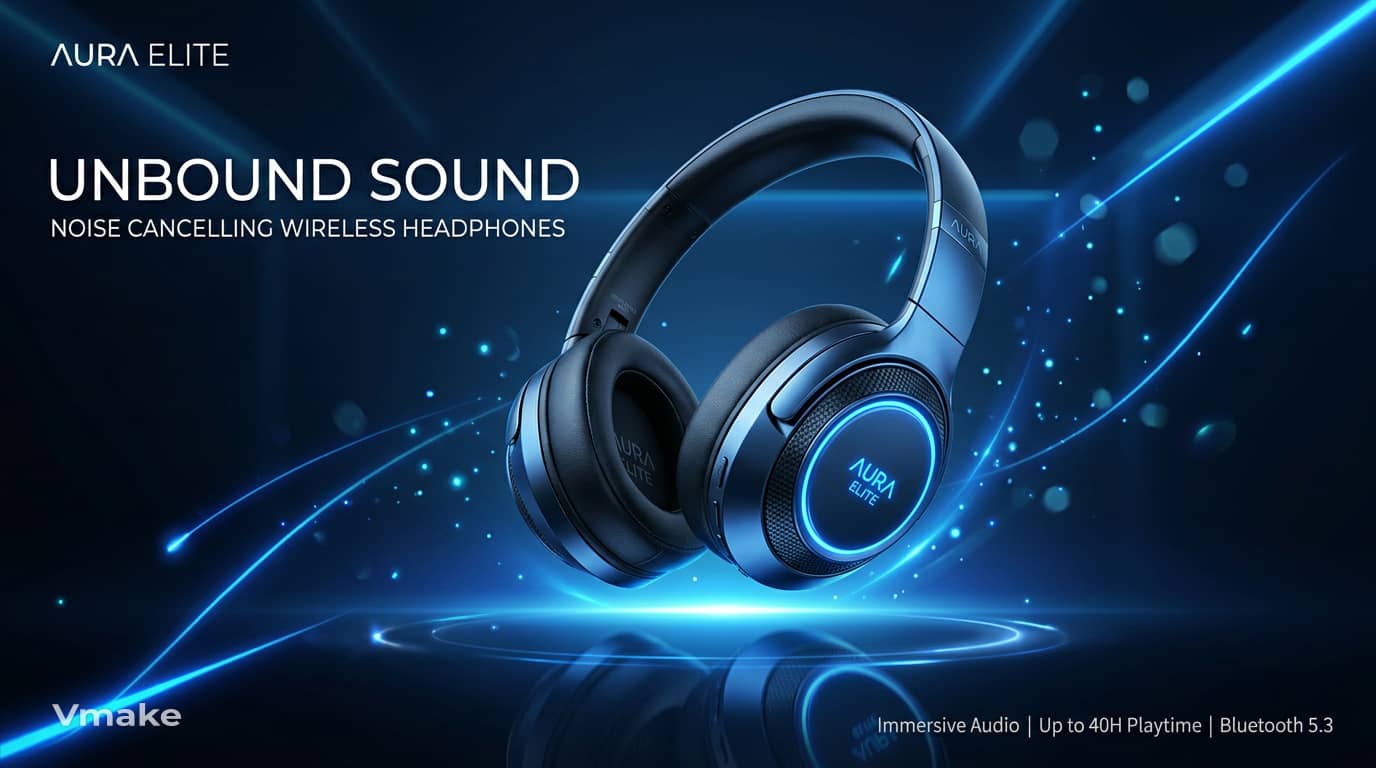
3. Premium electronics
Prompt: Generate wireless headphones floating above a dark gradient background with futuristic blue lighting, clean reflections, and modern technology advertising style.
Realistic photography prompts
Create realistic landscapes, animals, buildings and lifestyle shots with rich environments and lighting. Added camera angles and weather conditions for more believable photographic results.
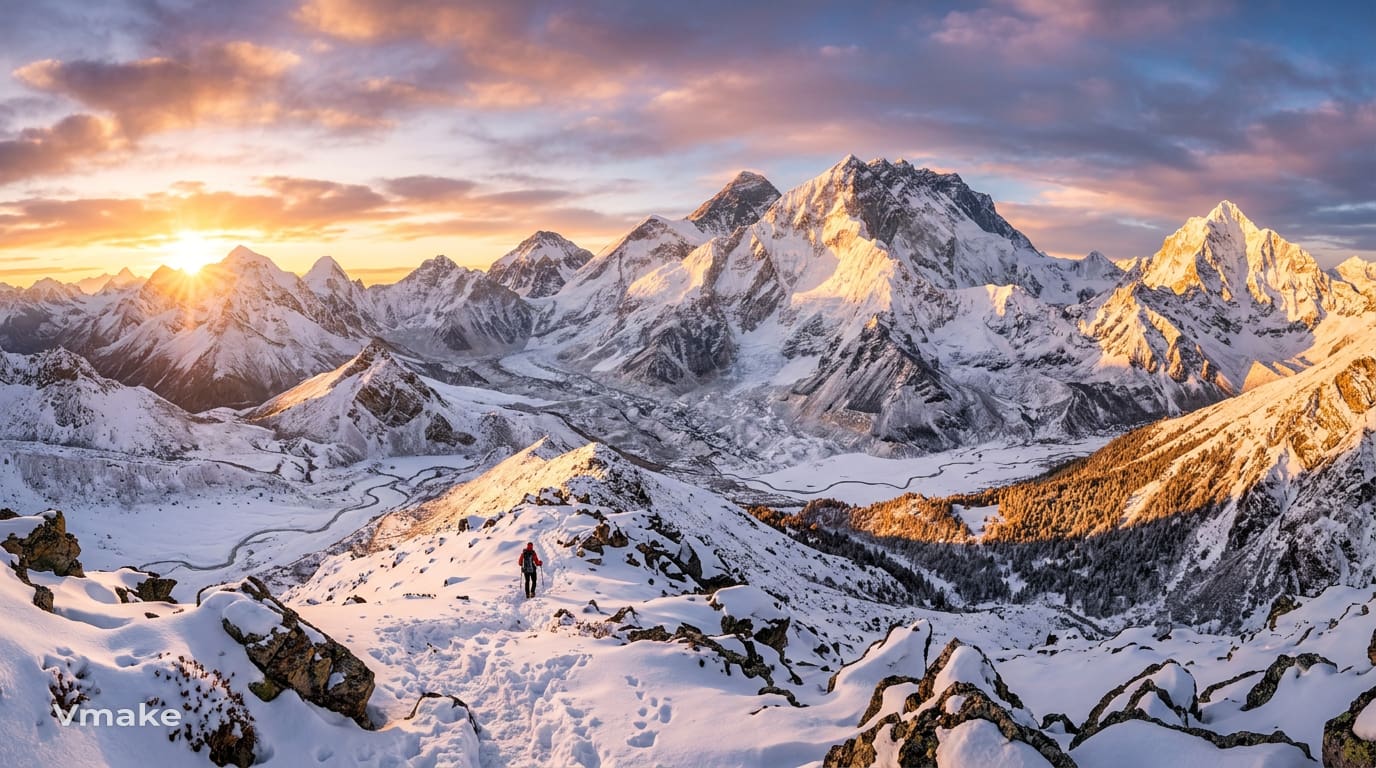
1. Mountain sunrise landscape
Prompt: Create a panoramic view of snow-covered mountains during sunrise with golden light illuminating the peaks, ultra-realistic landscape photography using a wide-angle lens.
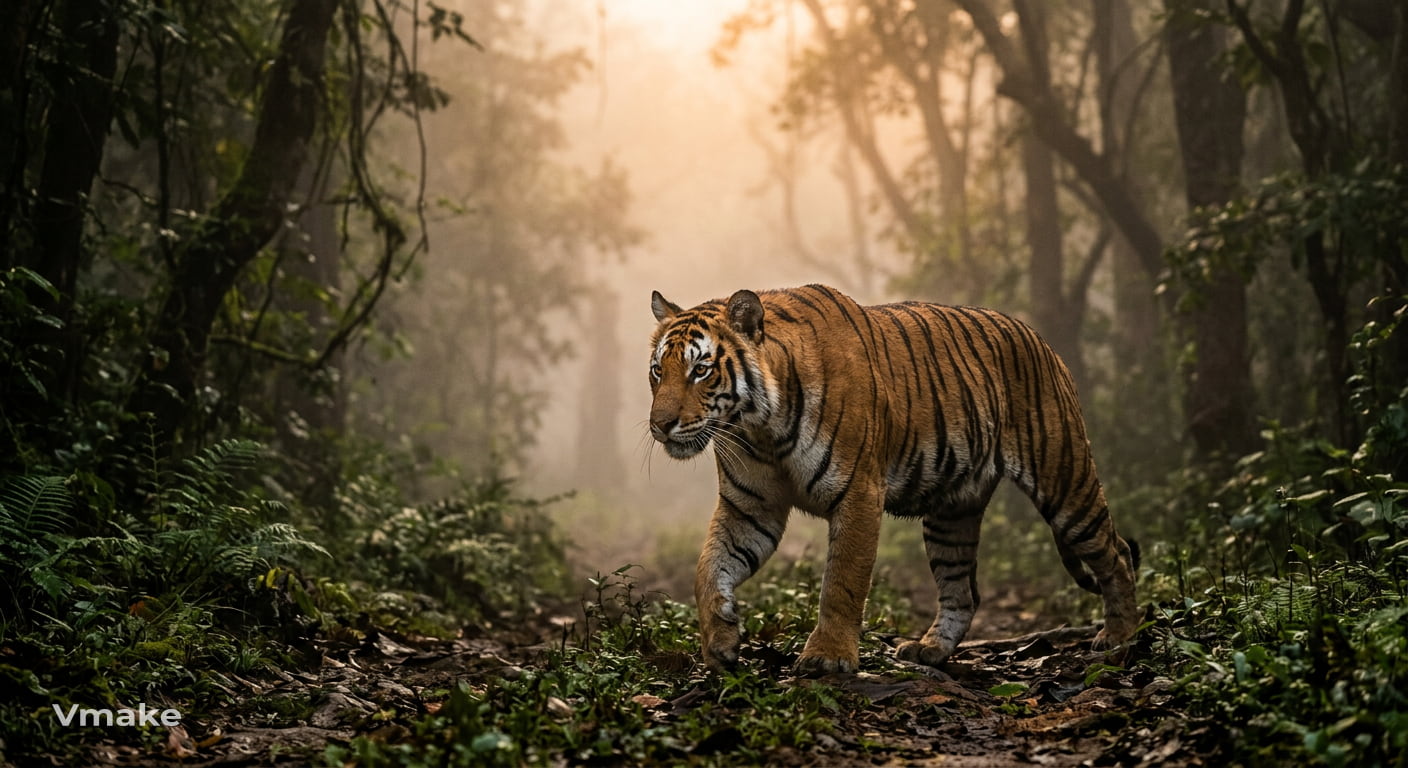
2. Wildlife close-up
Prompt: Create an image of a tiger walking through a foggy jungle at sunrise, with detailed fur textures, cinematic natural lighting, in the style of National Geographic photography.
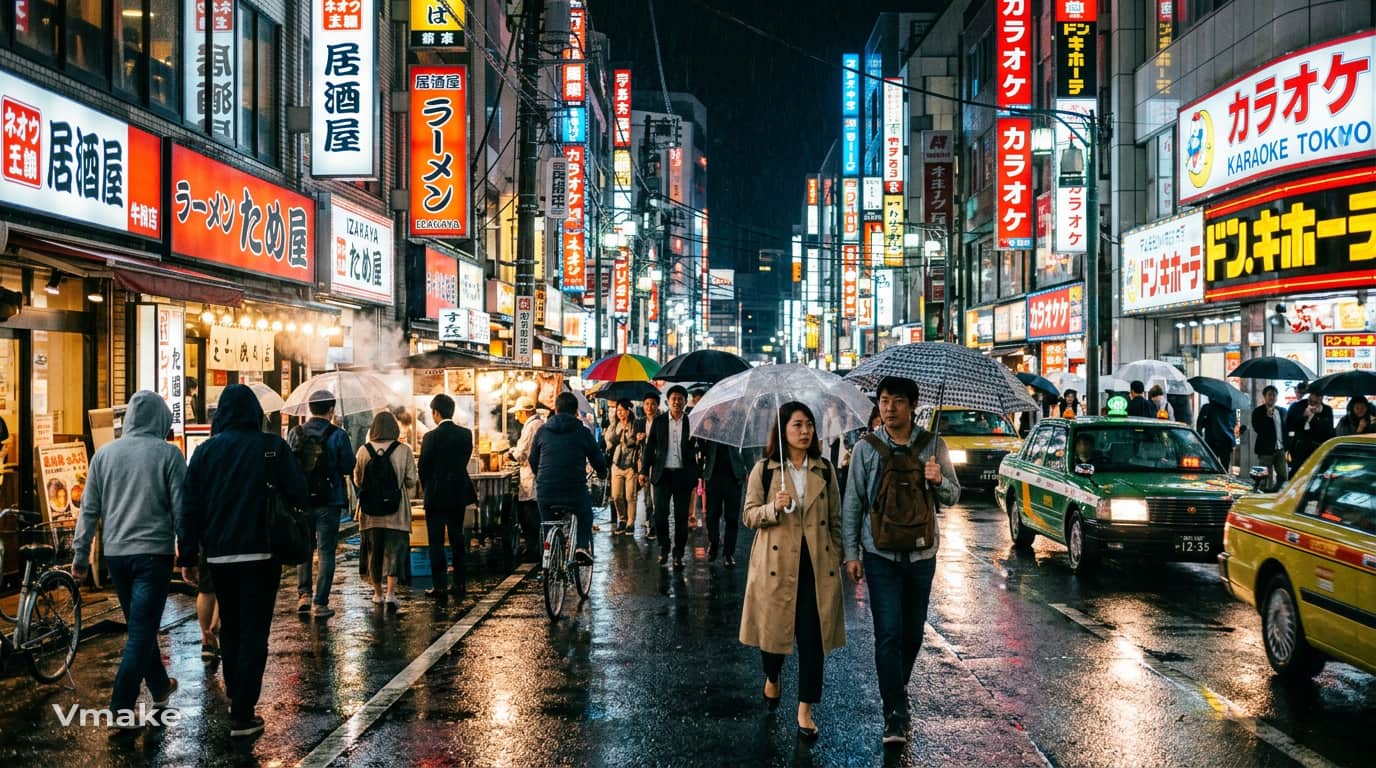
3. Rainy street photography
Prompt: Create a bustling Tokyo street after rainfall with colorful neon reflections, candid pedestrians, and authentic documentary photography.
Anime and illustration prompts
Discover popular art styles such as anime, manga, watercolor, fantasy, digital painting, and more. These are prompts that focus on artistic direction, color palettes, and visual storytelling.
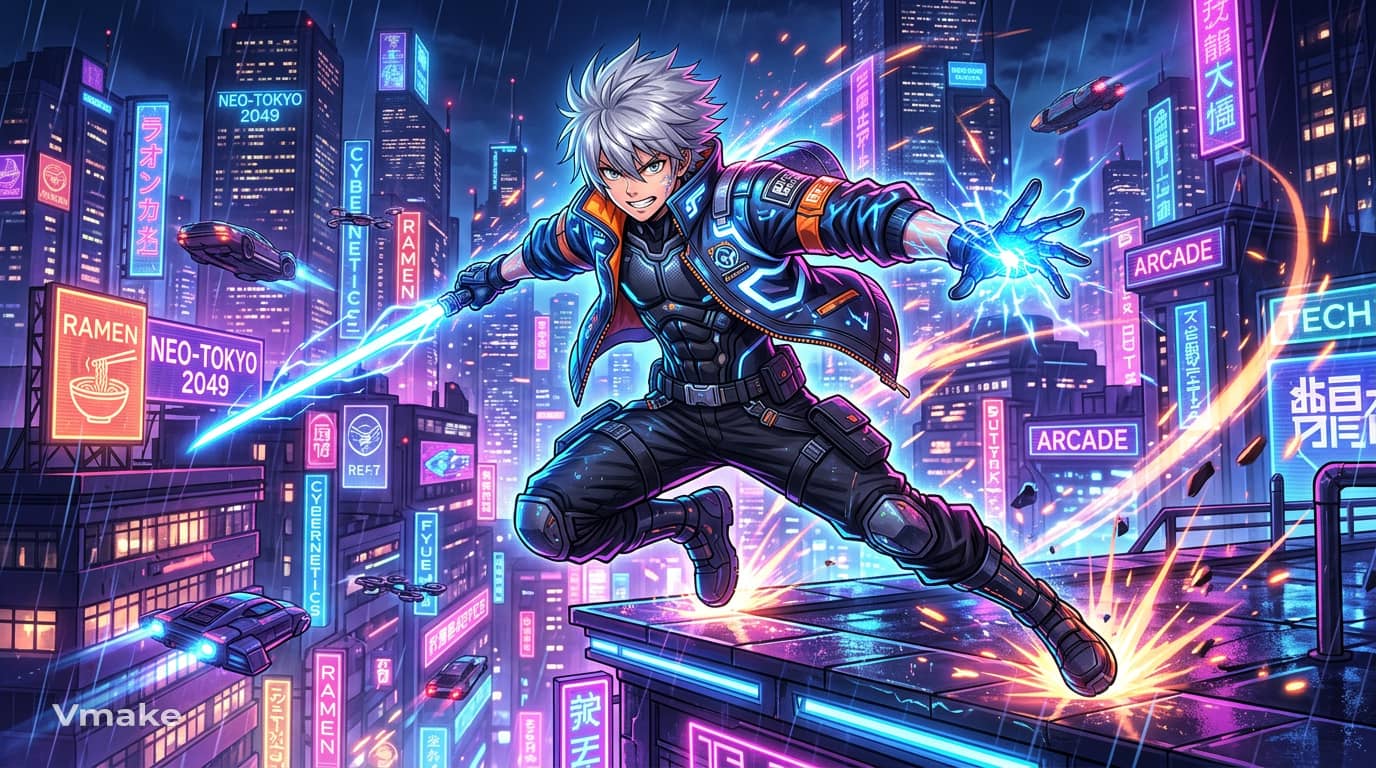
1. Modern anime hero
Prompt: Create an anime hero with silver hair and a futuristic jacket standing in a neon-lit city at night, vibrant colors, dynamic action pose.
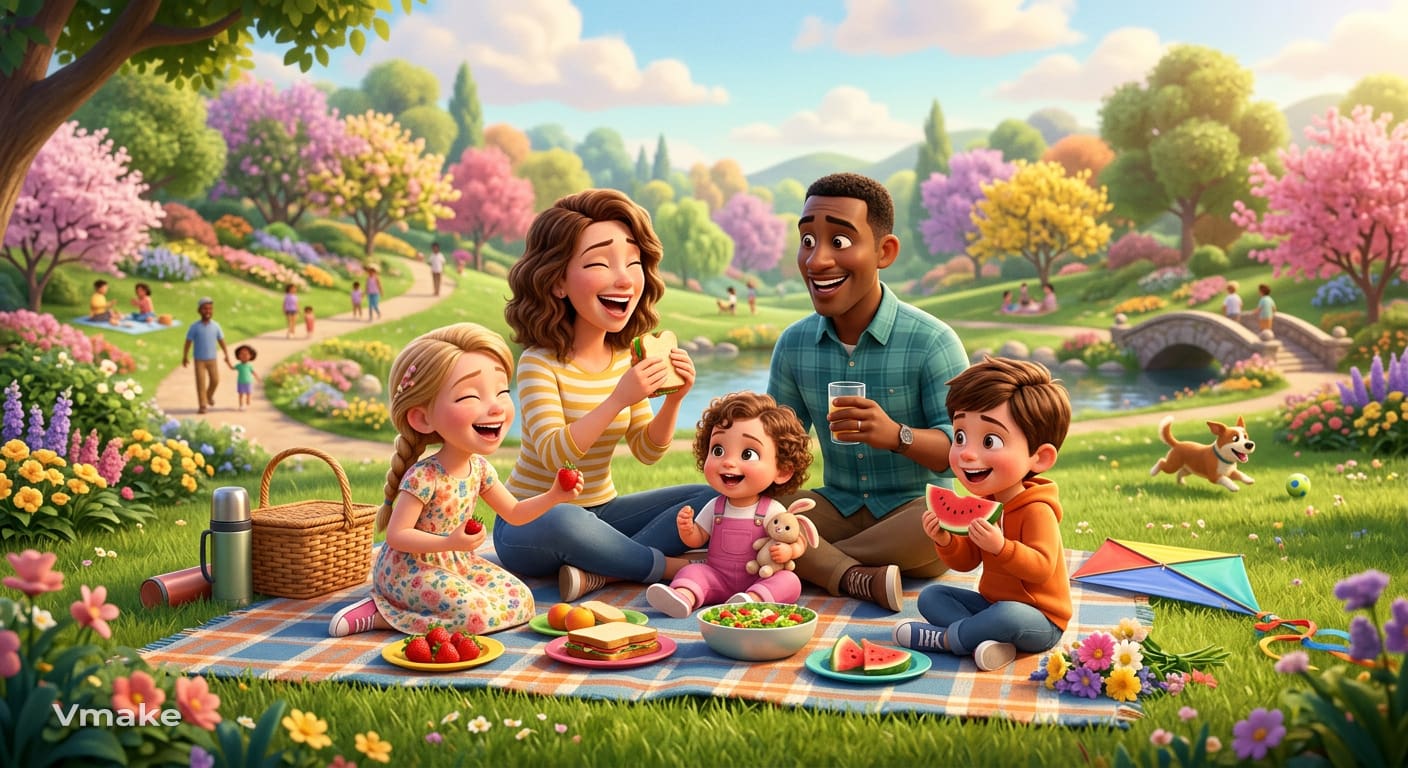
2. Pixar-inspired family
Prompt: Create a cheerful family enjoying a picnic in a colorful park using a Pixar-inspired 3D animation style with soft lighting.
Branding and marketing prompts
Create logos, posters, social media graphics and promotional visuals for different marketing needs. Prompts are centered around clean layouts, Branding Elements, and commercial-quality compositions.
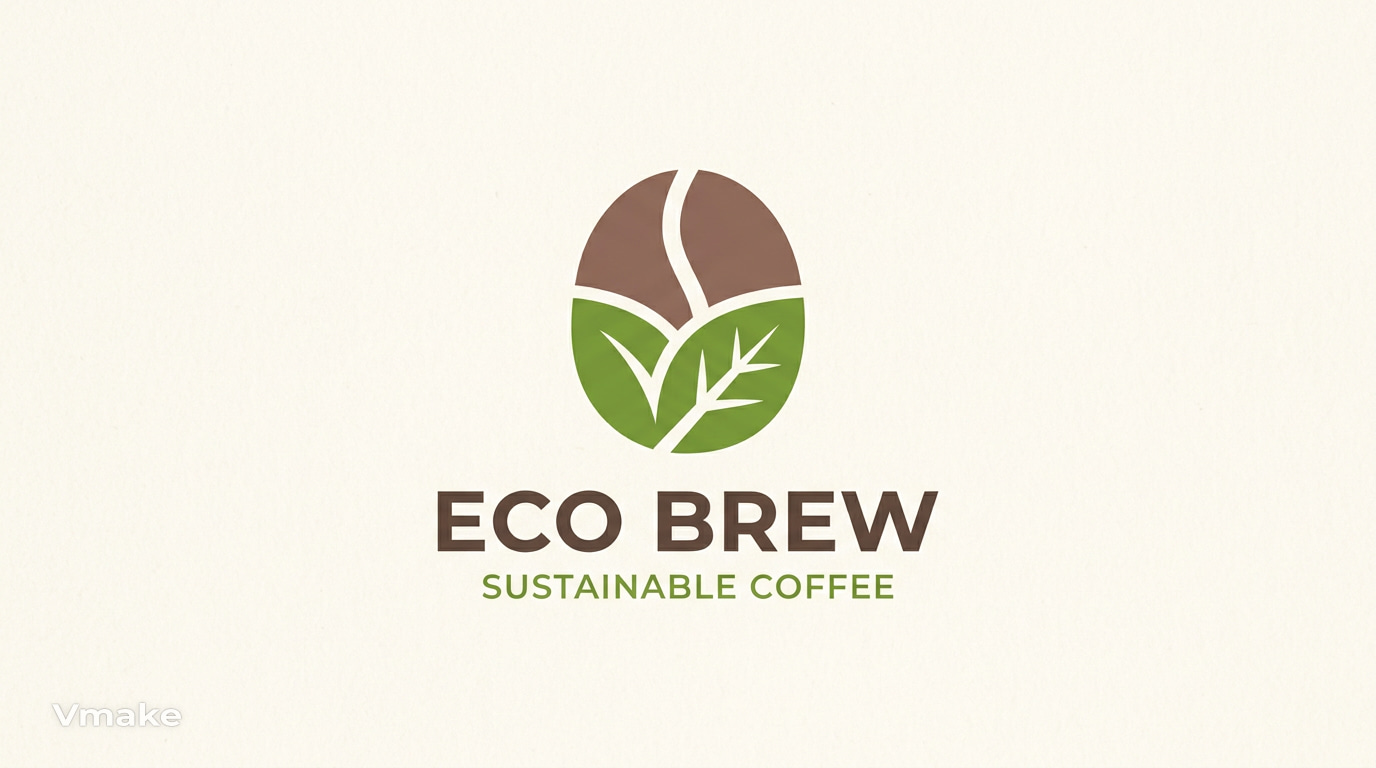
1. Minimalist logo concept
Prompt: Create a modern minimalist logo for a sustainable coffee brand using clean geometric shapes, earthy green and brown colors, and a premium flat design style.
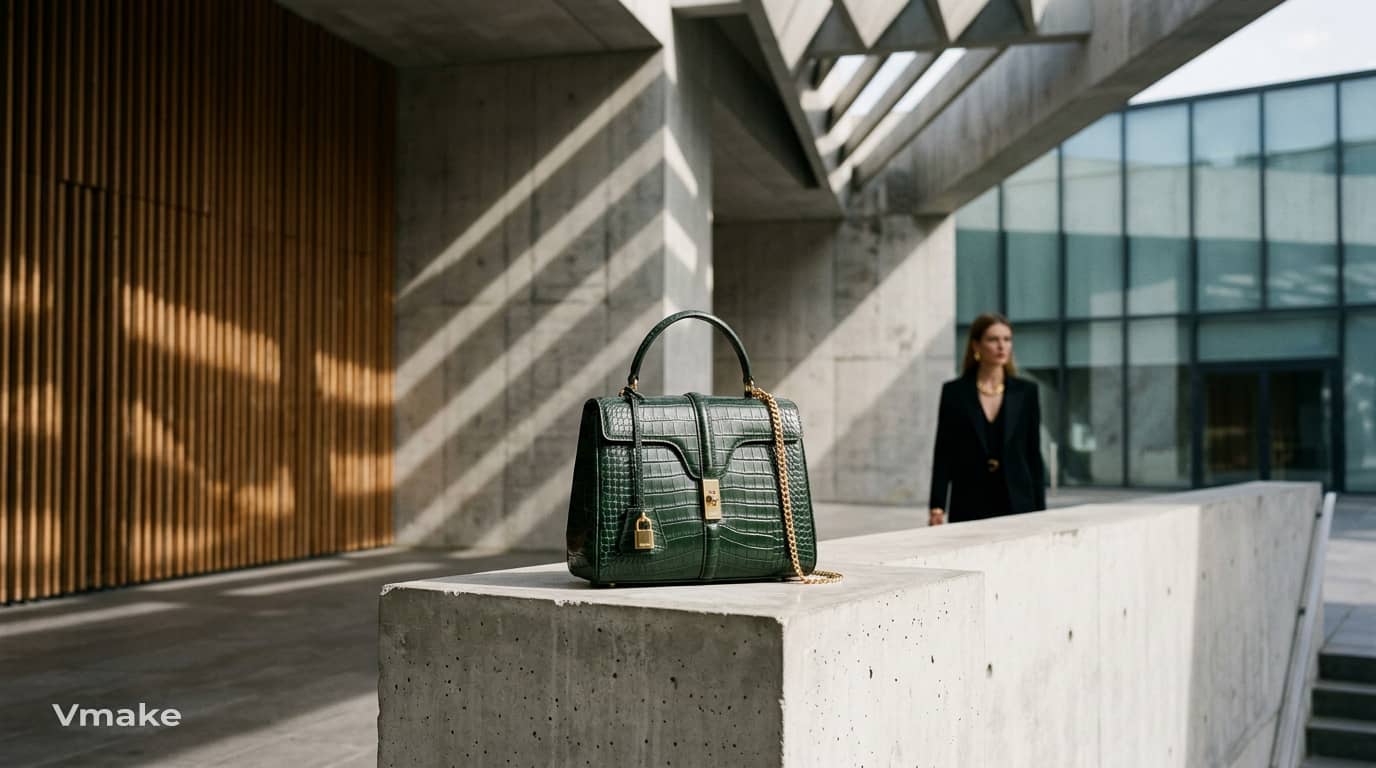
2. Fashion productshowcase
Prompt: A premium fashion accessory displayed against a contemporary architectural background, dramatic directional lighting, elegant shadows, editorial fashion photography, sophisticated styling.
What are the best ChatGPT prompts for image editing?
Not all projects start with a blank canvas. In many cases, you have an image that needs a few improvements, such as removing distractions, enhancing product photos or giving it a completely new artistic style. ChatGPT can assist you in crafting detailed editing prompts for AI image editors, simplifying the process of improving existing images rather than starting from scratch.
Portrait editing prompts
Enhance Portraits by refining facial features, lighting, backgrounds and the overall look. These prompts help make polished profile photos, professional headshots, and social media photos.
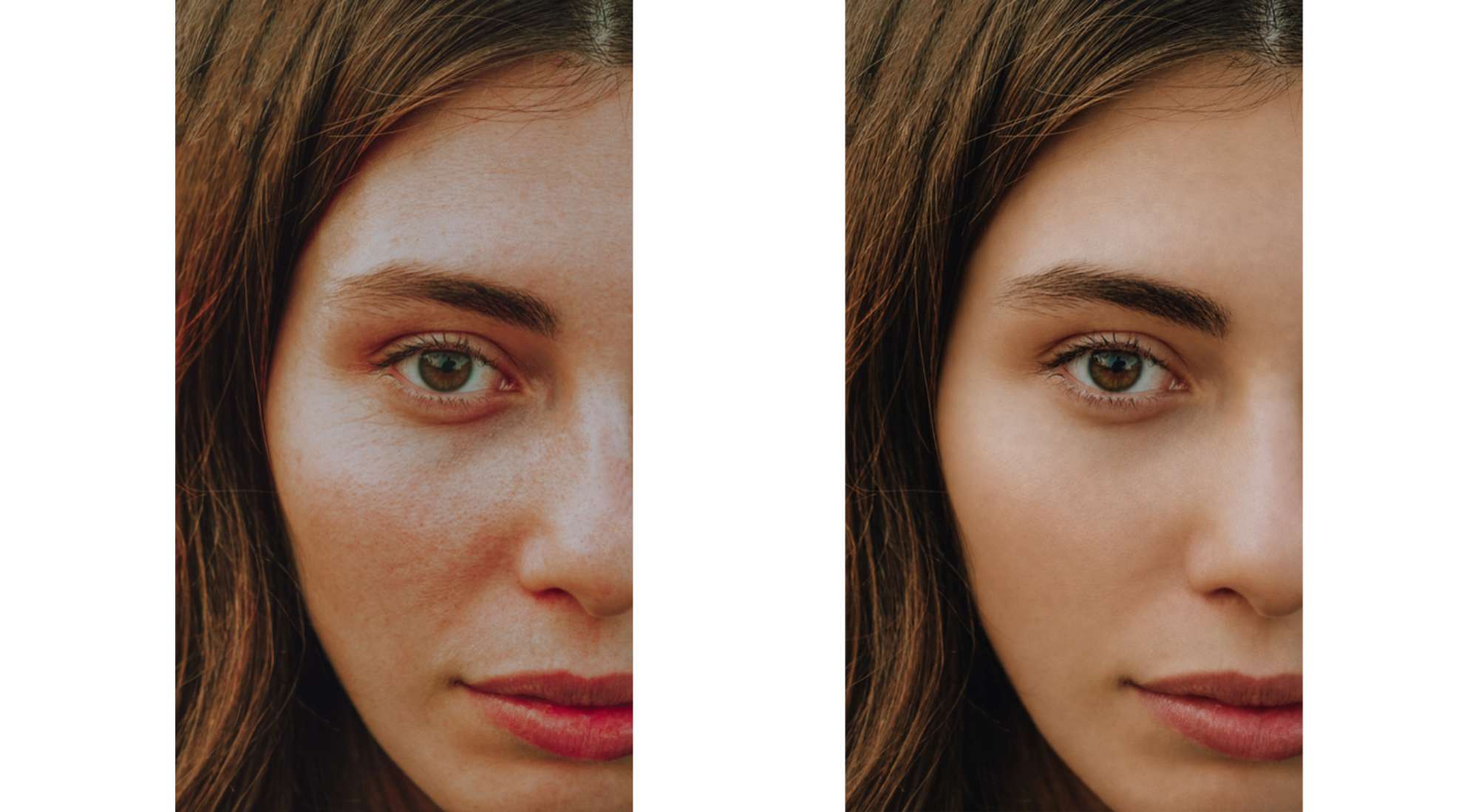
1. Natural skin retouching
Prompt: Smooth skin texture naturally while preserving realistic pores and facial features. Remove minor blemishes, reduce shine, and maintain authentic skin tones without an overly edited appearance.
2. Background replacement
Prompt: Remove the existing background and replace it with a bright modern office featuring soft natural lighting and a subtle depth-of-field effect.
Product photo editing prompts
Enhance product images with cleaner backgrounds, realistic shadows, and better lighting. They're ideal for improving e-commerce photos without reshooting the product.
1. White background replacement
Prompt: Remove the existing background and replace it with a clean white studio backdrop featuring soft shadows and balanced lighting for an e-commerce product listing.
2. Premium studio lighting
Prompt: Improve the lighting using soft studio lights, natural reflections, and balanced highlights to create a premium commercial product photo.
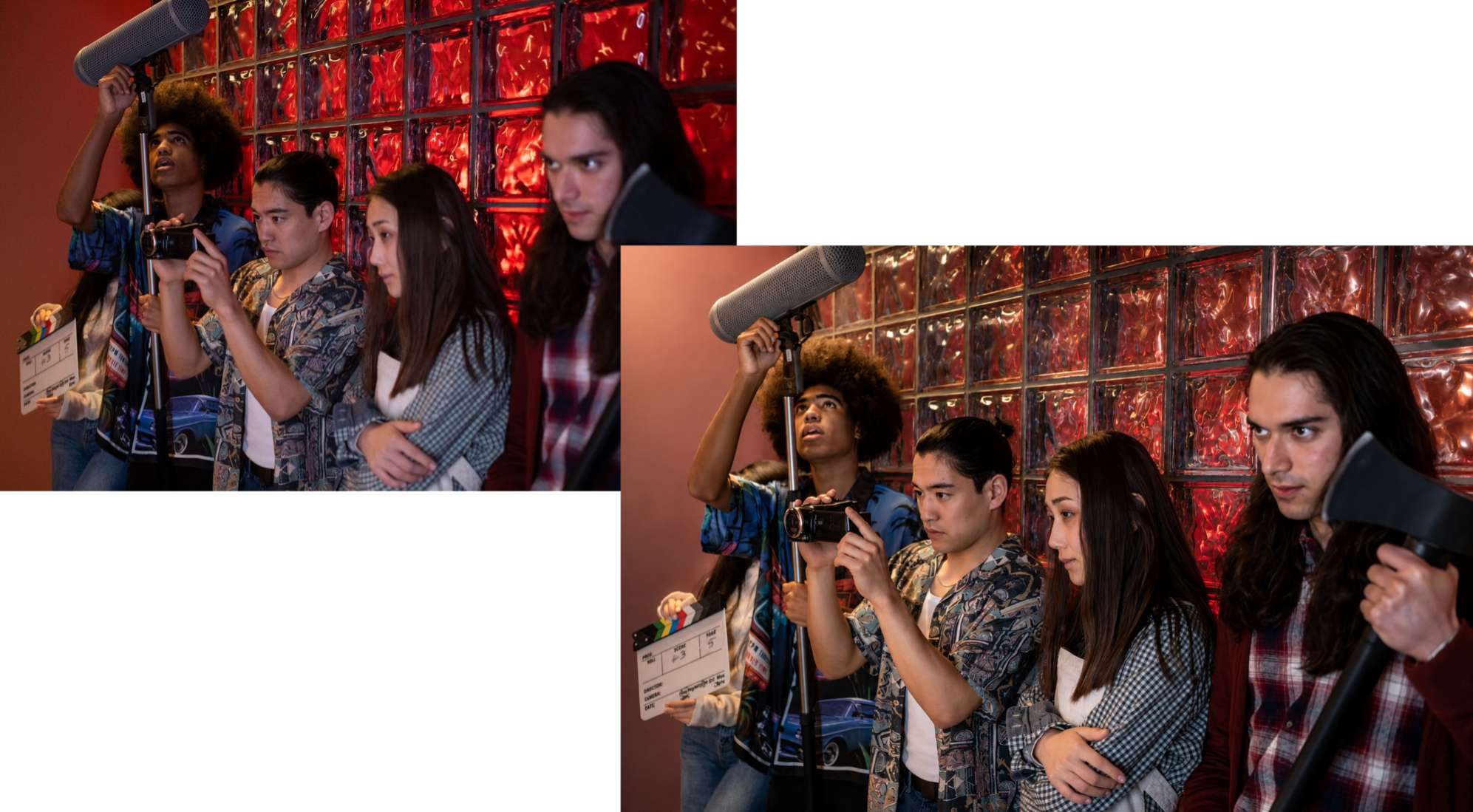
3. Realistic shadow enhancement
Prompt: Add soft, realistic shadows beneath the product to improve depth while keeping the lighting natural and consistent.
Once you've finished editing, you can further improve image clarity and sharpness with the Vmake Labs AI Image Enhancer, especially for e-commerce listings and marketing visuals.
Style transformation prompts
Transform existing images into new artistic styles while keeping the original subject. Try out popular looks like Ghibli-inspired, watercolor, oil painting, and cyberpunk.
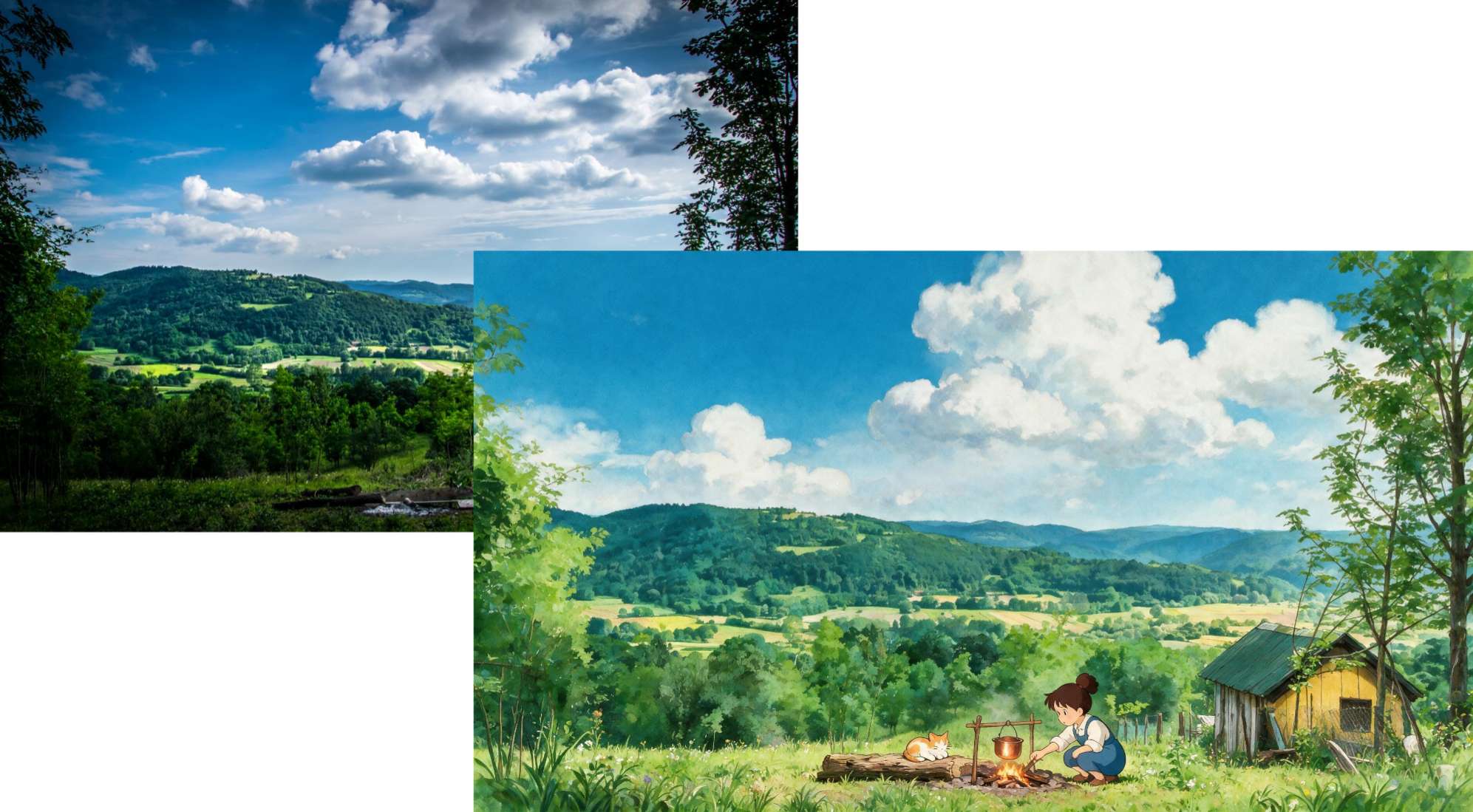
1. Studio Ghibli-inspired artwork
Prompt: Transform this image into a hand-painted animation inspired by classic Studio Ghibli films, featuring soft colors, lush landscapes, expressive characters, and a warm, whimsical atmosphere.
2. Pixar-inspired character
Prompt: Make this portrait into a colourful 3D-animated character with expressive eyes, smooth textures, playful proportions, and cinematic lighting inspired by family animated films.
3. Watercolor painting
Prompt: Recreate the image as a delicate watercolor painting using soft brush strokes, subtle color blending, textured paper, and gentle pastel tones.
Once you have written your prompt, the next step is to generate the image. Vmake Labs supports Text to Image and Image to Image so you can create new visuals or edit existing ones from the same workflow. It also provides multiple AI image models and flexible aspect ratios for a variety of creative needs.
How to turn ChatGPT prompts into AI images with Vmake Labs
After writing your ChatGPT image prompt, the next step is to generate the image. With Vmake Labs, you can create images from text prompts or modify existing images using image-to-image. Just type your prompt, select an AI model, tweak settings and generate your image. The platform also provides multiple image models and flexible aspect ratios for various creative projects.
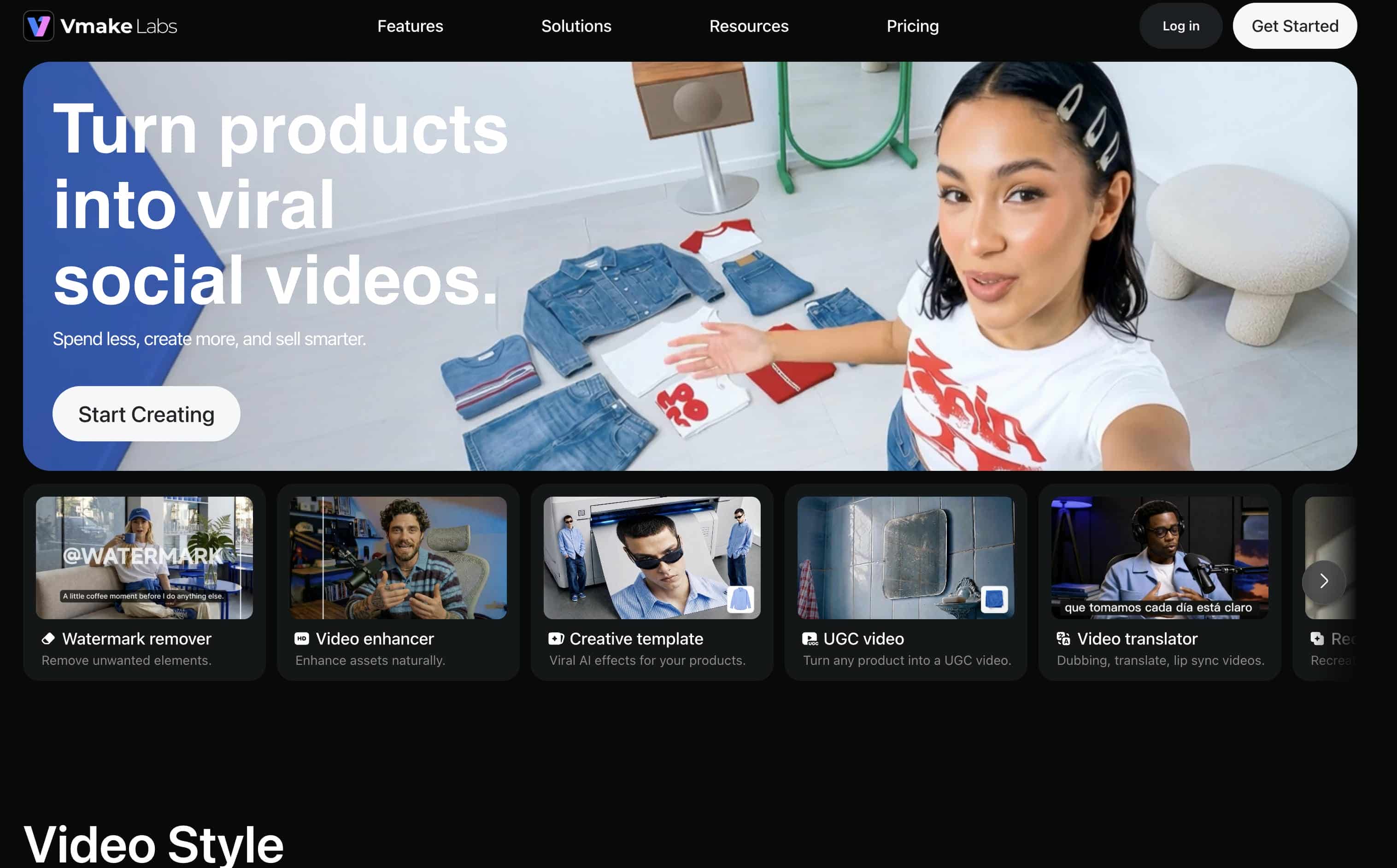
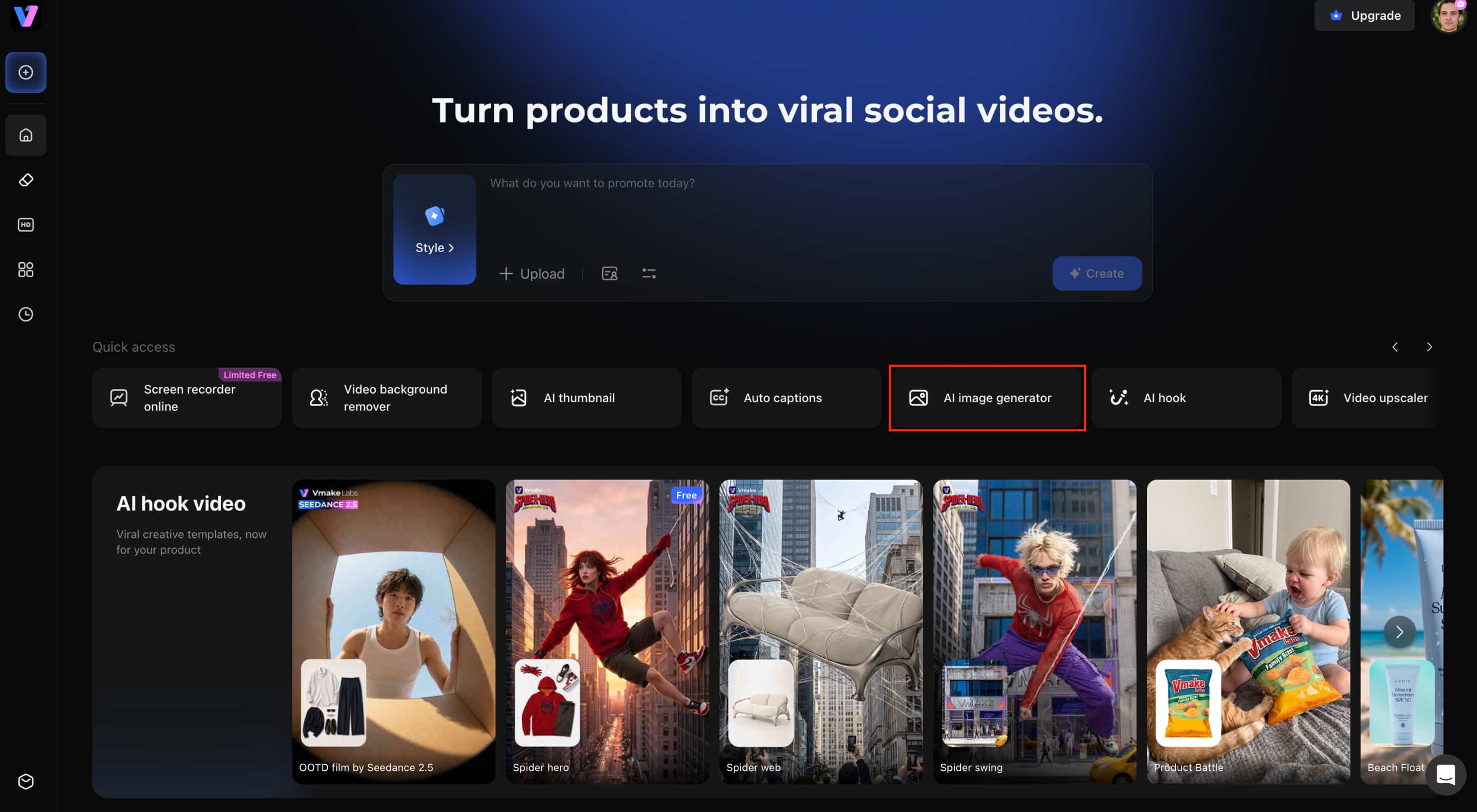
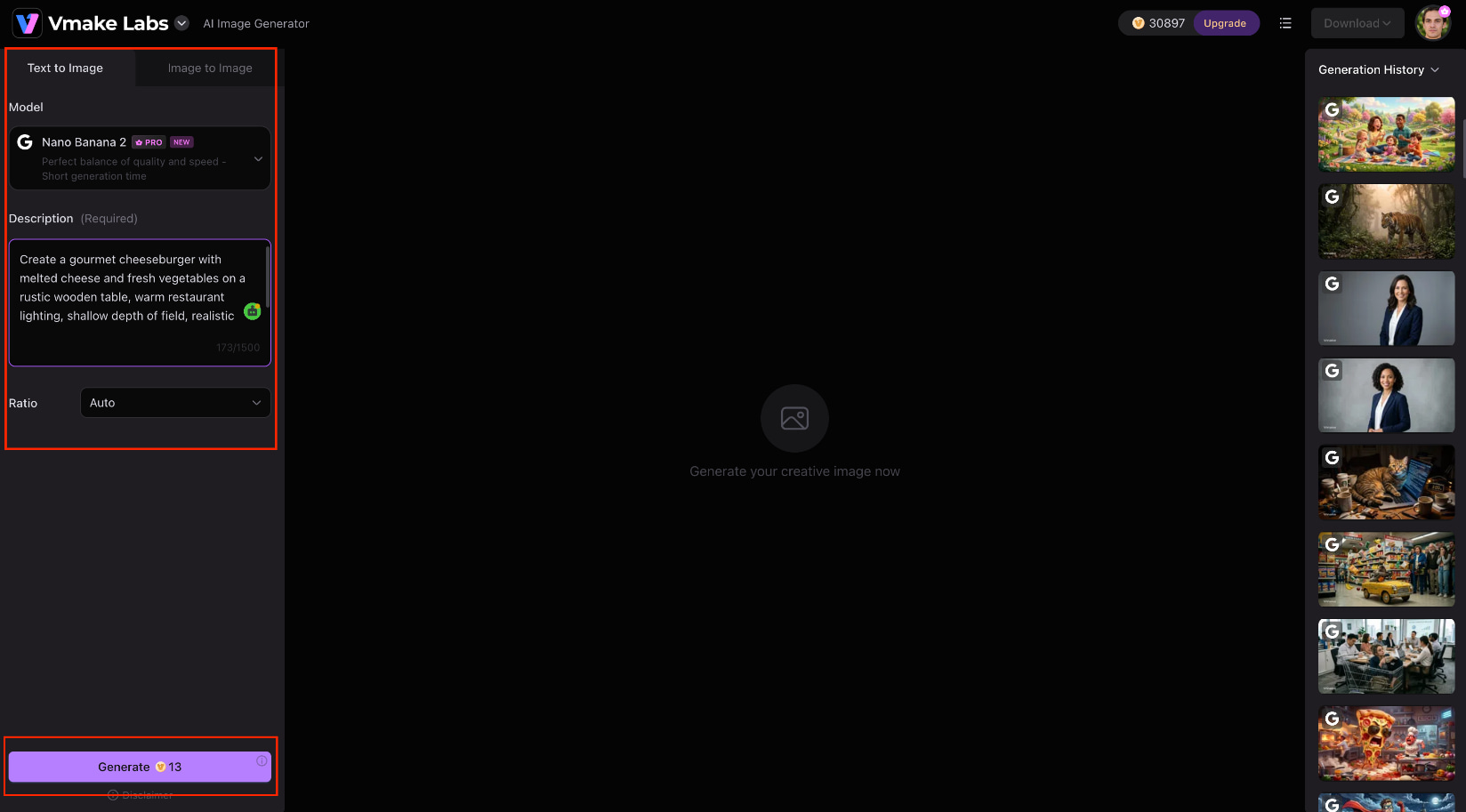
Step 1: Open the AI Image Generator
If you're making an image from scratch, go to the Vmake Labs AI Image Generator and choose text to image, or if you want to edit or restyle an existing image, choose image to image.
Step 2: Enter your prompt and choose a model
Enter your ChatGPT prompt into the prompt box or upload one to three reference images for image-to-image generation. Select the AI model, select an aspect ratio and change any other generation settings you want before clicking Generate.
Step 3: Review and download
Check the output image, and adjust your prompt as needed. When you're satisfied with the results, download the image for your website, social media, marketing campaign or other creative project.
Key features of Vmake Labs AI Image Generator
-
Text-to-image generation: Turn ChatGPT prompts into original AI images without needing design skills or complex editing.
-
Image-to-image generation: Upload a reference image to preserve the subject while experimenting with new styles or edits.
-
Multiple AI image models: Compare outputs across models like Nano Banana 2, Nano Banana Pro, Seedream 4.0, and GPT Image 1 to find the result that best matches your prompt.
-
Flexible aspect ratios: Create images sized for social media, websites, presentations, and ecommerce without manual cropping.
-
Simple prompt-based workflow: Quickly refine prompts and generate new variations, reducing trial and error.
-
Fast image generation: Test multiple ideas in minutes and reach your desired result more efficiently.
How can you improve your ChatGPT image results?
Even good prompts might not give you the exact image you have in mind the first time you use them. Even the smallest edits to your prompt, such as tweaking the subject, changing the lighting, or specifying the composition, can make a big difference. Here are some practices that will help you better create accurate and consistent AI-generated images.
Best practices for writing prompts
A good prompt is detailed but not so detailed that it loses clarity. Adding every possible instruction does not necessarily improve the result. Instead, first describe the subject, style and composition and then refine the prompt based on the generated image.
-
Be specific. Replace generic subjects like "car" with descriptive phrases such as "a vintage red convertible parked beside an ocean cliff at sunset."
-
Choose one visual style. Mixing watercolor, cyberpunk, and photorealism in the same prompt often produces inconsistent results.
-
Describe the lighting. Natural lighting, studio lighting, golden hour, and neon lighting each create a different mood.
-
Include composition. Mention close-up, wide shot, overhead, macro, or low-angle framing to improve consistency.
-
Add camera details when needed. Lens types and focal lengths help create realistic photography.
-
Mention colors and mood. The color palette and the emotional tone give images a sense of intent.
-
Refine after every generation. Small adjustments usually produce better results than rewriting the entire prompt.
How to refine a prompt after generation
Prompt writing is an iterative process. If the first result is not what you hoped for, make small changes, not rewrite the prompt.
-
Analyze the result: Identify what needs improvement, such as lighting, colors, composition, or subject details.
-
Add descriptive details: Include information about the environment, textures, camera settings, or mood to guide the AI more accurately.
-
Adjust the visual style: Try switching between realistic photography, illustration, watercolor, or other art styles.
-
Refine lighting and composition: Play around with lighting, camera angles or framing to make it all look better.
-
Generate multiple variations: Create several versions of the same prompt and compare the results before choosing the best one.
-
Use a reference image: Upload a reference image with your prompt to maintain better control over the final output.
Conclusion
Writing better ChatGPT image prompts is less about using more words and more about giving clear creative direction. By defining the subject, style, lighting, composition, and mood, you can generate more consistent results for portraits, product photos, illustrations, branding, and image editing. As you experiment, refine your prompts based on each result instead of starting over. Once your prompt is ready, Vmake Labs makes it easy to bring your ideas to life with both Text to Image and Image to Image generation, helping you create, edit, and iterate on AI images from a single workflow.
FAQs
What are the best ChatGPT image prompts?
The best image prompts for ChatGPT should clearly describe the subject, style, lighting, composition and intended use. The more detailed you go with your prompt, the better the generated image would likely be.
How do I write a good ChatGPT image prompt?
Start with the subject, then add things like visual style, lighting, camera angle, composition, and mood. Iterate on the prompt refinement process and, based on each generation, refine the prompt to improve the results.
Can ChatGPT edit existing images?
Yeah. You can use ChatGPT to help you write prompts for actions such as changing the background, deleting objects, transforming styles and improving portraits. Vmake Labs supports image-to-image, so you can easily apply these edits to existing photos.
What are the best ChatGPT prompts for image generation?
The best prompts are specific to your goal and tailor-made, whether you're creating portraits, product photos, anime artwork, or marketing visuals. Adding lighting, composition, and style usually gets better results.
Can I use ChatGPT prompts with other AI image generators?
Yes. Most ChatGPT prompts will work on other AI image generators, but the results will differ from model to model. Vmake Labs allows you to test your prompts against various AI image models from a single platform.
Which AI image generator works well with detailed prompts?
With detailed prompts, multiple models and image editing, an AI image generator gives greater creative control. With Vmake Labs, you get Text to Image and Image to Image generation to create and enhance AI images in the same workflow.

You May Be Interested
ChatGPT Christmas Photo Prompts: Create Festive AI Images

Best AI Image Enhancer in 2026: Top Tools to Upscale and Fix Blurry Images
Can ChatGPT Generate Images? Limits & Alternatives
Can ChatGPT Transcribe Audio? Complete 2026 Guide
ChatGPT Image Generator Review: A Complete Hands-on Review
