
AI furniture design: 7 best tools to create furniture in 2026
Explore the best AI furniture design tools for creating custom furniture concepts, visualizing room layouts, testing styles, and refining ideas, with Vmake Labs as one option worth trying.

AI furniture design makes it easier to explore furniture styles, shapes, materials, and room settings before committing to a final idea. From custom sofas and chairs to complete room concepts, these tools can help turn rough ideas into visual references you can compare and refine.
Compare the best AI furniture design tools at a glance
AI furniture design tools are not all built for the same job. Some create individual furniture concepts from prompts or references, while others show how furniture could look inside an existing room or help plan where pieces should go. The comparison below separates these uses, so you can choose a tool based on the type of design work you need.
|
Tool |
Primary use case |
Input method |
Individual furniture |
Existing-room visualization |
Room layout planning |
|---|---|---|---|---|---|
|
Vmake Labs |
Furniture concept generation |
Text, image reference |
Yes |
Yes |
No |
|
Phygital+ |
Furniture concept generation |
Verify current options |
Verify |
Verify |
Verify |
|
Canva |
Furniture concepts and visual creation |
Verify current options |
Verify |
Verify |
Verify |
|
RoomGPT |
Existing-room visualization |
Room image |
Verify |
Yes |
Limited |
|
Spacely AI |
Existing-room visualization |
Verify current options |
Verify |
Yes |
Verify |
|
Ideal House |
Furniture and room visualization |
Verify current options |
Verify |
Yes |
Verify |
|
Planner 5D |
Room layout planning |
Room/project input |
Limited |
Yes |
Yes |
What can AI furniture design help you create?
AI furniture design can turn text prompts, rough ideas, and reference images into visual concepts for sofas, chairs, tables, beds, cabinets, shelves, and custom or unusual pieces. You can explore different styles, shapes, materials, colors, textures, and finishes, then generate multiple variations to compare proportions and overall looks. You can also place furniture concepts in existing rooms or create product-style visuals for presentations and other creative projects.
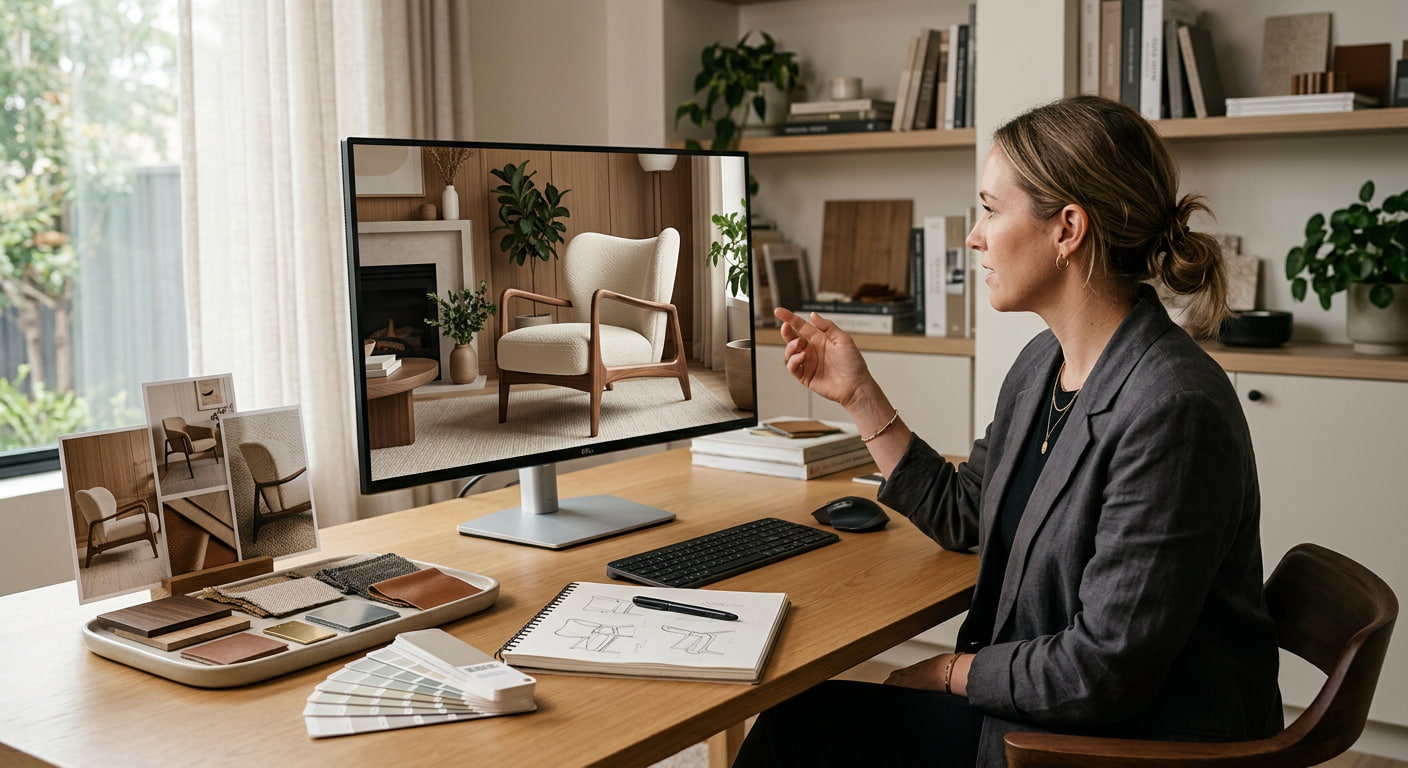
An AI furniture generator focuses on creating or visualizing furniture concepts, while an AI furniture layout generator focuses on arranging pieces within a room. Some tools offer both capabilities, so the better choice depends on whether you are developing the furniture itself or planning how it will fit into a space. In either case, AI outputs are visual references, not production-ready designs, so dimensions, ergonomics, strength, materials, joinery, and manufacturing requirements still need to be checked separately.
7 best AI furniture design tools to try in 2026
The tools below serve different stages of furniture design, from creating individual pieces and exploring styles to visualizing furniture in a room or planning a complete layout. The comparison focuses on what each tool can realistically help you do rather than simply listing its AI features.
-
Vmake Labs AI Image Generator: Best for individual furniture concepts
Vmake Labs AI Image Generator lets you turn furniture ideas into visual concepts using text prompts and reference images. It is useful for exploring furniture shapes, styles, materials, colors, textures, and finishes, as well as seeing how a piece could look in a realistic room. The generated images work best as visual references for exploring design directions, rather than as technical furniture drawings or production plans.

Key features
-
Text-to-image furniture concepts: Describe the furniture type, shape, style, materials, colors, and setting you want to explore.
-
Reference-image exploration: Upload 1–3 JPG, PNG, or JPEG reference images to guide the visual direction.
-
Furniture style exploration: Try different design aesthetics, from minimalist and modern to traditional or more unusual concepts.
-
Material and finish variations: Experiment with wood, fabric, metal, colors, textures, and surface finishes.
-
Realistic furniture scenes: Visualize furniture in room settings to see how the concept works in context.
-
Multiple design directions: Generate variations of the same furniture idea and compare different shapes, styles, and finishes.
-
Flexible aspect ratios: Choose an aspect ratio that suits the way you plan to use the generated concept.
Pros and Cons
|
Pros |
Cons |
|---|---|
|
Supports text prompts and reference images |
Not a technical furniture-design tool |
|
Useful for exploring different furniture styles |
Generated proportions may not be exact |
|
Helps compare materials, colors, and finishes |
Structural details need separate validation |
|
Can visualize concepts in realistic settings |
Not suitable as a manufacturing specification |
Pricing
|
Plan |
Price |
Key details |
|---|---|---|
|
Free |
$0 |
Limited feature access; limited AI models; watermark included |
|
Plus |
$9.99/month |
1,000 credits/month; access to popular models; batch processing; 30-day generation history |
|
Pro |
$29.99/month |
4,500 credits/month; more models; higher daily limits; batch processing for up to 30 files; commercial use included |
Bonus: How to create furniture concepts with Vmake Labs
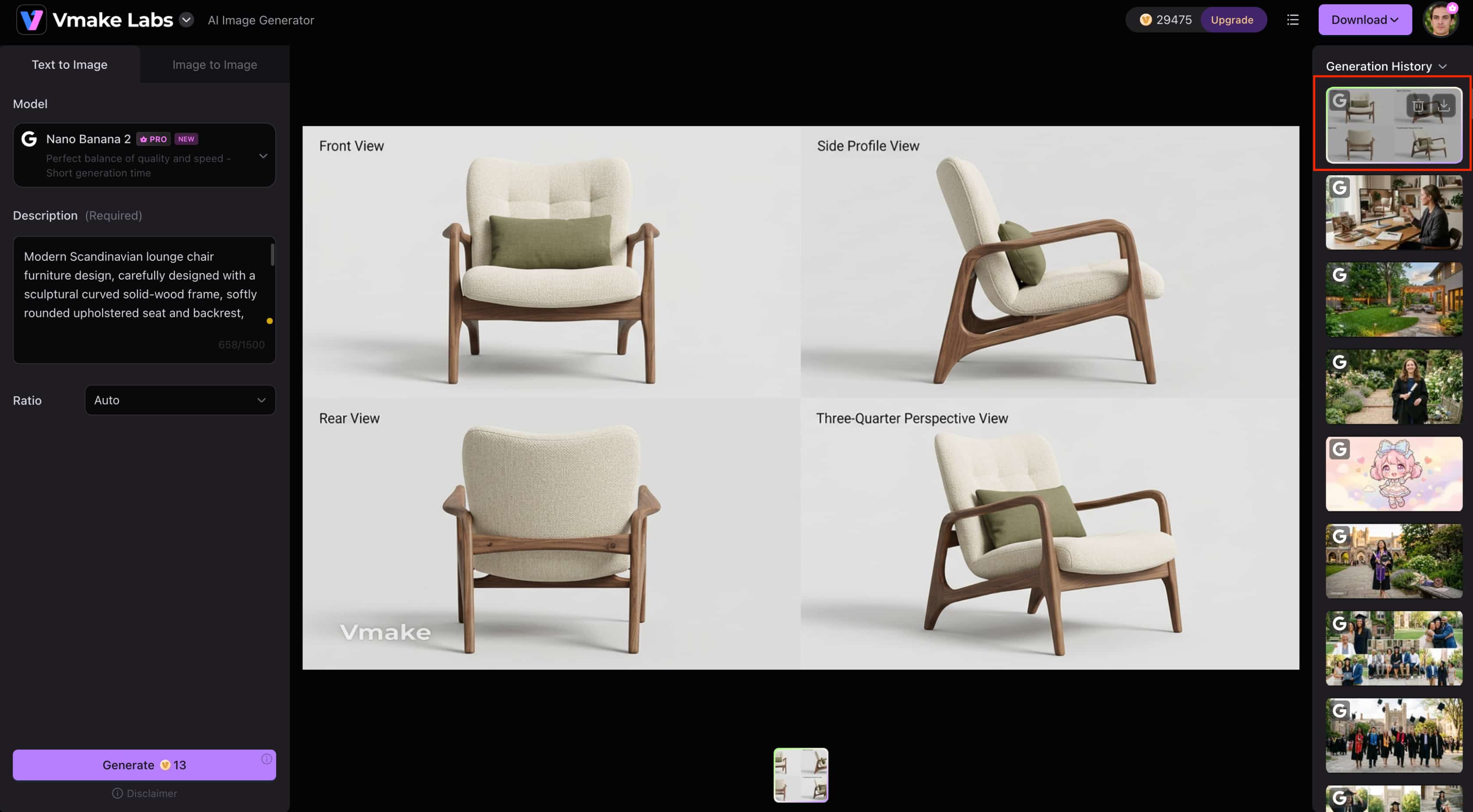
Step 1: Choose a generation mode and model Select Text to Image if you want to create a furniture concept from a written description. Choose Image to Image when you want to work from an existing furniture or room reference.

Step 2: Add your reference and describe the furniture For Image to Image, upload 1–3 supported reference images. Describe the furniture type, shape, style, materials, colors, finish, and setting you want to explore.

Step 3: Select the ratio, generate, and refine Choose the aspect ratio and generate the image. Review the result and adjust your description or references to create another variation if needed.
-
Phygital+: Best for AI-generated furniture concepts
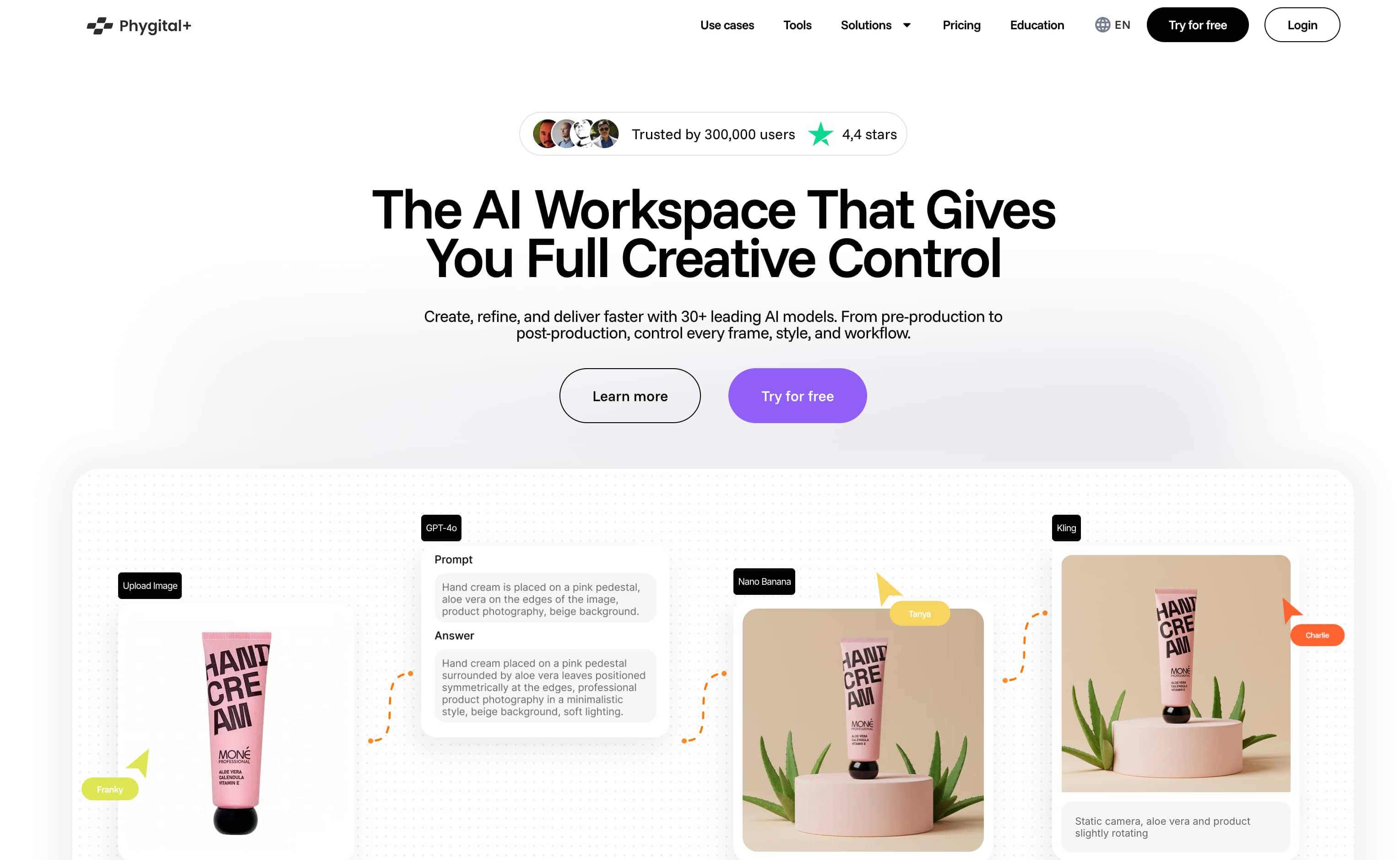
Phygital+ is an option for exploring furniture ideas during the early visual-design stage, helping users develop concepts before moving to detailed design. Its current furniture-specific generation capabilities and controls should be checked before choosing it for a project.
Pros and cons
|
Pros |
Cons |
|---|---|
|
Can be considered for early furniture concept exploration |
Current individual-furniture generation capabilities are not confirmed |
|
May help develop initial visual directions |
Furniture-specific controls for form, materials, and colors need verification |
|
Fits an AI-assisted visual design workflow |
Not suitable to present as a confirmed technical furniture-design solution |
Pricing
|
Plan |
Price |
Key details |
|---|---|---|
|
Free |
$0/month |
500 weekly credits; 10 projects; access to 30+ models |
|
Starter |
$14.99/month |
10,000 monthly credits; 20 projects; commercial use |
|
Pro |
$58.99/month |
45,000 monthly credits; 30 projects; commercial use |
|
Teams |
$119.99/month |
90,000 monthly credits; 70 projects; admin controls; priority support; centralized billing |
-
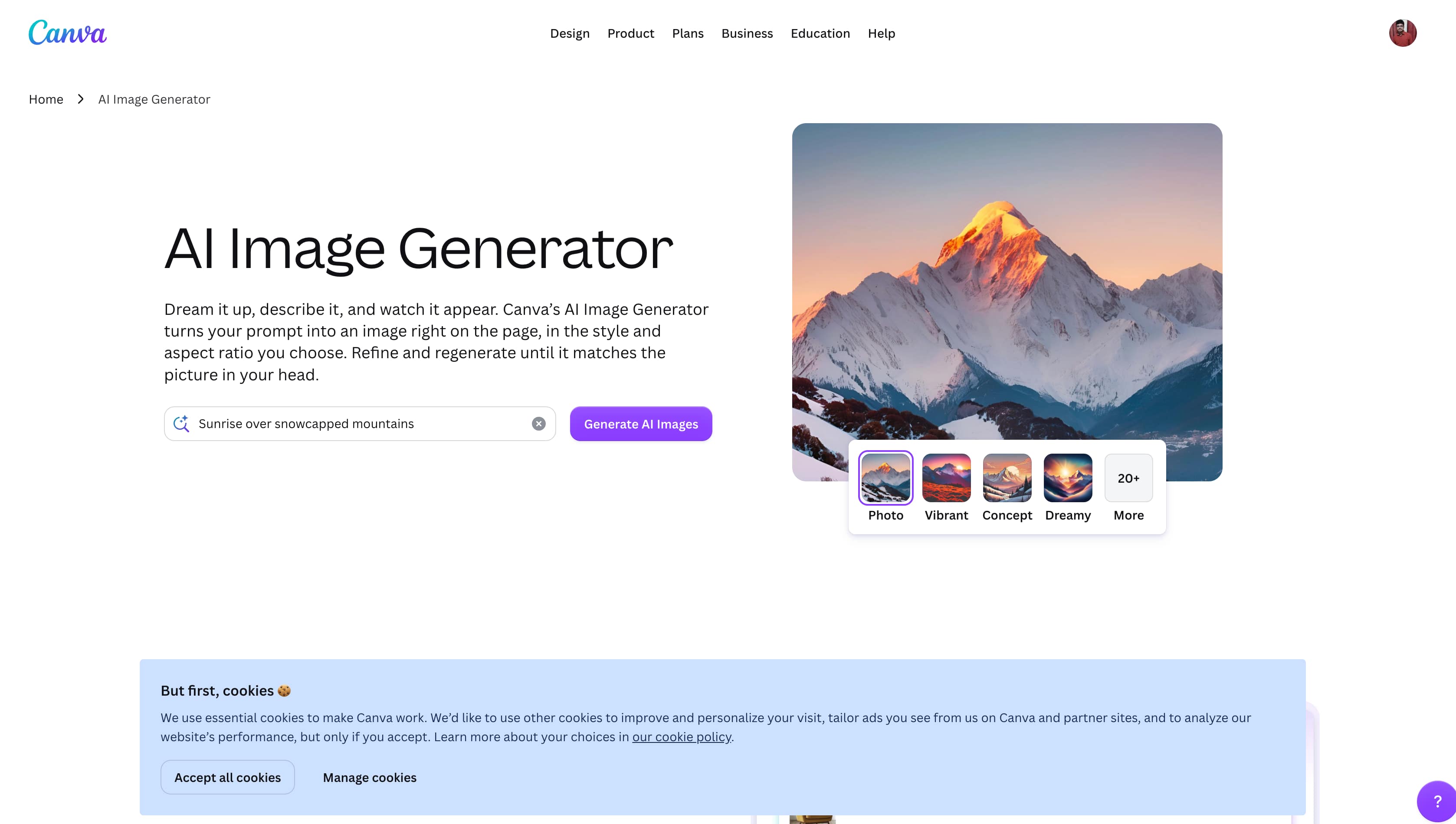
Canva: Best for creating furniture design concepts
Canva can be useful for creating furniture-related visuals when you want to combine AI-generated imagery with broader design work. It belongs in this list only if its current AI tools support creating or exploring individual furniture pieces, so check the available furniture-generation options before choosing it for a specific project.
Pros and cons
|
Pros |
Cons |
|---|---|
|
Useful for combining furniture visuals with other design elements |
Not primarily a dedicated furniture-design platform |
|
Suitable for presentation-ready design concepts |
Furniture-specific AI generation may be more limited than specialized tools |
|
Convenient for broader creative projects |
Current AI features and controls should be checked before use |
Pricing
|
Plan |
Price |
Key details |
|---|---|---|
|
Free |
$0 |
1,000+ design types, 1.6M+ templates, 4.7M+ photos, videos, graphics, and audio |
|
Pro |
$144/year |
Premium content, 3.6M+ templates, 141M+ premium photos, videos, graphics, and audio, 5 Brand Kits |
|
Business |
$250/year per person |
Team collaboration, 3.6M+ templates, 141M+ premium assets, 100 Brand Kits and approvals |
|
Enterprise |
Custom |
Enterprise security, SSO and SCIM, custom apps, 1,000 Brand Kits, priority support |
-
RoomGPT: Best for furniture changes in existing rooms
RoomGPT focuses on transforming existing room photos, making it useful when you want to see how different furniture styles or interior directions could look in a space. It is better suited to room visualization than to creating a standalone furniture piece from scratch.

Pros and cons
|
Pros |
Cons |
|---|---|
|
Useful for visualizing furniture within an existing room |
Less focused on designing individual furniture pieces |
|
Works from room images |
Limited control over specific furniture details |
|
Helpful for exploring different interior directions |
Generated layouts may not reflect exact dimensions |
Pricing
|
Plan |
Price |
Key details |
|---|---|---|
|
30 credits |
$9 |
30 room redesigns |
|
100 credits |
$19 |
100 room redesigns |
|
200 credits |
$29 |
200 room redesigns |
-
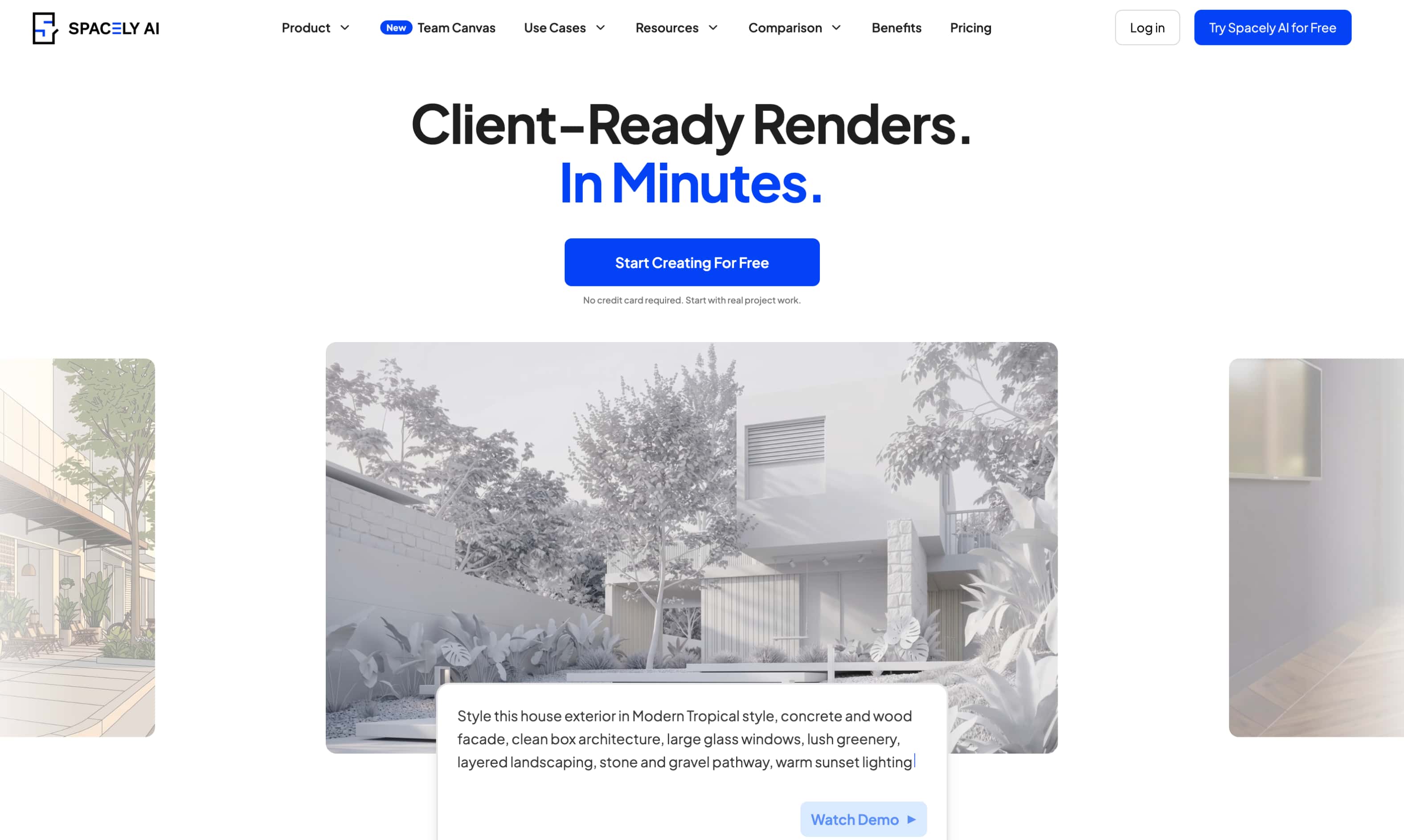
Spacely AI: Best for visualizing furniture within interior spaces
Spacely AI is suited to projects where furniture needs to be considered as part of the wider room. It can help explore how different furniture choices, styles, and room elements work together, making it more useful for interior visualization than standalone furniture concept creation.
Pros and cons
|
Pros |
Cons |
|---|---|
|
Useful for visualizing furniture within interior spaces |
Less focused on creating individual furniture pieces |
|
Helps explore different room styles and furniture combinations |
Exact furniture dimensions may need separate checking |
|
Suitable for broader interior-design concepts |
Current features and usage limits should be verified |
Pricing
|
Plan |
Price |
Key details |
|---|---|---|
|
Free Plan |
$0 |
40 trial credits; access to all features |
|
Personal Plan |
$25/month |
500 credits/month; high-resolution downloads; credit stacking |
|
Studio Plan |
$50/month |
1,500 credits/month; private mode; commercial license; watermark-free output |
|
Agency Plan |
$100/month |
3,500 credits/month; up to 5 seats; private mode; commercial license; watermark-free output |
-
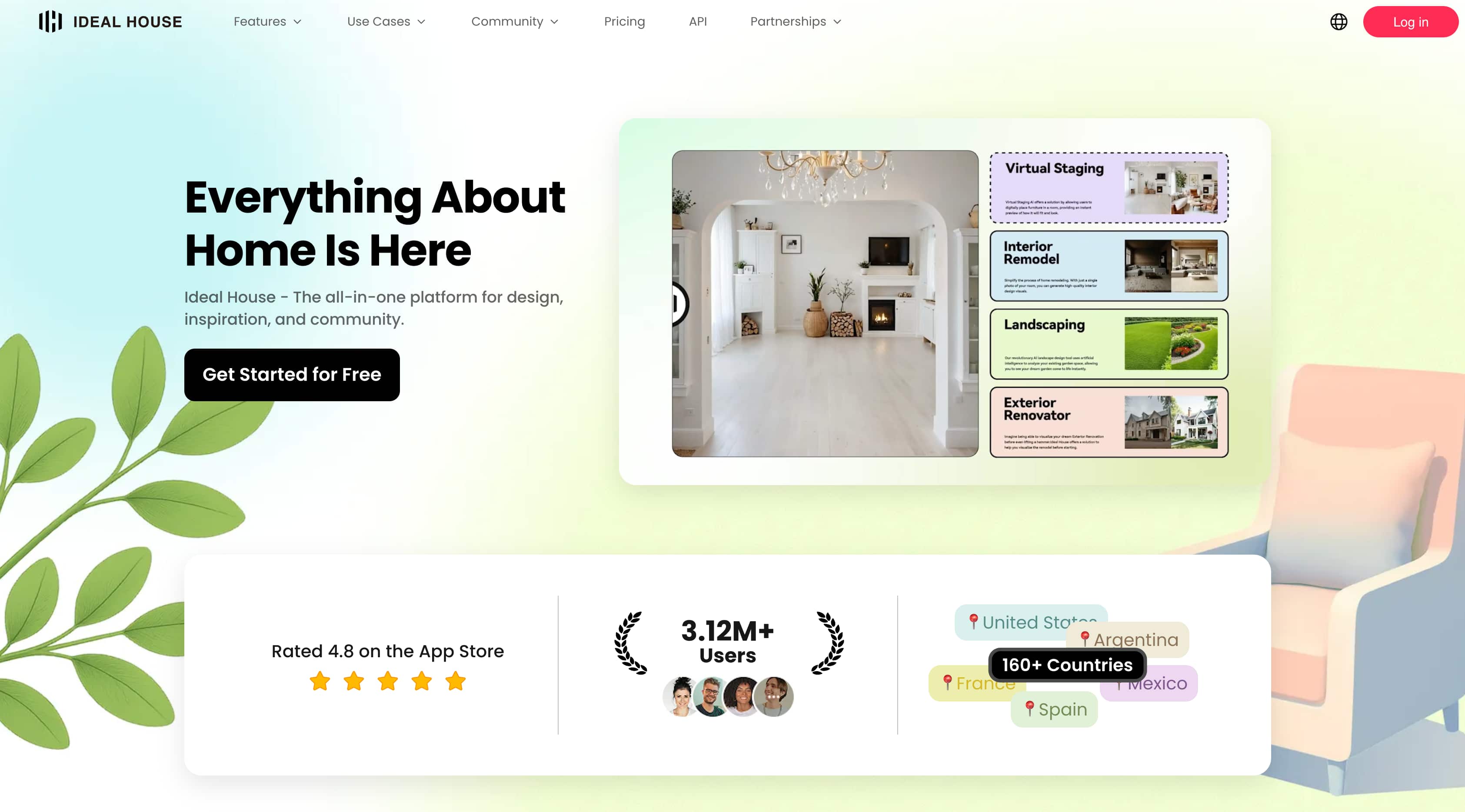
Ideal House: Best for exploring furniture in room settings
Ideal House is designed to visualize furniture as part of a broader interior, making it useful when you want to explore how different pieces fit with a room's overall style. It is better suited to room-based concepts than to detailed, standalone furniture development.
Pros and cons
|
Pros |
Cons |
|---|---|
|
Useful for visualizing furniture within room settings |
Less focused on creating individual furniture pieces |
|
Helps explore different interior styles and furniture combinations |
Exact dimensions and proportions may need separate checking |
|
Suitable for broader room-design concepts |
Current features and usage limits should be verified |
Pricing
|
Plan |
Price |
Key details |
|---|---|---|
|
Lite |
$19/month |
800 monthly credits; HD exports; watermark-free downloads |
|
Plus |
$39/month |
3,000 monthly credits; faster queue; commercial usage rights; HD exports |
|
Pro |
$99/month |
9,999 monthly credits; highest-priority queue; commercial usage rights; HD exports |
-
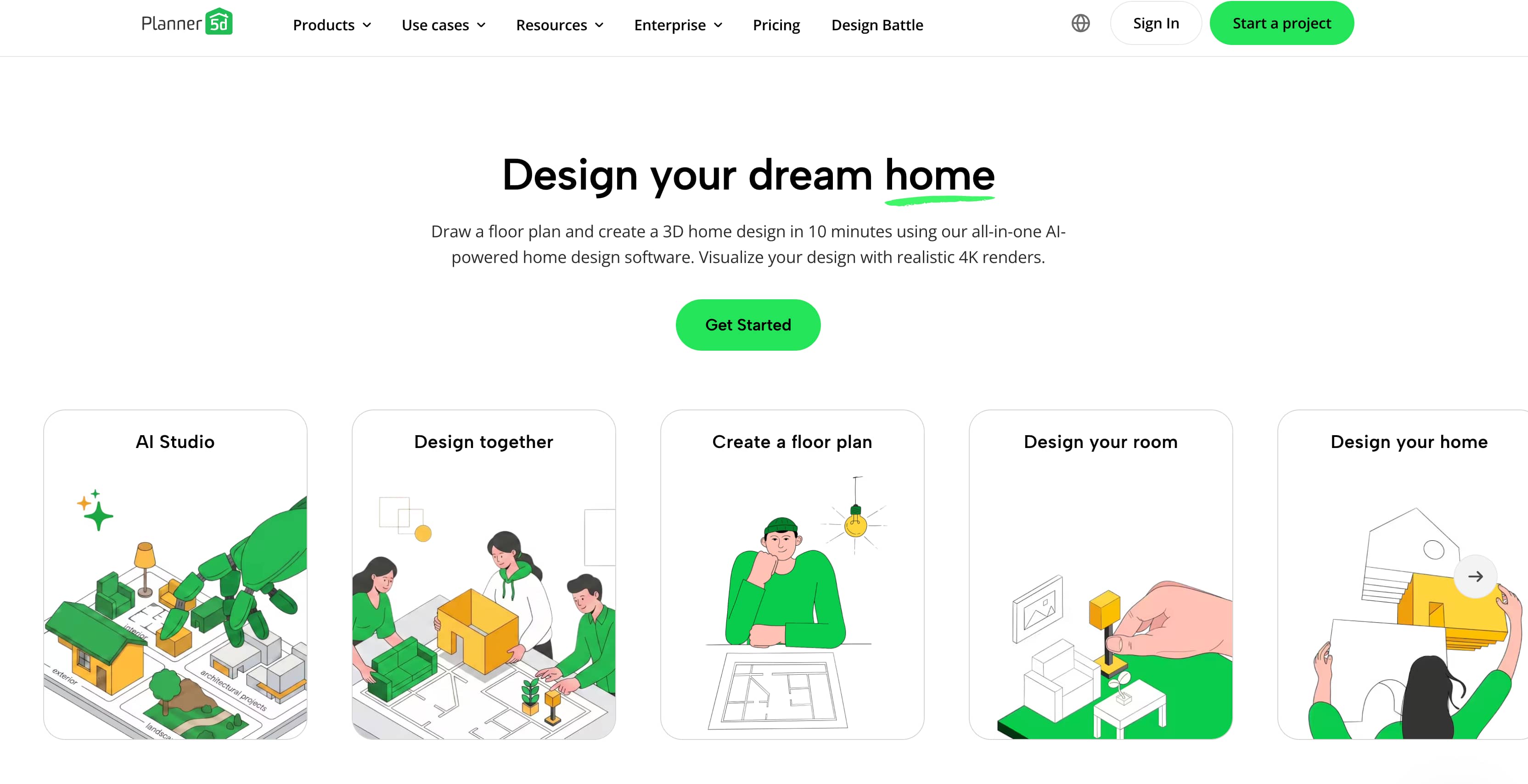
Planner 5D: Best for planning furniture layouts
Planner 5D is better suited to planning where furniture should go within a room than to creating a completely new furniture piece. It can help you visualize room layouts and see how different furniture arrangements work within the available space, making it useful for interior planning and renovation projects.
Pros and cons
|
Pros |
Cons |
|---|---|
|
Useful for planning furniture placement and room layouts |
Not primarily a standalone furniture concept generator |
|
Helps visualize furniture within a planned space |
Exact measurements and construction details still need checking |
|
Suitable for broader interior-planning projects |
Current AI features and usage limits should be verified |
Pricing
|
Plan |
Price |
Key details |
|---|---|---|
|
Free |
$0 |
Unlimited projects; access to 50% of the furniture catalog |
|
Premium |
$4.99/month |
Full premium furniture catalog; floor-plan upload; photo-to-3D project conversion |
|
Professional |
$33.33/month |
Unlimited 4K renders; 3D model uploads; 360° walkthroughs; CAD export |
|
Enterprise |
Custom |
White-label room planner; custom 3D product catalog; APIs and business integrations |
What to look for in an AI furniture design tool
When comparing AI furniture design tools, look beyond image generation alone. Consider how much control the tool provides, how realistically it presents furniture, and whether it fits the type of project you are working on.
-
Furniture generation: Check whether the tool can create new furniture concepts from a description rather than only edit or place existing pieces.
-
Photo-to-design: For a reference photo that needs cleanup, you can also use photo restoration before using it for your furniture concept.
-
Text-to-image control: Look for enough prompt control to describe the furniture type, shape, style, materials, colors, and other visual details.
-
Customization: Check whether you can experiment with materials, colors, shapes, textures, and finishes instead of being limited to preset styles.
-
Room and layout visualization: If you want to see furniture in context, look for tools that can place pieces in a room and help you explore positioning, spacing, and proportions.
-
Realism: Consider how convincingly the tool renders proportions, materials, lighting, shadows, and perspective.
-
Ease of use and free access: A simple workflow is useful for beginners, while a free plan or trial lets you test credits, model access, resolution, and watermarks before paying.
-
Output quality and use case: Check whether the image quality suits your needs, whether you are creating inspiration, furniture concepts, room visuals, mood boards, or presentation-ready references.
Conclusion
AI furniture design tools can make it easier to explore styles, materials, shapes, and room settings before committing to a design direction. The best choice depends on whether you need individual furniture concepts, room visualization, or layout planning. Clear prompts and useful reference images can also produce more relevant results. Vmake Labs AI Image Generator is a practical option for developing and comparing furniture concepts through text and image references. However, AI outputs should remain visual references, with dimensions, ergonomics, stability, materials, and manufacturing requirements checked separately before any furniture is built.
FAQs
-
What is AI furniture design?
AI furniture design uses artificial intelligence to turn text descriptions or reference images into visual furniture concepts. It can help you explore styles, shapes, materials, colors, and finishes before developing a more detailed design.
-
What can I use an AI furniture design tool for?
You can use an AI furniture design tool to explore new furniture ideas, create variations, visualize pieces in different settings, and develop references for sofas, chairs, tables, beds, cabinets, and shelving. Vmake Labs AI Image Generator is useful for this early concept stage because it supports both text-to-image and image-to-image generation.
-
Can AI design custom furniture?
Yes, AI can help visualize custom or unusual furniture ideas based on details such as shape, proportions, materials, colors, finishes, and intended use. Vmake Labs can generate visual concepts from these descriptions, although the results should be treated as references rather than technical or manufacturing-ready designs.
-
Can I use a photo to create a new furniture concept?
Yes. Many AI tools allow you to upload an existing furniture or room image and use it as a visual reference. With Vmake Labs AI Image Generator, you can use Image to Image and upload 1–3 supported reference images to guide the new concept.
-
Can AI furniture design tools show furniture in a room?
Yes, some tools can visualize furniture within an existing room, while others focus mainly on generating the furniture itself. Vmake Labs can help create furniture concepts in realistic settings, making it useful for exploring how a design could look within an interior.
-
Is AI furniture design suitable for manufacturing?
Not on its own. AI-generated furniture images are visual concepts and may not provide accurate dimensions, structural details, joinery, ergonomics, or manufacturing specifications. A professional should review these requirements before a concept is built or manufactured.

You May Be Interested

Best AI Image Generator: 10 Top Picks for 2026 Review

Best AI Image Upscaler Tools in 2026: Upscale Images to 4K, 8K & Beyond

AI Animal Generator: Make Realistic Animal Images with AI

Funny AI Generated Images: Create Hilarious AI Art Fast

How to Animate a Photo: Bring Your Still Images to Life

Ideogram AI Image Generator Review: Is It Worth Trying?
