AI Backyard Design: 8 Best Tools and Ideas to Try in 2026
Explore AI backyard design ideas, visualize patios, gardens, pools, and outdoor spaces, and create realistic backyard concepts with Vmake Labs for your next project in 2026 today for inspiration.

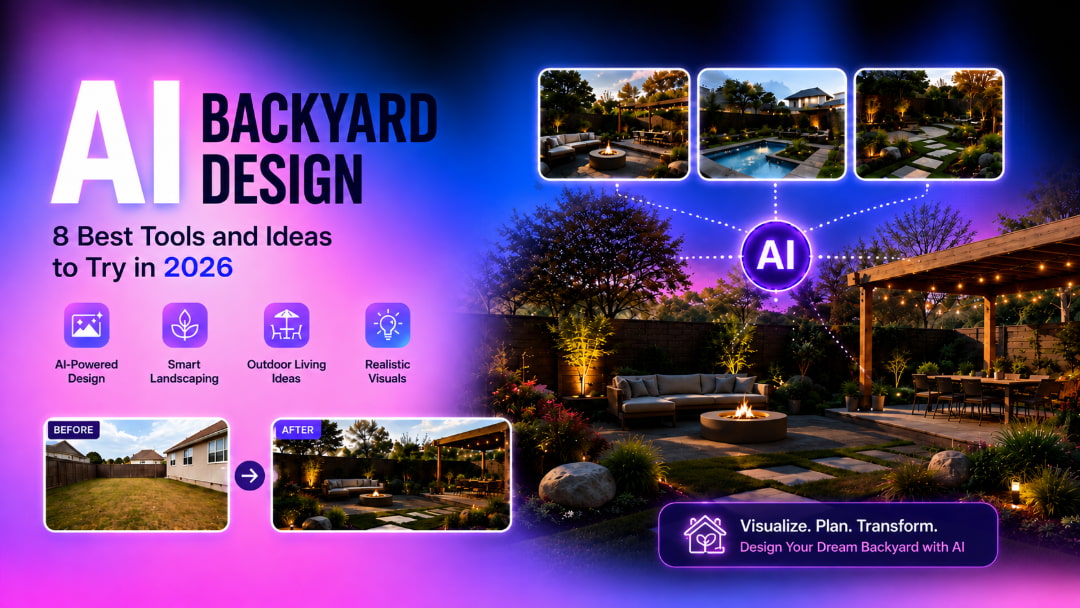
AI backyard design allows you to see landscaping ideas before you make expensive changes. AI tools can take photos or prompts and turn them into realistic backyard ideas you can explore and refine, from patios and gardens to pools and outdoor living spaces.
Compare AI backyard design tools at a glance
When choosing an AI backyard design tool, consider what you need most, such as realistic AI concepts, AR visualization, professional planning, or a simple redesign experience. The comparison below highlights the key differences to help you choose the right option.
|
Tool |
Best For |
Backyard visualization |
Free Option |
Platform |
|---|---|---|---|---|
|
Vmake Labs |
AI backyard concepts and realistic visuals |
Excellent |
Yes |
Web |
|
iScape |
2D/3D and AR landscape visualization |
Excellent |
Limited |
Web/Mobile |
|
DreamzAR |
AI and AR backyard visualization |
Excellent |
Limited |
Web/iOS |
|
Fotor AI Landscape Generator |
Prompt-based landscape concepts |
Very good |
Yes/Limited |
Web |
|
Neighborbrite |
AI-powered backyard and landscape visualization |
Excellent |
Yes |
Web |
|
PRO Landscape Generator |
Professional landscape design workflows |
Excellent |
Trail/Limited |
Desktop/Web/Mobile |
|
AI Yard Design |
Backyard visualization |
Good |
Yes |
Web |
|
HomeDesigns AI |
AI backyard and garden redesign |
Good |
Limited |
Web |
What is AI backyard design?
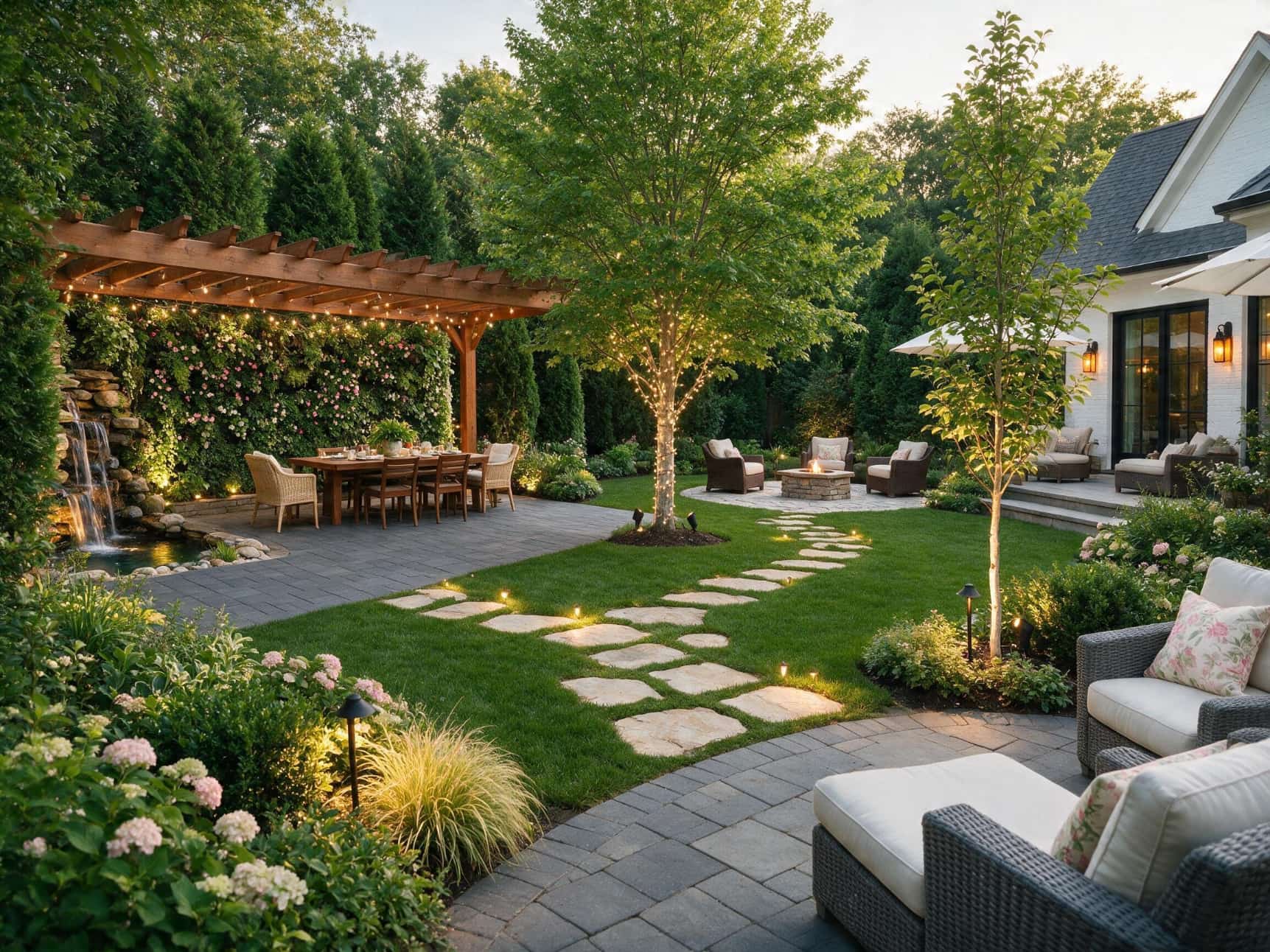
AI backyard design uses artificial intelligence to create or modify outdoor-space concepts from photos, text prompts, or design preferences. Instead of imagining how a new patio, lawn, pool, or planting scheme might look, you can generate a visual concept in minutes. Depending on the tool, you can experiment with landscaping styles, plants, pathways, outdoor kitchens, fences, lighting, pools, seating areas, and other features. This makes AI especially useful during the inspiration stage, when you are comparing different possibilities for the same space.
What can AI backyard design actually do?
-
Patios, decks, lawns, and walkways
-
Garden borders, flower beds, plants, and trees
-
Fences & Retaining Walls, Pools, Pergolas
-
Furniture for the outdoors, kitchens, fire pits, and lighting
-
Modern, Tropical, Rustic, Mediterranean or Minimalist styles
8 Top AI backyard design tools to explore in 2026
-
Vmake Labs
Vmake Labs is a browser-based AI image generation platform that turns backyard photos or written ideas into realistic visual concepts. You can use its AI image generator to explore different layouts, landscaping styles, patios, plants, and outdoor features. If your reference photo needs improvement first, the image enhancer can help create a clearer starting image for your backyard concept.

Key features
-
Text-to-image generation: Describe the backyard style, materials, landscaping, furniture, and atmosphere you want, then generate a visual concept.
-
Reference-image generation: Start with a backyard photo and use it as visual direction for a new design concept.
-
Realistic outdoor environments: Create concepts with lawns, plants, patios, furniture, fences, lighting, and other outdoor elements.
-
Multiple design directions: Generate different ideas to compare modern, natural, tropical, rustic, or contemporary backyard styles.
-
Web-based workflow: Create concepts directly in a browser without installing specialized landscape-design software.
How to design a backyard with Vmake Labs
Step 1: Upload a backyard photo or describe your space
Upload a clear photo of your backyard or describe your space in a detailed prompt. Briefly describe what kind of structures are already there and the general style you want.
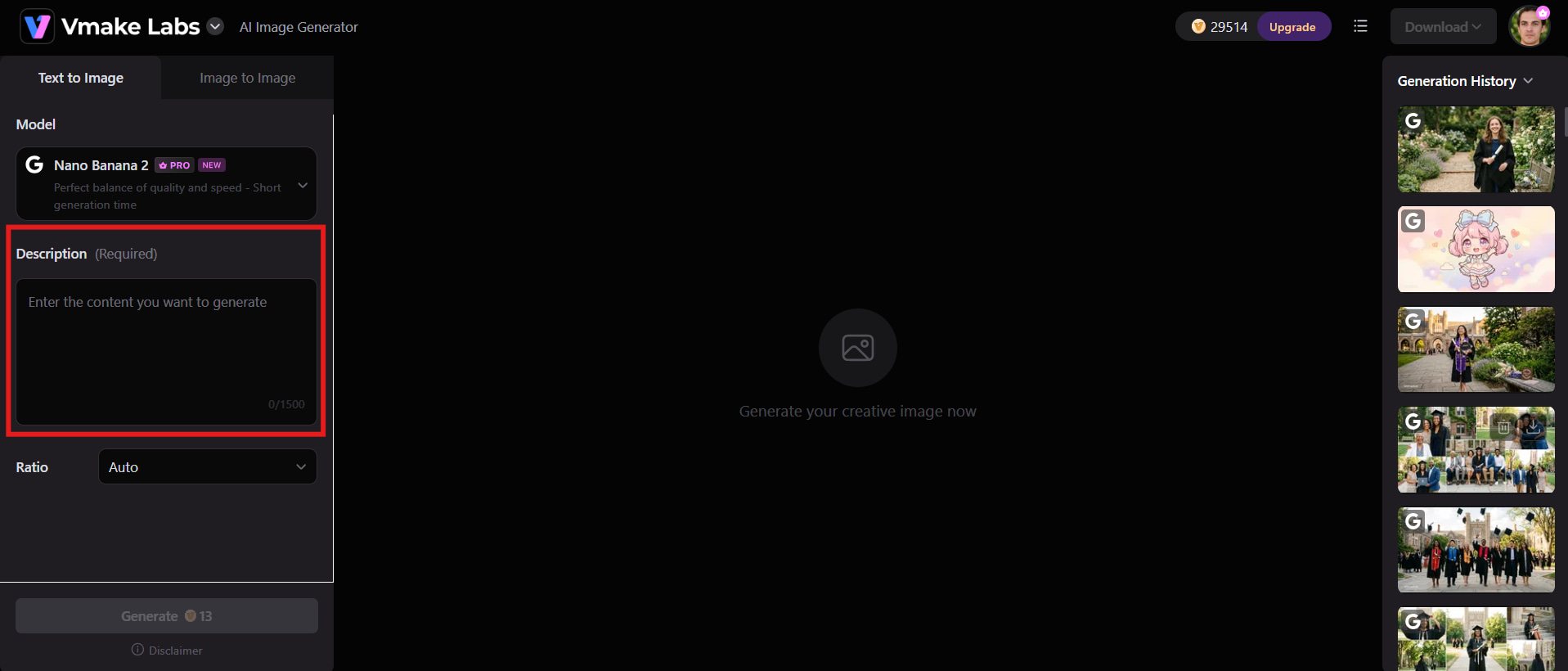
Step 2: Add your preferred design and features
Specify elements such as a stone patio, green lawn, pergola, swimming pool, native plants, outdoor sofa, pathway, or warm landscape lighting. You can also mention features you want to preserve.
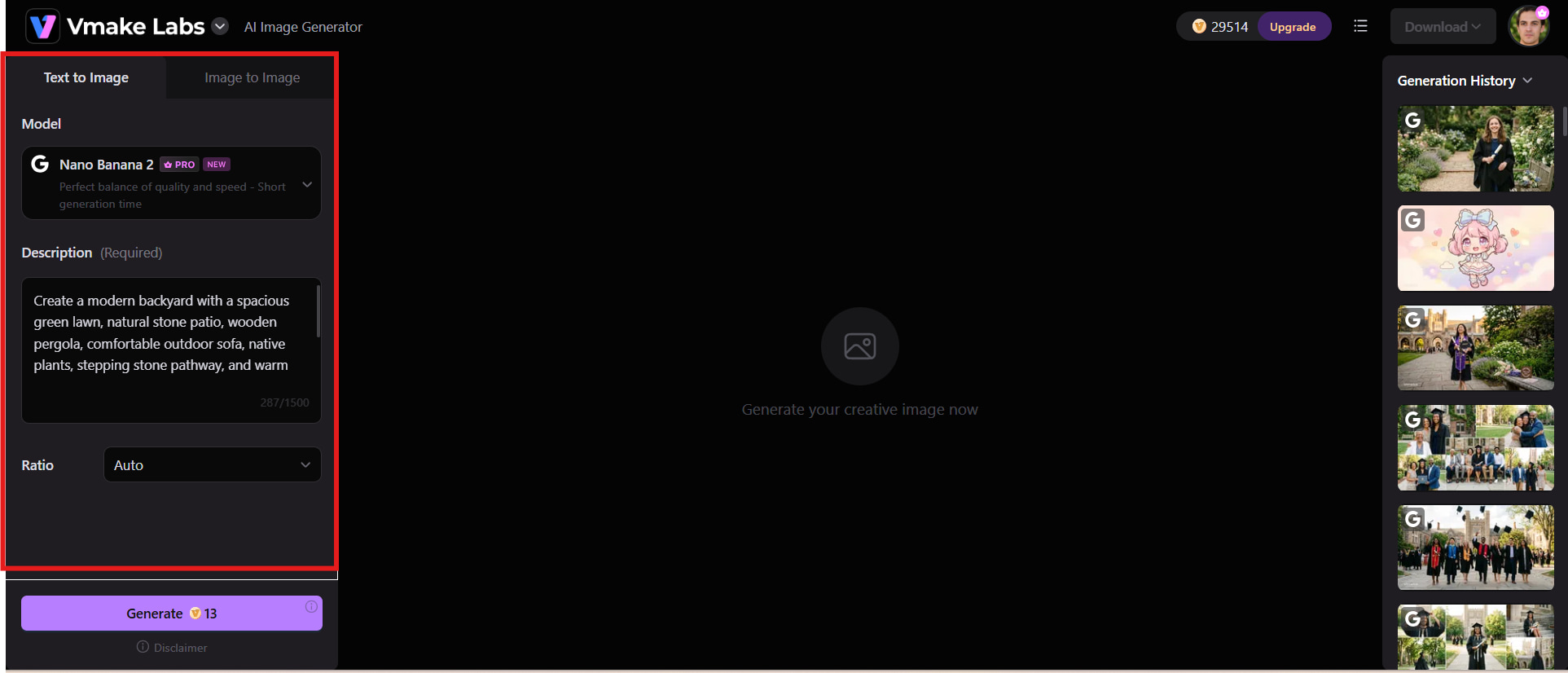
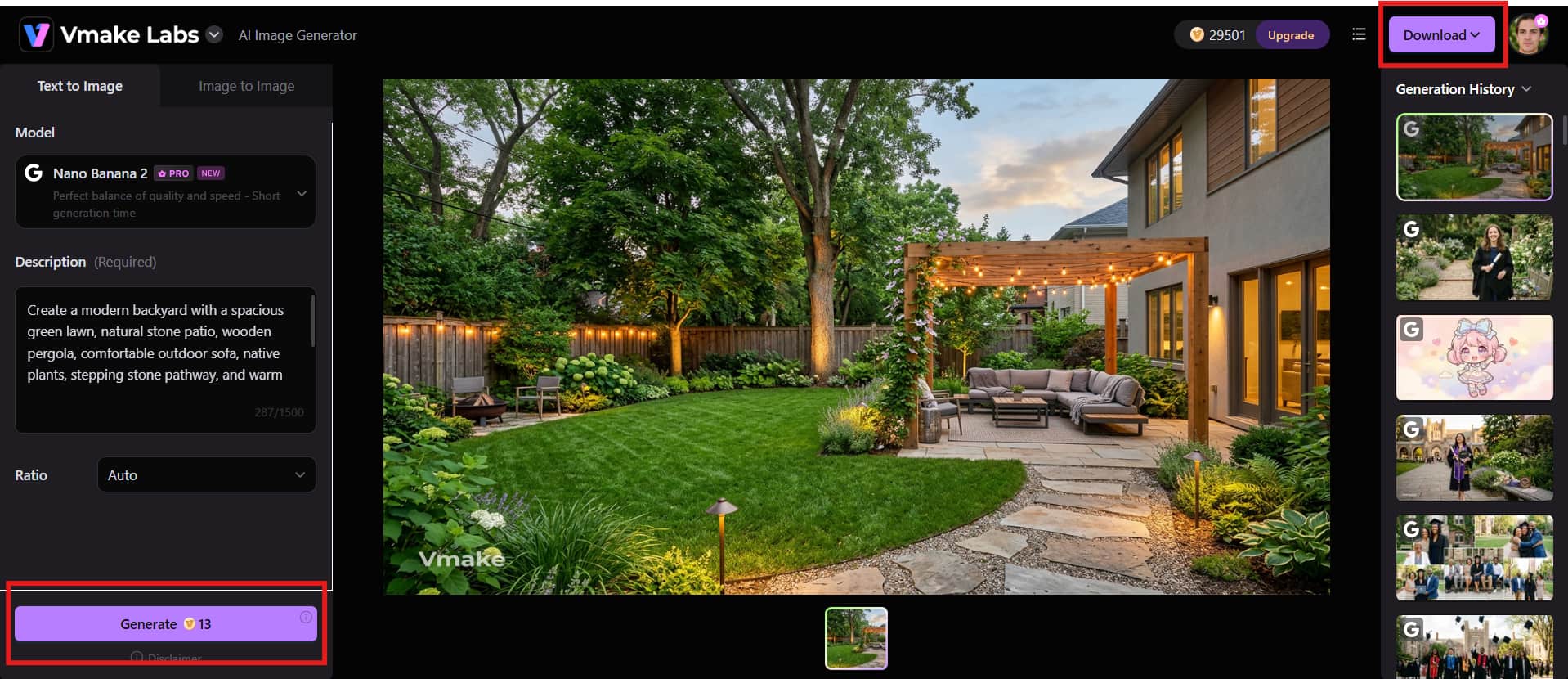
Step 3: Generate and refine the design
Generate the concept and review the result. If something is missing or looks different from what you imagined, adjust the prompt and create another variation.
Pros and Cons
|
Pros |
Cons |
|---|---|
|
|
|
|
|
|
|
|
Pricing
|
Plan |
Pricing |
Best For |
|---|---|---|
|
$0 |
Occasional users exploring AI image generation |
|
$9.99/month |
Regular creators who need more image generations and features |
|
$29.99/month |
Professionals and businesses with higher-volume AI image generation needs |
-
iScape
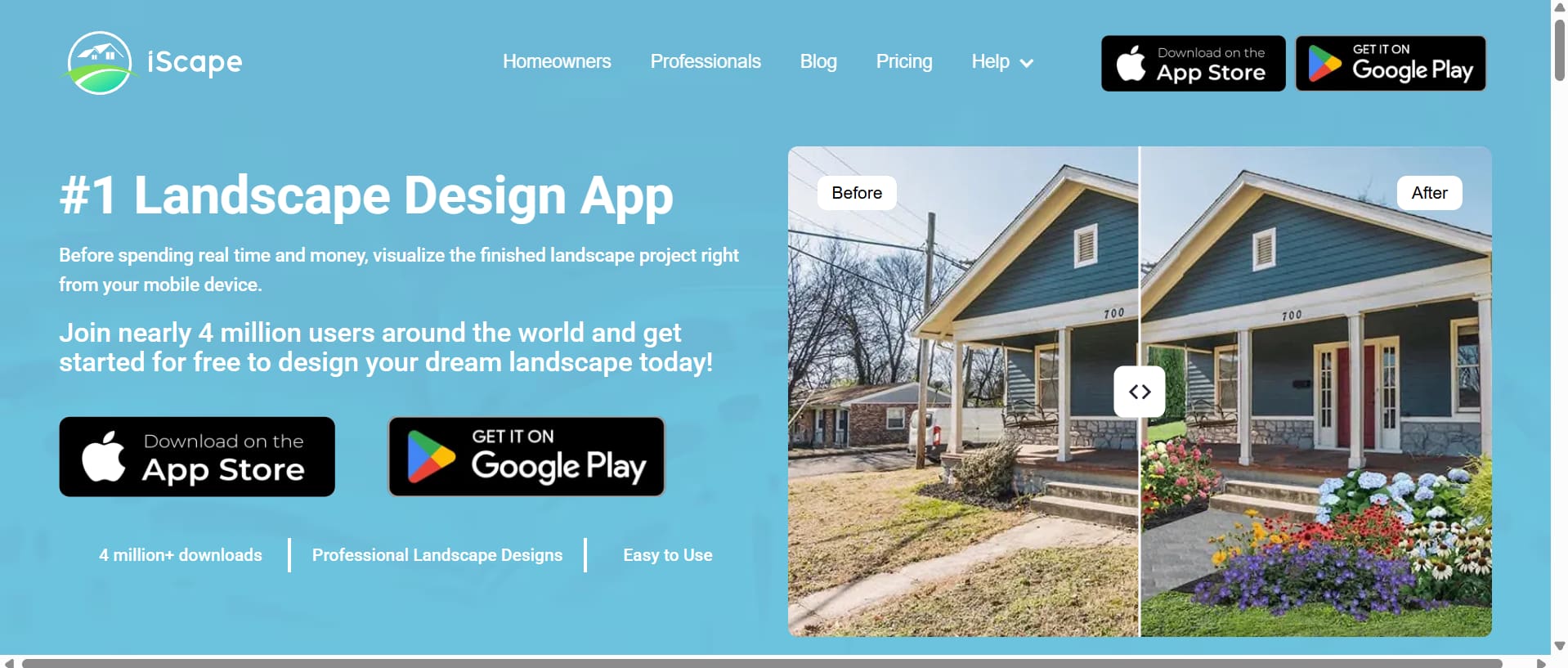
iScape is aimed at landscape visualization and provides 2D and 3D design capabilities, a large library of plants and hardscape products, and the ability to upload your own images. Its Pro plan is currently listed at $29.99 per month, with an annual option available.
Pros and Cons
|
Pros |
Cons |
|---|---|
|
|
|
|
|
|
|
|
Pricing
|
Plan |
Pricing |
Best For |
|---|---|---|
|
$0 |
Trying basic landscape features |
|
$29.99/month |
Homeowners and landscape professionals |
|
Contact sales |
Multiple users and larger workflows |
-
DreamzAR
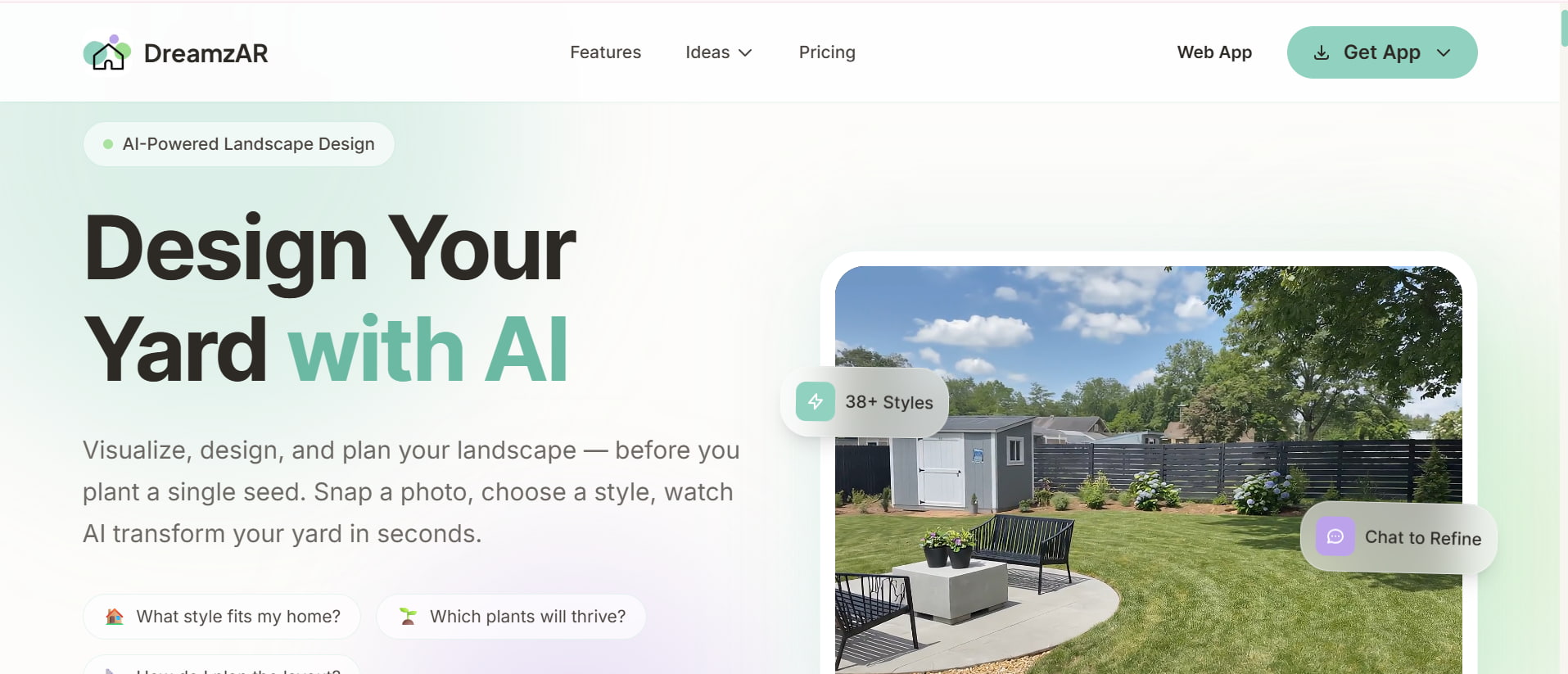
DreamzAR combines landscape visualization with AI and augmented-reality-style planning. It can be useful when you want to see landscaping ideas in the context of your existing outdoor space rather than simply generating a standalone image.
Pros and Cons
|
Pros |
Cons |
|---|---|
|
|
|
|
|
|
|
|
Pricing
|
Plan |
Pricing |
Best For |
|---|---|---|
|
$19.99/month |
iPhone and iPad users |
|
$19.99/month |
Android users |
|
$19.99/month |
Browser-based users |
-
Fotor AI Landscape Generator
Fotor's AI landscape generation tools provide a simple way to create outdoor concepts from text prompts. Because Fotor is also a broader image editing platform, users can combine AI generation with other creative editing features. Its free plan provides limited credits, while paid plans offer more generation and editing capabilities.

Pros and Cons
|
Pros |
Cons |
|---|---|
|
|
|
|
|
|
|
|
Pricing
|
Plan |
Pricing |
Best For |
|---|---|---|
|
$0/month |
Occasional users |
|
$10.99/month |
Regular AI image creation |
|
$23.99/month |
Higher-volume creators |
|
$49.99/month |
Heavy creative workloads |
-
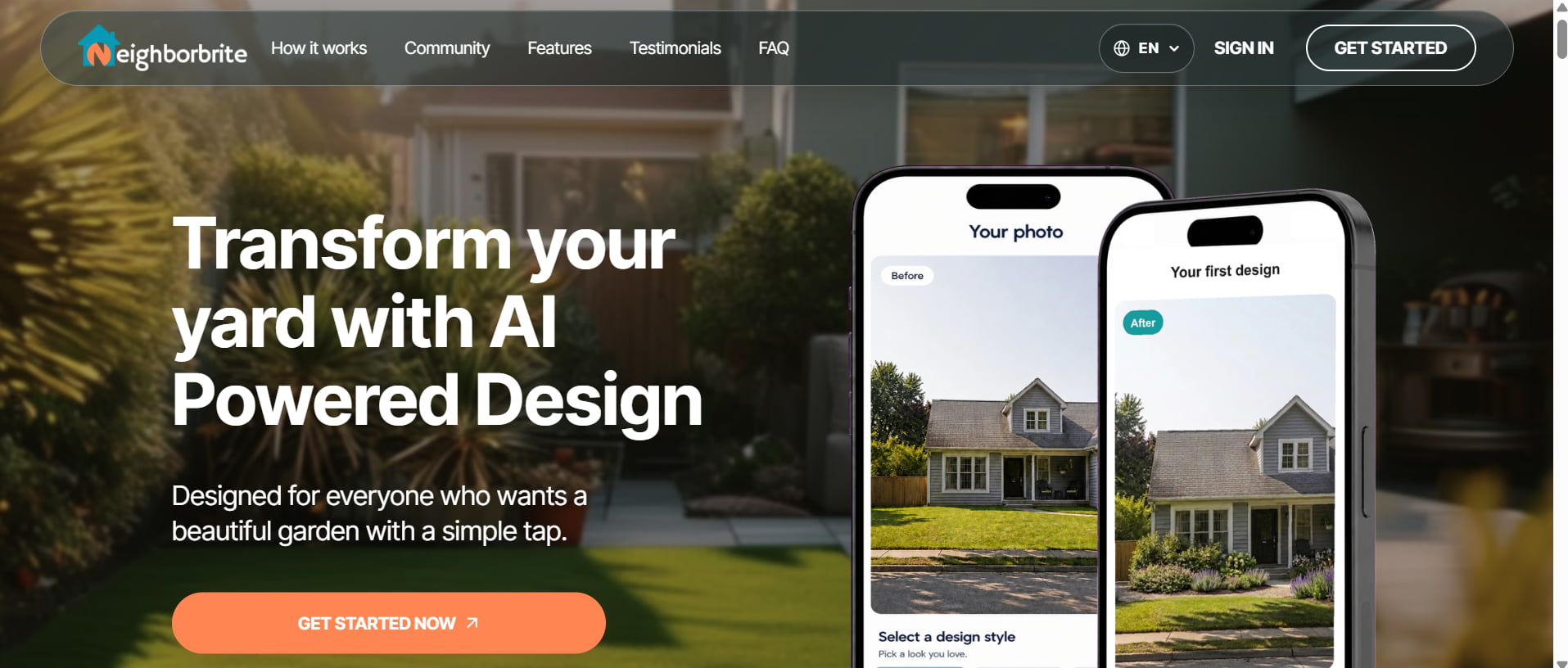
Neighborbrite
Neighborbrite focuses specifically on landscape design and combines AI visualization with professional landscape services. Its free plan offers limited design generations, while paid plans are aimed at more extensive workflows. Professional design packages can also provide scaled plans and plant or material lists.
Pros and Cons
|
Pros |
Cons |
|---|---|
|
|
|
|
|
|
|
|
Pricing
|
Plan |
Pricing |
Best For |
|---|---|---|
|
$287 |
Homeowners designing a specific backyard area |
|
$387 |
Homeowners planning a complete backyard makeover |
-
PRO Landscape
PRO Landscape is designed more for professional landscape workflows than quick consumer AI experimentation. It supports photo imaging, CAD-based planning, 3D design, proposals, and tablet-based workflows. Its companion apps support iPad and Android tablets.

Pros and Cons
|
Pros |
Cons |
|---|---|
|
|
|
|
|
|
|
|
Pricing
|
Plan |
Pricing |
Best For |
|---|---|---|
|
$900/year |
Professional landscape workflows |
|
$90/month |
Professionals wanting flexible billing |
-
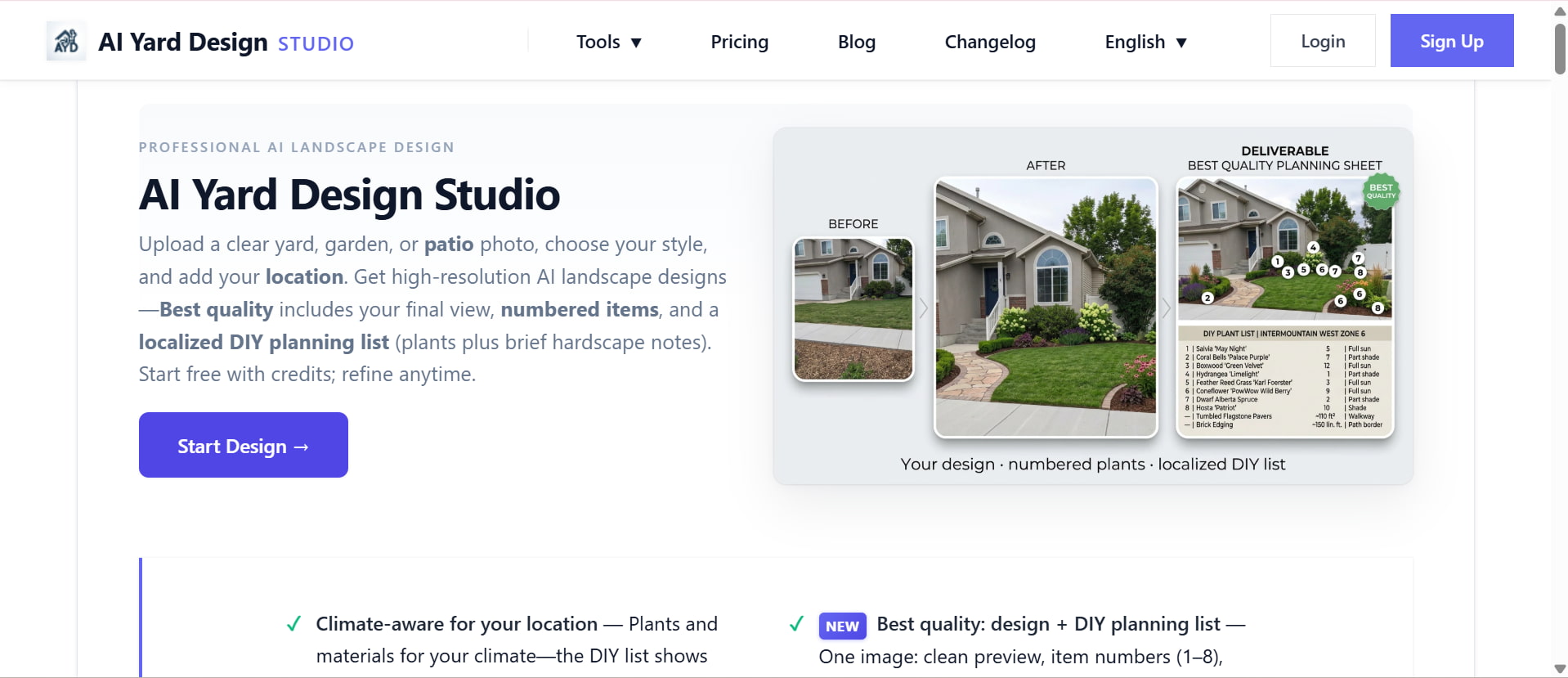
AI Yard Design
AI Yard Design is focused on quickly generating backyard and yard concepts with an AI-based workflow. It can be useful for homeowners who want to experiment with different landscaping ideas without learning professional design software. Its credit-based plans let users choose an option based on how frequently they need to generate designs.
Pros and Cons
|
Pros |
Cons |
|---|---|
|
|
|
|
|
|
|
|
Pricing
|
Plan |
Pricing |
Best For |
|---|---|---|
|
$0/2 free credits |
First-time users |
|
$9.90/12 credits |
Small projects |
|
$29.90/100 credits |
Larger backyard projects |
|
$129/500 credits |
Frequent users |
-
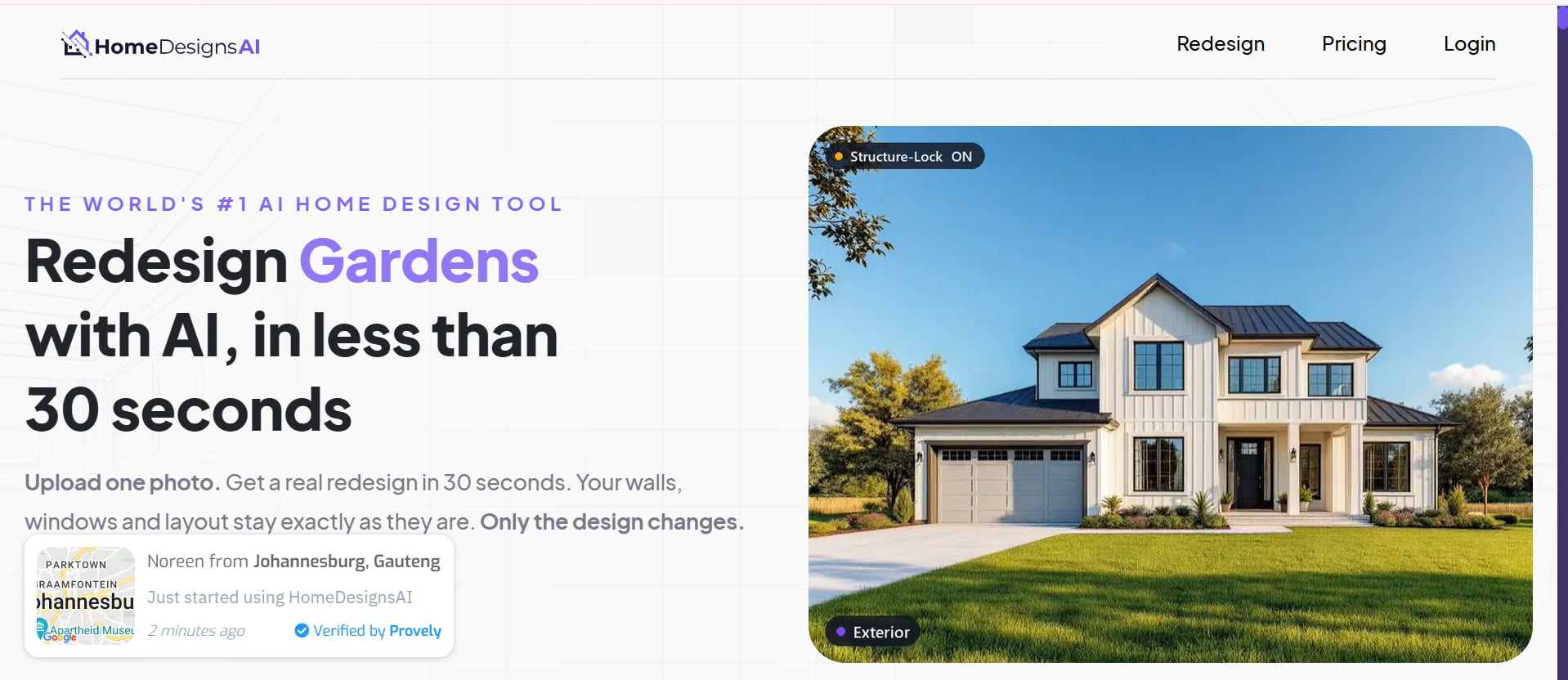
HomeDesigns AI
HomeDesigns AI is an AI-powered redesign platform that supports rooms, exteriors, gardens, and backyard concepts. Users can upload a space and experiment with different styles, colors, materials, and design directions. Its current plans include monthly design credits, with higher tiers adding more credits and professional-oriented features.
Pros and Cons
|
Pros |
Cons |
|---|---|
|
|
|
|
|
|
|
|
Pricing
|
Plan |
Pricing |
Best For |
|---|---|---|
|
$27/month |
Homeowners and occasional redesigns |
|
$29/month |
Frequent AI redesigns |
|
$37/month |
Professionals and larger projects |
Tips for creating realistic backyard designs with AI
AI backyard design works best when you provide enough visual and descriptive information for the tool to understand your space. The goal is not just to create an attractive image, but to produce a concept that feels practical, consistent with the existing yard, and close to your preferences.
-
Use a clear backyard photo: Select a good-quality, well-lit photo that clearly shows the existing layout, structures, plants, and available space.
-
Describe your preferred style: Mention your preferred landscaping style, colors, materials, and atmosphere to guide the AI toward your desired look.
-
Include specific outdoor features: Specify features such as patios, lawns, pathways, plants, pools, pergolas, fences, furniture, and outdoor lighting.
-
Preserve important existing elements: Mention trees, decks, walls, sheds, fences, or other features you want to keep in the generated design.
-
Generate multiple design concepts: Create several variations with different styles and layouts to compare ideas and find the best option for your backyard.
-
Refine the strongest result: Adjust your prompt with more specific details about materials, plants, furniture, colors, and lighting to improve the selected concept.
-
Verify practical details before implementation: Check measurements, drainage, sunlight, soil, plant suitability, and construction requirements with a professional before making changes.
Conclusion
AI backyard design gives you the ability to transform your ideas into visuals you can look at and compare before you make changes. Tools like Vmake Labs can generate realistic designs from prompts or reference photos, while dedicated platforms offer more structured planning. You may also use an AI image fixer to tidy up any imperfections in the reference photos before you build your backyard idea. But mainly use AI for inspiration, so check measurements, materials, drainage, lighting, plant suitability, and construction requirements with professionals before implementing.
FAQs
-
Can I use Vmake Labs for AI backyard design?
Yes, you can ask Vmake Labs to generate backyard ideas based on text prompts or photos you provide. You can describe styles, materials, plants, patios, furniture, and other outdoor elements to generate different visual ideas. It's good for testing ideas before you do any work in your backyard.
-
How can I use AI to design my backyard?
First, upload a clear image of your backyard or describe the space in detail. Choose your favorite style, colors, materials, plants, and outdoor features, and then draw up a few concepts and refine the one you like. Measure and check practical requirements before implementation.
-
Is there a free AI backyard design tool?
Yes, many AI design tools offer free plans or limited free credits for backyard designs. Vmake Labs offers a free platform to experiment with AI image creation, whereas other sites may restrict the number of designs or features available. Paid plans typically offer more generations and more advanced features.
-
What should I include in an AI backyard design prompt?
Include details about your backyard's existing layout, preferred landscaping style, colors, materials, plants, furniture, and desired outdoor features. You can also include things you want to keep, like trees, fences, decks, or sheds. Certain prompts tend to produce better and more visually consistent results.
-
Can AI create different backyard styles from the same photo?
Yes, AI tools such as Vmake Labs can use the same backyard photo as a reference for different design directions. You can experiment with modern, tropical, rustic, minimalist, or Mediterranean styles while keeping the original space as a starting point. Creating several variations makes it easier to compare your options.
-
Are AI backyard designs accurate enough for construction?
AI backyard designs are visual ideas, not ready-to-build plans. They can give you an idea of what patios, landscaping, pools, and outdoor features might look like but are not necessarily accurate in dimensions or structural requirements. Always consult licensed professionals before applying an AI concept to real-world construction.

You May Be Interested

Best AI Image Generator: 10 Top Picks for 2026 Review

AI Animal Generator: Make Realistic Animal Images with AI

AI Tattoo Design: Ideas, Prompts, and Style Concepts for Custom Ink

10 Interior Design Mood Board Ideas With AI Prompts

X-Design Video Enhancer 2026 Review: Features & Pricing