VisualGPT Watermark Remover Review: Is It Really Worth It?
Explore the VisualGPT watermark remover for quick AI image editing, then discover how Vmake removes watermarks from images and videos with AI-powered batch processing for creators and businesses.

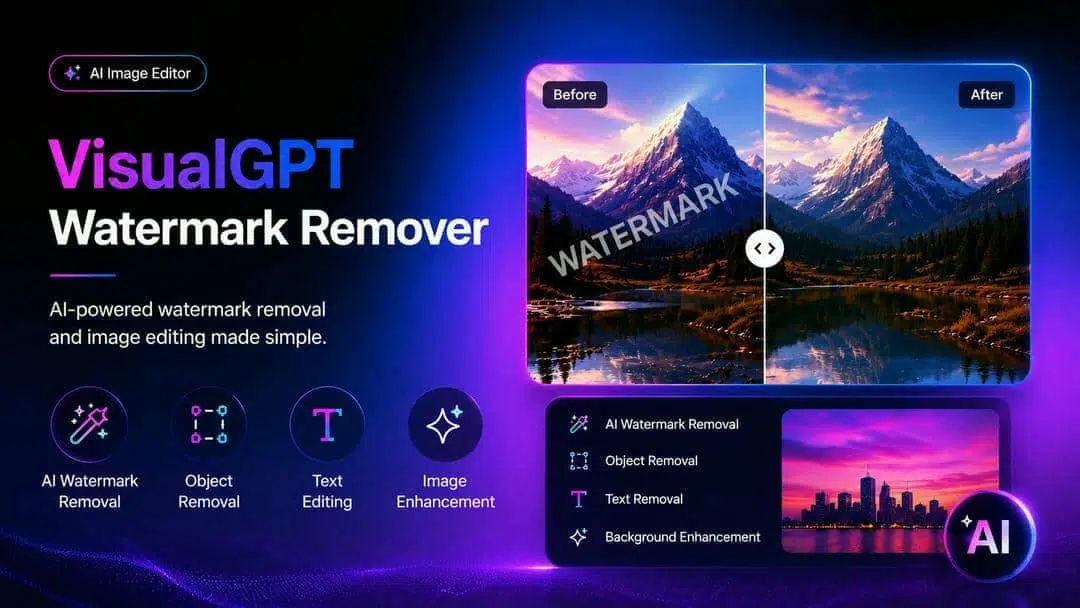
VisualGPT watermark remover is an AI-powered tool that lets you easily remove unwanted watermarks and objects from images. Here, we go over its features, advantages, and disadvantages and compare it with Vmake – a dedicated AI solution that can remove watermarks from both images and videos for more extensive editing.
What is VisualGPT watermark remover?
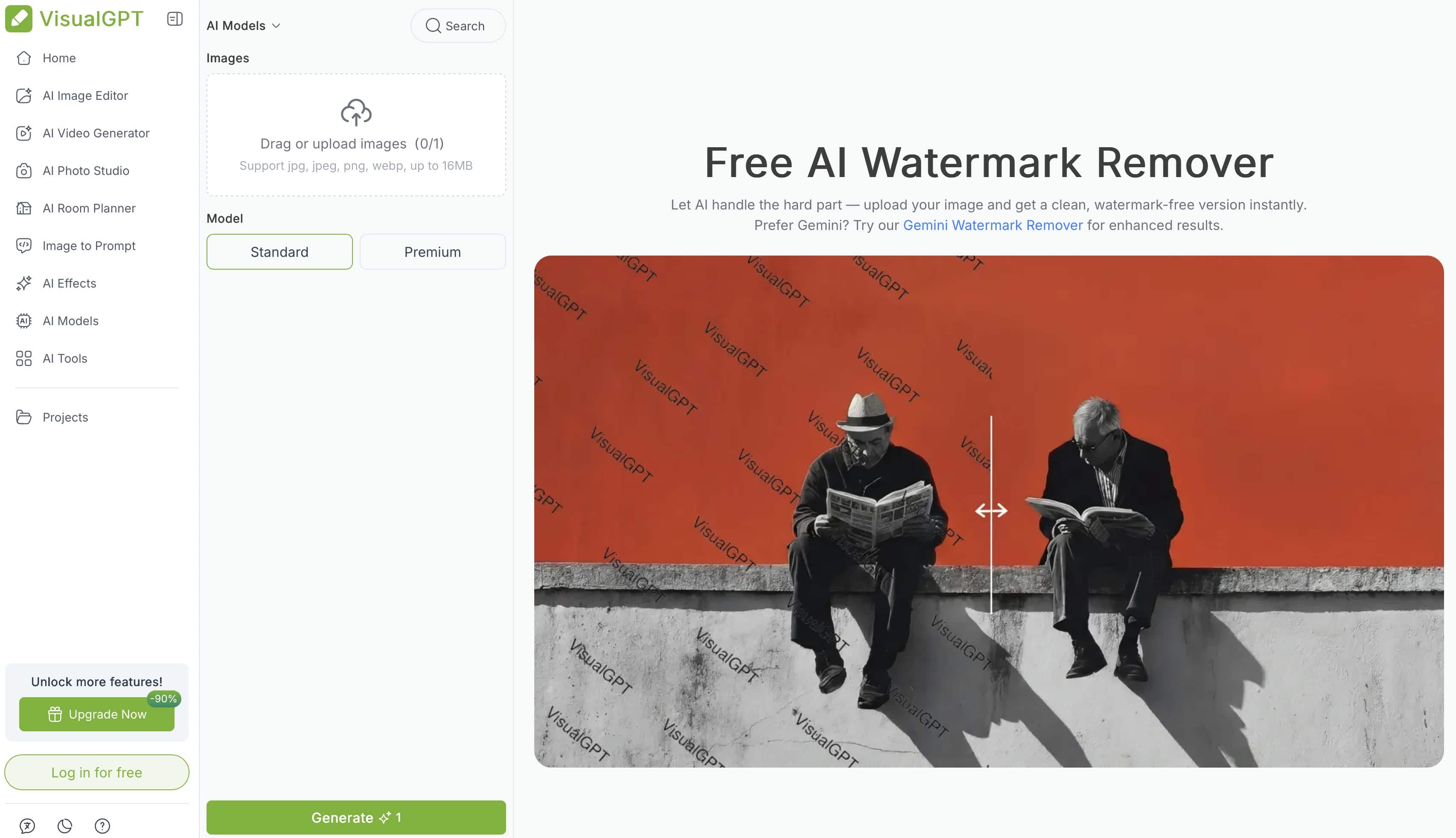
VisualGPT watermark remover is an AI-powered editing feature of the VisualGPT AI image editor, a browser-based platform to edit images quickly and delete objects from them. Instead of traditional editing software, users can upload an image, select the area they want to get rid of, and have the AI automatically reconstruct the background.
What can VisualGPT watermark remover remove?
Apart from eliminating traditional watermarks, the VisualGPT watermark remover supports some common cleanup tasks. AI-assisted reconstruction can deal with a number of unwanted elements, but the quality of editing is related to the complexity of the image.
|
Content |
Supported |
|---|---|
|
Watermarks |
Yes |
|
Logos |
Yes |
|
Text overlays |
Yes |
|
Objects |
Yes |
|
Background distractions |
Yes |
Key features of VisualGPT AI image editor
The VisualGPT AI image editor is built to simplify image editing by providing AI-assisted tools that reduce manual work. Rather than demanding detailed selections or advanced editing skills, many of the features are based on automatic detection and intelligent background reconstruction. These features make the platform suitable for users who require fast edits for personal, creative, or business images.
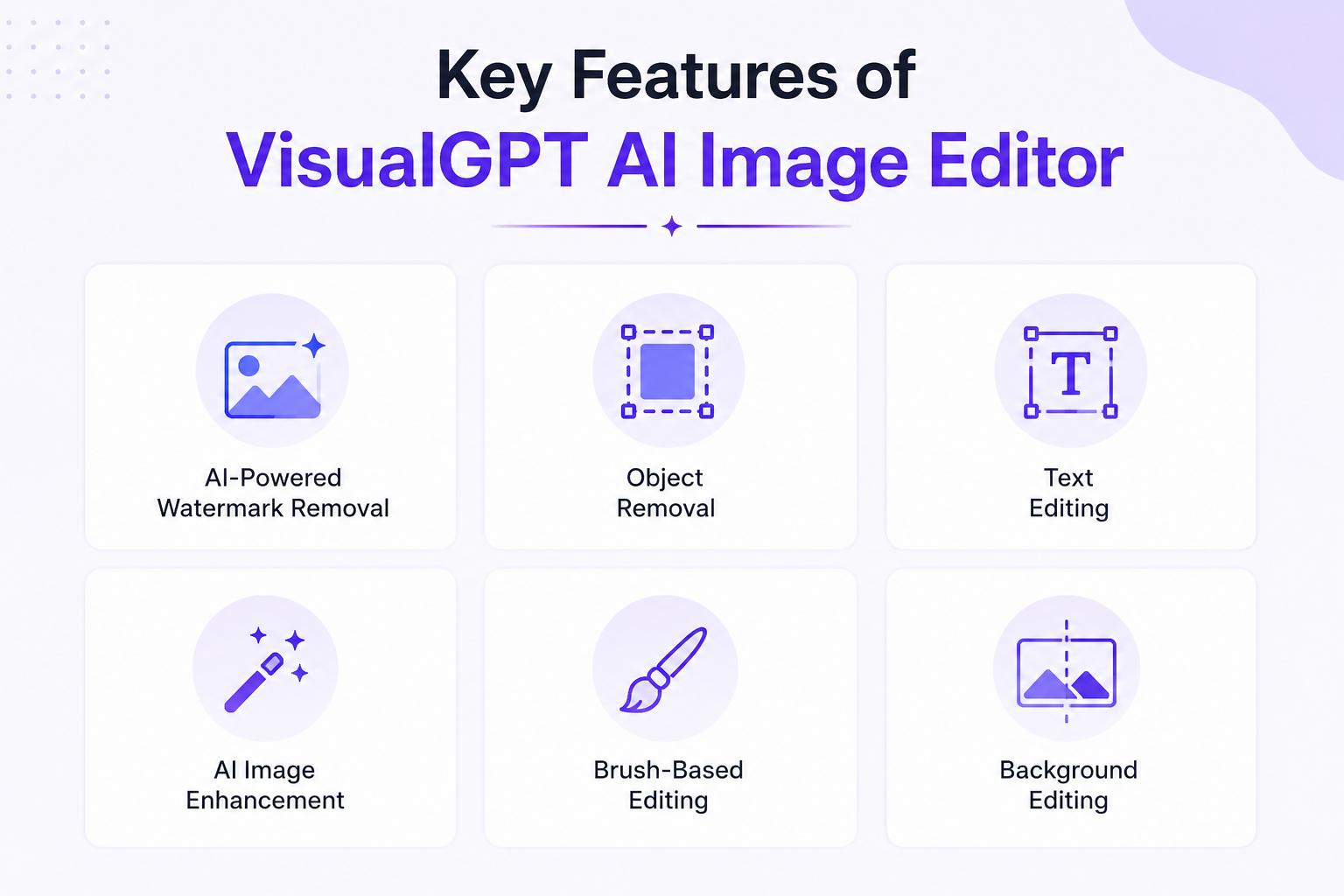
AI-powered watermark removal The VisualGPT watermark remover uses AI to identify the selected watermark area and reconstruct the hidden background based on surrounding pixels, reducing the need for manual editing. It offers automatic watermark detection, AI-powered background reconstruction, and one-click editing to simplify the process. In practice, the automatic detection works well for simple text watermarks, logos, and marks placed on plain or evenly colored backgrounds, often producing clean results without additional effort. For more complex images with detailed textures, patterns, or objects overlapping the watermark, the AI may leave minor artifacts or imperfect reconstruction, so manually refining the selection can improve the final output.
Additional AI editing tools
Besides removing watermarks, VisualGPT AI has a variety of editing features that help users improve their images on a daily basis. Users can remove unwanted objects and text, edit distracting backgrounds, and improve image quality with AI enhancement. A brush-based selection tool allows for more precise edits. Users can perform multiple image cleanup tasks using these tools within the same browser-based editor.
Who should use VisualGPT?
The VisualGPT AI image editor can be useful for different users based on their editing needs. Usually, it is best suited for simple image clean-up rather than large production workflows.
|
User |
Best for |
|---|---|
|
Students |
Simple edits |
|
Designers |
Quick AI image editing |
|
Content creators |
Social media graphics |
|
Small businesses |
Product image cleanup |
Strengths, limitations, and pricing of VisualGPT
VisualGPT Watermark Remover is a practical solution for users who require fast image cleanup without the need to install software. Its AI tools work well for a variety of everyday editing needs, but knowing the pros and cons will help you decide whether it's right for your workflow or whether you need a more niche tool.
Strengths and limitations
The VisualGPT watermark remover provides a simple AI editing experience for users looking to clean up an image quickly. Like most AI editing tools, it works well in some situations and has limitations on others. Knowing its strengths and limitations can help you decide if it's the right fit for your editing needs.
|
Strengths |
Limitations |
|---|---|
|
Beginner-friendly interface that is easy to navigate. |
Better suited for image editing than dedicated video watermark removal. |
|
Browser-based editor with no software installation required. |
Limited workflow for users handling large batches of files. |
|
Fast AI processing for common image editing tasks. |
Complex backgrounds may require manual refinement for cleaner results. |
|
Effective for removing simple watermarks, logos, and text from images. |
Offers fewer advanced editing features for commercial or professional workflows. |
|
Easy learning curve for casual users, students, and content creators. |
May not be the best choice for high-volume editing or production environments. |
Pricing and availability
VisualGPT offers four subscription plans with different monthly credit allocations, allowing users to choose a package based on their editing needs. Annual billing provides better value than paying monthly, while higher tiers include more credits for users who edit images frequently.
|
Plan |
Price* |
Credits/Month |
Best for |
|---|---|---|---|
|
Starter |
From $8/month |
100 |
Best for casual users with occasional editing needs. The available credits are sufficient for light watermark and object removal but may run out quickly with frequent use. |
|
Basic |
From $19/month |
500 |
A good value for regular creators and designers. The higher credit allowance is sufficient for consistent image editing without needing frequent top-ups. |
|
Pro |
From $39/month |
2,000 |
Well suited for professionals and small teams managing larger editing workloads. The generous credit limit makes it a practical option for frequent AI editing. |
|
Ultra |
From $89/month |
6,000 |
Ideal for businesses and agencies handling high-volume projects. The large monthly credit allocation is suitable for teams with continuous editing requirements. |
What the community says about VisualGPT
Community feedback on VisualGPT is generally positive for its ease of use and AI-powered image editing capabilities:
Product Hunt
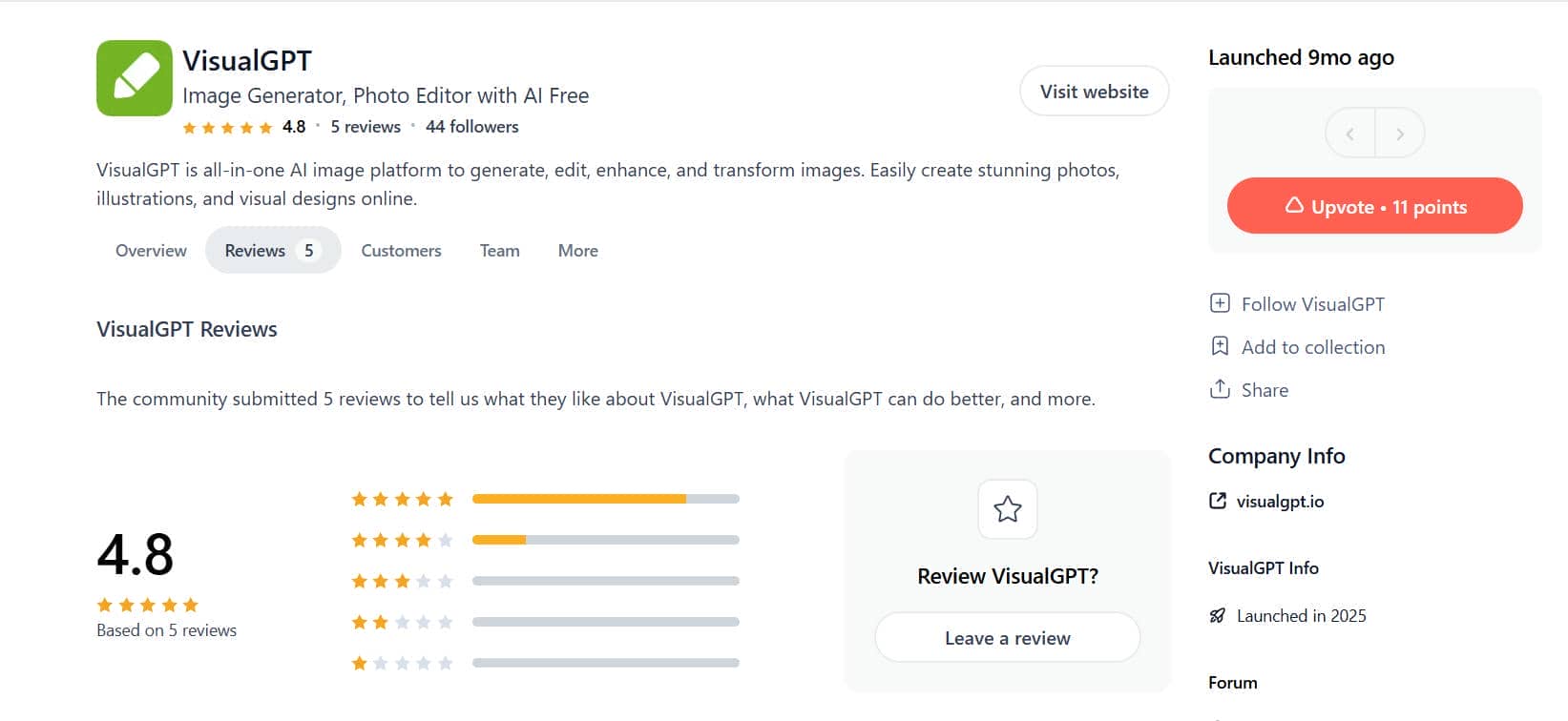
Users on Product Hunt appreciate its ability to quickly remove watermarks, enhance images, and complete edits with minimal manual effort.
"There are lots of function to use, like image edit, room design, even having a mind map. All in all, it's quite comprehensive and has been a great help in my daily use." from Jennifer z
Trustpilot
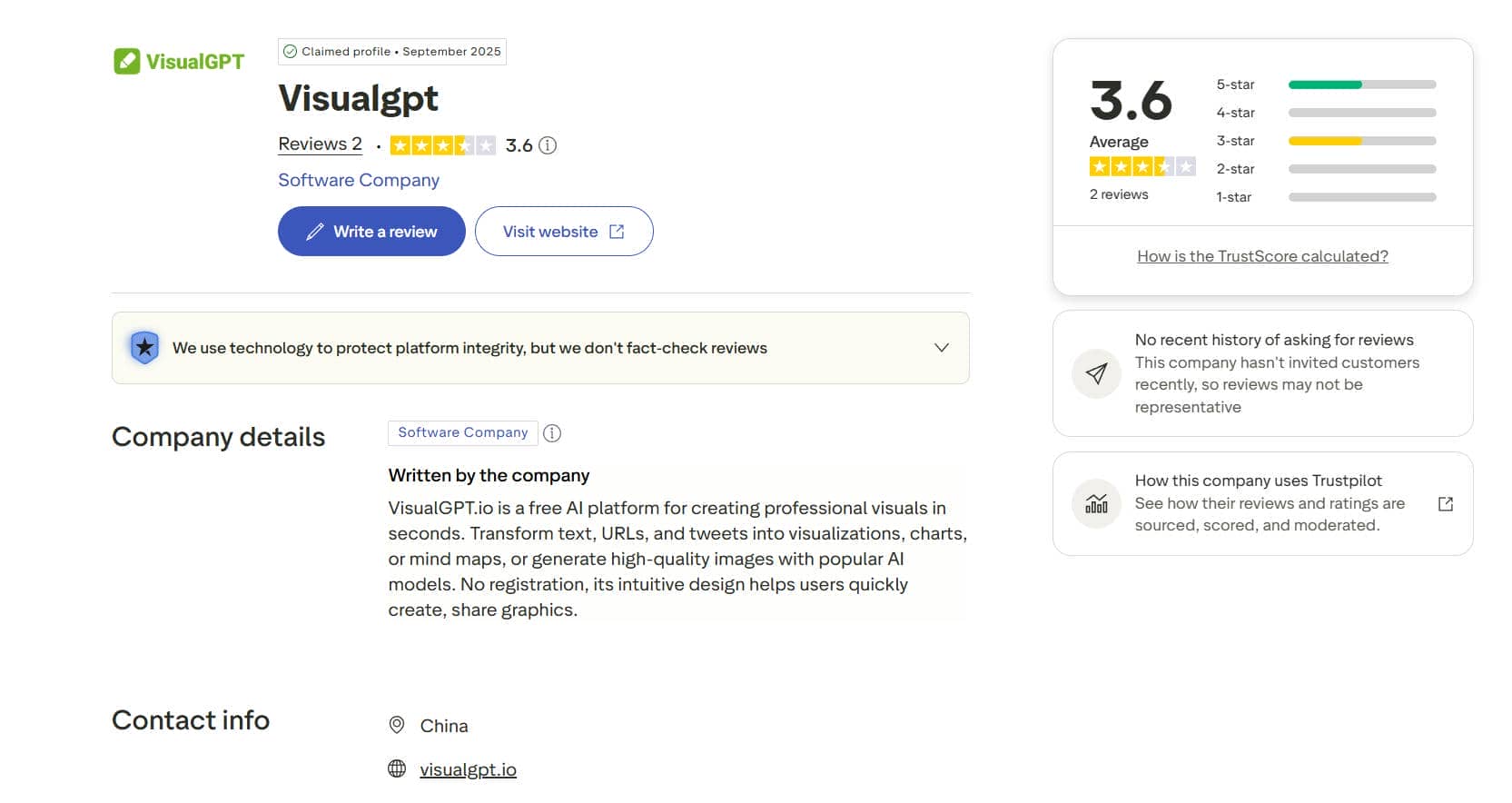
Trustpilot reviews also highlight its intuitive interface and fast processing, making it suitable for everyday creative tasks. However, some users mention occasional inconsistencies with complex edits, limited free usage, and the need for more advanced controls for professional workflows.
"First of all, the application is only partially free, but that would be okay if you weren't deducted credits when the generator fails. Especially with expensive models like Nano Banana Pro, the loss is very high, and that's without even getting a picture. That's outrageous..." from Daniela Summer
Afterthought
Overall, VisualGPT is a practical option for users who need quick, browser-based image editing without a steep learning curve. The AI watermark removal performs well on simple images, and the clean interface makes the tool easy to use for beginners. However, results become less consistent when removing watermarks from complex backgrounds or detailed textures, and the platform is better suited for editing individual images than managing larger workflows. If your work mainly involves occasional image cleanup, VisualGPT is a solid choice. For creators, marketers, or businesses that also need video watermark removal, batch processing, or more workflow flexibility, Vmake offers a more specialized alternative.
Meet Vmake for high-volume image and video watermark removal
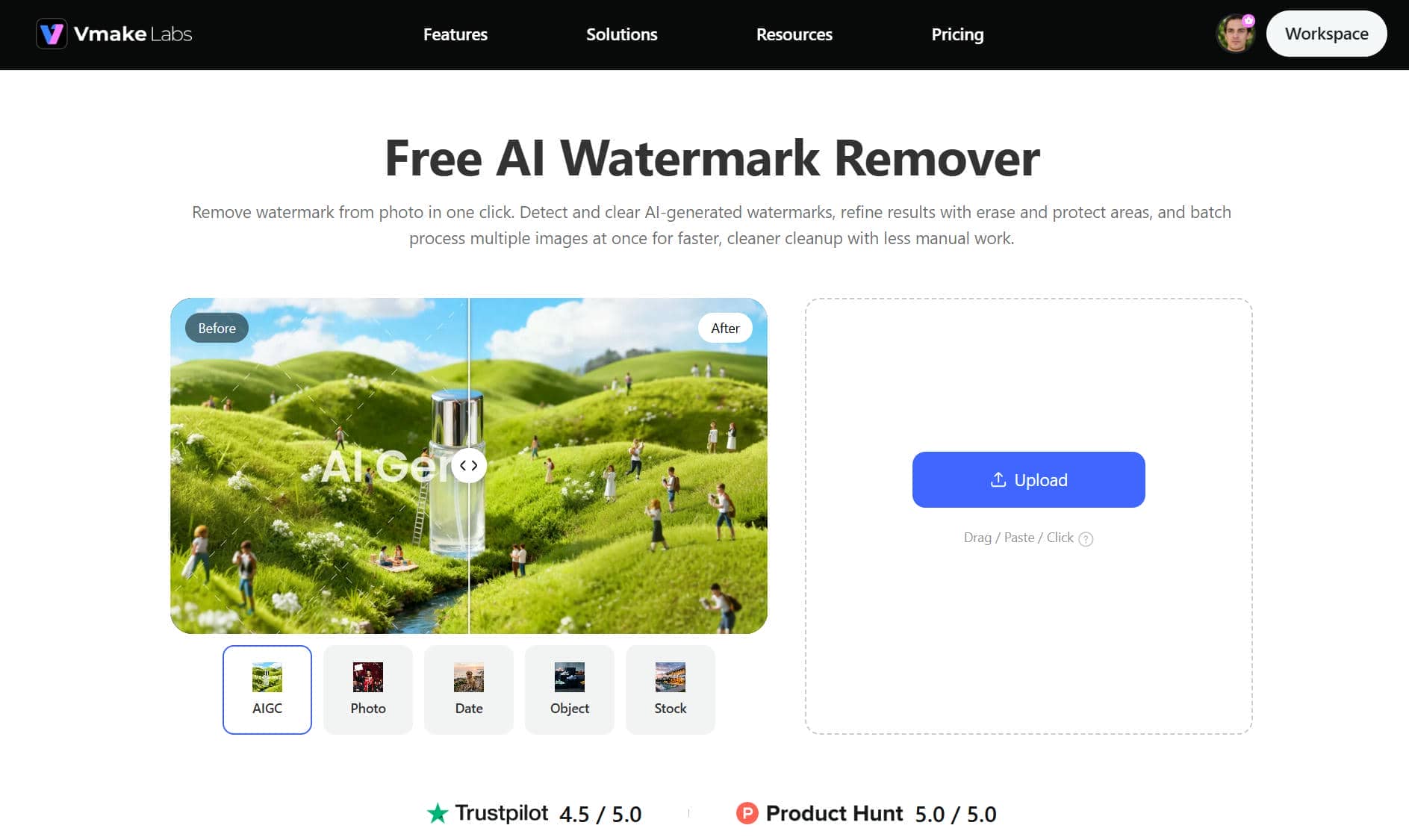
Vmake is a dedicated AI image editor that can remove unwanted objects from images and videos, unlike general-purpose AI image editors. It has workflow tools for both automatic AI removal and manual selection, from single edits to larger production jobs. It's designed for creators, marketers, and businesses that regularly work with a number of files, with batch processing and video-specific capabilities.
Key features of Vmake
-
Dedicated AI watermark remover for images and videos: Vmake is a dedicated AI watermark remover that is specially designed to remove unwanted watermarks from images as well as videos. Its AI-powered workflow offers less time-consuming manual editing for various types of content, with clean results.
-
Automatic AI removal with manual box and brush selection: Users can let AI detect unwanted elements automatically or manually select precise areas using box and brush tools. This combination provides greater control when working with complex images or videos.
-
Remove watermarks, subtitles, logos, text, and other unwanted elements: In addition to removing watermarks, Vmake also removes logos, subtitles, text overlays, passersby, and distracting objects. This makes it suitable for content cleanup on social media, marketing, and e-commerce projects.
-
Batch processing for up to 30 images or videos: Vmake supports batch editing for as many as 30 files in a single session, helping creators and businesses save time when managing large collections of images or videos.
-
Upload local files or paste supported video links: Users can upload media directly from their device or paste supported YouTube, TikTok, and Facebook links. This flexibility streamlines the editing process without requiring additional download steps beforehand.
-
Optimized for high-volume editing workflows: Whether you're editing product images, promotional videos, or social media content, Vmake is built to scale larger workloads efficiently. Its AI tools are dedicated to making repetitive watermark removal faster and more consistent.
How to remove watermarks with Vmake
Removing unwanted watermarks with Vmake requires only a few simple steps. The platform combines AI automation with optional manual refinement, allowing users to clean images and videos without extensive editing experience.
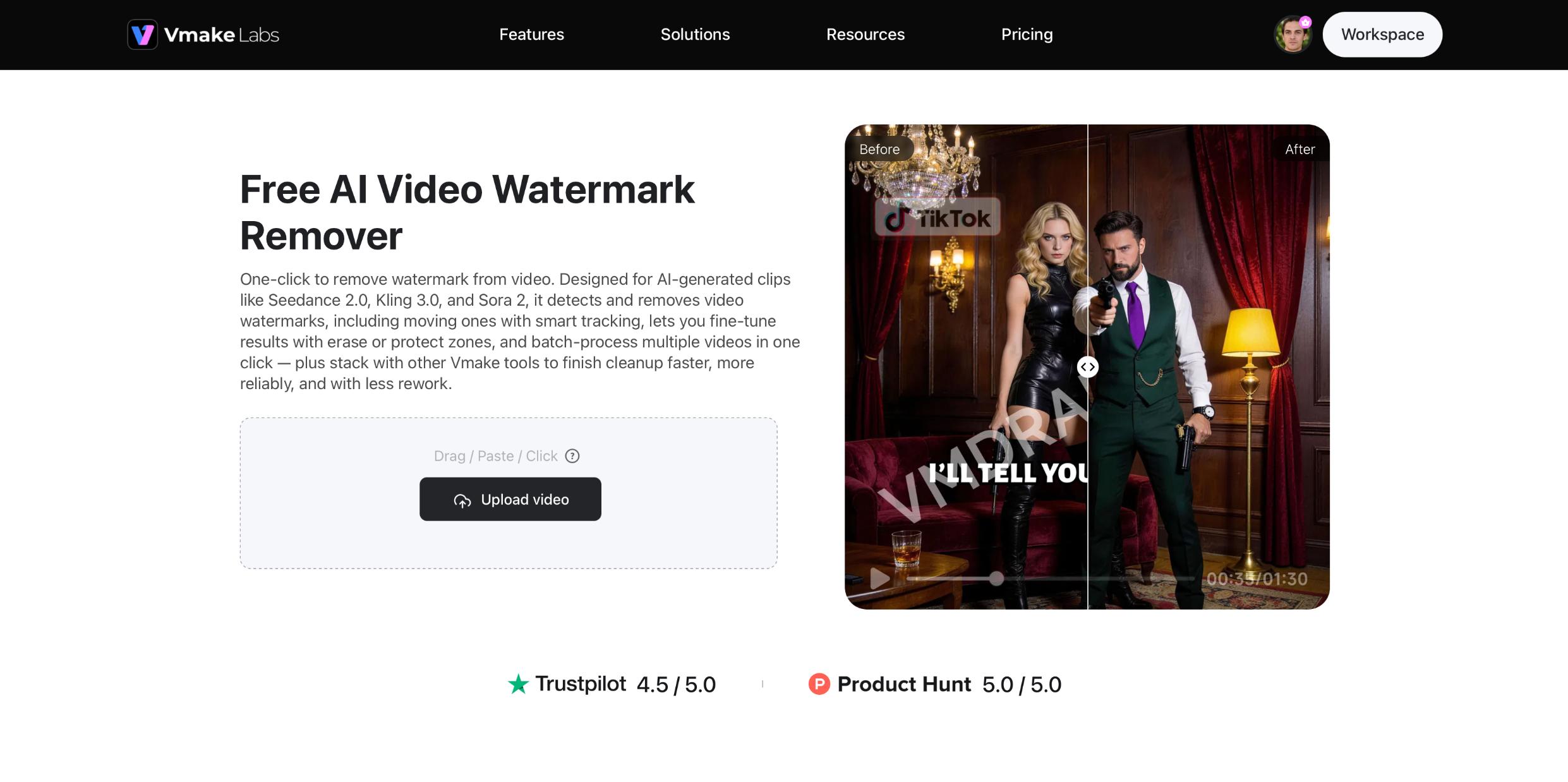
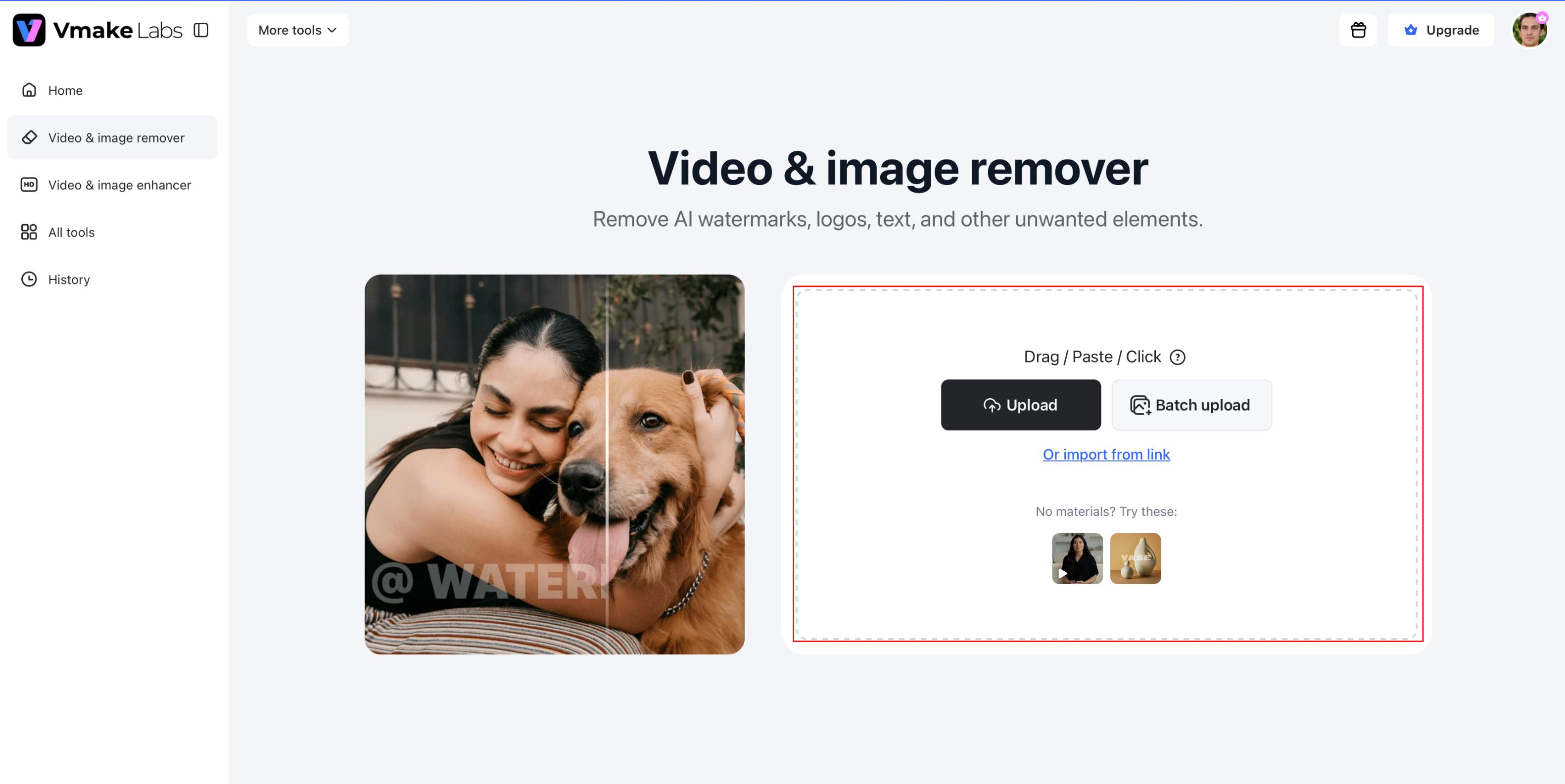
Step 1: Upload your image or video
Open Vmake's AI Watermark Remover and upload your image or video from your device. You can also paste a supported YouTube, TikTok, or Facebook link when working with online video content.
Step 2: Select the appropriate AI removal mode
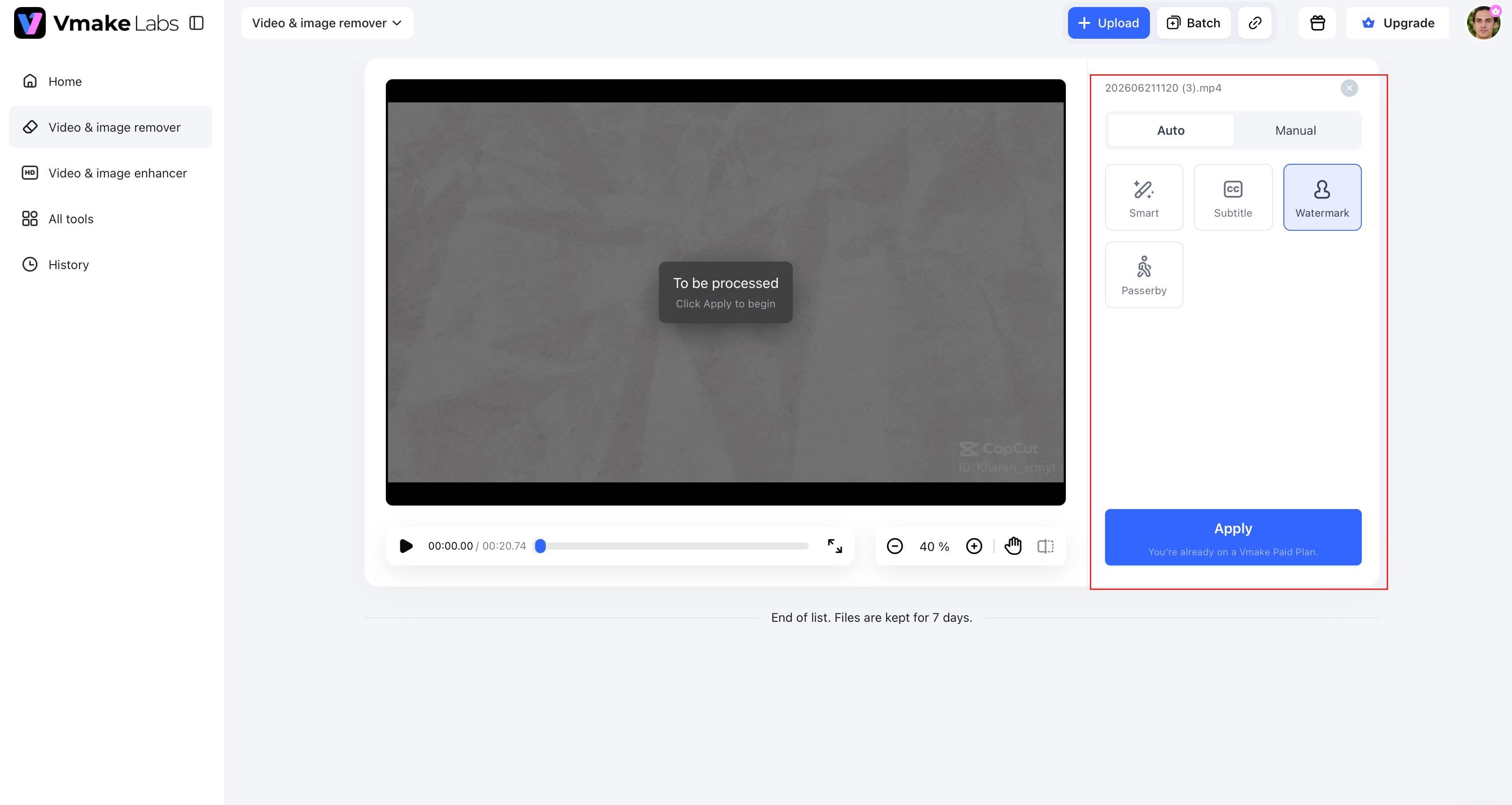
Select the perfect AI removal solution for your content. With Vmake, you are able to auto-detect and choose boxes or brushes manually to more accurately remove watermarks, logos, subtitles, text, or any other elements you don't need.
Step 3: Download your edited file
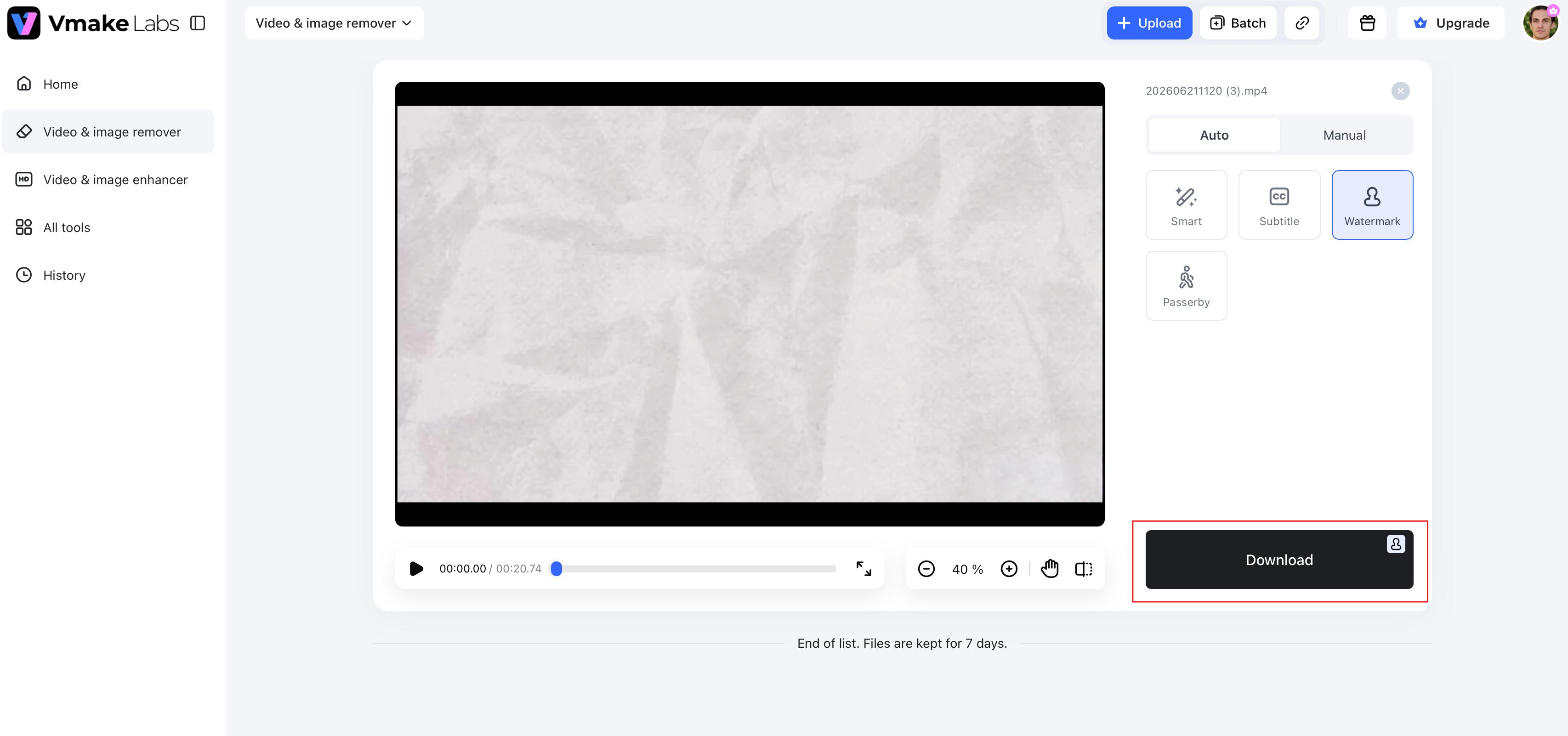
When processing is finished, review the edited result to ensure the removed area is blended naturally with the surrounding content. If you like the result, download the cleaned image or video to use in your marketing, social media, e-commerce, or any other creative projects.
VisualGPT vs Vmake: Which tool should you choose?
VisualGPT and Vmake are both AI-powered tools for watermark removal and image enhancement, but they're built for different types of editing. VisualGPT is an in-browser image editing tool for individual users, while Vmake offers dedicated workflows for removing watermarks from images and videos. Compare their features to select the best one for your projects and the amount of editing you do.
|
Feature |
VisualGPT |
Vmake |
|---|---|---|
|
AI image watermark removal |
Yes |
Yes |
|
AI video watermark removal |
Limited |
Yes |
|
Batch processing |
Limited |
Up to 30 files |
|
Logo removal |
Yes |
Yes |
|
Text removal |
Yes |
Yes |
|
Subtitle removal |
No |
Yes |
|
Object and people removal |
Yes |
Yes |
|
Editing modes |
Basic AI editing |
AI-assisted modes with manual refinement |
|
URL upload |
Not listed |
YouTube, TikTok, and Facebook links |
|
Best suited for |
Individual image editing |
Creators, marketers, and SMBs |
When VisualGPT is a good fit
VisualGPT watermark remover is a good tool if you have simple editing needs and you mainly deal with images. Good for people editing single images, needing quick AI-powered watermark removal, and wanting a browser-based editor with little setup. This is also a good practical choice for occasional logo, text overlay, or other unwanted element removal without needing professional editing software.
When Vmake is the better choice
Vmake is more suited for heavier editing workloads or for those working on both images and videos. This is a good option for content creators, marketers, and enterprises that deal with multiple files regularly and need dedicated AI tools to remove watermarks, subtitles, logos, texts, objects, and passersby. Vmake offers a more efficient workflow for e-commerce, marketing, and social media content creation with batch processing for up to 30 files and support for image and video editing.
Conclusion
VisualGPT Watermark Remover is a browser-based AI editor that enables users to remove watermarks, logos, and other unwanted objects from single images in a convenient way. But if your workflow involves larger batches, video watermark removal or more specialized AI editing tools, Vmake presents a more complete solution. Vmake is perfect for creators, marketers, and businesses that have a lot of editing to do. It supports both images and videos, can handle up to 30 files at a time, and features special AI modes to remove watermarks, subtitles, logos, text, and more unwanted things.
FAQs
What is VisualGPT watermark remover used for?
VisualGPT watermark remover is an AI-based tool to remove watermarks, logos, text overlays and other unwanted elements from images. It's one of the tools inside the VisualGPT AI image editor, which also includes object removal, image enhancement and basic photo editing. The platform is best for quick, browser-based image cleanup.
Is VisualGPT free to use?
VisualGPT has various subscription plans with different monthly credit limits. Some features can be tested by users before upgrading, but higher usage limits and more credits require a paid subscription. Check out current plans, pricing and features at visualgpt.io.
Can VisualGPT remove watermarks from videos?
VisualGPT is mainly designed for AI-enabled image editing, and hence its video watermark removal features are limited. If you work with video content regularly, then consider a dedicated solution that is purpose-built for video editing and watermark removal.
Does VisualGPT support batch watermark removal?
VisualGPT is mostly for editing individual images, not for high-volume workflows. Vmake Labs also provides batch processing of up to 30 images or videos for those who edit a lot of files to help reduce repetitive work and improve editing efficiency.
Can VisualGPT remove logos and text from images?
Yes. The VisualGPT AI image editor can remove logos, text overlays, and other unwanted objects from images using AI-assisted editing. For users who also need to remove subtitles, watermarks, or logos from videos, Vmake Labs provides dedicated tools that support both image and video editing.
What is the best alternative to VisualGPT watermark remover?
The best alternative depends on your editing needs. If you mainly edit individual images, VisualGPT may be sufficient. However, if you need AI watermark removal for both images and videos, along with subtitle removal, batch processing, and manual refinement tools, Vmake Labs offers a more comprehensive workflow.

You May Be Interested
Airbrush Watermark Remover Review (2026): Features and Pricing
AniEraser Watermark Remover by Media.io: 2026 Hands-On Review
Batch Watermark Removal with Vmake AI
Best AI Watermark Remover for Clean, Fast Edits

2026 DeWatermark Watermark Remover Review: Pros, Cons, Pricing