Venice AI Image Generator Review 2026: Tested, is it worth it?
Explore our Venice AI Image Generator review to compare features, pricing, image quality, pros and cons, then create stunning AI images effortlessly with Vmake Labs for every creative project now.

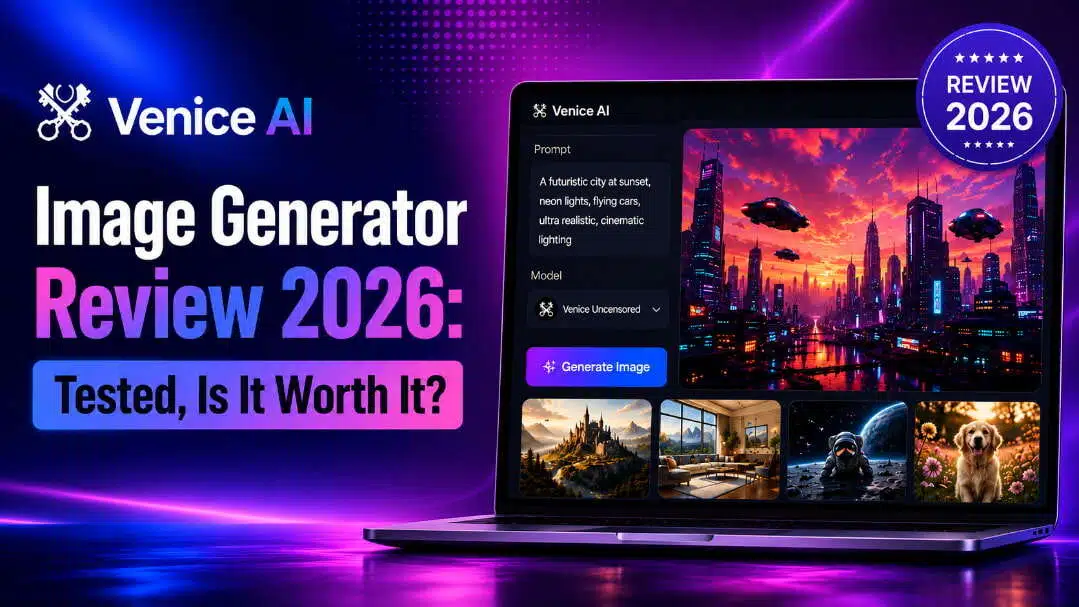
AI image generators are transforming how creators produce visuals, but choosing the right tool requires more than image quality. This Venice AI image generator review explores its features, pricing, performance, and usability to help you understand whether it is the right choice for your creative needs in 2026.
What is Venice AI image generator?
Venice AI picture generator is an AI-powered creative tool that generates images from given descriptions, privacy-oriented. It employs several AI algorithms to help individuals to create images for creative experiments, design projects, marketing ideas, and personal artwork. Unlike other AI image programs, Venice AI runs through a web browser, so you don't have to install any software. There is no hard setup or technical abilities required; just put in your ideas, alter some parameters, and generate images fast.
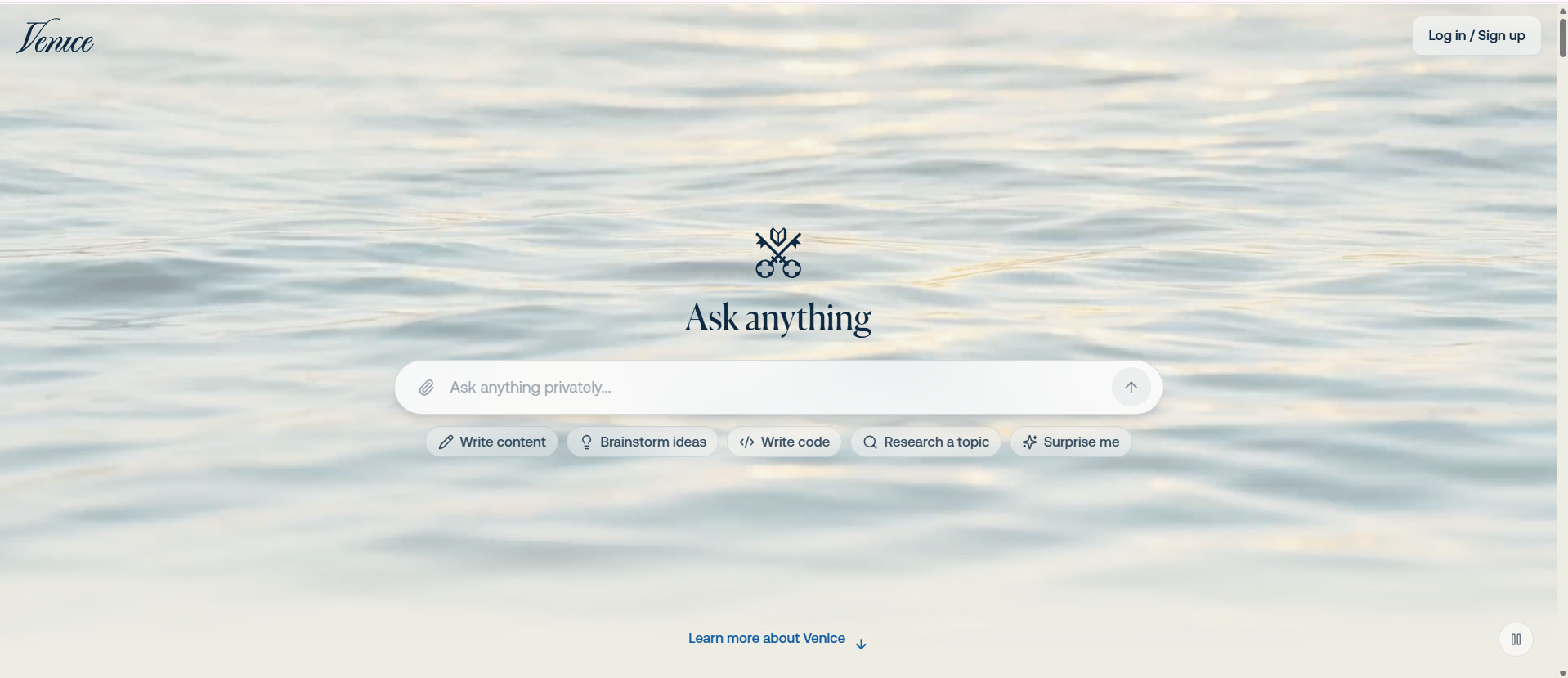
Key features of Venice AI
Venice AI combines image creation with other AI capabilities, giving users a flexible platform for different creative tasks. Its focus on privacy, model variety, and a simple interface makes it appealing to users who want more control over their AI-generated content.
-
Flexible content generation: Venice AI provides image creation, text assistance, coding support, and other AI features within one platform, allowing users to manage multiple creative workflows.
-
Greater creative freedom: The platform offers fewer restrictions compared with many traditional AI tools, giving creators more room to test different concepts and visual ideas.
-
Beginner-friendly interface: Venice AI provides a simple layout where users can easily enter prompts, select models, and generate content without a complicated learning process.
-
Privacy-focused approach: The platform stands out by prioritising user privacy, making it suitable for creators who want more control over their AI interactions.
How to use Venice AI image generator
Creating images with Venice AI does not require advanced design skills. Users can follow a simple process: enter a description, select suitable settings, generate the artwork, and save the final result.
Step 1: Open the image generation workspace
Access Venice AI and open the image generation feature from the dashboard. The workspace is home to the prompt area, model selection options and controls to start producing visuals.
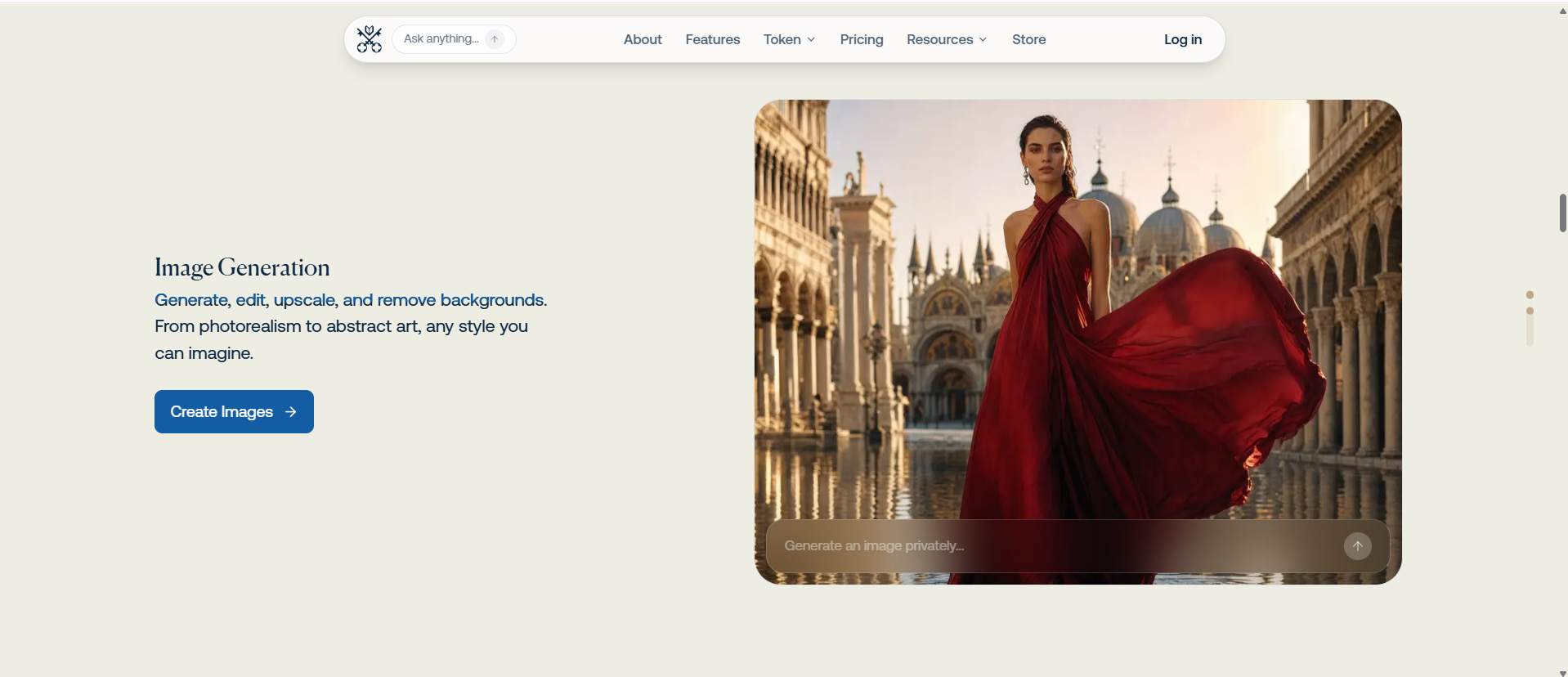
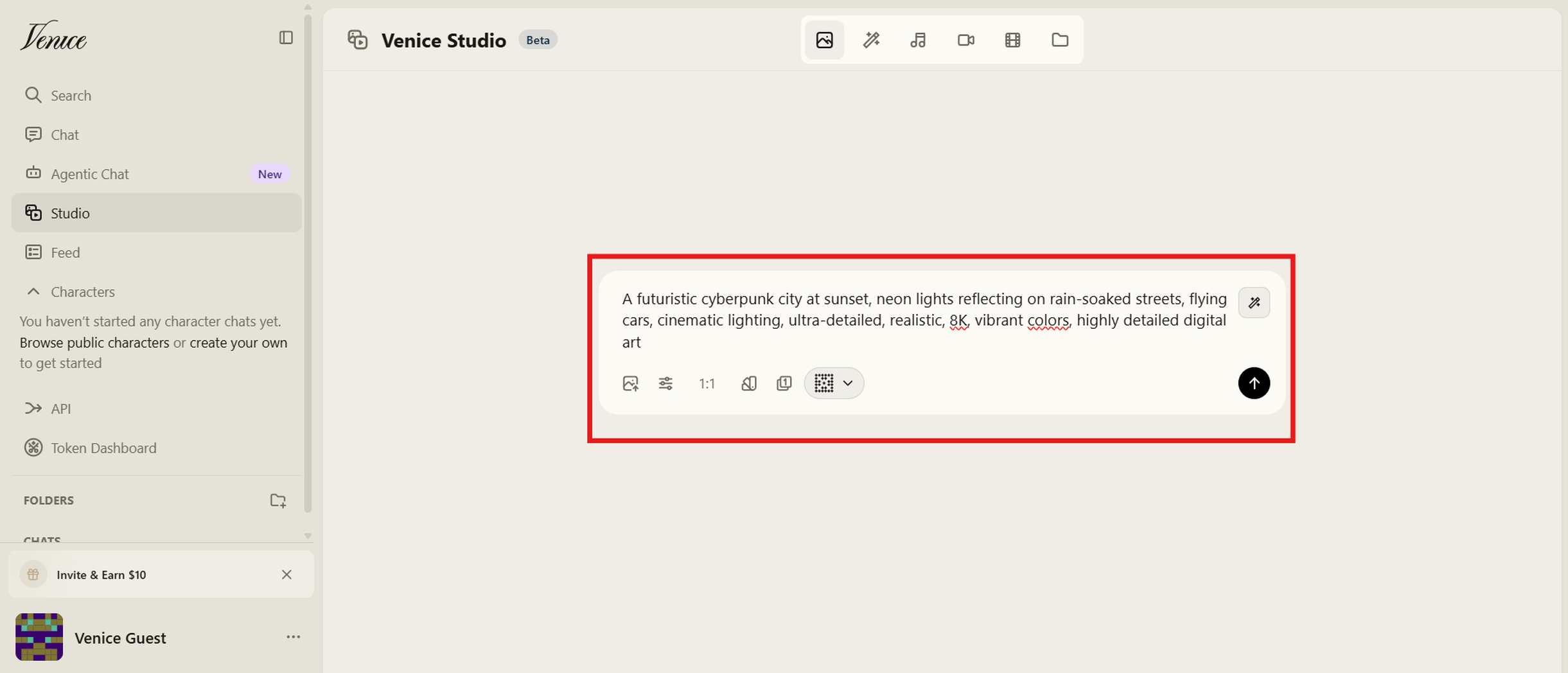
Step 2: Enter your image prompt
Write a detailed description of your desired image, including elements such as the subject, environment, artistic style, colours, and mood. More specific prompts generally help the AI understand your creative direction better.
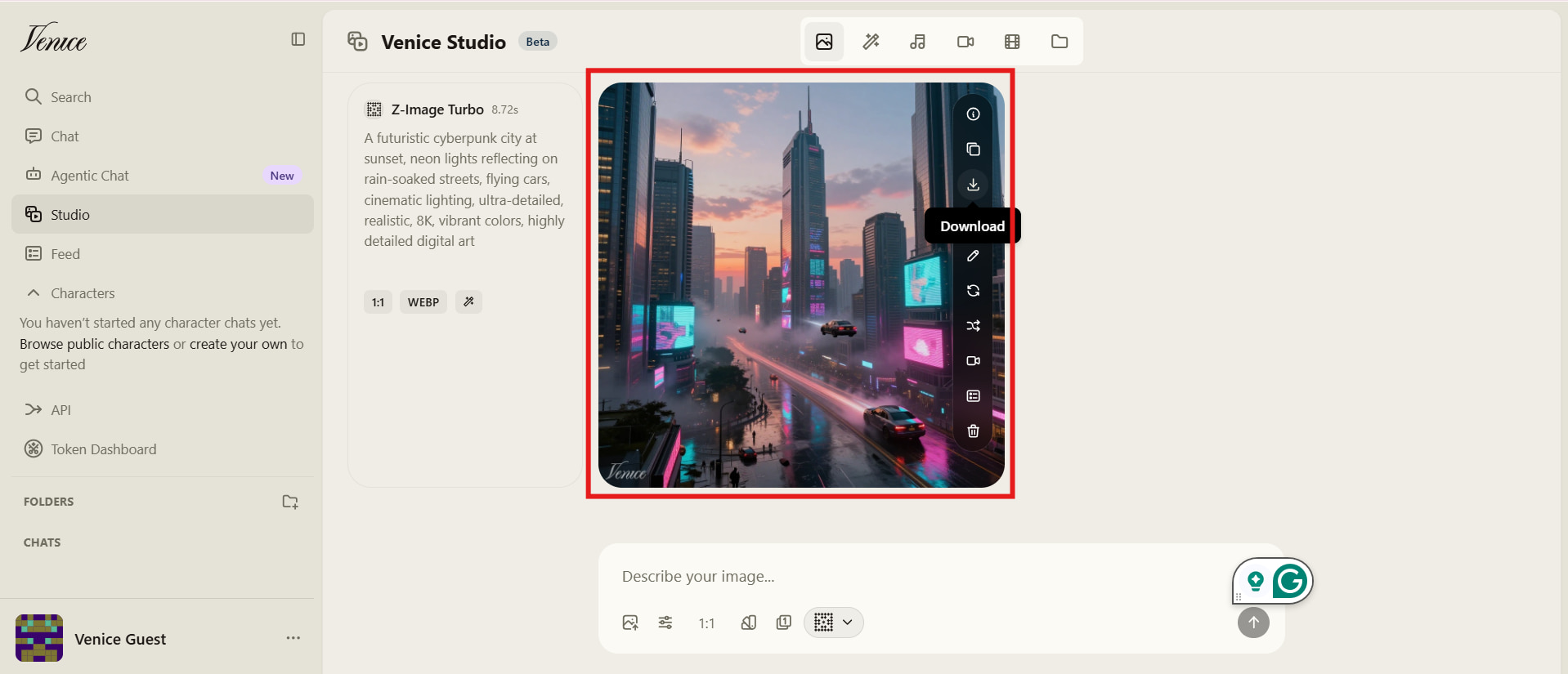
Step 3: Preview and download your image
Once Venice AI generates the image, look through the results provided and select the one that best fits your criteria. Depending on your usage demands, you can renew variations or download the final image.
Venice AI image generator review: Pros, cons & pricing
After trying out Venice AI with several creative prompts, we found the platform to be a fluid image generator with excellent AI model settings. But customers should take into account things like output consistency, functionality, and membership constraints before opting for it.
Test results
Chubby character
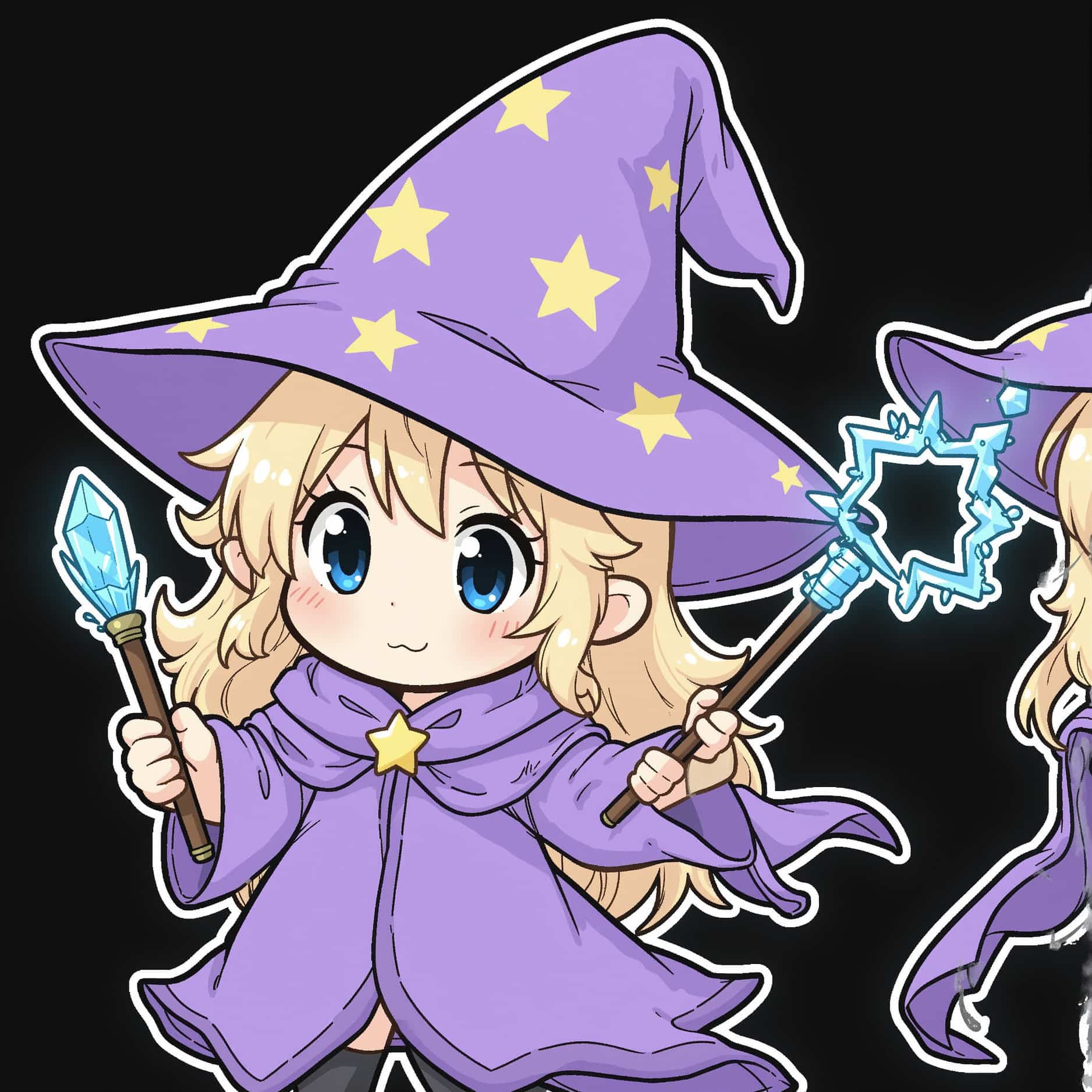
Medieval fantasy

Panoramic view
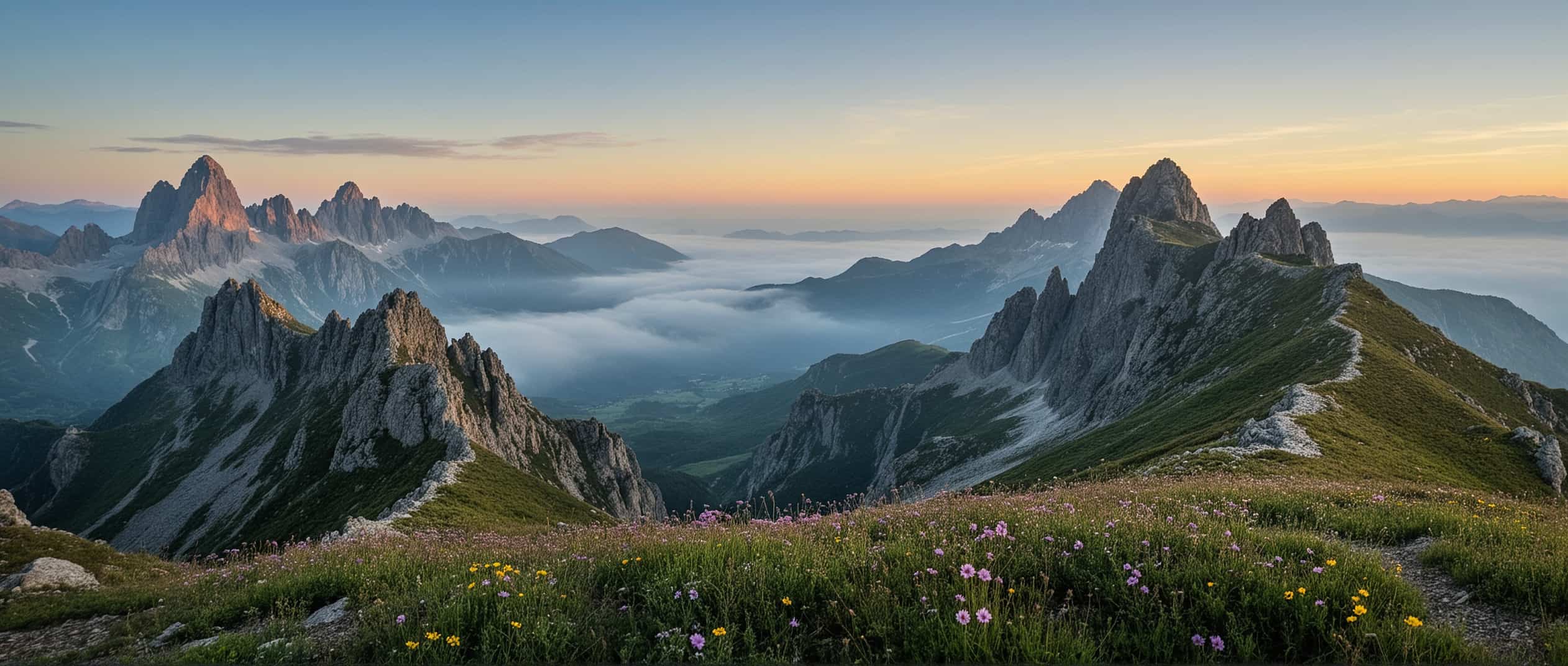
Realistic image

Pros and Cons
|
Pros |
Cons |
|---|---|
|
|
|
|
|
|
|
|
|
|
|
|
Pricing
|
Plan |
Pricing |
Best For |
|---|---|---|
|
$0/month |
Beginners exploring Venice AI image generation with basic features and limited usage. |
|
$18/month |
Individual creators, hobbyists, and regular users who generate AI images frequently. |
|
$68/month |
Professional designers, content creators, and marketers who need higher usage limits and advanced AI models. |
|
$200/month |
Teams, agencies, developers, and businesses require high-volume AI image generation and maximum performance. |
True voices from the community
Real user experiences provide useful insights beyond product descriptions. Feedback from online communities shows that Venice AI receives appreciation for its privacy features and creative flexibility, while some users mention areas where the platform could improve.
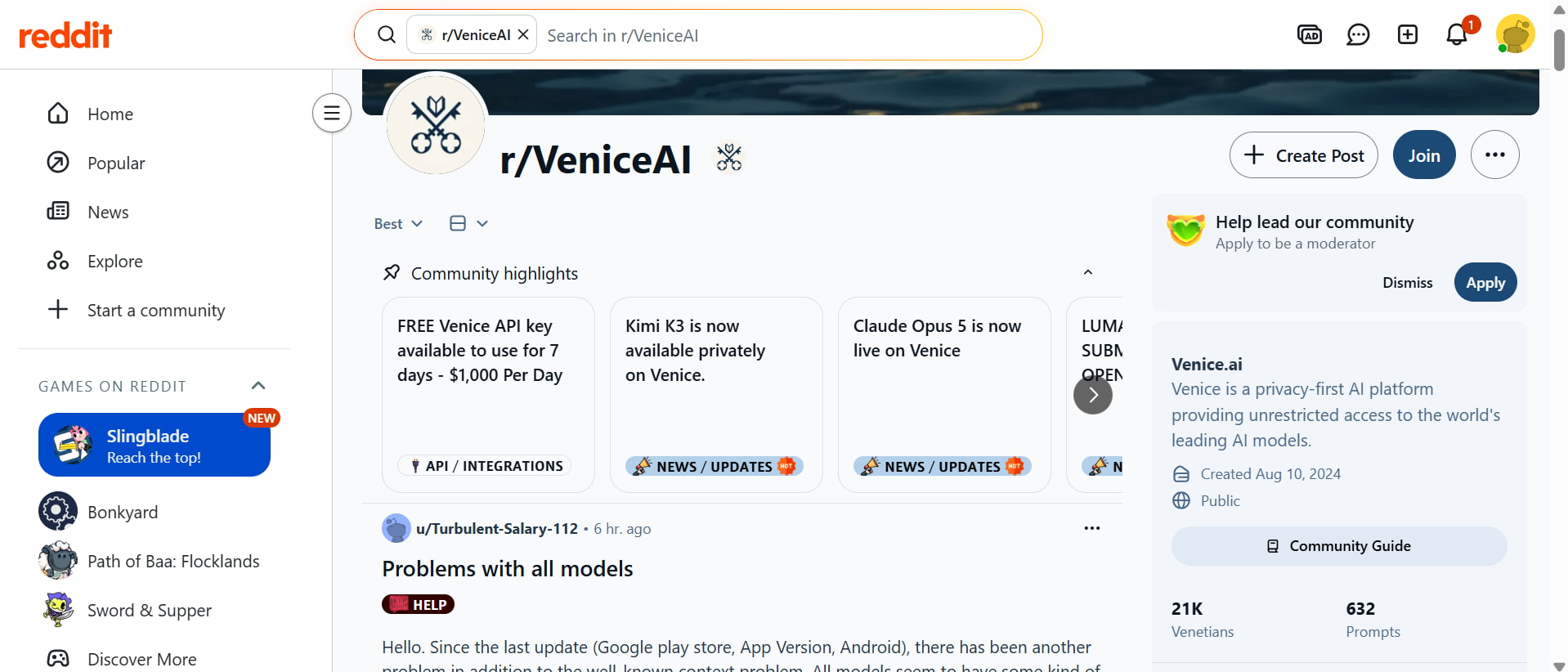
Reddit discussions highlight Venice AI as an interesting option for users who prefer fewer restrictions and more experimentation. Many creators enjoy the privacy-focused design, although some users mention that achieving consistent results may require better prompts and testing different models.
Trustpilot
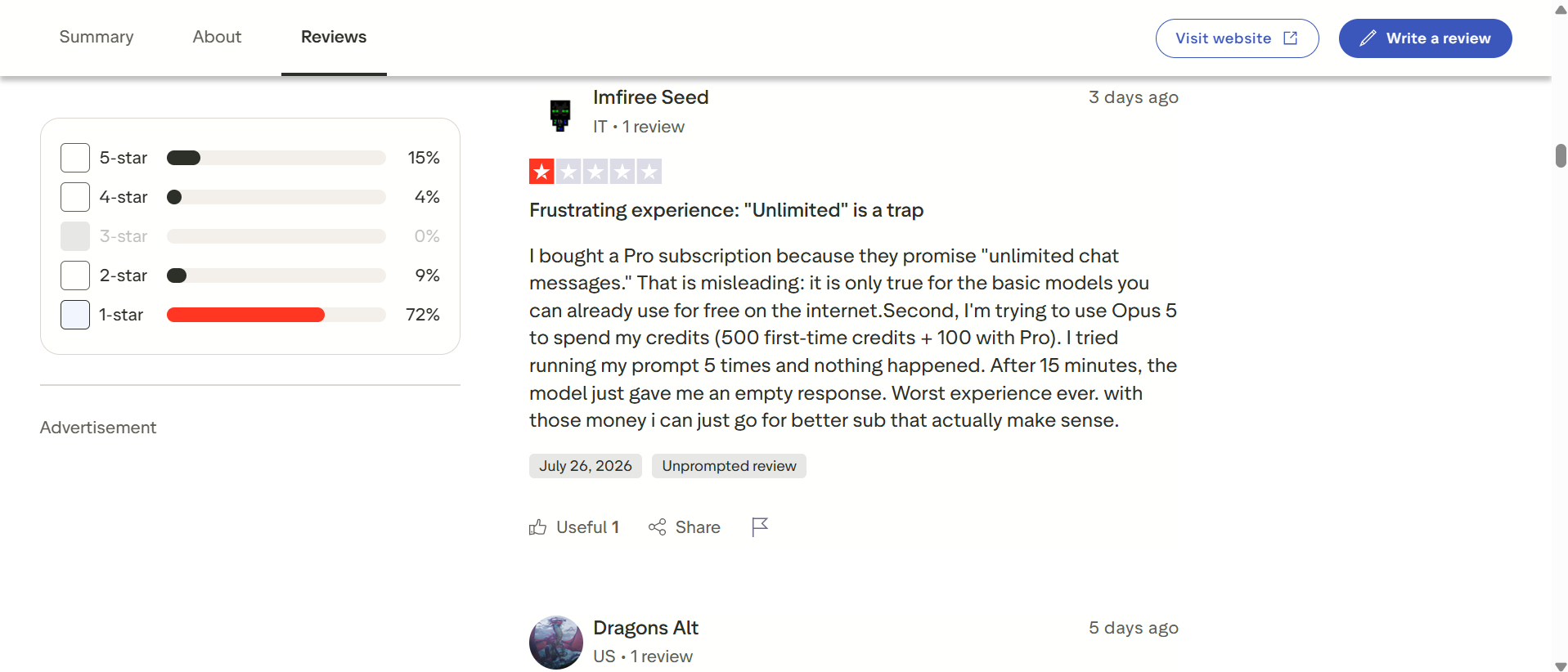
Trustpilot users often mention Venice AI's simple interface and quick setup process as positive aspects. Some reviewers appreciate accessibility for beginners, while others point out limitations related to free usage and image consistency.
Editorial verdict
To all appearances, Venice AI is a go-to option for people who care about privacy and adaptable AI picture generation. But if you want to create polished pictures for marketing, e-commerce, advertising, or social media, then a dedicated commercial image generator might give more consistent results. That's where Vmake Labs stands out.
A creative powerhouse: Generate AI images with Vmake Labs
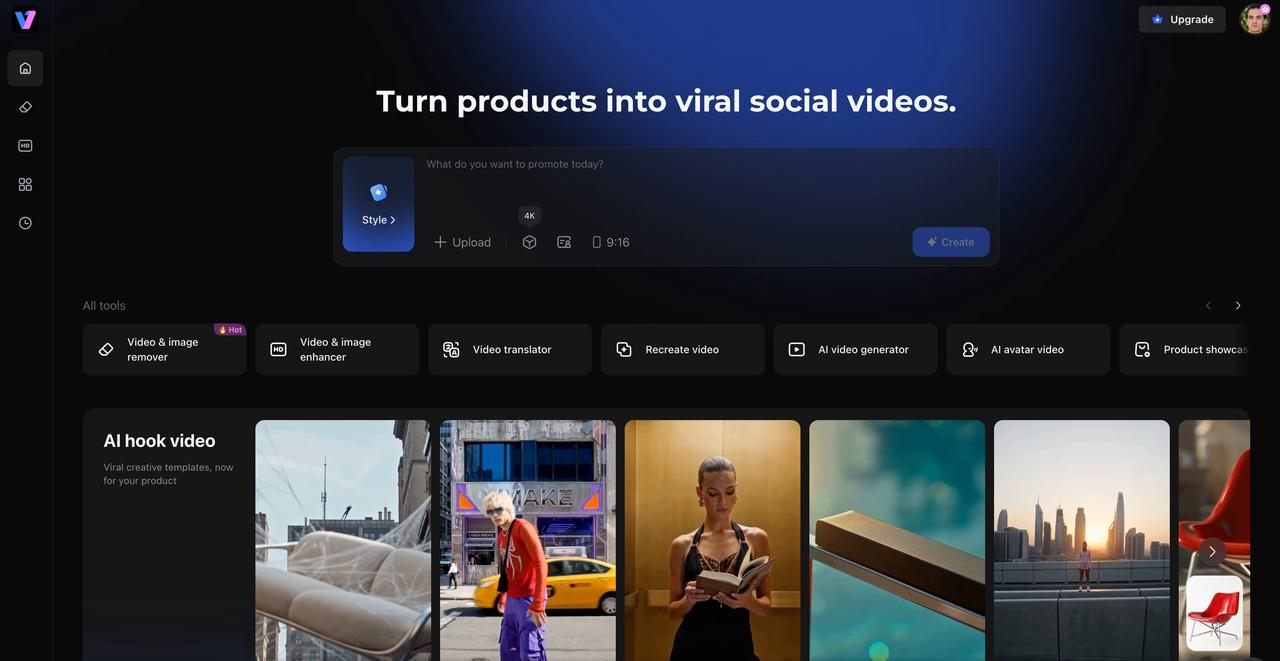
Vmake Labs AI image generator enables creators, marketers, e-commerce sellers, and enterprises to create high-quality AI images from text prompts in seconds. Whether you're a newbie or a seasoned designer, its browser-based workflow, variety of creative styles, and outputs appropriate for commercial use make it easy to create images for social media, advertising, product listings, branding, and more.
Key features of Vmake Labs image generator
-
Multiple AI image styles: Vmake Labs supports a wide variety of artistic styles, enabling users to generate everything from realistic photography to anime, illustrations, cinematic artwork, and digital paintings for different creative projects.
-
Generate images from simple text prompts: Simply describe your idea using natural language, and Vmake Labs transforms it into a detailed visual within seconds. Clear prompts generally produce more accurate and visually appealing results.
-
High-resolution AI image generation: The platform creates sharp, high-quality images suitable for digital marketing, ecommerce listings, presentations, blogs, and social media content. For older or lower-quality images, the Photo Restoration tool offers an easy way to recover detail and improve visual quality.
-
Fast browser-based workflow: Everything works online without requiring software installation. Users can generate, preview, and download AI images from virtually any modern browser, making creative work faster and more convenient.
-
Commercial-ready AI artwork: Vmake Labs is built with business use cases in mind. Whether you're creating advertising creatives, product mockups, website banners, or promotional materials, the generated images are designed to support professional marketing needs.
-
Simple interface for every creator: The clean dashboard keeps the entire generation process straightforward. Beginners can start immediately, while experienced designers can quickly iterate on prompts and explore different creative directions. When product images need cleaner presentations, the removed background feature helps isolate subjects for a more professional finish.
How to generate AI images with Vmake Labs
Step 1: Enter your text prompt
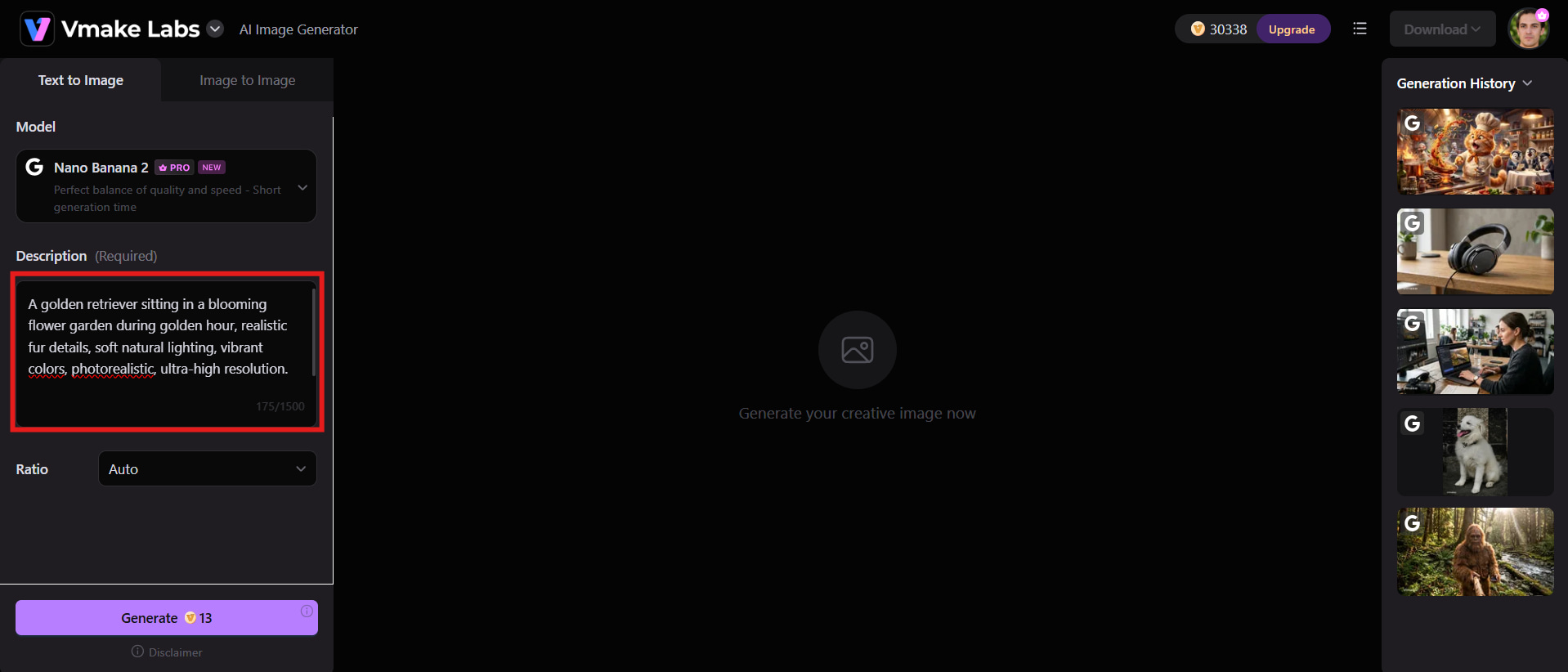
Open the Vmake Labs image generator and describe the image you wish to generate with a descriptive text prompt. Add information such as the subject, visual style, lighting, colours, background, and composition to help the AI generate more accurate and creative results.
Step 2: Generate your AI image
After entering your prompt, click the Generate button and start creating your image. Vmake Labs will rapidly assess your request and generate AI picture variations for you to review and choose according to your preference.
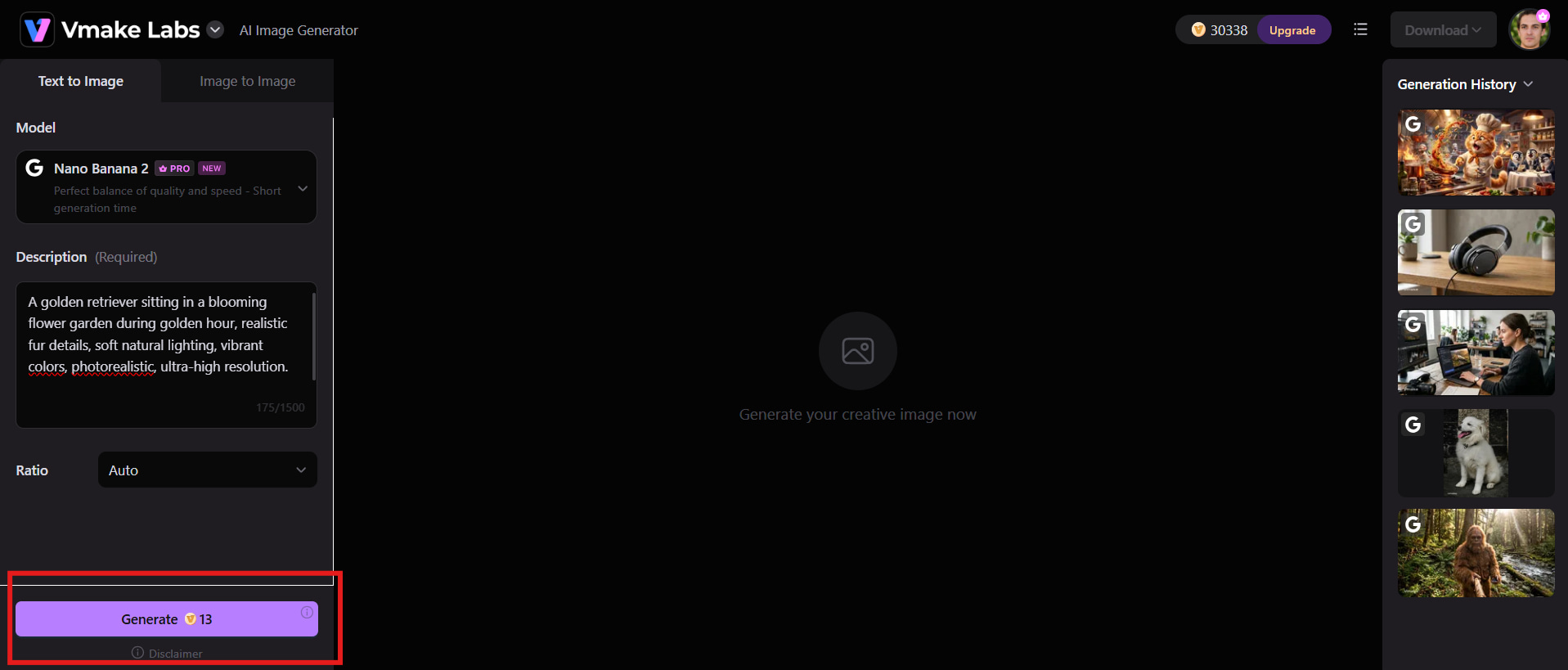
Step 3: Preview and download
Review the generated images and choose the one that best matches your requirements. Preview the image in high resolution and download it for marketing campaigns, e-commerce listings, websites, or social media. You can also use tools like removing objects from photos to refine your visuals further.
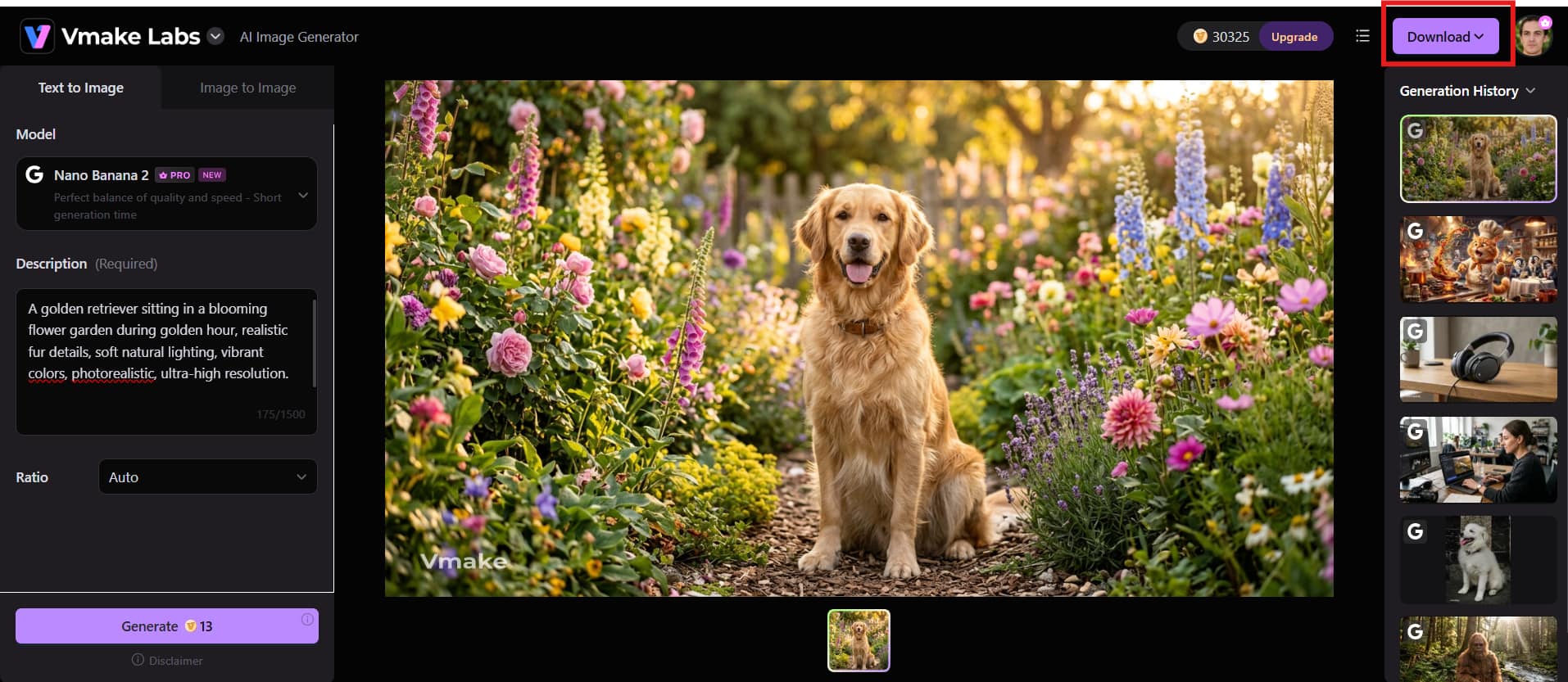
Checklist: Vmake Labs image generator vs Venice AI image generator
Both Vmake Labs and Venice AI allow you to build graphics from text descriptions, although they have different main functions. Venice AI is designed around flexibility and privacy, while Vmake Labs is dedicated to helping creators and businesses produce outstanding graphics for marketing, e-commerce, and online content.
|
Feature |
Vmake Labs Image Generator |
Venice AI Image Generator |
|---|---|---|
|
Best For |
Marketing, ecommerce, and content creators |
Privacy-focused AI image generation |
|
AI Image Generation |
Yes |
Yes |
|
Text-to-Image |
Yes |
Yes |
|
Multiple Art Styles |
Supports a wide range of AI art styles |
Supports multiple AI image models and styles |
|
Prompt Accuracy |
Excellent for marketing and creative visuals |
Good for general-purpose image generation |
|
Ease of Use |
Simple, beginner-friendly workflow |
Clean and easy-to-use interface |
|
Free Version |
Yes |
Yes |
|
Overall verdict |
Best for creating commercial-quality AI images |
Best for users seeking private and flexible AI image generation |
How should you choose from them:
-
Choose Vmake Labs if you need an easy-to-use platform optimized for creating commercial-quality marketing, e-commerce, and creative visuals.
-
Choose Venice AI if your priority is a private, flexible, and general-purpose environment that supports multiple AI models and styles.
Conclusion
Venice AI image generator is a solid choice for users who prioritise privacy, creative freedom, and a straightforward image generation experience. Its support for multiple AI models and browser-based workflow makes it suitable for beginners and experienced creators alike. However, image quality and prompt accuracy can vary depending on the selected model. If your focus is producing consistent, commercial-quality visuals for marketing, e-commerce, or social media, Vmake Labs offers a more business-oriented solution with reliable results and an intuitive workflow. Ultimately, the better option depends on whether privacy or professional content creation is your top priority.
FAQs
-
Can Venice AI generate images from text prompts?
Yes, Venice AI can create images from simple text prompts by using different AI image generation models. Users can describe their ideas with details such as style, subject, lighting, and composition to generate customised visuals. The final output quality depends on the selected model, prompt accuracy, and available settings.
-
Is Venice AI image generator free to use?
Yes, Venice AI offers a free plan that allows users to explore its image generation features with limited usage. Users who need more generations, access to advanced models, and additional capabilities can choose from its paid subscription options for higher limits.
-
Which AI models does Venice AI image generator support?
Venice AI supports multiple AI image generation models, giving users flexibility to experiment with different styles and visual outputs. The available models may differ based on the subscription plan, allowing creators to select options that match their specific image generation needs.
-
How does Venice AI compare with Vmake Labs image generators?
Venice AI focuses on privacy, creative flexibility, and unrestricted AI experimentation, making it suitable for users who want more control over their creative process. Vmake Labs, on the other hand, is designed for businesses, marketers, and creators who need high-quality, commercial-ready visuals with a simple workflow.
-
Is Venice AI suitable for commercial image generation?
Yes, Venice AI can be used for commercial image projects depending on the platform's licensing terms and subscription plan. Before using generated images for advertisements, branding, or product campaigns, users should review the commercial usage guidelines to ensure compliance.
-
Is Vmake Labs a better alternative to Venice AI for marketing images?
For marketing-focused projects, Vmake Labs can be a strong alternative to Venice AI because it is built for creating professional visuals for ecommerce, social media, and advertising. Its easy-to-use interface and AI-powered creative tools help businesses produce high-quality content faster.

You May Be Interested

Canva AI Image Generator Review: Is It Worth It in 2026?
Artguru Image Upscaler Review: Features & Best Alternative
Adobe Firefly AI Image Generator Review: Features & Pricing
Artguru AI Image Generator Review 2026: Is It Worth Trying?
ChatGPT Image Generator Review: A Complete Hands-on Review