How to Transcribe a Podcast: Complete Guide to AI Podcast Transcription
Transcribe podcast episodes into accurate, editable text with AI in minutes. Create transcripts, captions, summaries, and searchable content effortlessly with Vmake Labs for creators everywhere!

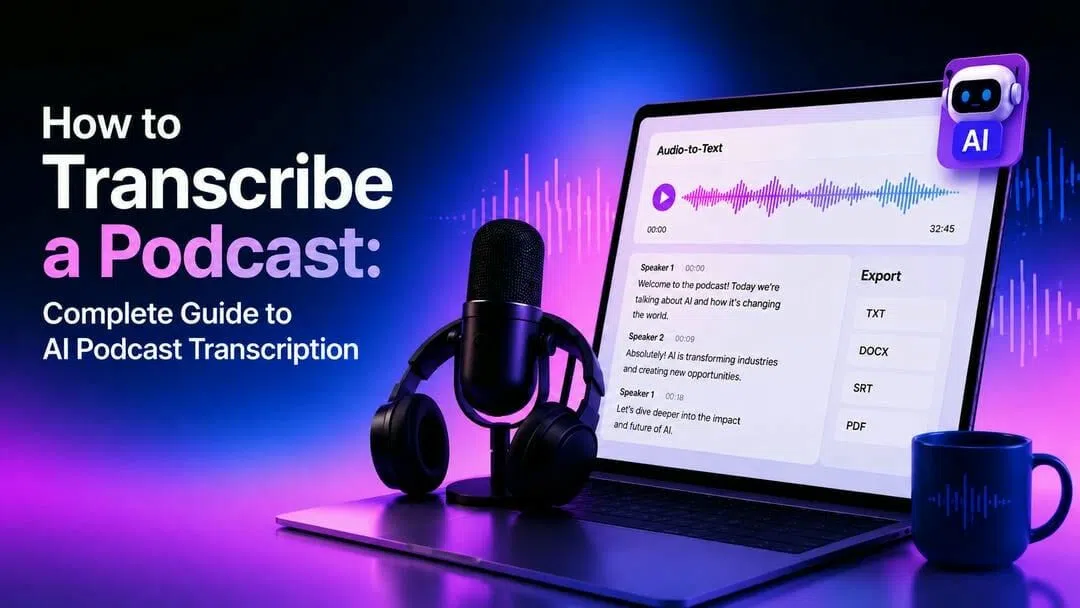
Podcast transcription transforms spoken episodes into accurate, searchable text, making content easier to access, share, and repurpose. AI-powered transcription helps artists save time, boost search engine exposure, improve accessibility, and turn podcast conversations into blogs, subtitles, newsletters, and other important content that can reach more people.
What does it mean to transcribe a podcast?
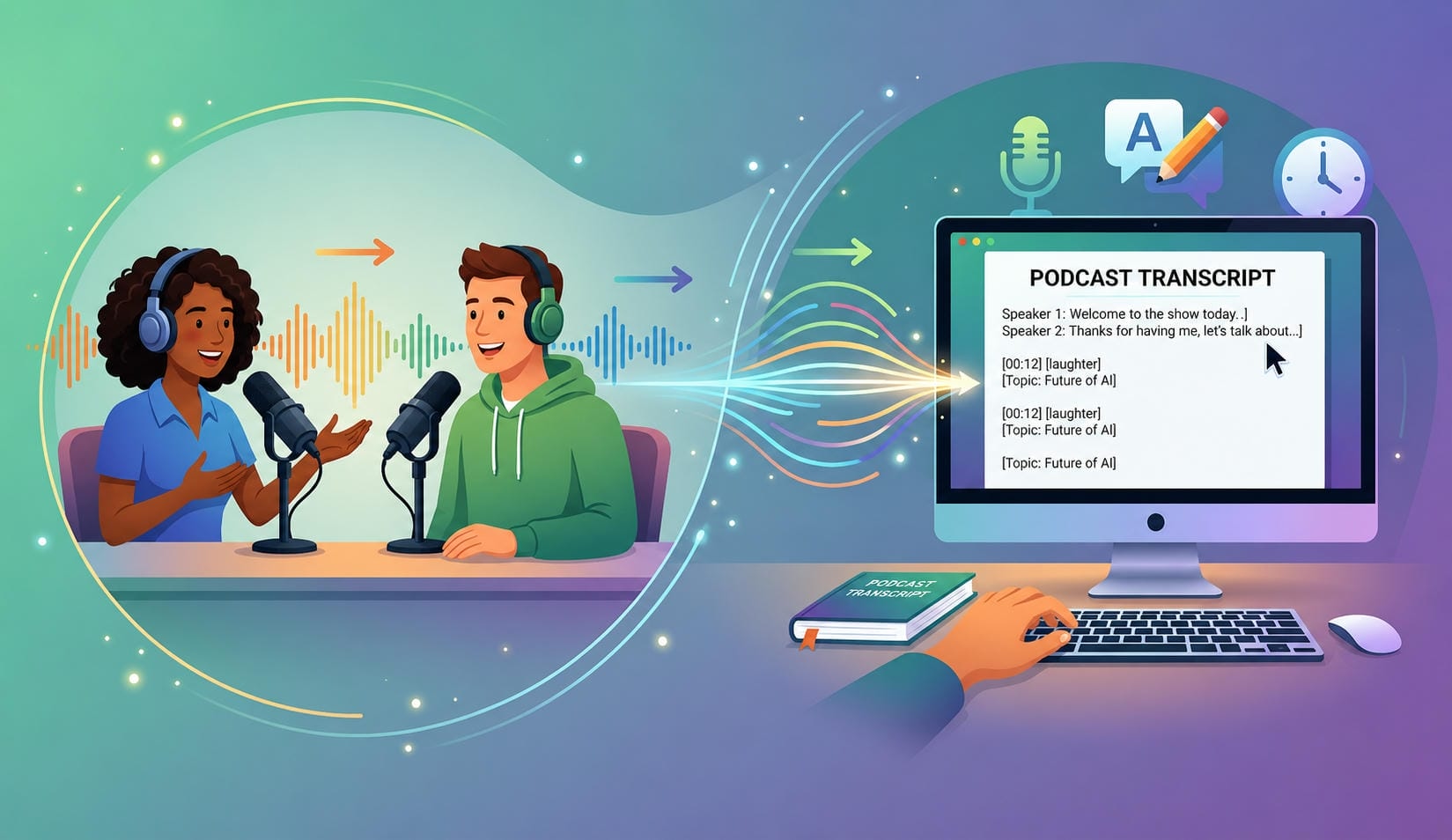
Transcribing a podcast creates a written version of every conversation, making it easier for audiences to read, search, and reference important information. Automatic voice recognition systems can be used to produce text that can be examined and changed before exporting. It helps creators reach larger audiences while making every episode easier to discover, reuse, and understand.
Value of Podcast Transcription
|
Benefit |
Why It Matters |
|---|---|
|
Improve SEO |
Makes podcast content searchable and helps rank in search engines. |
|
Increase Accessibility |
Supports hearing-impaired audiences and improves inclusivity. |
|
Repurpose Content |
Turn episodes into blogs, newsletters, social posts, and email content. |
|
Create Subtitles & Captions |
Improve engagement for video podcasts on social media. |
|
Enhance Searchability |
Makes it easier to find quotes, topics, and key discussions. |
|
Boost Audience Engagement |
Helps readers and viewers consume content in multiple formats. |
Popular AI podcast transcription tools compared
AI podcast transcription platforms offer different strengths, including collaboration, subtitle creation, multilingual support, and content repurposing. Choosing the right solution depends on accuracy, export options, workflow, and how easily it fits into your content production process:
Comparison Table
|
Tool |
Best For |
Key Features |
|---|---|---|
|
Vmake Labs |
Podcast transcription |
AI transcription and subtitle export |
|
Otter.ai |
Meetings and interviews |
Real-time transcription |
|
Podsqueeze |
Podcast creators |
Podcast content repurposing |
|
Descript |
Audio editing |
Edit media by editing text |
|
Notta |
Multilingual transcription |
Multi-language support |
After comparing the available options, it's helpful to see how an AI-powered workflow actually works. Vmake Labs combines transcription, editing, and export features into a simple browser-based experience, making it easy to transform audio or video into accurate text without complex software.
How to transcribe a podcast with Vmake
Vmake Labs uses state-of-the-art AI to give you an easy way to get accurate, editable text from your podcast recordings. Upload your audio or video material, choose the transcription language and get a transcript in a few minutes. The browser-based workflow requires no program installation, and export options are quick for a variety of publication needs. You can also use voice translation to reach multilingual audiences and make captions effortlessly using the AI subtitle generator for more accessibility and engagement.
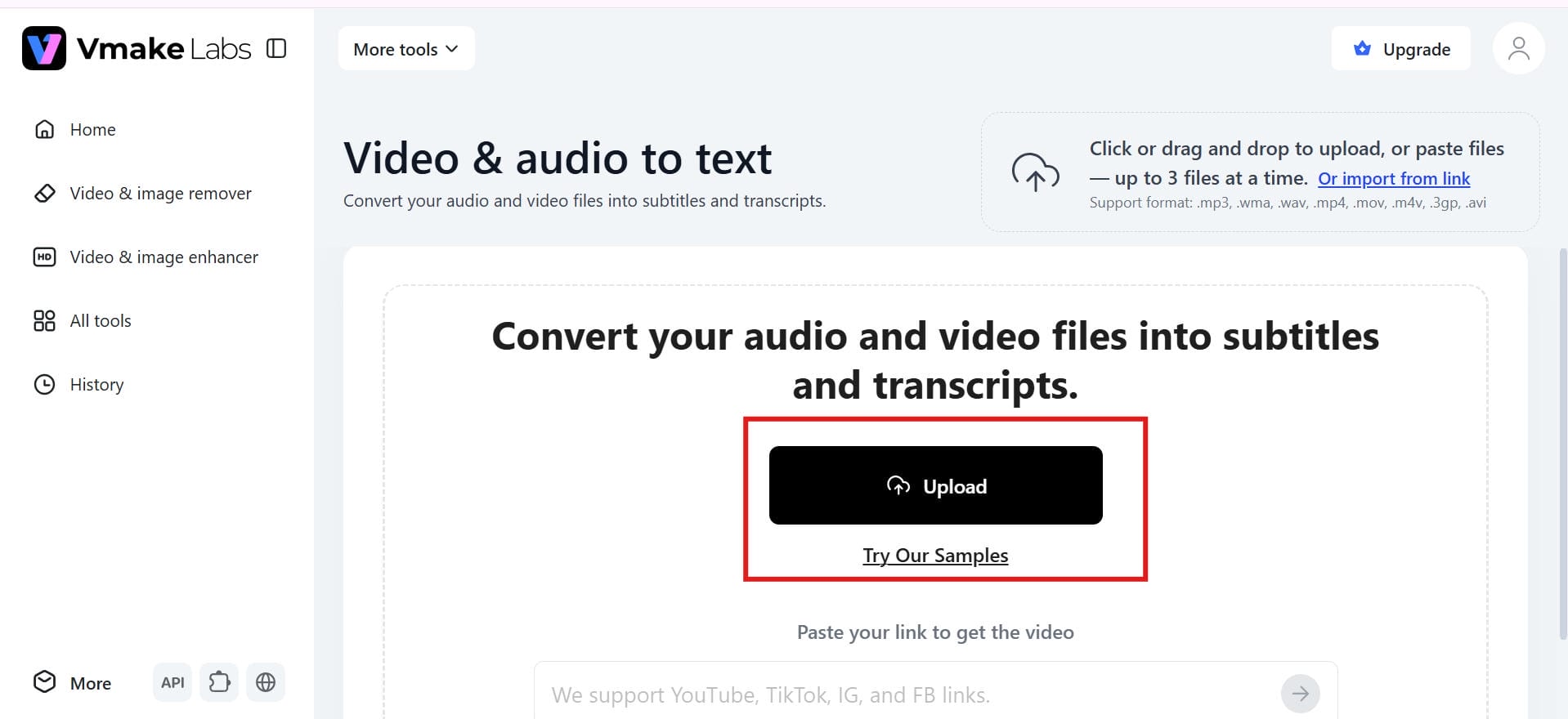
Step 1: Upload your podcast audio or video
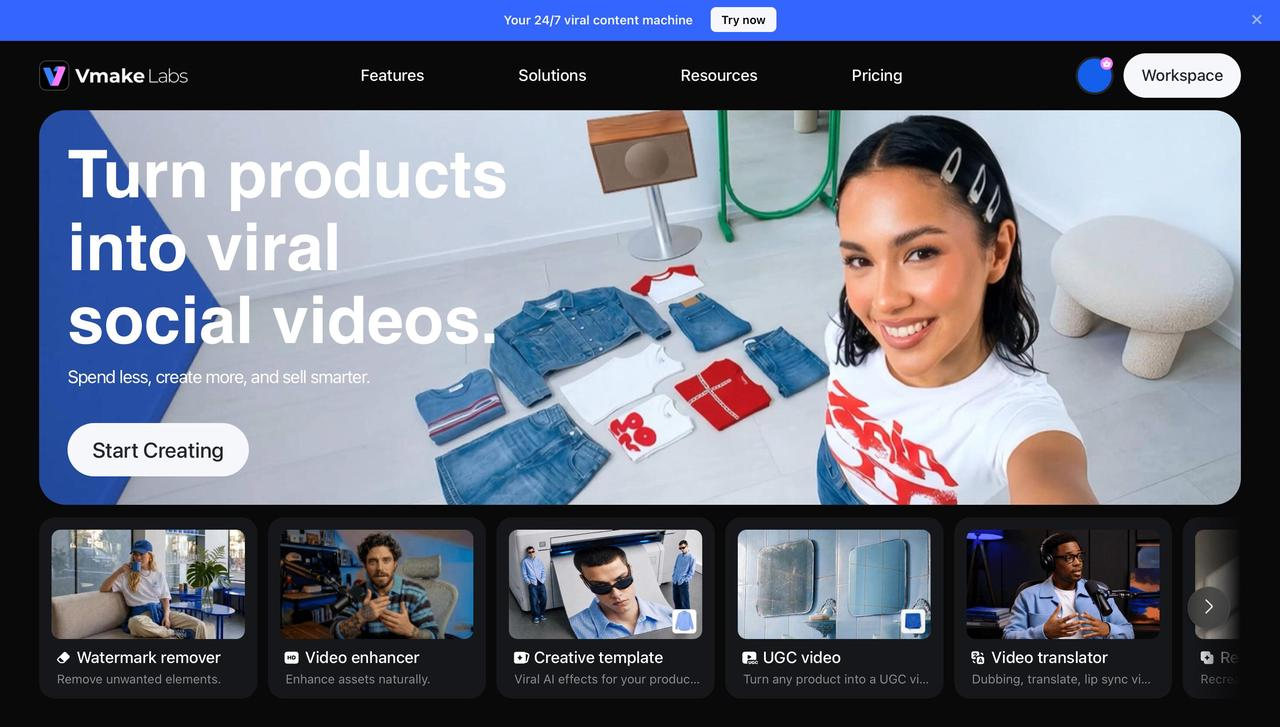
Upload your podcast audio or video file, or paste a supported YouTube, TikTok, Instagram, or Facebook link. Vmake Labs supports several input formats, making it easier to begin the transcription process. Once you've uploaded your file, it's available for AI processing.
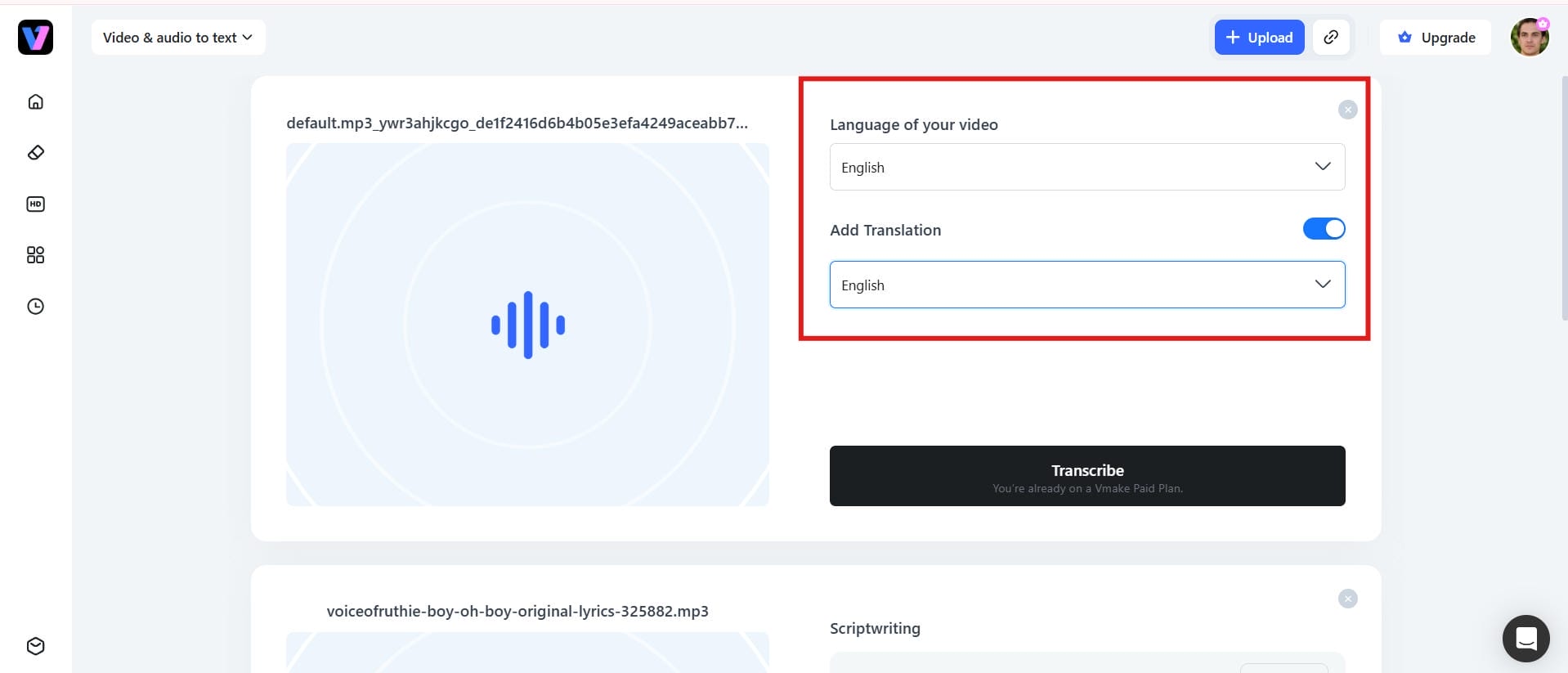
Step 2: Choose the transcription language
Before generating the transcript, select the language in which your podcast is spoken. Selecting the right language enhances the accuracy of speech recognition and produces more dependable results in transcribing. It only takes a few seconds.
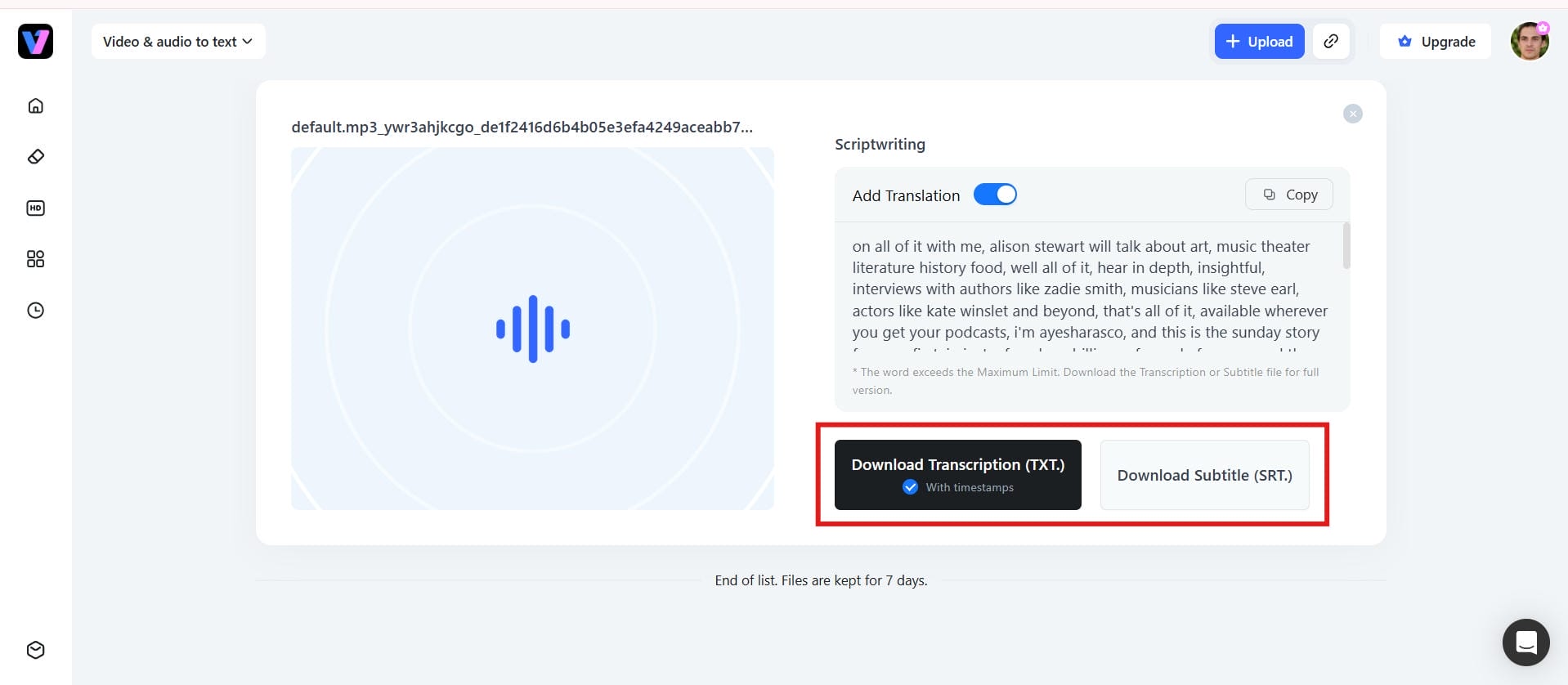
Step 3: Generate, review, and export the transcript
Click to generate the transcript and let the AI convert your podcast into editable text. Review the transcript, make any necessary edits, and export it in your preferred text or subtitle format for publishing or content reuse.
Key Features of Vmake Labs
Vmake Labs offers AI-powered features that make podcast transcription faster, more accurate, and easier to manage.
-
AI audio and video transcription: Convert audio and video recordings into accurate, editable text using advanced AI speech recognition.
-
Supports multiple languages: Generate transcripts in multiple languages, making it easy to transcribe content for global audiences.
-
Fast and accurate speech recognition: Create transcripts within minutes while maintaining high accuracy for clear recordings and conversations.
-
Editable transcript output: Review, edit, and refine your transcript before exporting the final version to ensure accuracy.
-
Transcribe from audio and video links: Paste supported YouTube, TikTok, Instagram, or Facebook links to transcribe online content without downloading files.
-
Easy upload and export: Upload your audio or video, generate the transcript, and export it as editable text or subtitle files in a few simple steps.
What makes a good podcast transcriber?
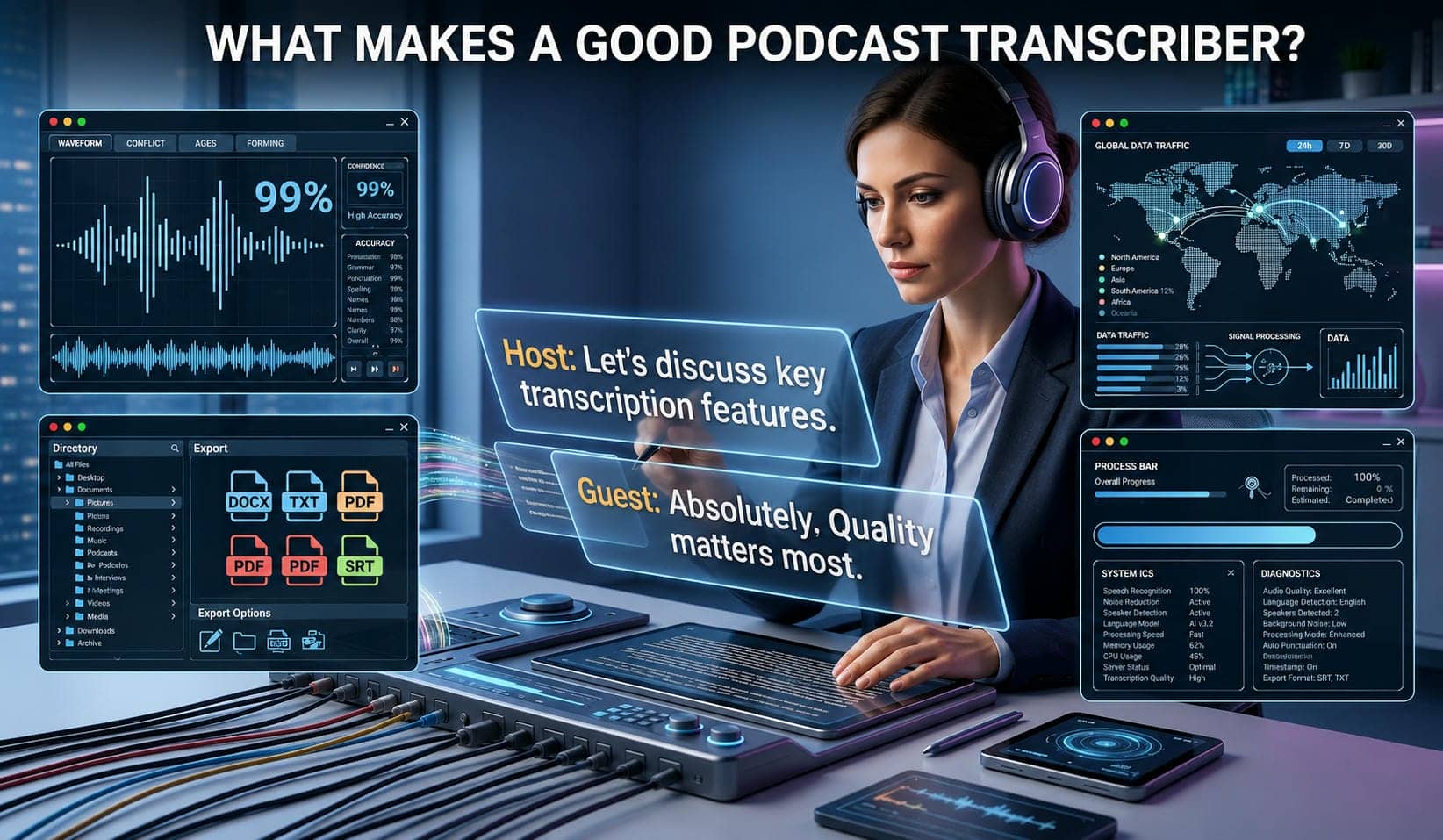
The best podcast transcription tools combine speed, accuracy, and flexibility while reducing manual editing. They should integrate easily into a creator's workflow and produce reliable transcripts that are ready for publishing or repurposing into other formats.
-
High transcription accuracy: One of the most significant aspects of a podcast transcriber is high transcription accuracy. It must be able to reliably recognise spoken words, various accents, and several speakers with few mistakes.
-
Support for multiple languages: Multilingual transcription enables authors to turn podcasts into text in other languages, enabling them to reach a wider worldwide audience. It also makes it easy to develop localised material without the need for separate transcribing tools.
-
Easy editing and flexible export options: The opportunity to edit transcripts before exporting ensures the final content is accurate and polished. A good transcription tool should also be able to output in popular formats like TXT, DOCX, PDF and SRT.
-
Fast, browser-based workflow: Upload files and generate transcripts with a browser-based transcription tool with no application installation necessary. This makes the process faster and more convenient for many devices.
Best use cases for podcast transcription
Podcast transcription allows you to extend the value of every episode beyond audio streaming platforms. By converting spoken conversations into text, you can create multiple content formats from a single recording with minimal effort:
|
Use Case |
Benefit |
|---|---|
|
Convert podcasts into blog articles |
Improve SEO and reach readers who prefer written content. |
|
Create show notes automatically |
Save time while generating episode summaries and key takeaways. |
|
Produce subtitles for YouTube and Spotify podcasts |
Improve accessibility and viewer engagement. |
|
Repurpose episodes into social media content |
Create short posts, quotes, and promotional clips for multiple platforms. |
|
Generate newsletters and email content |
Turn podcast discussions into valuable email campaigns and updates. |
Conclusion
Podcast transcription helps creators make their content more accessible, searchable, and valuable long after an episode is published. AI-powered tools reduce manual work while producing accurate transcripts that can be reused for blogs, captions, newsletters, and other content formats. With Vmake Labs, you can quickly generate, edit, and export transcripts through a simple browser-based workflow. Whether you're looking to improve podcast content marketing or streamline your speech-to-text workflow, AI transcription makes it easier to reach wider audiences and maximize the impact of every podcast episode.
FAQ
How can Vmake help transcribe a podcast to text?
Vmake Labs uses AI speech recognition to turn podcast audio or video into editable text within minutes. After you upload your tape, you can examine, edit and export the transcript to a variety of formats for publishing or reuse.
What is the best AI podcast transcriber for accurate transcripts?
The best AI podcast transcription software is accurate, supports multiple languages, lets you alter your transcripts, and has various export options. Vmake Labs brings these capabilities together in a simple, browser-based approach that makes podcast transcription efficient.
Can I transcribe Spotify podcast episodes with Vmake?
Yes, if you have permission to use the podcast content, Vmake Labs can transcribe the audio into editable text. Simply upload the audio file or use a supported source, then review and export the transcript in your preferred format for publishing or content reuse.
How long does it take to transcribe a podcast?
The transcription time varies depending on the length and quality of your podcast recording. Most AI transcription tools complete the process within a few minutes, while clear audio generally produces faster and more accurate results with minimal editing.
Can I edit the transcript after transcription?
Yes. After the transcript is generated, Vmake Labs allows you to review and edit the text before exporting it. You can correct names, punctuation, or any minor transcription errors to ensure the final transcript is accurate and ready for publishing.
Which file formats can I export after transcribing a podcast?
Vmake Labs lets you export your completed transcript in formats such as TXT, DOCX, PDF, and SRT. These export options make it easy to create written transcripts, subtitles, show notes, or repurpose your podcast content across different platforms.

You May Be Interested
How to Transcribe Audio Recording to Text in Minutes
What Is Video Translation and How Does AI Work?
How to Transcribe a Video to Text: Guide to Accurate Transcriptions
How to Transcribe Video to Text in 2026: Free Online AI Tool