MP3 Audio File to Text: Top 10 Tools for Fast and Accurate Transcription
Turn meetings, podcasts, interviews, and recordings into accurate MP3 audio files to text in minutes with AI-powered speech-to-text technology from Vmake Labs for creators and teams. Across sectors!

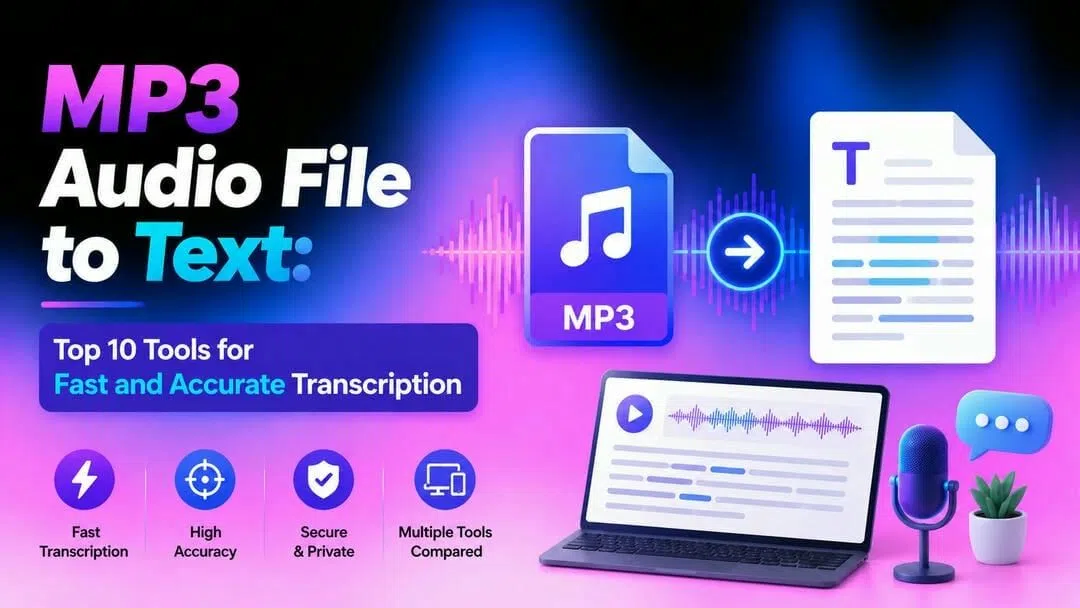
Converting an MP3 audio file to text means transforming spoken words into editable, searchable text using AI transcription technology. Instead of spending hours transcribing podcasts, meetings, or interviews manually, AI tools generate fast and accurate transcripts, making content easier to search, edit, repurpose, and share.
What is an MP3 audio file-to-text conversion?
An MP3 to text converter takes your audio and utilizes AI to convert the spoken words into editable text in a matter of minutes. Be it meeting recordings, podcasts, interviews, or even fast voice notes, the Video and Audio to Text tool takes all the labour out of the process. Get an exact transcript instantly ready to examine, edit, and export into blogs, subtitles, or whatever material you're creating.
How we evaluated the best MP3 Audio File to Text
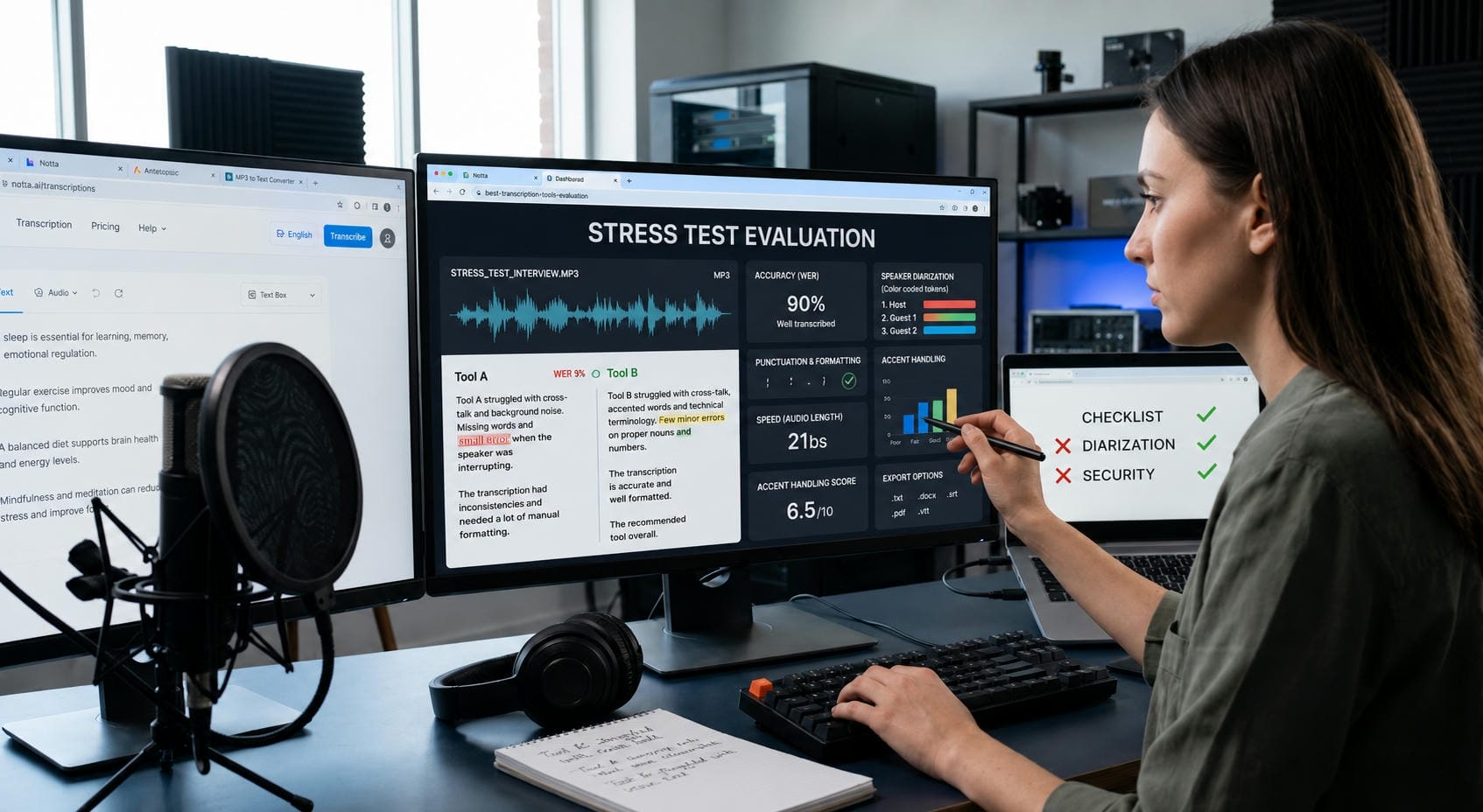
With so many AI transcription tools available, selecting the best one can be overwhelming. To help you better decide, we compared each MP3 to text converter on the features that matter most in everyday use.
-
Language and accent support: We examined the languages and accents each tool can accurately detect.
-
File format support: We tested support for various music and video formats, such as MP3, WAV, M4A, and MP4.
-
Transcript editing and export options: We looked at transcript editing options and export formats like TXT, DOCX, and SRT.
-
Ease of use and speed of processing: We thought about how easy each tool is to use and how rapidly it produces transcripts.
-
Pricing and overall value: We looked at free plans, premium features, and overall value for different sorts of users.
10 Best tools to convert an audio file to text MP3
Below are ten of the best platforms for converting an MP3 audio file to text, each offering unique features for different workflows.
|
Tool |
Category |
Best Feature |
Recommended For |
|---|---|---|---|
|
Vmake Labs |
AI Transcription |
Fast browser-based transcription with subtitle exports |
Creators, marketers, businesses |
|
Otter.ai |
Meeting Assistant |
Real-time meeting notes and summaries |
Teams and remote workers |
|
Rev |
Professional Service |
Human transcription accuracy |
Journalists and enterprises |
|
Descript |
Content Creation |
Edit audio by editing text |
Podcasters and YouTubers |
|
Notta |
Collaboration Tool |
Strong multilingual support |
Global teams and educators |
|
Sonix |
Enterprise Solution |
Advanced language processing |
Agencies and professionals |
|
VEED |
Video Editor |
Automatic subtitles and captions |
Video creators |
|
AirMore AI |
Online Utility |
Instant web-based conversion |
Casual users and students |
|
Happy Scribe |
Hybrid Platform |
AI and human transcription options |
Researchers and businesses |
|
Transkriptor |
Budget Tool |
Affordable multilingual transcription |
Freelancers and startups |
-
Vmake Labs
Vmake Labs uses AI-based speech recognition to help creators and businesses convert speech from audio and video into accurate and editable transcripts. Upload files or supported links, edit and export transcripts for blogs, subtitles, meeting notes or documentation directly from your browser.
Key features
-
AI-powered speech recognition for fast, accurate audio and video transcription.
-
Upload files or transcribe directly from supported mainstream links.
-
Supports multilingual transcription, including English, Spanish, Portuguese, Traditional Chinese, and Simplified Chinese.
-
Repurpose transcripts into blogs, captions, summaries, and subtitles.
-
Export transcripts for publishing, documentation, or archiving.
How to convert MP3 audio files to text with Vmake Labs
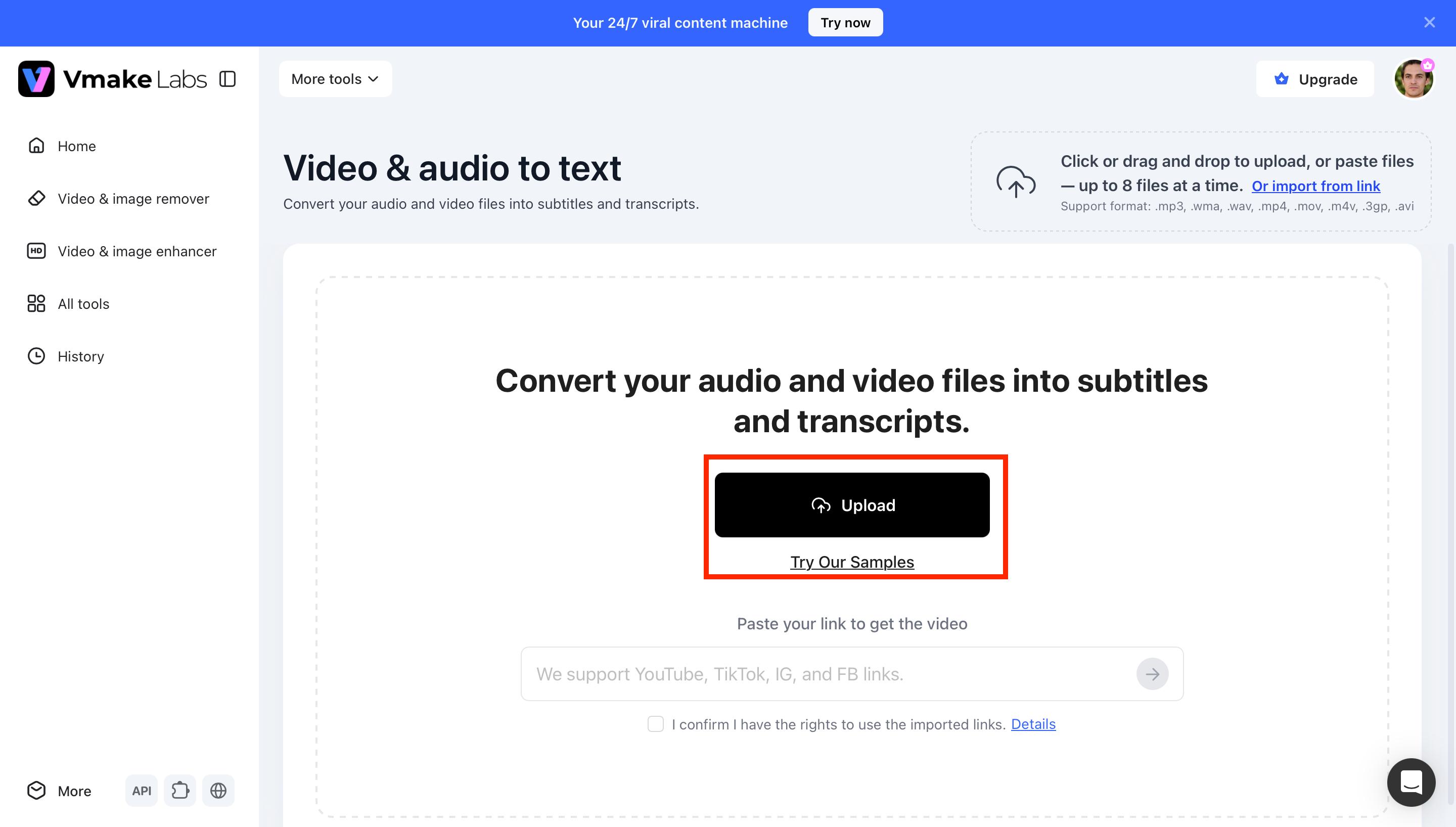
Step 1: Upload your MP3 audio or video file
Upload an MP3 recording or paste a supported link into Vmake Labs. The platform accepts multiple audio and video formats, allowing you to start transcription in just a few clicks.
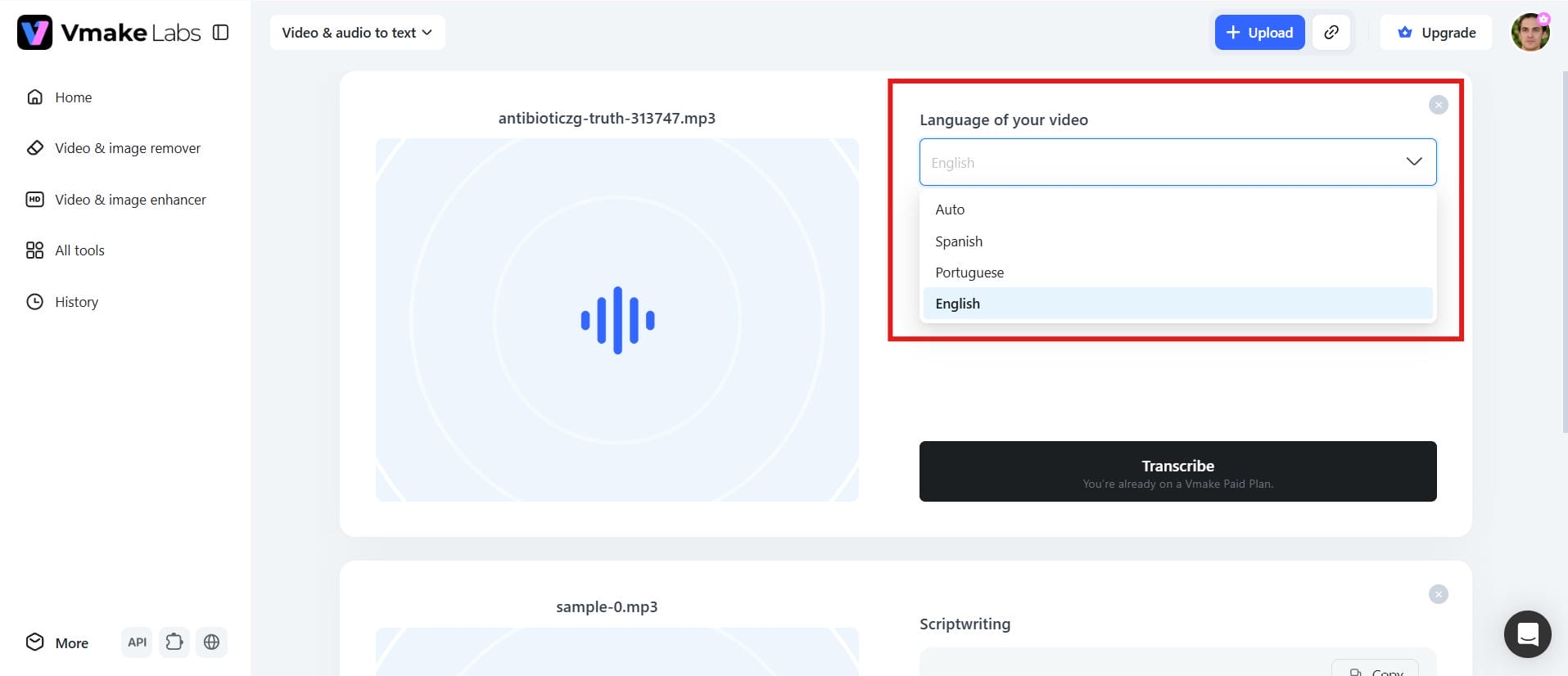
Step 2: Choose the transcription language
Select the language spoken in your recording. Vmake Labs currently supports English, Spanish, Portuguese, Traditional Chinese, and Simplified Chinese for more accurate transcription results.
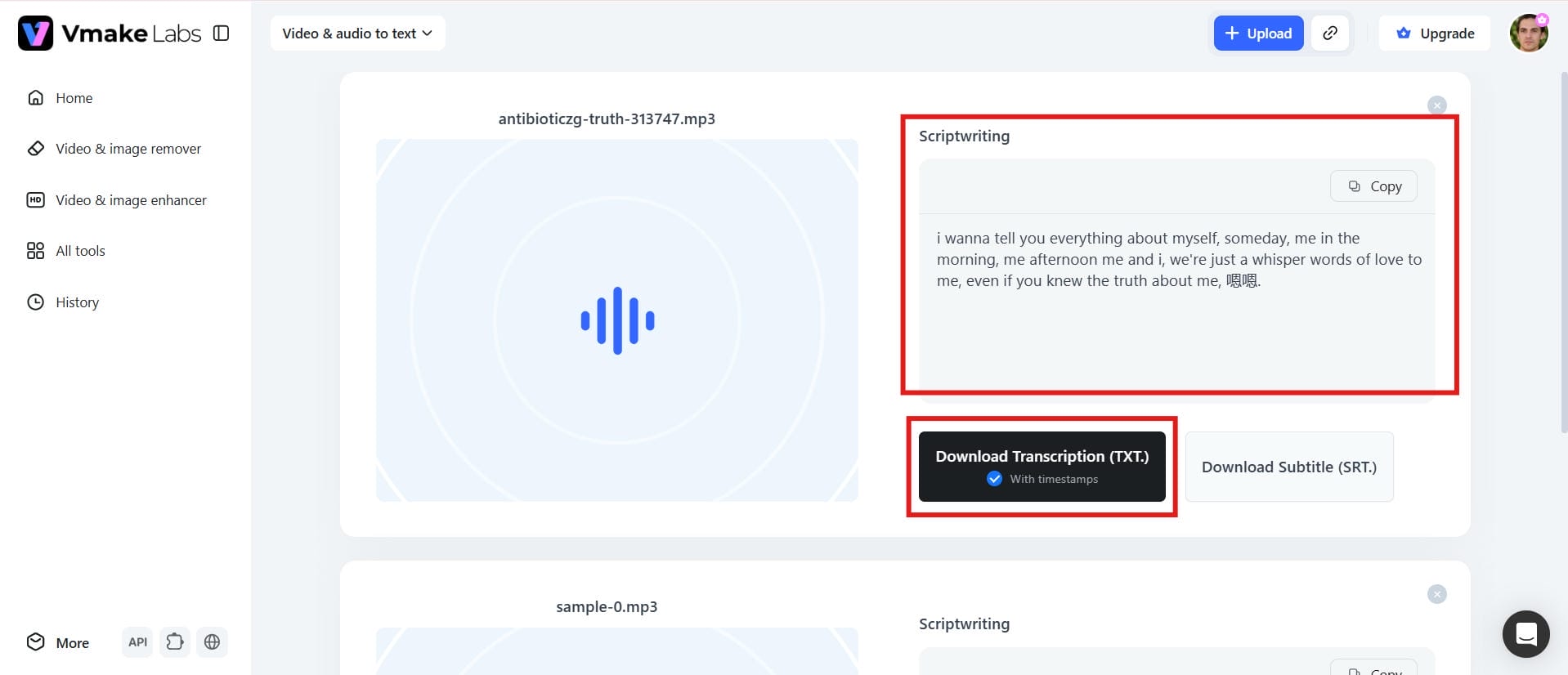
Step 3: Download your text file
After the transcript is generated, review and edit the content if needed. Then export your finished transcript for documentation, subtitles, blogs, or other content.
Pros and Cons
|
Pros |
Cons |
|---|---|
|
|
Pricing
|
Plan |
Price |
|---|---|
|
|
-
Otter.ai
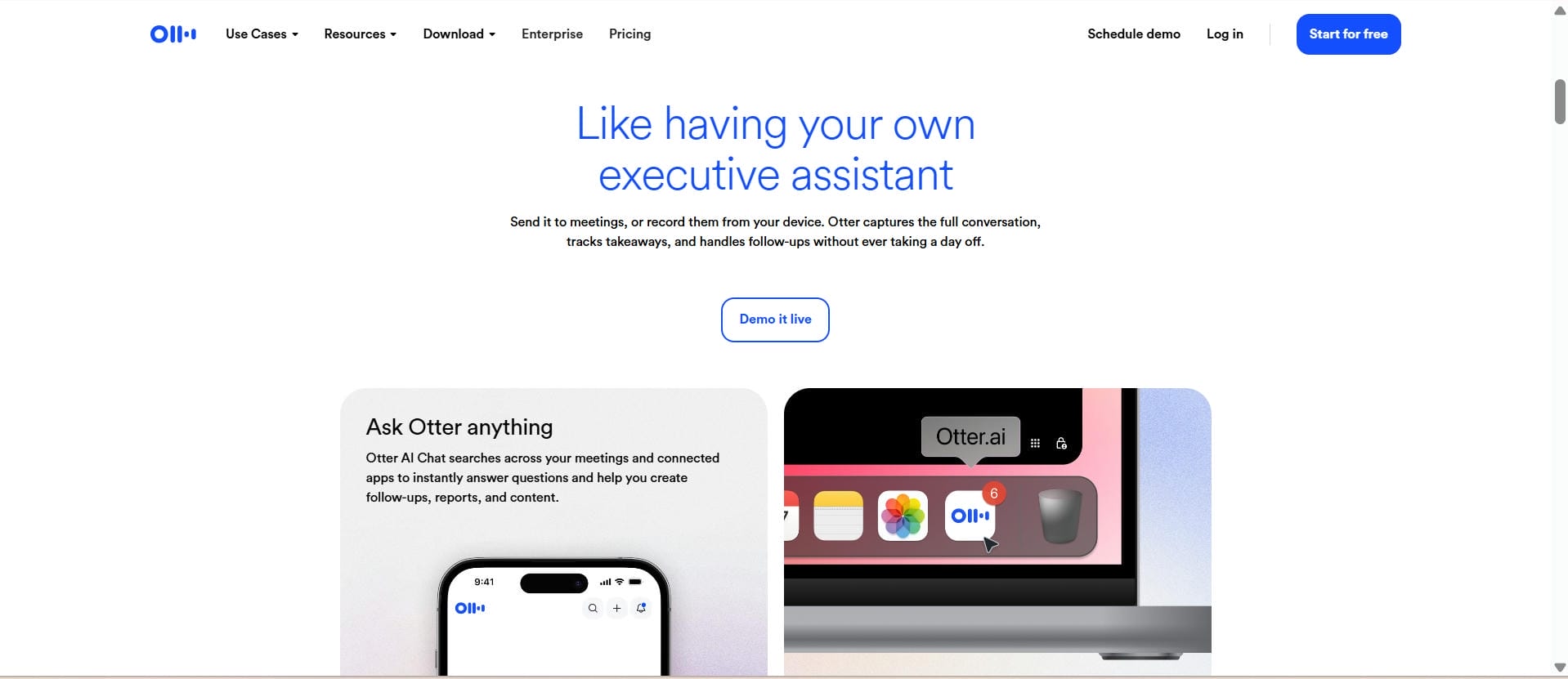
Otter.ai was designed primarily for meetings and team collaboration. It auto-records conversations, transcribes in real-time, tags speakers, and generates AI-driven summaries. It works with popular meeting platforms, making it a go-to for remote teams and businesses.
Pros and Cons
|
Pros |
Cons |
|---|---|
|
|
Pricing
|
Plan |
Price |
|---|---|
|
|
|
|
|
|
-
Rev
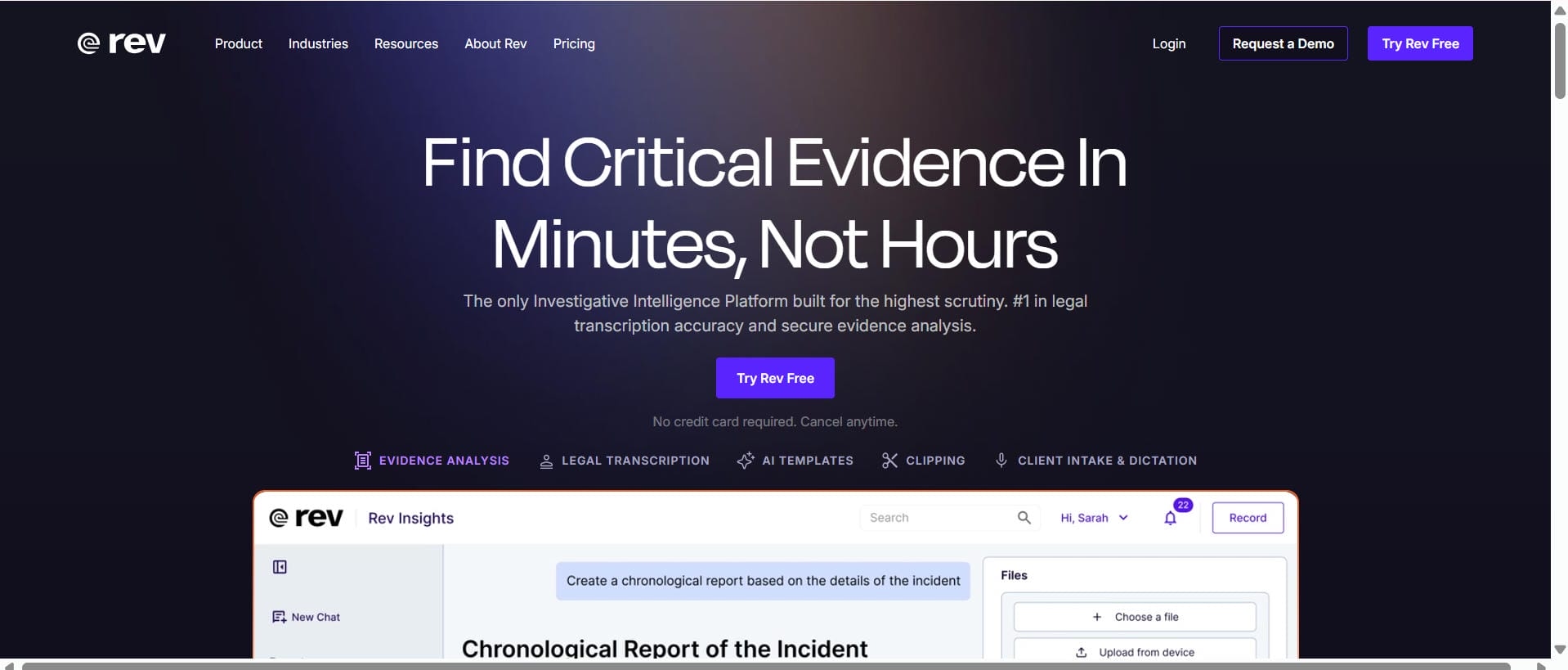
Rev offers AI transcription and professional human transcription services. Users can choose fast AI generated transcripts or premium human reviewed transcripts for projects where accuracy is key, such as legal, academic or journalistic work.
Pros and Cons
|
Pros |
Cons |
|---|---|
|
|
|
|
|
|
Pricing
|
Plan |
Price |
|---|---|
|
|
-
Descript
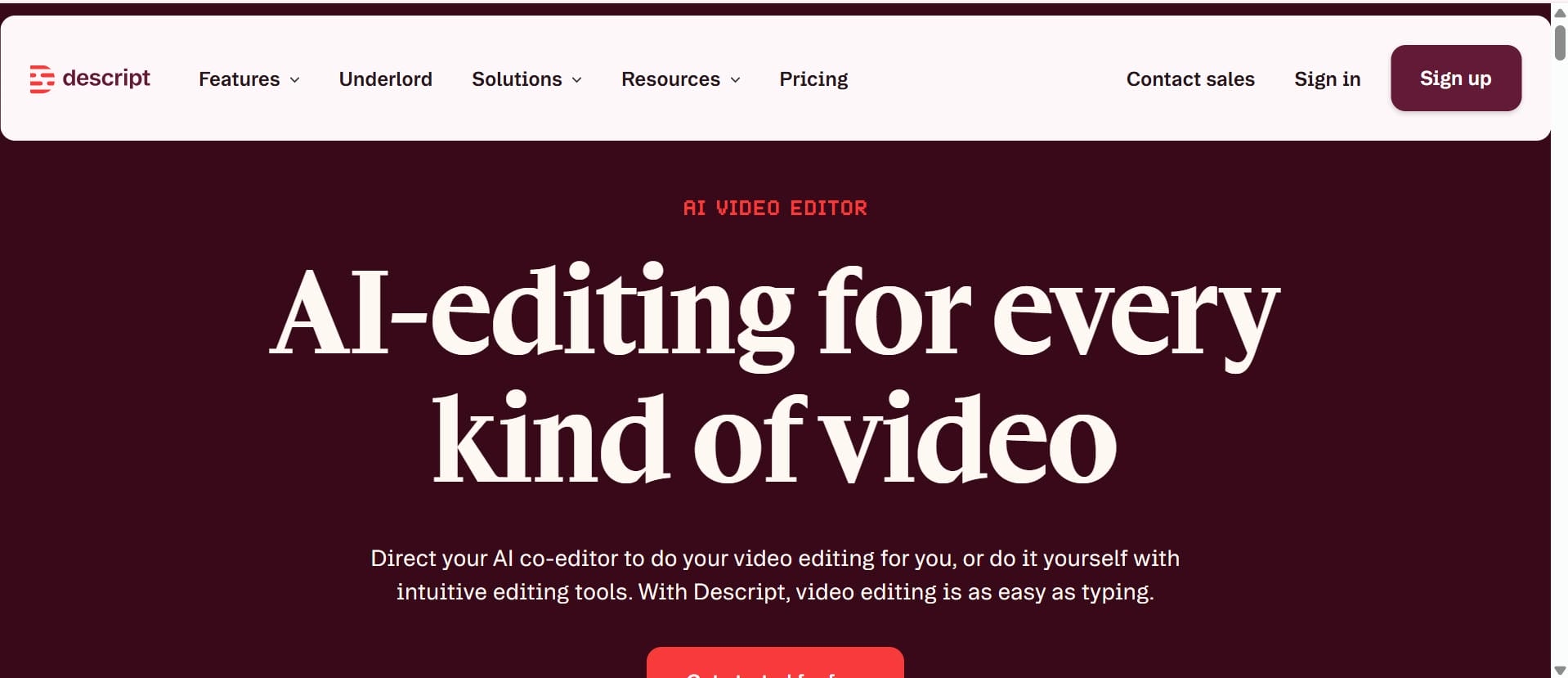
Descript is an AI-powered tool that combines transcription and audio and video editing into a single workspace. It makes it easier for users to edit recordings by editing the transcript, so they can create content faster. This is why it is a popular choice for podcasters, YouTubers and other video creators.
Pros and Cons
|
Pros |
Cons |
|---|---|
|
|
|
|
|
|
Pricing
|
Plan |
Price |
|---|---|
|
|
-
Notta
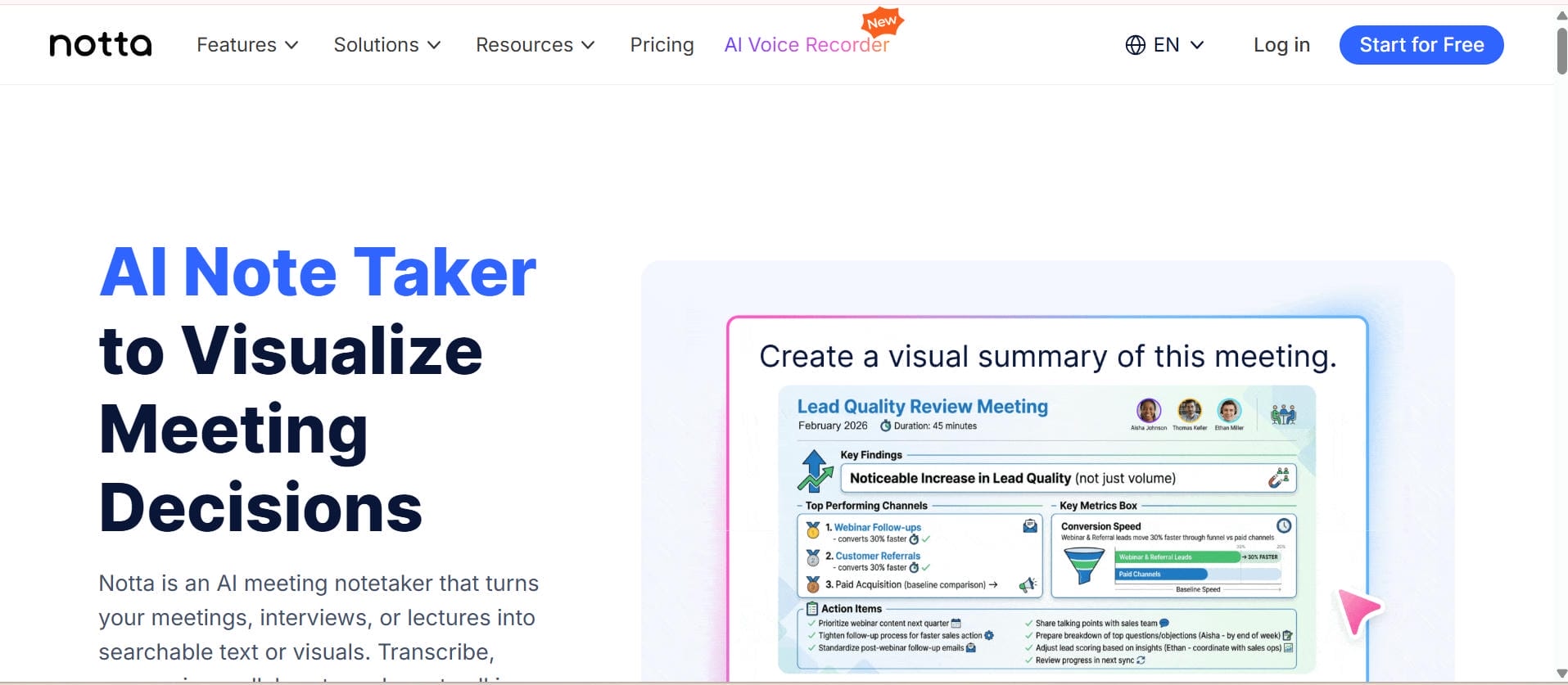
Notta is an AI transcription platform supporting multiple languages for meetings, interviews, lectures and business communications. It supports multiple languages, and provides cloud sync, collaboration tools and automatic meeting transcription.
Pros and Cons
|
Pros |
Cons |
|---|---|
|
|
|
|
|
|
Pricing
|
Plan |
Price |
|---|---|
|
|
-
Sonix
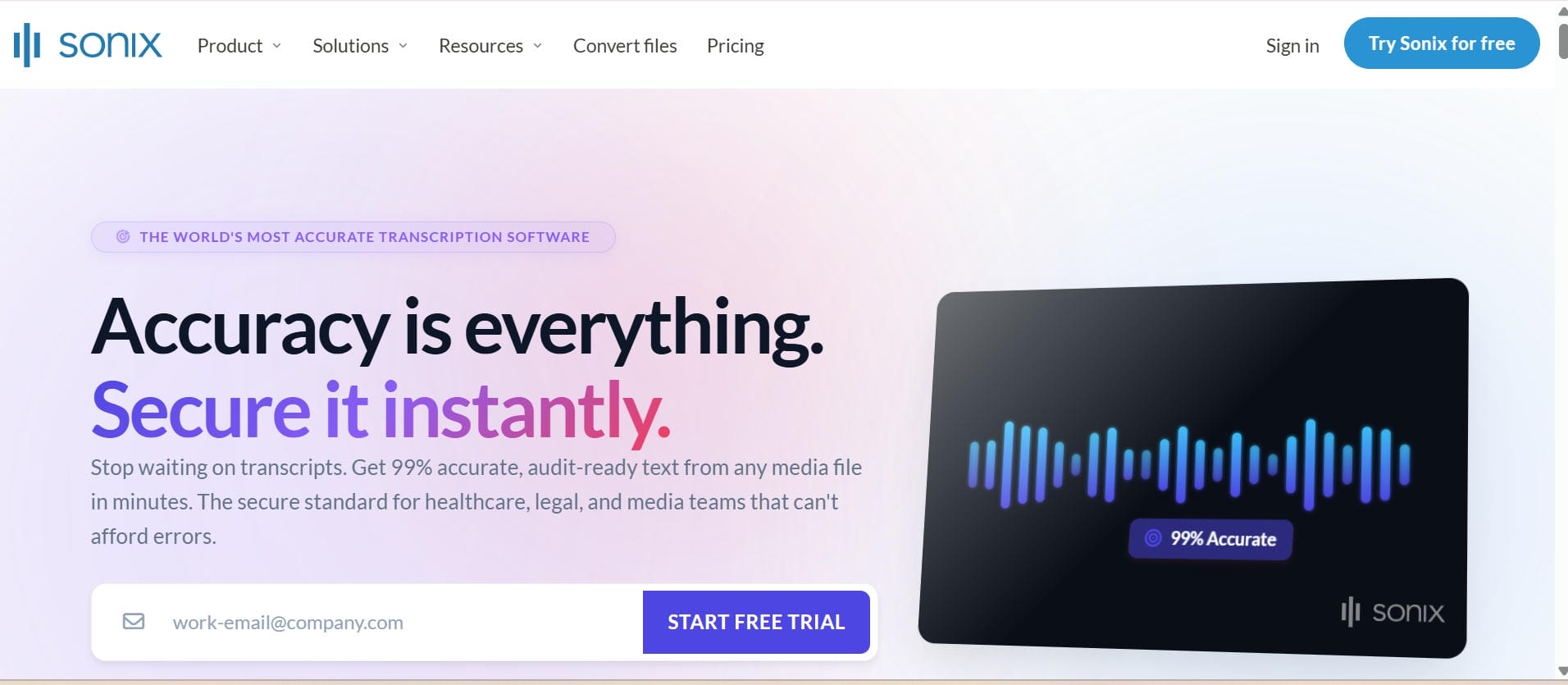
Sonix is a cloud-based transcription platform built for professionals who need fast, accurate transcripts in multiple languages. It includes AI transcription, automated translation, subtitle generation, and collaborative editing, making it a strong choice for agencies, production teams, and enterprises managing large volumes of audio.
Pros and Cons
|
Pros |
Cons |
|---|---|
|
|
|
|
|
|
Pricing
|
Plan |
Price |
|---|---|
|
|
-
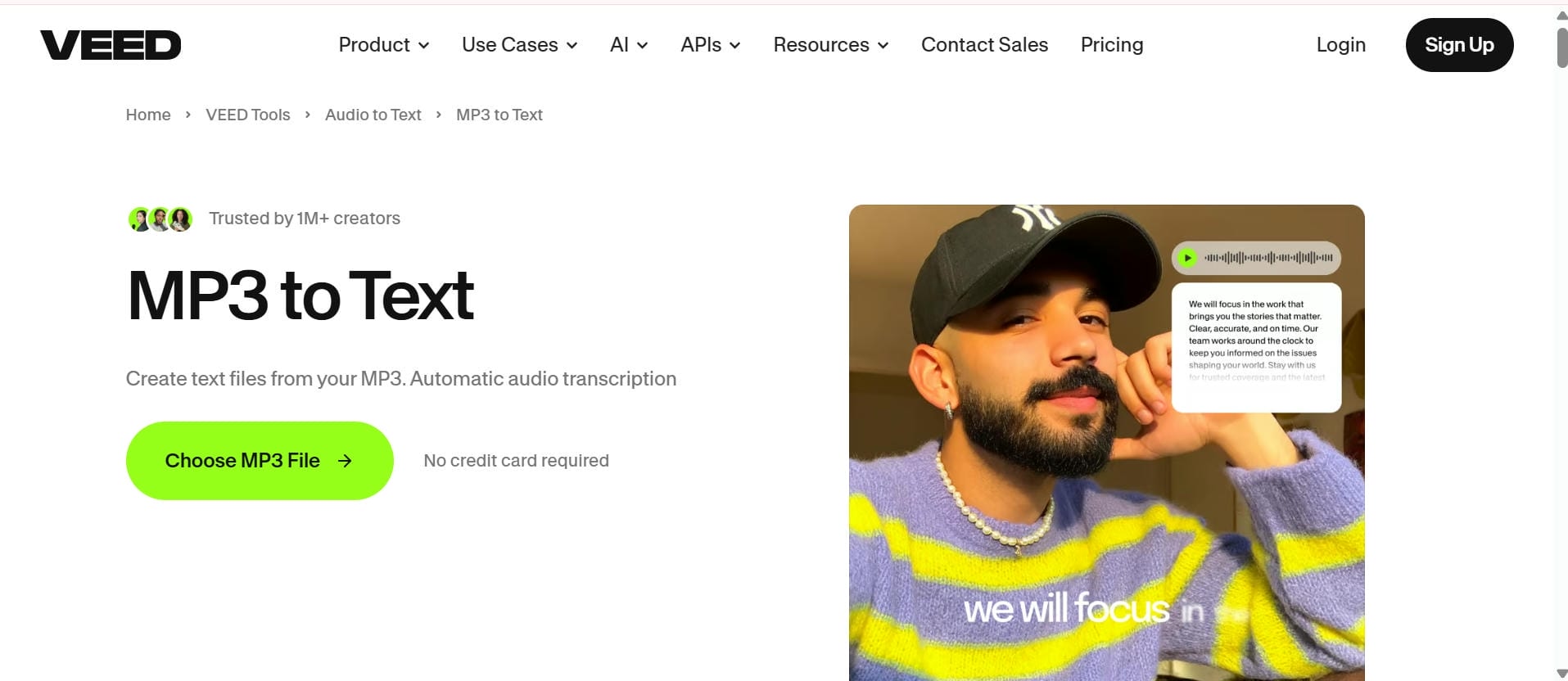
VEED
VEED's AI transcription and video editing tools enable creators to create subtitles and edit videos from a single, browser-based platform. This is especially helpful for YouTubers, marketers and social media content creators who want to get their content out quickly.
Pros and Cons
|
Pros |
Cons |
|---|---|
|
|
|
|
|
|
Pricing
|
Plan |
Price |
|---|---|
|
|
-
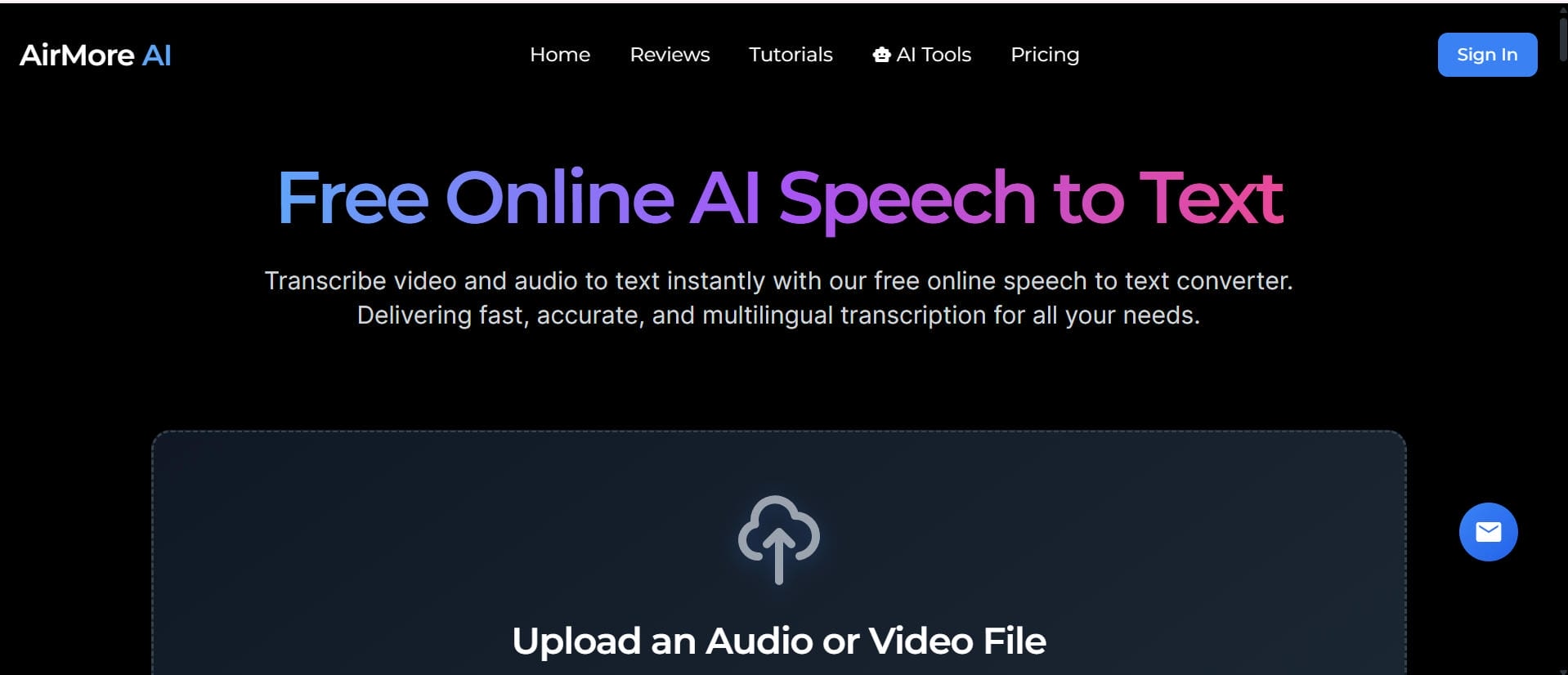
AirMore AI
AirMore AI is an online transcription platform that transforms audio to editable text without the inconvenience of downloading software. It supports common formats and is ideal for interviews, lectures, voice notes and everyday transcription.
Pros and Cons
|
Pros |
Cons |
|---|---|
|
|
|
|
|
|
Pricing
|
Plan |
Price |
|---|---|
|
|
-
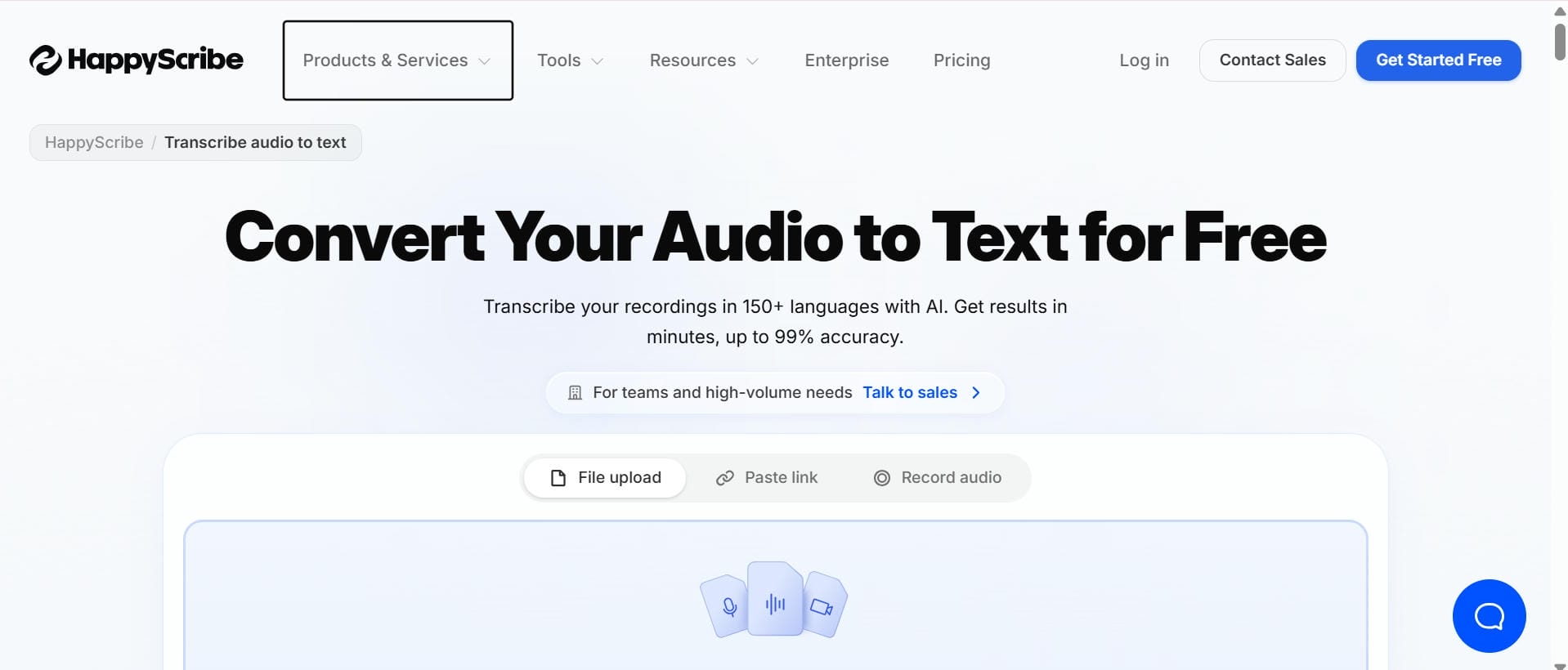
Happy Scribe
Happy Scribe is a transcription service powered by AI and humans. It supports dozens of languages and is popular with researchers, educators, corporations and media pros who require trustworthy transcription and subtitle creation.
Pros and Cons
|
Pros |
Cons |
|---|---|
|
|
|
|
|
|
Pricing
|
Plan |
Price |
|---|---|
|
|
-
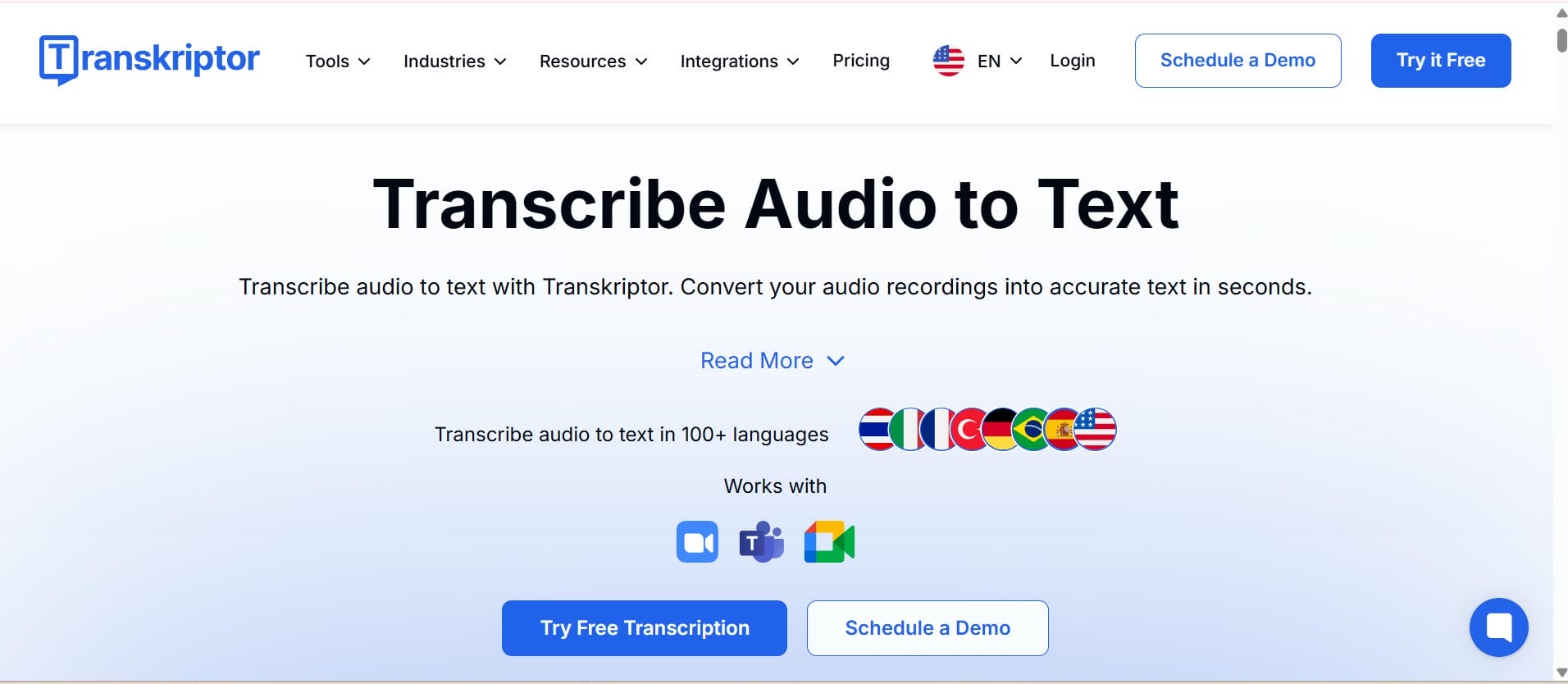
Transkriptor
Transkriptor is a cheap AI-powered transcription platform for freelancers, students, entrepreneurs & small businesses. It also features multi-language support, customisable transcripts, online storage and fast export options.
Pros and Cons
|
Pros |
Cons |
|---|---|
|
|
|
|
|
|
Pricing
|
Plan |
Price |
|---|---|
|
|
Common use cases for converting an audio file to text MP3
Converting an MP3 audio file to text helps individuals and businesses save time while making audio content easier to edit, search, and share. From meetings to podcasts, AI transcription simplifies documentation and content creation, allowing users to get more value from every recording.
-
Podcast transcription: Podcasters can quickly turn episodes into blog posts, show notes, newsletters, and social media content. Using Video and Audio to Text, it's easy to generate accurate transcripts that improve accessibility and help podcasts reach a wider audience.
-
Meeting notes and business documentation: AI transcription automatically captures meetings, interviews, and client discussions without manual note-taking. Searchable transcripts make it easier for teams to review conversations, organize documentation, and collaborate more efficiently.
-
Academic lectures and research interviews: Students, educators, and researchers can convert lectures and interviews into editable text for easier studying and reference. Instead of replaying long recordings, they can quickly find important information within the transcript.
-
Content creation and blog repurposing: A single audio recording can be transformed into multiple content formats, including blogs, newsletters, summaries, and social media posts. Combined with AI Subtitle Generator capabilities, transcripts help creators publish content across multiple platforms much faster.
-
Video Subtitle Generation: Subtitles make videos more accessible and engaging for viewers on YouTube and social media. With Auto-Generated Captions, creators can quickly produce accurate subtitles that improve watch time, accessibility, and the overall viewing experience.
Conclusion
Converting an MP3 audio file to text helps people & organisations save time while increasing productivity. The right transcription software should provide you with accuracy, speed, easy editing, and flexible export options that fit your workflow.
Of the available solutions, Vmake Labs stands out with the combination of AI-powered transcription, multilingual support, link-based transcription, and editable transcripts in one browser-based platform. Whether you're creating podcasts, documenting meetings, transcribing interviews, or producing subtitles, Vmake Labs makes it easy to turn your recordings into valuable, reusable content with little effort.
FAQ
What is the best MP3 audio file to text converter for accurate transcriptions?
The best tool is dependent on your goals. Vmake Labs is a great all-in-one tool that transcribes and repurposes content. If not, try Otter.ai for your meetings, Rev for pure accuracy, Descript if you're a creator, or Sonix for large enterprise teams.
Can Vmake Labs convert an MP3 audio file to text automatically?
Yes. Vmake Labs uses AI-powered speech recognition to automatically convert MP3 audio and video files into editable text transcripts. You can upload supported files or transcribe content directly from supported mainstream links.
How can I turn an MP3 audio file into a text document online?
Upload your MP3 file to an AI transcription tool like Vmake Labs, choose the transcription language, and start the conversion process. Once the transcript is generated, review and edit it if needed, then export it in formats such as TXT or DOCX for easy sharing and documentation.
Does Vmake Labs support multiple languages when converting MP3 audio files to text?
Yes. Vmake Labs supports multilingual transcription in English, Spanish, Portuguese, Traditional Chinese, and Simplified Chinese. This makes it a practical solution for creators, marketers, and businesses working with content in multiple languages.
Is it possible to edit and export text after converting an MP3 audio file?
Yes. Most AI transcription tools let you review and edit transcripts after they're generated to improve accuracy. You can then export the final text in formats such as TXT, DOCX, or SRT for documentation, subtitles, blogs, or other content, making it easy to share and repurpose your transcripts.
What should I look for when choosing an MP3 audio file as a text tool?
Look for accuracy, language support, good editing features, and fair pricing. Picking a tool that includes a video transcript generator and content repurposing features will completely streamline your workflow and save you a massive amount of time.

You May Be Interested
Canva Audio to Text Converter: Complete Guide & AI Alternative
ElevenLabs Audio to Text: Complete Guide to AI Alternative
How to Transcribe Audio to Text: Efficient Guide