15+ Drawing Prompts to Spark Creativity for Kids & Beginners
Need fresh drawing ideas? Explore 15+ drawing prompts for beginners, kids, characters, and more, then turn your favorite ideas into artwork with Vmake Labs.

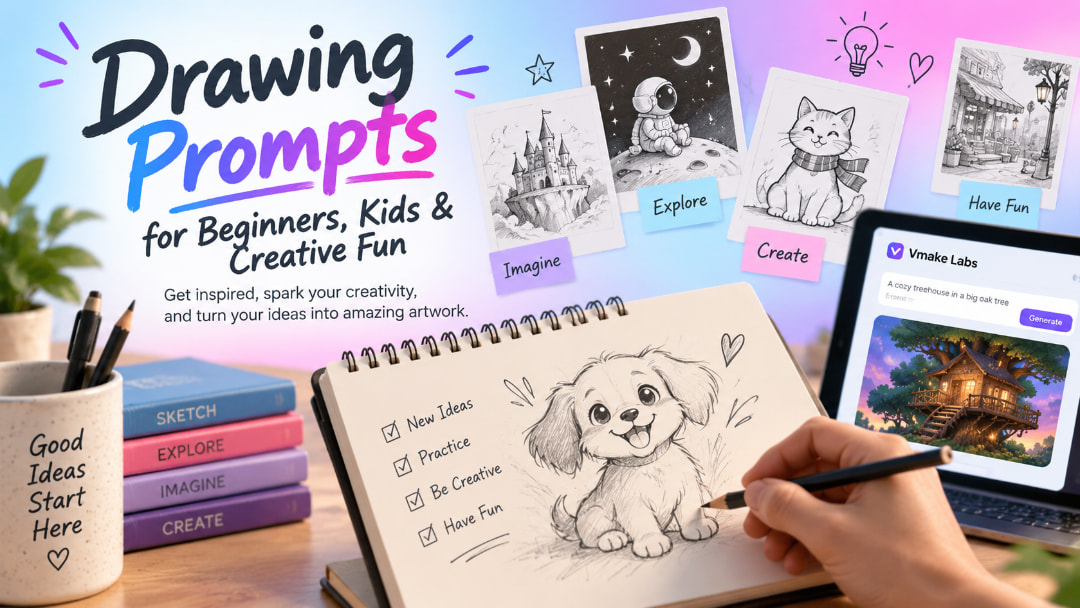
Coming up with something to draw can be harder than drawing it. A good prompt gives you a starting point without deciding every detail for you. Whether you are practicing basic skills, drawing with kids, or looking for a character idea, these drawing prompts can help you get started.
What makes a good drawing prompt?
A useful drawing prompt gives you enough information to picture a scene while leaving room for your own choices. "Draw a cat" gives you almost unlimited possibilities, which can be helpful, but it may not help much when you are stuck. A stronger prompt might ask you to draw a cat running a tiny bakery on a rainy morning. Now you have a subject, an action, and a setting to work with, while still having plenty of freedom over the design.
Drawing prompt vs. random drawing prompt
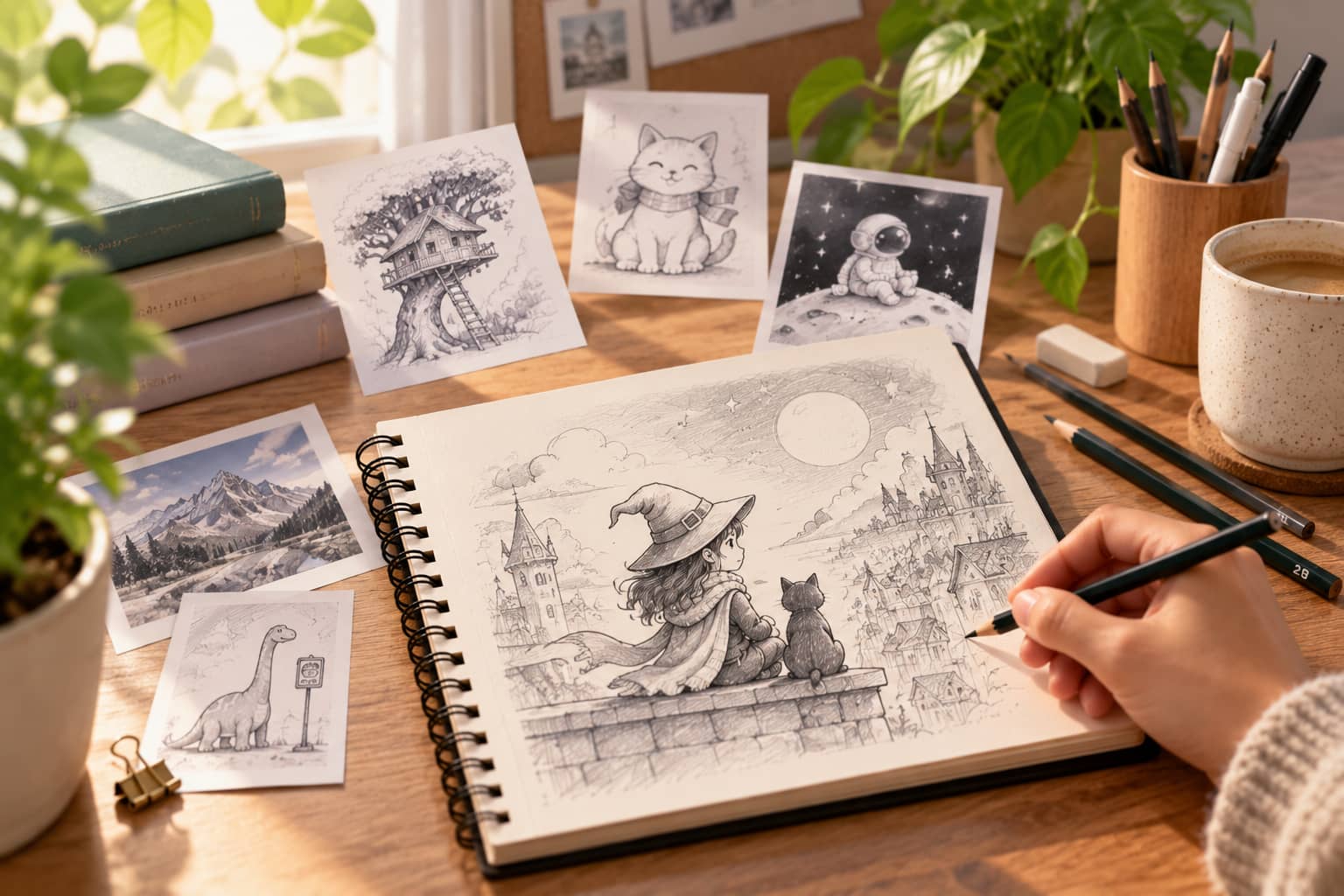
A specific drawing prompt gives you a clear direction. It works well when you are learning, practicing a particular skill, or want to draw a certain type of scene. A random drawing prompt is more open-ended and often combines unrelated ideas. That uncertainty can be useful when you feel stuck because you cannot fall back on the same subjects you usually draw.
For example, "Draw a cozy bedroom from above" is a specific prompt, while "Combine a turtle, a teapot, and a train station" is a random drawing prompt. Both can lead to interesting artwork; the better choice depends on whether you want structure or surprise.
What to include in a drawing prompt
A strong drawing prompt does not need a long description. Three basic ingredients can give you plenty to work with.
Subject
Start with the main person, character, animal, object, or place. A clear subject gives the drawing a focus, whether that is a robot, a treehouse, a fox, or an old library. You can keep the subject simple if you are a beginner or add a few defining details, such as clothing, size, age, or appearance, when you want a more specific result.
Action
Give the subject something to do. An animal sitting still can become more interesting when it is baking cookies, riding a bicycle, running a shop, or trying to catch a falling hat. The action also helps suggest the subject's pose and what should be happening in the scene, making the prompt easier to turn into a drawing.
Setting and mood
The setting tells you where the scene takes place, while the mood adds feeling. A quiet forest at sunrise creates a very different drawing from the same forest during a storm. Adding one or two details here can make a basic idea much easier to visualize.
15+ drawing prompts to get you drawing
The best prompt is usually the one you want to draw right now. You do not need to start with something complicated. Pick an idea that matches your skill level, change a detail if it does not appeal to you, and treat the prompt as a starting point rather than a strict set of instructions.
Drawing prompts for beginners
-
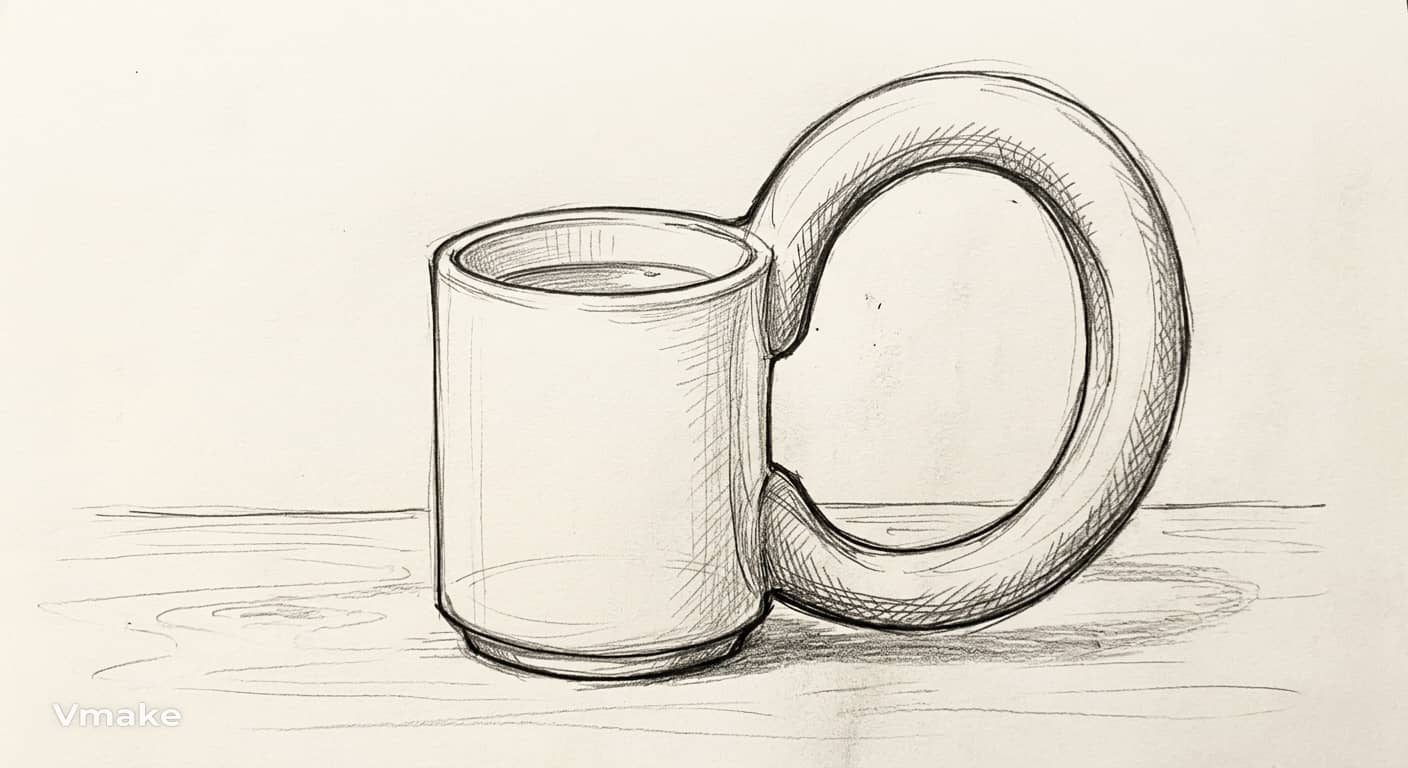
A simple object with unusual proportions: Draw a familiar object, such as a cup, shoe, or lamp, but make one part much larger or smaller than it should be. Keep the rest of the drawing simple so you can focus on shape and proportion.
-
A cozy room viewed from an unusual angle: Draw a small, comfortable room from the floor, ceiling, or corner of the space. Add a few everyday details, such as books, blankets, plants, or a cup on a table.
-
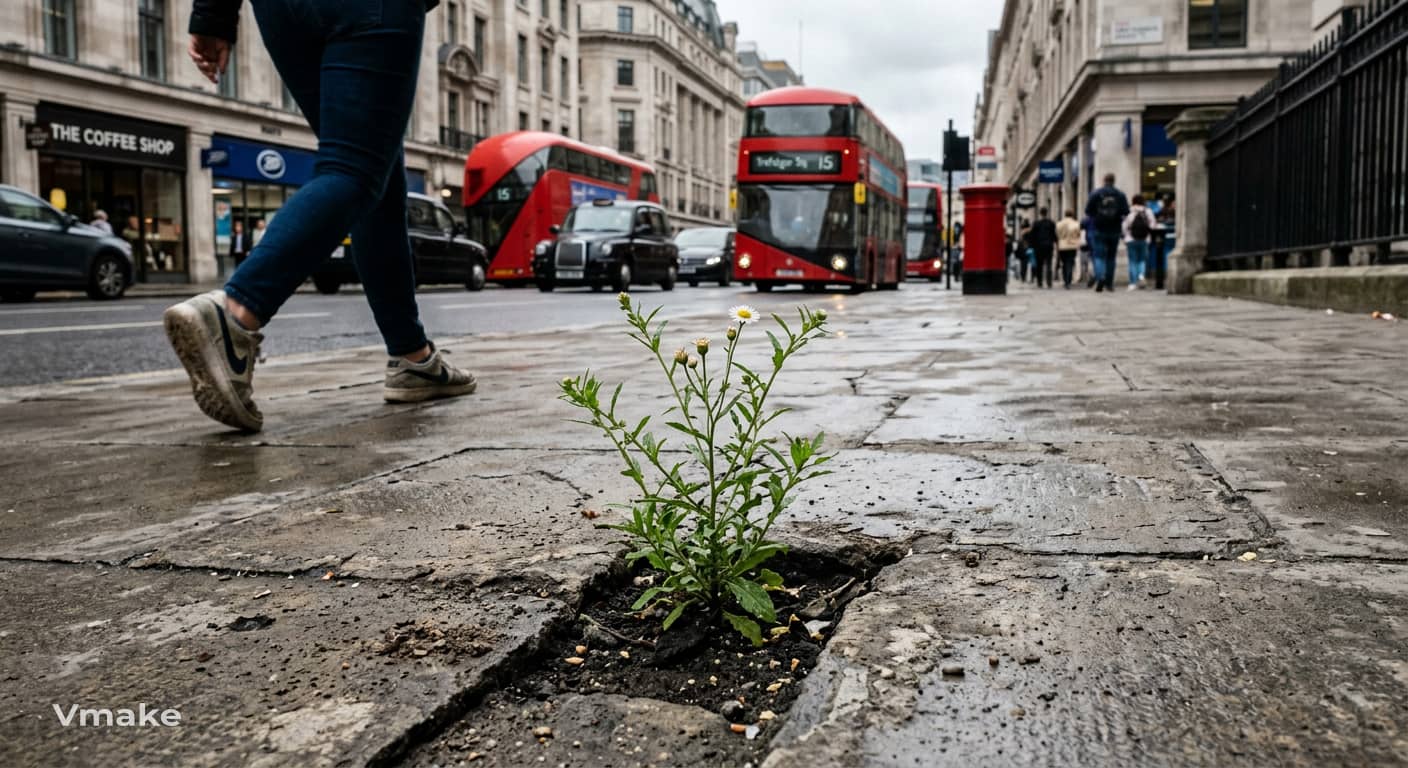
A plant growing from an unexpected place: Draw a small plant growing from somewhere it normally would not, such as a crack in a sidewalk, an old teapot, or the roof of a building. Decide what the plant looks like and what is happening around it.
Drawing prompts for kids
-
An animal running a tiny shop: Imagine a small animal running its own shop. Choose the animal, decide what it sells, and draw the shop with a few fun details that match its personality.
-
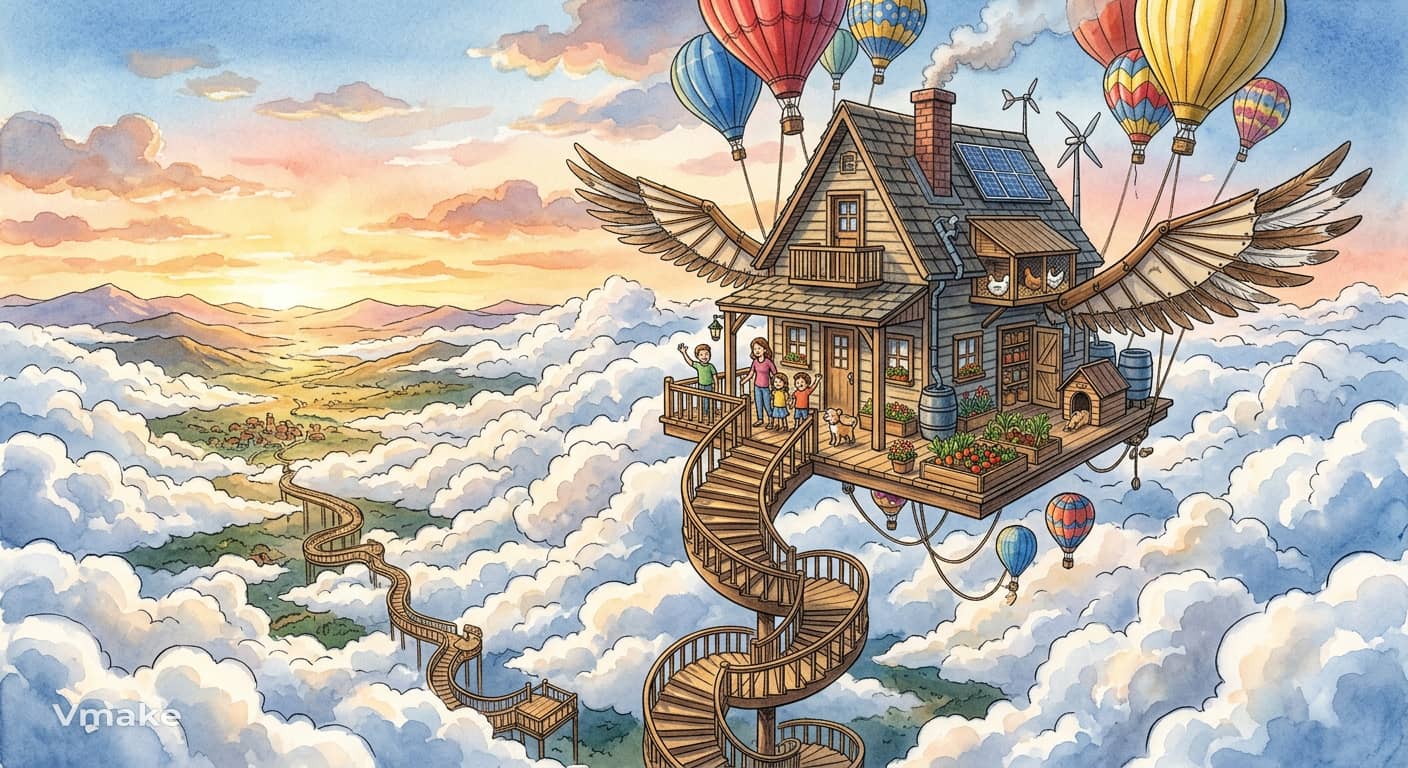
A house floating above the clouds: Draw a house drifting high above the clouds, with stairs, balloons, wings, or another way to reach the ground. Add anything you think the people or animals living there might need.
-
A friendly monster getting ready for school: Draw a friendly monster preparing for its first day of school. Give it a backpack, clothes, school supplies, and one funny feature that makes the character stand out.
Funny drawing prompts
-
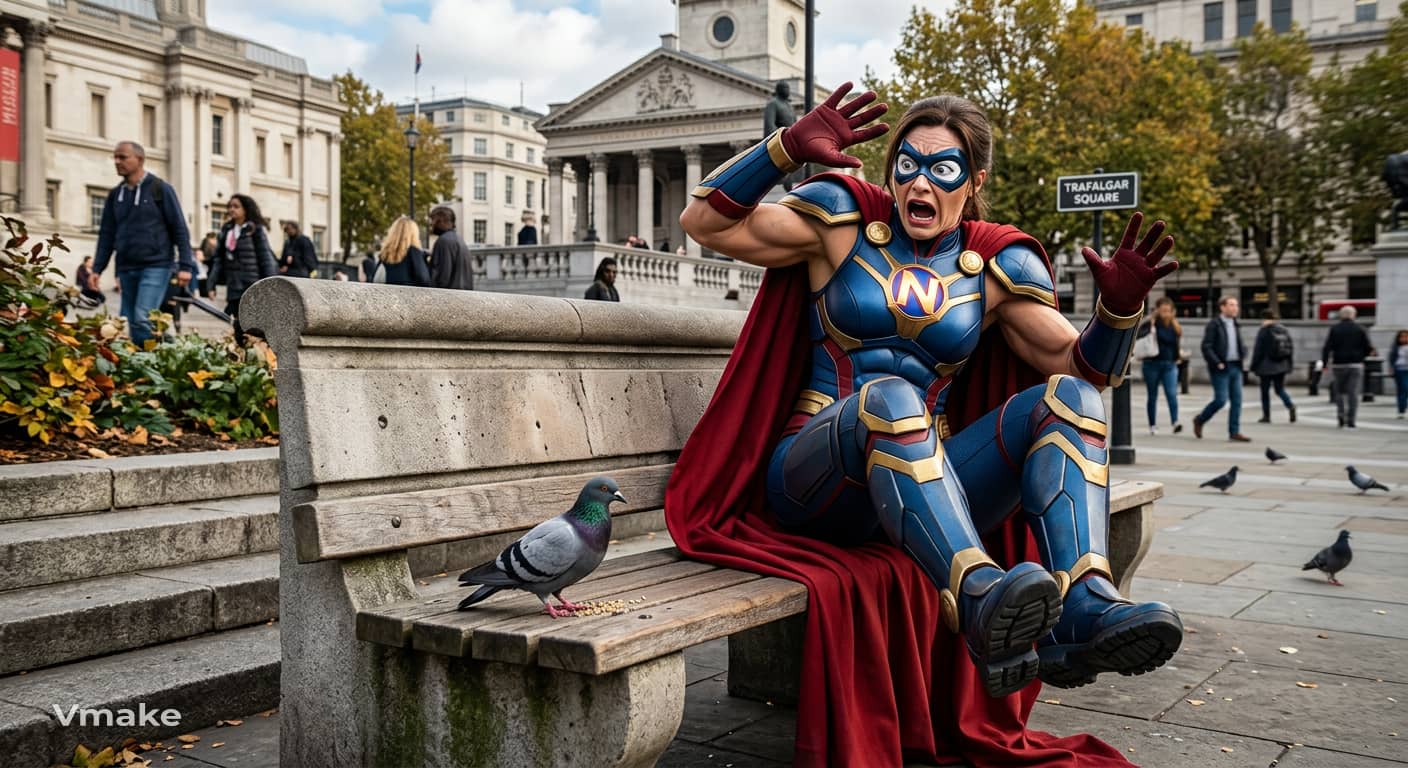
A superhero afraid of pigeons: Draw a powerful superhero facing their biggest fear: an ordinary pigeon. Show the contrast between their heroic appearance and the ridiculous situation.
-
A cat trying to work as a chef: Draw a cat working in a busy kitchen while trying to prepare a meal. Give the cat a chef's hat, cooking utensils, and at least one thing that has gone completely wrong.
-
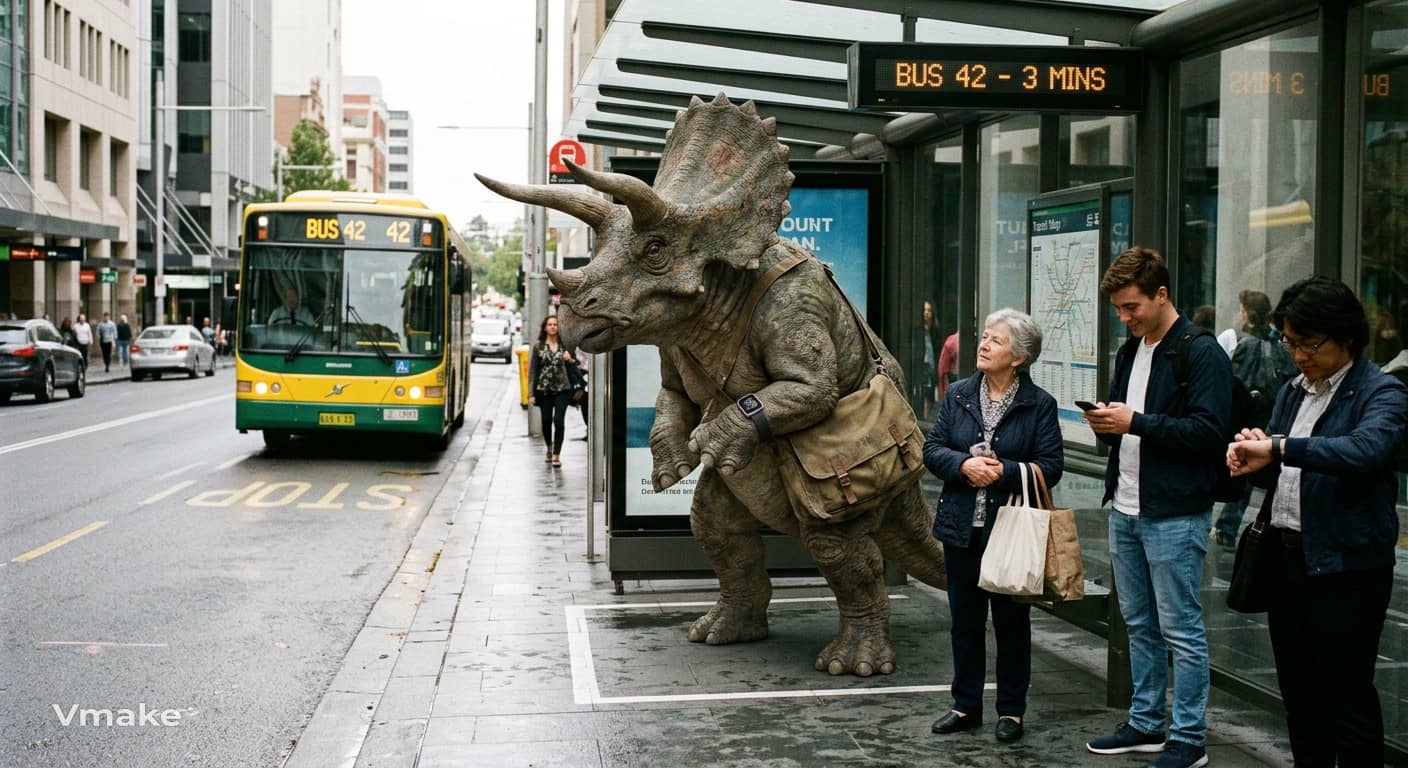
A dinosaur waiting for the bus: Draw a dinosaur standing at a bus stop with other passengers. Think about how the dinosaur fits into the modern setting and what everyone around it might be thinking.
Character drawing prompts
-
A time-traveling librarian: Create a librarian who travels through different periods in history to collect lost books. Give the character clothing, objects, or accessories that hint at their adventures.
-
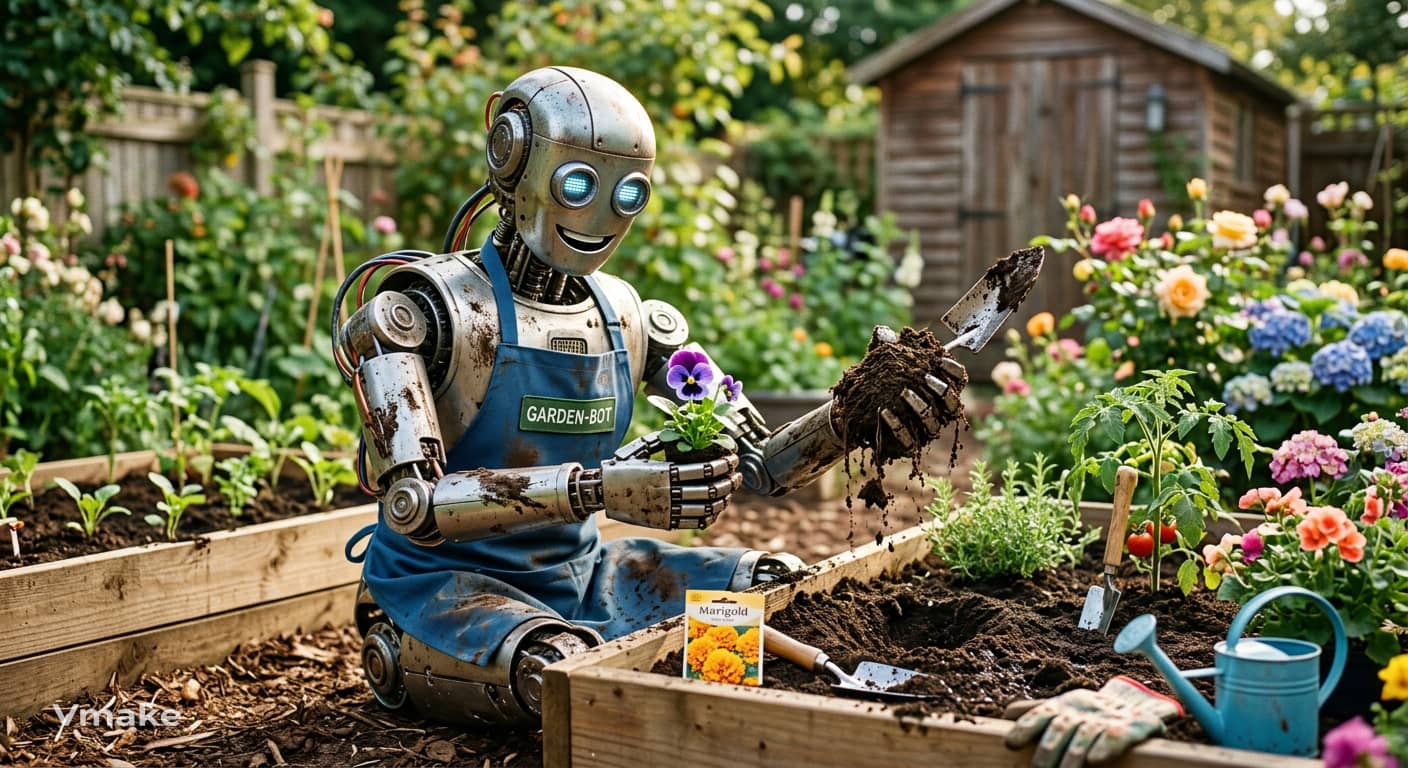
A robot discovering its first hobby: Draw a robot trying a hobby for the first time, such as painting, gardening, baking, or playing music. Show what the robot enjoys about it and what it still has trouble doing.
-
A pirate who hates the ocean: Create a pirate who would rather stay as far away from the sea as possible. Give them a reason for avoiding the water and design a ship, outfit, or treasure hunt that fits the character.
Random and daily drawing prompts
-
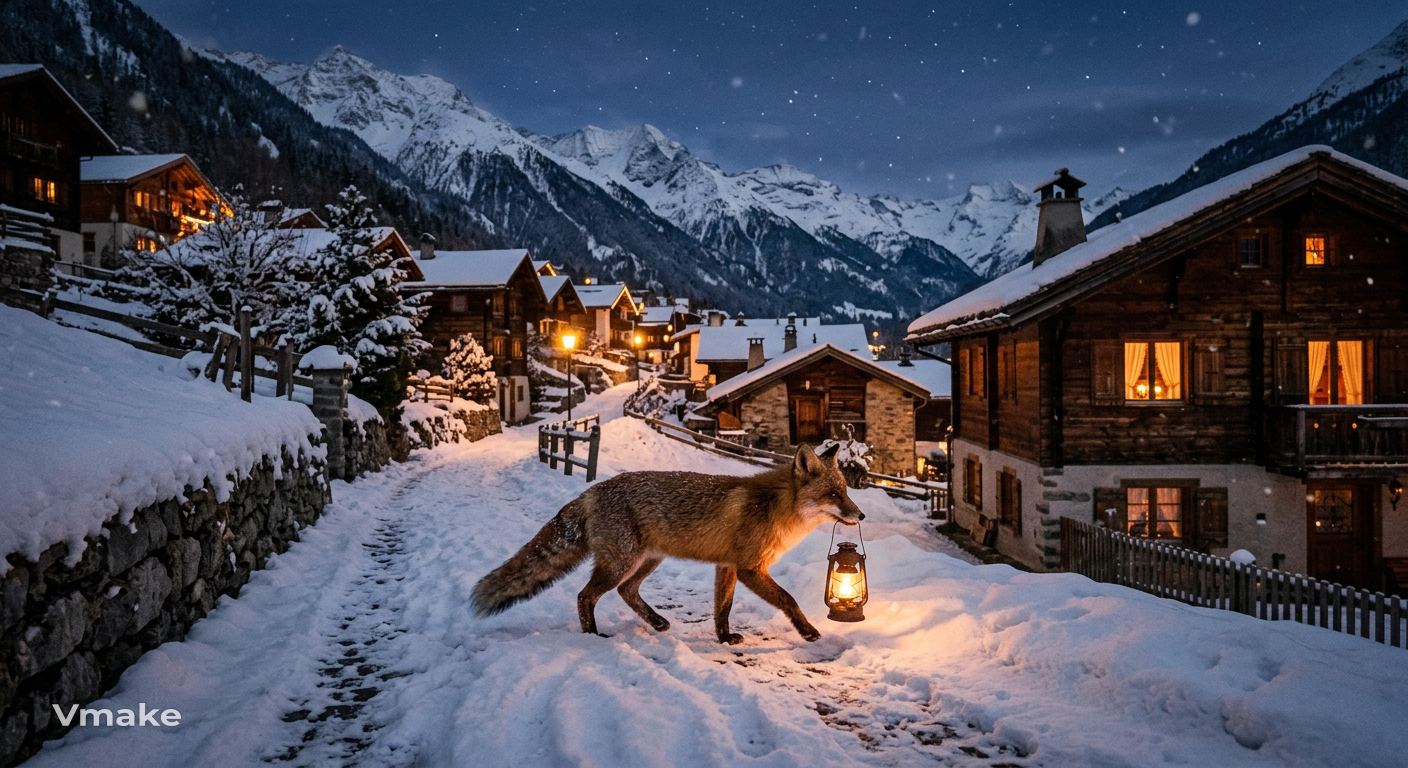
Combine an animal, object, and location: Draw a fox carrying a lantern through a snowy mountain village. Choose the animal, object, and location yourself, then bring all three together in one scene.
-
Turn an everyday object into a character: Choose something nearby, such as a spoon, backpack, clock, or pair of headphones. Give it a face, personality, clothing, and a small story.
-
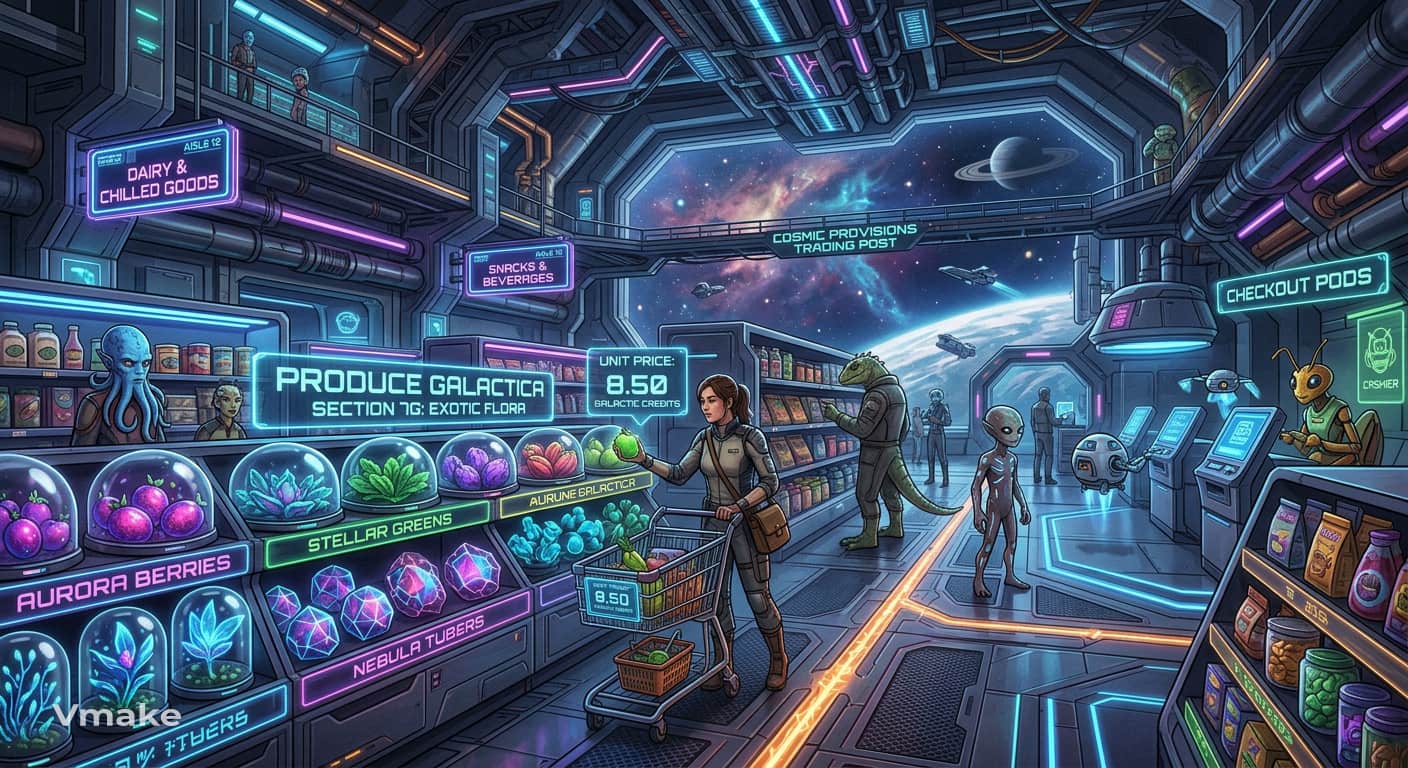
Draw a familiar place in an imaginary world: Choose somewhere you know well, such as a bedroom, school, park, or grocery store. Reimagine it as a place from a fantasy or science-fiction world.
-
Combine two unrelated creatures: Pick two animals that would never normally appear together and combine their features into one creature. Decide where it lives, what it eats, and how it behaves.
-
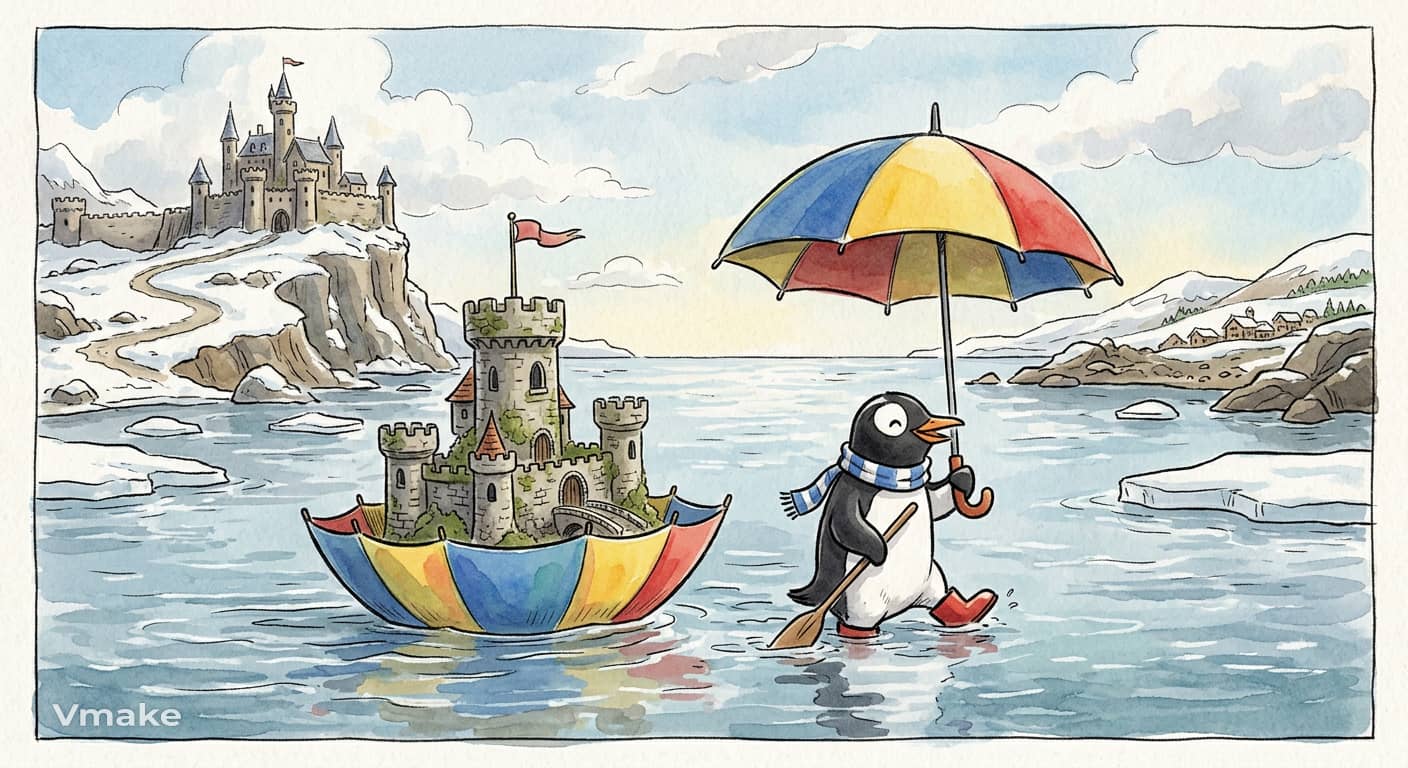
Create a scene from three random words: Choose three unrelated words, such as "castle," "umbrella," and "penguin." Use all three in one drawing and find a simple story that connects them.
-
Draw something you would never normally choose: Pick a subject outside your usual interests or comfort zone. It could be an old building, a kitchen appliance, an insect, or anything else you rarely draw, then give yourself 10–15 minutes to sketch it without worrying about making it perfect.
How to create your own drawing prompts
Once you understand the basic structure, you can make your own drawing prompts whenever you need one. You do not need a prompt generator or a long list of ideas. Pick a subject, give it an unexpected action, and move it somewhere that does not immediately come to mind. Changing any one of those elements can produce a completely different drawing.
Use the subject, action, and setting formula
The subject + action + setting formula is an easy way to create daily drawing prompts. It works because each element answers a different question: what are you drawing, what is happening, and where is it happening?
Start with a subject
Choose an animal, person, object, character, or place. Keep it broad at first. "Dog" is enough; you can decide later whether it is a puppy, an old dog, a cartoon dog, or something more unusual.
Add an unexpected action
Give the subject a job or activity that does not normally belong to it. A dog could be repairing a spaceship, a librarian could be surfing, or a flower could be playing chess. The action is often where the personality of the prompt comes from.
Change the setting
Move the idea somewhere unexpected. Put the surfing librarian on another planet or place the chess-playing flower inside a crowded train station. You can keep changing the setting until the scene feels different from something you have drawn before.
Make your prompts more random
If you think your drawing ideas are predictable, add something you wouldn’t normally associate with the subject. Mix unrelated subjects, do something unexpected with them or put them where they do not belong. You can also change the mood of a familiar setting or take random words/objects as your starting point. These small changes can make a basic idea into a scene with more room for experimentation.
Once you have a prompt you like, use it as a starting point for digital artwork and experiment with different visual styles. If the result needs some cleanup or correction, you can use an AI image fixer before continuing with your edits. Vmake Labs can then turn your drawing prompts into AI-generated images, giving you a quick way to explore your ideas visually.
Create AI artwork from drawing prompts with Vmake Labs
Drawing prompts can be a useful starting point for digital artwork, too. If you have an idea in mind but do not want to sketch everything from scratch, Vmake Labs AI Image Generator can turn a written description into an image. You can also use a reference image when you want to guide the result toward a particular visual direction. With Text to Image and Image to Image workflows, multiple AI models, and flexible aspect ratios, you can explore the same drawing idea in different ways without starting over each time.
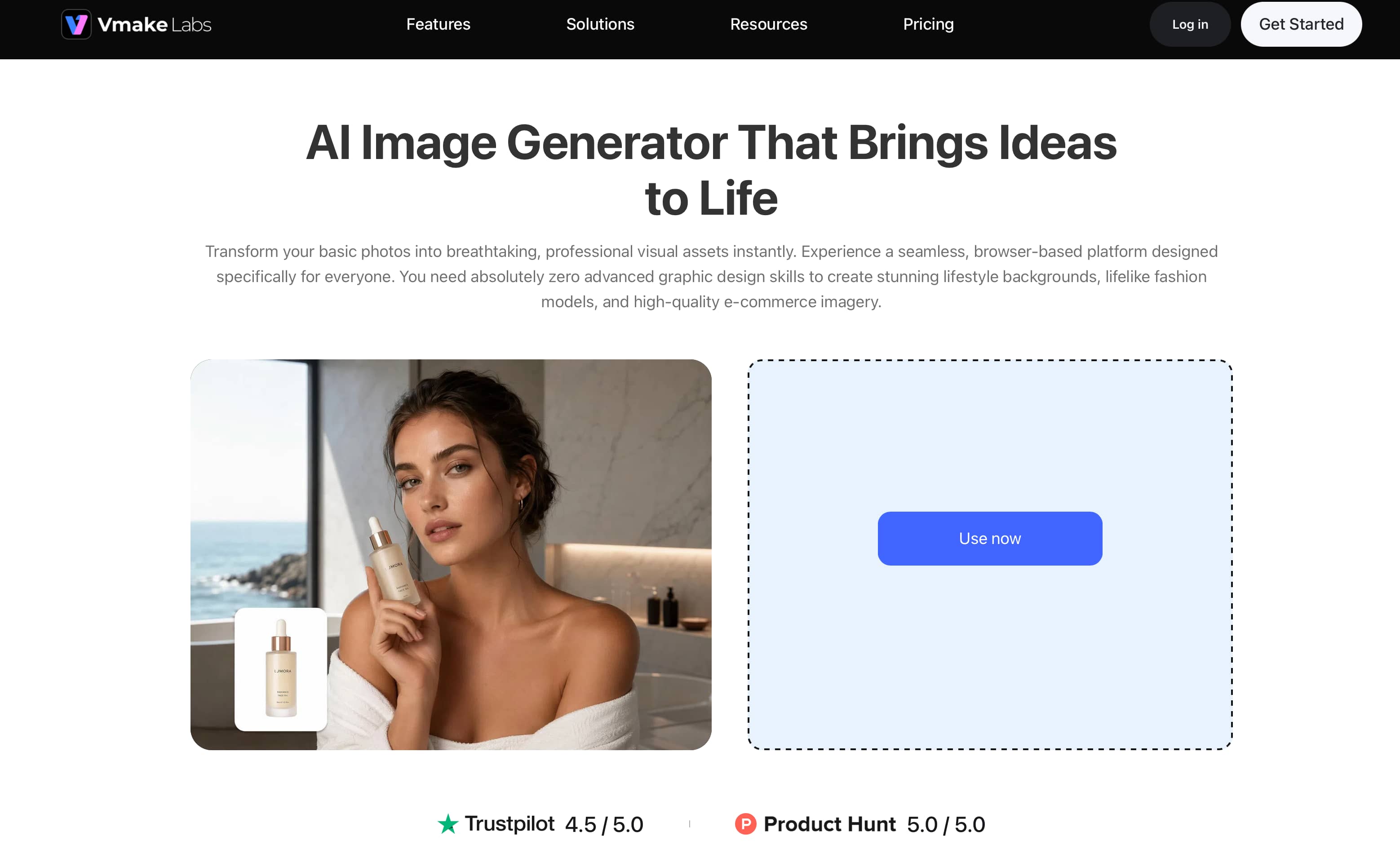
Create artwork in 3 steps
Step1: Choose text to image or image to image
Open Vmake Labs and choose Text to Image if you want to create an image from a written prompt. Choose Image to Image if you want to use an existing image as a reference.
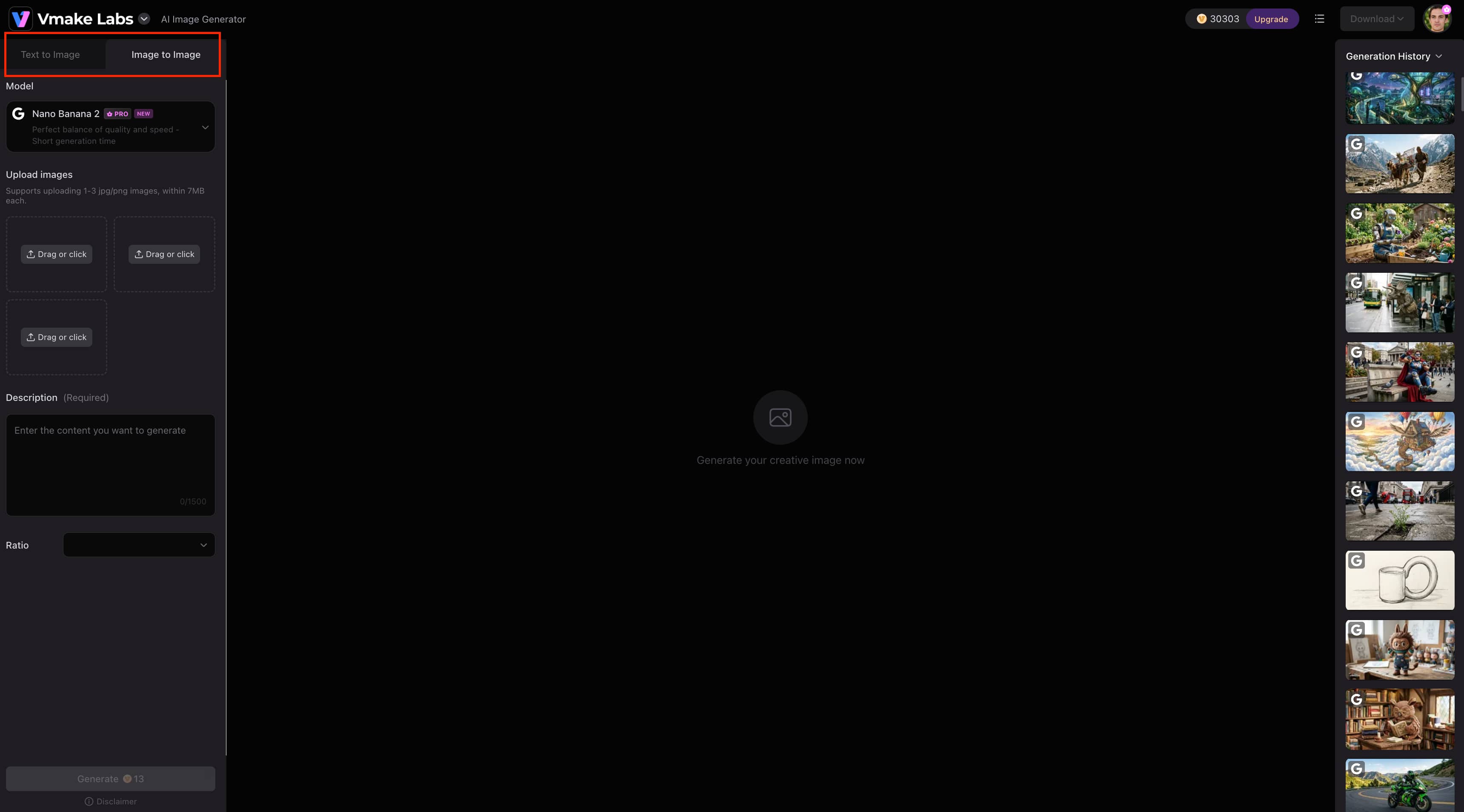
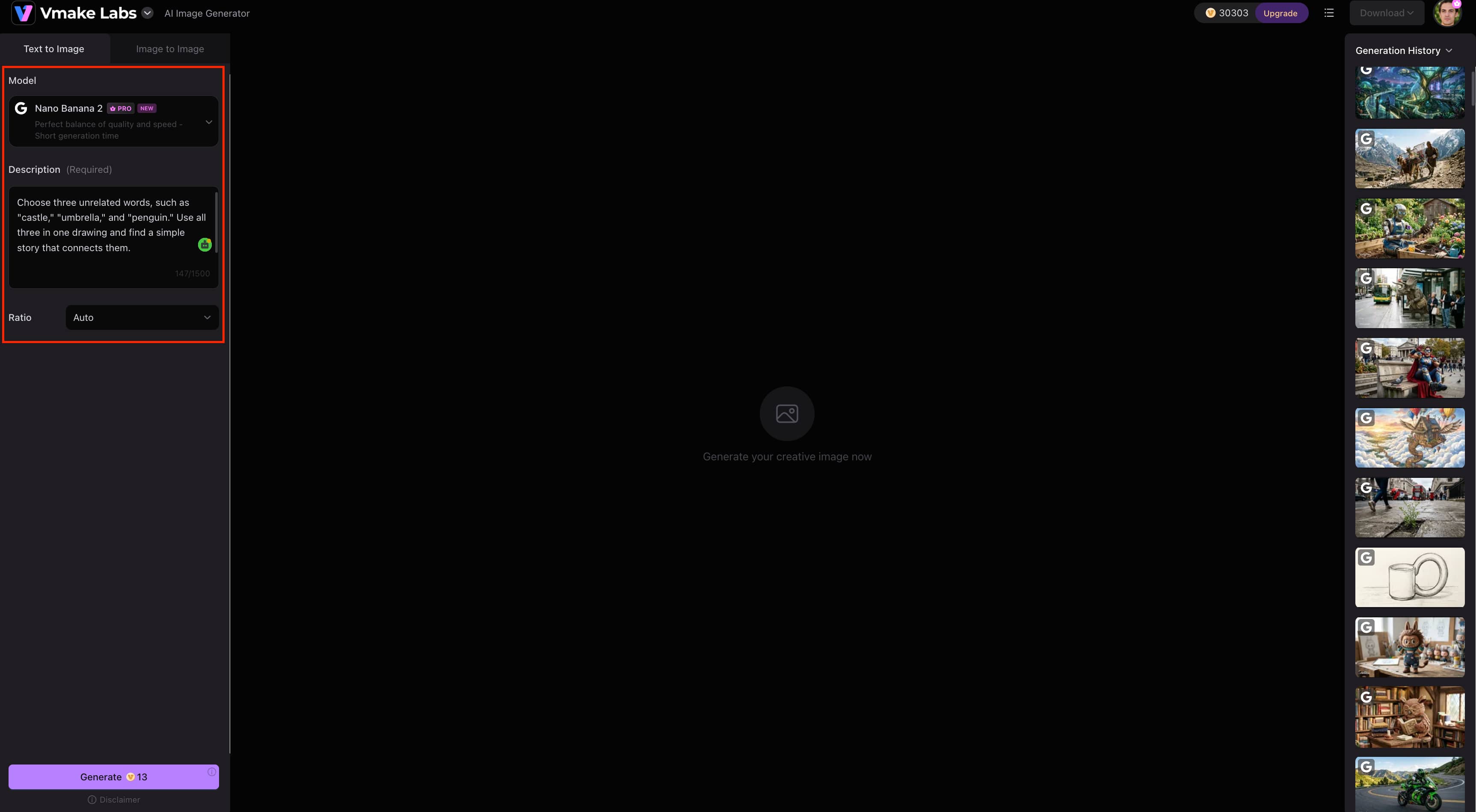
Step2: Enter your drawing prompt or upload a reference
Enter your drawing prompt and describe the subject, action, setting, and other details you want in the image. For Image to Image, upload a reference image to guide the result.
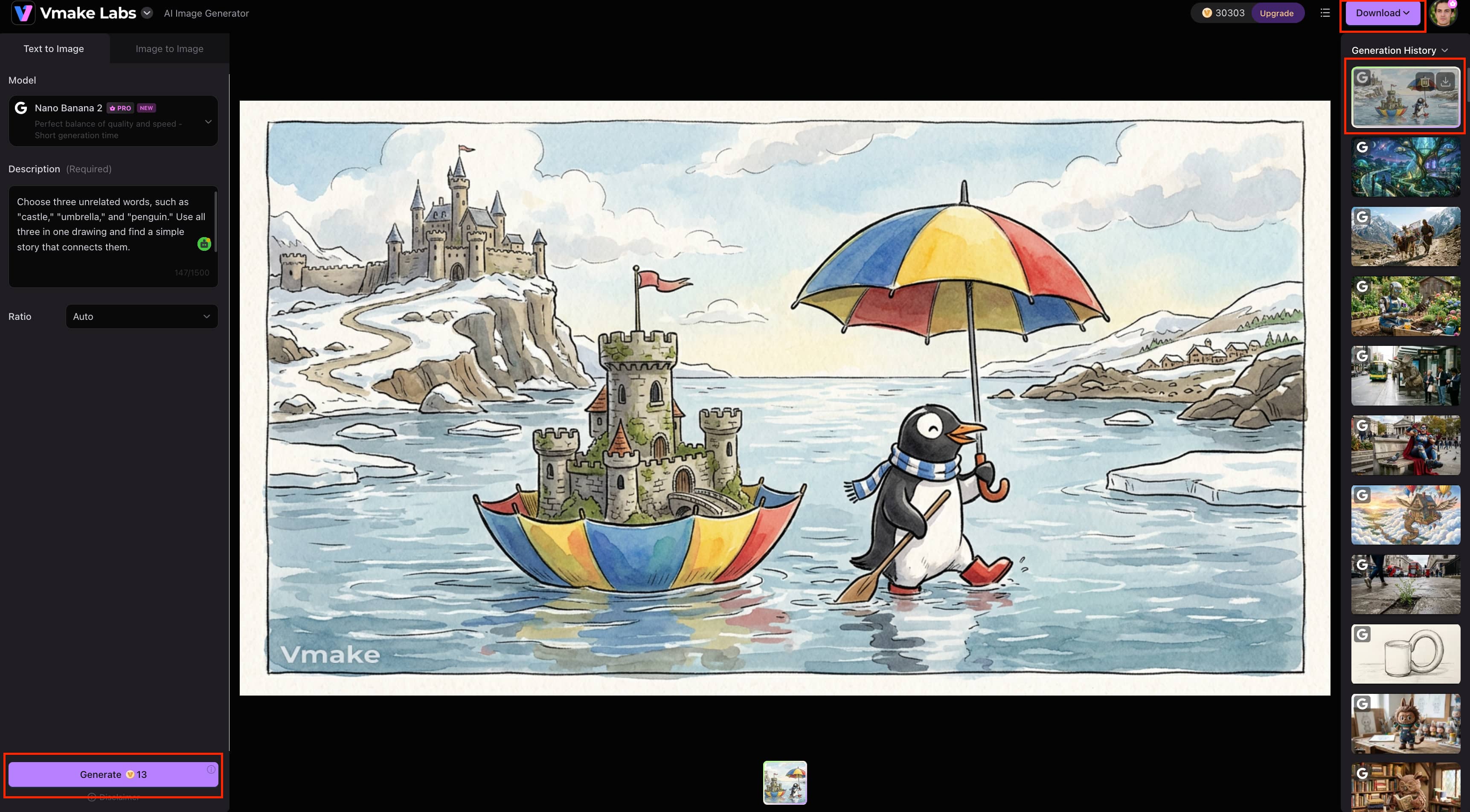
Step3: Generate, review, and download
Once you generate your artwork, review the result and download the version you like. If the image needs a little more clarity or detail, you can also use an image enhancer to improve its overall quality.
Why choose Vmake Labs AI Image Generator?
-
Text-to-Image Generation: Create visuals from detailed prompts describing the desired subject, style, and composition. This is useful when you have a drawing idea but want to create a digital version without sketching it first.
-
Image-to-Image Generation: Transform an existing image into a new visual while using the original image as creative guidance. This gives you more control when you already have a sketch or reference to work from.
-
Multiple AI Models: Choose from available AI models for different image-generation requirements. You can test your prompt with different models to find a result that fits your idea.
-
Reference Image Support: Upload reference images to guide the subject, style, composition, or visual direction. This can help when you want the generated image to follow specific visual details.
-
Flexible Aspect Ratios: Choose image dimensions suited to different platforms and content formats. This makes it easier to create visuals for the format you plan to use.
-
Marketing and E-commerce Visuals: Create product images, promotional visuals, and other commercial assets. The same image-generation features can be used for product-focused content as well as creative projects.
Common challenges when using drawing prompts
Drawing prompts can help you get started, but some approaches can make the process harder than it needs to be.
-
Choosing a prompt that is too vague: A prompt with little direction can make it difficult to know where to begin. Add a subject, setting, action, or a few specific details to give yourself a clear starting point.
-
Adding too many details to one prompt: A long prompt can make a simple drawing feel complicated. Focus on the main subject first, then add details as you draw.
-
Picking ideas that are too difficult for your skill level: Choose prompts that match the techniques you are comfortable with and gradually try more challenging subjects as your skills improve.
-
Running out of fresh ideas or repeating the same concepts: Change the subjects, settings, and actions you use, or combine unrelated elements to create new drawing ideas.
-
Feeling stuck when the first result does not match your expectations: Your first sketch may not look exactly like you imagined. Try changing one part of the drawing instead of starting over completely.
-
Focusing too much on perfection instead of experimentation: Drawing prompts are meant to give you something to explore. Allow yourself to make mistakes, try different approaches, and see where the drawing takes you.
Conclusion
If you are not sure what to draw to get yourself started then drawing prompts help. Begin with simple subjects and then add unusual actions, settings or combinations to come up with more interesting ideas. The trick is to select prompts that are at your skill level and leave some room for experimentation. Vmake Labs can also help you turn written prompts into digital artwork if you want to take your ideas beyond paper. Play around with different prompts, styles and approaches to see what works best for your drawing practice.
FAQs
-
What are drawing prompts?
Drawing prompts are short ideas or descriptions that give you a subject, action, setting, or situation to draw. They can be as simple as drawing an everyday object or as creative as imagining a robot discovering a new hobby. If you want to turn a written drawing prompt into digital artwork, Vmake Labs can generate an image from the description.
-
What are some good drawing prompts for beginners?
Good drawing prompts for beginners are usually simple subjects, familiar objects and easy to draw settings. Try drawing a cup with weird proportions, or a warm room from a weird angle, or a plant growing from a weird place. These ideas allow you to practice shapes, proportions and basic composition without making the drawing too complicated.
-
What are some drawing prompts for kids?
Kids drawing prompts should be simple, fun, and open to many interpretations. They can think of things like an animal running a small shop or a house in the clouds or a friendly monster getting ready for school. It gives children a tangible starting point for them to add their own details to.
-
How do I create my own drawing prompts?
You can create a drawing prompt by combining a subject, action, and setting. Start with something familiar, give it an unexpected action, and place it somewhere unusual. For example, you could combine a cat, a chef's kitchen, and a cooking disaster. You can also enter a prompt like this into Vmake Labs to see how the idea translates into digital artwork.
-
How can I generate random drawing prompts?
You can generate random drawing prompts by combining unrelated animals, objects, locations, actions, or moods. Pick one item from each category and use the combination as your drawing idea. For example, an astronaut, a teapot, and a crowded market can become a completely new scene.
-
Can I turn a drawing prompt into digital artwork?
Yes, you can turn a written drawing prompt into digital artwork with an AI image generator. Vmake Labs AI Image Generator supports Text to Image, so you can enter your prompt and generate an image from it. You can also use Image to Image and reference images when you want to guide the result with an existing visual.

You May Be Interested
20+ AI Art Prompts for Stunning AI-Generated Artwork
11 Best AI Prompts for Creating Viral Videos on YouTube
How to Prompt Image Generators: Write Better AI Image Prompts
Mastering Seedance 2.0: 10 Advanced Prompts for Multi-Shot AI Video