7 Best Translation Apps in 2026: Top AI Translators Compared
Looking for the best translation app? Compare top tools for text, voice, image, and video translation, then discover how Vmake Labs helps translate videos into multiple languages.

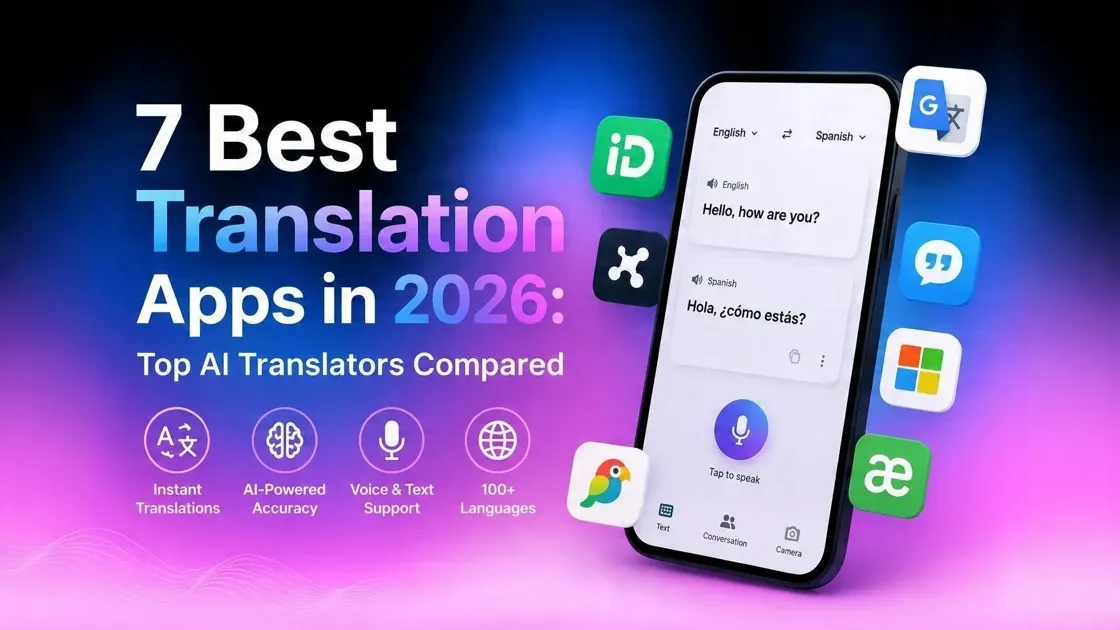
Finding the best translation app depends on how you communicate, whether through text, voice, images, or videos. This guide compares seven leading translation apps, highlighting their strengths, limitations, and pricing. You'll also learn how Vmake Labs makes multilingual video translation easy with AI-powered dubbing, subtitles and lip sync.
What makes the best translation app?
The best translation app helps you communicate effortlessly across travel, work, education, content creation, and everyday conversations. Modern AI-powered apps go beyond text translation by supporting voice, camera, document, and even video translation. However, not every app offers the same features, so choosing the right one depends on how you plan to use it.
In this comparison, we evaluate each app based on translation accuracy, supported languages, offline availability, AI capabilities, ease of use, pricing, and intended use cases. Some apps are better for everyday conversations, while others excel at professional documents or multilingual video translation. Understanding these factors will help you choose the best translation app for your workflow, whether you need quick translations while traveling or advanced AI tools for localizing video content.
Best translation apps in 2026
Every translation app has a different purpose. Some are great for everyday conversations, while others specialise in professional text translation or multi-language video localisation. Below is a comparison that shows the strengths of the leading translation apps available in 2026.
|
App |
Free Version |
Voice Translation |
Camera Translation |
Video Translation |
Offline Mode |
Best For |
|---|---|---|---|---|---|---|
|
Vmake Labs |
Yes |
No |
No |
Yes |
No |
AI video translation |
|
Google Translate |
Yes |
Yes |
Yes |
No |
Yes |
Everyday translation |
|
DeepL |
Yes |
Limited |
No |
No |
Limited |
High-quality text translation |
|
Microsoft Translator |
Yes |
Yes |
Yes |
No |
Yes |
Business conversations |
|
Apple Translate |
Yes |
Yes |
No |
No |
Yes |
iPhone users |
|
iTranslate |
Limited |
Yes |
Yes |
No |
Premium |
Travel |
|
Papago |
Yes |
Yes |
Yes |
No |
Limited |
Asian languages |
Video translators
1. Vmake Labs: Best for AI video translation
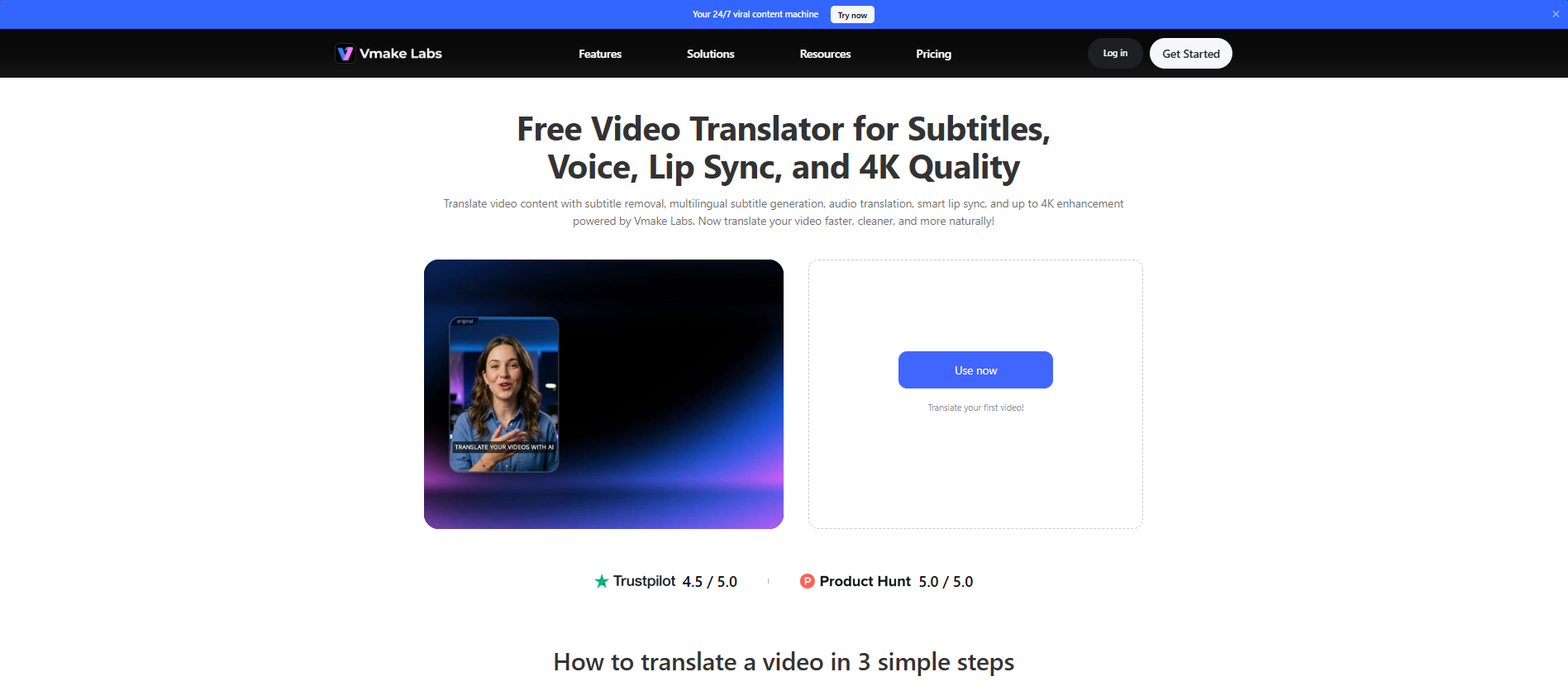
Unlike conventional translation apps that primarily deal with text or conversations, Vmake Labs is tailored for multilingual video localisation. It brings AI video translation, dubbing, subtitling, lip-syncing, and video enhancement into a single workflow, so you don't have to switch between tools.
Key features
-
All-in-one AI video translation workflow: One workflow for complete subtitle processing, language translation, AI dubbing, intelligent lip synchronisation, and image quality enhancement. No more toggling between several tools when translating videos.
-
AI dubbing with voice cloning: Translate audio, clone voices, and generate AI dubbing in a single step. Choose from multiple voice tones to create natural-sounding multilingual videos.
-
Intelligent AI lip sync: Automatically synchronize translated audio with the speaker's lip movements. This helps translated videos appear more natural and improves the viewing experience.
-
Flexible subtitle translation: Remove original subtitles, add translated subtitles, or include dubbed subtitles based on your localization needs. Easily customize subtitles for different audiences.
-
4K AI video enhancement: Enhance video quality up to 4K while translating your content. Produce sharper, clearer multilingual videos without relying on separate video enhancement tools.
Pros and Cons
|
Pros |
Cons |
|---|---|
|
|
Pricing
|
Plan |
Price |
|---|---|
|
Free |
$0 |
|
Plus |
$9.99/month |
|
Pro |
$29.99/month |
How to translate videos with Vmake Labs
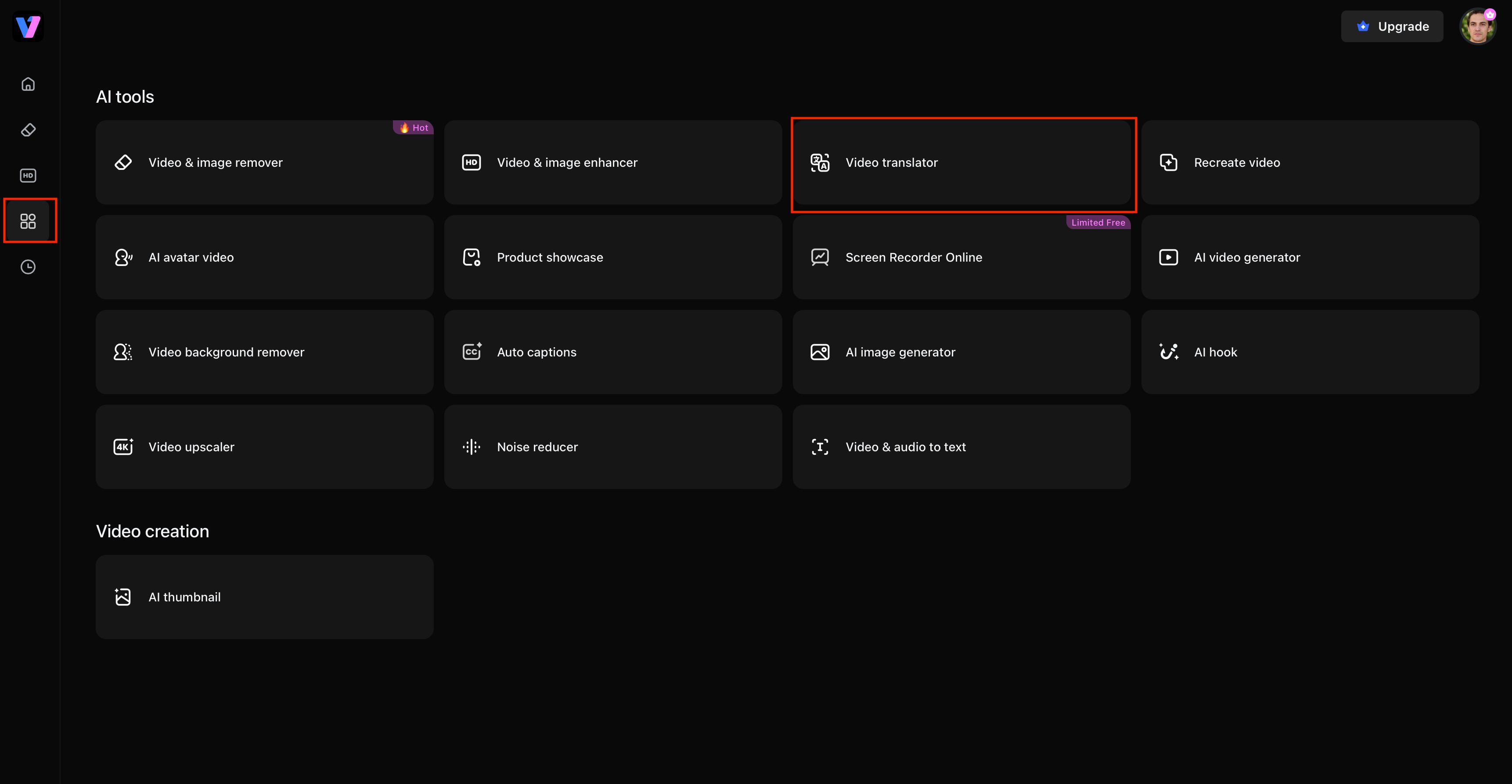
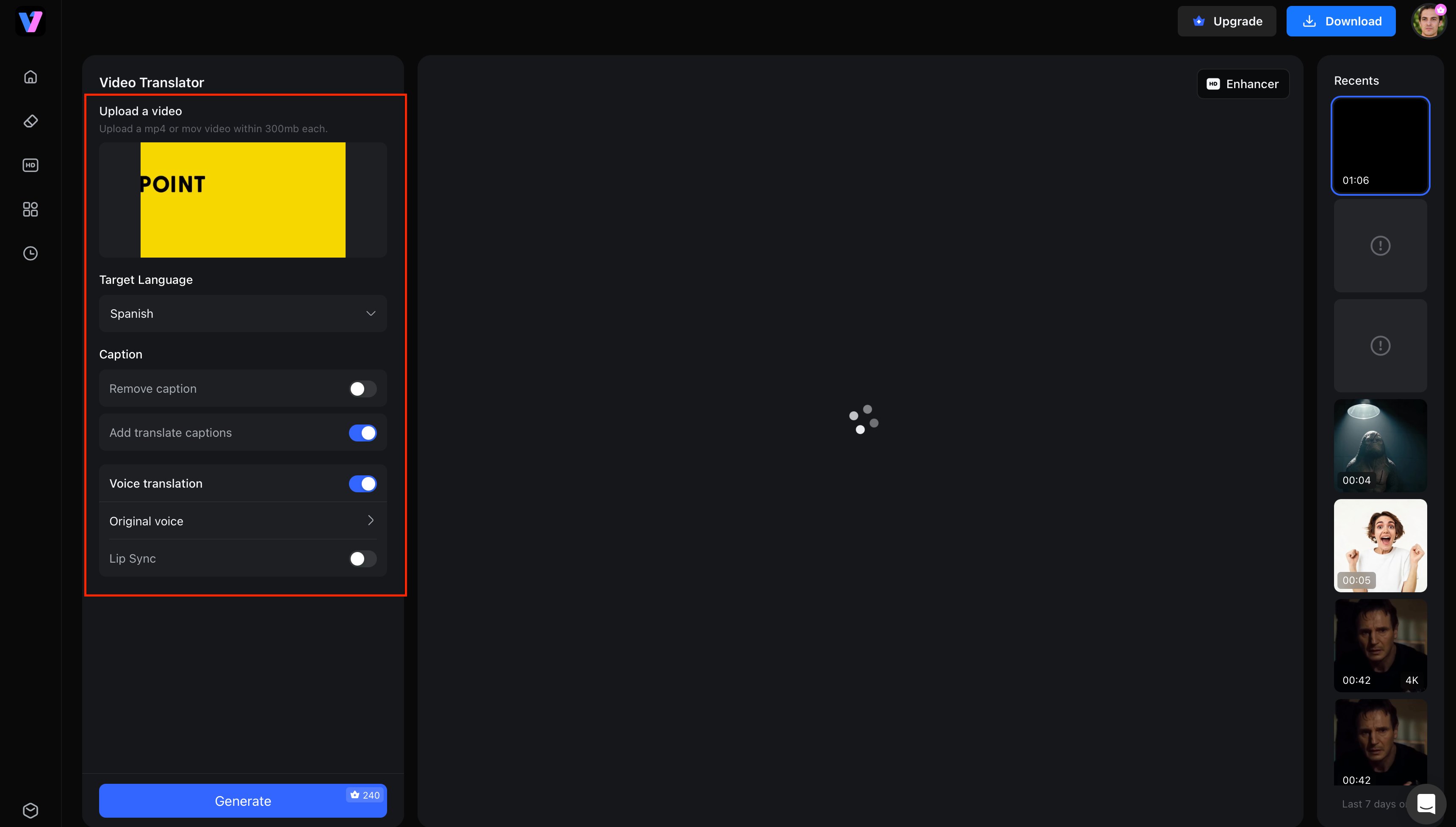
Step 1: Open Vmake Labs Video Translator and upload your video
Visit the Vmake Labs Video Translator and upload the video you want to translate. The platform supports multiple video formats and provides an intuitive interface for managing multilingual video projects.
Step 2: Select the source and target language
Select the original language of your video and the language you want to translate it into. You can also enable subtitle translation, AI dubbing, voice cloning, lip-syncing, or video enhancement
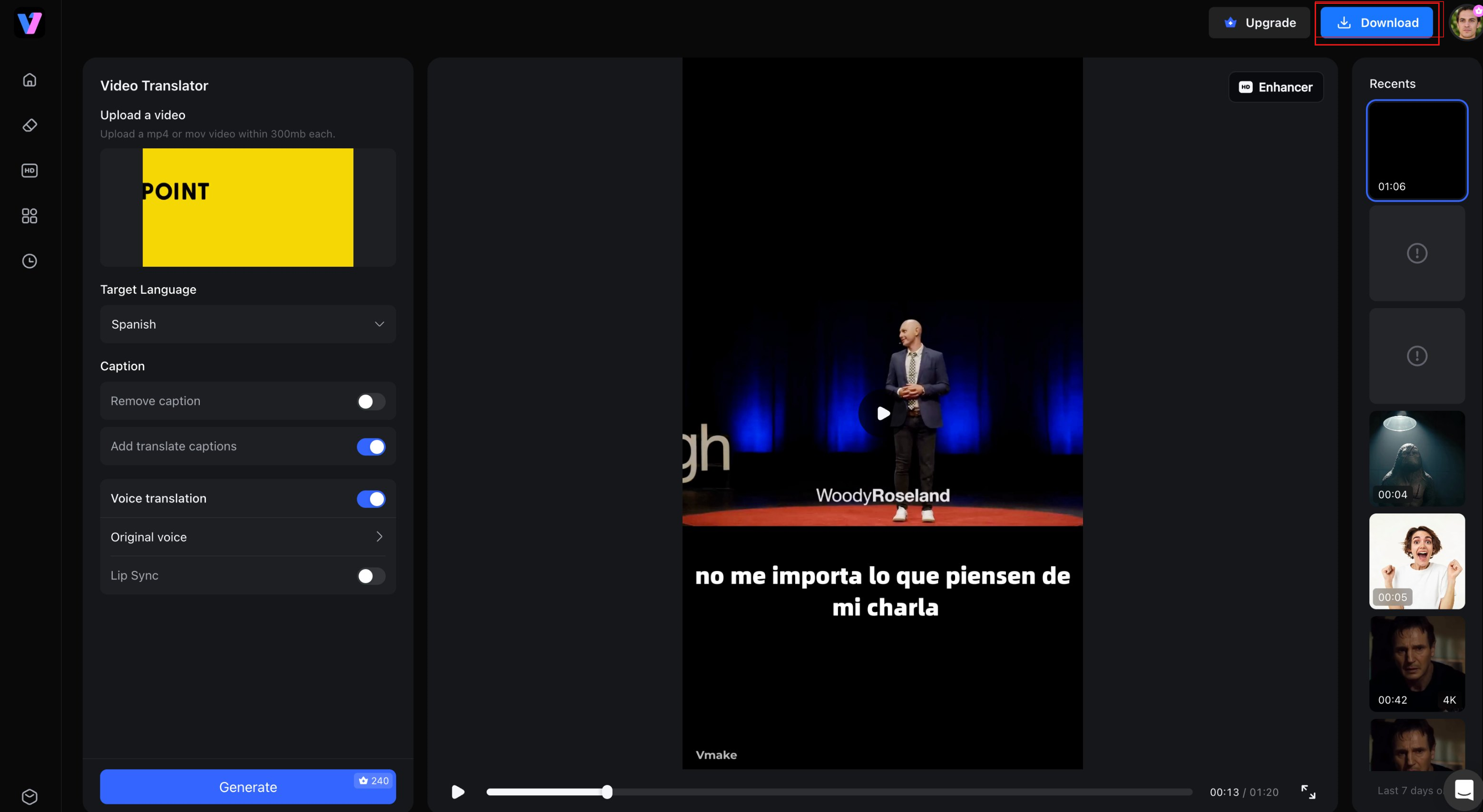
Step 3: Generate, review, and export your translated video
Start translating and see Vmake Labs generate translated subtitles, dubbed audio, synchronised lip movements and enhanced visuals. Export your localised video for social media, education, marketing, or business communication after reviewing the final output.
2. Google Translate: Best for web pages or lookups
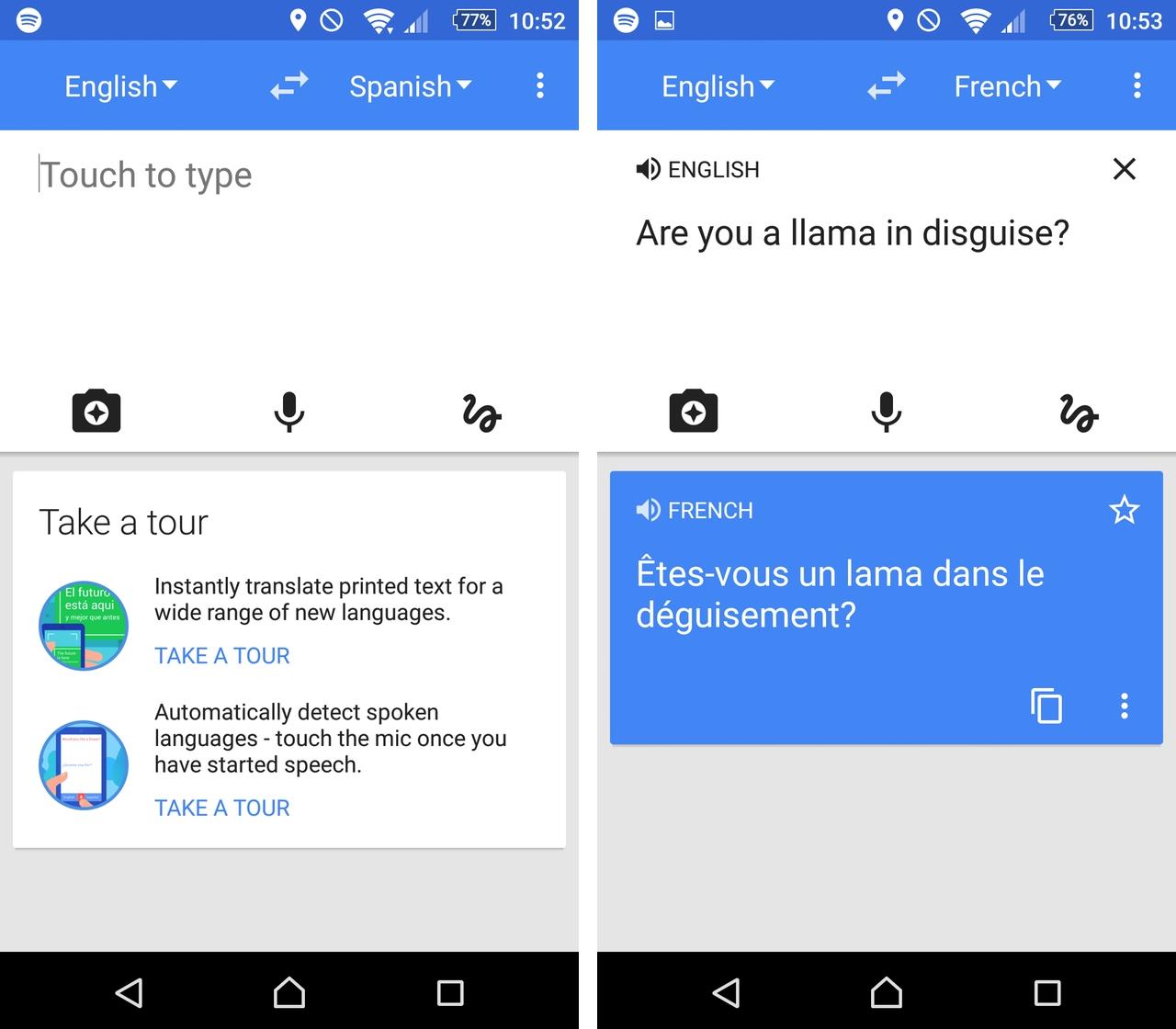
Google Translate is one of the most popular translation apps that supports text, voice, camera, and conversation translation in many languages. Offline language packs and instant translation features make it a reliable choice for travel, everyday communication, and speedy multilingual conversations, all for free to users.
Pros and Cons
|
Pros |
Cons |
|---|---|
|
|
Pricing: Free
3. DeepL: Best for professional text
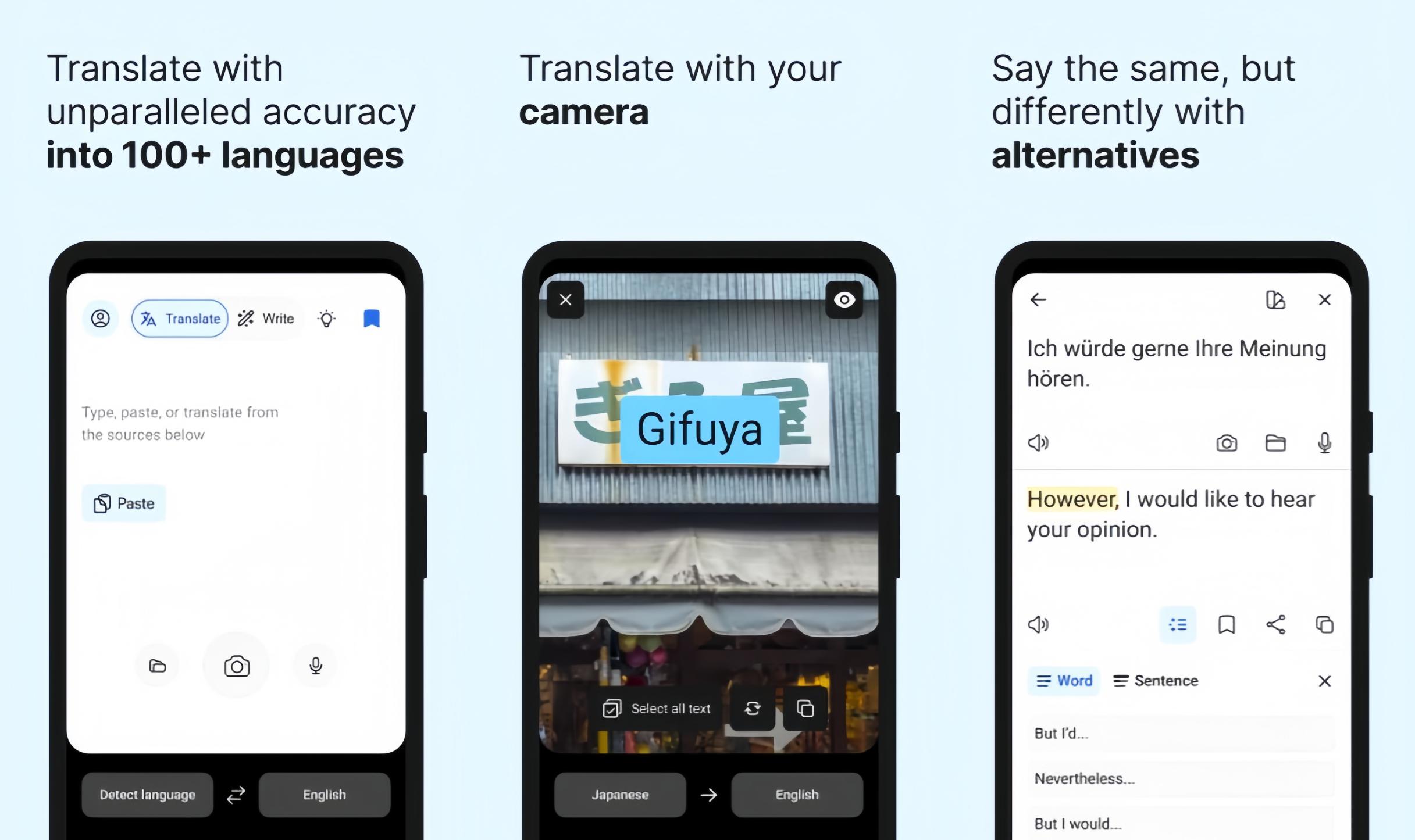
DeepL is known for producing natural, context-aware translations, making it a favorite among professionals and businesses. It excels at translating documents and written content with impressive accuracy while preserving tone and meaning. Although it supports fewer languages than some competitors, its translation quality is widely recognized.
Pros and Cons
|
Pros |
Cons |
|---|---|
|
|
Pricing
|
Plan |
Price |
|---|---|
|
Starter |
From $8.74/month* |
|
Advanced |
From $28.74/month* |
|
Ultimate |
Custom pricing |
4. Microsoft Translator: Best for live group meetings
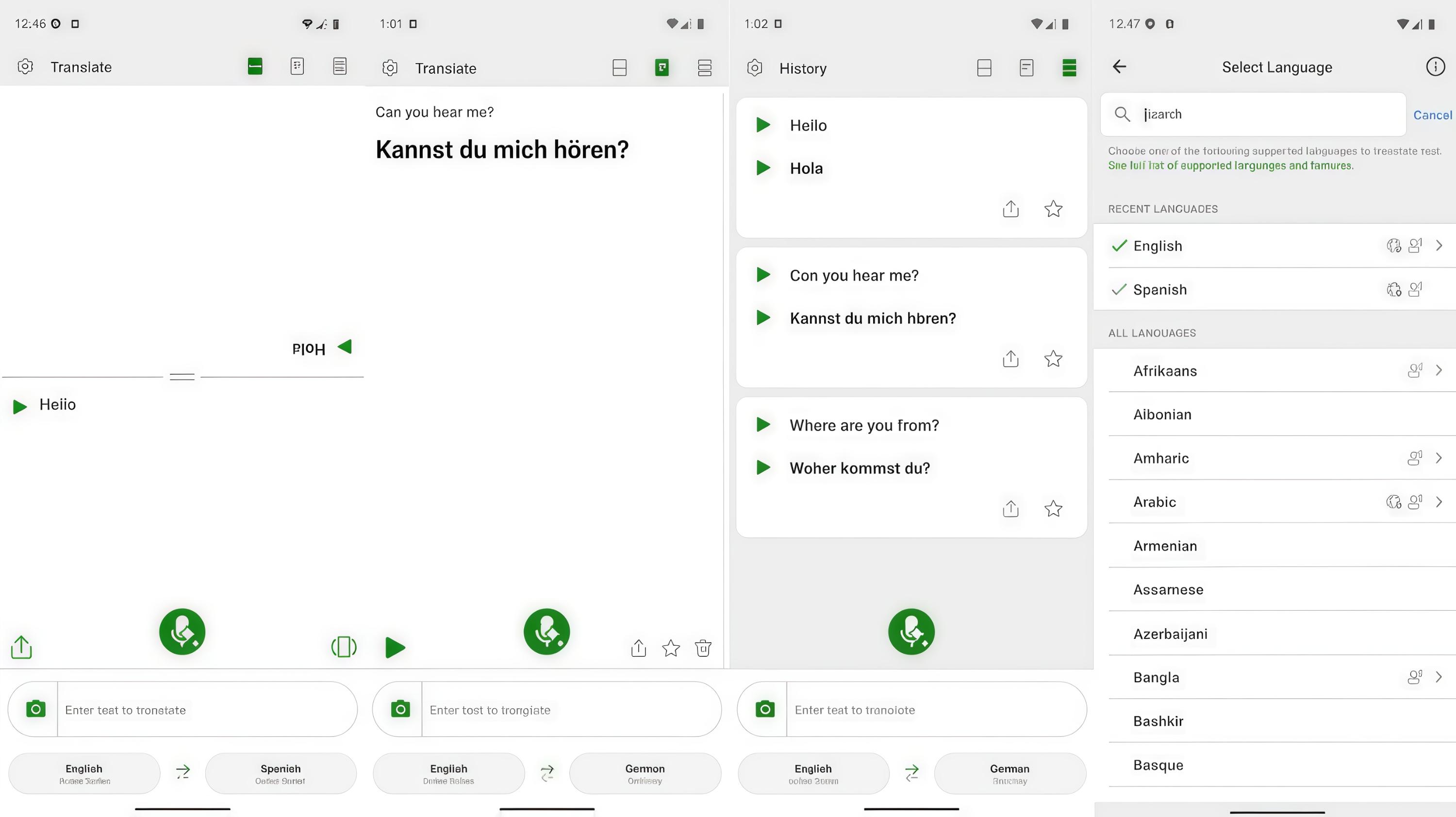
Microsoft Translator is designed for multilingual communication at work and in everyday life. It supports text, voice, image, and live conversation translation, integrated with Microsoft services. With offline language support and multi-person conversation features, it is a practical solution for business meetings, travel, and teamwork.
Pros and Cons
|
Pros |
Cons |
|---|---|
|
|
Pricing: Free
5. Apple Translate: Best for fast, offline voice
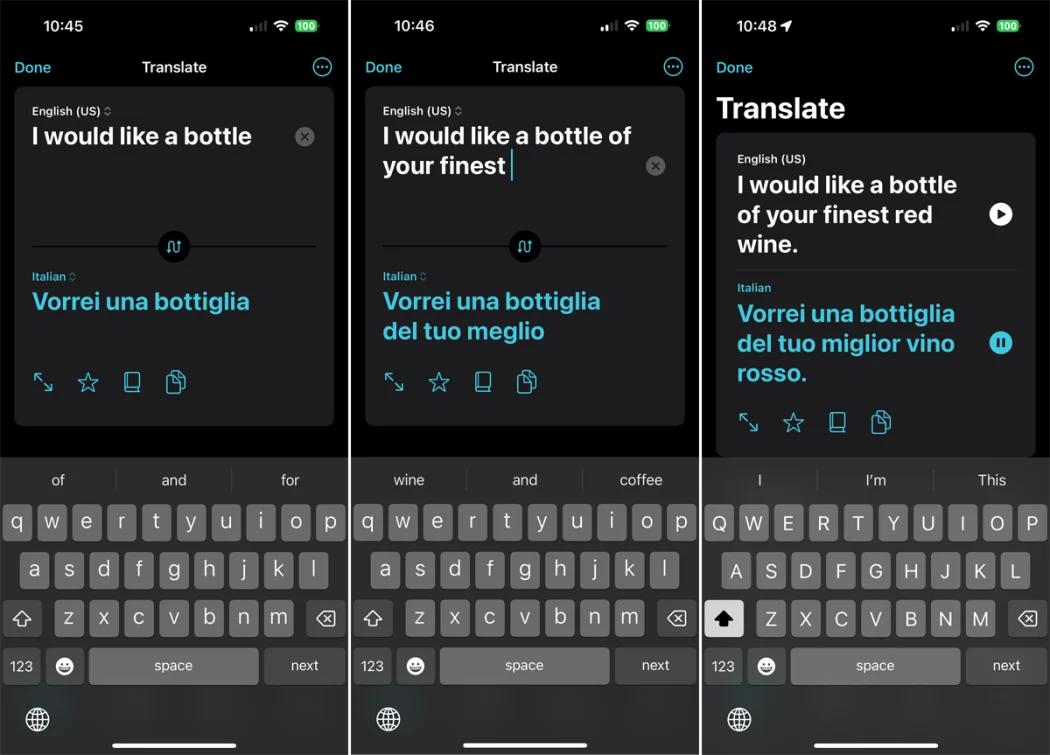
Apple Translate is built specifically for Apple devices and offers a clean, intuitive experience for translating text and voice conversations. It supports offline translation for selected languages and works seamlessly across iPhone and iPad, making it a convenient choice for Apple users who want fast, everyday translations.
Pros and Cons
|
Pros |
Cons |
|---|---|
|
|
Pricing: Free
6. iTranslate: Best for mobile dictionary lookups
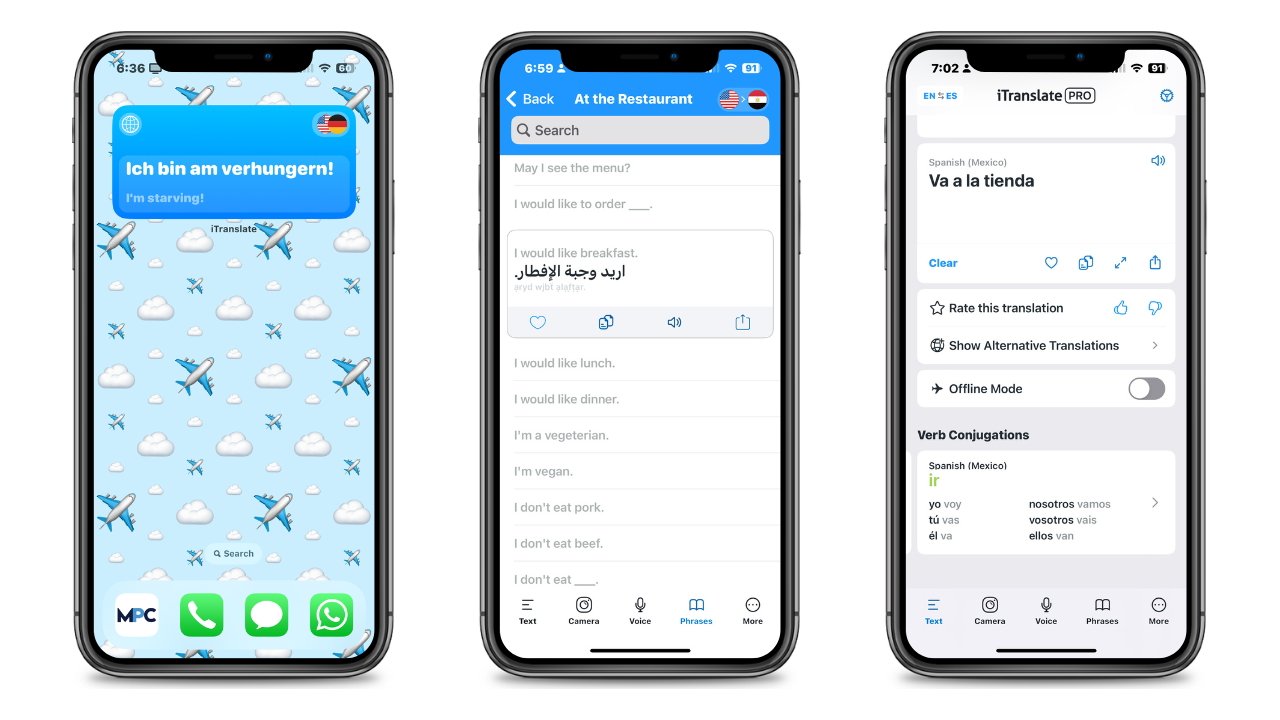
iTranslate is a versatile translation app designed for travelers and multilingual users. It supports text, voice, and camera translation, while premium plans unlock offline language packs and additional features. Its user-friendly interface and travel-focused tools make it a practical companion for international trips
Pros and Cons
|
Pros |
Cons |
|---|---|
|
|
Pricing
|
Plan |
Price |
|---|---|
|
Free |
$0 |
|
Premium |
Pricing varies by region and subscription plan |
7. Papago: Best for East Asian languages
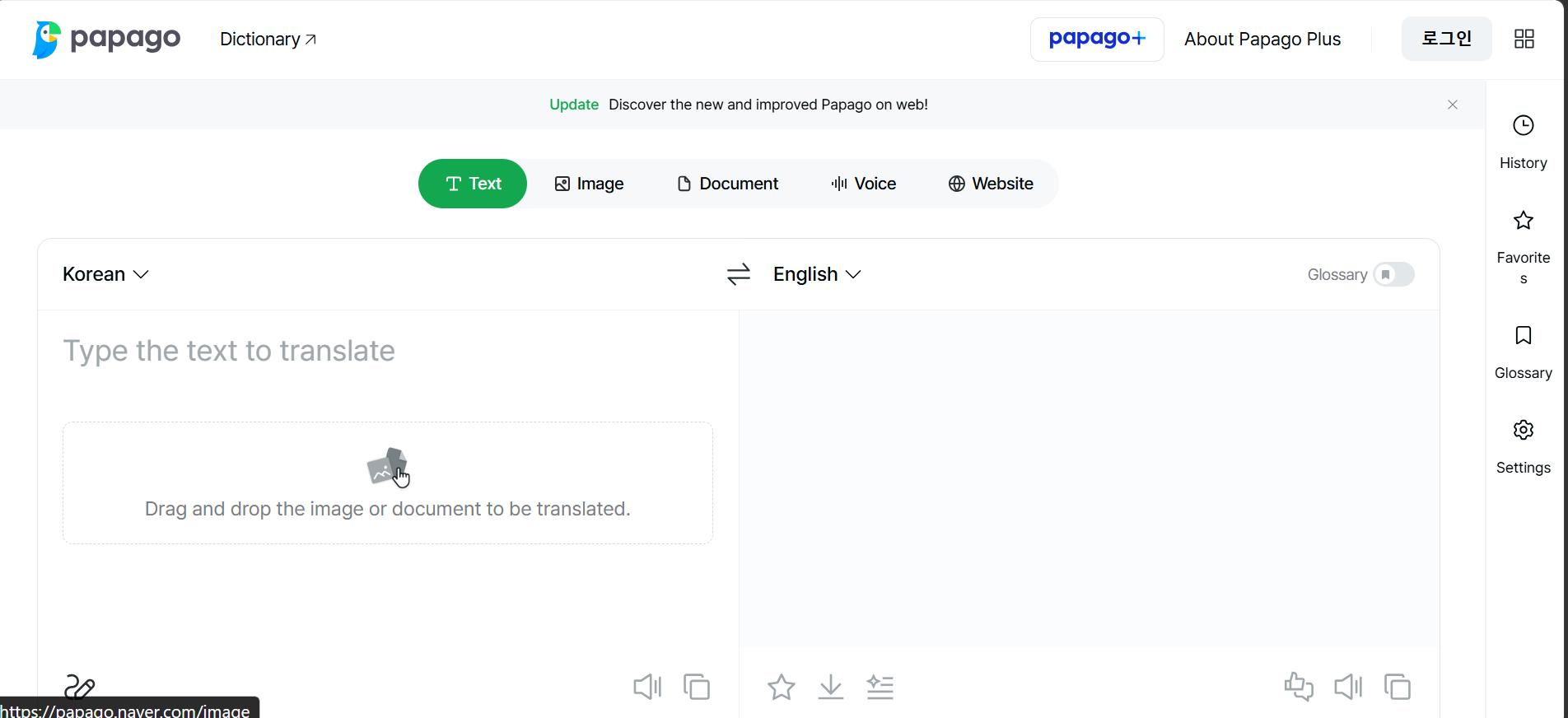
Papago is an AI-powered translation app developed by Naver that specializes in Asian languages. It offers text, voice, image, and conversation translation with strong accuracy for Korean, Japanese, Chinese, and other regional languages. It is an excellent option for users communicating across East Asian markets.
Pros and Cons
|
Pros |
Cons |
|---|---|
|
|
Pricing: Free
Which translation app is best for your needs?
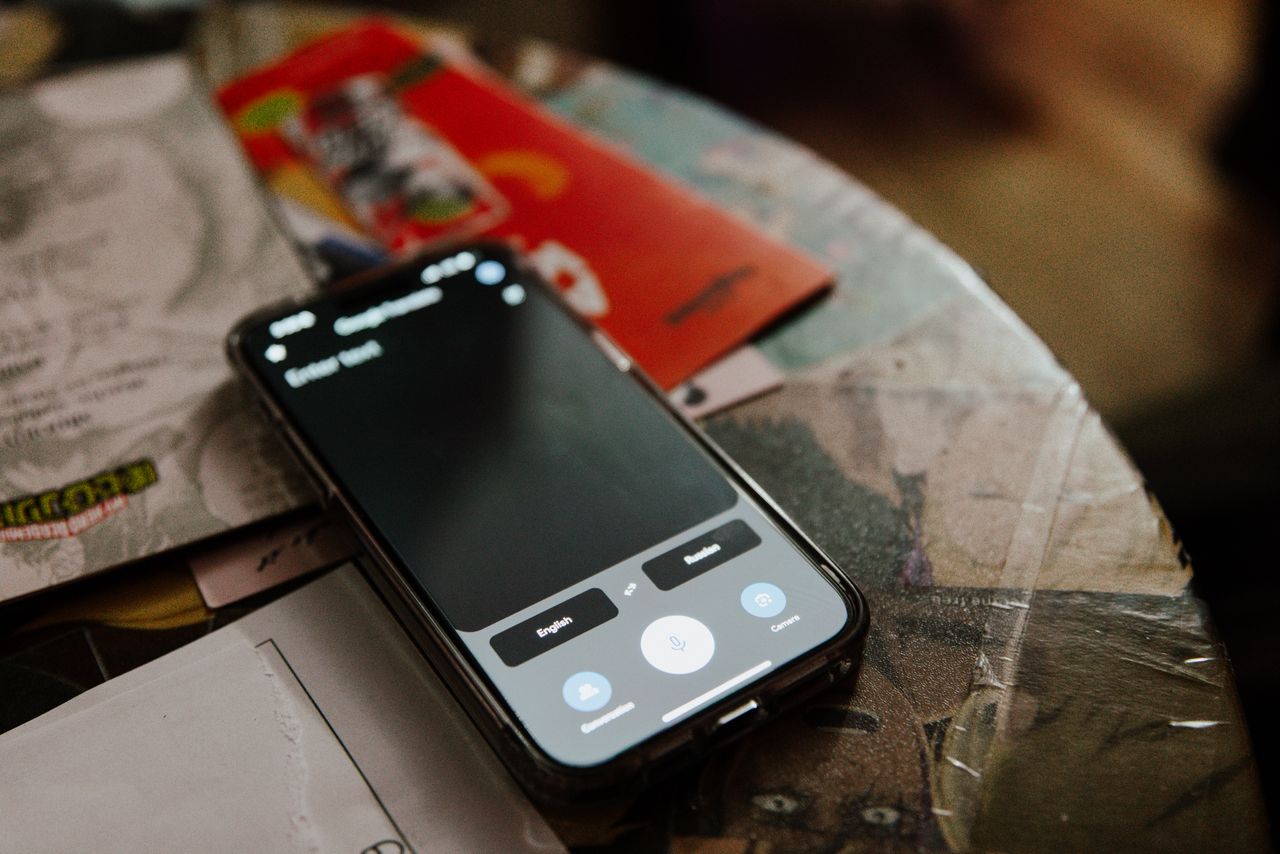
The best translation app depends on what you want to translate. While some apps are designed for everyday conversations, others focus on professional documents or multilingual video localization. Here's a quick guide to help you choose the right option.
|
Use Case |
Best Translation App |
Why It Stands Out |
|---|---|---|
|
UGC content & social media videos |
Vmake Labs |
AI video translation, dubbing, lip sync, subtitles, and video enhancement in one workflow |
|
Travel |
Google Translate |
Text, voice, camera, and offline translation with broad language support |
|
Documents |
DeepL |
Highly accurate, context-aware translations for professional documents |
|
Business meetings |
Microsoft Translator |
Real-time conversation translation and Microsoft 365 integration |
|
iPhone |
Apple Translate |
Native iOS experience with offline text and voice translation |
|
Android |
Google Translate |
Comprehensive translation features with excellent Android support |
|
Free translation |
Google Translate |
Powerful free features with support for text, voice, image, and offline translation |
Tips for choosing the best translation app
Selecting the best translation app depends on how and where you plan to use it. Some apps are ideal for casual conversations, while others specialize in business documents or multilingual video localization. Consider the following factors before making your choice.
-
Compare supported languages: Choose an app that supports the languages you translate most often, especially if you communicate with international audiences.
-
Identify your translation needs: Choose whether you want text, voice, camera, document, or AI video translation and select an app.
-
Check offline capabilities: If you travel a lot, look for apps with offline language packs so you can translate without an internet connection.
-
Prioritize translation accuracy: For business, legal or academic content, choose an app that provides accurate, context-aware translations.
-
Evaluate free vs. Premium features: Compare the pricing plans and see if you should upgrade to advanced features like document translation, offline access or AI dubbing.
-
Choose a workflow that saves time: If you regularly localize videos, use a dedicated AI video translator like Vmake Labs to handle subtitle translation, dubbing, lip sync, and video enhancement in one place.
Conclusion
Finding the best translation app depends on your specific needs, whether that's translating everyday conversations, business documents, or multilingual videos. Google Translate, DeepL, Microsoft Translator, Apple Translate, iTranslate and Papago each shine in different scenarios. If you’re interested in video localisation, Vmake Labs provides a full AI-powered workflow including subtitle translation, dubbing, voice cloning, lip sync and video enhancement. Compare features, supported languages and pricing to find which translation app works best for your workflow and allows you to communicate confidently across languages.
FAQs
What is the best translation app overall?
The best translation app depends on your use case. Google Translate is ideal for everyday communication, DeepL is known for accurate text translation, and Vmake Labs is the best choice for AI-powered video translation and localization.
Which is the best free translation app?
Free features are powerful with Google Translate, Microsoft Translator, Apple Translate, and Papago. Which is right for you will depend on the languages you need, your device, and whether you need text, voice, or camera translation.
What is the best translation app for iPhone and Android?
Apple Translate is an ideal option for iPhone users, but Google Translate is one of the best options for both Android and iPhone, with extensive language support and many translation features.
Can AI translation apps accurately translate conversations in real time?
Yes. Google Translate and Microsoft Translator are apps that support real-time voice and conversation translation. But accuracy may vary depending on the language pair, speaking speed, background noise, and complexity of the conversation.
Which translation app is best for translating videos into multiple languages?
Vmake Labs is designed for AI video translation. It translates subtitles and audio, supports AI dubbing, voice cloning, intelligent lip-syncing and video enhancement, making it well suited for creators, educators and businesses creating multilingual video content.

You May Be Interested
How to Transcribe a Video to Text: Guide to Accurate Transcriptions
Best Subtitle Translation Tools in 2026 Compared
How to Translate a Video Online for Free in 3 Simple Steps (2026 Guide)
How to Translate YouTube Videos to Any Language: 4 Easy Methods in 2026