
Free Video Translator for Subtitles, Voice, Lip Sync, and 4K Quality
Translate video content with subtitle removal, multilingual subtitle generation, audio translation, smart lip sync, and up to 4K enhancement powered by Vmake Labs. Now translate your video faster, cleaner, and more naturally!


How to translate a video in 3 simple steps
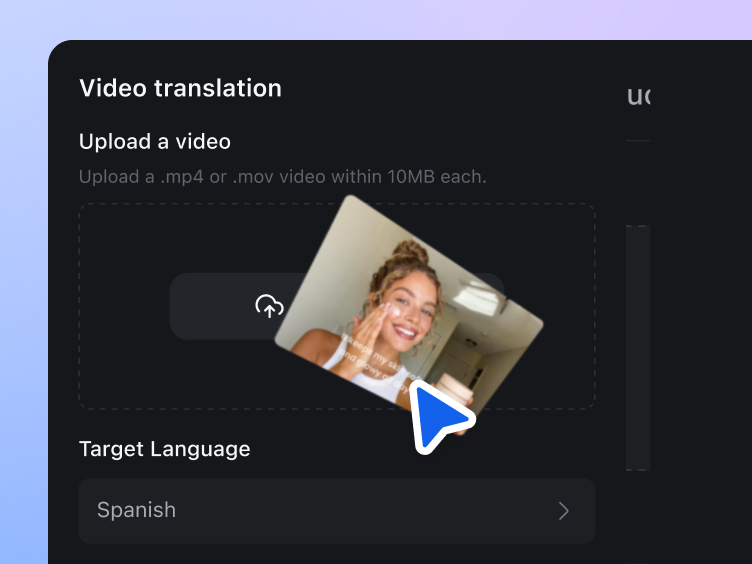
Upload video and choose a language
Import your video and select the language you want to translate into. Whether you need to localize one asset for multiple regions, or create multilingual versions from the same source, you can start from a single video file.
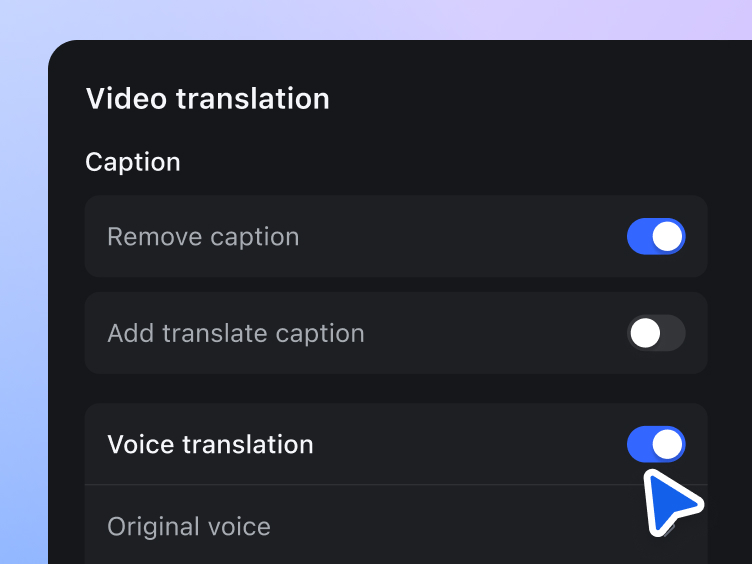
Turn on the features you need
Choose exactly how you want to process your video. Remove subtitles, translate audio, sync lips, and choose a fitting voice. This gives you more control over how you translate a video for different use cases.
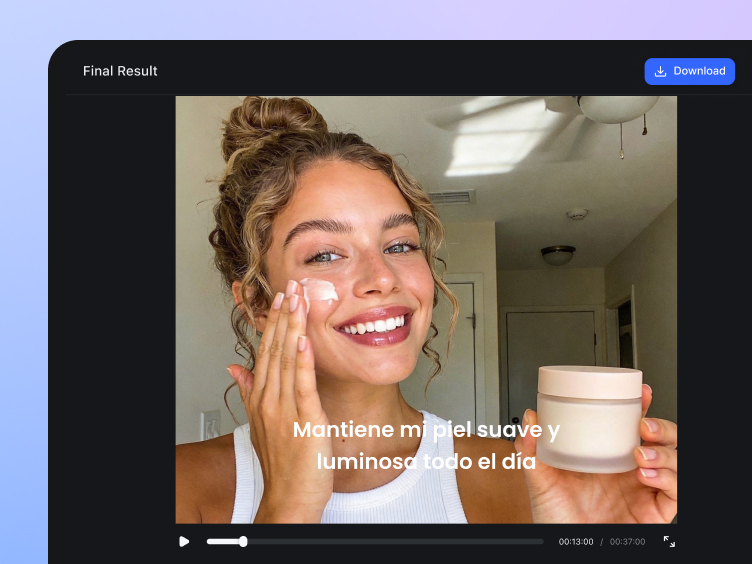
Export a translated video in up to 4K
Once processing is complete, export your translated video with multilingual subtitles, dubbed audio, synced lip movements, and enhancement in up to 4K. The final output looks cleaner, sharper, and more ready for publishing, repurposing, or distribution.
Video translator for all your needs
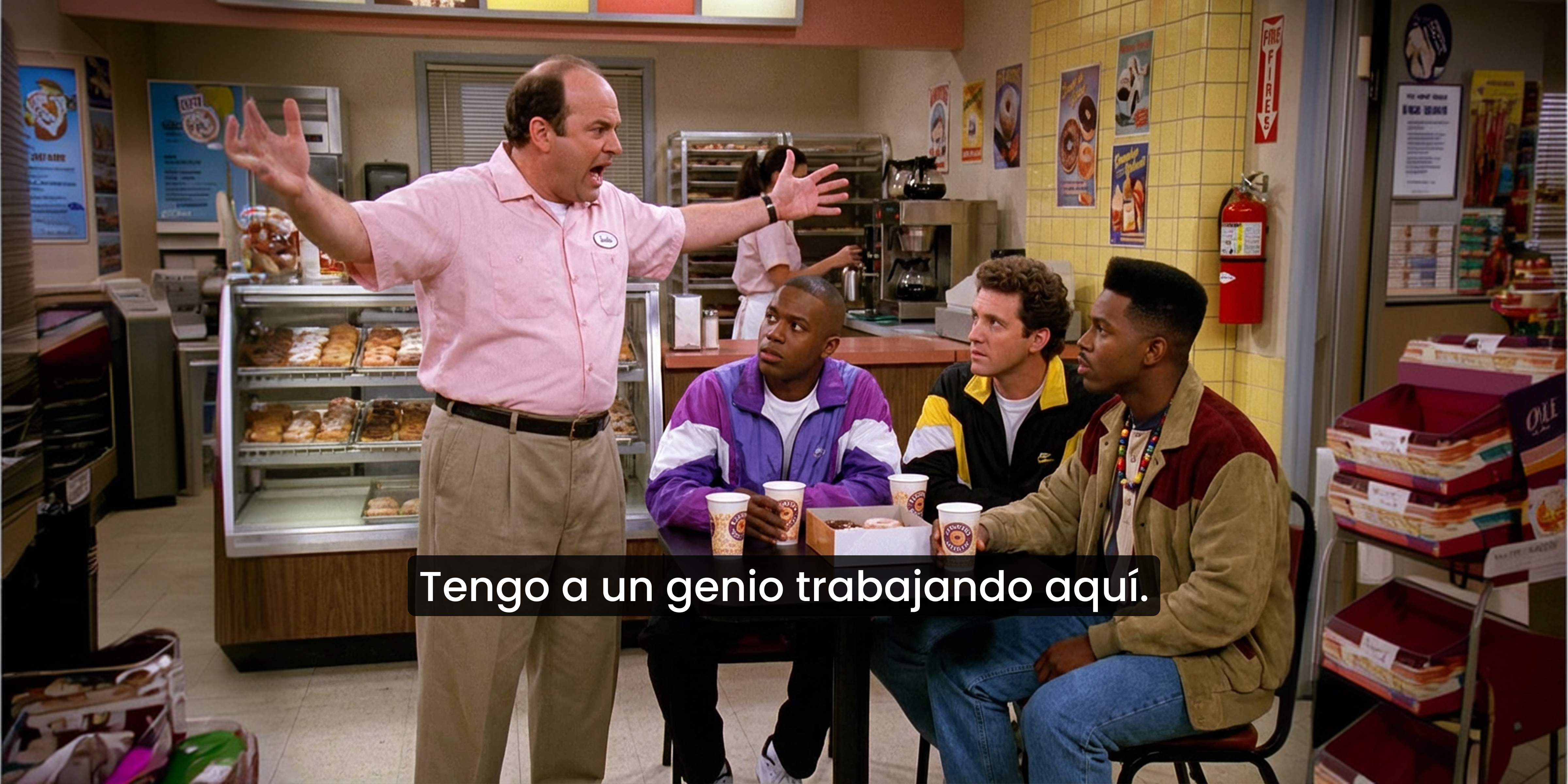



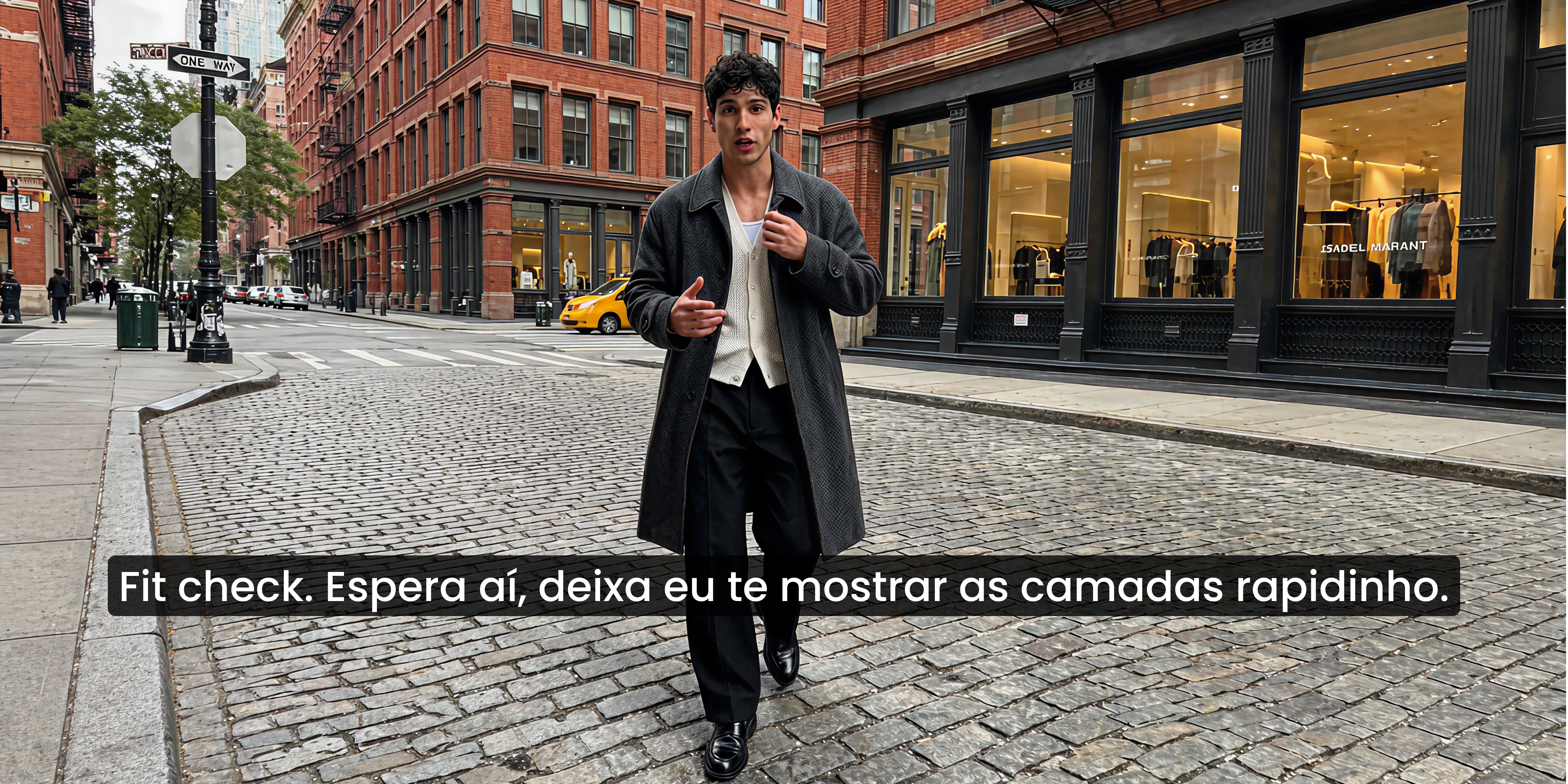
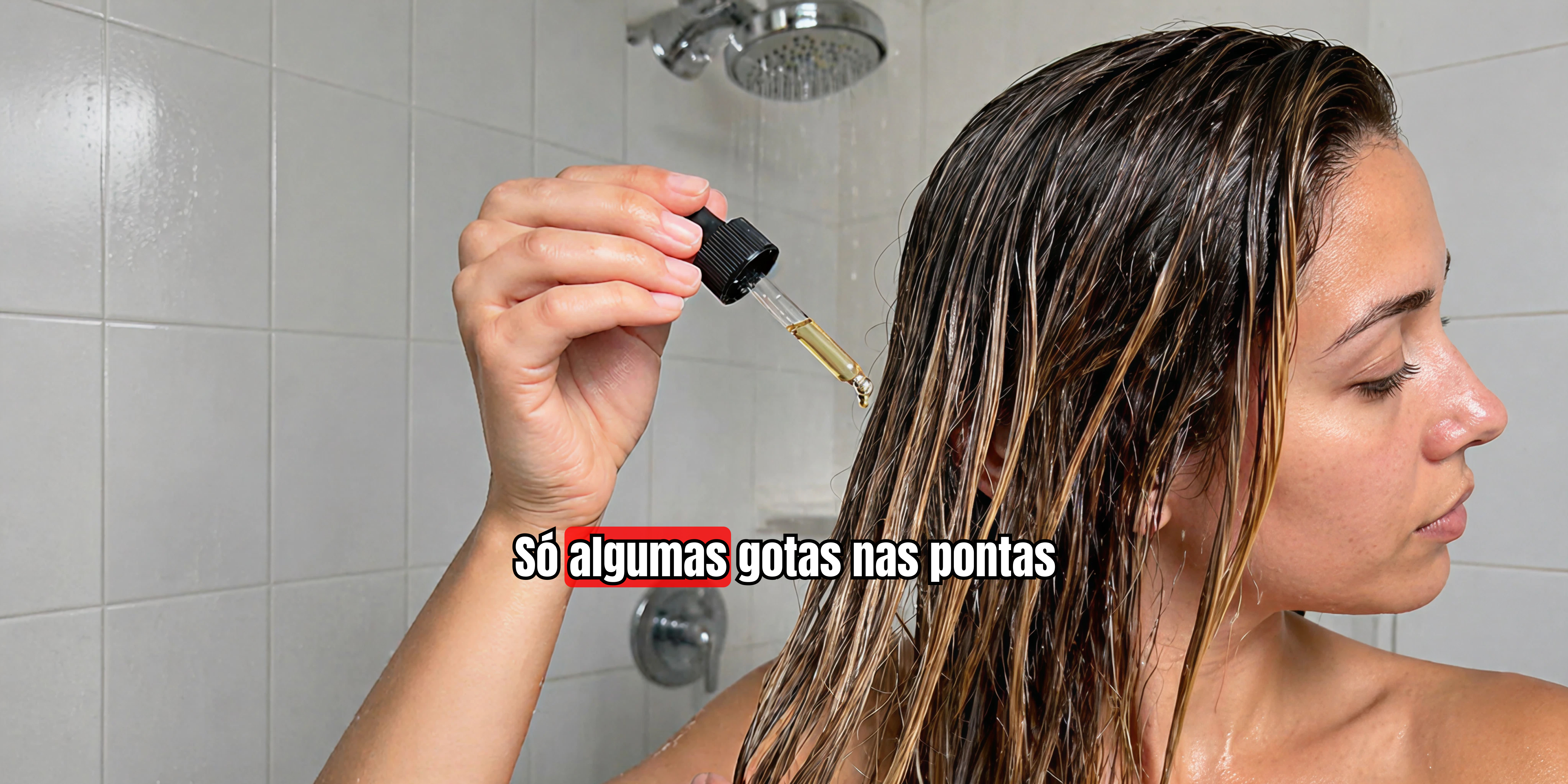


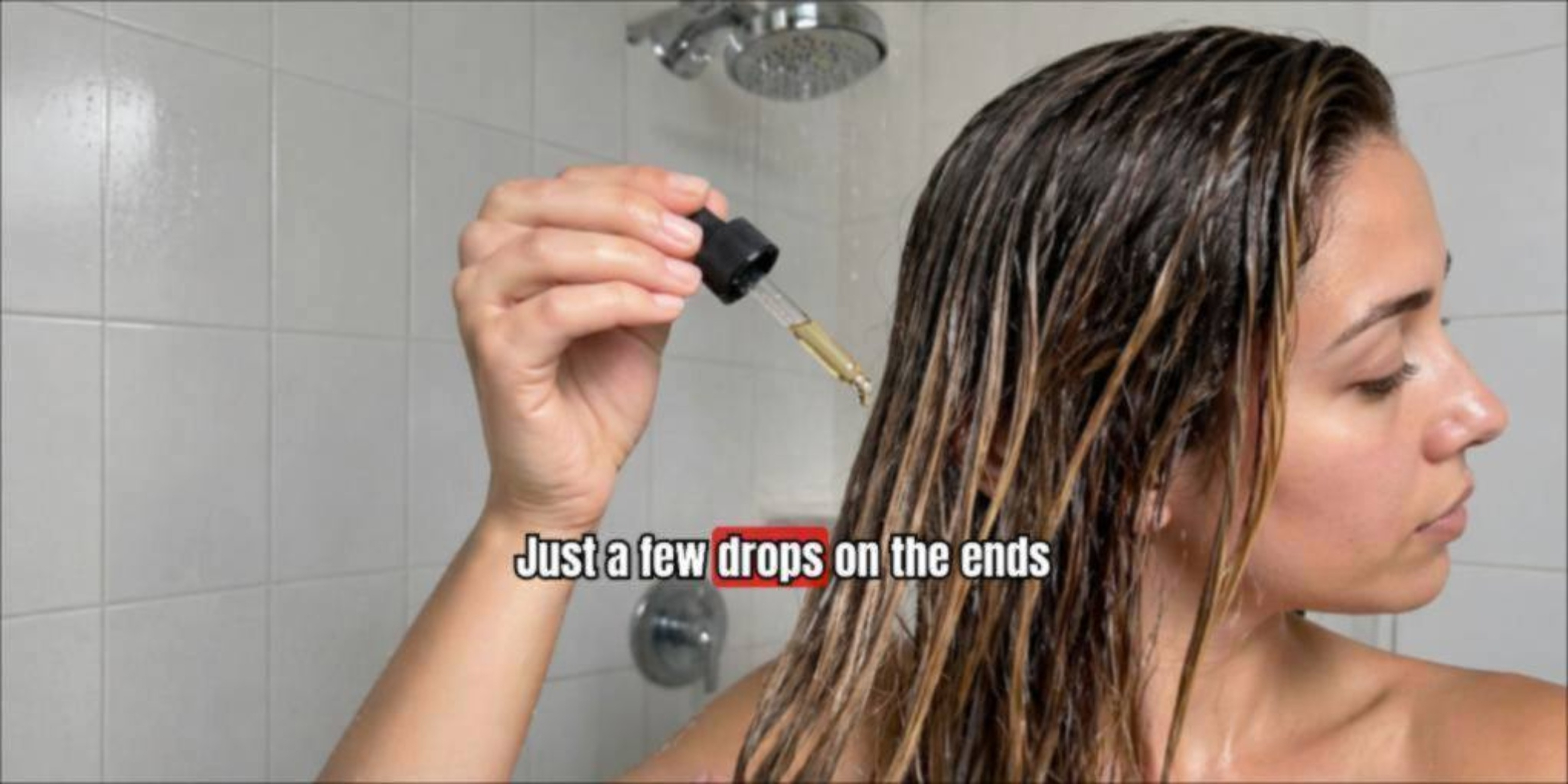
Standout features of Vmake video translator
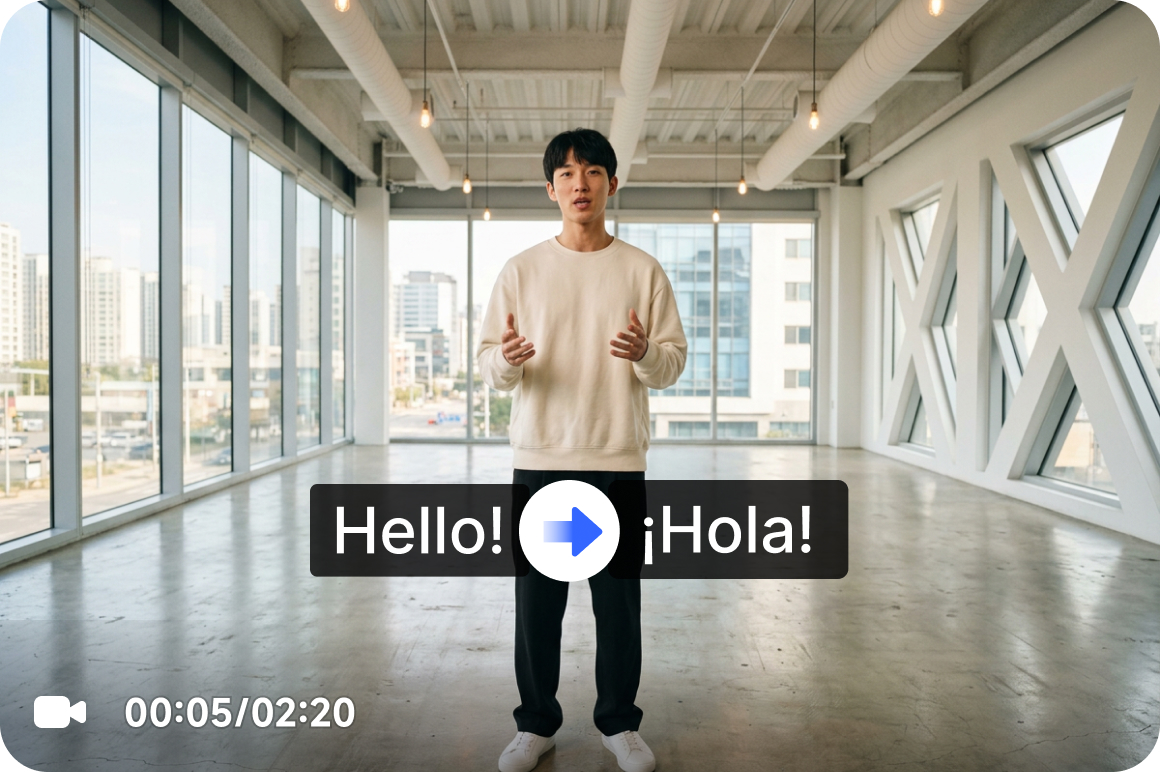
Complete video translation workflow in one place
From subtitle handling and language translation to audio dubbing, lip sync, and video enhancement, everything happens in one workflow. You can translate a video without switching between multiple tools, which makes the process more streamlined and easier to manage.
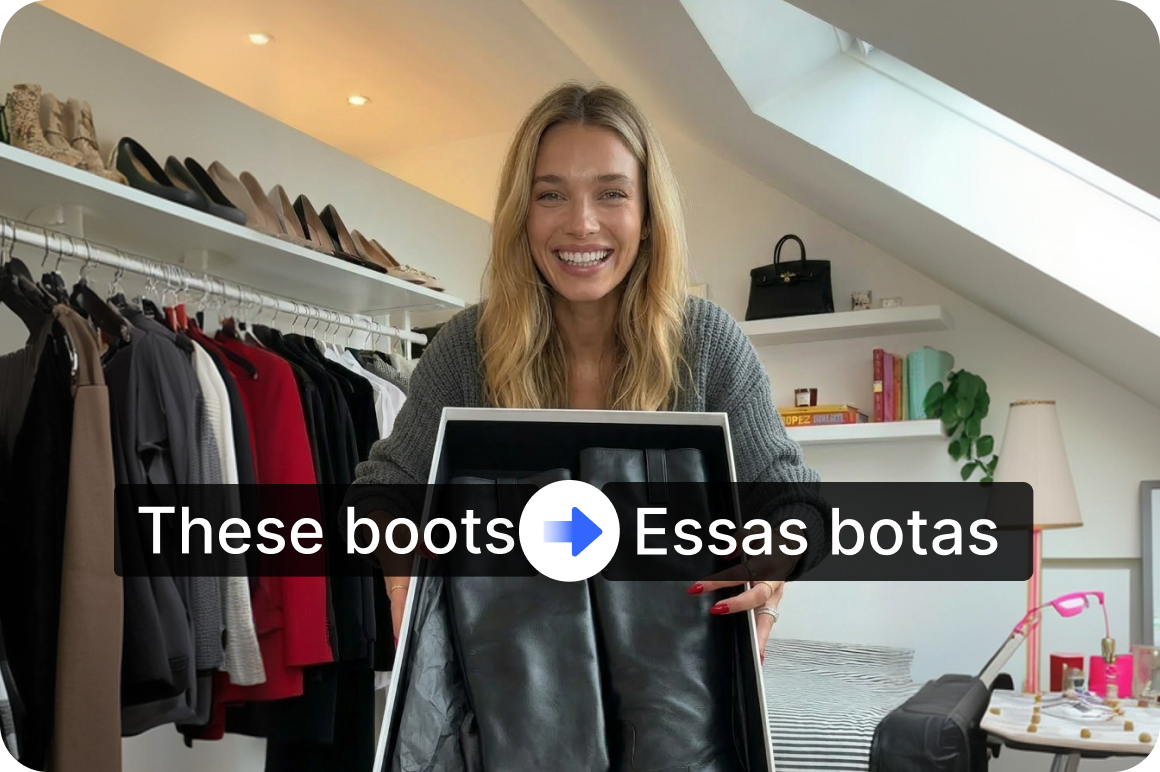
More flexible subtitle controls
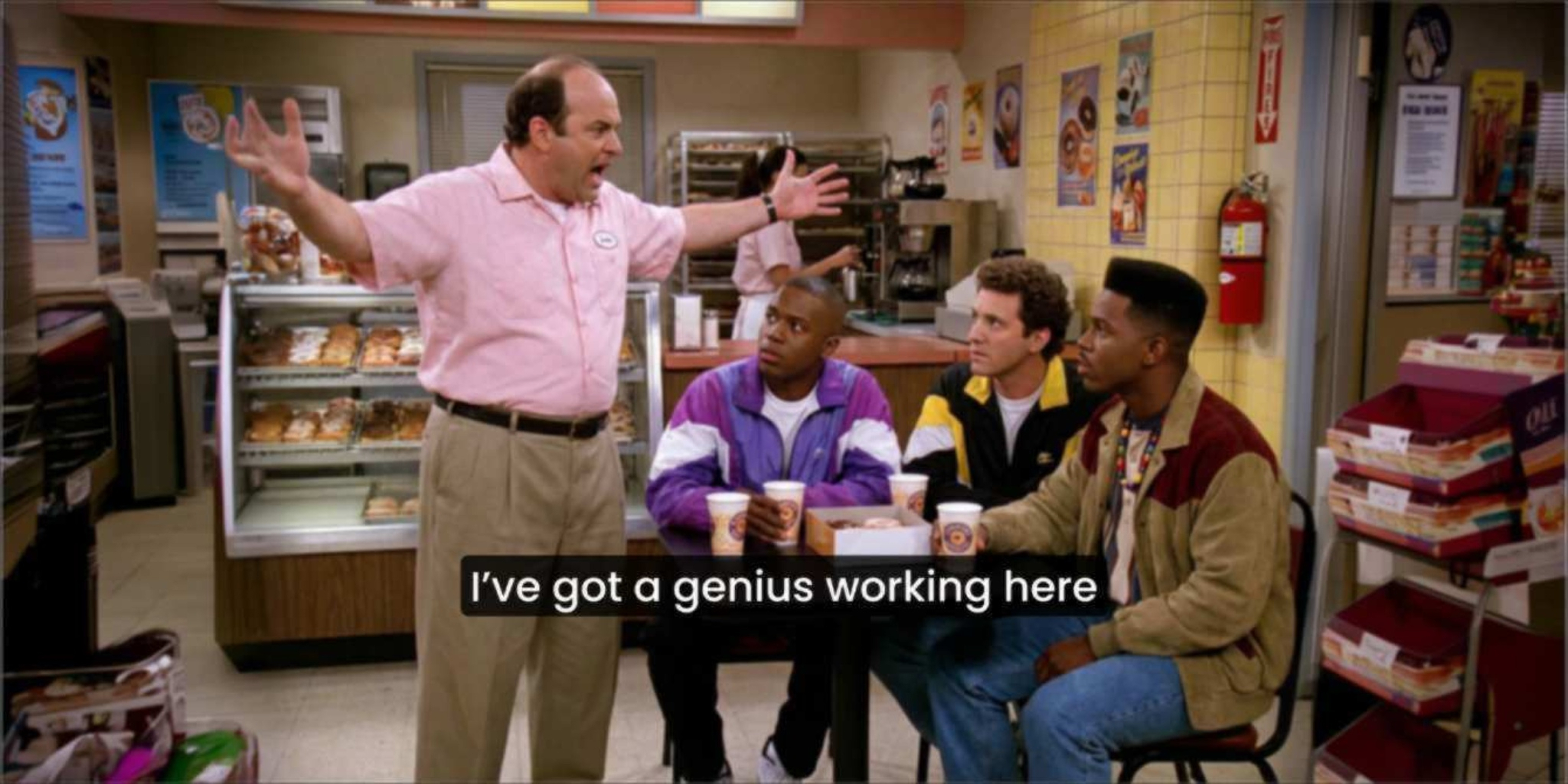
Remove original subtitles or add new translated subtitles based on what your content needs. Whether you want a clean frame, multilingual subtitle output, or a refreshed version of an older video, the subtitle workflow gives you more flexibility.
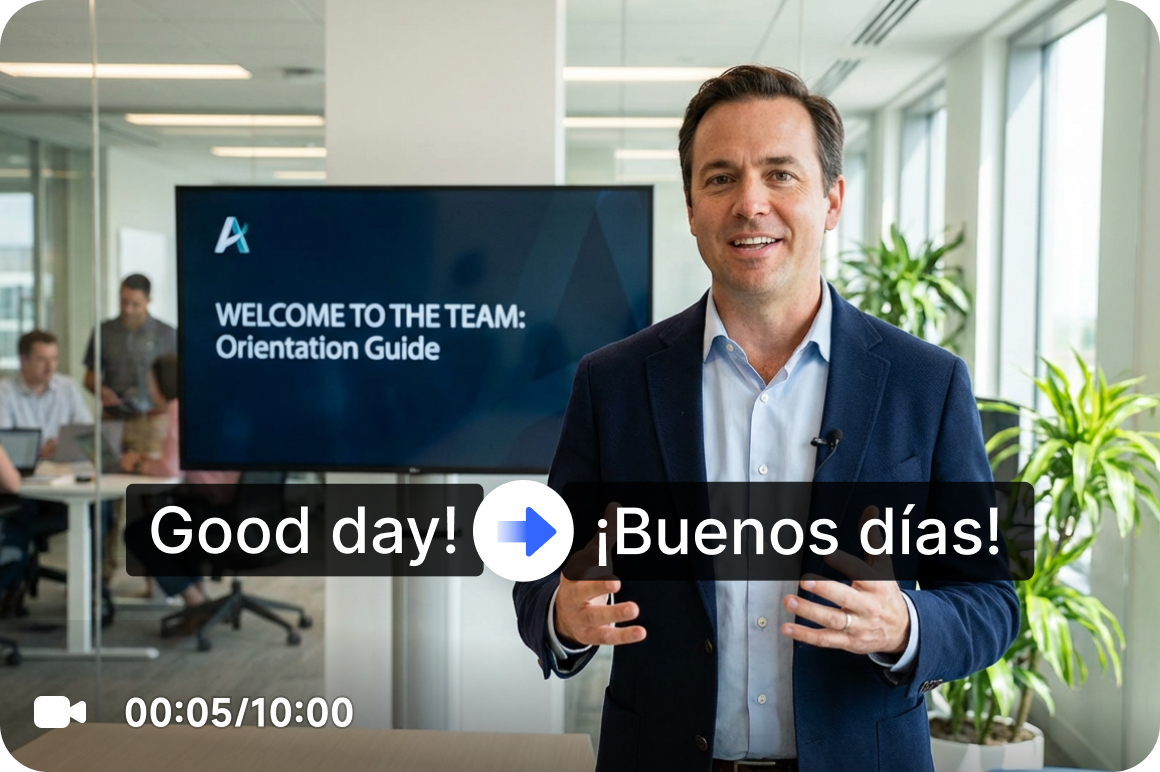
Audio translation, voice cloning, dubbing in one step
Choose whether to translate the original audio and generate dubbed output in the same workflow. Vmake can also clone the voice from the original video, making the translated version sound more consistent with the source. With multiple voice options available, it is easier to match different content types such as explainers, talking videos, and product demos, whether you need to translate video to English or localize videos for other target languages.
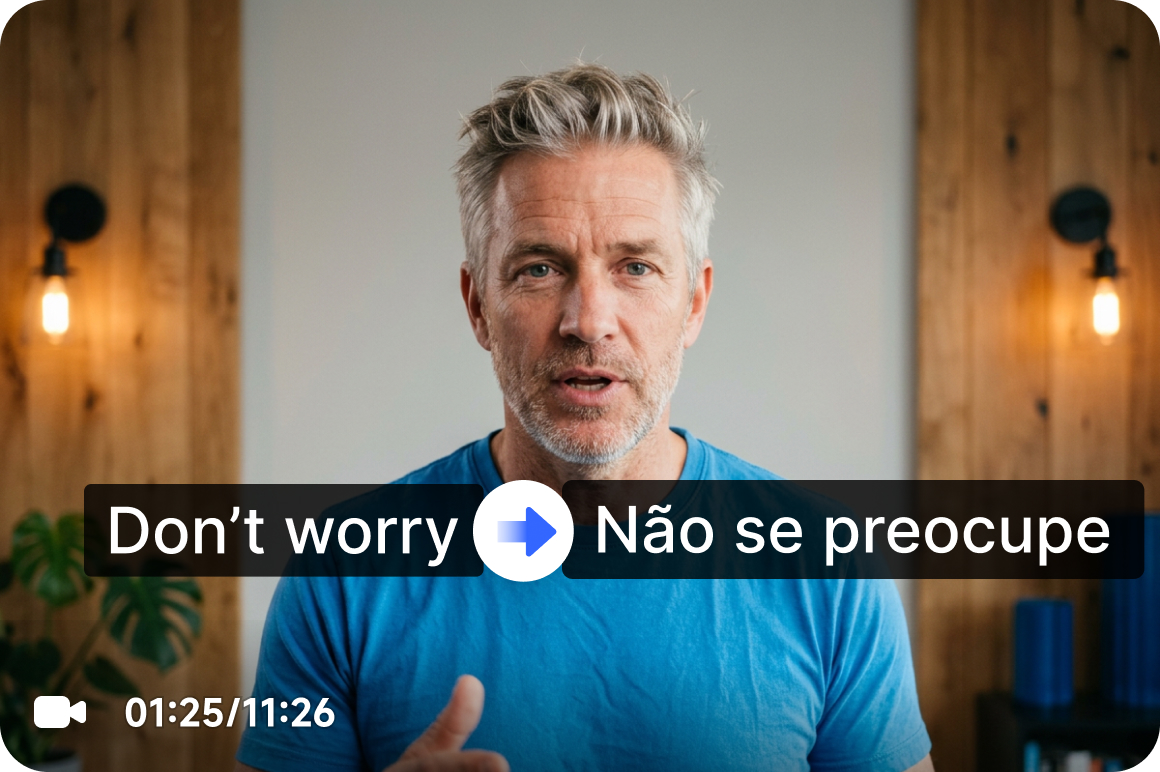
Smarter lip sync for more natural playback
Lip sync helps align the translated voice track with the speaker’s mouth movements, so the final video feels more natural to watch. This is especially useful for interviews, tutorials, and face-forward content where mismatched visuals can make translation feel less polished.

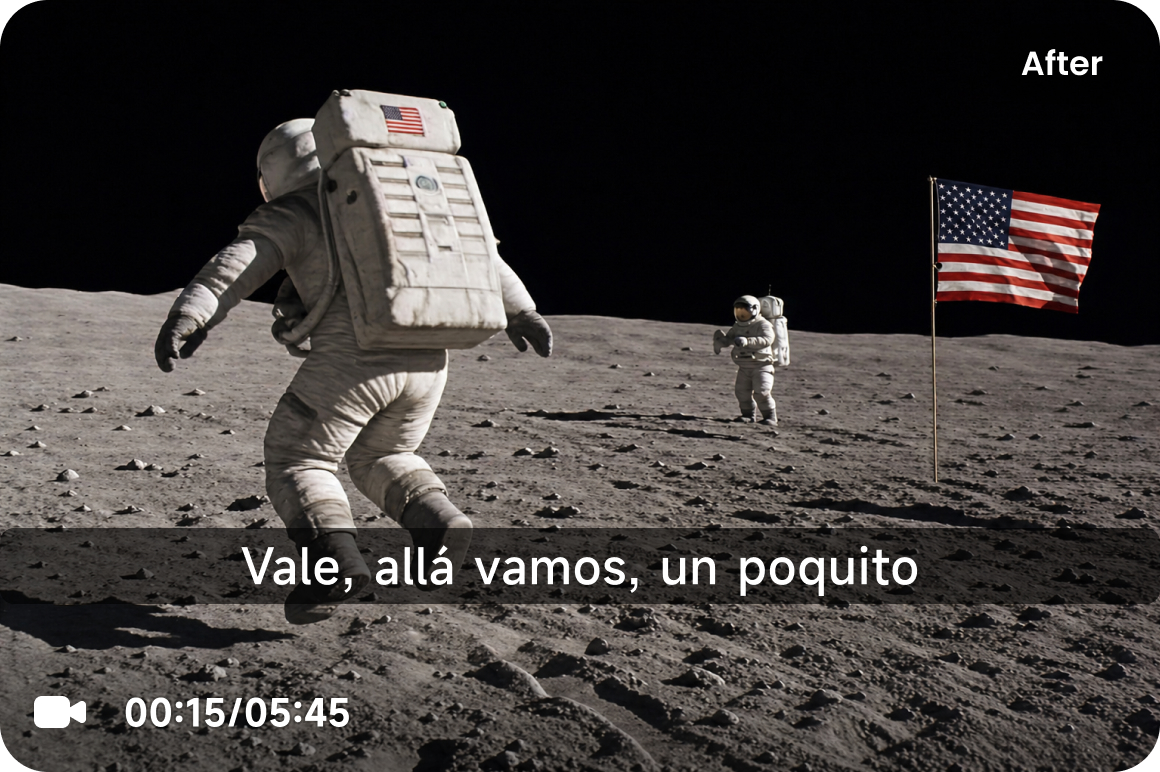
Up to 4K video enhancement
Improve video clarity while translating content in the same workflow. Up to 4K enhancement helps low-resolution footage, compressed files, and older videos look cleaner and more presentable before publishing.
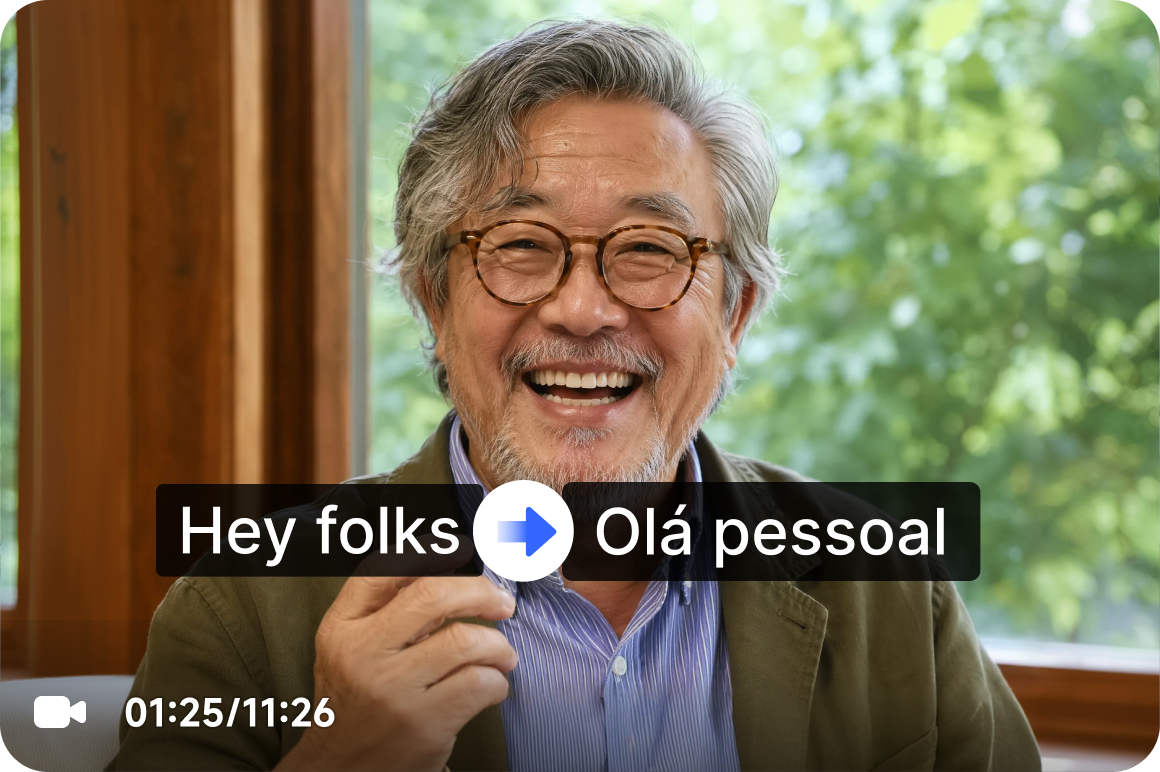
Turn features on only when you need them
Not every video needs the full workflow. You can choose which features to use based on the project, whether that means subtitle-only translation, audio dubbing, lip sync, or quality enhancement. This gives you a more efficient way to work and helps reduce unnecessary steps.
Who's it for
Content teams
- Turn one video into multiple language versions for different platforms and regions.
- Replace old subtitles and outdated dubbing without rebuilding the asset from scratch.
- Scale content output while improving global reach and localization efficiency.

Ecommerce
- Localize product explainers, ad creatives, and talking videos for new target markets.
- Use translated voice, subtitles, and lip sync to make videos easier for overseas audiences to watch.
- Combine translation with quality enhancement to improve presentation and brand polish.
Creators and video studios
- Handle subtitles, dubbed audio, lip sync, and quality improvement in one workflow.
- Deliver multilingual versions more easily with less editing pressure and fewer post-production steps.
- Create translated videos that feel more complete, more natural, and closer to final publish-ready output

Why choose Vmake video translator

Work on video localization with more confidence, whether you are handling internal content, campaign assets, or creator videos.

Translate videos for a wide range of markets with support for 10+ languages, including Spanish, Brazilian Portuguese, French, Chinese, Russian, Japanese, Korean, Arabic, German, Indonesian, Thai, Italian, and Vietnamese.

No downloads, no complicated setup. Just open the tool in your browser and start localizing videos faster.
FAQ about Vmake video translator
What is a video translator?
What types of video translation does Vmake support?
Vmake supports several common video localization workflows, including subtitle translation, audio translation, dubbed voice output, and lip-synced video translation. You can also choose whether to remove existing subtitles, add multilingual subtitles, or enhance video quality up to 4K as part of the same process.
How accurate is Vmake video translation?
Vmake is designed to make translated videos feel clear, natural, and ready to use. Accuracy can depend on the source audio, speech clarity, language pair, and video quality, but subtitle translation, dubbed audio, and lip sync are built to help teams create smoother multilingual videos with less manual cleanup.
What makes Vmake different from subtitle-only translation tools?
Subtitle-only tools translate the text on screen, but video localization often needs more than that. Vmake goes further by supporting subtitle removal, new subtitle generation, audio translation, voice output, lip sync, and video enhancement in one workflow, so your translated videos feel more complete and polished.
Can I use Vmake to translate videos for YouTube, social media, or marketing?
Yes. Vmake works well for YouTube videos, social clips, product explainers, tutorials, interviews, podcasts, and marketing content. Whether you want to translate one video or scale multilingual publishing across channels, the workflow is built for real-world content localization.
Why use lip sync in video translation?
Lip sync helps translated speech match the speaker’s mouth movements more naturally. This is especially useful for interviews, explainers, tutorials, and talking-head videos where viewers can easily notice when the voice and visuals do not line up.
Can Vmake improve video quality while translating?
Yes. Vmake supports video enhancement up to 4K during the translation workflow. This helps improve the look of low-resolution, compressed, or older footage, so the final video feels cleaner and more publish-ready.
Discover more features
UGC video

Video & Image Enhancer

Watermark & Text Remover

Video upscaler

AI Video Generator

Video Background Remover

Video & Audio to Text
