8 Best AI Kitchen Design Tools in 2026
Explore 8 best AI kitchen design tools in 2026, including Vmake Labs, Remodel AI, Planner 5D, KitchenGPT, and more. Compare features, pricing, strengths, and use cases for kitchens to make your pick.

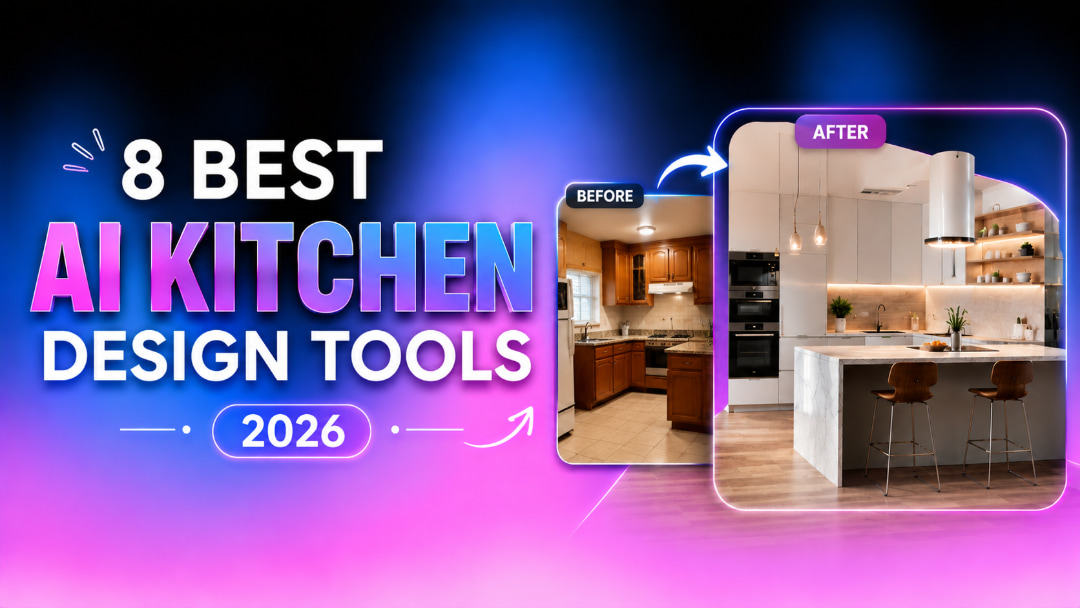
AI kitchen design tools help you visualize cabinets, countertops, layouts, colors, and styles before remodeling. We compare eight popular options by features, pricing, strengths, and limitations to help you choose the right tool for your kitchen project.
What Is AI Kitchen Design?
AI kitchen design uses AI to create or modify kitchen concepts from text prompts, photos, or layouts. It helps you visualize different cabinets, countertops, colors, materials, and styles before making remodeling decisions.
Some tools focus on quick visual redesigns, while others offer 2D or 3D planning. AI-generated designs are best used for inspiration and visualization; measurements and construction details should still be verified by professionals.
What Can AI Help You Design in a Kitchen?
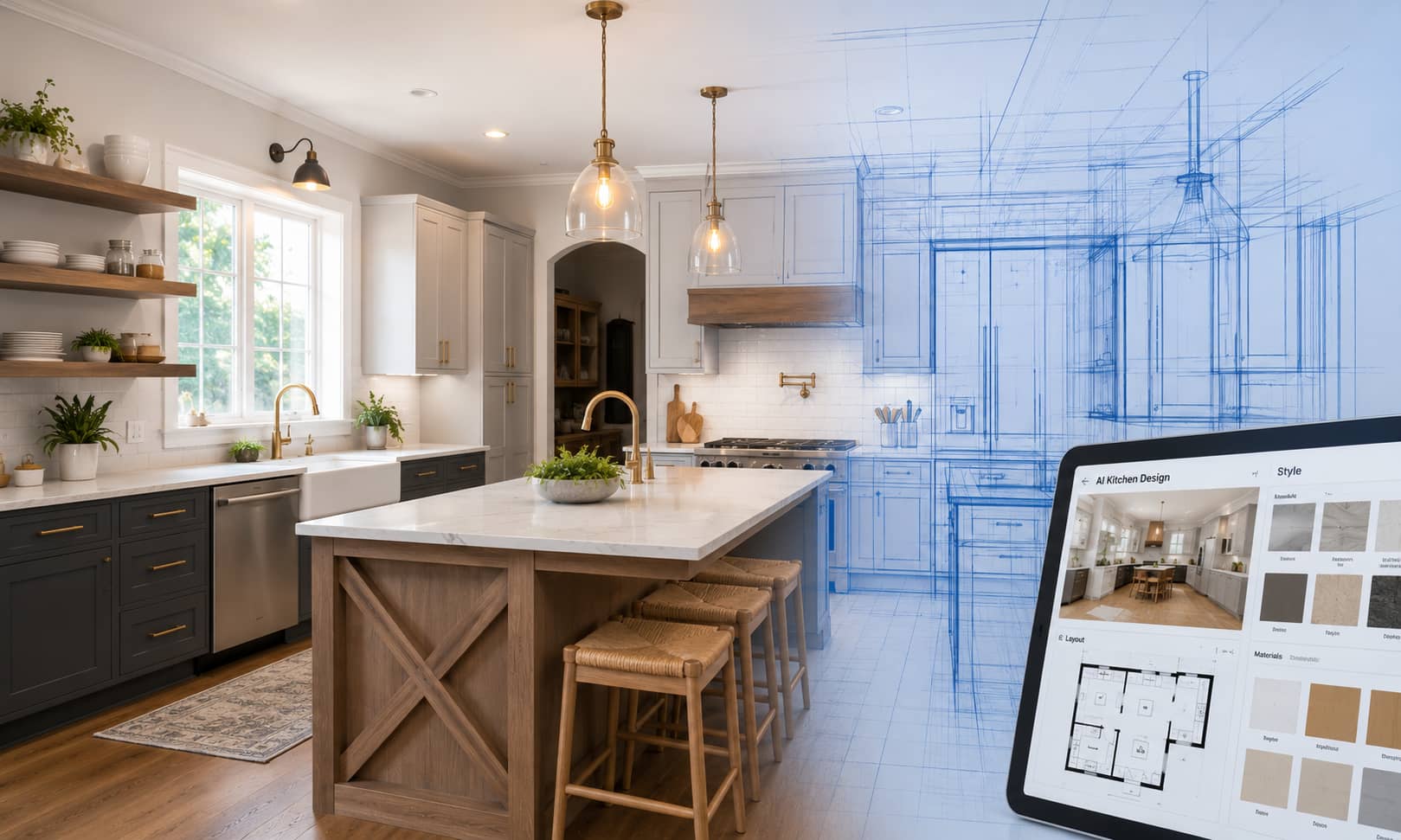
AI kitchen design tools can help you explore different visual elements before making remodeling decisions. Depending on the tool, you can experiment with individual features or create a complete kitchen concept.
-
Kitchen styles: Explore modern, farmhouse, minimalist, Scandinavian, traditional, industrial, and other styles to find a look that suits your home.
-
Cabinets: Visualize different cabinet colors, finishes, door styles, hardware, and overall arrangements.
-
Countertops and backsplashes: Compare materials, colors, patterns, and combinations to see which options work together.
-
Flooring and lighting: Preview flooring materials, pendant lights, recessed lighting, and other choices that can change the feel of the room.
-
Appliances and fixtures: Explore appliance finishes, sinks, faucets, and other fixtures to create a more cohesive design.
-
Layouts and spatial concepts: Visualize different arrangements for cabinets, islands, appliances, and other elements to explore possible kitchen flows.
-
Remodeling concepts: Upload an existing kitchen photo and compare before-and-after ideas for real estate listings or renovation projects without physically changing the space.
AI can help you compare kitchen ideas before choosing materials or starting a renovation. However, generated visuals are not construction plans, so verify measurements and technical details with a qualified professional.
8 Best AI Kitchen Design Tools in 2026
The best AI kitchen design tool depends on what you want to create. Some tools are better for generating visual concepts, while others focus on redesigning existing kitchen photos or planning layouts in 2D and 3D. Here are eight options to consider for your next kitchen project.
Quick Comparison of the Best AI Kitchen Design Tools
|
Tool |
Best For |
Design Approach |
Free Option |
|---|---|---|---|
|
Vmake Labs |
Flexible kitchen visual concepts |
AI image generation |
Available |
|
Remodel AI |
Existing-kitchen redesign |
Photo-based AI |
3 free Designs |
|
Planner 5D |
Layouts and 3D planning |
AI + 3D planning |
Available |
|
KitchenGPT |
Kitchen restyling |
Photo + AI redesign |
No free tier |
|
KitchenDesign.io |
Photorealistic concepts |
Photo-based AI |
No free tier |
|
DreamKitchen |
Quick kitchen concepts |
Photo-based AI |
Available |
|
Home Design AI |
Kitchen remodeling |
Photo-based AI |
No free tier |
|
GenRoom |
Realistic redesigns |
Photo-based AI |
No free tier |
-
Vmake Labs
Vmake Labs is an AI image-generation option for visualizing kitchen concepts, styles, colors, and remodeling ideas. You can start with a text prompt or an existing kitchen image, making it useful when you want to explore several design directions before deciding on a look.
Key Features:
-
Text-to-Image Generation: Generate kitchen concepts from text prompts.
-
Image-to-Image Generation: Transform existing kitchen photos into new designs.
-
Multiple AI Models: Try different AI models for varied results.
-
Reference Images: Use reference images to guide the design style.
How to Create a Kitchen Design With Vmake Labs
Step 1: Open the AI Image Generator Open Vmake Labs AI Image Generator and choose Text to Image to create a kitchen design from a prompt. You can also select Image to Image when working with an existing image.
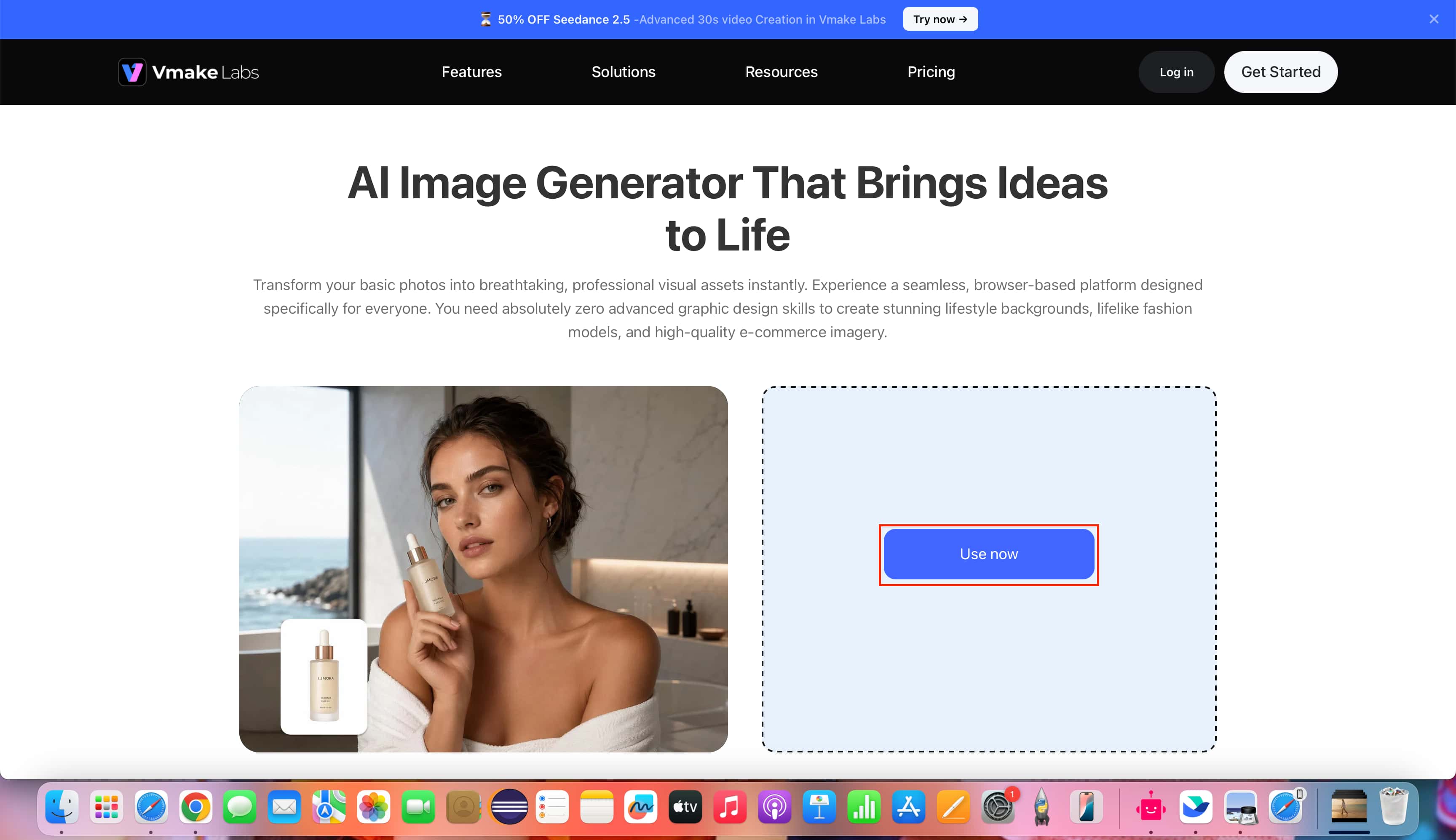
Step 2: Choose a Model and Enter Your Prompt Select an available AI model, enter a description of your desired kitchen design, and choose the aspect ratio. From Image to Image, you can also upload reference images to guide the result.
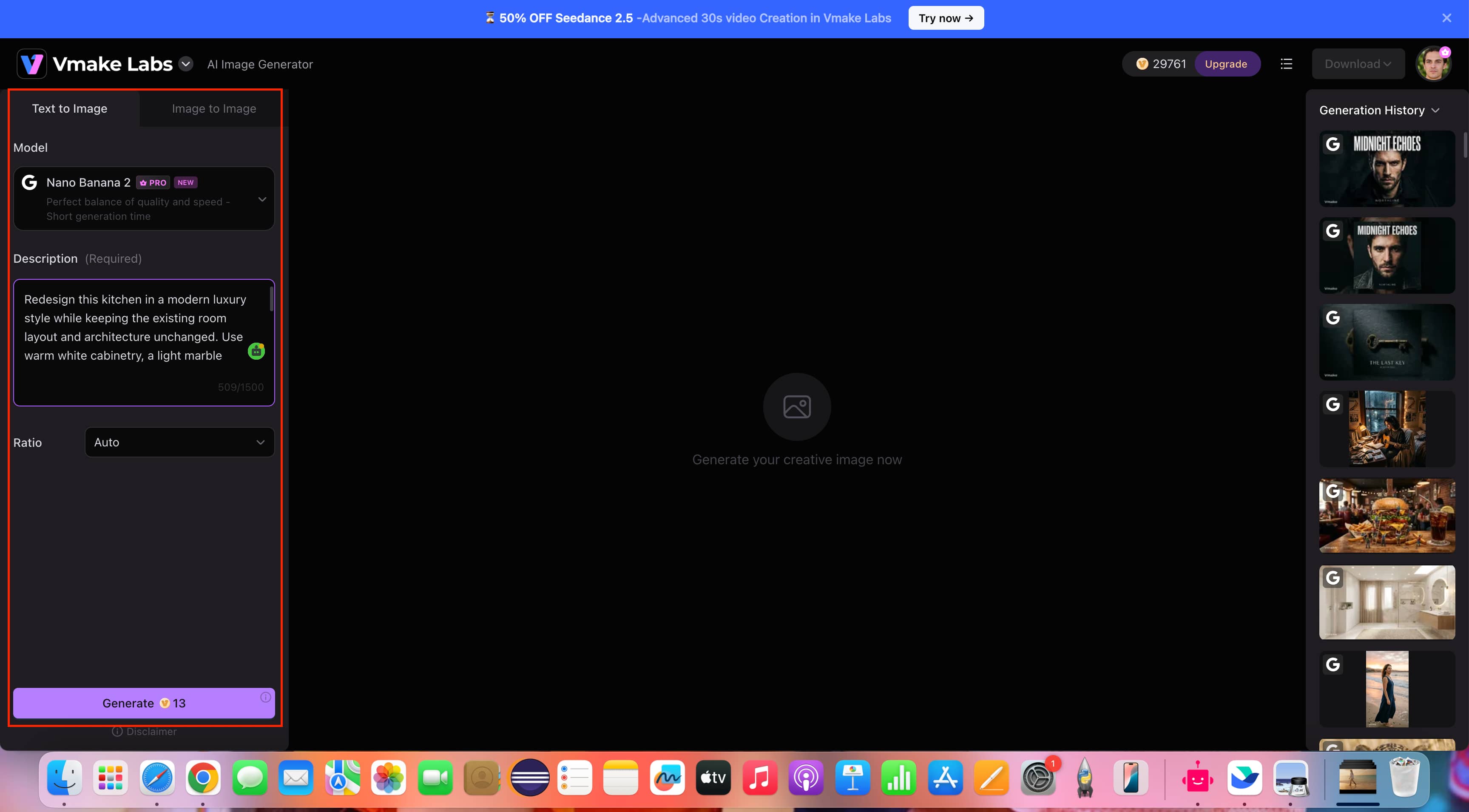
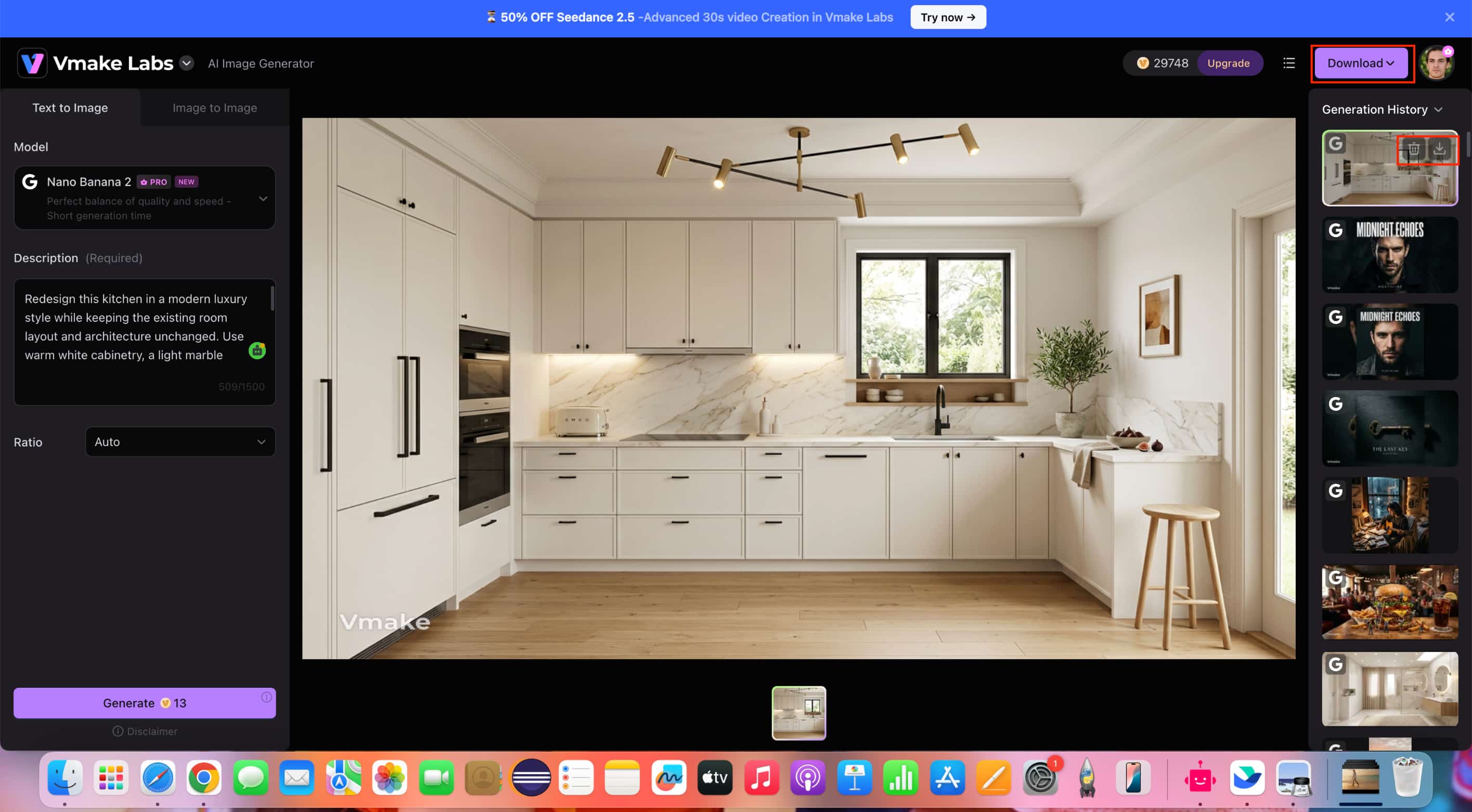
Step 3: Generate, Review, and Download Click Generate to create the kitchen design. Review the result to ensure it matches your prompt, then click Download to save the generated image.
Note: Generated concepts are visual references only and do not replace dimensions, plumbing, or construction planning.
Pros and Cons:
|
Pros |
Cons |
|---|---|
|
Supports text- and image-based kitchen concepts |
Generated designs may not match exact measurements |
|
Multiple AI models offer varied results |
Not a replacement for technical kitchen planning |
|
Reference images help guide visual direction |
Results can vary by prompt and input image |
|
Useful for exploring styles and remodeling ideas |
— |
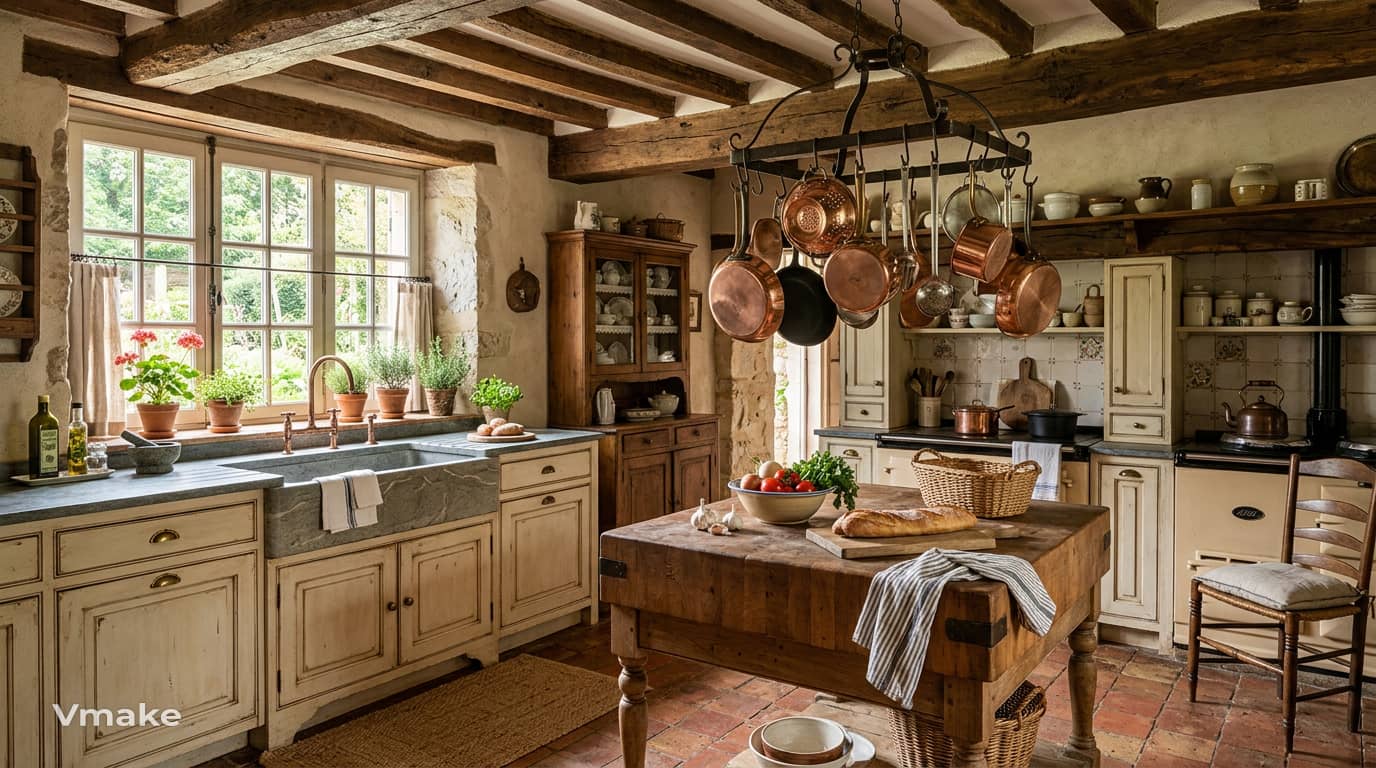
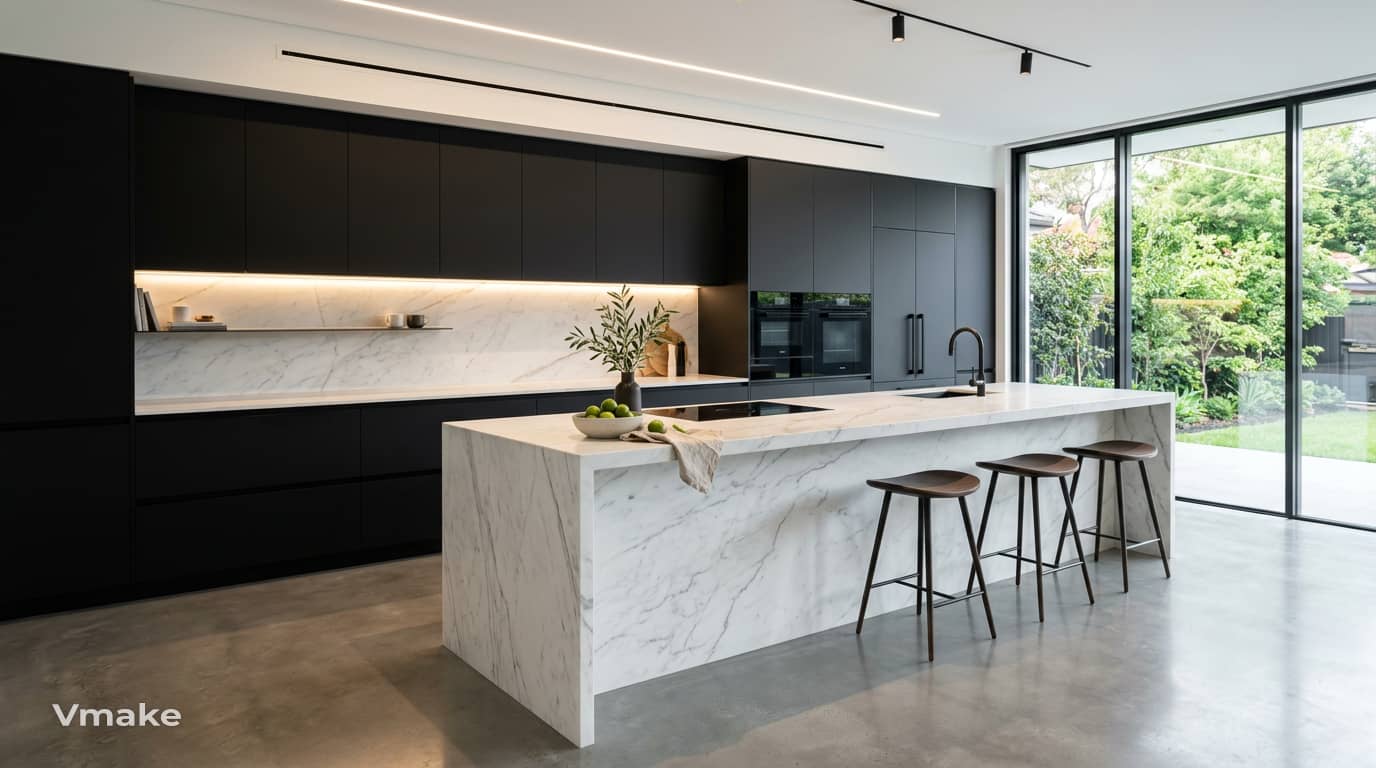
Generated design:
Pricing: Vmake Labs offers Free, Plus, and Pro plans. Since pricing and plan details may change, check the official Vmake Labs pricing page for the latest information.
-
Remodel AI
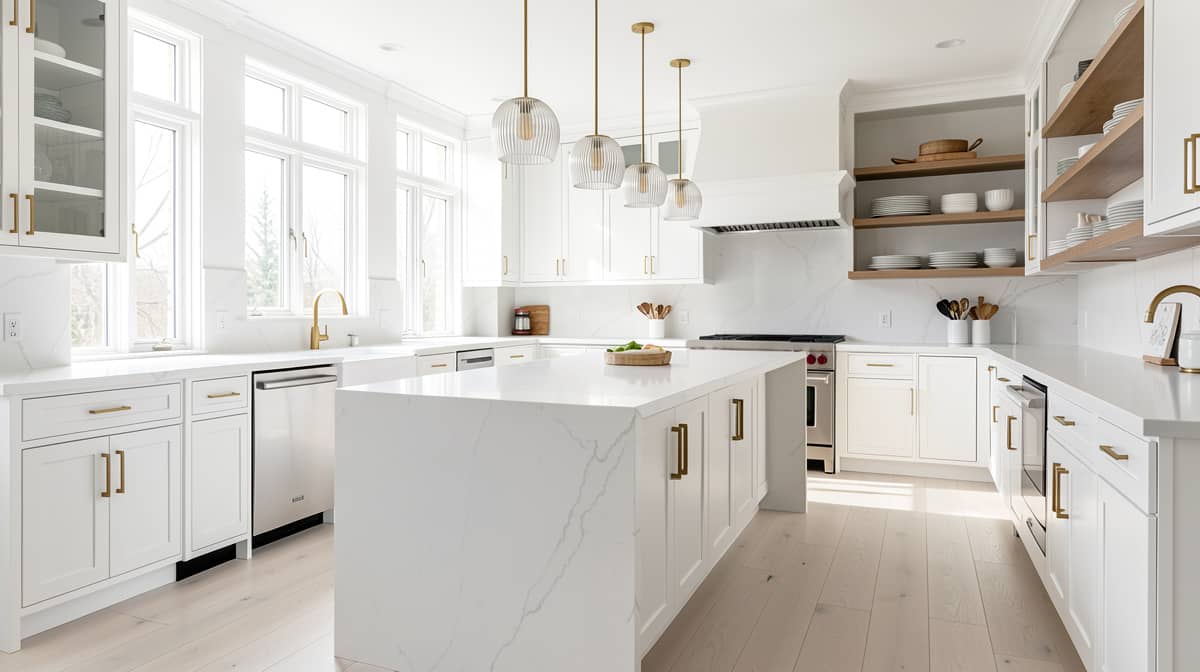
Remodel AI focuses on redesigning existing spaces from photos, making it useful when you already have a kitchen and want to visualize possible changes. You can experiment with styles and remodeling ideas before making physical changes.

Key Features:
-
Redesign an existing kitchen photo with AI.
-
Explore multiple kitchen styles.
-
Visualize cabinet and countertop changes.
-
Compare different remodeling concepts.
Pros and Cons:
|
Pros |
Cons |
|---|---|
|
Designed for photo-based remodeling |
Focused mainly on visual redesign |
|
Supports multiple kitchen styles |
AI results may require several attempts |
|
Easy way to preview cabinet and countertop changes |
Not suitable for construction-level planning |
|
Useful for before-and-after concepts |
— |
Generated result:
Pricing:
|
Plan |
Price |
Best For |
|---|---|---|
|
Plus Monthly |
$29/month |
Regular remodeling projects |
|
Premium Monthly |
$99/month |
Professionals and higher-volume use |
-
Planner 5D
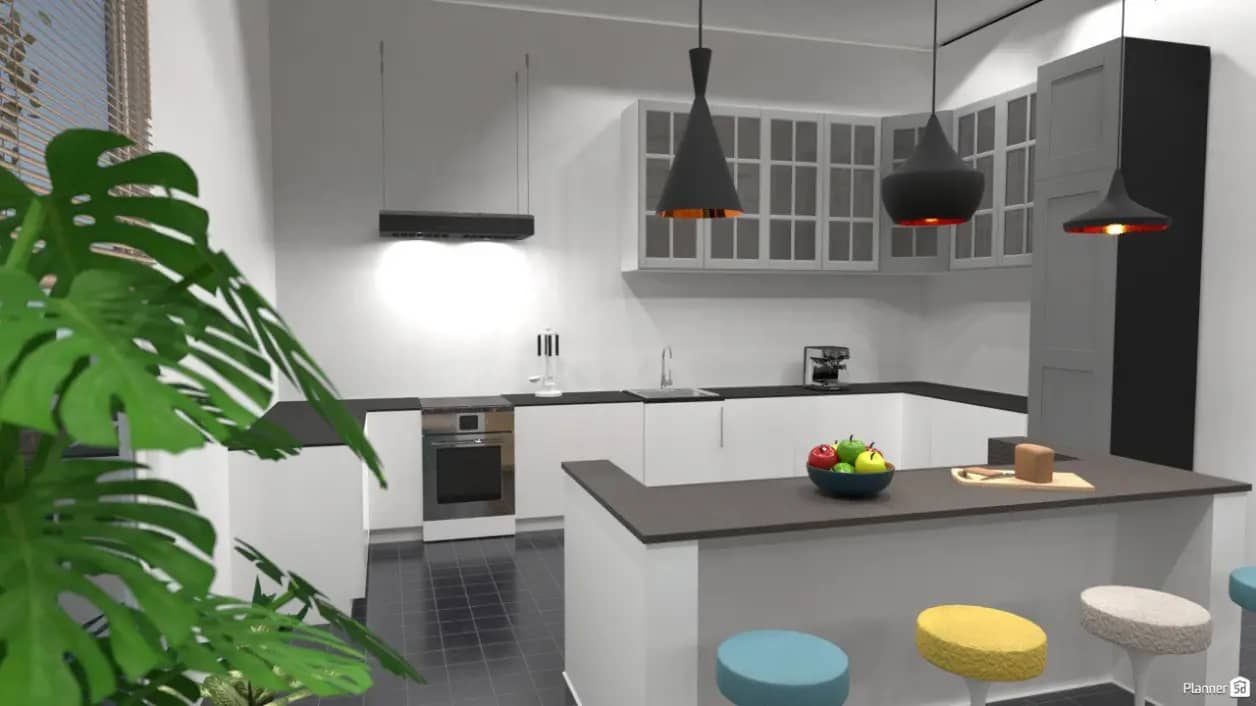
Planner 5D takes a more structured approach to kitchen planning than photo-based AI tools. It lets users work with floor plans and 2D or 3D layouts, making it a better fit for planning the space itself.
Key Features:
-
Create AI-assisted kitchen designs.
-
Plan kitchens in 2D and 3D.
-
Build and customize floor plans.
-
Place furniture and appliances in the layout.
Pros and Cons:
|
Pros |
Cons |
|---|---|
|
Supports 2D and 3D kitchen planning |
Requires more setup than photo-based tools |
|
Useful for floor-plan visualization |
Can take longer to create a detailed design |
|
Allows furniture and appliance placement |
Some features depend on the plan |
|
Better suited to spatial planning |
— |
Generated result:
Pricing:
|
Plan |
Price |
Best For |
|---|---|---|
|
Free |
$0 |
Basic projects and initial exploration |
|
Premium |
$4.99/month |
Individual users need more features |
|
Professional |
$33.33/month |
Advanced and professional projects |
|
Enterprise |
Custom |
Larger business requirements |
-
KitchenGPT
KitchenGPT is built specifically around kitchen visualization and remodeling rather than general home planning. It is useful for experimenting with different styles and seeing how an existing kitchen could look after a redesign.
Key Features:
-
Generate AI kitchen redesign concepts.
-
Redesign kitchens from uploaded photos.
-
Experiment with different kitchen styles.
-
Explore visual remodeling ideas.
Pros and Cons:
|
Pros |
Cons |
|---|---|
|
Focused specifically on kitchen visualization |
Primarily useful for visual concepts |
|
Makes it easy to explore kitchen styles |
Generated layouts may not reflect exact dimensions |
|
Supports photo-based redesign |
Limited value for technical planning |
|
Useful for comparing remodeling ideas |
— |
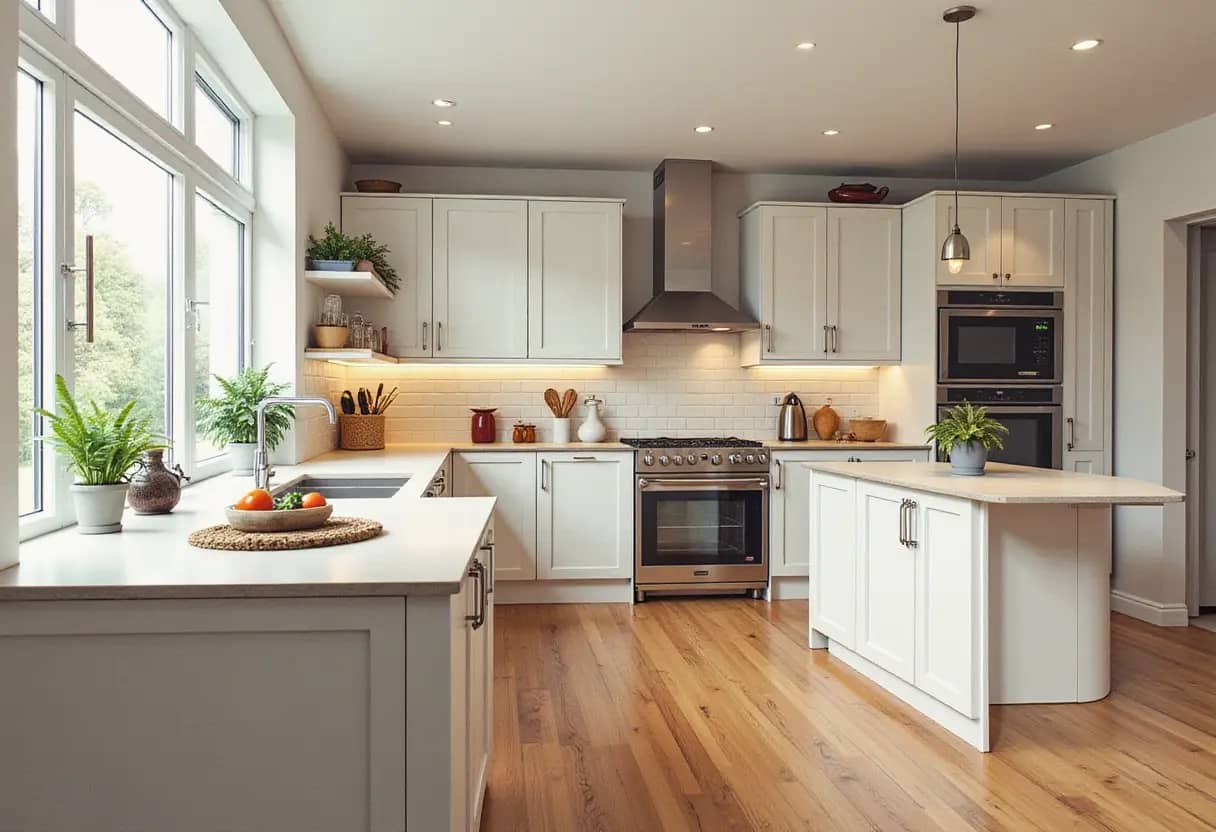
Generated result:
Pricing:
|
Plan |
Price |
Designs/Month |
Best For |
|---|---|---|---|
|
Personal |
$14/month |
150 |
Individual kitchen projects |
|
Premium |
$19/month |
150 |
Users wanting more styles and features |
|
Business |
$29/month |
500 |
Higher-volume and commercial use |
-
KitchenDesign.io
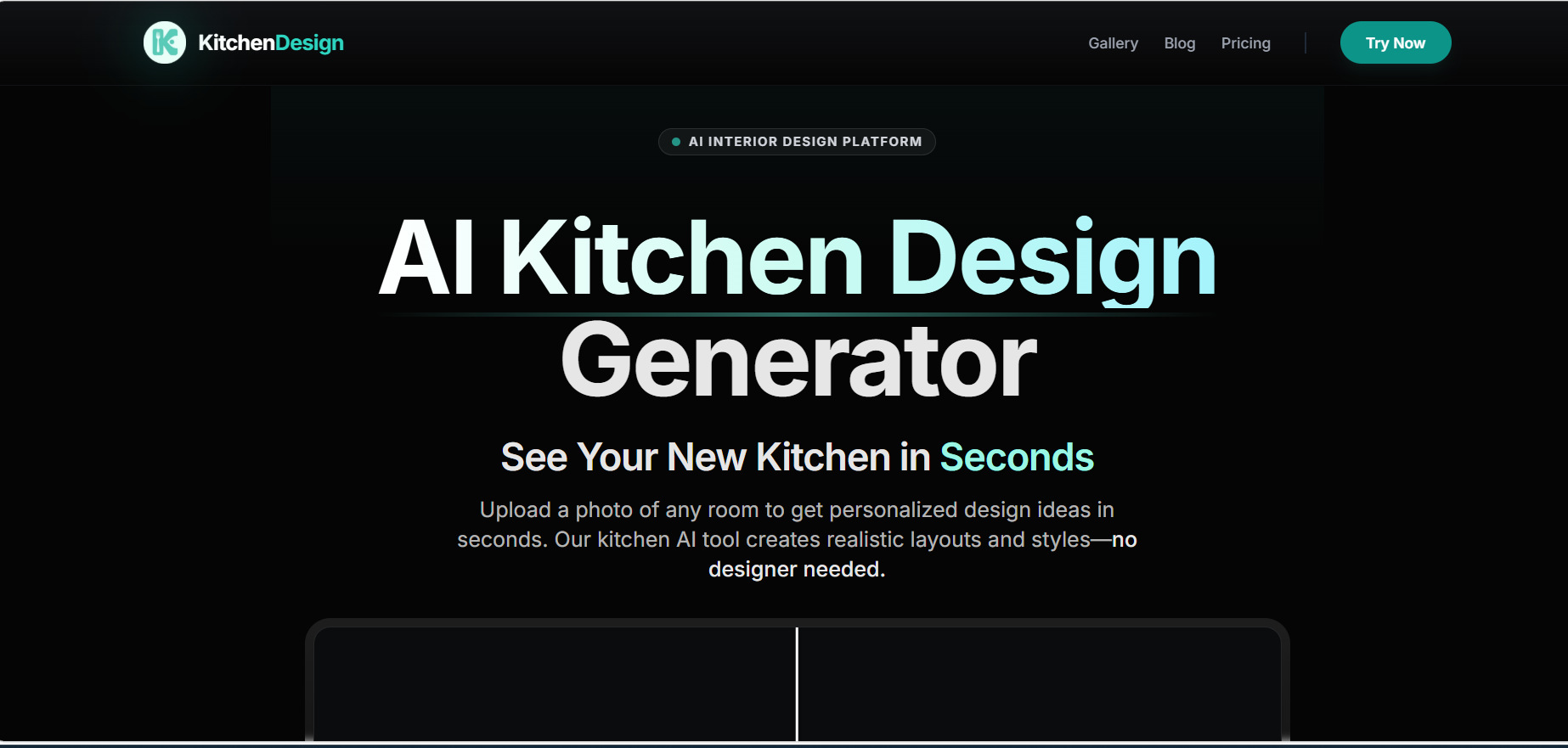
KitchenDesign.io is a kitchen-focused AI design tool that uses images to create new visual concepts. It is particularly useful for comparing styles and exploring how different kitchen finishes could look.
Key Features:
-
Generate AI kitchen redesigns from photos.
-
Create realistic kitchen visualizations.
-
Explore different kitchen styles.
-
Compare multiple design variations.
Pros and Cons:
|
Pros |
Cons |
|---|---|
|
Focused on kitchen design visualization |
Primarily intended for visual exploration |
|
Produces realistic-looking design concepts |
Results may vary with the source image |
|
Supports different kitchen styles |
Does not replace professional measurements |
|
Useful for comparing design variations |
— |
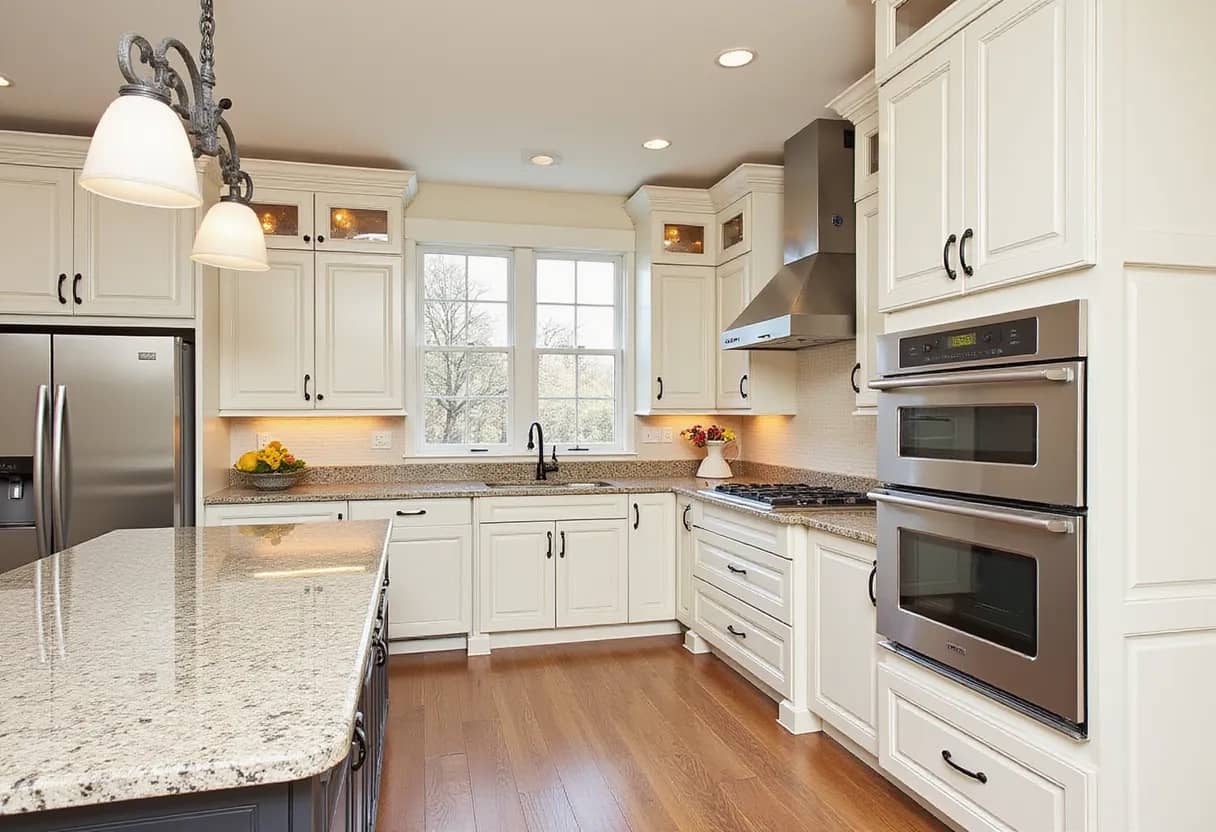
Generated result:
Pricing:
|
Plan |
Price |
AI Designs/Month |
Design Styles |
|---|---|---|---|
|
Mini |
$14/month |
25 |
30+ |
|
Personal |
$18/month |
75 |
50+ |
|
Premium |
$36/month |
200 |
70+ |
-
DreamKitchen
DreamKitchen takes a straightforward photo-based approach to kitchen design. Upload an existing kitchen image and use AI to generate new concepts with different styles and visual treatments.

Key Features:
-
Upload a kitchen photo for redesign.
-
Generate new kitchen concepts with AI.
-
Explore different design styles.
-
Create multiple versions of a kitchen design.
Pros and Cons:
|
Pros |
Cons |
|---|---|
|
Simple photo-based workflow |
Mainly focused on visual redesign |
|
Quick way to explore kitchen styles |
Generated concepts are not technical plans |
|
Useful for creating multiple design ideas |
Exact dimensions may not be preserved |
|
Suitable for early remodeling inspiration |
— |
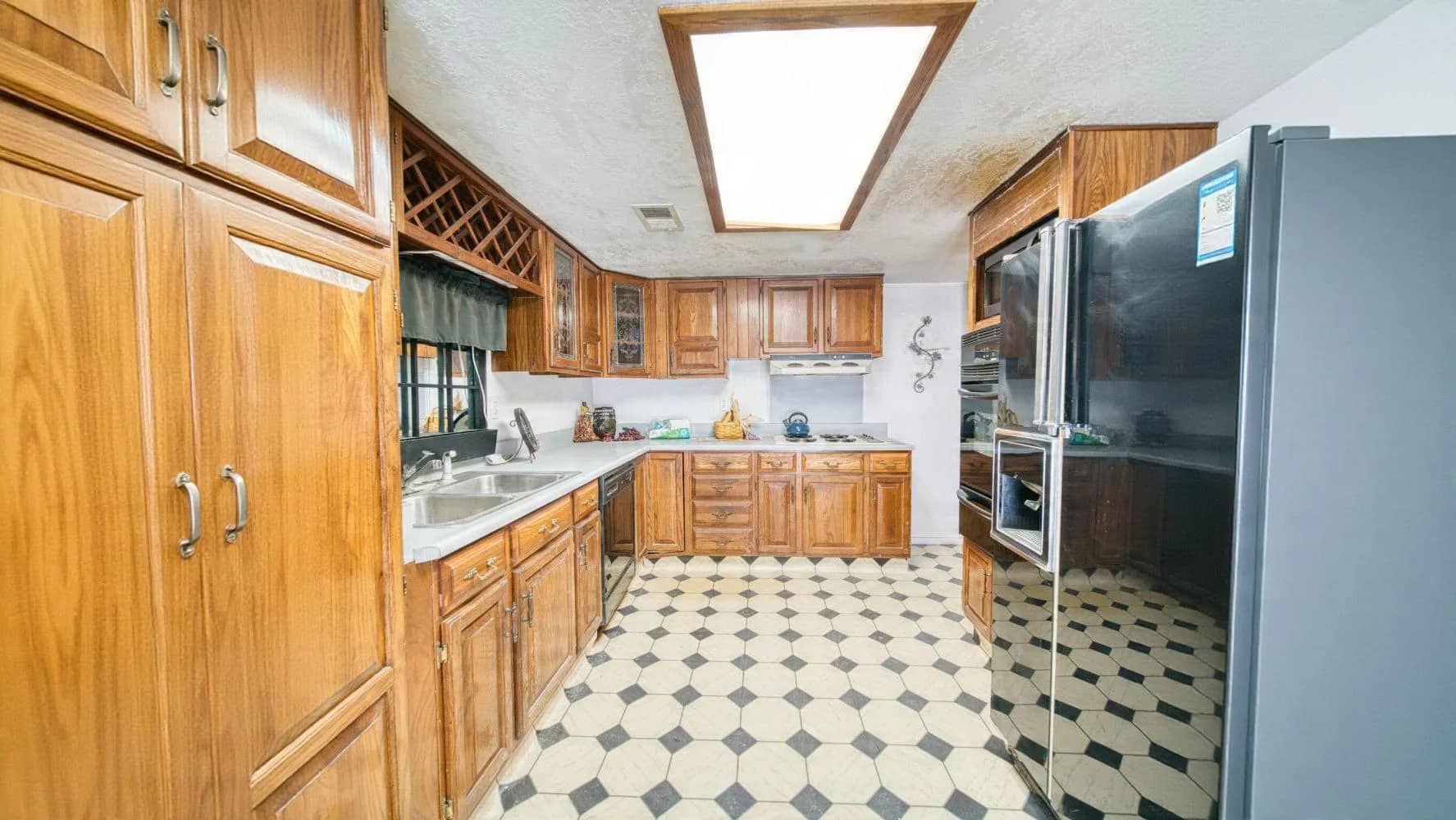
Generated result:
Pricing:
|
Option |
Price |
Credits |
Best For |
|---|---|---|---|
|
One-Time Payment starting from |
$49 |
100 |
Users who need additional kitchen designs |
-
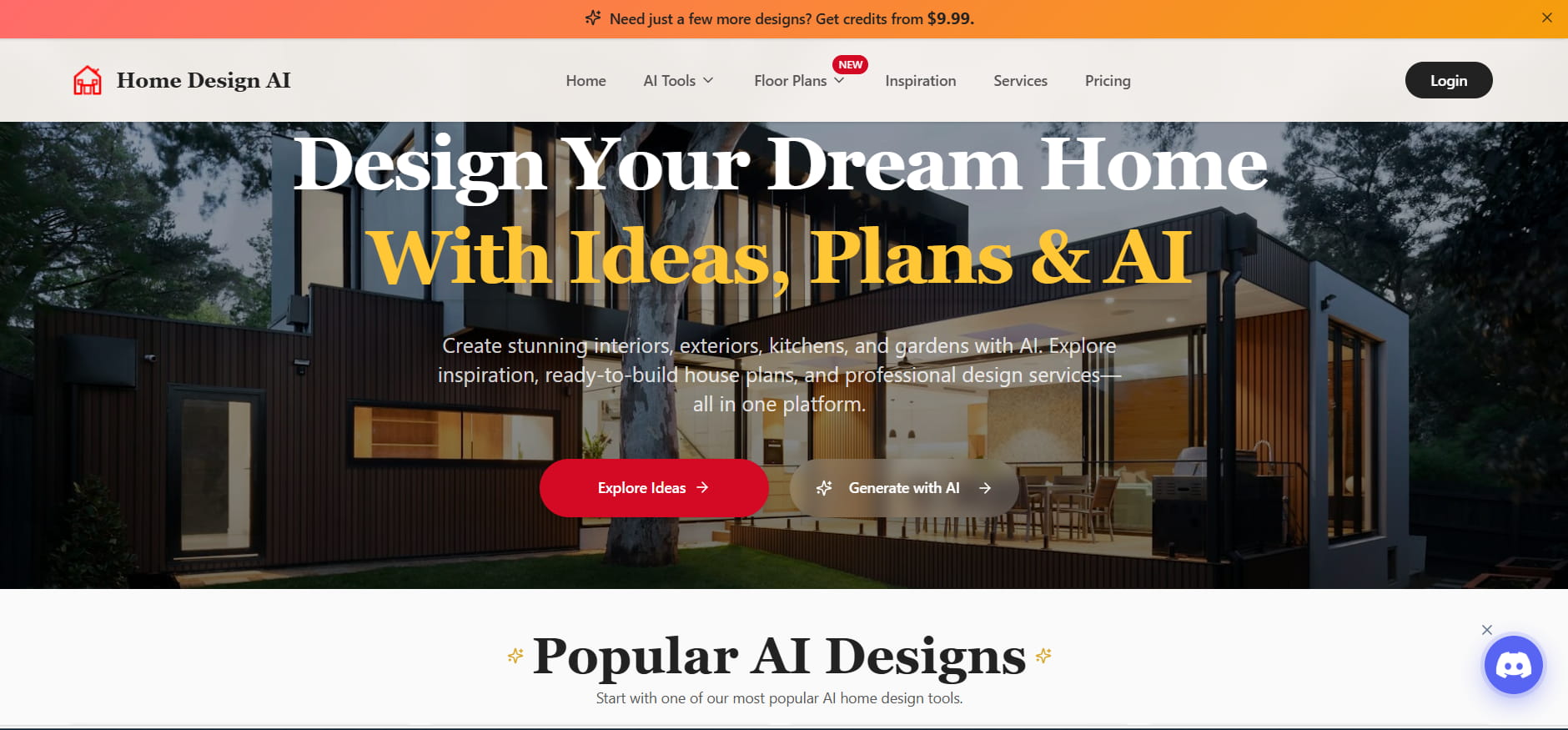
Home Design AI
Home Design AI covers more than kitchens, making it useful for users working in several areas of a home. Its kitchen capabilities can help visualize remodeling ideas alongside broader interior and exterior design projects.
Key Features:
-
Visualize kitchen remodeling ideas with AI.
-
Explore different kitchen styles.
-
Create broader home and kitchen concepts.
-
Generate multiple design variations.
Pros and Cons:
|
Pros |
Cons |
|---|---|
|
Supports kitchen and broader home design |
Kitchen features are part of a wider platform |
|
Offers multiple design possibilities |
Usage may depend on credits or plan limits |
|
Useful for exploring remodeling concepts |
AI visuals may require refinement |
|
Can be used for different areas of a home |
Not a substitute for technical planning |
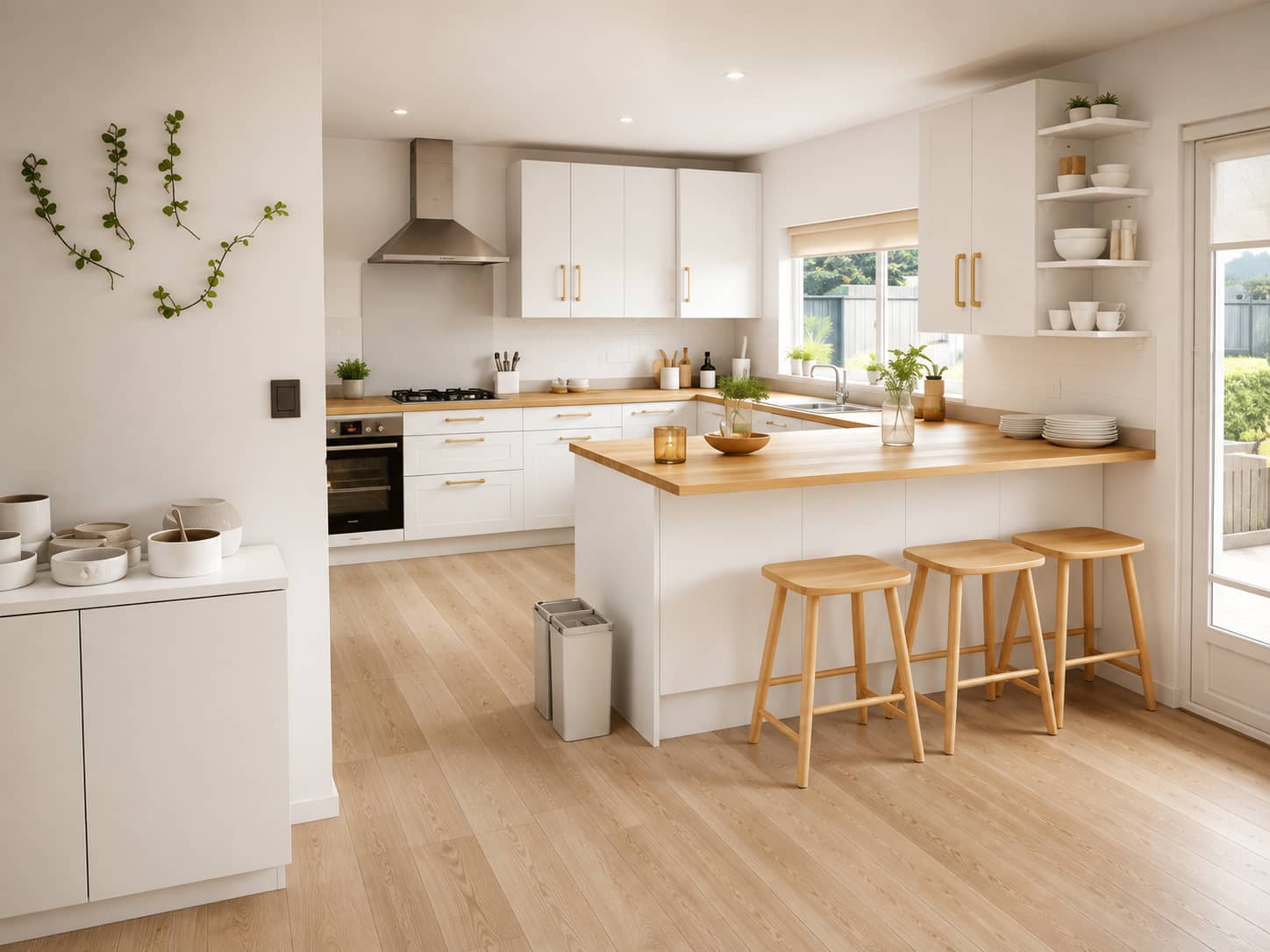
Generated result:
Pricing:
|
Plan |
Price |
Credits/Month |
Best For |
|---|---|---|---|
|
Starter |
$19.99/month |
200 |
Trying out AI design tools |
|
Professional |
$49.99/month |
600 |
Regular home design projects |
|
Enterprise |
$99.99/month |
1,500 |
Professionals and agencies |
-
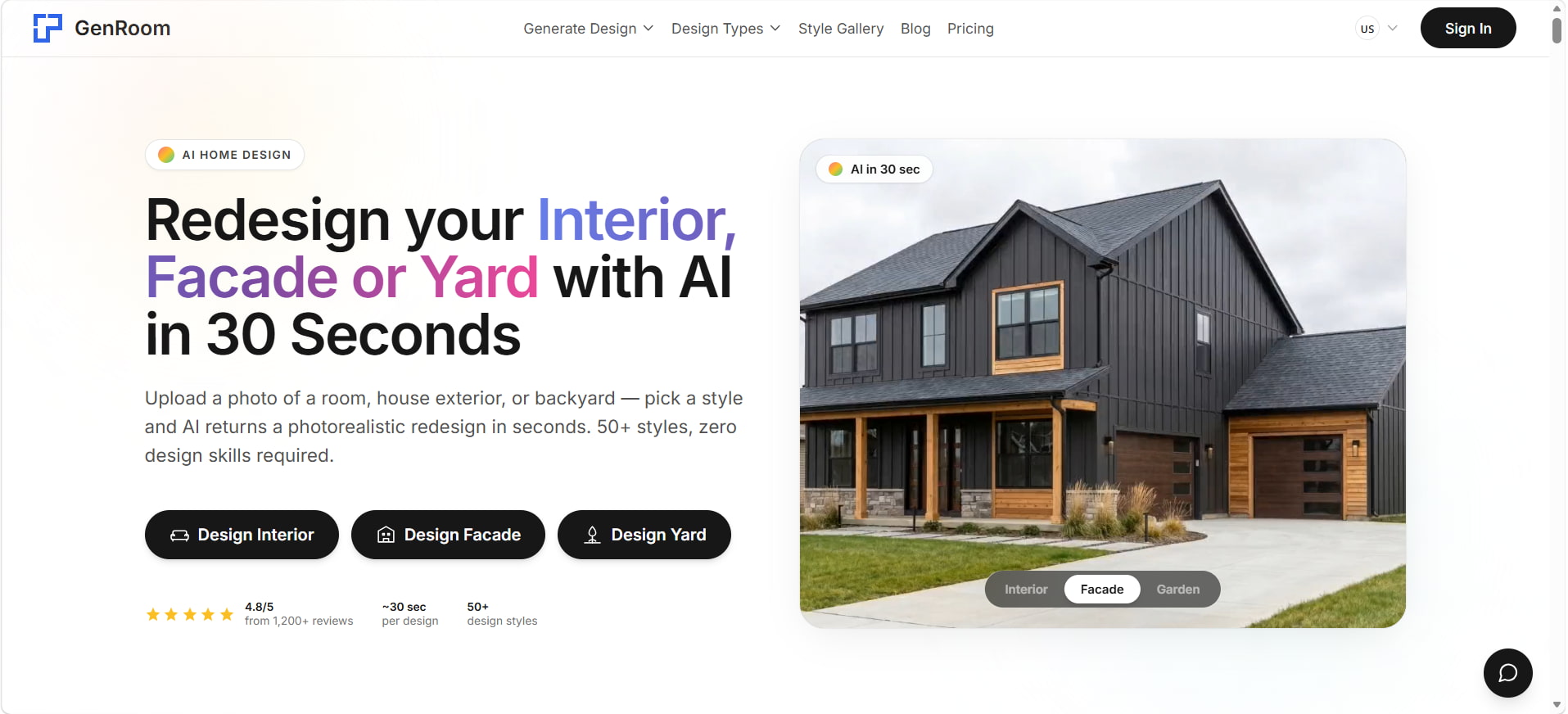
GenRoom
GenRoom is a photo-based AI design tool for creating new versions of existing spaces. For kitchen projects, it can help users explore different styles and visualize possible changes without rebuilding the room digitally from scratch.
Key Features:
-
Redesign existing kitchen photos with AI.
-
Explore multiple kitchen styles.
-
Generate realistic kitchen visualizations.
-
Refine designs with AI editing tools.
Pros and Cons:
|
Pros |
Cons |
|---|---|
|
Creates kitchen redesigns from photos |
AI results may not preserve every existing detail |
|
Offers multiple design styles |
Generated visuals are not construction plans |
|
Provides realistic visual concepts |
Exact measurements should be verified |
|
Useful for exploring and refining design ideas |
— |
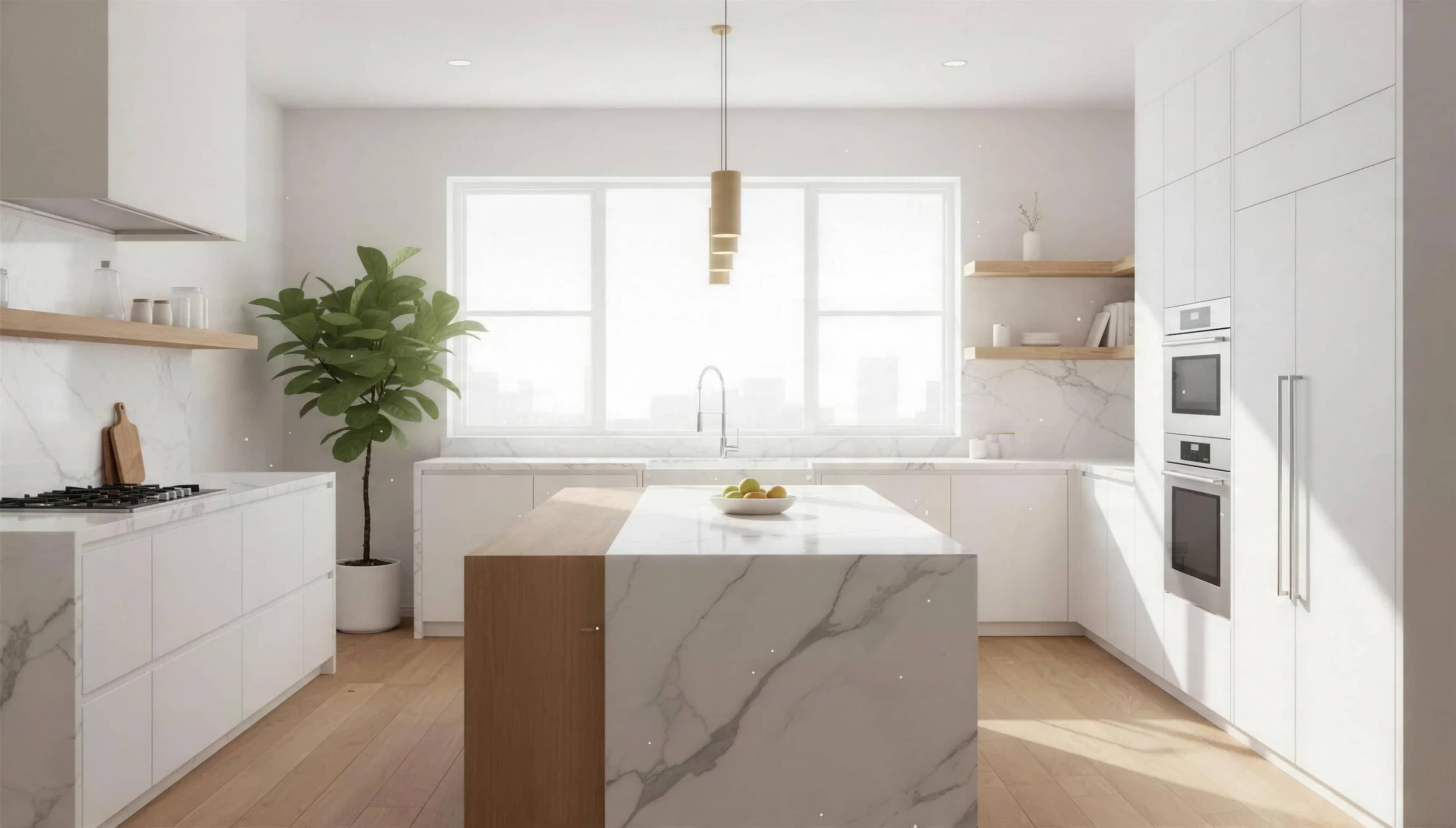
Generated result:
Pricing:
|
Plan |
Price |
Credits |
|---|---|---|
|
Start |
$9.99 |
36 |
|
Basic |
$19.99 |
100 |
|
Pro |
$39.99 |
300 |
The plans include features such as 63 design styles, AI Editor, watermark-free images, and 4K quality. The Pro plan also supports multi-photo uploads, which can be useful when creating more detailed kitchen redesigns.
How to Choose the Best AI Kitchen Design Tool
The best AI kitchen design tool depends on what you want to create and how much control you need. Consider whether you need simple visual concepts, photo-based remodeling, detailed 3D planning, or a tool for experimenting with different kitchen styles.
Which AI Kitchen Design Tool Is Right for You?
|
If You Need |
Consider |
|---|---|
|
Flexible AI image generation |
Vmake Labs |
|
Photo-based kitchen redesign |
Remodel AI |
|
Layout and 3D planning |
Planner 5D |
|
Quick kitchen restyling |
KitchenGPT |
|
Photorealistic kitchen concepts |
KitchenDesign.io or GenRoom |
|
Free experimentation |
Compare current free options |
Choose a tool based on your specific design goal. For visual concepts, image-generation tools can be useful, while photo redesign tools work better for updating an existing kitchen. If you need layouts and spatial planning, choose a 3D planning tool; for simple experimentation, start with available free options.
AI Kitchen Design Limitations and Tips for Better Results
AI-based kitchen design tools can help you envision a remodel more quickly, but don't treat the results as precise blueprints. Clear inputs and careful review can lead to better designs.
-
Check Accuracy Before Using an AI Kitchen Design: AI-generated images might alter the proportions of the cabinets, the positions of the appliances, windows, or other structural elements. And dimensions can be wrong, so realistic visuals don't mean a design can be built. Check plumbing, electrical, cabinetry, and construction details with qualified professionals to verify measurements.
-
Use Clear Inputs for Better Kitchen Designs: Clear instructions can help AI produce more relevant kitchen concepts. Use clear, well-lit kitchen photos, use an image enhancer when the source image needs better clarity, specify the desired styles, colors, materials, and finishes, and state which existing elements should remain unchanged.
-
Compare Multiple AI-Generated Kitchen Concepts: Pick the strongest idea and refine it; then consider cabinet sizes, appliance locations, lighting, materials, and overall layout.
Conclusion
With AI kitchen design tools, you can easily browse styles, remodeling ideas, and layouts before you commit. Vmake Labs is good for text- and image-driven ideas. Remodel AI is great if you want to redesign existing pictures of kitchens. Planner 5D better serves stricter 2D and 3D planning. It's all about your project and the level of control you want. What works for you? AI-generated designs can be helpful as a visual reference, but be sure to verify dimensions and construction details before you start building.
FAQs
Is There a Free AI Kitchen Design Tool?
Yes. Some of the tools that provide free access or free plans are Vmake Labs, Planner 5D, and DreamKitchen. You may be limited in the number of generations, credits, or features you can use for free.
Can AI Design a Kitchen From a Photo?
Yes. AI tools that work with photos can take a current kitchen picture and redesign it in different styles, colors, materials, and finishes. Vmake Labs is one such option, enabling image-to-image generation to test alternative kitchen concepts.
Can AI Change the Style of My Existing Kitchen?
Yes. You can use an existing kitchen photo to explore styles such as modern, farmhouse, minimalist, or traditional. Vmake Labs can help generate different visual directions from an existing image.
Can AI Create a Kitchen Layout With Accurate Measurements?
Although AI is capable of seeing potential kitchen layouts, the measurements it generates are not always precise. Before building, check dimensions with an expert and use these ideas as inspiration.
Do I Need a Professional After Creating an AI Kitchen Design?
Yes, especially for structural changes, cabinetry, plumbing, electrical work, and installation. A professional can verify whether the AI-generated concept is practical for your actual space.

You May Be Interested

Best AI Image Generator: 10 Top Picks for 2026 Review

AI Animal Generator: Make Realistic Animal Images with AI

AI Tattoo Design: Ideas, Prompts, and Style Concepts for Custom Ink

10 Interior Design Mood Board Ideas With AI Prompts

X-Design Video Enhancer 2026 Review: Features & Pricing