AI garden design: 8 best tools to plan your outdoor space in 2026
Plan your outdoor space with AI garden design tools. Compare the best options for layouts, planting ideas, landscaping concepts, and realistic garden visuals, including Vmake Labs.

AI garden design tools can turn garden photos, rough ideas, and text descriptions into visual concepts. They make it easier to explore landscaping styles, planting aesthetics, outdoor features, and different garden looks before making changes, helping you compare ideas and choose a direction that suits your outdoor space.
Compare the best AI garden design tools at a glance
AI garden design tools differ in how they create outdoor concepts, work with reference images, and let you explore different styles. This quick comparison shows what each option is best suited for.
|
Tool |
Best for |
Garden visualization |
Free option |
Platform |
|---|---|---|---|---|
|
Vmake Labs |
Garden concepts and realistic visuals |
Excellent |
Yes |
Web |
|
Neighborbrite |
Landscape planning |
Excellent |
Yes |
Web |
|
Remodel AI |
Outdoor remodeling concepts |
Excellent |
Yes |
Web |
|
Ideal House |
Home and landscape visualization |
Very good |
Limited |
Web |
|
ArchiVinci |
AI landscape design concepts |
Very good |
Limited |
Web |
|
REimagineHome |
Photo-based garden redesign |
Very good |
Limited |
Web |
|
Microsoft Copilot |
Garden planning ideas |
Good |
Yes |
Web |
|
RoomDesign.io |
Garden and outdoor concepts |
Good |
Limited |
Web |
The best choice depends on what you want to create. A free AI garden design tool can be enough for inspiration, while a photo-based platform can be more useful when you want to explore ideas around an existing outdoor space.
How AI garden design can help you plan an outdoor space
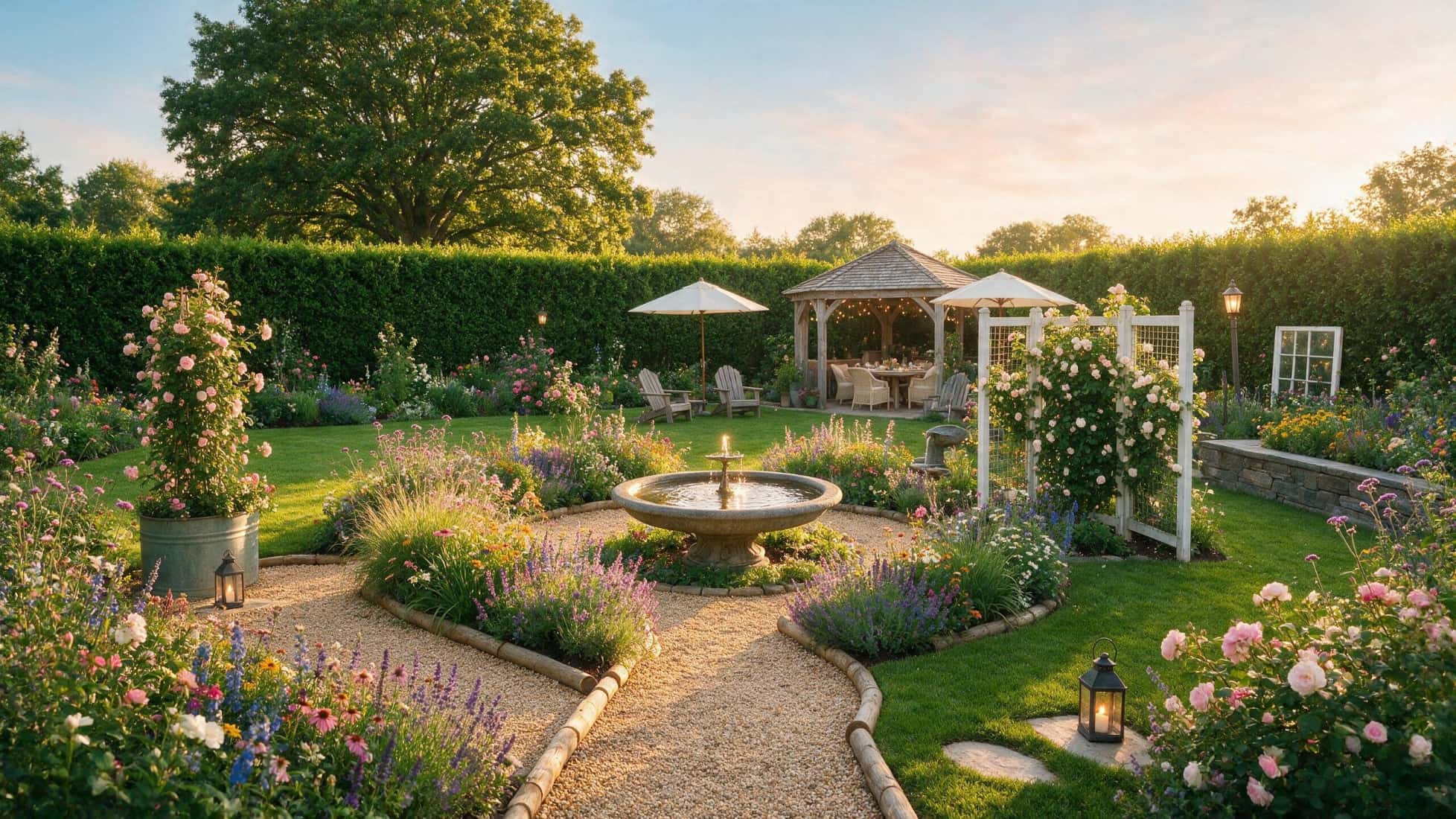
AI can make the visual part of garden planning easier. You can describe an idea or provide a reference image, then explore several possible styles before deciding which direction you prefer. AI garden design can help you:
-
Explore modern, cottage, tropical, minimalist, Mediterranean, or other garden styles.
-
Visualize lawns, pathways, patios, fences, flower beds, trees, lighting, and decorative features.
-
Experiment with materials, colors, planting aesthetics, and outdoor arrangements.
-
Turn a rough idea into a visual reference you can discuss with a designer or landscaper.
-
Compare several concepts before choosing a preferred look.
There are limits, though AI-generated images do not confirm whether a plant suits your climate or soil, whether drainage will work, or whether a structure can safely be built. Sunlight, mature plant size, irrigation, maintenance, local regulations, and construction requirements still need separate consideration.
8 best AI garden design tools to try in 2026
These eight tools represent a variety of ways to visualize your garden, from AI image generation and photo-based ideas to general-purpose AI assistance. The choice was made after considering visual appeal, ease of use, customization, free access, and its usefulness in providing garden inspiration.
-
Vmake Labs AI Image Generator
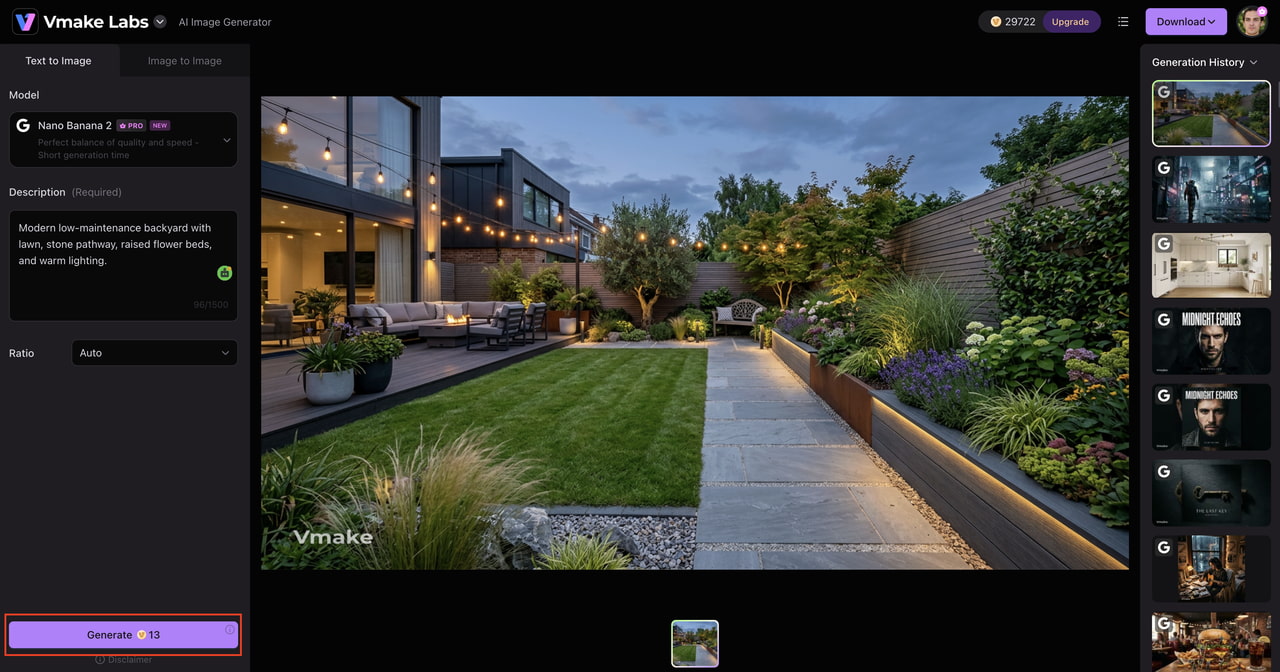
Vmake Labs AI Image Generator lets users convert garden ideas into visual concepts using text prompts and reference images. It's good for exploring landscaping styles, materials, colors, and planting aesthetics. The generated images should be used as creative references for discussing visual directions or communicating preferences, rather than as horticultural or construction plans, or as dimensionally accurate landscape plans.

Key features
-
Text-to-image garden concepts: Describe the garden style, outdoor setting, plants, materials, colors, and atmosphere you want to explore. Vmake Labs can turn those details into a visual concept.
-
Reference-image exploration: Add a reference image to give the generation a visual starting point. This is useful when you want to explore different appearances in an outdoor space.
-
Realistic outdoor scenes: Create realistic-looking gardens and landscaping visuals that make it easier to compare different aesthetics, materials, and outdoor features.
-
Style and material exploration: Try different garden styles, colors, materials, planting aesthetics, pathways, fences, patios, and lighting ideas in separate concepts.
-
Multiple concepts: Generate a variation, review, and adjust results. This can help narrow down the visual direction you prefer.
-
Browser-based workflow: Create garden concepts directly in a browser without needing dedicated landscape design software.
3-step guide
Step 1: Upload a garden photo or describe the space Upload a reference image or describe the outdoor setting you want to visualize. Mention the general type of space and the garden style you want to explore.

Step 2: Describe the garden transformation Specify the plants, materials, colors, landscaping elements, lighting, and overall mood you want to see. Focus on appearance rather than exact measurements or construction details.

Step 3: Generate and refine the concept Generate the image, review the result, and adjust your prompt to explore different styles, materials, planting aesthetics, or visual details.
Pros and cons
|
Pros |
Cons |
|---|---|
|
Easy way to explore garden styles and visual ideas |
Not designed for professional horticultural planning |
|
Supports text prompts and reference images |
Generated visuals may not reflect exact dimensions |
|
Useful for creating multiple style references |
Plant suitability needs separate verification |
|
Creates realistic-looking outdoor concepts |
Not a construction-ready landscape planning tool |
Pricing
|
Plan |
Price |
Details |
|---|---|---|
|
Free Plan |
$0/month |
Includes 50 starter credits, 20 daily credits, and limited model access. Exports include a watermark with standard 720p resolution. |
|
Plus Plan |
$9.99/month |
Includes 1,000 monthly credits with 1080p export capabilities. Supports up to 10 processing tasks daily across AI enhancement, upscaling, and background removal tools. |
|
Pro Plan |
$29.99/month |
Includes 4,500 monthly credits with up to 2K/4K high-resolution exports. Supports up to 50 daily tasks with commercial usage rights and full access to advanced AI models. |
Best for: Garden inspiration, landscaping style exploration, and creating visual references.
-
Neighborbrite
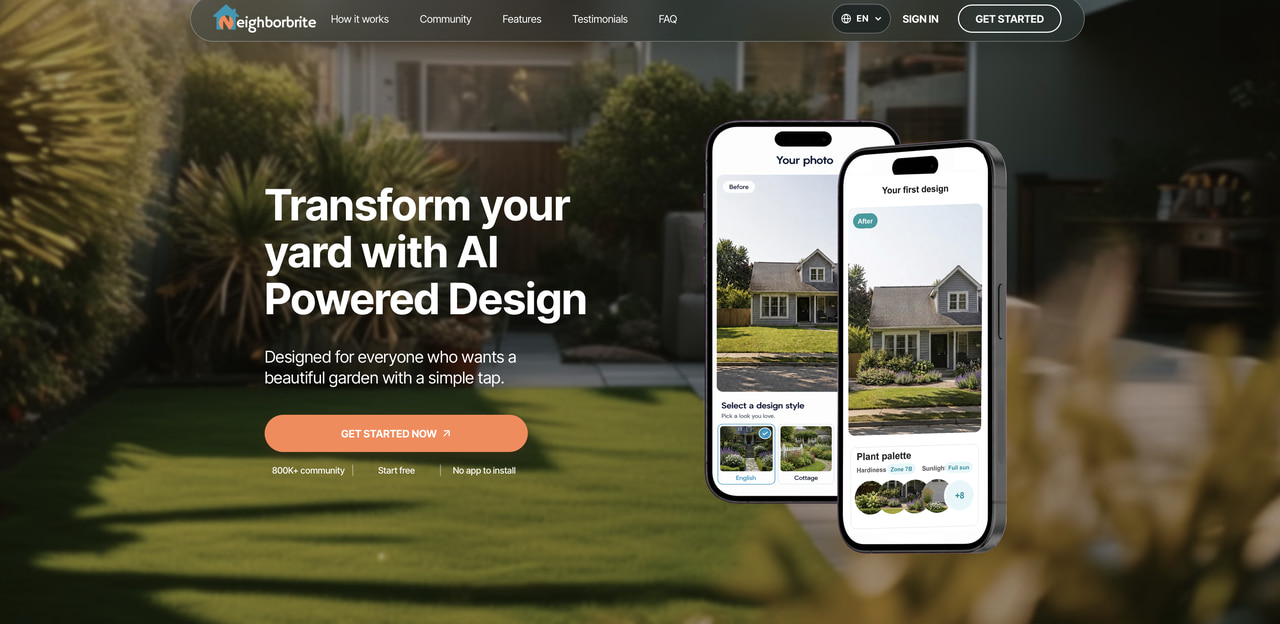
Neighborbrite is an AI-powered landscape visualization platform that enables users to explore outdoor design ideas around a current property. This facilitates the comparison of landscaping styles, garden arrangements, and visual treatments prior to selecting a preferred direction for the project.
Pros and cons
|
Pros |
Cons |
|---|---|
|
Focused on landscape visualization |
Generated concepts still need practical verification |
|
Useful for exploring outdoor styles |
Does not replace professional landscape planning |
|
Helpful for visualizing different garden directions |
Results may not account for every site condition |
Pricing
|
Plan |
Price |
Details |
|---|---|---|
|
Front or Backyard Package |
$287.00/one-time |
Professional front or backyard design, consultation call, satellite measurements, 2D layout, plant and materials list, realistic visuals, shovel-ready plans, and 2 revisions in 5 days. |
|
Front and Backyard Package |
$387.00/one-time |
Professional full-property design, consultation call, satellite measurements, 2D layout, plant and materials list, realistic visuals, shovel-ready plans, and 2 revisions in 5 days. |
Best for: Homeowners who want to explore landscape concepts and outdoor styles.
-
Remodel AI
Remodel AI uses AI visualization for home improvement and exterior remodeling, including outdoor spaces. It can help users experiment with different landscaping appearances when garden changes are part of a wider home renovation. It is particularly useful for comparing visual options before deciding which exterior direction feels right.

Pros and cons
|
Pros |
Cons |
|---|---|
|
Useful for outdoor remodeling concepts |
Not intended for construction-ready planning |
|
Supports visual experimentation |
Generated designs may need refinement |
|
Can explore different exterior styles |
Practical landscaping requirements need separate checking |
Pricing
|
Plan |
Price |
Details |
|---|---|---|
|
Free |
$0.00 |
3 free designs, access to all 30+ interior styles and 8 AI tools, standard quality renders, before/after comparison, and design sharing. |
|
Pro |
$29.00/month |
1,000 monthly designs, Flux model, HD downloads, no watermark, up to 4 rooms, virtual staging, exterior and garden design, and object removal. |
|
Premium |
$49.00/month |
5,000 designs per month using Hyper Realism AI model, all Pro features plus high-quality renders, parallel generation for up to 8 rooms, and priority processing. |
|
Ultra |
$99.00/month |
25,000 monthly designs, Hyper Realism AI, Ultra renders, up to 16 rooms, commercial license, API access, and team sharing. |
Best for: Visualizing garden and exterior changes as part of a remodeling project.
-
Ideal House
Ideal House offers AI visualization for home and exterior design, including landscaping. Its landscaping experience can help users explore different garden appearances while considering how outdoor ideas relate to the wider property. This makes it useful for homeowners who want garden inspiration alongside exterior home concepts.

Pros and cons
|
Pros |
Cons |
|---|---|
|
Supports home and landscape visualization |
Some features may require paid access |
|
Useful for exploring different styles |
Generated concepts are not technical landscape plans |
|
Suitable for broader exterior design ideas |
Practical site conditions still need separate assessment |
Pricing
|
Plan |
Price |
Details |
|---|---|---|
|
Free Tier |
Free |
20 starter credits, 10 daily previews, basic queue, watermarked images, personal use. |
|
Lite |
$19.00/month |
800 monthly credits, standard queue, watermark-free HD exports, personal and light client use, email support. |
|
Plus |
$39.00/month |
3,000 monthly credits, priority queue, watermark-free HD exports, commercial use, continuation editing, email support. |
|
Pro |
$99.00/month |
9,999 monthly credits, highest queue priority, watermark-free HD exports, commercial use, continuation editing, email support. |
Best for: Exploring landscaping ideas alongside broader home and exterior design.
-
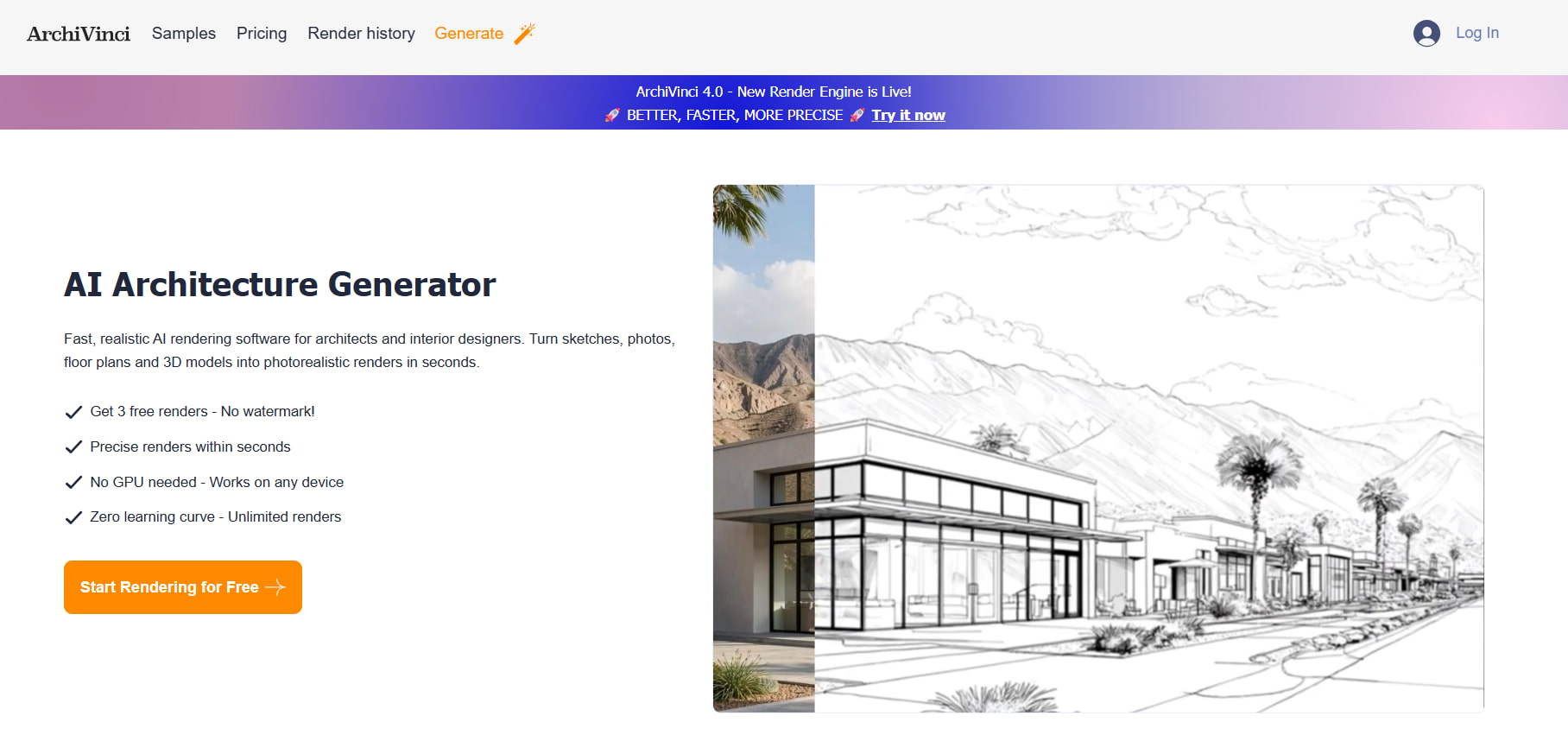
ArchiVinci AI Landscape Design
ArchiVinci AI Landscape Design helps users create visual concepts for outdoor spaces and explore different landscaping styles. It can be used to experiment with garden layouts, plants, materials, pathways, and other exterior elements. The generated visuals are best treated as design references rather than professional landscape plans or construction-ready drawings.
Pros and cons
|
Pros |
Cons |
|---|---|
|
Dedicated AI landscape design workflow |
Not a replacement for professional landscape planning |
|
Useful for exploring different outdoor styles |
Generated concepts may not reflect exact site conditions |
|
Supports garden and exterior visualization |
Plant suitability and construction details need separate verification |
|
Helpful for creating visual design references |
Some advanced features may require paid access |
Pricing
|
Plan |
Price |
Details |
|---|---|---|
|
Weekly Subscription |
$39.00/week |
Unlimited base renders, all AI models, 20 bonus coins, auto-renewing. |
|
Monthly Subscription |
$79.00/month |
Unlimited base renders, all AI models, 40 bonus coins, auto-renewing. |
|
Yearly Subscription |
$549.00/year |
Unlimited base renders, all AI models, 500 bonus coins, auto-renewing. |
|
One-Time Passes |
$49.00 – $599.00/pass |
Non-recurring passes (3 days to 1 year), unlimited base renders, 20–500 bonus coins. |
Best for: AI-powered landscape concepts and exploring different garden styles.
-
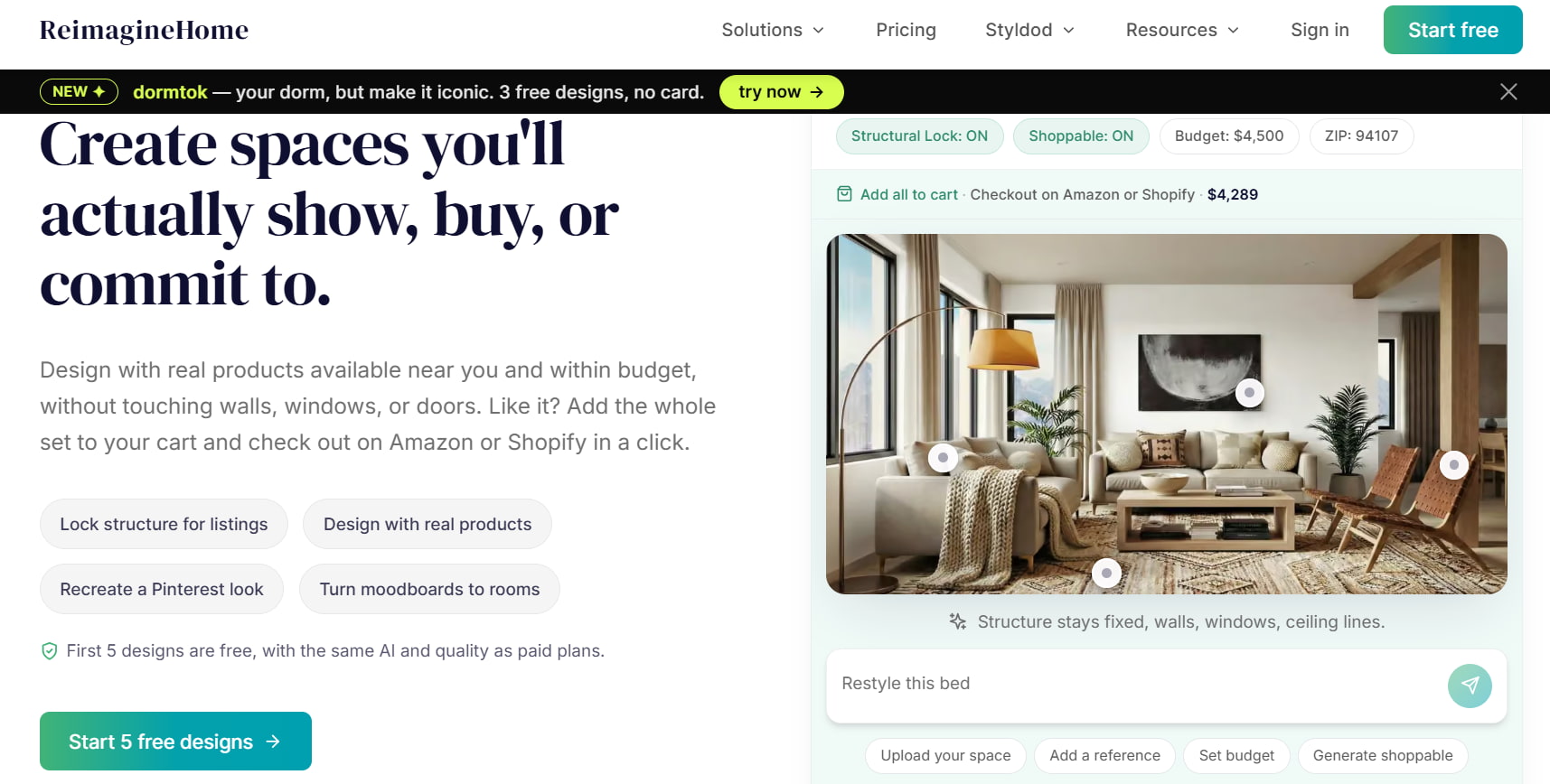
REimagineHome
REimagineHome is an AI-powered redesign platform that helps users visualize changes to outdoor spaces from existing photos. It can explore landscaping styles, garden arrangements, materials, and exterior aesthetics. The generated concepts work best as visual references for comparing ideas and communicating preferences, rather than as professional landscape or construction plans.
Pros and cons
|
Pros |
Cons |
|---|---|
|
Can visualize changes from an existing outdoor photo |
Not a professional landscape planning tool |
|
Useful for exploring different garden and landscaping styles |
Generated designs may not reflect exact site conditions |
|
Helps compare different visual directions |
Plant suitability and construction details need separate verification |
|
Suitable for quick AI-powered redesign concepts |
Advanced usage may require paid credits |
Pricing
|
Plan |
Price |
Details |
|---|---|---|
|
Free Trial |
Free |
5 free designs, same AI model and quality as paid plans, no credit card required. |
|
Essential |
$19.00/month |
30 credits per month ($0.63/credit), basic staging, light edits using legacy tools, no conversational agentic experience, no real shoppable products, and no reference photos. |
|
Pro |
$36.00/month |
200 credits per month ($0.19/credit), everything in Essential, conversational design flow, and precision control via specific instructions. |
|
Advanced |
$59.00/month |
400 credits per month ($0.14/credit), everything in Pro, higher monthly credit allowance, and lower effective cost per credit. |
|
Agency |
$119.00/month |
900 credits per month ($0.13/credit), everything in Advanced, very high monthly credit allowance, designed for teams and studios with sustained high-volume usage. |
Best for: Visualizing garden and landscaping changes from an existing outdoor photo.
-
Microsoft Copilot
Microsoft Copilot can help users develop garden ideas through natural-language prompts. Rather than being a dedicated landscape platform, it works well for brainstorming styles, features, planting ideas, and visual directions. You can start with a broad idea and add details to make the concept more specific as you continue prompting.
Pros and cons
|
Pros |
Cons |
|---|---|
|
Simple natural-language workflow |
Not a dedicated garden design platform |
|
Useful for brainstorming garden ideas |
Visual results can vary |
|
Accessible to many users |
Suggestions need to be checked against local conditions |
Pricing
|
Plan |
Price |
Details |
|---|---|---|
|
Microsoft 365 Personal |
$99.99/year |
For 1 person, with Office apps, Copilot, 1 TB storage, and AI usage limits. |
|
Microsoft 365 Family |
$129.99/year |
For up to 6 people, with Office apps, up to 6 TB of storage, and Copilot for the owner. |
|
Microsoft 365 Premium |
$199.99/year |
Includes advanced AI features, higher Copilot usage, and premium AI agents. |
Best for: Garden brainstorming and developing ideas through prompts.
-
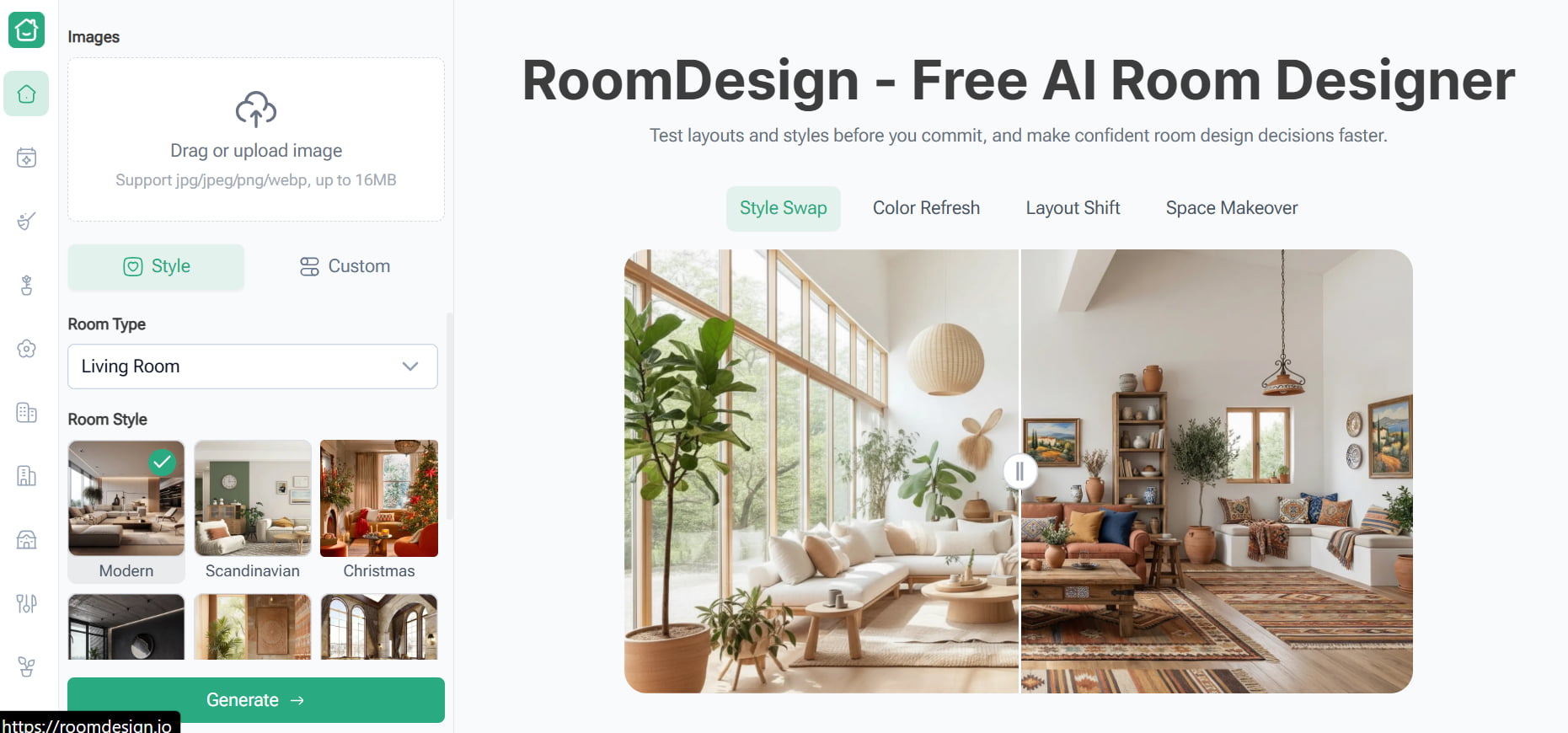
RoomDesign.io
RoomDesign.io extends AI design visualization to outdoor spaces, giving users another way to explore garden and landscaping appearances. It can be useful when you want a straightforward visual concept rather than a detailed planning workflow.
Pros and cons
|
Pros |
Cons |
|---|---|
|
Supports outdoor visualization |
Less specialized than dedicated landscape platforms |
|
Simple approach to style exploration |
Generated concepts are not technical plans |
|
Useful for comparing visual directions |
Practical garden requirements need separate verification |
Pricing
RoomDesign.io is completely free to use with no hidden costs. You can upload photos of your space, test different interior styles or color changes, and instantly generate photo-realistic room designs directly on the platform without setting up an account or committing to a paid subscription
Best for: Simple garden and outdoor design inspiration.
How to choose the right AI garden design app
The best AI garden design app depends on what you want to create and how you plan to use the result. Consider these factors before choosing a tool:
-
Image workflow: Choose a photo-to-design tool if you want to explore ideas around an existing garden. Text-to-image tools work better when you are starting with a concept from scratch.
-
Customization: Check whether you can specify garden styles, plants, materials, colors, lighting, and other outdoor features.
-
Visual quality: Look for realistic outputs if you plan to use the generated images as style references or to communicate ideas to others.
-
Free access: Compare free generation, image quality, download options, watermarks, and editing limits if you want to test a tool before paying.
-
Purpose: Decide whether you need visual inspiration or practical landscape planning. AI image generators are useful for exploring ideas, but they cannot confirm plant suitability, drainage, irrigation, structural safety, or construction feasibility.
Is free AI garden design good enough?
A free AI garden design tool can be enough if you want to compare styles, create a few concepts, or decide which visual direction you prefer. It is also a practical starting point if you are still exploring ideas and do not want to pay for a design service.
Paid plans get more useful when you need more generations, higher quality images, or additional controls. Check practical gardening decisions separately. Use the output as a visual reference, regardless of the price.
Tips for getting better AI garden design results
Clear prompts provide a more useful direction to an AI garden design tool. Instead of just telling it to "design my garden," tell it the visual style, key features, and feel you want to explore.
-
Start with the garden style: Mention whether you want a modern, cottage, tropical, minimalist, Mediterranean, or other look.
-
Describe key elements: Include features such as lawns, flower beds, pathways, patios, fences, trees, lighting, and seating areas.
-
Specify visual details: Add preferred colors, materials, plants, textures, lighting conditions, and overall mood.
-
Use a reference image: Upload a clear garden photo when the tool supports image-based generation to provide additional visual context.
-
Create multiple variations: Generate several concepts and change one element at a time, such as pathway material, planting style, lighting, or overall aesthetic.
-
Refine instead of starting over: If a concept is close to what you want, adjust the prompt to improve specific visual details.
Example prompt:
"Explore a modern, low-maintenance garden concept inspired by this backyard, with a compact lawn, raised flower beds, a stone pathway, warm outdoor lighting, natural wood fencing, and drought-tolerant planting. Create a realistic daytime visual reference."
Conclusion
AI garden design can help to make the first visual stage of a garden project so much easier. Other ways to explore landscaping ideas include tools like Neighborbrite, Remodel AI, Ideal House, and garden-specific apps, while Vmake Labs can be used to generate garden ideas and style references from prompts or images. Free options can handle basic exploration; paid plans can offer more generations or controls. Compare tools for visual quality, accessibility, ease of use, and customization. Most importantly, view AI-generated garden images as creative references, not professional planting, horticultural, or construction plans.
FAQs
-
What is AI garden design?
AI garden design uses artificial intelligence to generate visual concepts for gardens and outdoor spaces. Depending on the tool, you can start with a text prompt, reference image, or garden photo and explore landscaping styles, materials, planting aesthetics, and outdoor features.
-
What is the best AI garden design app?
The best option depends on what you need. Landscape-focused platforms such as Neighborbrite can suit users looking for outdoor concepts, while Vmake Labs works well for generating garden concepts and style references from prompts or images. Compare tools based on their visual workflow and customization options.
-
What is the best free AI garden design option?
There is no single best option for everyone. Vmake Labs, Neighborbrite, Microsoft Copilot, and other platforms offer ways to explore garden ideas with free access. Check each tool's current generation limits and features before choosing one.
-
Can I use AI to design a garden from a photo?
Yes. Several AI garden design tools can use an existing garden or outdoor-space photo as a visual reference. The resulting image can help you explore different appearances, but it should not be assumed to preserve exact dimensions or represent a technically accurate landscape plan.
-
Can AI suggest plants for my garden?
AI can suggest or visualize plants based on a garden style or prompt. However, those suggestions should be checked against your local climate, soil, sunlight, water requirements, mature size, and maintenance needs before you plant anything.
-
Is AI garden design accurate enough to use for landscaping?
AI generated images can be used to inspire and to communicate in a preferred visual style. They are not a substitute for professional landscape, horticultural or construction advice. Before starting physical work, check measurements, plant compatibility, drainage, construction needs and local situations individually.

You May Be Interested

Best AI Image Generator: 10 Top Picks for 2026 Review

AI Animal Generator: Make Realistic Animal Images with AI

AI Tattoo Design: Ideas, Prompts, and Style Concepts for Custom Ink

10 Interior Design Mood Board Ideas With AI Prompts

X-Design Video Enhancer 2026 Review: Features & Pricing