
Tactiq YouTube Transcript Review: Features, Steps, and Alternatives
Use the Tactiq YouTube transcript tool to turn videos into editable text, compare features and workflows, and discover flexible transcription with Vmake Labs for creators today and content teams.

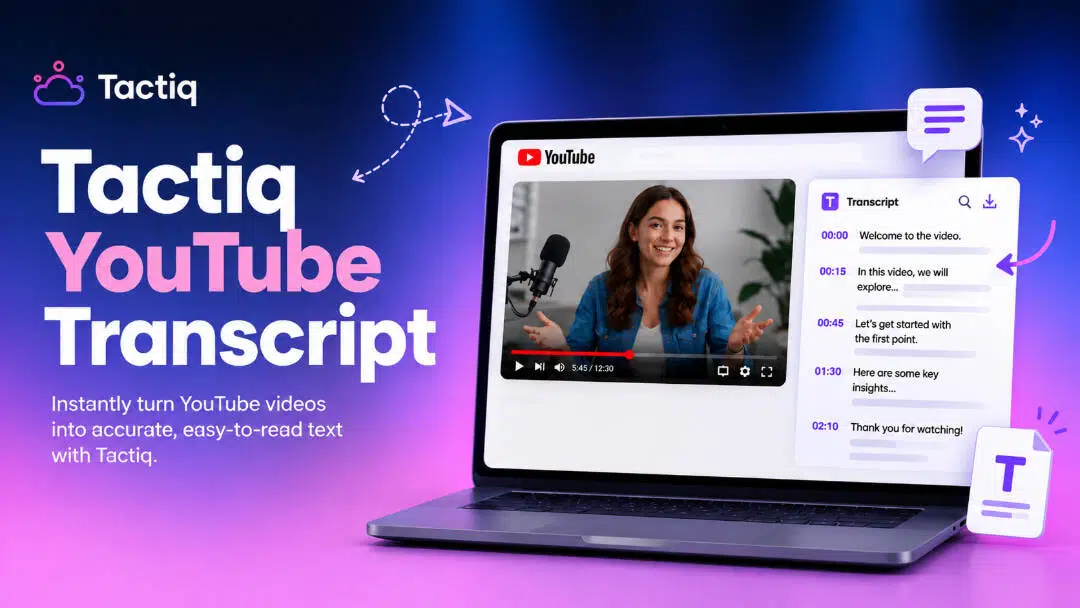
Tactiq YouTube transcript makes it easy to convert YouTube videos to legible text, and you don't have to download the video. In this article, we discuss its main features, how the transcript generator works, pricing, advantages and downsides, user experience, and alternatives to help you choose the correct transcription choice.
What is the Tactiq YouTube transcript generator?
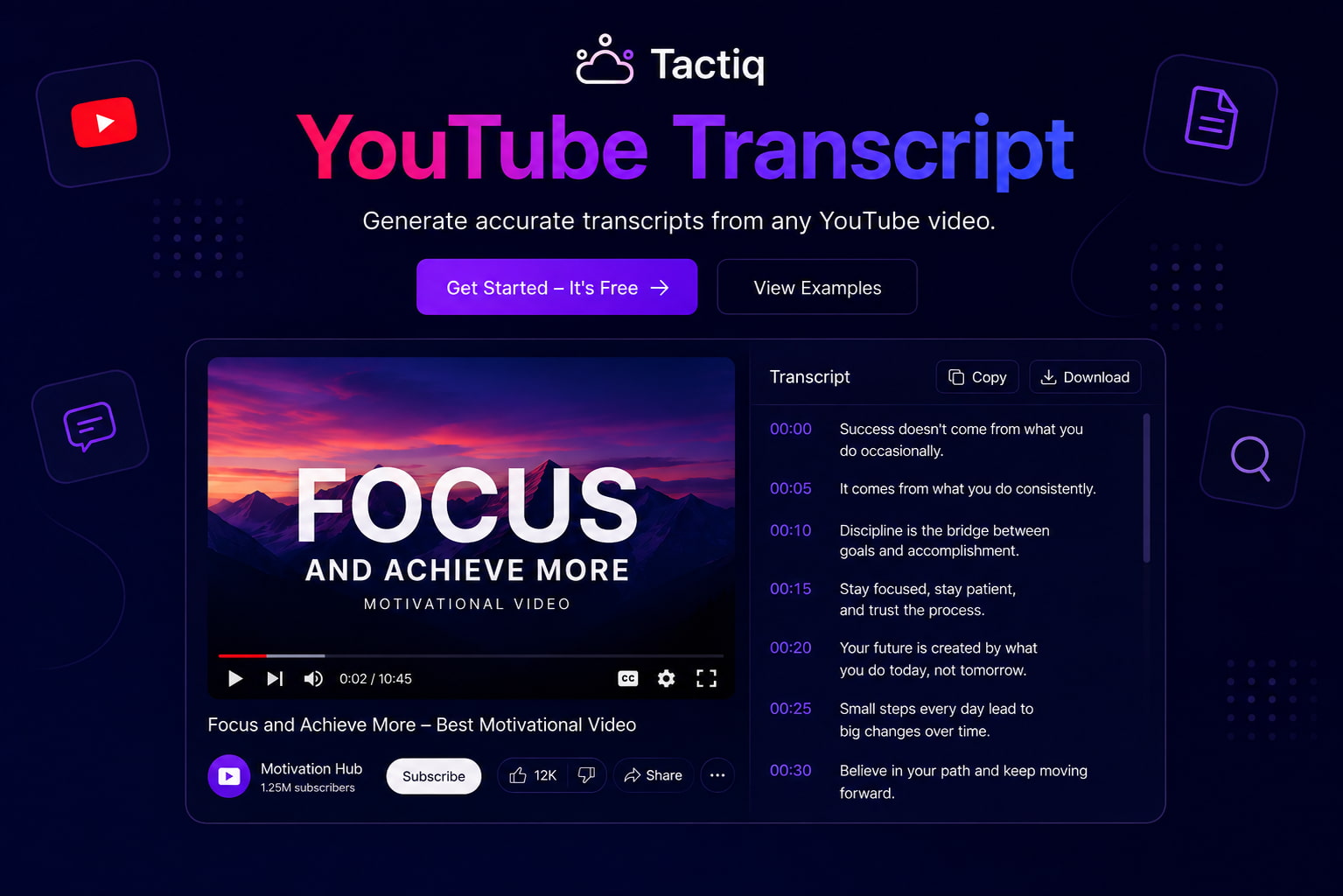
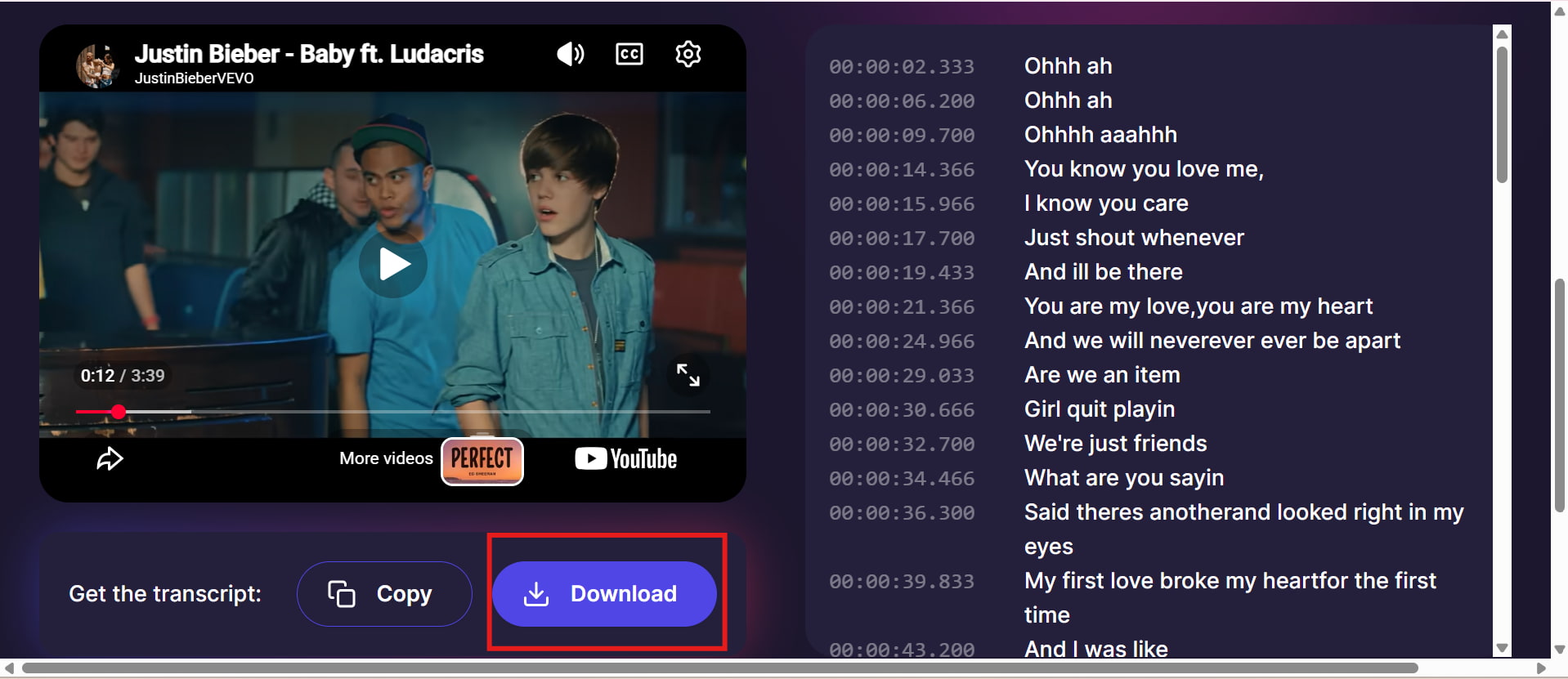
The Tactiq YouTube transcript generator is a free browser-based tool for turning a standard YouTube video URL into text. Instead of downloading the video, you paste its link into the generator and select the option to get the transcript. Tactiq says the generated text can then be copied or downloaded as a .txt file. For someone searching for a Tactiq YouTube transcript, Tactiq io YouTube transcript, or Tactiq transcript YouTube, the workflow is essentially the same: provide the video URL, generate the text, and use the transcript separately. Tactiq also lets users upload the downloaded transcript to its main platform for AI summaries and analysis.
Key features
-
YouTube transcription: Instantly paste a supported YouTube URL and generate a transcript without downloading the source video.
-
Free to use: The standalone YouTube Transcript Generator is available without requiring a paid Tactiq plan.
-
Copy and download: Copy transcript directly or download it as a .txt file to edit and reuse.
-
Timestamp control: Timestamps can be removed through Tactiq's settings when you want cleaner plain text.
-
Simple browser workflow: The process is URL-based, making it useful when you only need text from an individual YouTube video.
How to use the Tactiq YouTube transcript generator
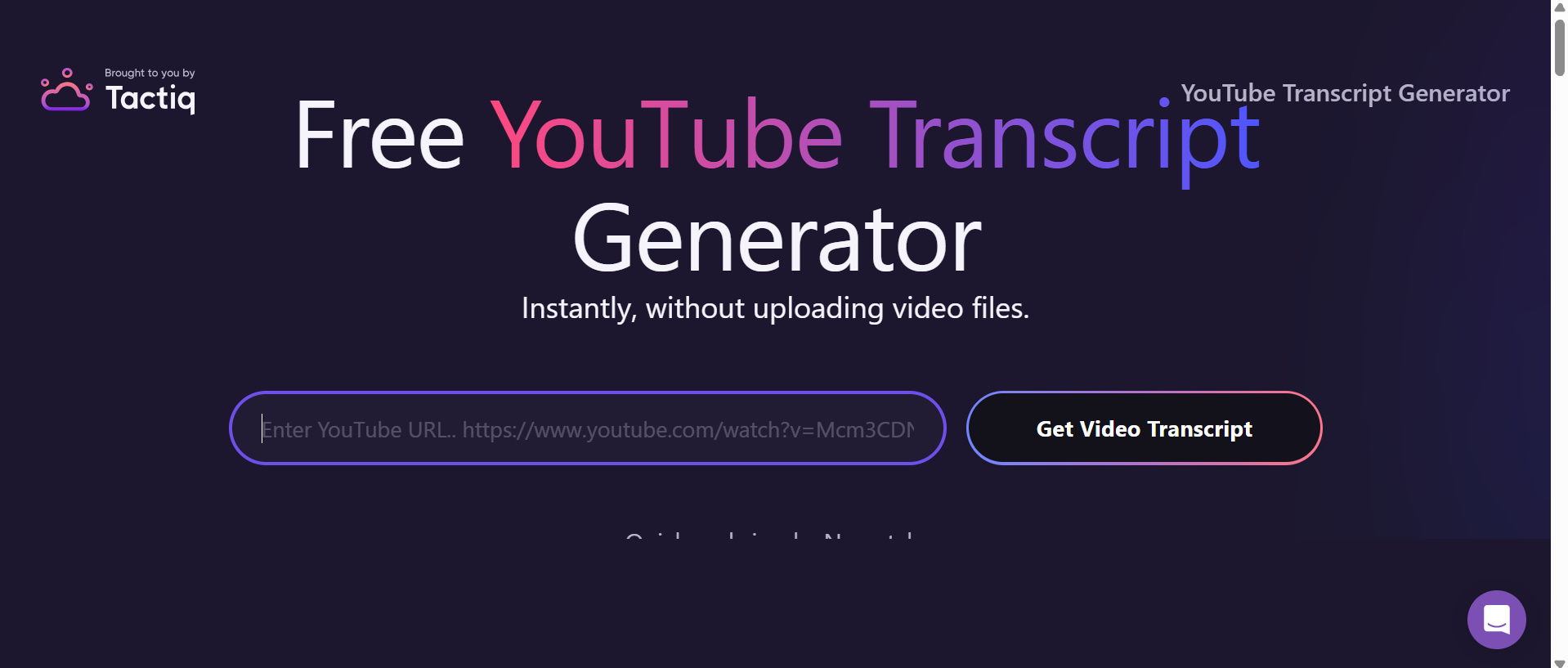
Step 1: Open the Tactiq YouTube transcript generator
Go to the Tactiq YouTube transcript generator to access the transcript extraction tool. This page offers a basic interface for obtaining text from a YouTube video. You don't have to transcribe yourself, so it's fast and easy.
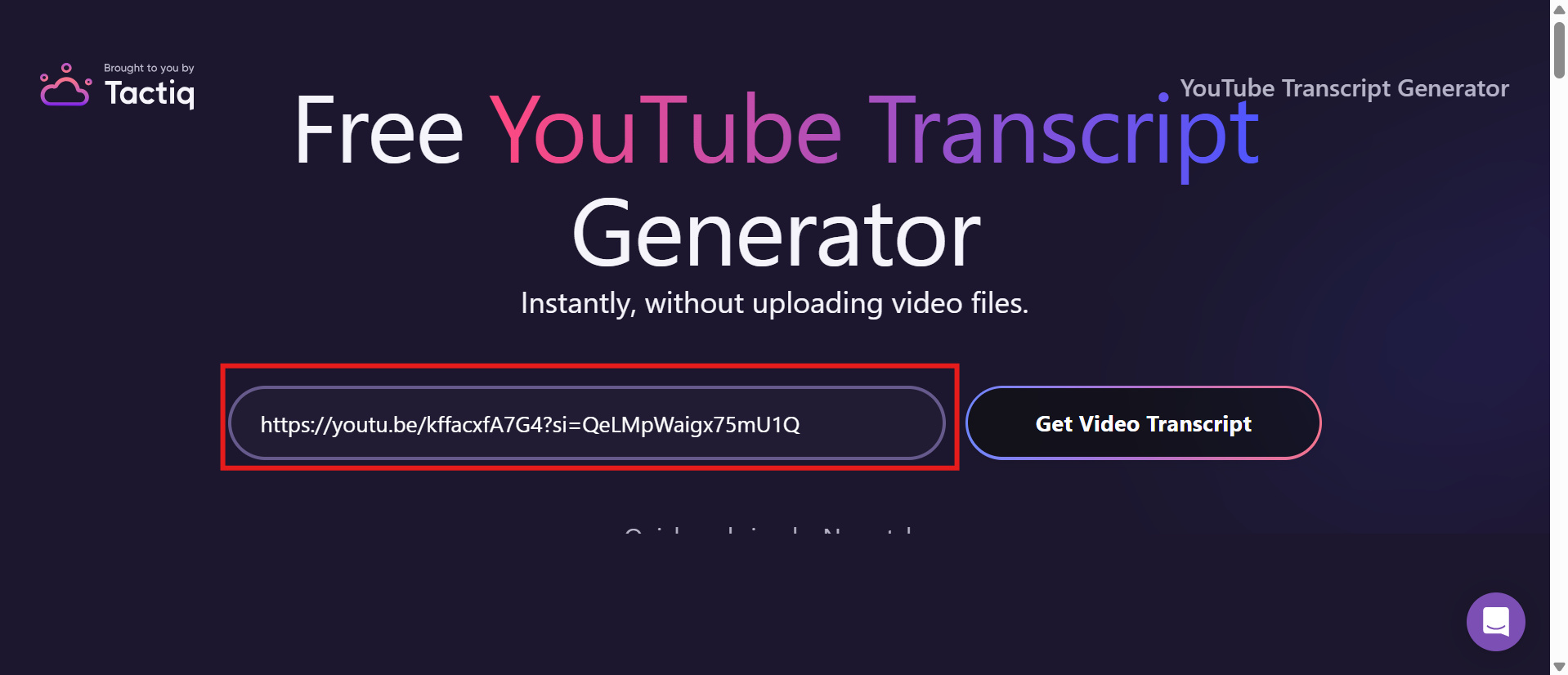
Step 2: Paste the YouTube video URL
Copy the URL of the YouTube video you want to transcribe and paste it into the provided field. Make sure the link is complete and points to the correct video. The tool can then process the video and generate its available transcript.
Step 3: Review and download the transcript
Once you get the transcript, look over the text to make sure it reflects the video information correctly. Look for missing words, formatting faults, or transcription errors. If everything seems right, download or store the transcript for later use.
Tactiq YouTube transcript: pros, cons, pricing, and user experience
Tactiq is especially useful when your goal is simple: turn a regular YouTube video into editable text. However, its standalone YouTube generator is more limited than the broader transcription workflow available on the main Tactiq platform.
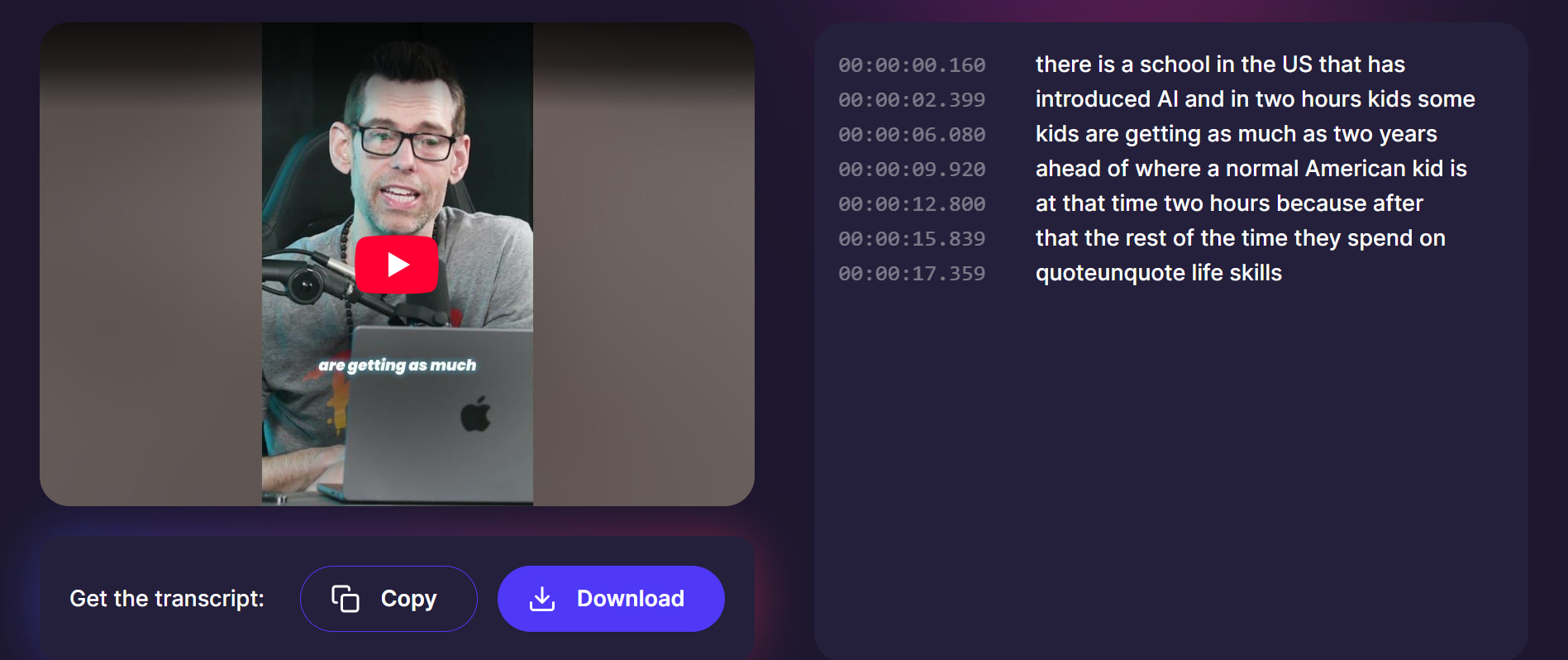
Use case 1: Educational video
Tactiq can be useful for educational videos where the goal is to turn spoken explanations into editable text. For lectures, tutorials, and other instructional content, a useful transcript should capture key concepts, explanations, and important details clearly. This can make the content easier to review, study, or reference later.
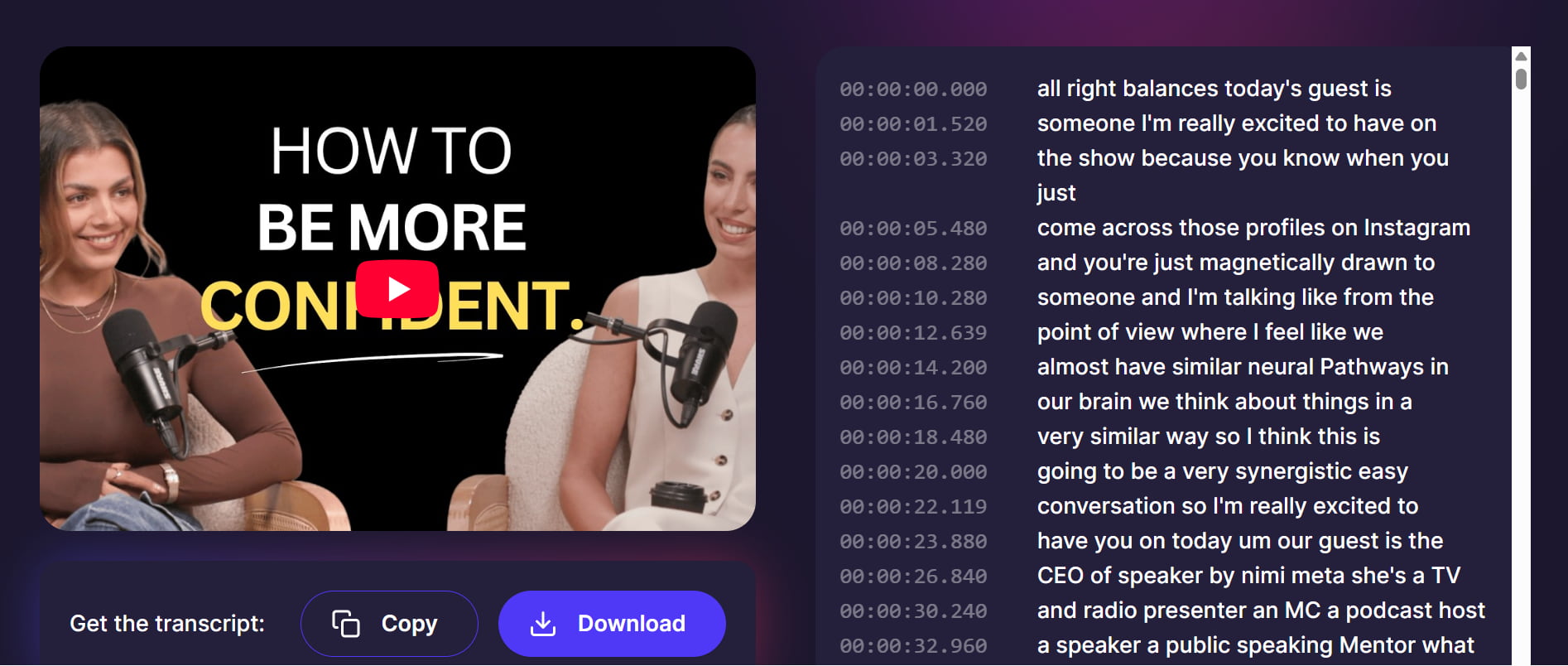
Use case 2: Podcast video
Tactiq can also be useful for podcast videos that contain longer, more natural conversations. The transcript should make discussions easier to follow by capturing the main points while remaining readable despite pauses, interruptions, and informal speech. For conversations involving multiple speakers, clear formatting and accurate transcription can also make the resulting text easier to review.
Pros and Cons
|
Pros |
Cons |
|---|---|
|
|
|
|
|
|
|
|
|
|
Pricing
|
Plan |
Pricing |
Best For |
|---|---|---|
|
$0/month |
Individuals who need basic transcription and limited AI features |
|
$12/month |
Individual users who need unlimited transcripts and more AI features |
|
$20/month |
Small teams that need shared transcripts and collaboration features |
|
$40/month |
Growing organizations that need advanced controls and data management |
|
Contact sales |
Large organizations requiring custom plans, security, and dedicated support |
Real user experiences
On Reddit
Reddit users have mentioned Tactiq as a useful option for getting transcripts from YouTube videos. One user reported using it to transcribe YouTube content and export the resulting text or PDF, while another user described using Tactiq to obtain a full transcript before summarizing it with AI. These discussions suggest that Tactiq can be useful for quickly turning YouTube videos into searchable, reusable text.
On Trustpilot
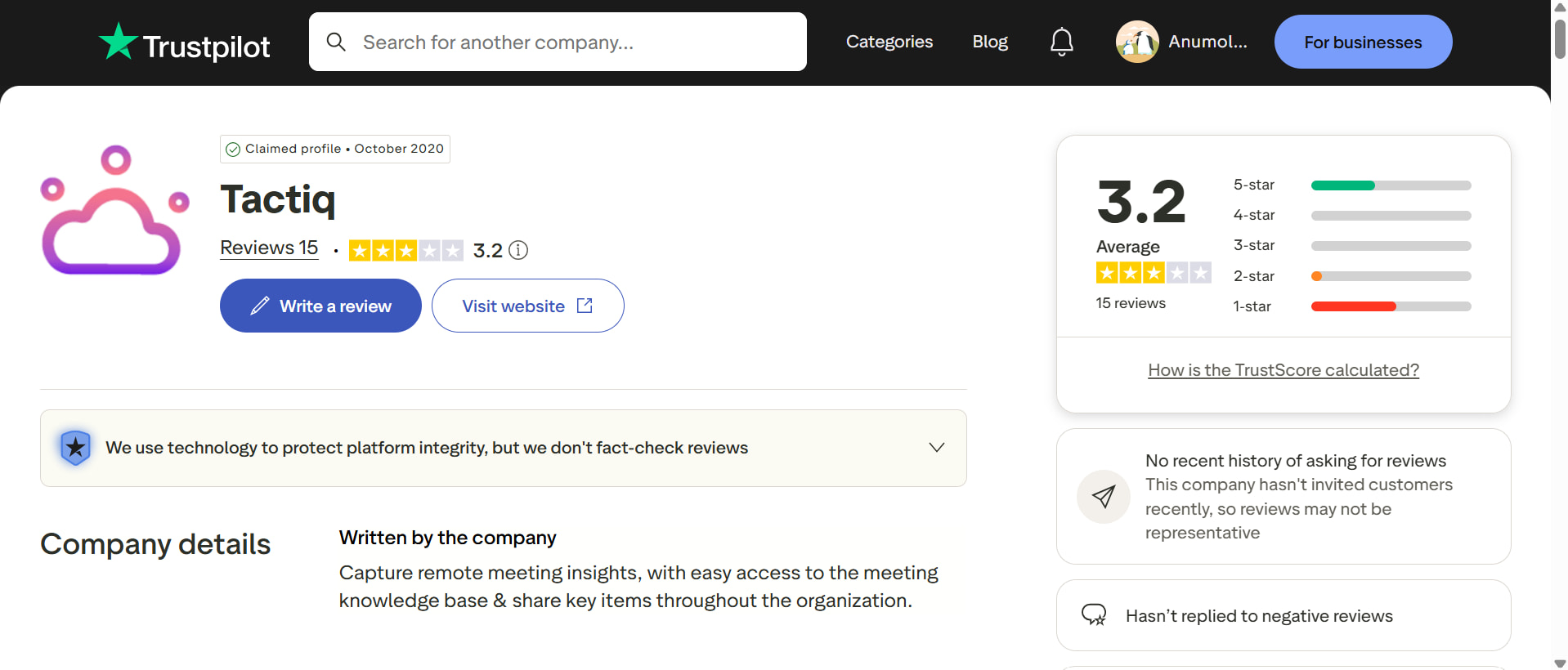
Trustpilot reviews show that Tactiq works well for some users, while others have run into a few issues. Some reviewers say the tool handles longer audio nicely and gives them reliable transcripts. However, there are also complaints about language options and occasional accuracy problems. Overall, Tactiq seems useful for quick transcription, but the results can vary depending on the language and audio quality.
On G2
G2 users often mention Tactiq's simple interface and automatic transcription as some of its useful features. Several reviewers are happy with the accuracy, but some have noticed missing words or errors when speakers have non-native accents. If you are using Tactiq for YouTube transcripts, it can save time, but it is still a good idea to check the transcript and correct any mistakes before using it.
Tactiq makes it simple to get transcripts from a single YouTube video, but its approach has significant drawbacks for those who want broader video-to-text options. Vmake Labs is a more complete solution, with options for video uploads, languages, formats, and transcription. The next section is the step-by-step manual to transcribe YouTube videos with Vmake Labs.
How to transcribe YouTube videos with Vmake Labs
Vmake Labs provides a more complete technique to convert web movies to text. That's beneficial when you need more than a standard YouTube transcript. Its video and audio-to-text capabilities can process video footage and provide a comprehensible transcript for examining, altering, or reusing with its video and audio. Also check out the video transcript generator for the ultimate video-to-text workflow.
Key features
-
AI-powered video and audio transcription: Convert video and audio content into editable text automatically using AI speech recognition.
-
YouTube link transcription: Paste a YouTube URL directly to generate a transcript without downloading the original video first.
-
Multilingual transcription and translation: Select the content language or use automatic language detection, with an option to generate a translated version.
-
Editable transcript output: Review, edit, and copy the generated transcript before exporting it for further use.
-
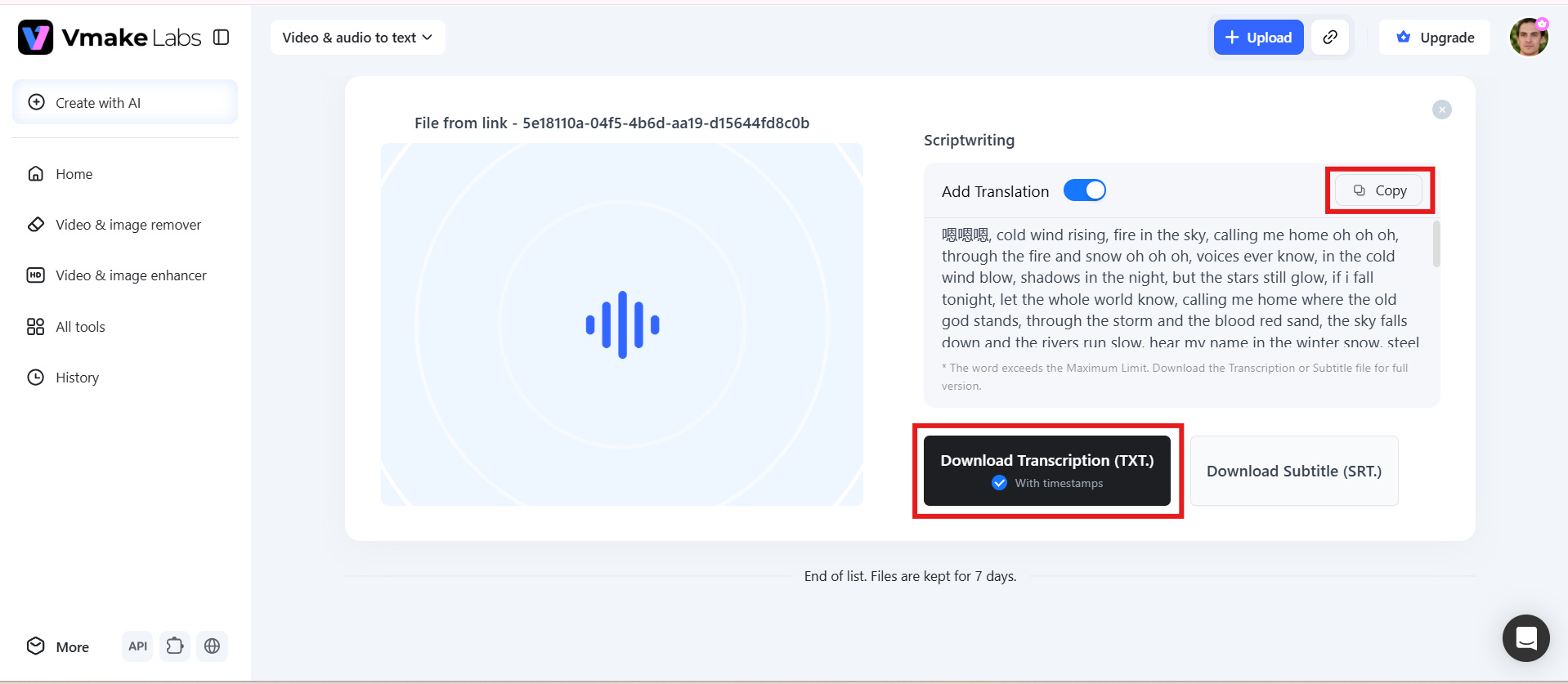
TXT and SRT exports: Download transcripts as TXT files with timestamps or export them as SRT subtitle files for video platforms.
-
Multiple input sources: Upload video or audio files or import content directly from YouTube, TikTok, and Facebook links.
How to transcribe YouTube videos with Vmake Labs
Step 1: Upload a video or paste a YouTube link
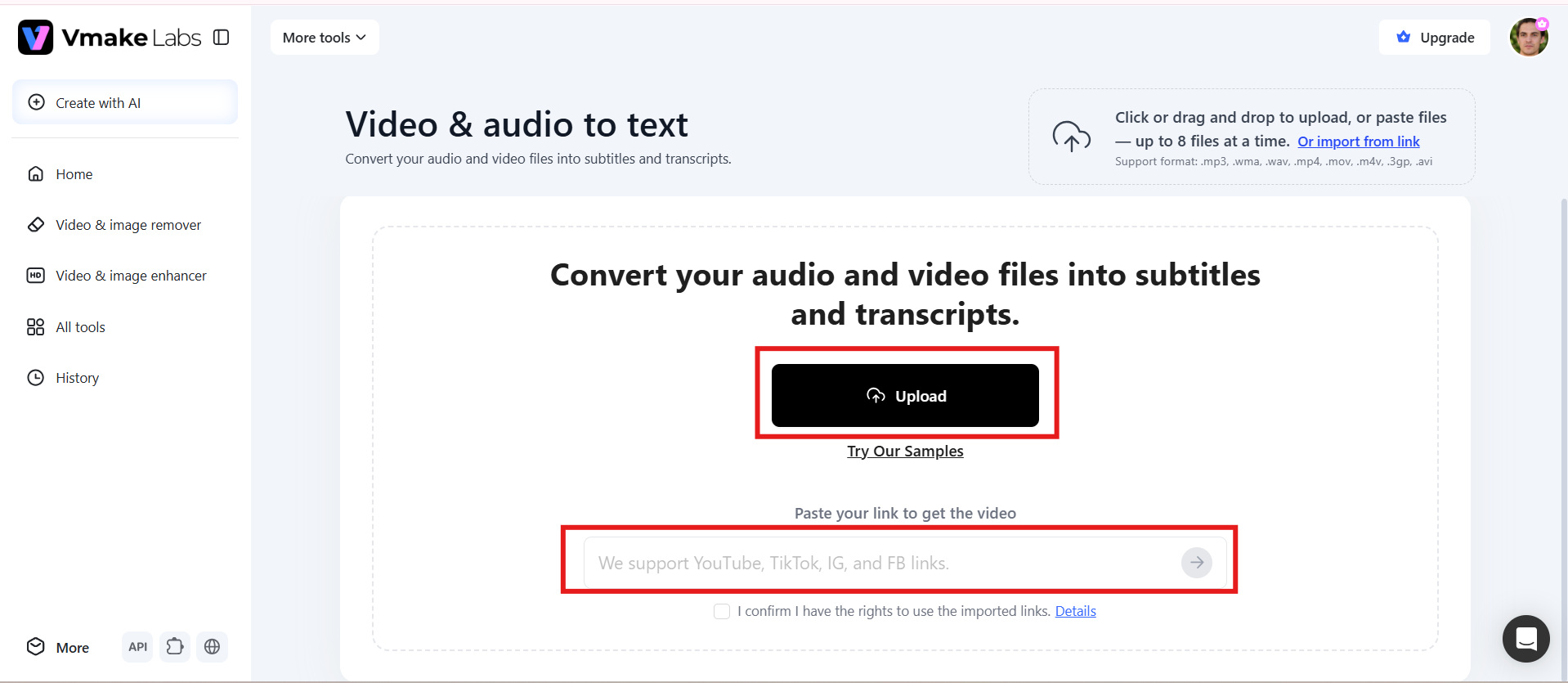
Start by uploading your video file or pasting the YouTube video link into Vmake Labs. Make sure the video has clear audio so the tool can accurately identify and transcribe the spoken content.
Step 2: Choose the language and transcription settings
Select the language used in the video and choose the available transcription settings based on your requirements. These settings help Vmake Labs process the audio and generate a transcript that matches the video's spoken content.
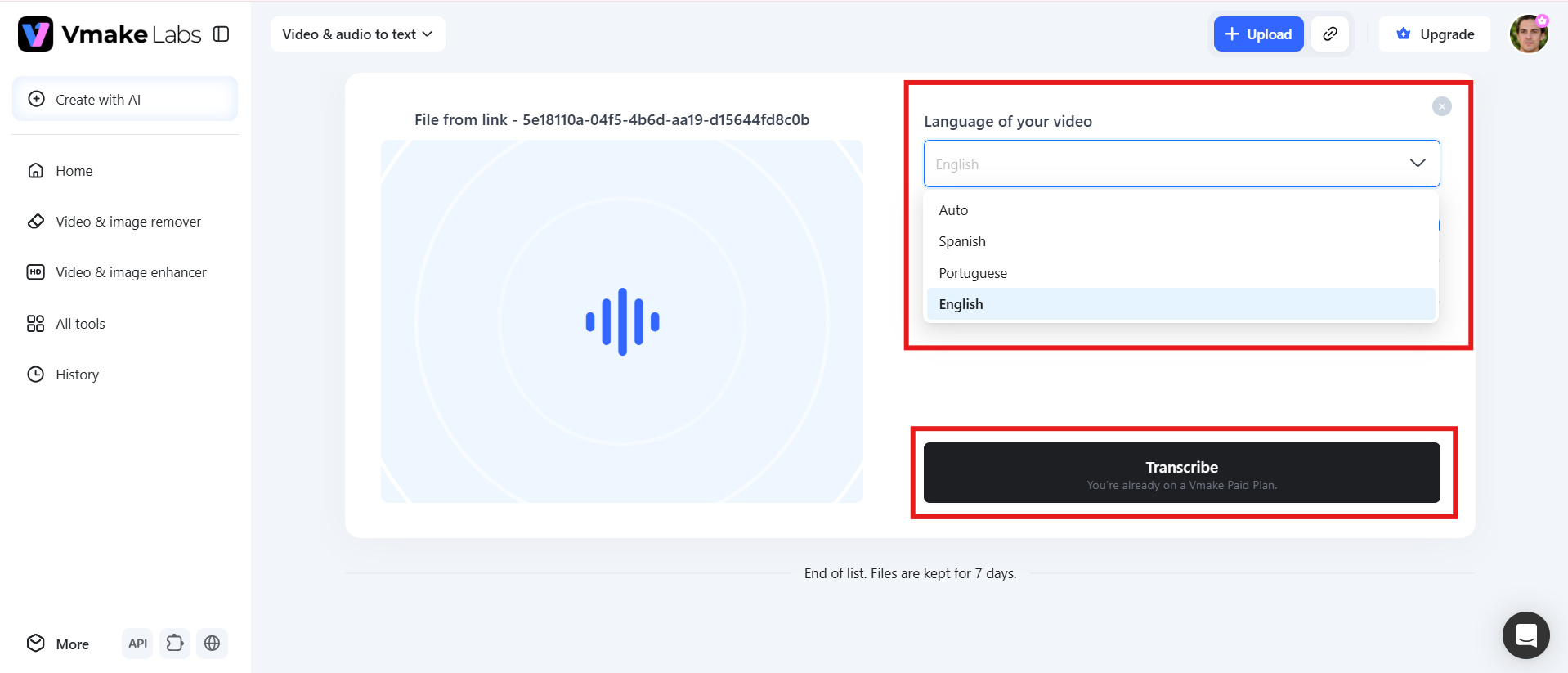
Step 3: Review, copy, or download the transcript
Once processing is complete, review the generated transcript for accuracy and make any necessary corrections. You can then copy the text or download the transcript for editing, sharing, or future reference.
Tactiq YouTube transcript vs Vmake Labs
Tactiq YouTube transcript and Vmake Labs take different approaches to video transcription. Tactiq is better suited for quickly extracting text from individual YouTube videos through a simple URL-based workflow. Vmake Labs offers a broader video- and audio-to-text workflow, with support for uploaded videos and additional transcription options. Your choice depends on whether you need a quick YouTube transcript or a more flexible video transcription solution.
|
Feature |
Tactiq YouTube Transcript |
Vmake Labs |
|---|---|---|
|
YouTube Transcription |
Generate transcripts from YouTube video URLs |
Transcribe YouTube videos by pasting the video link |
|
File Upload |
Primarily focused on YouTube URLs for this workflow |
Supports video and audio file uploads |
|
Language Support |
English for the YouTube Transcript Generator |
Supports multiple languages |
|
Translation |
Limited for the standalone YouTube transcript workflow |
Supports transcript translation |
|
Transcript Output |
View, copy, or download transcript as TXT |
Review, copy, and download transcript |
|
Subtitle Format |
TXT download |
TXT with timestamps and SRT |
|
Bulk Transcription |
Not supported by YouTube videos |
Supports broader video and audio transcription workflows |
|
Best For |
Quickly extracting text from individual YouTube videos |
YouTube, video, and audio transcription with more flexible output options |
Conclusion
The Tactiq YouTube transcript generator is a practical option for a rapid transcript from a regular english YouTube video. URL-based procedure is straightforward, and you may copy or download the output as TXT. But language, bulk processing, and short limits make it less flexible for wider content processes. If you are a creator who needs multilingual transcription, translation, timestamps, SRT output, and a YouTube video subtitle generator, then Vmake Labs is a better option. Tactiq is an easy and simple way to extract transcripts on occasion, whereas Vmake Labs gives you a more flexible approach to video footage.
FAQs
-
Is the Tactiq YouTube transcript generator free?
Yes. Tactiq's standalone YouTube transcript generator is free to use for generating transcripts from supported YouTube URLs. You can paste a video link and access the transcript without subscribing to a paid plan. However, Tactiq's main platform offers additional features through its free and paid plans.
-
Can I download a transcript from Tactiq?
Yes. After generating a YouTube transcript, you can copy the text or download it as a .txt file. Tactiq also allows the downloaded transcript to be uploaded to its platform, where you can use AI features for summaries and further analysis.
-
Does Tactiq transcribe YouTube videos directly inside its main platform?
No. Tactiq's main platform does not directly transcribe YouTube videos. Instead, you can use its standalone YouTube transcript generator, download the transcript, and upload the file to Tactiq if you want to use its AI analysis or summarization features.
-
Can Vmake Labs transcribe a YouTube video without downloading it?
Yes. Vmake Labs allows you to paste a YouTube link directly into its transcription workflow. This means you can generate a transcript without first downloading the original video. You can then review and download the resulting transcript.
-
What can I download from Vmake Labs after transcription?
Vmake Labs lets you copy the generated transcript or download it as a TXT file with timestamps. You can also export the transcript as an SRT subtitle file. TXT works well for editing and documentation, while SRT is useful for adding subtitles to videos.
-
Which is better for broader video transcription, Tactiq or Vmake Labs?
Tactiq is a straightforward option when you only need a transcript from a standard English YouTube video. Vmake Labs is more flexible for broader video transcription because it supports YouTube links, video and audio uploads, multiple languages, translation, timestamps, and SRT output.

You May Be Interested
How to Create Professional YouTube Thumbnails with AI: A Creator’s 2026 Strategy
Best Quality Video YouTube: 2026 Export Settings & 4K Tricks

Best Time to Post on YouTube: Maximize Views and Reach
The Psychology of Color in YouTube Thumbnails: The 2026 Masterclass for High CTR
How to Create a YouTube Thumbnail? Create YouTube Thumbnails Using AI
