Goku AI Video Generator Tested: Pros, Cons, and Best Alternative
Is ByteDance's Goku AI the ultimate video creation tool? Check out our review and see how it stacks up against the Vmake video generator. Uncover the ultimate alternative for fast, high-quality UGC videos.

As artificial intelligence shifts from generating static images to synthesizing hyper-realistic cinematic footage, picking the right video tool has become vital. Today, we are reviewing Goku AI, a highly anticipated model designed to deliver smooth-motion videos. This comprehensive review analyzes its core features, performance metrics, pricing plans, and how it compares to top-tier commercial alternatives like Vmake AI.
What is Goku AI?
Goku AI is an advanced, flow-based generative foundation model developed by ByteDance and researchers from HKU. Designed specifically to challenge giants like OpenAI's Sora, Goku utilizes a unique Rectified Flow Transformer (RFT) architecture with up to 8 billion parameters. This allows it to simultaneously compress and process high-fidelity images and videos into a unified latent space.
By training on over 160 million image-text pairs and 36 million video-text pairs, Goku achieves industry-leading consistency, realistic human kinetics, and strong text alignment, making it one of the best open-source AI video generators in the current digital space.
Essential features of Goku AI video generator
Here are the core technical capabilities that make Goku AI stand out in the generative video landscape:
Text-to-video generation
This tool seamlessly translates descriptive textual prompts into smooth, cinematic video clips, offering incredible frame-by-frame structural stability and highly detailed, realistic environment generation.
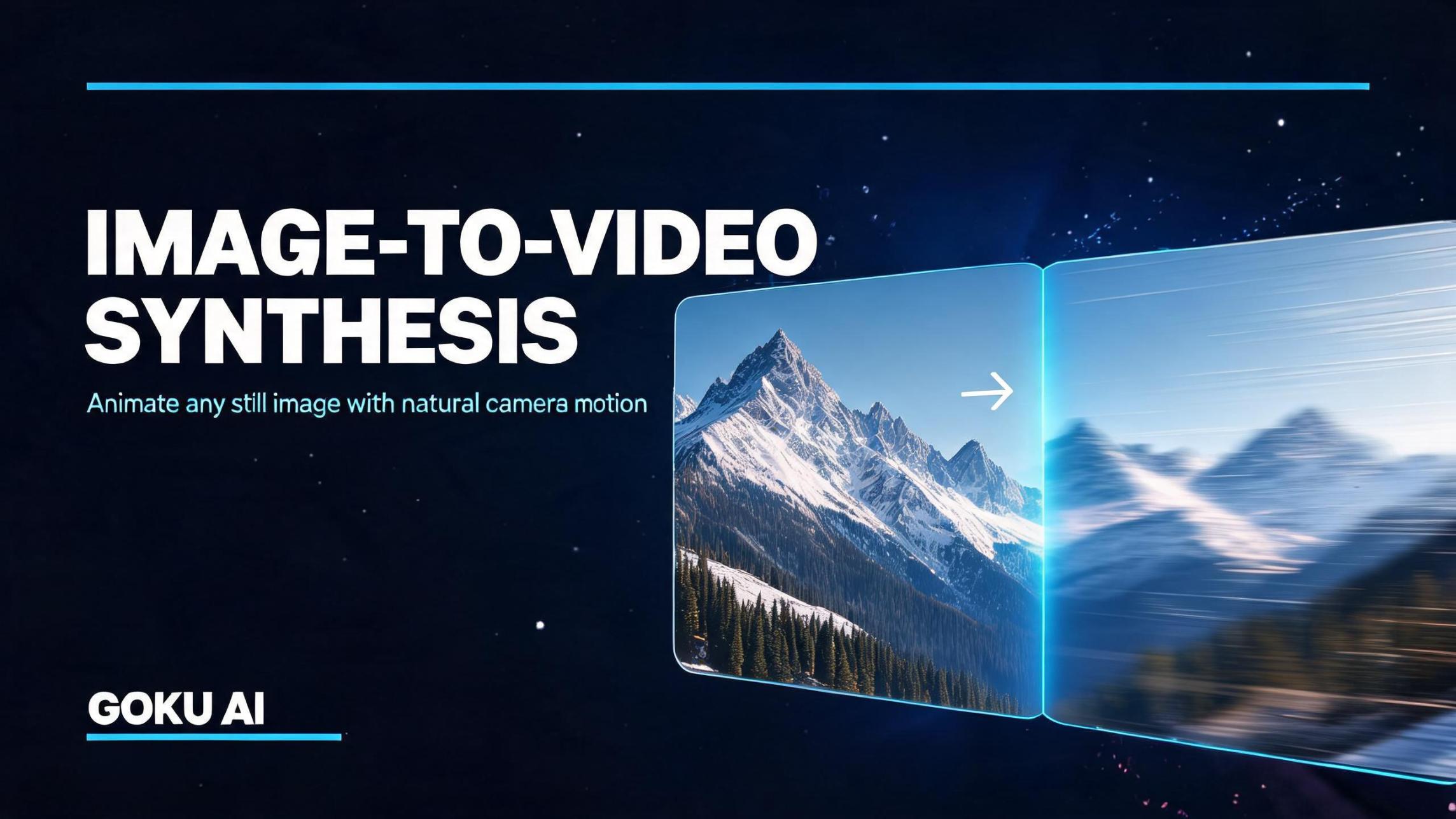
Image-to-video synthesis
By uploading a static reference image, Goku animates it seamlessly, preserving the original asset's lighting, textures, and key features while introducing natural camera movements.
Rectified Flow Transformer
Unlike traditional diffusion models, Goku utilizes an RFT architecture that specifically calculates motion velocities, resulting in ultra-smooth character physical motions and highly coherent transitions.
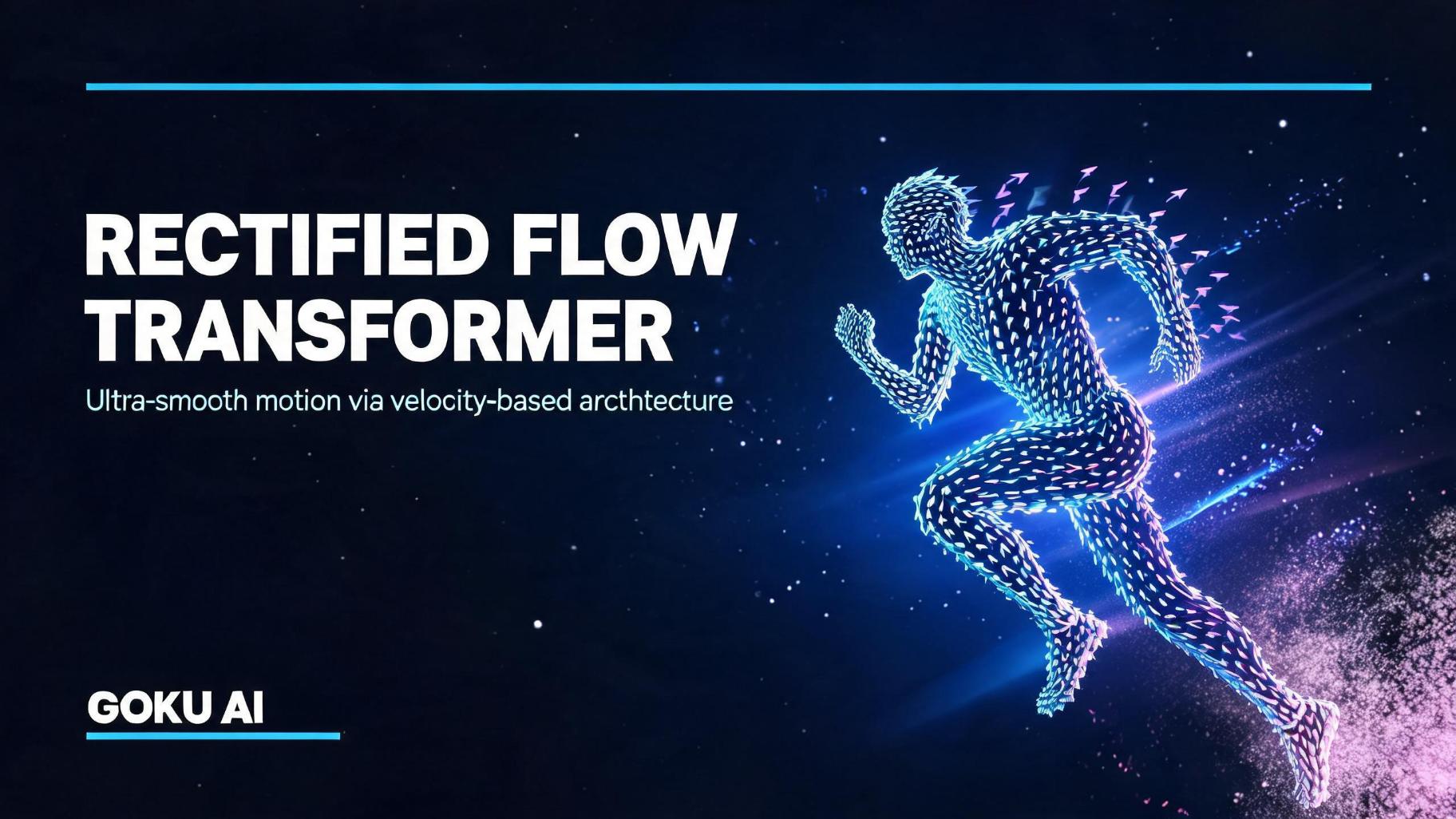
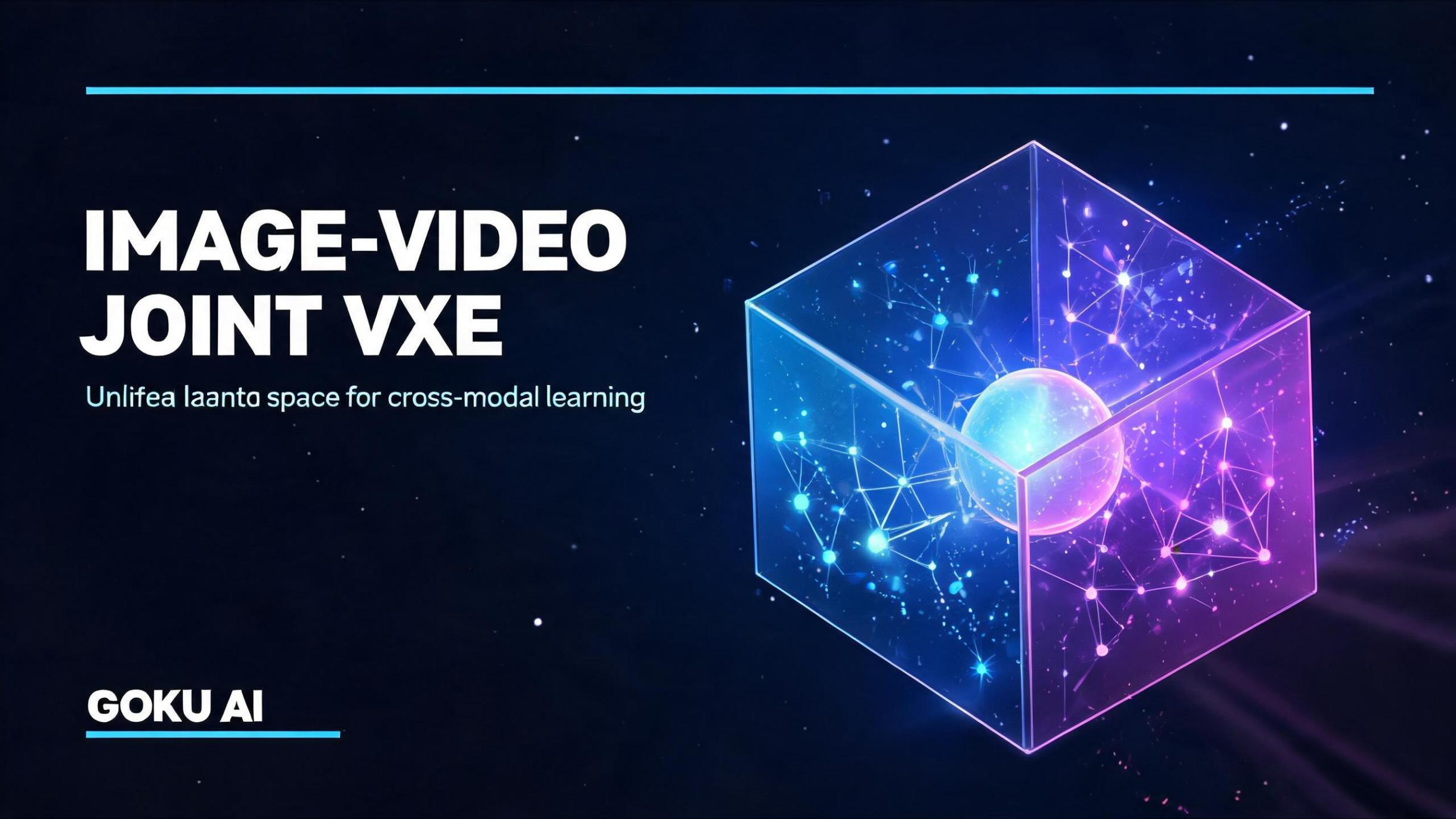
Image-Video Joint VAE
A proprietary 3D variational autoencoder compresses both image and video data into a shared latent space, enabling the unified framework to perform cross-modal learning efficiently.
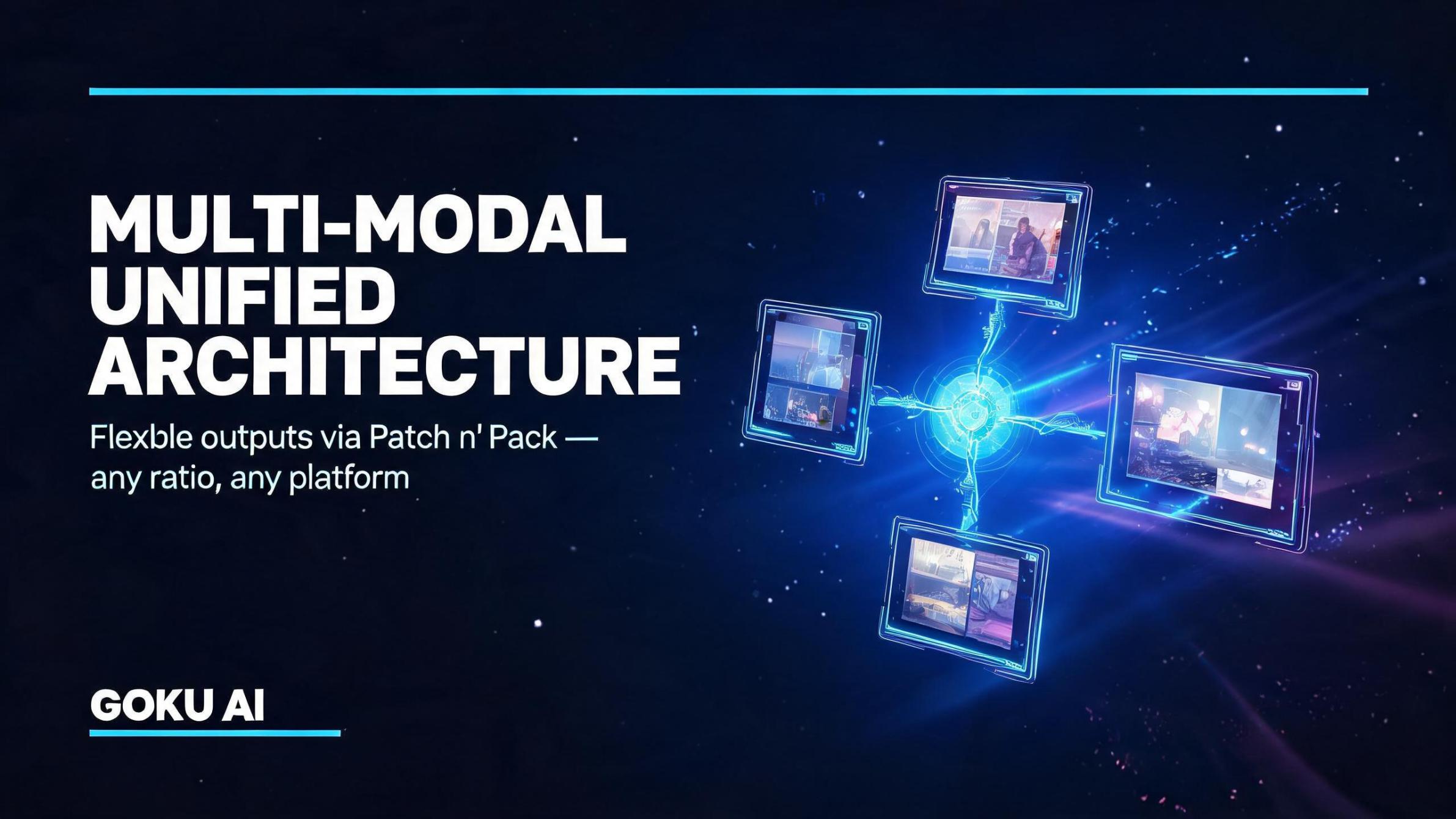
Multi-modal unified architecture
Goku processes varying aspect ratios and resolutions through its 'Patch n' Pack' feature, allowing creators to generate flexible, platform-ready outputs without cropping artifacts.
How much Goku AI video generator costs: pricing tiers to note
Goku AI operates on a tiered structure.
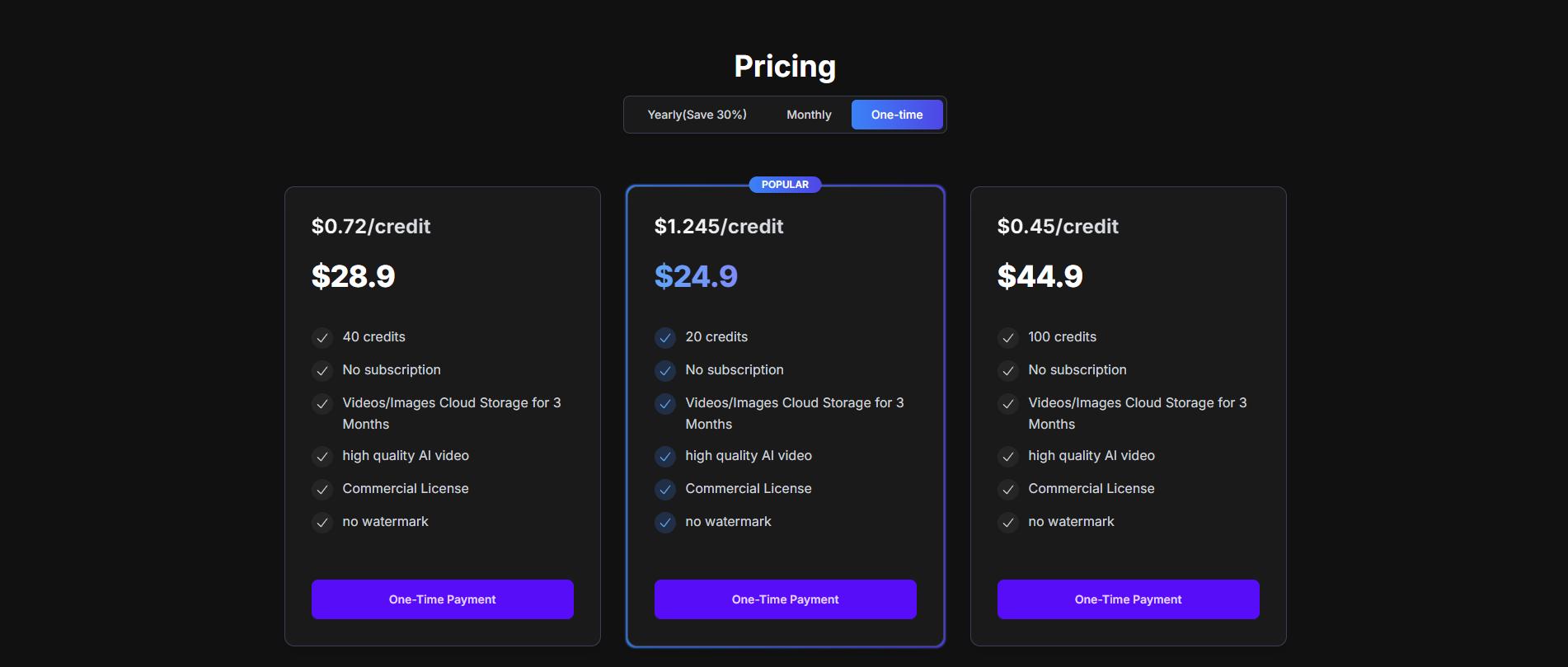
Since it is a newly released foundational model by ByteDance, it is primarily distributed through open-source access, developer API credits, and web-platform integrations like Doubao.
Individual creators can explore the model for free using basic computing credits, while high-demand enterprises and developers can opt for custom API structures or premium subscriptions.
Here is a breakdown of the current pricing and access tiers for utilizing the model:
|
Plan |
Price |
Credits |
Cost per Credit |
Key Benefits |
|---|---|---|---|---|
|
Starter |
$24.90 |
20 credits |
$1.245 |
No subscription, commercial license, no watermark, 3 months cloud storage |
|
Basic |
$28.90 |
40 credits |
$0.72 |
No subscription, commercial license, no watermark, 3 months cloud storage |
|
Popular |
$44.90 |
100 credits |
$0.45 |
No subscription, commercial license, no watermark, 3 months cloud storage |
|
Premium |
$88.90 |
300 credits |
$0.296 |
Lowest cost per credit, commercial license, no watermark, 3 months cloud storage, high-quality video generation |
Ideal use cases of Goku AI video generator
Goku AI's advanced visual dynamics make it ideal for several specific high-fidelity content creation industries:
-
E-commerce showcases: Creates highly realistic product demonstrations with fluid human physical interaction without needing expensive physical sets, saving retail brands substantial marketing budgets.
-
Social media ads: Generates highly engaging, high-retention short-form marketing clips and ad variations from simple text descriptions, vastly improving organic social click-through performance.
-
Cinematic pre-visualization: Allows indie filmmakers and directors to rapidly storyboard and pre-visualize complex, dynamic cinematic sequences in high fidelity before committing to real-world production costs.
-
Digital art and animation: Empowers visual artists to generate highly aesthetic, stylized animations and dreamlike digital art compositions from descriptive natural language prompts without manual rendering.
-
Interactive AI avatars: Synthesizes lifelike human-presenter animations for corporate training, education, and customer support, establishing highly convincing and natural-looking talking virtual assistants.
How to use Goku AI video generator in 3 easy steps?
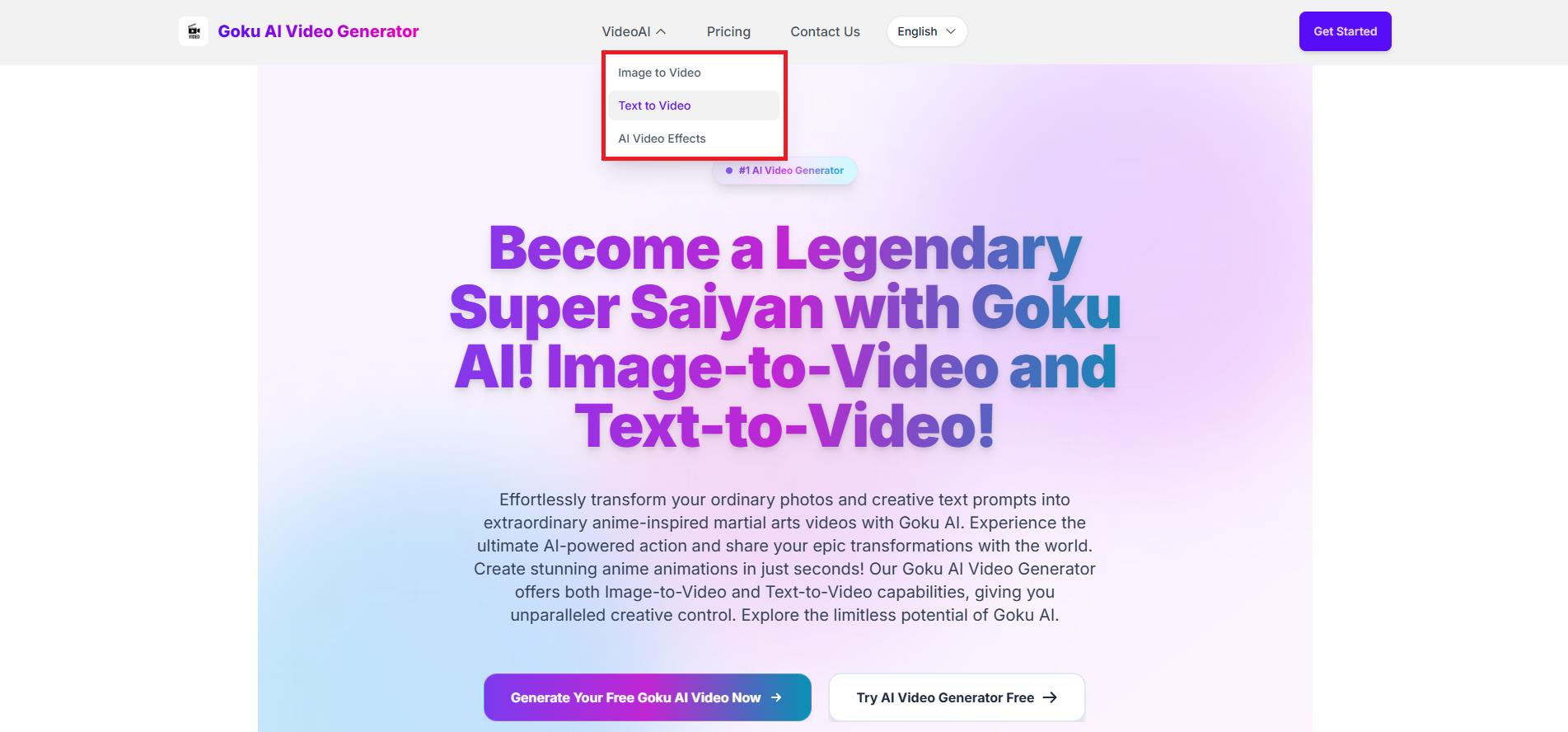
Step 1: Access Goku AI video generator interface
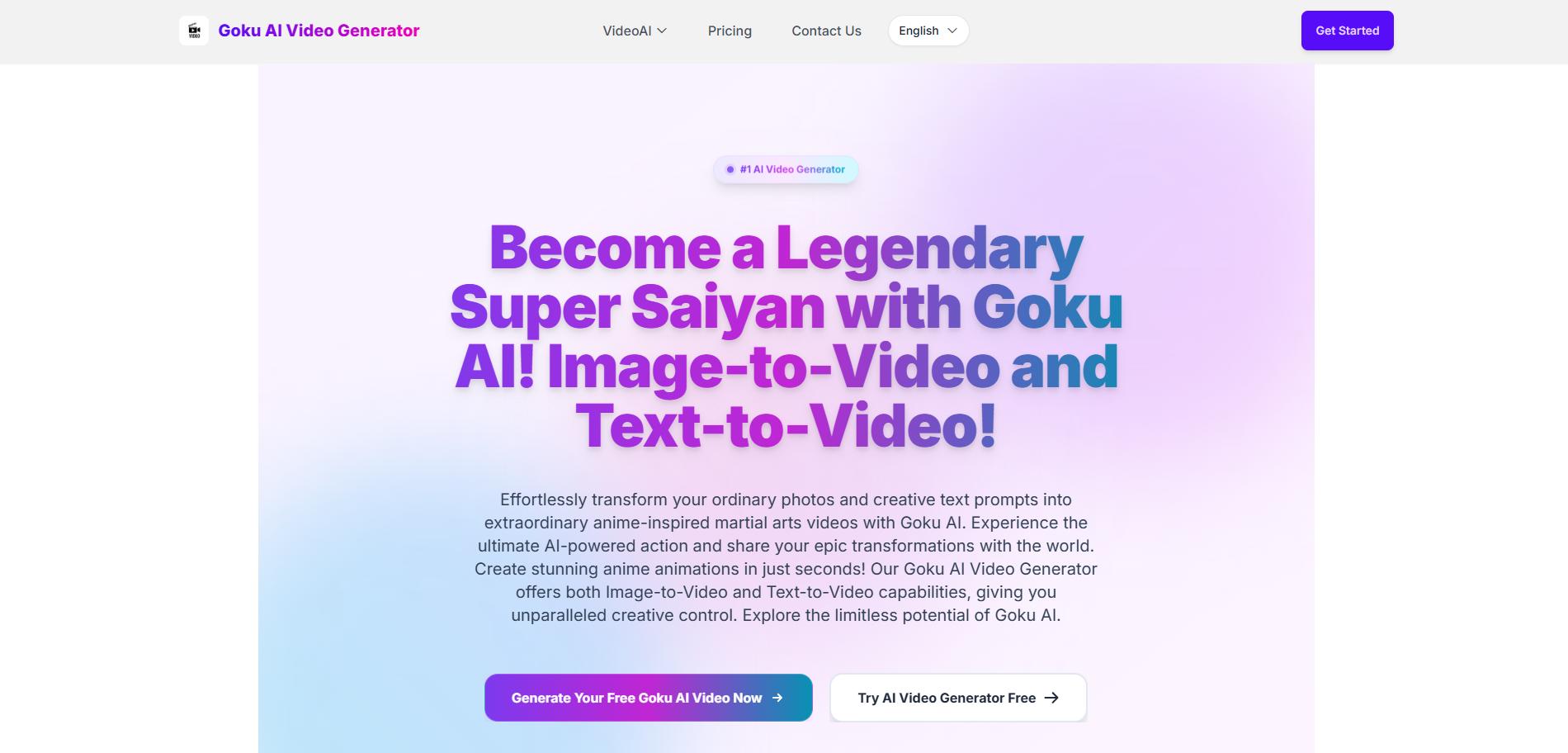
From Goku AI's homepage, click on "Video AI" and from the drop-down menu, select the "Image-to-Video" or "Text-to-Video" option, to start the video generation process and get access to Goku AI's interface.
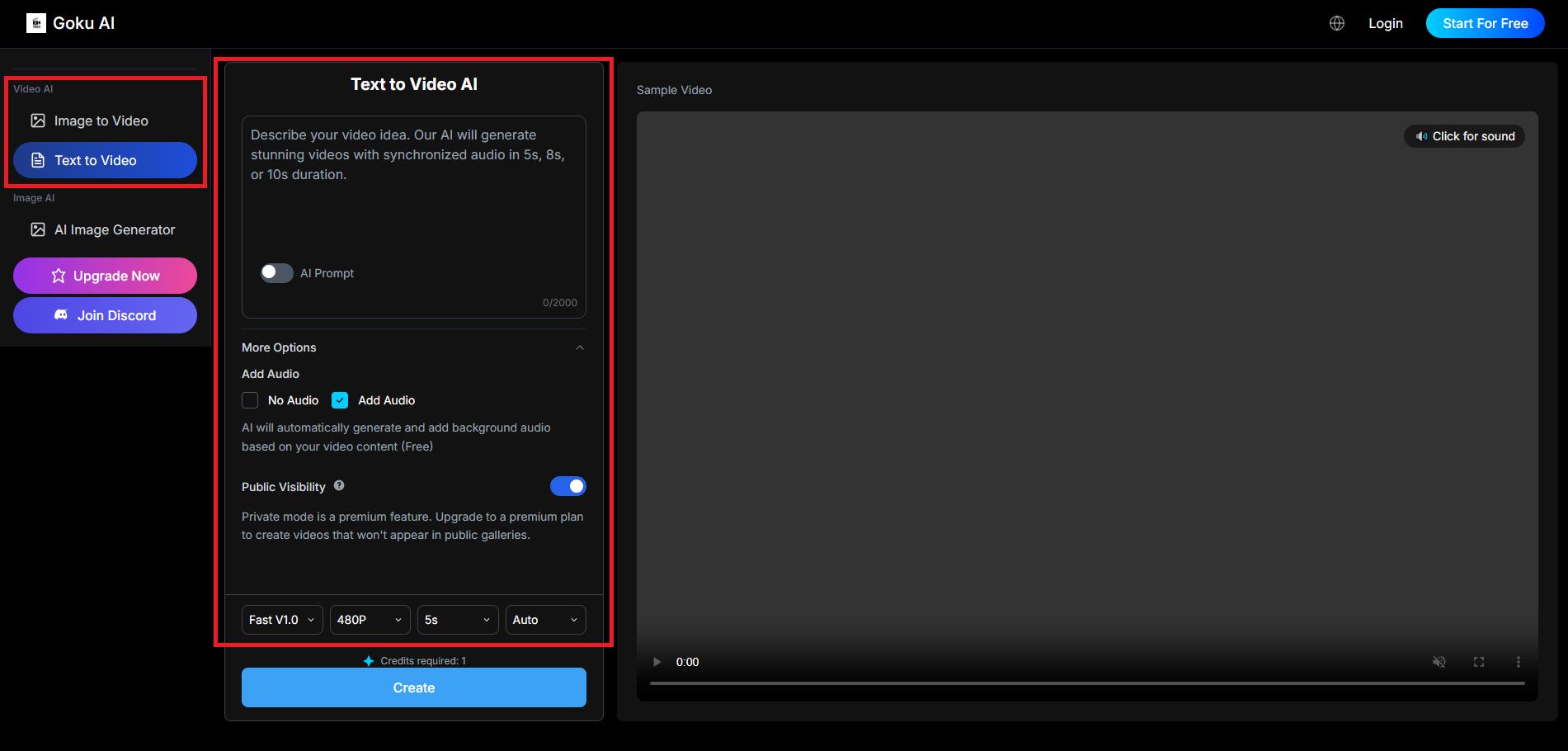
Step 2: Provide your detailed prompt
Next, you need to provide a detailed prompt regarding the type of content that you want to create. Additionally, turn on "AI Prompt" to let AI enhance your prompt. Also, choose your option for audio, as well as the video generation model, the resolution (up to 1080P), video duration (up to 10 seconds), and aspect ratio.
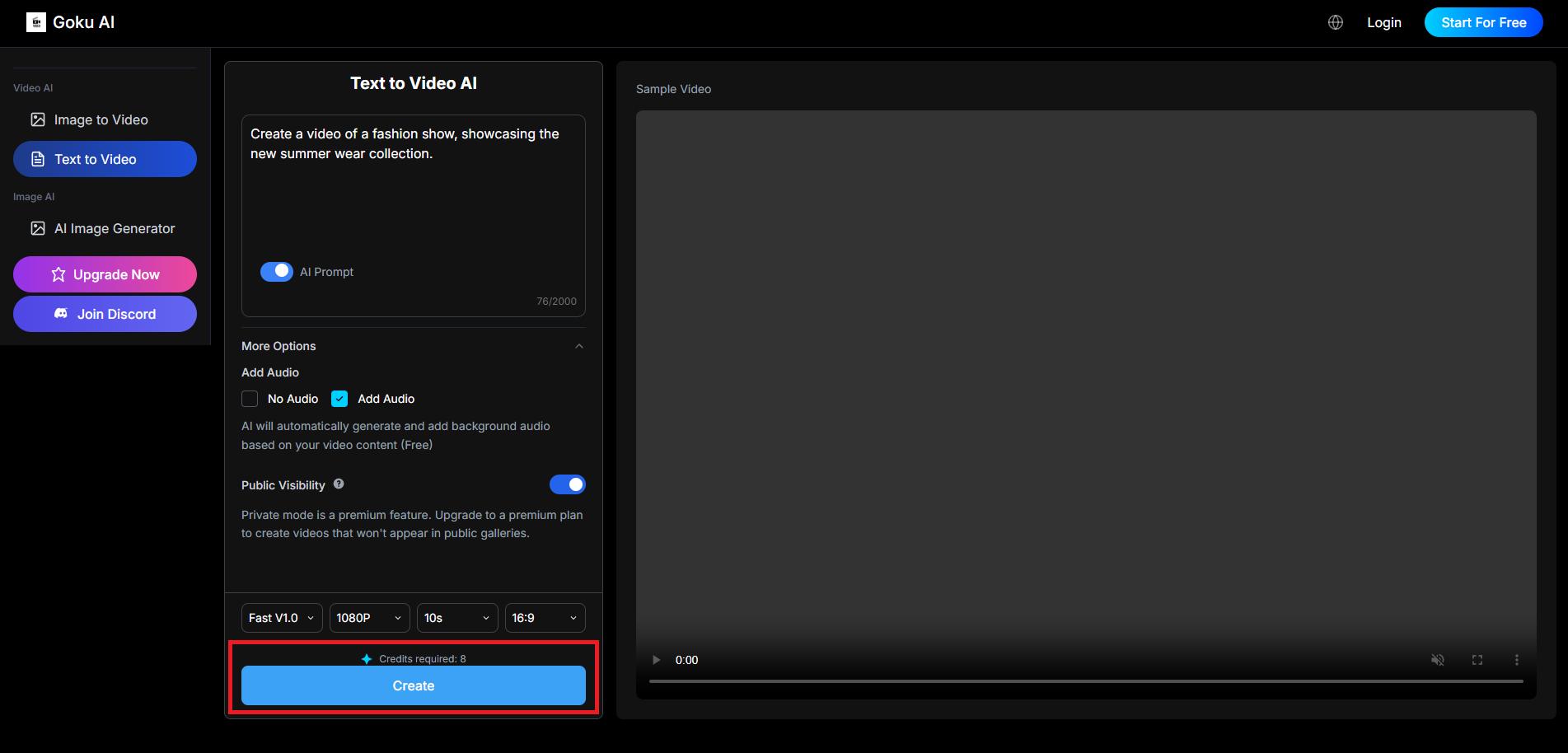
Step 3: Generate and export your video
Once done, click on "Create." Goku AI will start creating your content and once that is completed, the same will be showcased on your screen for instant download.
Goku AI review: is it worth it?
If you are planning to try out Goku AI video generator for the first time, then learning about the platform's strengths and weaknesses is crucial.
Pros |
Cons |
|---|---|
|
|
See what users are saying about Goku AI
On Trustpilot
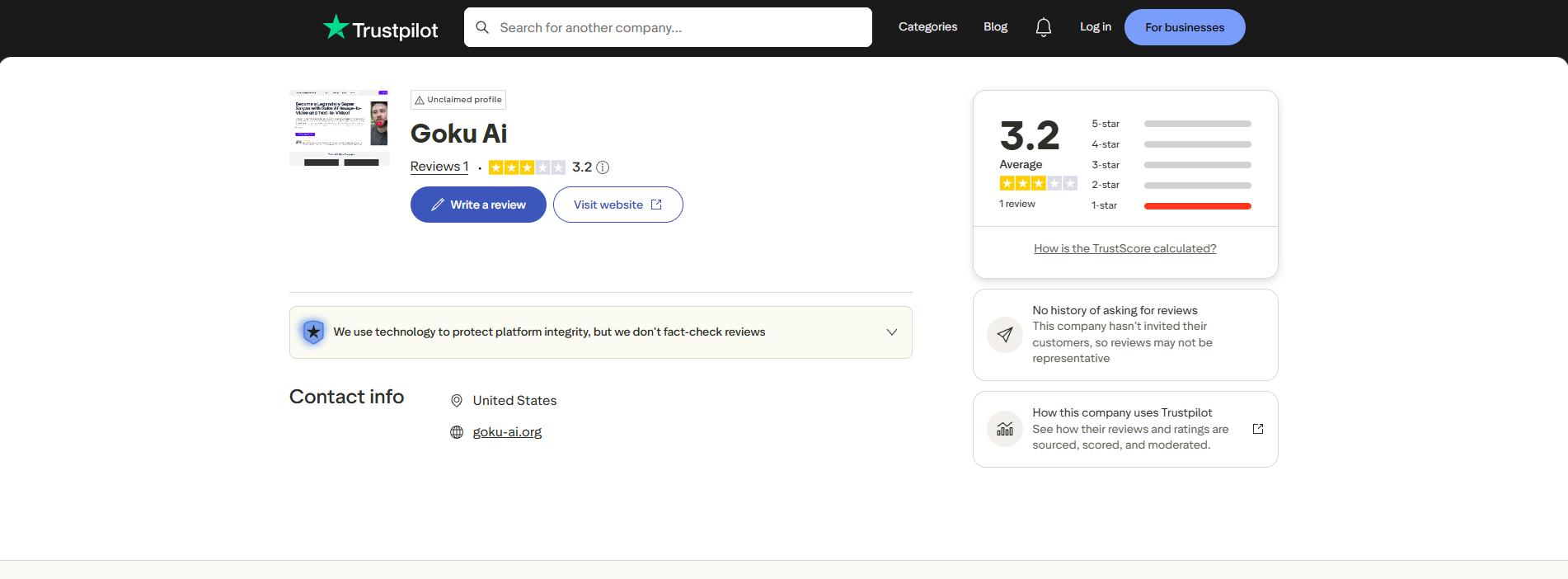
On Trustpilot, users praise Goku AI's breathtaking video realism and smooth motion, noting its potential to revolutionize filmmaking. However, many complain about the slow processing queues and the complete absence of integrated editing tools for finished clips.
On G2
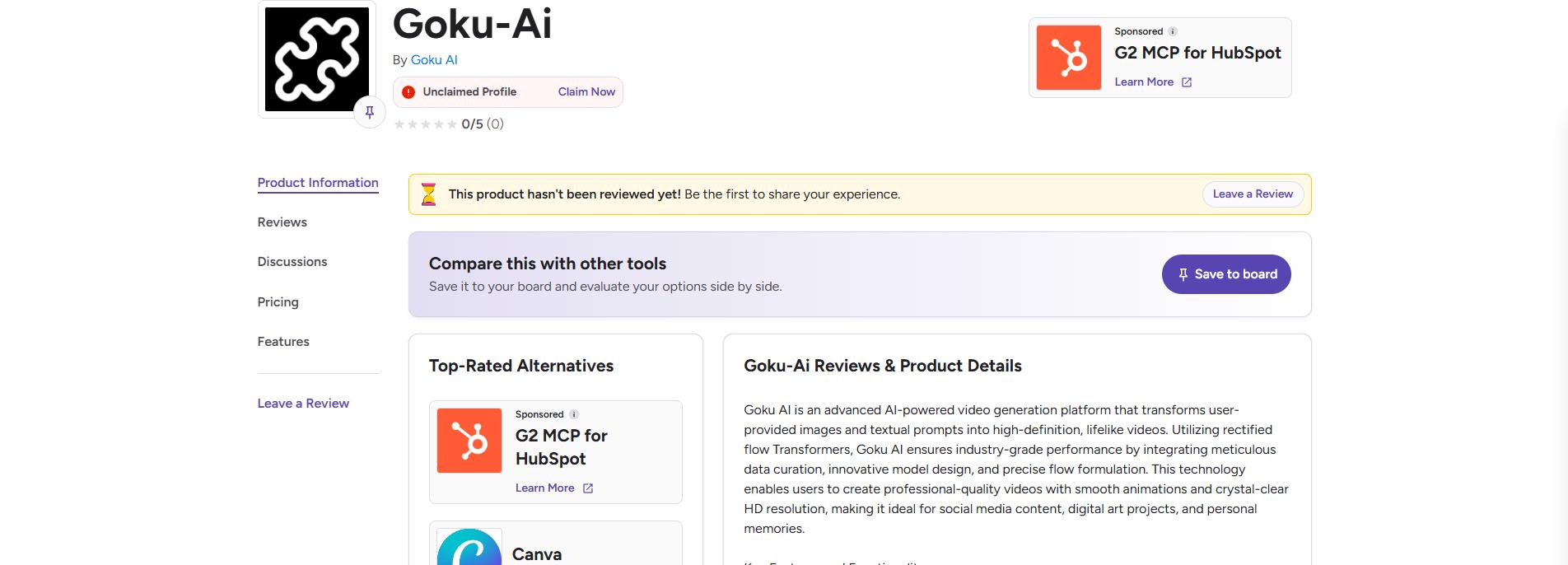
G2 reviewers highlight Goku AI's excellent prompt adherence, giving it high ratings for raw synthetic performance. Conversely, professional marketers note it is difficult to use without external video upscalers or localized marketing video templates.
Editorial verdict
Goku AI is undeniably an industry-leading, highly powerful research model that delivers stunning raw footage with unmatched physical accuracy. However, it ultimately fails as a viable, all-in-one commercial platform for fast-paced creators. Because it lacks essential editing, upscaling, and post-production tools, creators are forced to jump between multiple separate applications just to polish their output.
Introducing Vmake AI Video Generator as an alternative to Goku AI
While Goku AI produces breathtaking raw videos, its complete lack of integrated editing workflows makes it impractical for fast-paced commercial creators. This is where Vmake AI video generator steps in as the ultimate alternative.
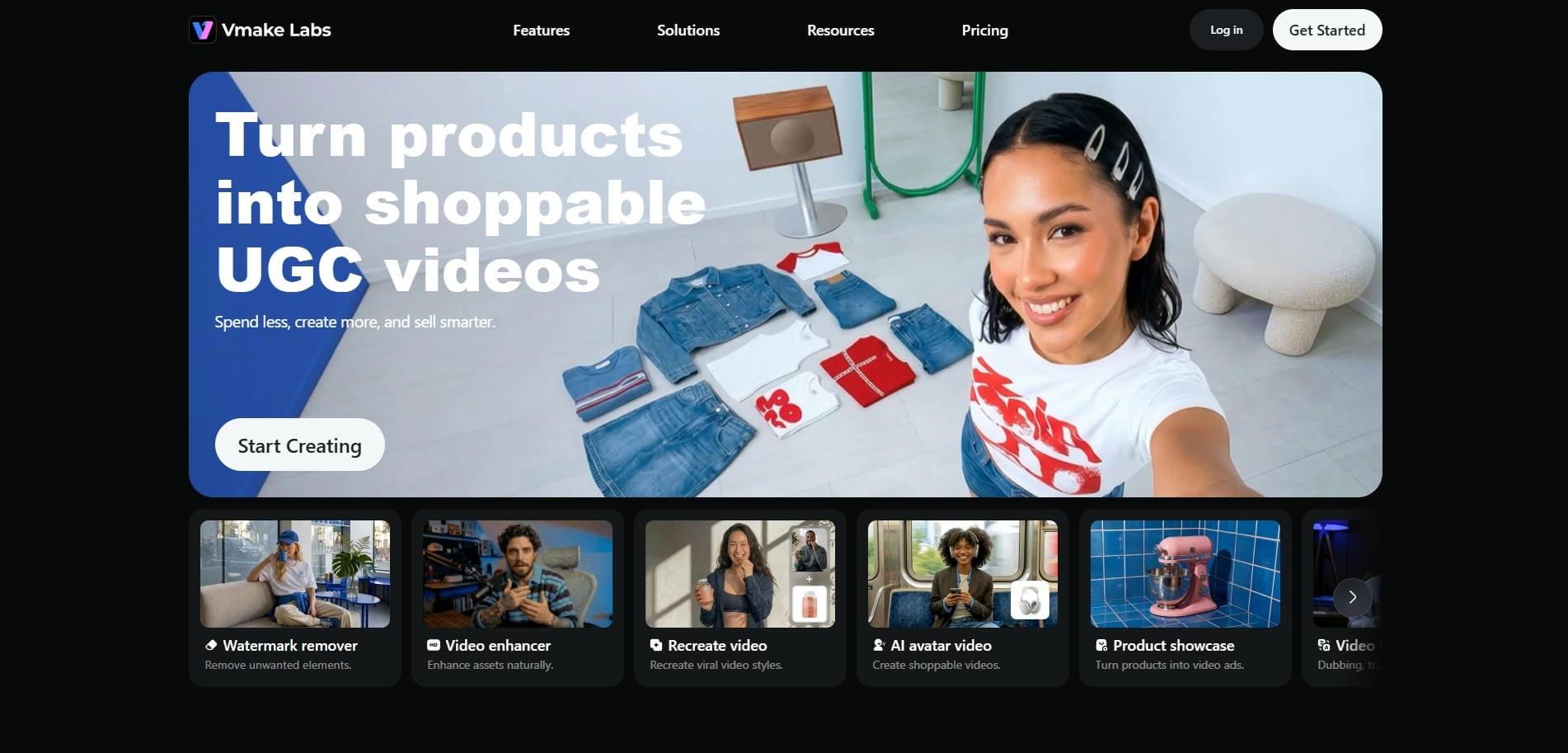
Instead of just generating raw footage, thanks to the integration of industry-leading AI video models, Vmake provides a comprehensive workspace: With it, you can generate AI talking-head avatars, convert product details directly into user-generated content, enjoy streamlined browser-based usage, and experience multi-mode input (text/image/video) for creating stunning video content.
Top features of Vmake AI video generator
-
AI avatar video generator: Create spokesperson-style videos without cameras, actors, or filming setups. Vmake transforms product images and campaign inputs into realistic AI avatar videos that can explain products, deliver marketing messages, and support shoppable content creation for social commerce campaigns.
-
UGC video generator: Create engaging UGC-style ads for TikTok, Reels, Shorts, and e-commerce, with three powerful workflows. Transform product photos into compelling showcase videos, recreate viral short-form content formats for your campaigns, and generate realistic AI avatar spokesperson videos that deliver marketing messages without filming.
-
Fast text-to-video & image-to-video workflow: Turn simple text prompts, images, or existing clips into high-quality videos within minutes. Vmake streamlines video creation with advanced AI models (Seedance 2.0, Veo, Kling, etc.), customizable styles, adjustable durations, and quick rendering, helping creators move from concept to content faster.
-
Viral clone video generator: Recreate proven viral video formats by uploading a reference video. Vmake analyzes the structure, pacing, and creative style, then generates brand-ready versions tailored to your products, making it easier to scale high-performing social content.
How to use Vmake AI video generator in 3 simple steps?
Step 1: Access the AI video generator
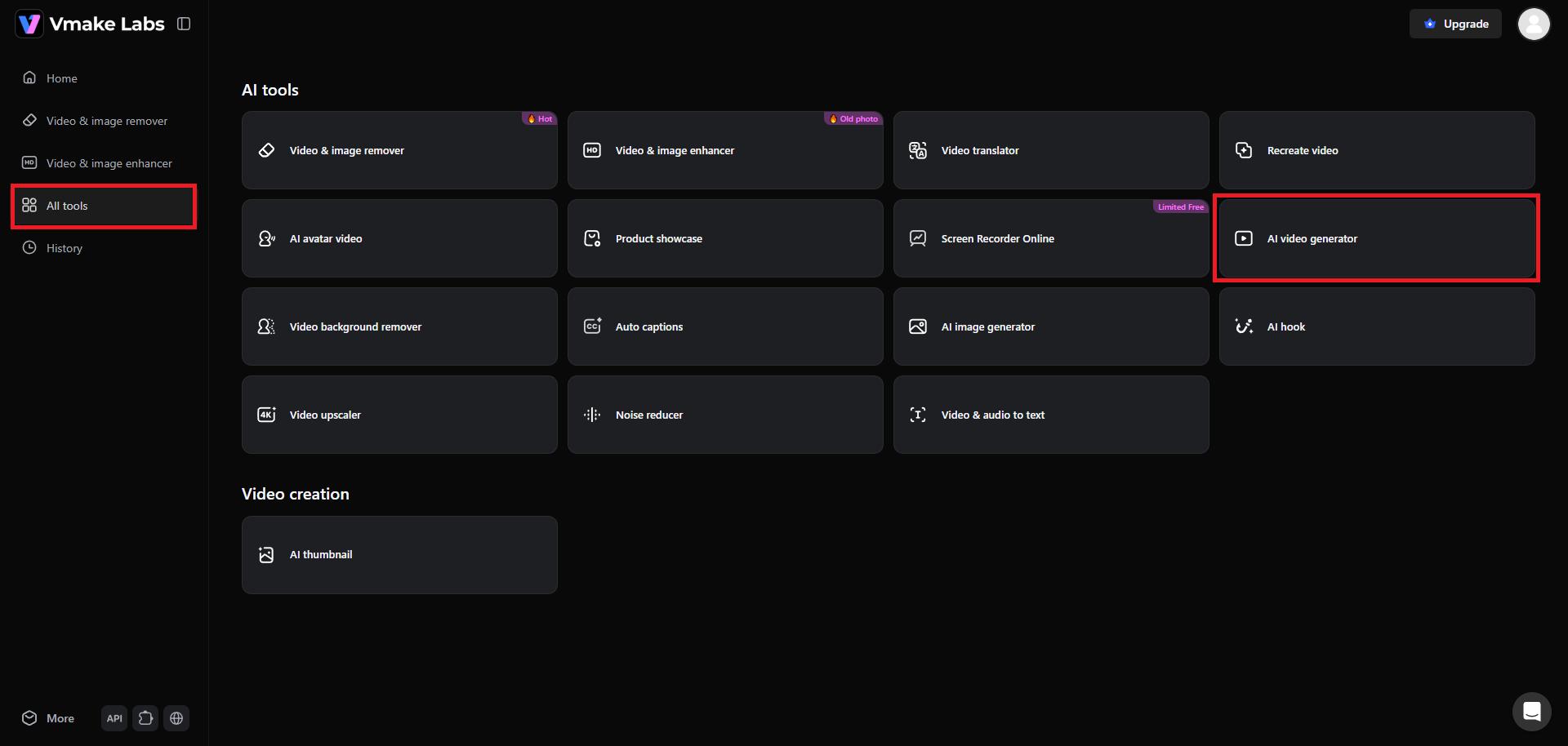
First, you need to access your Vmake account. Then, from the homepage, choose the "All tools" option from the left-side of your dashboard. You will be able to access the "AI video generator" feature.
Step 2: Provide your detailed prompt for video generation
Vmake allows you to create videos in 3 varying ways: image-to-video, text-to-video, or video-to-video. Proceed to select your input method and then enter your detailed prompt. Additionally, select your AI video generation model, the overall duration of the video, and the video's aspect ratio.
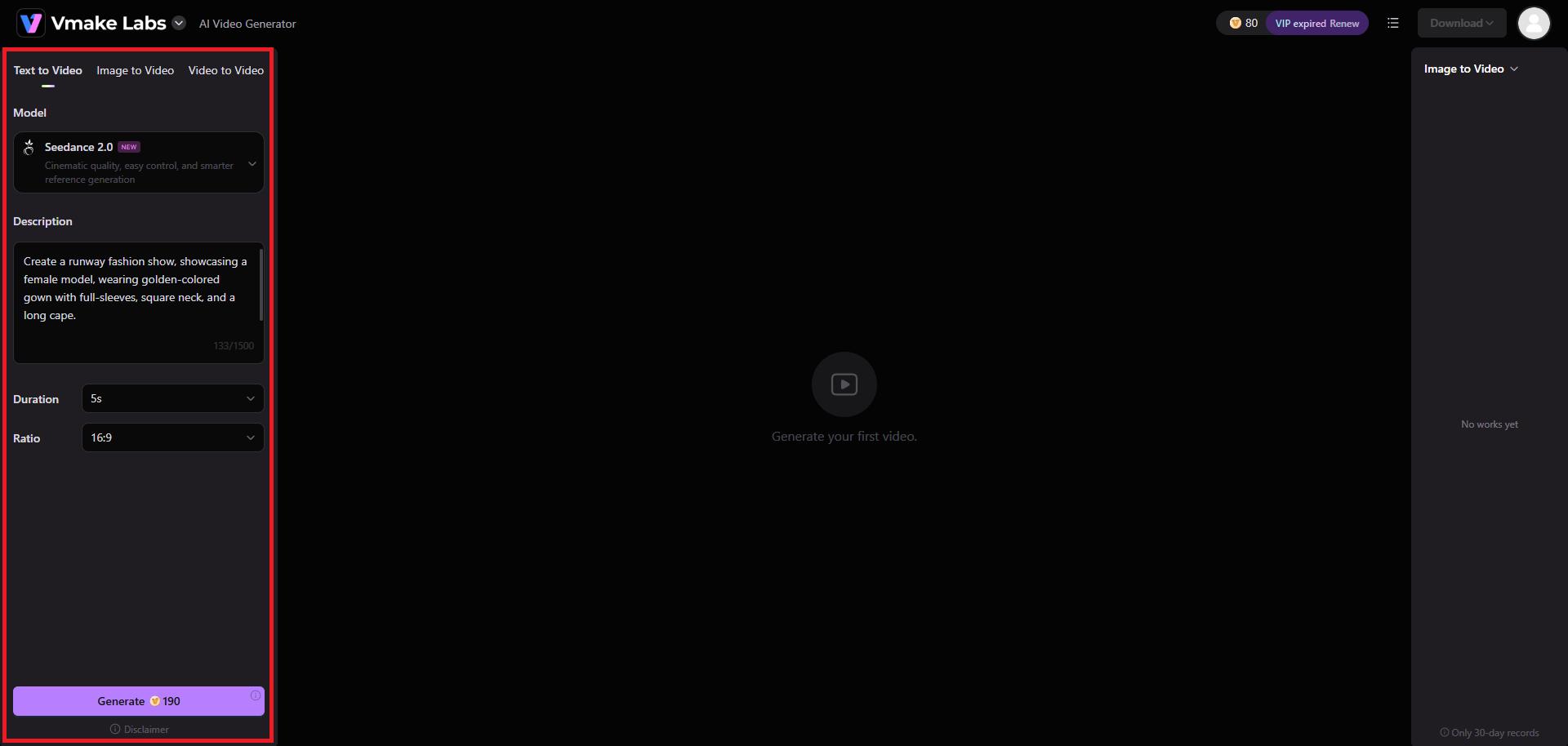
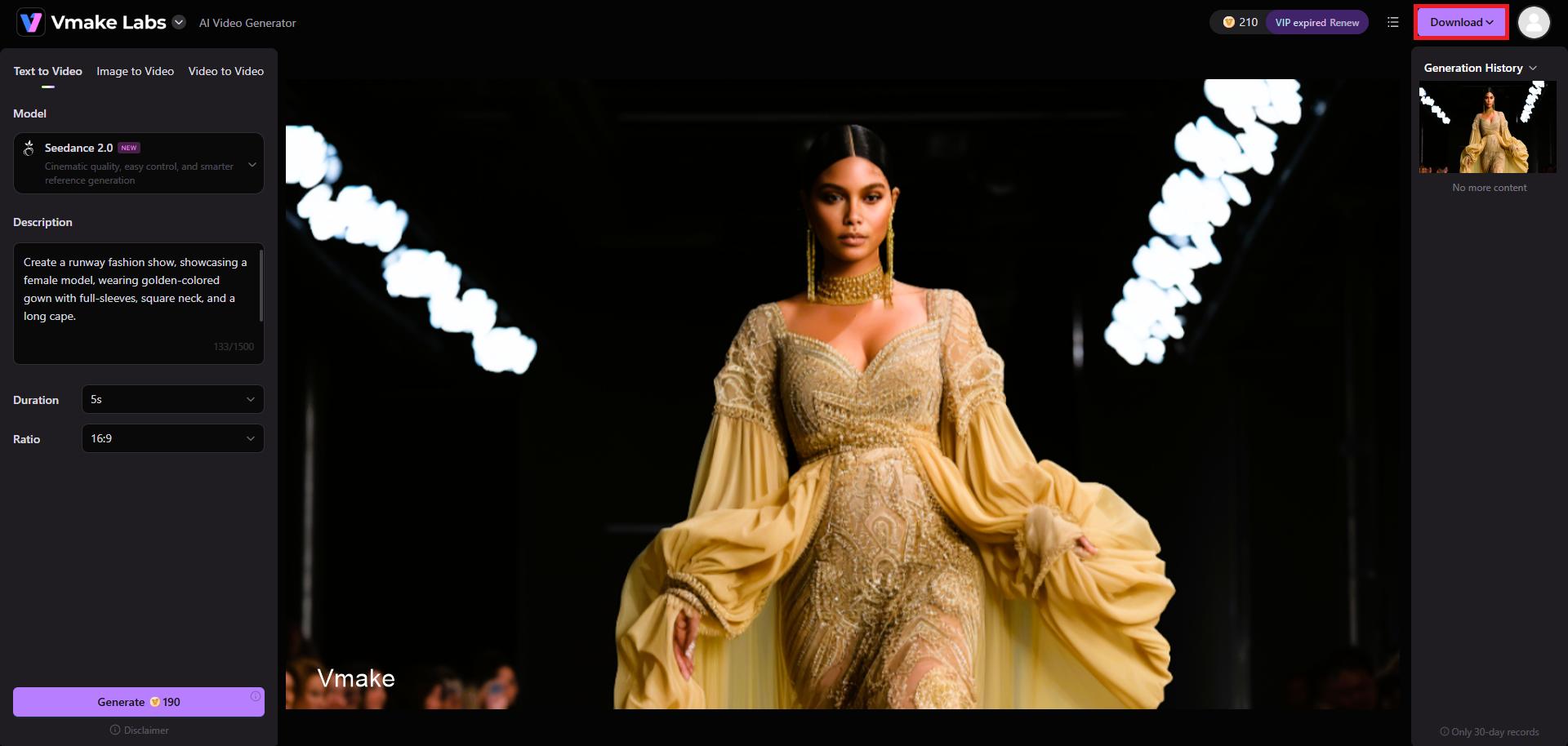
Step 3: Export your AI-generated video
Vmake will start creating your video and once that is completed, you will be able to "Download" the same in your desired resolution, whether 1080P, 2K, or 4K resolutions.
Goku AI vs Vmake AI: major differences that matter
When comparing Goku AI and Vmake AI, understanding how they perform across each specific dimension is key. Here are the breakdowns:
|
Comparison Factor |
Goku AI |
Vmake AI |
|---|---|---|
|
Primary Focus |
Cinematic raw video synthesis |
Complete commercial video production |
|
Core Architecture |
Rectified Flow Transformer (RFT) |
Multi-model (Seedance, Kling, Veo) |
|
Editing & Upscaling |
None (Raw generation only) |
Integrated (4K Upscaler, Subtitles, Watermark Eraser) |
|
Target Audience |
Cinematic artists & developers |
Social media marketers & e-commerce brands |
|
Marketing Features |
Lacks templates and marketing tools |
Rich UGC templates, AI avatars, viral clone |
Choose Goku AI if:
You need a powerful, foundational research model built by ByteDance that focuses strictly on synthesizing photorealistic, highly cinematic raw video clips with flawless physical motion.
Choose Vmake AI if:
You need a commercial post-production workspace built to turn raw inputs into polished, platform-ready marketing videos.
Signing off
Ultimately, your choice between Goku AI and Vmake AI depends on your production objectives. If you are an animator or filmmaker looking to push the boundaries of cinematic realism, Goku's cutting-edge Rectified Flow Transformer offers unparalleled raw motion quality.
However, if you are a marketer, brand owner, or content creator who needs to produce polished, high-converting social media ads without jumping between editing tools, Vmake AI is the superior choice.
FAQs
What is the Goku AI video generator?
Goku AI is a multimodal video generation model that creates realistic videos from text prompts and images. Developed for advanced AI content creation, it focuses on generating high-quality visual scenes, character motion, and creative video outputs.
Is Goku AI free to use?
Goku AI itself is an open-source research model, but access depends on the platform hosting it. Some tools may offer free trials or limited generations, while others require subscriptions, credits, or API-based usage plans.
Does Vmake AI support 4K video generation?
Yes, Vmake AI supports high-quality video enhancement and export options designed for professional content creation. Depending on the selected workflow and plan, users can generate or upscale videos suitable for 4K publishing requirements.
Which tool is better for TikTok and Instagram Reels?
Vmake AI is generally better for TikTok and Instagram Reels because it includes UGC generation, AI avatars, viral video cloning, and product-focused workflows. Goku AI excels at creative generation but offers fewer marketing-specific features.
Can I turn a single product image into a video with these tools?
Yes, both tools support image-to-video generation. However, Vmake AI is specifically optimized for converting product images into marketing-ready videos, complete with AI avatars, product showcases, and social media-friendly promotional content formats.

You May Be Interested

Best AI Video Generator: Top Tools Tested (2026)
Viggle AI Video Generator Review & Top 2026 Alternatives

Wan AI Video Generator Review 2026: Pros, Cons & Best Alternative