10 Best Midjourney Alternatives in 2026
Discover the best midjourney alternatives in 2026, comparing flexible access, visual quality, editing, customization, text rendering, pricing, and creative workflows for creators and teams

Midjourney is a popular AI image generator, but several alternatives can also create high-quality visuals. This guide compares 10 Midjourney alternatives in 2026 to help you find the right tool based on features, editing options, ease of use, and pricing.
What are Midjourney alternatives and why consider them?
The alternatives to Midjourney are AI-powered image generators that have similar features but differ from each other in models, interfaces, costs, and image creation tools. They can be designed for generating realistic images, editing, graphic design, rendering text, vectors, or quick experiments.
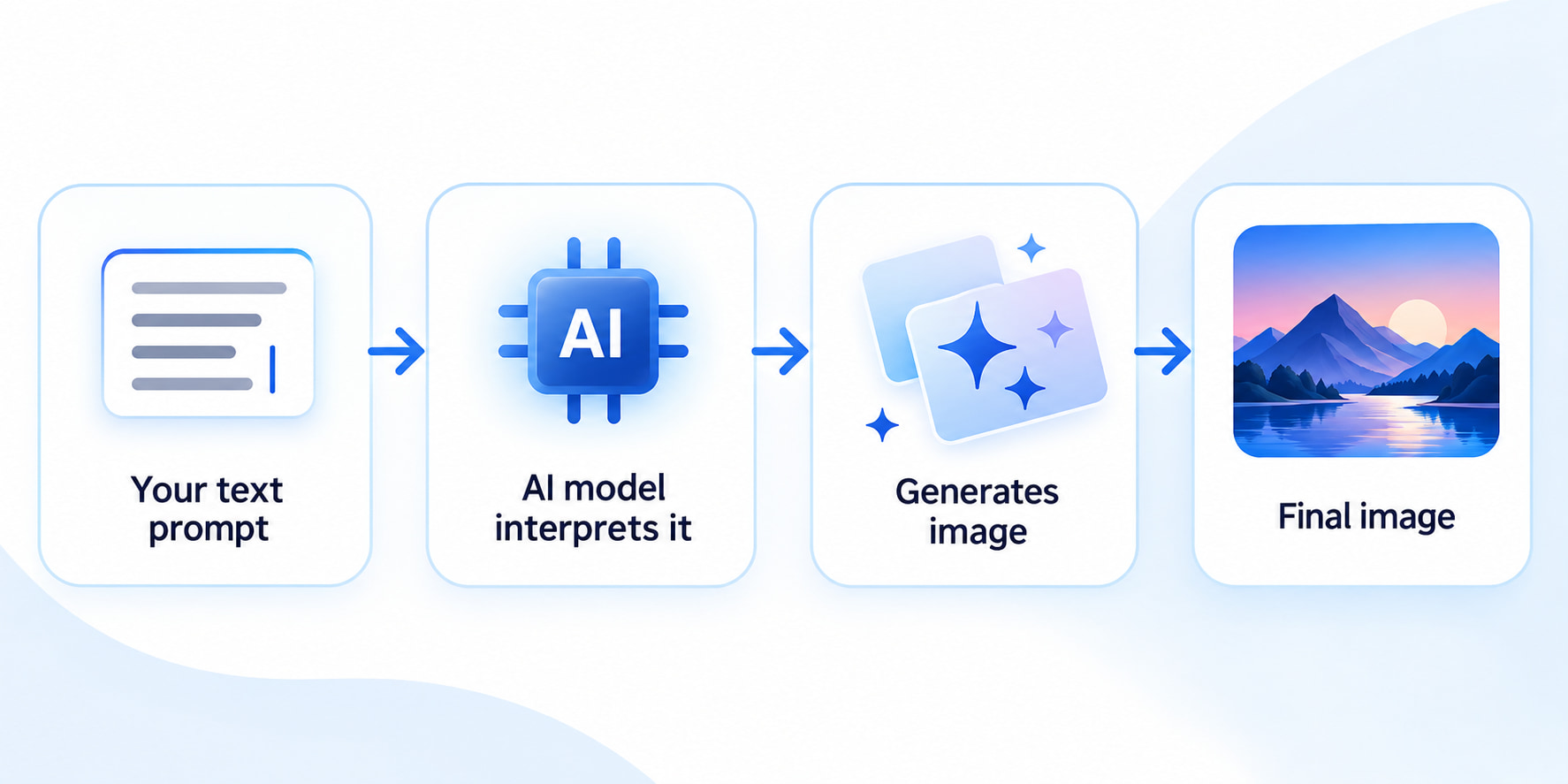
An individual would seek an alternative to Midjourney as they would want to obtain something free or cost-effective, providing more options for generating pictures, better rendering of text, editing of pictures, or any other creative process.
Top Midjourney alternatives compared
Below are some of the best Midjourney alternatives that meet different needs when it comes to creating and generating different creative works.
Comparison table:
|
Tool |
Free access |
Price/billing condition |
Key features |
Main advantage |
Best for |
|---|---|---|---|---|---|
|
Vmake Labs |
Based on credits |
Free; Plus and Pro are credit-based, billed monthly |
Text-to-image, image-to-image, multiple models |
Simple generation and editing workflow |
Marketing and creative visuals |
|
FLUX |
Based on credits |
Pay-as-you-go; no monthly subscription |
High-quality generation, editing, multiple models |
High image quality and model flexibility |
Advanced image generation and editing |
|
ChatGPT |
Limited |
Plus: $20/month;billed monthly |
Image generation, conversational editing |
Easy conversational creation and refinement |
General-purpose image creation |
|
Stable Diffusion |
Varies |
API: credit-based; 1 credit = $0.01 |
Open models, custom models, flexible workflows |
Deep customization and local generation |
Advanced users |
|
Leonardo AI |
Yes |
Essential: $12/month; billed monthly |
Generation, editing, creative controls |
Broad creative control |
Creative and game-art projects |
|
Adobe Firefly |
Yes |
From $9.99/month; billed monthly |
Image generation, Generative Fill, Adobe integration |
Strong design workflow and Adobe integration |
Designers and marketers |
|
Ideogram |
Yes |
Free; Plus $20/month; billed monthly |
Image generation, text rendering, creative tools |
Strong text-in-image generation |
Posters, graphics, and typography |
|
Recraft |
Limited |
Free; Basic from $12/month; billed monthly |
Image generation, vectors, design tools |
Brand and vector-focused creation |
Branding and graphic design |
|
Playground AI |
Yes |
Free; Pro plan $15/month; billed monthly |
Image generation, editing, creative tools |
Accessible creative workflow |
Beginners and experimentation |
|
Krea |
Based on units |
Free; Basic $9/month; billed monthly |
Real-time generation, editing, enhancement |
Fast visual iteration |
Real-time creative exploration |
Vmake Labs
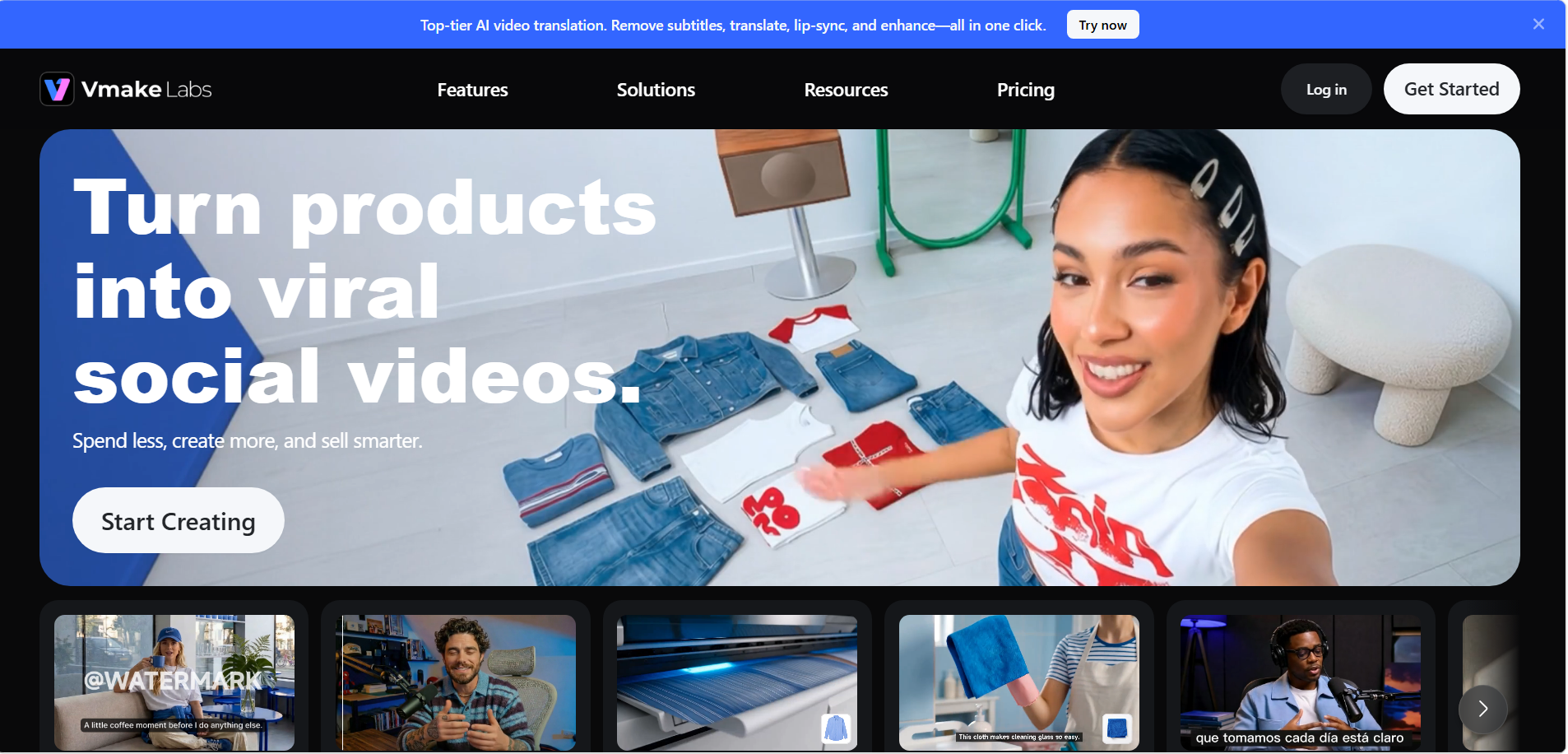
Vmake Labs is an AI image-generation and editing platform that can serve as a Midjourney alternative for users who want a simple browser-based workflow. It supports text-to-image and image-to-image creation with multiple AI models.
Key features:
-
Generate visuals from detailed text prompts.
-
Create images using reference images.
-
Choose from multiple AI image-generation models.
-
Generate variations and refine visual concepts.
How to use Vmake Labs as a Midjourney alternative
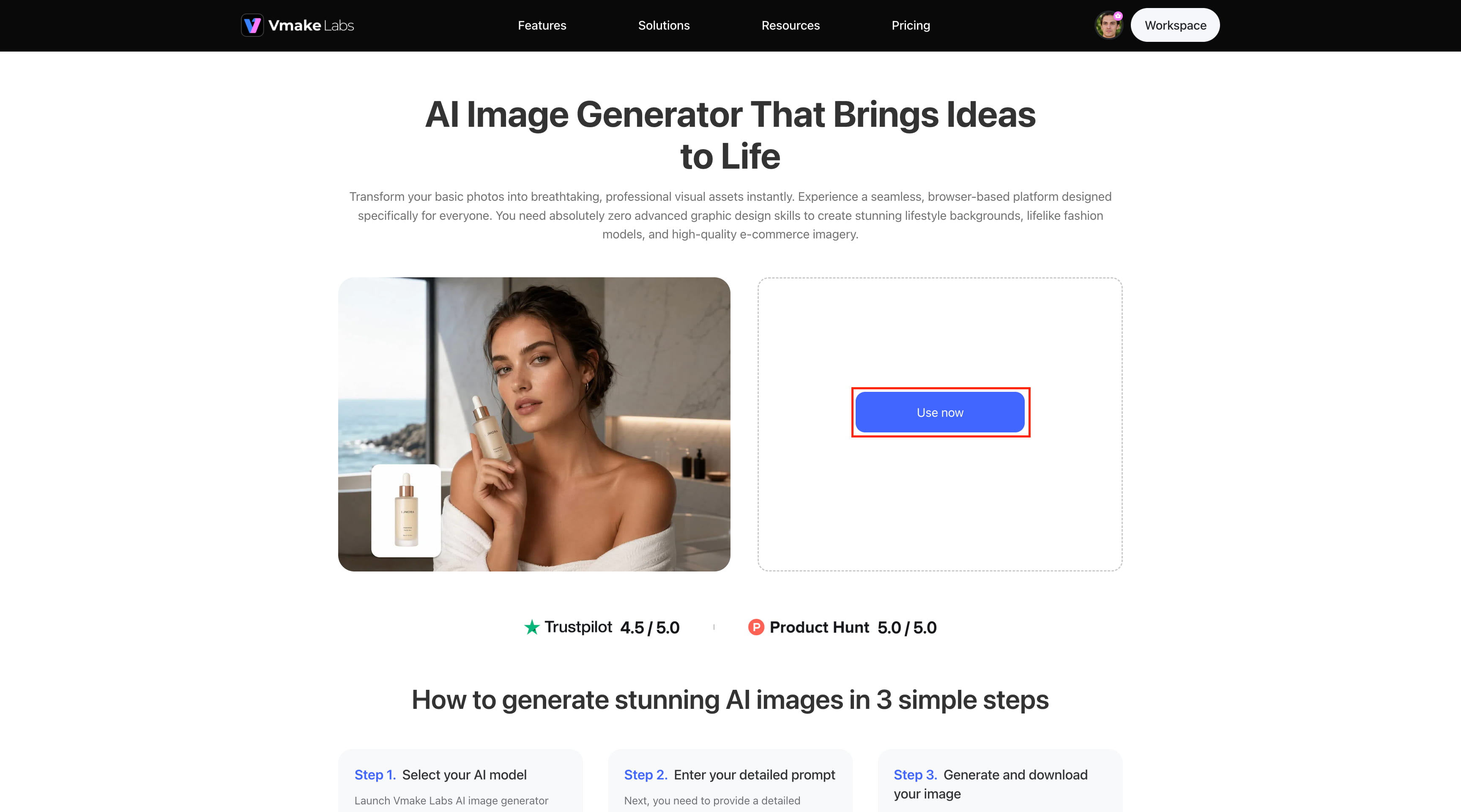
Step 1: Open Vmake Labs AI image generator
Visit Vmake Labs and open the AI Image Generator. Click "Use now" to enter the image-generation workspace.
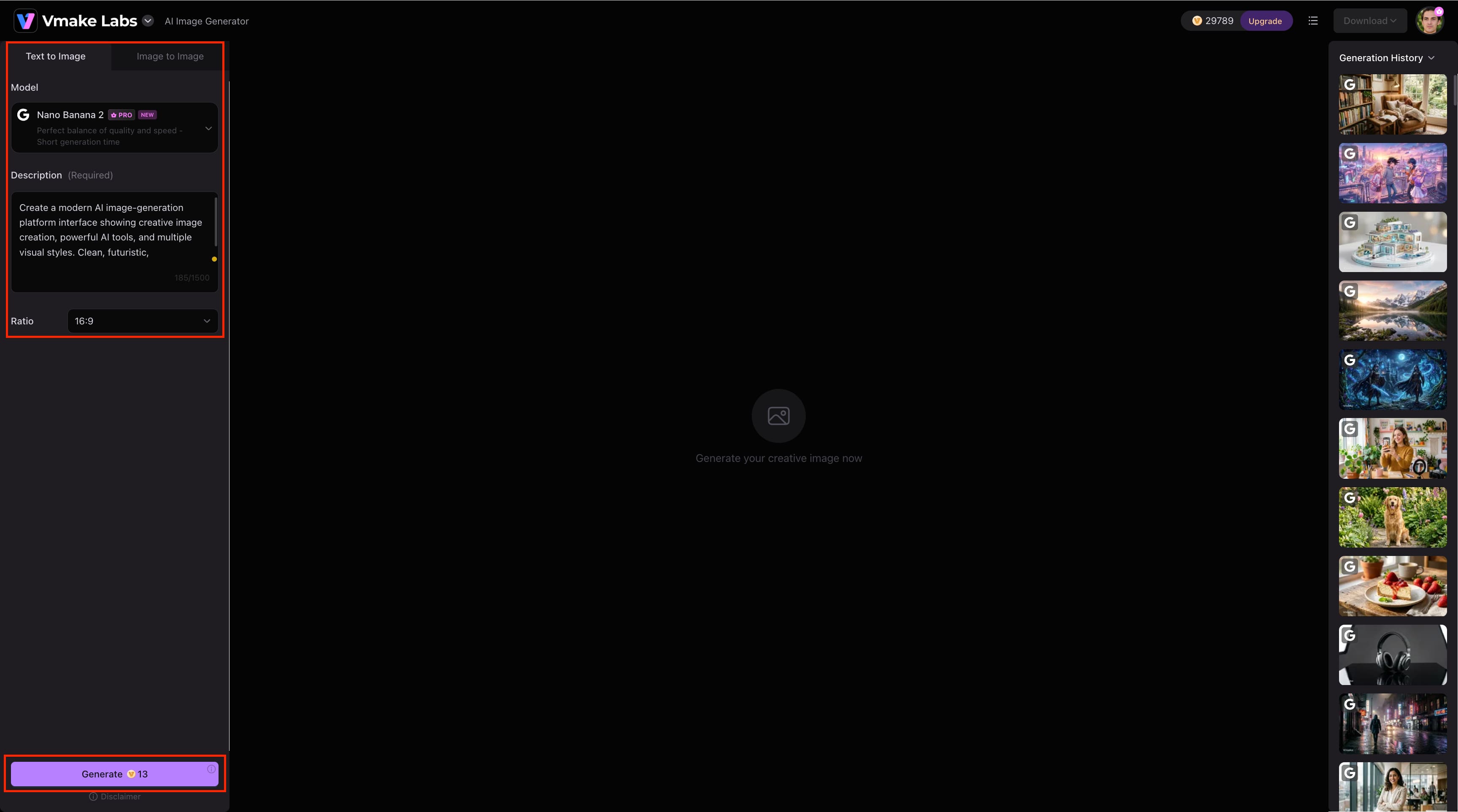
Step 2: Choose a model and enter your prompt
Select an AI model, choose the 16:9 ratio if needed, and enter a detailed description of the image you want to create. Vmake Labs lets you adjust the generation setup before creating the image.
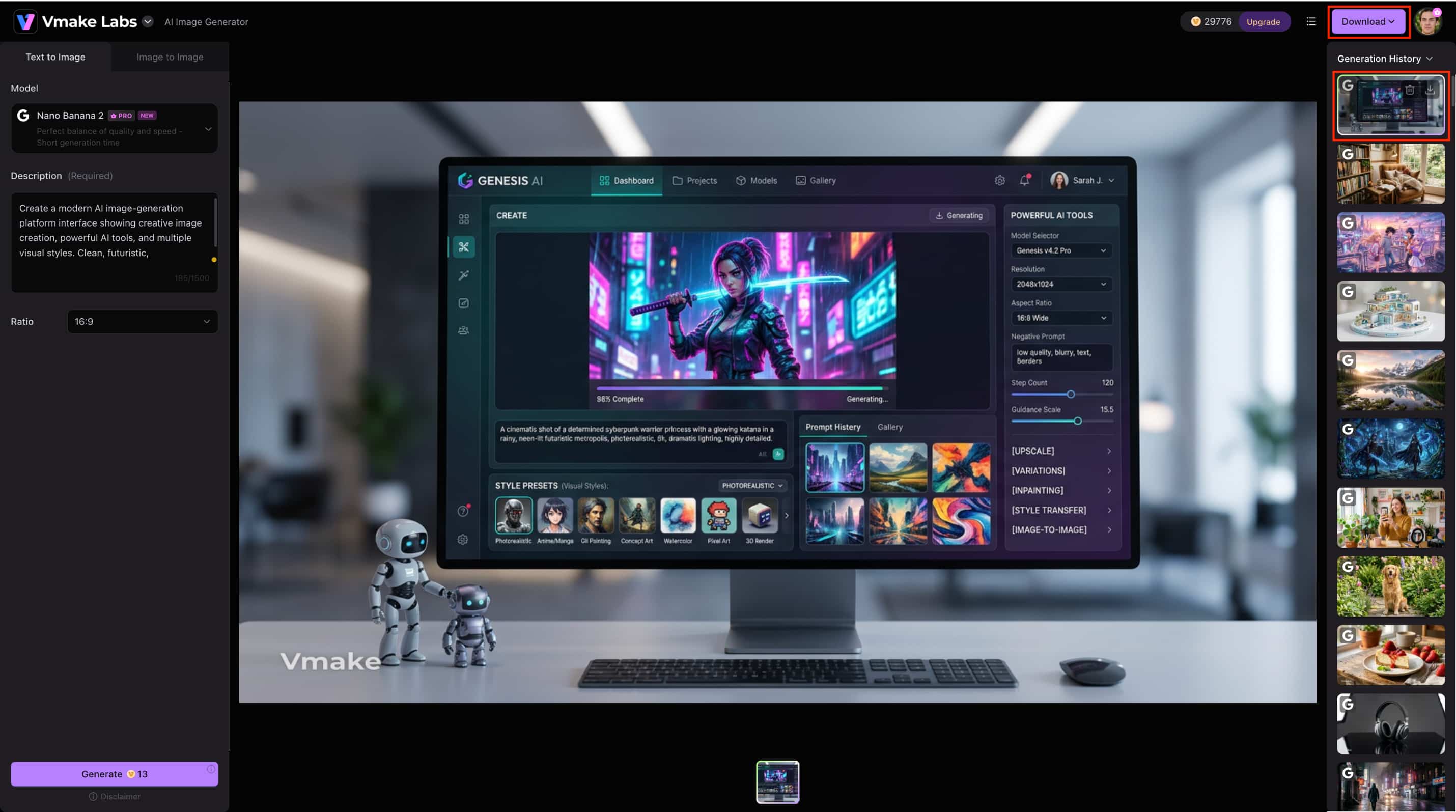
Step 3: Generate and download your image
Click "Generate" to create the image. Once the result appears, select it from generation history and use the "Download" button to save the final image.
Pros and cons:
|
Pros |
Cons |
|---|---|
|
Simple browser-based workflow |
Free access is limited |
|
Supports text-to-image and image-to-image |
Model availability can vary |
|
Multiple AI models |
Detailed prompts may be needed |
|
Useful for marketing and creative visuals |
Higher usage may require a paid plan |
Pricing:
Vmake Labs offers different pricing options based on your usage and the features you need. Since pricing and available plans may change, check the latest details directly on the official Vmake Labs website before choosing a plan.
FLUX
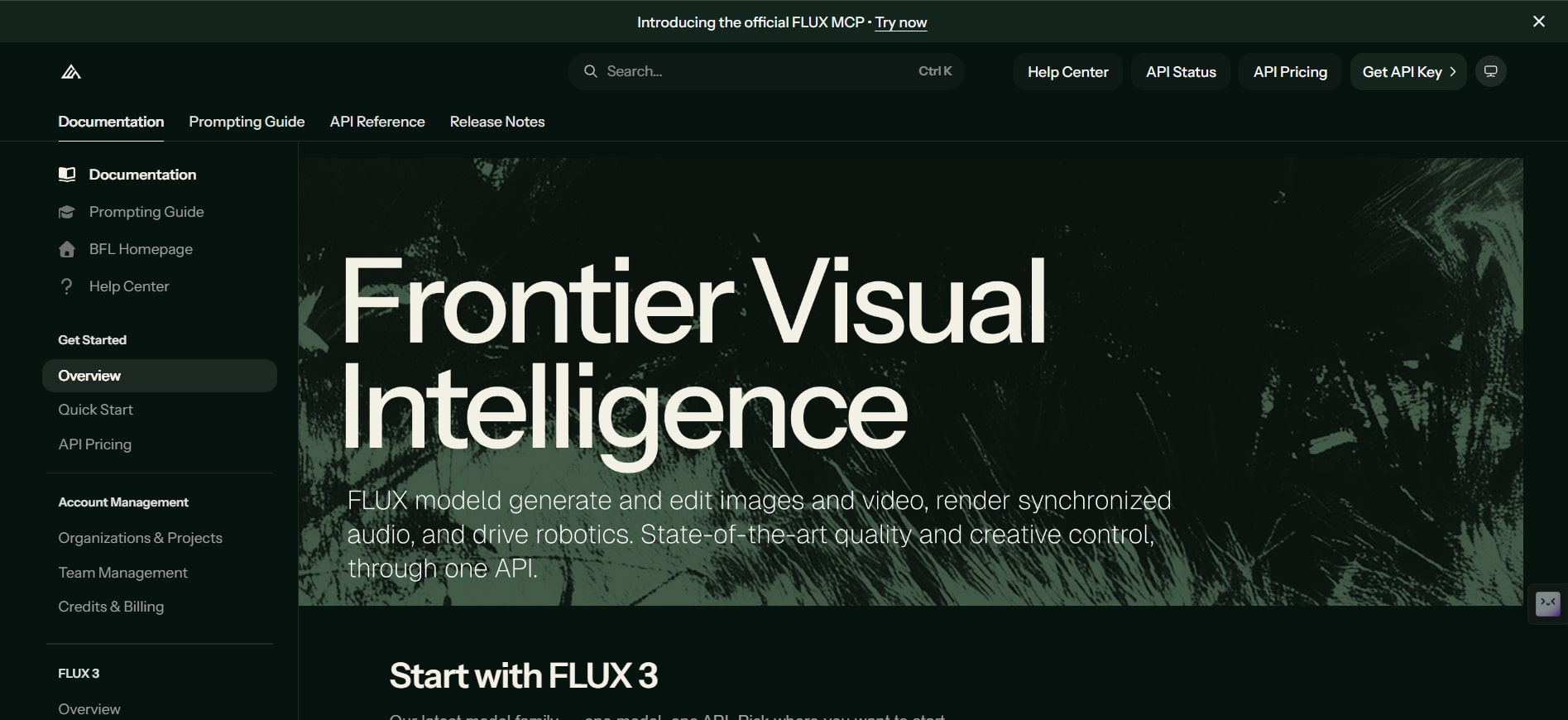
FLUX is a family of AI image-generation and editing models from Black Forest Labs, built for high-quality visual creation. Its different models are designed for use cases ranging from fast generation and real-time applications to professional production and advanced image editing.
Key features:
-
High-quality image generation and editing
-
Strong prompt adherence and reliable text rendering
-
Multiple models for different speed and quality requirements
-
Multi-reference image support for editing workflows
-
Flexible API and local deployment options
-
Models available for both hosted and open-weight workflows
Pros and cons:
|
Pros |
Cons |
|---|---|
|
High-quality image generation |
Pricing varies by model and usage |
|
Multiple models for different needs |
Some models require technical setup |
|
Strong image editing capabilities |
Features differ between models |
|
API and local deployment options |
Licensing can vary for open-weight models |
Pricing:
FLUX uses a pay-as-you-go pricing model rather than fixed monthly subscriptions. Costs vary by model and usage, with options for hosted API access and open-weight models for local deployment. Check the latest pricing and model options on the official Black Forest Labs website before choosing a plan.
ChatGPT
ChatGPT is a conversational AI program that has the capability of generating and editing images based on natural language inputs. The program is an effective replacement for Midjourney.
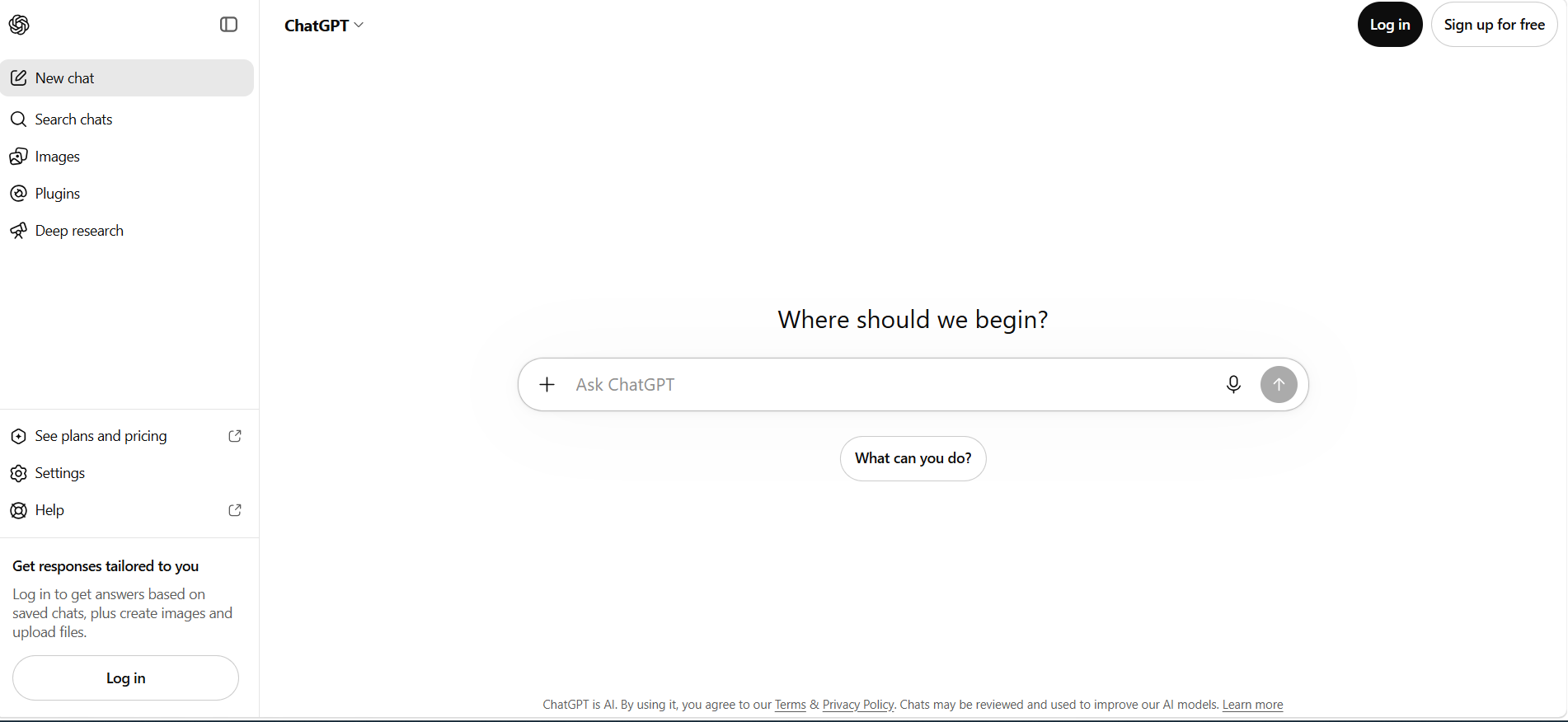
Key features:
-
Generate images directly from natural-language prompts
-
Edit generated or uploaded images through conversation
-
Select specific areas for targeted edits
-
Generate images in different aspect ratios
-
Refine images through iterative prompts
-
Add or modify text and visual elements
Pros and cons:
|
Pros |
Cons |
|---|---|
|
Easy conversational image workflow |
Image generation has usage limits |
|
Strong instruction following |
Limits vary by plan |
|
Supports image uploads and editing |
Some advanced features require paid plans |
|
Flexible aspect-ratio options |
Results can still require refinement |
Pricing: ChatGPT offers image generation on the Free plan with limited access, while paid plans provide higher image-creation limits. Pricing varies according to your needs and the level of image-generation access you require. Check the latest ChatGPT pricing and plan limits on the official website before choosing a plan.
Stable Diffusion
Stable Diffusion is an AI ecosystem that enables the user to have complete control over the models, parameters, and workflows of image generation. This tool is ideal for professional artists and developers looking for greater flexibility in a hosted image generator.
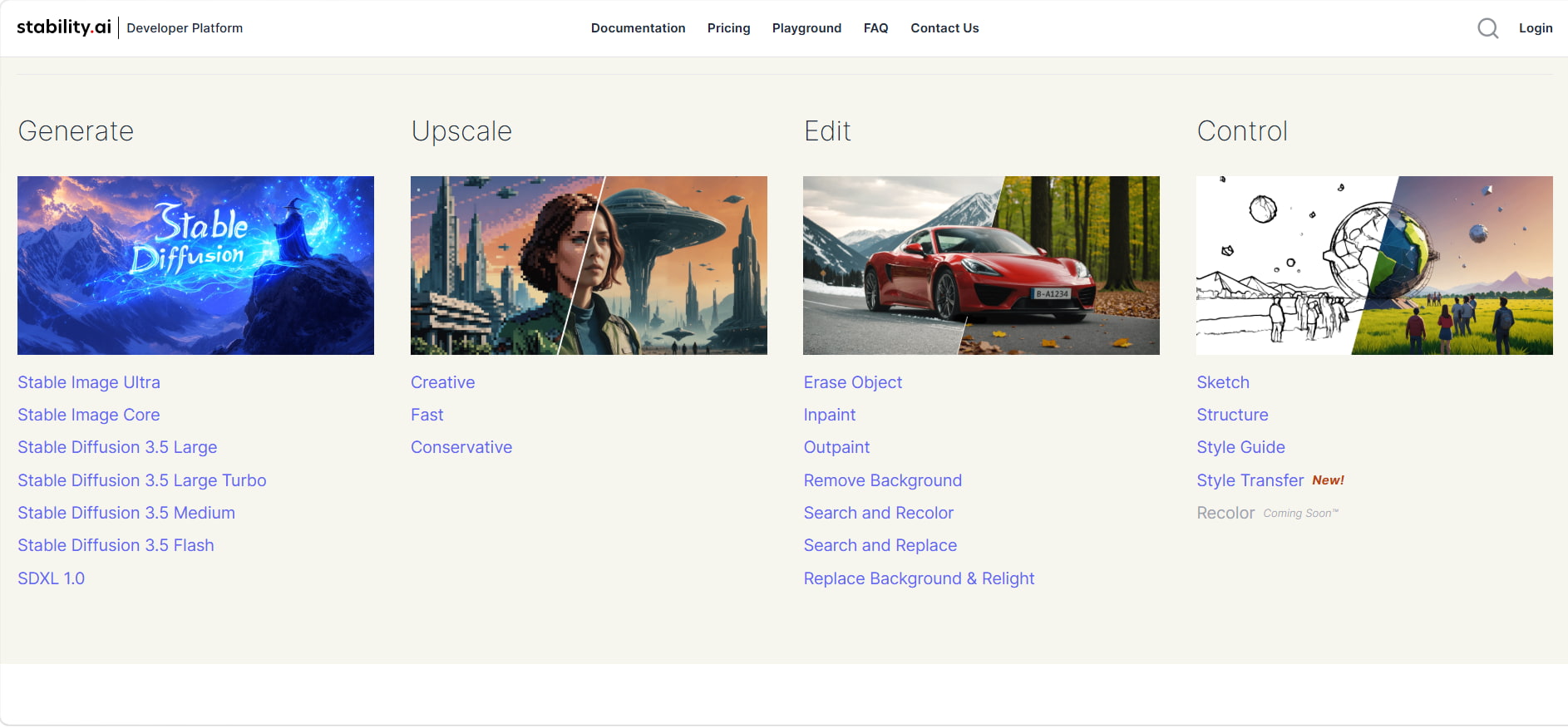
Key features:
-
Open and customizable AI image models
-
Multiple Stable Diffusion model variants
-
Advanced generation and editing controls
-
Local and self-hosted workflows
-
API access for application development
-
Support for custom workflows and model deployment
Pros and cons:
|
Pros |
Cons |
|---|---|
|
Highly customizable workflows |
Can have a steep learning curve |
|
Supports local and self-hosted generation |
Local use may require capable hardware |
|
Multiple models and settings |
Setup can be technical for beginners |
|
Flexible for developers and creators |
Licensing can vary by use case |
Pricing: Stable Diffusion pricing varies based on how you use the models, including local, API, or hosted access. Check the latest pricing and licensing details on the official Stability AI website to choose the option that best fits your needs.
Leonardo AI
Leonardo AI is a creator-friendly platform where multiple AI models can be used to create and edit images. It is the best choice for individuals who seek more freedom during creation.
Key features:
-
Multiple AI image-generation models
-
Advanced image editing and refinement tools
-
Presets and customizable creative controls
-
Personal AI model training
-
Image guidance and reference controls
-
Support for image and video generation
Pros and cons:
|
Pros |
Cons |
|---|---|
|
Wide range of creative tools |
Free plan has limited tokens |
|
Multiple models and presets |
Advanced controls may take time to learn |
|
Beginner-friendly interface |
Higher usage requires a paid plan |
|
Supports image generation and editing |
Some features vary by subscription tier |
Pricing:
|
Solo plan |
Price/billing condition |
Best for |
Why choose it? |
|---|---|---|---|
|
Free |
$0/month; billed monthly |
Casual users |
Try AI image generation |
|
Essential |
$12/month; billed monthly |
Daily creators |
More tokens and private creations |
|
Premium |
$30/month; billed monthly |
Active creators |
Higher limits and more advanced features |
|
Ultimate |
$60/month; billed monthly |
Professionals |
Maximum tokens and higher generation capacity |
Adobe Firefly
Adobe Firefly is Adobe's generative AI platform for creating and editing visual content. It integrates with Adobe's creative ecosystem and provides tools for generating images, expanding or modifying existing visuals, and refining designs through AI-powered workflows.
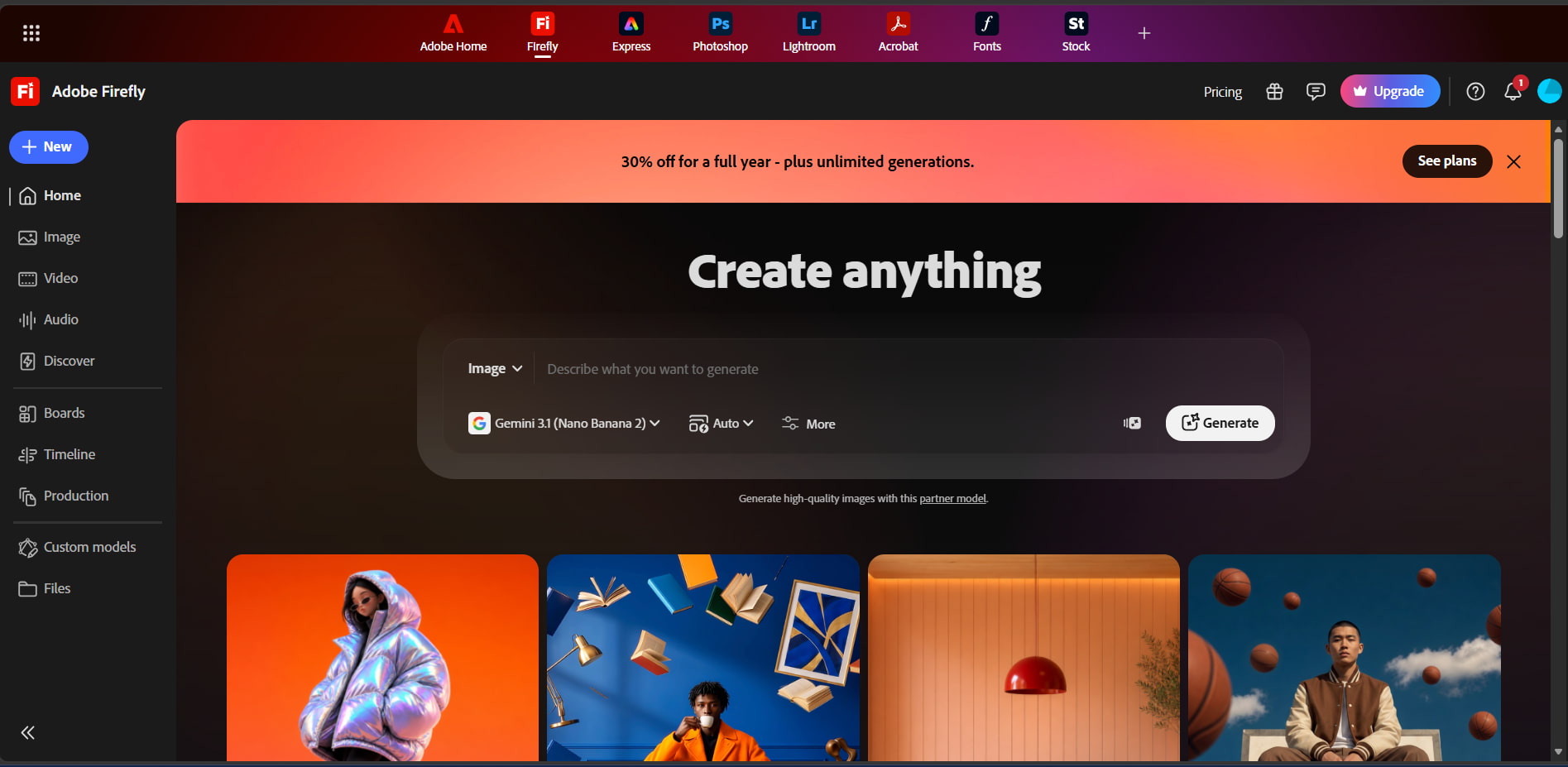
Key features:
-
Text-to-image generation
-
Generative Fill for adding or removing content
-
Generative Expand for extending images
-
Text effects and other generative editing tools
-
Integration with Adobe creative applications
-
Support for image, video, audio, and vector generation
Pros and cons:
|
Pros |
Cons |
|---|---|
|
Strong integration with Adobe tools |
Free access has daily generation limits |
|
Powerful image editing capabilities |
Premium features use generative credits |
|
Beginner-friendly interface |
Higher usage requires a paid plan |
|
Supports multiple creative formats |
Some advanced features vary by plan |
Pricing:
|
Plan |
Price/billing condition |
Best for |
Why choose it? |
|---|---|---|---|
|
Free |
$0/month |
Casual users |
Try Firefly with limited daily generations |
|
Firefly standard |
$9.99/month; billed monthly |
Individual creators |
2,000 monthly credits |
|
Firefly pro |
$19.99/month; billed monthly |
Active creators |
4,000 monthly credits and more features |
|
Firefly pro plus |
$34.97/month; billed monthly for the first year; regularly $49.99/month. 30% off; offer ends Oct. 21, 2026. |
High-volume creators |
10,000 monthly credits |
|
Firefly premium |
$139.91/month; billed monthly for the first year; regularly $199.99/month. 30% off; offer ends Oct. 21, 2026. |
Professional production |
50,000 monthly credits and extensive video access |
Ideogram
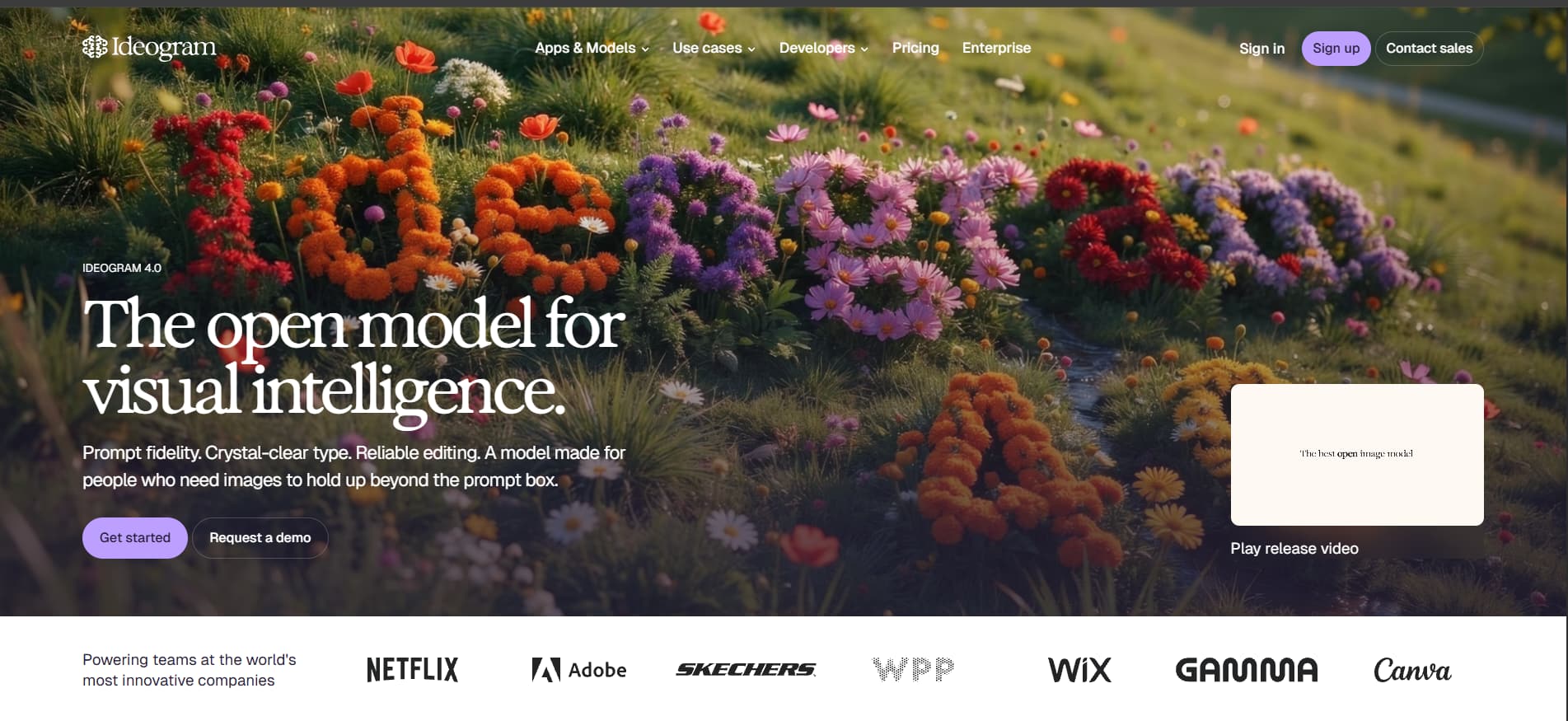
Ideogram is an AI image-generation platform known for its strong text rendering, making it a notable Midjourney alternative for posters, logos, social media graphics, book covers, and other text-heavy visuals. Its latest Ideogram 4.0 model also adds stronger prompt fidelity and editing capabilities.
Key features:
-
Accurate text rendering and typography
-
Ideogram 4.0 for advanced image generation
-
Custom style presets and reference images
-
Editable text layers for generated designs
-
Image editing and Remix capabilities
-
Support for different creative design formats
Pros and cons:
|
Pros |
Cons |
|---|---|
|
Excellent text rendering |
Free plan has limited priority credits |
|
Easy-to-use creative workflow |
Higher usage requires a paid plan |
|
Strong style and customization controls |
Some advanced features are plan-dependent |
|
Useful for posters, logos, and marketing graphics |
API usage is charged separately |
Pricing:
|
Plan |
Price/billing condition |
Best for |
Why choose it? |
|---|---|---|---|
|
Free |
$0/month; billed monthly |
Casual users |
Try Ideogram with limited access |
|
Plus |
$20/month; billed monthly |
Individual creators |
1,000 priority credits/month |
|
Pro |
$60/month; billed monthly |
Active creators |
3,500 priority credits/month and batch generation |
|
Team |
$30/user/month; billed monthly |
Creative teams |
1,500 credits/user/month and collaboration |
|
Enterprise |
Custom |
Large businesses |
Custom credits and enterprise support |
Recraft
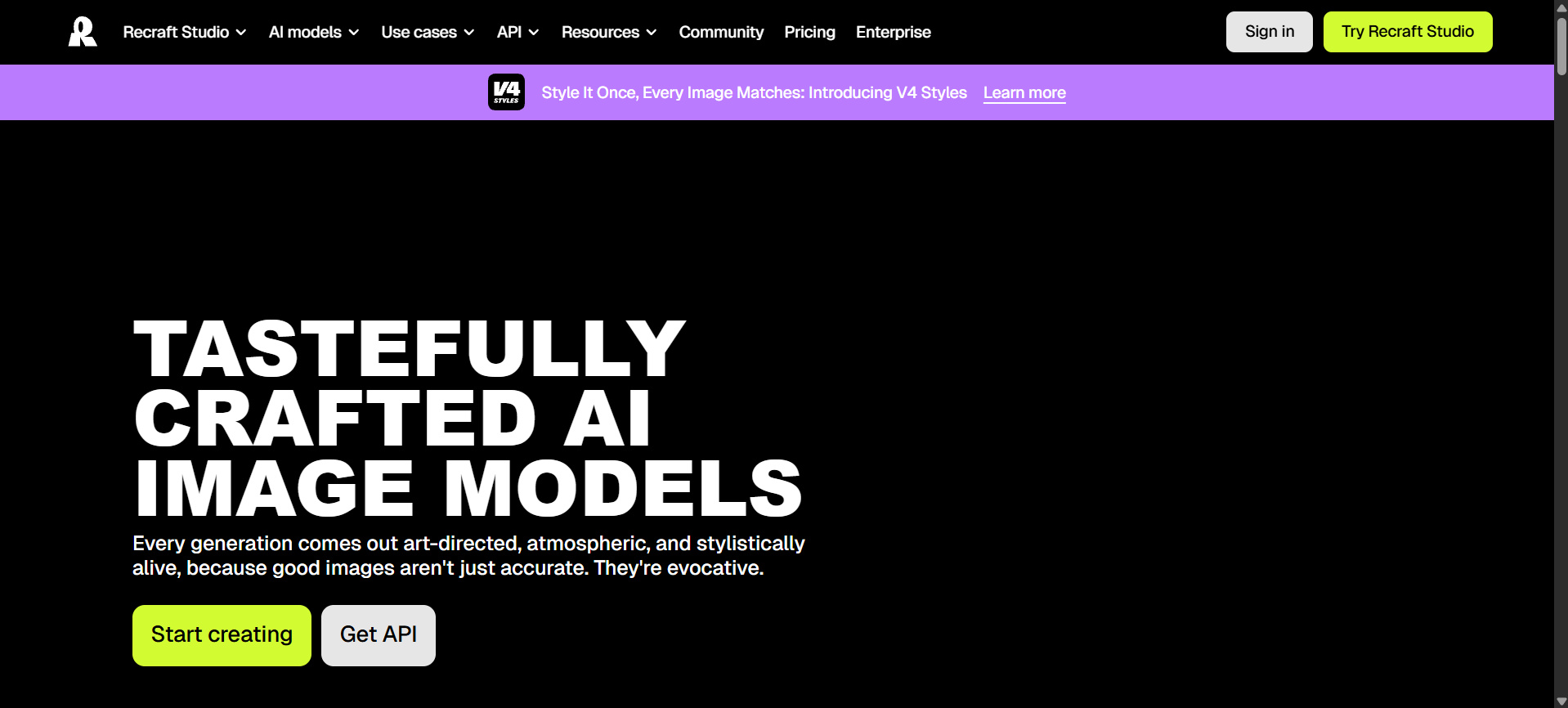
Recraft is an AI-powered tool to create images, illustrations, logos, icons, and vector designs. It is quite suitable for use as a Midjourney alternative due to its design-oriented features.
Key features:
-
AI image and vector generation
-
Editable SVG vector output
-
Image editing, background removal, and vectorization
-
Custom styles and reference-based generation
-
Mockup generation for products and marketing assets
-
Brand-focused design and visual consistency
Pros and cons:
|
Pros |
Cons |
|---|---|
|
Strong design-focused workflow |
Free creations are publicly visible |
|
Supports editable vector graphics |
Free images are not licensed for commercial use |
|
Useful brand and style controls |
Credit usage varies by model and operation |
|
Includes image editing and mockup tools |
Advanced usage may require paid plans |
Pricing:
|
Plan |
Price/billing condition |
Best for |
Why choose it? |
|---|---|---|---|
|
Free |
$0/month; billed monthly |
Casual users |
Try Recraft with limited daily credits |
|
Basic |
$12/month; billed monthly |
Individual creators |
Private images and commercial rights |
|
Pro |
$20/month; billed monthly |
Professional creators |
Higher usage and advanced features |
|
Teams |
$22/month/seat; billed monthly |
Design teams |
Shared workspace and collaboration |
Playground AI
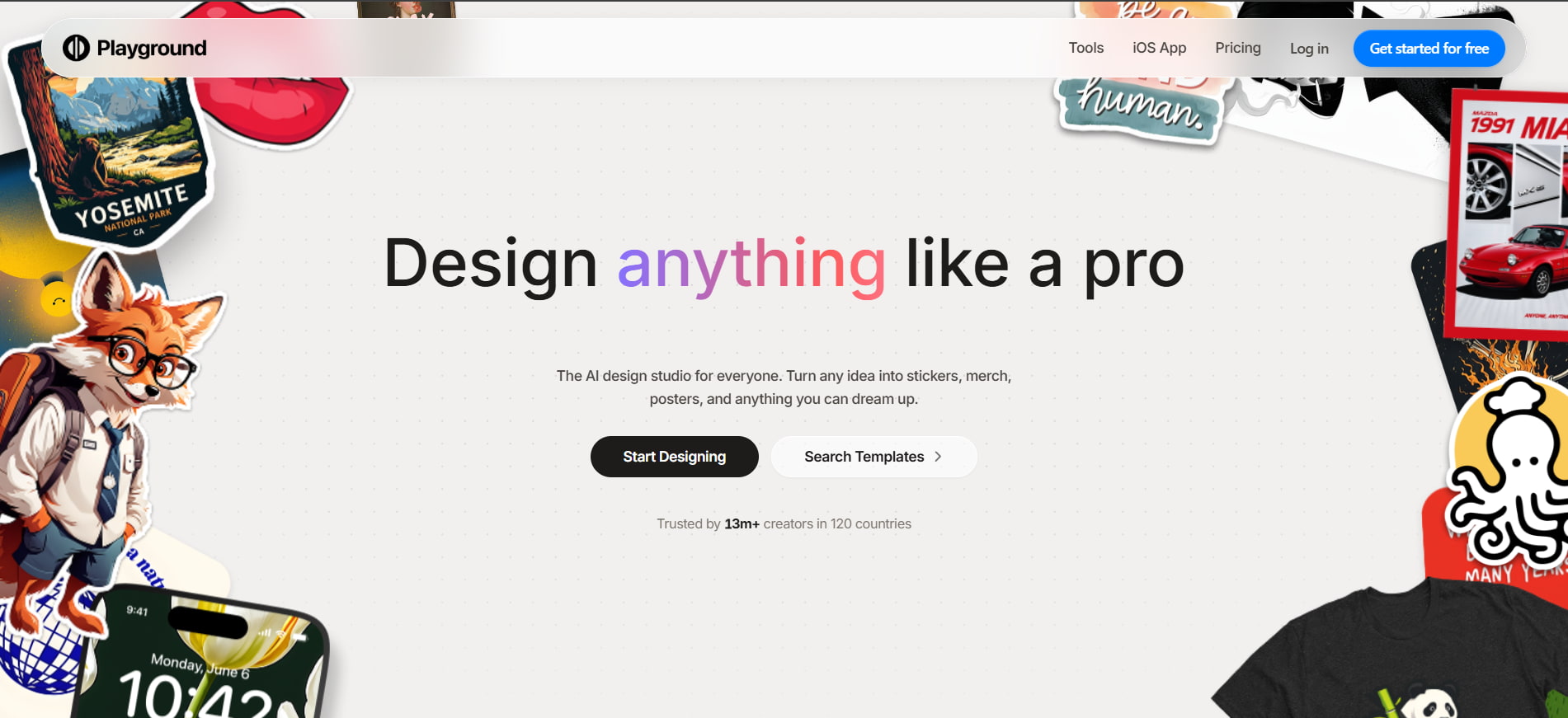
The Playground of AI brings together all features of AI image generation, editing, templates, and designing tools, thus making it a viable choice for anyone interested in generating and editing images.
Key features:
-
AI image generation with multiple models
-
Canvas-based image creation and editing
-
Premium templates for creative projects
-
Image upscaling and background removal
-
AI image resizing and extension
-
Supports up to 2K and 4K AI image editing on higher plans
Pros and cons:
|
Pros |
Cons |
|---|---|
|
Easy-to-use creative workflow |
Free plan has generation limits |
|
Combines generation and editing |
Advanced models require paid plans |
|
Includes templates and editing tools |
Higher-resolution editing is plan-dependent |
|
Commercial use is available |
Heavy usage requires a paid plan |
Pricing:
|
Plan |
Price/billing condition |
Best for |
Why choose it? |
|---|---|---|---|
|
Free |
$0/month; billed monthly |
Casual users |
Up to 10 images every 3 hours |
|
Pro |
$15/month; billed monthly |
Serious creators |
150 monthly credits and enhanced editing |
|
Pro plus |
$45/month; billed monthly |
Professional users |
Unlimited image generation and 1,000 monthly credits |
Krea
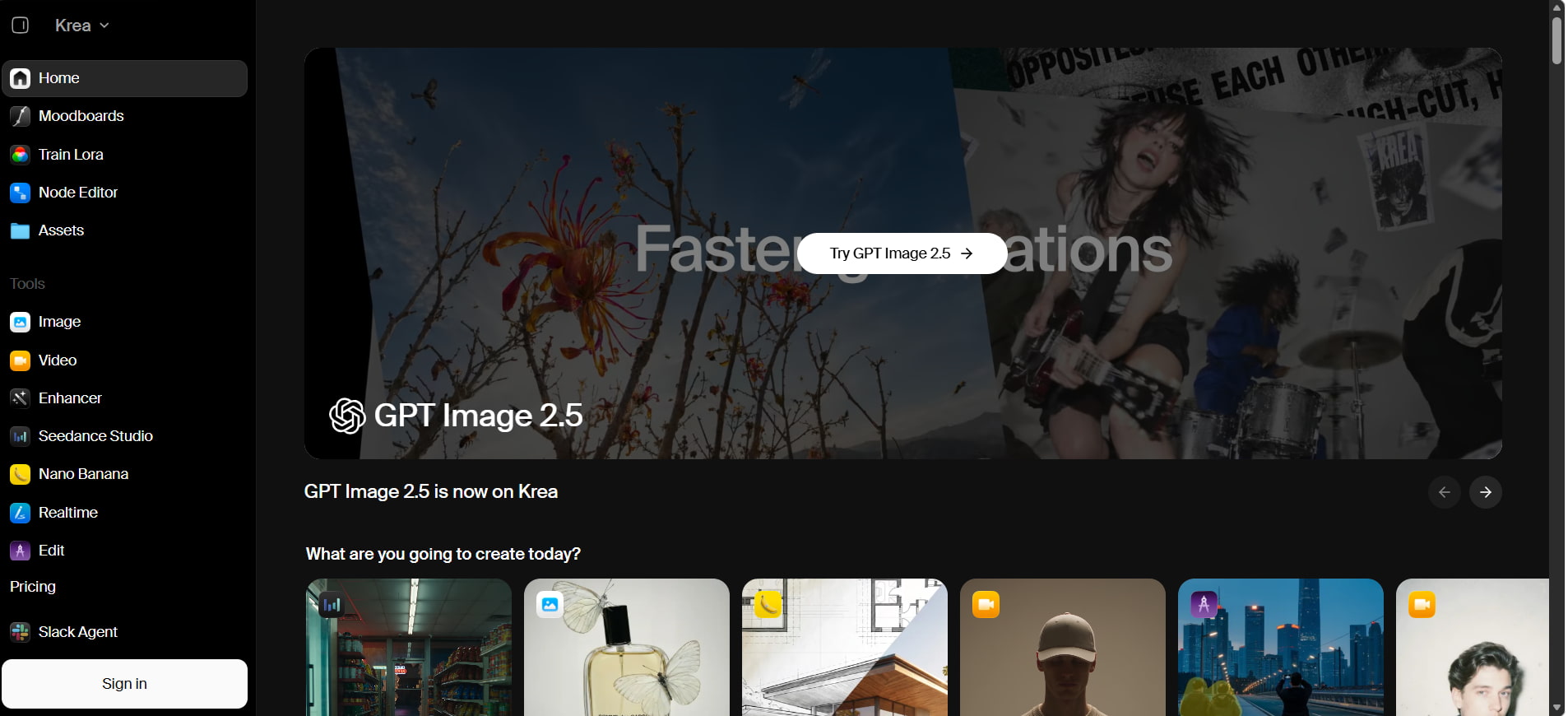
Krea is an AI creative platform designed for fast image generation, enhancement, and visual experimentation. Its real-time tools let creators generate and refine visuals quickly, making it a useful Midjourney alternative for rapid creative iteration.
Key features:
-
Real-time AI image generation
-
AI image enhancement and upscaling
-
Image and video generation tools
-
Background removal and editing
-
LoRA training for custom styles
-
Access to multiple AI models
-
Node-based workflows for advanced users
Pros and cons:
|
Pros |
Cons |
|---|---|
|
Fast real-time generation |
Advanced features can have a learning curve |
|
Wide range of AI models |
Free plan has daily usage limits |
|
Powerful enhancement and editing tools |
Higher usage requires paid plans |
|
Supports custom LoRA training |
Some models are limited to specific plans |
Pricing:
|
Plan |
Price/billing condition |
Best for |
Why choose it? |
|---|---|---|---|
|
Free |
$0/month; billed monthly |
Casual users |
100 units/day |
|
Basic |
$9/month; billed monthly |
Regular creators |
5,000 units/month |
|
Pro |
$35/month; billed monthly |
Advanced creators |
20,000 units/month and all video models |
|
Max |
$105/month; billed monthly |
Professional users |
60,000 units/month and expanded features |
|
Business |
$200/month; billed monthly |
Growing teams |
80,000 units/month and team features |
|
Enterprise |
Custom pricing |
Large organizations |
Custom seats and enterprise support |
Best free Midjourney alternatives
Free Midjourney alternatives differ mainly in how much access they provide without a subscription. Some offer daily credits or generations, while others provide limited access to their tools or models.
-
Free plans and credits: There are various options that provide you with a free plan option, which includes, but is not limited to, Recraft, Krea, Leonardo AI, Playground AI, Vmake Labs, Adobe Firefly, ChatGPT, and Stable Diffusion.
-
Free-tier restrictions: The generation speed, image quality, models available, privacy, and commercial usage can be restricted for free-tier users. The platforms might also watermark the images.
-
Free vs paid access: The paid service offers increased usage limitations as well as access to extra models, quick generation, high-resolution images, and advanced tools. Free plans are more appropriate for sporadic use.
-
Access requirements: Most platforms require an account to use their free tier. Depending on the service, users may also encounter daily or periodic usage limits or restrictions on specific models.
-
Best options for free use: For users focused specifically on how much free access they receive, Recraft, Krea, Leonardo AI, and Playground AI are among the strongest options in this comparison.
Midjourney alternatives for image editing and customization
Various Midjourney alternative tools let users edit existing images, reference other works, and apply selective modifications, with the level of control varying by tool. If an edited or generated image looks soft or blurry, you can unblur the image to improve its clarity before using it in your final design.
-
Image-to-image editing: Tools such as Stable Diffusion, Leonardo AI, Krea, ChatGPT, and FLUX can use an existing image as a starting point for generating or refining visuals.
-
Inpainting and object editing: Adobe Firefly, Ideogram, Krea, Leonardo AI, and Stable Diffusion let you modify selected areas, including replacing or removing objects.
-
Reference image support: Leonardo AI, Krea, and FLUX support reference images to guide elements such as style, subject, or composition.
-
Advanced editing controls: Features such as masking, region selection, and selective editing provide more control over specific parts of an image. Krea, Leonardo AI, Firefly, Ideogram, and Stable Diffusion offer these controls.
-
Local and model-level customization: Stable Diffusion stands out for users who want greater control over models and workflows, including local setups and custom configurations.
Conclusion
The best alternative to Midjourney will vary based on what you hope to get out of an image-generating AI. While FLUX and Stable Diffusion give you more control, Leonardo AI, Firefly, Ideogram, Recraft, Krea, and Vmake Labs combine generation and editing in their services. In case you want to keep things simple, there's always ChatGPT and Playground AI to consider.
FAQs
What makes an AI image generator a good Midjourney alternative?
A great image generator should provide high-quality images, simple controls, flexible customizations, editability, and affordable prices. A free trial would be useful to test the software before subscribing. If a final image needs more detail and clarity, an image sharpener can improve its appearance.
Can I use my own images with Midjourney alternatives?
Yes. There are many alternatives that allow you to input an image for image-to-image generation, as a prompt, as well as edit particular parts of the picture. Examples are FLUX, Stable Diffusion, Leonardo AI, ChatGPT, Krea, and Vmake Labs.
Which Midjourney alternatives offer image-to-image editing?
Some alternatives to Midjourney that allow editing with an existing picture are Stable Diffusion, FLUX, Leonardo AI, ChatGPT, Krea, and Adobe Firefly. They use different types of image input workflows, such as image-to-image generation and targeted edits.
Do Midjourney alternatives support text in images?
Yes. Several alternatives can generate text within images, making them useful for posters, thumbnails, advertisements, and other graphics. Ideogram are particularly focused on text rendering.
Are Midjourney alternatives suitable for commercial use?
Many alternatives allow commercial use, but the terms vary by platform, plan, and model. Always check the current licensing and usage rights before using generated images for client or commercial projects. Vmake Labs also offers commercial-use options on its paid plans.

You May Be Interested
7 Best Free AI Image Generators 2026 Alternatives to Grok Imagine
AI Video Enhancement And Upscaling: Pros, Cons, Alternatives, and Future Trends

How to Get Sora 2 Invite Code: 6 Methods that Actually Work
How to Create a Video in Midjourney: Complete Beginner's Guide