
Unblur Images Instantly Online
Stop worrying about ruined shots and easily unblur your favorite photos today. Our advanced artificial intelligence instantly corrects camera shake, refines soft edges, and boosts overall resolution. Achieve crystal clear perfection quickly and effortlessly enhance your digital gallery right now.
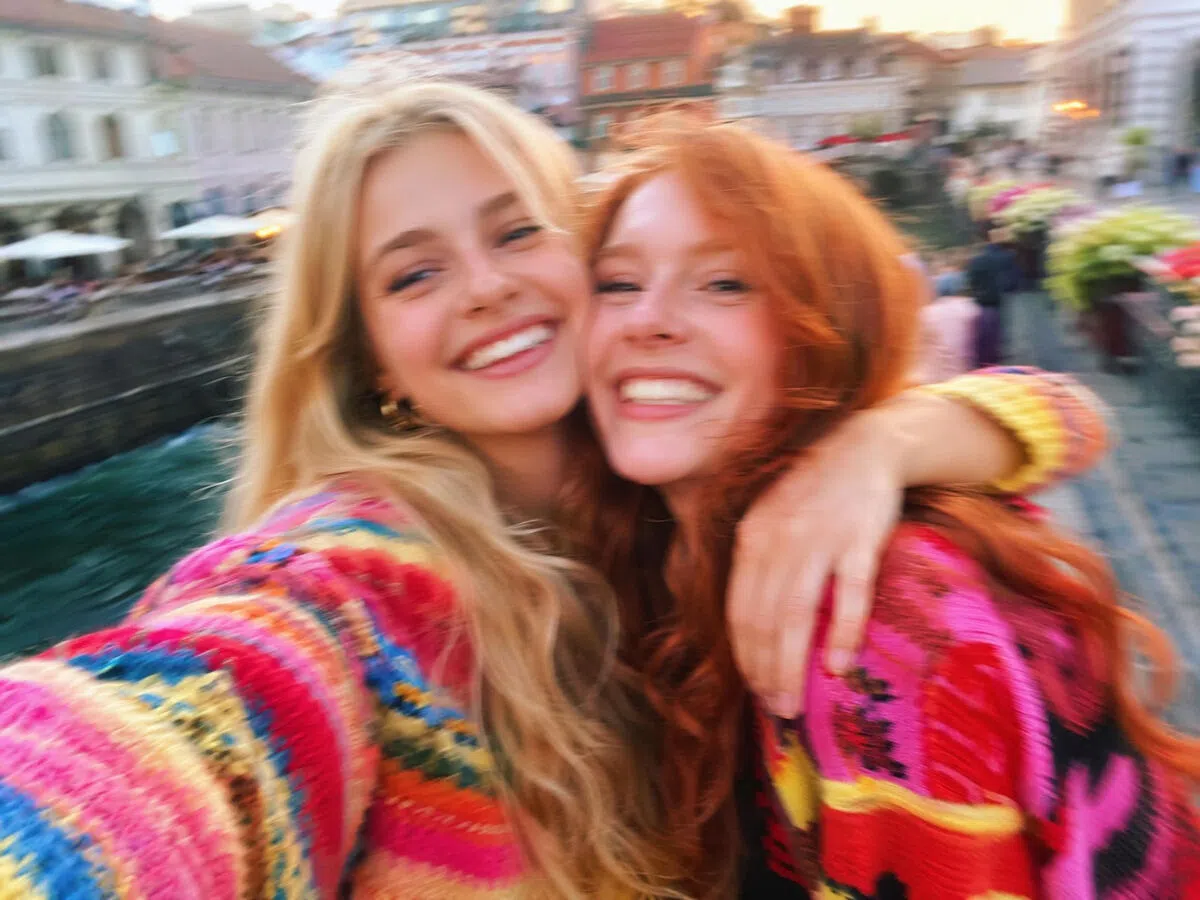
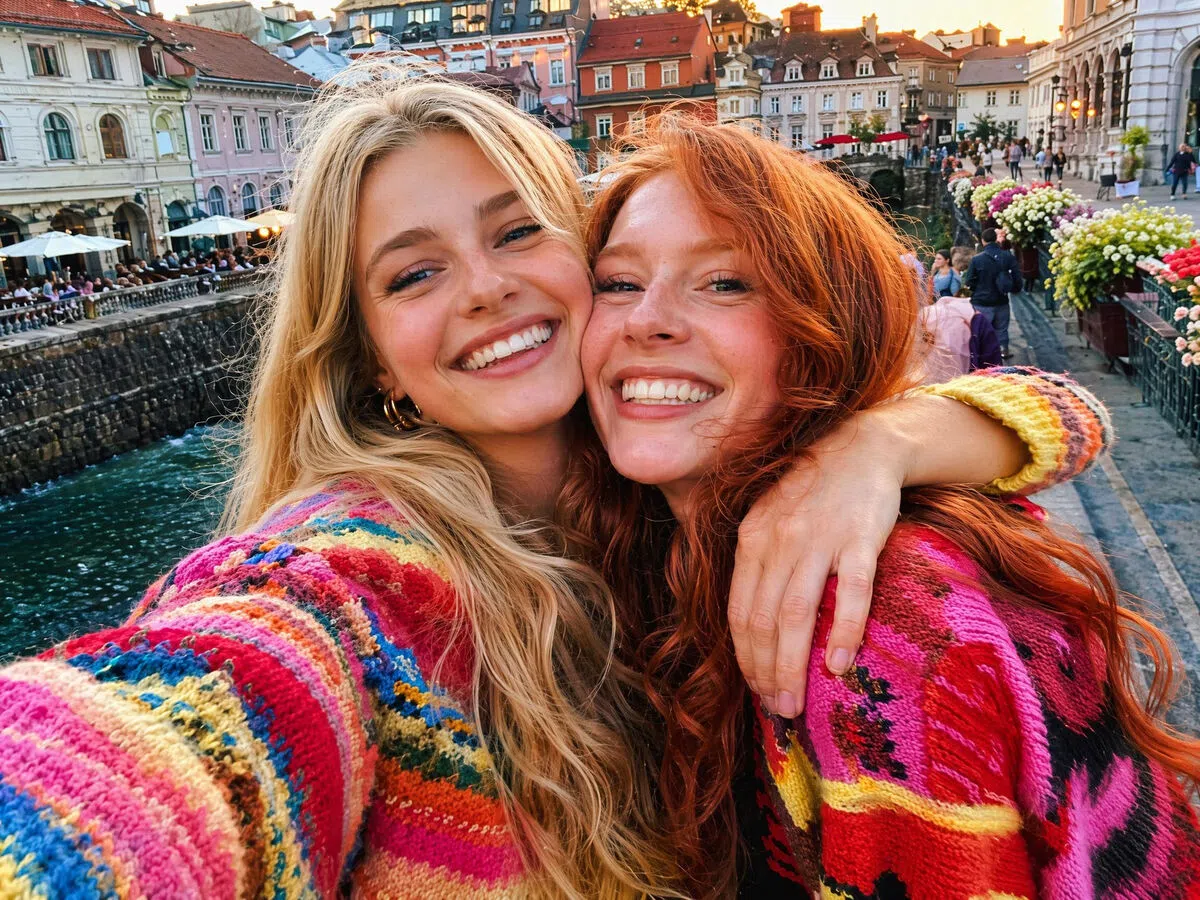


How to unblur images online in 3 simple steps
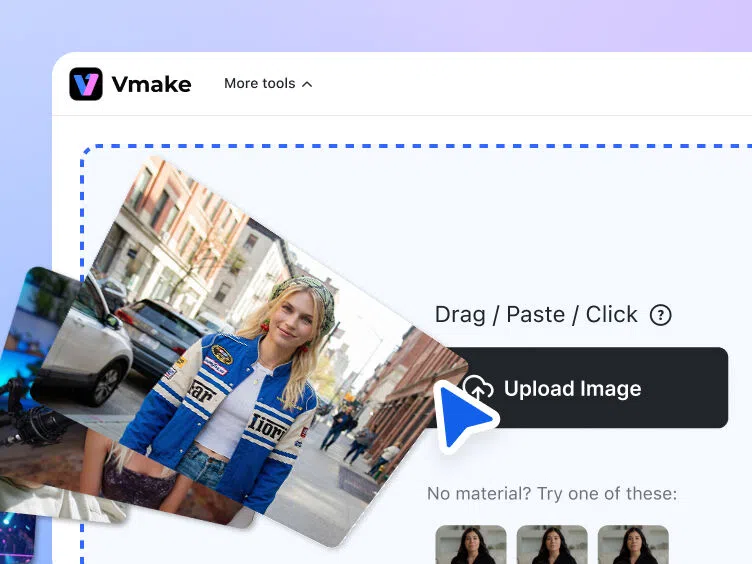
Step 1. Upload your blurry image
Upload your blurry photo directly to the Vmake Labs. The AI scans the image, identifying areas that need sharpening and detail restoration.
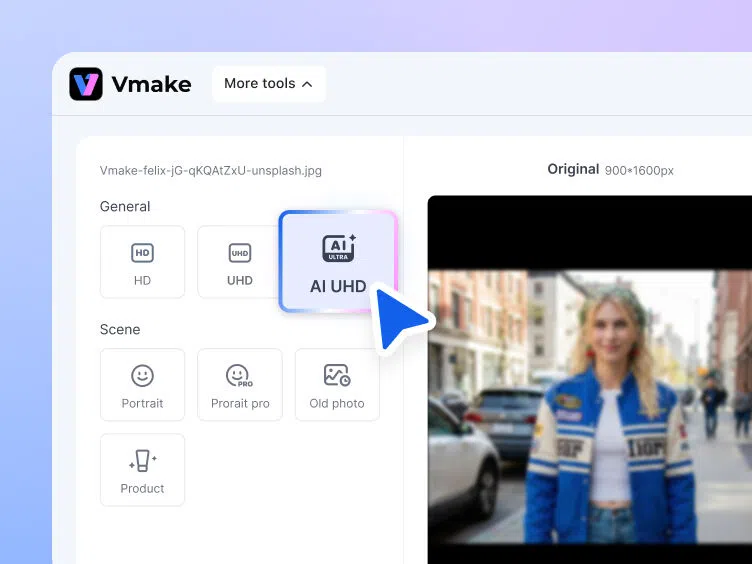
Step 2. Select the mode
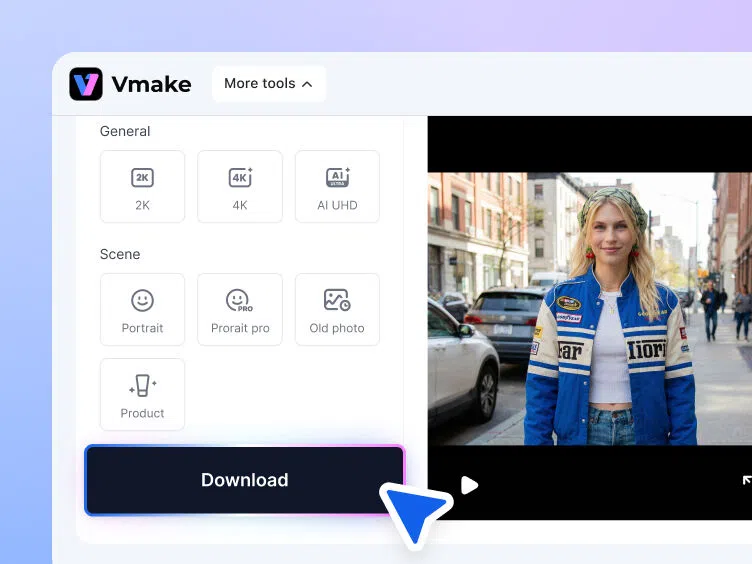
Let Vmake Labs enhance your image automatically. You can also adjust the "General" settings for resolution and the "Scene" settings for image effects.
Step 3. Export the resultant image
Preview the enhanced image to review the restored details and sharpness. Once satisfied with the outcome, download your high-quality, unblurred file to share online.
Discover practical use cases of Vmake Labs AI unblur tool
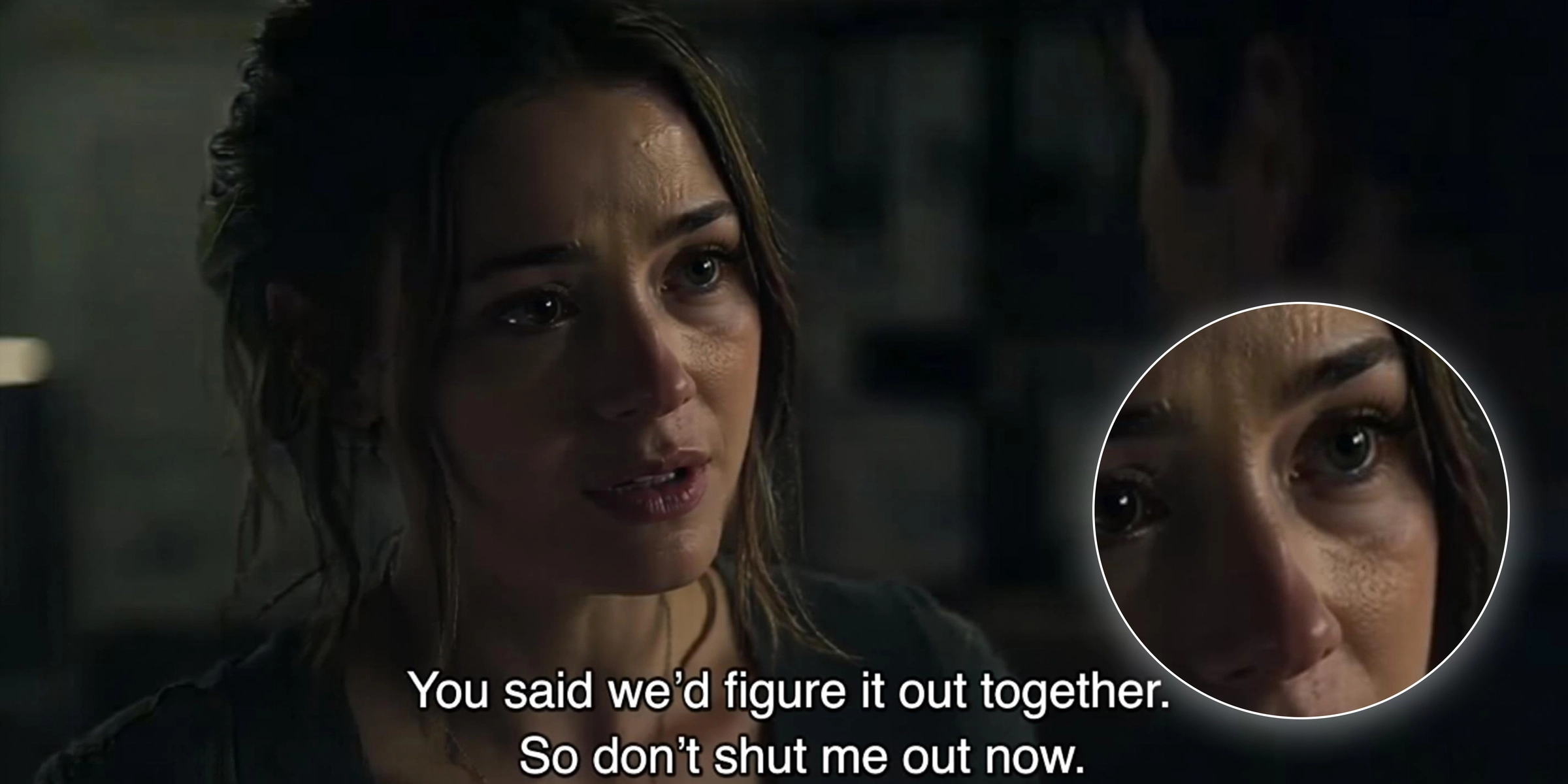
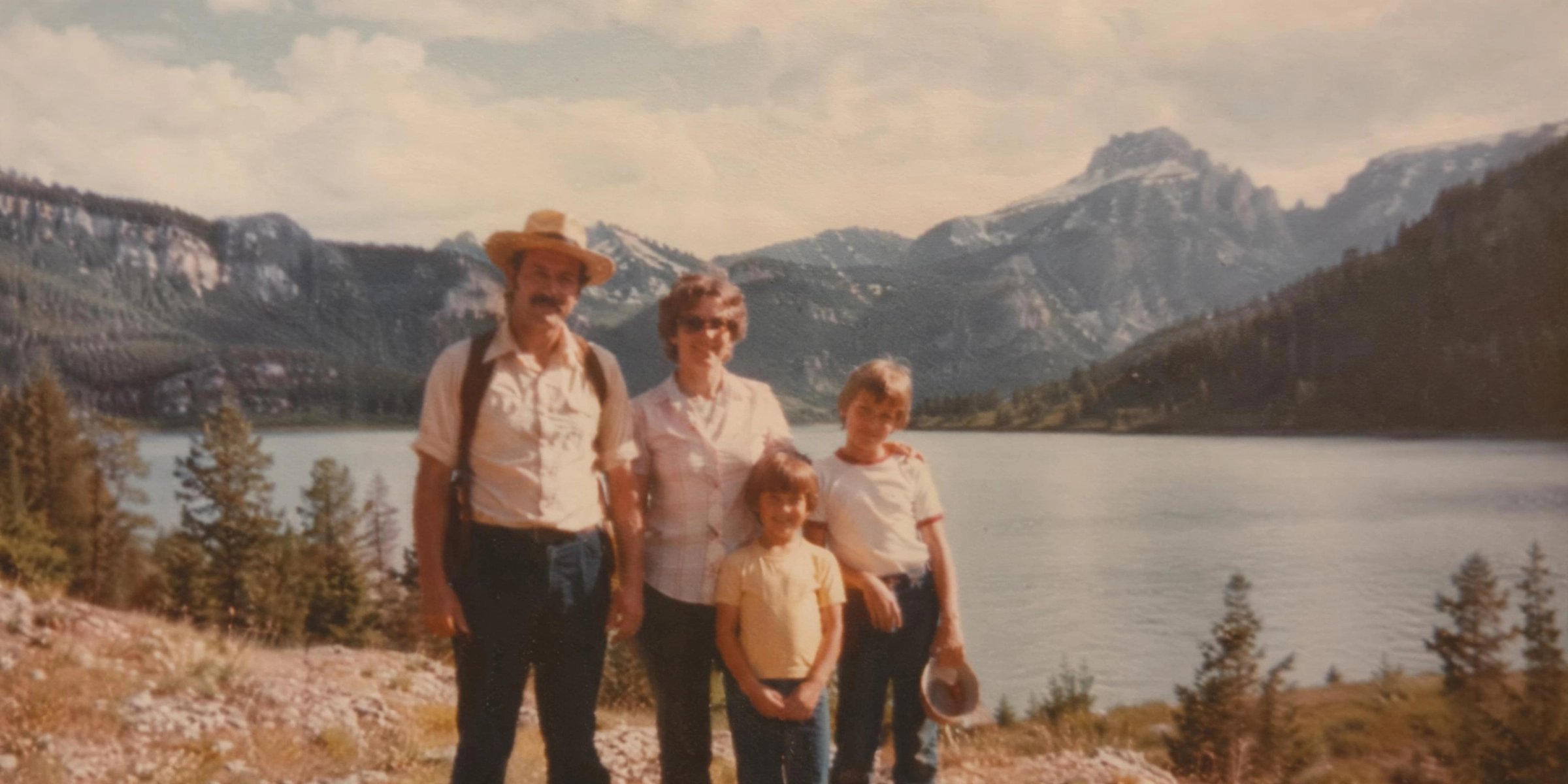
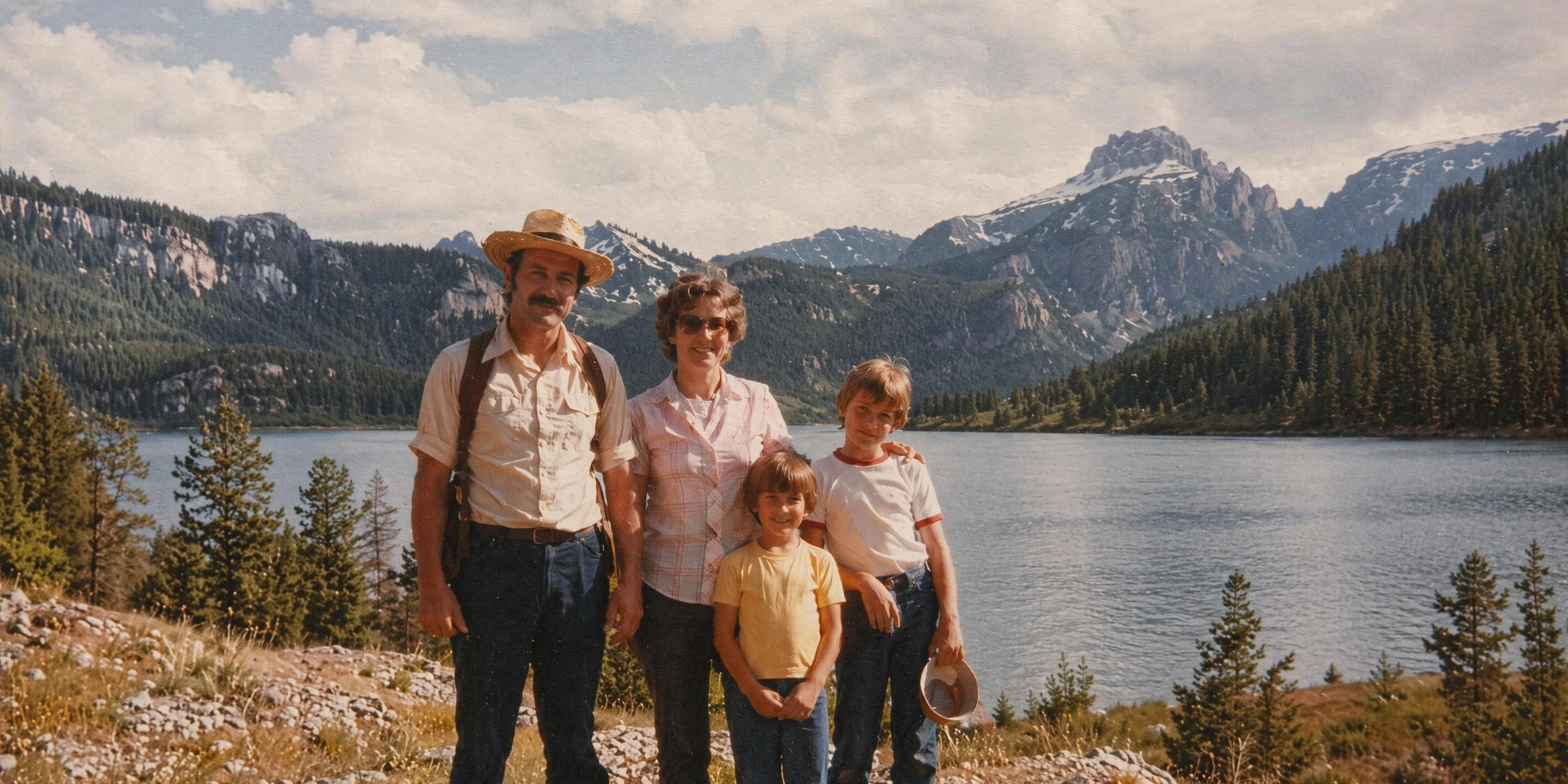


Explore the powerful features of Vmake Labs image unblur tool
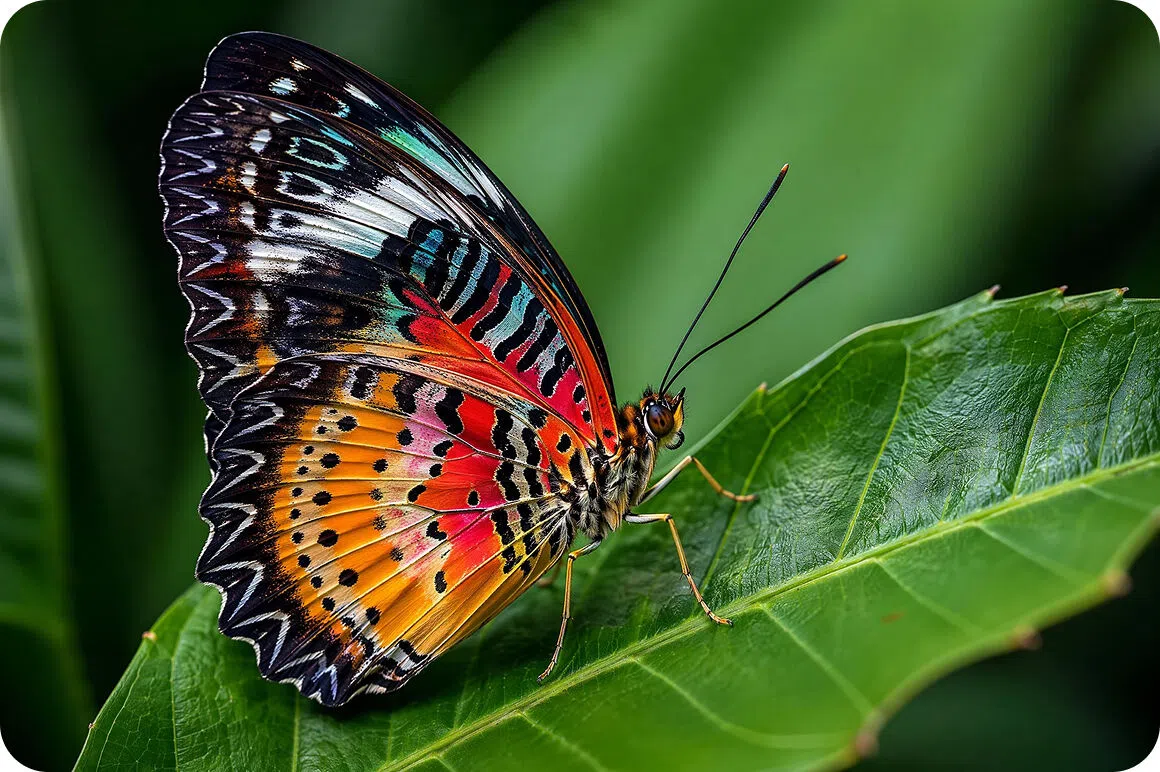
One-click AI smart unblur
Intelligent algorithms instantly clarify your blurry pictures without requiring any manual editing effort. Simply press a single button and watch the magic happen before your eyes. Our automated technology removes the complex guesswork, providing you with perfect, high resolution images in just a few seconds.
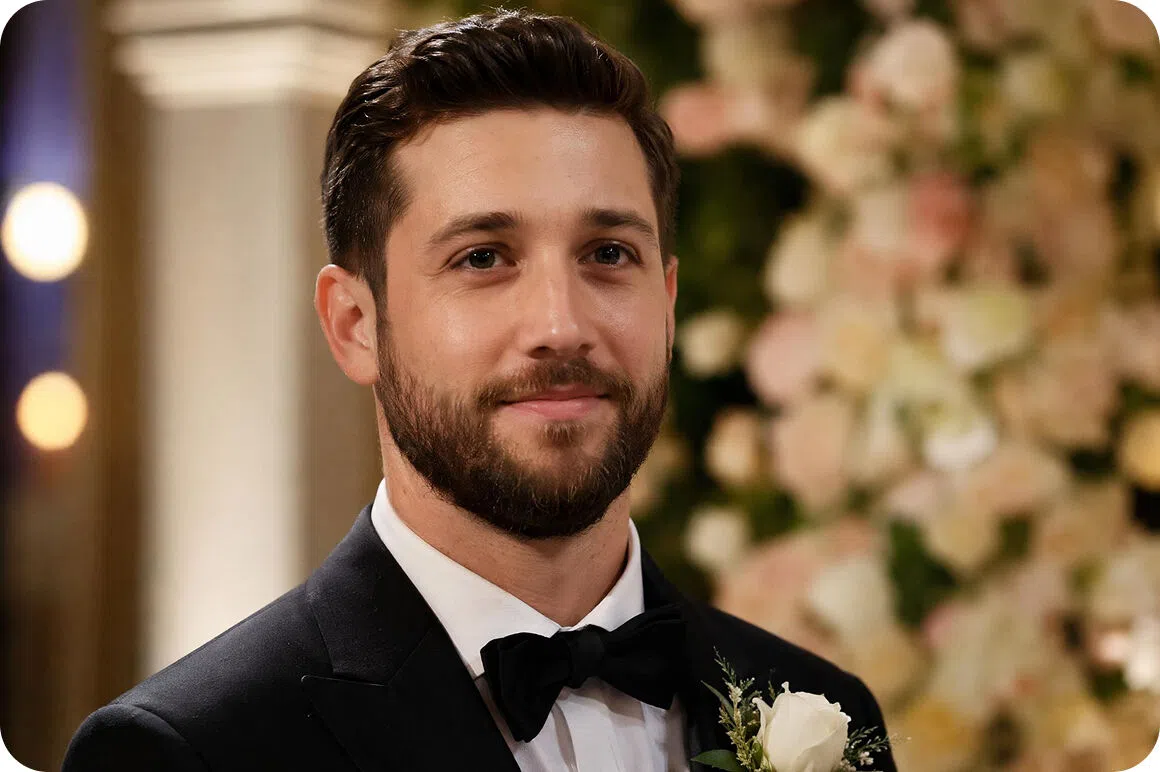
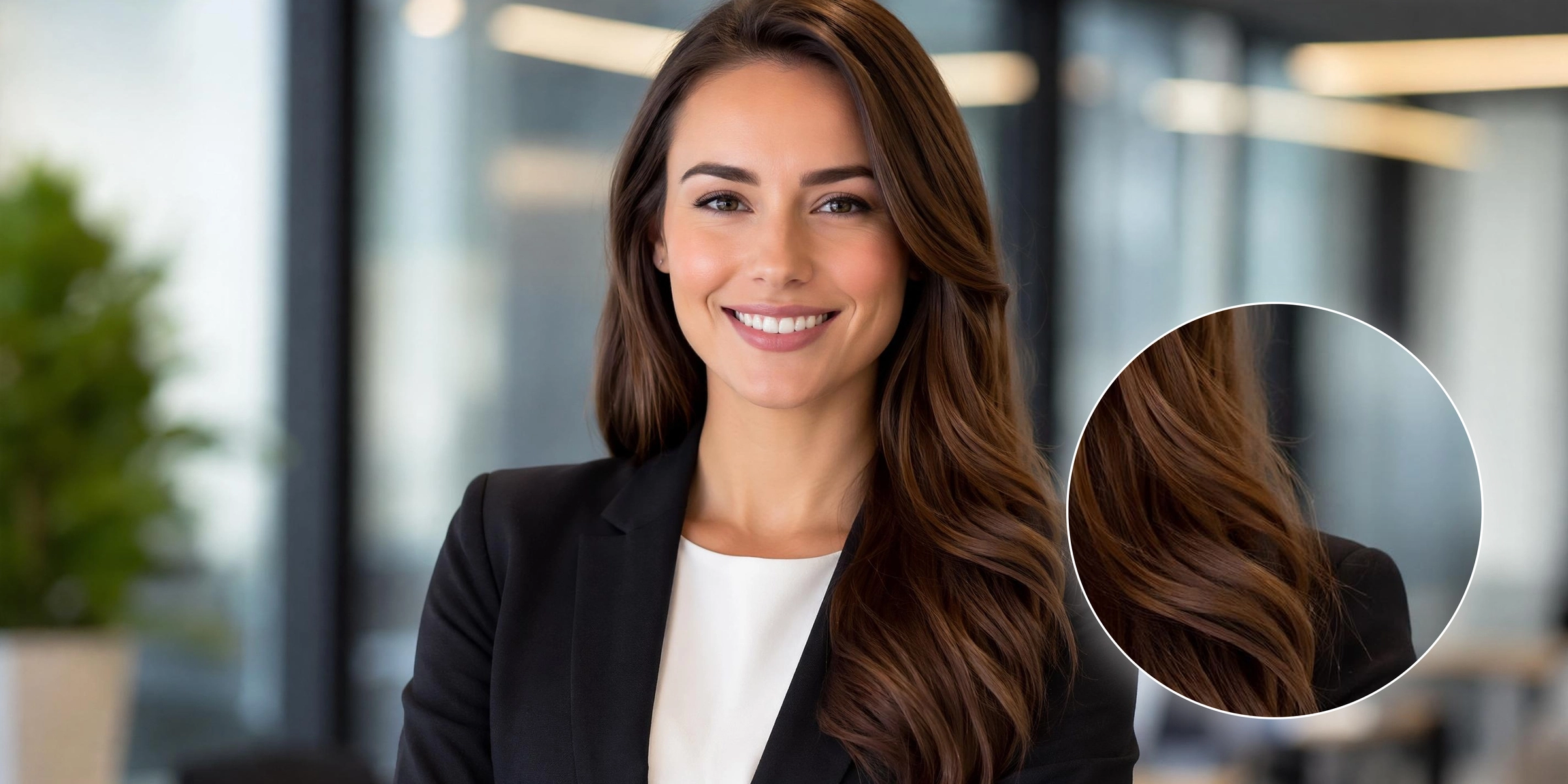
Advanced face detail refinement
Our artificial intelligence specifically targets and reconstructs facial features for incredibly lifelike portrait restorations. It thoroughly analyzes every pixel to bring out stunning clarity in eyes, skin textures, and hair. You will immediately notice a professional quality upgrade making your personal portraits look absolutely flawless always.
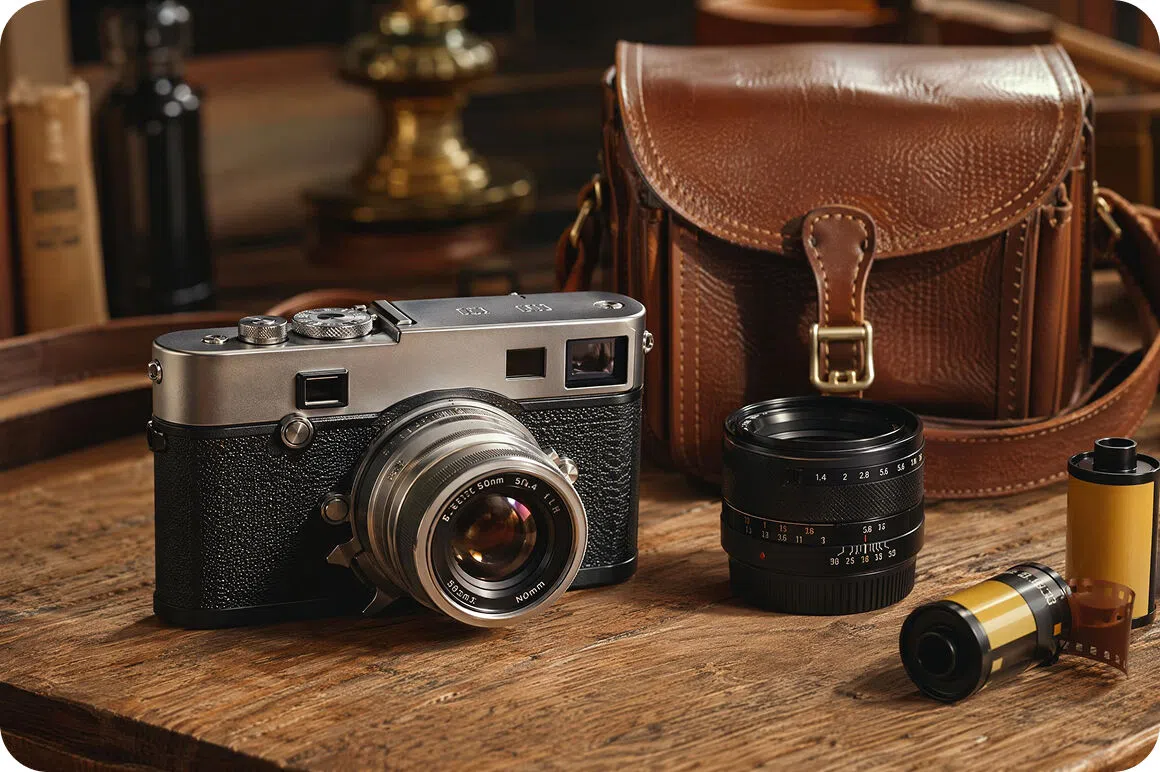
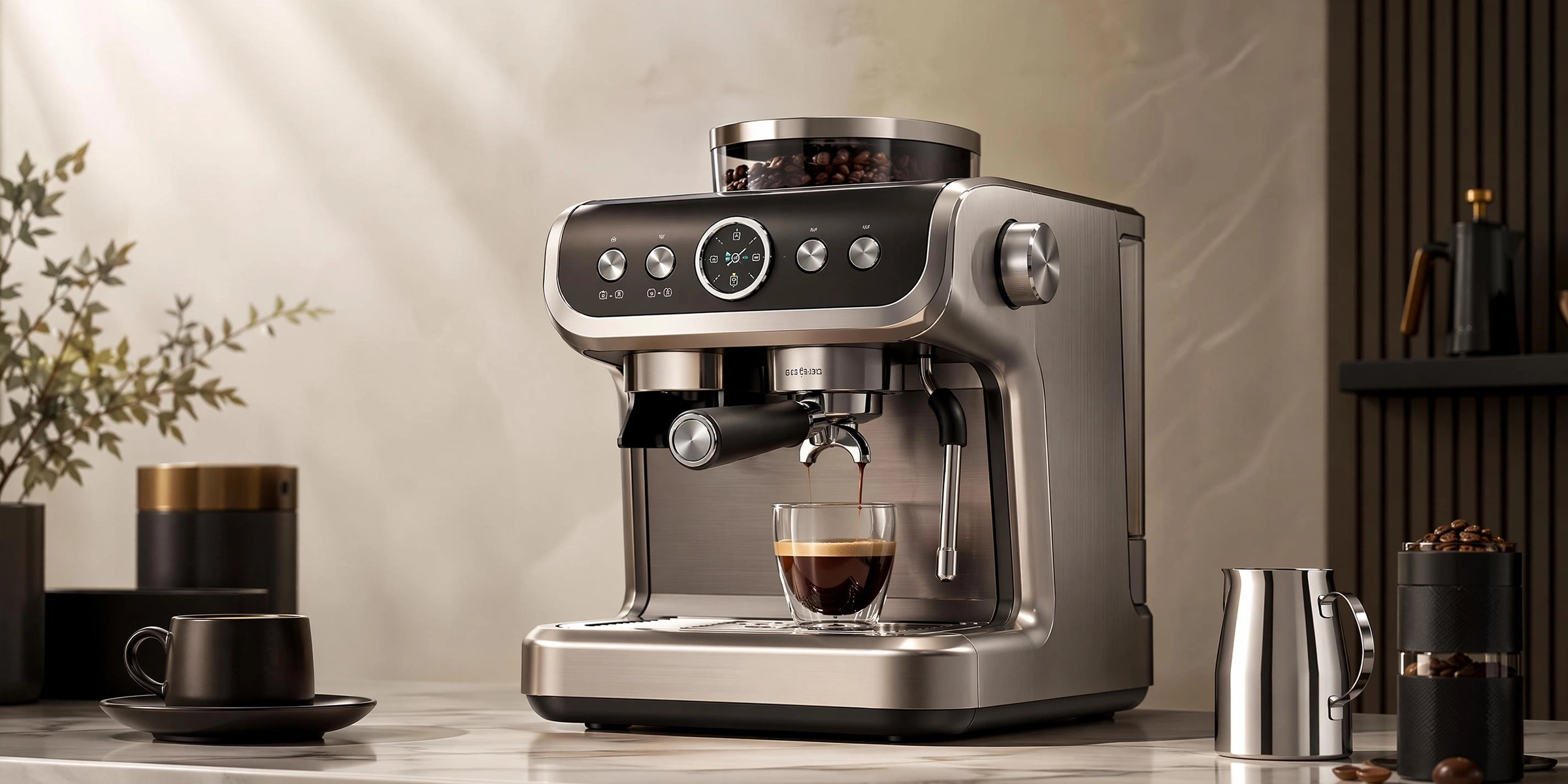
Sharp product images, ready to sell
High quality product visuals instantly increase buyer confidence and boost your overall online conversions. Clean and crisp details highlight the best features of your merchandise. Transform amateur product photography into premium commercial assets that make your entire digital storefront look incredibly professional and trustworthy.
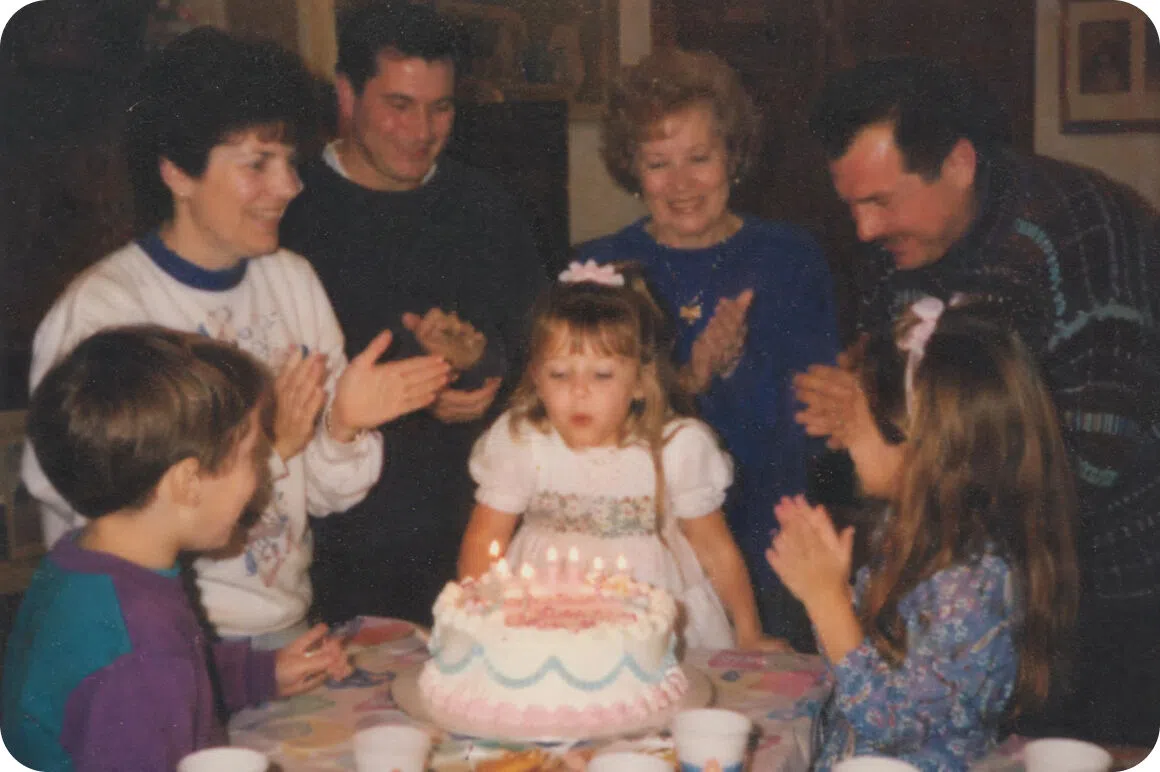
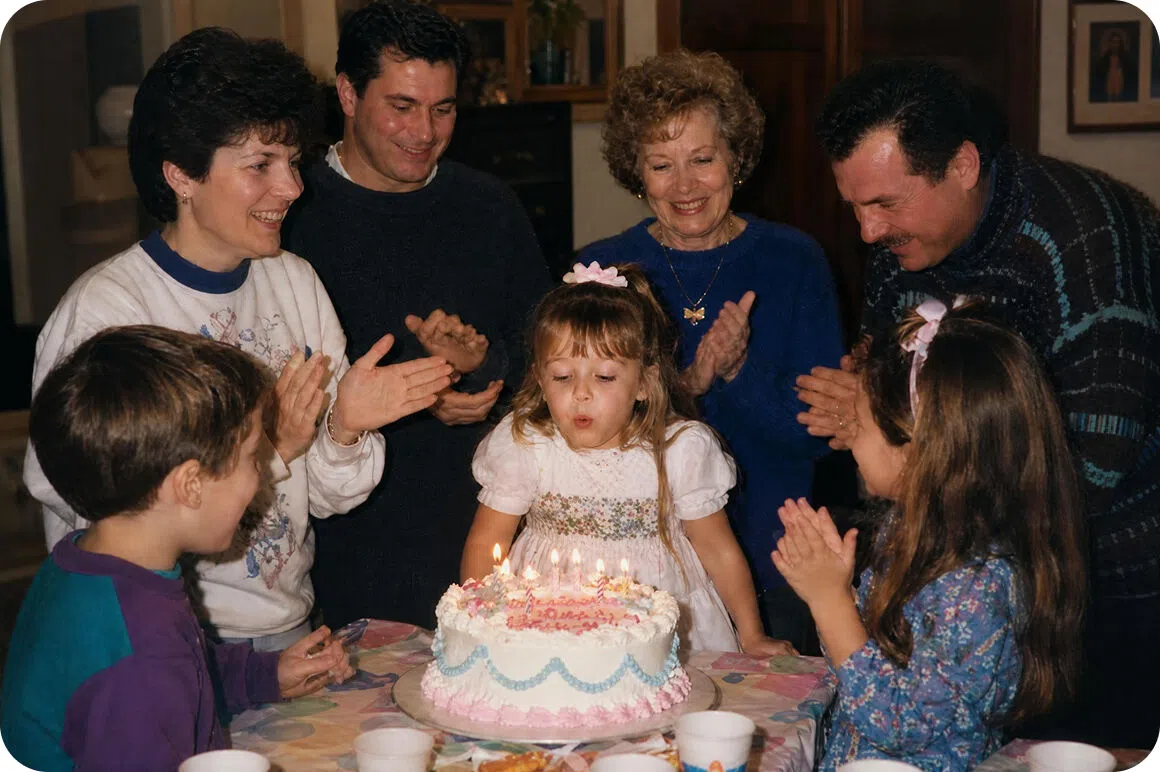
Intelligent noise reduction technology
Eliminate visual grain and pixelation while sharpening edges to maintain natural image quality perfectly. This advanced system smoothly removes unwanted digital artifacts from low light photography. Your final pictures will remain beautifully crisp and clear without losing any of their original vibrant colors or authentic charm.
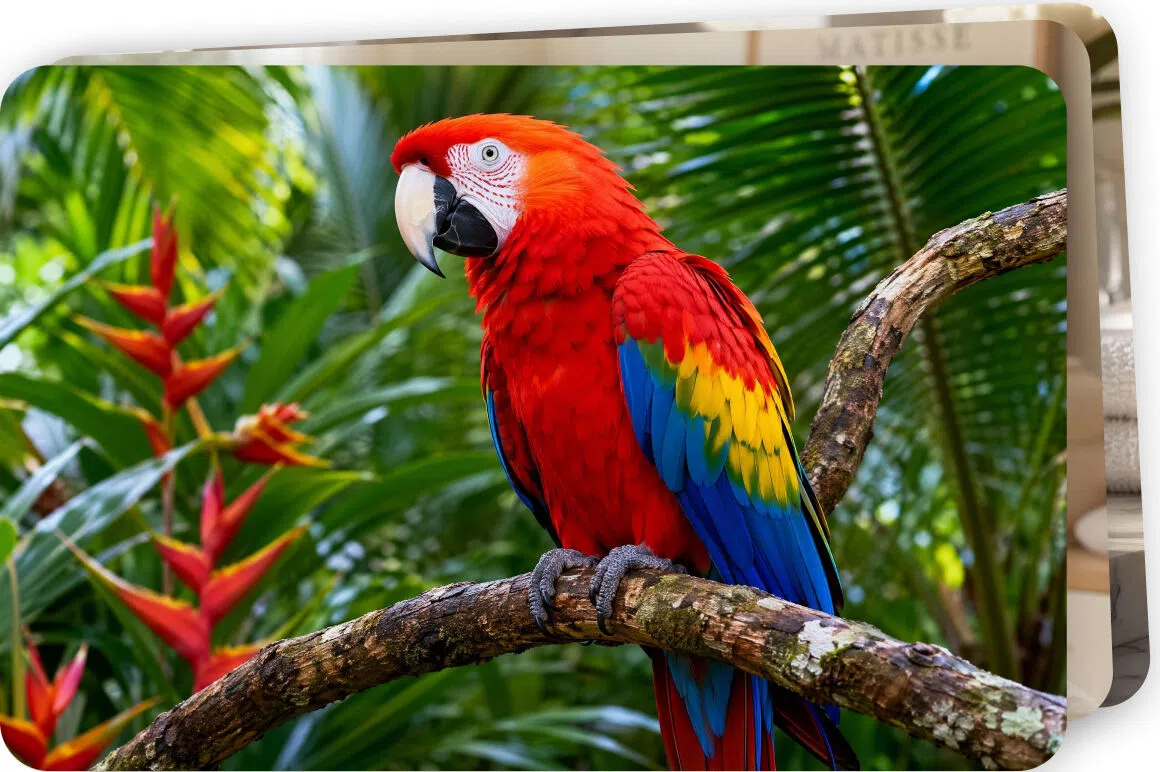
Rapid batch image processing
Save significant time by seamlessly unblurring multiple blurry photos simultaneously without sacrificing overall quality. Upload entire folders of out of focus pictures and let our system fix them all at once. Enjoy faster workflows while achieving stunningly sharp results across your entire massive photo collection instantly.
Vmake Labs AI image unblur solution is made for individuals & businesses
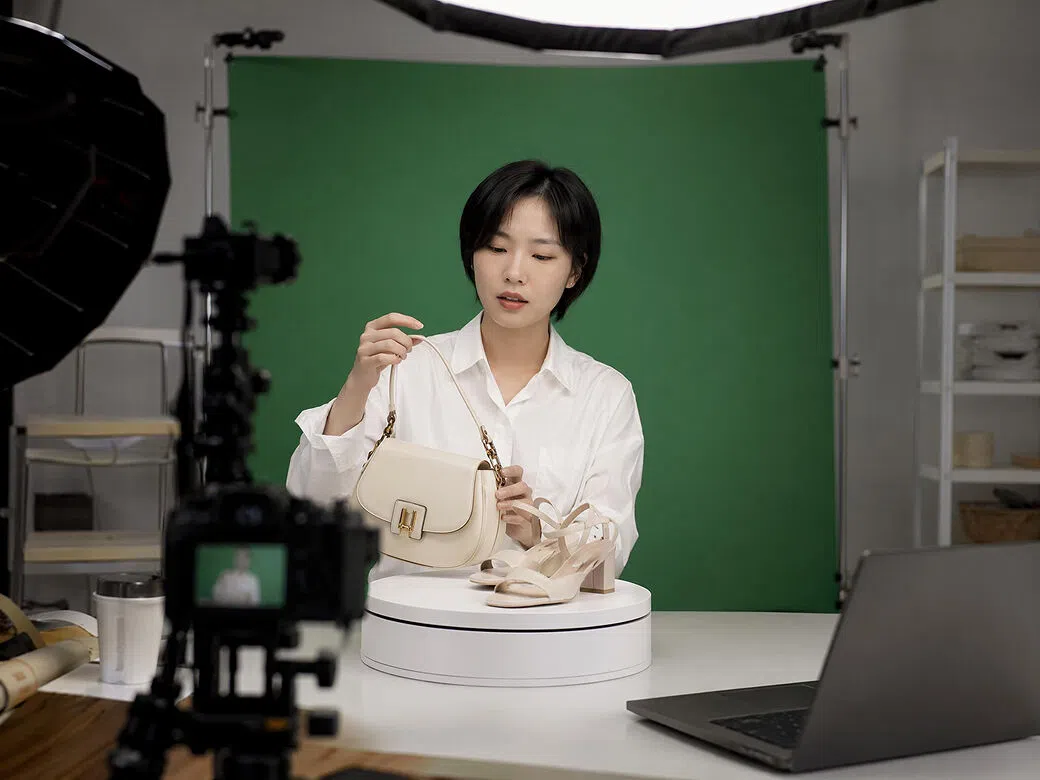
Professional e-commerce sellers
Professional ecommerce sellers absolutely need crisp product catalogs to attract eager buyers and increase their daily sales significantly. By unblurring low quality product photos, online retailers can present merchandise flawlessly. Clear images build massive consumer trust, reduce return rates, and directly drive higher revenue growth.
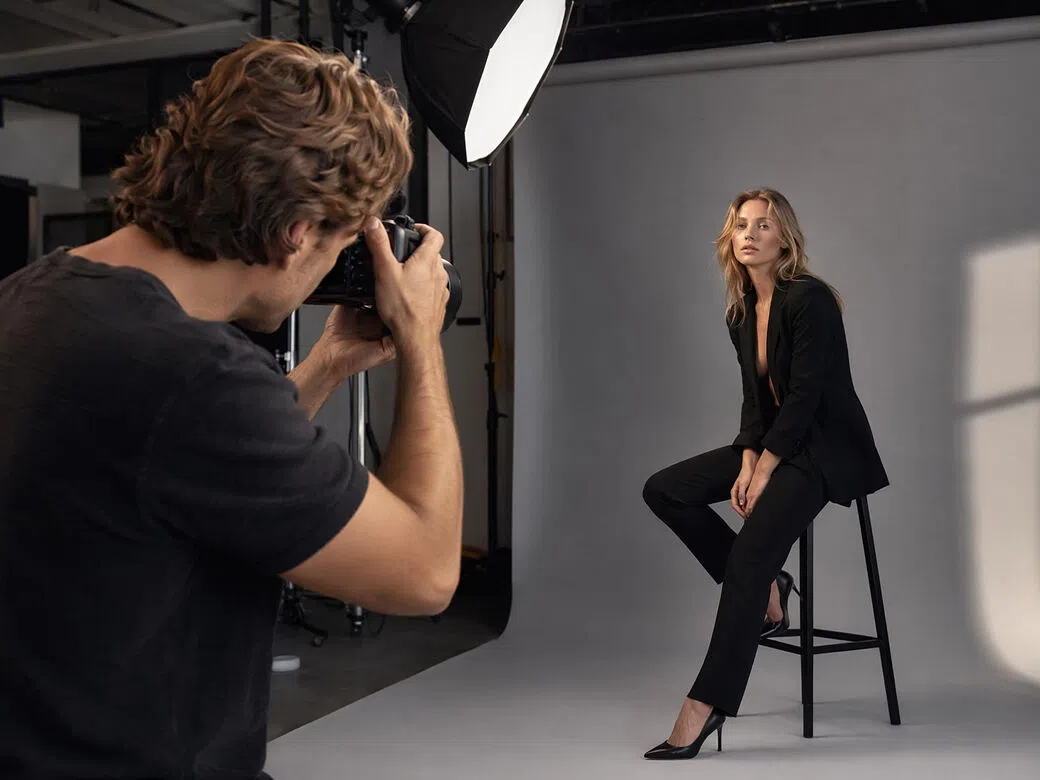
Portrait and event photographers
Portrait and event photographers are constantly looking to salvage slightly blurry shots from fast paced weddings or sporting events. This smart tool helps busy professionals quickly rescue out of focus client pictures, ensuring that every single precious moment captured is delivered in stunning, perfect clarity.
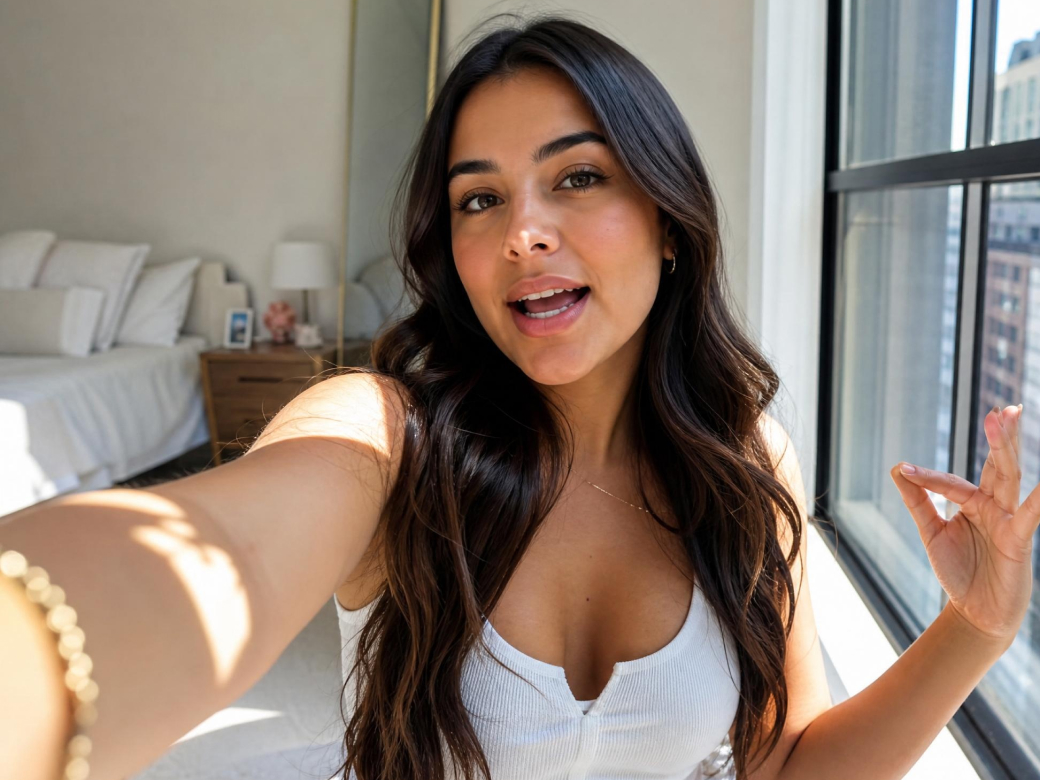
Online influencers
Online influencers heavily rely on flawless visual aesthetics to secure lucrative sponsorships and grow their massive audiences. Fixing slightly blurred promotional shots guarantees their campaign posts always reflect premium quality, keeping dedicated followers and corporate partners highly satisfied with every single daily upload.
Frequently asked questions
How does the AI unblur image tool actually work?
Can I fix severe motion blur using this specific tool?
Yes, the AI significantly reduces motion blur and restores clarity. Our powerful system corrects directional camera shake, allowing you to easily recover ruined image files.
Will the unblurring process reduce my original photo quality?
No, it enhances clarity while maintaining your original image resolution. The intelligent algorithms add missing details without compressing files, ensuring your pictures remain incredibly vibrant always.
How to unblur pictures automatically?
Simply upload your image to our platform and utilize the Vmake one click removal feature. Our advanced artificial intelligence instantly processes your file, automatically eliminating annoying blurriness and revealing stunning, crystal clear details without effort.
Can I unblur my old photo?
Yes, you can. Vmake makes it possible by using deep learning algorithms that carefully analyze faded textures. The system intelligently reconstructs missing pixels, dramatically enhancing facial features and breathing vibrant new life into older prints.
Why Vmake Labs is the best choice for unblurring images?
Get professional and clear results in just a few seconds. Our advanced servers handle enhancements instantly, ensuring you never wait long to enjoy your beautifully unblurred images.

Your uploaded photos are never shared with any third parties. We automatically delete your files from our secure servers right after processing to ensure complete user safety.

The automated platform requires zero technical knowledge or previous experience. Anyone can instantly restore blurred photographs with just one single click, making professional photo restoration highly accessible.
Discover More Features

Video & Image Enhancer

Watermark & Text Remover

Video Upscaler

AI Video Generator

Video Background Remover

Video & Audio to Text

Video Noise Reducer

AI video translator
Ready to transform your blurry photos into stunning masterpieces?
Join thousands of satisfied users and start enhancing your images with our powerful AI today. Experience crystal-clear quality in seconds.
What our users say about Vmake Labs image unblur tool
I was absolutely devastated when I saw the main shot from our ceremony was totally out of focus. This smart tool fixed it beautifully. Now I can frame my perfect memory without feeling any regret!
I scanned dozens of old, faded pictures of my grandparents. The faces were severely blurred by time. This amazing website restored their actual features brilliantly. I am so very thrilled to preserve our precious history.
My handmade jewelry photos always looked a bit soft and unprofessional. Running them through this unblur feature transformed my entire product catalog overnight. Buyers finally see the fine details, and my orders have skyrocketed!
Capturing athletes in action means I get plenty of ruined, blurry shots. I started using this platform to rescue my favorite dynamic moments. The edge sharpening is unbelievable. It literally saves my biggest client projects.
As an influencer, I lack extra hours to spend editing photos on complicated software. This tool works like pure magic in under ten seconds. My Instagram grid has never looked so sharp and polished before.
Sometimes client assets are provided in terrible, compressed resolutions. I use this AI enhancer daily to quickly rebuild textures before starting my design work. It is an absolute lifesaver for delivering high quality graphics consistently.