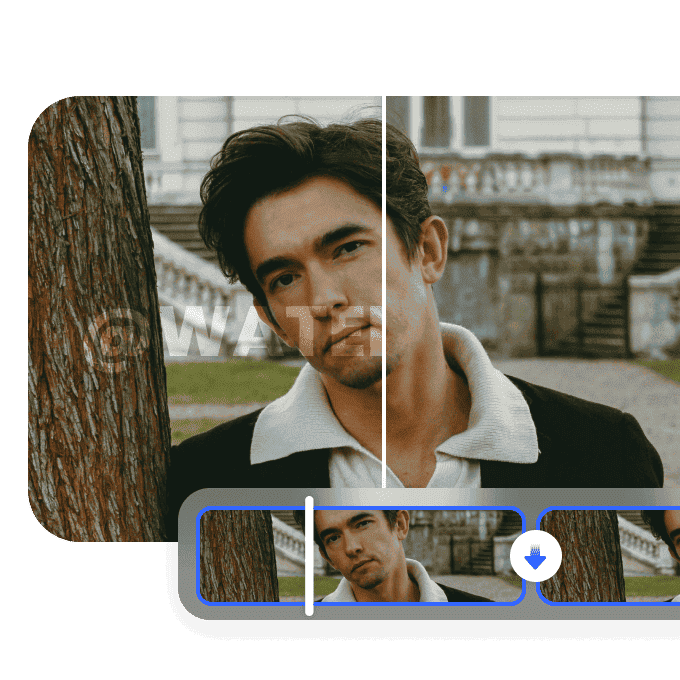
5 Best Free AI Video Generator Without Watermark Tools to Use (2026)
Creating professional videos shouldn't mean dealing with intrusive logos. Explore the ultimate list of the best free AI video generators without watermarks. Transform your text or images into stunning visuals seamlessly for any creative project.

Finding a reliable free AI video generator without watermarks can be challenging. Many platforms hide logos in their free tiers, completely ruining professional content. This guide covers the best solutions to create stunning, watermark-free videos effortlessly for any digital platform. Come and pick the best one!
Why choose a free text-to-video AI generator without a watermark?
Clean, unbranded video assets elevate the standard of visual projects by removing distracting overlays. Utilizing a free text-to-video AI generator without a watermark ensures a seamless production process, allowing your narrative to remain the primary focus. Understanding how to generate videos with AI using high-quality tools provides several key advantages:
-
Professionalism: Maintaining brand consistency becomes significantly easier when third-party logos do not reside over the core content.
-
Cost-Efficiency: High-quality visuals maximize overall returns for social media and e-commerce campaigns without incurring premium subscription fees.
-
Creative Freedom: Seamlessly integrating generated clips into larger editing timelines ensures a smoother workflow for complex projects.
How we selected the best free AI video generator without a watermark
-
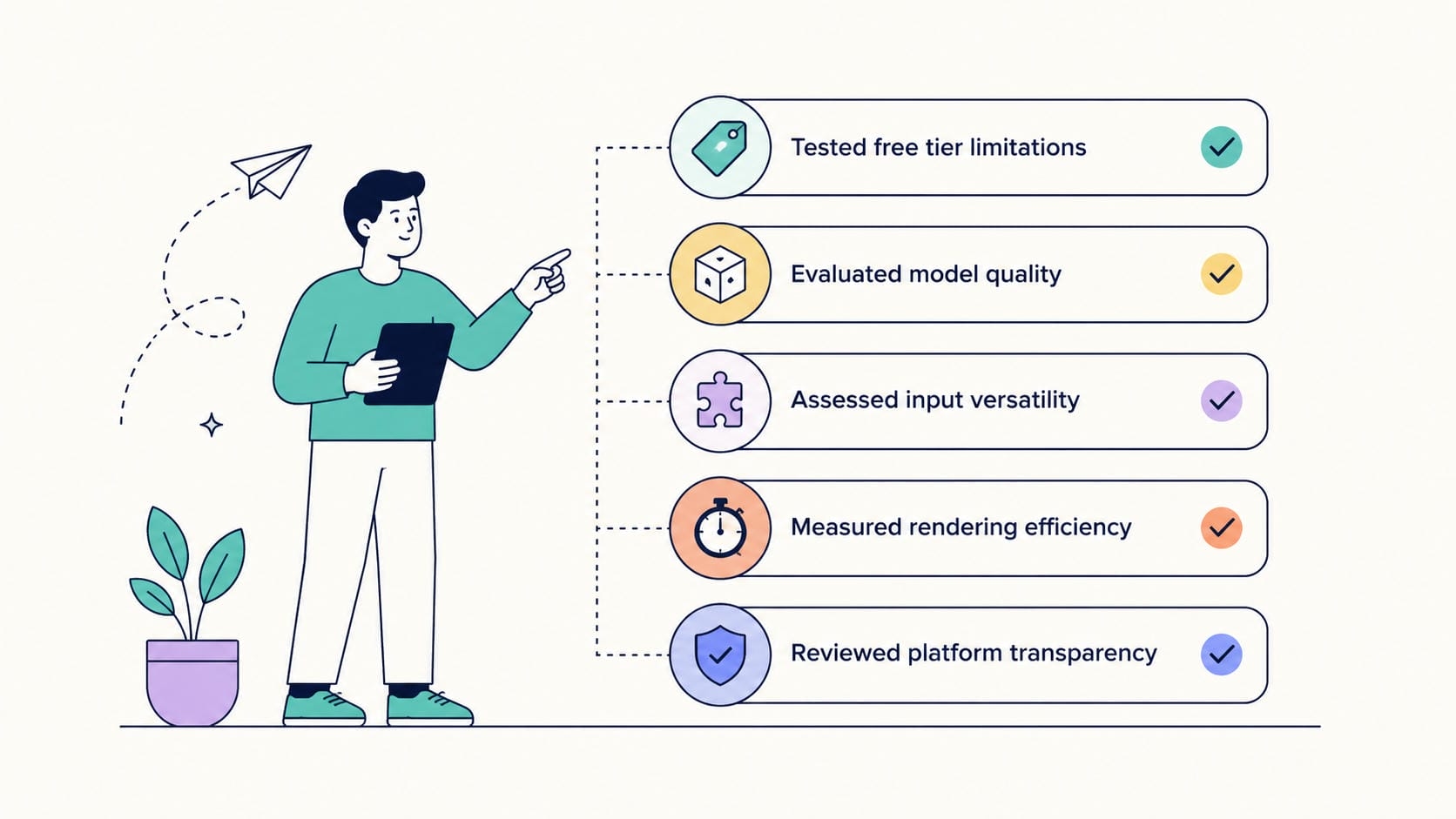
Tested free tier limitations: Evaluating the export process verified the complete absence of watermarks, logos, or forced branding upon final file generation.
-
Evaluated model quality: Analyzing the underlying algorithms revealed crucial differences in visual consistency, physics rendering, and artifact reduction.
-
Assessed input versatility: Checking for diverse generation methods ensured that platforms accommodate varying workflows, from basic text prompts to complex visual inputs.
-
Measured rendering efficiency: Looking at overall generation speed and server reliability highlighted the average wait time expected for non-paying users.
-
Reviewed platform transparency: Scrutinizing the terms of service confirmed the absence of hidden fees or surprise premium gates right before the download step.
5 best free text-to-video AI generators without watermark
1. Vmake AI
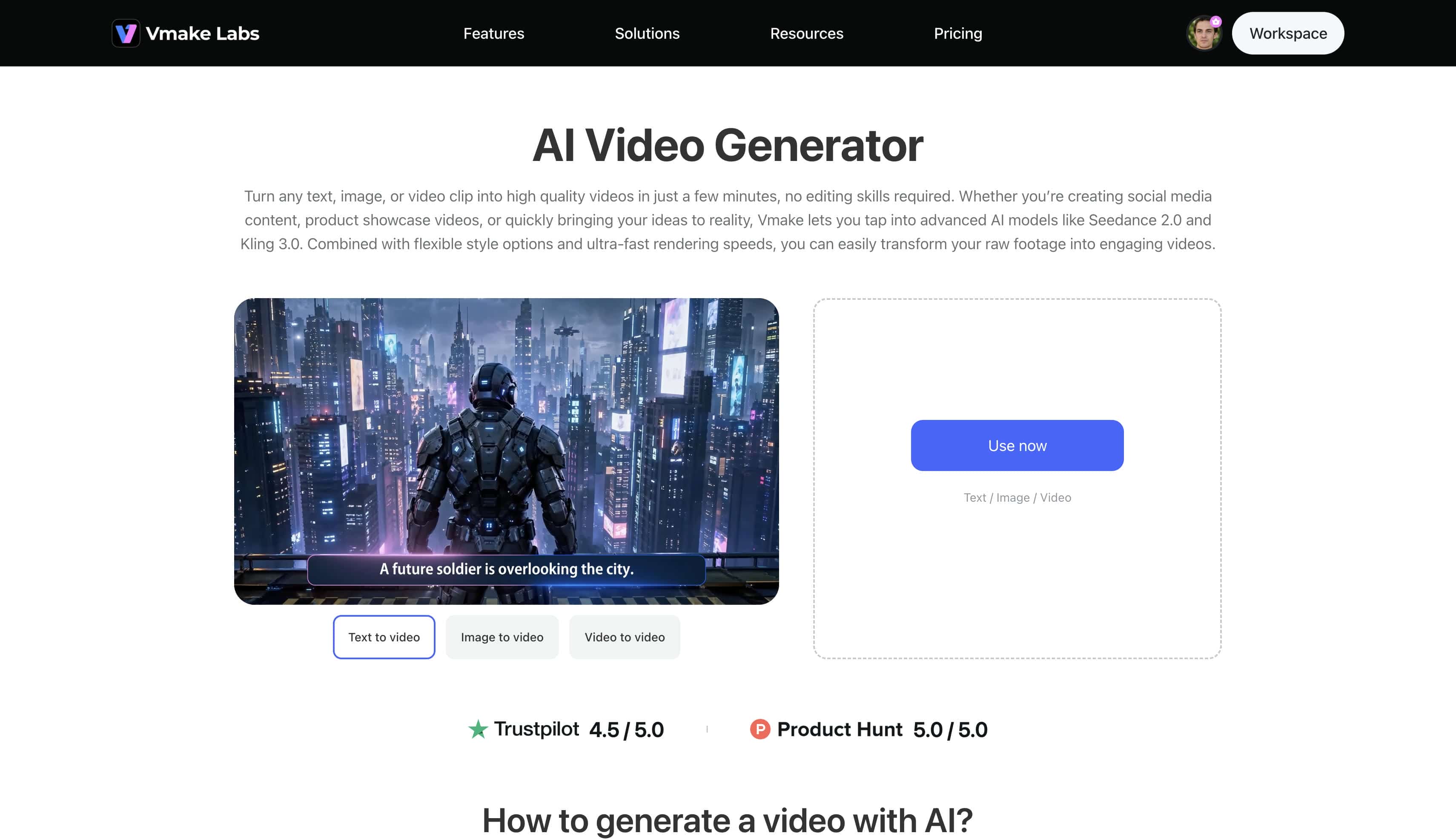
Vmake stands out as a highly sophisticated platform offering highly versatile asset generation workflows, including specialized text-to-video, image-to-video, and advanced video-to-video rendering systems. By providing seamless and immediate access to premium foundational networks such as Seedance 2.0, Kling 3.0, Sora 2, and Hailuo 2.3, the architecture empowers digital creators with unprecedented control over spatial physics and high-definition realism.
Pros:
-
Grants immediate access to industry-leading models (Veo 3.1, Vidu Q2, Wan 2.2).
-
Supports multiple input methods, including multi-image reference and first/last frame prompting.
-
Output files in stunning 4K and 2K resolutions.
-
Offers fine-grained duration control ranging from 2 to 15 seconds.
Cons:
-
Although the free version is enough for amateurs, paid tiers unlock more for professionals.
How to use the Vmake AI video generator free without a watermark:
Step 1: Access the generator interface
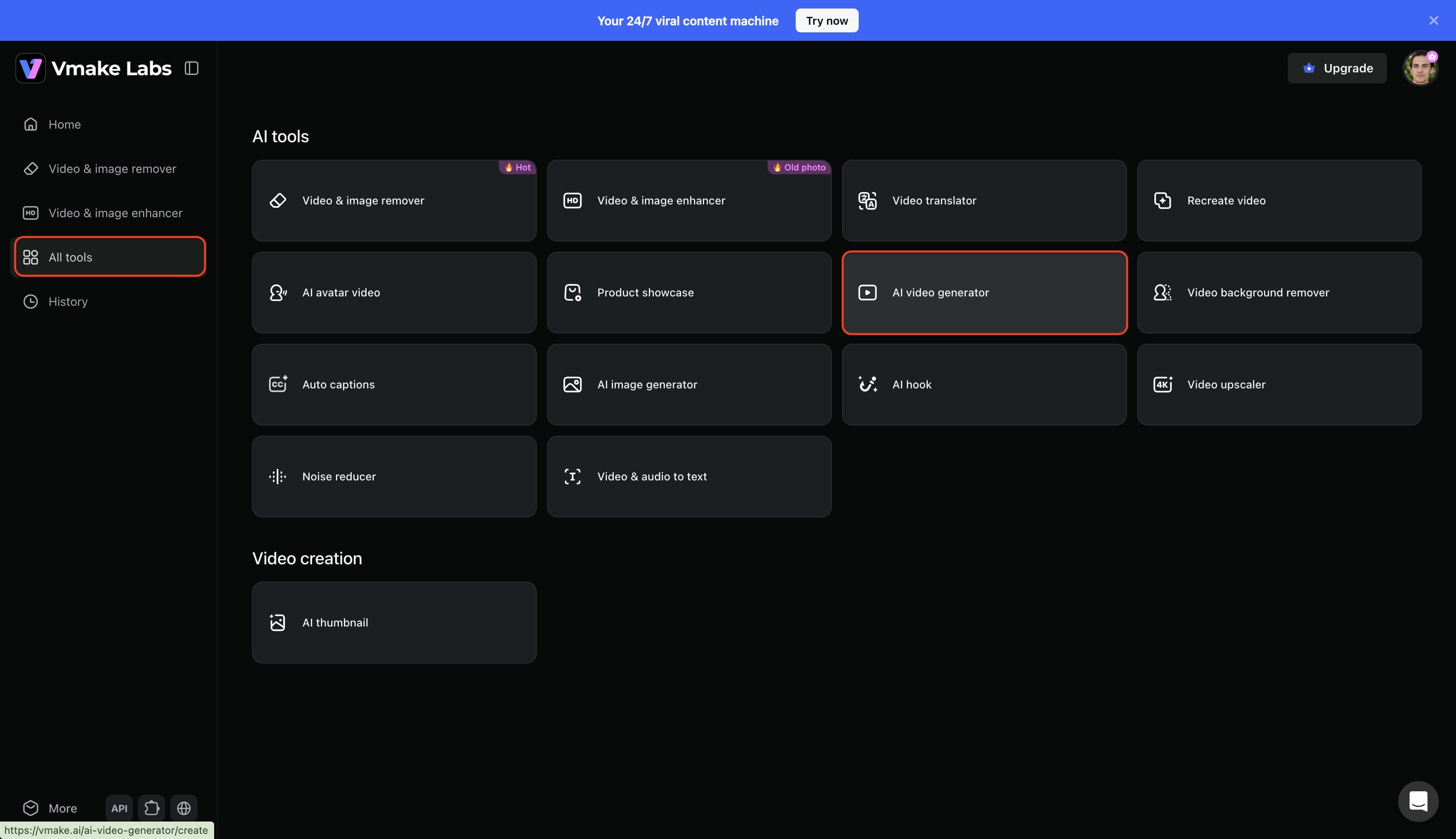
Log in to the designated account to access the primary dashboard. Navigate to the main menu and select the "All tools" option. Next, click the "AI video generator" option to initialize the project workspace.
Step 2: Input text-to-video parameters
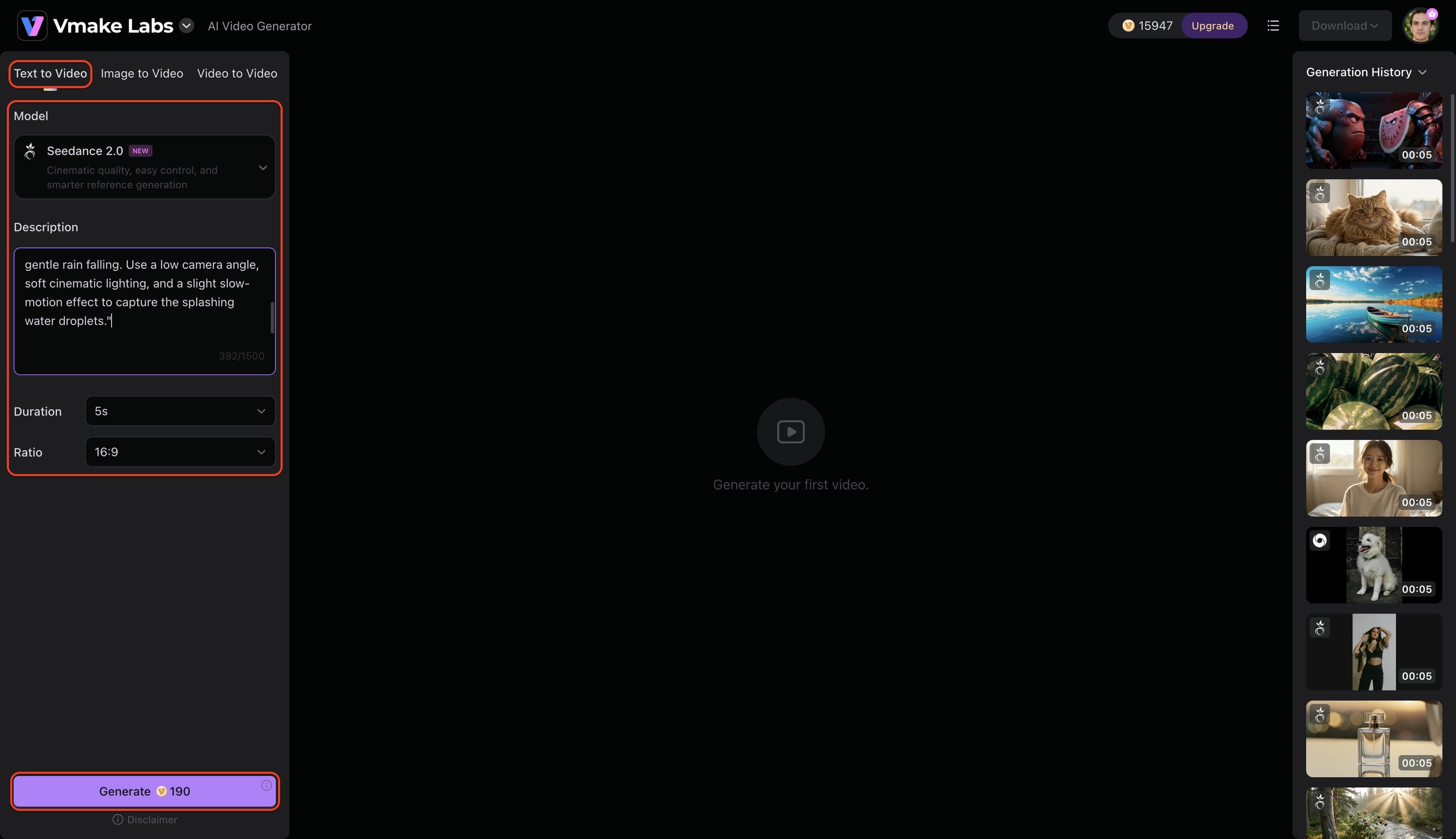
Select an appropriate AI video generation model, such as Seedance, Veo, or Kling. Input a precise text prompt outlining the specific visual requirements for the scene. Define the technical specifications by setting the video duration and aspect ratio, then click "Generate" to commence rendering.
Step 3: Export the watermark-free video
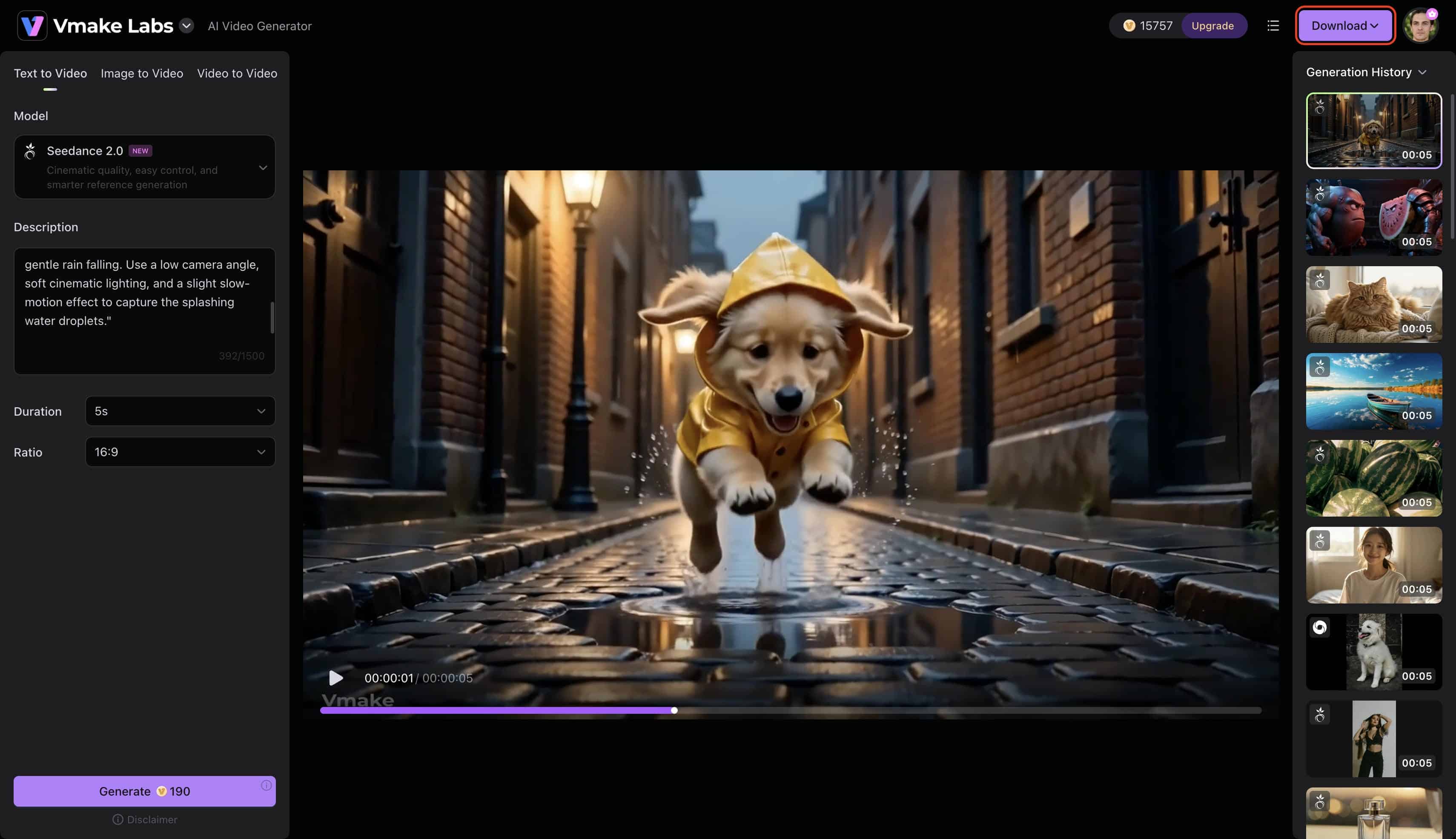
Wait for the system to finalize the text-to-video processing sequence. Once the completed video appears on the screen, click the "Download" option and enable the "Remove watermark" button to securely export the watermark-free asset directly to your local hardware.
2. Top Media AI
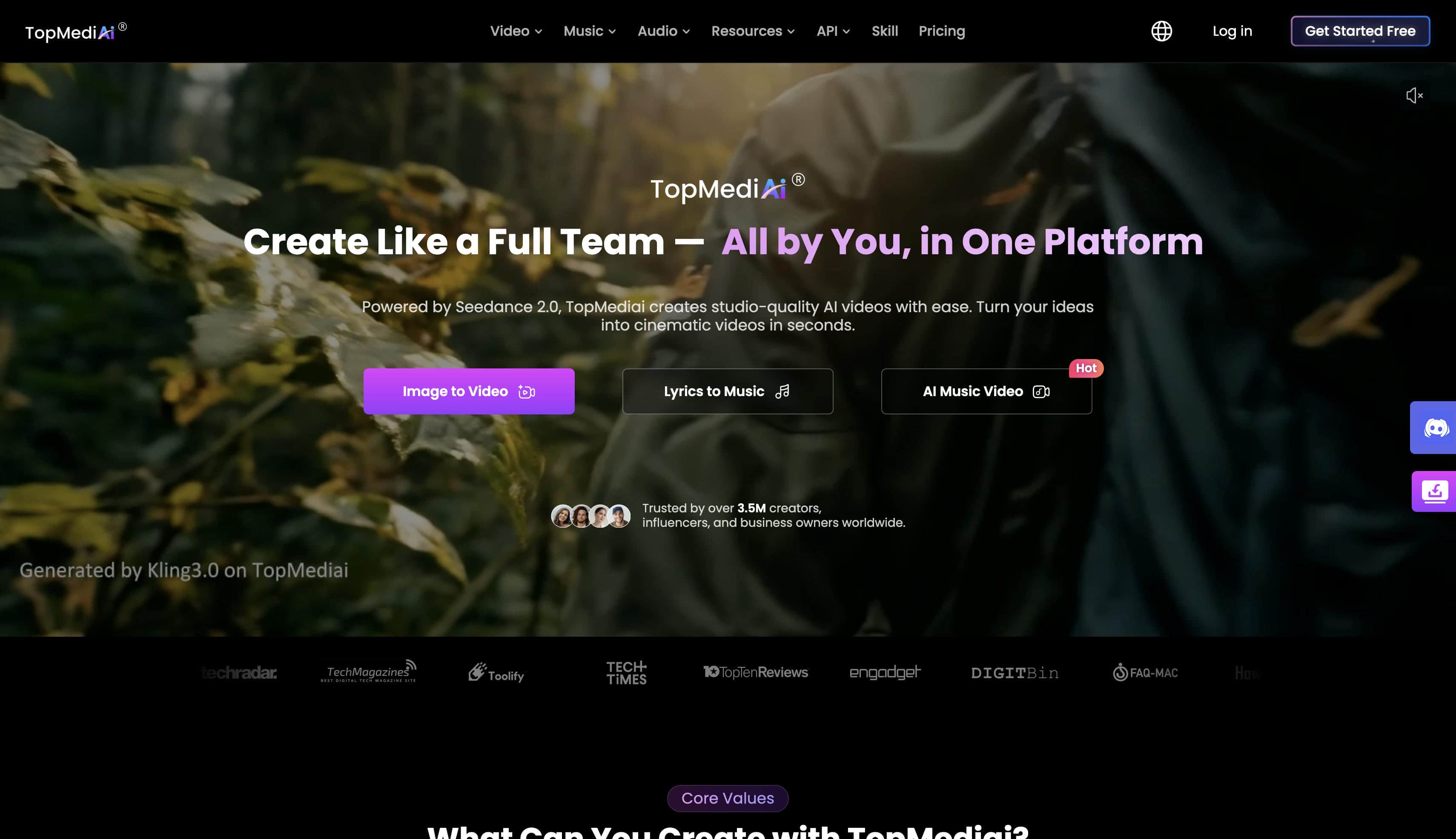
TopMediai functions as a straightforward web-based processing platform specifically designed for rapid text-to-video conversions without forcing intrusive digital watermarks onto the final asset. The user interface prioritizes extreme simplicity and minimalistic controls, catering almost exclusively to novice creators who require fast, automated, template-driven video generation for general multimedia projects.
Pros:
-
Intuitive interface with a minimal learning curve for beginner editors.
-
Fast rendering speeds for standard resolution short clips.
-
Offers broad web browser compatibility, requiring no intensive local hardware utilization.
Cons:
-
Limited to standard AI models, lacking hyper-realistic rendering options.
-
Watermark removal is conditional based on promotional account credits.
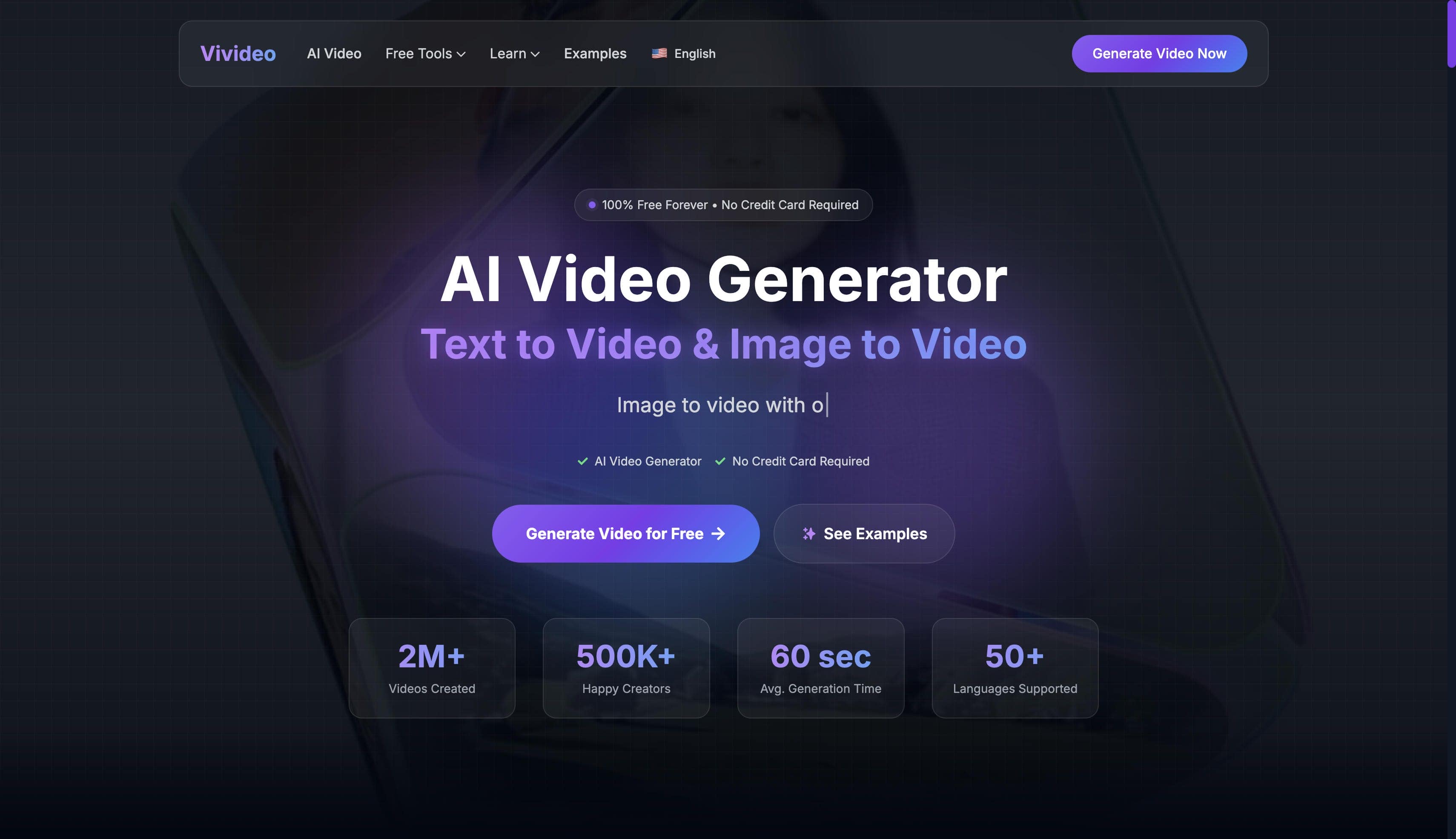
3. Vivideo.ai
Vivideo.ai centers its functionality on transforming basic text descriptions into highly stylized visual clips tailored primarily for short-form digital communication channels. Operating via a proprietary internal model, the platform excels at delivering colorful, high-contrast, social-media-ready animations that accommodate the fast-paced nature of modern online audiences.
Pros:
-
Clean workspace with straightforward text prompt entry fields.
-
Reliable 1080p exports on the base free plan.
-
Optimized for producing vibrant, stylized animations suitable for quick social sharing.
Cons:
-
Lacks advanced settings for customized physics rendering or advanced camera movement.
-
Video duration limits remain relatively strict compared to alternative generators.
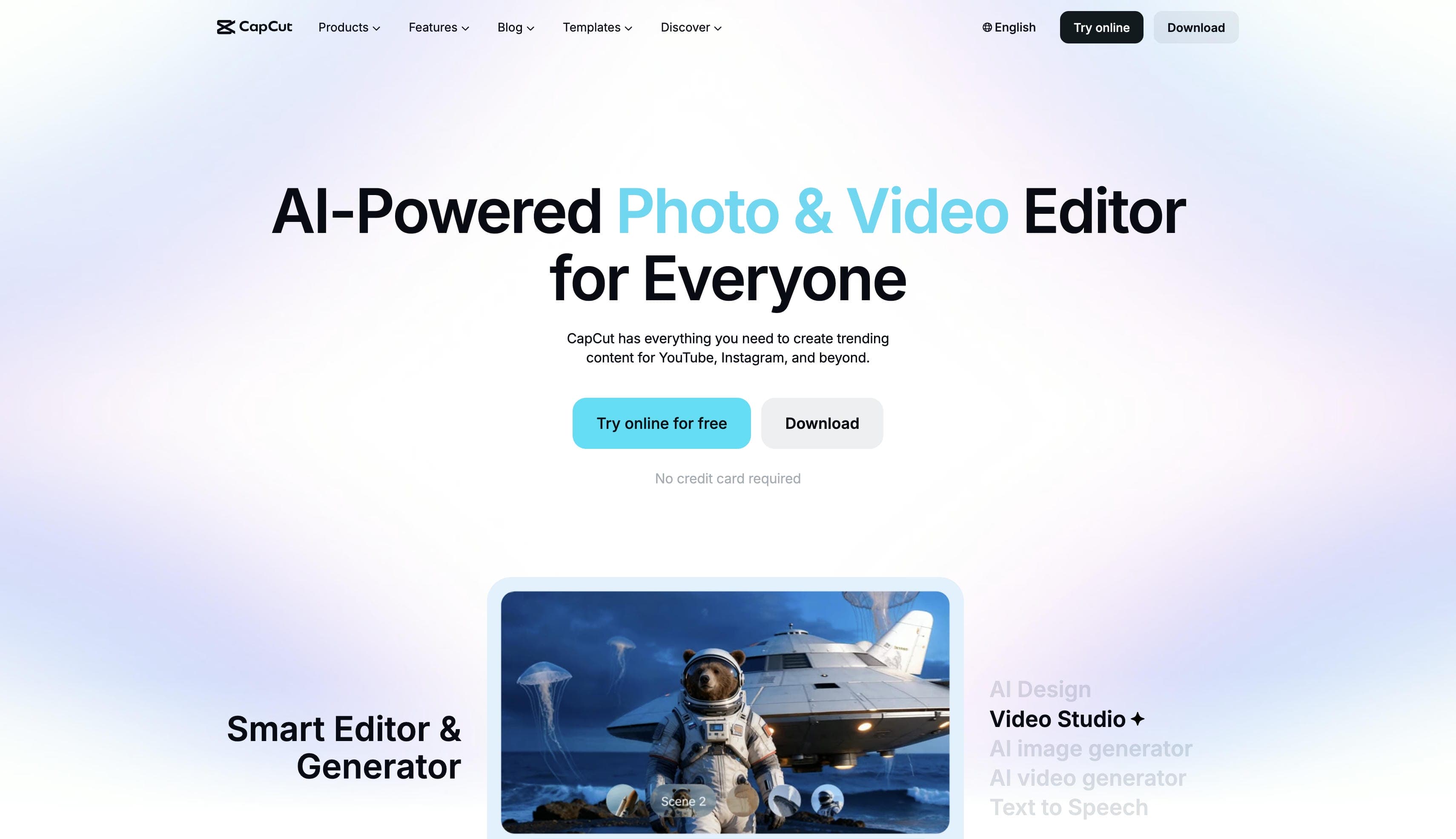
4. CapCut
CapCut is recognized globally as an incredibly comprehensive multi-platform video editing ecosystem, but its modern script-to-video tools present a highly robust generation vehicle for automated media creation. The integrated architecture seamlessly links artificial intelligence asset generation directly with standard timeline multitrack editing suites, transitions, and filters.
Pros:
-
All-in-one platform featuring comprehensive timeline editing and audio syncing capabilities.
-
Large library of stock assets, text overlays, and creative templates.
-
Excellent cross-platform ecosystem enabling seamless switching between mobile and desktop devices.
Cons:
-
The generated video quality heavily relies on stock footage stitching rather than pure AI pixel generation.
-
The feature-dense interface can feel overwhelming for creators seeking standalone raw clip generation.
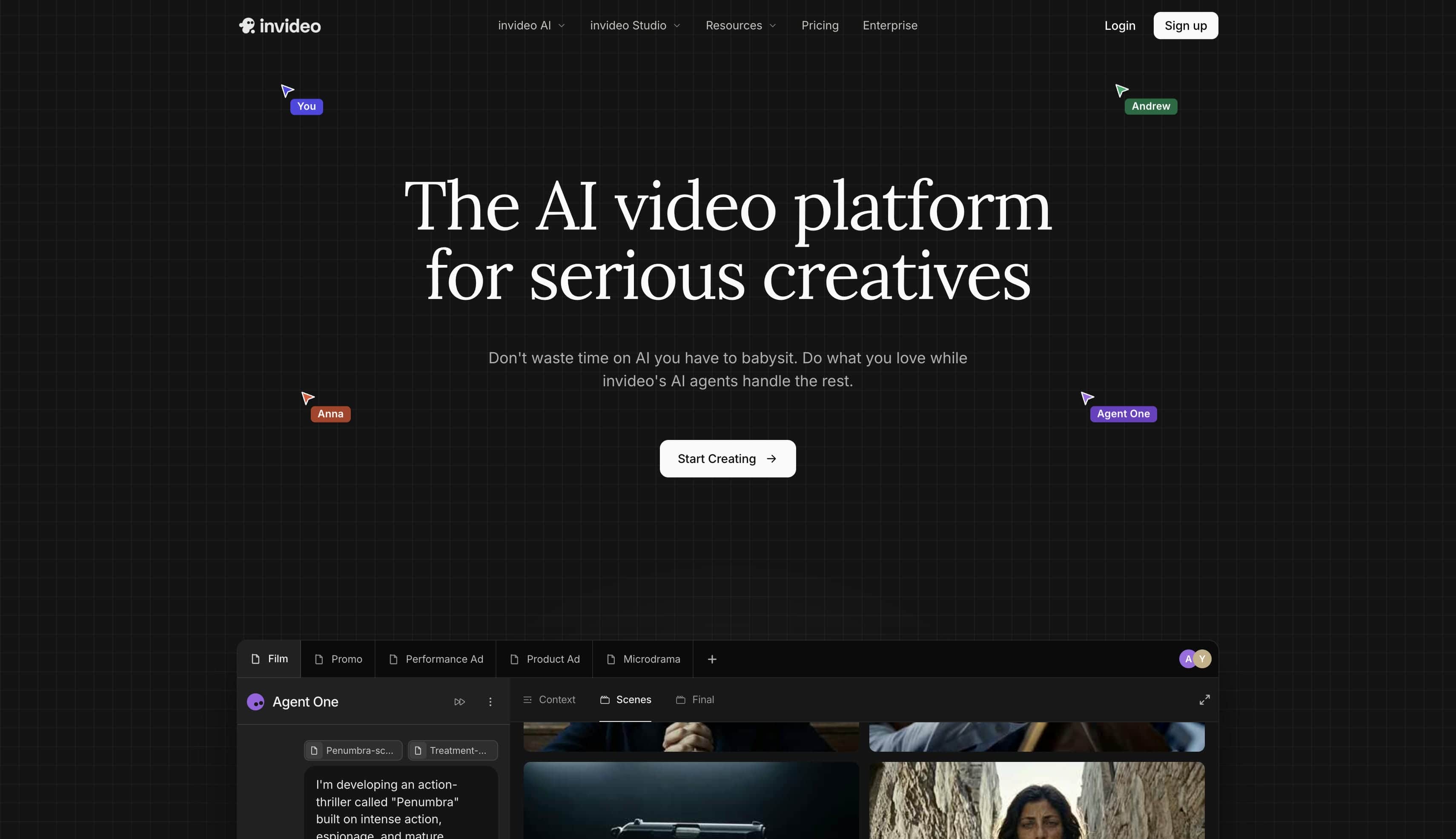
5. InVideo
InVideo harnesses standardized, cloud-based text-to-video intelligence to rapidly convert long-form scripts, articles, and blog content into structured, high-impact marketing presentations. The system is meticulously optimized for corporate communication teams and social content managers who require programmatic, high-volume production schedules augmented by automated text overlays and synthetic voice synthesis.
Pros:
-
Excellent text overlay mechanisms and automated script-captioning features.
-
Extensive synthetic voiceover integration for narrated content.
-
Streamlined script-to-video automation that saves significant planning time for marketing campaigns.
Cons:
-
Watermark-free exports are restricted to specific trial plans or promotional periods.
-
Visual compositions lean heavily towards corporate presentation styles over cinematic art.
Feature comparison of top video generators
|
Tool |
Generation Methods |
Top Built-in Models |
Max Resolution |
Watermark-Free Free Tier |
|---|---|---|---|---|
|
Vmake |
Text, Image, Video |
Kling 3.0, Sora 2, Veo 3 |
4K |
Yes |
|
TopMediai |
Text, Image |
Standard AI |
1080p |
Yes (Conditional) |
|
Vivideo.ai |
Text, Image |
Proprietary |
1080p |
Yes |
|
CapCut |
Text, Script |
Standard AI |
1080p |
Yes |
|
InVideo |
Text, Templates |
Standard AI |
1080p |
Yes (On specific plans) |
How to choose your best free AI video generator without watermarks
Finding the best choice requires matching technical capabilities with specific project demands. Locating a top-tier text-to-video AI generator free without watermark functionality relies on evaluating several foundational factors.

-
Match the model to the aesthetic: Identify whether the project requires hyper-realistic cinematic outputs, stylized animated assets, or simple template-based designs. Choosing the right foundational model drastically reduces post-production editing time.
-
Check daily generation allowances: Evaluate the credit limits or time caps imposed on the free plan to ensure they align with intended production volumes. Some platforms restrict rendering lengths, which can disrupt bulk content creation workflows.
-
Confirm commercial use rights: Review the licensing agreements to determine if unwatermarked free outputs can be legally utilized for client work or monetized channels. Securing correct usage rights prevents future copyright disputes or channel strikes.
-
Look for built-in editing features: Determine if the project requires an all-in-one platform with timeline adjustments and audio syncing, or simply a raw AI image to video generator. Specialized generators often provide better visual quality than all-in-one editors.
-
Verify maximum export resolutions: Ensure the selected tool allows free downloads in at least 1080p, guaranteeing the content meets modern social platform standards. Low-resolution exports often suffer from compression artifacts when uploaded online.
Popular Use Cases for Watermark-Free AI Videos
Unbranded content opens the door to numerous professional applications across diverse digital industries.

-
E-commerce promotion: Generating high-converting product showcases with simple text prompts drastically reduces traditional production costs. Clean visuals ensure potential customers focus entirely on the product being sold.
-
Feature film creation: Producing narrative clips, establishing shots of natural landscapes, and cinematic sequences is now possible using advanced models. These assets blend perfectly into larger cinematic cuts without jarring quality drops.
-
Social media creatives: Creating viral trending clips, including anthropomorphic animal series or animated old photos, keeps audience engagement high. Utilizing an AI TikTok video generator simplifies formatting for vertical, mobile-first viewing habits.
-
Educational explainer content: Converting complex instructional scripts or training materials into clear, engaging visual summaries improves overall learner retention. Engaging graphics make abstract concepts much easier to digest for students.
-
Real estate showcases: Turning static property images or descriptive text into smooth architectural flythroughs provides dynamic virtual home tours. This approach modernizes property listings, attracting higher-tier buyers remotely.
Conclusion
Securing a reliable free AI video generator without watermarks is essential for creators who prioritize quality and brand integrity. Removing intrusive logos ensures that promotional materials, cinematic clips, and social media content maintain a high standard of professionalism. Whether prioritizing e-commerce conversion, social media engagement, or advanced cinematic rendering, selecting the best free text to video AI generator without a watermark equipped with elite models guarantees stunning, pristine results every time.
FAQs
Is there a truly unlimited free AI video generator without watermarks?
Most platforms operate on a credit-based system to manage server computational costs, meaning truly unlimited, completely free tools are exceptionally rare. However, platforms often provide generous daily or monthly recurring credits that allow for consistent, watermark-free generation for standard usage.
Can I use a free AI music video generator without watermark for MP3?
Yes, certain tools are designed specifically to act as a free AI music video generator without watermark of MP3 tracks, specializing in creating visual accompaniments tailored specifically to uploaded audio files. Ensuring the chosen platform supports direct audio syncing or script-to-track matching will allow for the seamless creation of unbranded music videos.
Does Vmake support image-to-video generation?
Absolutely. The platform features robust image-to-video workflows, allowing creators to upload reference files, utilize first and last frame prompting, or apply built-in motion effects to generate dynamic compositions from static images.
What is the maximum video length I can generate for free?
Generation lengths vary by platform and selected model, but top-tier generative tools typically support fine-grained duration control ranging from 2 to 15 seconds per single prompt on standard free tiers.
Are the generated videos safe for commercial use?
Commercial safety depends entirely on the specific platform's terms of service and the originality of the prompt design. Generally, outputs from leading AI generators that do not rely on stitched copyrighted stock footage are safe for monetization and client distribution.

You May Be Interested

AI TikTok Video Generator | Create High-Quality AI Videos

Best AI Video Generator: Top Tools Tested (2026)

11 Best Image to Video AI Generators Compared in 2026
Kapwing AI Video Generator Review: Features, Pricing & Results

123APPS Watermark Remover Review (2026): Pros, Cons, and Pricing