Cleanup Pictures Review: Is It Worth Using in 2026?
Explore our Cleanup Pictures review to learn its AI object removal features, pricing, pros, limitations, and discover Vmake Labs for fast, accurate photo cleanup and watermark removal.

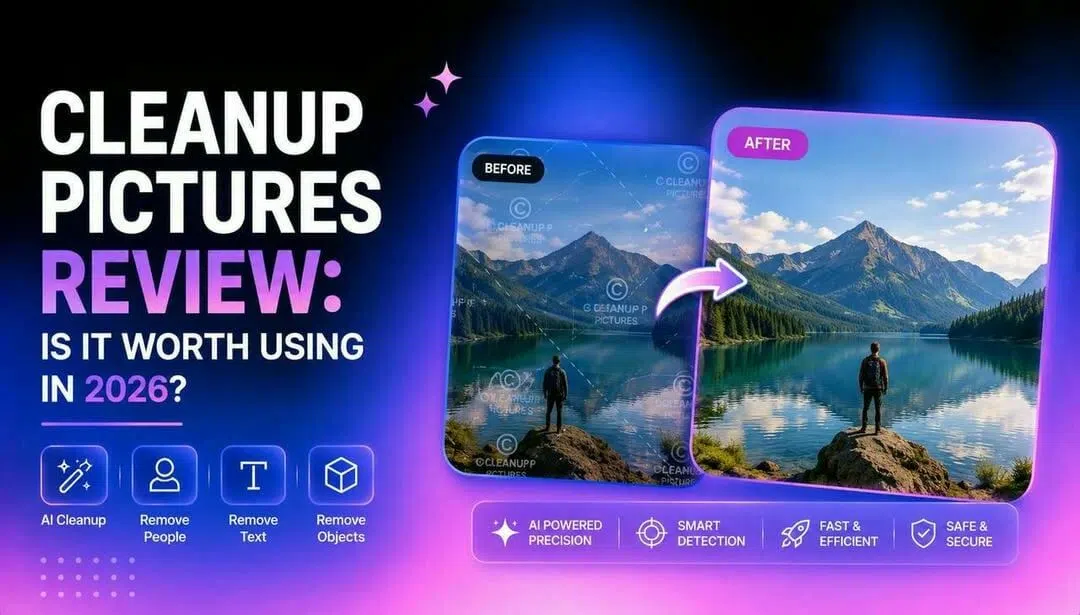
Removing unwanted objects from photos has become easier with AI-powered editing tools. In this Cleanup Pictures review, we'll explore its features, strengths, limitations, and compare it with Vmake Labs to help you choose the right solution for everyday image cleanup and watermark removal.
What are Cleanup Pictures?
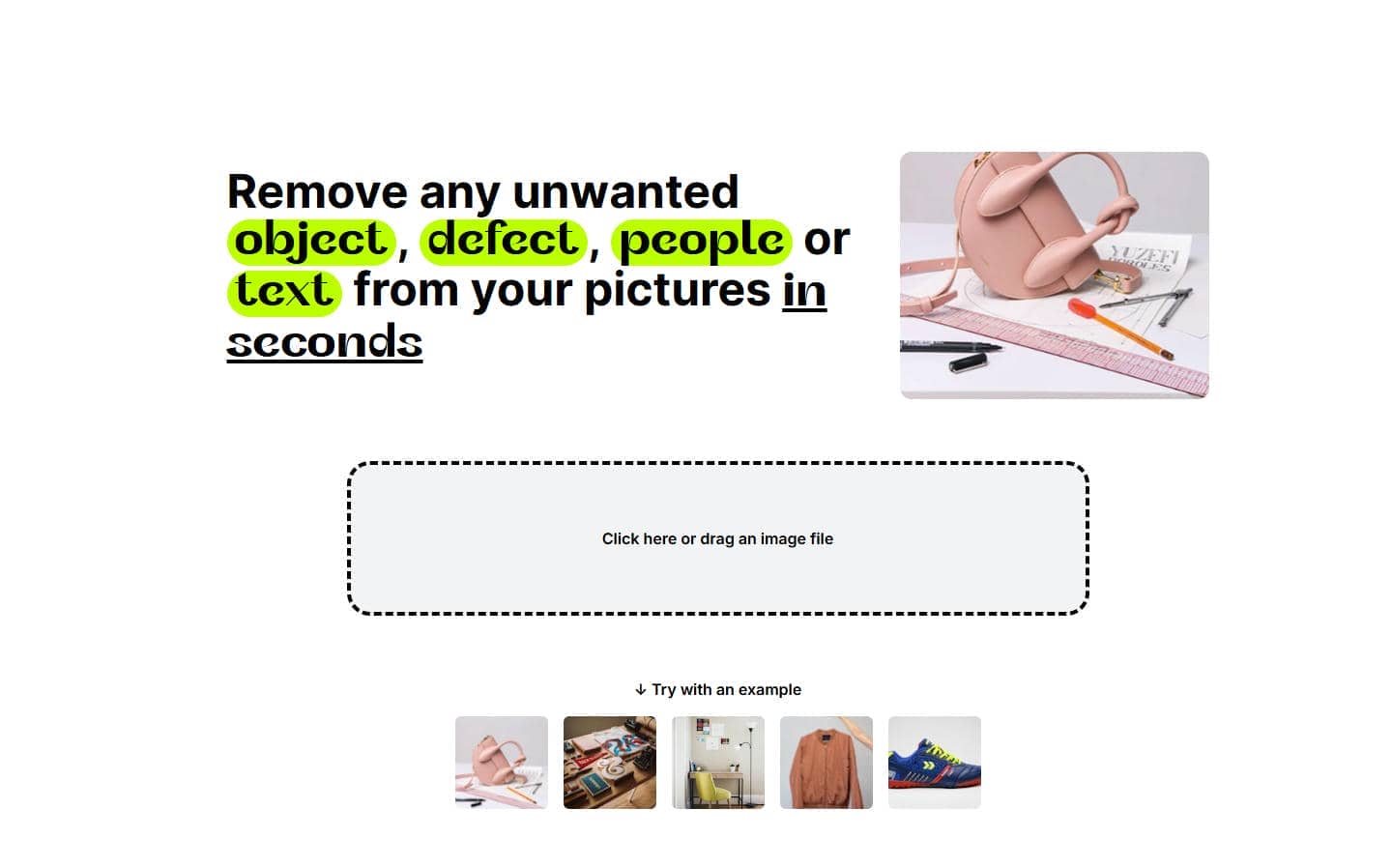
AI photo editing has simplified tasks that once required advanced editing skills. Cleanup Pictures is a browser-based image editing tool designed to remove unwanted elements from photos using artificial intelligence. Instead of manually cloning or patching areas, users simply brush over the object they want to erase, and the AI attempts to recreate the surrounding background naturally.
What can Cleanup Pictures remove?
One main reason users love Cleanup Pictures is its power to clear away common distractions, and you don't need to be a pro photo editor to use it. The AI looks at the pixels around it and fills the space with something that blends into the surrounding image. It can delete people and photobombers from travel or event photos, get rid of unwanted text and logos, delete simple watermarks, get rid of objects such as cables, furniture, vehicles or clutter, and reduce background distractions to create cleaner, more visually appealing images. The results are generally dependent on scene complexity, but does quite well on many common image cleanup tasks.
Who is it best for?
Cleanup Pictures is for users who want quick editing and not advanced photo manipulation. Its simple workflow is easy to learn, even for beginners, but it has enough flexibility for daily creative work. The browser-based interface also makes it easy to edit on a variety of devices.
It is particularly suitable for:
-
Casual users who want to improve personal photos before sharing them.
-
Content creators are preparing clean images for blogs, YouTube thumbnails, or social media.
-
Online sellers are improving product photos by removing distracting objects.
-
Social media users are creating polished posts without learning professional editing software.
-
Designers need quick object removal before continuing with more detailed editing elsewhere.
Is Cleanup Pictures Free?
Cleanup Pictures offers both free and paid plans, allowing users to try its AI object removal tools before upgrading. The free version is suitable for occasional edits, while paid plans unlock higher image quality, faster processing, and commercial-friendly usage. Understanding what each plan includes can help you decide whether the free version meets your needs or if a subscription offers better value.
|
Plan |
Price |
Key Features |
|---|---|---|
|
Free |
$0/month |
Unlimited images; resolution limited to 720p. |
|
Pro |
Starts at ~$3 - $5/month |
Unlimited images, unlimited resolution export, and access to high-quality refiner/advanced tools. |
|
API |
Custom / Contact Sales |
Targeted at developers; typically credit-based pricing for integration. |
Cleanup Pictures review: Features, pros, and limitations
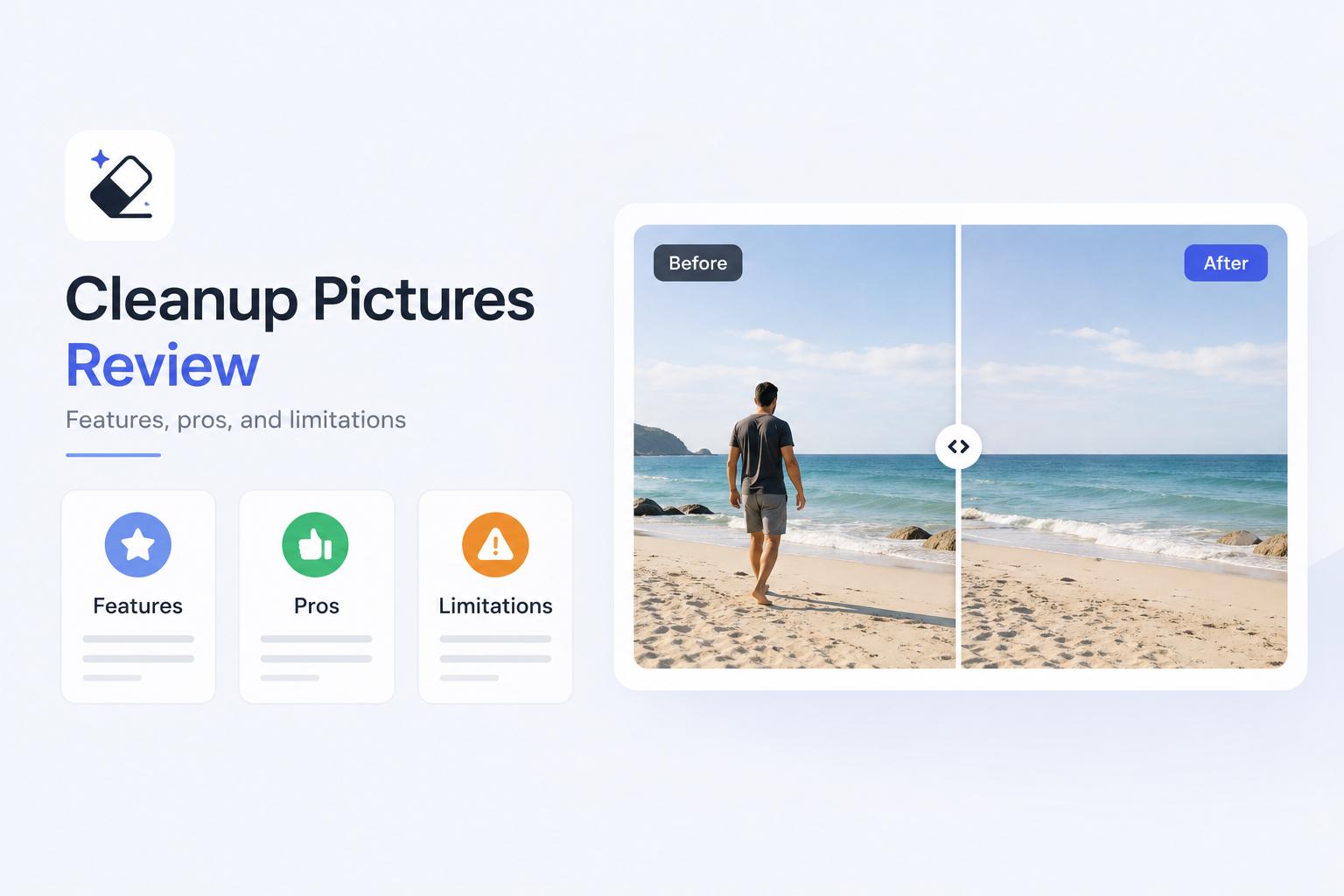
Cleanup Pictures is getting noticed because it offers AI-powered object removal in a simple web interface. As with many AI editing tools, it works well in some situations and struggles with others. Knowing its pros and cons allows users to decide if it is suitable for their editing needs or if they need something more advanced.
Key features
-
AI object removal: Cleanup Pictures uses AI to remove unwanted objects by analyzing the surrounding pixels and filling the selected area naturally. It works well for removing people, clutter, text, and other everyday distractions from photos.
-
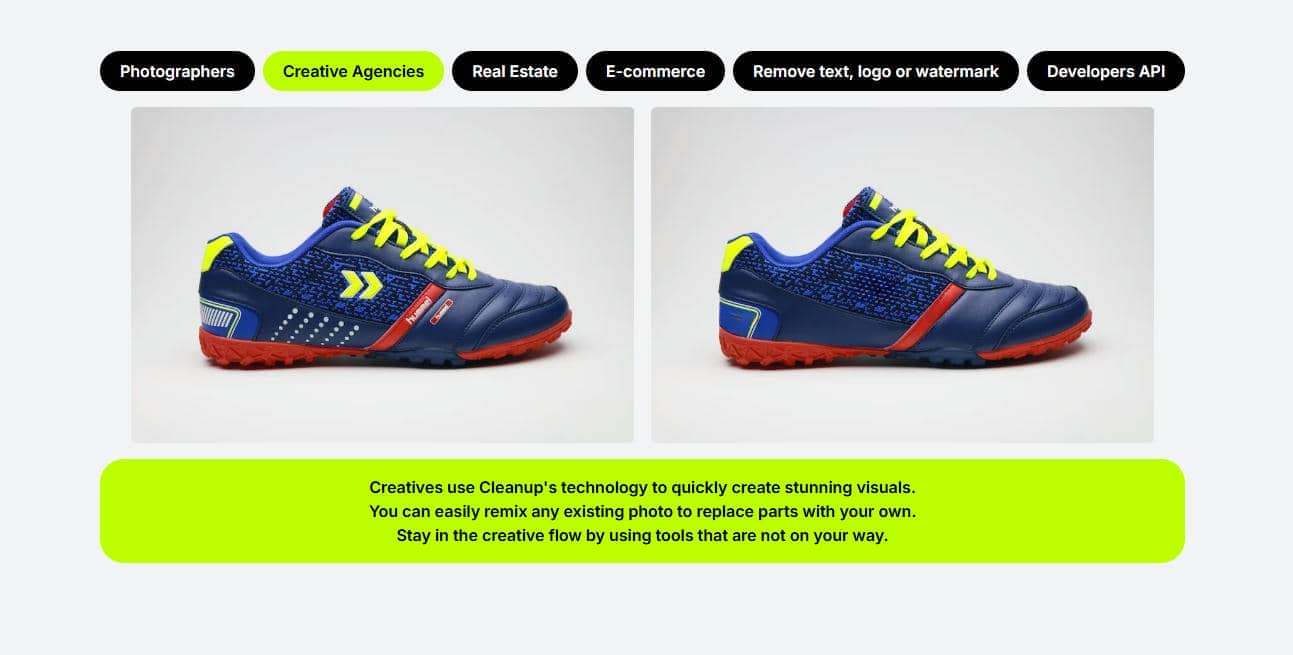
High-resolution image editing: The platform can edit high-resolution images and retain good visual quality. This makes it perfect for product photography, creative projects and social media content.
-
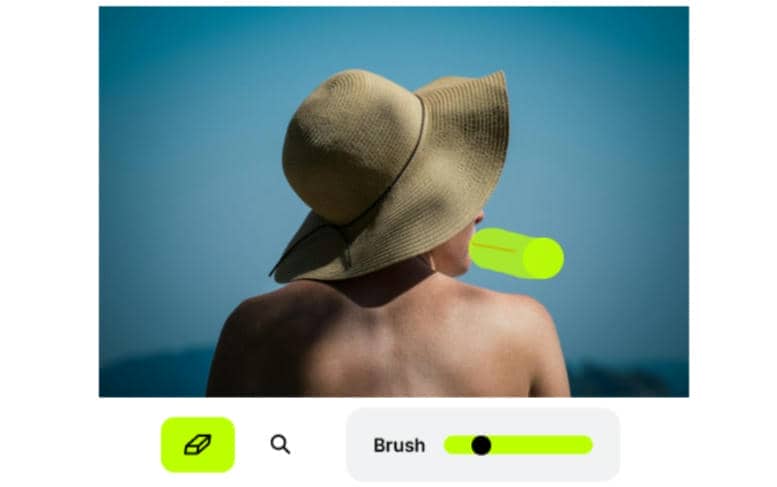
Brush-based selection tool: The built-in brush lets users paint over the object they want to remove with ease. Its adjustable size offers better control when selecting both small details and larger elements.
-
Browser-based editor: Cleanup Pictures works entirely online, eliminating the need for software installation. Users can upload, edit, and download images directly from a web browser on most devices.
-
One-click image cleanup: Once the unwanted area is selected, the AI automatically generates a cleaned version of the image. The streamlined workflow helps users complete common photo edits quickly with minimal effort.
Pros and limitations
Cleanup Pictures is a simple AI-powered workflow to remove unwanted objects from a picture. It's great for quick image cleanup, but users should also be aware of its limitations depending on the type of editing needed.
|
Pros |
Limitations |
|---|---|
|
Beginner-friendly interface with a simple, easy-to-use design. |
Primarily designed for image editing rather than AI-powered video cleanup. |
|
Browser-based editor with no software installation required. |
Results may vary when removing large objects or editing complex backgrounds. |
|
Fast AI workflow for removing unwanted objects in a few steps. |
Some edits may require manual refinement for a more natural-looking finish. |
|
Suitable for removing everyday distractions such as people, objects, text, and clutter. |
Advanced workflow features such as batch editing and specialized watermark removal are not highlighted. |
|
Accessible from different devices through a web browser. |
It may not meet the needs of users looking for more comprehensive AI editing capabilities. |
For users who frequently work with multiple images, need support for moving watermarks, or require both image and video cleanup, exploring additional AI editing solutions may provide a more comprehensive workflow.
How to remove unwanted objects with Vmake Labs
Cleanup Pictures provides an easy solution for removing unwanted objects from photos, but some users may require additional features like AI watermark removal, batch editing, or support for both images and videos. Vmake Labs provides an AI-powered solution that makes these tasks easy using an intuitive browser-based editor. Whether you're editing product photos, social media images, or marketing assets, the workflow is just a few simple steps.
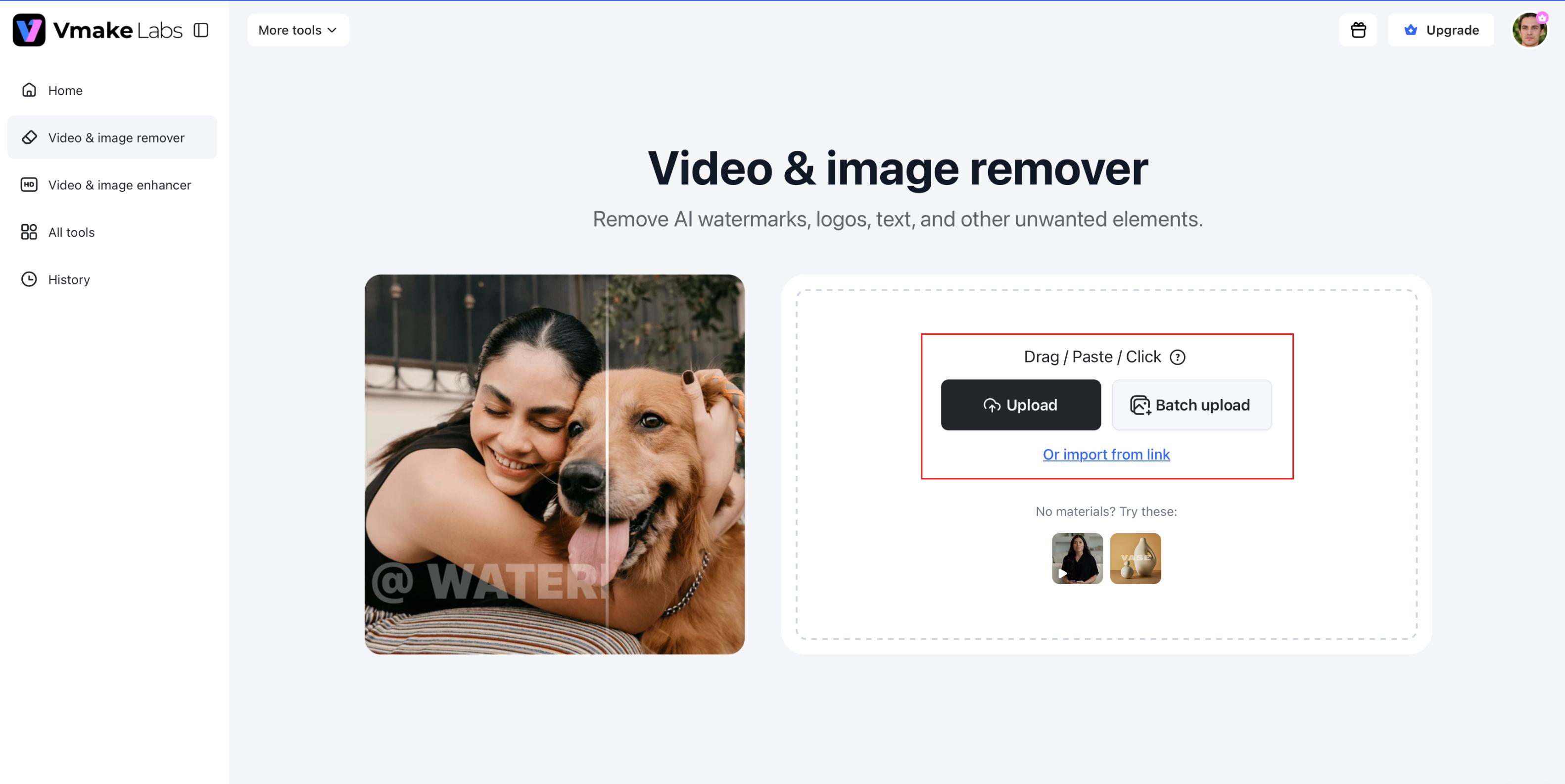
Step 1: Upload your image
Visit the AI Watermark Remover and upload the image you want to edit. The tool supports common image formats, making it easy to start without installing any software.
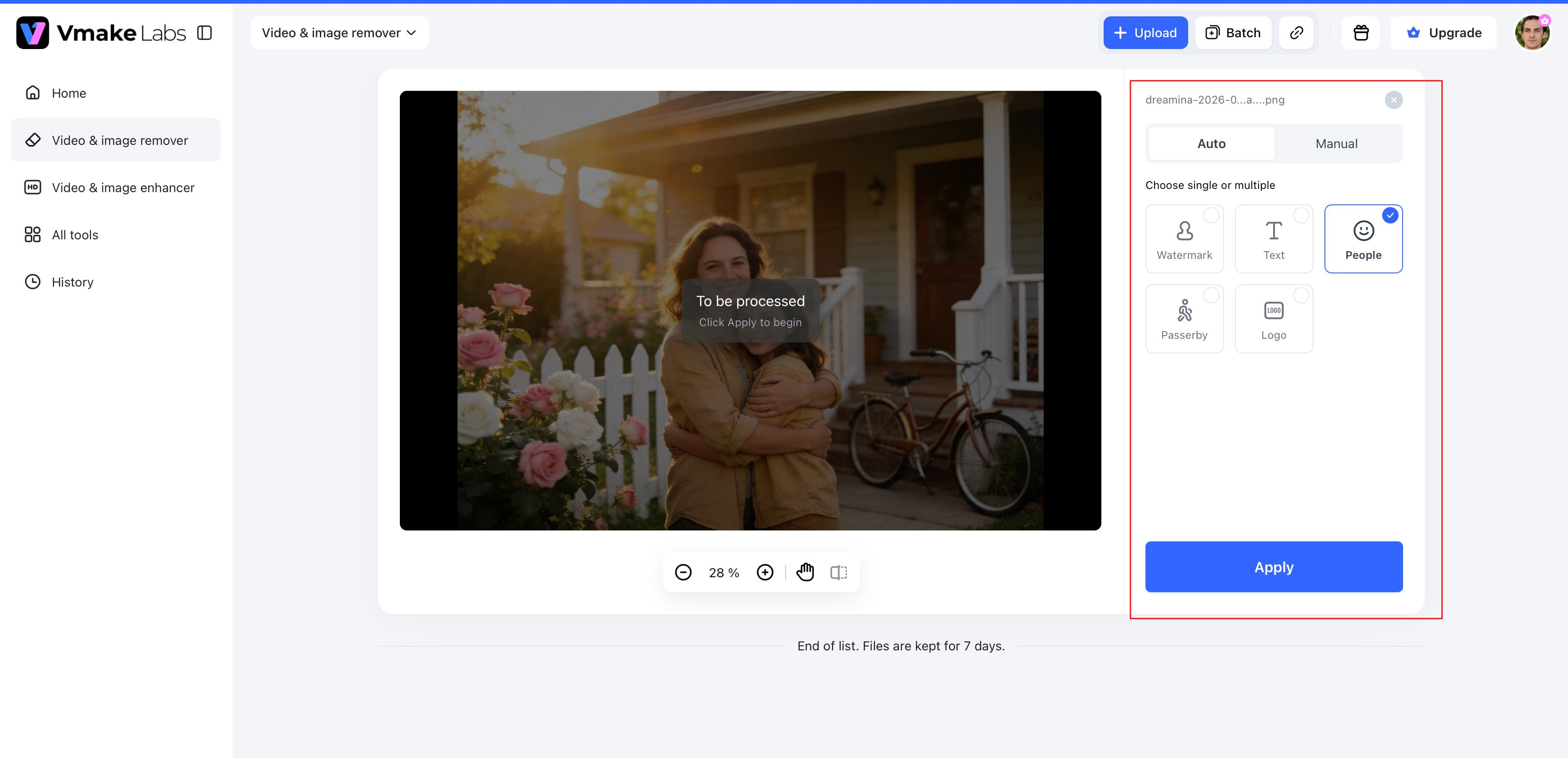
Step 2: Select the area to remove
Use the selection tool to highlight the watermark, object, logo, or person you want to erase. Vmake Labs precisely identifies the selected area and prepares it for AI-powered removal.
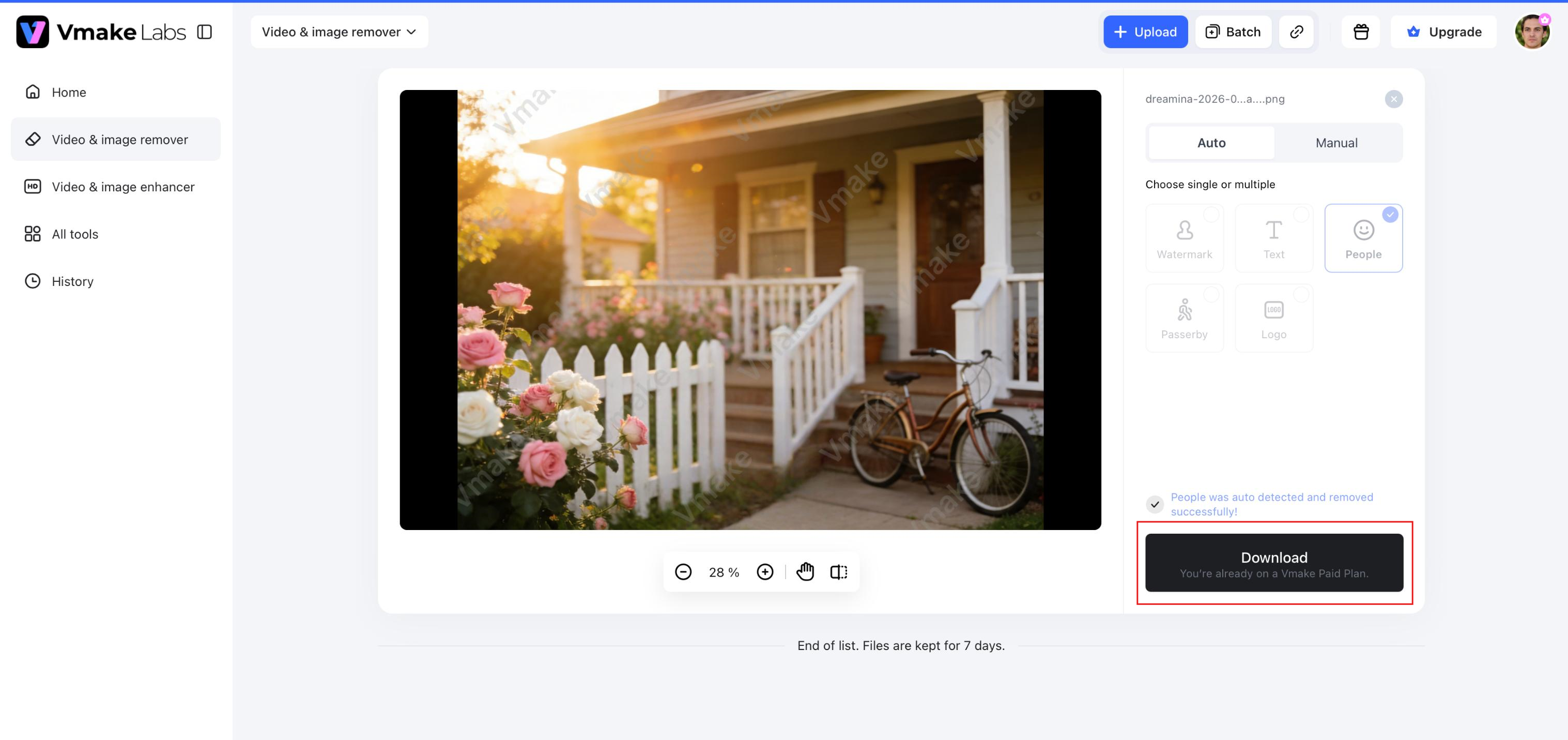
Step 3: Generate and download the cleaned image
Click Generate and let the AI process your image. Once the cleanup is complete, preview the result and download the edited image for use in social media posts, product listings, or creative projects.
Why choose Vmake Labs?
Vmake Labs goes beyond basic object removal by offering AI-powered tools for a wider range of image editing tasks. It is designed for users who need efficient cleanup while maintaining a simple editing experience.
-
AI image cleanup: Remove unwanted objects, people, logos, and other distractions from images with AI-assisted editing.
-
Manual selection for precise editing: Select the exact watermark or object you want to remove for greater control over the editing process.
-
AI background reconstruction: Automatically fills the removed area with content that blends naturally with the surrounding background.
-
Intelligent moving watermark removal: Remove both static and moving watermarks while preserving image quality.
-
Batch processing for multiple files: Edit up to 30 files in a single workflow, making large-scale image cleanup faster and more efficient.
Cleanup Pictures vs Vmake Labs
While both Cleanup Pictures and Vmake Labs utilize AI to eliminate unwanted objects from photos, they have different editing functions. Cleanup Pictures is all about fast, in-browser object erasing, while Vmake Labs also has AI watermark removal and batch processing. Here's a breakdown of the features they support and their common use cases to help you decide which tool is a better fit for your workflow.
|
Feature |
Cleanup Pictures |
Vmake Labs |
|---|---|---|
|
AI object removal |
Yes |
Yes |
|
Remove people from photos |
Yes |
Yes |
|
Remove text and logos |
Yes |
Yes |
|
Watermark removal |
Yes |
AI watermark removal with moving watermark support |
|
Manual box selection |
Not highlighted |
Yes |
|
Batch processing |
Not highlighted |
Up to 30 files |
|
Browser-based editing |
Yes |
Yes |
|
Best for |
Quick image cleanup |
Image cleanup, watermark removal, and batch editing |
Which one should you choose?
If your primary goal is to remove people, objects, or small distractions from single pictures, Cleanup Pictures offers a simple browser-based experience. Its simple interface makes it a handy option for casual users, content creators, and anyone who needs a quick image cleanup without installing software.
If your workflow extends beyond basic object removal, Vmake Labs may be worth considering. In addition to removing unwanted objects, it supports AI-powered watermark removal, including moving watermarks, precise removal area selection, and batch processing for multiple files. These features can be useful for users who frequently edit product photos, marketing materials, or large collections of images.
Conclusion
Cleanup Pictures is an easy way to use AI to remove unwanted objects, people, text, and other distractions from photos. Its workflow runs in the browser, which makes image cleanup easy for everyday users. If your projects require features like an AI watermark remover, support for moving watermarks, or batch editing, it might be worth checking out other tools. Another is Vmake Labs, which offers these capabilities and still has a simple workflow. Ultimately, your editing needs, content type, and preferred workflow will determine the best choice.
FAQs
What is Cleanup Pictures AI?
Cleanup Pictures AI is a browser-based photo editor that uses artificial intelligence to remove unwanted objects, people, text, logos and other distractions from images. Users simply brush over the area they want to erase, and the AI rebuilds the background to create a cleaner-looking photo.
Are cleanup pictures free to use?
Cleanup Pictures free version is good for simple image editing. Depending on what you need, some features or higher-quality exports may require a paid plan. You can also compare it to tools like Vmake Labs to see which workflow better suits your needs if you want more AI editing capabilities.
Can cleanup pictures remove people from photos accurately?
Yes. Cleanup Pictures uses AI object removal technology to remove people from pictures. The final quality depends on such factors as the image resolution, background complexity, and size of the selected subject. Other users may also look into more rigorous edits or batch processing platforms like Vmake Labs.
Does Cleanup Pictures remove watermarks?
Yes, Cleanup Pictures can remove basic watermarks from pictures. However, outcomes can differ depending on the size, placement, and transparency of the watermark and the surrounding image details. If you are doing a lot of watermark removals, especially moving watermarks, Vmake Labs has AI-powered tools for those workflows.
What is the best alternative to Cleanup Pictures?
There are many AI photo editing tools available, and it is contingent upon what suits your workflow. If you want more features than simply removing objects, then Vmake Labs is a good choice. It can be used for more image editing tasks as it has AI-driven object deletion, smart watermark deletion, accurate area selection and batch processing.

You May Be Interested
Airbrush Watermark Remover Review (2026): Features and Pricing

How to Make a Video Out of Pictures: Easy AI Guide for Beginners

International Women’s Day Images & Pictures for 2026
2026 Wink Video Enhancer Review: Pros, Cons, and Alternatives