Best Sora Watermark Remover: 10 Tools Compared (2026)
Explore the best Sora watermark remover tools to clean AI-generated videos with ease. Compare top options and discover how Vmake Labs helps remove watermarks while preserving video quality.

Finding the best Sora watermark remover is the easiest way to make your AI videos look professional. Whether you need a free online tool or advanced AI software, choosing the right option helps you keep your quality intact. Here is our 2026 guide comparing the absolute best tools for the job.
Quick comparison of the best Sora watermark remover
|
Tool |
Best For |
AI Removal |
Quality |
Free Version |
|---|---|---|---|---|
|
Vmake Labs |
Overall best |
Yes |
Excellent |
Limited |
|
Media.io |
Online editing |
Yes |
High |
Limited |
|
AniEraser |
Desktop & mobile |
Yes |
High |
Yes |
|
HitPaw Watermark Remover |
Beginners |
Yes |
High |
Trial |
|
iMyFone MarkGo |
Professionals |
Yes |
High |
Trial |
|
Apowersoft |
Batch editing |
Partial |
High |
Trial |
|
Video Watermark Remover Online |
Quick edits |
Partial |
Medium |
Yes |
|
Remove Logo Now |
Offline editing |
Partial |
Good |
Trial |
|
Wondershare Filmora |
Video editing + watermark removal |
Partial |
High |
Trial |
|
EaseUS VideoKit |
All-in-one toolkit |
Partial |
High |
Trial |
What is a Sora watermark?
A Sora watermark is a visible logo or identifier added to videos generated using OpenAI's Sora. It helps indicate that the content was created with AI and allows viewers to recognize its source. While the watermark supports transparency, there are situations where creators may want to remove it from videos they own or have permission to edit for presentations, marketing materials, or personal projects.
Watermarks are frequently employed to disclose the origin of content produced by AI. They help differentiate videos made with generative AI from those made the traditional way, and promote responsible use of generative AI.
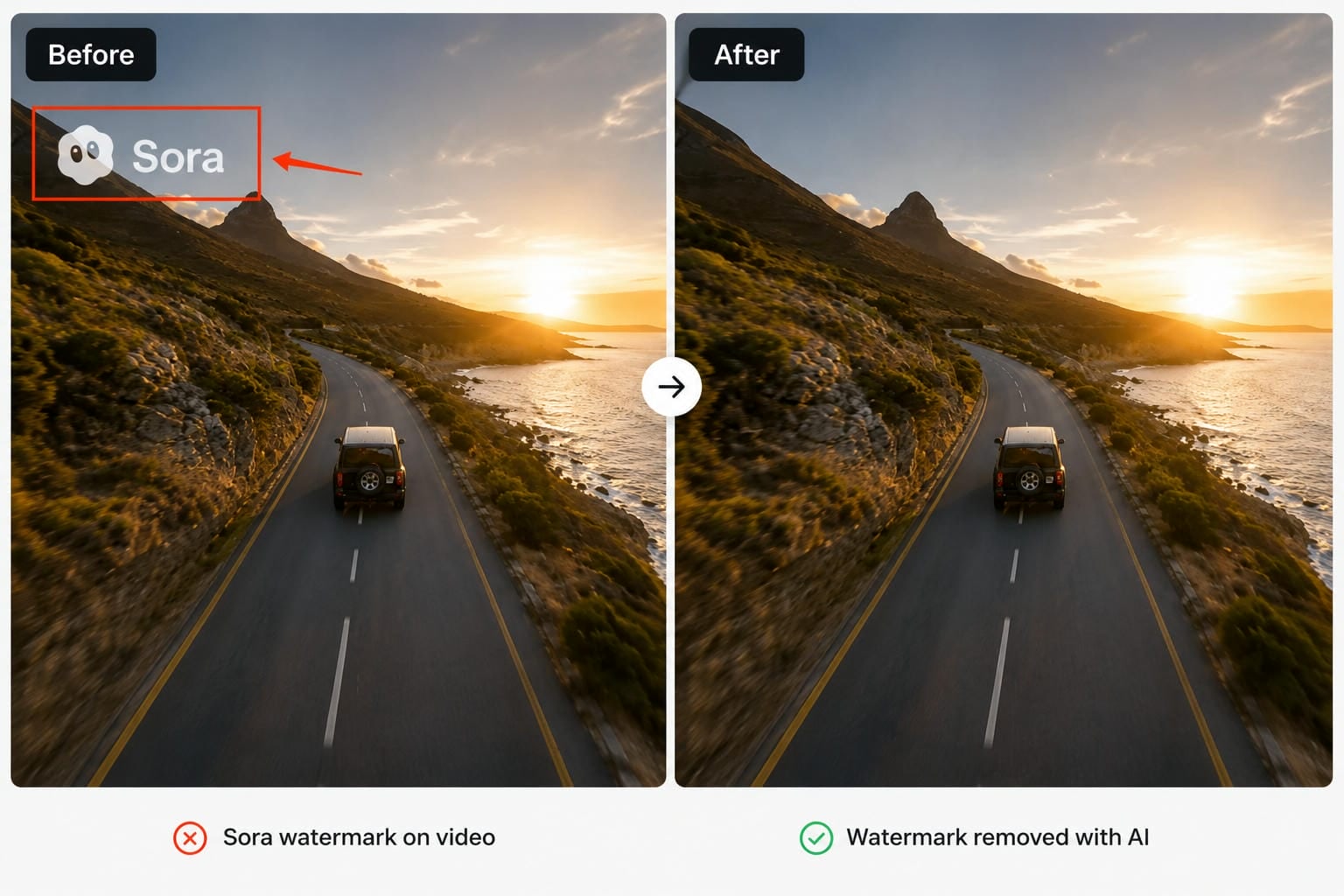
How to choose the best Sora watermark remover
But not all watermark removers are created equal. Some are built for speed; others for AI-powered reconstruction or more advanced editing controls. When choosing a tool, consider the following factors to ensure it meets your editing needs and delivers high-quality results.
-
AI-powered watermark detection and removal: Look for tools that automatically identify and remove watermarks while rebuilding the background naturally. AI-based removal usually produces cleaner results than manual masking or cropping.
-
Output video quality preservation: Opt for a tool that preserves the original resolution and does not add blur, artefacts or quality loss post-editing.
-
Ease of use and editing workflow: A simple upload, edit, and download process is ideal for beginners, while manual selection tools provide extra precision for complex watermarks.
-
Processing speed: Faster processing helps save time, especially when editing multiple videos or handling longer, high-resolution files.
-
Browser-based or desktop compatibility: Online tools are great for quick edits with no installation, while desktop software tends to have more advanced editing features.
-
Pricing and free plan availability: Compare free plans, trial versions, and paid subscriptions to find a tool that fits your editing frequency and budget.
-
Supported file formats and export options: Ensure the tool supports common formats like MP4 and MOV and allows you to export videos in their original quality.
10 best Sora watermark remover tools
There are so many watermark removers out there that it can be hard to choose the right one. We compare the tools below on AI capability, ease of use, output quality, pricing, and overall performance. These options are reliable for removing Sora watermarks, whether you prefer an online editor or desktop software.
-
Vmake Labs Watermark Remover
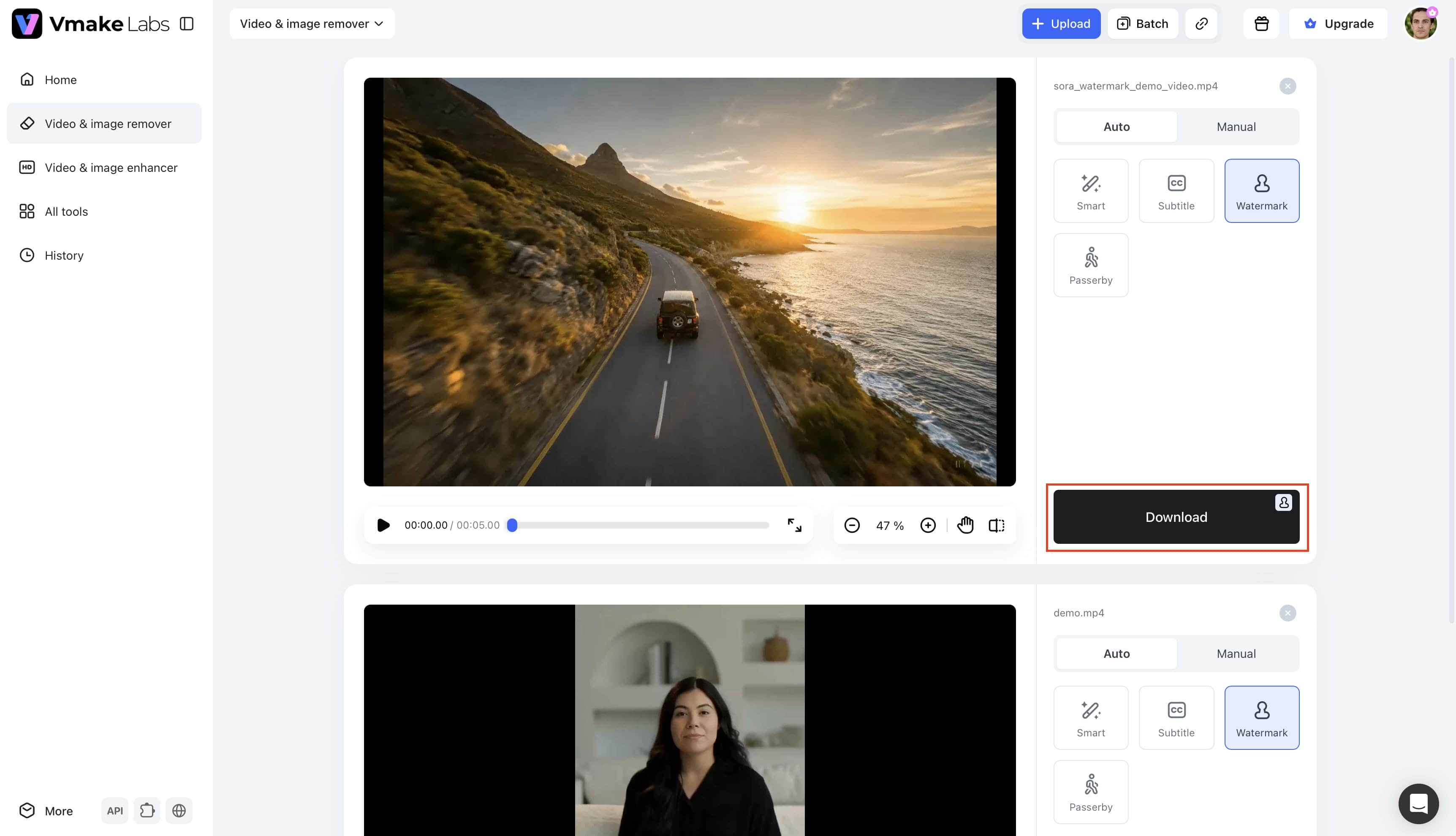
Vmake Labs is an AI-driven online video editor to help remove watermarks, logos, subtitles, and other unwanted objects from videos. It combines intelligent watermark detection with manual editing tools and is thus suitable for both simple and complex editing tasks. For the best Sora watermark remover, Vmake Labs offers a good balance of speed, quality, and ease of use.

How to remove a Sora watermark with Vmake Labs
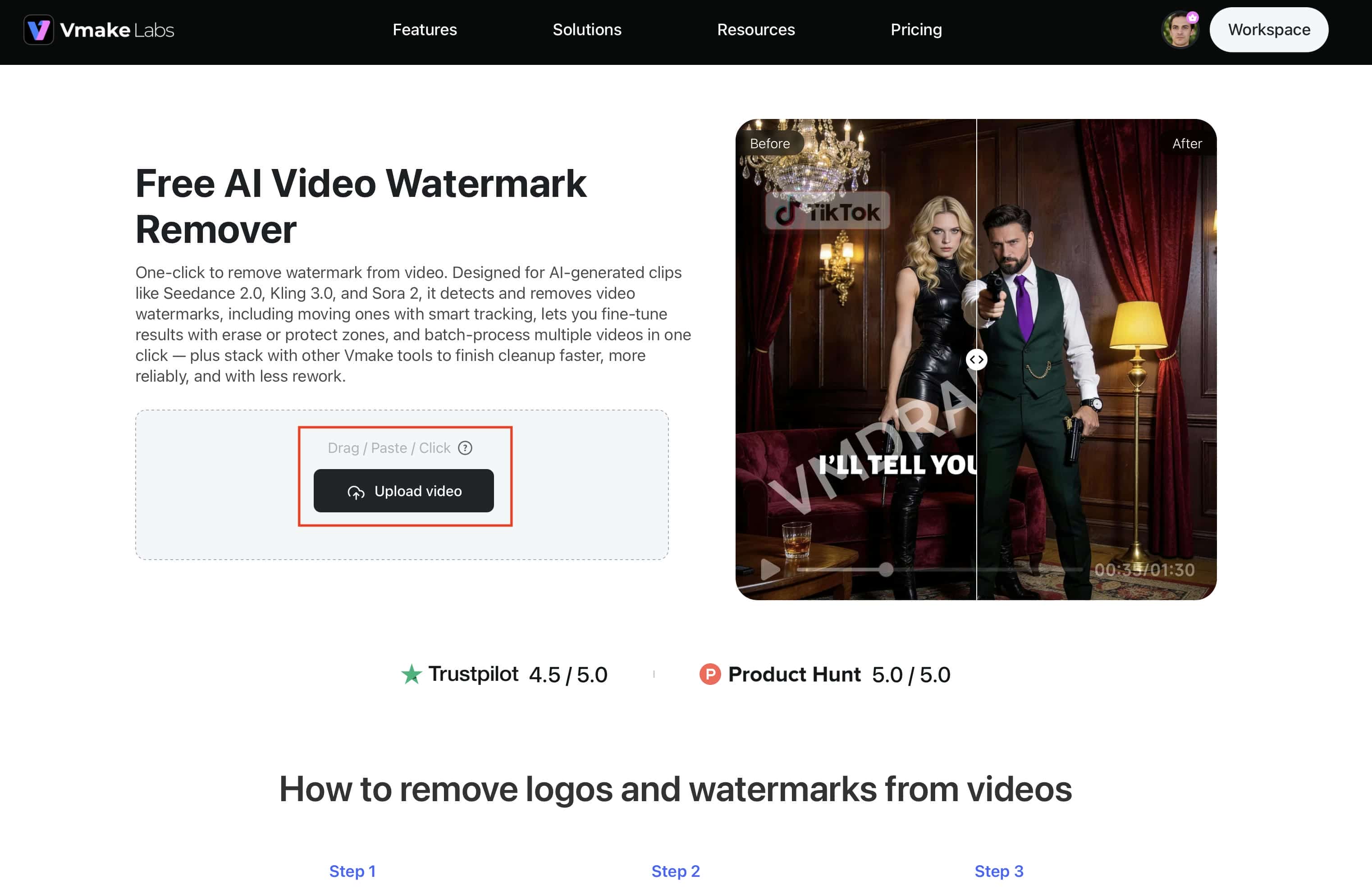
Step 1. Upload your Sora video Open the Vmake Labs Video Watermark Remover and upload your Sora video. You can drag and drop the file, click Upload video, or paste a supported video link to begin.
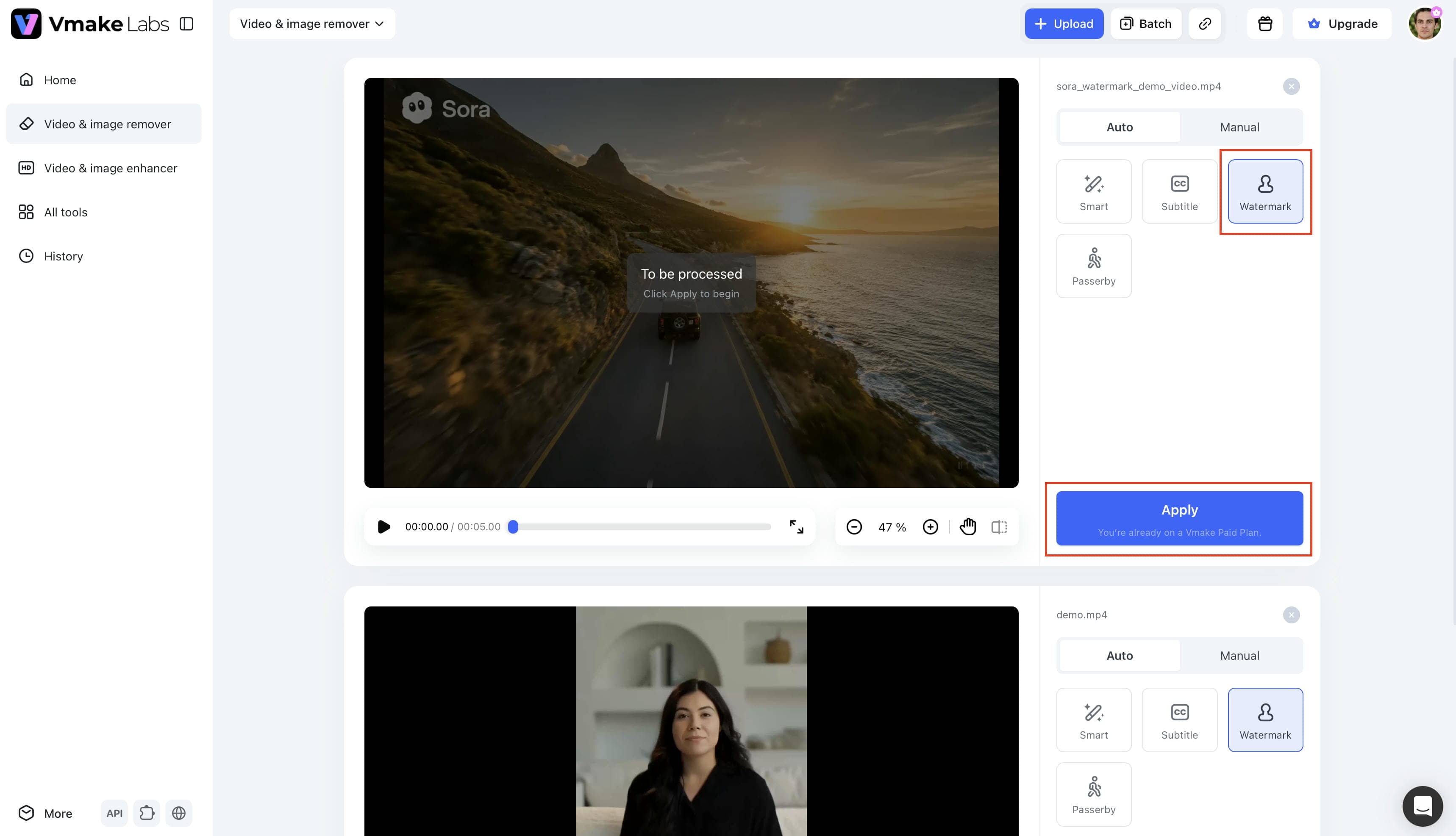
Step 2. Let AI detect the watermark and remove it Once the video is uploaded, choose Watermark under the Auto tab and click Apply. The AI will detect and remove the watermark automatically.
Step 3. Download your edited video
Check the processed result to make sure the watermark has been removed. Download to save the edited video to your device.
Key Features
-
Advanced AI watermark removal: Automatically detects and removes Sora watermarks while reconstructing the surrounding background for cleaner, more natural-looking videos.
-
Watermark Research Mode: Improves detection accuracy for watermarks placed on moving or detailed scenes.
-
Sora link pasting and file upload: Upload a video from your device or paste a supported Sora video link to start editing quickly.
-
Manual box selection and Protection Areas: Fine-tune watermark removal by selecting specific areas or protecting important parts of the video.
-
Batch watermark removal: Edit multiple videos in one session to save time on larger projects.
-
Remove objects from video: Besides watermarks, Vmake Labs can also remove objects from video, including logos, subtitles, and other unwanted elements while preserving the original quality.
Pros
-
Delivers clean, natural-looking watermark removal
-
Beginner-friendly interface with minimal learning curve
-
Supports multiple object removal beyond watermarks
-
Works directly in your browser without installation
Cons
-
Free usage includes limited processing credits
-
Advanced features require a paid subscription
Pricing
|
Plan |
Price |
Best for |
|---|---|---|
|
Free |
$0 |
Try basic AI watermark removal features |
|
Plus |
$9.99/month |
Regular creators needing more credits and exports |
|
Pro |
$29.99/month |
Professionals with frequent editing needs |
-
Media.io Watermark Remover
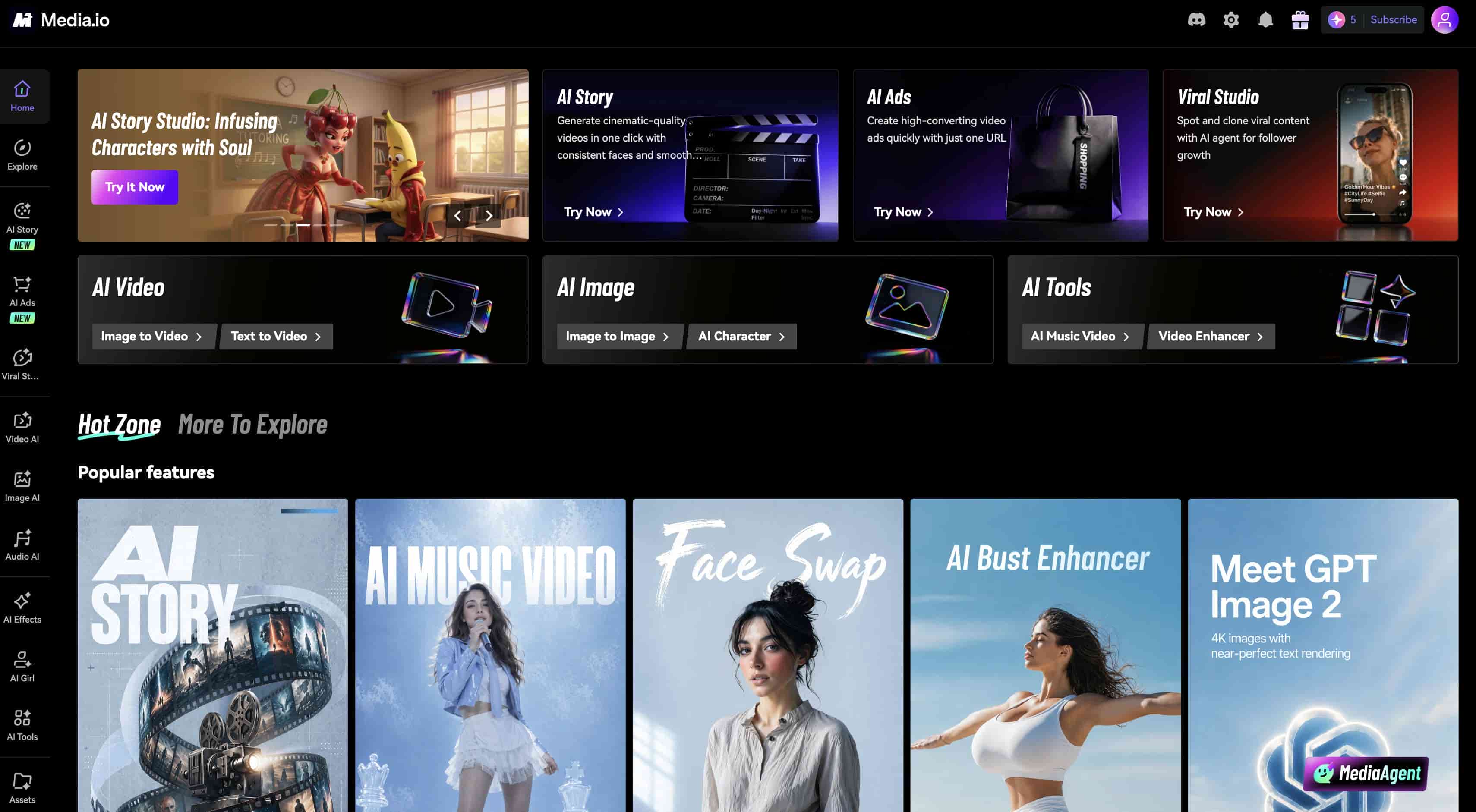
Media.io is a browser-based editing platform that uses smart AI to sweep away unwanted watermarks from videos and photos. Since it operates entirely in the cloud, you can clean up your clips instantly without downloading any software. It is a highly convenient option for occasional creators who need a quick, reliable online solution without a steep learning curve.
Pros
-
AI-assisted watermark removal
-
Easy online editing with no installation
-
Supports popular video formats
-
Clean and beginner-friendly interface
Cons
-
The free version has export limitations
-
Processing speed depends on internet connectivity
Pricing
|
Plan |
Price |
Best for |
|---|---|---|
|
3-Day Trial |
Free |
Test premium features |
|
Monthly |
$14 (first month), renews at $27.99/month |
Short-term projects |
|
Yearly |
$13.99/month (billed annually) |
Long-term users seeking savings |
-
AniEraser
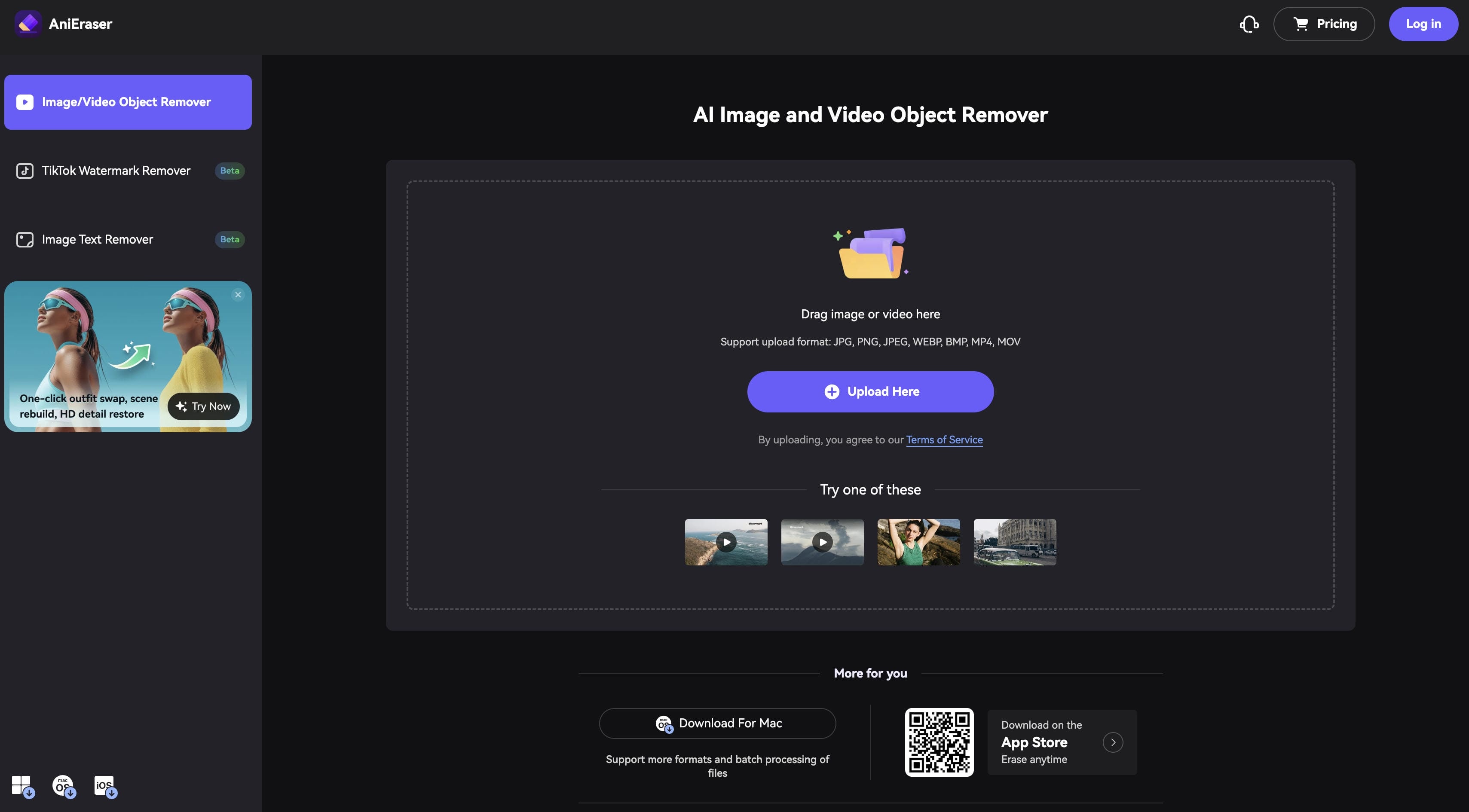
AniEraser is an AI-powered watermark remover for Windows, Mac, iOS and Android. Its cross-platform support makes it a flexible option for those who edit video on multiple devices. It also removes unwanted objects, while retaining much of the original background, as well as watermarks.
Pros
-
Available on desktop and mobile devices
-
AI automatically detects and removes watermarks
-
Supports object removal in addition to watermark editing
-
Free version available
Cons
-
Complex scenes may need manual adjustments
-
Some export options are restricted in the free version
Pricing
|
Plan |
Price |
Best for |
|---|---|---|
|
Monthly |
$34.99/month |
Short-term editing |
|
Yearly |
$39.99/year |
Best overall value for regular users |
-
HitPaw Watermark Remover
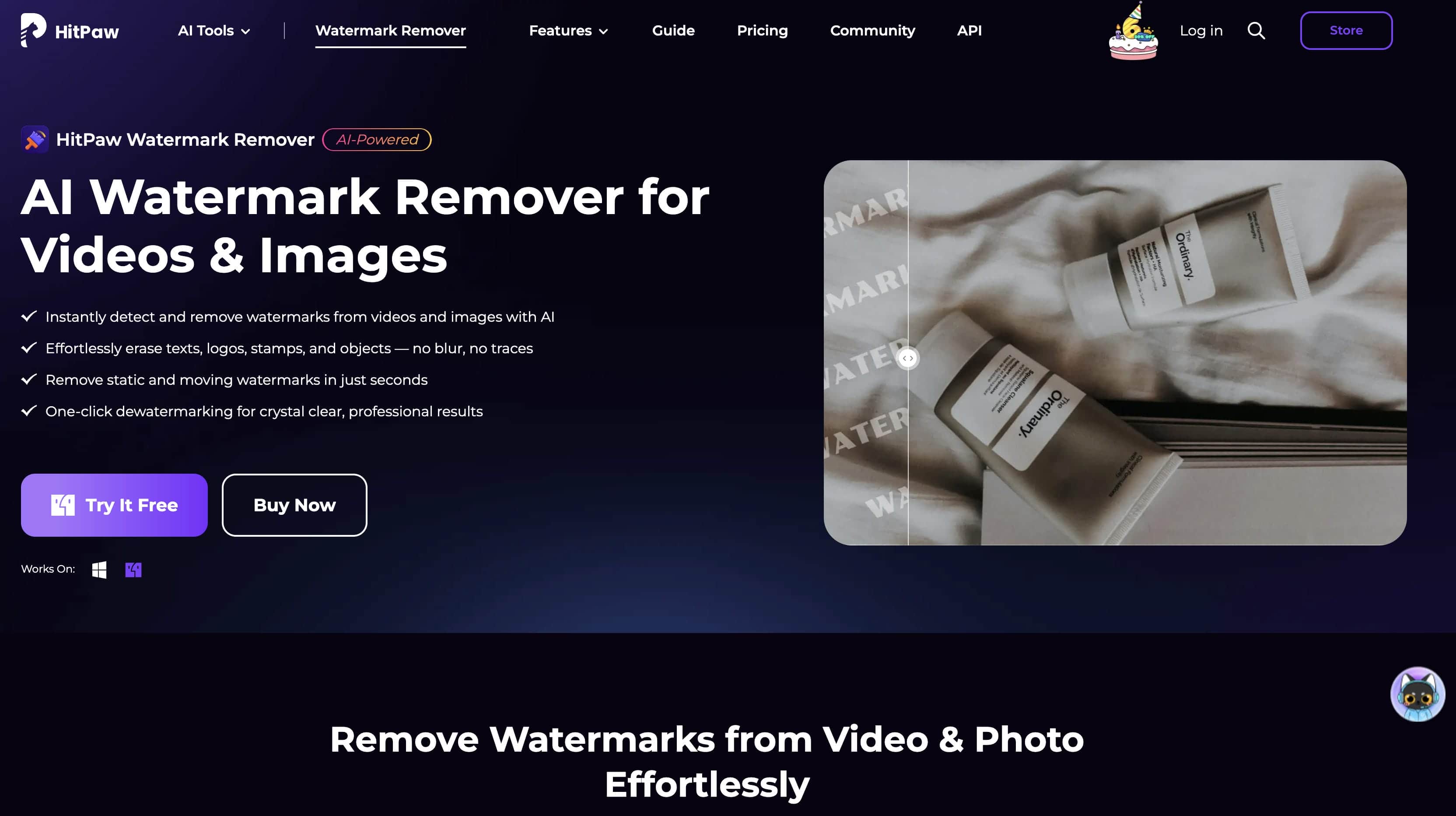
HitPaw Watermark Remover is targeted at those who prefer a simple editing experience. It employs AI-based detection and manual selection tools and is suitable for the removal of both static and moving watermarks. The interface is clean and easy to start editing with little effort for beginners.
Pros
-
Easy to use interface, great for beginners
-
Watermark removal (manual and AI)
-
Exports of good quality
-
Supports a variety of video formats
Cons
-
Trial version includes feature restrictions
-
Processing large files may take longer
Pricing
|
Plan |
Price |
Best for |
|---|---|---|
|
1 Month |
$12.99 |
Temporary use |
|
1 Year |
$25.99 |
Frequent watermark removal |
|
Perpetual |
$39.99 |
One-time purchase |
-
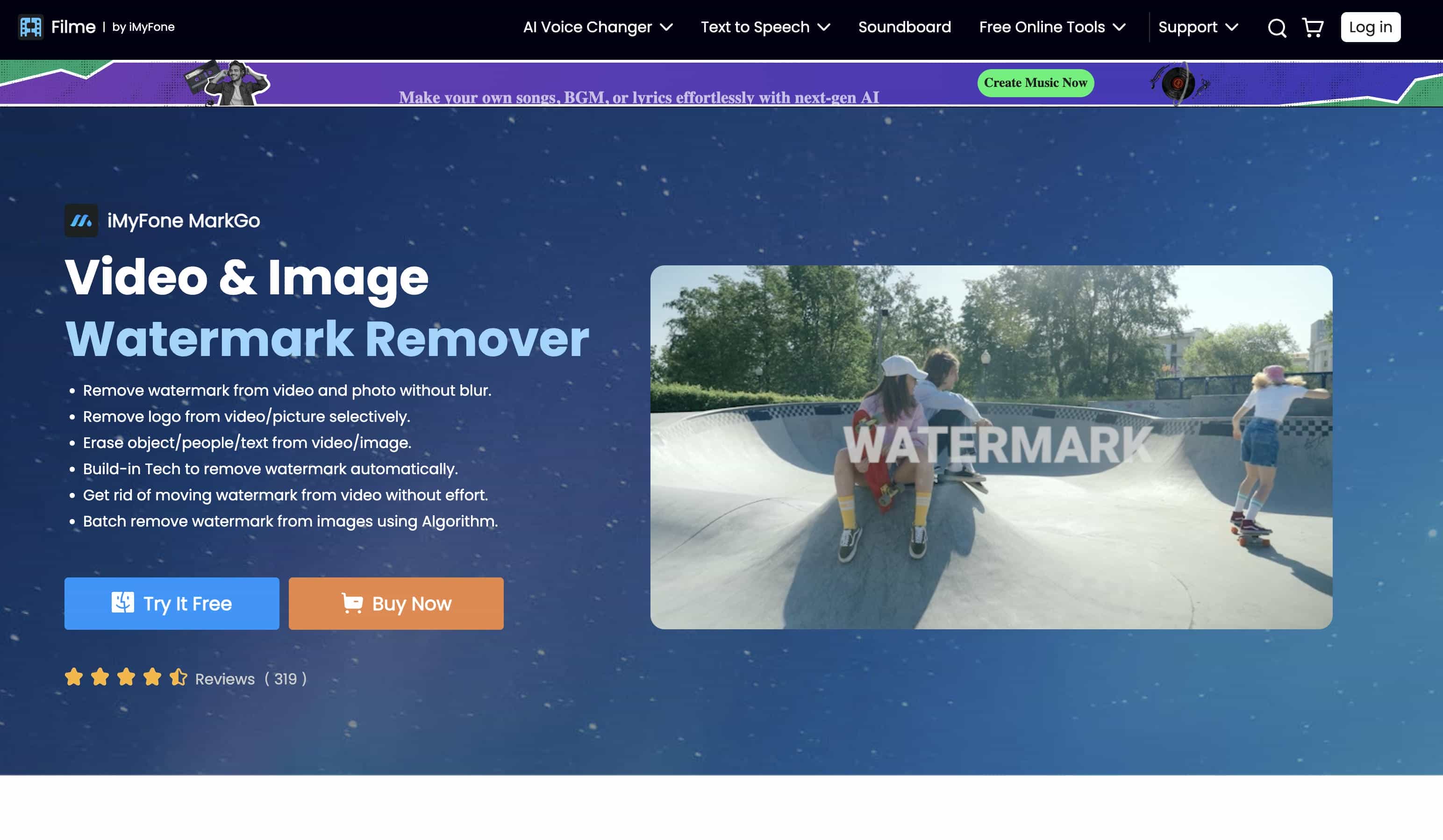
iMyFone MarkGo
iMyFone MarkGo is a desktop application built for creators who need more control over watermark removal. It supports AI-assisted editing and batch processing, making it a practical choice for professionals or users working with multiple videos at once. The software also supports a wide range of video formats for greater flexibility.
Pros
-
High quality AI watermark removal
-
Batch processing of multiple videos
-
Supports a variety of video formats
-
Great for professional editing work flows
Cons
-
Requires desktop installation
-
The trial version has export limitations
Pricing
|
Plan |
Price |
Best for |
|---|---|---|
|
Monthly |
$8.95/month |
Occasional users |
|
Yearly |
$18.99/year |
Regular creators |
|
Lifetime |
$38.99 |
One-time purchase |
-
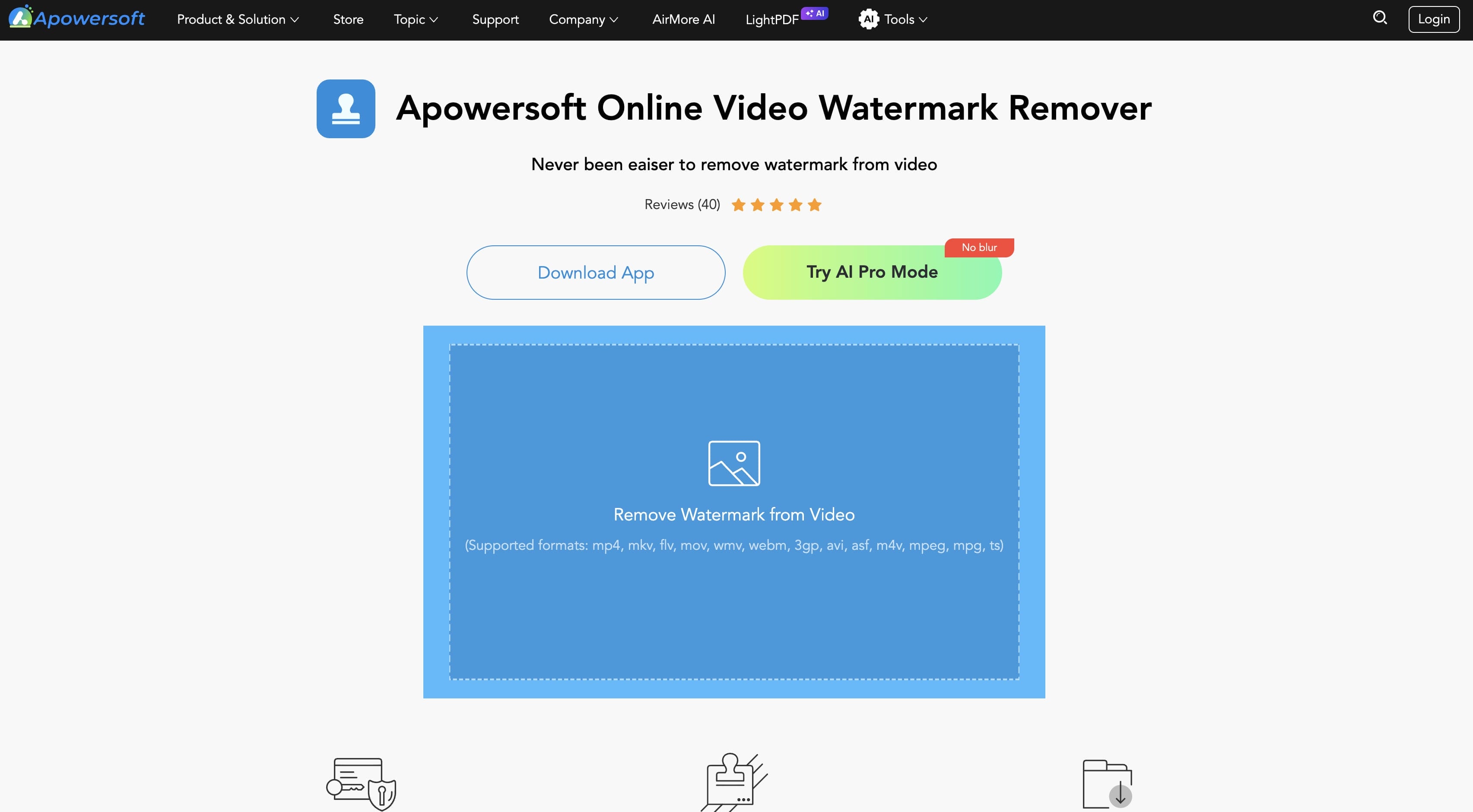
Apowersoft Watermark Remover
Apowersoft Watermark Remover is a desktop application for removing watermarks from videos and photos. It has batch processing and simple selection tools, so it is good for users who are working with many files. It has more manual-editing-based than AI-based, but it's still a good option for simple watermark removal jobs.
Pros
-
Supports batch watermark removal
-
Removes watermarks from both videos and images
-
Simple interface for basic editing
-
Compatible with common video formats
Cons
-
Limited AI-powered editing capabilities
-
Manual selection may be required for complex watermarks
Pricing
|
Plan |
Price |
Best for |
|---|---|---|
|
Daily |
$1.59/day |
One-off edits |
|
Monthly |
$6.99/month |
Casual users |
|
Yearly |
$39.99/year |
Frequent editing |
-
Video Watermark Remover Online
If you are looking for a quick and hassle-free fix without downloading bulky software, Video Watermark Remover Online is a solid browser-based option. It works incredibly well for occasional edits when you just need to get rid of simple logos on the fly. However, you should keep in mind that since it lacks deep AI-powered reconstruction, it might leave behind slight smudges on busier or more active backgrounds.
Pros
-
No software installation required
-
Simple upload and editing process
-
Free version available
-
Supports common video formats
Cons
-
Struggles with complex or highly dynamic watermarks
-
Final video quality can be hit-or-miss depending on the background
Pricing
|
Plan |
Price |
Best for |
|---|---|---|
|
Premium |
Starts at $12.99/month |
Regular online watermark removal |
-
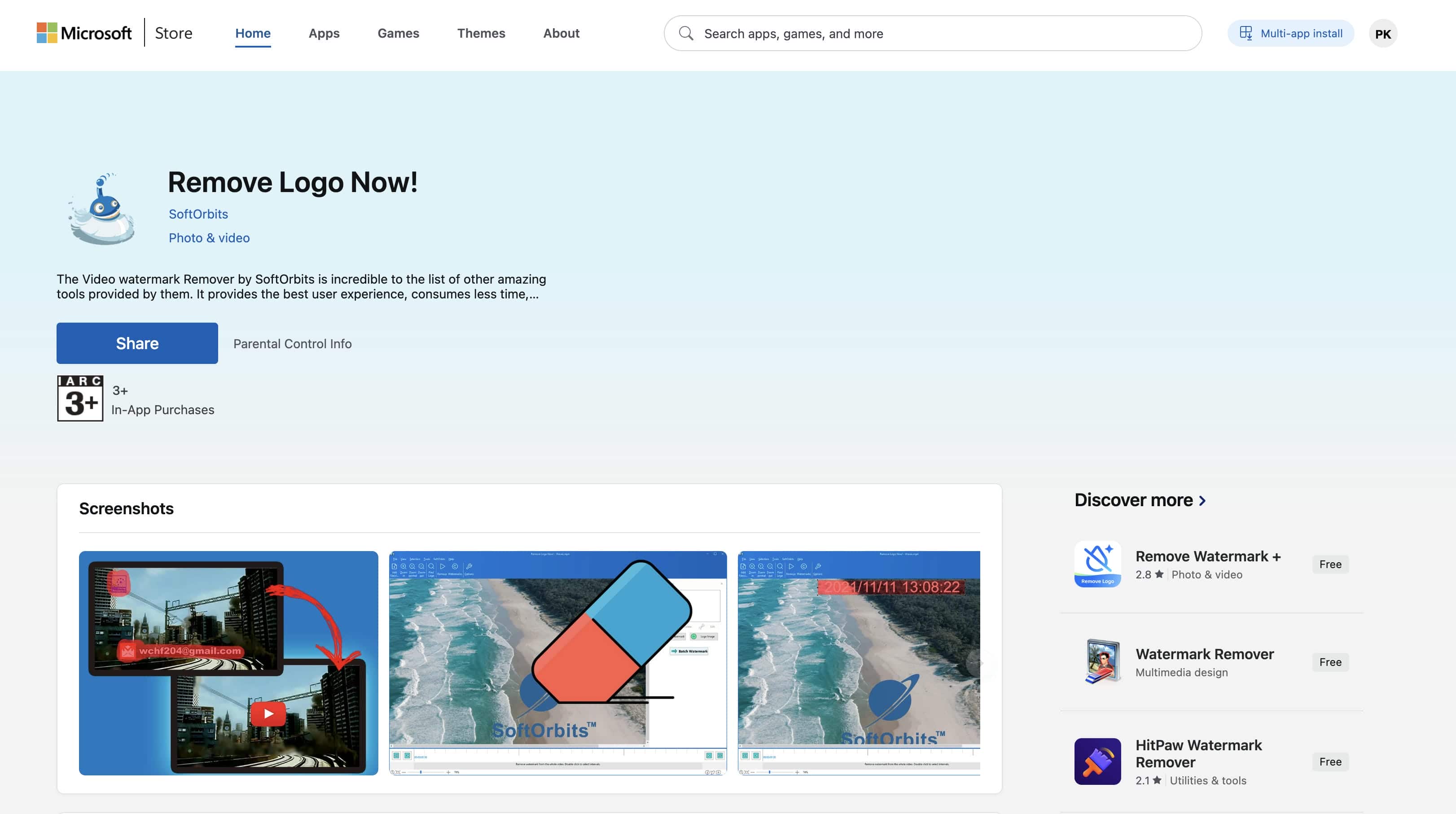
Remove Logo Now
Remove Logo Now is a desktop application that focuses on removing logos, timestamps, and watermarks from videos. It uses selection-based editing rather than advanced AI, making it better suited for videos where the watermark remains in a fixed position throughout the clip.
Pros
-
Works well for static watermarks
-
Simple desktop interface
-
Supports various video formats
-
Suitable for offline editing
Cons
-
Less effective on moving or animated watermarks
-
Requires manual selection for most edits
Pricing
|
Plan |
Price |
Best for |
|---|---|---|
|
Lifetime License |
$39.99 |
Permanent desktop access |
-
Wondershare Filmora
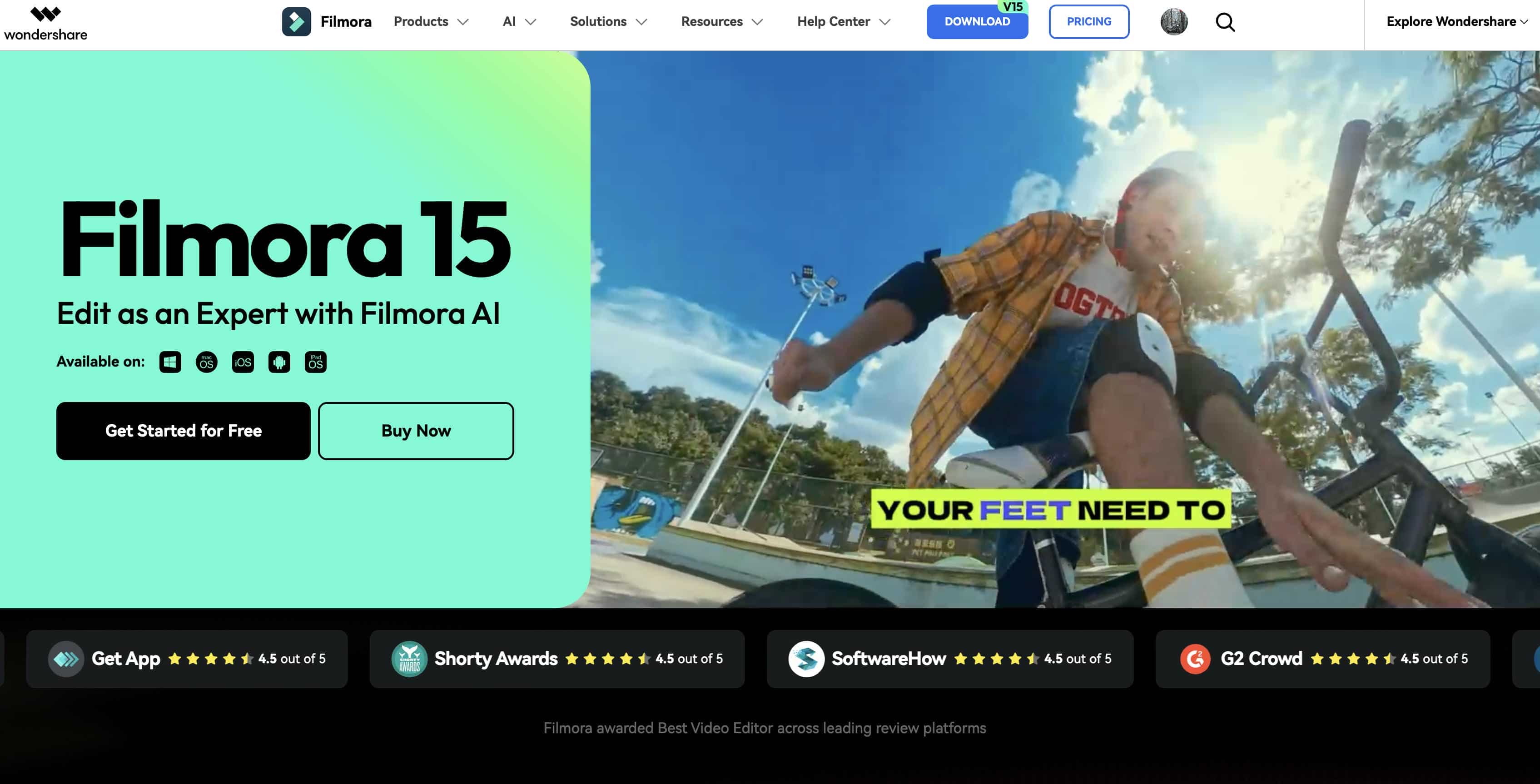
Wondershare Filmora is a full-featured video editor that includes tools for removing unwanted objects and watermarks alongside its broader editing capabilities. While watermark removal isn't its primary purpose, it provides flexible editing options for creators who also need trimming, effects, transitions, and color correction in one application.
Pros
-
Comprehensive video editing toolkit
-
High-quality video exports
-
Supports object removal alongside editing features
-
Available for Windows and Mac
Cons
-
Watermark removal is less automated than dedicated AI tools
-
Full functionality requires a paid subscription
Pricing
|
Plan |
Price |
Best for |
|---|---|---|
|
Basic |
$49.99/year |
Individual creators |
|
Advanced |
$59.99/year |
Users needing AI features |
|
Perpetual |
$79.99 |
One-time purchase |
-
EaseUS VideoKit
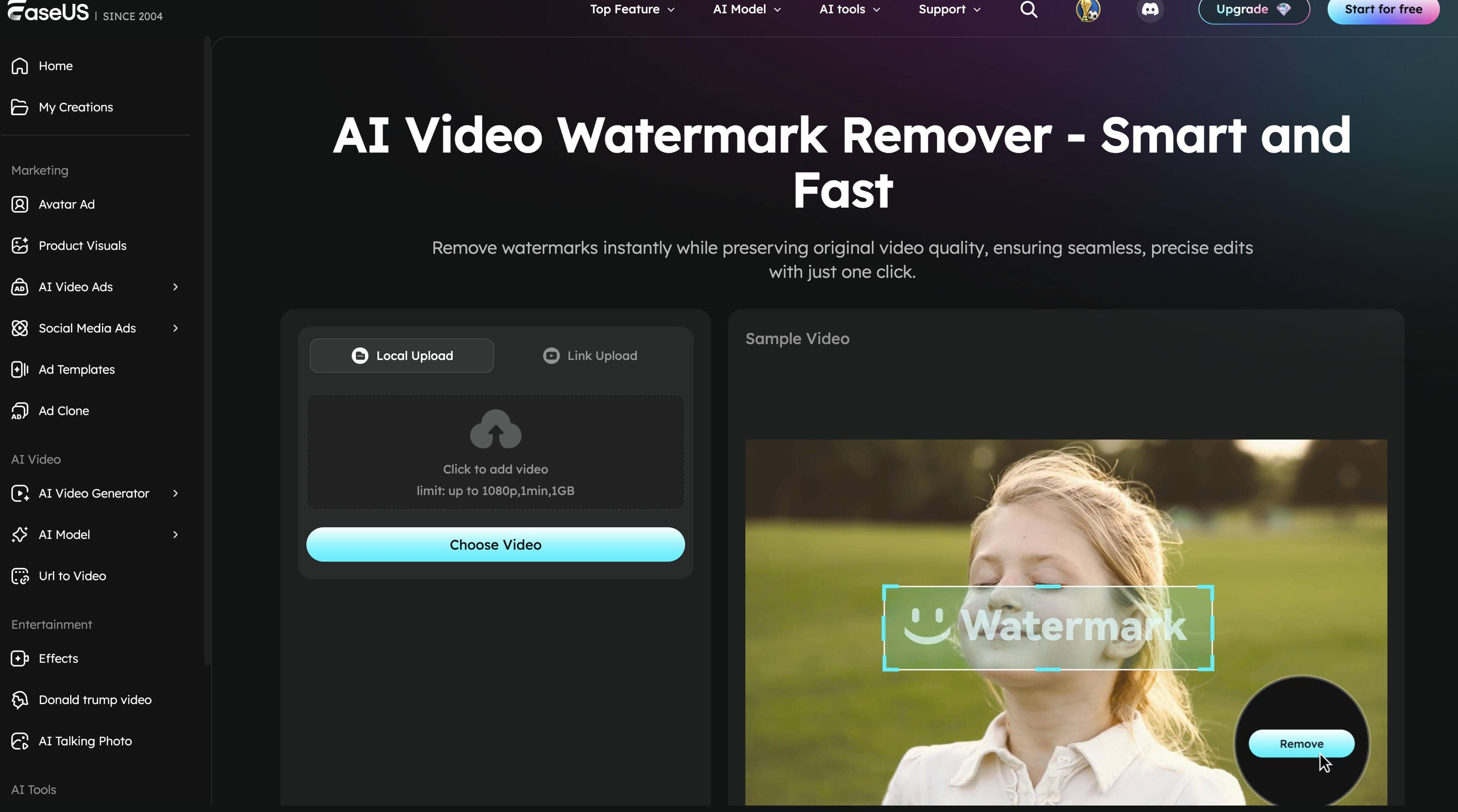
EaseUS VideoKit is an all-in-one multimedia toolkit that includes video conversion, compression, editing, and watermark removal. It offers a simple interface and supports a wide range of file formats, making it a convenient option for users who need more than just watermark removal.
Pros
-
Combines multiple video editing tools in one application
-
Supports various video and audio formats
-
Beginner-friendly interface
-
Produces high-quality exports
Cons
-
Watermark removal features are less advanced than dedicated AI tools
-
The trial version has feature restrictions
Pricing
|
Plan |
Price |
Best for |
|---|---|---|
|
Monthly |
$23.99/month |
Short-term use |
|
Yearly |
$19.99/month (billed annually) |
Better value for long-term users |
Tips for getting the best watermark removal results
Getting clean watermark removal isn't just about choosing the right tool. Following these best practices can help preserve video quality and improve the final output.
-
Use high-resolution source videos: Starting with the original video, it gives AI more visual information, resulting in cleaner background reconstruction.
-
Choose AI removal for complex backgrounds: AI performs better when watermarks overlap moving subjects, detailed textures, or changing scenes.
-
Preview your edits before exporting: Reviewing the video helps you spot any remaining artifacts, so you can make adjustments before downloading.
-
Avoid excessive compression: Repeated compression can reduce sharpness and introduce visible artifacts after watermark removal.
-
Export in the original resolution: To ensure clarity across various viewing platforms, the same resolution as the source video is utilised.
Common challenges when removing Sora watermarks
Even the best Sora watermark remover out there can run into a few hiccups depending on what is happening in the video and exactly where the text sits. Knowing about these common hurdles ahead of time is a great way to keep your expectations realistic before you dive into editing.
-
Watermarks over moving objects: The AI has to reconstruct changing backgrounds for each frame if a watermark overlaps with people or moving elements, making it more difficult to remove.
-
Quality loss after editing: Some editors blur or crop the watermark instead of rebuilding the hidden area, which can reduce overall video quality.
-
Blurred background reconstruction: Detailed scenes, such as water, foliage, or crowds, are harder to recreate naturally after the watermark is removed.
-
Long processing times: Large files and high-resolution videos require more processing time, particularly when AI performs complex background reconstruction.
-
Watermarks across detailed scenes: Logos placed over text, faces, or intricate patterns are more difficult to remove cleanly and may require manual adjustments.
Conclusion
The best Sora watermark remover for you will depend on your editing needs, workflow, & budget. There are several tools that can remove the watermark reliably, but AI-powered solutions tend to give cleaner results as they reconstruct the background rather than just hide the watermark. Vmake Labs offers smart AI detection, easy editing tools, batch processing, and the capacity to eliminate watermarks, logos, subtitles, and other undesired objects. With the right tool and best practices for editing, you can create videos that look polished and professional without compromising quality.
FAQs
Which is the best Sora watermark remover?
Depending on your editing needs and budget, the best Sora watermark remover is the one that fits your needs. Vmake Labs is one of the best options for both beginners and experienced creators alike for AI-powered removal, high-quality exports, and an easy browser-based workflow.
Is there a best Sora watermark remover free option?
Yeah. Several tools provide free plans or trial versions to remove watermarks for free. Vmake Labs has a limited free plan to help you test its AI-driven features. You can purchase additional credits if you subscribe to a paid account.
Which Sora watermark remover works online?
Vmake Labs and Media.io are among the many watermark removers that work completely online. If you don't want to install any software to edit, you can upload videos or paste Sora links from your browser directly on Vmake Labs.
Can AI remove watermarks without affecting video quality?
Yeah. They use sophisticated AI tools to reconstruct the hidden background instead of just blurring or cropping out the watermark, thus preserving video quality. In most editing situations, Vmake Labs uses AI-driven detection to produce cleaner, more natural-looking results.
7Is it legal to remove a Sora watermark?
Yes, it is completely fine as long as you actually own the video or have clear permission to edit the footage. Just make sure your edits line up with the platform's terms of use, licensing rules, and local copyright laws before you wipe anything away.

You May Be Interested

123APPS Watermark Remover Review (2026): Pros, Cons, and Pricing
AniEraser Watermark Remover by Media.io: 2026 Hands-On Review
Unwatermark 2026 Review: A Practical Guide
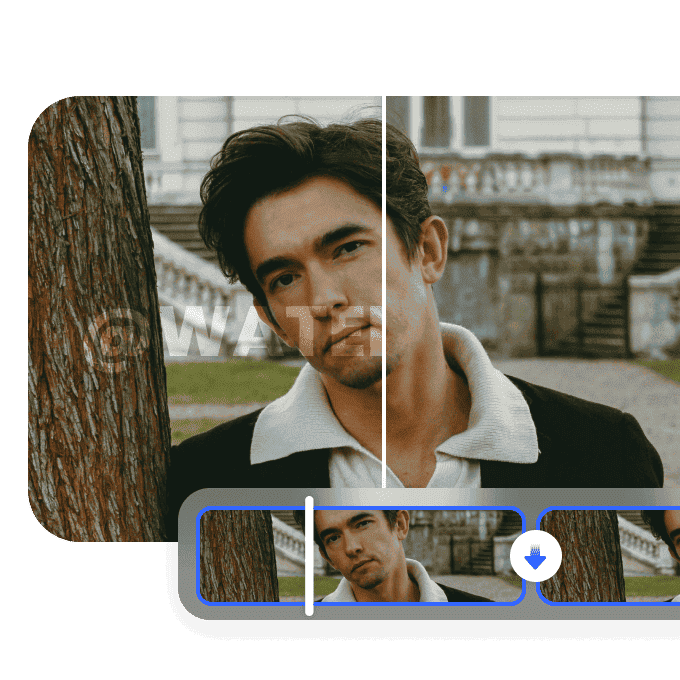
Video Watermark Remover Made Simple with Vmake