How to Add a Watermark to Photos: Easy Methods Anyone Can Use
 Ken DawsonApril 1, 2026
If you're looking to safeguard your online brand and/or photos, try watermarking. If you're publishing photos on social media, selling merchandise for your business or your clients, a watermark will prevent your photos from being stolen.
You don't have to be a designer either. There are many easy-to-use apps available to watermark your photos with your name, company, or website, in just a couple of clicks.
You can also use watermarks to stay consistent. This makes your images look more sleek and sophisticated. This is a simple trick that will go a long way.
Why You Should Use Watermarks
A watermark is when you add your name, logo or social network signifier to a photo. Once uploaded onto the web, images can be copied and shared. Watermarks allow users to know who has created the image and can allow you to copyright your image so that it can't be plagiarized.
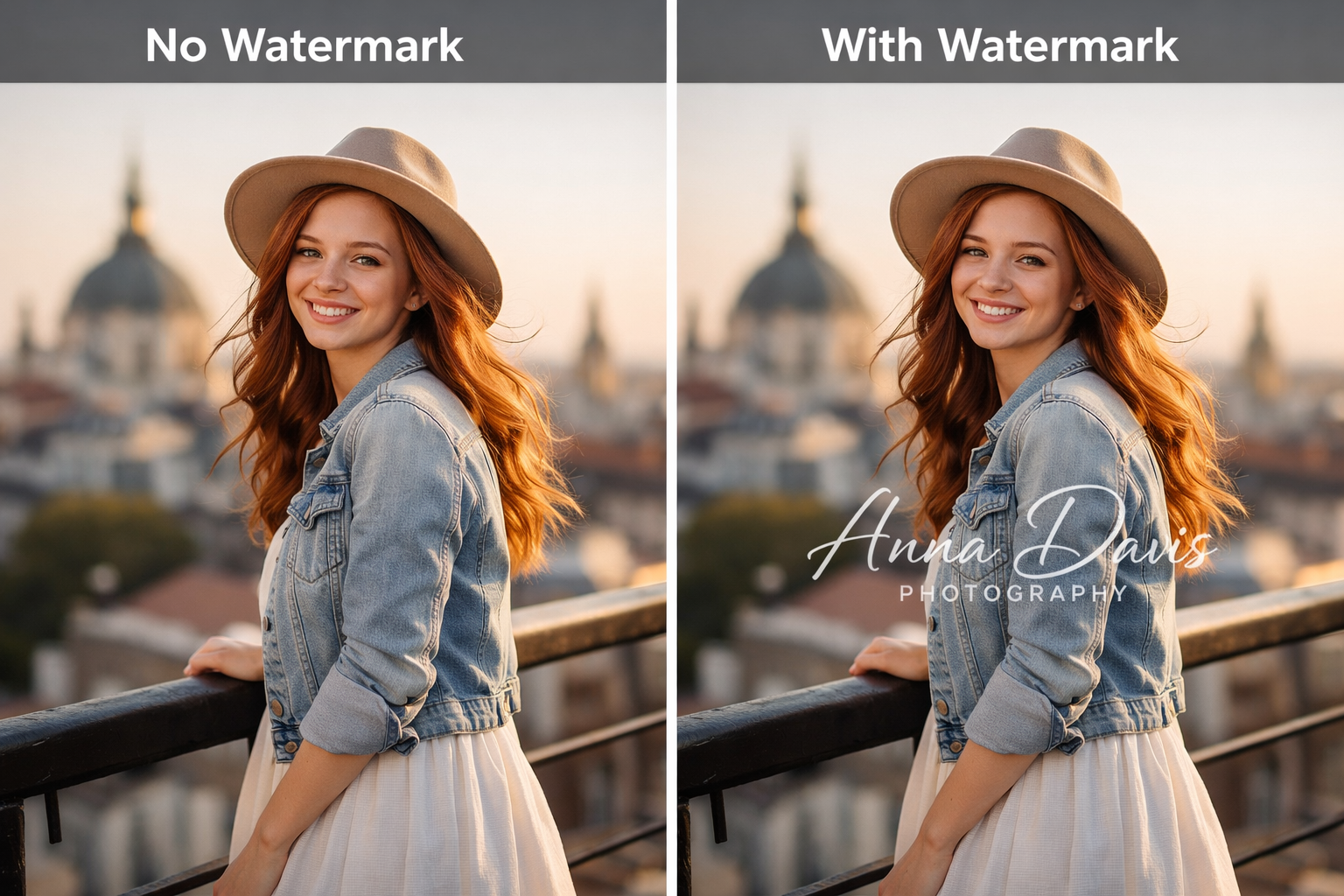
Common Types of Photo Watermarks
Text Watermark
The most basic option is a text watermark. It usually contains your name, website, or a copyright notice. This type is easy to make and is good for basic protection.
Logo Watermark
But to give your photos a more "polished" look, you may add a watermark. They can be effective for brand awareness and differentiating your images.
Pattern or Tiled Watermark
This type is repeated throughout the entire image. It provides a better level of protection since it's much harder to crop out of or remove without degradation of the photo.
Transparent Watermark
A transparent watermark is one that has a low opacity and doesn't overprint the image. It's the right choice for you if you want to preserve the image.
Smart Watermark (Auto Placement)
There are tools that are able to locate the location and size of your watermark automatically based on your image. This will save you time, and a controversial watermark will not make your watermark the same.
The Best Photoshop Tools to Add Watermarks
The selection of the tool will be based on the number of photographs to work with and the extent of control required. The quick edit tools prove to be useful in making quick edits, whereas others are designed to handle large quantities of photos. There are many good and reliable 2026 options below, depending on the ease of use, features, and performance.
Canva
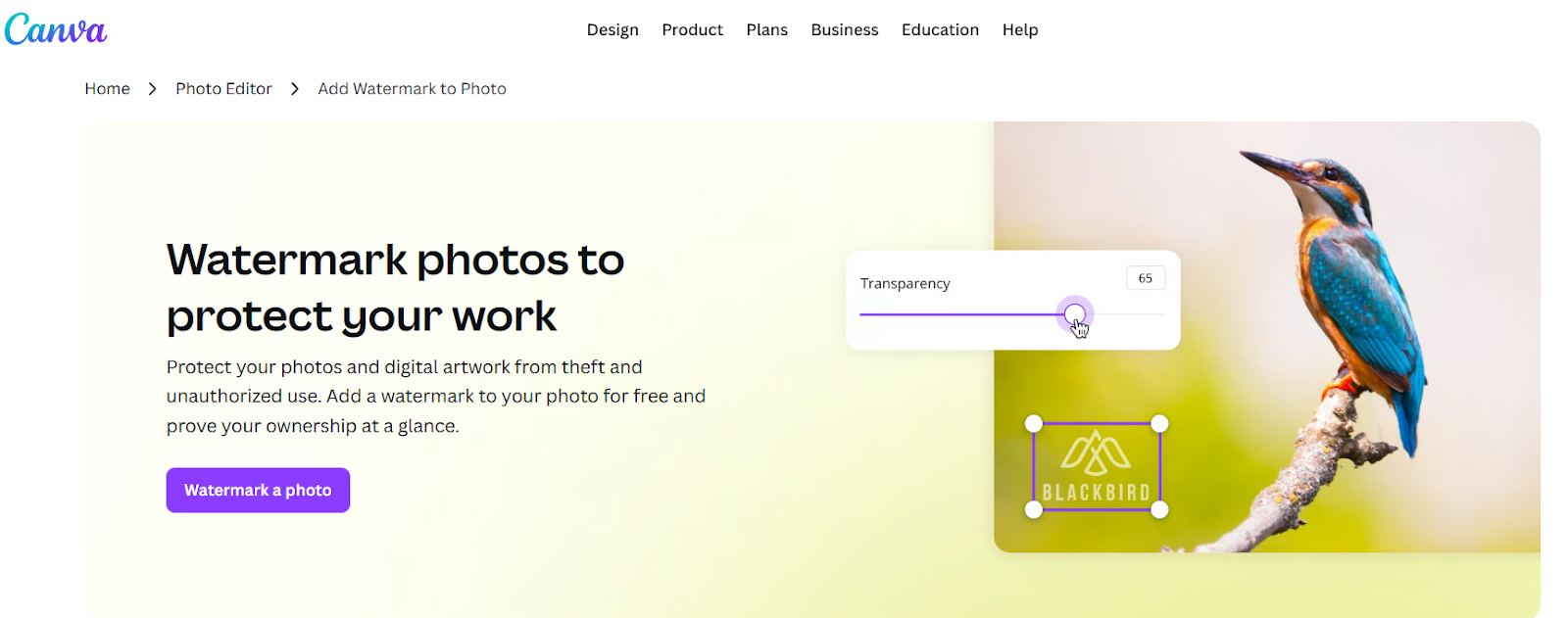
One that is easiest to start off with is Canva. It will take you several minutes to upload your picture, add a text or logo watermark, change the transparency, and download your photo. It comes in handy, though, in cases where you are already using Canva and using it to do other design utilities, since it is under the same roof that it is all together.
Features
Drag and Drop watermark editor
Brand kits (logos, font, colors)
Built-in layout and positioning tools
Works on Web - Works on mobile devices
Pros
Very easy to use, even for beginners
Free plan with solid features available
Helps keep consistent branding with images
Cons
Limited possibilities for batch watermarking
Not designed for dealing with large image volumes
Best For
Content creators, social media users, and small businesses
Adobe Express

Adobe Express will work well for you if you want to control the way that your watermark looks. It allows for changes in placement, size, and transparency that suit your branding. It's also good if you are already using the rest of the Adobe suite and want it integrated.
Features
Advanced editing tools with accurate control
Custom watermark overlays
Seamless cloud sync through Adobe products
Pros
Gives quality and finished results
High customization capabilities
Trusted platform working with professionals
Cons
Some parts of it are available in a paid plan
Requires an account to use
Best For
Designers, Marketers, and Professionals
Watermarkly
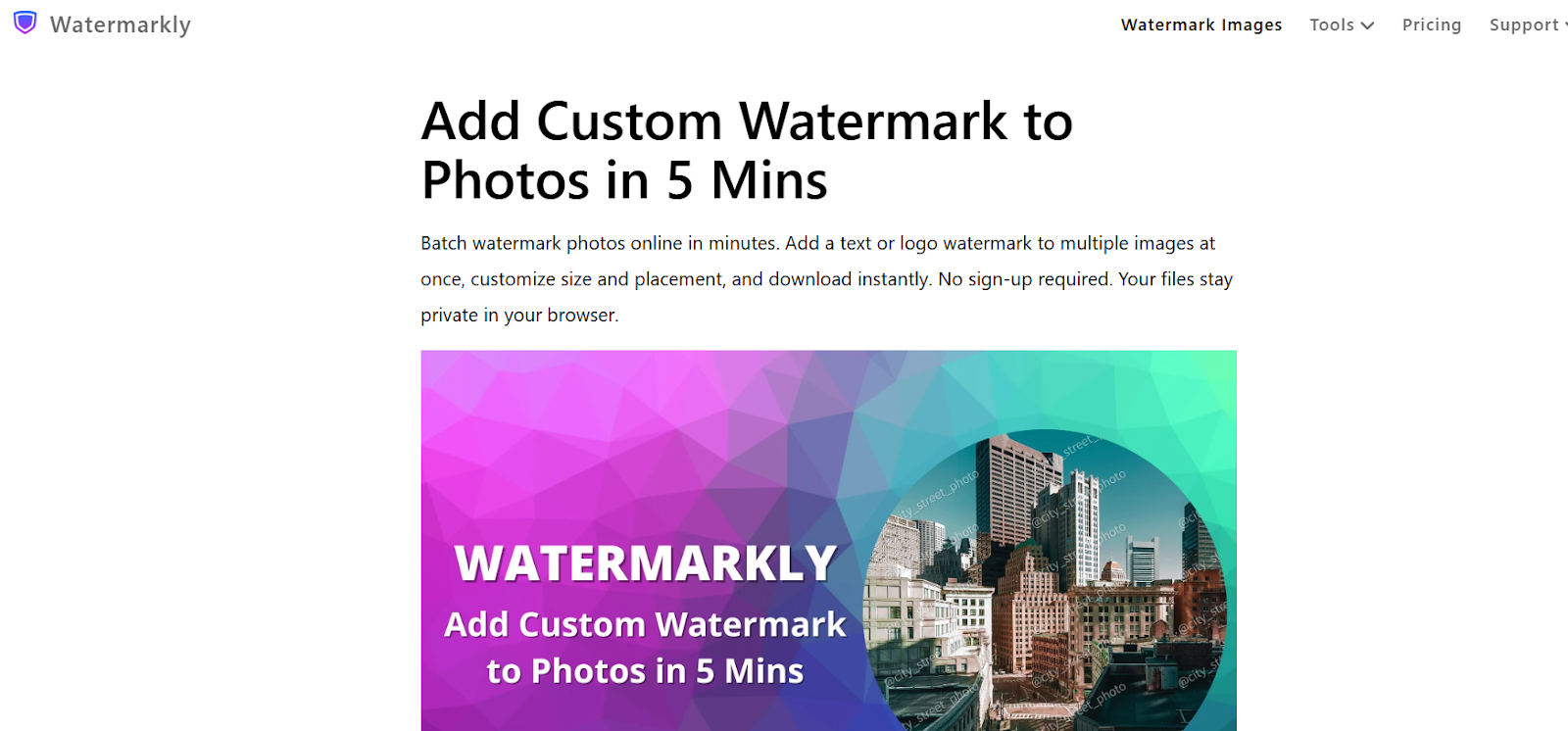
A major feature of Watermarkly is that it allows you to process a bulk of photos in a short period of time. You can watermark multiple photos with one click of the mouse button, instead of one at a time. So, it's ideal for product photos and photographer websites.
Features
Add watermarks to hundreds of images simultaneously
Supports both text and logo watermarks
Synchronizes templates between devices
Fast processing with easy setup
Pros
Saves time working with large image sets
Maintains branding for all photos
Simplified and easy workflow
Cons
The interface seems simple in comparison with design tools
Fewer editing options that are creative
Best For
Photographers, e-commerce sellers, and agencies
Visual Watermark
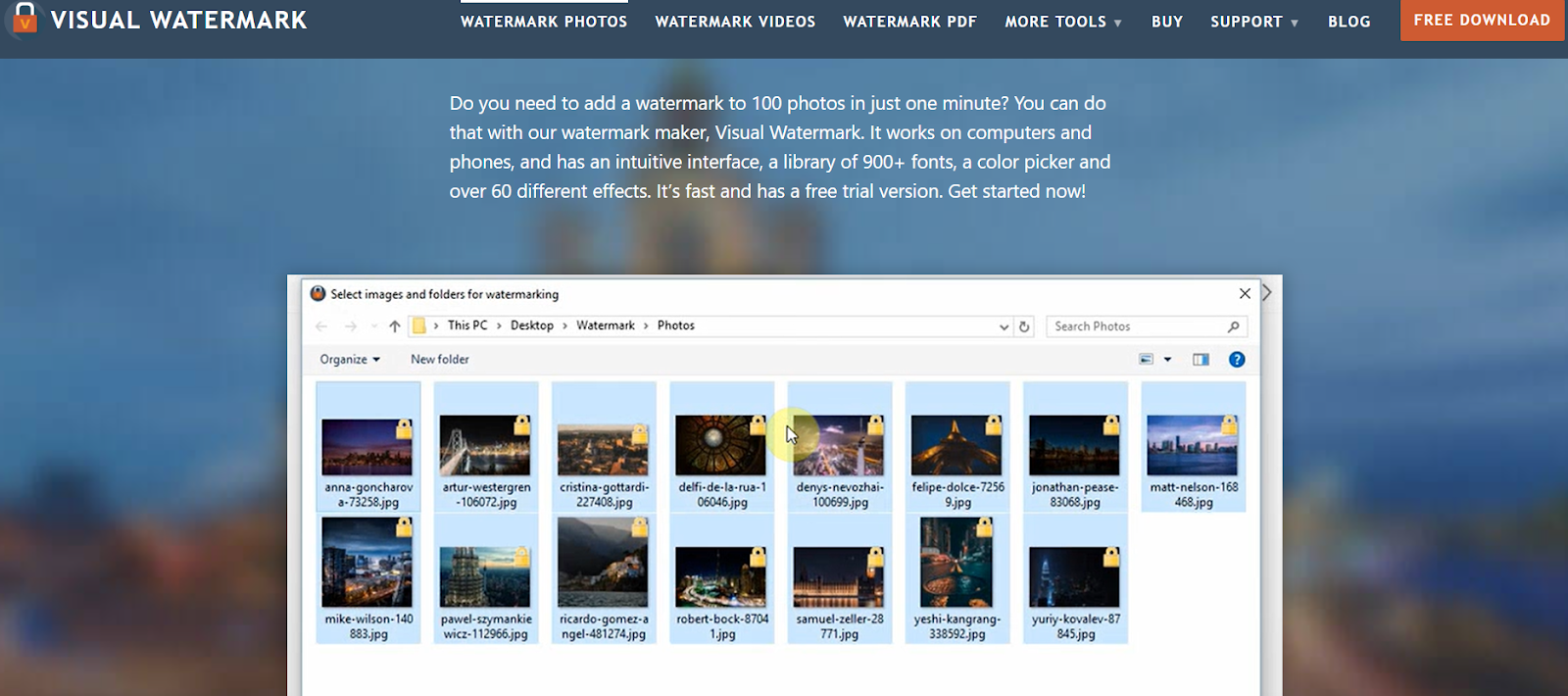
Visual Watermark is designed for watermarking; it is fast and efficient. You can use consistent marks in several images without having to deal with unneeded editing features. It's a good one for when protection is your primary aim, as opposed to design.
Features
Bulk watermarking using text or logos
Automatic placement between images
Available on desktop and web
Pros
Fast and focusing on watermarking only
Simple automation features
Good control over placement and style
Cons
Limited editing feature rather than watermarking
Full features require the paid version
Best For
Users who want a separate and simple watermark tool
Fotor
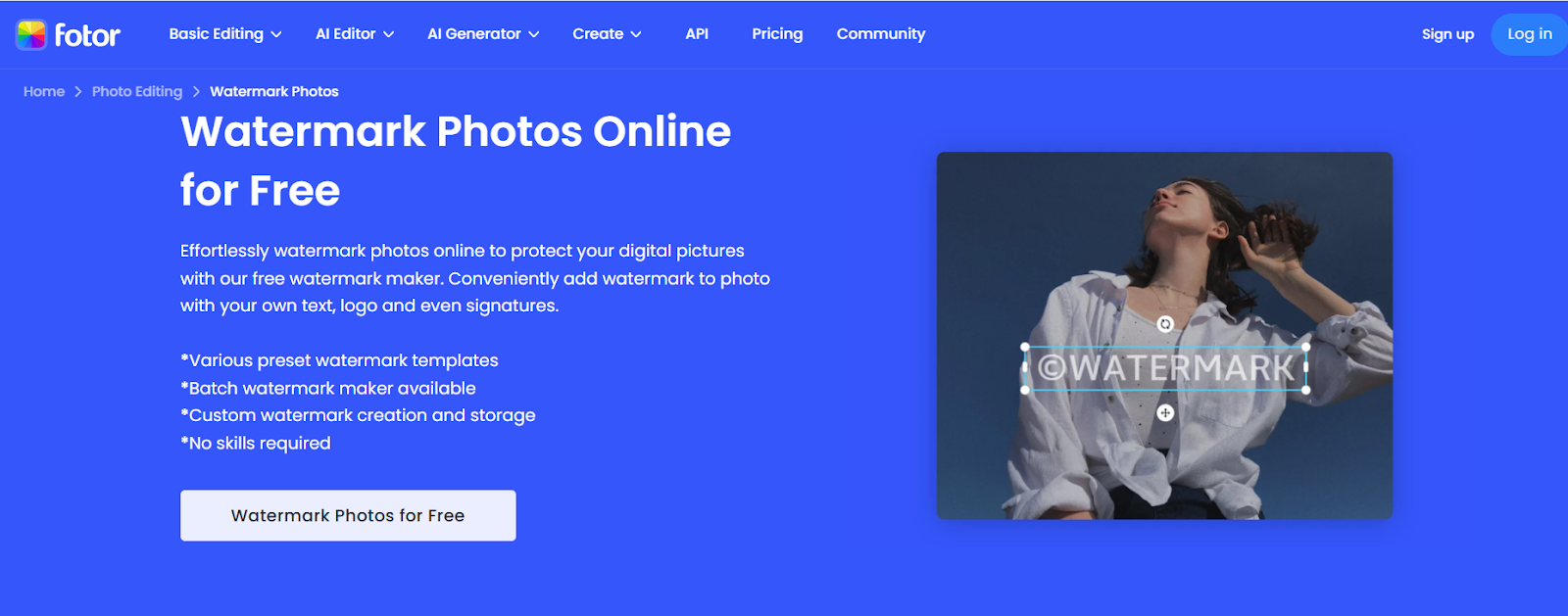
Fotor would be useful if you want to do edits and watermarks to your images at the same time. You can enhance your photo and change colors; this is where you can add a watermark and export. It's an easy choice for users for whom learning a new program isn't an option, but you don't want to learn another program altogether.
Features
Watermarked photo editing tools.
Text overlays, filters, and improvements.
Web, desktop, and mobile programming.
Pros
Edits and watermarks all in a single location.
Easy-to-use interface
Best at quick changes and touch-ups.
Cons
Reduced batch processing choices.
The free version includes ads.
Best For
Beginners and casual users
When Adding a Watermark Is Especially Important
Social Media Content
Watermarks also come in handy in ensuring that your photos are not posted without a mention. Even if your content is distributed broadly, your name or your figure remains in the limelight.
E-commerce Product Images
Product photos tend to be copied by competitors. Having a watermark is a way to protect your listings and brand.
Influencer & Affiliate Marketing
Watermarks help identify attribution, which is important where required. So this ensures that you make money (and friends).
Brand Campaigns and Ads
In the case of campaigns, being consistent matters. A watermark strengthens your brand and identifies your branding even in all the images that are captured.
Common Watermarking Mistakes to Avoid
Applying a Watermark That is Too Large
The watermark is too big to detract the focus of the image. Keep it in view, but small.
Making It Too Transparent
In case your watermark is too subtle, it is simple to erase or disregard. Strive to balance between subtle and conspicuous.
Poor Placement
Placing a watermark only in the corner makes it easy to crop out. Position it where it’s harder to remove.
Inconsistent Branding
Using different styles across images weakens your brand. Stick to one font, logo, and placement style.
Not Using Batch Tools
Editing images one by one wastes time. Batch tools help you stay efficient and consistent.
Ignoring Mobile Optimization
Also, ensure that your watermark is not lost in smaller screens.
Extra Tip - How to Remove a Watermark from an Image
You may also want to remove a watermark, especially when it is in your photos. One can find tools that would clean up the marked area and merge it with the background in a short time.
All you have to do is ensure that you only remove watermarks in images that are yours or under your permission to edit. One option you can try is the Vmake Image Watermark Remover.
Steps to Remove a Watermark
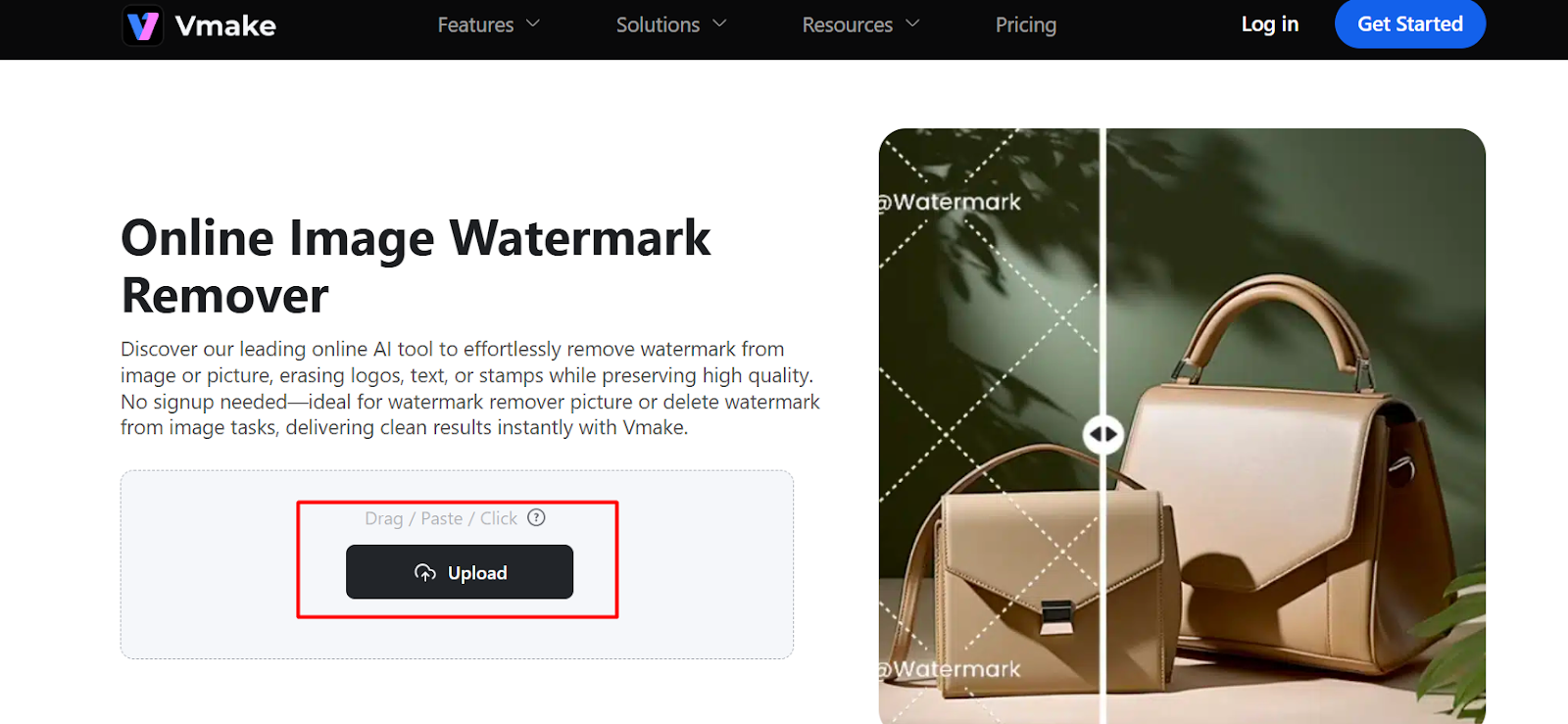
Upload Your Image
Open the tool and post the uploaded photograph with the watermark.
Select or Highlight the Watermark
Select the area that the watermark is on using the selection tool.
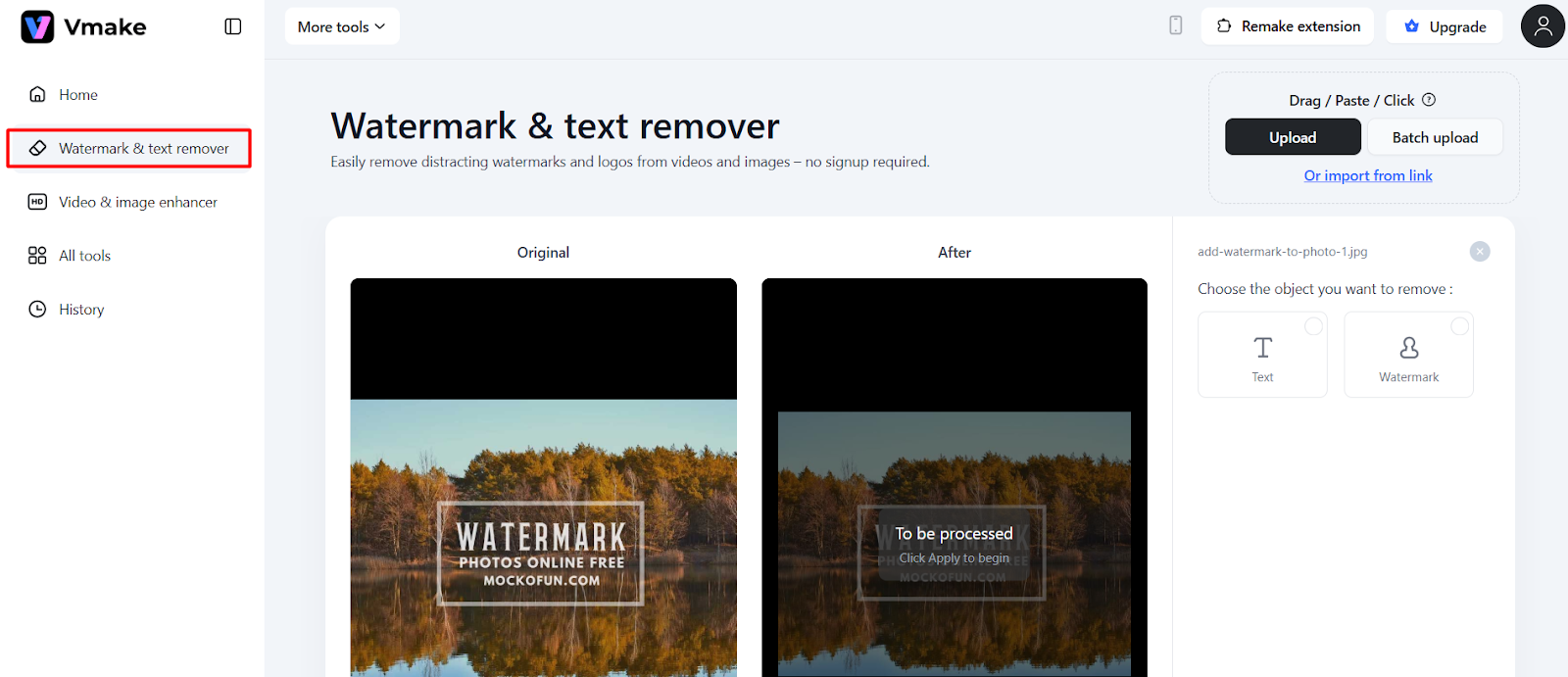
Start the Removal Process
Press the remove button and allow the tool to work on the image.
Review the Result
Test whether the area of the watermark appears to be clean and natural.
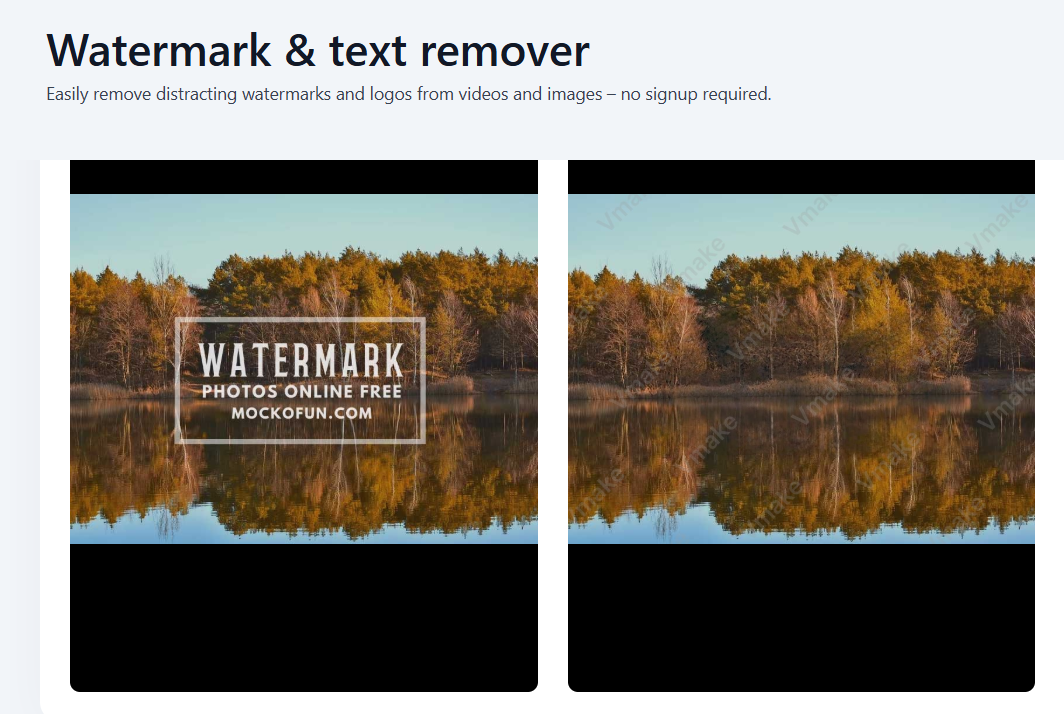
Download the Image
Save the final version on your device.
This can be easily done in a matter of a few seconds and is effective when it comes to simple watermarks.
FAQs About Adding Watermarks to Photos
Can I watermark photos for free?
Yes. Canva and Fotor are free to use, allowing one to add a text or logo watermark. Nevertheless, Canva does not erase watermarks on purchased items unless one upgrades or buys them.
Which is the best format of watermarks?
PNG is superior to use since it allows transparency and therefore the watermark matches the image.
Can watermarks be removed?
Yes, but only in some cases. Small watermarks or those that are not strategic to be eliminated are simpler to wipe out, whereas large watermarks or watermarks that are repeated are hard to wipe out in a clean manner.
How do I watermark multiple images?
If you have a batch utility such as Watermarkly or Visual Watermark, you can batch stamp images at once.
Conclusion
Watermarking is an easy method of securing your pictures and making sure that your name does not get detached from your work. When one posts images on the internet, a user can easily reuse them, and therefore, the use of a watermark reduces the possibility of misuse.
It requires no special ability to start. Applications such as Canva are wonderful when it comes to making fast and easy edits, whereas Watermarkly and Visual Watermark are more suitable for processing large numbers of photos. Adobe Express is more helpful when your taste is more sophisticated.
While protecting your work is the main focus, you may sometimes need to clean up your own images, and that is where the Vmake Image Watermark Remover becomes a perfect companion to your editing toolkit by providing a fast and natural way to restore your visuals.

You May Be Interested

123APPS Watermark Remover Review (2026): Pros, Cons, and Pricing
[2025] Top 5 FREE Video Downloader without Watermark
Airbrush Watermark Remover Review (2026): Features and Pricing
AniEraser Watermark Remover by Media.io: 2026 Hands-On Review

Batch Watermark Removal with Vmake AI