
9 Best Free Tools to Remove Watermarks from Video in 2026
Discover the best free AI tools to remove video watermarks in 2026. Compare features, speed, and quality, then create clean, professional videos effortlessly with Vmake Labs today in minutes.

Removing watermarks from videos is now faster and easier with AI-powered tools. They can erase logos, text, and timestamps while maintaining video quality. This guide compares the best free video watermark removers in 2026 to help you find the right tool for your editing needs.
Summary Comparison Table
We've tested the best free watermark removal software in 2026 below and then provided an in-depth evaluation of each to help you find the best one for you.
|
Tool |
Free Plan |
Watermark on Export |
Export Limits |
Credit Card Required |
Best For |
|---|---|---|---|---|---|
|
Vmake Labs |
Yes |
No |
Free usage available |
No |
AI watermark removal |
|
Media.io |
Yes |
Depending on the plan |
Limited exports |
No |
Beginners |
|
AniEraser |
Yes |
Limited |
Credits apply |
No |
AI object removal |
|
HitPaw |
Trial |
Yes |
Trial restrictions |
No |
Desktop editing |
|
Apowersoft |
Trial |
Yes |
Limited usage |
No |
Business users |
|
WatermarkRemover.io |
Yes |
No |
Limited credits |
No |
Quick AI removal |
|
PixelBin |
Yes |
No |
Usage limits |
No |
E-commerce |
|
ScreenSnap Pro |
Yes |
Depends |
Limited exports |
No |
Social creators |
|
Fotor AI |
Yes |
Limited |
Credit-based |
No |
Designers |
What are the best free tools to remove watermarks from video in 2026?
AI-based watermark removal has made it easier to remove logos, text, timestamps and social media watermarks without tiresome editing. These tools let creators, marketers, educators and companies to make clean, professional-looking videos without compromising on quality.
How we evaluated the best free video watermark remover tools
To create this list, we tested each tool on the features that matter most in real-world use. Here are the criteria:
-
Watermark removal quality and output video quality
-
File processing speed and format support
-
Ease of use and export options
-
Free plan limitations and privacy
-
Support for both static and moving watermarks
9 Best free tools to remove watermarks from video in 2026
Finding the right watermark remover depends on your editing needs, budget, and workflow. Some tools focus on quick AI-powered removal, while others provide additional editing features for professional users. Below is a closer look at the best free watermark removal tools available in 2026:
-
Vmake Labs
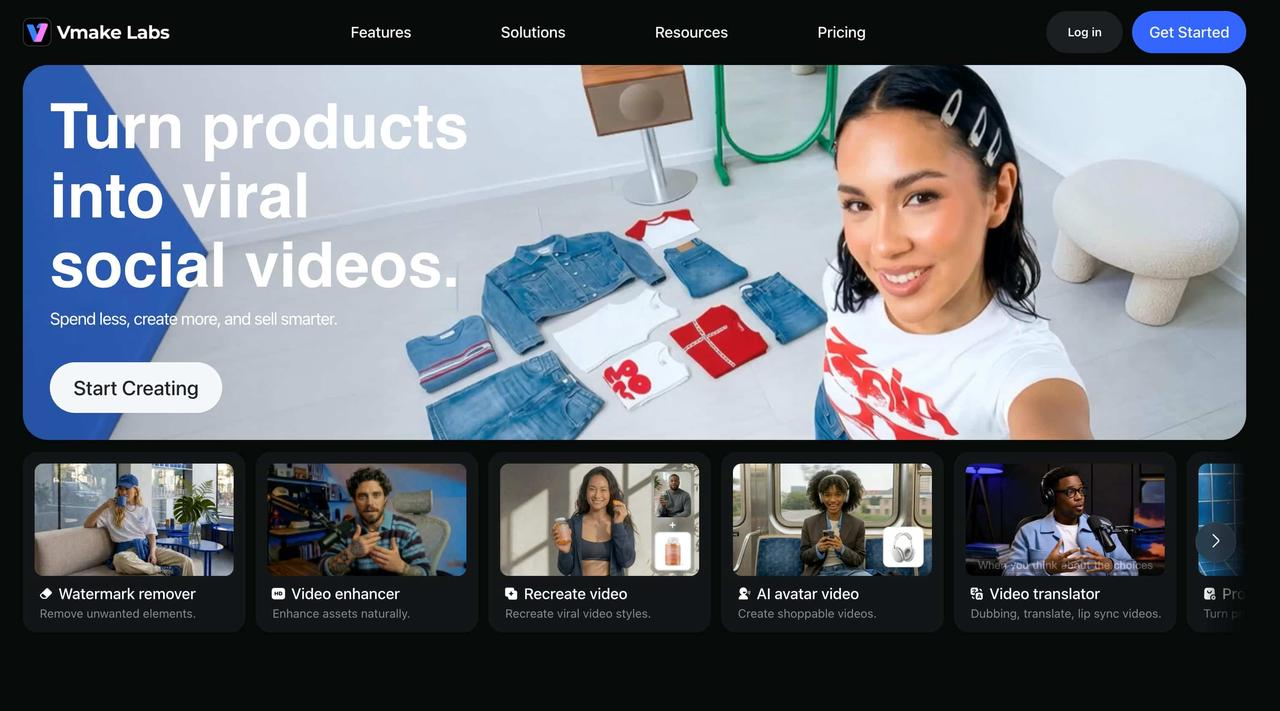
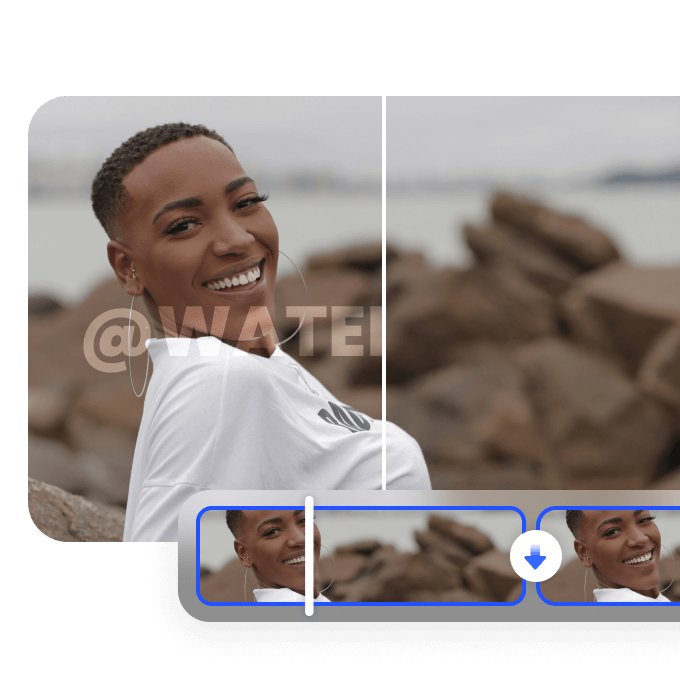
Vmake Labs is an AI-powered online application to remove watermarks, logos, subtitles, and other undesired items from films with only a few clicks. It's available for Windows, Mac, and iOS and uses advanced AI to automatically recognise and remove unnecessary aspects while keeping the quality of the video intact, making it an easy option for creators, marketers, and businesses.
Vmake Labs key features
-
Remove static and moving watermarks with ease: Eliminate unwanted watermarks from photos and videos quickly, helping you create clean, professional-looking content without complicated editing.
-
Achieve better results on difficult watermarks: Watermark Research Mode improves the removal of complex or embedded watermarks, making edits look more natural and reducing the need for manual touch-ups.
-
Save time by editing videos directly from links: Upload supported video URLs instead of downloading large files first, making your editing workflow faster and more convenient.
-
Clean up multiple distractions in one place: Remove watermarks, subtitles, logos, unwanted people, and other distracting objects using a single AI-powered tool, so your content is ready to publish with less effort.
-
Speed up large editing projects: Batch processes up to 30 videos or images at once, reducing repetitive work and making it easier to edit multiple files efficiently.
Step-by-step guide
Step 1: Upload your video to Vmake Labs
Upload the video you want to edit from your device. Vmake Labs supports popular video formats and quickly prepares your file for AI processing.
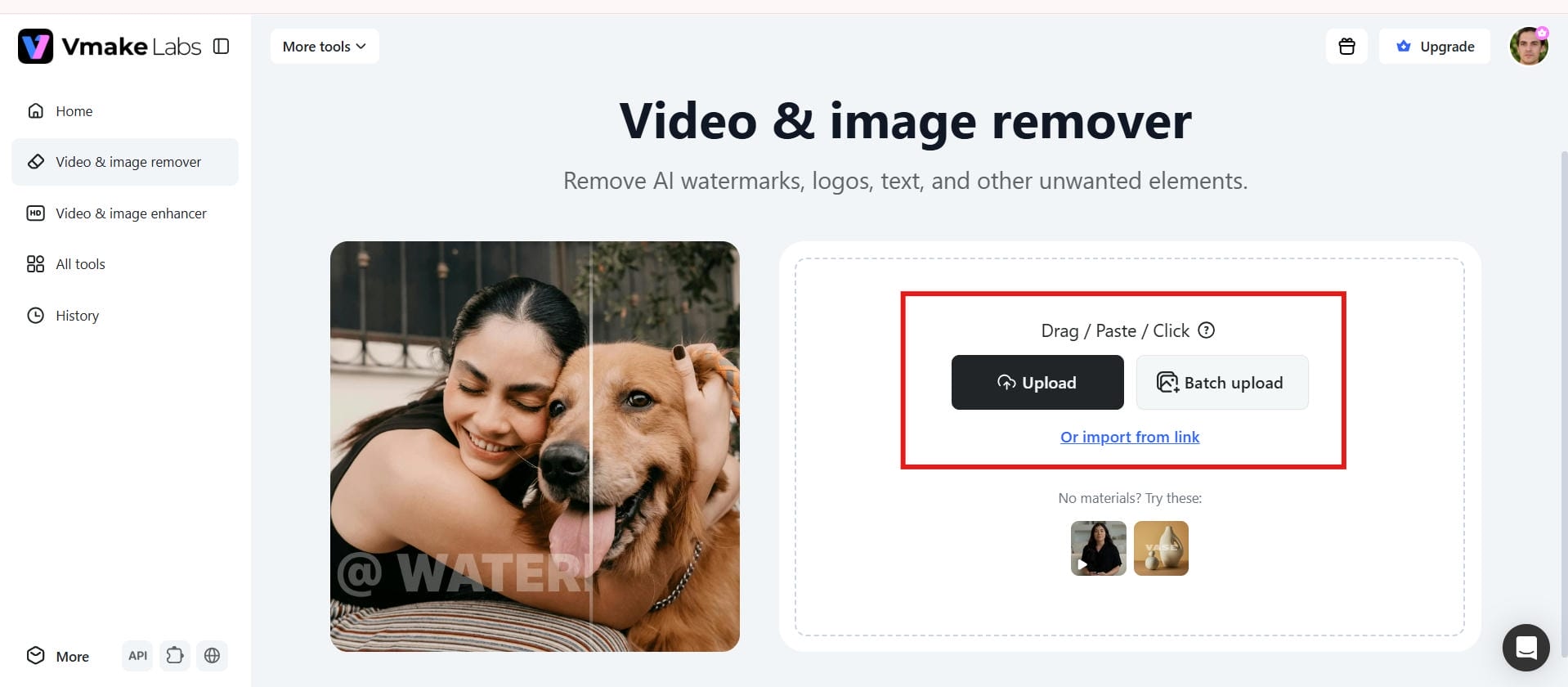
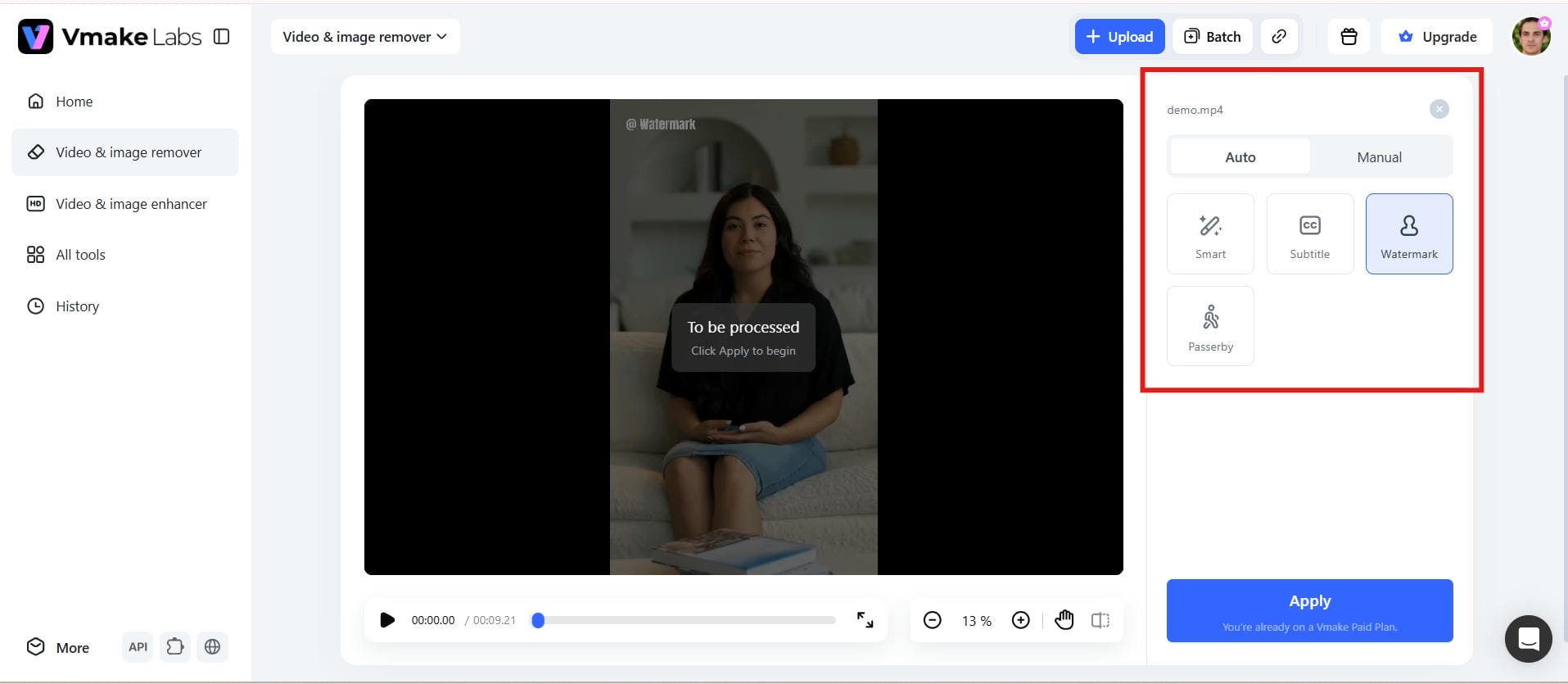
Step 2: Let AI detect the watermark automatically
The AI scans your video to identify watermarks, logos, text, or other unwanted elements. It automatically selects the area for accurate removal.
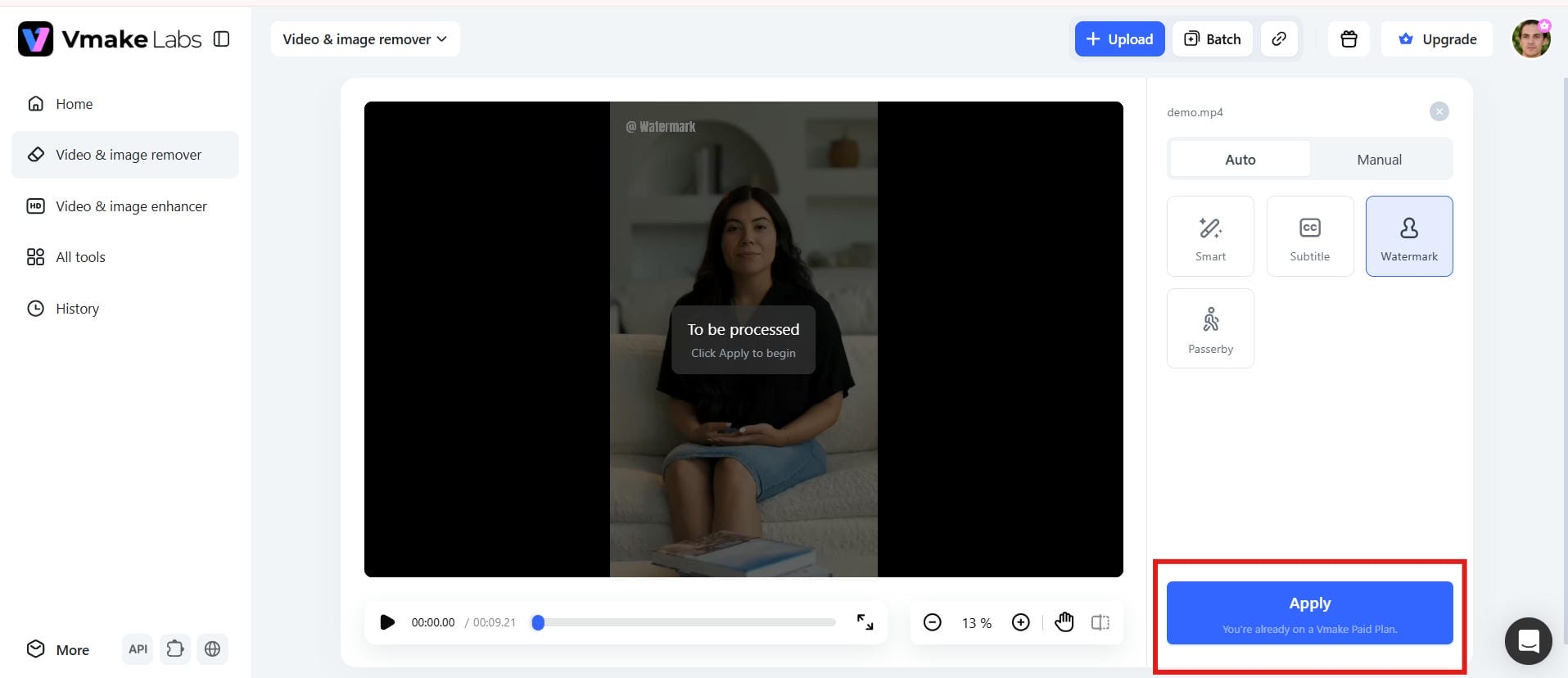
Step 3: Apply AI and generate the video
Click Generate to let Vmake Labs apply AI watermark removal. The tool automatically processes the video and creates a clean, watermark-free version.
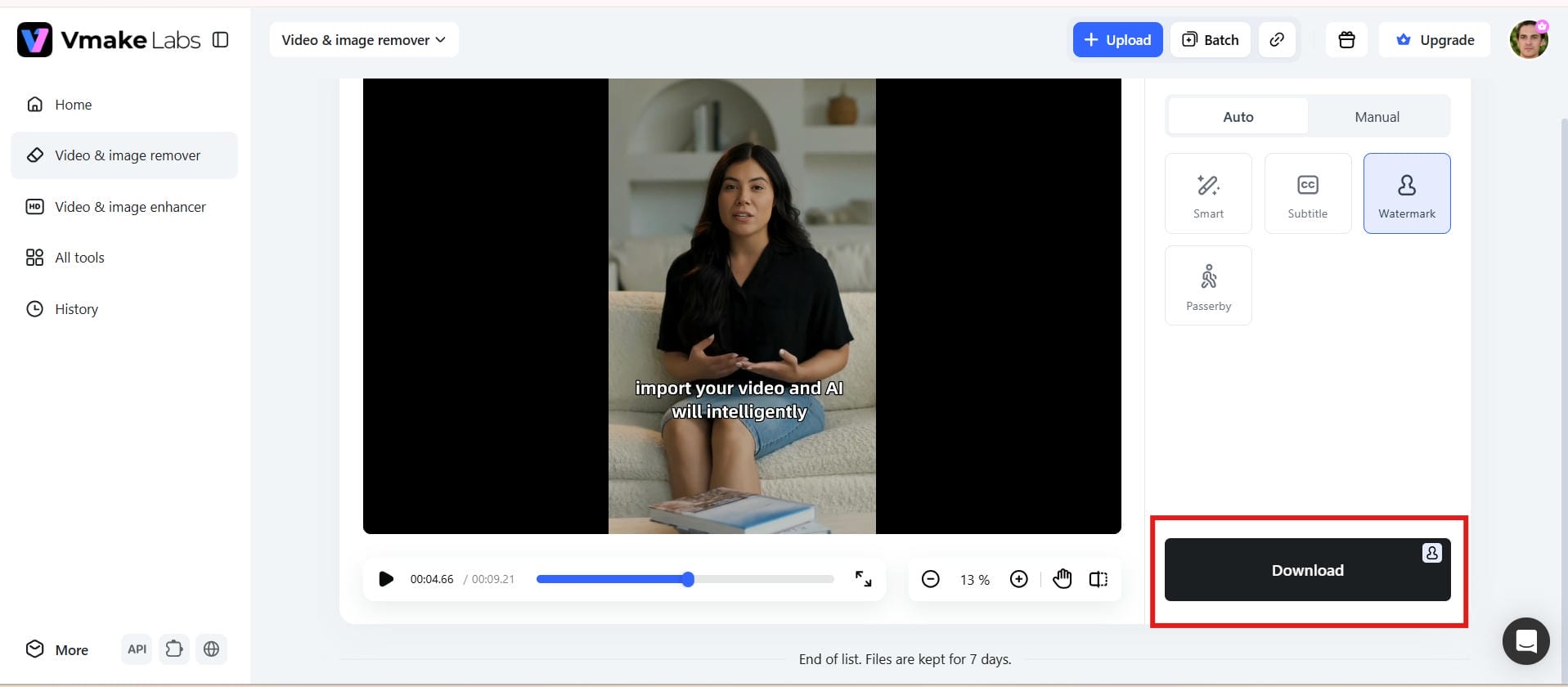
Step 4: Download the watermark-free result
Once you're satisfied with the preview, export your edited video. Your final video is ready to share with a clean, professional appearance.
Free plan
Vmake Labs offers a free plan that lets users test its AI watermark removal features without requiring a payment card. It has usage limits, but is a wonderful opportunity to try out the platform before you pay to upgrade.
Pros and Cons
|
Pros |
Cons |
|---|---|
|
|
Pricing
|
Plan |
Price |
|---|---|
|
|
-
Media.io
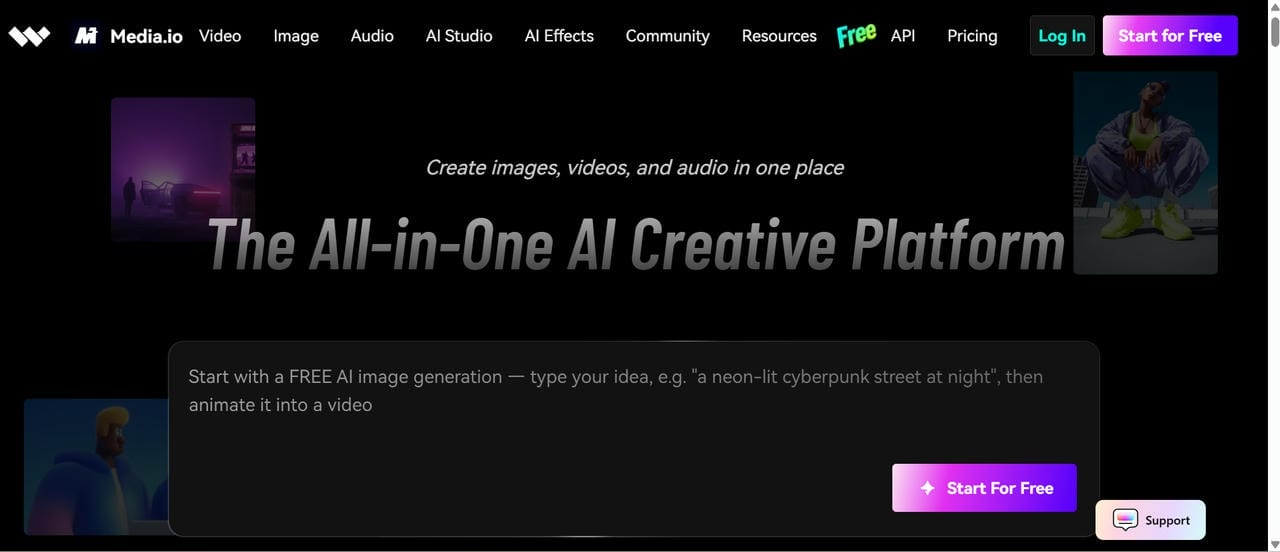
Media.io is a browser-based multimedia platform that offers AI-powered watermark removal alongside video conversion, editing, and enhancement tools. Its clean interface makes it particularly suitable for beginners who want quick edits without learning professional video software.
Free Plan
Media.io provides a free plan with limited exports and feature restrictions. No credit card is required to start using the platform.
Pros and Cons
|
Pros |
Cons |
|---|---|
|
|
|
|
|
|
|
|
Pricing
|
Plan |
Pricing |
|---|---|
|
|
|
|
-
AniEraser
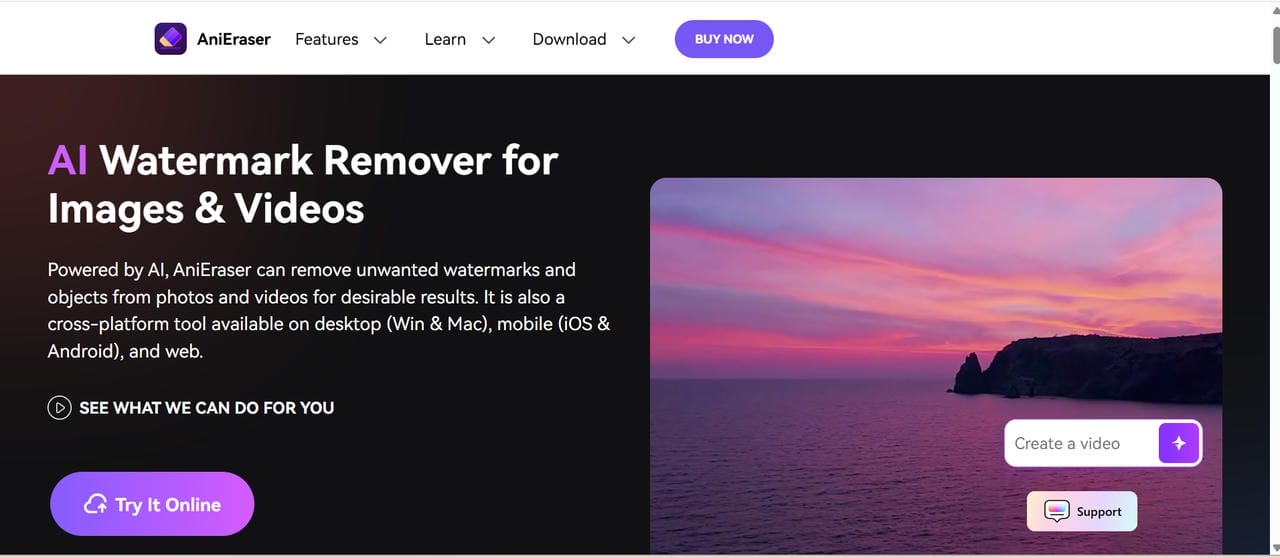
AniEraser is an AI-based watermark removal tool that removes watermarks, logos, subtitles, and unwanted objects from both videos and images. Its intelligent background reconstruction delivers natural-looking results with minimal manual editing. Available on desktop and mobile, AniEraser is a practical solution for users who need fast and easy content cleanup.
Free plan
AniEraser includes a free plan with limited AI credits. Larger projects or frequent editing require additional credits or a paid subscription.
Pros and Cons
|
Pros |
Cons |
|---|---|
|
|
|
|
|
|
|
|
Pricing
|
Plan |
Pricig |
|---|---|
|
|
|
|
-
HitPaw
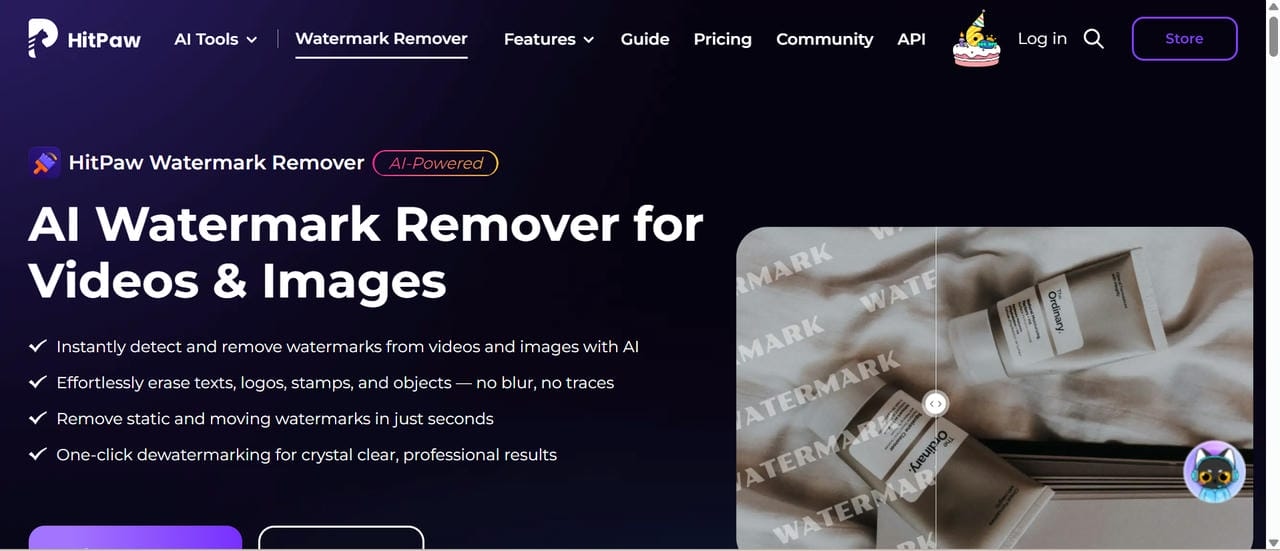
HitPaw is an AI-powered watermark remover that helps eliminate logos, text, subtitles, and other unwanted objects from videos and images. It offers multiple removal modes to handle different types of watermarks while preserving visual quality. With its simple interface and batch processing support, it is a convenient choice for both beginners and professionals.
Free plan
HitPaw offers a trial version that allows users to explore its features before purchasing a license. Export limitations apply during the trial period.
Pros and Cons
|
Pros |
Cons |
|---|---|
|
|
|
|
|
|
|
|
Pricing
|
Plan |
Price |
|---|---|
|
|
|
|
|
|
-
Apowersoft
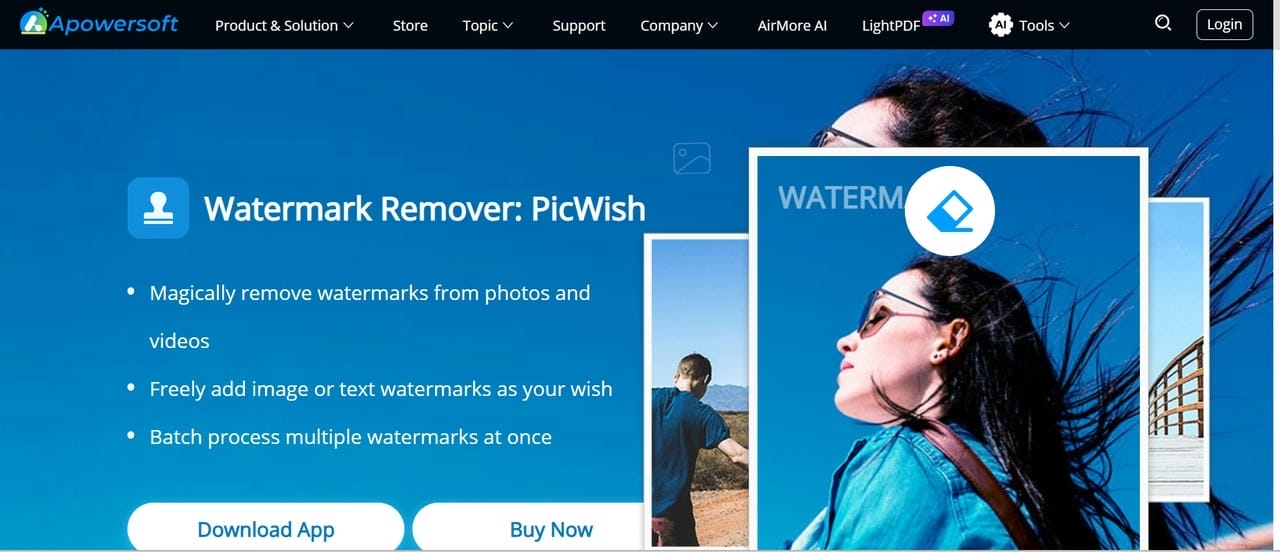
Apowersoft provides a complete suite of multimedia editing tools, including a video watermark remover suitable for business presentations, tutorials, and promotional videos. Its editing features are straightforward, making it useful for professionals who need quick results without a complicated workflow.
Free plan
Apowersoft offers a trial version with usage restrictions. Premium plans unlock unlimited editing and additional export options.
Pros and Cons
|
Pros |
Cons |
|---|---|
|
|
|
|
|
|
|
|
Pricing
|
Plan |
Pricing |
|---|---|
|
|
|
|
|
|
-
WatermarkRemover.io
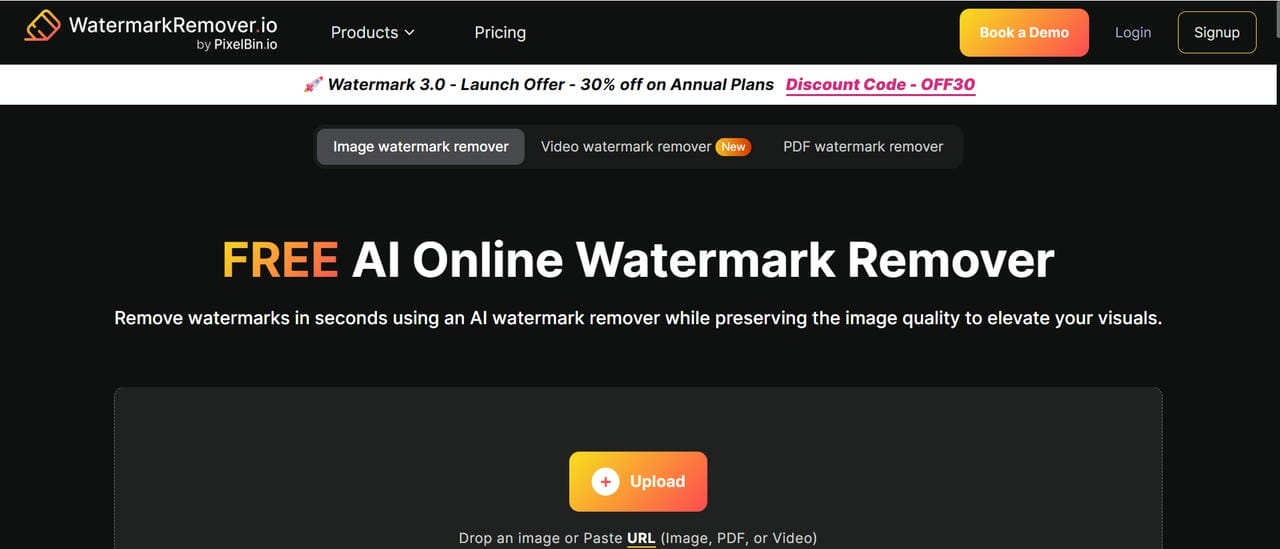
WatermarkRemover.io is an AI-powered online tool that automatically detects and removes watermarks from images and selected video content with minimal effort. Its simple interface and fast cloud processing make it a good choice for users who need quick edits without installing software.
Free plan
A free plan is available with limited AI credits. No credit card is required to get started.
Pros and Cons
|
Pros |
Cons |
|---|---|
|
|
|
|
|
|
|
|
Pricing
|
Plan |
Pricing |
|---|---|
|
|
|
|
|
|
|
|
-
PixelBin
PixelBin is an AI-powered media optimization platform that includes tools for removing watermarks and unwanted objects from images. Its intelligent AI reconstruction helps maintain image quality while delivering clean, natural-looking edits. With cloud-based processing and a simple interface, PixelBin is a convenient option for businesses, marketers, and content creators managing large volumes of visual content.
Free plan
PixelBin includes a free tier with usage limitations suitable for occasional users and small projects.
Pros and Cons
|
Pros |
Cons |
|---|---|
|
|
|
|
|
|
|
|
Pricing
|
Plan |
Pricing |
|---|---|
|
|
|
|
|
|
-
ScreenSnap Pro
ScreenSnap Pro is a small video editing program that may help you remove simple watermarks, logos, and overlays from screen recordings and social media videos. Its AI-powered cleansing makes for cleaner graphics with minimum effort. The intuitive interface makes it suitable for beginners, while fast processing makes it a practical option for creators working on quick editing tasks.
Free plan
The free version includes limited exports with some feature restrictions.
Pros and Cons
|
Pros |
Cons |
|---|---|
|
|
|
|
|
|
|
|
Pricing
|
Plan |
Pricing |
|---|---|
|
|
-
Fotor AI
Fotor AI is an AI-powered editing platform that makes it easy to remove watermarks, logos, text, and other unwanted objects from images. Its intelligent AI technology reconstructs the background for clean, natural-looking results. In addition to watermark removal, Fotor offers photo enhancement, design, and creative editing tools, making it a versatile solution for both beginners and professionals.
Free plan
Fotor AI provides free credits that allow users to test its AI editing features before upgrading.
Pros and Cons
|
Pros |
Cons |
|---|---|
|
|
|
|
|
|
|
|
Pricing
|
Plan |
Pricing |
|---|---|
|
|
|
|
|
|
|
|
Tips for choosing the best free video watermark remover
Before selecting a watermark remover, consider the type of watermark and the video itself. The quality of the final result often depends on these factors rather than the tool alone.
-
Static vs. moving watermarks: Static watermarks are generally easier for AI to remove because they remain in one position. Moving watermarks require more advanced tracking and may produce different results depending on the video.
-
Simple vs. complex backgrounds: AI performs best when the watermark is placed over plain areas, such as the sky or a wall. Busy backgrounds, faces, or detailed textures can make removal more challenging.
-
Watermark size and placement: Small watermarks near the edges of a video are usually easier to remove than large logos positioned in the center, where they cover more important content.
-
Transparency and blending: Semi-transparent or blended watermarks can be harder to remove cleanly than solid watermarks because they mix with the underlying image.
-
Editing needs: If you edit videos frequently, choose a tool that offers batch processing, supports your preferred video formats, and lets you review the results before exporting.
Conclusion
Choosing the best free video watermark remover comes down to your specific editing needs. Thanks to AI-powered technologies, removing watermarks is faster, easier, and more accurate than ever before. Vmake Labs is a good choice for erasing moving watermarks while retaining the quality of the video, while Media.io is an excellent choice for beginners because of its easy-to-use interface. Desktop editing tools like AniEraser and HitPaw are also good for removing objects. Compare features, free plan constraints and output quality to pick the tool that fits your workflow best.
FAQs
What is the best free tool to remove a watermark from video in 2026?
If you're looking for an AI-powered video watermark remover, Vmake Labs is one of the best free options in 2026. It automatically removes logos, text, and movement watermarks, while keeping video quality; thus, it is perfect for producers, businesses, and amateurs alike.
Can Vmake Labs remove watermarks from videos without reducing quality?
Yes. Vmake Labs employs advanced AI to remove watermarks and automatically reconstruct backgrounds, helping to keep the original video quality. Also, you may use its video enhancerto enhance your results for crisper and professional-looking films.
What is the best free tool to remove a TikTok watermark from video in 2026?
Vmake Labs is one of the best free options for removing TikTok watermarks with its AI-powered TikTok watermark remover. It accurately tracks moving watermarks across video frames, delivering clean, natural-looking results while preserving the original video quality.
Are AI watermark removers better than manual video editing?
In most cases, yes. AI watermark removers automatically detect unwanted elements and can even remove objects from video while reconstructing the background, saving significant editing time. Vmake Labs makes professional-quality editing accessible without advanced editing skills.
Is it safe to upload videos to online watermark removal tools like Vmake Labs?
Yes, reputable platforms like Vmake Labs use secure cloud processing to help protect uploaded files. In addition to being a reliable video eraser, the platform is designed to give creators and businesses a safe, user-friendly editing experience.
Which video formats are supported by Vmake Labs watermark remover?
Vmake Labs supports popular formats such as MP4, MOV, AVI, and other widely used video files, making it easy to edit content from different devices. After removing watermarks, you can also use its video background remover to further improve your video's appearance.

You May Be Interested

5 Best Free AI Video Generators Without Watermarks in 2026
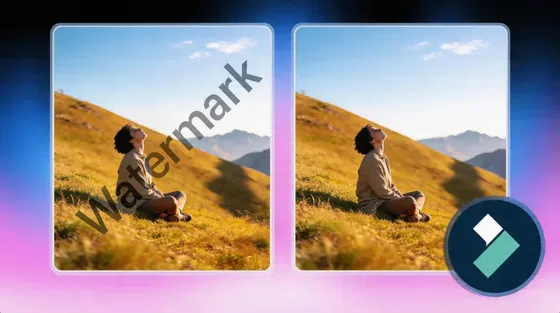
How to Remove Moving Watermarks in Filmora in 2026
How to Remove Watermarks from Videos with Vmake's Watermark Remover Tool
Demystifying 2K Video Resolution: The Ultimate Guide
