
10 Best AI Video Generation Models in 2026
Compare the 10 best AI video generation models in 2026. Explore their strengths, capabilities, and use cases, then discover how Vmake AI helps you access and create videos with leading models from one platform.

AI video generation models are changing how videos are created, enabling users to turn text prompts and images into engaging content in minutes. In this guide, we compare the best AI video generation models in 2026, evaluating their capabilities, strengths, and use cases for creators, marketers, agencies, e-commerce,and businesses.
What Are AI Video Generation Models?
AI video generation models are AI systems that can make videos from text prompts, images, or reference inputs. They are trained on vast datasets that allow them to grasp motion, lighting, composition, and transitions between scenes, and thus to generate new video material. Unlike standard editing tools, these models synthesize videos from scratch based on user instructions. Modern models may also provide realistic motion, keep continuity of a scene, and follow complex directions more precisely.
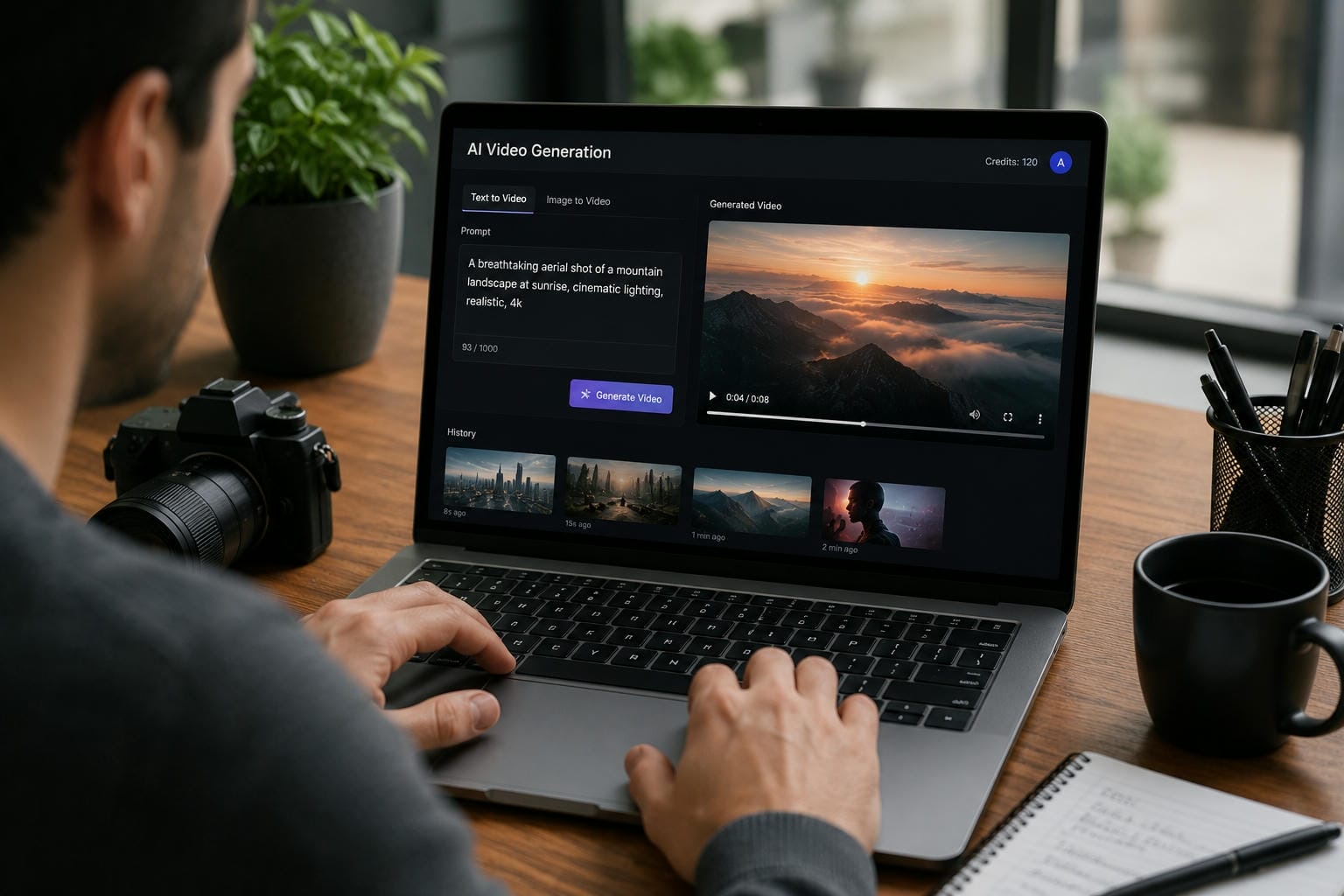
How AI Video Generation Models Work
Text-to-video generation
Text-to-video models can create video material from a written description. Users can define subjects, actions, environments, and camera motions, and the AI generates a matched video sequence.
Image-to-video generation
Image-to-video technology turns static photos into moving videos. This allows designers to add movement, transitions, and visual effects to existing photos.
Motion prediction and scene consistency
Advanced models analyze how objects and characters should move across frames, helping maintain continuity and reducing visual inconsistencies.
Visual style and prompt interpretation
Many AI video generation models can interpret creative instructions for lighting, camera angles, visual styles, and cinematic effects, giving users greater control over the final output.
10 Best AI Video Generation Models in 2026
|
Model |
Video Quality |
Motion Realism |
Prompt Adherence |
Scene Consistency |
Generation Speed |
Accessibility |
Innovation & Capabilities |
|---|---|---|---|---|---|---|---|
|
Veo 3.1 |
Excellent |
Excellent |
Excellent |
Excellent |
Fast |
Limited |
Native audio generation |
|
Kling 3.0 |
Excellent |
Outstanding |
Very Good |
Very Good |
Fast |
Moderate |
Advanced physics simulation |
|
Seedance 2.0 |
Very Good |
Very Good |
Excellent |
Excellent |
Fast |
Moderate |
Strong character consistency |
|
Sora 2 |
Excellent |
Excellent |
Very Good |
Outstanding |
Moderate |
Advanced |
Long-form scene generation |
|
Vidu Q1 |
Very Good |
Good |
Very Good |
Very Good |
Fast |
Easy |
Multi-image reference workflows |
|
Wan 2.7 |
Good |
Good |
Very Good |
Good |
Fast |
Advanced |
Open-source customization |
|
Runway Gen-4 |
Excellent |
Very Good |
Excellent |
Very Good |
Fast |
Easy |
Professional creative controls |
|
Hailuo 02 |
Good |
Good |
Good |
Good |
Very Fast |
Easy |
Rapid rendering workflow |
|
Pika 2.2 |
Good |
Good |
Good |
Good |
Fast |
Easy |
Social media content creation |
|
LTX-2 Pro |
Very Good |
Very Good |
Good |
Very Good |
Fast |
Advanced |
Local deployment support |
-
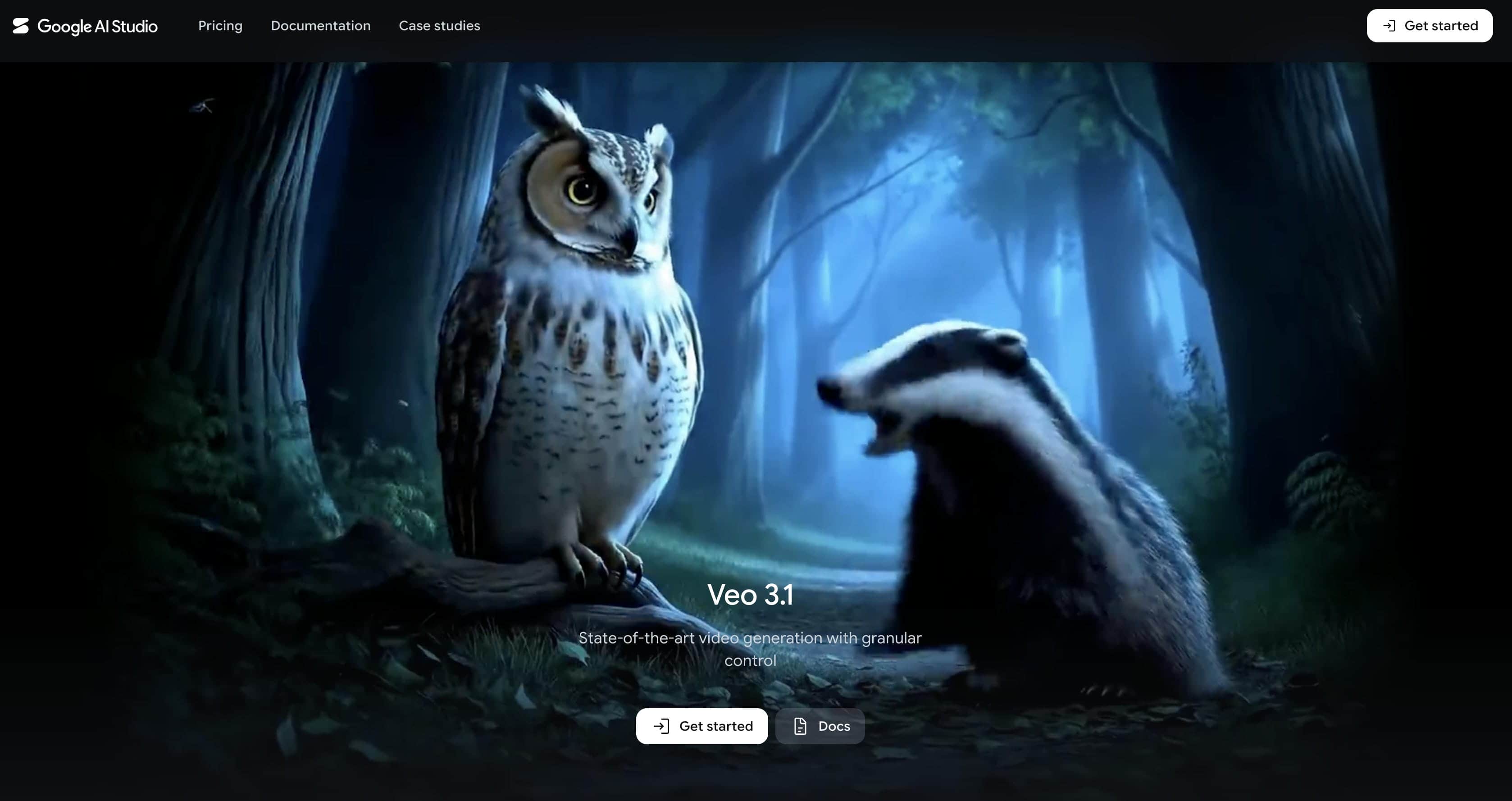
Veo 3.1
Veo 3.1 is Google's latest AI video generation model for creating videos from text and image prompts. It focuses on prompt accuracy, scene consistency, and synchronized audio generation, making it suitable for storytelling, marketing content, and creative productions.
Pros and Cons
|
Pros |
Cons |
|---|---|
|
Strong prompt adherence |
Limited public access |
|
Supports native audio generation |
Availability depends on platform access |
|
Maintains scene consistency well |
May require higher usage costs |
|
Suitable for commercial projects |
Fewer publicly available integrations |
Pricing
|
Tier/Service |
Pricing Structure |
|---|---|
|
Veo 3.1 Lite |
$0.05/second |
|
Veo 3.1 Fast |
$0.15/second |
|
Veo 3.1 Standard |
$0.40/second |
-
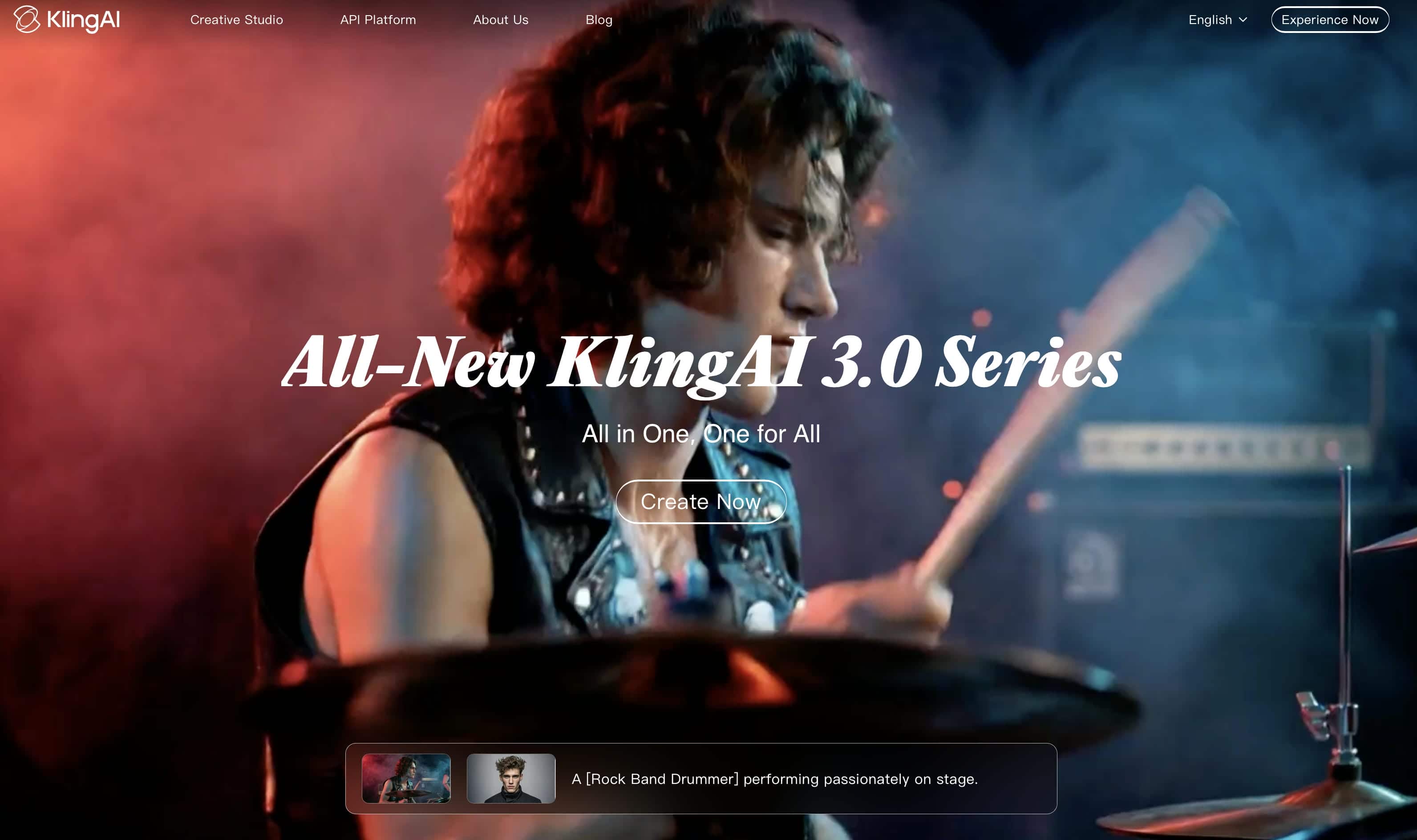
Kling 3.0
Kling 3.0 is an AI video model known for realistic motion generation and physics-based animations. It can create videos from text prompts and images while maintaining consistent movement across scenes. The model is often used for character animations, action sequences, and visual effects-driven content.
Pros and Cons
|
Pros |
Cons |
|---|---|
|
Realistic motion generation |
Moderate accessibility |
|
Strong physics simulation |
Learning curve for advanced features |
|
Handles dynamic scenes well |
Generation times can vary |
|
Suitable for commercial content |
Some features may require paid plans |
Pricing
|
Tier/Service |
Pricing Structure |
|---|---|
|
Kling AI Free Tier |
Free daily basic credits |
|
Standard Plan |
$10/month |
|
Pro/Ultra Subscriptions |
$37 to $180/month |
-
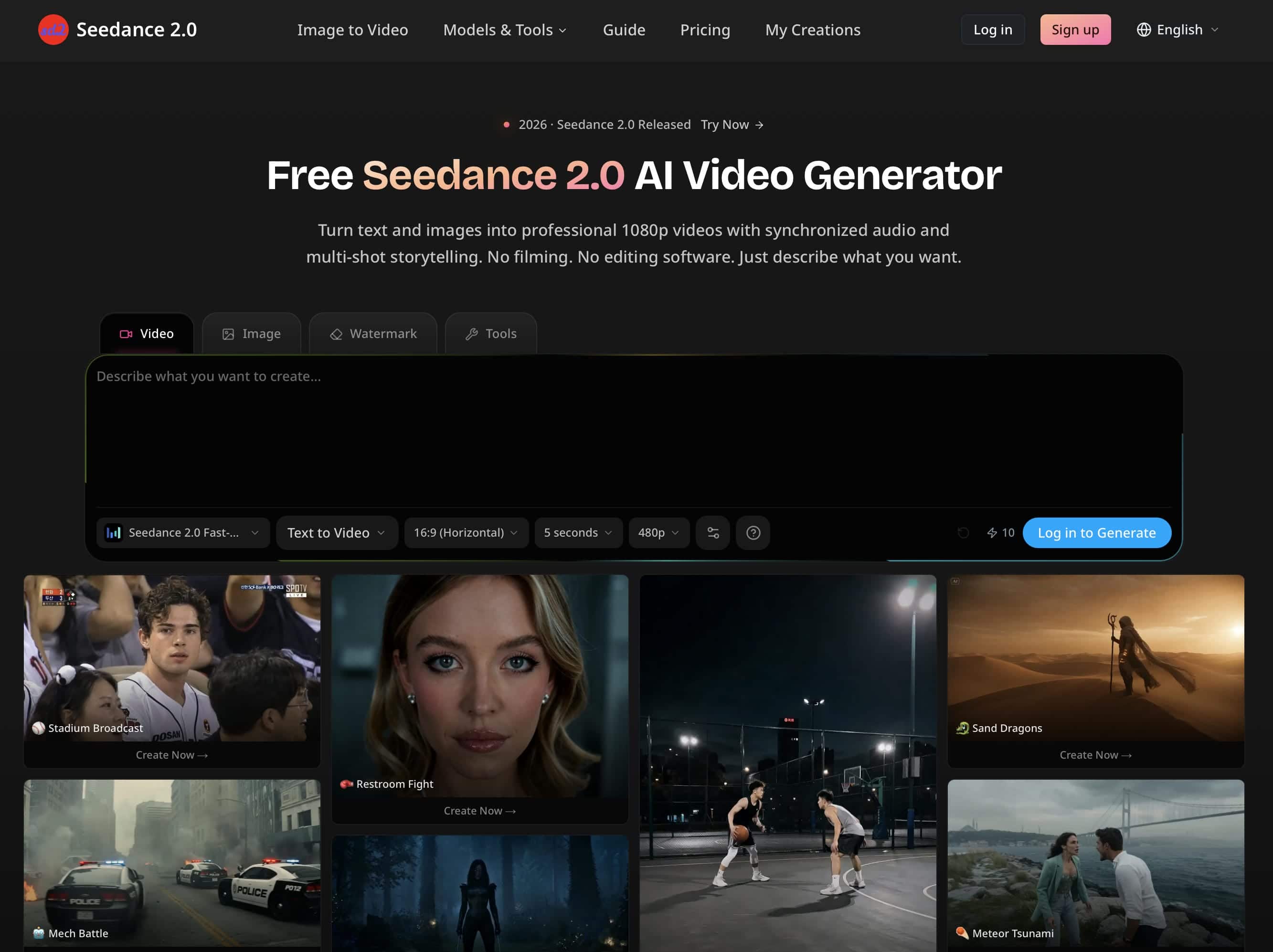
Seedance 2.0
Seedance 2.0 is designed to generate videos with consistent characters, environments, and visual styles. It performs well on projects that require continuity across multiple scenes and shots. The model is commonly used for storytelling, branded campaigns, and narrative video creation.
Pros and Cons
|
Pros |
Cons |
|---|---|
|
Strong character consistency |
Smaller ecosystem than major competitors |
|
Good scene continuity |
Limited public integrations |
|
Accurate prompt interpretation |
Fewer learning resources available |
|
Suitable for narrative content |
Platform availability may vary |
Pricing
|
Tier/Service |
Pricing Structure |
|---|---|
|
Starter Plan |
$19.90/month |
|
Premium Plan |
$34.90/month |
|
Advanced Plan |
$62.90/month |
-
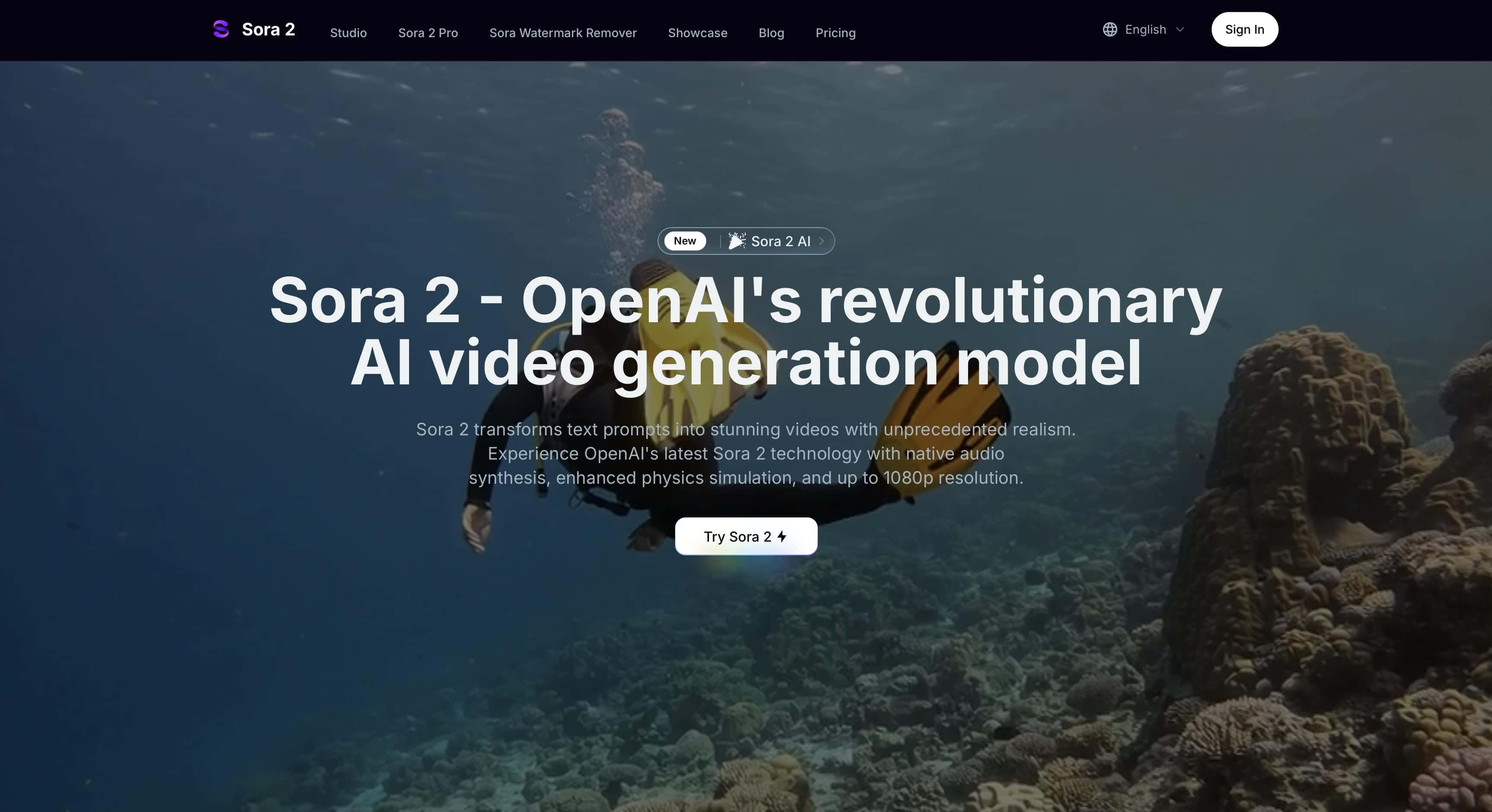
Sora 2
Sora 2 is OpenAI's video generation model built for creating detailed scenes and longer video sequences. It can generate videos from prompts while maintaining scene consistency and visual coherence. The model is often used for storytelling, creative projects, and cinematic content.
Pros and Cons
|
Pros |
Cons |
|---|---|
|
Strong scene consistency |
Access may be limited in some regions |
|
Handles longer sequences effectively |
Moderate generation speed |
|
Produces detailed visuals |
Advanced features may require premium access |
|
Suitable for creative storytelling |
Limited customization compared to some tools |
Pricing
|
Tier/Service |
Pricing Structure |
|---|---|
|
Sora 2 Standard API |
$0.10/second |
|
Sora 2 Pro API (1024p) |
$0.50/second |
|
Sora 2 Pro API (1080p) |
$0.70/second |
-
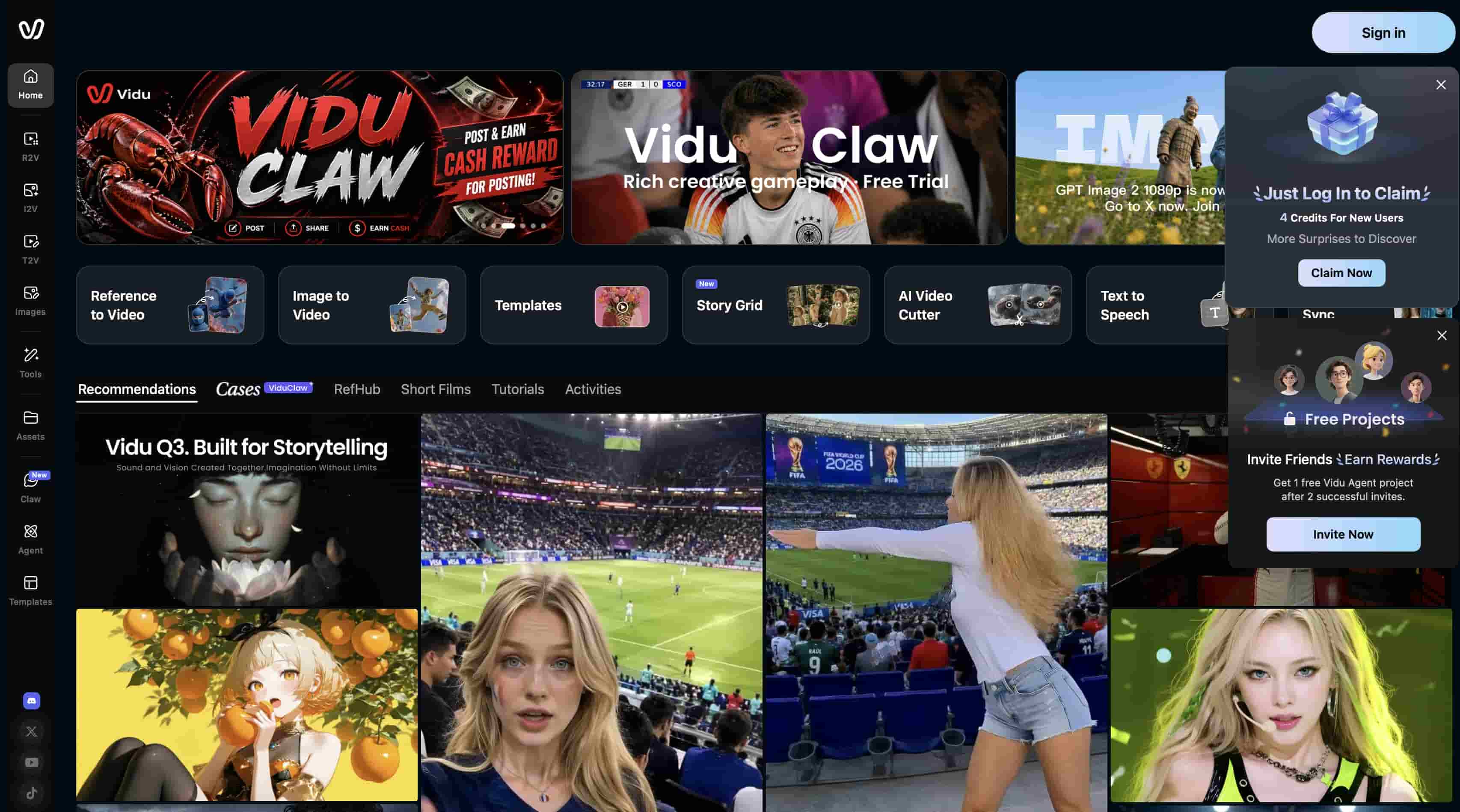
Vidu Q1
Vidu Q1 is a video generation model focused on image-to-video workflows and reference-based creation. It allows users to generate videos while preserving the visual characteristics of uploaded images. The model is commonly used for marketing content, product visuals, and social media videos.
Pros and Cons
|
Pros |
Cons |
|---|---|
|
Supports image references |
Motion realism trails leading models |
|
Fast generation speed |
Fewer advanced editing controls |
|
Easy for beginners to use |
Output quality varies by prompt |
|
Suitable for marketing content |
Limited cinematic capabilities |
Pricing
|
Tier/Service |
Pricing Structure |
|---|---|
|
Free Plan |
Free ($0)/month (80 credits) |
|
Standard Plan |
$10 monthly |
|
Premium Plan |
$35 monthly |
|
Ultimate Plan |
$99 monthly |
-
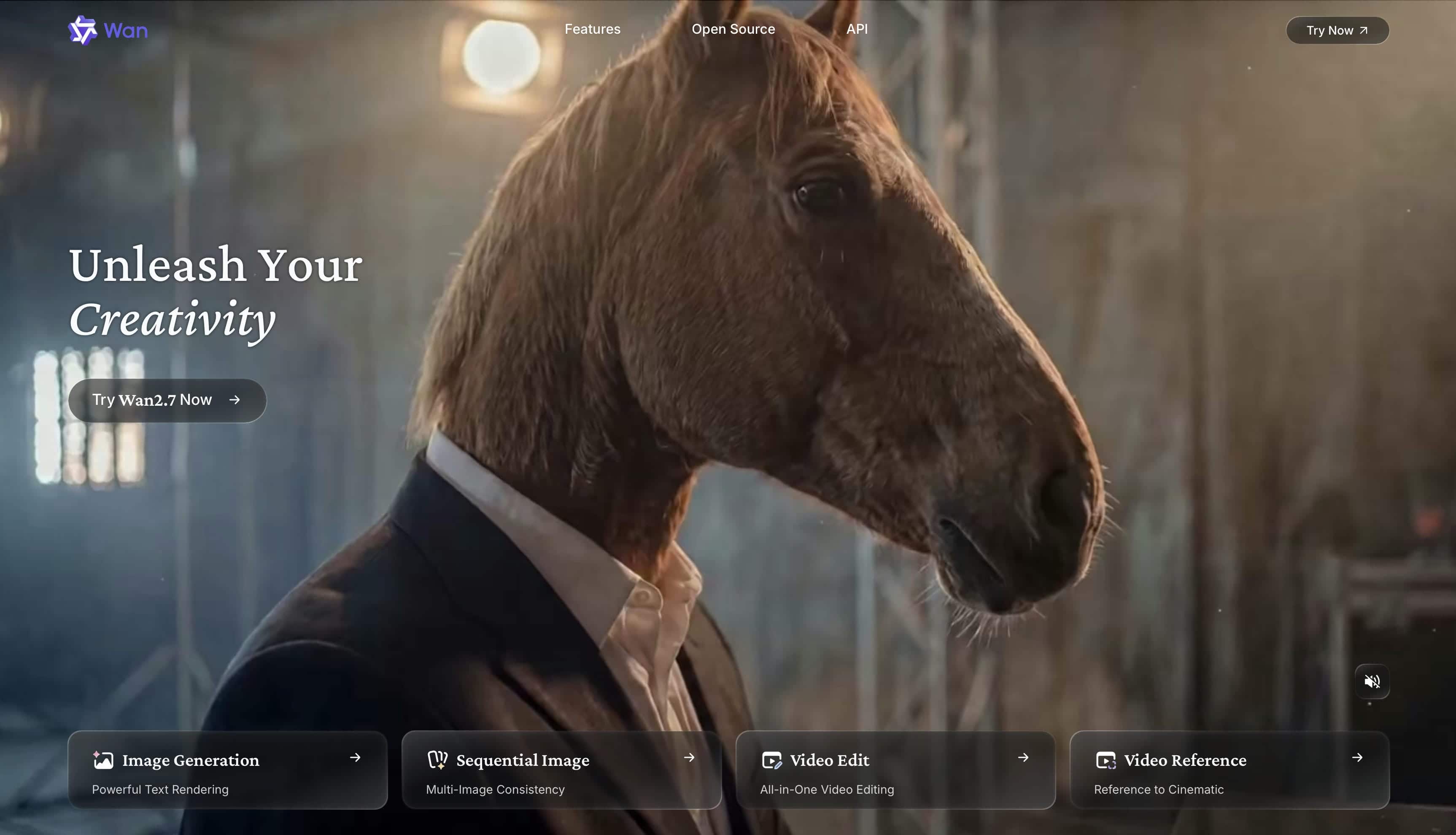
Wan 2.7
Wan 2.7 is one of the leading open-source video generation models available in 2026. It provides developers and organizations with greater flexibility for customization and deployment. The model is often used for experimentation, research, and custom AI video generation workflows.
Pros and Cons
|
Pros |
Cons |
|---|---|
|
Open-source and customizable |
Requires technical knowledge |
|
Supports local deployment options |
Setup can be complex |
|
Active developer community |
Not beginner-friendly |
|
Flexible for experimentation |
Resource-intensive for some workflows |
Pricing
|
Tier/Service |
Pricing Structure |
|---|---|
|
Basic |
$19.80/month |
|
Pro |
$39.90/month |
|
Max |
$199.90/month |
-
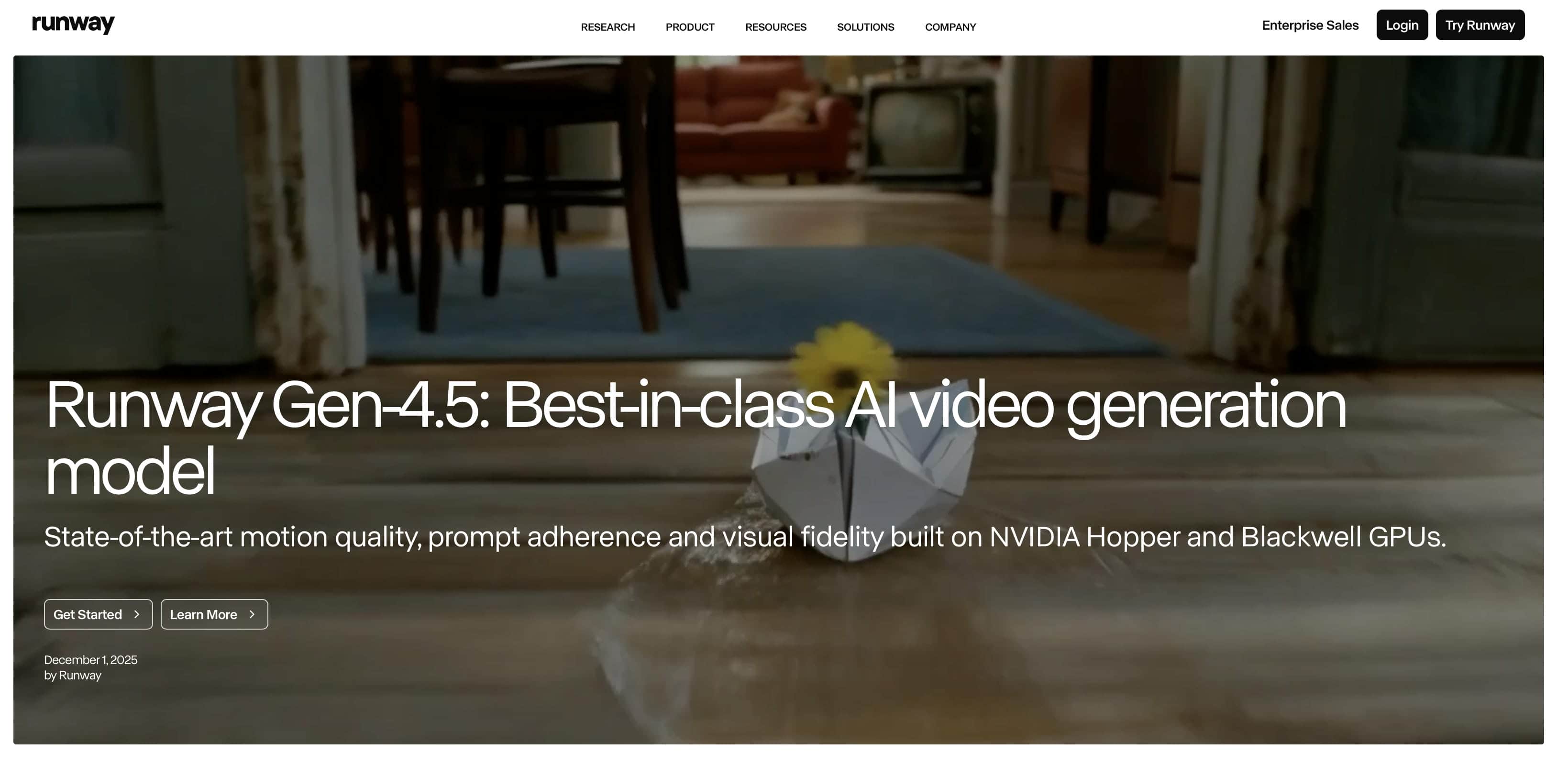
Runway Gen-4
Runway Gen-4 is a video generation model used in professional creative and commercial workflows. It supports text-to-video generation while offering access to editing and post-production tools. The model is commonly used by marketers, designers, filmmakers, and content teams.
Pros and Cons
|
Pros |
Cons |
|---|---|
|
Strong creative controls |
Subscription costs can increase with usage |
|
Good prompt adherence |
Advanced tools may require experience |
|
Supports professional workflows |
Some features have usage limits |
|
Widely adopted by creators |
Performance depends on plan level |
Pricing
|
Tier/Service |
Pricing Structure |
|---|---|
|
Standard Plan |
$12/user/month |
|
Pro Plan |
$28/user/month |
|
Max Plan |
$76/user/month |
-
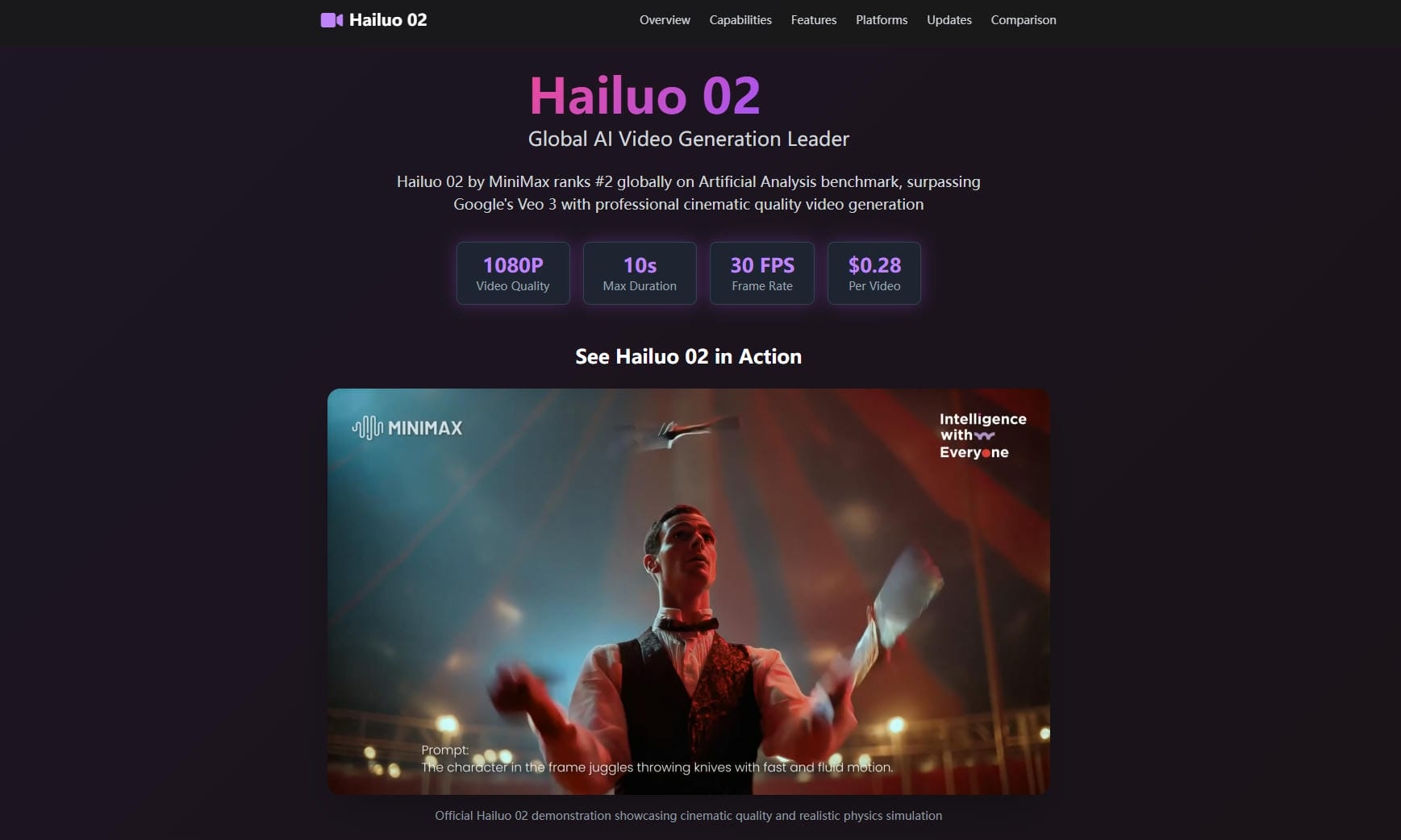
Hailuo 02
Hailuo 02 focuses on fast video generation and streamlined content creation workflows. It allows users to generate videos quickly from prompts and images without extensive setup. The model is often used for social media content, concept testing, and short-form videos.
Pros and Cons
|
Pros |
Cons |
|---|---|
|
Fast generation speed |
Lower visual quality than premium models |
|
Simple user experience |
Limited advanced controls |
|
Suitable for rapid content creation |
Less effective for complex scenes |
|
Easy to learn |
Fewer customization options |
Pricing
|
Tier/Service |
Pricing Structure |
|---|---|
|
Standard Plan |
$9.99/month |
|
Pro Plan |
$34.99/month |
|
Master |
$79.99/month |
-
Pika 2.2
Pika 2.2 is built for creating short-form videos and social media content. Its workflow emphasizes speed and ease of use, making it accessible to a wide range of creators. The model is commonly used for TikTok videos, Instagram Reels, and other social media projects.
Pros and Cons
|
Pros |
Cons |
|---|---|
|
Beginner-friendly workflow |
Limited support for longer videos |
|
Fast content generation |
Less control over complex edits |
|
Suitable for social media content |
Output quality varies by project |
|
Easy to use |
Fewer professional production features |
Pricing
|
Tier/Service |
Pricing Structure |
|---|---|
|
Basic Plan |
Free ($0)/month (80 credits) |
|
Standard Plan |
$10 monthly |
|
Pro Plan |
$35 monthly |
|
Fancy Plan |
$95 monthly |
-
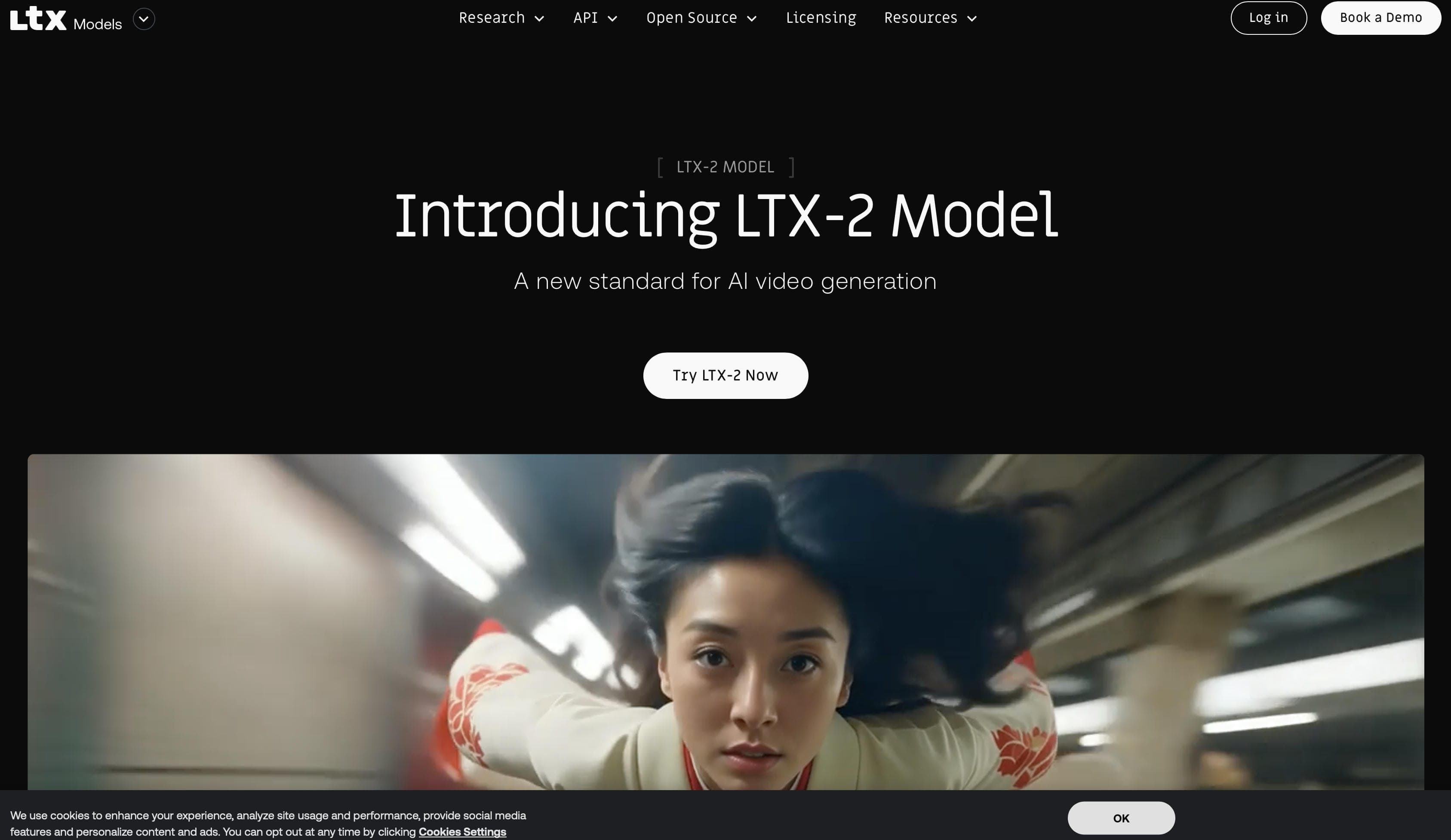
LTX-2 Pro
LTX-2 Pro is a video generation model designed for efficient production workflows and local deployment. It gives organizations greater control over infrastructure, processing, and data management. The model is often used in enterprise environments and advanced video generation workflows.
Pros and Cons
|
Pros |
Cons |
|---|---|
|
Supports local deployment |
Requires technical setup |
|
Suitable for production environments |
Not ideal for casual users |
|
Good workflow efficiency |
Hardware requirements may be higher |
|
Greater control over data and processing |
Smaller user ecosystem compared to mainstream models |
Pricing
|
Tier/Service |
Pricing Structure |
|---|---|
|
LTX-2 Pro (1080p) |
$0.06/second of video output |
|
LTX-2 Pro (1440p) |
$0.12/second of video output |
|
LTX-2 Pro (4K) |
$0.24/second of video output |
After comparing these models, the next challenge is using them without juggling multiple accounts and platforms. Vmake AI addresses this by bringing several video generation models into one workspace, so you can test and create without switching tools.
Create Videos with Leading AI Video Generation Models Using Vmake AI
Vmake AI serves as a unified workspace, removing the friction from generative video production. Instead of maintaining dozens of separate subscriptions, handling complex API endpoints, or investing in expensive hardware, Vmake AI aggregates top AI models directly into an intuitive, web-accessible application built for both individual creators and marketing teams.
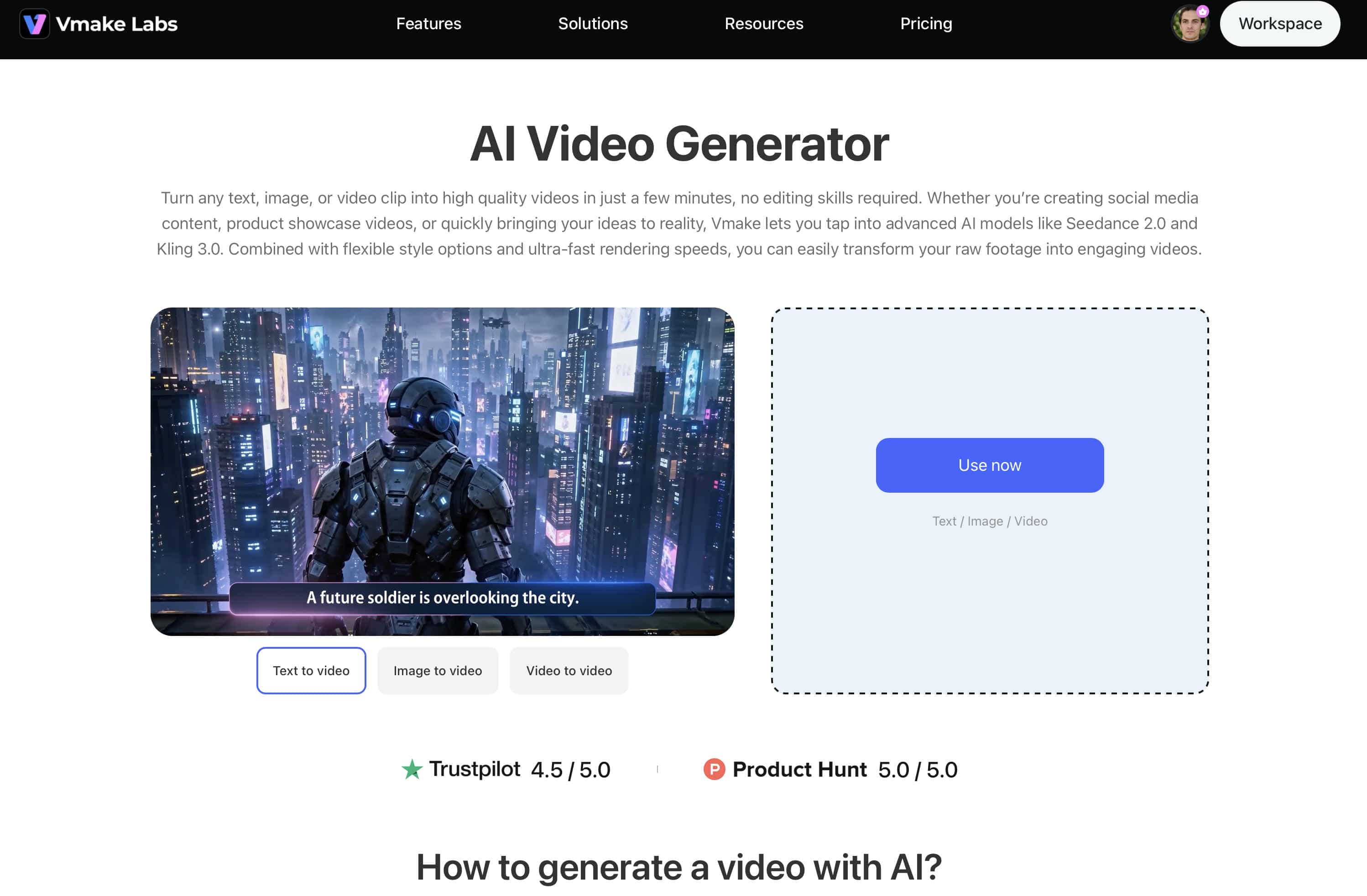
Key features of Vmake AI Video Generator
-
Access to leading AI video models: Choose from popular AI models such as Seedance 2.0, Sora 2, Kling 3.0, Veo 3.1, Hailuo 2.3, Vidu Q2, and Wan 2.2 to generate videos that match your creative needs.
-
Multiple AI video generation modes: Create videos from text prompts, reference images, first and last frame images, built-in effects, or existing videos using text-to-video, image-to-video, and video-to-video workflows.
-
Flexible duration and resolution options: Generate videos ranging from 2 to 15 seconds with support for multiple resolutions, including high-quality outputs suitable for professional projects.
-
Simple and beginner-friendly workflow: The platform is designed for ease of use, allowing users to generate videos in just a few steps without requiring advanced editing skills.
-
Versatile creative applications: Create e-commerce promotional videos, social media content, cinematic scenes, animated concepts, product showcases, and other creative video projects from a single platform.
How to Generate Videos with Vmake AI
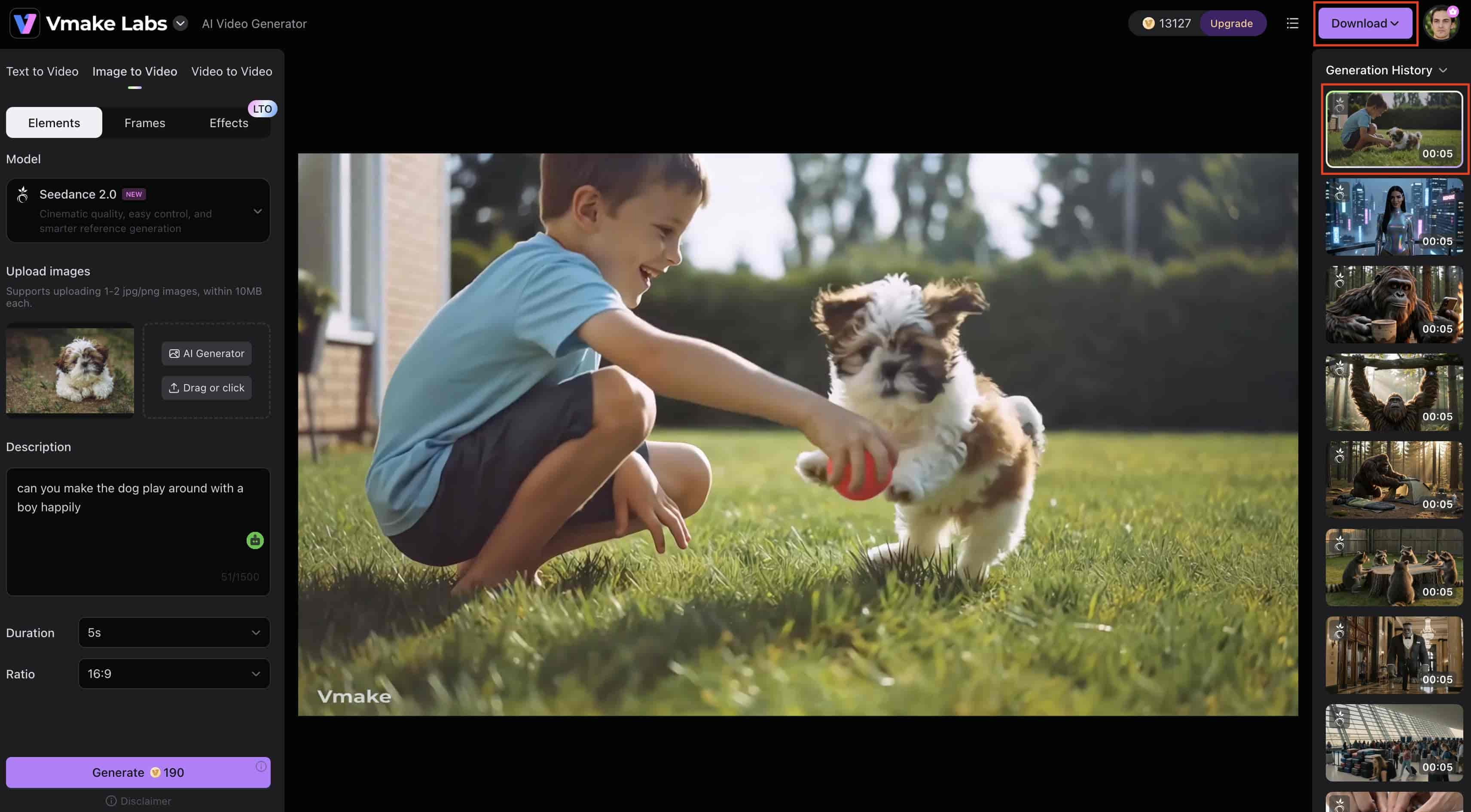
Creating content on Vmake AI requires four straightforward steps based on the unified creation panel:
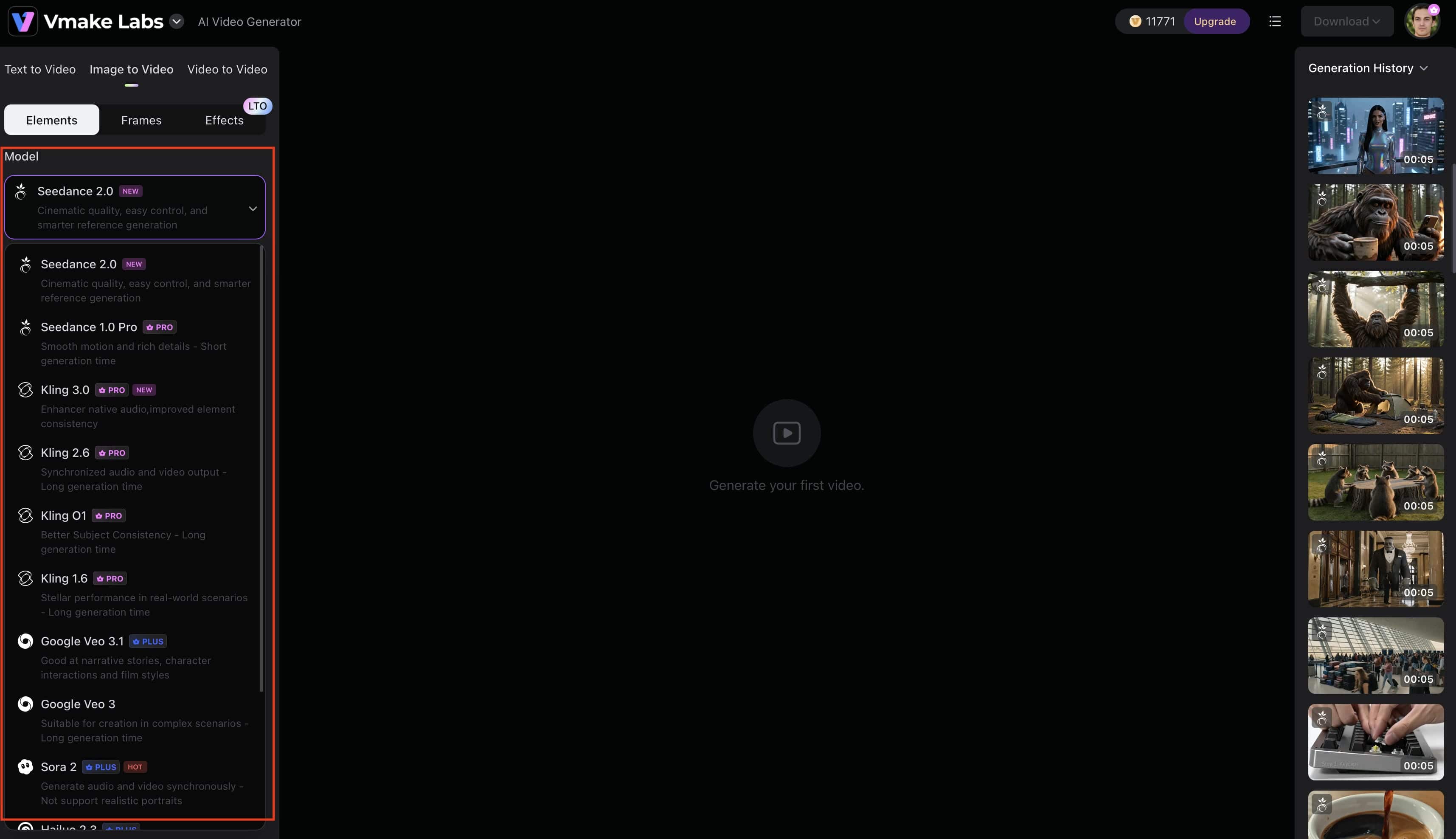
Step 1: Choose the AI Video Generation Model
Start by opening Vmake AI Video Generator and selecting your preferred model. Vmake AI offers access to multiple AI video generation models, including Seedance 2.0, Kling 3.0, Veo 3.1, Sora 2, Hailuo, Vidu, and Wan, allowing you to choose the model that best matches your project requirements.
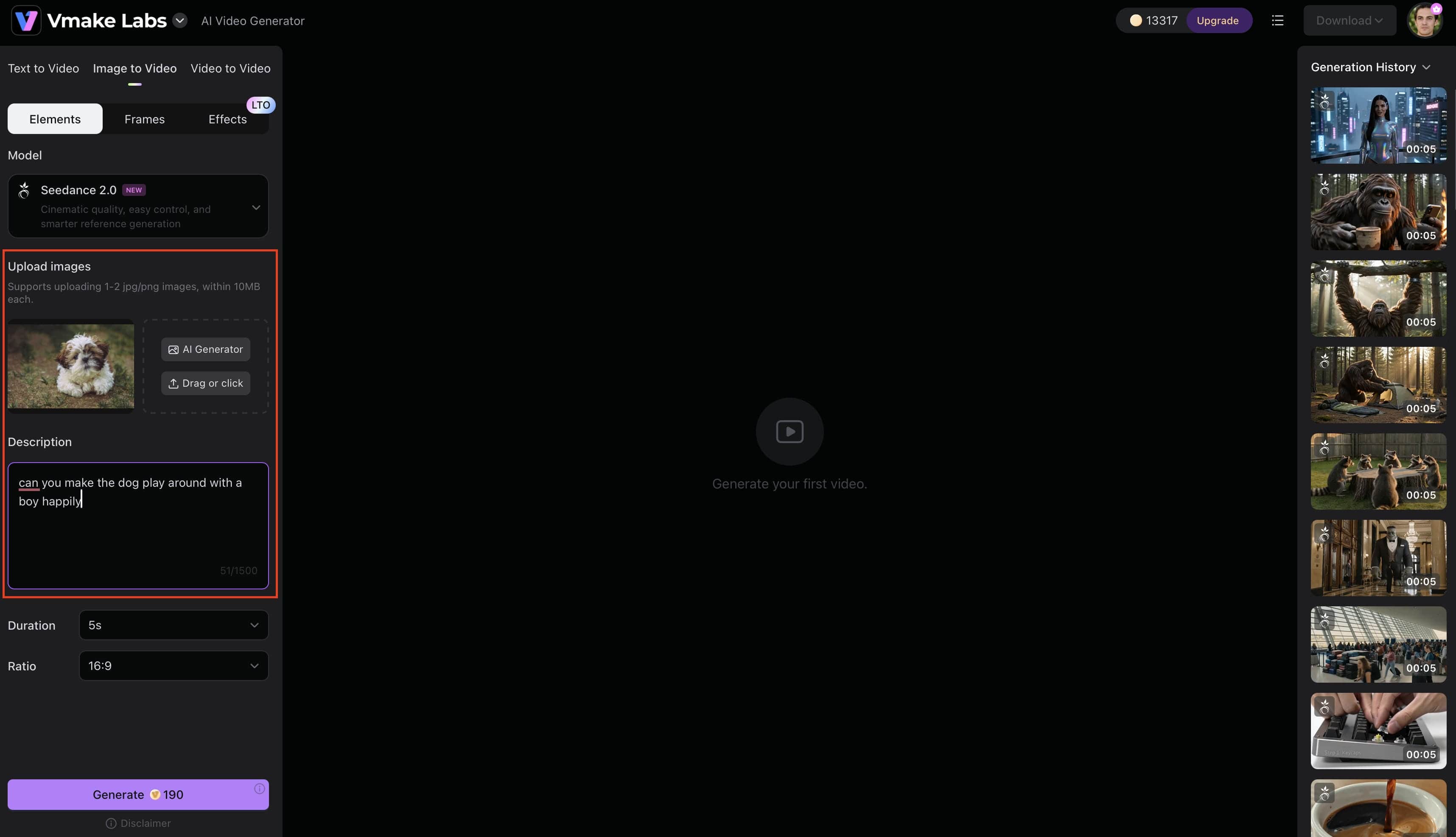
Step 2: Add your image and video prompt
Select either Text to Video or Image to Video. Enter a text prompt to generate a video from scratch, or upload an image and describe the motion or scene you want to create. This helps the AI model generate videos that align with your creative vision.
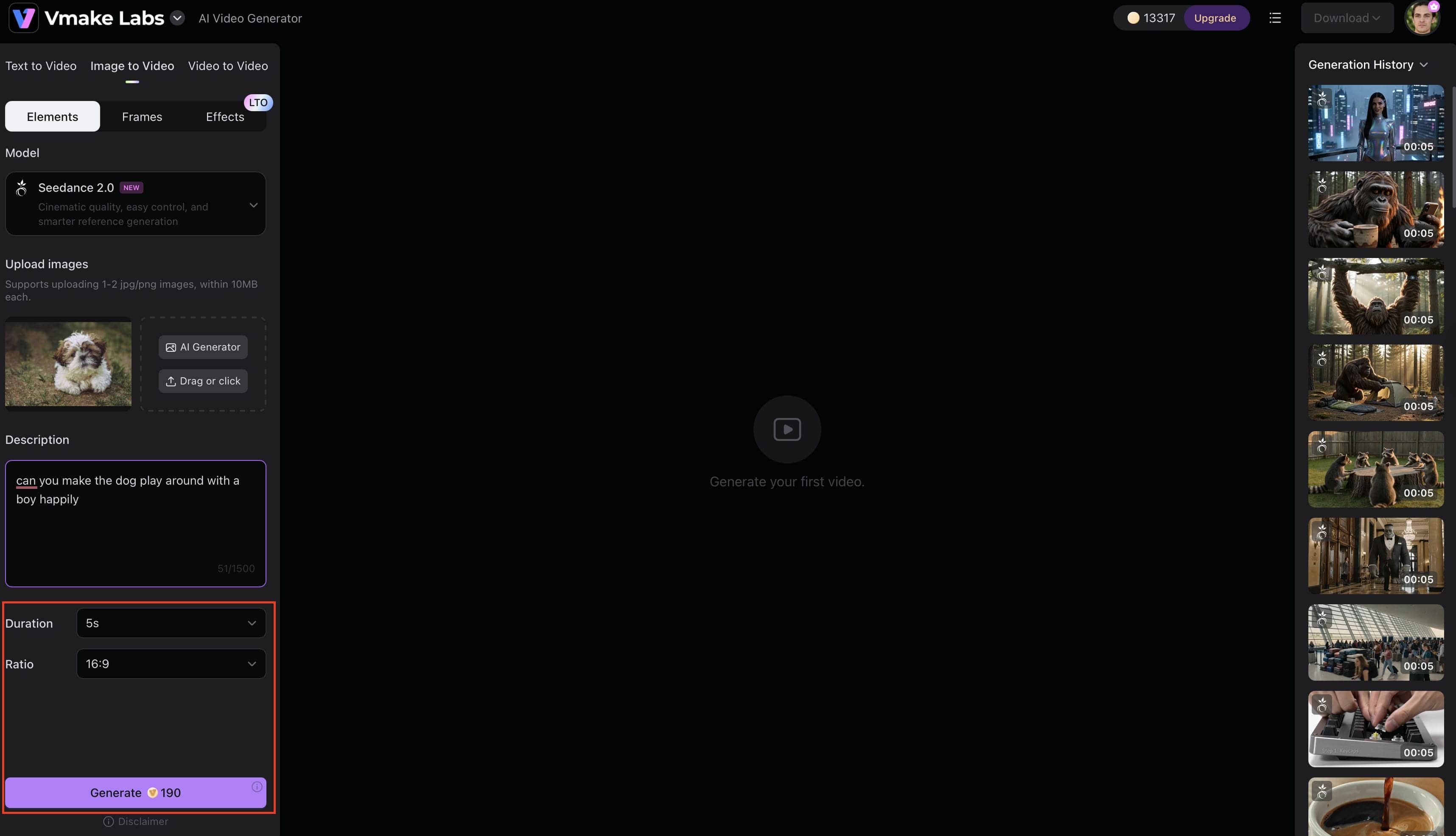
Step 3: Adjust the Settings and Generate
Select your preferred video duration and aspect ratio before clicking the Generate button. These settings help tailor the output for different platforms, such as YouTube, TikTok, Instagram Reels, or marketing campaigns.
Step 4: Monitor, preview, and download the Final Video
Once the video is generated, preview the result in the generation history panel. If you're satisfied with the output, click Download to save the video and use it in your projects.
Conclusion
AI video generation models continue to transform how creators produce visual content. From Veo 3.1 and Sora 2 to Kling 3.0, Runway Gen-4, and open source video generation models such as Wan 2.7, there are now more options than ever before. All the models have unique pros and cons in terms of video quality, motion realism, rapid adherence, and workflow efficiency. What is best depends on your goals, your budget, and your production needs. If you want a more straightforward way to use powerful AI models to generate videos, Vmake AI offers a simple platform to create videos instantly, flexibly, and efficiently from text prompts and images.
FAQs
-
What are AI video generation models?
AI video generation models are AI systems that can generate videos from text prompts, photos, or reference materials. The models employ machine learning to autonomously produce scenes, motion, and visual effects. On platforms like Vmake AI, these models are available with an intuitive video-making procedure.
-
Which are the best video generation models in 2026?
Some of the best video generation models in 2026 include Veo 3.1, Kling 3.0, Seedance 2.0, Sora 2, Runway Gen-4, Vidu Q1, Wan 2.7, Hailuo 02, Pika 2.2, and LTX-2 Pro. Many of these models are available through platforms like Vmake AI.
-
Are there open-source video generation models available?
Yes. Wan 2.7 is one of the most popular open-source video generating models. It offers increased flexibility for developers and enterprises that need greater control over customization and deployment, yet platforms like Vmake AI have made it easier to utilize the potential of AI video generation.
-
What is the difference between a video model and an AI video generator?
An AI video generator is a platform that provides access to video models. Video models are AI technology that generates video. For example, Vmake AI is an AI video generator that lets users generate videos with several AI video generation models.
-
Which AI model creates the most realistic videos?
Veo 3.1, Kling 3.0, and Sora 2 are considered by many to be some of the most realistic AI video generation models on the market today. They are good at motion quality, scene uniformity, and prompt adherence. For experimenting with different models and testing their performance, tools like Vmake AI offer access to multiple AI video-generating models on one platform.
-
Can beginners use AI video generation models?
Yes. Today’s AI video generators are built for those with little or no video editing knowledge. Tools like Vmake AI offer easy workflows, enabling beginners to generate films from text prompts or images in only a few basic steps.

You May Be Interested
2026 Wink Video Enhancer Review: Pros, Cons, and Alternatives
Synthesia AI Video Generator: Turn Text Into AI Videos Easily
How to Make AI Baby Videos: 3 Best Tools to Make Baby Videos

How to Make AI Cat Videos: A Complete Step-by-Step Guide
