
PicsArt AI Image Generator Review: Features, Pricing and Alternatives
Choosing the right AI image generator takes more than comparing features. Read our PicsArt AI Image Generator review to assess its capabilities and discover why many creators also consider Vmake Labs.

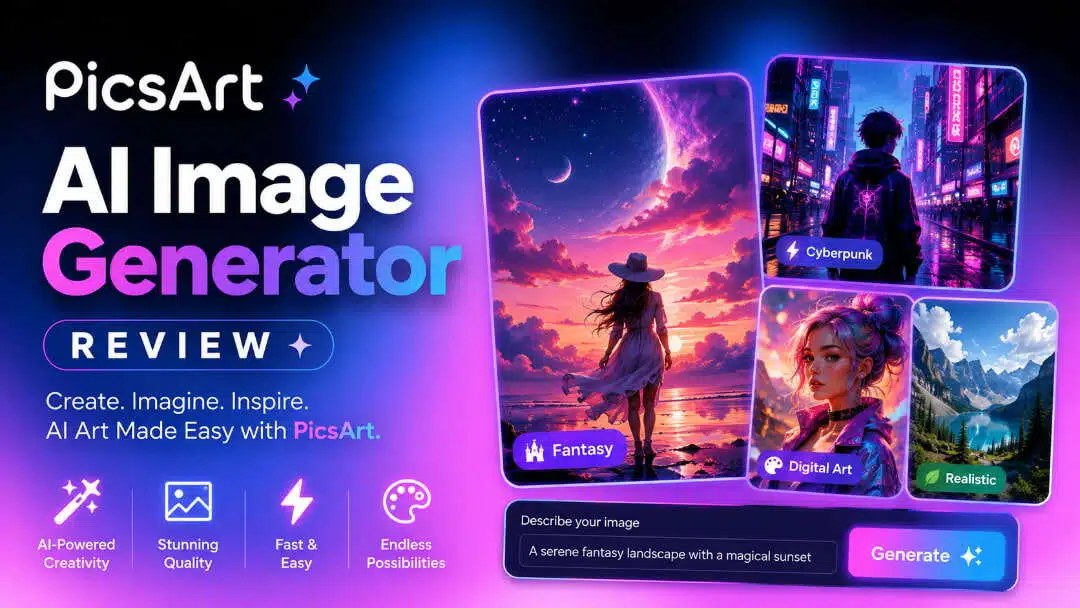
AI image generators have become an essential part of digital content creation, but some platforms offer more than simple text-to-image generation. In this PicsArt AI Image Generator review, we tested its AI tools, editing features, pricing, and user experience to help you decide if it's the right platform.
What is PicsArt AI Image Generator?
PicsArt AI Image Generator is an AI-powered service that can generate unique art, illustrations, backgrounds, and creative imagery from text prompts. It is a part of the larger PicsArt creative platform, not a separate AI image generator, so you can create images and then continue working on them using the built-in design and photo editing tools. It's built for content creators, marketers, designers, and social media users who want AI generation and image editing in one place.
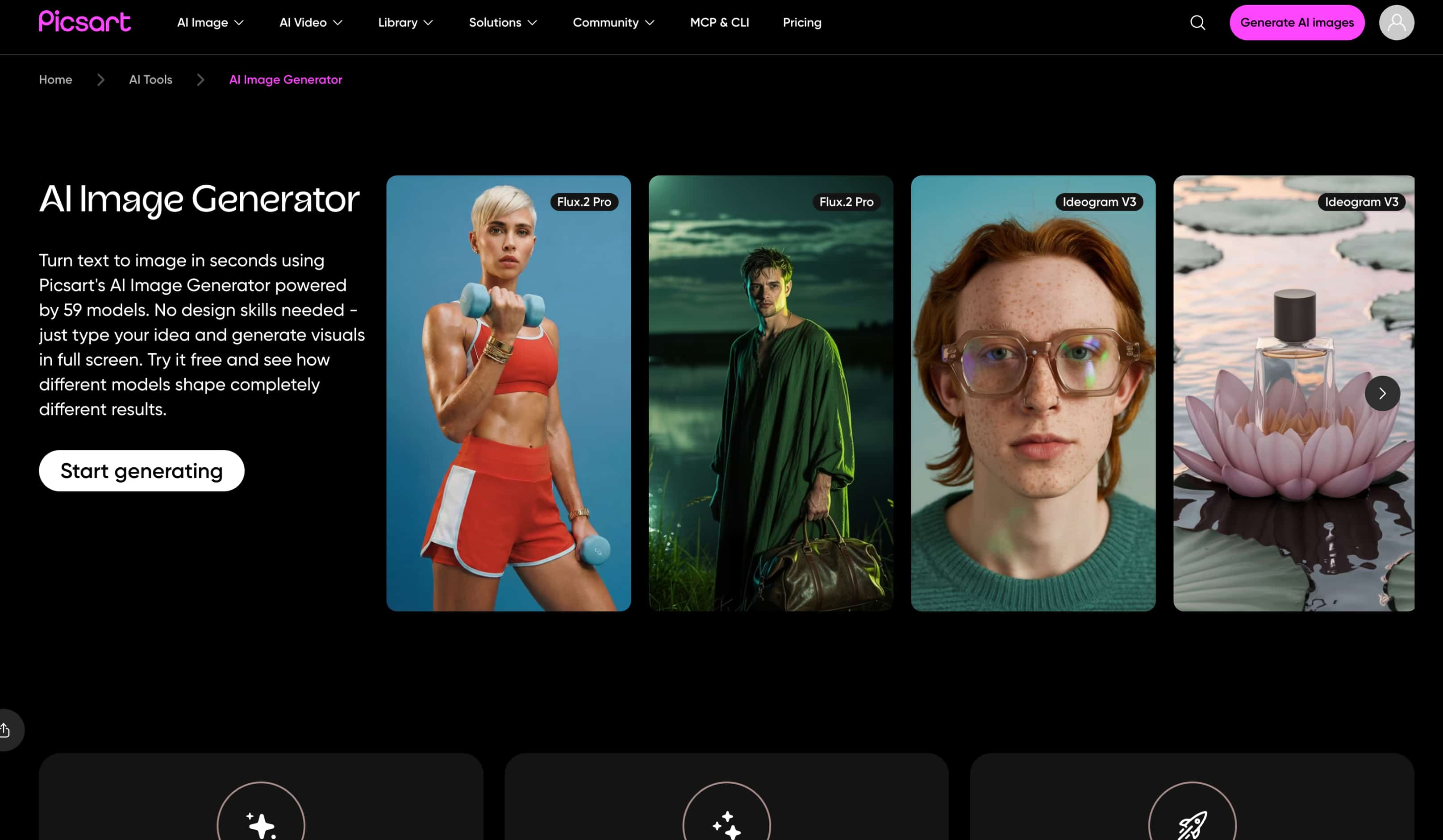
The platform is available on the web, Android, and iOS, making it easy to work across different devices. During our testing, we found the workflow intuitive and well-suited for beginners, particularly because image generation and editing are integrated into the same interface. However, creators looking to experiment with multiple AI models may find its generation options more limited than platforms dedicated primarily to AI image creation.
Key features of PicsArt AI Image Generator
-
AI text-to-image generation: Turn text prompts into original AI-generated artwork, illustrations, backgrounds, and creative visuals. During our testing, simple prompts produced good results, while more detailed descriptions generally generated richer and more accurate images.
-
Multiple art styles: Choose from a variety of styles, including realistic, anime, fantasy, sketch, and digital art. Switching styles noticeably changes the output, making it easy to experiment with different creative directions.
-
AI image editing after generation: Continue refining AI-generated images without leaving the platform. You can replace backgrounds, remove objects, expand images, apply AI effects, and make further adjustments after generation.
-
Built-in design and photo editing tools: Unlike standalone AI image generators, PicsArt combines image generation with photo editing, allowing you to add text, stickers, filters, templates, and other design elements in one workflow.
-
Templates and creative assets: Access a large library of templates, fonts, stock images, graphics, and stickers to quickly transform AI-generated images into social media posts, marketing materials, presentations, or other finished designs.
-
Cloud-based workflow: Work seamlessly across the web, Android, and iOS while keeping your projects synced. This makes it easy to start creating on one device and continue editing on another without interrupting your workflow.
How to use PicsArt AI Image Generator
Creating AI-generated images with PicsArt is straightforward, even if you've never used an AI art tool before. Because image generation is integrated with its editing suite, you can move seamlessly from creating an image to refining it within the same workflow.
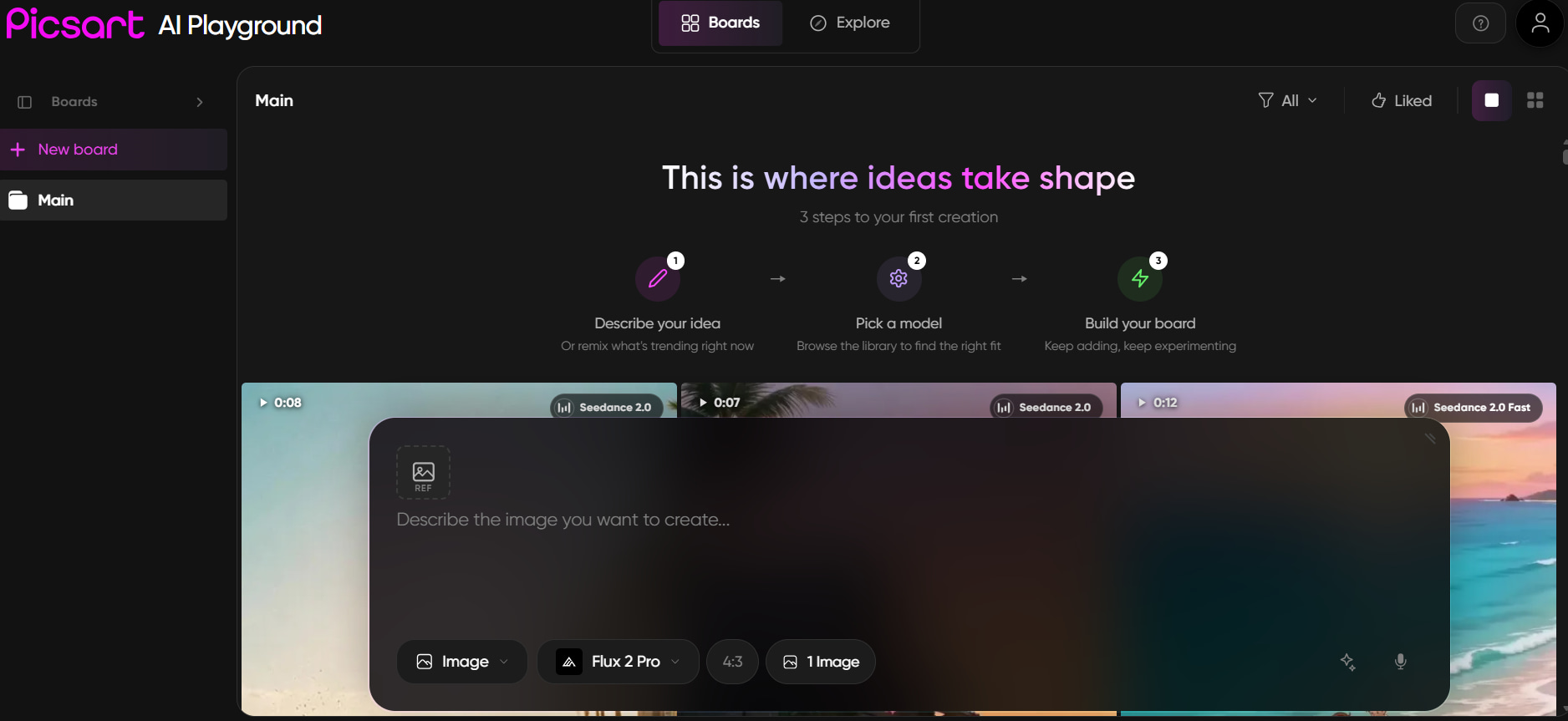
Step 1: Describe your idea
Enter a text prompt describing the image you want to generate, then choose an artistic style that best matches your vision. More descriptive prompts generally produce richer and more accurate results.
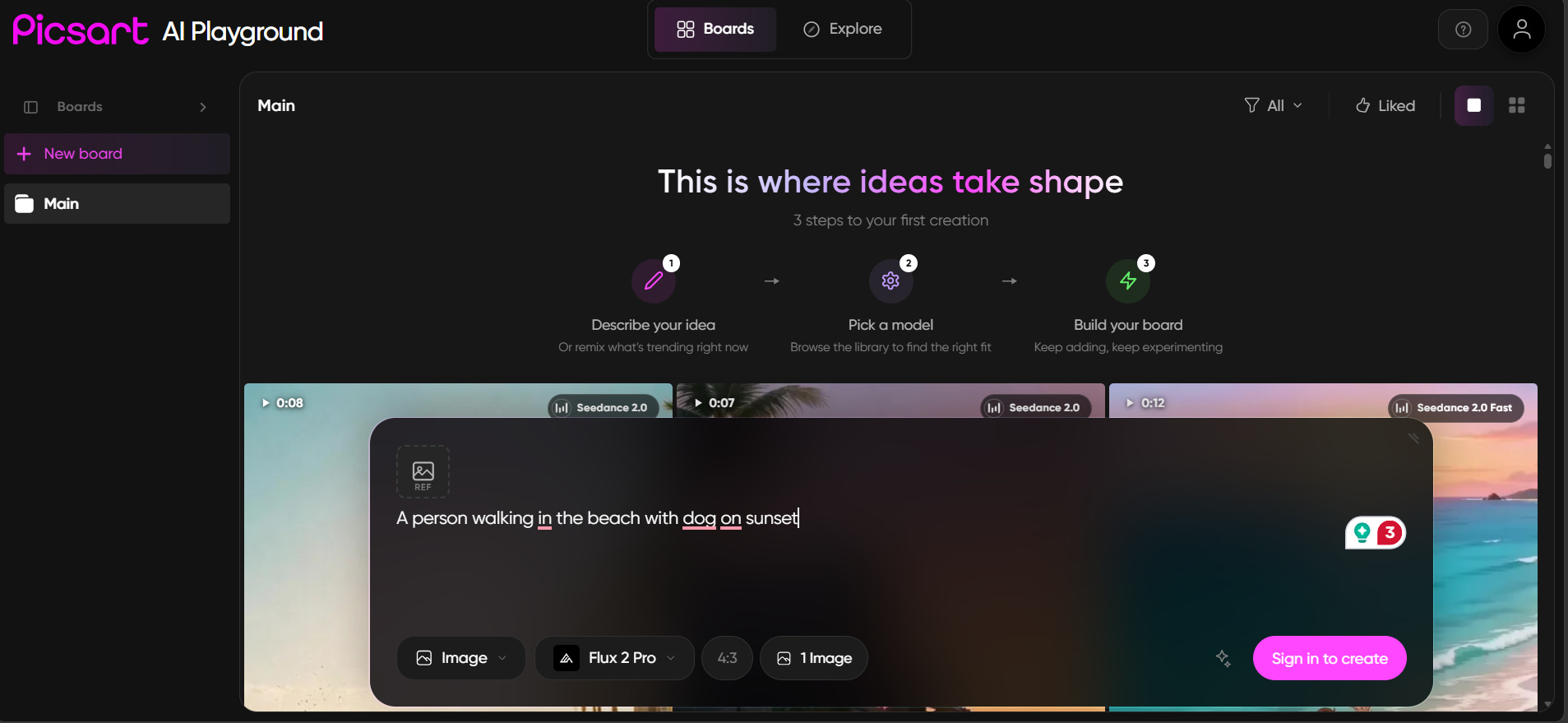
Step 2: Generate and refine your image
Click Generate to create your artwork. If the first result isn't exactly what you expected, you can regenerate the image or use PicsArt's AI editing tools to adjust backgrounds, effects, colours, or other design elements.
Step 3: Download or continue editing
Once you're satisfied with the generated image, download it or continue editing within the PicsArt editor by adding text, templates, graphics, or other creative assets to complete your design.
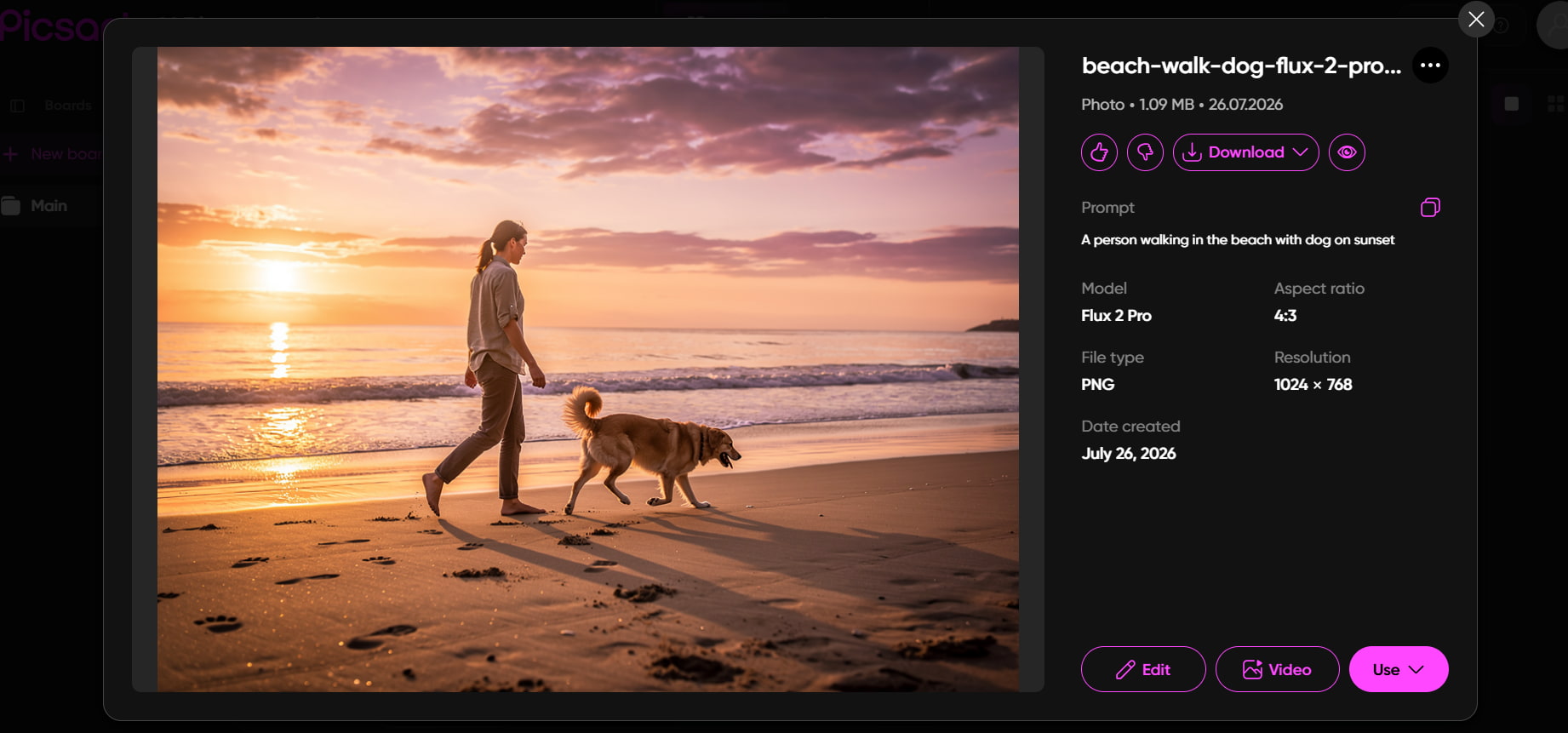
Is PicsArt AI Image Generator worth using?
PicsArt combines AI image generation with one of the most comprehensive online photo editing and design platforms available today. To evaluate whether it's worth using, we tested its AI image generation across artwork, social media graphics, marketing visuals, and concept illustrations while also reviewing its pricing, editing workflow, and community feedback. Here's what stood out during our testing.
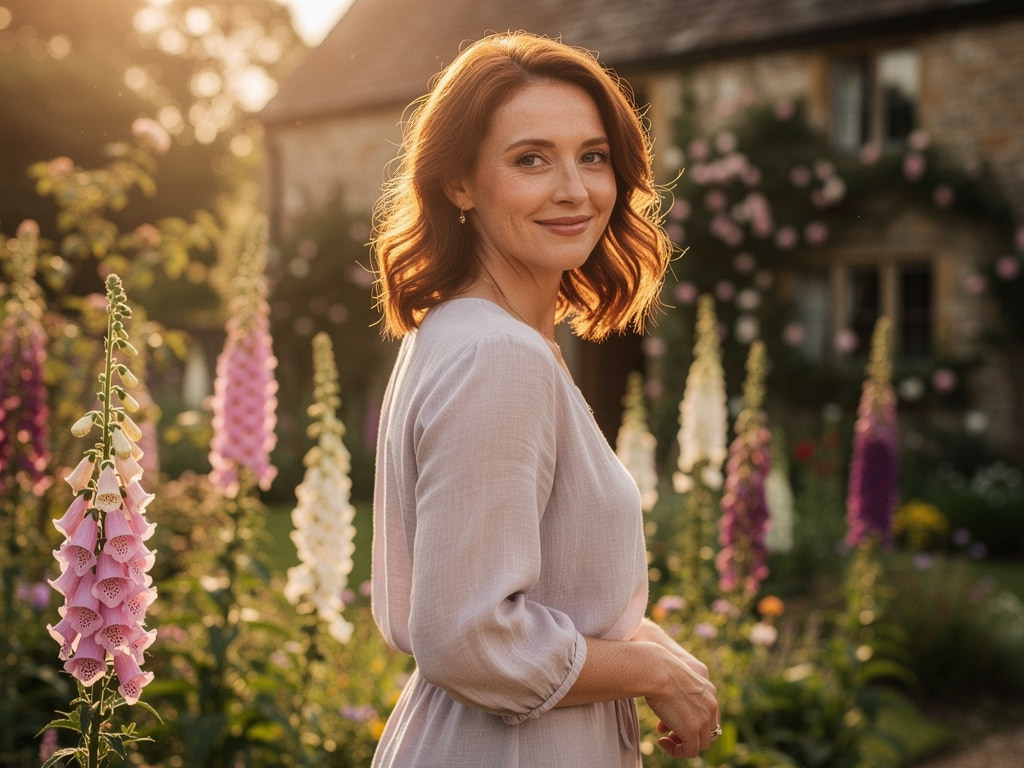
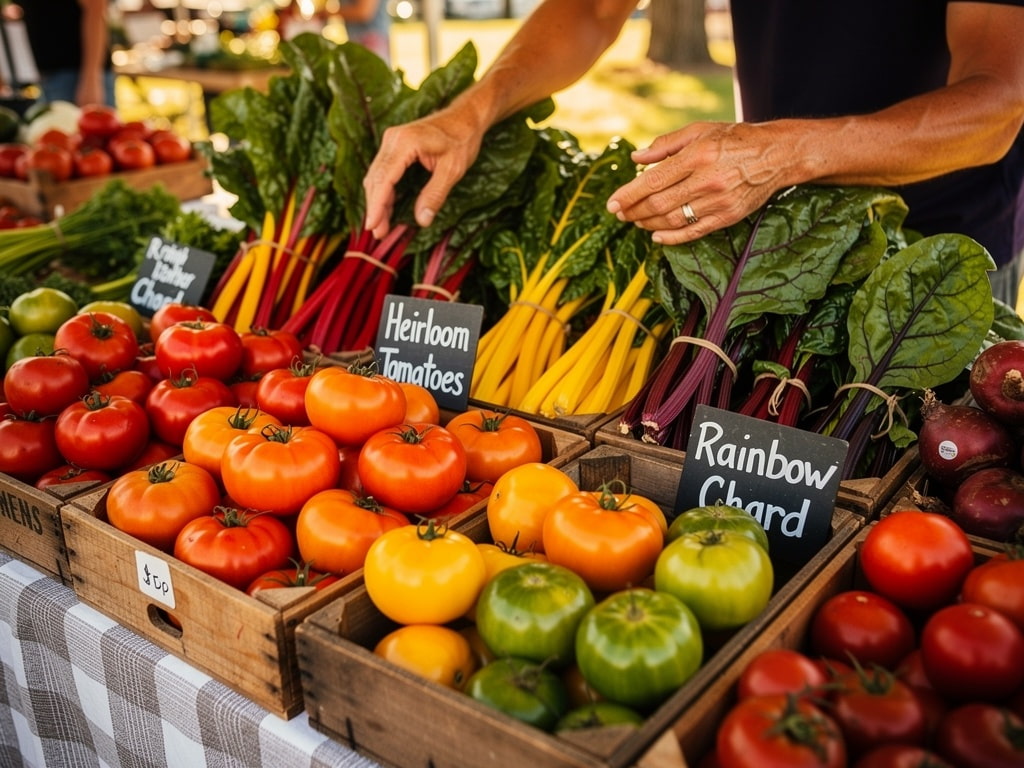
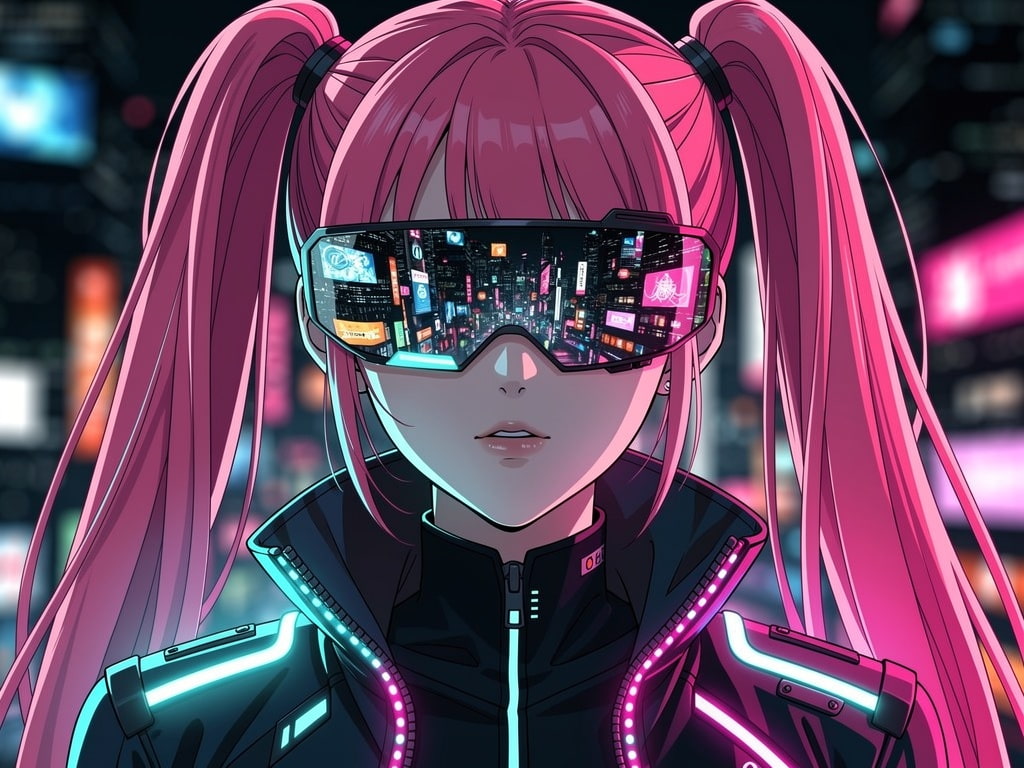
Test results
Realistic portrait
Everyday life
Cyberpunk
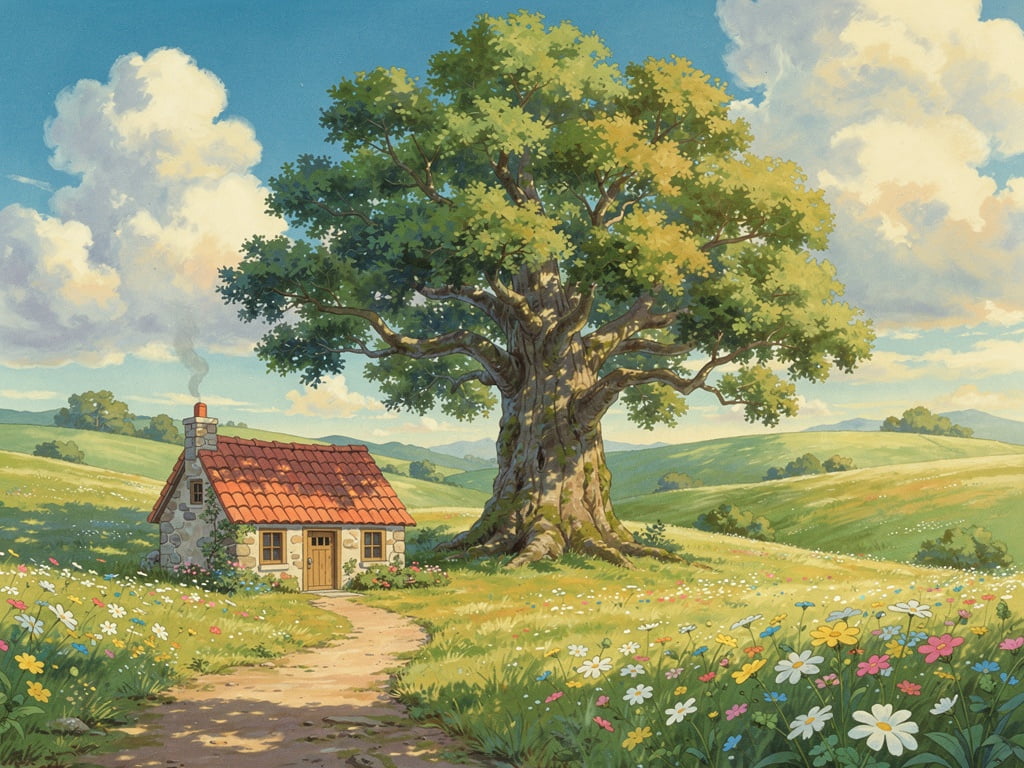
Ghibli style
Pros and cons
|
Pros |
Cons |
|---|---|
|
Images were generated quickly during testing, with most results appearing in under a minute. |
Complex prompts with multiple subjects occasionally produce inconsistent compositions or misplaced elements. |
|
Picsart followed simple prompts accurately, generating visuals that closely matched the requested style and color palette. |
Text generation remained unreliable, especially for logos, posters, or longer phrases, requiring manual edits. |
|
The built-in editor made it easy to expand images, remove objects, and apply AI edits without switching tools. |
Fine control over image generation is limited compared with AI image generators that offer multiple models or advanced prompt settings. |
|
AI-generated images integrated seamlessly with Picsart's templates, stickers, and design tools, making it easy to create social media graphics and marketing content. |
The free plan has limited AI credits, so extended testing or creating multiple variations requires a paid subscription. |
Pricing
PicsArt offers a free plan alongside three paid options, allowing users to choose a subscription based on how frequently they create AI-powered content. Paid plans increase AI credits while unlocking premium editing features, templates, cloud storage, and additional creative tools.
|
Plan |
Best for |
|---|---|
|
Free |
New users who want to explore the platform and test its AI image generation features. |
|
Pro ($15/month) |
Content creators, freelancers, and social media managers who regularly create AI-powered graphics and need access to premium editing tools. |
|
Ultra ($75/month) |
Heavy AI users, creative teams, and businesses that generate large volumes of AI images and videos every month. |
|
Enterprise (Custom) |
Large organisations that require APIs, enterprise security, SDKs, and custom AI workflows. |
Community feedback
Trustpilot
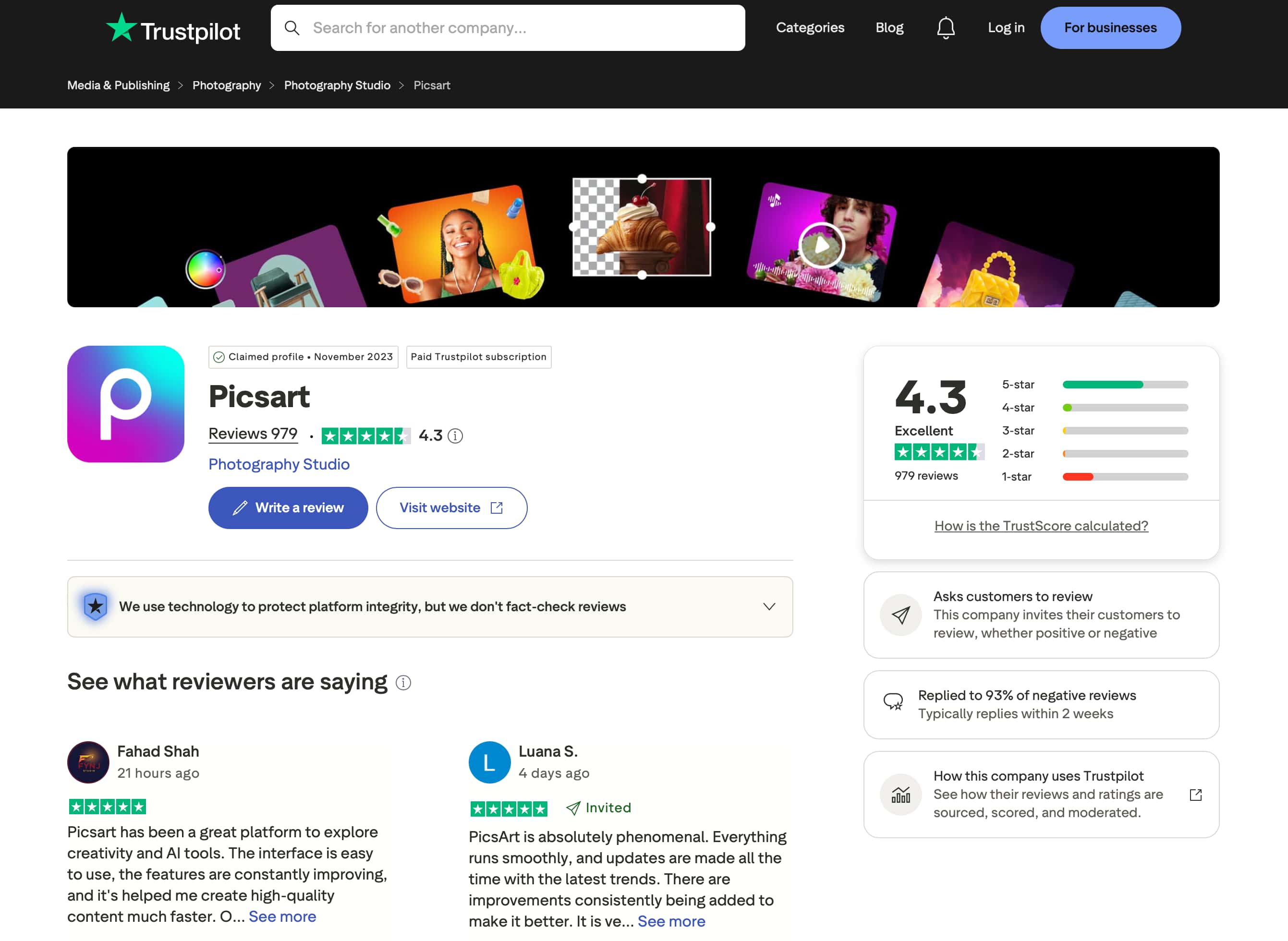
PicsArt has an Excellent 4.3/5 rating from 979 reviews on Trustpilot. Users frequently praise its intuitive interface, broad editing capabilities, and regular feature updates, while most negative feedback relates to subscription management, billing, and customer support. Trustpilot also shows that PicsArt responds to 93% of negative reviews, reflecting an active approach to customer feedback.
G2
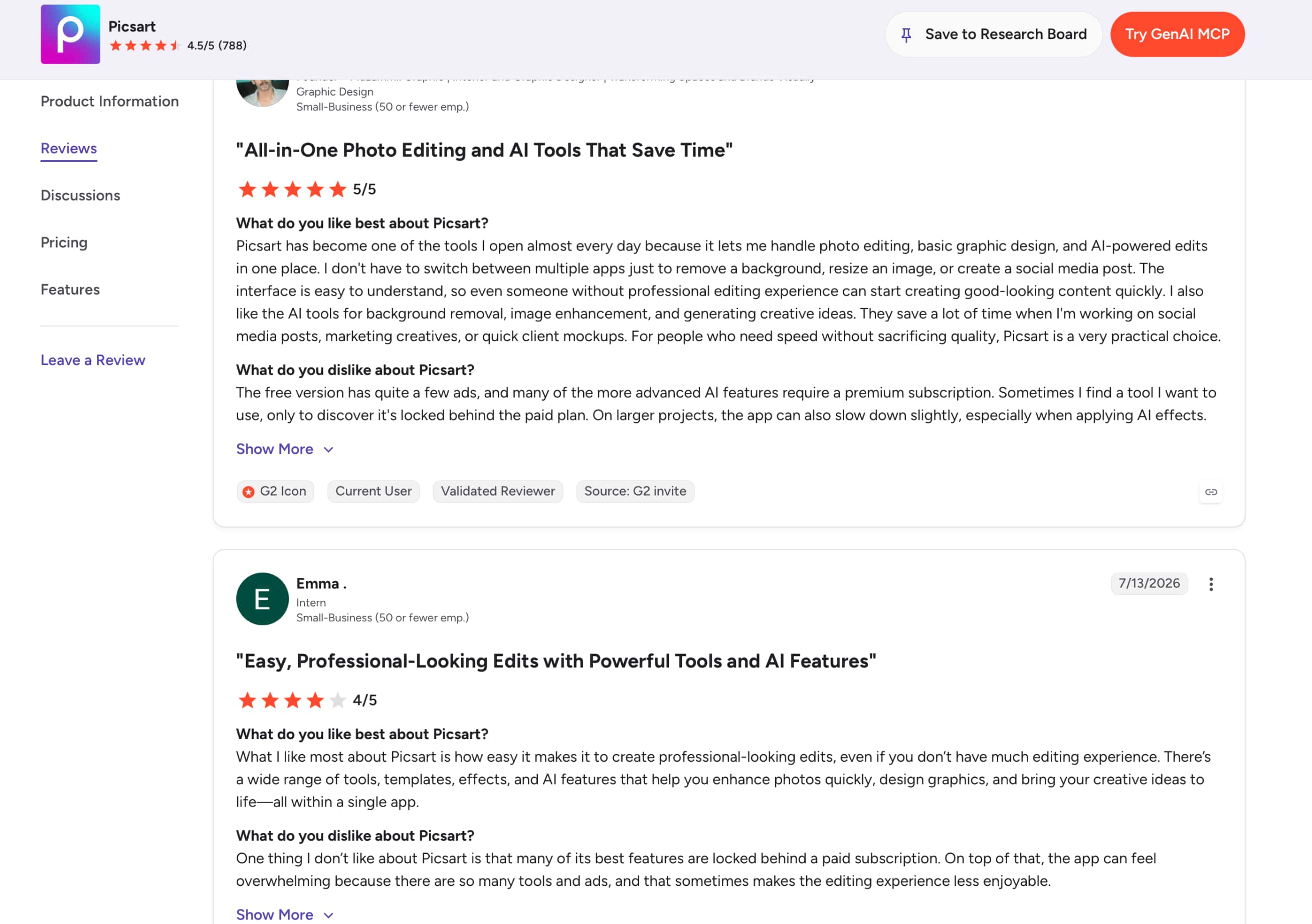
On G2, PicsArt holds a 4.5/5 rating from 788 reviews. Users appreciate having AI image generation, photo editing, background removal, and graphic design tools on one platform, making it easier to create content without switching between apps. Common criticisms include premium AI features being locked behind paid plans, ads in the free version, and an interface that can feel overwhelming for new users.
Afterthought
Overall, community feedback suggests that PicsArt is best suited for users who want an all-in-one creative platform combining AI generation with powerful editing tools. If your priority is creating AI images with multiple leading AI models and a workflow focused primarily on AI image generation, Vmake Labs AI Image Generator is also worth considering.
Vmake Labs AI Image Generator as an alternative
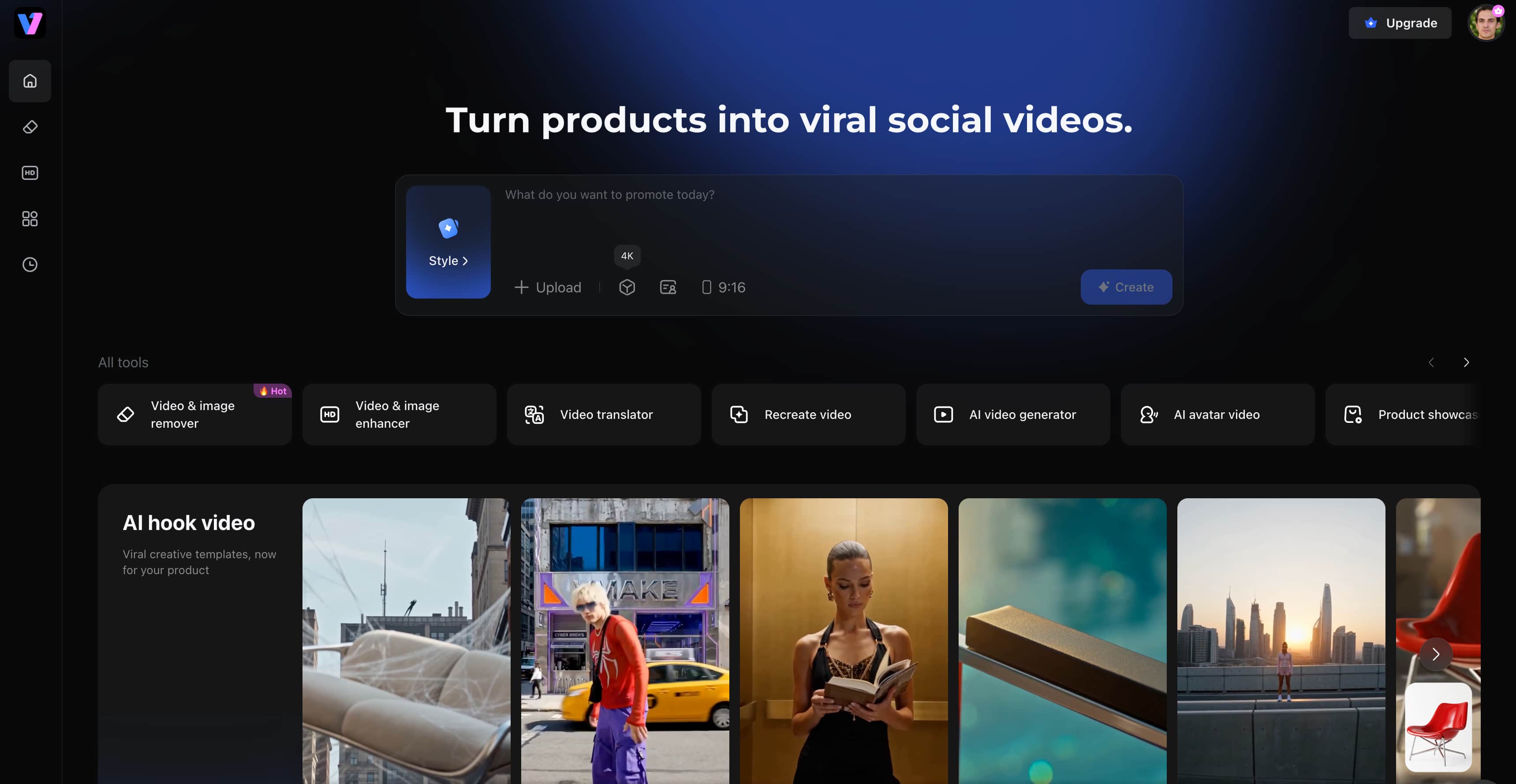
While PicsArt combines AI image generation with photo editing and graphic design, some creators may prefer a platform focused primarily on generating AI images. Vmake Labs AI Image Generator is built for users who want greater creative flexibility, offering multiple leading AI models, text-to-image and image-to-image generation, and commercial-ready workflows in a browser-based platform. It's particularly well suited for marketers, designers, and businesses creating original visuals for professional use.
Key features
-
Multiple AI image models for better results: Unlike Picsart's single AI image generation experience, Vmake Labs lets you choose from Nano Banana 2, Nano Banana Pro, Seedream 4.0, and GPT Image 1, making it easy to compare outputs and find the best result for different creative needs.
-
Built for commercial content creation: While Picsart primarily focuses on image editing and graphic design, Vmake Labs is designed to generate marketing creatives, product images, branded visuals, and e-commerce assets with fewer workflow interruptions.
-
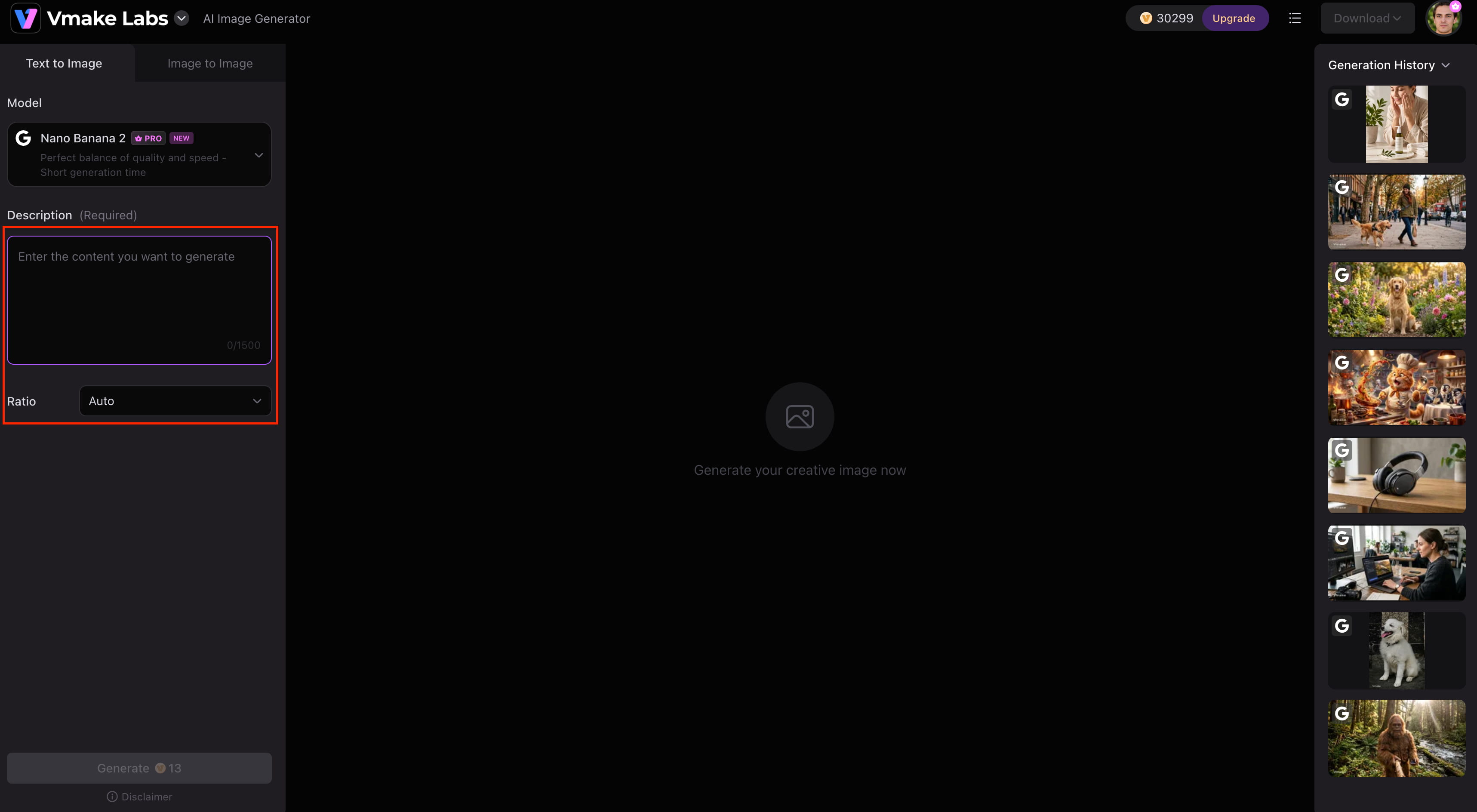
Text-to-image and image-to-image generation: Create images from text prompts or upload up to three reference images to maintain consistent subjects, compositions, and branding across multiple visuals.
-
Fast, browser-based workflow: Generate AI images directly from your browser without installing software, allowing you to move from idea to finished marketing assets quickly across any device.
-
Flexible aspect ratios for every platform: Instantly generate images in multiple aspect ratios optimized for social media, online stores, advertisements, websites, and presentations without additional resizing.
-
Efficient AI-powered creative workflow: Quickly switch between AI models, regenerate variations, and refine prompts in one place, helping teams produce high-quality commercial visuals faster than traditional editing-first workflows.
How to create AI images with Vmake Labs
Creating AI-generated images with Vmake Labs takes only a few steps.
Step 1: Enter a prompt or upload a reference image
Describe the image you want to create, or upload up to three reference images using Image-to-Image mode to guide the style, composition, or subject of the final result.
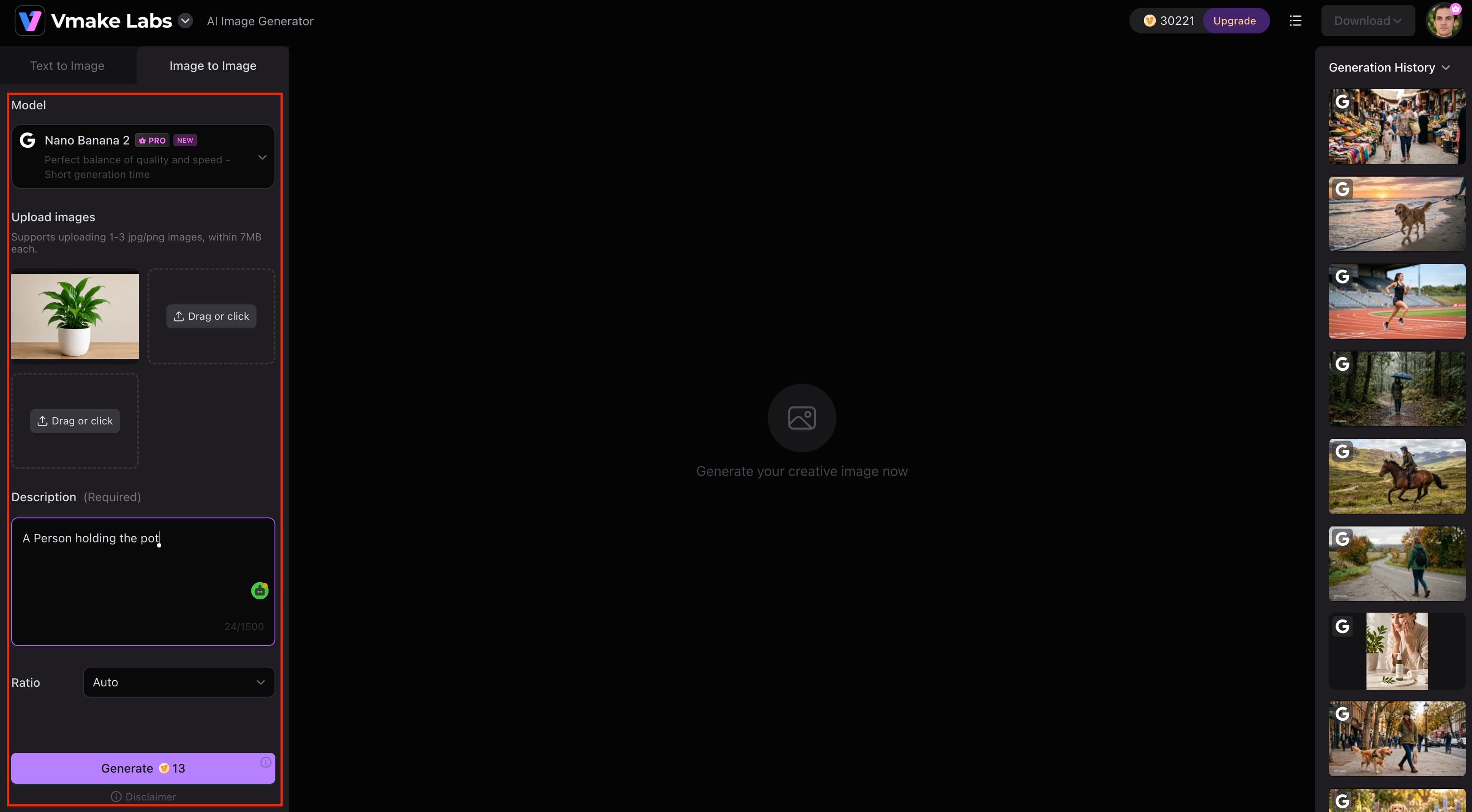
Step 2: Select an AI model and customise the settings
Choose the AI model that best fits your project, such as Nano Banana 2, Nano Banana Pro, Seedream 4.0, or GPT Image 1. Then adjust the aspect ratio and other generation settings before creating your image.
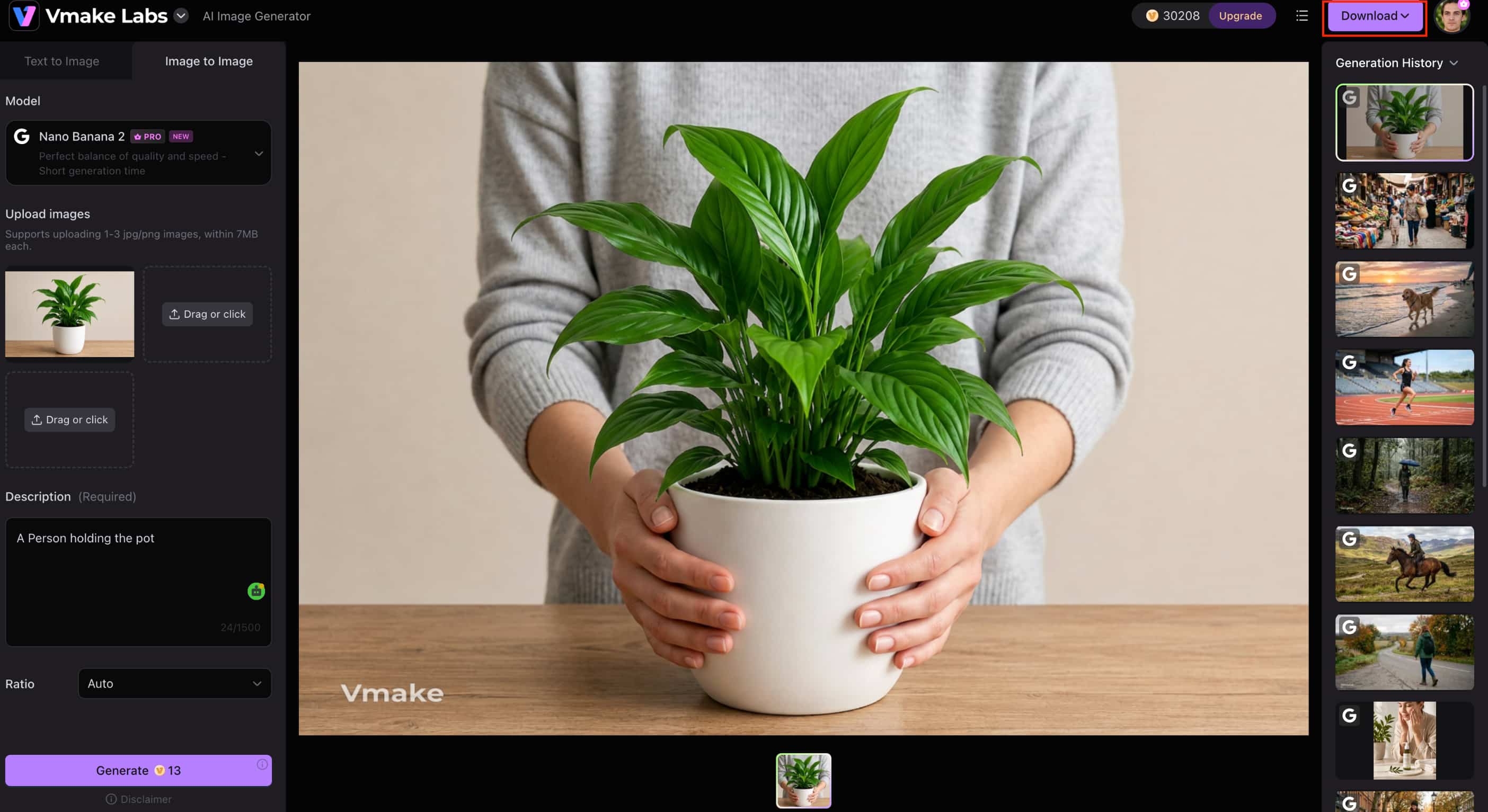
Step 3: Generate and download your image
Click Generate to create your image, review the results, and download your preferred version. If needed, refine the prompt or switch AI models to explore different creative styles.
PicsArt AI Image Generator vs Vmake Labs AI Image Generator
Both PicsArt AI Image Generator and Vmake Labs AI Image Generator are AI image generators. However, there is a big difference between PicsArt AI Image Generator and Vmake Labs AI Image Generator, and that is what users can expect from both AI image generators. PicsArt combines AI generation with editing and design tools, and Vmake Labs is for those who want a dedicated AI image generation workflow with access to multiple leading AI models.
|
Category |
PicsArt AI Image Generator |
Vmake Labs AI Image Generator |
|---|---|---|
|
Best for |
AI-powered editing and design |
AI image generation and commercial workflows |
|
AI models |
Proprietary AI tools |
Multiple leading AI models |
|
Image generation |
Text-to-image |
Text-to-image and image-to-image |
|
AI editing |
Extensive built-in editing |
AI generation focused |
|
Platform |
Web, Android, iOS |
Web |
|
Commercial use |
Check licence terms |
Commercial-ready workflows |
When to choose PicsArt AI
If you want a single creative platform that can do it all for photo editing, graphic design, and AI image generation, PicsArt AI is a good choice. With built-in editing tools and templates, and available on all platforms, it's ideal for creating social media graphics, posters, marketing materials and other visual content without the need to use multiple apps.
When to choose Vmake Labs AI
If you want to create original AI images with more creative flexibility, Vmake Labs is a better choice. It has many of the most advanced AI models, text-to-image and image-to-image generation, browser-based access and workflows ready for commercial use, making it well suited for marketing, branding, e-commerce and other professional creative work.
Conclusion
PicsArt AI Image Generator is a good option for users who want AI image generation along with powerful photo editing and graphic design tools. It's great for creating social media graphics, marketing materials and creative artwork in one workflow with its intuitive interface, built-in templates and support across platforms. However, if you are an advanced creatsor, the limited AI credits and fewer AI model options might not be enough for free plan users. If you're looking for dedicated AI image generation with multiple leading AI models, text-to-image and image-to-image capabilities, and commercial-ready workflows, then Vmake Labs AI Image Generator is a compelling alternative to consider.
FAQs
-
What is PicsArt AI Image Generator?
PicsArt AI Image Generator is an AI-powered tool that creates artwork, illustrations, backgrounds, and other visuals from text prompts. As part of the PicsArt creative platform, it also lets you edit AI-generated images using built-in design and photo editing tools. If your focus is primarily AI image creation, Vmake Labs AI Image Generator offers a workflow dedicated to generating original visuals with multiple leading AI models.
-
Is PicsArt AI Image Generator free?
Yes. PicsArt offers a free plan where you can test out its AI image generation and editing capabilities, but you'll find limitations on AI credits and premium tools. If you are creating AI-generated content on a frequent basis, consider upgrading as it will give you access to more features and higher usage limits. If you need to generate AI images for creative or commercial projects and need more options, you can also check out Vmake Labs AI Image Generator.
-
How does PicsArt's AI image generator work?
PicsArt's AI image generator transforms text prompts into original images. Simply enter a prompt, choose a style, generate the image, and refine it further using the platform's built-in editing tools. If you also want to generate images from reference photos, Vmake Labs AI Image Generator supports both text-to-image and image-to-image workflows.
-
Can I edit AI-generated images in PicsArt?
Yes. One of PicsArt's biggest strengths is that you can continue editing AI-generated images using its built-in photo editing and design tools without leaving the platform. If you want to further improve image quality after generation, Vmake Labs also offers an Image Enhancer that helps sharpen and upscale AI-generated visuals naturally.
-
Can I use PicsArt AI images for commercial projects?
It depends on PicsArt's licensing terms and your subscription plan, so it's important to review the latest commercial usage policy before using generated images for business purposes. If you're looking for a platform built with commercial-ready AI image creation in mind, Vmake Labs AI Image Generator provides workflows suitable for marketing, branding, and e-commerce content.
-
Is Vmake Labs AI Image Generator a good alternative to PicsArt AI?
Yes. If you're more interested in AI image generation, Vmake Labs AI Image Generator is a great alternative to Adobe Photoshop. It offers the ability to work with multiple top AI models, text-to-image and image-to-image generation, browser-based access, and commercial-ready workflows, making it a great choice for creators, marketers, and businesses producing professional visual content.

You May Be Interested

FLUX AI Image Generator Review 2026: Is It Worth Using?

Raphael AI Image Generator Review 2026: Worth Trying?
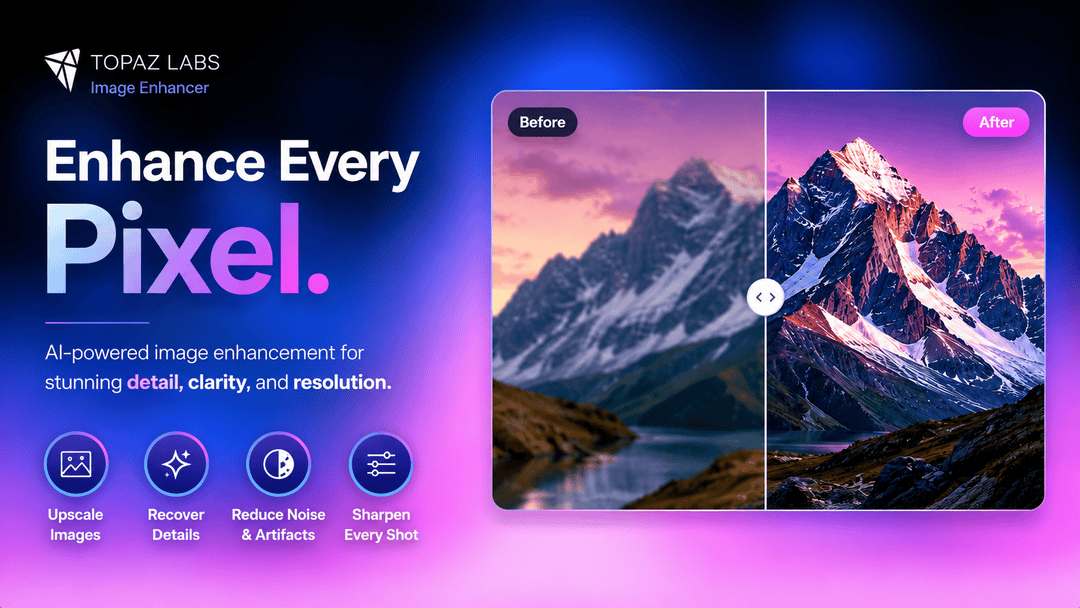
Topaz Labs Image Enhancer Review: Is the hype worth it?
Artguru Image Upscaler Review: Features & Best Alternative
How to Create Professional YouTube Thumbnails with AI: A Creator’s 2026 Strategy
