
Gemini Image Upscaler: Enhance Gemini Generated Images to HD or 4K
Upload your Gemini-generated image and enhance it instantly with AI. Improve clarity, sharpen details, and upscale images to HD or 4K directly in your browser. Fast, free, no sign-up needed.




How to enhance Gemini images in 3 steps
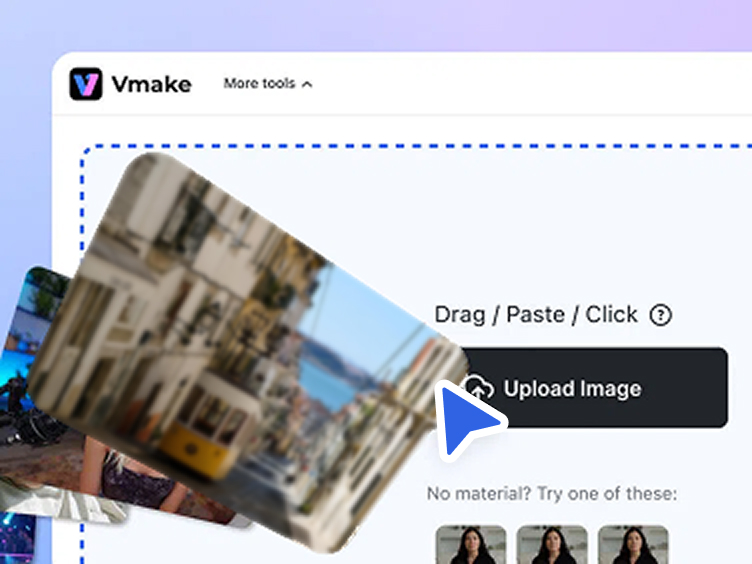
Upload your Gemini-generated image
Upload the image generated by Gemini that you want to enhance. Vmake Labs supports common formats and quickly prepares your image for AI enhancement.
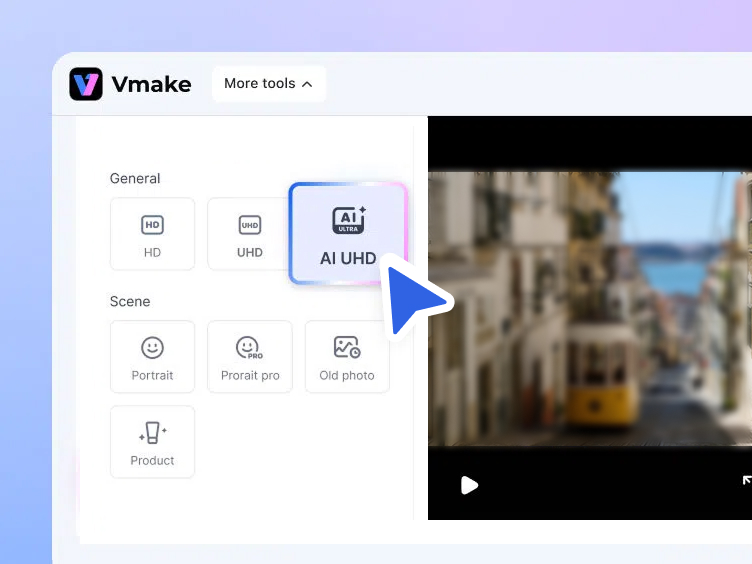
Choose resolution and enhancement mode
Select the output resolution such as HD or UHD 4K, and choose an optimization mode based on your image type to improve clarity, details, and textures.
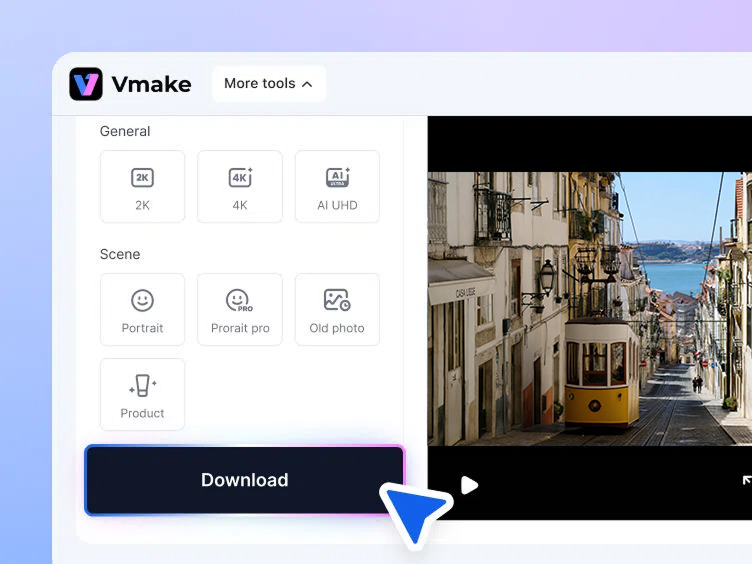
Preview and download the enhanced image
Preview the enhanced result and download the high-resolution image ready for design, publishing, or marketing use.
When to use a Gemini image upscaler
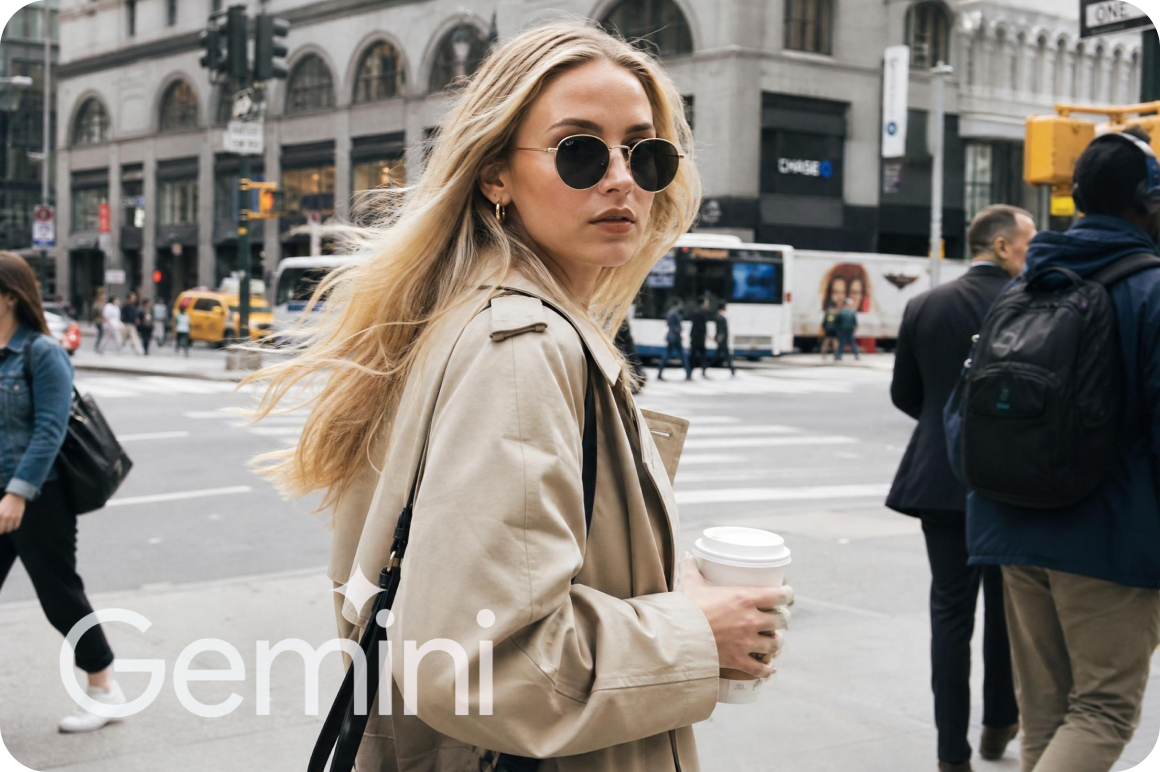
Share clearer Gemini images on social media
Before you share AI images online, you can upscale Gemini images to improve sharpness and clarity. Higher-resolution images look cleaner in feeds. They also help your posts stand out on platforms like Instagram, Pinterest, and X.
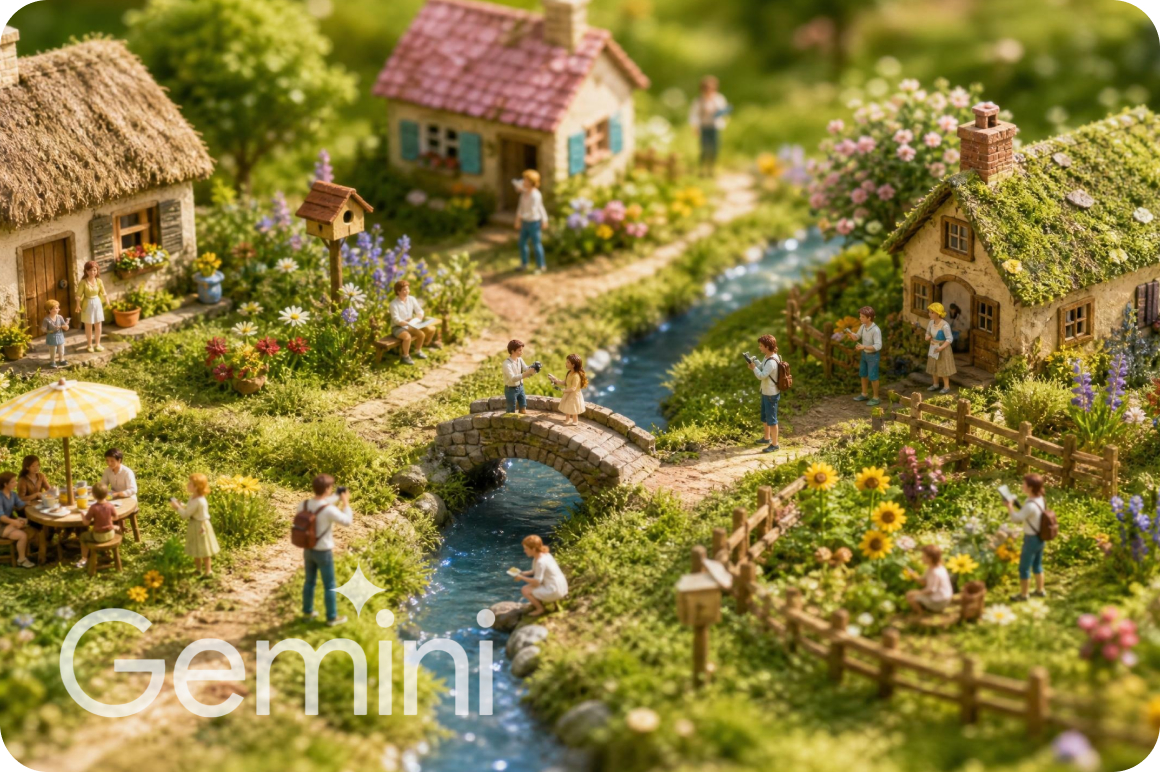
Improve AI artwork and illustrations
If you create AI artwork with Google Gemini, you can upscale the image to show more details with Vmake Labs Gemini image upscaler. The AI improves textures, edges, and colors. The image becomes clearer. The original style of the artwork stays the same.


Upscale images for ecommerce product listings
Gemini can generate product images. These images may have low resolution. You can upscale them to make details clearer with Vmake Labs Gemini image upscaler. The product images look sharper. This helps your ecommerce listings look more professional.


Prepare Gemini visuals for marketing and design
You may use AI images in presentations, landing pages, or ads. Low resolution can make images look soft on large screens. You can upscale Gemini images to increase resolution. The images stay sharp and clear. This helps keep good visual quality in large layouts and high-resolution screens.
AI features that improve Gemini image quality
AI upscaling for higher-resolution Gemini images
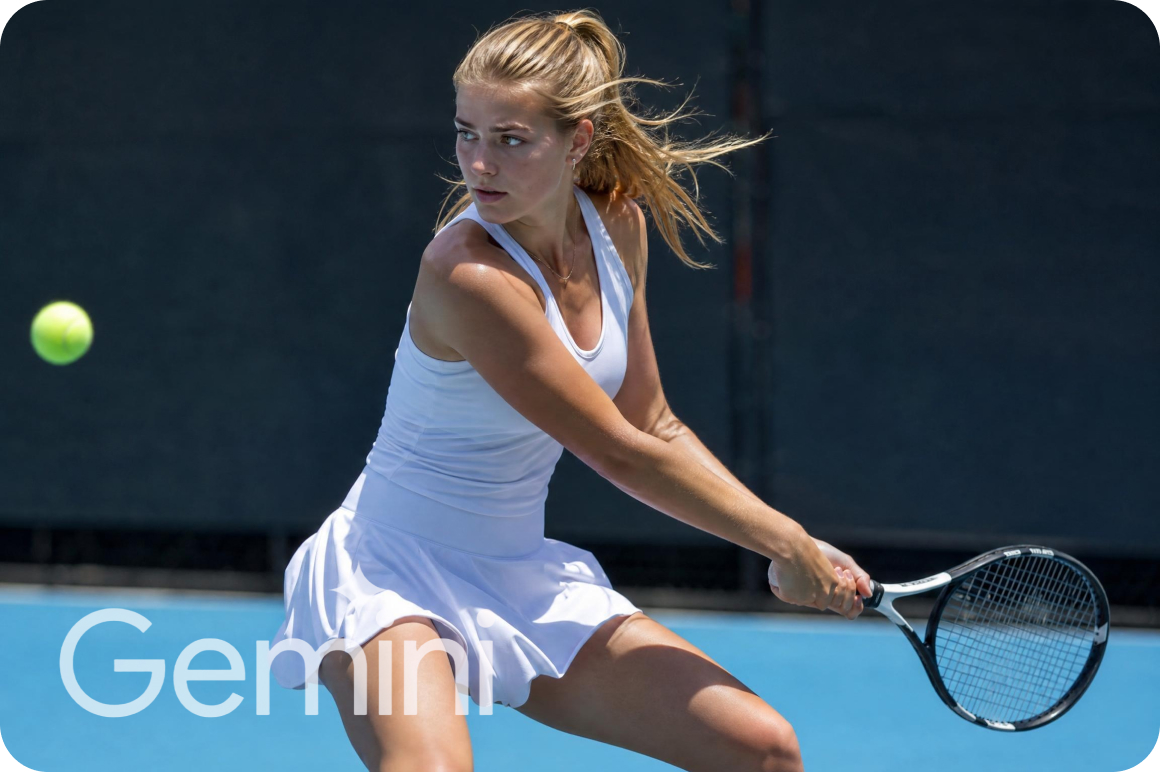
Increase the resolution of Gemini-generated images and upscale them to HD or 4K, allowing visuals to be used in larger formats without losing clarity. Vmake Labs reconstructs missing pixel data rather than simply stretching the image — maintaining natural sharpness at higher output sizes.
Smart detail enhancement
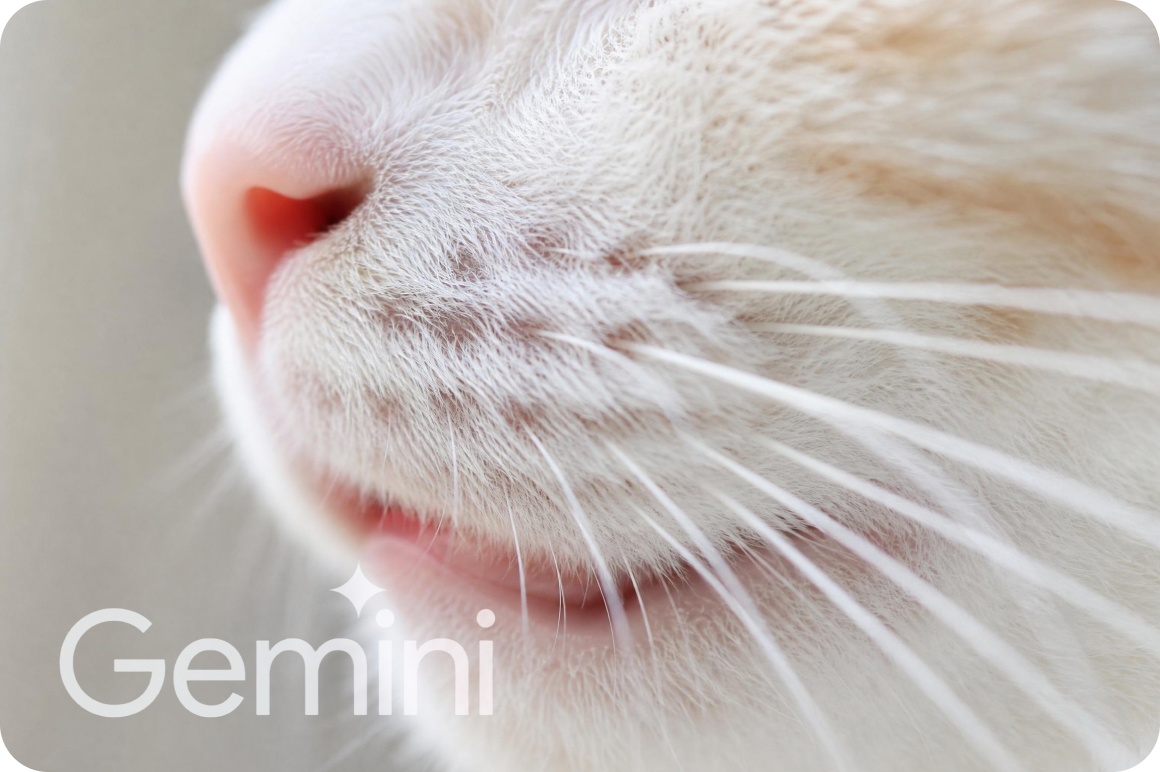
AI enhances edges, textures, and small visual elements to make images clearer and more visually refined. The model identifies areas where Gemini outputs appear soft or compressed and selectively improves those regions while preserving the overall composition and color.


Scene-aware optimization
Choose different enhancement modes — portraits, products, or old photos — to achieve better visual results tailored to your specific image type. Scene-aware AI applies the right processing model for each content category, so upscaled results look natural rather than over-sharpened.

Batch image processing
Enhance up to 30 Gemini-generated images in one batch. Upload multiple files and upscale them to HD or 4K simultaneously, saving time when working with large image sets for campaigns, product catalogues, or content calendars.
Who uses Vmake Labs Gemini image upscaler
Ecommerce teams
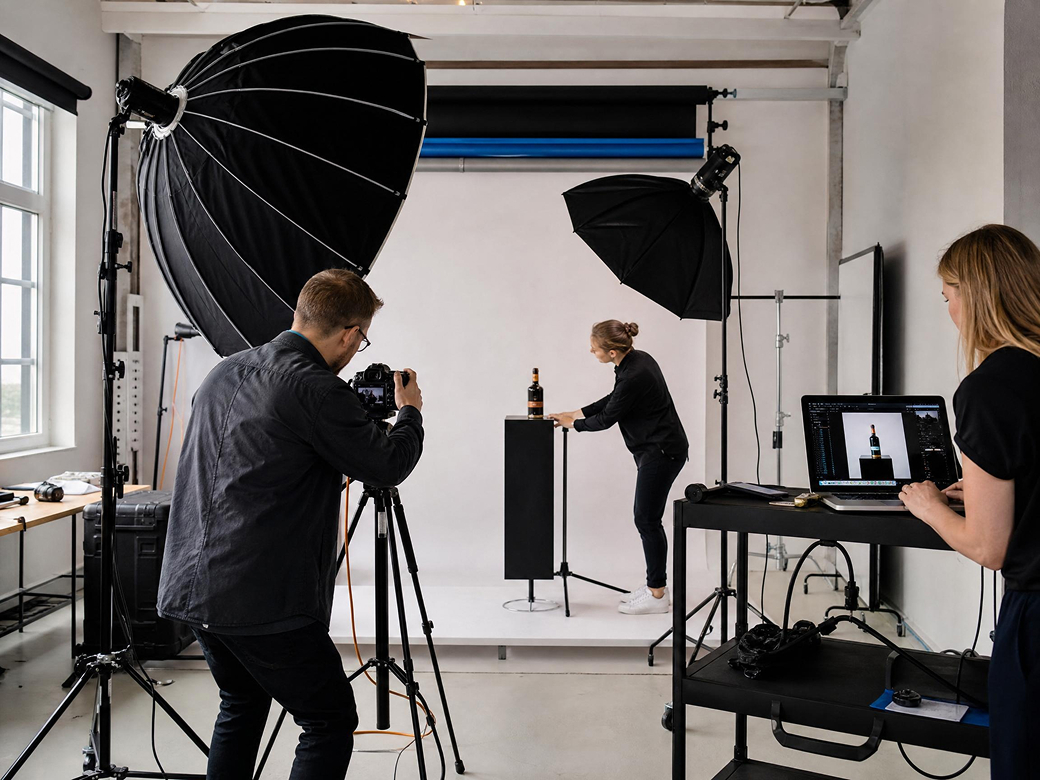
Ecommerce teams use the Gemini image upscaler to improve AI-generated product images. You can increase resolution and make product details clearer. This helps product photos look sharper in listings, ads, and product pages.
Designers and creators
Designers and creators use the tool to upscale AI-generated artwork and concept images. You can improve image clarity and reveal more details. This makes the visuals easier to use in creative projects and design work.
Marketing teams
Marketing teams improve AI visuals before using them in campaigns, landing pages, or social content.

What is a Gemini image upscaler?
Can I upscale Gemini images to 4K?
Yes. You can upscale Gemini-generated images to higher resolutions such as HD or 4K with Vmake Labs Gemini image upscaler. AI increases the image size and improves visual details so the image stays clear when used in larger formats like presentations, websites, or designs.
Will upscaling change the original style of the Gemini image?
No. AI upscaling focuses on improving resolution and clarity. It enhances edges, textures, and small details but keeps the original style and composition of the Gemini-generated image.
Why do Gemini-generated images sometimes look low resolution?
Images generated by AI tools like Google Gemini may have limited resolution to speed up generation. When you want to use the image for larger layouts or high-quality visuals, Vmake Labs Gemini image upscaler can increase resolution and improve clarity.
Can I enhance multiple Gemini images at the same time?
Yes. Batch processing allows you to upload several images and upscale them together. This is useful when you need to enhance many Gemini images for design projects, marketing materials, or content creation.
When should I upscale a Gemini-generated image?
You may want to upscale a Gemini image before using it on websites, social media, ecommerce listings, or marketing materials. Higher resolution images look sharper on larger screens and help your visuals appear more professional.
Why choose Vmake Labs Gemini image upscaler

Enhance images created with Google Gemini and other AI image generators. The AI increases resolution and improves clarity while keeping the original visual style. You can also enhance images created by other models using tools like the AI Image Upscaler.

Your uploaded images are processed securely with automatic file deletion after a short period, helping protect sensitive or unpublished AI-generated visuals. No images are stored or used for model training.

Upload images and upscale them directly in your browser with no software installation or complex editing workflow. Vmake Labs processes Gemini images quickly so you can download enhanced results in seconds, not minutes.
Discover More Features

Video & Image Enhancer

Watermark & Text Remover

Video Upscaler

AI Video Generator

Video Background Remover

Video & Audio to Text

Video Noise Reducer

AI Video Translator
Ready to enhance your Gemini images?
Upload your Gemini-generated image and upscale it instantly with AI. Improve resolution, sharpen details, and download a clearer high-quality image in seconds.Free to start. No sign-up required.
What our users say
I generate a lot of images with Gemini for social media posts, but the resolution is sometimes too small. This tool makes it simple to upscale them to 4K and keep the details sharp. The workflow is very straightforward.
Our ecommerce team often uses AI images to test product concepts. With this Gemini image upscaler, we can quickly improve clarity and make the images look professional enough for product pages and ads.
Many image tools require a lot of adjustments, but this one works in seconds. I upload the Gemini image, choose 4K, and download the improved version. The details and textures look much clearer.
I use Gemini to create visuals for slides and campaign ideas. Sometimes the images look soft on larger screens. Upscaling them with Vmake Labs makes them much sharper for presentations and landing pages.
I often work with multiple AI images at once. The batch processing feature helps me upscale several Gemini images together. This saves a lot of time when preparing assets for design projects.
I create AI illustrations with Gemini as part of my personal projects. After upscaling, the lines and textures look sharper and more refined. It’s a quick way to make AI artwork usable in larger formats.