YouTube Shorts Ideas: 15 Creative Ideas to Boost Engagement
Looking for fresh YouTube Shorts ideas? Discover creative content formats, storytelling techniques, and trending concepts. See how Vmake AI can help turn ideas into engaging Shorts faster.

YouTube Shorts can be a great way to develop your channel quickly, but the hardest part is usually coming up with compelling ideas regularly. This book covers how Shorts works, 15 original content ideas across several categories, and how to turn simple concepts into appealing videos using short films made with Vmake AI.
What makes a YouTube Short successful?
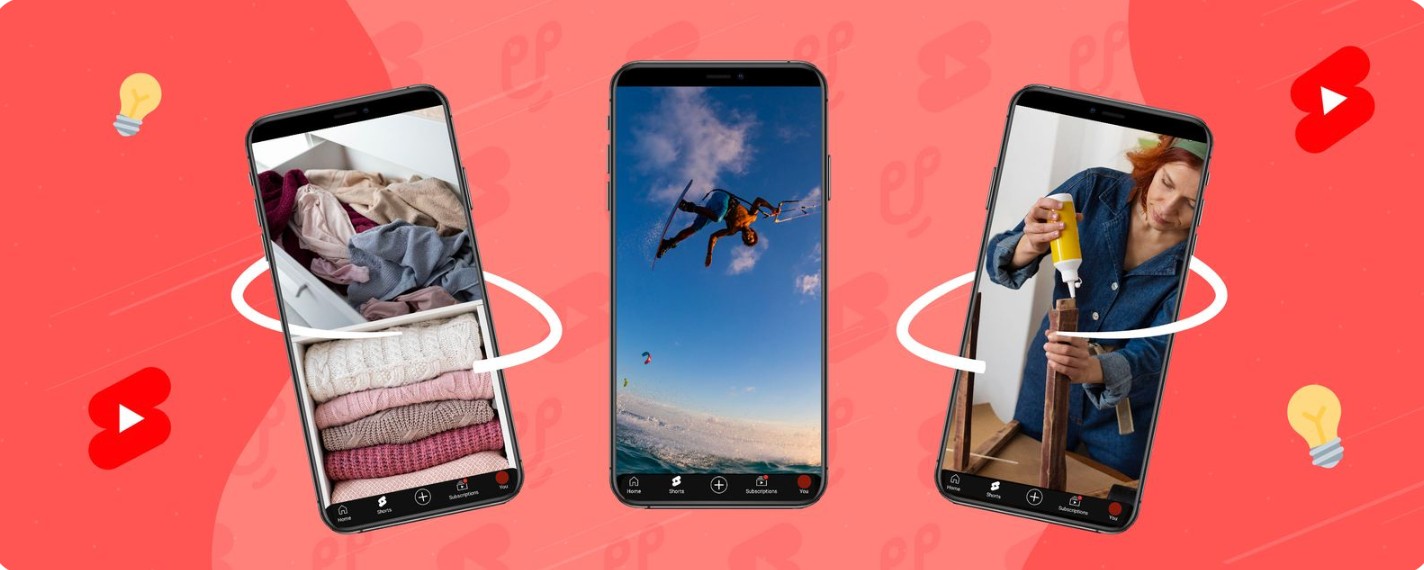
Making a successful YouTube Short is about way more than just shooting a vertical video. The finest Shorts succeed by grabbing attention quickly, holding it, and delivering value or fun within seconds.
-
Why the first few seconds matter: Begin with a bang, an eye-catching picture, or an intriguing inquiry. A strong opening hooks viewers, so they'll stop scrolling and keep watching.
-
The importance of watch time and retention: Videos that keep eyeballs on them till the conclusion are more likely to be suggested. The faster the pace and the clearer your message, the more you will retain.
-
How trends influence Short performance: Use popular sounds, themes, or formats to boost visibility. Put your own unique twist on it to freshen up the text.
-
Why simple concepts often outperform complex ones: Focus on one clear idea. Engaging and memorable material is simple and easy to follow.
-
Common characteristics of viral Shorts: Good Shorts grab your attention instantly, keep you engaged, and have a good ending. They usually elicit curiosity, comedy, or surprise.
-
Mistakes that reduce engagement: Avoid slow introductions, confusing messages, and inconsistent posting. Strong hooks and focused storytelling help improve performance.
15 YouTube Shorts Ideas to Inspire Your Next Video
Keeping those elements in mind, here are 15 ideas across a range of styles, so you may discover an approach that works for your channel and personality.
Educational and Value-Driven Ideas

-
Quick tutorials
Quick tutorials are still one of the most effective YouTube Shorts ideas as they offer instant value. Showing people how to do something simple, solve a problem, or learn a skill in less than a minute can create great engagement and shares.
-
Useful tips and hacks
People like practical counsel that saves them time or enhances their performance. Recommendations and tricks are a good way to go. Whether it is productivity, photography, health, or software shortcuts, people like recommendations that they can use right now.
-
Common mistakes to avoid
Mistake-based content naturally creates curiosity. Viewers want to know whether they are making the same errors and how they can improve. This format works particularly well in educational, fitness, business, and creative niches.
Entertainment ideas
-
Reaction videos
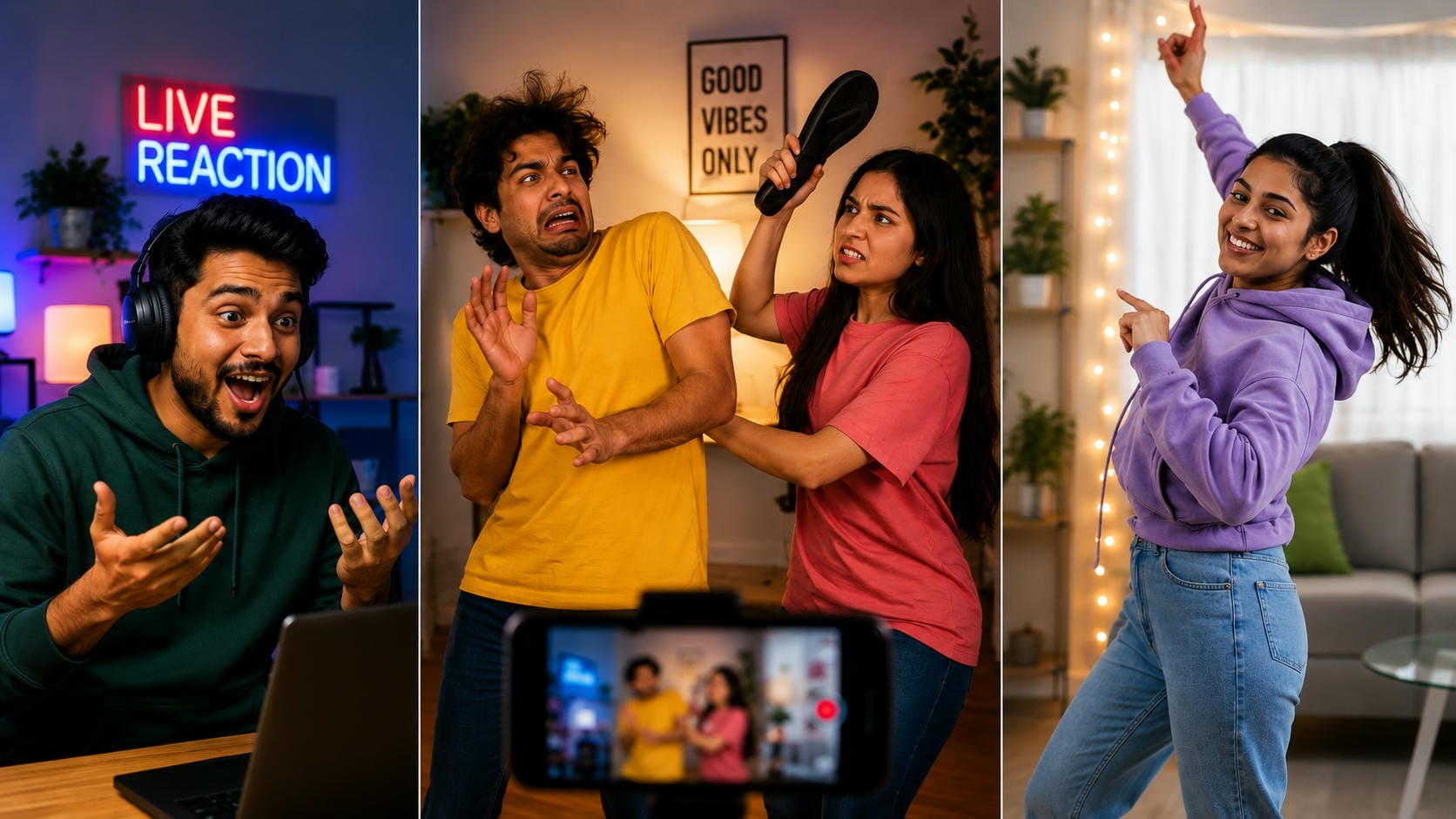
Reaction content allows creators to comment on trends, news, viral videos, or interesting discoveries. The format works because audiences enjoy seeing authentic responses and different perspectives.
-
Funny skits
Comedy continues to be one of the most popular categories on YouTube Shorts. Relatable situations, exaggerated scenarios, and everyday frustrations can all become entertaining short-form content.
-
Viral challenge participation
Trendy challenges can enhance visibility and get your channel in front of new viewers. The challenge is to come up with a technique to inject originality and not just copy existing stuff.
Lifestyle and personal brand ideas
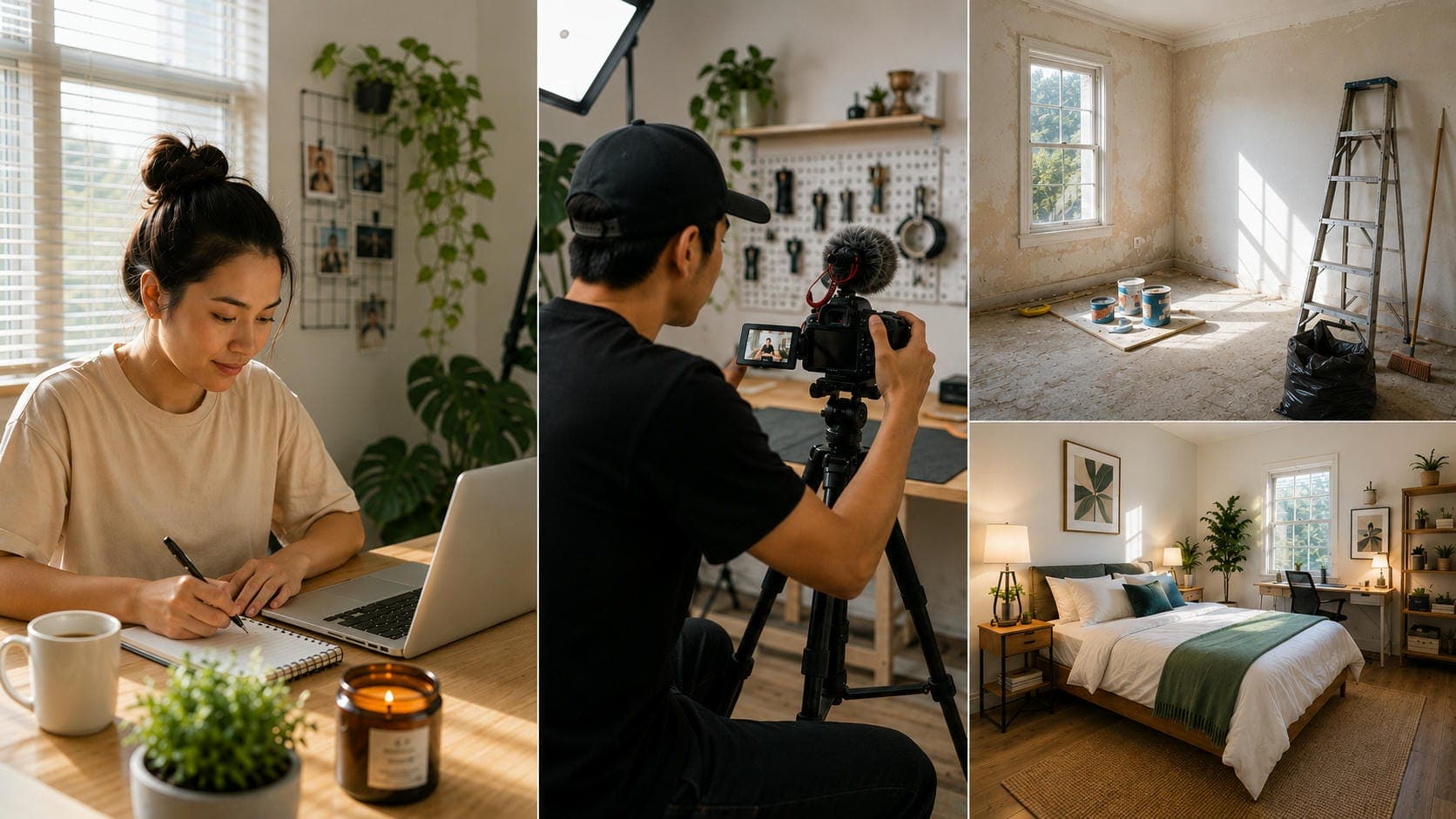
-
Day-in-the-life clips
People love authentic views of other people's lives. A day in life is a great way for you to engage with your audience on a personal level, whether you're a student, entrepreneur, freelancer, athlete, or creator.
-
Behind-the-scenes moments
Behind-the-Scenes content fulfills curiosity. For instance, demonstrating your process of planning a project, producing a product, or shooting a film might make viewers relate better to your work.
-
Transformation videos
Transformation content creates a natural reason to keep watching. Whether it's a room makeover, fitness progress, artwork completion, or editing transformation, viewers want to see the final result.
Business and creator ideas
-
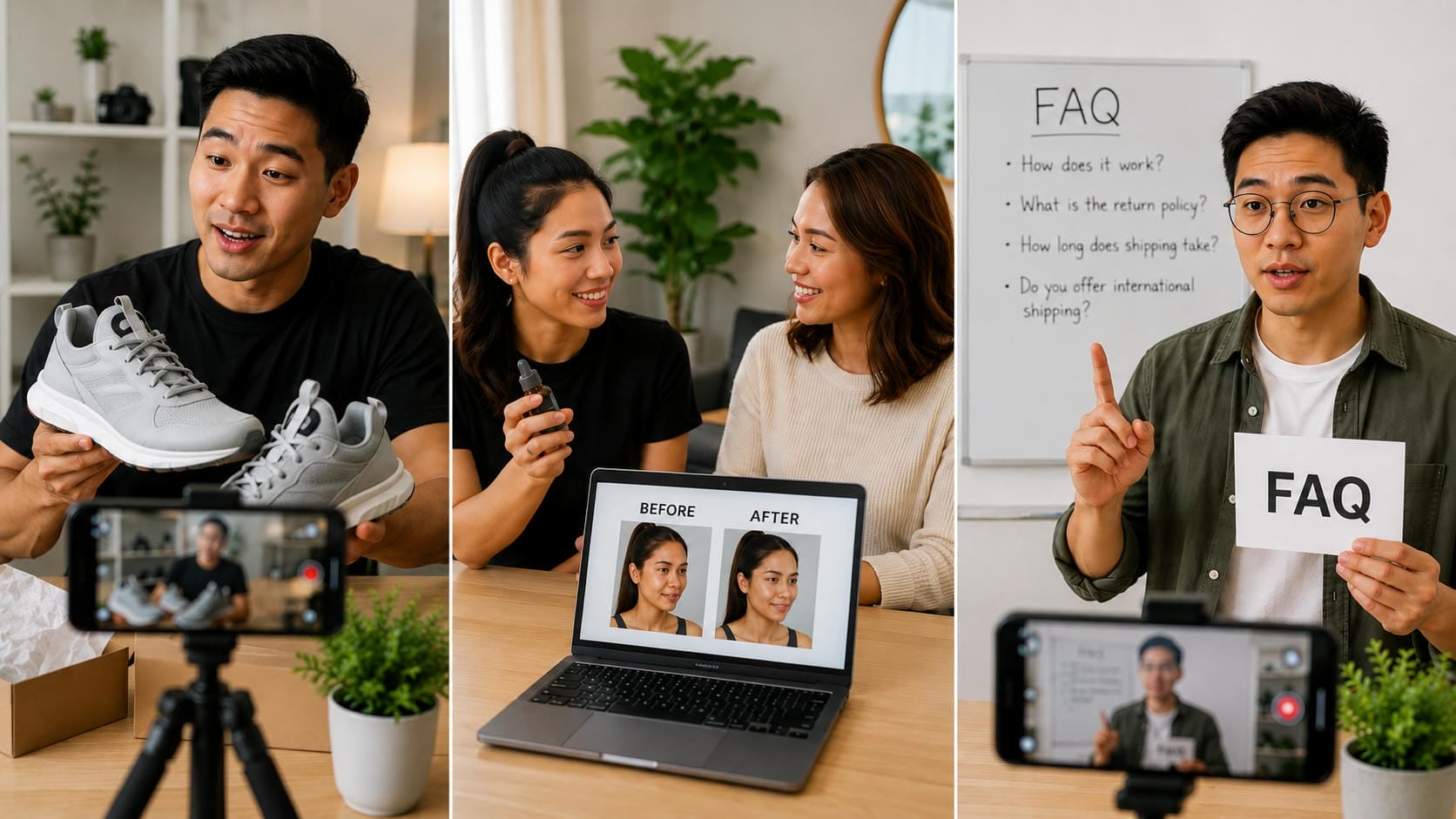
Product demonstrations
Product demos allow users to observe features and benefits in action. This style is particularly good for producers, e-commerce businesses, and brands that want to exhibit things quickly.
-
Customer success stories
The actual outcomes are usually more convincing than classic advertising. Showcase customer stories, reviews, or before-and-after results, which can be helpful for building trust and for providing engaging material.
-
Frequently asked questions
One of the simplest ways to develop consistent content is by answering frequently asked questions. Each question can be a separate Short, so viewers can get to the info they need quickly.
Storytelling ideas
-
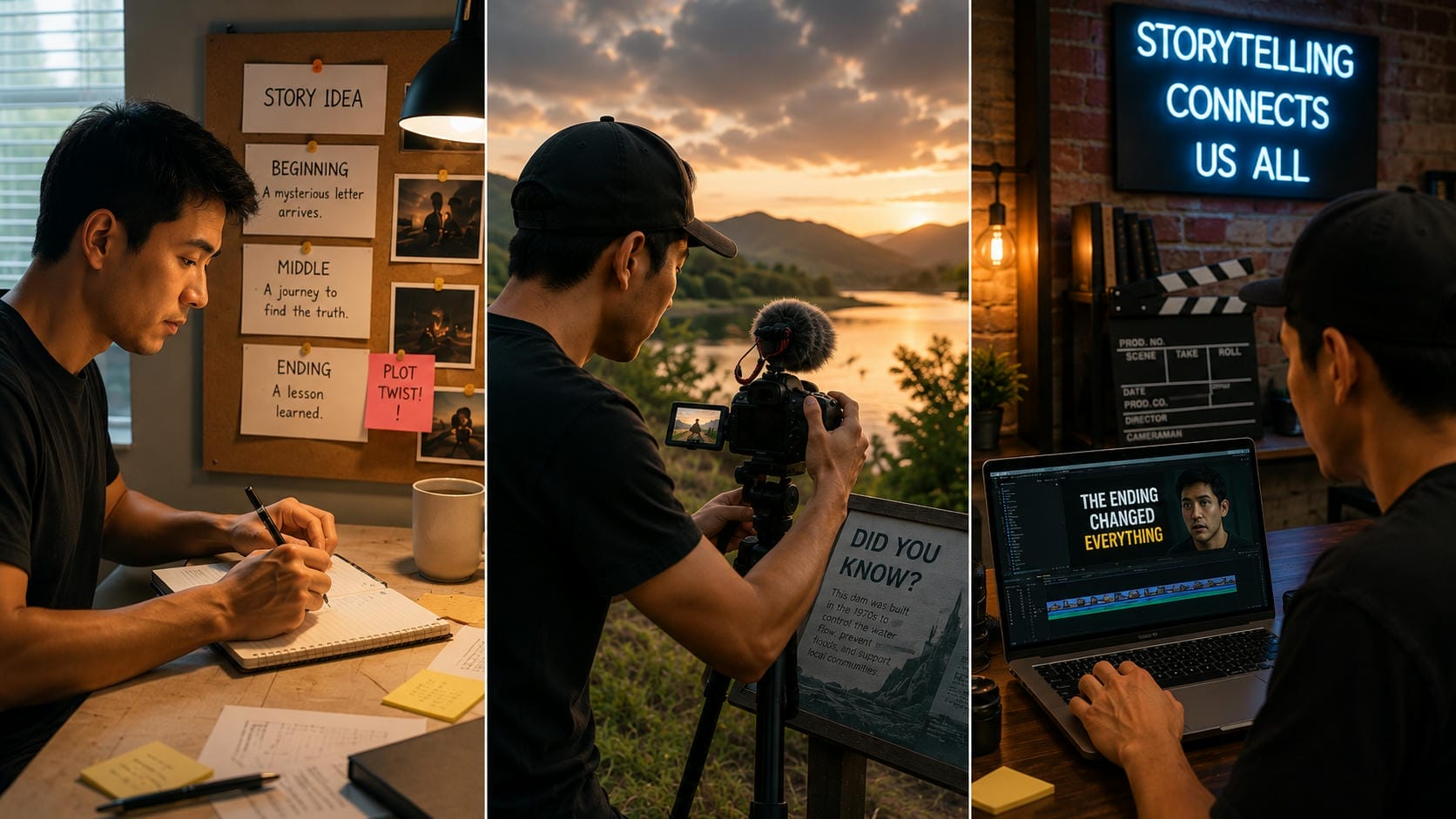
One-minute stories
Storytelling is still one of the most powerful content types. A full story, with a beginning, middle, and end, can retain attention surprisingly well, even in a short space of time.
-
Plot-twist endings
People love to watch till the very end to see the unexpected finale, and it usually causes them to revisit it too. With a proper twist, retention can be improved greatly.
-
Mini documentary Shorts
Mini documentaries are small pieces of information that compress amazing stories. History, commerce, science, and quirky facts can all be the subject of captivating documentary-style shorts.
These YouTube Shorts ideas are a great starting point, but consistency is what drives long-term growth. Once you've found a format that works for your audience, the right video creation tools can help you produce engaging Shorts more efficiently.
Meet Vmake: Create ideal YouTube Shorts in minutes
Vmake AI is an AI-powered video creation platform that helps creators transform ideas into engaging videos with minimal production effort. Whether you're creating tutorials, storytelling content, promotional videos, or social media campaigns, Vmake AI offers multiple ways to generate content quickly.
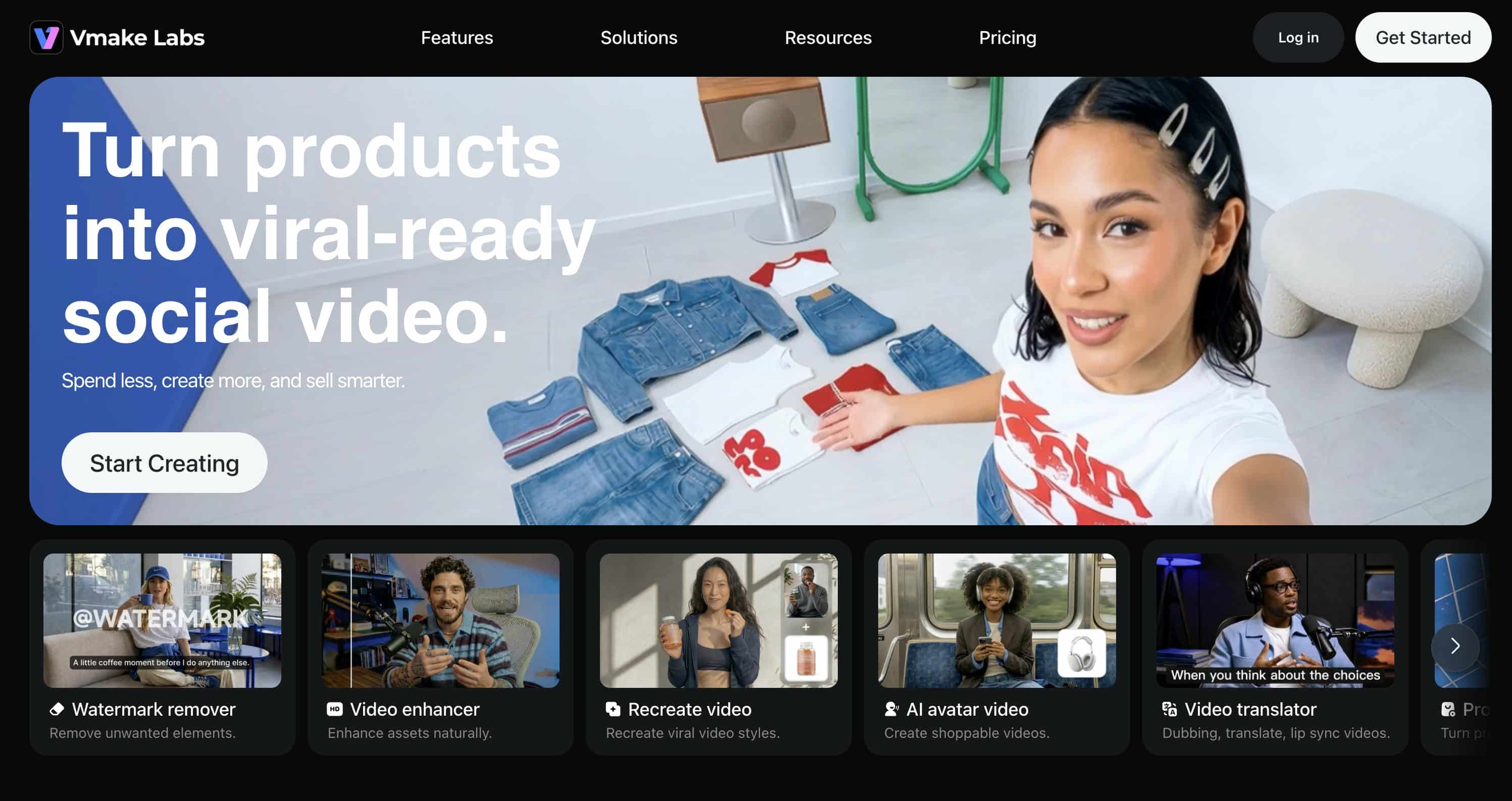
Key Features of Vmake AI
-
Multiple video generation workflows: Create videos from text prompts, images, or existing footage using Text-to-Video, Image-to-Video, and Video-to-Video generation modes. This gives creators the flexibility to turn almost any idea or asset into a YouTube Short without starting from scratch.
-
Customizable video settings: Adjust video duration, aspect ratio, and output quality to match YouTube Shorts requirements. This makes it easy to create vertical videos that are optimized for mobile viewing and ready to publish.
-
Access to leading AI video models: Generate Shorts using advanced AI models, including Seedance 2.0, Kling 3.0, Veo 3.1, Sora 2, Hailuo 2.3, Vidu Q2, and Wan 2.2. Different models offer unique visual styles, helping creators choose the best look for tutorials, storytelling, product showcases, or trending content.
-
High-quality video generation: Create polished, high-resolution videos that look professional on YouTube Shorts. Whether you're sharing educational content, entertaining skits, or promotional videos, quality visuals can help capture attention and keep viewers watching.
Steps to create Shorts with Vmake AI
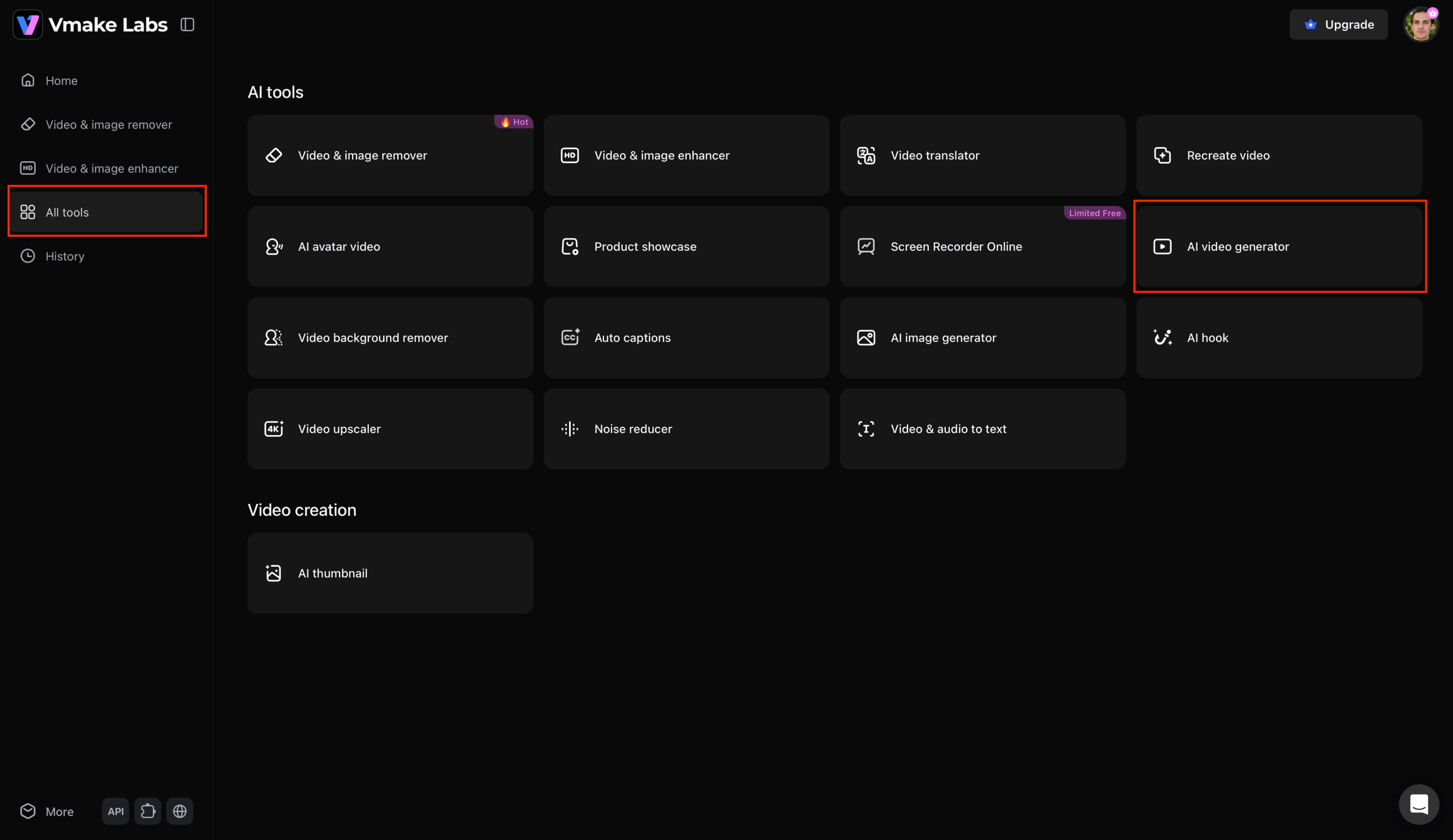
Step 1: Open Vmake AI Video Generator
Go to the Vmake AI platform and open the AI Video Generator. From the dashboard, select "All tools" and click "AI video generator" to access the video creation workspace, where you can start creating your video.
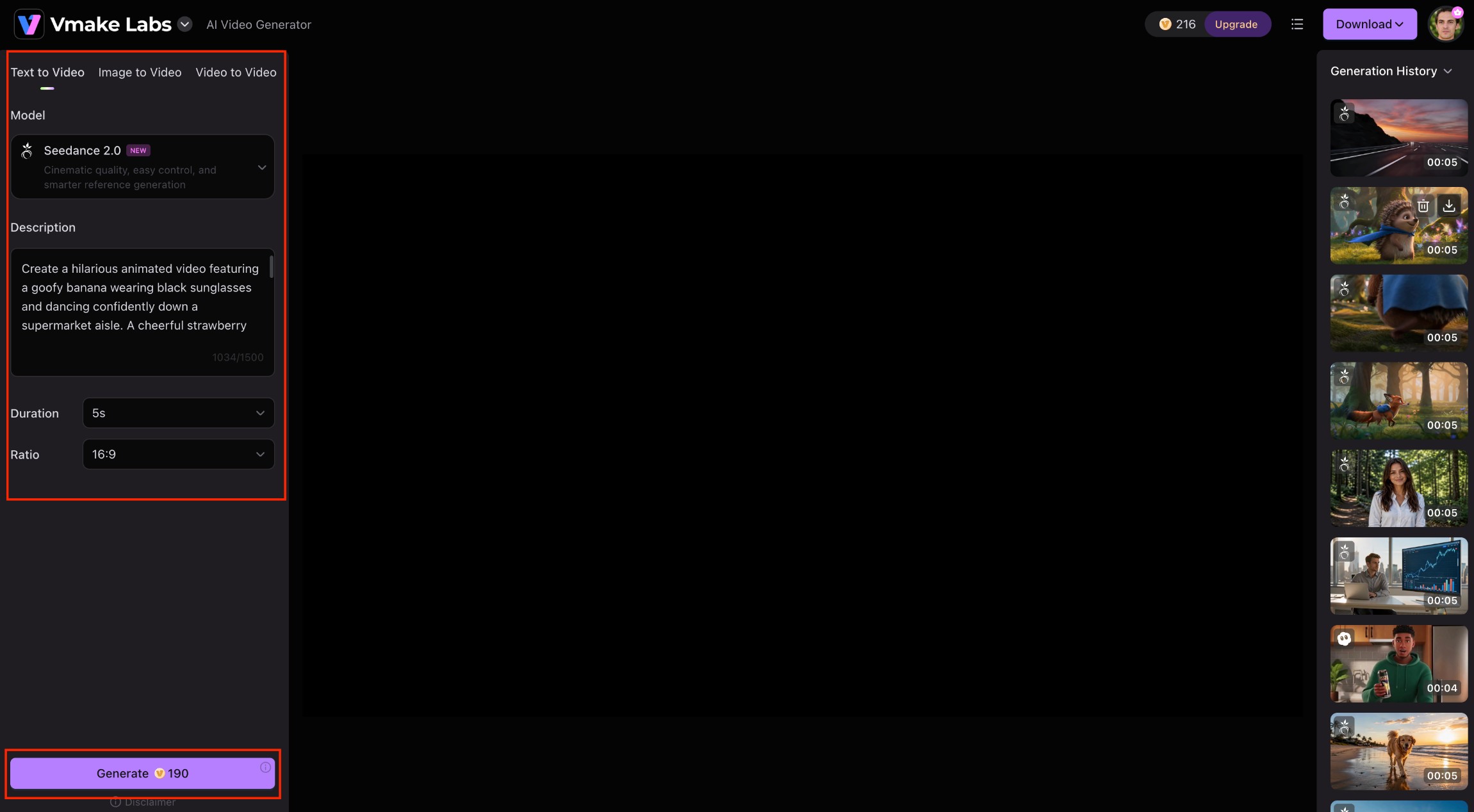
Step 2: Enter your prompt or upload content
Next, you need to provide your detailed prompt to let Vmake create your video. You can either enter a text prompt or even upload an image or a video. Additionally, you need to select your AI video generation model, such as Seedance 2.0, Veo 3.1, or Kling 3.0, etc., the video duration, and the overall aspect ratio. Once done, click on "Generate".
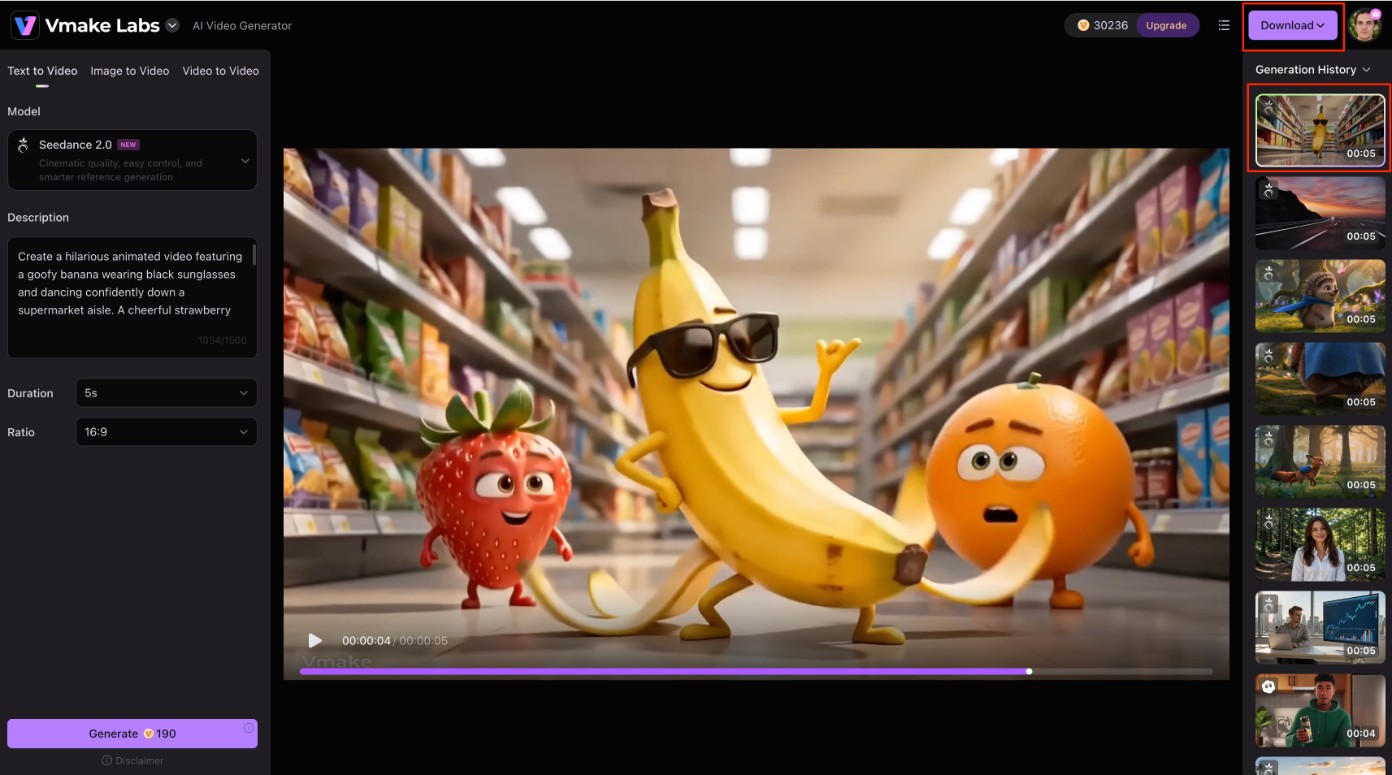
Step 3: Preview and download your video
Vmake will start generating your video, and once that is completed, you will be able to see the same on your screen. Simply click on the "Download" option and export your video.
How to find the best YouTube Shorts ideas consistently
Creating new material doesn't have to be tough. Don't wait for inspiration. Use proven research methods to find the ideas your audience is already searching for.
-
Follow trending topics: Find new formats, sounds, and challenges by checking out the YouTube Shorts feed, the trending page, and the top creators in your niche.
-
Listen to your audience: Use comments, community posts, and frequently asked questions to determine content ideas based on what visitors really want to know.
-
Repurpose your existing content: Turn extensive films, blog pieces, podcasts, or social media updates into bite-sized Shorts with key takeaways.
-
Monitor competitors: Analyze high-performing Shorts from creators in your niche. Notice recurring formats and topics, then put your own creative spin on similar ideas.
-
Use AI to brainstorm ideas: AI tools like Vmake AI may help create innovative ideas, scripts, and visuals from basic prompts, making it easier to publish Shorts consistently.
This section naturally bridges into your conclusion because you've just shown readers how to create Shorts with Vmake, and now you're showing them how to keep finding ideas, which is exactly what someone searching for YouTube Shorts ideas is looking for. It also reinforces Vmake without sounding overly promotional.
Conclusion
To succeed with YouTube Shorts in 2026, you need to combine fantastic content ideas with a regular posting schedule. Creators have a lot of options to play with, such as lectures, reaction videos, storytelling content, and small documentaries, to see what their audience responds to. When you're delivering fast advice, or how to construct a short film, the goal is to keep your audience engaged from the first second to the last. Mixing creative ideas with tools like Vmake AI, you can help streamline production, so it's easier to generate, test, and publish Shorts often and grow your channel over time.
FAQs
What are the best YouTube Shorts ideas for beginners?
The easiest options are quick tips, life hacks, and behind-the-scenes moments. They require minimal script preparation, and focus on high organic viewer interest. If you want to assemble these initial concepts quickly without editing hassle, Vmake AI can generate clean, platform-ready clips directly from text drafts.
How do I find trending YouTube Shorts ideas?
Spend 15 minutes a day scrolling through the Shorts feed on your phone, hunting for the same audio tracks, visual forms, and challenge structures being used. When you find a trend that matches your niche, you can easily utilize Vmake AI to turn your idea into a vertical video before the trend dies out.
How to make a short movie for YouTube Shorts?
Focus your narrative on a single concept that fits within sixty seconds, establishing the setup in five seconds, introducing a conflict by second fifteen, and ending with a fast resolution. For solo creators lacking cinematic locations, Vmake AI provides an alternative by generating stylized scenes from text descriptions.
How to make a short animated movie quickly?
Instead of spending months learning keyframing, character rigging, or 3D environment layout design, you can use generative models to speed up creation. By uploading your custom design concepts into Vmake AI, you can apply motion paths and animate static characters instantly.
Can AI help create YouTube Shorts faster?
Yes, AI tools can help take the boring bits out of the digital production process, from generating b-roll footage to translating scripts into visual sequences to fixing formatting. Platforms like Vmake AI bring these capabilities into one dashboard, so you can focus on scripting rather than sophisticated editing software.

You May Be Interested
11 Best AI Prompts for Creating Viral Videos on YouTube
YouTube Automation: Guide to Building a Scalable Business
YouTube AI Video Monetization 2025: Rules & Tips

YouTube Monetization Requirements 2026: Complete Guide