
10 Best AI Marketing Tools in 2026 for Smarter Marketing
10 Best AI Marketing Tools in 2026: Compare powerful solutions for marketers, from visual creation and SEO to email, social media, automation, research, and data-driven campaign planning.

AI marketing tools are changing how businesses create content, understand customers, optimize campaigns, and automate repetitive tasks. From AI image generation and SEO to social media, email, and workflow automation, these platforms help marketers save time, improve productivity, and build more effective campaigns.
What are AI marketing tools?
AI marketing tools are software platforms that use AI to support, automate, or improve marketing activities. Marketers use AI tools for marketing across content creation, audience research, SEO, social media, AI creative ads, email marketing, visual creation, and data analysis.

They can reduce repetitive work while helping marketers create content faster and make more informed decisions. General-purpose AI assistants can handle multiple tasks, while specialized AI marketing tools focus on workflows such as SEO, social publishing, customer segmentation, visual creation, or automation.
10 best AI marketing tools in 2026
The best AI marketing tools serve different purposes, so the right option depends on your goals. This list covers visual creation, content, CRM, SEO, design, social media, email, audience research, and automation.
Comparison table
|
AI marketing tool |
Best for |
Key marketing use cases |
Free option |
Price/billing condition |
|---|---|---|---|---|
|
Vmake Labs |
AI visual content |
Product visuals, e-commerce, social media, marketing creatives |
Yes |
Free; paid plans vary by credit and usage |
|
ChatGPT |
Content and marketing ideation |
Copywriting, brainstorming, research, campaign ideas |
Yes |
Free; paid plans vary by usage |
|
Jasper |
Marketing content |
Blog content, ad copy, campaigns, brand messaging |
Trial |
Pro: $69/month/seat, billed monthly; $59/month/seat when billed annually |
|
HubSpot |
CRM and marketing automation |
Lead generation, campaigns, email, customer management |
Yes |
Starter: $10/month/seat when billed monthly; $7/month/seat when billed annually |
|
SEO and competitive research |
Keyword research, SEO, competitor analysis, content optimization |
No |
SEO: $117.33/month; Starter: $165.17/month; Pro+: $248.17/month; Advanced: $455.67/month all billed annually |
|
|
Canva |
Marketing design |
Social posts, ads, presentations, branded visuals |
Yes |
Pro: $18/month/one person or $180/year/one person; Business: $25/monthly per person or $250/year per person |
|
Hootsuite |
Social media management |
Social publishing, scheduling, monitoring, analytics |
Trial |
Standard: $99/user/month when billed annually; Professional: $199/user/month, billed annually; Advanced: $399/user/month, billed annually |
|
Klaviyo |
E-commerce email marketing |
Email campaigns, segmentation, personalization, automation |
Yes |
Free: $0/month; up to 250 profiles and 500 emails/month; paid plans are usage-based |
|
GWI |
Audience and consumer research |
Audience research, segmentation, campaign planning |
Yes |
Plus: $150/user/month when billed monthly; annual billing is $1,500/user/year |
|
Zapier |
Marketing workflow automation |
Lead workflows, integrations, campaign automation |
Yes |
Professional: from $19.99/month when billed annually; monthly billing is $29.99/month depending on tasks |
Vmake Labs
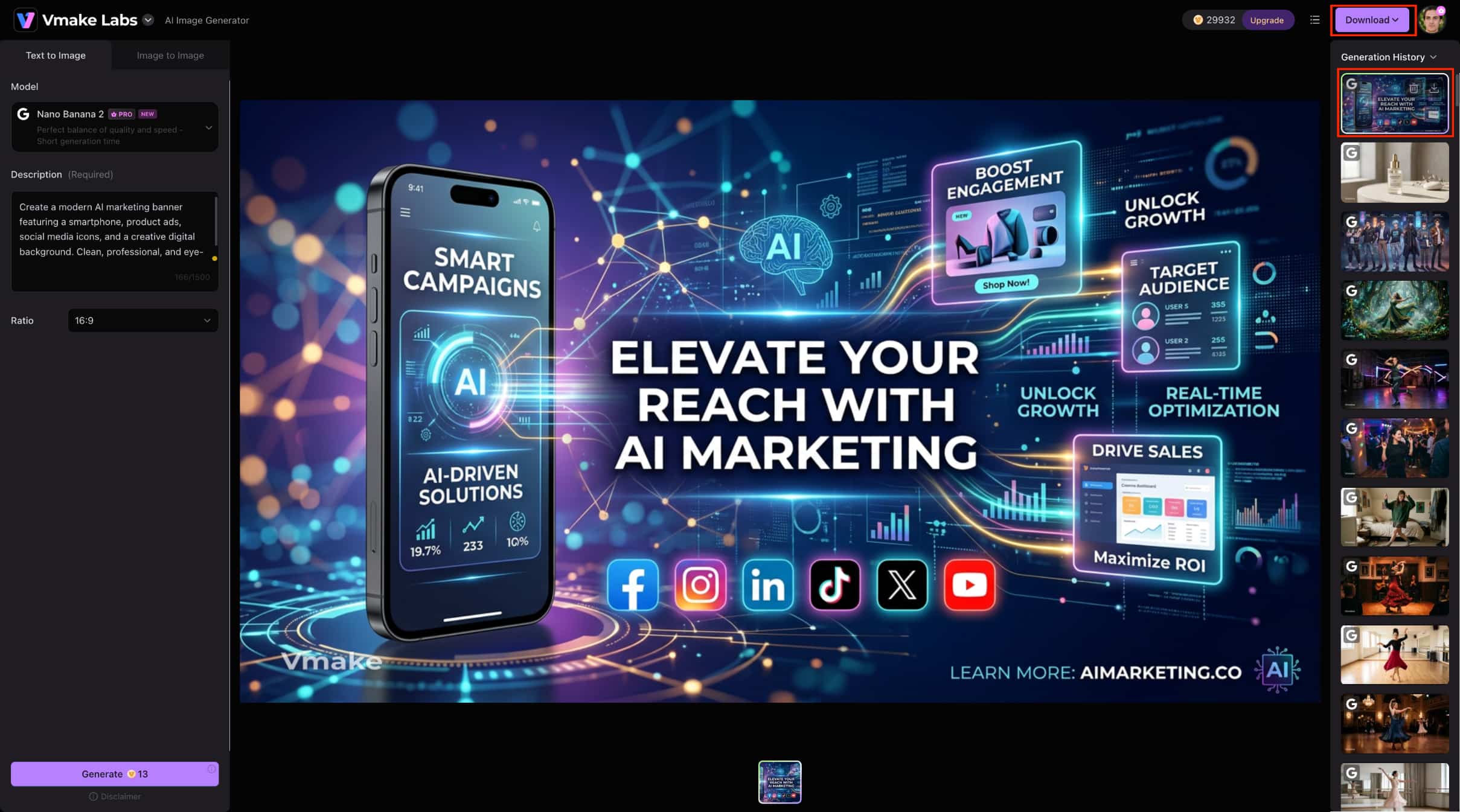
Vmake Labs is a browser-based AI visual content solution for campaigns, e-commerce, and social media. Its Image Generator supports Text-to-Image and Image-to-Image workflows.
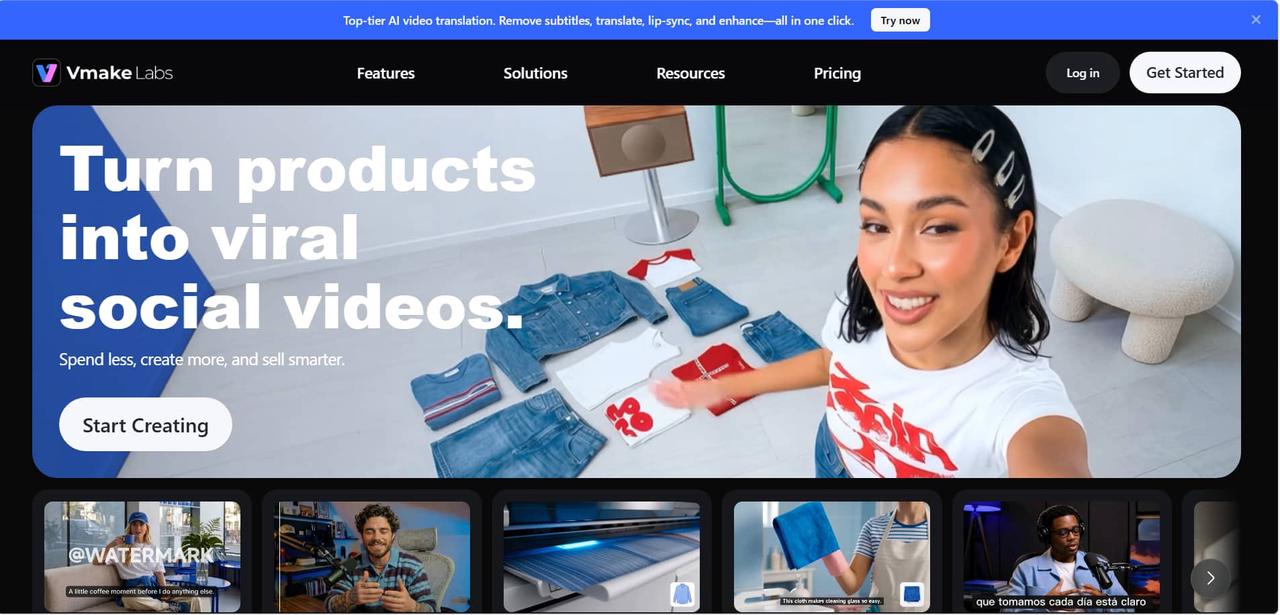
Key features:
-
Text-to-Image generation from written prompts.
-
Image-to-Image generation with 1–3 reference images.
-
Multiple AI image models, including Nano Banana and Seedream options.
-
Marketing-focused visuals for products, ads, websites, and social media.
How to create AI marketing images with Vmake Labs
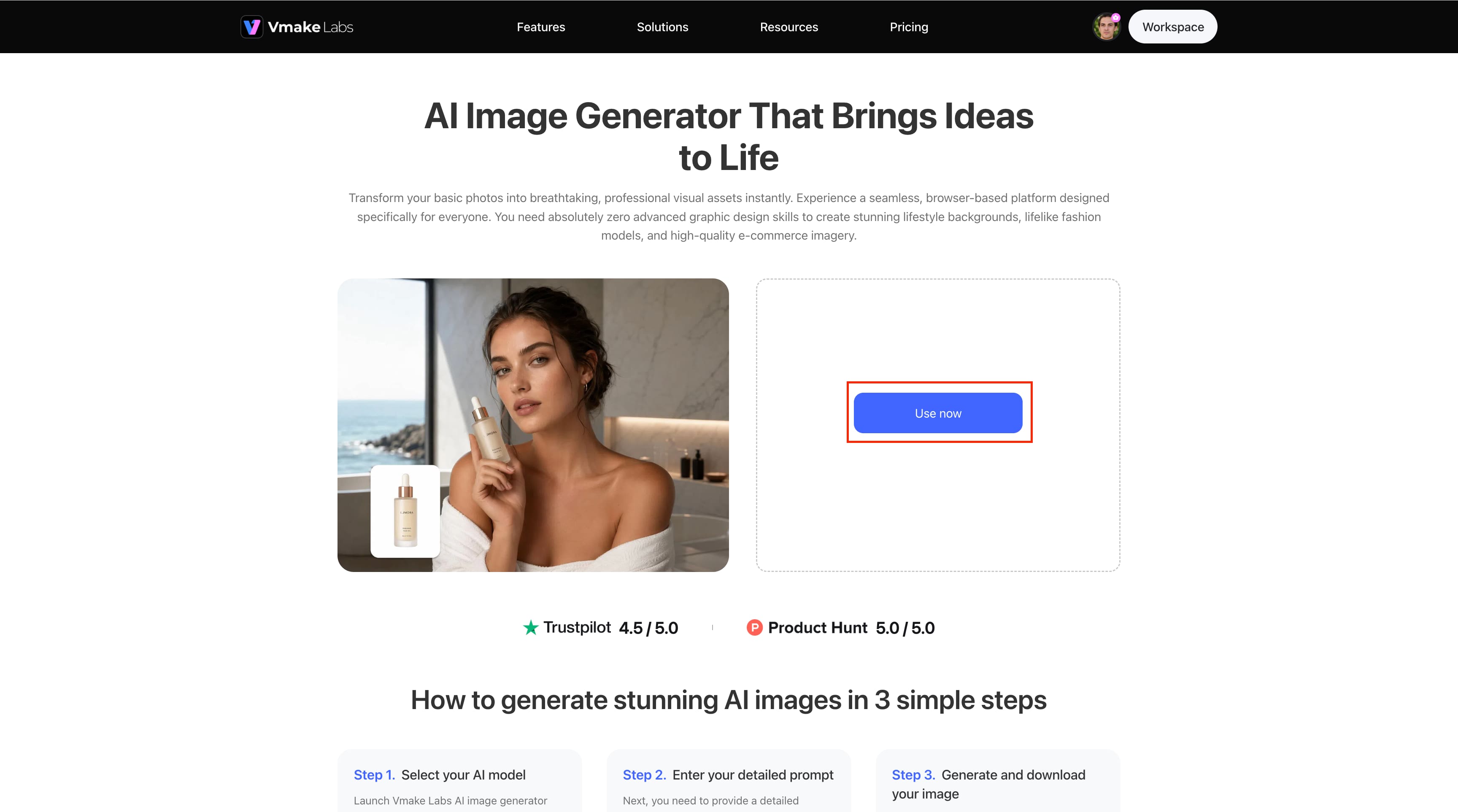
Step 1: Open the AI Image Generator Click Use now to launch the Vmake Labs AI Image Generator and start creating your marketing image.
Step 2: Enter your detailed prompt Select the AI model and enter a detailed description of the marketing image you want to create. Choose the desired aspect ratio before generating.
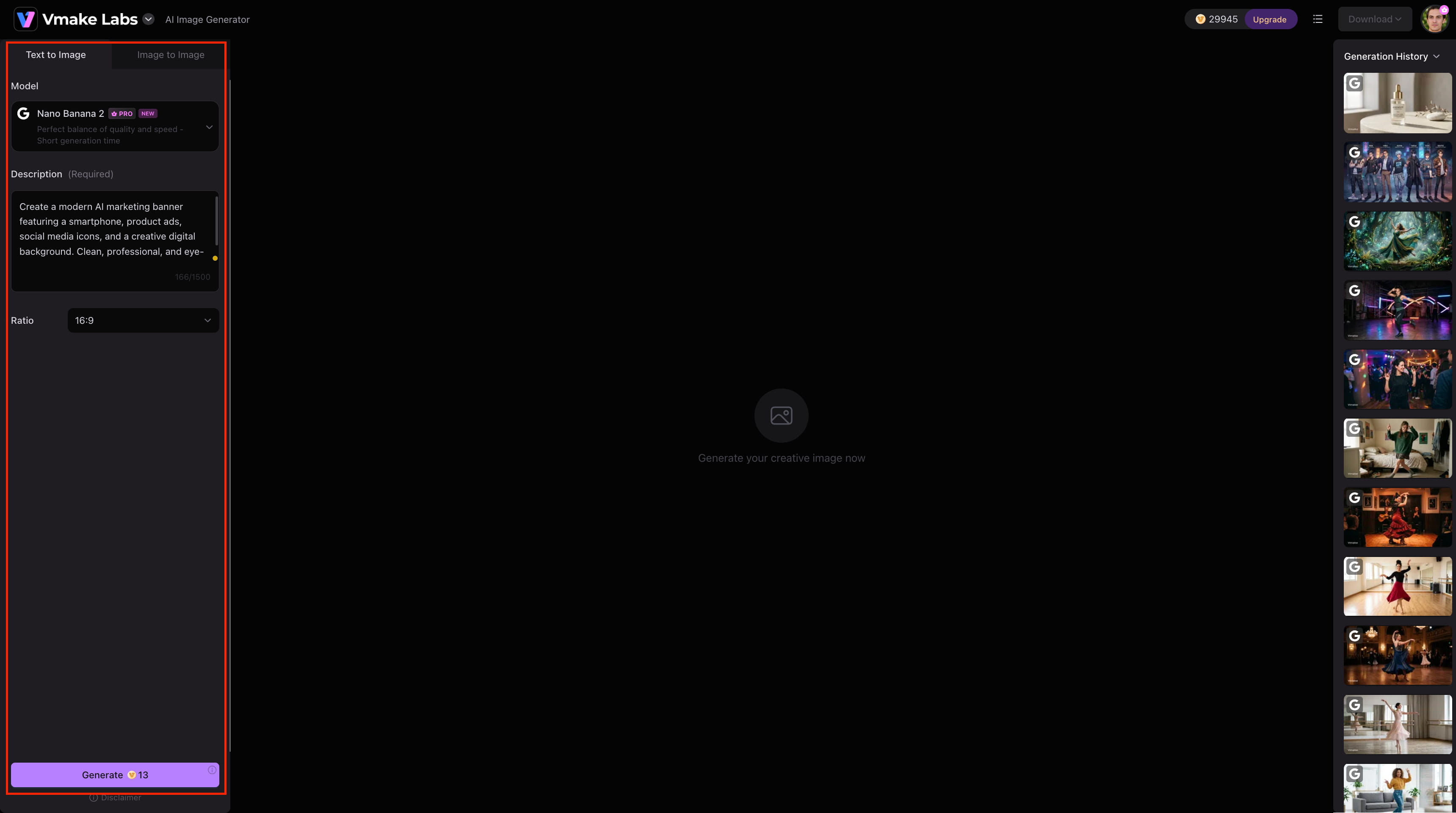
Step 3: Generate and download your image Click Generate to create the AI marketing image, then review the result and click Download to save it.
Pros and cons:
|
Pros |
Cons |
|---|---|
|
Browser-based workflow with no installation |
Available generation options may vary by model or plan |
|
Supports Text to Image and Image to Image |
Detailed prompts may be needed for precise results |
|
Offers multiple AI image models |
Some features or usage may require a paid plan |
|
Useful for e-commerce and marketing visuals |
Generated images may require review before publishing |
Pricing:
Vmake Labs offers a free option with initial credits to try its AI Image Generator. For the latest pricing, available credits, model access, and usage limits, check the current pricing on the official Vmake Labs website.
ChatGPT
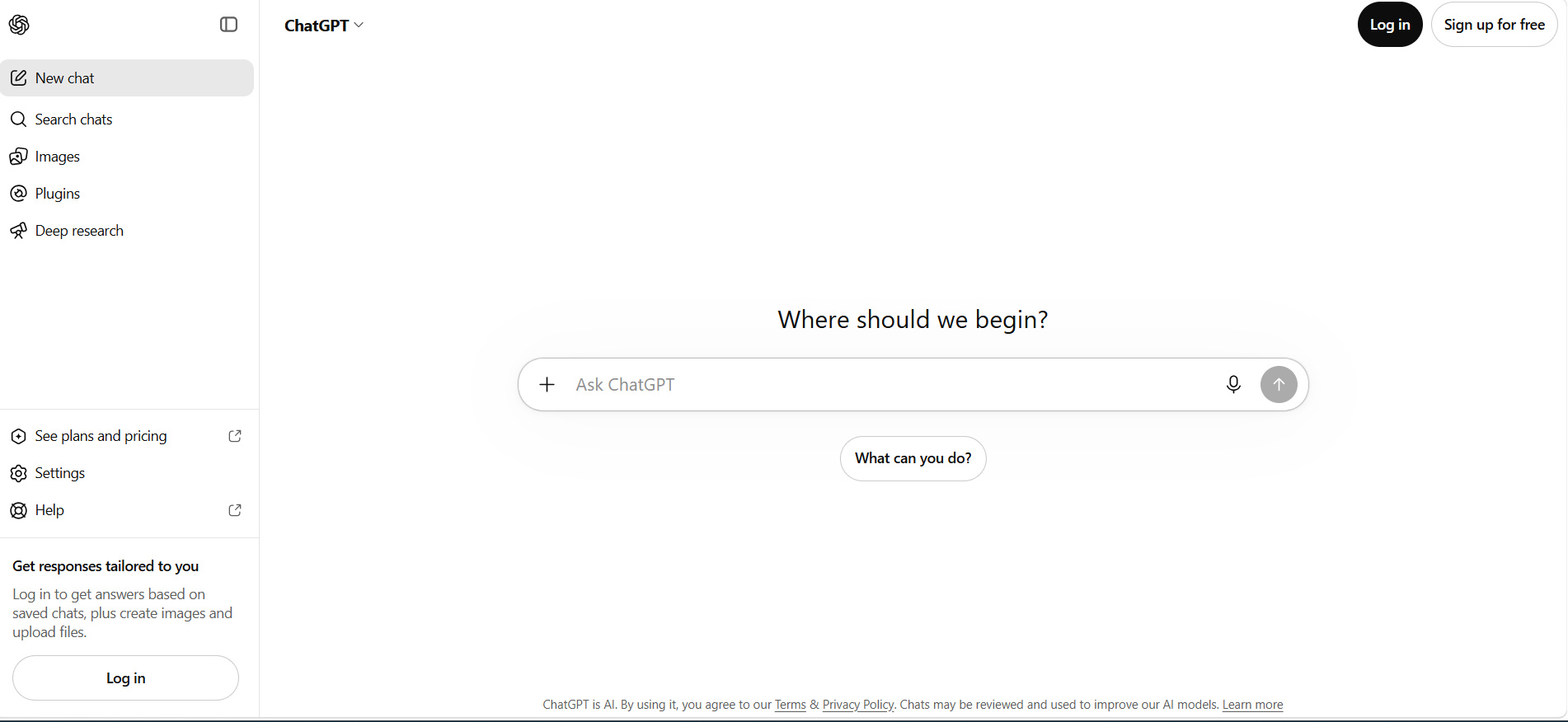
ChatGPT is a versatile AI assistant for content creation, brainstorming, research, and content repurposing. It supports multiple marketing tasks in one workflow.
Key features:
-
Create blog ideas, marketing copy, product descriptions, and promotional content.
-
Generate campaign ideas, headlines, content angles, and creative concepts.
-
Organize information and support marketing research.
-
Repurpose content into social posts, emails, summaries, and other formats.
Pros and cons:
|
Pros |
Cons |
|---|---|
|
Highly versatile |
Human review is required |
|
Easy to use |
Usage limits vary by plan |
|
Supports multiple marketing tasks |
Facts and outputs should be checked |
|
Useful for content ideation |
Advanced access may require a paid plan |
Pricing:
ChatGPT offers a free plan and paid plans with higher usage limits and additional features. Check the current ChatGPT pricing page for the latest plan details.
Jasper
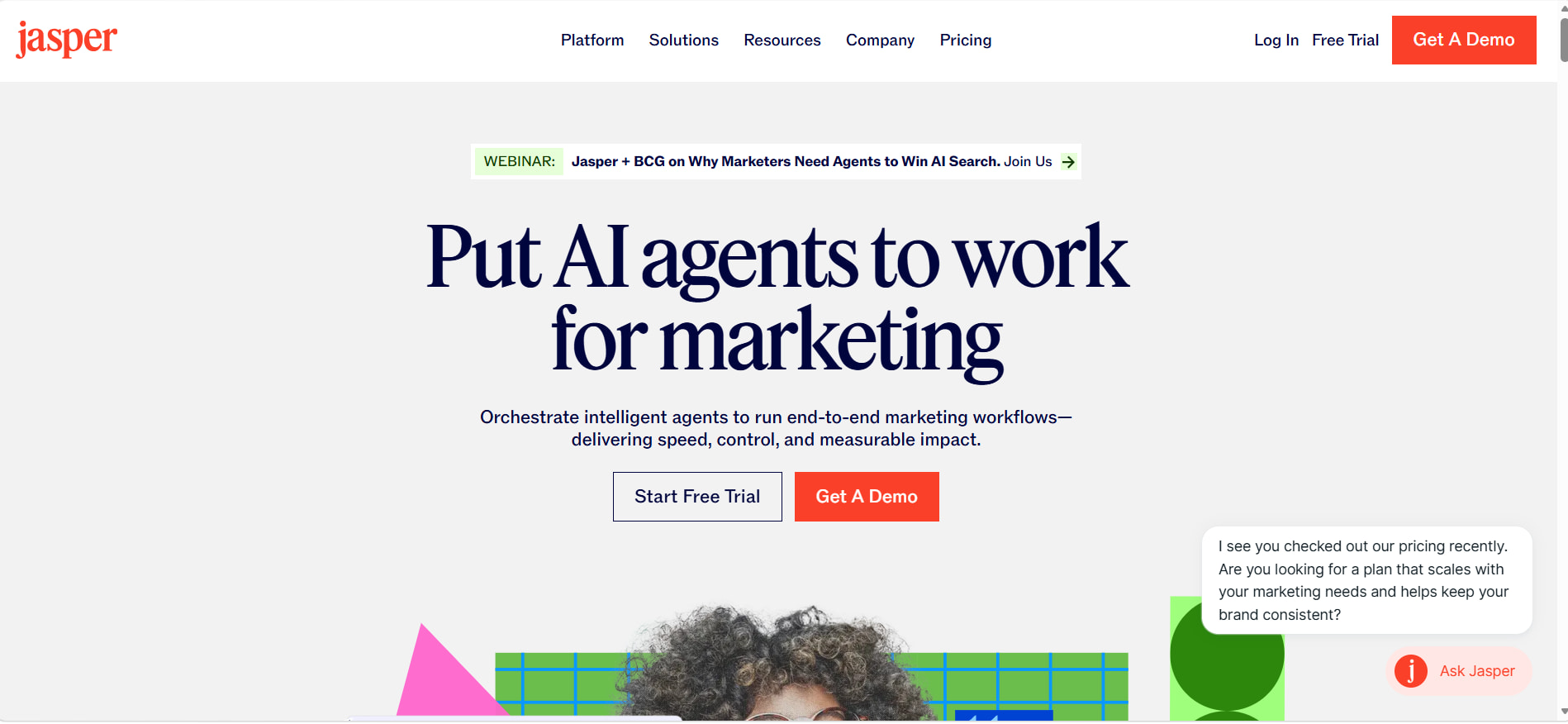
Jasper is an AI platform built for marketing content, brand messaging, and campaign workflows. Its AI agents and brand-focused features help teams create consistent content.
Key features:
-
Create marketing copy and campaign content.
-
Maintain consistent brand messaging.
-
Support marketing activities with AI agents.
-
Repurpose content across marketing channels.
-
Customize outputs with brand and audience information.
Pros and cons:
|
Pros |
Cons |
|---|---|
|
Designed specifically for marketing |
Higher cost than many general AI tools |
|
Strong brand consistency features |
Business pricing is customized |
|
AI agents support marketing workflows |
Maybe more than individuals need |
|
Supports content creation at scale |
Best suited to professional marketing teams |
Pricing:
|
Pricing plan |
Price/billing condition |
Free trial |
Best for |
Why choose it? |
|---|---|---|---|---|
|
Pro |
$69/month/seat, billed monthly |
7-day free trial |
Individual marketers & small teams |
Marketing workflows and brand tools. |
|
Business |
Custom pricing |
Contact Jasper |
Larger marketing teams & businesses |
Advanced workflows and AI agents. |
HubSpot
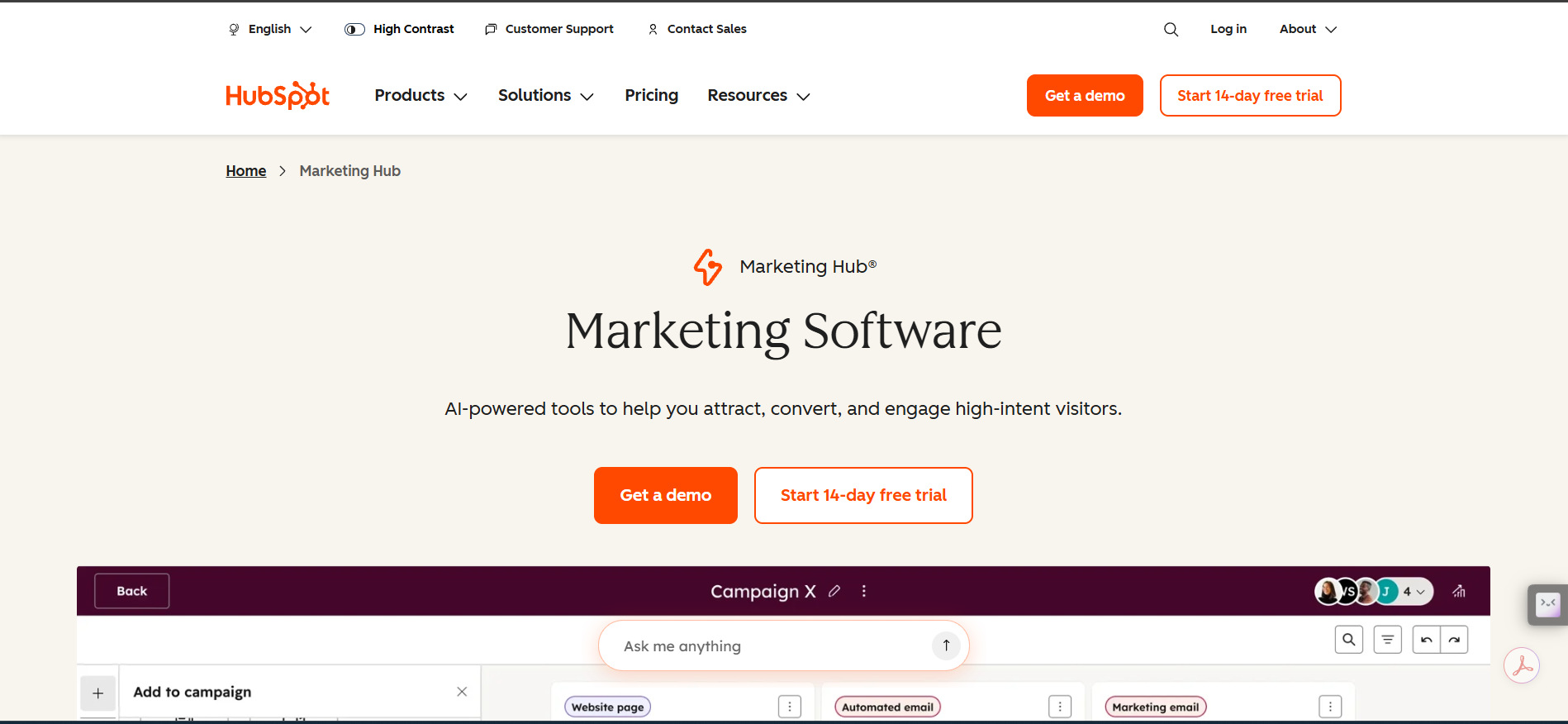
HubSpot is an all-in-one marketing platform combining CRM, automation, content, analytics, and AI tools. It helps marketers manage campaigns, leads, and customer experience.
Key features:
-
Automate marketing activities and customer journeys.
-
Connect marketing campaigns with customers and contact data.
-
Use AI-powered tools to create and support marketing content.
-
Plan and manage marketing campaigns from a centralized platform.
-
Use customer data to create more relevant marketing experiences.
Pros and cons:
|
Pros |
Cons |
|---|---|
|
All-in-one marketing and CRM ecosystem |
Advanced plans can be expensive |
|
Strong automation capabilities |
Pricing varies by plan and requirements |
|
AI-powered marketing tools |
Higher-tier features may be excessive for small teams |
|
Supports campaign management and analytics |
Some advanced features require paid plans |
Pricing:
|
Pricing plan |
Price/billing condition |
Best for |
Why choose it? |
|---|---|---|---|
|
Free |
$0/month |
Individuals and beginners |
Free marketing tools. |
|
Starter |
Starts at $10/month/seat billed monthly |
Small businesses |
Essential marketing and CRM tools. |
|
Professional |
$890/month billed monthly |
Growing marketing teams |
Automation, campaigns, and reporting. |
|
Enterprise |
$3,600/month billed monthly |
Large marketing organizations |
Advanced governance and customer journeys. |
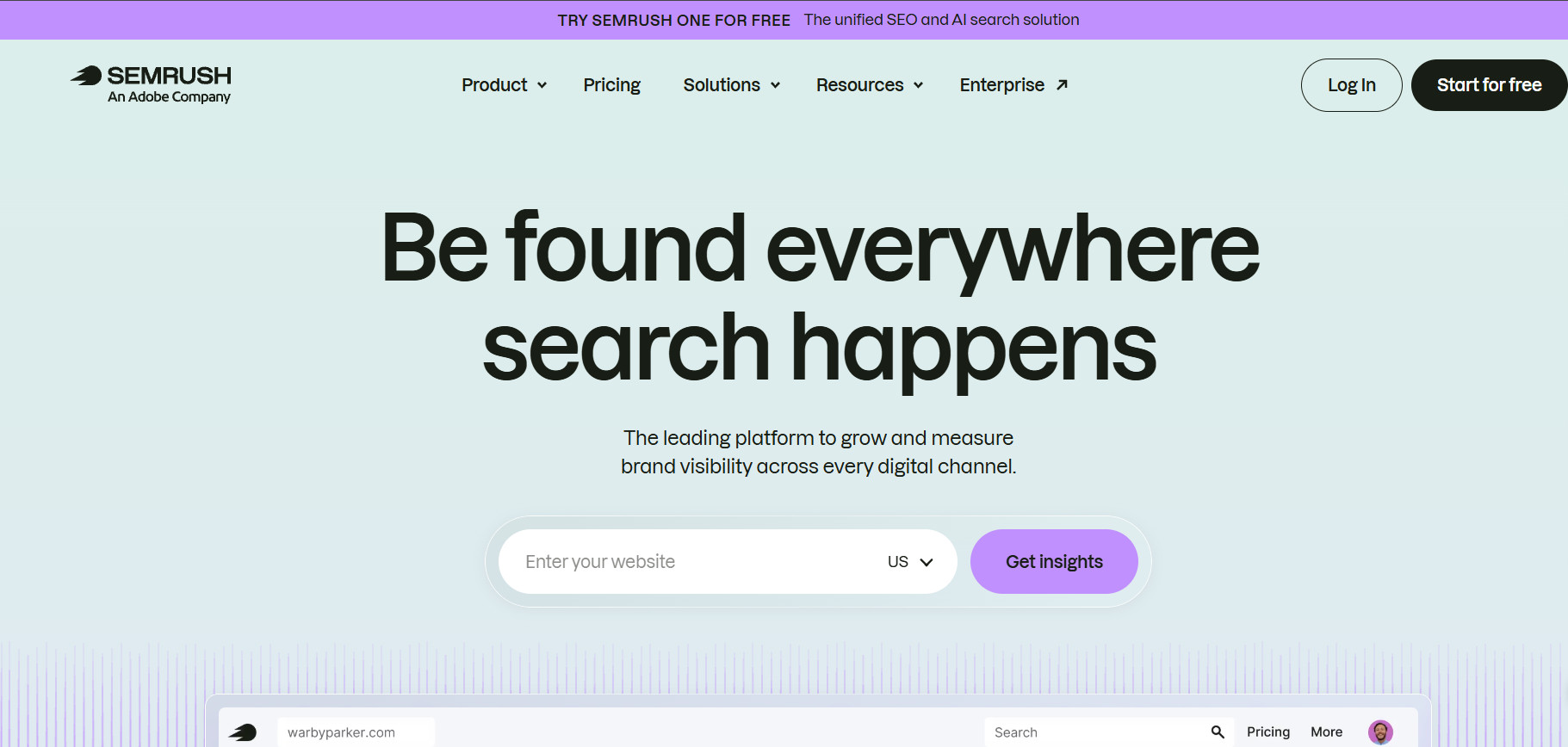
Semrush
Semrush is an SEO and digital marketing platform for keyword research, competitor analysis, and content optimization. Its AI features help marketers identify opportunities and improve search visibility.
Key features:
-
Find relevant keywords, search volume, and ranking opportunities.
-
Analyze competitors' keywords, rankings, and SEO strategies.
-
Improve content with SEO recommendations.
-
Analyze backlinks, site health, and search visibility.
-
Monitor keyword rankings across locations and devices.
Pros and cons:
|
Pros |
Cons |
|---|---|
|
Extensive SEO and competitive data |
Can have a learning curve |
|
Powerful keyword research |
Higher cost than basic SEO tools |
|
Strong competitor analysis |
Advanced features require higher plans |
|
AI-assisted SEO capabilities |
Maybe more than beginners need |
Pricing:
|
Pricing plan |
Price/billing condition |
Best for |
Why choose it? |
|---|---|---|---|
|
SEO |
$117.33/month, billed annually |
Freelancers & beginners |
Core SEO tools for small projects. |
|
Starter |
$165.17/month, billed annually |
Growing businesses & teams |
Higher limits and advanced SEO features. |
|
Pro+ |
$248.17/month, billed annually |
Agencies & larger businesses |
Higher limits, historical SEO data, content optimization, keyword cannibalization analysis, and multi-location/device tracking. |
|
Advanced |
$455.67/month, billed annually |
Organizations & agencies |
Advanced insights, API access, and automation. |
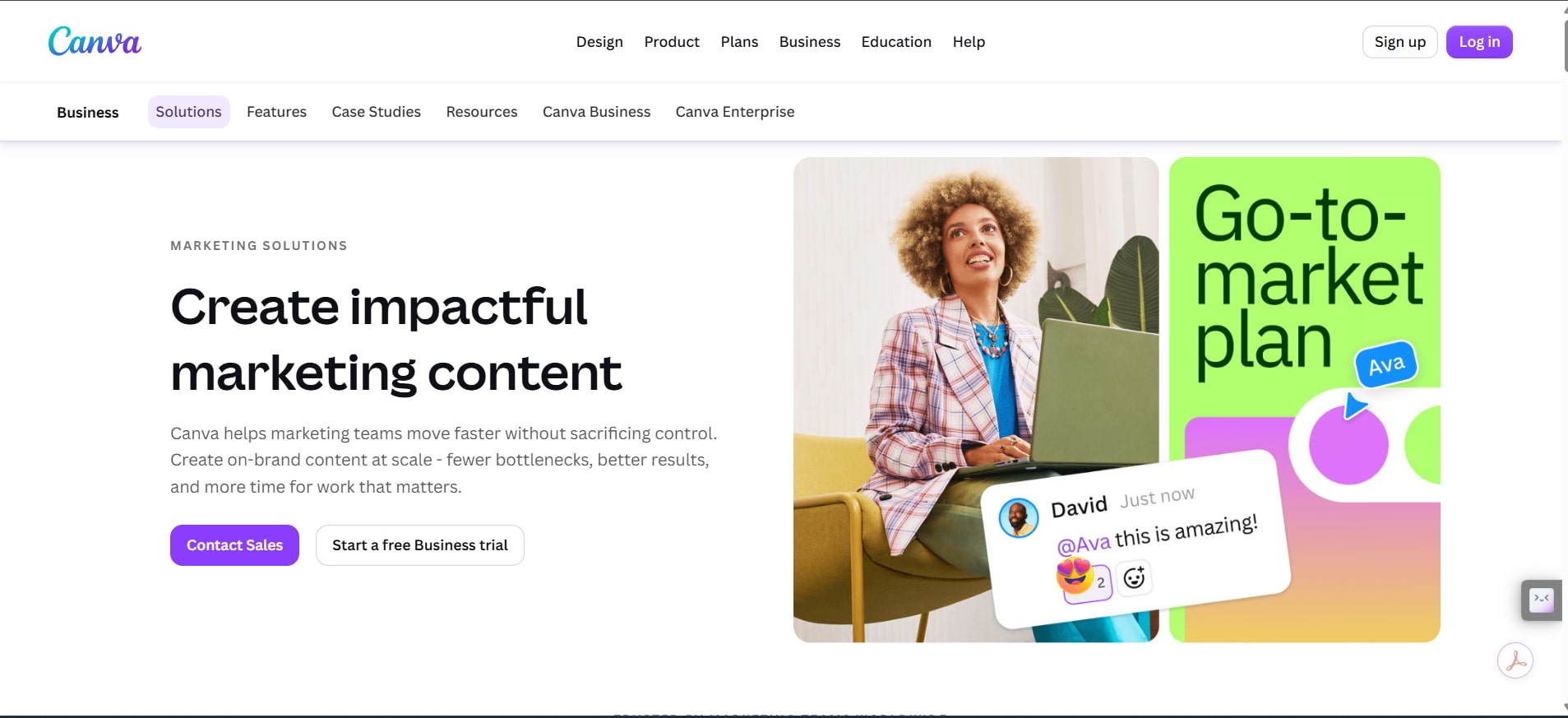
Canva
Canva is a user-friendly design platform for creating marketing visuals, social posts, ads, and videos. Its AI features help marketers generate and edit content without advanced design skills.
Key Features:
-
AI-assisted design and content creation
-
AI image generation and editing
-
Thousands of marketing templates and design types
-
Brand Kits for consistent visual content
-
Social content creation and publishing tools
Pros and Cons:
|
Pros |
Cons |
|---|---|
|
Easy for beginners to use |
Advanced AI features have usage limits |
|
Large library of templates and visual assets |
Premium content requires a paid plan |
|
Strong AI-powered design capabilities |
Enterprise pricing is not publicly listed |
|
Useful for creating on-brand marketing content |
Some advanced features are limited to higher plans |
Pricing:
|
Plan |
Price/billing condition |
Best for |
Why choose it? |
|---|---|---|---|
|
Free |
$0/month |
Beginners |
Basic design tools and templates |
|
Pro |
$180/year/person, billed annually |
Individual marketers |
Premium content, AI tools, and Brand Kits |
|
Business |
$250/year/person, billed annually |
Marketing teams |
Collaboration, approvals, and advanced brand tools |
|
Enterprise |
Custom pricing |
Large organizations |
Enterprise security and brand management |
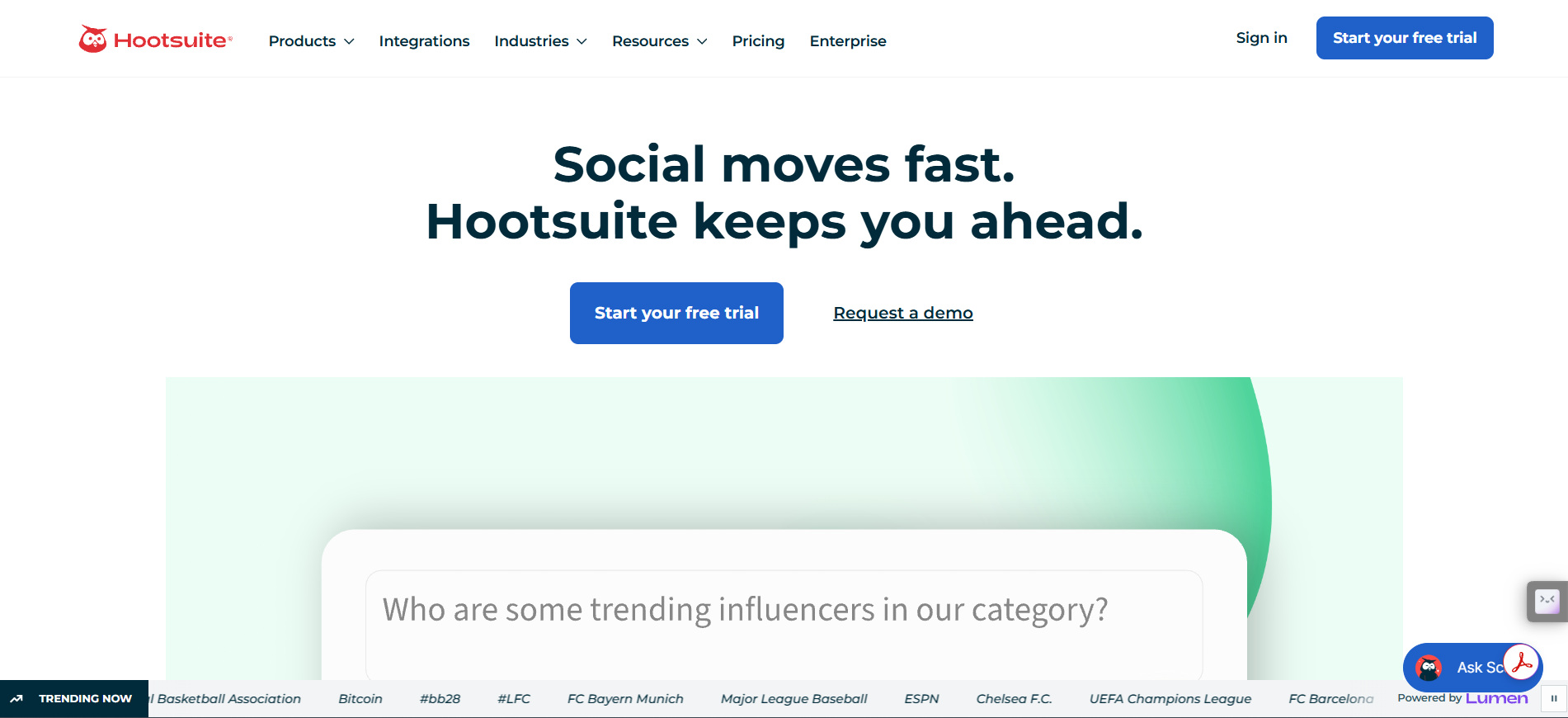
Hootsuite
Hootsuite is a social media management platform for publishing, scheduling, monitoring, and analytics. Its AI features help marketers manage multiple social accounts efficiently.
Key features:
-
AI-assisted post and image creation
-
Social media scheduling and publishing
-
Social listening and trend monitoring
-
Performance analytics and reporting
Pros and cons:
|
Pros |
Cons |
|---|---|
|
Manage multiple social accounts |
Paid plans can be expensive |
|
Strong scheduling and publishing tools |
Advanced features require higher plans |
|
AI-assisted content creation |
Maybe more than small teams need |
|
Social listening and analytics |
Enterprise pricing requires a sales inquiry |
Pricing:
|
Plan |
Price/billing condition |
Best for |
Why choose it? |
|---|---|---|---|
|
Standard |
$99/user/month, billed annually |
Small teams |
Scheduling, AI content creation, and inbox management |
|
Professional |
$199/user/month, billed annually |
Growing teams |
Unlimited accounts and workflow automation |
|
Advanced |
$399/user/month, billed annually |
Larger teams |
Approvals, routing, and team collaboration |
|
Enterprise |
Custom |
Large organizations |
Advanced analytics, listening, and security |
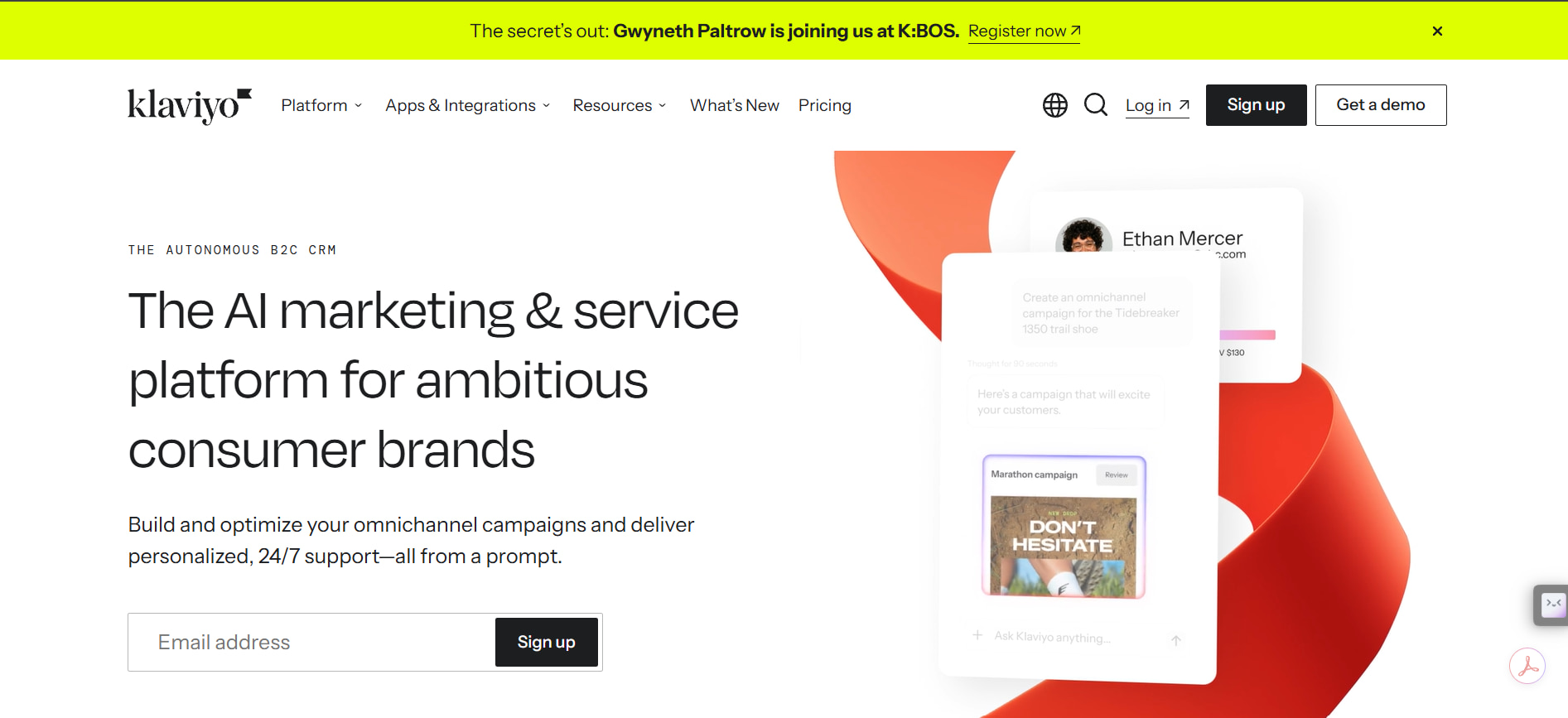
Klaviyo
Klaviyo is an email and customer-data platform designed for e-commerce and lifecycle marketing. It helps marketers segment audiences, personalize campaigns, and automate customer journeys.
Key features:
-
Email campaigns and marketing automation
-
Audience segmentation and personalization
-
AI-assisted campaign creation
-
Customer data and behavioral insights
-
Automated customer journeys
Pros and cons:
|
Pros |
Cons |
|---|---|
|
Strong e-commerce capabilities |
Costs can increase with audience size |
|
Advanced audience segmentation |
Can require a learning curve |
|
Powerful automation and personalization |
Best suited to customer-focused businesses |
|
AI tools support campaign creation |
Higher usage may require paid plans |
Pricing: Klaviyo offers a free plan at $0/month for up to 250 profiles and 500 email sends per month. Paid Marketing plans use usage-based pricing, with costs varying based on active profiles and messaging volume. Check the latest pricing and choose the plan that fits your requirements on Klaviyo's pricing page.
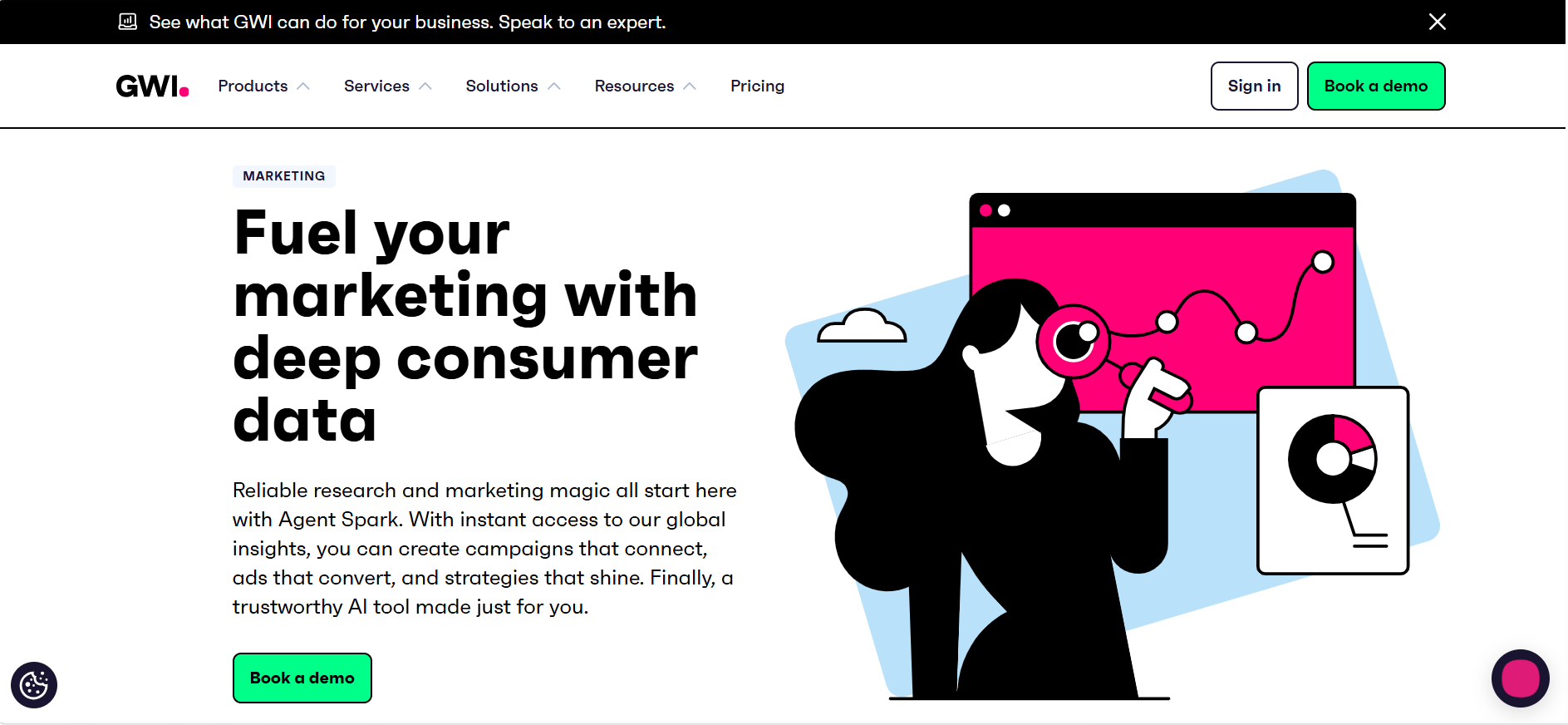
GWI
GWI is an audience intelligence platform that helps marketers understand consumer behaviors, interests, and preferences. Its AI-powered research tools provide audience and trend insights.
Key features:
-
Audience research and segmentation
-
AI-powered consumer insights
-
Consumer trend analysis
-
Research visualization and dashboards
-
Audience profiling
Pros and cons:
|
Pros |
Cons |
|---|---|
|
Deep audience and consumer insights |
More specialized than content-generation tools |
|
AI-powered research with Agent Spark |
Higher plans can be expensive |
|
Useful for audience segmentation and trends |
Maybe more than small teams need |
|
Visualizes research for easier analysis |
Some advanced features require higher-tier plans |
Pricing:
|
Plan |
Price/billing condition |
Best for |
Why choose it? |
|---|---|---|---|
|
Free |
$0/month |
Individuals |
10 Agent Spark prompts/month and unlimited GWI Canvas decks |
|
Plus |
$150/user/month, billed monthly |
Individual marketers |
Unlimited Agent Spark prompts and research features |
|
Teams |
Custom |
Marketing teams |
Shared dashboards and team collaboration |
|
Pro |
Custom |
Businesses |
Full GWI access, advanced research, and deeper audience analysis |
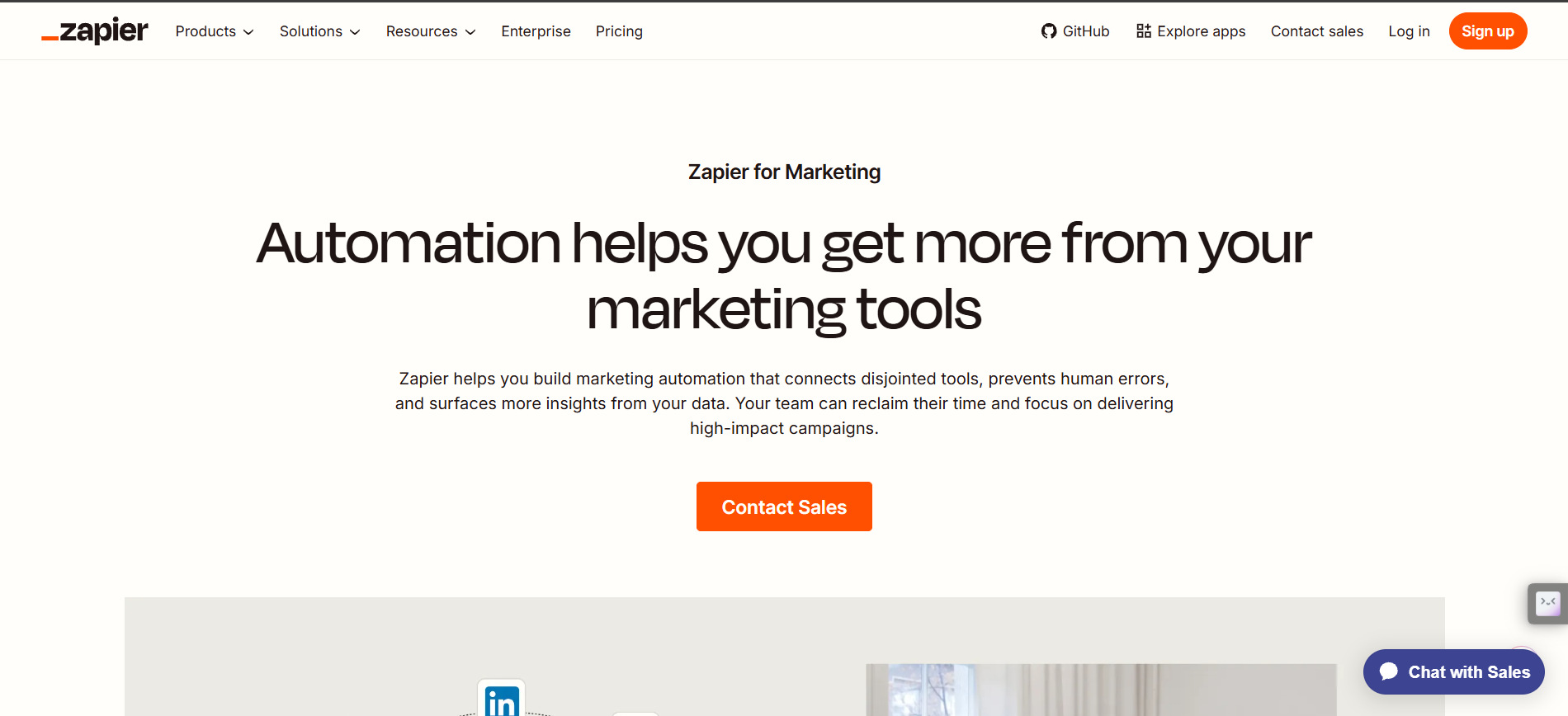
Zapier
Zapier is an automation platform that connects marketing apps and reduces repetitive tasks. It helps marketers build automated workflows and manage multi-step processes.
Key features:
-
Connects thousands of apps and services
-
Automated multi-step workflows
-
AI-powered automation and workflows
-
Shared workflows and app connections
-
Tables and forms for managing marketing processes
Pros and cons:
|
Pros |
Cons |
|---|---|
|
Extensive app integrations |
Costs can increase with usage |
|
Flexible automation workflows |
Complex workflows may require setup |
|
Supports AI-powered automation |
Higher plans are needed for advanced features |
|
Reduces repetitive manual work |
Task limits vary by plan |
Pricing:
|
Plan |
Price/billing condition |
Best for |
Why choose it? |
|---|---|---|---|
|
Free |
$0/month |
Beginners |
100 tasks/month and basic automation |
|
Professional |
From $29.99/month, billed monthly |
Individual marketers |
Unlimited workflows, premium apps, and AI features |
|
Team |
From $103.50/month, billed monthly |
Marketing teams |
Shared workflows, app connections, and collaboration |
|
Enterprise |
Custom |
Large organizations |
Advanced administration, security, and scaling |
AI marketing tools by use case
AI marketing tools can support content creation, SEO, visual design, social media, email marketing, automation, and analytics. Choosing tools based on specific marketing needs can help teams save time and improve their workflows.
-
AI tools for content creation: AI content tools help marketers brainstorm, write, and repurpose content for blogs, product descriptions, ads, emails, and social media.
-
AI tools for SEO: AI SEO tools support keyword research, competitor analysis, content optimization, and search performance to help marketers identify opportunities and improve visibility.
-
AI tools for visual content: AI visual tools help marketers generate images, design assets, edit visuals, and create product imagery for e-commerce, social media, ads, and campaigns.
-
AI tools for social media: AI social media tools help with content creation, scheduling, monitoring, and performance analysis across multiple social channels.
-
AI tools for email marketing: AI email tools support copywriting, segmentation, personalization, campaign creation, and automation to deliver more relevant customer messages.
-
AI tools for automation and analytics: AI automation and analytics tools connect marketing apps, automate repetitive workflows, and simplify reporting to help marketers track performance and make data-informed decisions.
Best AI marketing tools for small businesses
Small businesses can combine a few AI marketing tools to move a campaign from planning to publication. Instead of using every tool at once, the team can start with the product, audience, and campaign goal, then move approved materials through each stage.
Product promotion workflow for a small marketing team
Illustrative scenario: "A small marketing team is promoting a new product and uses AI tools at different stages of the campaign. This is an example workflow, not a record of first-hand testing"
1. Build the campaign brief
-
Input: Product description, key features, price, target audience, campaign goal, promotion dates, and brand voice.
-
Tool/action: Use an AI writing tool to organize the information into campaign angles, headlines, social captions, and email ideas.
-
Output: A campaign brief with draft messaging for different marketing channels.
-
Manual adjustment: Check product details, pricing, claims, dates, and brand tone before approving the copy.
2. Create product visuals
-
Input: Product photos, approved campaign concept, visual references, and required image formats.
-
Tool/action: Use an AI visual tool to create or edit product-focused marketing images.
-
Output: Product visuals for social posts, advertisements, and other campaign materials.
-
Manual adjustment: Check the product's appearance, proportions, branding, colors, and important visual details.
3. Create marketing creatives
-
Input: Approved campaign copy, product visuals, logo, brand assets, and platform requirements.
-
Tool/action: Combine the approved copy and visuals in a design tool to create platform-ready promotional graphics.
-
Output: Social posts, ad creatives, and promotional graphics.
-
Manual adjustment: Check typography, layout, CTA placement, branding, and platform dimensions.
4. Schedule social content
-
Input: Final graphics, captions, links, target channels, and publishing dates.
-
Tool/action: Add the approved content to a social media management platform and schedule the posts.
-
Output: A planned social media campaign ready for publication.
-
Manual adjustment: Confirm the correct channels, dates, links, captions, and campaign sequence before publishing.
5. Launch the email campaign
-
Input: Approved email copy, customer segments, promotional offer, product links, and campaign schedule.
-
Tool/action: Create the email campaign and relevant follow-up messages for selected customer segments.
-
Output: Targeted promotional emails and follow-up communications.
-
Manual adjustment: Check audience segmentation, personalization, links, offer details, and marketing claims before sending.
How to choose the best AI marketing tools
Selecting an appropriate AI Marketing tool is dependent on several aspects, that include your objectives, work process, budget, and requirements. Think about them before choosing the tool.
-
Identify your marketing goals: Specify the particular objective you intend the tool to help achieve, such as creating content, conducting SEO, managing social media accounts, sending emails, or generating leads.
-
Compare features and output quality: Compare AI capabilities, features, output quality, and consistency. Make sure the results match your brand's tone, visual style, and marketing requirements.
-
Check integrations and workflow: Determine if the tool is integrated with your existing CRM system, email client, social media tools, analytical services, or design tools. Select tools that can seamlessly integrate into your workflow.
-
Compare pricing and usage limits: Compare free options, trials, subscriptions, credits, and limits on users and usage. Think about your marketing needs and the features required.
-
Review privacy and commercial-use terms: Check how the tool handles customer information, uploaded files, and business data. Review licensing and commercial-use terms before using AI-generated content in marketing campaigns.
Conclusion
AI marketing tools can simplify content creation, SEO, social media, email marketing, visual production, automation, and analytics. The correct answer is determined by your objectives, your budget, your team's size, and workflow. Marketers need to compare all the factors before opting for a paid solution. For those marketers who want to create images using AI-based visual tools, they can use Vmake Labs for that.
FAQs
Can AI marketing tools create content for multiple marketing channels?
Yes. There are AI marketing tools that can make content fit for websites, email marketing campaigns, social media platforms, ads, and others. This helps marketers generate numerous versions of content while keeping their message constant.
How can marketers maintain brand consistency when using AI?
Marketers can provide guidelines for their brand, along with the tone, message, and visuals needed from the platform that offers this functionality. The content generated by the AI needs to be checked before it is posted.
Can AI marketing tools analyze competitors?
Yes. Some marketing AI tools can assist in analyzing competitors' content, keywords, behavior of their audience, social conversations, and marketing strategies. However, competitor analysis depends on which tool is being used.
How can AI marketing tools help with e-commerce marketing?
AI tools can support e-commerce marketing through product descriptions, product visuals, personalized campaigns, customer segmentation, and promotional content. Vmake Labs can also help marketers create product and e-commerce visuals for campaigns and online stores.
Do AI marketing tools require technical skills?
Most marketing tools that employ AI technology have interfaces or natural language commands that do not need coding skills. But when it comes to automation and more sophisticated features, some coding skills might be required.
How often should marketers review AI-generated content?
AI-generated content must undergo scrutiny before publishing to ensure that the content is accurate, appropriate, and up to standard. Campaign-related content requires more thorough reviews than other content, especially when such content is about products, pricing, or customers.

You May Be Interested

How to Create a Fashion Marketing Video with Vmake Labs
How to Instantly Improve Your Marketing Video Quality
Valentine's Day UGC Video Marketing Guide for Small Businesses (2026)
Video Marketing Strategy: The Ultimate Guide to Video Marketing

Brainrot Marketing Explained: Why It Works and How to Create It with Vmake Labs