How to Make a Business Logo: 8 Easy Ways in 2026
Learn how to make a business logo with 8 simple methods, from free tools and templates to AI-powered design, and create professional brand concepts with Vmake Labs. Turn ideas into a strong brand.

Creating a business logo is easier than ever in 2026, even without professional design experience. From designing from scratch to using templates and AI-powered tools, there are several ways to get started. The right approach depends on your brand identity, audience, budget, and how much creative control you want.
8 ways to make a business logo
There is no single correct way to create a business logo. The best method depends on your design experience, budget, timeline, and how much creative control you want. Here are eight practical approaches you can consider.
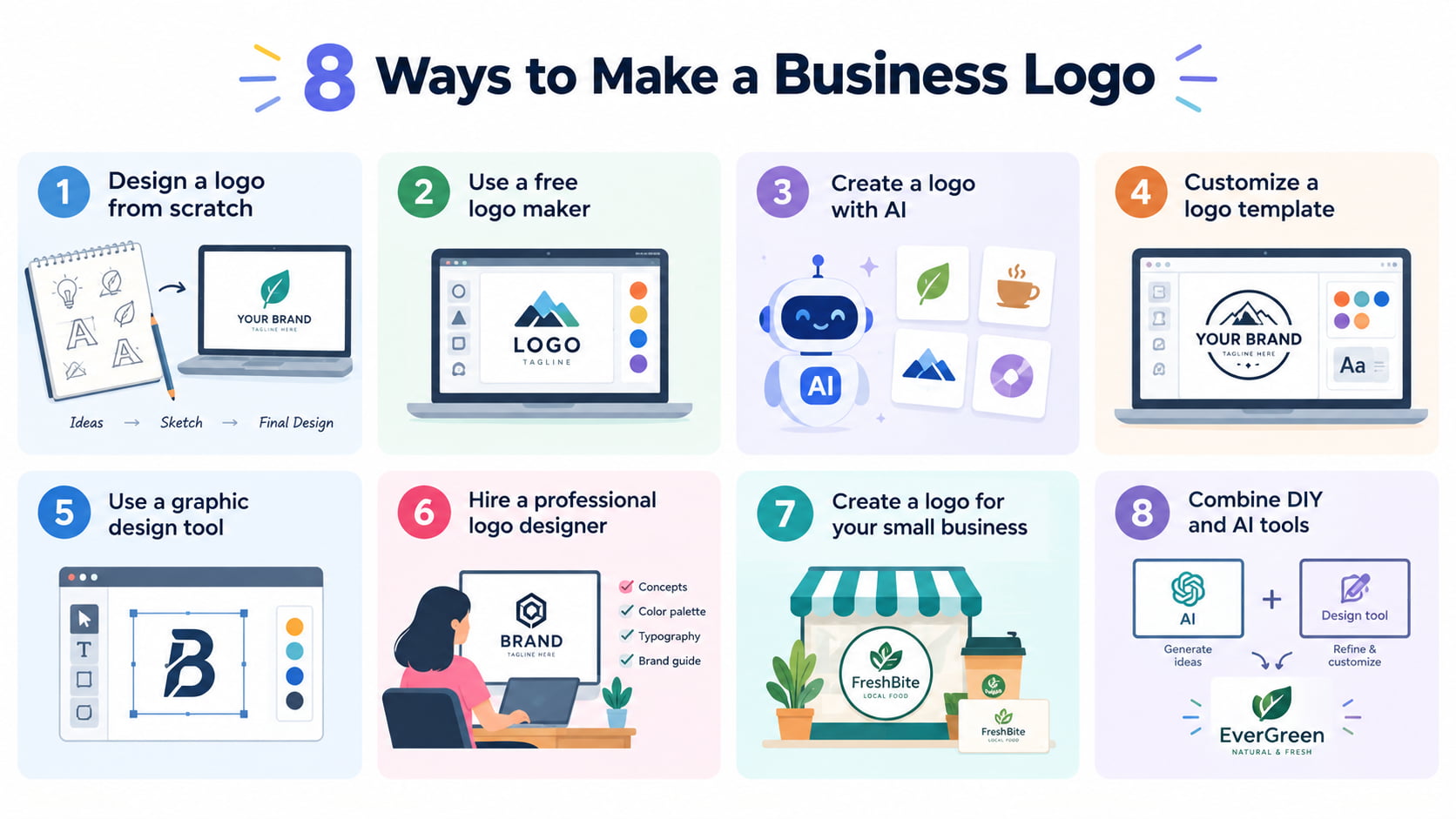
Design a logo from scratch
Making a logo from scratch lets you have full control over the concept. Begin by thinking about your business name, target audience, industry, and personality, and then choose visuals that convey those ideas. For example, a technology company might prefer a clean geometric design, whereas a handmade business might do better with softer typography and organic shapes. Draft a few ideas before moving into a design tool to explore different concepts without getting attached to your first idea.
Use a free logo maker
A free logo maker can simplify the design process by generating logo options based on your brand information. Enter details such as your business name, industry, preferred style, and other relevant choices, then select a template that fits your brand. Customize the fonts, icons, colors, and layout, and preview the result before saving or downloading it according to the tool’s available options. Some logo makers may limit certain templates, features, file formats, or high-resolution downloads to paid plans.
Create a logo with AI
Generate many logo possibilities with a short description for a logo created with AI. Spare yourself the hassle of creating each concept manually. Simply define your business, style, colors, and visual direction right away. Say you have a trendy coffee brand that needs a minimal logo in warm colors, and a simple coffee-inspired symbol. AI is able to create a variety of graphic directions, but take the first output as a beginning point that you can develop, not the final logo.
Customize a logo template
Customizing a logo template can save time when you already have a general idea of how your logo should look. Choose a design that fits your industry and modify it to reflect your brand. Adjust the colors, fonts, spacing, symbols, and layout instead of using the template exactly as provided. Since widely used templates can make businesses look similar, meaningful customization helps create a more distinctive visual identity.
Use a graphic design tool
With a graphic design tool, you have more control over designing a logo. Combine text, forms, icons, colors, and spacing manually to create your unique design. This method takes more time than using a template but gives you more control over the end outcome. It's especially handy if you have a handle on basic design principles or are looking to construct a complete visual identity around your logo.
Hire a professional logo designer
Hiring a professional logo designer can be worthwhile when your logo represents an established business or major brand. A designer can develop concepts based on your positioning, target audience, competitors, and long-term branding goals. Professional design is particularly valuable when you need more than a single logo, such as typography guidelines, color systems, logo variations, and other brand identity assets.
Create a logo for your small business
Small businesses don't need extensive branding. A simple, recognizable logo is usually more powerful than one that is overloaded with excessive complication. Think about all the places customers might see your logo: your website, social media profiles, business cards, packaging, in a retail store, in an email signature or on a mobile device. Choose a simple design that stays recognizable and readable on different platforms and sizes.
Combine DIY and AI tools
You don't have to create everything yourself or let AI take over the entire process. Combining both tactics can provide you with added flexibility and creative control. You might, for example, utilize AI to explore multiple logo designs, then polish your preferred direction in a design tool by tweaking the text, spacing, colors, and composition. If you're pretty clear on your brand but want to get the first creative process rolling faster, this is a good way.
How to choose the right logo style for your business
Choosing the right logo style helps your business communicate its personality and make a strong first impression. Different logo types suit different business names, industries, and branding goals. Explore the options below to find a style that best represents your business.
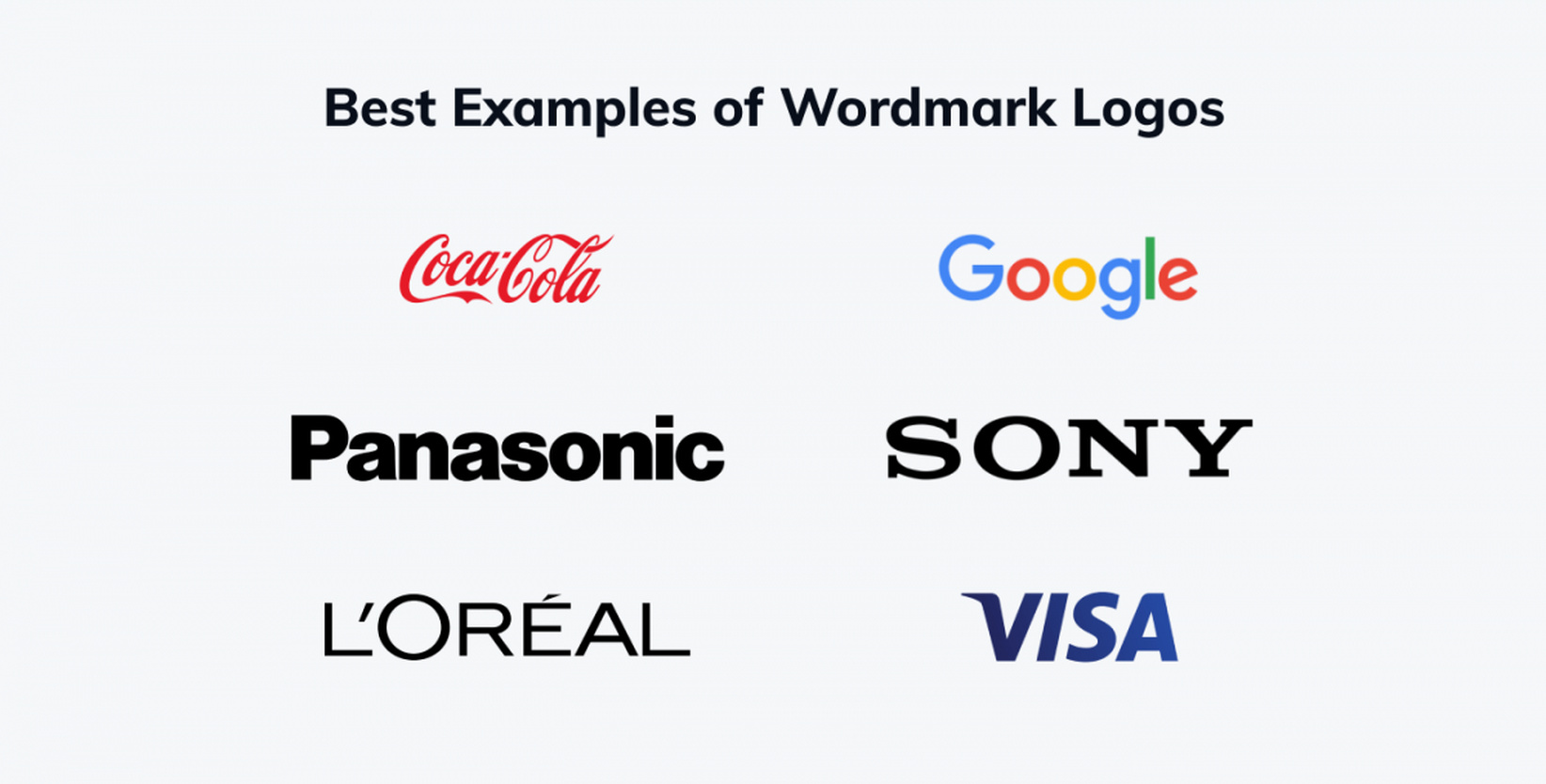
Wordmark logos
A wordmark uses the business name as its primary visual element. It's a great choice when your business name is brief, unique and easy to remember. Typography is very crucial, since the font, the space and the proportions accomplish most of the visual job.
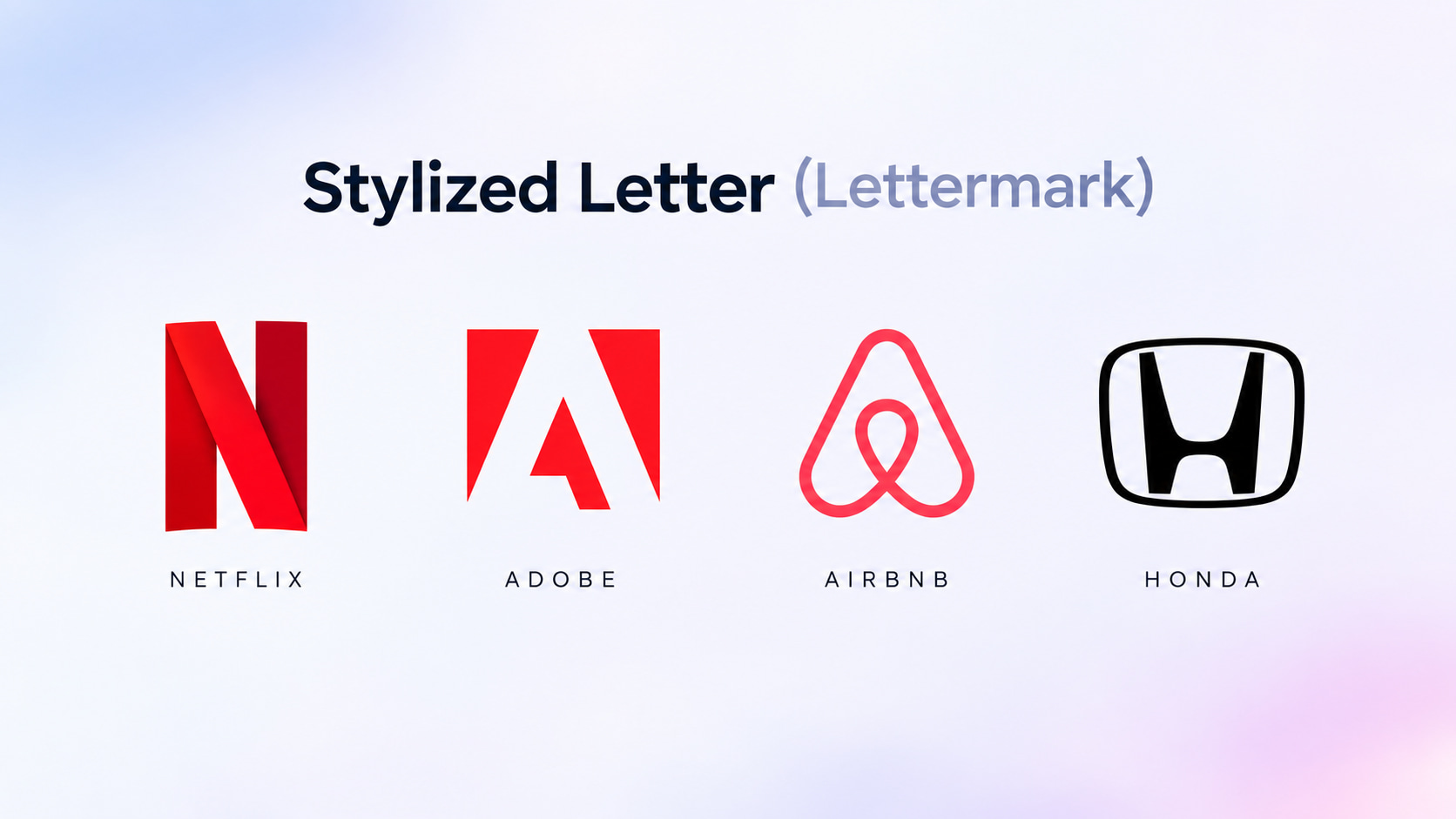
Lettermark logos
A lettermark uses initials instead of the complete business name. This can work well for companies with long names or several words. A clean lettermark can create a compact identity that works particularly well for social media profiles, app icons, and other small spaces.
Symbol or brandmark logos
A brandmark is a symbol or image without the name of the company. This style can be quite distinctive after the audience makes the association of the sign with the firm. For newer brands, though, the sign may have to be used next to the name until it catches on.
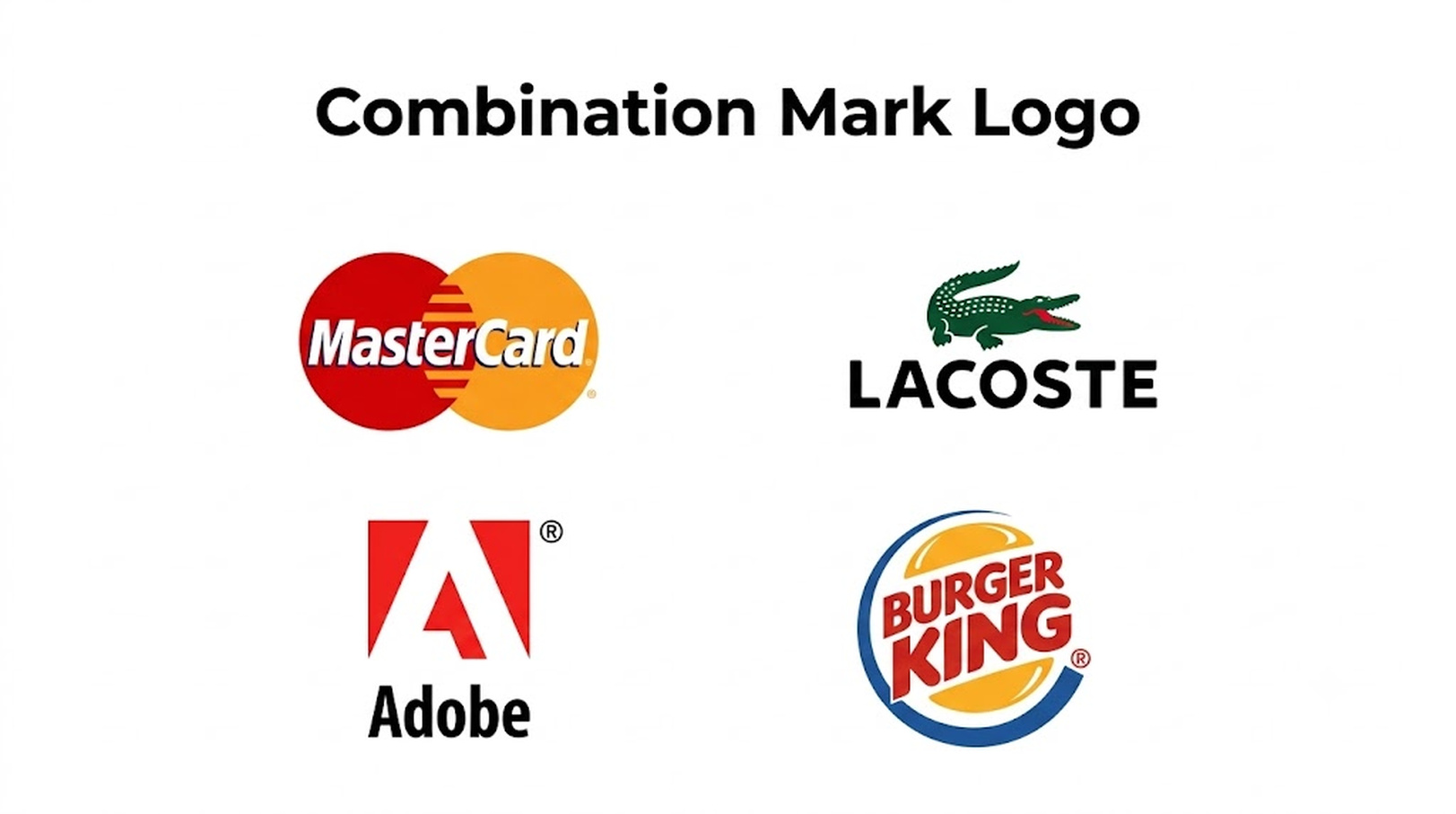
Combination mark logos
A combination mark joins text and a symbol together. It allows enterprises to employ both parts together or individually, as needed. This can be a reasonable decision for many emerging organizations, since the company name helps increase recognition, while the symbol provides a memorable visual aspect.
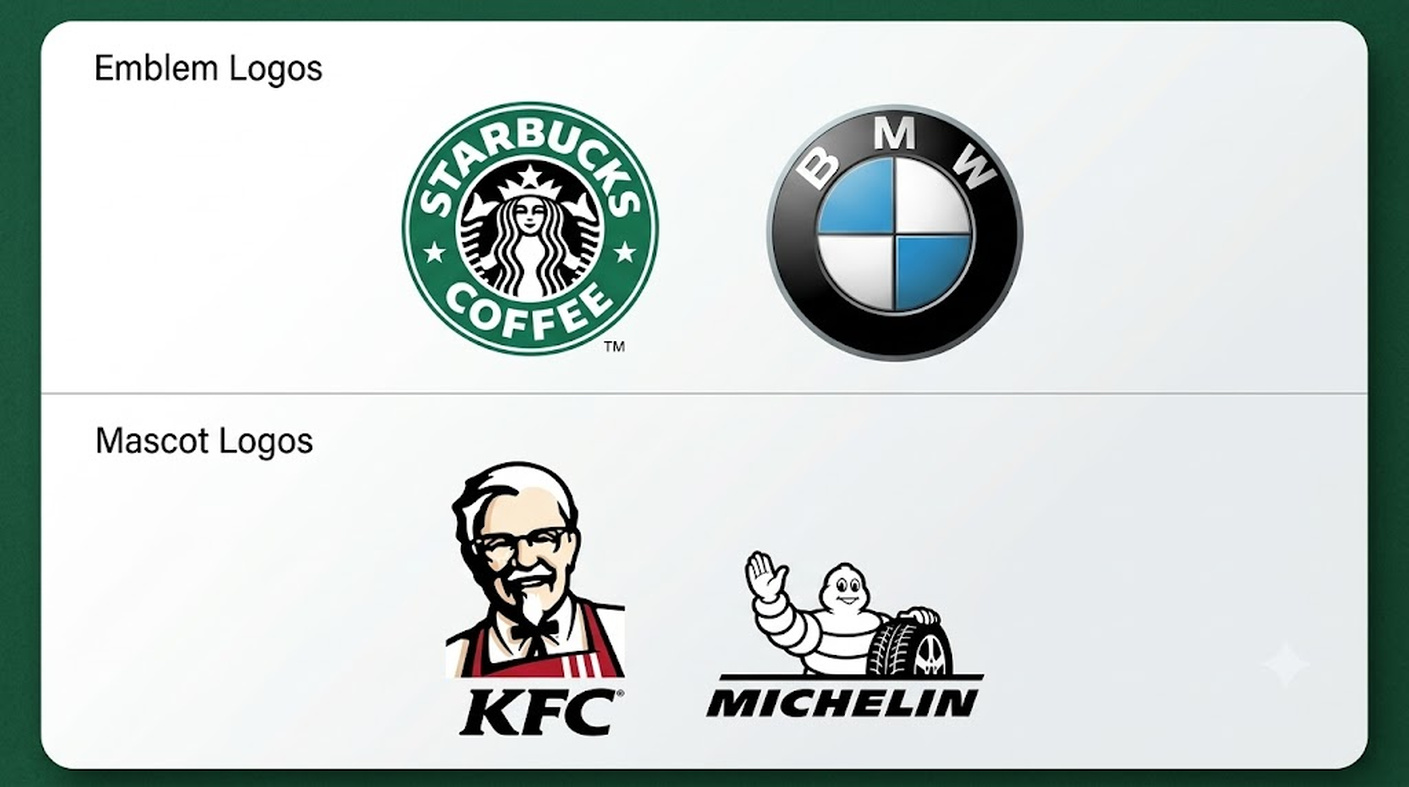
Emblem and mascot logos
Emblem logos incorporate text within a badge, seal, or other structured design; Mascot logos have a character as the major visual identification. These styles perform well for sports teams, culinary brands, community enterprises, entertainment companies, and brands that seek a more expressive personality.
What makes a good business logo?
A good business logo should do more than look attractive. It should communicate your brand clearly and make a lasting impression. It also needs to remain recognizable and functional across different platforms, sizes, and branding materials. Here are the key qualities to consider:
-
Simple: Keep the design clean and avoid unnecessary details. A simple logo is easier for customers to recognize and remember.
-
Memorable: Add something unique to make your logo stand out. A unique form, symbol or typeface choice can be simpler to link with your business.
-
Relevant: The logo should reflect your business, industry, and target audience. Colors, emblems, and overall style should be consistent with your brand identity.
-
Original: Create a design that feels unique to your business and avoids copying competitors. An original logo helps your brand establish its own identity.
-
Readable: Use clear typography that remains easy to read at different sizes. Avoid overly decorative fonts that can make the business name difficult to understand.
-
Scalable: Your logo should look clear whether it appears on a small social media icon or a large billboard. A well-designed logo maintains its quality at different sizes.
-
Versatile: Make sure the logo works across websites, social media, packaging, business cards, and printed materials. It should also look good in both light and dark backgrounds.
-
Timeless: Avoid depending too heavily on temporary design trends. A timeless logo can continue to represent your business effectively as your brand grows.
Once you understand what makes a logo effective, the next step is turning your ideas into a visual concept. You can use AI tools to explore different styles, layouts, colors, and design directions without starting everything manually. Vmake Labs can help simplify this creative process by turning your descriptions and visual references into logo concepts you can refine.
How to make a business logo with Vmake Labs
If you want to explore logo concepts quickly, Vmake Labs can turn your business idea into creative visual concepts using AI. Its AI image generator lets you describe your brand, preferred style, colors, and visual direction in a simple prompt. You can explore different logo concepts and refine the ideas that best match your business identity. This makes it easier to move from an initial idea to a visual concept without starting completely from scratch.
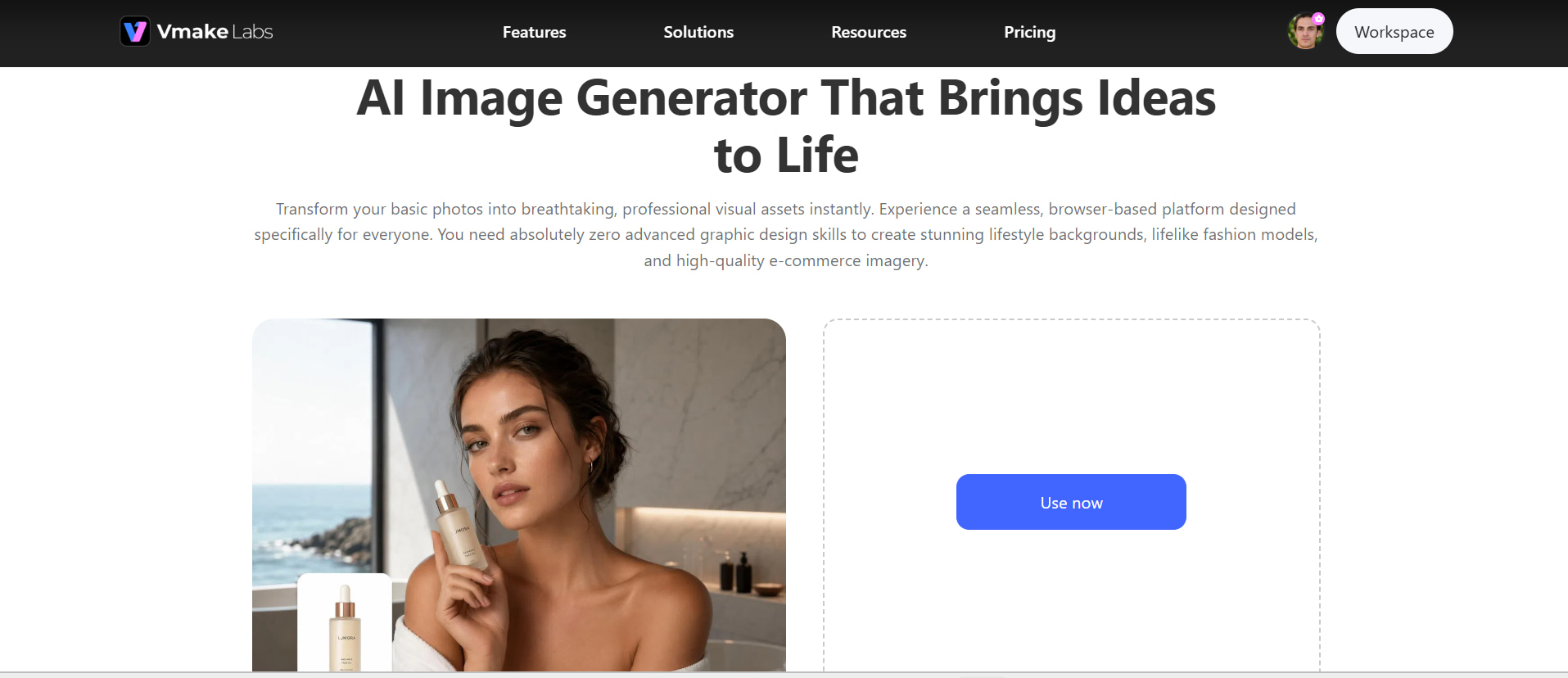
3 steps to create your business logo with Vmake Labs
Step 1: Start with your business concept Enter the key details that describe your business, target audience, preferred colors, visual style, and the type of logo you want to create. A clear description gives the AI better direction for generating relevant concepts.
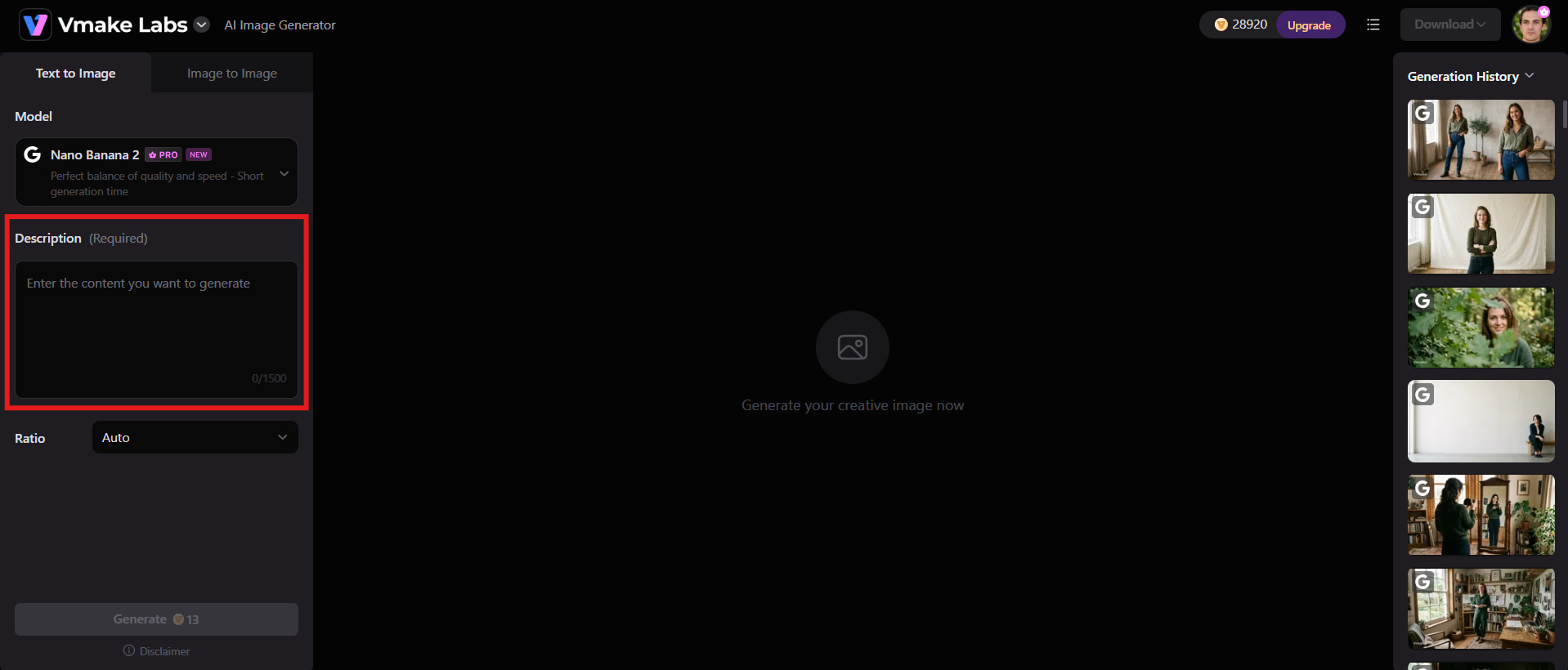
Step 2: Generate and refine your logo concept Use Vmake Labs to generate different visual concepts from your prompt or an existing reference image. Compare the results and refine the visual direction until you find a concept that fits your brand. If the generated image needs additional clarity or quality improvement, an image enhancer can also help polish the visual.
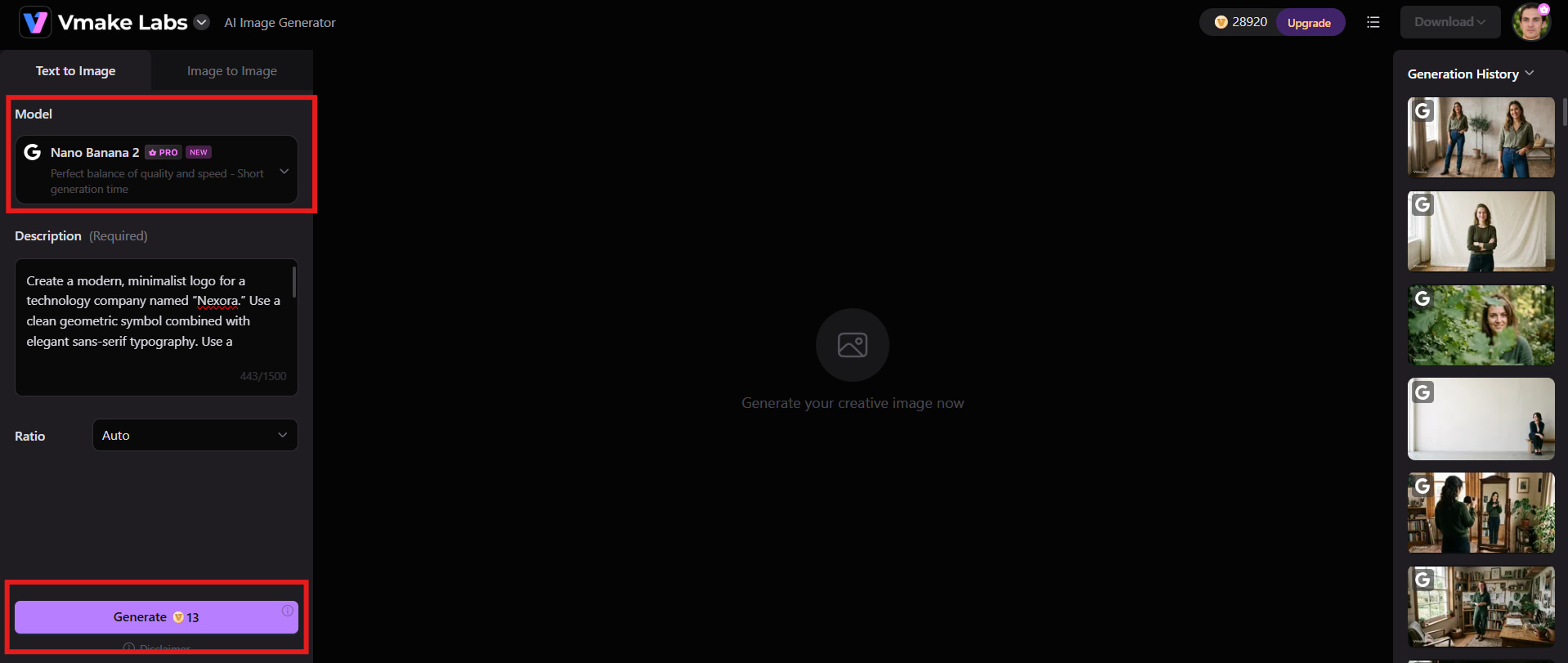
Step 3: Review and prepare the final design Choose the strongest concept and check how it looks in different sizes and in different backgrounds. Make sure the design remains recognizable and readable before preparing it for your website, social media, packaging, or other branding materials.
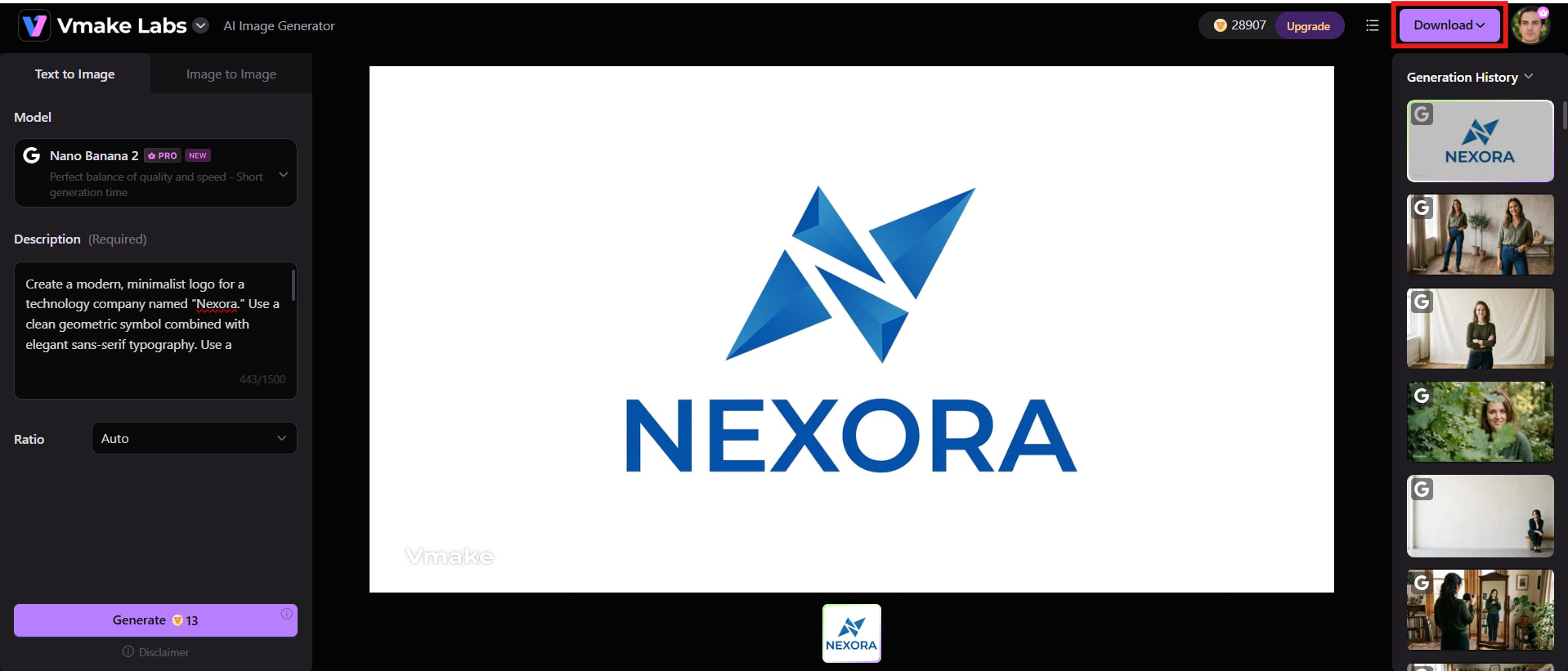
Vmake Labs key features
-
Text to Image: Describe your logo concept in writing and quickly get an AI image based on your preferred style, colors, symbols, and general idea.
-
Image to Image: Use an existing image as a starting point to create a new visual concept while maintaining useful elements from the original reference.
-
Reference images: Add reference images to guide the AI toward a specific visual style, composition, color direction, or design inspiration.
-
Multiple AI models: Explore different AI models to generate varied visual results and find an approach that best matches your preferred logo concept.
-
Flexible aspect ratios: Choose an aspect ratio that suits your intended composition, making it easier to adapt your visual concept for different uses.
-
Preview and download: Review your generated concepts, select the result you prefer, and download the visual for further use or refinement.
Tips for creating a logo for your business
Creating a logo that represents your business effectively requires more than choosing an attractive design. Consider your audience, competitors, colors, typography, and where the logo will be used. These practical tips can help you create a logo that looks professional, stays memorable, and supports your brand as it grows.
-
Research your competitors and audience: Investigate popular design styles in your industry and gage what appeals to your target demographic. Use this research to inspire you, but don’t make your logo look too similar to your competition.
-
Keep the design simple and memorable: Avoid adding too many elements, colors, or decorative details. A clean and distinctive design is easier for customers to recognize and remember.
-
Choose colors and typography carefully: Select colors that reflect your brand personality and create the right impression. Use clear, readable fonts that work well across different sizes and platforms.
-
Make the logo versatile: Test your logo in different sizes, backgrounds, and formats before finalizing it. Make sure it looks effective across websites, social media, packaging, and print materials.
-
Get feedback before finalizing: Show your logo concept to a few people and ask for their honest first impressions. Use their feedback to identify areas that need improvement before making the final version.
Conclusion
Creating a business logo does not have to be complicated or expensive. You can start from scratch, customize a template, use AI, work with a graphic design tool, or combine several methods to develop your concept. The most important qualities are simplicity, memorability, relevance, readability, scalability, and versatility. For businesses exploring AI-assisted design, Vmake Labs can help turn ideas and references into visual concepts that are easier to review and refine. Once you have a strong direction, tools such as an image sharpener can help improve visual clarity before you prepare the final design for different branding applications.
FAQs
-
What is the easiest way to make a business logo?
The easiest way depends on your design talents, time and money. A logo creator or AI tool can let you explore designs rapidly without having to create every aspect yourself. If you want greater control, you can edit the resulting design using a graphic design tool.
-
How can I make a free logo for my business?
You can create a free logo using online logo makers, templates, or AI design tools that offer free options. Start with your business name and choose suitable fonts, colors, symbols, and layouts. Always check the tool's licensing terms before using the logo commercially.
-
How do I make a logo for my small business?
Start by defining your business personality, target audience, and preferred visual style. Choose a simple design that works well across your website, social media, packaging, and other marketing materials. Vmake Labs can also help you explore visual concepts from a written description or reference image.
-
Can I make a business logo with Vmake Labs?
Yes, Vmake Labs can help you explore business logo concepts using AI-generated visuals. You can describe your business, preferred style, colors, and design direction to generate different ideas. You can then review the concepts and refine the direction that best represents your brand.
-
What makes a business logo look professional?
A professional logo should be simple, distinctive, readable, relevant to the brand, and usable at different sizes. Consistent colors, balanced spacing, appropriate typography, and a clean composition also contribute to a polished appearance.
-
Can AI create a logo for my business?
Yes, artificial intelligence can help produce logo concepts from a description of your business, style, colors, and visual preferences. Vmake Labs can be handy for quickly exploring multiple creative directions. But you should analyze and tweak AI-generated concepts to make sure the final design fits your brand.

You May Be Interested
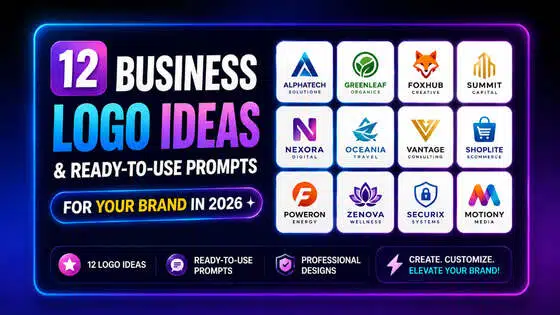
12 Logo Ideas & Prompts: Best Creative Brand Designs (2026)
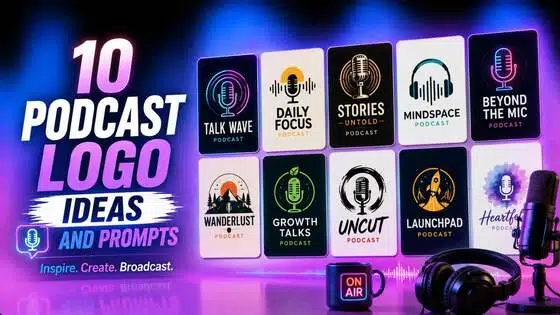
Top 10 Best Podcast Logo Ideas, Examples, Tips, and AI Prompts

Best AI Avatar Tools for Business Growth (2026 Guide)
Valentine's Day UGC Video Marketing Guide for Small Businesses (2026)
Vmake Small Business Growth Partner Program