Product Ads: Types, Examples, and How to Create Them
Create product ad visuals with Vmake Labs. Turn product ideas or references into polished images for ecommerce, social media, websites, and marketing campaigns.

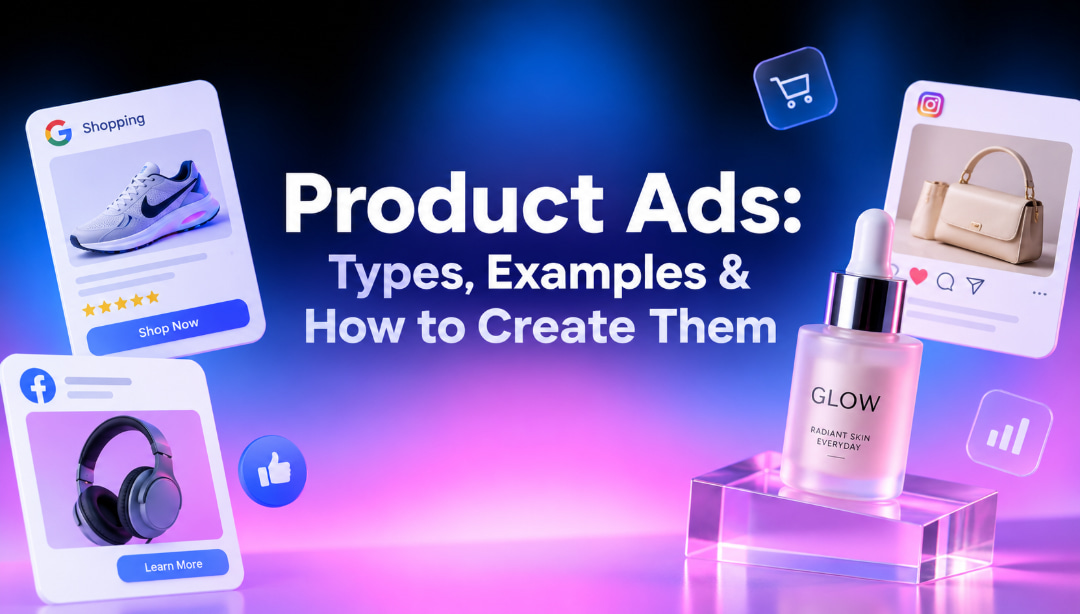
Product ads put a specific item in front of potential buyers and give them a reason to click, explore, or buy. Effective ads make the product easy to recognize, highlight a useful benefit, and use visuals that fit the platform. In this guide, you'll find product ad ideas, common formats, and practical tips for creating better campaigns.
What are product ads?
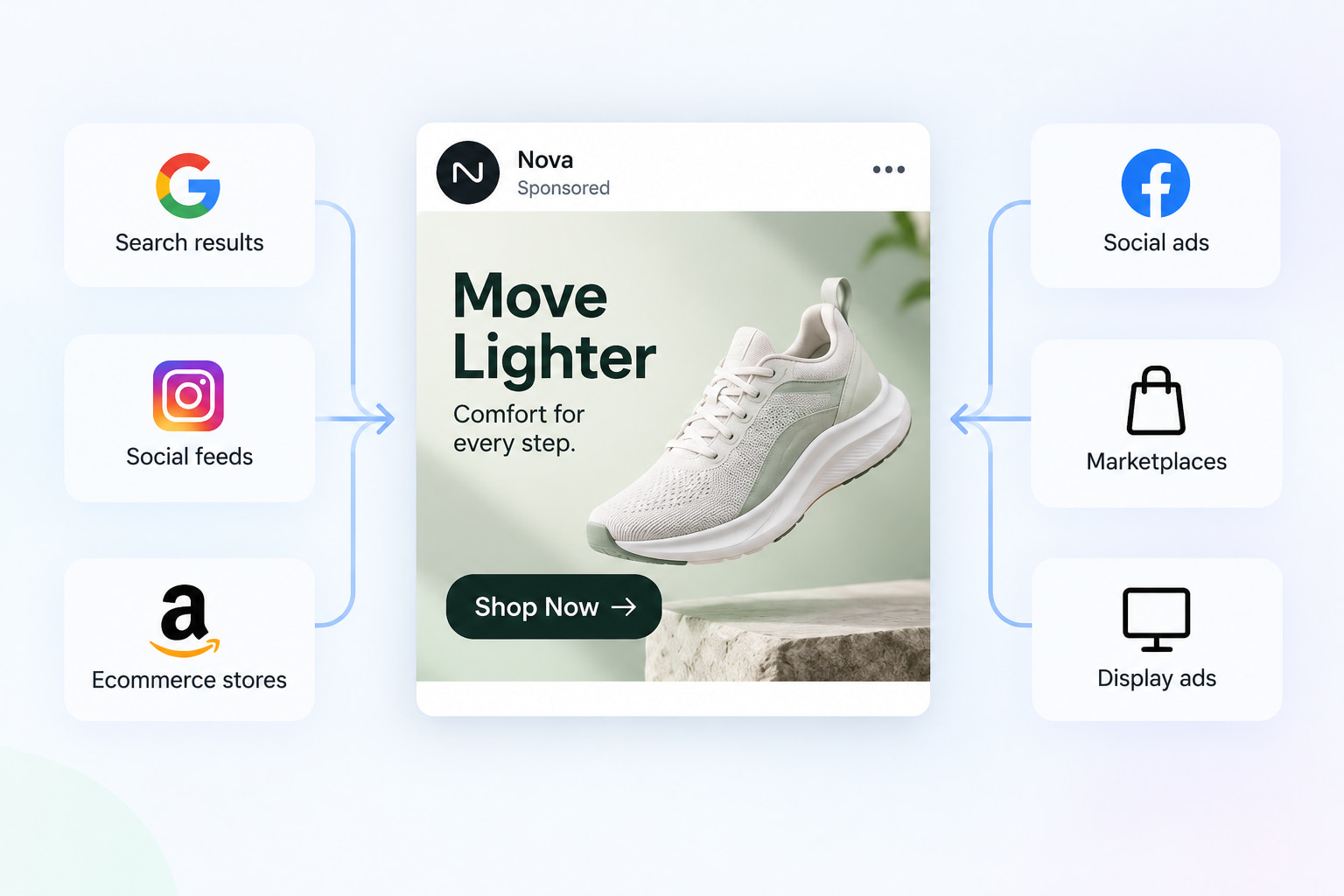
Product ads are ads that are designed to sell a specific product. These usually consist of an image or video of the product, a short message, a customer benefit, and a call to action. They can be shown in search results, social feeds, ecommerce stores, marketplaces, or display placements. Product advertising keeps the individual product at the center of the message, whereas brand advertising can focus on a company's identity or overall reputation. A good product ad answers three questions fast: What does it make? What do I care about? Then what do I do? The visual needs to make the item obvious, the copy needs to communicate a useful benefit, and the CTA needs to move shoppers to the next step.
15+ product ad examples and ideas to inspire your campaigns
The same product can support several creative directions. Testing different compositions can help you find a visual that fits your audience and placement without changing the product itself. These ideas can work across social media, product video campaigns, ecommerce, and other types of ads for products.
Product-focused ad ideas
-
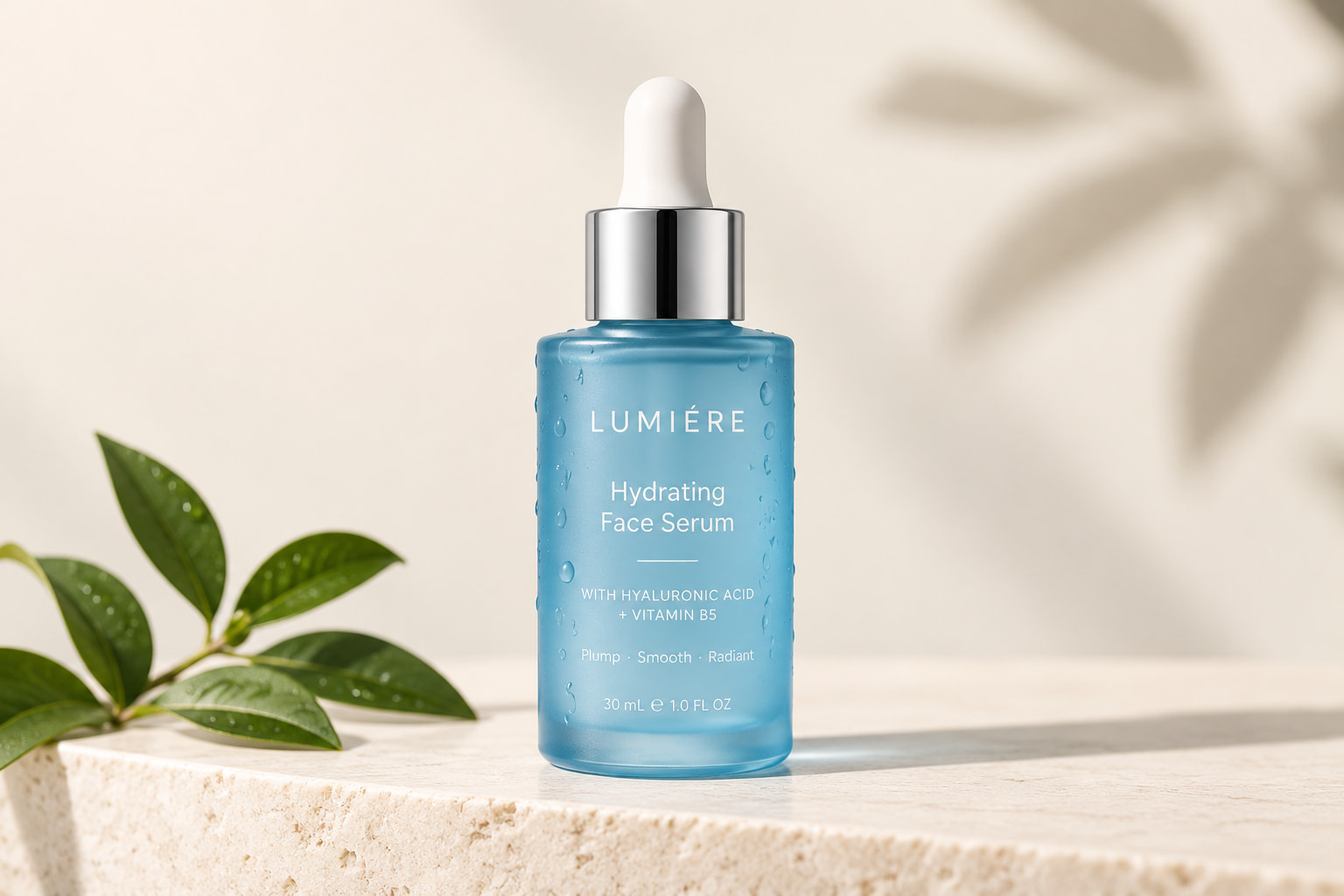
Clean Product Hero Shot: Use a simple background and give the product most of the visual attention. This works when the product is already visually distinctive due to the package, shape, color, or overall design. Keep the composition simple, so shoppers immediately know what they are looking at.
-
Product close-up: Crop tightly around a detail shoppers may want to inspect, such as fabric texture, a cosmetic applicator, a watch face, food texture, or material finish. Close-up imagery works well for products where physical details can influence the buying decision and gives shoppers a clearer view of quality.
-
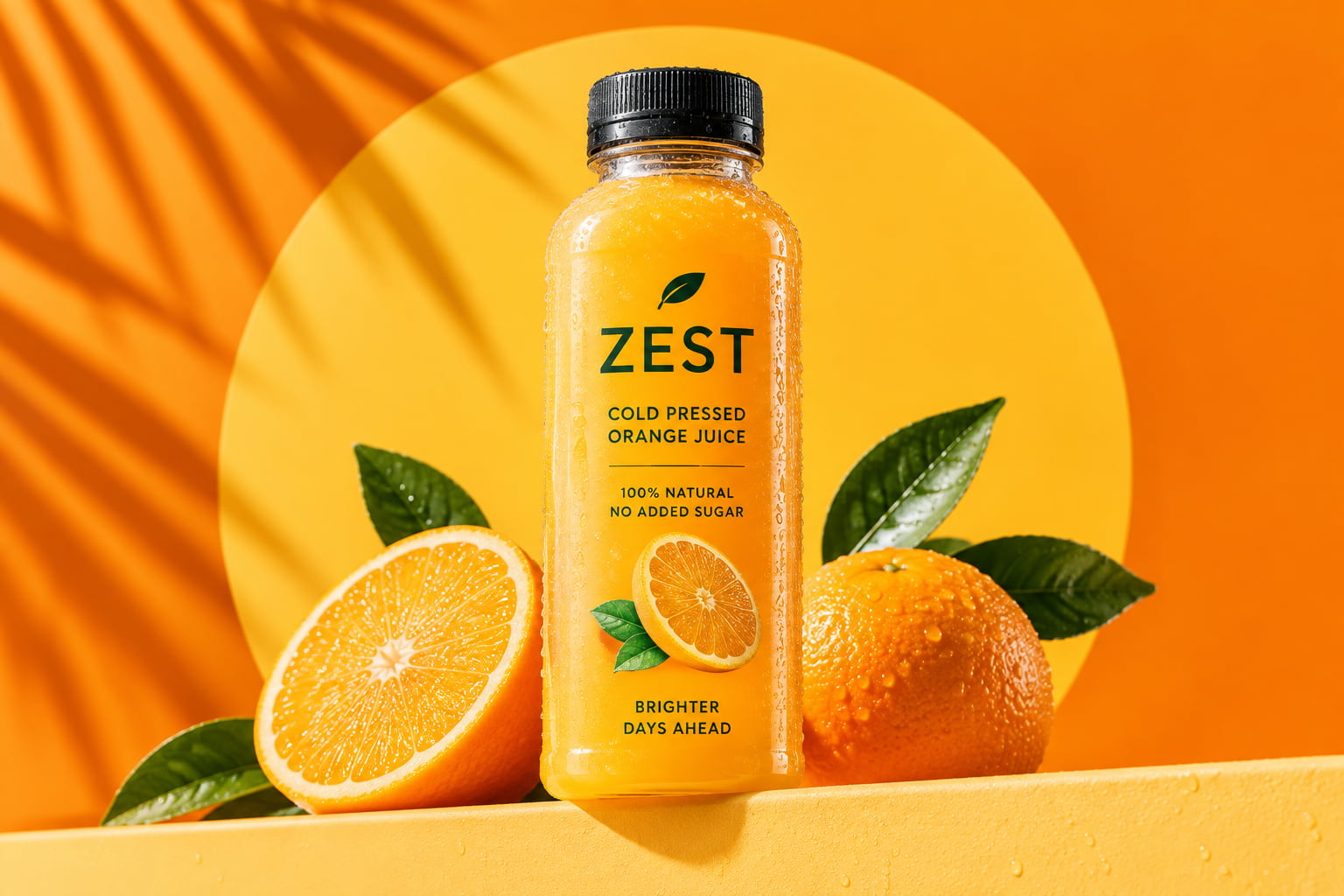
Product with a bold background: Differentiate the product from other content with a bold color, pattern, or graphic background. Choose a background that is related to the brand or product but provides enough contrast to be easily seen. The product should still be the most obvious and noticeable part.
-
Feature-focused visual: Highlight a single feature that is useful, instead of trying to explain everything the product does. A headphone ad could emphasize its ear cushions, while a backpack ad could emphasize its storage compartments. A more focused visual can help make one main selling point easier to understand at a glance.
-
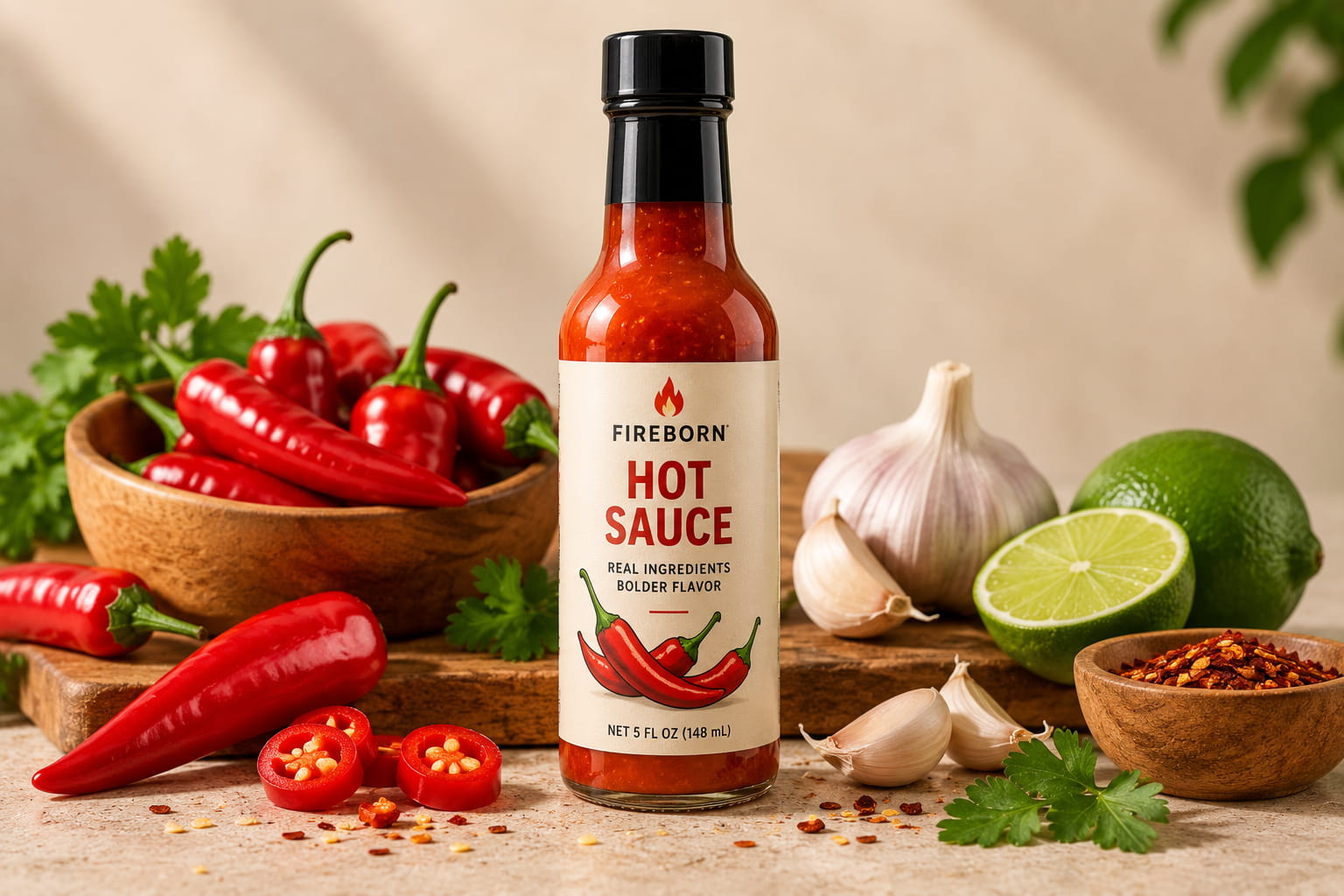
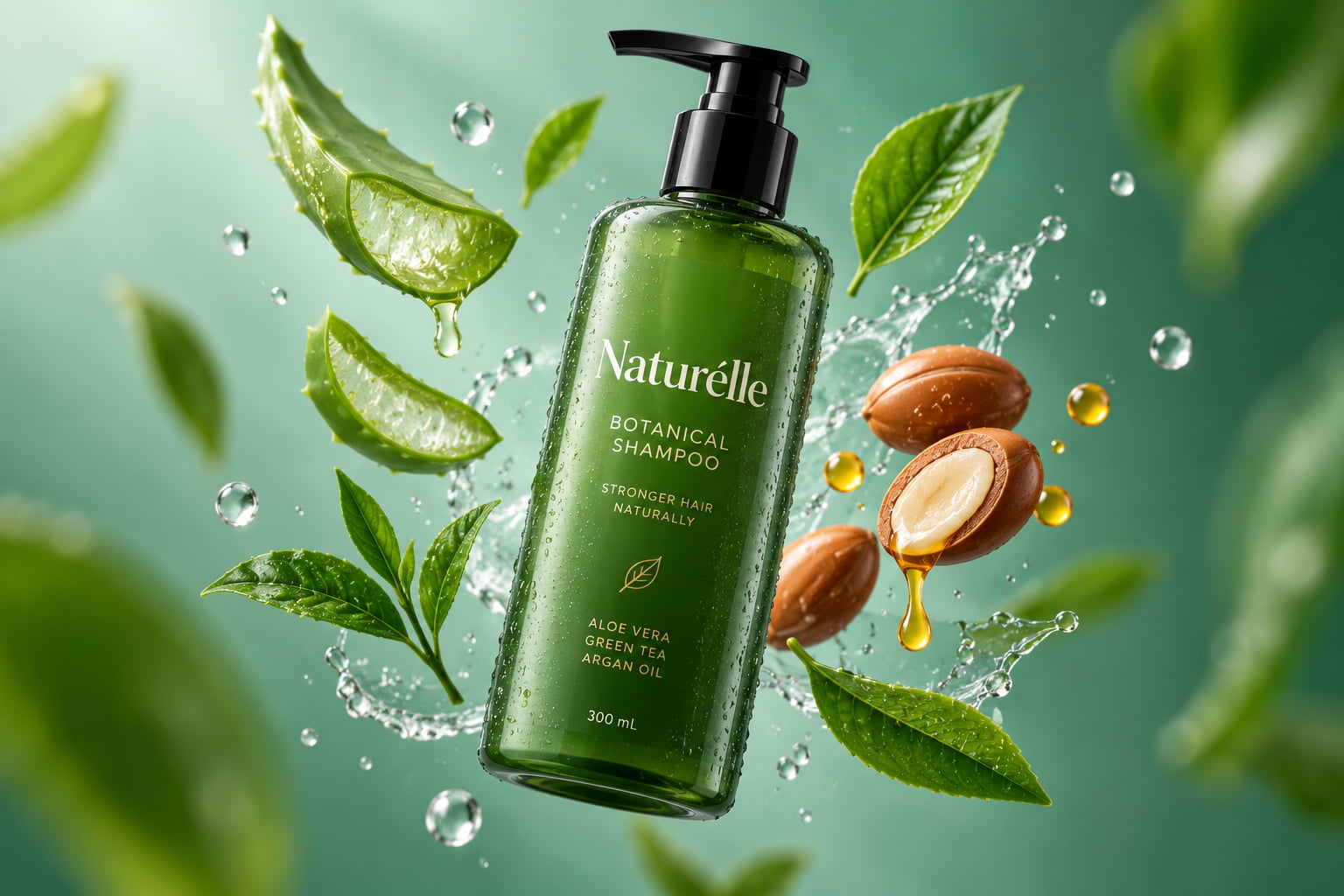
Product with ingredients or components: Surround the product with ingredients, materials, accessories, or other elements connected to its use. A hot sauce could sit among peppers and garlic, while skincare could appear with botanical ingredients. These supporting elements add context and help shoppers understand what makes the product relevant.
Lifestyle product ad ideas
-
Product in everyday use: Show someone using the product in a familiar activity. A coffee maker may show up during a morning routine; headphones may show up during a commute. Showing the product in context allows shoppers to see how it fits into their own routines and everyday lives.

-
Product in a realistic environment: Put the product where the customers will use it. Showcase furniture in the living room, kitchen equipment on a countertop, or an office accessory on a desk. Familiar settings can be useful for context and can help the product feel relevant to buyers.
-
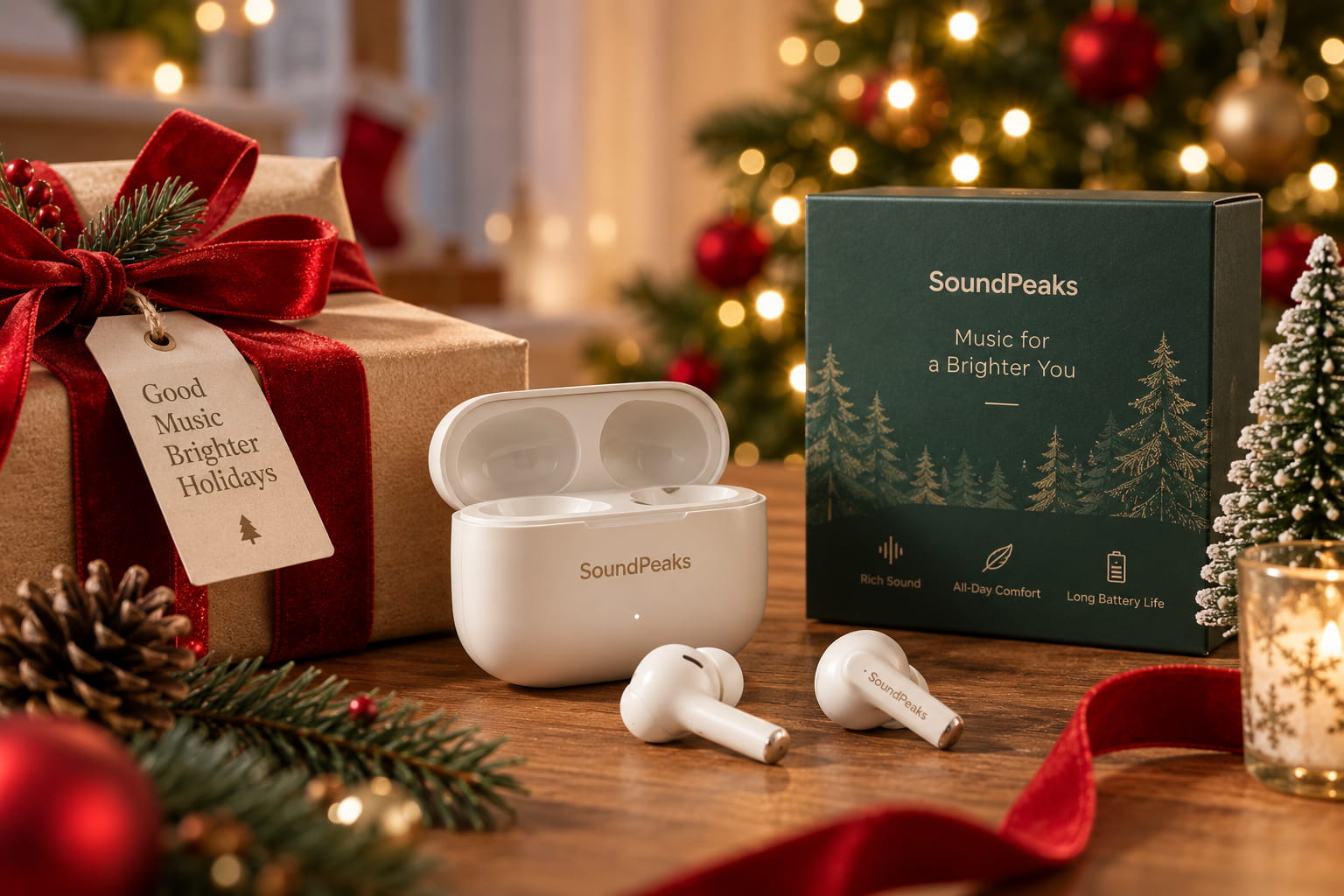
Seasonal product scene: Relate the product to a season, holiday, or shopping season. A fashion product might be presented in an autumn setting, a giftable product in a holiday setting. Seasonal touches can make an ad feel timely while matching the reason that shoppers are browsing.
-
Aspirational lifestyle setup: Create a polished setting that reflects the lifestyle associated with the product. A premium watch might appear at an elegant dinner, while outdoor equipment could be shown in a striking natural setting. The scene should support the product's positioning without being distracted from what you are selling.
-
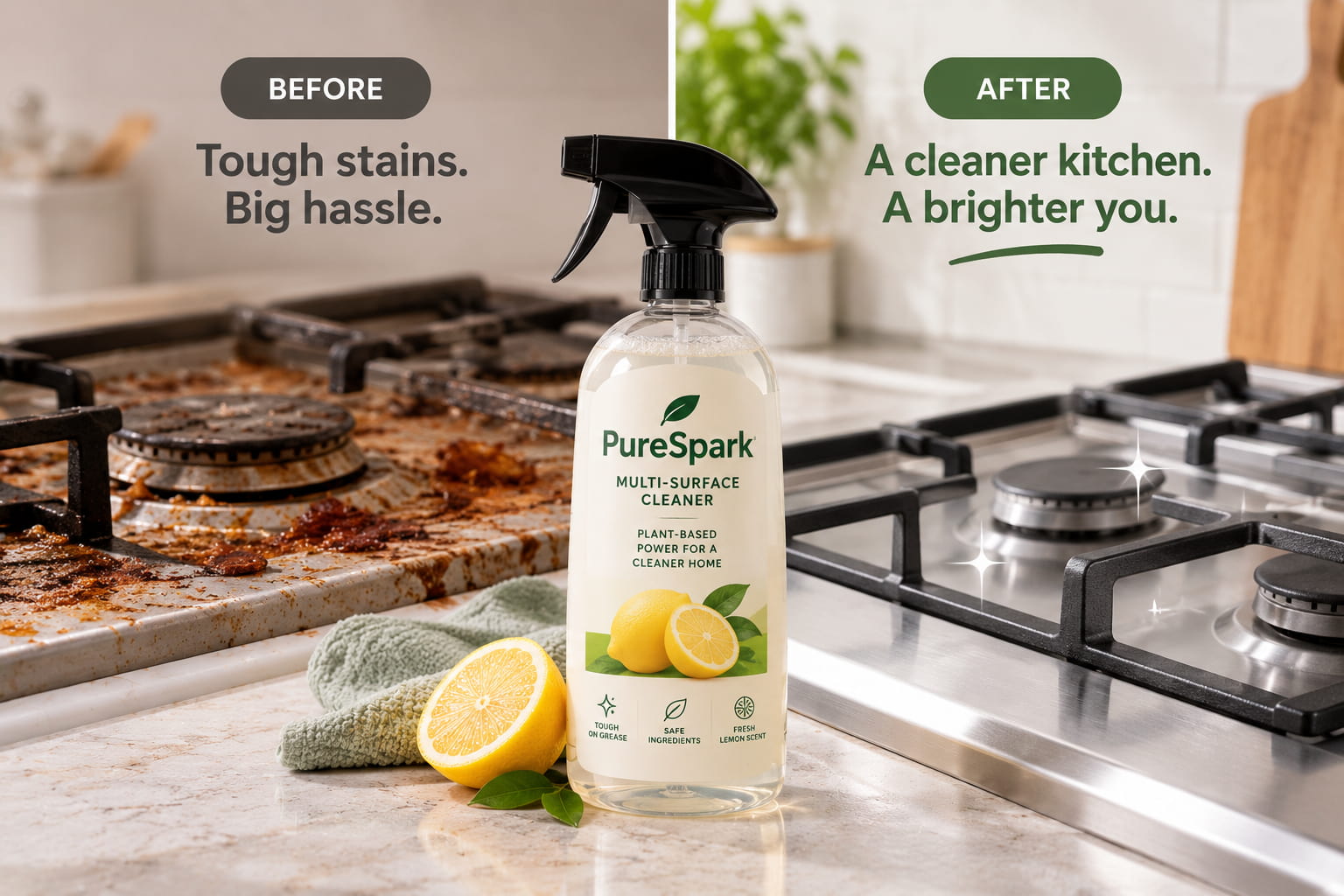
Problem-and-solution visual: Show a problem the product addresses and place the product within that context. This works well for cleaning products, organizational tools, beauty products, and home-improvement items. When the result can be shown clearly, the visual can communicate the product's purpose faster than a long explanation.
Creative product ad ideas
-
Floating product composition: Assemble the product with related items, so they seem to float around it. Here, we can add context and add a sense of movement with accessories, ingredients, or product components. Keep the product prominent and use the surrounding elements to support the composition, not to overwhelm the main subject.
-
Surreal product scene: Place the product in an unexpected setting to create a visual that people may remember. For example, a drink may be shown in a massive landscape of its ingredients. Unique environments can help make an advertisement stand out in a busy feed, while still keeping the product recognizable.
-
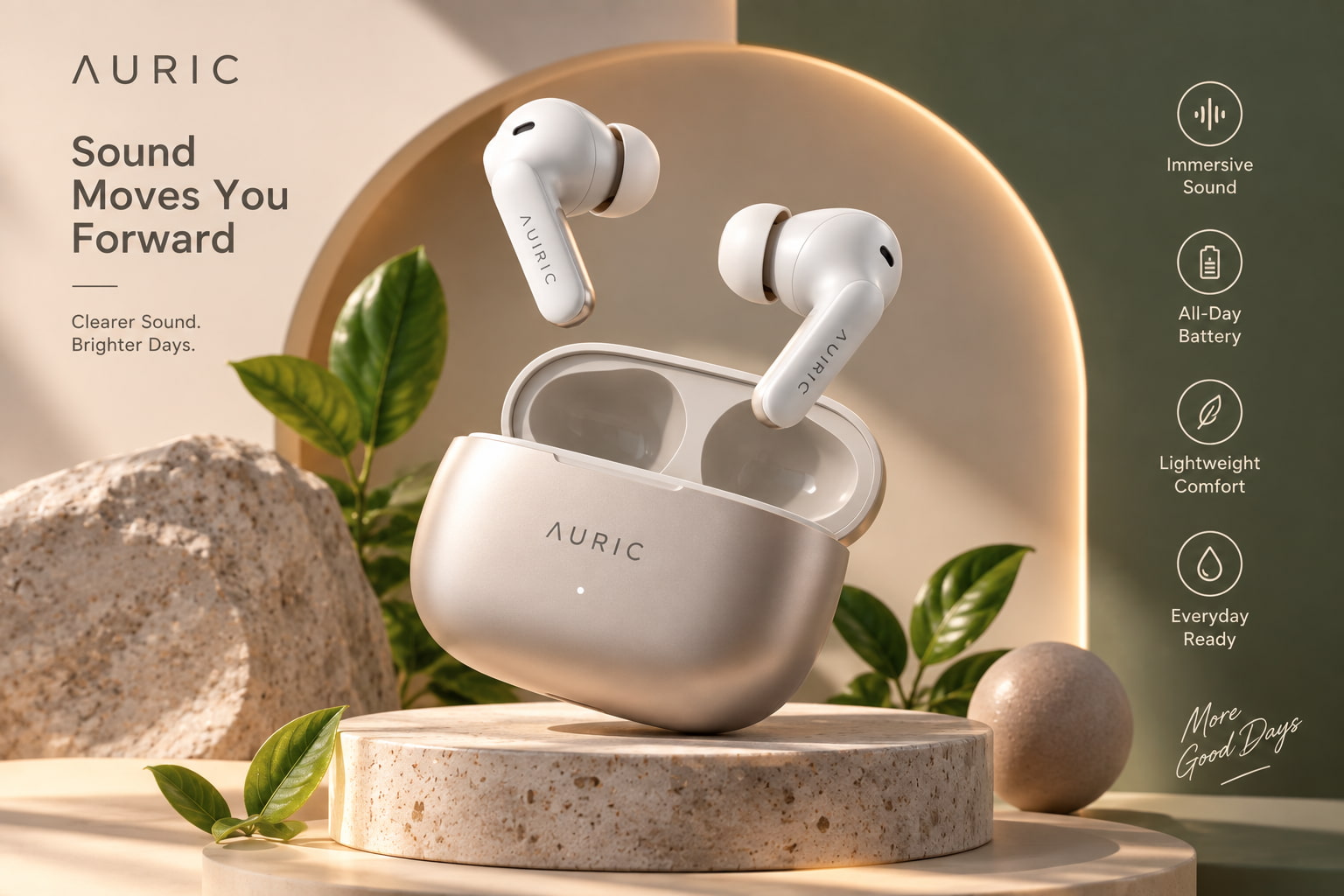
3D-inspired product visual: Create a 3D look at the product with depth, shadows, light, and surrounding objects. This can work especially well for tech, beauty, food, and consumer products. A good style in a scene can give a regular product image a little more life without hiding the product itself.
-
Editorial-style product ad: Imagine the product as the star of a magazine shoot with controlled lighting, negative space, typography, and a refined setting. Best for fashion, beauty, jewelry, and premium products. Be deliberate and refined in your composition so that the visual reinforces the product positioning and overall brand personality.
-
Before-and-after concept: Show the difference associated with using the product through a clear visual comparison. Cleaning products, organization tools, beauty products, and home-improvement items can benefit from this format when the result can be represented accurately. Make both sides easy to understand so that shoppers can see the change quickly.
-
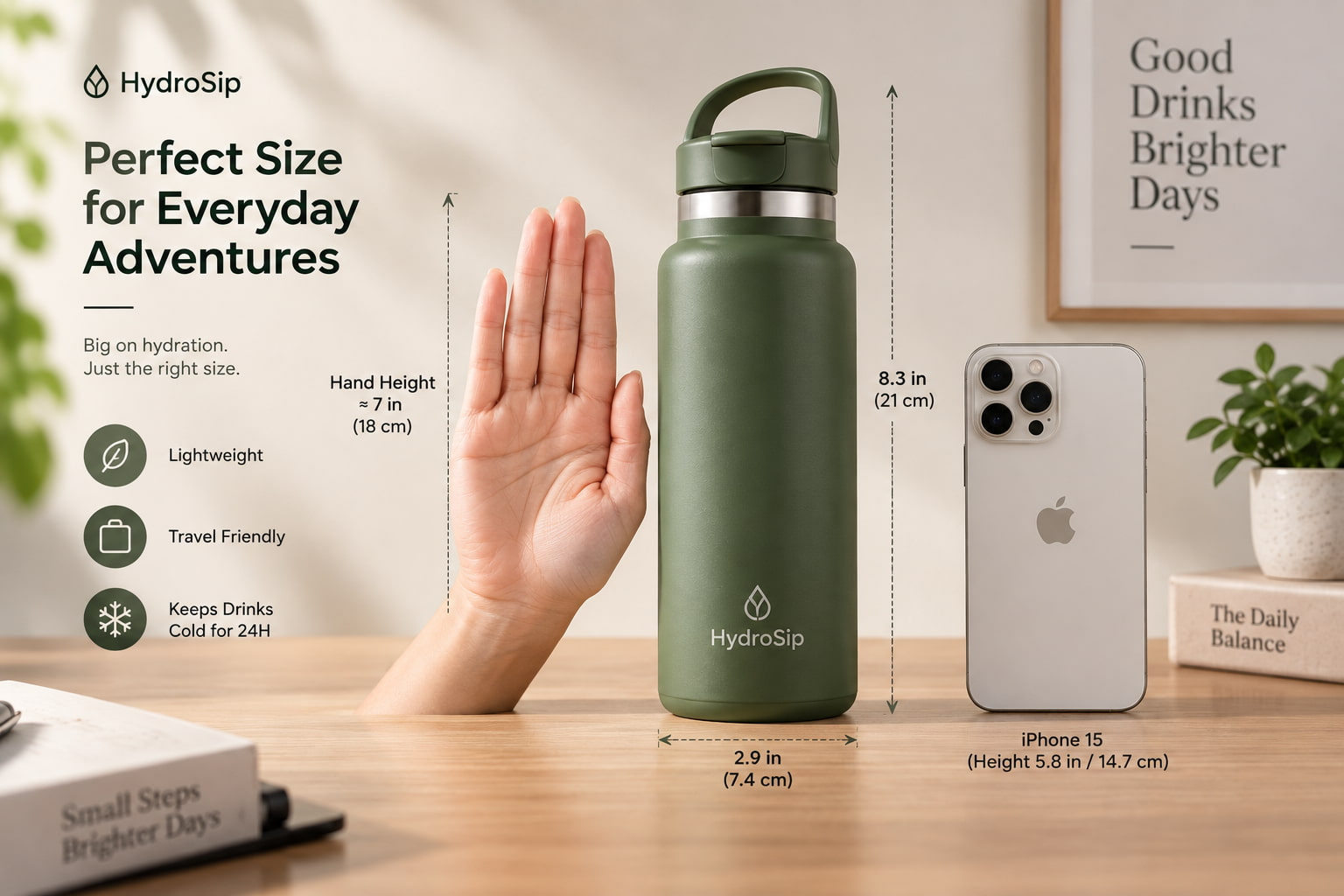
Product and scale comparison: Place the product next to a familiar object to give people an idea of its size. For example, a water bottle next to a hand gives shoppers a useful point of reference. This method is helpful to assist customers in judging dimensions when a regular product image does not offer enough visual context.
-
Color or variant series: Produce a series of ads that showcase different colors, finishes, sizes, or versions of the same product. Use the same overall visual treatment and layout for each variation. It also allows for a comparison of creative performance and testing of which product option or presentation gets more shopper engagement.
What are the main types of product ads?
Creative concepts tell you what an ad looks like. Ad formats are about where and how a shopper sees them. How the ad is formatted affects the product information that shows and how people interact with the ad.
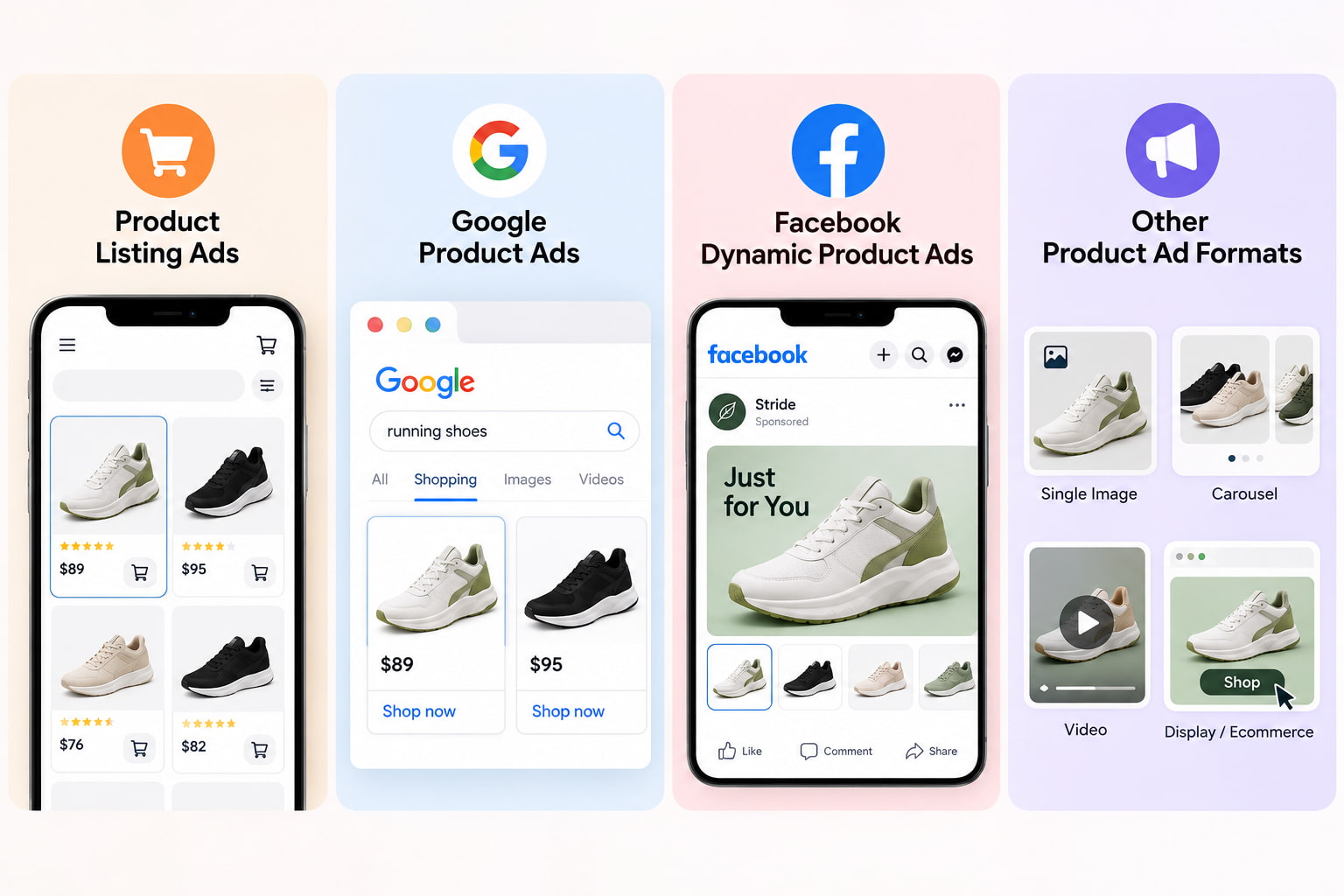
Product listing ads
Product Listing Ad shows a product with details such as an image, title, price, and other product details. Shoppers can compare products and decide which ones are worth clicking on. Clear, accurate imagery matters because the product image is often the first thing to grab attention.
Google product ads
Google product ads help shoppers find products when they're searching for things they might want to buy. Product images and information help people quickly evaluate an option before they visit a product page. Good product details and suitable images help the buyer to quickly understand the listing.
Facebook dynamic product ads
Facebook dynamic product ads use product catalogs and information from user interactions to show relevant products across Meta placements. For example, someone who viewed a product can later see that product in an ad. Catalog-based delivery makes this format useful for businesses promoting multiple products.
Other product ad formats
Social media product ads may be single images, carousels, videos, and other platform-specific formats. Product ads show product-focused creatives on websites and digital properties, while ecommerce and marketplace ads promote products within shopping environments. Each placement differs in size, layout, and audience behavior, so the same creativity may need to be adapted across channels.
What makes a product ad effective?
The product should be easy to see and understand. Let the product breathe visually, and focus on one major benefit instead of cramming every feature into the ad. The environment should reinforce the product's purpose, while the copy should be short enough to scan quickly. A clear visual hook can also help draw attention before shoppers move on. Consistent branding across images, colors, typography, and messaging can help shoppers recognize the campaign.
Creativity must also be suitable for the place. You could have made a product image for an ecommerce listing, but you might need a different composition for a social feed or display ad. Make multiple versions of the visual and test different backgrounds, product arrangements, benefits, and messages to see which combinations work best.
Create product ads with Vmake Labs
Vmake Labs helps you create product visuals with an AI image generator from text descriptions or existing image references. You can explore new product scenes, backgrounds, compositions, and creative directions for ecommerce, social media, websites, and marketing campaigns.
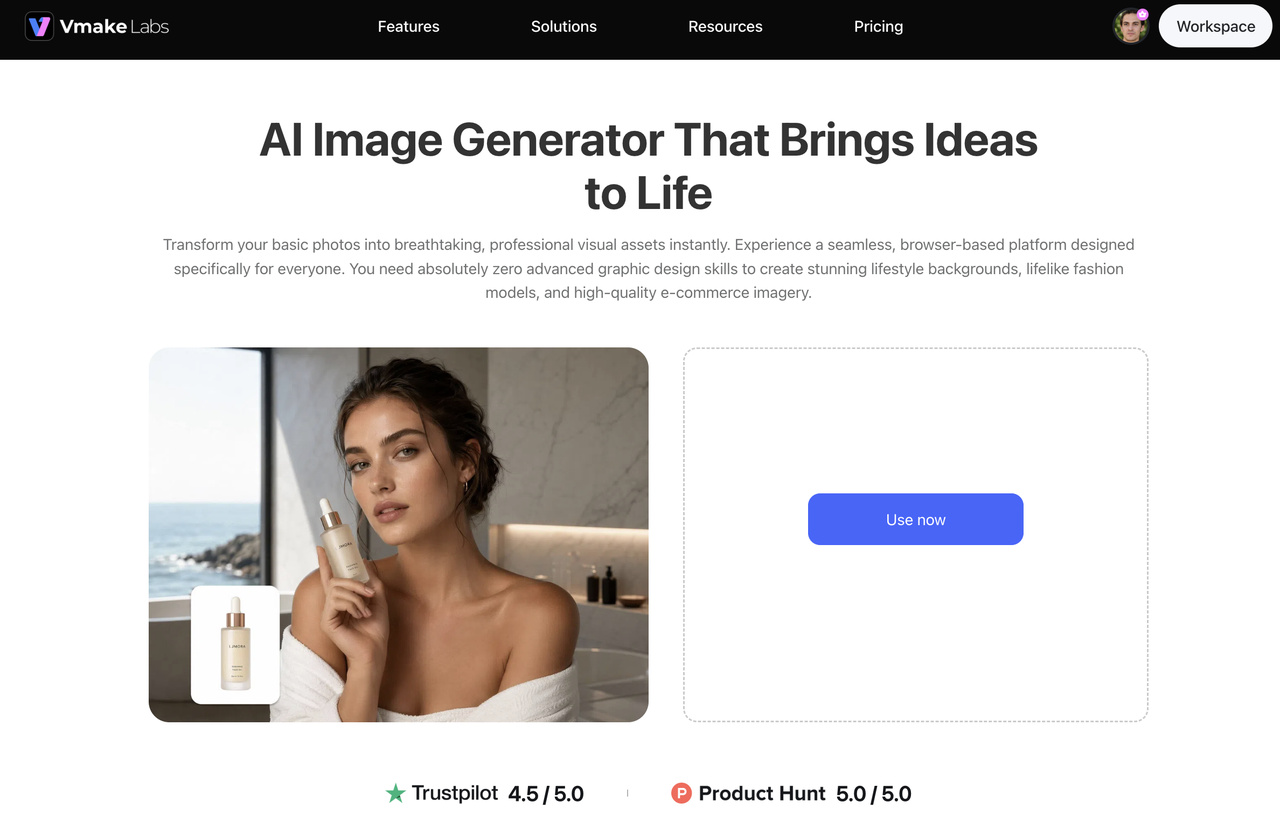
Step 1: Choose Text to Image or Image to Image
Choose Text to Image when you want to create a product-ad concept from a written description. Choose Image to Image when you already have product imagery or another visual reference and want to develop a different version of it.
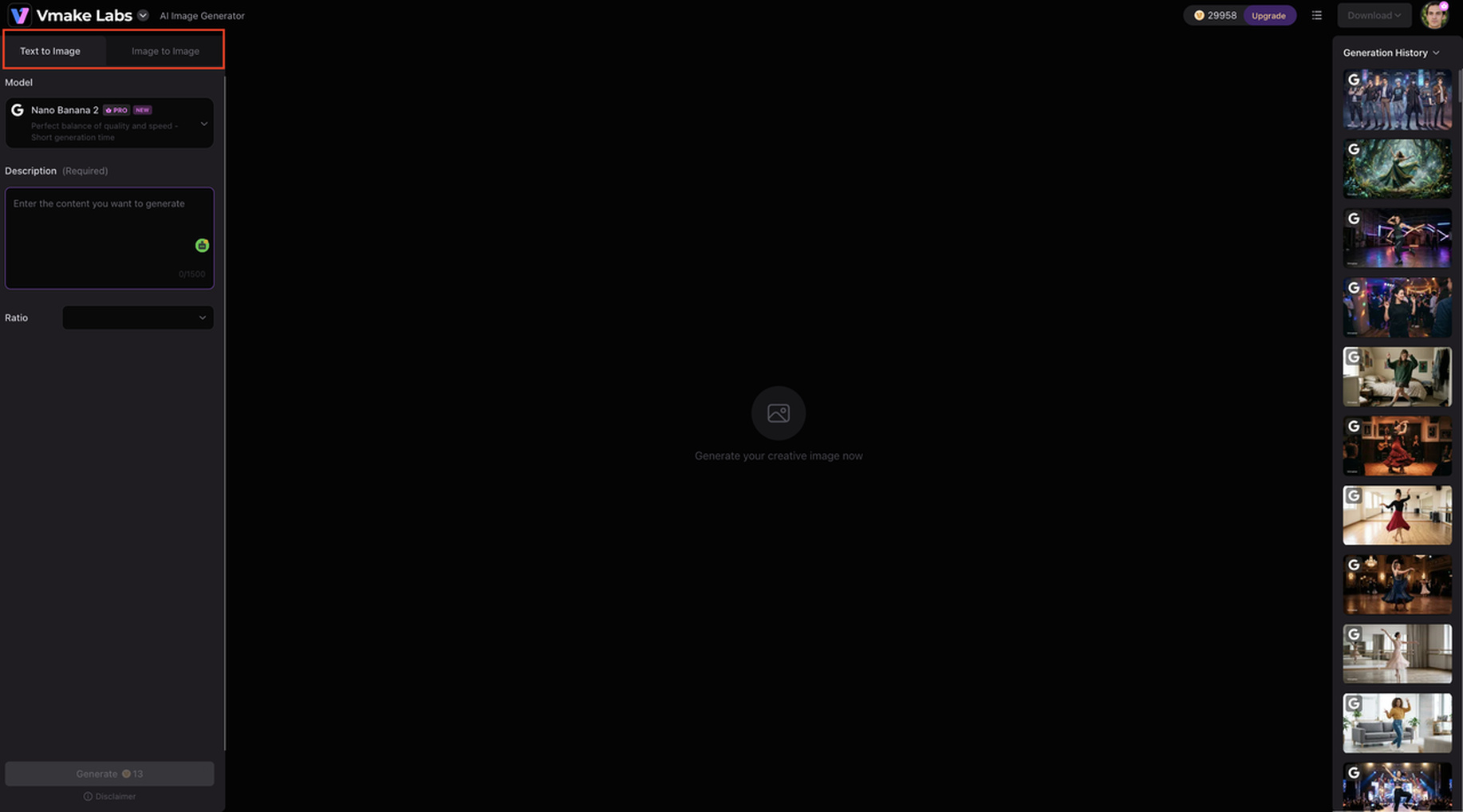
Step 2: Add your product concept or references
Describe the scene you want to create or add reference images to guide the visual direction. Vmake Labs supports up to three reference images for Image to Image generation, giving you more control over the product, setting, and overall appearance.
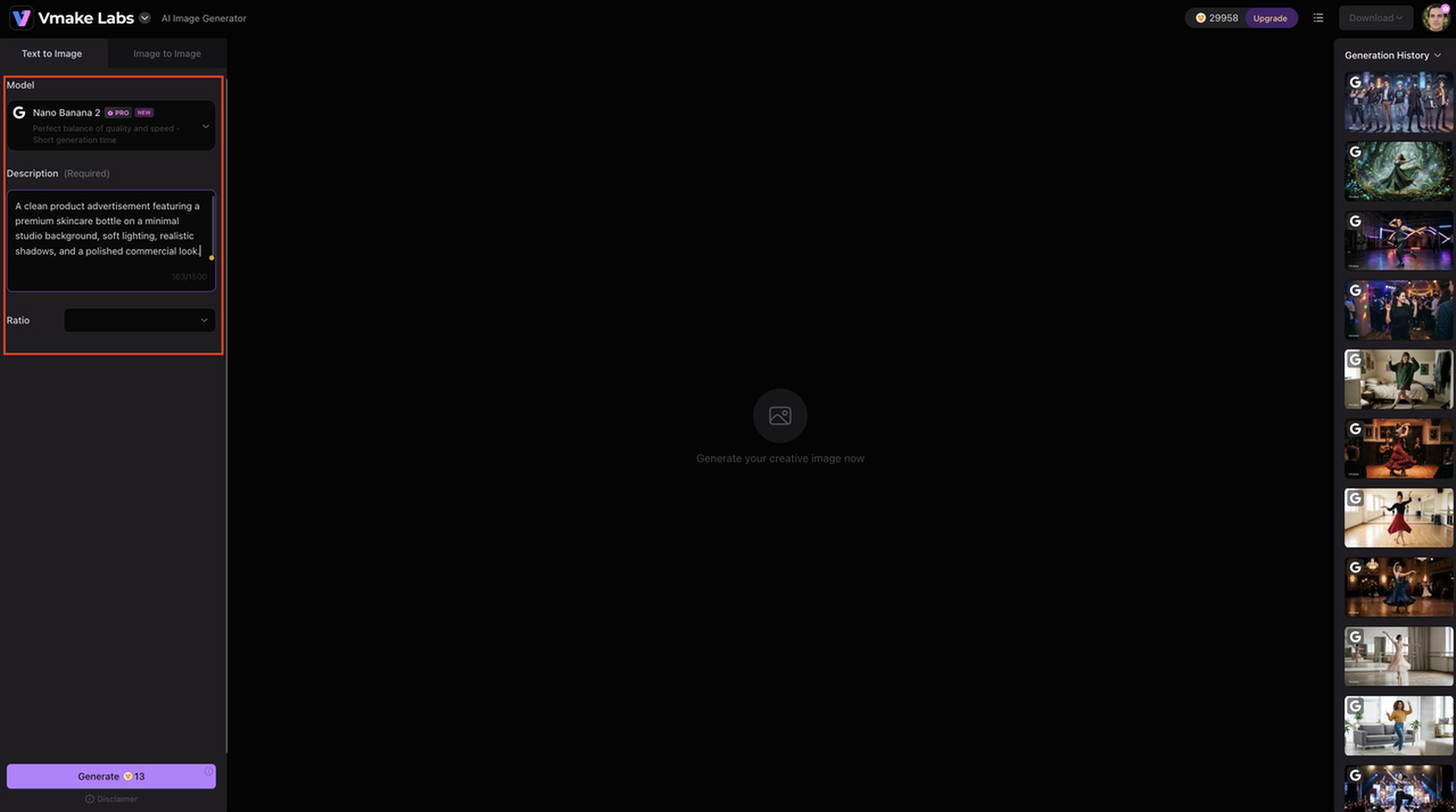
Step 3: Generate, review, and download
Generate the visual, review it against your campaign requirements, and create another version if the composition or setting needs work. Once the result fits your intended placement, you can use the image in your product marketing workflow.
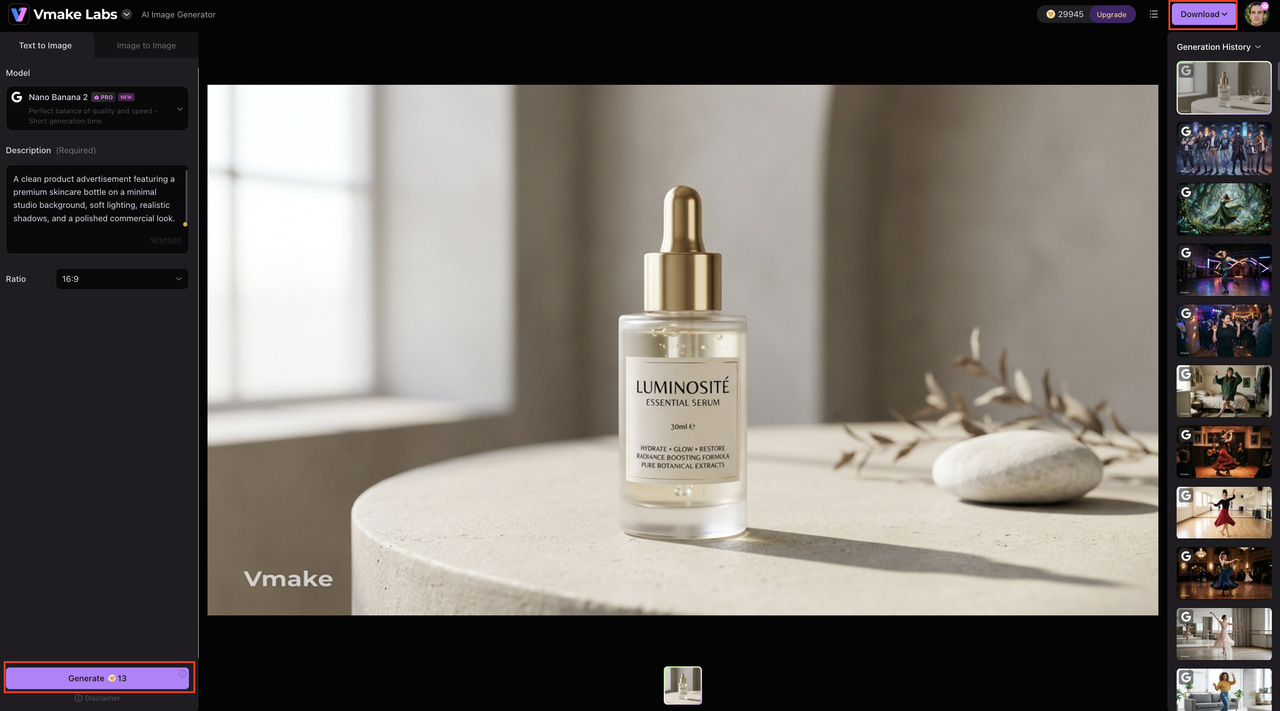
Vmake Labs features for product ads
-
Text to Image and Image to Image: Create product ad concepts from a text prompt or start with an existing product image. You can explore different scenes, backgrounds, compositions, and visual styles while keeping the product at the center of the creative.
-
Multiple AI models: Choose from models including Nano Banana 2, Nano Banana Pro, Nano Banana, Seedream 4.0, and GPT Image 1. Having several models gives you different options when creating product visuals for specific campaign ideas and creative requirements.
-
Up to 3 reference images: Add up to three reference images when using Image to Image. These references can provide additional direction for the product, setting, composition, or overall visual style you want the generated image to follow.
-
Multiple aspect ratios: Create product visuals in different aspect ratios to suit ecommerce listings, social media posts, ads, websites, and other placements. This makes it easier to prepare visuals that fit the layout of each channel.
-
Commercial-focused image creation: Create product visuals for ecommerce pages, marketing campaigns, advertising creatives, and product showcases. This gives you more options when you need visuals for different stages of a product promotion campaign.
-
Browser-based workflow: Create product visuals directly in your browser without moving between multiple design tools. You can develop an idea, generate variations, review the results, and prepare the selected visual from the same workflow.
Conclusion
Product ads help shoppers zero in on the exact product they're interested in, but there's room for a lot of creativity. Depending on the product and audience, either a clean product shot, a lifestyle shot, a feature close-up, a seasonal setting, or a more unusual composition can all work. The ad format does matter too, whether you're creating a product listing ad, Google product ads, Facebook dynamic product ads, social ads, or marketplace placements. Vmake Labs offers a way to create and test product visuals from text or image references. Different campaign needs are served by multiple AI models, reference images, and aspect ratios.
FAQs about product ads
What are product ads?
Product ads promote a specific product and persuade viewers to take action, such as visiting a product page or making a purchase. They usually have product images, a value proposition, and a CTA. Vmake Labs can create product visuals that match various ad concepts and platforms.
What are the different types of product ads?
Common types include: product listing ads, Google product ads, Facebook dynamic product ads, social media product ads, display product ads, ecommerce or marketplace ads. Each format may have a different approach to product imagery, messaging, and placement.
What is a product listing ad?
A product listing ad displays a product alongside information such as its image, title, price, and other product details, helping shoppers evaluate and compare products before clicking.
What are Google product ads?
Google product ads help people discover products while searching. They present product imagery and information that can help shoppers decide which products to explore. Vmake Labs can be useful when you need to create or adapt product visuals for different campaign concepts.
What are Facebook dynamic product ads?
Facebook dynamic product ads use product catalogs and user interaction data to show relevant products to people across Meta placements. Creativity can be adapted to showcase products in ways that match the audience and placement.
How can I create ads for products?
Start with your product, target audience, key benefit, creative concept, and target platform. You can then use Vmake Labs to create product visuals with Text to Image or Image to Image, add references when needed, generate variations, and choose the versions that fit your campaign.

You May Be Interested

How Funny Ads Boost Engagement and Increase Brand Recall?

How to Create High-Converting TikTok UGC Ads Using AI Tools
How to Create Ads with AI: Guide to Targeted Advertising Campaigns
UGC Ads: How to Create High-Converting AI UGC Video Ads

Real Estate Facebook Ads Guide 2026: Strategies & Examples