Best UGC Video Creation Tools for Instagram Reels: Full Guide
Explore the best ugc video creation tools for Instagram Reels and discover how AI avatars, smart editing, voiceovers, automation, and Vmake-powered enhancements help creators and brands create engaging Instagram reels faster and better.

In this era of information, crushing it on Instagram Reels requires rapid production and an authentic vibe, but doing that manually is a full-time job. AI changes the game by automating your scripting, editing, and avatar creation. Here, we review the best UGC video platforms, necessary features, and ways that AI helps content creation.
Why creators and brands use AI UGC videos for Instagram Reels
Instagram Reels is one of the largest marketing platforms for creators and brands, driven by rising demand for short-form videos. Producing manual videos can be costly and time-consuming. AI UGC videos address these production challenges by enabling faster production without requiring a large film set or coordinating a creator.
Benefits of AI-generated UGC content
-
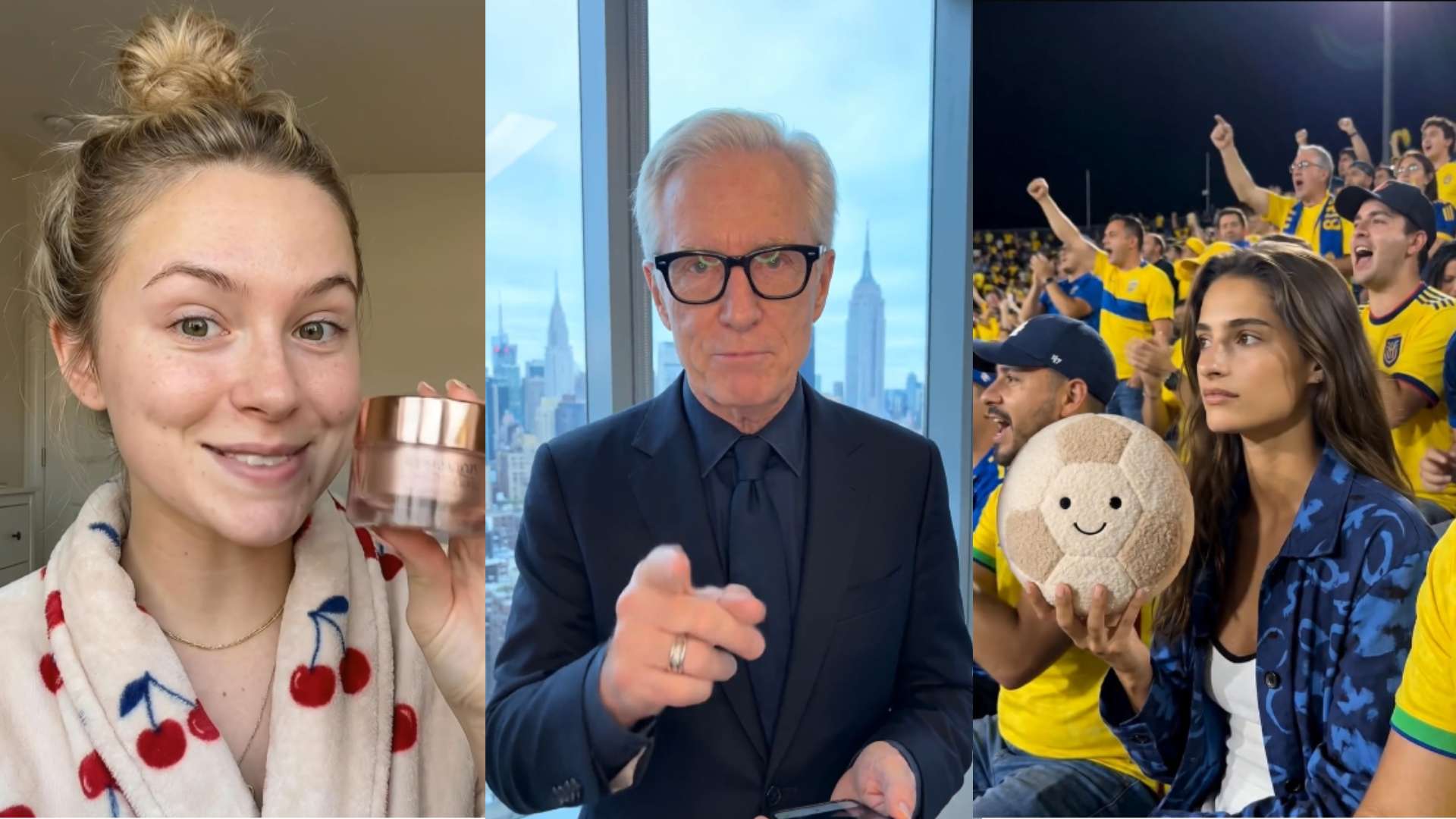
Faster turnaround: AI-generated UGC production, by automating script generation, voice-over, editing, and video production, significantly reduces the time required for content creation.
-
Consistent brand messaging: With AI UGC tools, you can use a consistent tone, style, and message over any video.
-
Easy experimentation with multiple creatives: With AI, you can easily produce and test a lot of variants of your content on one campaign.
-
Better localization and audience targeting: The vast majority of AI UGC platforms are multilingual, multi-accent, and region-specific.
What makes a good AI UGC video for Instagram Reels?
For these AI-generated UGC videos to be effective, they need to appear as authentic as possible and should be presented in an aesthetically appealing manner. Here are some benchmarks for successful Reel:
-
Authentic and relatable presentation: The best AI UGC videos don't look like super edited/automated clips. They should appear as real as possible to the viewer. Real facial expression, real conversational speaking, and real delivery can make any AI UGC video seem like a creator's personal recommendation.
-
Strong hook and short-form pacing: Users scroll quickly on Instagram, so the first few seconds are crucial. The best AI UGC videos are ones with a captivating hook, quick narrative, and fast edits.
-
High-quality visuals and editing: It's all about how clear the visuals are and how well the editing is done to ensure good viewing quality. Higher resolution, subtitles, crisp cuts, and portrait formatting that adapt to mobile devices make for a quality viewing experience.
-
Brand alignment and personalization: AI UGC should align with the brand's tone, aesthetic, and campaign objectives. Individual messaging, brand visuals, and targeted storytelling tailor the video to the audience while highlighting brand elements.
-
Optimized for Instagram engagement: An effective Reel is planned with Instagram and its algorithm in mind. A brief video length, engaging copy, an explicit call to action, and social media-friendly formatting may increase reach and engagement.
Quick comparisons of top AI tools for generating UGC video content
|
Tool |
Key features |
Pros |
Cons |
|---|---|---|---|
|
Vmake |
AI Avatar Video, Product Showcase, Recreate Video, product image to UGC video generation |
Improves video quality, supports Reel-ready exports, easy enhancement workflow |
Paid plans unlock professional use |
|
Synthesia |
AI avatars, multilingual voiceovers, script-to-video workflows, templates |
Professional presenter videos, strong localization support, easy production process |
Limited cinematic editing, premium features may cost more |
|
HeyGen |
Realistic avatars, voice cloning, multilingual support, customizable templates |
Natural avatar delivery, strong language support, beginner-friendly interface |
Advanced customization may require premium plans, editing depth can be limited |
|
Arcads |
AI actors, ad-focused templates, script-based generation, fast production |
Ideal for marketing campaigns, scalable ad creation, quick creative testing |
Primarily ad-focused, fewer advanced storytelling tools |
|
Zeely AI |
Automated scripting, marketing templates, AI editing, social media workflows |
Fast campaign creation, simple workflows, good for promotional videos |
Limited avatar realism, may require extra editing tools for complex projects |
|
Captions |
AI subtitles, teleprompter, voice enhancement, creator editing tools |
Strong creator workflow, improves accessibility, beginner-friendly editing |
Avatar capabilities are less advanced, some features locked behind paid plans |
|
Colossyan |
AI presenters, script-to-video creation, multilingual support, templates |
Good for talking-head content, efficient production, professional communication videos |
Limited cinematic editing, advanced features may need premium access |
Top AI tools for generating UGC video content for Instagram Reels
Vmake
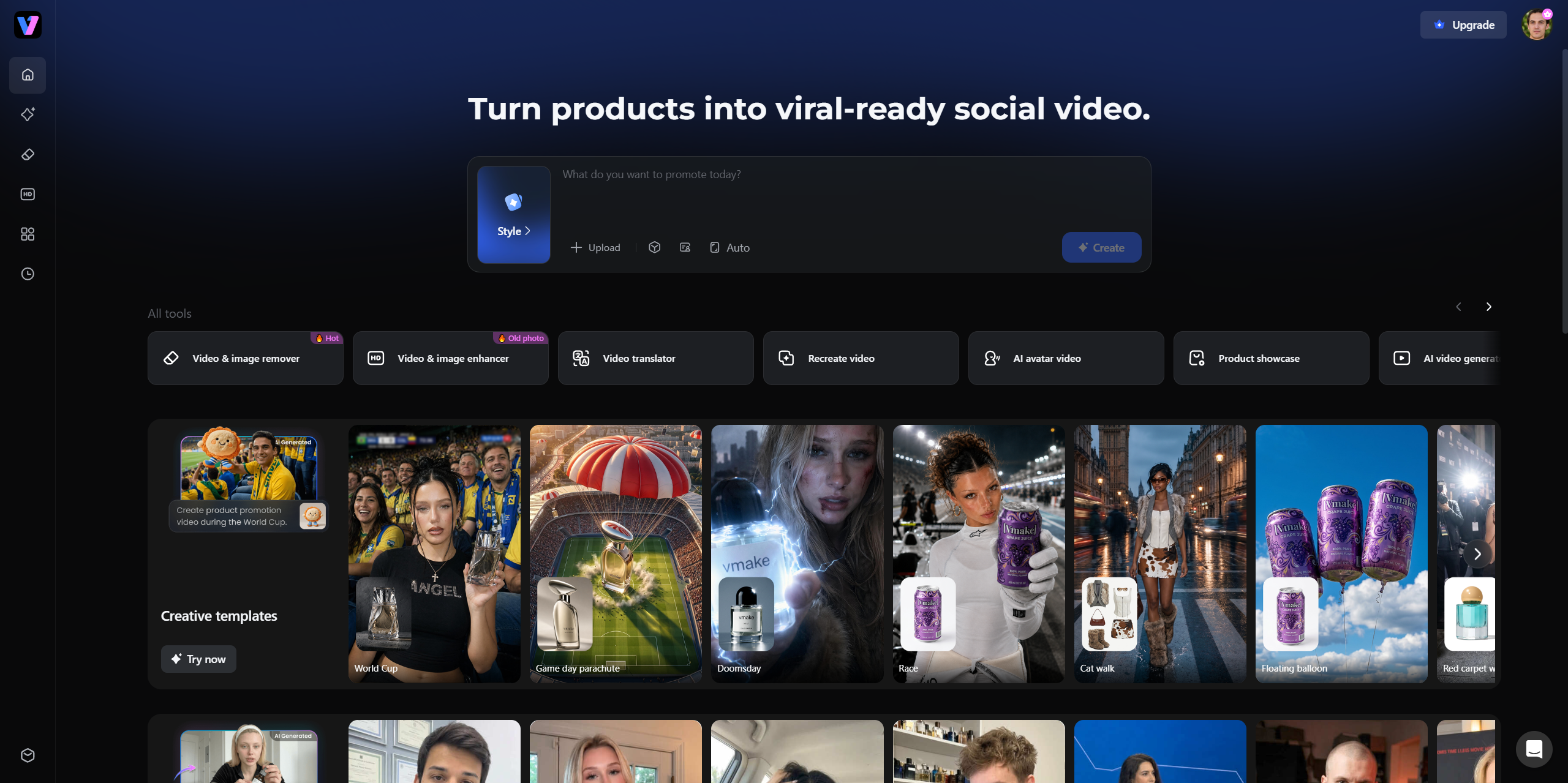
Vmake is an AI-powered UGC video generator built for e-commerce brands, affiliate marketers, and small businesses. It turns a single product image into a shoppable, platform-ready video, no filming, no hired talent, and no complex prompts required. With three dedicated workflows and an all-in-one output that includes visuals, script, and music, Vmake makes it fast and straightforward to produce scroll-stopping Reels at scale.
Key features:
-
AI Avatar Video: Vmake's AI avatar workflow generates spokesperson-style videos directly from a product image, giving brands an always-available presenter without the need to book talent or schedule a shoot.
-
Product Showcase: Users can upload a product image to generate authentic, UGC-style product demo videos in just a few clicks, ideal for Instagram Reels, TikTok, and YouTube Shorts.
-
Recreate Video: This workflow lets users upload a reference video and clone its viral structure into a new, ready-to-post version, a fast way to adapt proven formats for your own products.
-
Form-based workflow (no prompts needed): Instead of writing complicated prompts, users fill out a structured form with product details. Vmake handles the rest, generating visuals, a spoken script, and background music in one pass, no separate editing tool required.
-
Multiple version creation: Inputs can be quickly updated to spin up new variations simultaneously, making it easy to test different hooks, angles, and messaging across campaigns.
Limitations:
-
Although Vmake offers a free plan, the paid tier unlocks more features that suit professional uses.
Step guide to generating UGC video content using Vmake AI
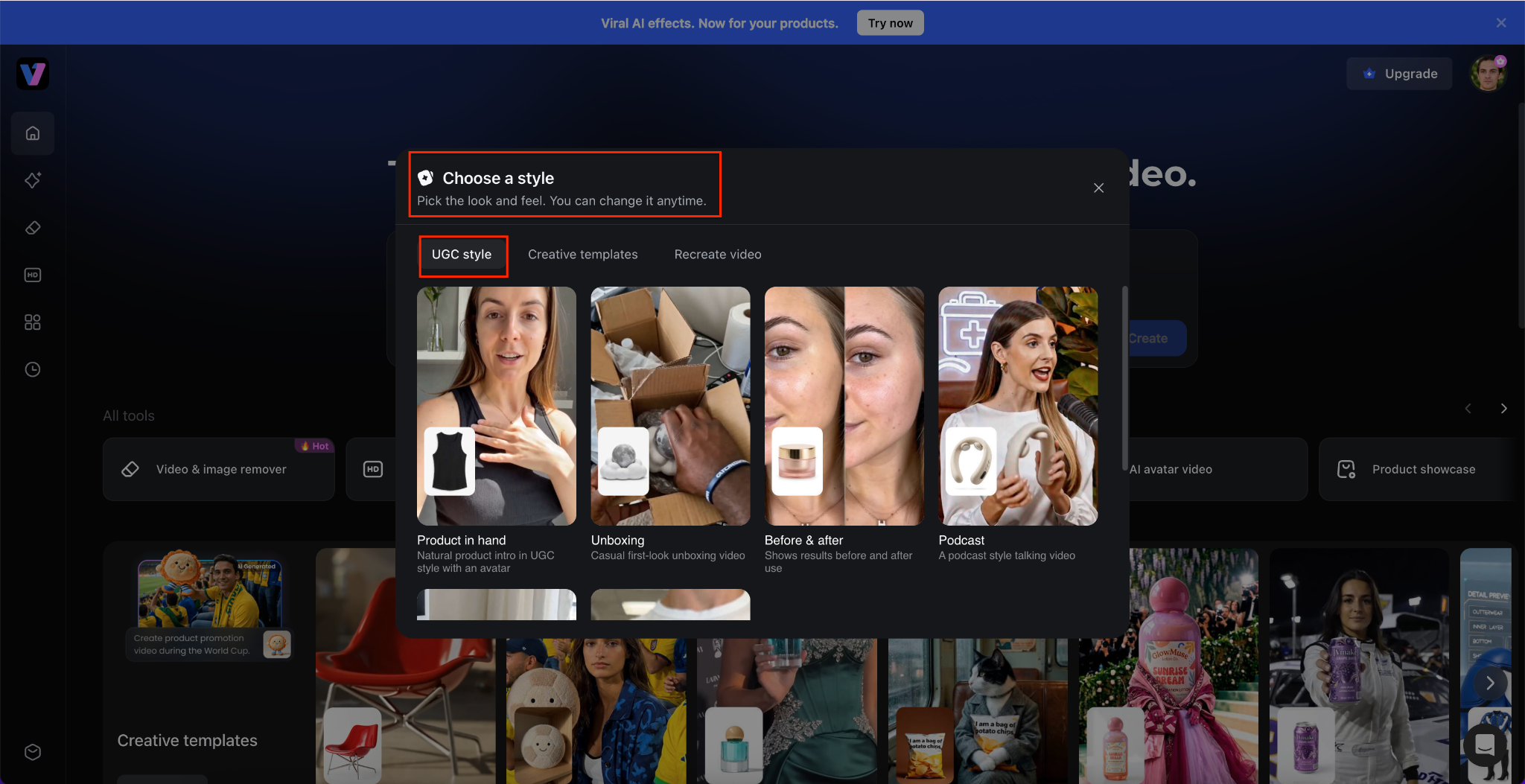
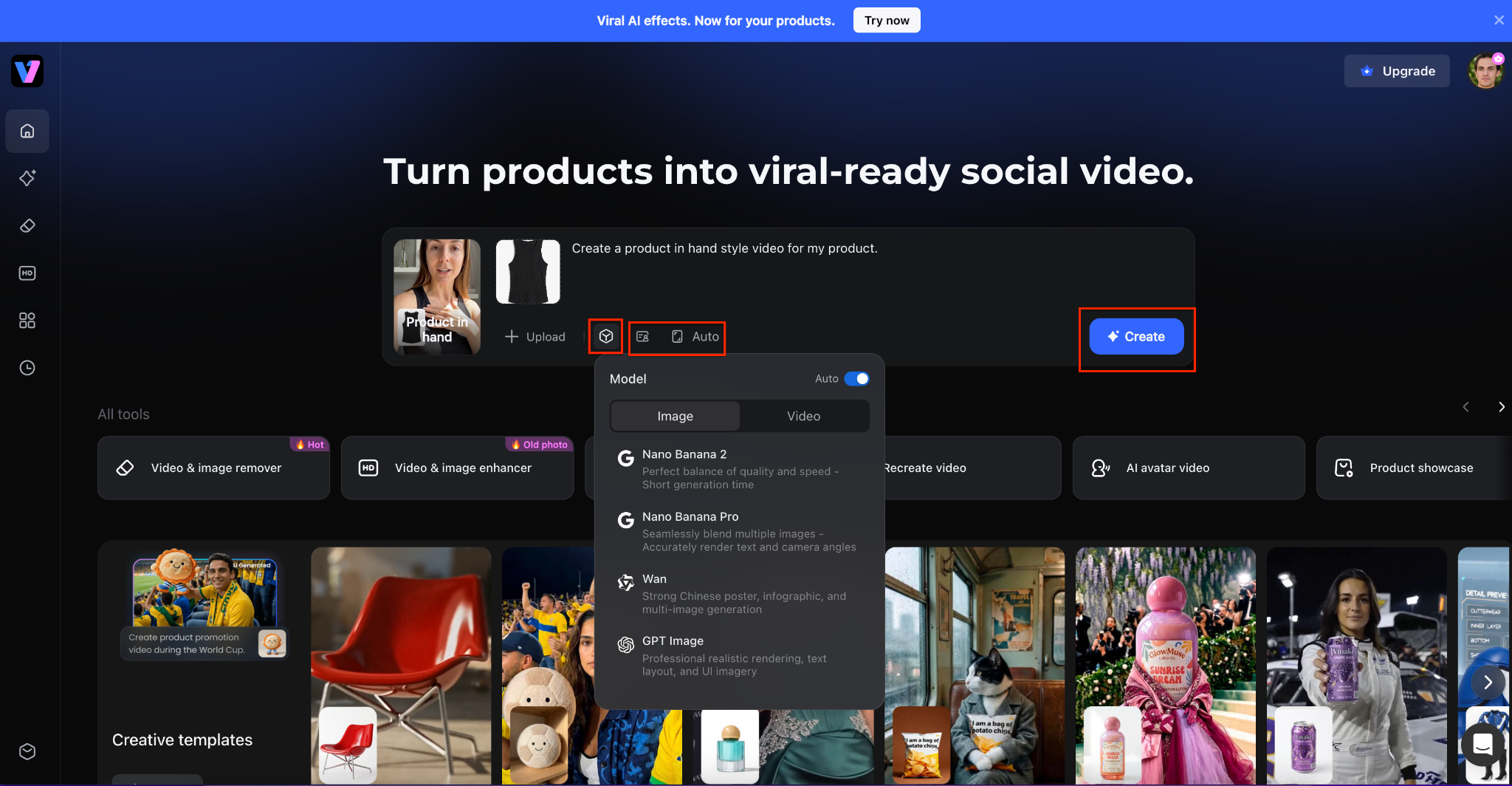
Step 1: Open the Social Video Generator and Select a Style
From the Vmake homepage, click the Style button inside the creation panel. A "Choose a style" window will appear with option UGC Style. Browse the available templates and select the format that best matches your marketing goal, such as a product-in-hand demonstration or unboxing video.
Step 2: Upload Your Product and Configure Generation Settings
After choosing a template, click Upload and add your product image. You can then adjust generation settings by selecting a preferred AI model, enabling Auto mode, and opening Preferences to enter your brand name, target audience, and desired avatar characteristics. These settings help the AI create content that aligns with your brand identity.
Step 3: Generate the Video and Review the Draft
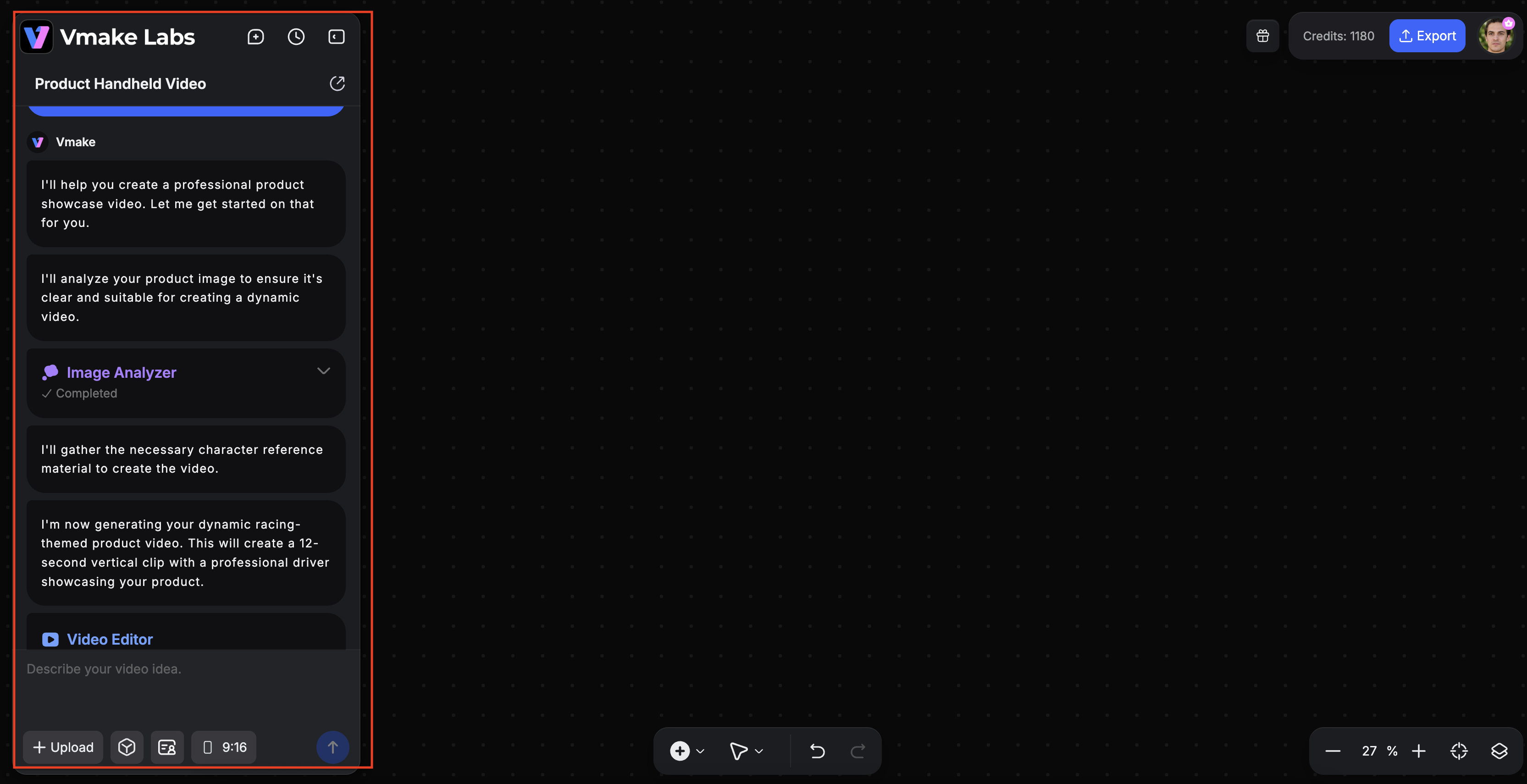
Once your image and preferences are ready, click the Create button to begin generation. Vmake will open the editor workspace and start building your video automatically. A progress panel on the left displays the generation status while your uploaded product image appears on the canvas as the AI prepares the final video sequence.
Step 4: Edit, Refine, and Export the Final Video
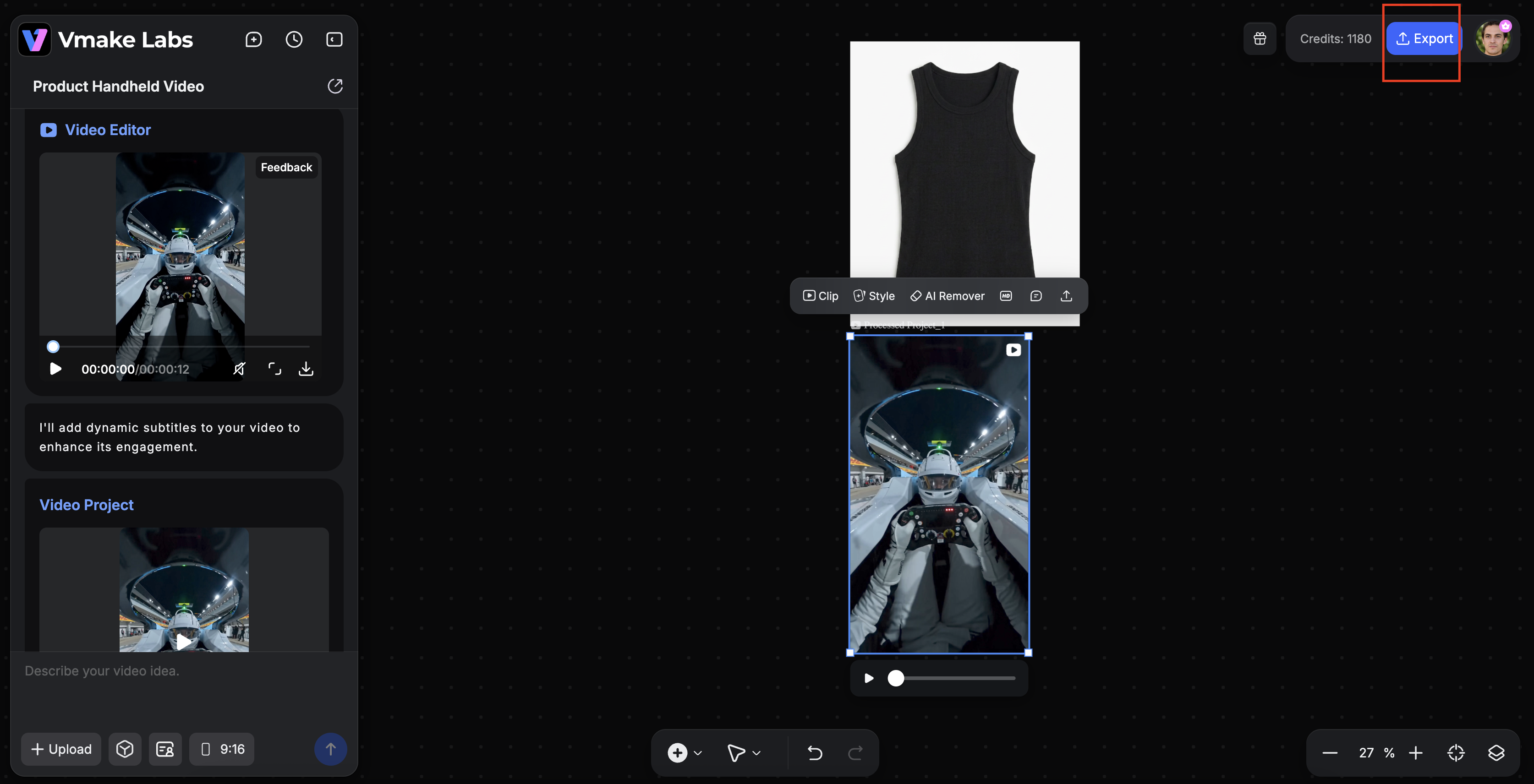
When the generation is complete, review the video inside the editor. You can upload additional assets, modify prompts, adjust layouts, or use built-in tools to further refine the content. After confirming that the video meets your requirements, click the Export button in the upper-right corner to render and download the finished marketing video.
Synthesia
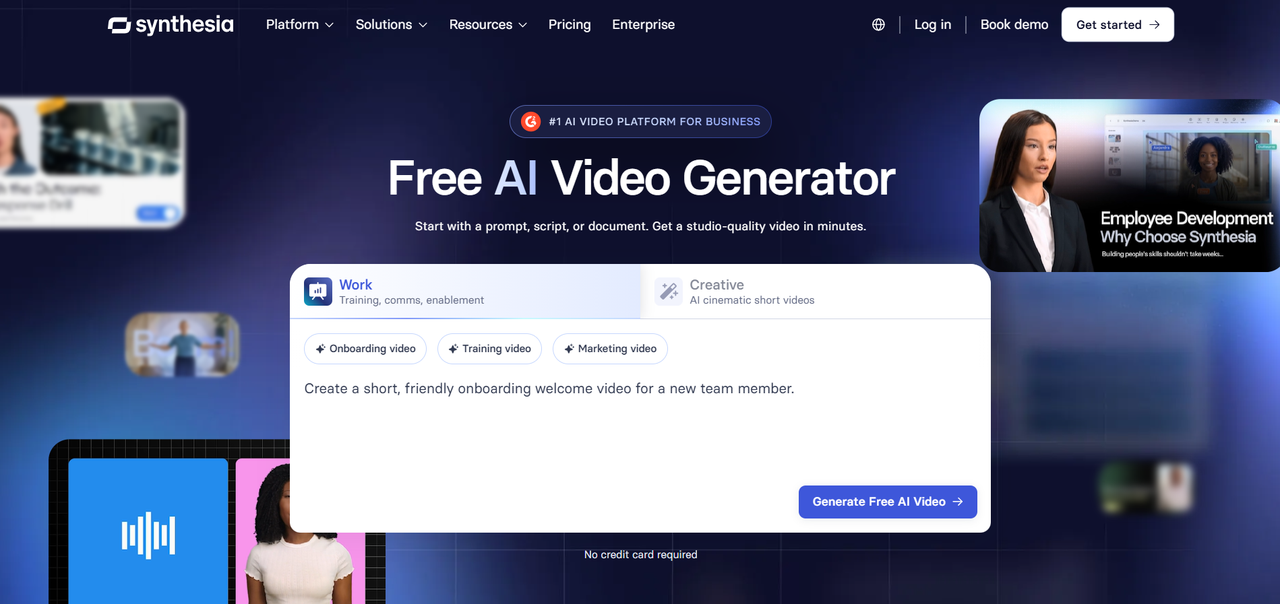
Synthesia is an AI video creation tool that specializes in producing presenter-led videos with realistic avatars and voice-overs. It helps people to make professional videos without cameras, actors, or studio equipment. It's broadly applied in marketing, training, and social media production.
Key features:
-
AI avatars that look realistic, with humanlike facial expressions and mouth movements, create presenter-style videos that are perfect for dynamic video content production for Instagram Reels.
-
The multilingual voice feature lets brand owners localize their videos and reach their audiences around the world, without needing to re-record them.
-
The templates are customizable, branded, and script-driven to produce videos with minimal manual editing at a significantly reduced rate.
Limitations:
-
The range of options for personalizing an Avatar may seem restrictive to those seeking a very accurate reflection of the creator or influencer they are trying to replicate.
-
More detailed editing and cinematic telling capabilities would perhaps require separate software apart from Synthesia's video generation environment.
HeyGen
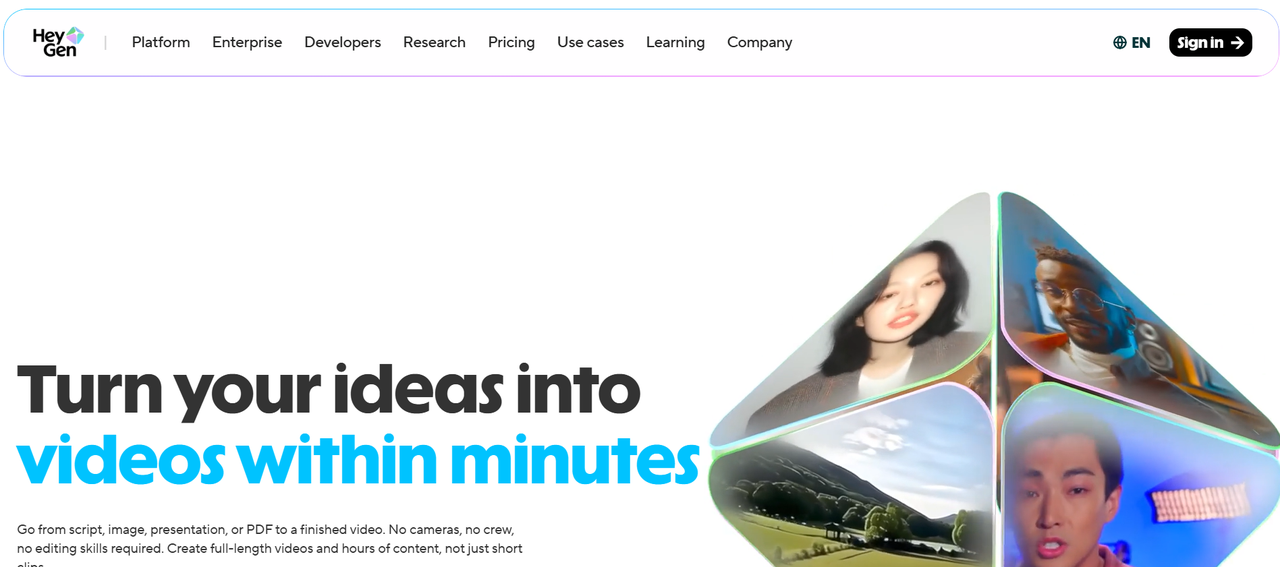
HeyGen is a generative AI video platform that creates videos using real avatars and high-quality voices. This platform enables marketing and social media content creation through the ease of AI production processes. It's widely used by creators and brands who need videos produced quickly without much camera work.
Key features:
-
Realistic AI avatars and robust lip-sync tech to produce natural-looking presenter videos for Instagram Reels, advertising, and promotions.
-
Voice cloning and multilingual capability to create localized video content and maintain brand consistency.
-
Effortless script-based video generation and customizable templates for streamlined short-form video production.
Limitations:
-
Certain advanced customization and premium avatar options may be accessible only to upper-tier subscription packages or purchased add-ons.
-
There can be limitations in the extent of flexibility one has for video editing compared to professional editing software, where intricate, detailed post-production is performed.
Arcads
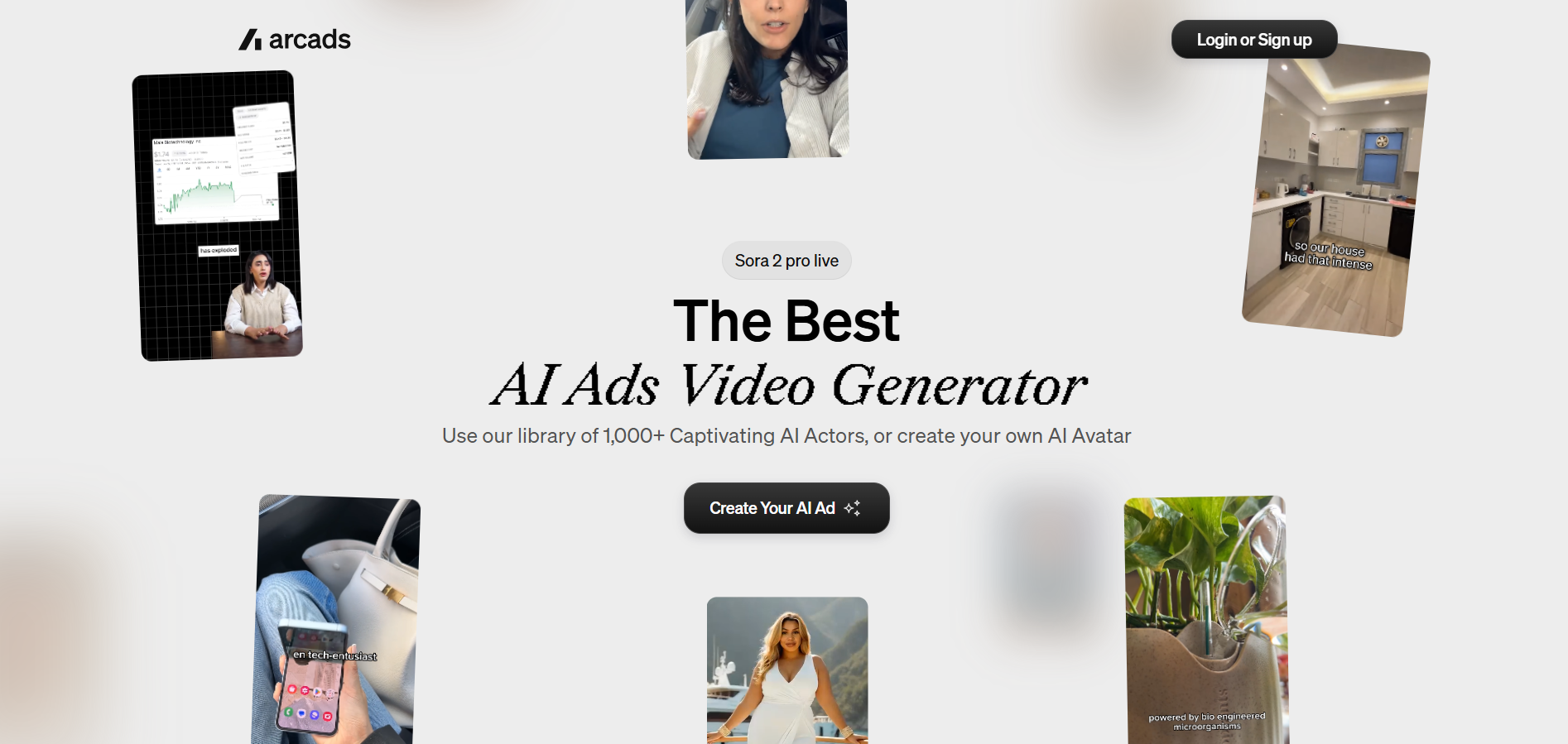
Arcads is an AI UGC video platform built for producing advertising and creator-style marketing videos. The platform uses AI actors and scripts to enable brands to create short-form video content at scale, without any need for filming. The platform prioritizes velocity, performance marketing, and ads.
Key features:
-
Brands can create quick, UGC-style promotional videos for their social media and Reels campaigns using AI actors and ad-focused templates.
-
Camera-free creation and shooting arrangements are also minimized as the production process relies on script-based workflows.
-
The ease and speed of this process allow campaigns to be tested efficiently and marketing efforts to become more effective.
Limitations:
-
Platform features primarily center on ad workflow rather than comprehensive video production for cinema and higher-end narrative creation.
-
The breadth and customizability of available avatars might be limited to creators desiring extremely customized digital personalities, as they might get through their own work.
Zeely AI
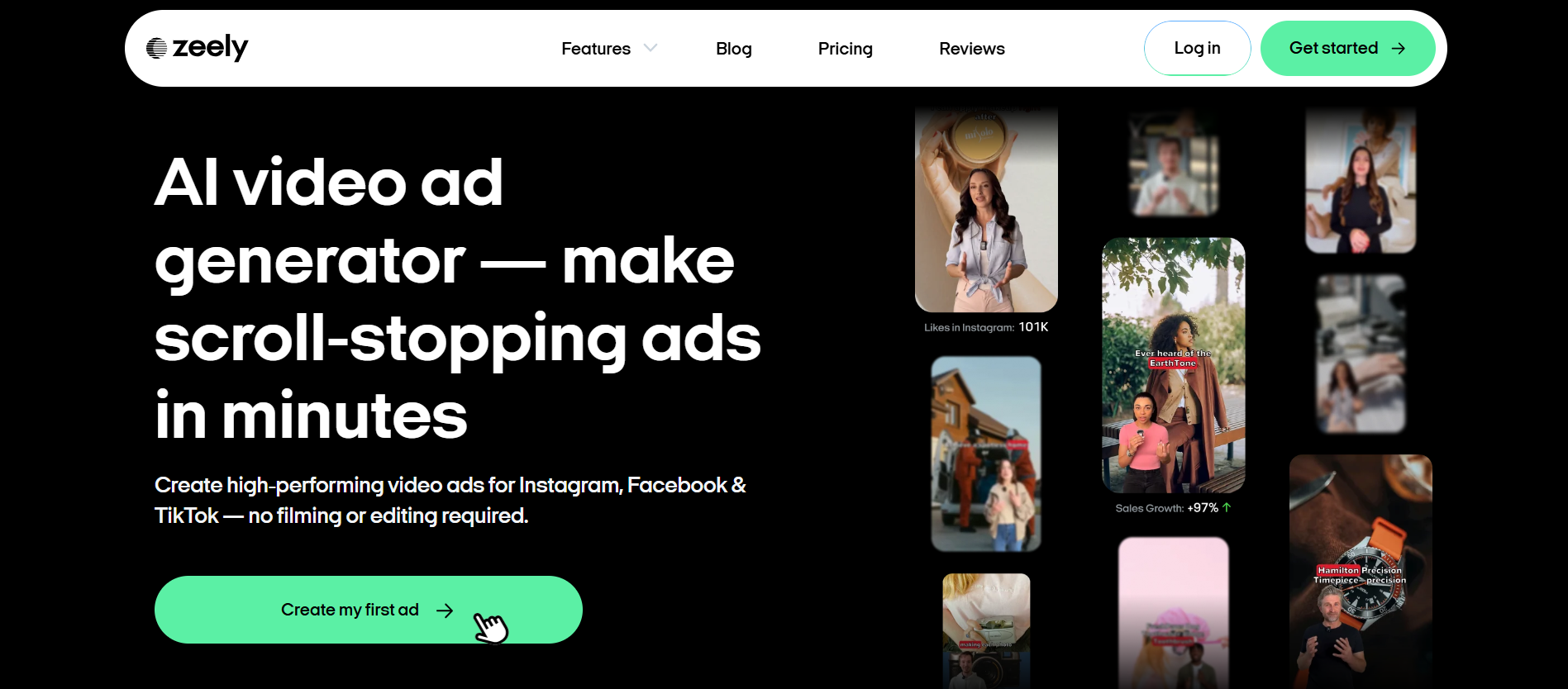
Zeely AI is an AI video-generation platform for marketers and creators that enables the rapid creation of marketing and UGC videos. Zeely AI automates video ads using a script-generation engine and easy-to-use visuals and editing tools.
Key features:
-
Generate a marketing video with a few editing skills and zero production work by using the AI-assisted script generator and the automated video maker.
-
Using the ready-to-use templates and social media-ready format, generate Instagram Reels or a promotional video campaign faster.
-
Test video creativity for better brand awareness and engagement with the fast editing workflow and the AI-optimized tool to allow brands to produce numerous video creatives at once.
Limitations:
-
Advanced realism and flexibility in designing digital presenters may not be on par with AI avatar-generation platforms designed for that purpose.
-
Cinematic editing at a detailed level or advanced production functionality would require additional editing software.
Captions
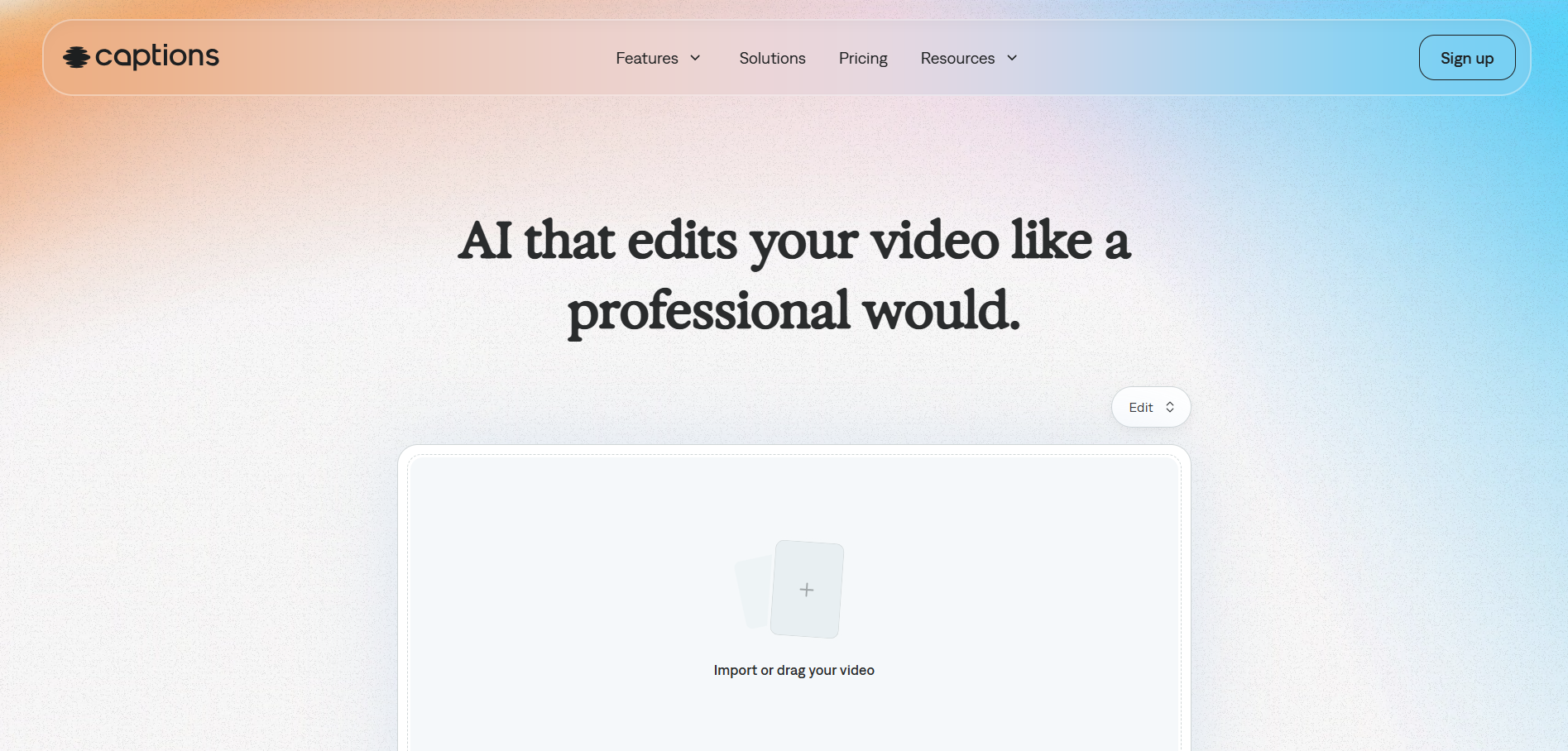
Captions is an AI-powered video editing software that helps creators produce short-form and social media videos, combining AI editing and caption generation with a focus on creators. It is used extensively in creating Reels, talking-head videos, and user-generated content.
Key features:
-
AI captions & automated subtitles improve content access and viewer retention on IG Reels & short-form video.
-
AI editing, teleprompters, and video enhancers lower the barriers to entry for creators with no editing experience.
-
AI voice enhancement and creator-first workflows enable more rapid production of polished UGC & marketing videos across platforms.
Limitations:
-
Some of the high-end features related to the avatar and virtual presenter might not be available compared to some applications specifically developed for generating AI avatars.
-
A few paid AI tools (for editing/enhancing) would be available, requiring paid subscriptions for extensive use and features.
Colossyan
Colossyan is a leading AI video generation platform specializing in producing avatar-led videos for marketing, training, and business communication. Users can generate videos from a script using an AI presenter and text-to-speech technology, without any camera or actors.
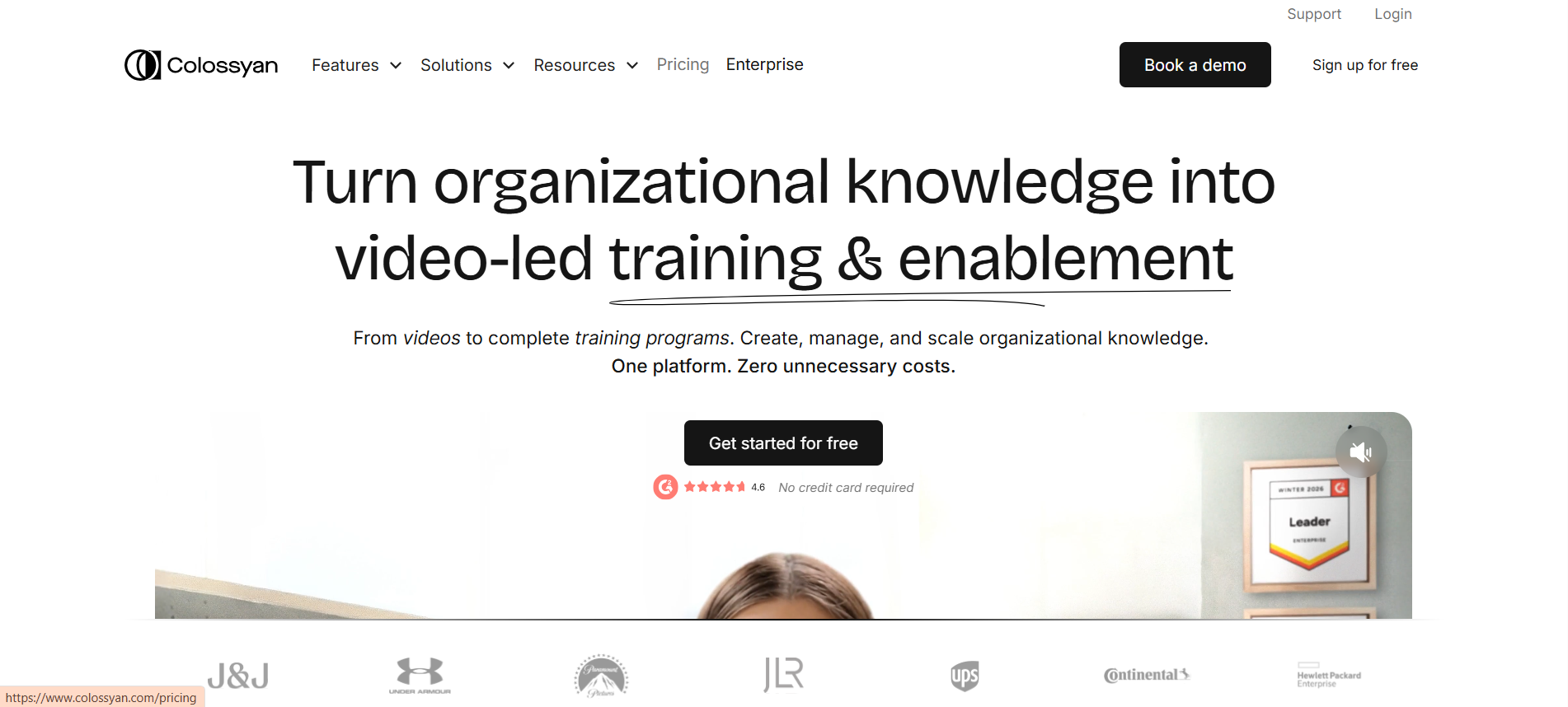
Key features:
-
Realistic voice and facial expressions for AI presenters let users create professional marketing and social media videos.
-
Localization of videos across all regions and markets can be achieved through multilingual support and voiceovers.
-
The number of required shots and editing time can be drastically decreased using a script-to-video workflow and editable templates.
Limitations:
-
Editing flexibility may be lower than that of sophisticated editing programs used by professional video editors in film production.
-
Avatar customization and premium production tools may require a more robust subscription plan and platform upgrades.
Bonus tips: How to choose the right AI UGC tool for your own
The best AI UGC tool depends on the type of content you create and how you plan to use it. Evaluating factors such as avatar quality, editing capabilities, language support, and pricing can help you find the right fit.
|
Your priority |
Recommended tool |
Why it fits |
|---|---|---|
|
Engagement & authenticity |
Vmake |
Helps create shoppable UGC videos through three dedicated workflows: AI Avatar Video, Product Showcase, and Recreate Video, each designed for content creation for Instagram Reels, TikTok, and Shorts. |
|
Realistic AI avatars |
Arcads |
Designed for creator-style videos with realistic AI actors, natural delivery, and ad-focused storytelling. |
|
Multilingual UGC content |
HeyGen |
Strong language support, voice cloning, and localization tools help create content for diverse audiences. |
|
Professional presenter videos |
Synthesia |
Ideal for structured, presenter-led videos with polished avatars and business-friendly templates. |
|
Creator editing and caption workflow |
Captions |
Combines AI editing, subtitle generation, and creator tools in a streamlined production workflow. |
Conclusion
AI-powered UGC tools make it easier for brands and creators to produce Instagram Reels at scale. Platforms like Synthesia, HeyGen, Arcads, Zeely AI, Captions, and Colossyan offer different strengths, from realistic avatars and multilingual support to streamlined video creation workflows.
Vmake stands out with three dedicated UGC generation workflows: AI Avatar Video, Product Showcase, and Recreate Video. Each is designed to transform a product image into a platform-ready Reel without filming, hired talent, or complex prompts. Beyond content creation, it also helps improve video quality through enhancement, upscaling, and social media optimization features, making it a versatile solution for modern UGC production.
FAQs
Do AI UGC video tools require copyright-free media?
Many AI UGC tools have pre-licensed music, stock footage, and templates. That being said, one must still verify copyright information when uploading one's own materials, third-party media, and branded material.
Can AI UGC videos be edited after generation?
AI-generated UGC videos can typically be edited after they are generated. For example, tools like Vmake enhance the visual appearance, adjust resolution, or refine the raw footage, while other tools enable modifications to the script, subtitles, and scenes before publishing.
Are AI-generated UGC videos effective for product promotions?
AI-generated UGC video can perform well because it replicates authentic creator-style recommendations. Brands can rapidly create multiple versions of a promotion, A/B test different copies, and scale advertising without relying on handmade filming and influencer production.
Can AI UGC tools create videos from product images only?
There are AI UGC platforms that utilize image-to-video workflows, taking product photos as the basis. With such tools, the creator could include animations, captions, voiceovers, and transitions in the Instagram Reels they produce from static images.
Do AI UGC video tools support trending Instagram Reel styles?
Most AI UGC tools are created with social media trends in mind. This allows for templates that are ideal for Reels, quick edits, on-screen text, and story formats that creator stories traditionally employ, which match engagement on Instagram.
How secure is the content uploaded to AI UGC platforms?
As security requirements vary by platform, users must read the privacy policies and content ownership conditions. Working with trusted service providers and clearly understanding data storage rules will protect brand assets and uploaded media.

You May Be Interested
Valentine's Day UGC Video Marketing Guide for Small Businesses (2026)
Best Trending UGC Video Examples Across TikTok, Instagram, and YouTube