
Create More Social Videos with Smaller Team
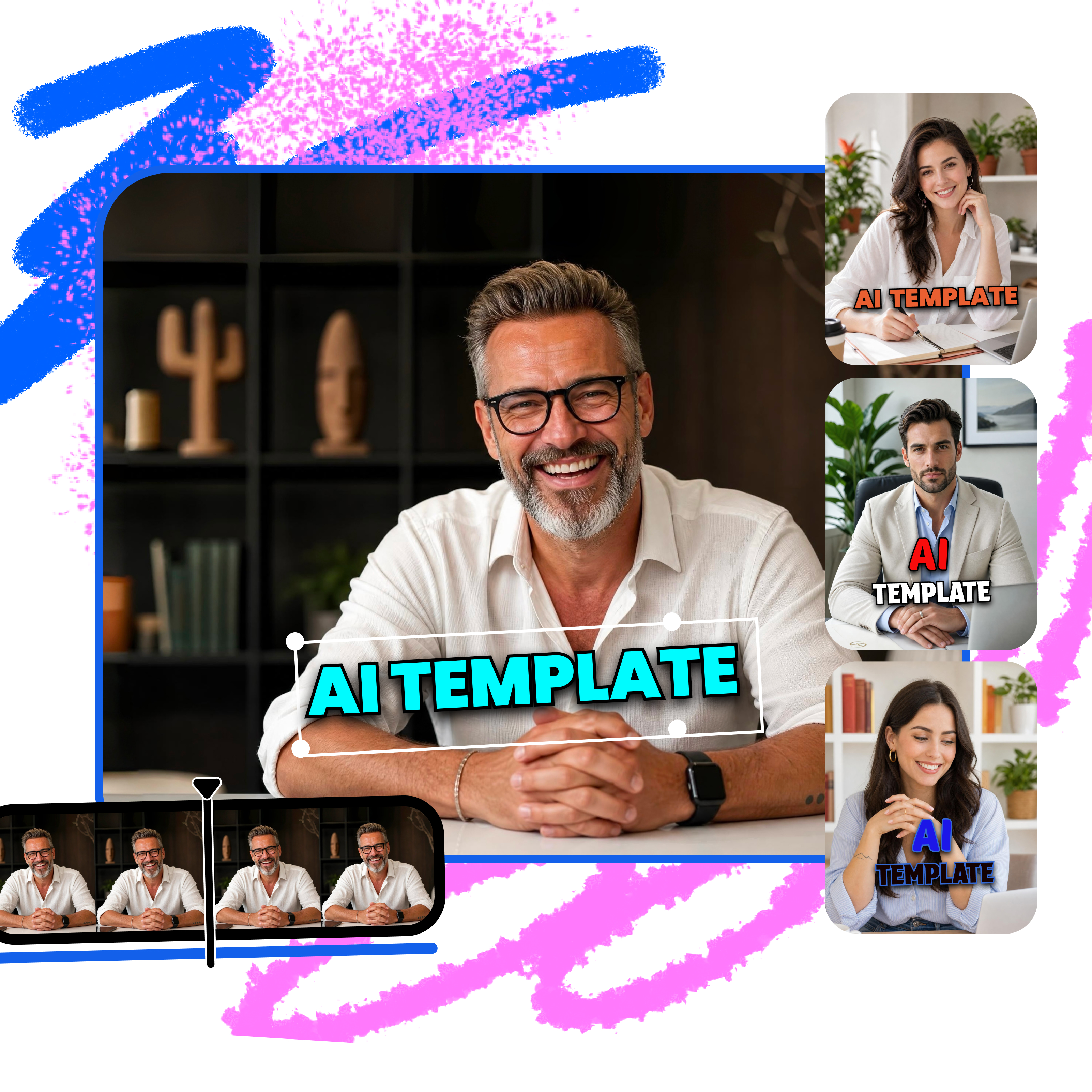


How to use AI templates for client content
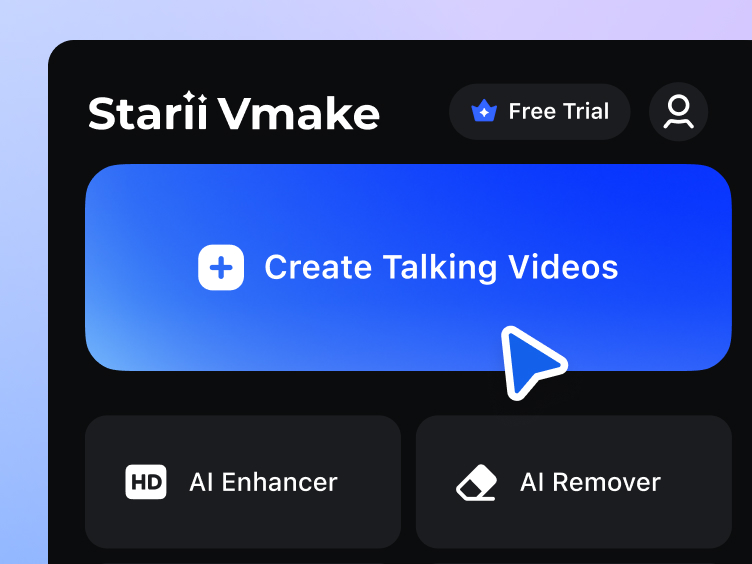
Upload assets
Just import your client assets or product images to swiftly start your video production workflow.
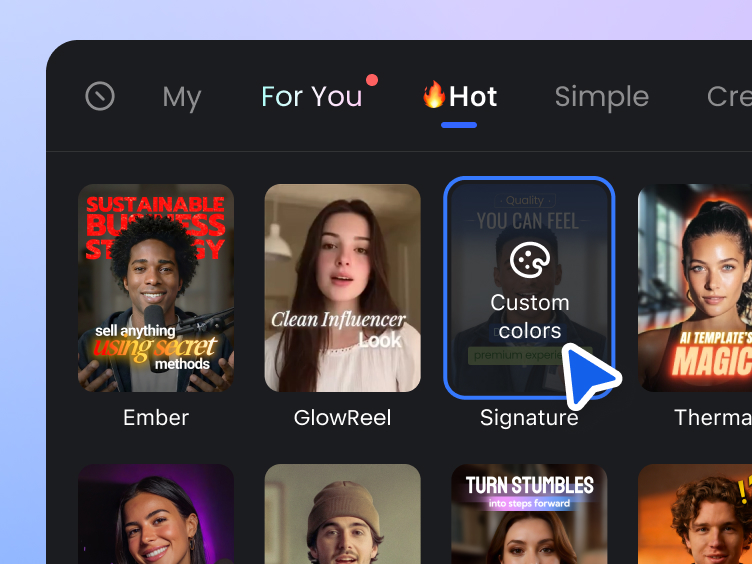
Select AI templates
Pick your favorite and let AI instantly generate captions, transitions, music, and more with one tap.
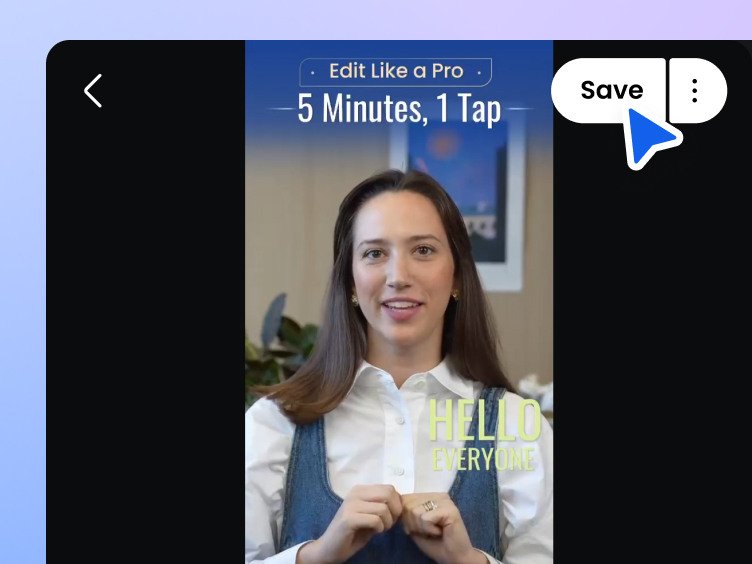
Generate and export videos
Export videos with a single click for client delivery, ad testing, and multi-platform distribution.
AI template use cases for agencies
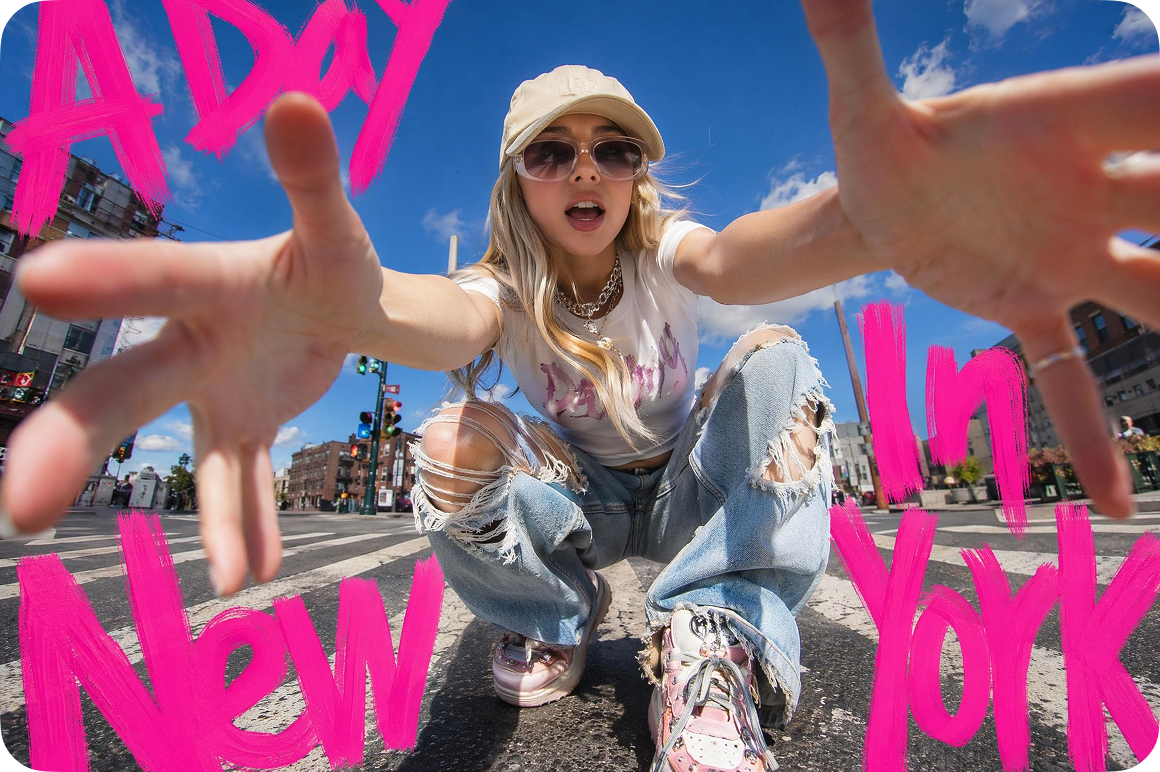
Social media management
Help your team quickly apply trending templates, reuse them across different client accounts with a single click, and generate daily content in batches. This allows you to easily handle the pressure of updating massive amounts of social media content.

Multi-brand ad testing
You can quickly apply different style templates to the same content, generate multiple versions of ad content in batches, and more efficiently test different visual designs and conversion rates.

Quickly optimize basic assets
Even with footage shot on a smartphone or basic materials, you can quickly apply templates to add subtitles, special effects, and stylistic enhancements with a single click. This gives your content a more polished, professional look, easily meeting urgent delivery deadlines.

Cross-platform distribution
No need for repetitive editing, you can directly generate versions of the same content for multiple platforms. AI automatically adapts to each platform’s style and posting rhythm, boosting the efficiency of your account management.
Key features for agencies
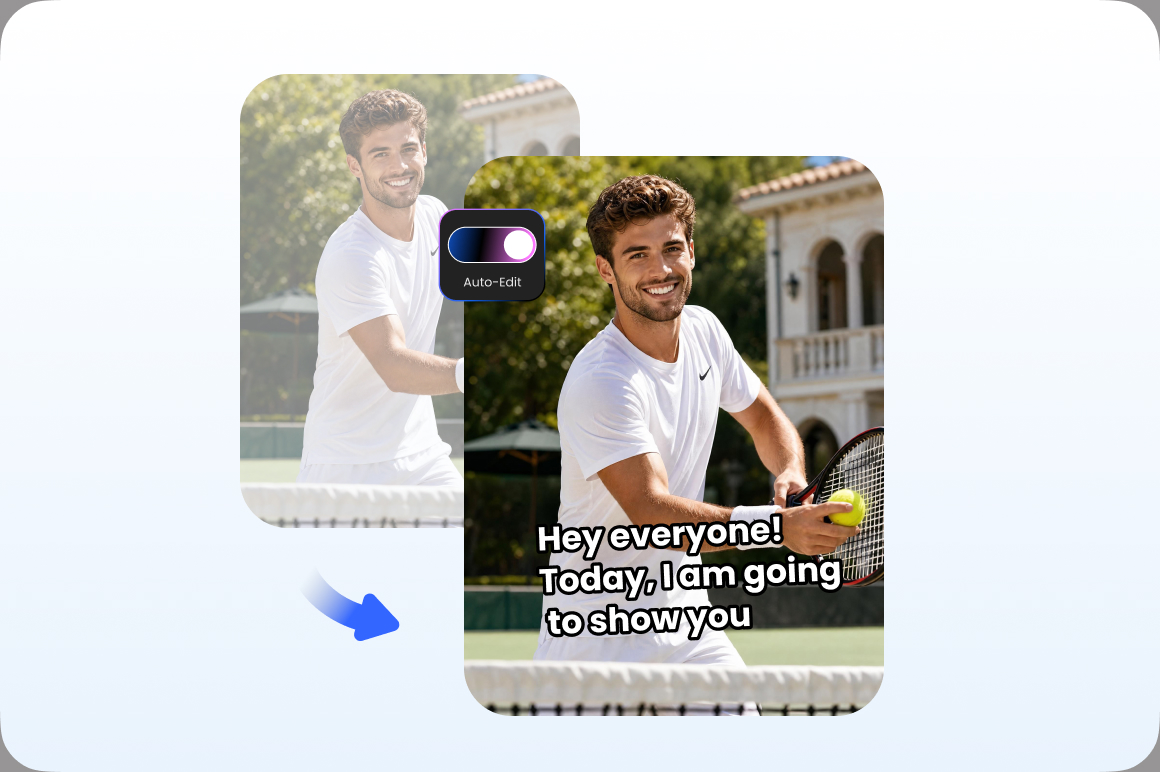
Smart editing with one click
Vmake Labs can intelligently package ordinary footage with a single click. AI automatically matches the rhythm, transitions, and subtitle layouts, allowing you to quickly deliver perferct videos without complex editing.
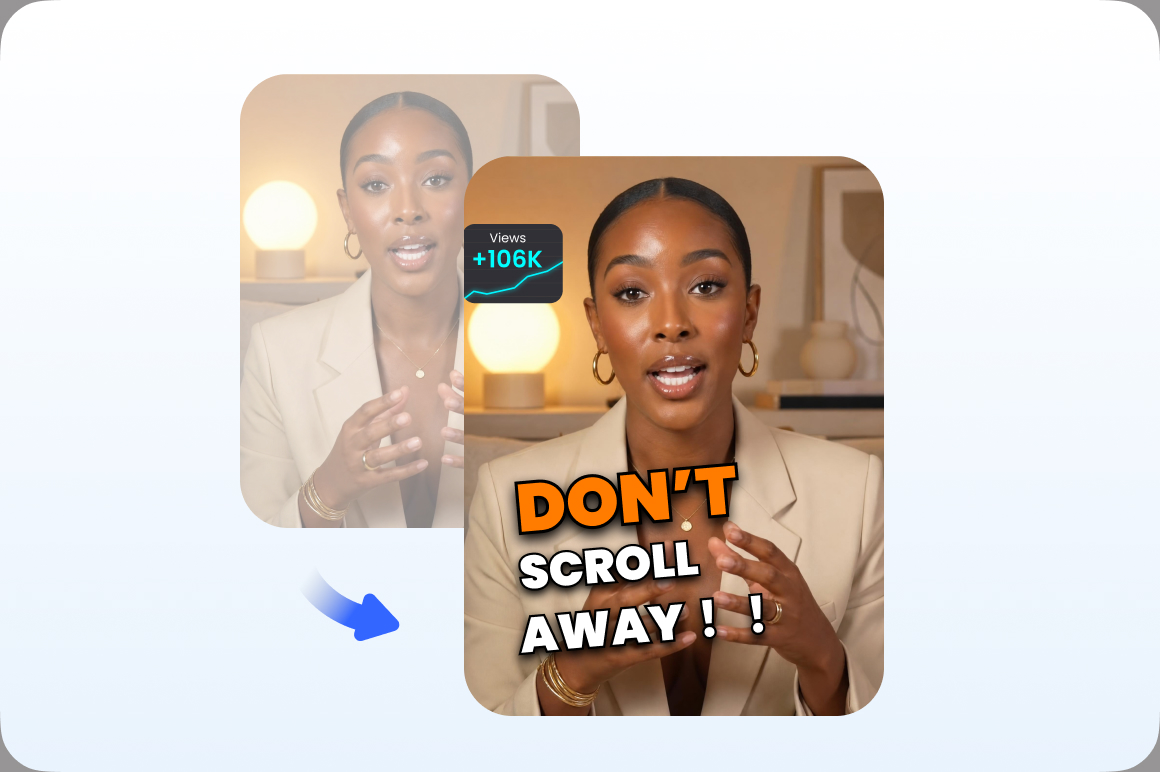
High-conversion content generation
Quickly generate content packages that align with trending social media formats, including eye-catching openings, dynamic subtitles, and visual layouts. This helps boost content exposure and conversion rates, using performance data to help clients win in the market.
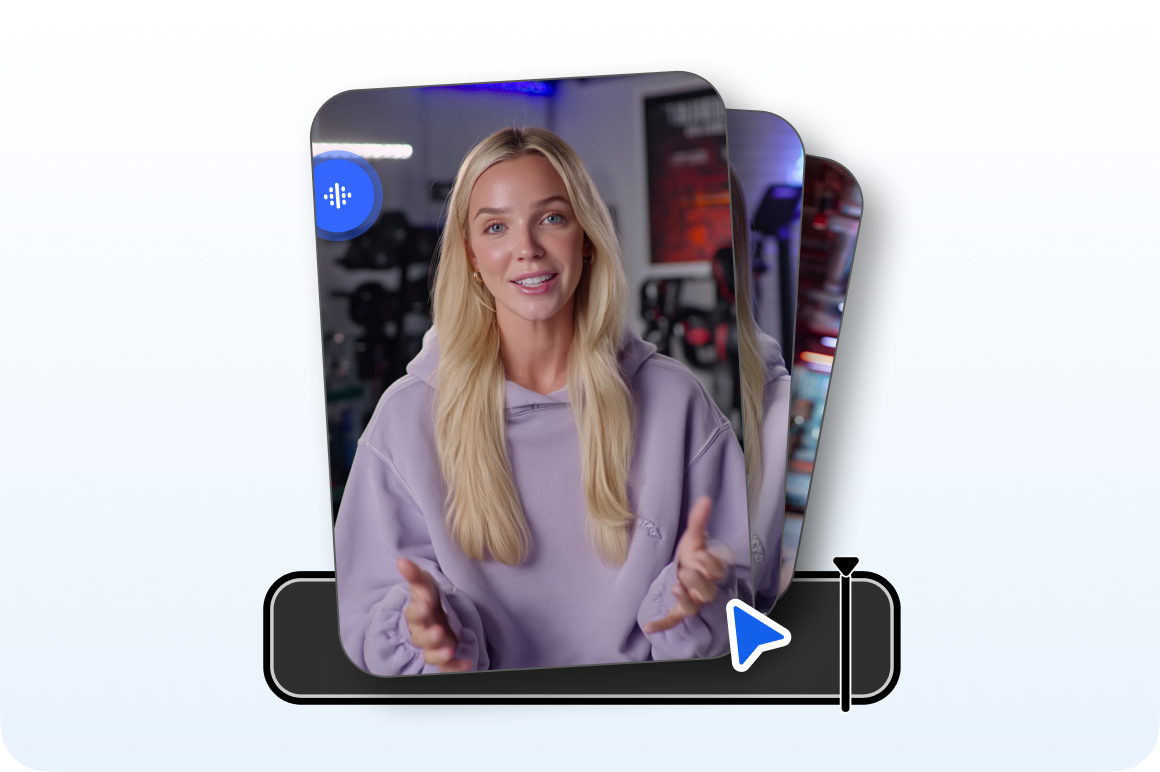
Extensive template and style options
We offer a wide variety of popular content templates and visual styles tailored for influencer monologues, ad campaigns, brand promotions, and other scenarios, allowing you to quickly complete diverse content packaging and deliver in batches.
Why choose us

When business demands surge, you no longer need to endure lengthy hiring cycles. Vmake Labs enables your existing team to triple its output capacity, allowing you to effortlessly handle peak seasons.

With AI Templates, you can quickly reuse proven video structures, pacing, and styles to consistently produce different versions of video content.

No professional editing background required,even beginners can produce professional quality videos, significantly reducing team training costs.

Vmake Labs employs strict encryption for both transmission and storage, ensuring your trade secrets and unpublished creative content remain secure.

We provide a clean environment, free from intrusive pop-up ads and security risks, allowing your team to focus on the content itself and ensuring a smooth, professional workflow.

Vmake always updates with the latest algorithm preferences, regularly pushing new features and templates to ensure your agency always has the most advanced products.
FAQ about Vmake Labs AI templates
What is Vmake Labs AI templates?
Do I need professional editing skills to use Vmake Labs?
No! Vmake Labs is built for fast content production workflows, allowing even non-editors to create polished, professional videos using our proven AI templates.
Can Vmake Labs truly help speed up client delivery?
Yes. Vmake Labs helps teams reduce repetitive editing work by automatically handling subtitles, pacing, transitions, effects, and formatting — making content production and delivery much faster.
Is my content secure?
Yes. Vmake Labs uses secure transmission and storage systems to help protect your unpublished client assets and creative materials.
Discover more features
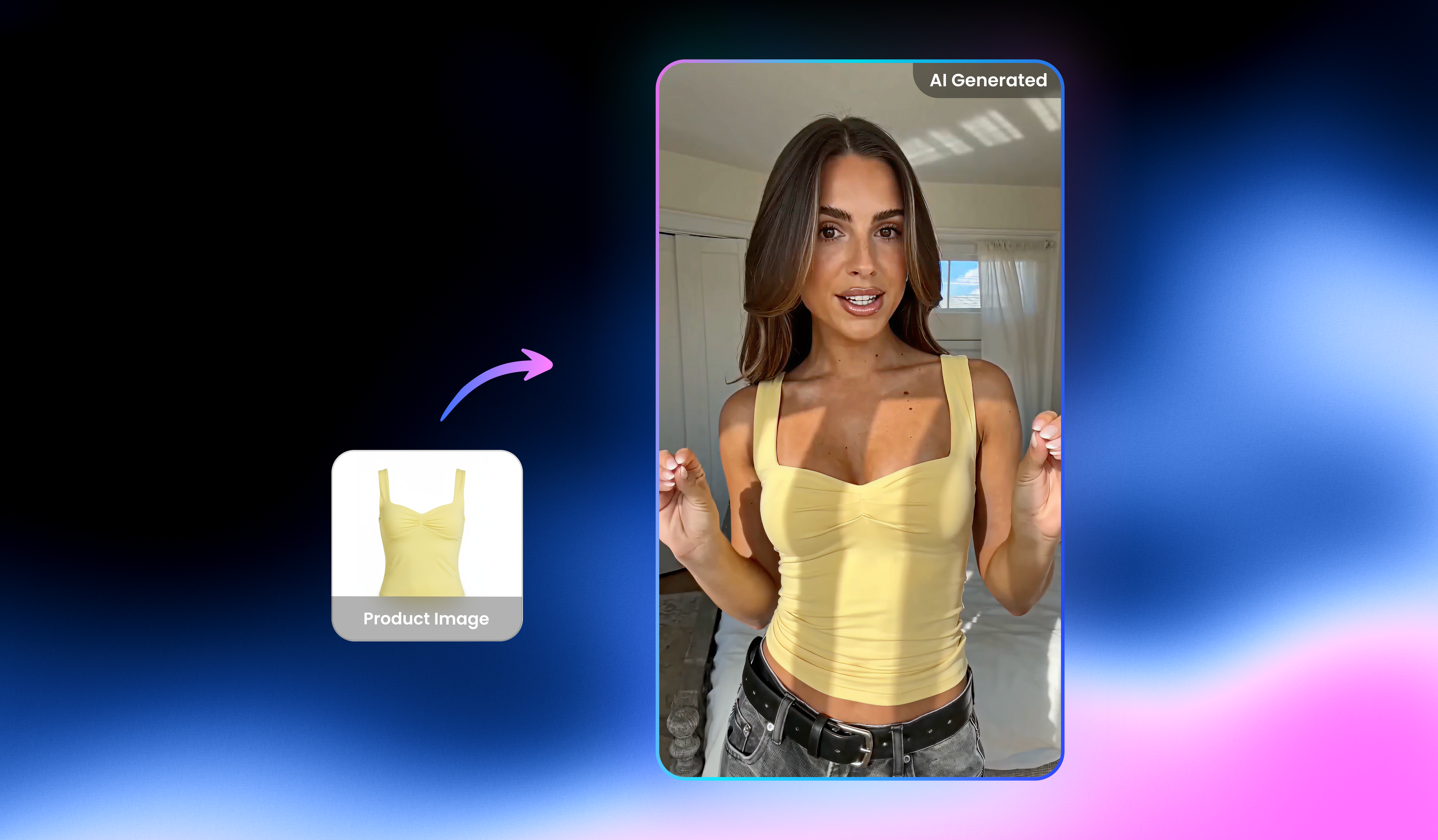
UGC video

Video & image enhancer

Watermark & text remover

Video upscaler

AI video generator

Video noise reducer

Video & audio to text

Video background remover
Produce high-quality videos faster with Vmake Labs
Use AI templates to quickly output high-quality client content, speed up delivery, and keep every project moving perfectly.