
Simplify Your Production: 10 Best AI Filmmaking Tools You Need
Want to speed up your video workflow? Check out our guide to the 10 best AI filmmaking tools, featuring top picks like Vmake AI, Runway, and Luma Dream Machine. Take your video content to the next level!

The filmmaking world is undergoing a massive, technology-driven revolution. For decades, high production costs, steep learning curves, and massive crews created high barriers to entry. Today, AI filmmaking tools are completely democratizing video creation. Let's explore how these artificial intelligence platforms are leveling the playing field for indie filmmakers, creators, and brands, culminating in our definitive top ten tool ranking.
What is an AI filmmaking tool?
An AI filmmaking tool is advanced software that leverages machine learning and generative artificial intelligence to assist, automate, or completely execute various aspects of the video production pipeline. The primary key components of this technology include:
-
Generative video: Synthesizing completely fresh, highly stylized, or hyper-realistic video footage directly from text prompts or static reference images.
-
Automated editing: Streamlining complex post-production workflows by automatically organizing raw clips, executing smart cuts, and pacing edits.
-
Audio/visual synthesis: Creating lifelike digital human presenters, generating natural-sounding voiceovers, and crafting tailored ambient sound effects.
The top 10 AI tools for film-makers
The generative video landscape is heavily crowded, presenting a modern paradox of choice. To help you select the perfect software, we have extensively tested and ranked the top 10 best AI filmmaking tools currently available on the market, analyzing their user interface, overall video rendering fidelity, physical accuracy, and pricing.
|
Tool Name |
Primary Focus |
Ease of Use |
Delivery Platform |
|---|---|---|---|
|
Vmake AI |
All-in-one generation & e-commerce video |
Beginner (Highly Intuitive) |
Browser-based |
|
Runway Gen-3 |
Cinematic text/video-to-video dynamics |
Intermediate to Advanced |
Browser-based |
|
Pika Labs |
Stylized animations & hyper-local edits |
Beginner to Intermediate |
Web & Discord |
|
Luma Dream |
Fast motion rendering & complex camera pans |
Beginner-friendly |
Browser-based |
|
OpenAI Sora |
Hyper-realistic long-take continuous scenes |
Advanced (Exclusive access) |
Browser/API |
|
Synthesia |
Photorealistic presenters & B2B avatars |
Beginner-friendly |
Browser-based |
|
ElevenLabs |
AI vocal synthesis & cinematic sound design |
Beginner-friendly |
Browser-based |
|
Descript |
Text-based script editing & transcriptions |
Beginner to Intermediate |
Desktop App |
|
Midjourney |
Cinematic concept art & storyboard design |
Intermediate (Prompt-heavy) |
Web & Discord |
|
Topaz Video AI |
Post-production restoration & upscaling |
Intermediate (Highly technical) |
Desktop App |
-
Vmake AI (best all-in-one AI video generator)
Why it ranks #1: It solves the fragmentation problem by offering a unified, browser-based workspace with a perfect balance of top-tier AI models and beginner-friendly UI.
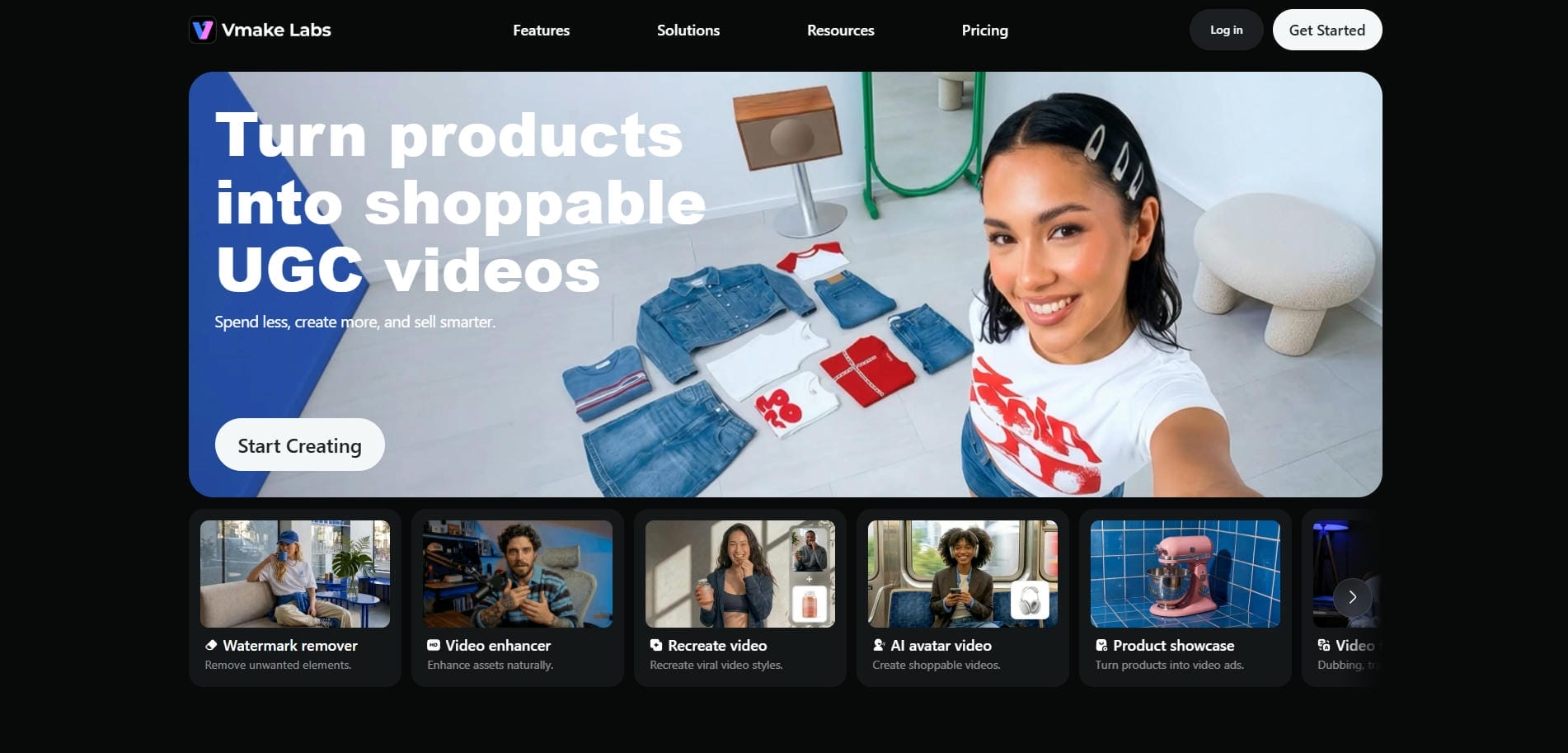
Vmake AI stands as the absolute best all-in-one generator by solving the industry's fragmentation problem. Instead of forcing creators to hop between different single-use applications, Vmake provides a unified, browser-based workspace. Powered by a "drag, drop, and done" philosophy, it offers highly intuitive tools suitable for e-commerce marketers, social media creators, and aspiring indie filmmakers.
Key features:
-
Text-to-video generation: Turn detailed descriptive prompts directly into highly realistic or stylized video clips spanning up to fifteen seconds in length.
-
Image-to-video generation: Animate static product photos and images with professional panning, zooming, and dynamic motions to create engaging advertisements.
-
Video-to-video transformation: Stylize or completely alter the aesthetic visual style of your existing footage using advanced AI-driven artistic filters.
-
UGC video generator: Automatically craft authentic, organic-looking user-generated product review videos using simple text inputs and product image uploads, recreate or clone viral advertising videos, as well as realistic AI avatar videos.
-
Multi-model support: Tap into industry-leading video models like Seedance, Veo 3,and Kling directly within the platform to match specific visual needs.
How to use:
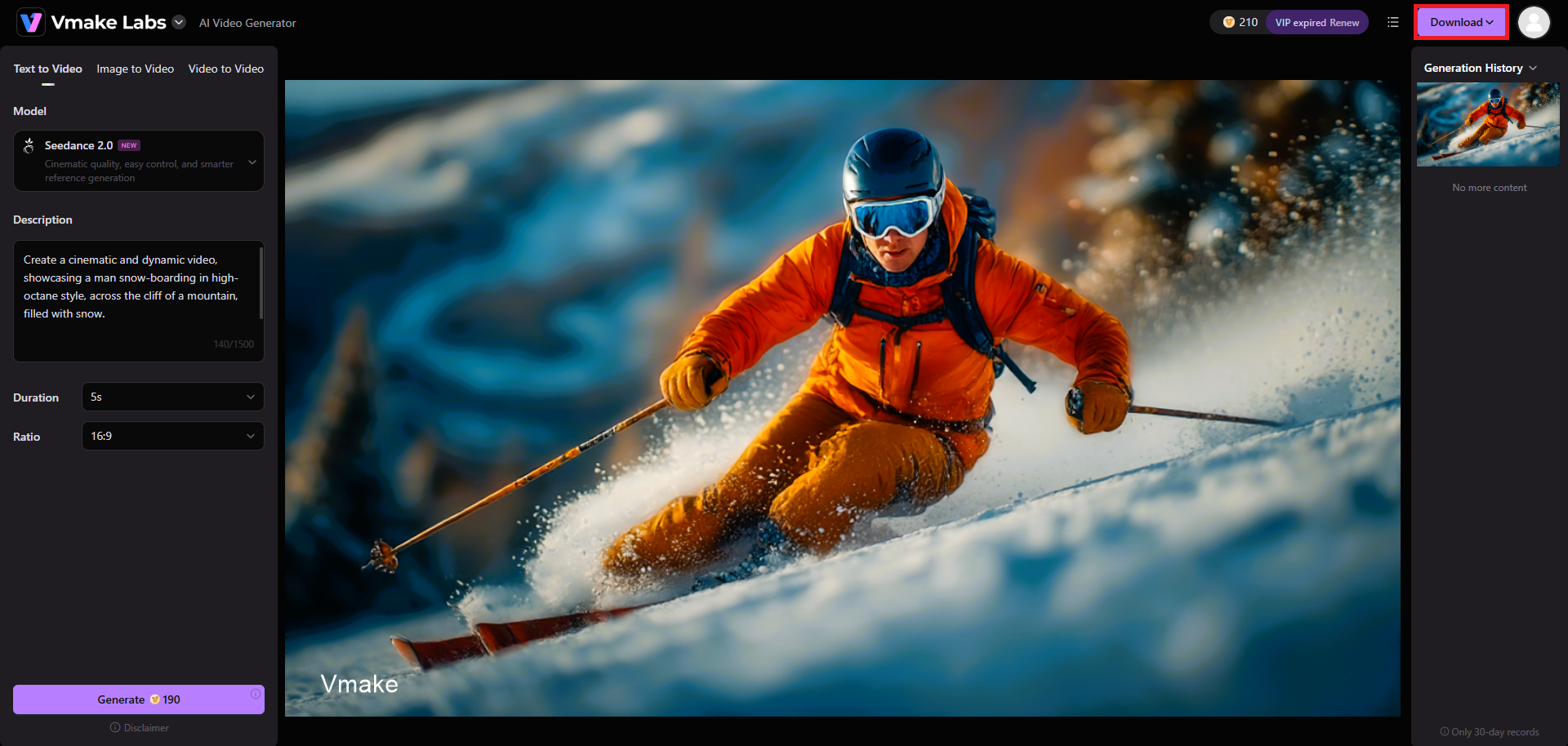
Step 1: Access the AI video generator tool
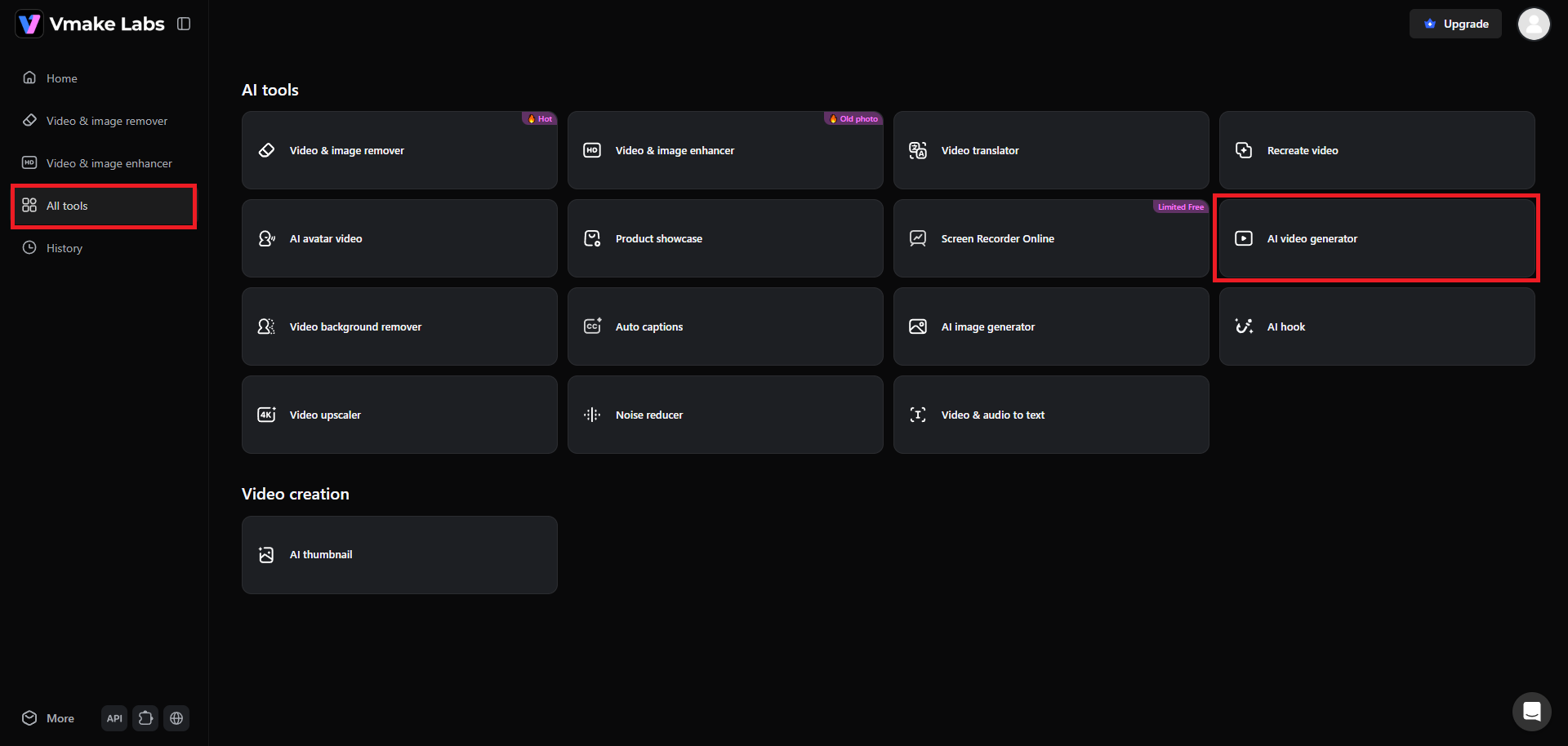
Start your journey by first logging into your Vmake account. After signing in, from the left-hand side of your dashboard, click on the "All tools" option. From there, you need to select the "AI video generator" option.
Step 2: Enter your prompt for AI video generation
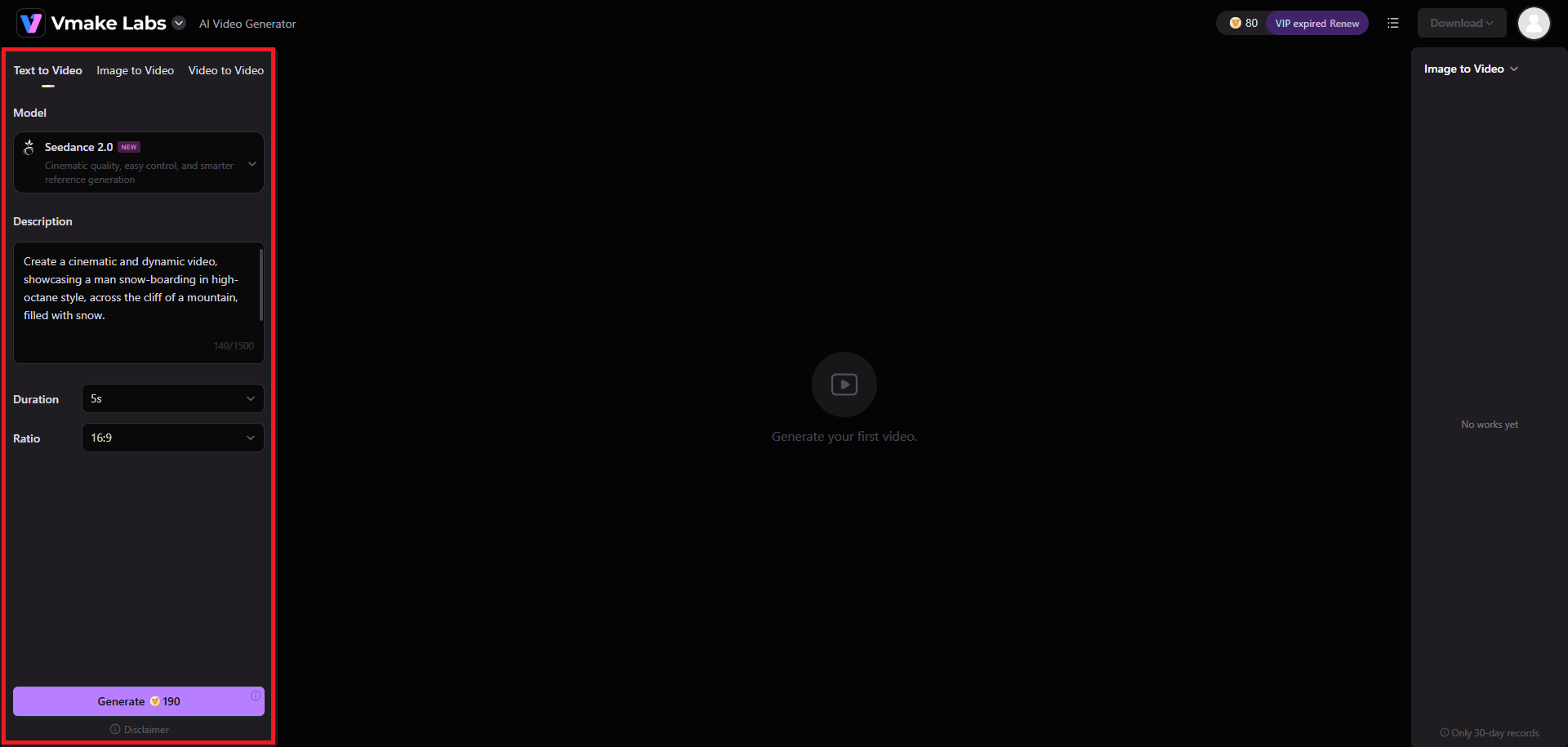
Next, you need to select your input mode: image-to-video, text-to-video, or video-to-video. Then, you need to provide your detailed prompt, explaining the type of video you want to create, including the scenes, characters, etc. Additionally, you need to choose your AI video generation model, be it Veo, Seedance, Kling, or any other. Lastly, select your video duration and aspect ratio, and hit "Generate".
Step 3: Export your video
Vmake will start creating your video, and once the process is completed, you will be able to play the same on your screen. If you are happy with the results, click on "Download" to export it in your desired choice of resolution.
-
Runway Gen-3 Alpha
Best for: Highly advanced Video-to-Video transformations and cinematic text-to-video for professionals.
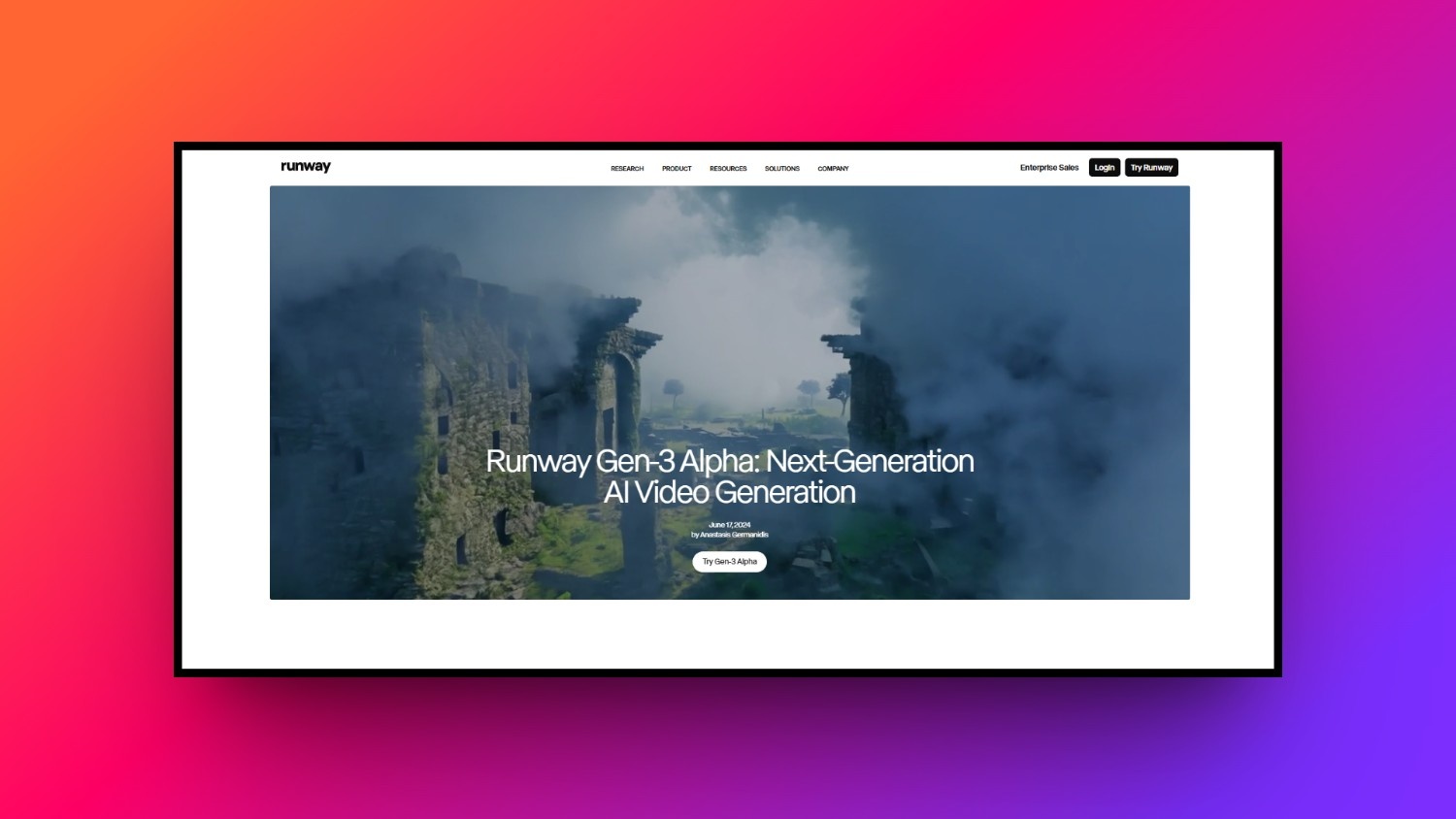
Runway Gen-3 Alpha is a highly advanced, industry-standard tool designed for professional filmmakers requiring precision control and cinematic realism. Known for pushing the absolute boundaries of generative physics, this platform excels at interpreting complex artistic direction. It offers unparalleled fidelity, making it the preferred pre-production and asset generation platform for high-end studio projects.
Key features:
-
Cinematic physics: Generate incredibly realistic human movements, complex liquid simulations, and highly accurate environmental lighting interactions from simple prompts.
-
Motion brush control: Direct specific elements within a static image to move in chosen directions while keeping the background completely static.
-
Multi-stage video-to-video: Redraw existing footage entirely, altering the art style, time of day, or atmospheric weather while preserving original motion.
-
Custom model training: Train the AI on your specific characters, styles, or objects to ensure absolute visual consistency across your project.
How to use:
Step 1: Navigate to the Gen-3 dashboard and input your detailed text prompt, utilizing advanced camera terms for better control.
Step 2: Apply the Motion Brush to designate which parts of your uploaded image should bend, flow, or move dynamically.
Step 3: Hit generate, preview the high-fidelity output, refine using advanced seed controls, and download your finished cinematic clip.
-
Pika Labs
Best for: Stylized 3D animation, anime aesthetics, and precise region-prompting modifications.
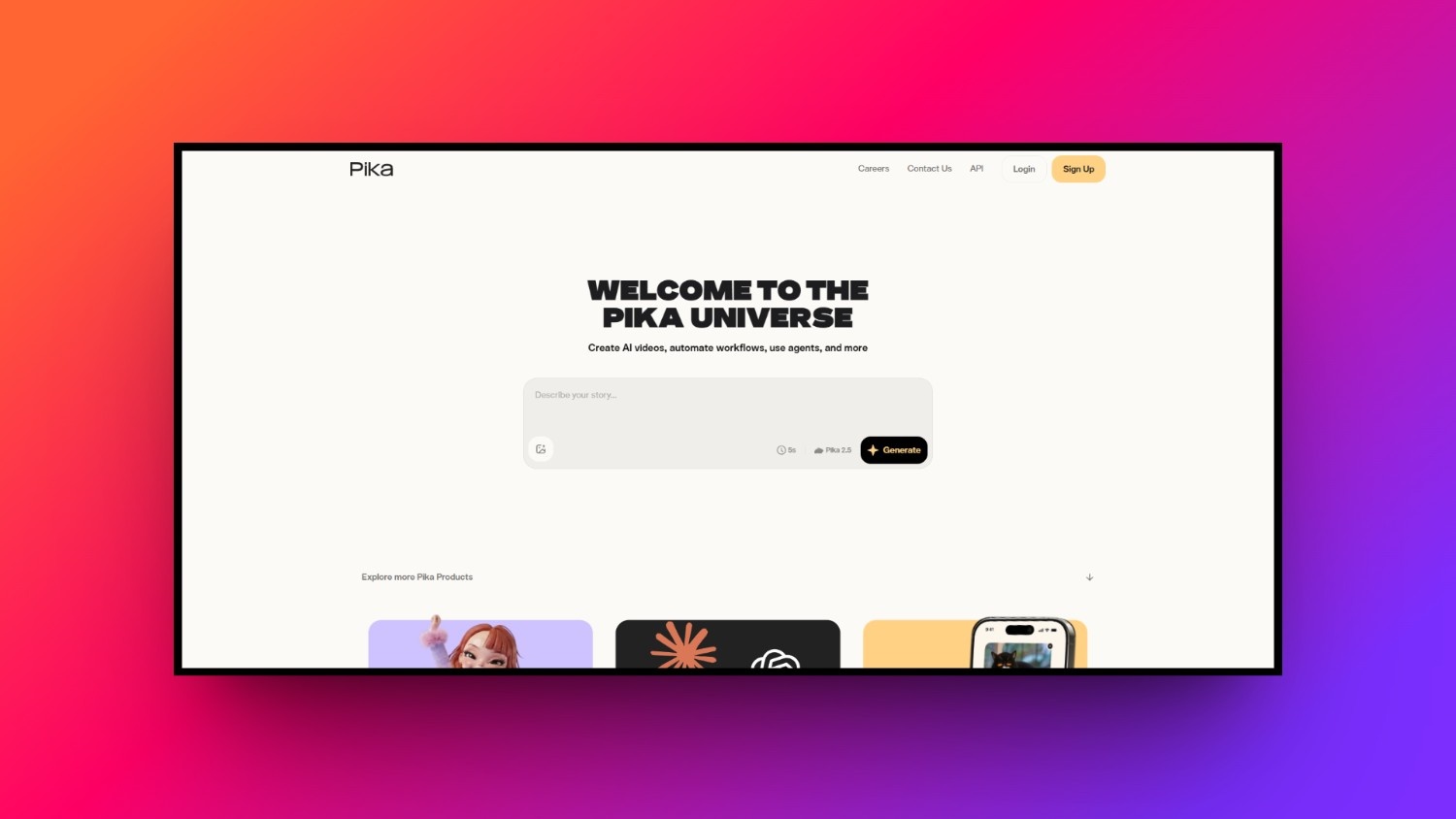
Pika Labs is an extremely popular generative platform celebrated for its stylized outputs, 3D animations, and robust editing features. It provides filmmakers with high-precision control over localized areas of a video. Whether you are generating whimsical cartoons or action-packed cinematic sequences, Pika’s user-friendly interface makes fine-tuning your creations a highly engaging, intuitive process.
Key features:
-
Precise region prompting: Modify specific objects or characters within an active video clip without altering the rest of the generated scene.
-
Lip-sync integration: Seamlessly pair generated characters with audio tracks, enabling realistic jaw and lip movements that match the spoken dialogue.
-
Inpaint and outpaint: Expand the aspect ratio of any video or change clothing and backgrounds within a specific, designated boundary box.
-
Stylized rendering engine: Access unique stylistic models ranging from high-end 3D claymation and classic anime to hyper-realistic cinematic rendering.
How to use:
Step 1: Enter the Pika platform, type your core creative prompt, and choose your preferred aspect ratio and aesthetic style.
Step 2: Use the modify tool to select a specific region and describe the exact changes you want to apply.
Step 3: Add your voiceover file for automatic lip-sync, render the final video, and download the stylized animation directly.
-
Luma Dream Machine
Best for: Extremely fast generation times and dynamic camera movements.
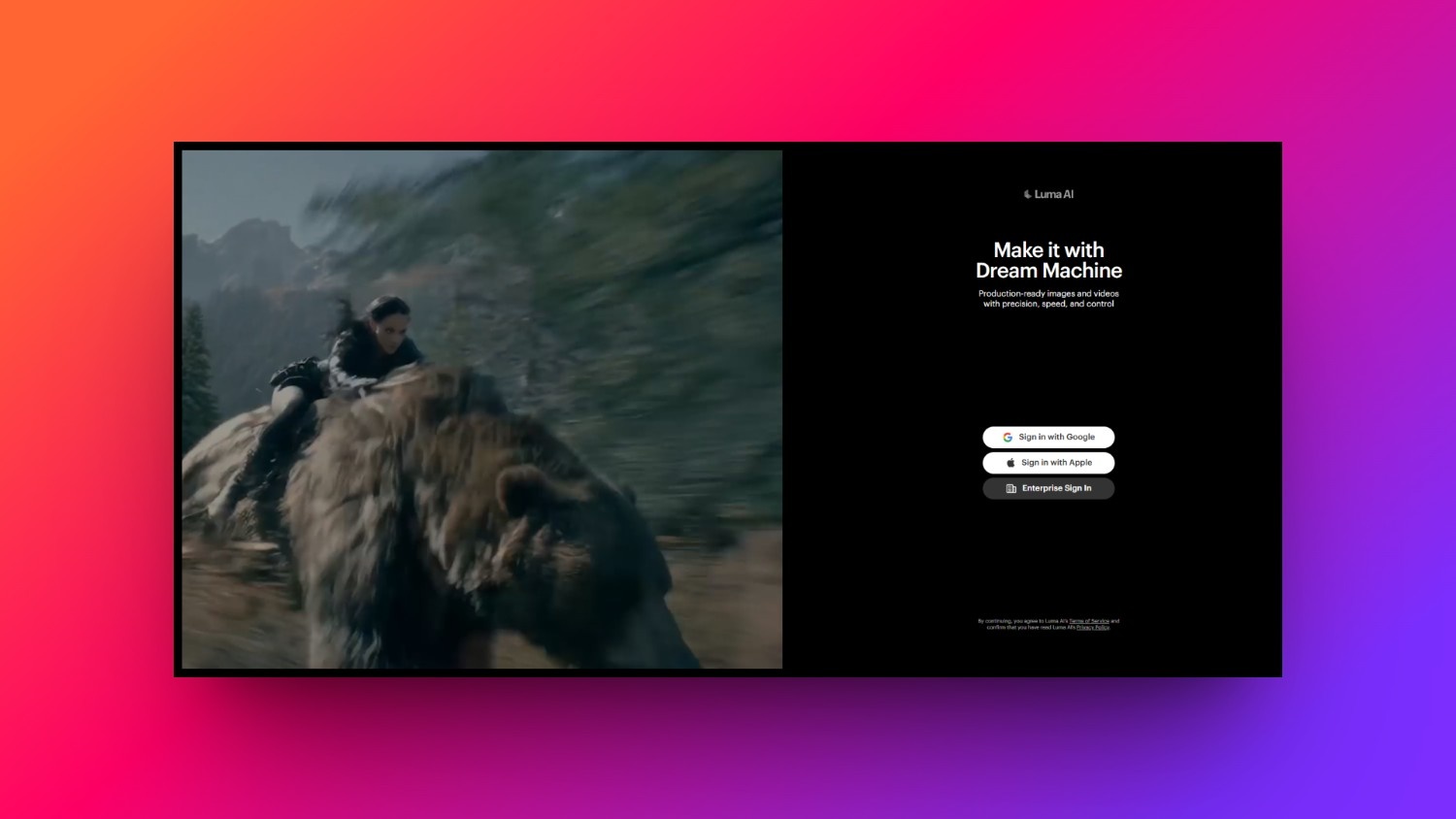
Luma Dream Machine is a cutting-edge video generator designed specifically for rendering highly dynamic camera movements and fast-paced action sequences. Built by the creators of advanced 3D scanning technologies, this tool possesses an innate understanding of spatial physics. It is the perfect choice for filmmakers looking to create sweeping drone shots and complex tracking sequences.
Key features:
-
Dynamic camera motion: Create complex cinematic camera movements like sweeping pans, dramatic crane shots, and intense first-person tracking sequences effortlessly.
-
Spatial physics accuracy: Generate realistic interactions between moving characters and complex environments, preserving volume, depth, and accurate perspective throughout.
-
Rapid generation times: Produce high-fidelity, five-second video clips in under two minutes, making it incredibly useful for real-time creative brainstorming.
-
Consistent character rendering: Maintain facial features and clothing details across multiple sequential generations to ensure reliable narrative continuity for characters.
How to use:
Step 1: Launch Dream Machine and enter a detailed prompt describing a highly dynamic scene with active camera movement commands.
Step 2: Upload a starting image to act as a visual anchor, ensuring the AI maintains the correct character styling.
Step 3: Initiate the rapid rendering engine, review spatial physics, extend the video clip if needed, and export.
-
OpenAI Sora
Best for: Hyper-realistic, long-take generation (noting its current availability/use case).
OpenAI Sora represents the absolute peak of hyper-realistic AI video generation, capable of producing continuous, highly complex scenes up to a minute long. By understanding both user prompts and physical real-world dynamics, Sora creates stunningly detailed environments. It is currently a highly exclusive tool utilized primarily by creative professionals for advanced cinematic visual effects.
Key features:
-
Long-take capability: Generate continuous, highly coherent video clips lasting up to sixty seconds without losing visual fidelity or subject focus.
-
Deep physical understanding: Simulates the physical properties of the real world, showing realistic object interactions, water reflections, and natural gravity.
-
Multi-shot generation: Create complex videos with multiple cuts and angles while maintaining the exact same characters and environment designs throughout.
-
Photorealistic human textures: Render incredibly detailed human skin textures, microscopic facial expressions, and natural hair movements with perfect cinematic accuracy.
How to use:
Step 1: Access the Sora interface and write an incredibly detailed, descriptive narrative prompt outlining characters, settings, and camera angles.
Step 2: Specify complex environmental actions, allowing Sora's physics engine to accurately calculate realistic movements and natural light reflections.
Step 3: Execute the high-capacity cloud render, review the continuous sixty-second master cut, and download the uncompressed movie file.
-
Synthesia
Best for: Corporate training videos and professional B2B AI avatars.
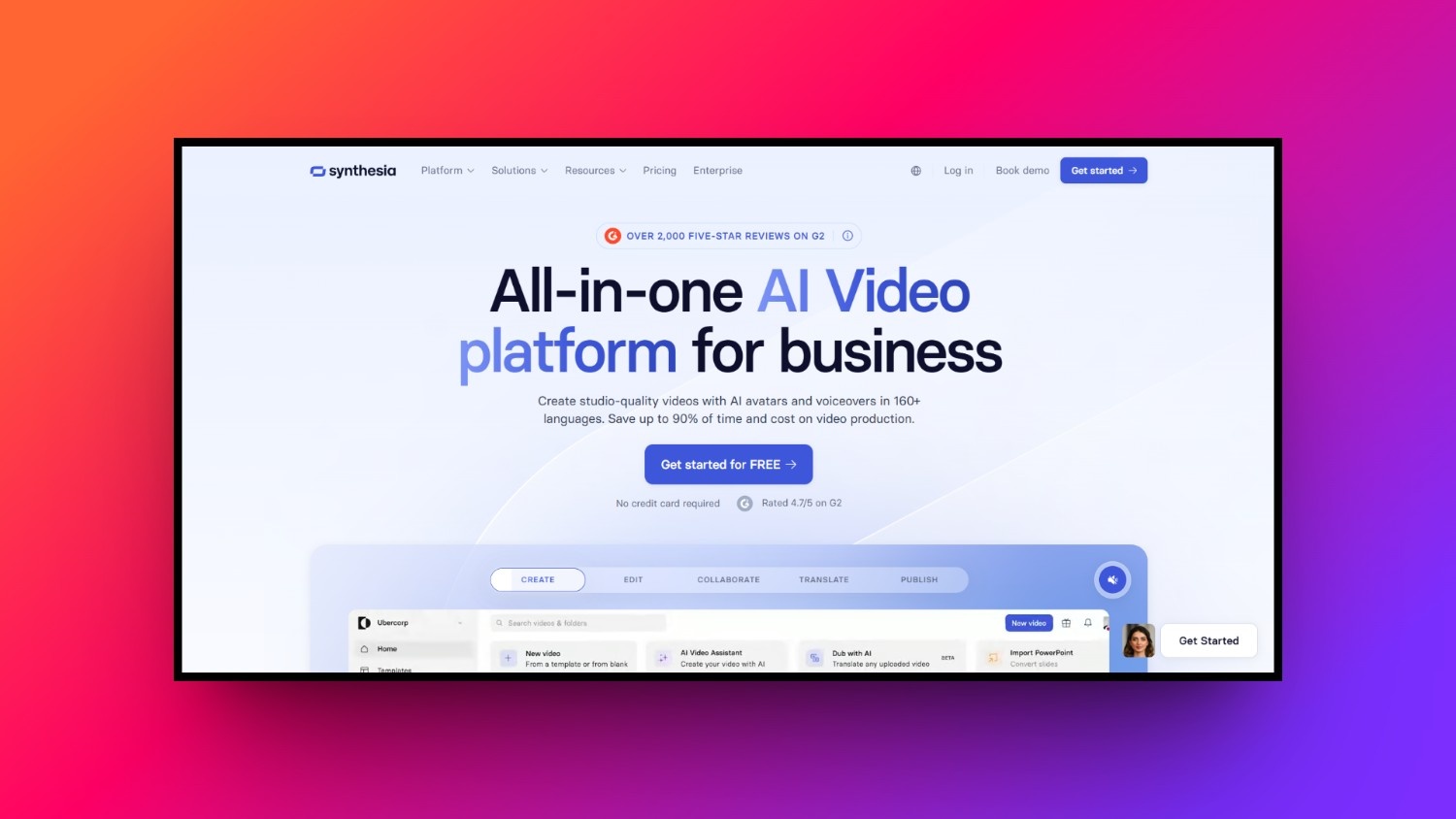
Synthesia is the global leader in AI avatar creation, specifically optimized for business communication, educational training, and corporate filmmaking. It eliminates the need for physical actors, expensive camera gear, and studio environments by generating photorealistic human presenters. This browser-based platform is the gold standard for producing highly professional, talking-head videos, at scale.
Key features:
-
Photorealistic presenters: Access over one hundred diverse, professionally filmed human avatars that display realistic micro-expressions and natural body movements.
-
Multilingual voice output: Convert text directly into natural speech across more than one hundred languages, with perfect accent and dialect tuning.
-
Custom avatar creation: Create a fully customized, digital twin of yourself or your company spokesman with just a short video upload.
-
Interactive video templates: Build professional training modules quickly using customizable layouts, clean typography, on-screen slide elements, and corporate logos.
How to use:
Step 1: Select a professional AI presenter avatar and choose from over one hundred supported languages for your narration.
Step 2: Paste your training script into the text editor, which automatically syncs with the avatar's lifelike lip movements.
Step 3: Customize the slide layout with on-screen text, preview the synthetic presenter, generate the video, and export it.
-
ElevenLabs
Best for: Generating ultra-realistic AI voiceovers, dubbing, and cinematic Foley/sound effects.
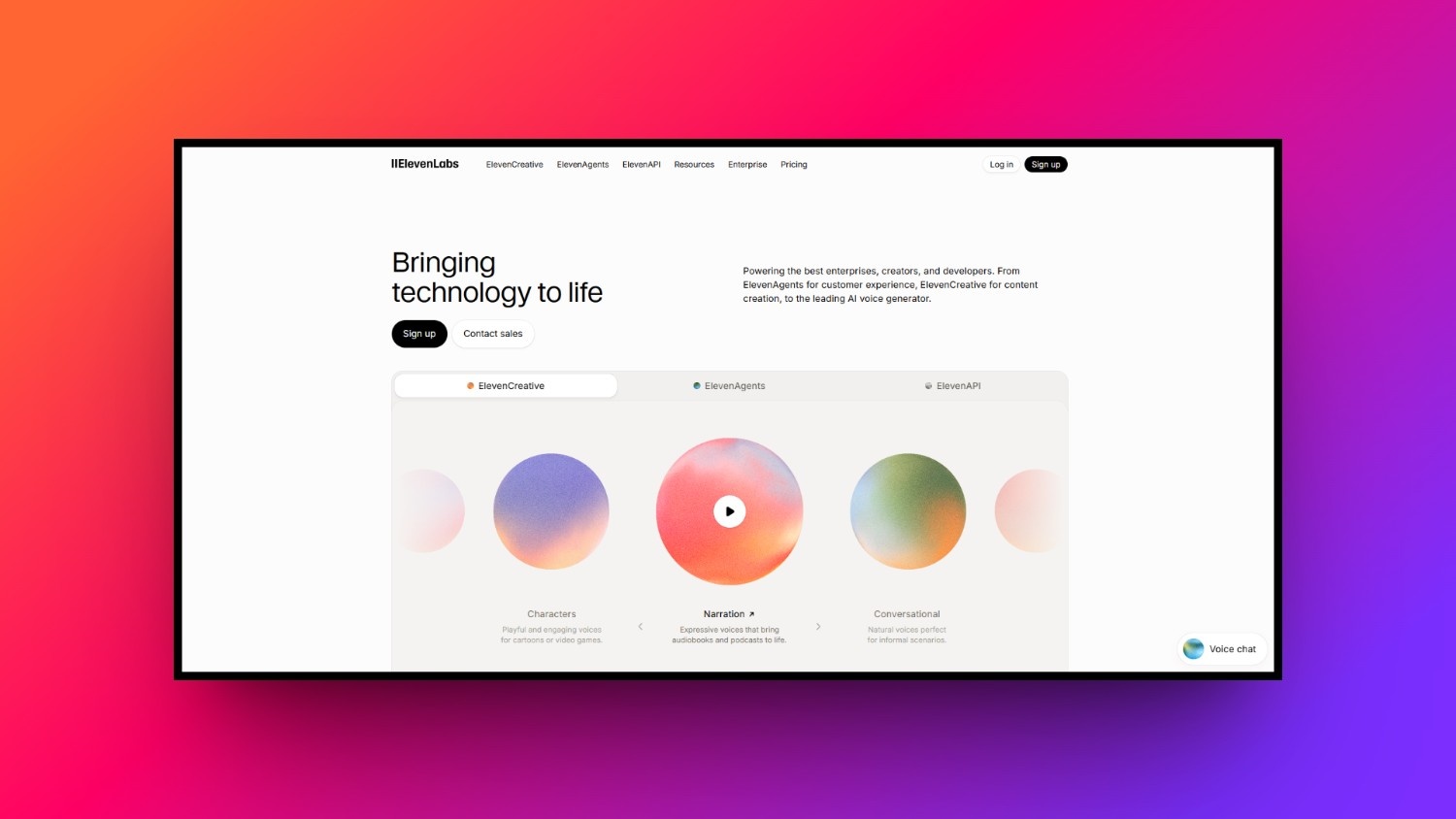
ElevenLabs is the undisputed pioneer of AI audio technology, essential for filmmakers who need high-quality voiceovers, sound design, and localized dubbing. It brings scripts to life with unmatched emotional depth, pacing, and vocal realism. From epic cinematic movie trailers to nuanced character dialogues, ElevenLabs completes the sensory filmmaking experience by mastering the auditory dimension.
Key features:
-
Emotional voice synthesis: Generate realistic human voices that convey complex emotions like excitement, sorrow, whispering, anger, and absolute cinematic suspense.
-
Instant voice cloning: Replicate any voice with remarkable accuracy using just a thirty-second audio sample, perfect for consistent character narration.
-
AI sound effects: Describe any ambient sound or Foley effect using simple text prompts to generate high-quality sound design elements.
-
Professional dubbing: Translate spoken video dialogue into dozens of languages while keeping the original speaker's exact tone and emotional delivery.
How to use:
Step 1: Input your dialogue script into the voice design dashboard and select a pre-made or custom-cloned voice profile.
Step 2: Fine-tune parameters like stability, clarity, and style exaggeration to capture the exact emotional delivery your scene requires.
Step 3: Generate the audio track, download the high-fidelity file, and import it directly into your video editing software.
-
Descript
Best for: AI-powered text-based video editing and transcriptions.
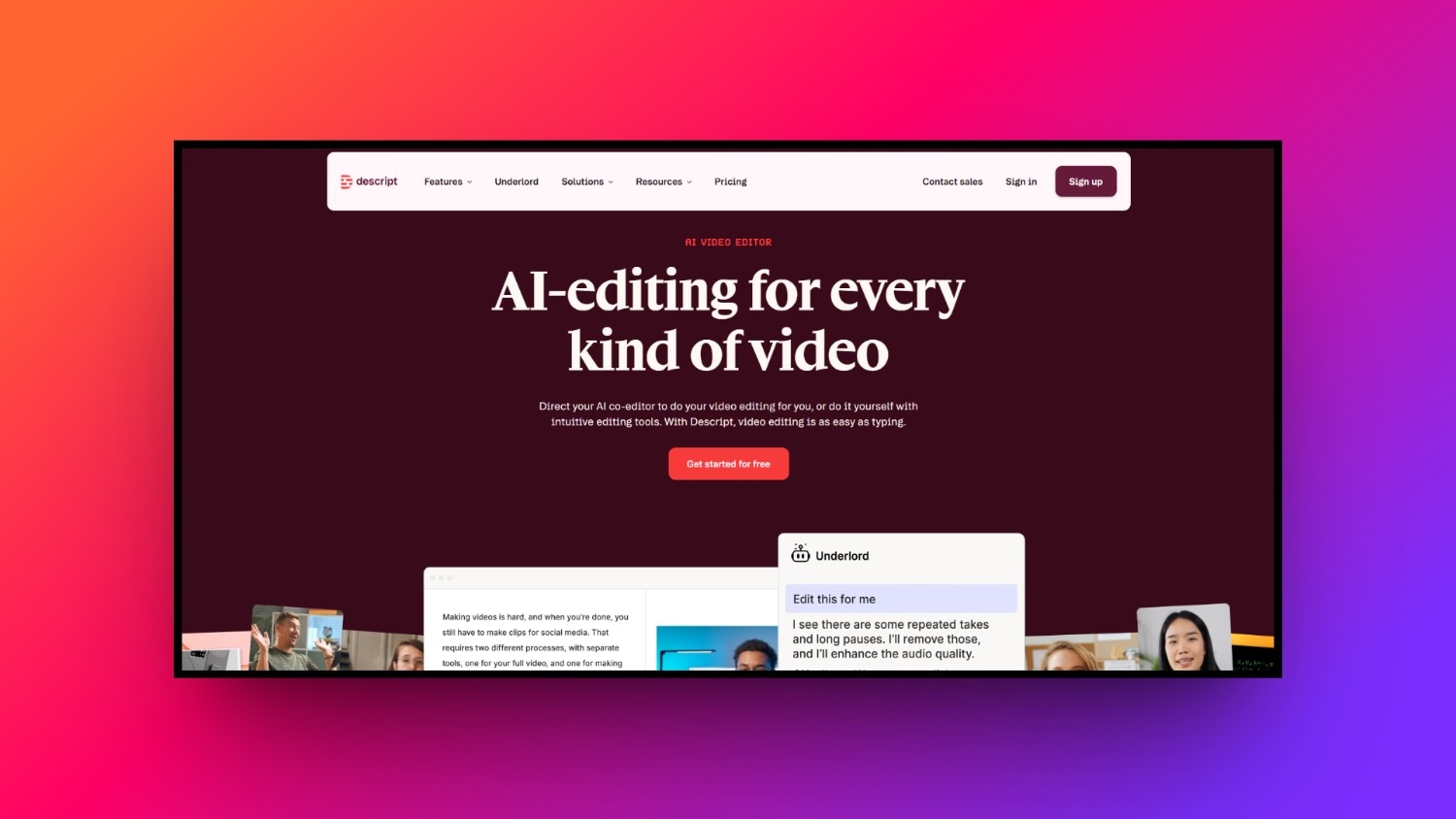
Descript is an innovative, text-based video editing platform that reimagines the post-production workflow for modern content creators. By automatically transcribing your footage, Descript allows you to edit video by simply editing the written text transcript. It is an invaluable tool for documentaries, interviews, podcasts, and any narrative content focused heavily on spoken dialogue.
Key features:
-
Text-based editing: Cut, delete, or rearrange video and audio clips by simply editing the words in the automated text transcript.
-
Filler word removal: Instantly find and delete all "ums," "uhs," and repetitive stutters from your timeline with a single click.
-
Overdub voice generation: Correct mistakes in your recorded audio by typing the new words, which are generated in your cloned voice.
-
Eye contact correction: Automatically adjust the presenter's gaze to make them look directly at the camera, even if they read notes.
How to use:
Step 1: Upload your recorded video file, allowing Descript's automated speech-to-text engine to generate an accurate, interactive text transcript.
Step 2: Edit your video timeline by deleting unwanted phrases or filler words directly from the written text document interface.
Step 3: Apply automated eye contact correction, polish the audio with Studio Sound, and export the finished cut immediately.
-
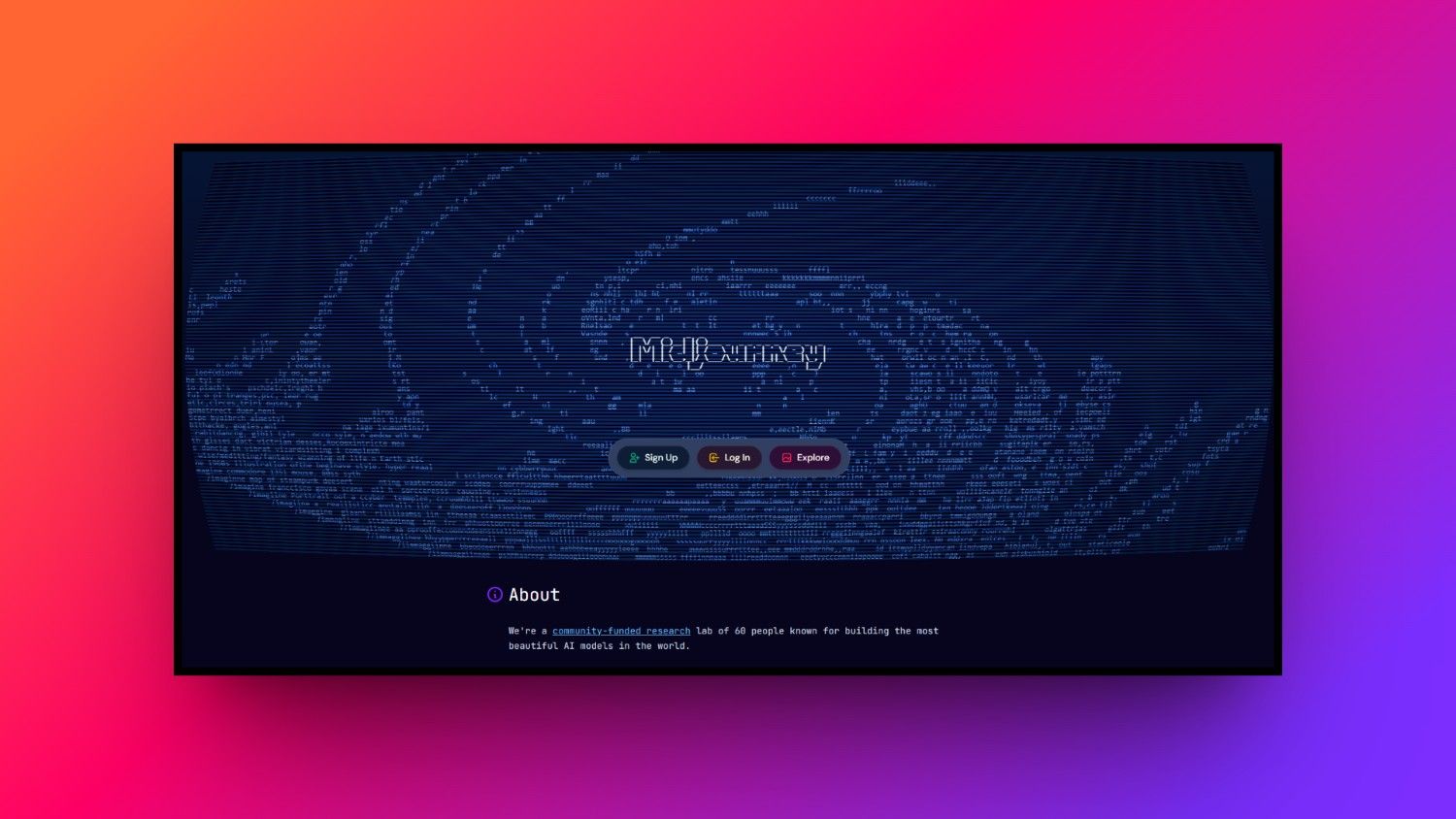
Midjourney
Best for: Pre-production, concept art, and generating high-quality base images to feed into image-to-video tools.
Midjourney is the premier AI image generator, serving as an indispensable pre-production tool for cinematic world-building, concept art, and storyboarding. It transforms written descriptions into breathtaking, painterly, or photorealistic imagery. Filmmakers use Midjourney to establish the visual style of their projects before generating videos, ensuring a solid artistic direction from day one.
Key features:
-
Cinematic image generation: Create stunningly detailed, artistic, and photorealistic static images that perfectly mimic professional anamorphic lenses and dramatic studio lighting.
-
Style reference matching: Use the style reference parameter to ensure consistent lighting, color palettes, and artistic moods across multiple image generations.
-
Storyboard aspect ratios: Generate images in standard cinema formats like 16:9 or 2.39:1, making them perfectly ready for film pitch decks.
-
Highly descriptive prompting: Interpret complex artistic prompts containing specific directors, camera models, film stock types, and architectural styles with great accuracy.
How to use:
-
Step 1: Join the Discord server, open a generation channel, and type the slash imagine command followed by your prompt.
-
Step 2: Specify cinematic parameters like aspect ratios, camera lens models, and lighting styles to achieve your desired filmic look.
-
Step 3: Upscale your favorite image option, download the high-resolution asset, and use it as a base for video generation.
-
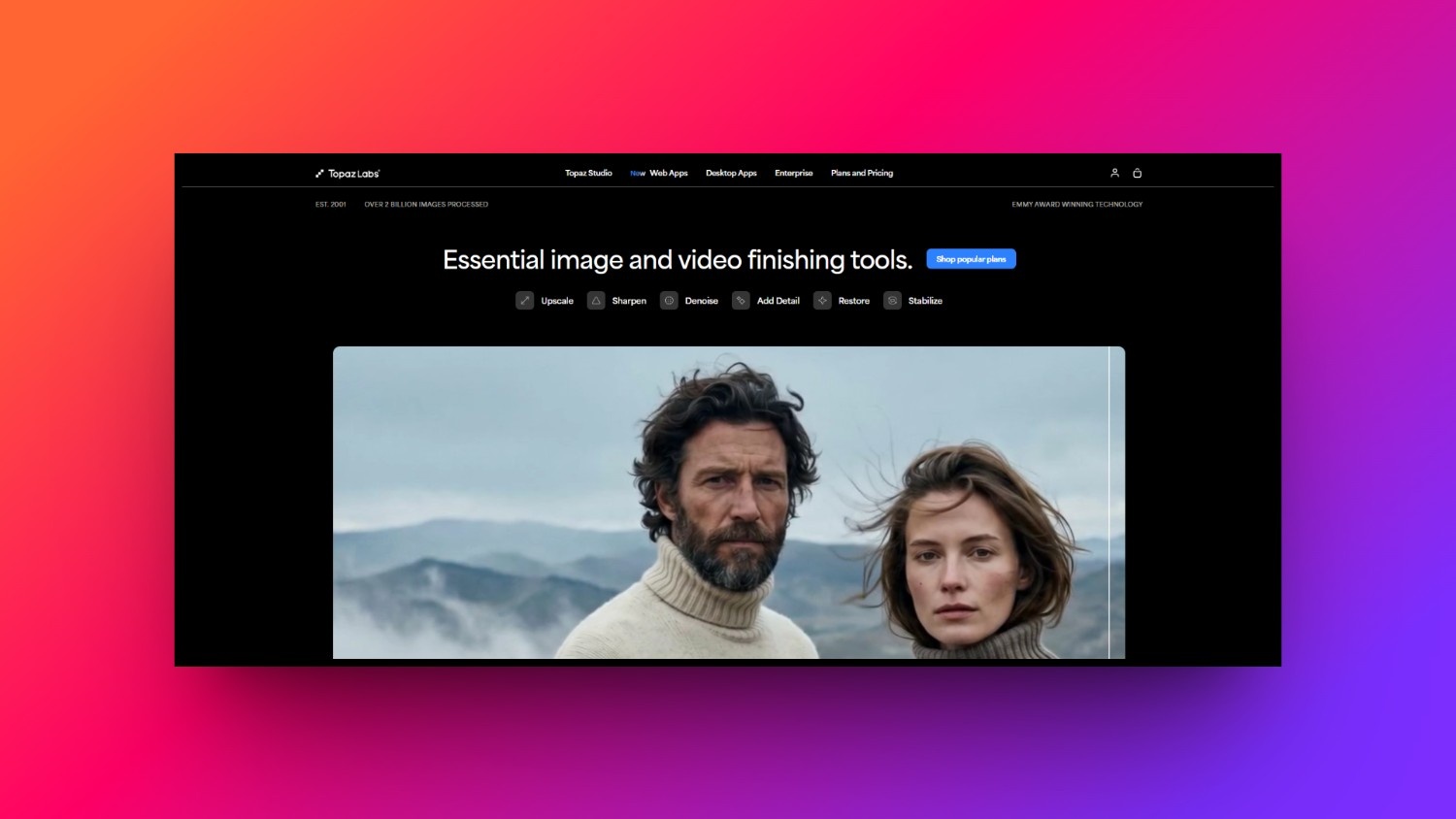
Topaz Labs
Best for: Post-production upscaling, frame interpolation, and restoring low-quality footage.
Topaz Video AI is a specialized post-production software designed to maximize video quality through advanced upscaling and motion stabilization. Unlike generative tools, Topaz uses deep learning models trained specifically on real-world video frames. It is the gold standard for restoring old footage, upscaling projects to pristine 4K, and smoothing out choppy action sequences.
Key features:
-
Production-grade upscaling: Upscale low-resolution, archival, or SD footage up to pristine 4K or 8K resolution while preserving natural, sharp details.
-
Frame rate interpolation: Convert standard twenty-four frames-per-second footage into buttery-smooth slow motion without introducing any distracting visual artifacts.
-
Camera shake stabilization: Smooth out shaky handheld camera movements, simulating a professional physical gimbal stabilization setup entirely in post-production.
-
Advanced noise reduction: Remove distracting digital noise and grain from low-light shots while carefully maintaining fine textures and edge sharpness.
How to use:
Step 1: Import your low-resolution or shaky video clip directly into the native Topaz Video AI desktop application interface.
Step 2: Choose your desired output resolution and select the specialized AI enhancement models matching your specific footage issues.
Step 3: Preview the side-by-side comparison, initiate the local GPU rendering process, and export your polished, high-definition final clip.
Reasons to use AI filmmaking tools in today's digital age
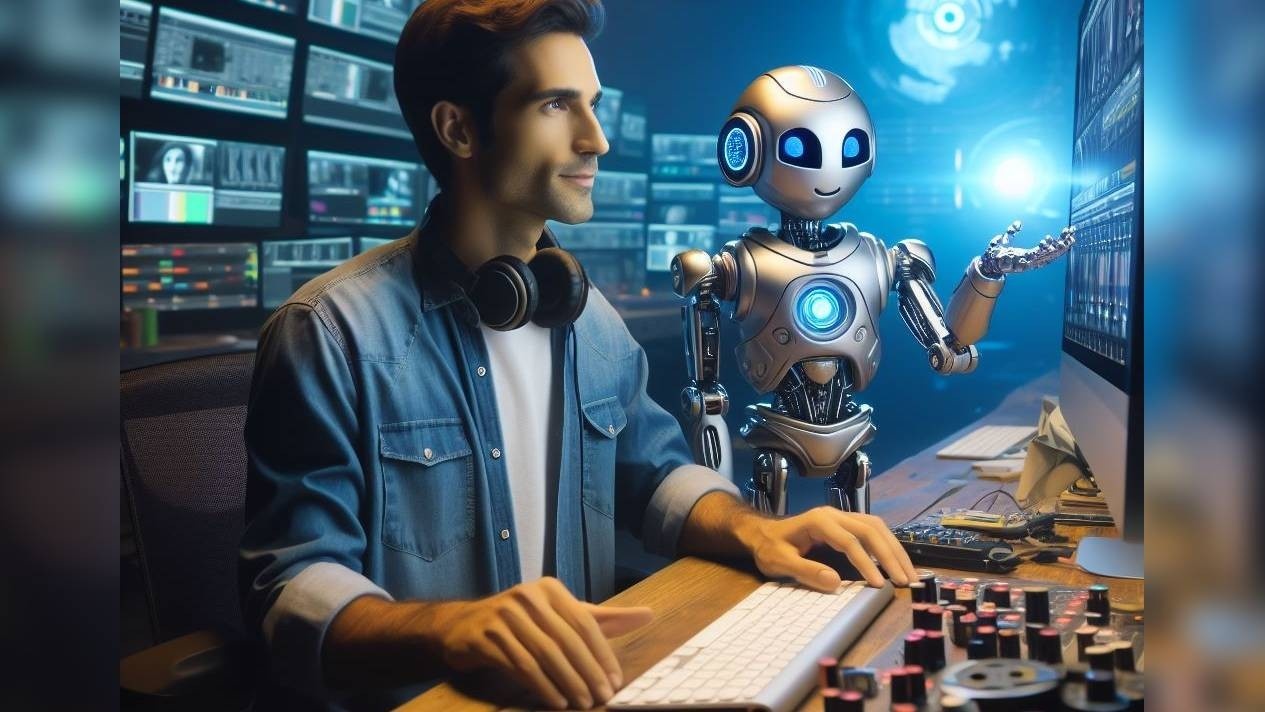
Incorporating artificial intelligence into your creative workflow provides unprecedented advantages that redefine traditional production schedules, budgets, and capabilities.
-
Unmatched speed and efficiency: These tools reduce traditional production timelines from weeks to minutes, allowing creators to rapidly generate, edit, and export high-quality videos without waiting for rendering.
-
Cost-effectiveness: By eliminating expensive equipment, physical studio rentals, and large production crews, AI platforms allow anyone to create high-end content on a highly restrictive budget.
-
Democratization of skill: You do not need years of training or technical editing knowledge; intuitive interfaces let anyone act as writer, director, and editor simultaneously.
-
Infinite scalability: Brands can easily batch-produce hundreds of localized ads, social media posts, and product videos simultaneously, bypassing the creative exhaustion associated with physical shoots.
-
Creative expansion: Creators can instantly visualize complex sci-fi scenes, abstract concepts, or historical settings, overcoming practical limitations of location, weather, and expensive CGI.
Wrapping up
The rise of AI filmmaking tools represents a fundamental shift in how visual stories are constructed, granting creators unprecedented artistic freedom.
While specialized platforms like Runway, ElevenLabs, and Midjourney excel in their respective niches, Vmake AI stands out as the ultimate unified suite. It solves the costly fragmentation problem by combining powerful, state-of-the-art generation models with an intuitive, browser-based workspace.
As the line between traditional physical production and synthetic generation blurs, the most successful filmmakers will be those who embrace these collaborative tools to augment their unique creative visions and supercharge their workflows.
Frequently Asked Questions
Will AI filmmaking tools completely replace human editors and directors?
No, these systems act as powerful collaborative assistants. They automate tedious, manual video editing workflows, which allows independent creators to focus on higher-level narrative strategy, original visual storytelling, true emotional depth, and overall cinematic direction.
Do I need a high-end, expensive computer to run these AI tools?
No, the majority of modern platforms on our list, specifically Vmake AI, are completely browser-based. All complex, heavy computational processing is managed and run entirely on their powerful, high-performance cloud servers instead of local hardware.
Are the videos generated by tools like Vmake AI suitable for commercial use?
Yes, premium subscription tiers on top-tier platforms explicitly grant full commercial usage rights. This makes generated outputs perfectly legal for running promotional social media ads, commercial YouTube channels, and highly creative marketing campaigns.
What is the best way to get realistic results from a text-to-video generator?
You must write highly descriptive prompts. Specify the core subject, exact environmental settings, cinematic lighting types like golden hour, and explicit camera movement directions such as slow panning or smooth drone tracking shots.
Can I use these AI tools to generate videos for TikTok and Instagram Reels?
Absolutely. Industry-leading tools like Vmake AI allow users to select their desired aspect ratios before generating. This natively supports 9:16 vertical video formats, eliminating any need for awkward manual cropping or re-editing later.

You May Be Interested
Best AI Avatar Tools for Business Growth (2026 Guide)

7 Best Sora Alternatives for AI Video Generation in 2026
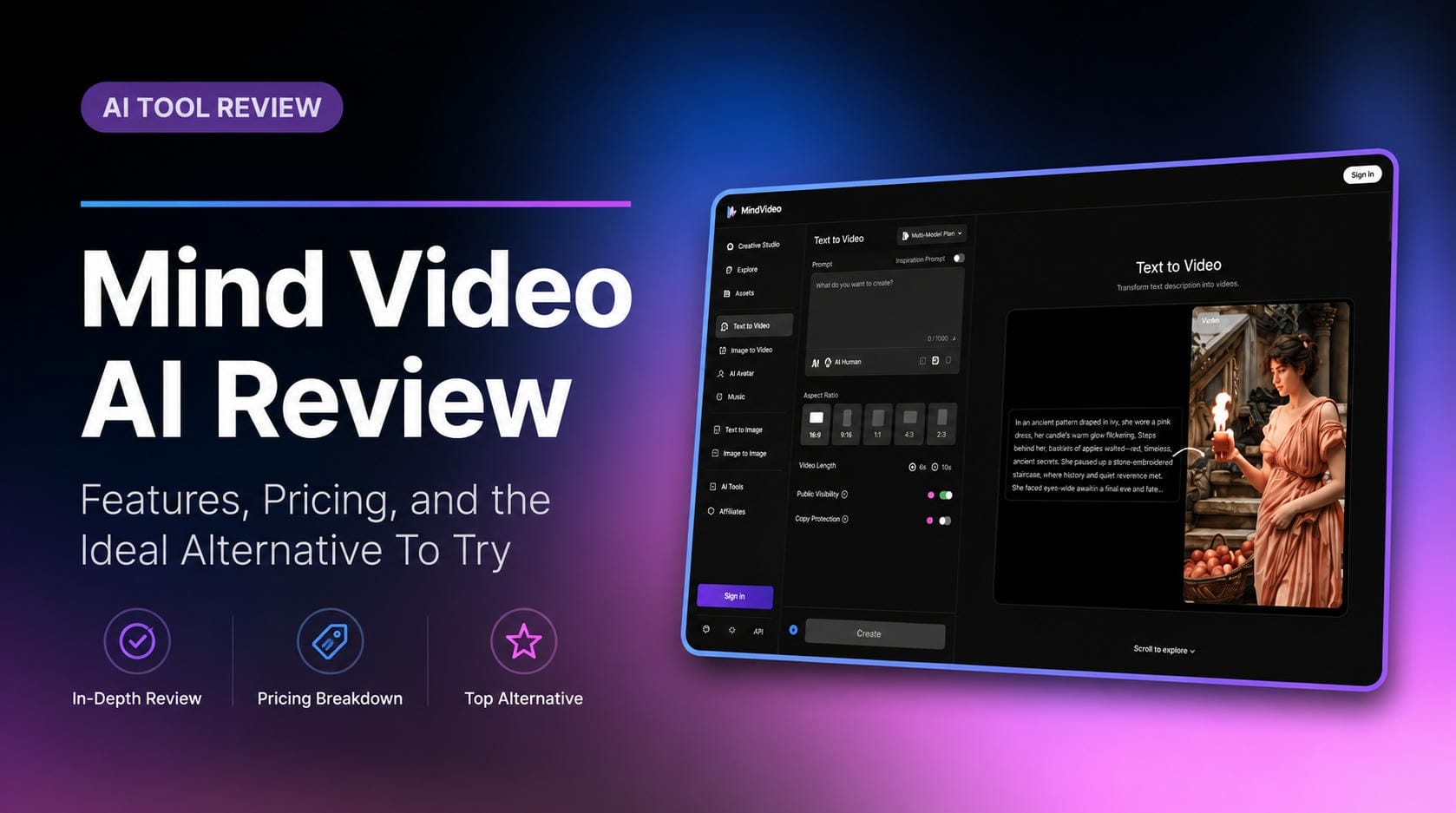
Mind Video AI Review: The Ultimate AI Filmmaking Tool?
Trump AI Video Generator: 3 Best Tools to Create AI Videos
