
7 Free Alternatives to Grok Video Generation in 2026: Top AI Video Generators Compared
Compare the best free alternatives to Grok video generation 2026. Master high-impact visual storytelling and unlock professional, unrestricted marketing content production with Vmake AI.

Grok's AI video generation features have gained attention among creators, but many users are now exploring alternatives that offer greater flexibility, broader capabilities, and more accessible free plans. This guide compares the best free Grok video generation alternatives in 2026 for marketing, social media, and creative video production.
What Is Grok Video Generation and Why Are Users Looking for Alternatives?
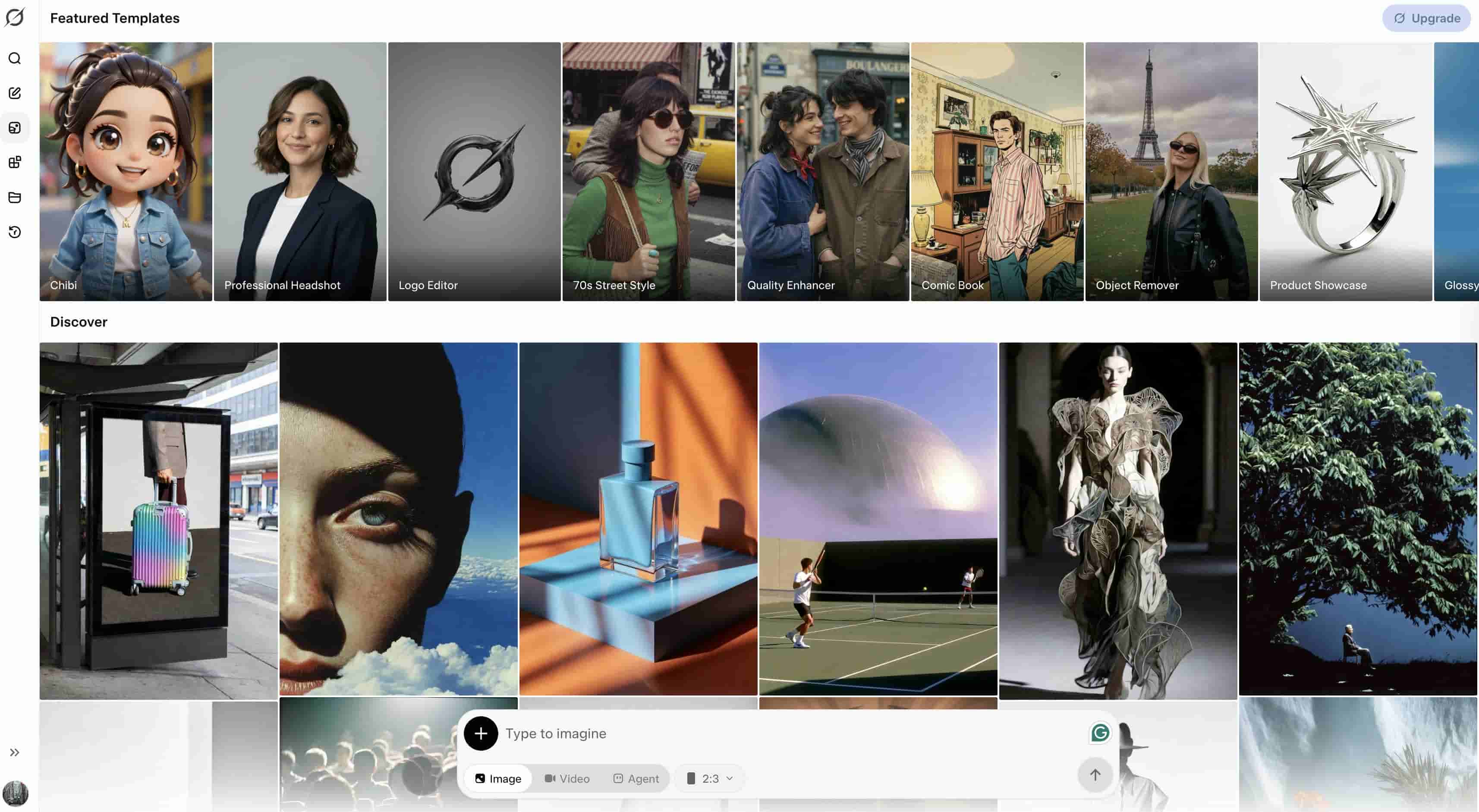
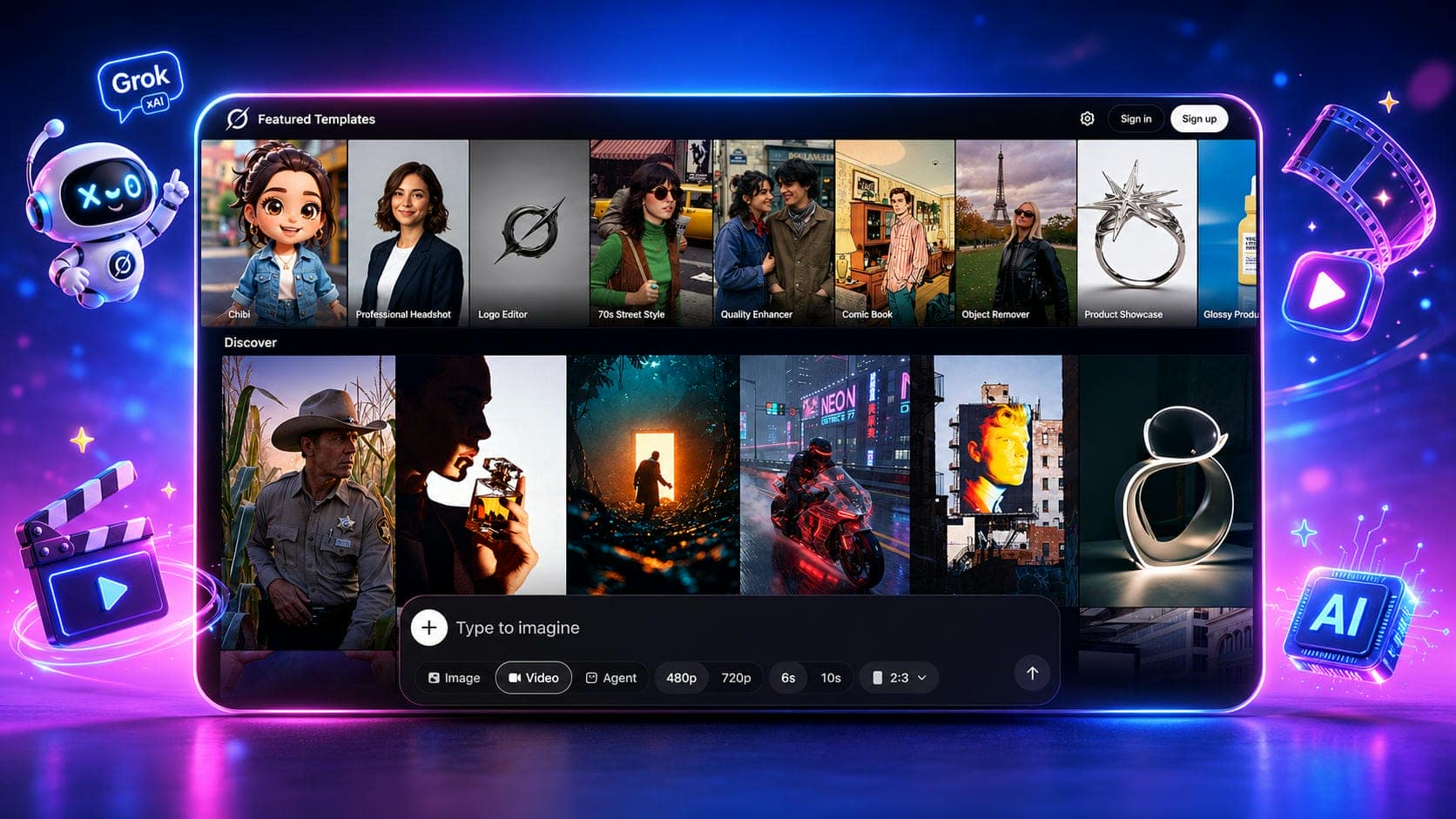
Grok Imagine is xAI's multimedia generation system that enables users to create videos from text prompts and images. The Grok AI video generator can produce short animated clips, visual concepts, and AI-powered creative content directly from natural language instructions.
Despite its capabilities, many users seek free alternatives to Grok Imagine video Generation due to limited access, duration restrictions, daily quotas, and workflow limitations. Others require more advanced customization options, higher-quality exports, or dedicated video-generation tools designed specifically for marketing and content creation.
7 Best Free Alternatives to Grok Video Generation in 2026
The AI video-generating market has exploded, allowing artists access to a wide array of solutions for a variety of applications. Some platforms are focused on realistic motion, some on cinematic quality, speed, marketing workflows, etc. Below is the list of the best free alternatives to Grok Video Generation in 2026.
|
Tool |
Free Access |
Watermark |
Text to Video |
Image to Video |
Max Quality |
Best For |
|---|---|---|---|---|---|---|
|
Vmake AI |
Yes |
No/Minimal* |
Yes |
Yes |
High |
Overall AI video creation |
|
Kling AI |
Yes |
Yes |
Yes |
Yes |
High |
Realistic motion videos |
|
Runway |
Yes |
Yes |
Yes |
Yes |
High |
Professional creators |
|
Google Veo |
Limited |
No |
Yes |
Limited |
Very High |
Cinematic video generation |
|
Hailuo AI |
Yes |
Yes |
Yes |
Yes |
High |
Fast AI video creation |
|
Pika |
Yes |
Yes |
Yes |
Yes |
High |
Social media videos |
|
Luma Dream Machine |
Yes |
Yes |
Yes |
Yes |
High |
Dynamic video generation |
-
Vmake AI (Best Overall Alternative to Grok Video Generation)
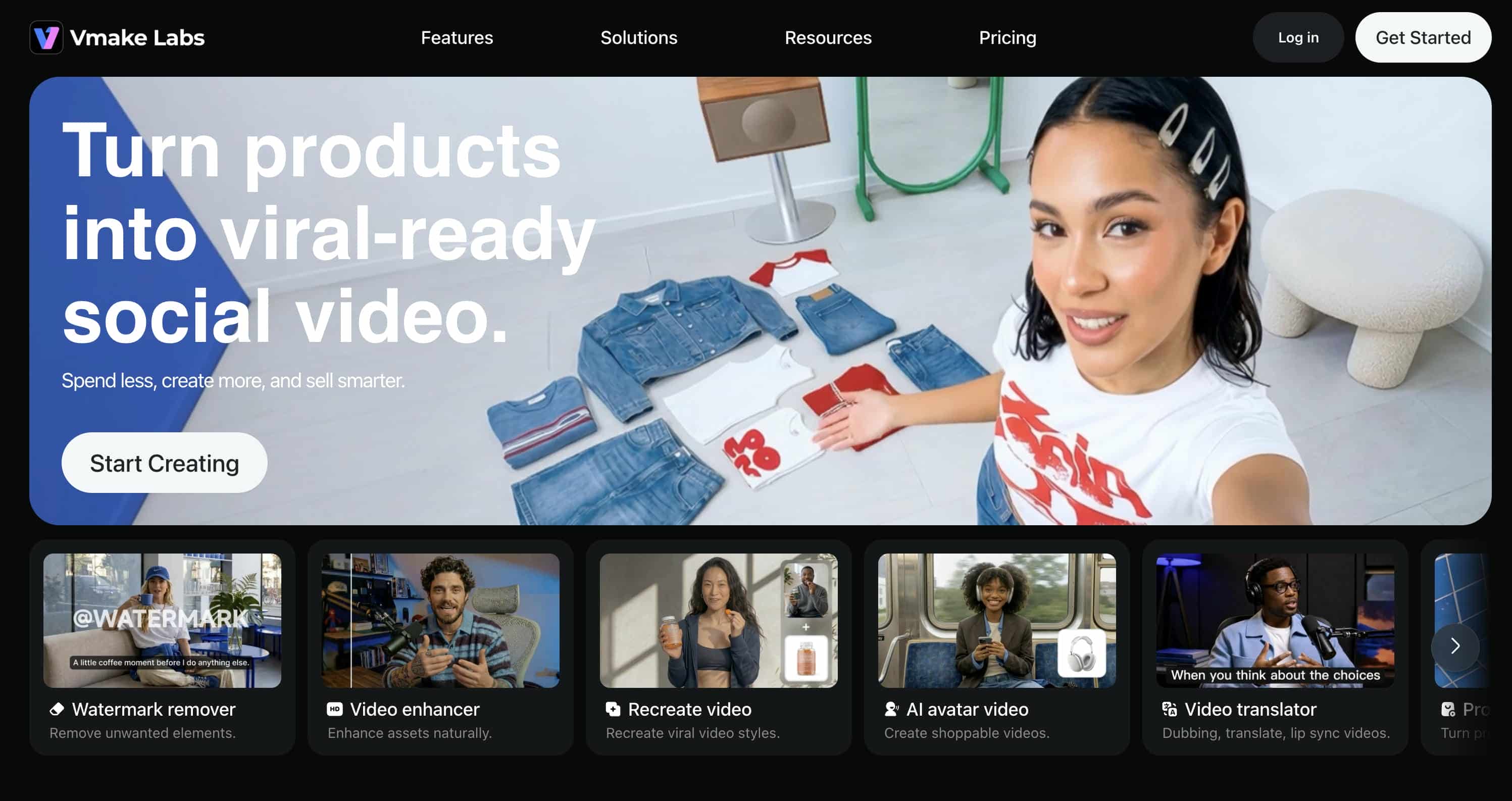
If you're looking for a serious alternative to Grok Imagine this year, Vmake AI is probably the most practical option on the radar. Most tools force you to pick a lane; either you get great text-to-video, or you get a decent image animator, but Vmake actually hooks into multiple top-tier models (including Seedance, Kling, Veo, Sora, Hailuo, and Vidu) under one roof. It bypasses the complex timelines you usually see in heavy editing software, which is a massive relief for marketers, e-commerce stores, and creators who just need high-quality content out the door quickly.
Key Features
-
Text-to-video generation: Generate videos from text prompts, enabling users to take ideas, scripts or concepts and generate professional-quality video content without any filming required.
-
Image-to-video generation: Animate images with motion, camera moves, and visual effects to generate entertaining video segments from existing images or graphics.
-
Video-to-video workflows: Convert existing video footage into new styles, scenarios, or visual forms while preserving original motion and structure.
-
Access to leading AI video models: Create content utilizing popular models like Seedance, Kling, Veo, Sora, Hailuo, and Vidu, allowing users to select the most suitable model for various creative requirements.
-
Multiple aspect ratios and duration settings: Create videos optimized for platforms like TikTok, Instagram Reels, YouTube Shorts, and widescreen formats with customizable video lengths.
-
High-resolution exports: Export videos of high quality for social media, marketing campaigns, presentations, and professional content production.
Pros and Cons
|
Pros |
Cons |
|---|---|
|
Supports text-to-video, image-to-video, and video-to-video workflows |
Some advanced features require credits |
|
Access to multiple leading AI video models |
Generation speed varies by model |
|
Beginner-friendly interface |
|
|
High-quality video outputs |
|
|
Suitable for marketing, ecommerce, and creative projects |
|
Pricing
|
Plan |
Price |
|---|---|
|
Free |
$0 |
|
Plus |
$9.99/month |
|
Pro |
$29.99/month |
Bonus: How to Create AI Videos with Vmake AI
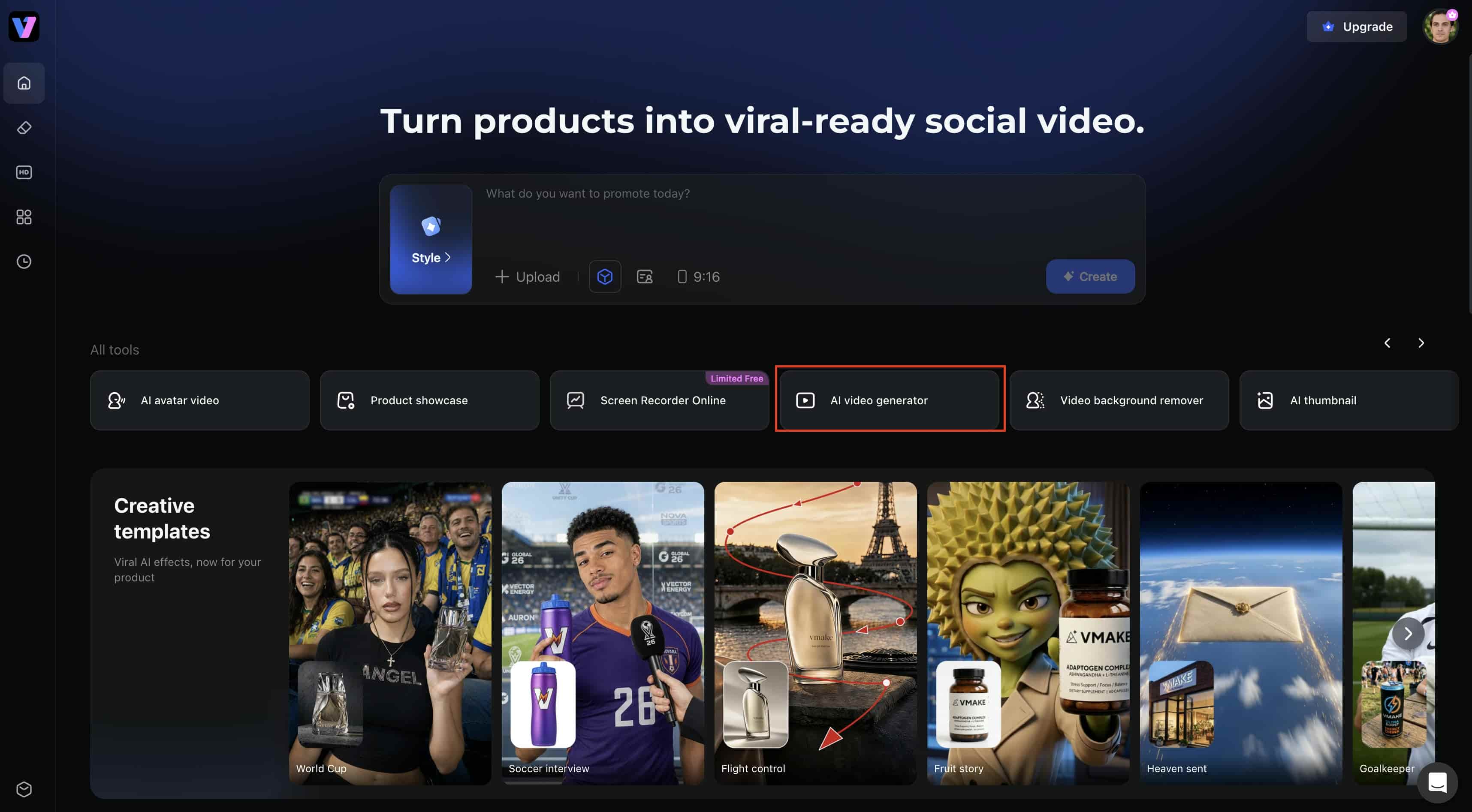
Step 1: Open Vmake AI Video Generator
Open the Vmake platform and go to the AI video generation workspace. Then, you will be able to select the type of video you want to create and start uploading your content. The clean interface makes it easy to start without having to spend time learning complex editing tools.
Step 2: Add Your Content Idea and Customize the Settings
Choose an AI video model you like, for instance Google Veo 3 or Seedance, and then type a descriptive text prompt that explains the scene you want, the movements, the style and the ambience. Alternatively, upload a reference image to utilize as the base for image-to-video production and provide extra instructions to guide the final result.
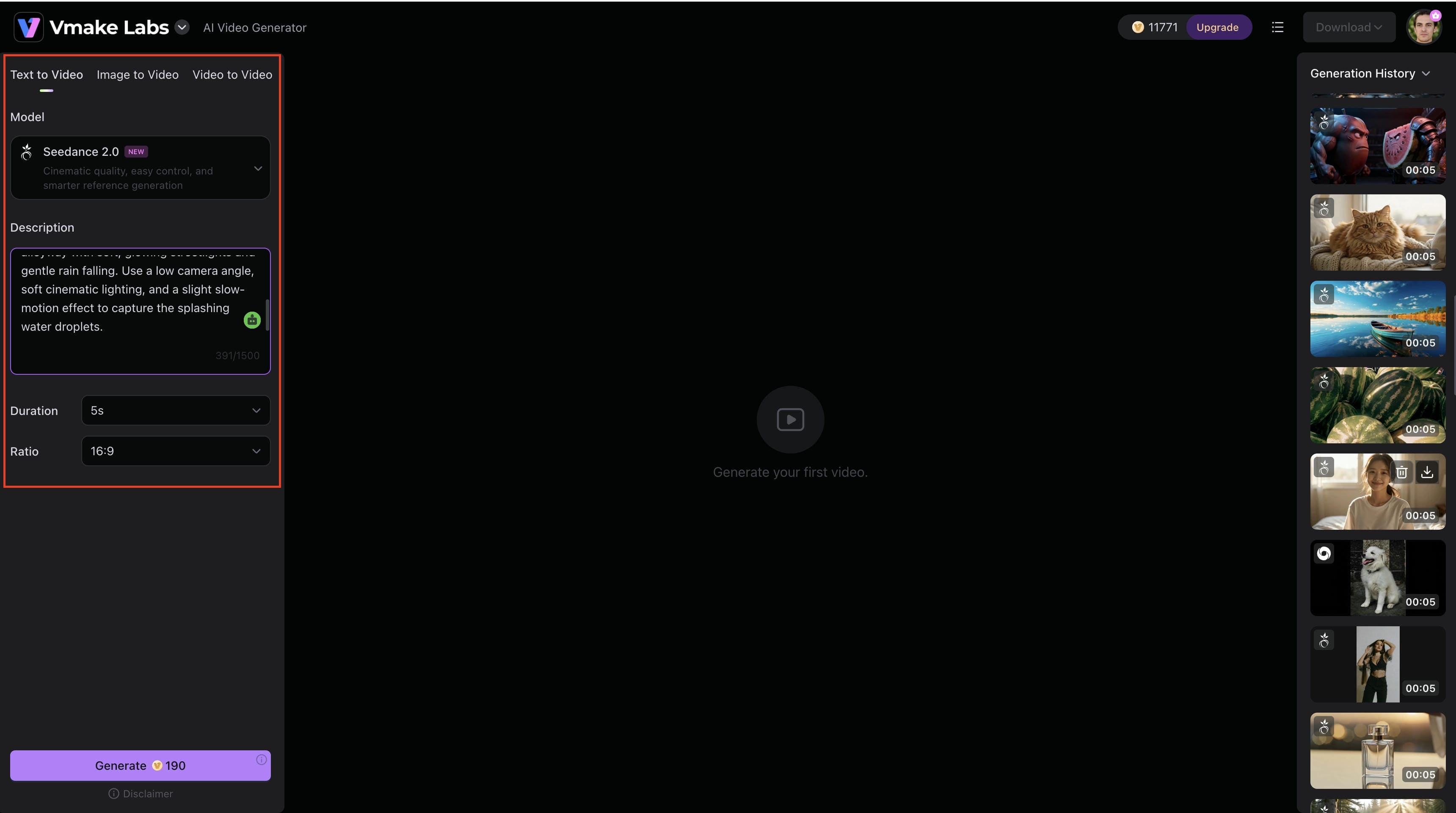
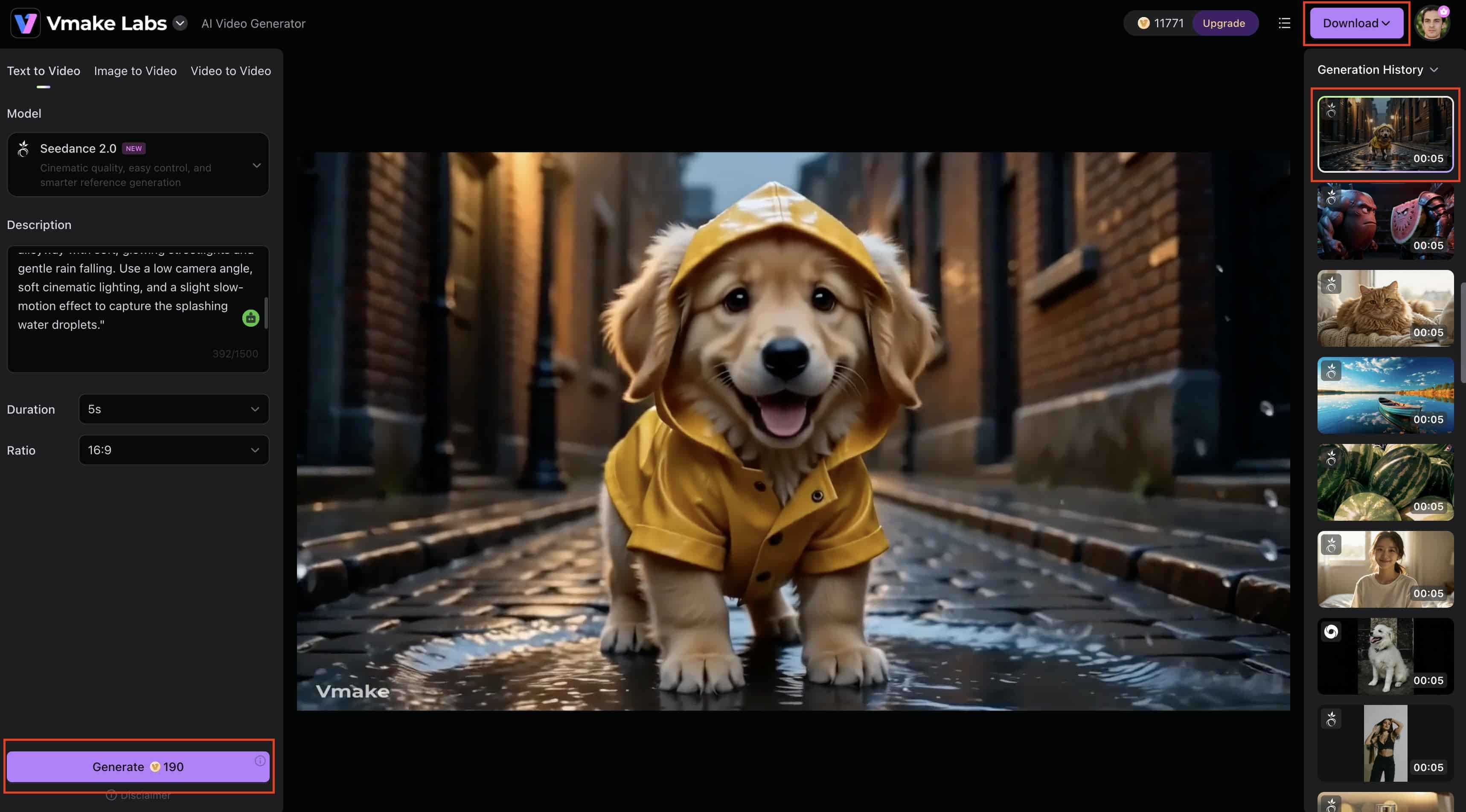
Step 3: Generate and Download Your Video
Click the Generate button to start producing your video. Check the result for motion quality, visual uniformity, and quick correctness after processing. Make any changes and export and download the finished HD video to sell on social media, advertising or your own creative projects.
-
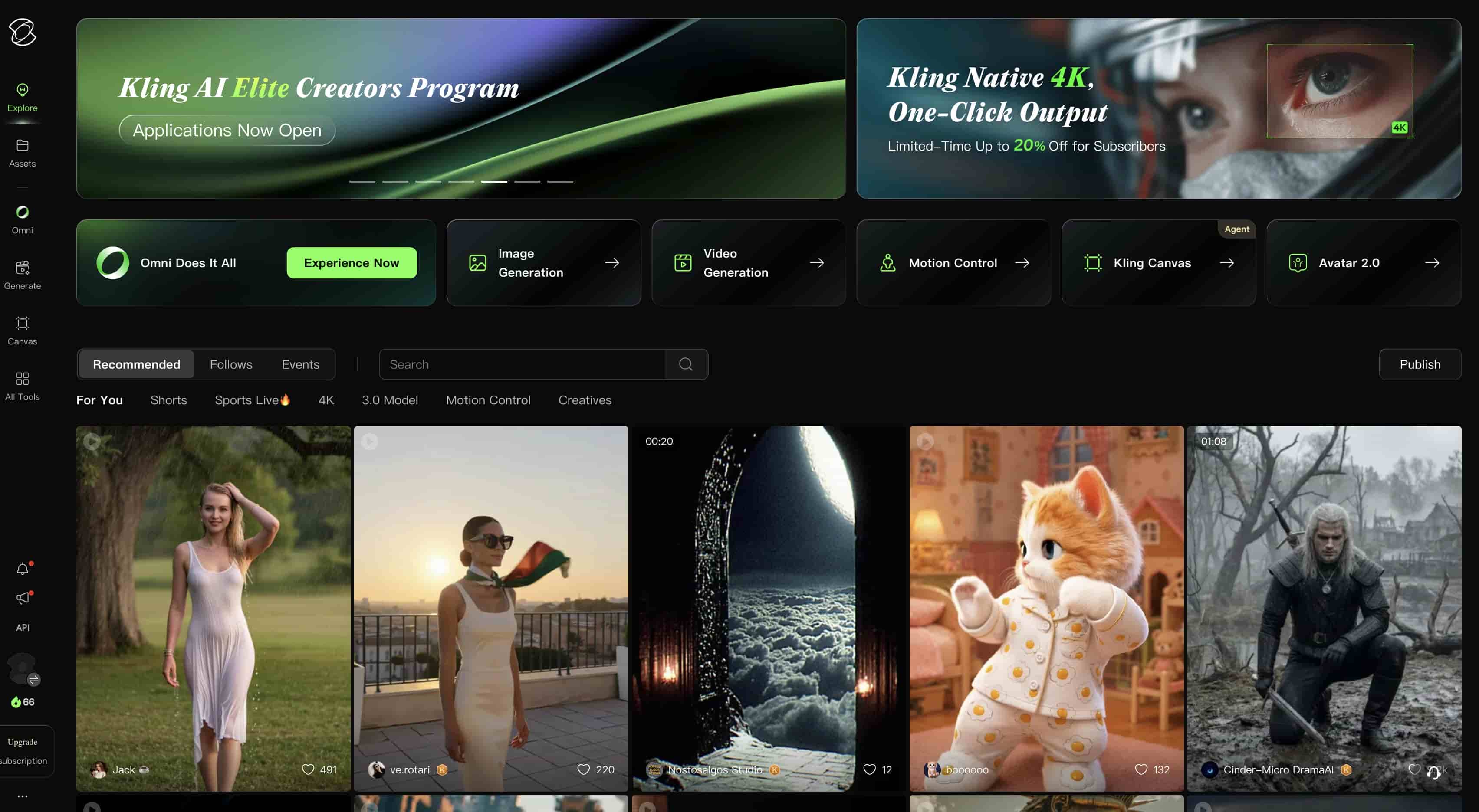
Kling AI
Kling AI is an AI video generator that creates videos from text prompts and images. It is commonly used for generating character animations, motion-based scenes, and short video clips. The platform is particularly popular among creators looking to produce realistic movement and visually consistent outputs.
Pros and Cons
|
Pros |
Cons |
|---|---|
|
Realistic motion and physics simulation |
Limited free generations |
|
Strong image-to-video capabilities |
Queue times can be long during peak hours |
|
High-quality visual outputs |
Some features require paid access |
|
Good character consistency |
|
Pricing
|
Plan |
Price |
|---|---|
|
Free |
$0 |
|
Standard |
$10/month |
|
Professional |
$37/month |
|
Premier |
$92/month |
|
Ultra |
$180/month |
-
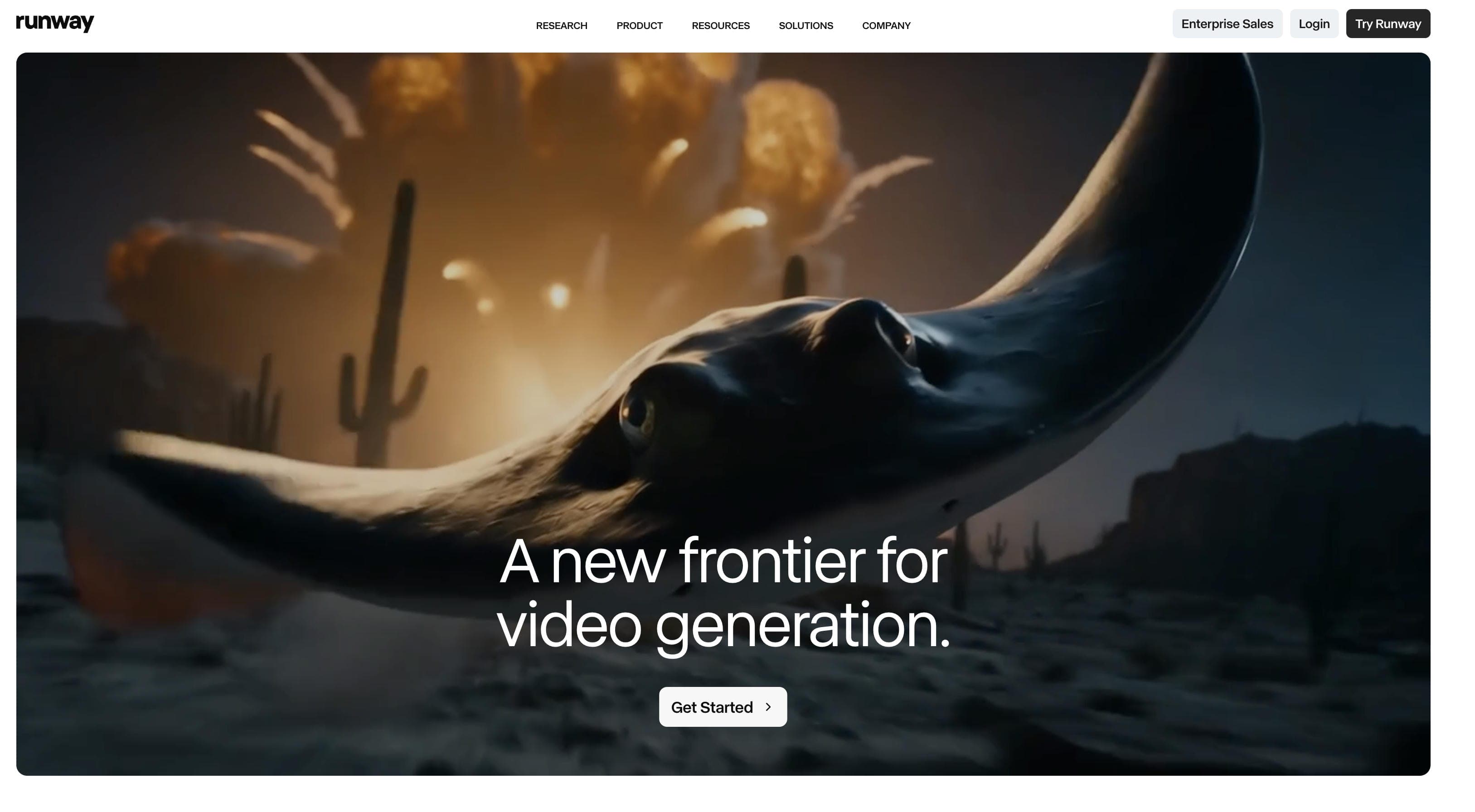
Runway
Runway is a professional AI video creation platform used by marketers, filmmakers, and content creators. Its advanced generation tools, editing features, and collaboration capabilities make it a popular choice for professional workflows.
Pros and Cons
|
Pros |
Cons |
|---|---|
|
Professional-grade AI video tools |
Limited free credits |
|
Advanced editing capabilities |
Higher pricing than some alternatives |
|
Strong text-to-video quality |
Learning curve for beginners |
|
Supports team collaboration |
|
Pricing
|
Plan |
Price |
|---|---|
|
Free |
$0 |
|
Standard |
$12/user/month |
|
Pro |
$28/user/month |
|
Max |
$76/user/month |
-
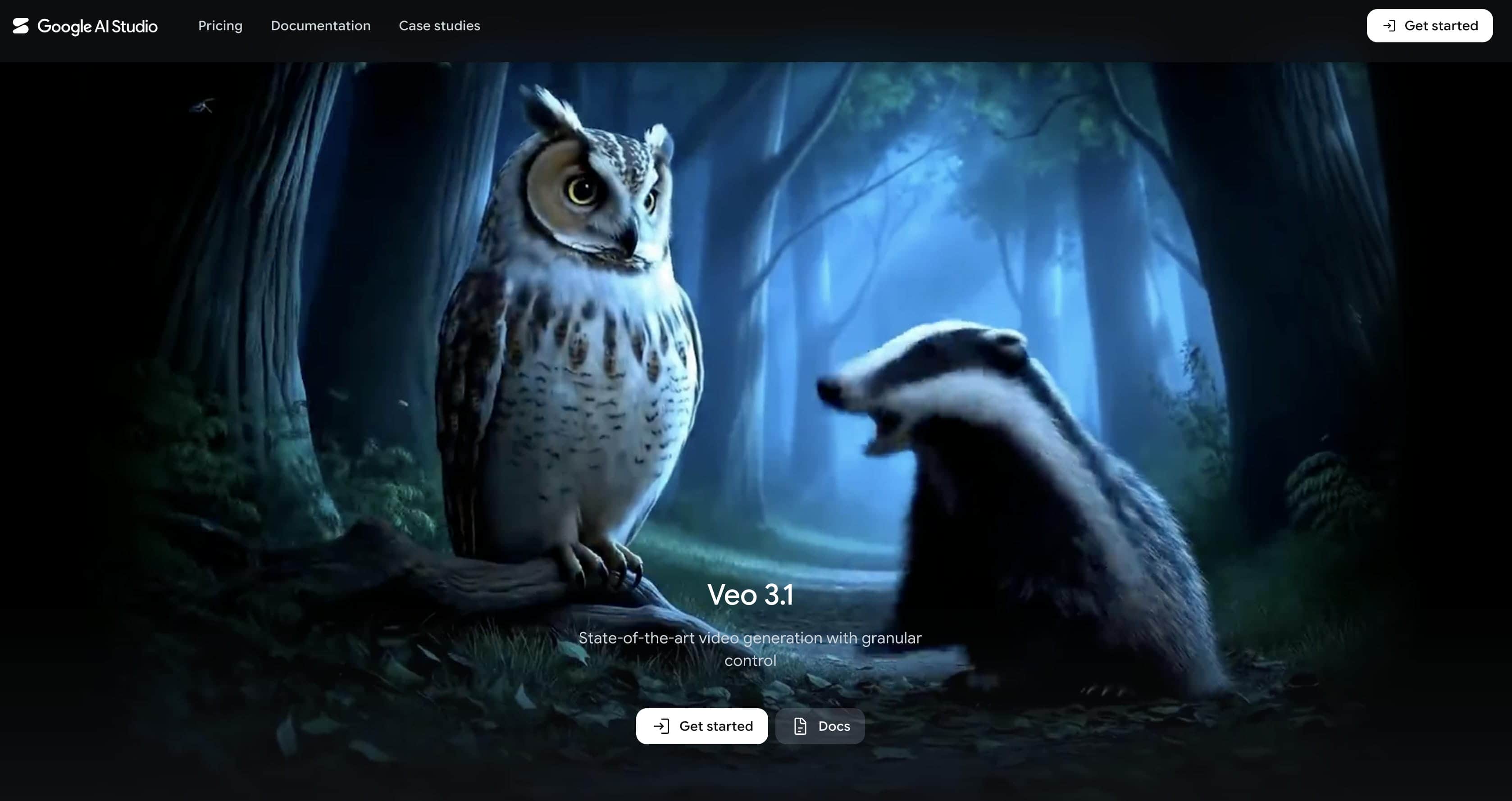
Google Veo
Google Veo is an AI video generation model developed by Google for creating videos from prompts. It is designed to generate scenes with consistent environments, natural camera movement, and detailed visual outputs. The platform is often used for cinematic content, storytelling projects, and creative video production.
Pros and Cons
|
Pros |
Cons |
|---|---|
|
Exceptional cinematic quality |
Limited public access |
|
Realistic camera movement and scenes |
Availability varies by region |
|
Strong prompt understanding |
Access may depend on testing programs |
|
High visual consistency |
|
Pricing
|
Plan |
Price |
|---|---|
|
Free |
$0(limited access via Google AI Studio; availability varies by region) |
|
Google AI Pro |
$19.99/month |
|
Google AI Ultra |
$200.00–$249.99/month |
-
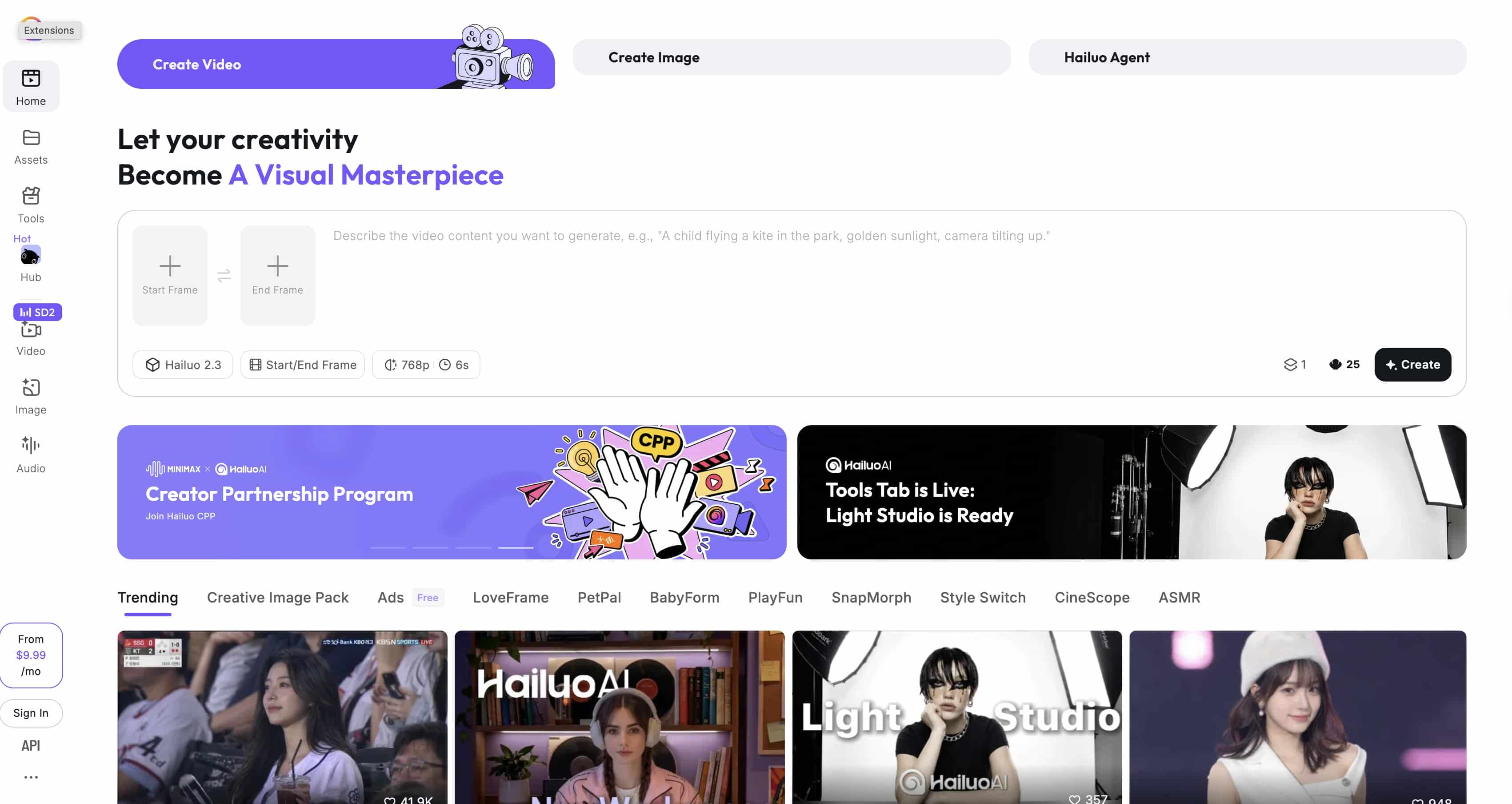
Hailuo AI
Hailuo AI turns simple text descriptions and raw images into ready-to-use videos without making you touch a complex editing timeline. If your main goal is to pump out social media content, quick promo assets, or creative ideas on the fly, this tool makes the entire process incredibly straightforward.
Pros and Cons
|
Pros |
Cons |
|---|---|
|
Fast video generation |
Fewer advanced controls |
|
Simple and easy-to-use interface |
Limited customization compared to competitors |
|
Strong image-to-video performance |
|
|
Free access available |
|
Pricing
|
Plan |
Price |
|---|---|
|
Free |
$0 |
|
Standard |
$9.99/month |
|
Pro |
$34.99/month |
|
Max |
$199.99/month |
-
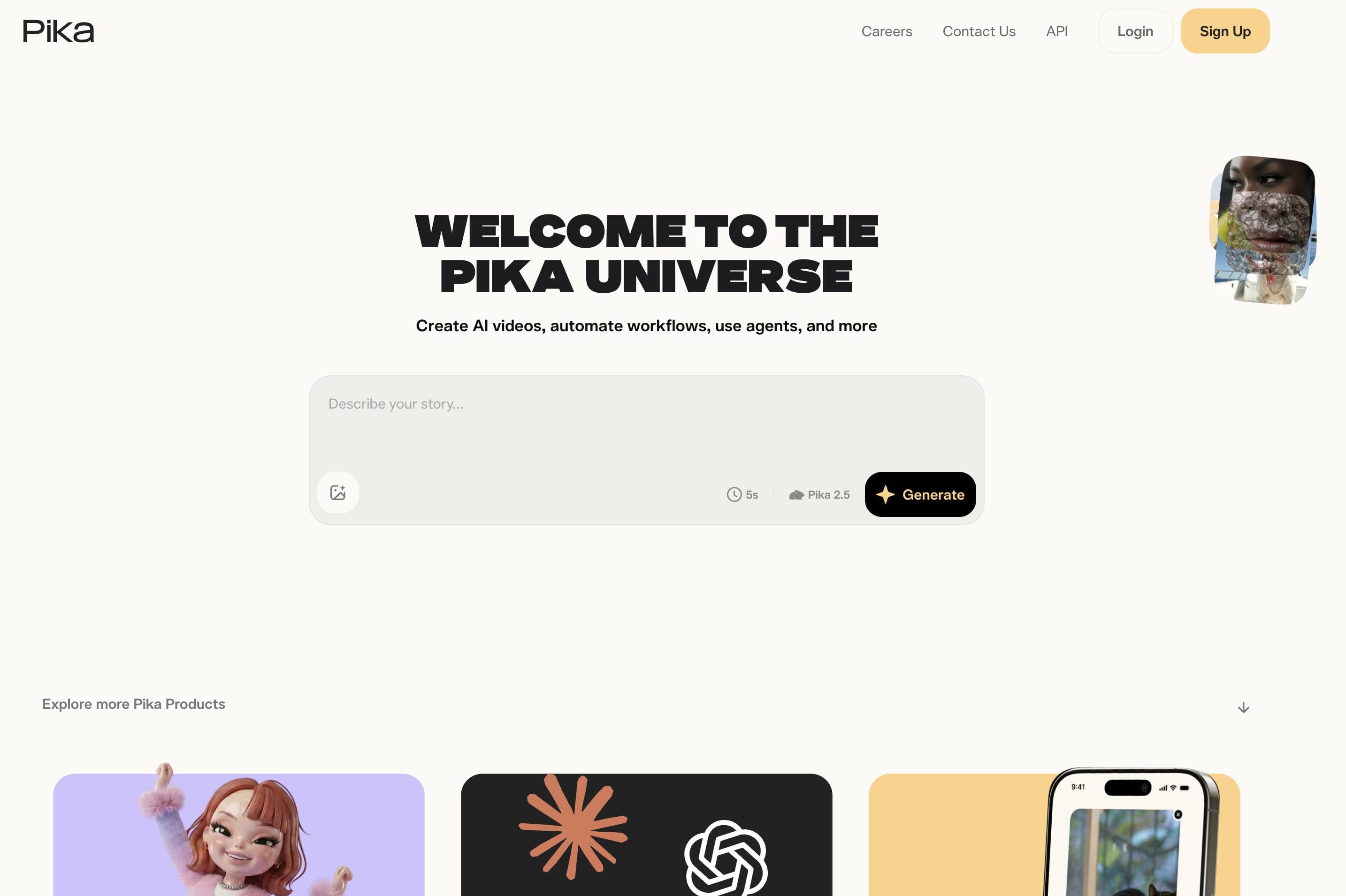
Pika
Pika is an AI video creation platform that allows users to generate videos from prompts and images. It offers a simple workflow that makes video creation accessible to beginners and casual creators. The platform is widely used for short-form content, social media videos, and creative experiments.
Pros and Cons
|
Pros |
Cons |
|---|---|
|
Great for social media content |
Free outputs may contain watermarks |
|
Beginner-friendly workflow |
Limited free generations |
|
Frequent feature updates |
Advanced features require paid plans |
|
Creative video effects |
|
Pricing
|
Plan |
Price |
|---|---|
|
Free |
$0 |
|
Basic |
$8/month |
|
Standard |
$28/month |
|
Pro |
$58/month |
|
Fancy |
$76/month |
-
Luma Dream Machine
Luma Dream Machine is an AI video generation platform that creates videos from text prompts and images. It focuses on generating scenes with smooth motion and consistent visual outputs. The platform is often used for concept videos, storytelling projects, and other creative content.

Pros and Cons
|
Pros |
Cons |
|---|---|
|
High-quality motion generation |
Usage limits on free plans |
|
Smooth camera movement |
Generation queues during peak demand |
|
Strong visual consistency |
Some features require paid access |
|
Easy video creation workflow |
|
Pricing
|
Plan |
Price |
|---|---|
|
Free |
$0 |
|
Lite |
$9.99/month |
|
Plus |
$29.99/month |
|
Unlimited |
$94.99/month |
Best Use Cases for Grok Video Generation Alternatives in 2026
Different AI video platforms are engineered for distinct content goals. Finding the right fit comes down to aligning your creative requirements with the tool's core strengths:
-
Short-Form Social Content: If you're trying to survive the TikTok, Reels, or YouTube Shorts algorithms, you need volume. The right tools here let you rapidly generate vertical clips, completely bypassing the hours you'd normally spend inside a heavy editing suite just to keep your feed active.
-
E-Commerce Asset Creation: This is all about driving sales. Look for platforms designed to streamline a digital storefront, think quick product showcases, seasonal promos, and direct-response ads that make your inventory look sharp without requiring a studio budget.
-
UGC-Style Campaigns: Consumers see right through glossy, over-produced corporate videos these days. For influencer briefs or social proof, you want a tool that can develop relatable, story-driven assets where authenticity matters way more than a Hollywood finish.
-
Cinematic Layouts: On the flip side, if you are sketching out a short film, a mood board, or a high-end commercial concept, you need a heavy hitter. This is where you look for deep scene details, strict physics simulation, and advanced camera controls like manual panning and tracking.
-
Advanced Image Animation: This is honestly a lifesaver if you have flat product photos or graphic illustrations. Instead of starting from scratch with a text prompt, specialized workflows inside tools like Vmake AI, Runway, or Kling AI let you add natural fluid motion to a static image while keeping the original textures and details perfectly crisp.
Conclusion
Grok Video Generation is great for firing off quick clips, but it can feel pretty restrictive when you're trying to scale your content. That is why so many creators look for tools with more creative freedom, better quality, and smoother workflows. Whether you need snappy TikTok clips, e-commerce product videos, or cinematic visuals, the alternatives we covered have you covered. Among them, Vmake AI stands out for combining multiple leading AI models and diverse video workflows into one accessible interface — a practical advantage for brands, creators, and agencies who need to produce varied content at scale.
FAQs
Is Vmake AI a good alternative to Grok video generation?
Yes, it's one of the best workarounds if you're hitting a wall with Grok. The real perk here is that it combines multiple top-tier video engines into a single dashboard. It handles text prompts and image animations smoothly, making it a lifesaver for marketers and creators who need high-quality social clips without the headache of complex editing software.
Can I create videos from images using AI video generators?
Absolutely. In fact, starting with a photo or product shot is usually way more reliable than generating from pure text. You just upload your image, and the AI handles heavy lifting, adding natural camera movement, fluid motion, and physics to bring your static graphics to life.
What is the best free AI video generation tool for beginners?
The best option depends on your needs. Pika and Hailuo AI are often chosen for their simplicity, while Kling AI is popular for realistic motion generation. Platforms such as Vmake AI provide multiple creation workflows in a beginner-friendly interface.
Which AI video generator creates the most realistic videos?
Tools such as Kling AI, Google Veo, and Runway are widely recognized for producing realistic motion, strong scene consistency, and cinematic visuals. The ideal choice depends on your project requirements and available access.
What should I look for when choosing a Grok video generation alternative?
Consider aspects such as video quality, speed of generation, limitations of free plan, picture to video support, export options, convenience of use, and price. The crucial thing is to choose a platform that fits your content needs, not just the one with the most features.

You May Be Interested

Grok AI Video Generator Review: Features, Pricing, and Pros & Cons
How to Create Video With Grok xAI & Find Its Top Alternative
2026 Wink Video Enhancer Review: Pros, Cons, and Alternatives

Candy AI Video Generation Review 2026: Features & Alternatives
