
The Ultimate Guide to Product Demo Videos: Elements, Benefits, and AI Tools
Learn the essential elements of a great product demo video and see how AI generators like Vmake can turn your static images into high-converting ads. Market your product smartly right now!

The modern buyer's journey has flipped: you now have mere seconds to show off your product in action before they scroll away. This guide dives straight into the power of product demo videos and how to script a winner. Follow our steps and use Vmake to witness firsthand how AI is rewriting the rules.
What is a product demo video?
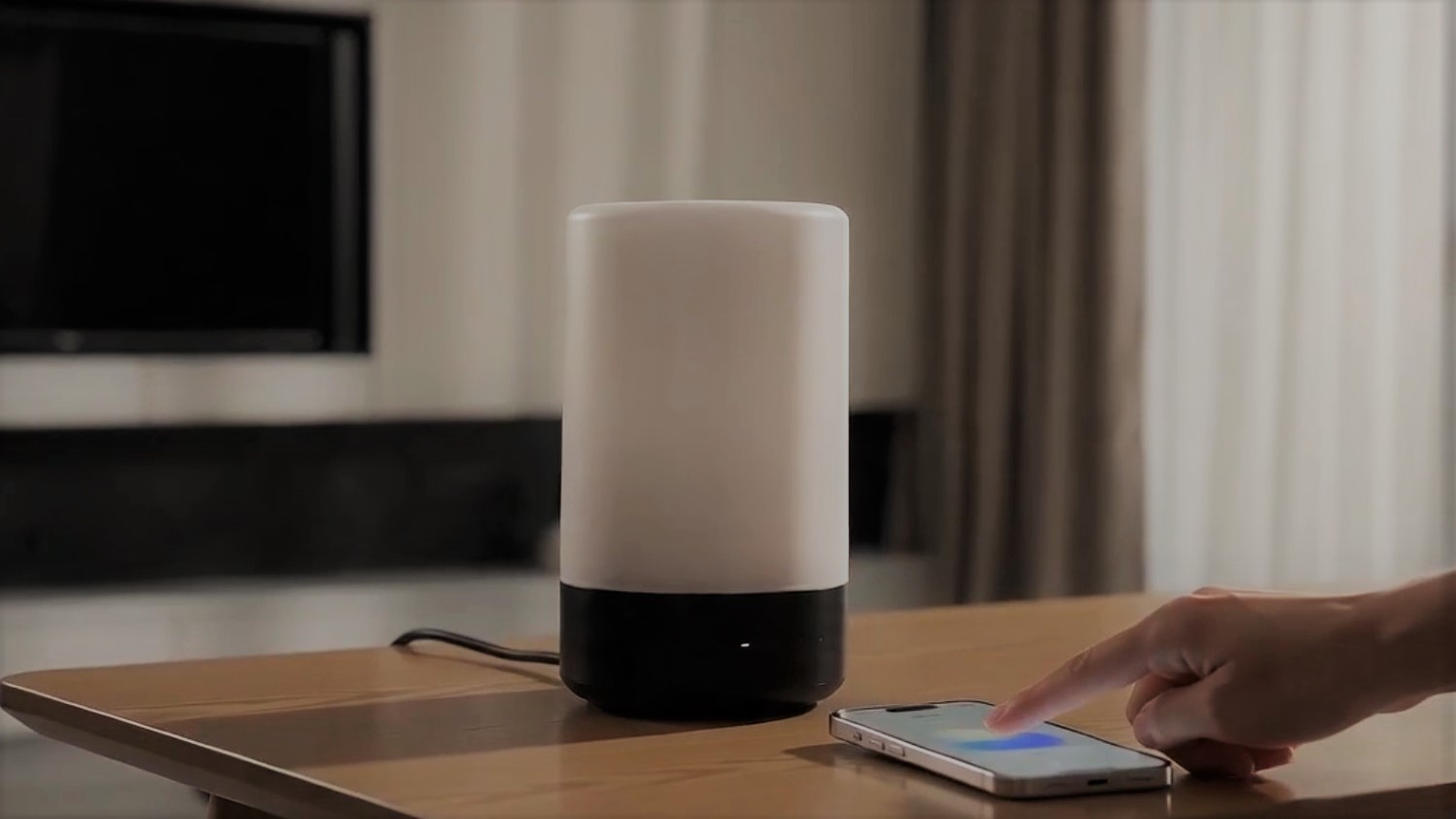
A product demo video is an engaging visual demonstration that illustrates how a product works in real-world scenarios. Unlike a basic explainer or a highly technical tutorial, a great demo video prioritizes showing over telling, bringing the product's value proposition to life through immediate visual proof. Its primary goal is to guide the audience through key interactions, showing how easily the product solves a specific problem.
By shifting the focus from dry, flat feature lists to tangible, dynamic benefits, a product demo video bridges the gap between customer curiosity and final purchasing intent, building ultimate confidence.
Types of product demo videos
Product demos come in various formats tailored to your industry, audience, and goals. Here are the five primary types of demo videos you can deploy today:
-
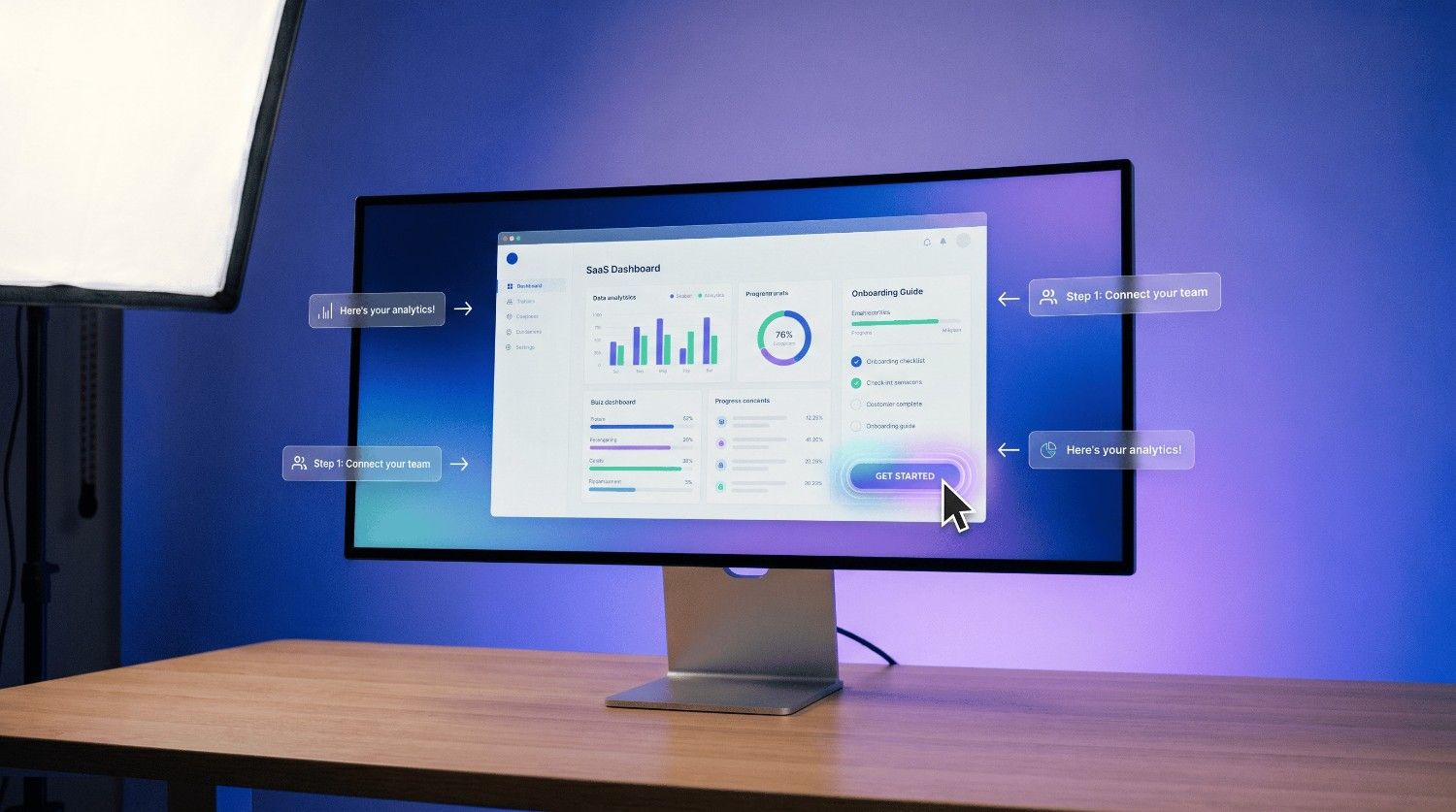
Software/SaaS walkthroughs
These screen-captured, guided tours walk users through digital dashboards and workflows, highlighting intuitive interfaces and proving how easily your software solves complex everyday problems.
-
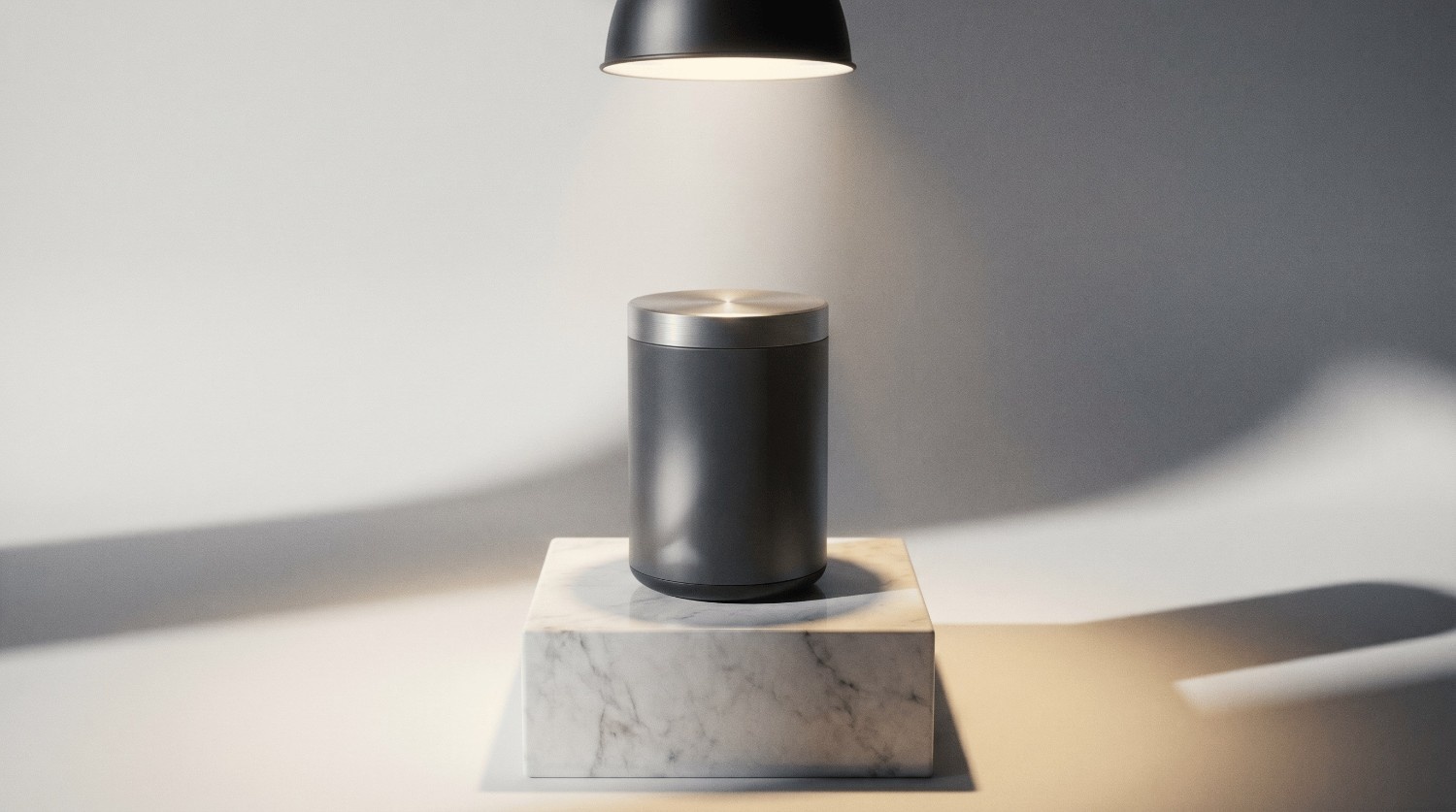
Physical product showcases
Cinematic, detailed shots showcasing physical items in action. This approach highlights high-quality materials, dynamic functionality, premium design, and real-world usefulness to make products tangibly desirable.
-
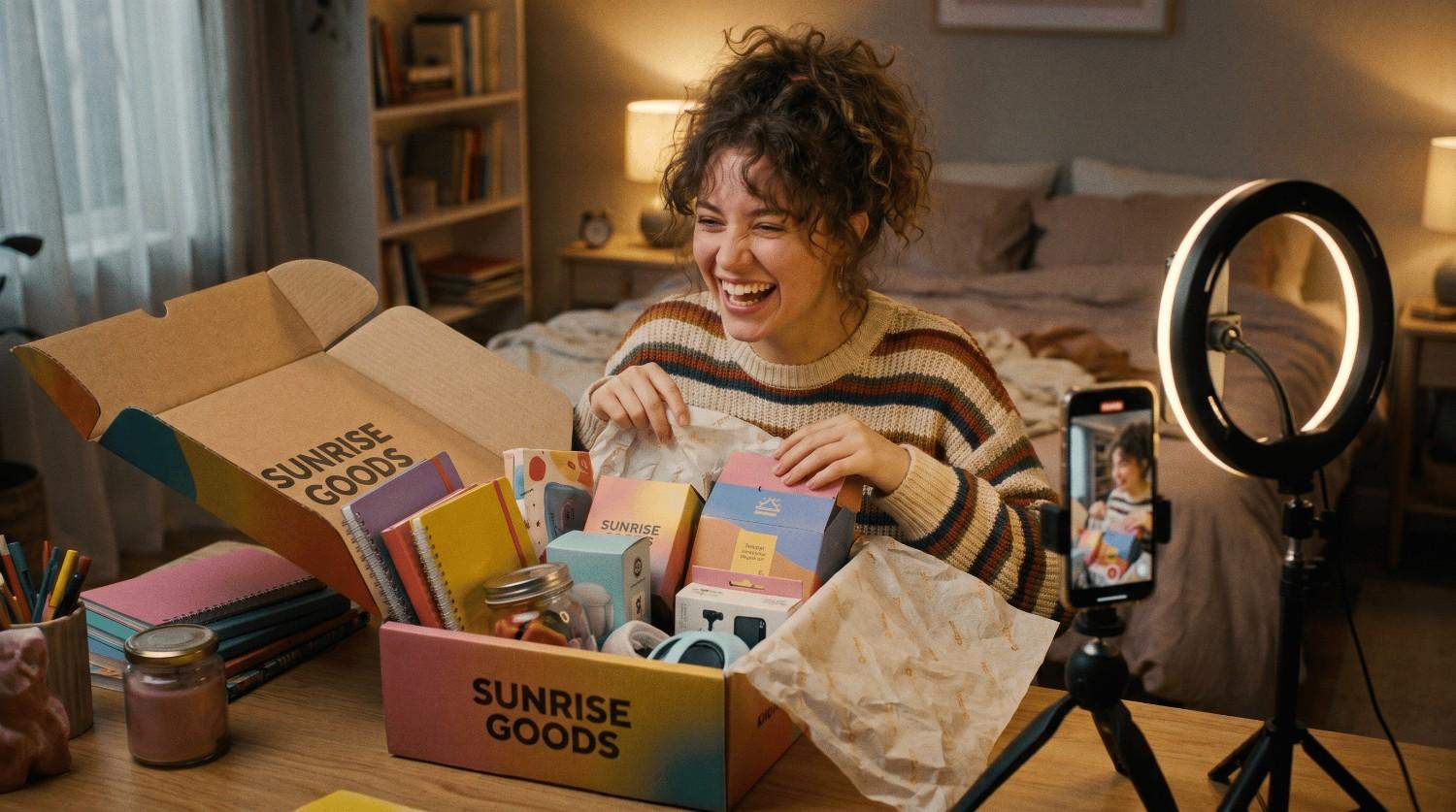
UGC/unboxing demos
Social-style, casual videos where creators, customers, or lifelike AI models open and test products, providing relatable, high-trust social proof that performs incredibly well across short-form channels.
-
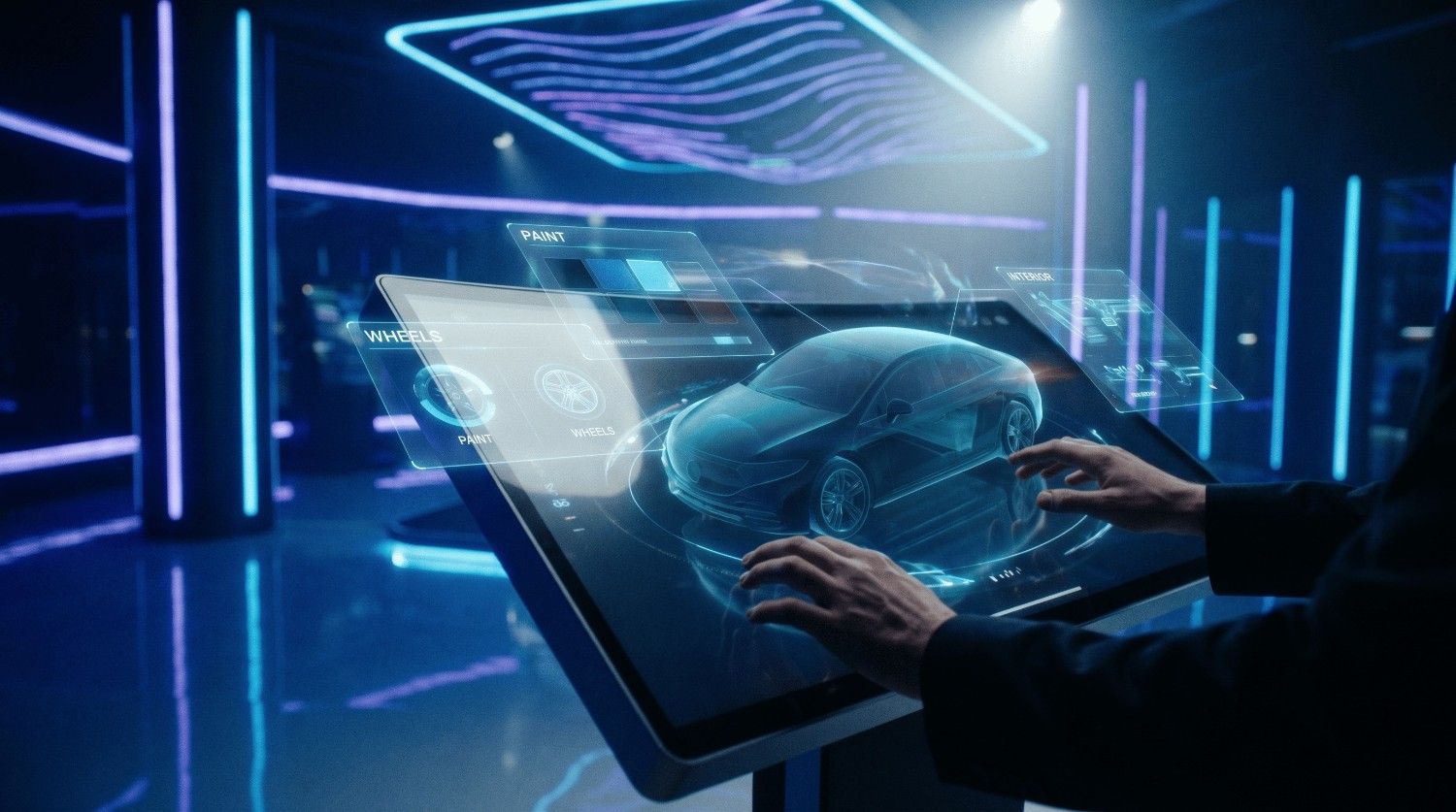
Interactive Demos
Clickable, user-driven virtual video experiences where prospective buyers can control the demonstration's flow, navigating only to the exact features and solutions that matter to them.
-
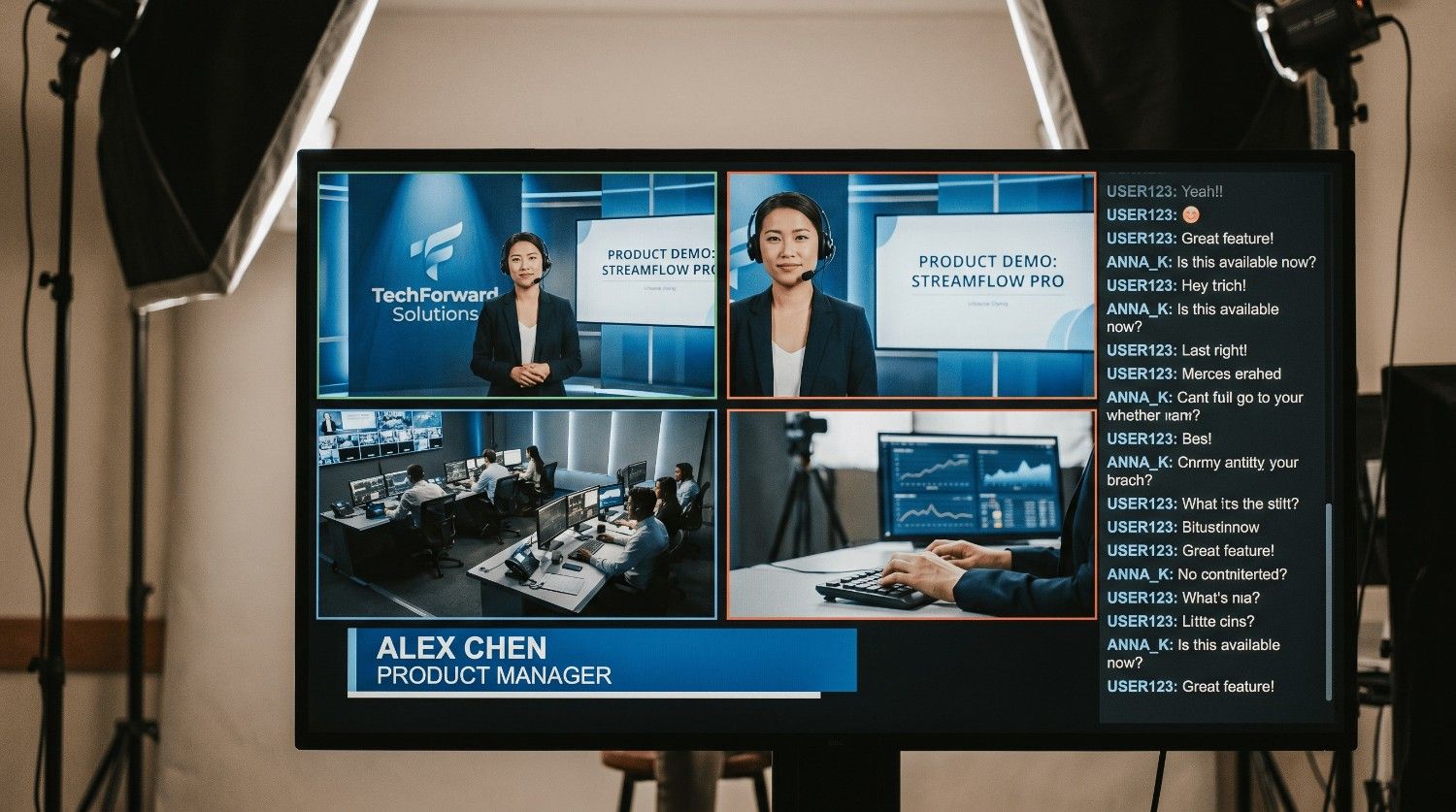
Live webinars and streams
Real-time, unedited product broadcasts hosted by live presenters, paired with interactive Q&A sessions to answer viewer concerns immediately and build strong, authentic customer relationships.
6.AI-generated product demo videos examples
AI-powered video tools make it easier than ever to create professional product demos without expensive equipment or production teams. From animated product showcases to realistic AI spokespersons, these formats help brands demonstrate features, benefits, and use cases at scale.
-
Image-to-video demos
Transform static product photos into dynamic videos with camera movements, zoom effects, and animated elements. This format highlights product details, textures, and functionality while turning simple images into engaging marketing content.
-
AI avatar product presentations
AI avatars act as virtual brand representatives, explaining product features and benefits naturally. These videos combine human-like presentation with consistent messaging, making them ideal for tutorials, product launches, and e-commerce promotions.
-
AI-generated UGC ads
AI-generated user-generated content recreates authentic customer-style testimonials and product experiences. These videos mimic social media content, helping brands build trust, improve engagement, and create high-converting ads for TikTok, Instagram, and YouTube.
-
Automated product showcases
Automated product showcases use AI to generate polished promotional videos with animated text, feature highlights, and product-focused visuals. They are ideal for quickly producing professional advertisements across multiple products and marketing channels.
The traditional challenges of product demo video production
While incredibly effective, traditional product video production has long been highly difficult for growing brands. Businesses consistently face these four major production barriers:
-
The high cost of production: Hiring camera crews, renting studios, booking professional actors, and buying lighting equipment easily drains thousands of dollars, making high-end traditional video production unsustainable for lean marketing budgets.
-
The time-consuming process: Coordinating shoots, filming multiple takes, and navigating complex post-production video editing schedules takes weeks, forcing brands to miss fast-moving market trends and immediate content opportunities.
-
The difficulty of scaling content: Traditional methods make it almost impossible to quickly generate variations for active A/B testing, platform-specific formats, or a rapidly growing catalog of diverse online products.
Thankfully, generative artificial intelligence completely bypasses these bottlenecks. By leveraging advanced AI video generation, any brand can now create studio-quality demo videos instantly without a camera.
Meet Vmake AI: The next-gen tool for product demos
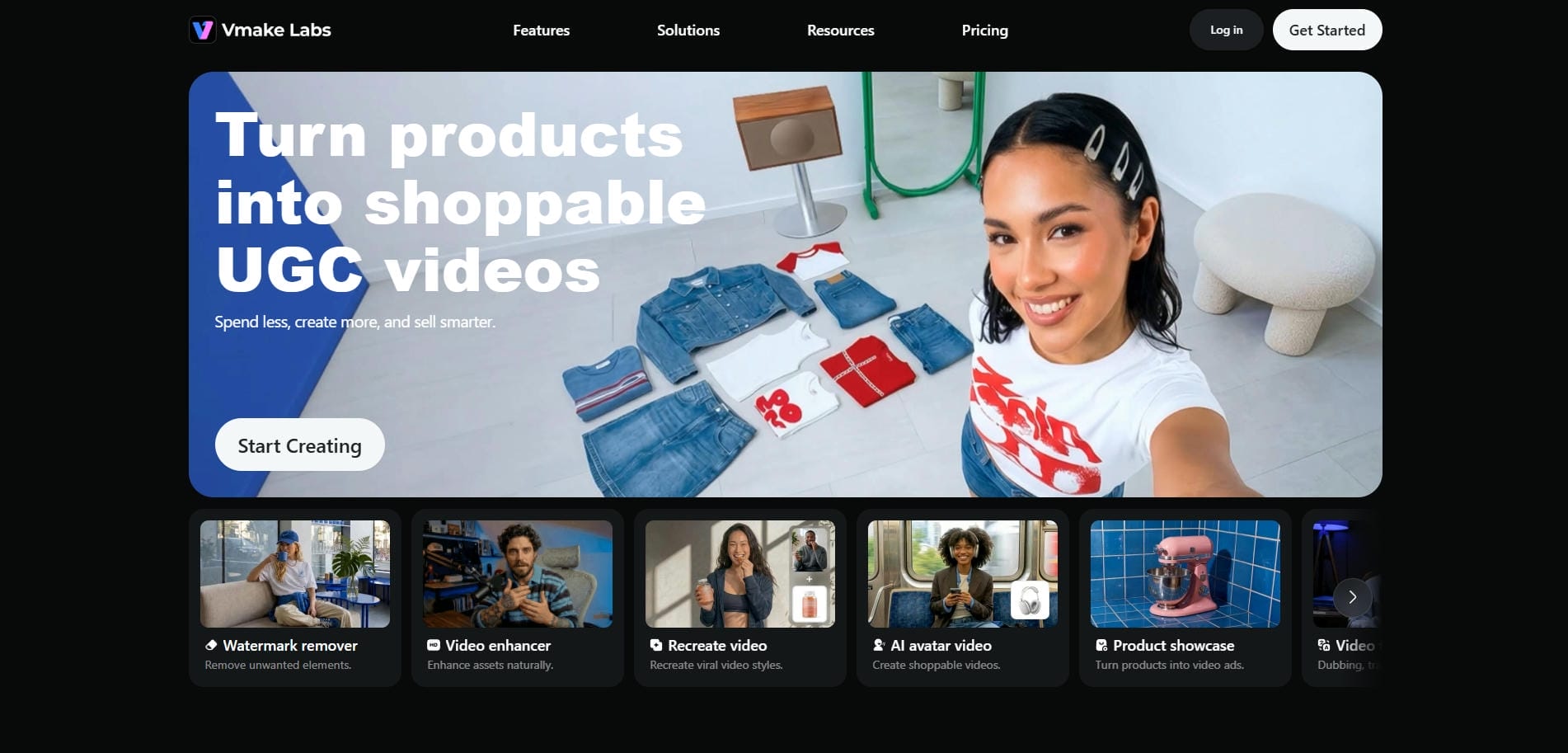
To break through the aforementioned production barriers, e-commerce brands and modern marketers are turning to Vmake AI. Designed specifically to automate high-quality showcases, this innovative web tool turns static product photos into highly dynamic, realistic video assets in just seconds. Built on cutting-edge models like Seedance 2.0 and Kling, Vmake removes the need for physical setups, expensive software, and technical editing skills.
The Vmake platform enables anyone, from independent sellers to enterprise brands, to scale high-converting marketing campaigns effortlessly, providing professional-grade videos at a fraction of traditional production costs.
Features of the Vmake AI video generator for creating product demo videos
-
Single-image to video conversion: Upload just one high-resolution product photo and watch Vmake instantly animate it into a dynamic, flowing product video showcase, completely eliminating the need for complex multi-asset preparation.
-
Natural, authentic aesthetics: Generate lifelike marketing assets that mimic native user-generated content, instantly building buyer trust and driving stronger click-through rates across competitive social advertising feeds.
-
Unmatched detail consistency: Ensure your product's distinct colors, shapes, and branding remain perfectly stable across frames, maintaining crucial visual accuracy that modern e-commerce customers expect and rely on.
-
Accelerated content pipeline: Cut delivery timelines from weeks to seconds, allowing your team to immediately capitalize on viral social trends and publish fresh product creatives continuously.
How to create product demo videos with Vmake?
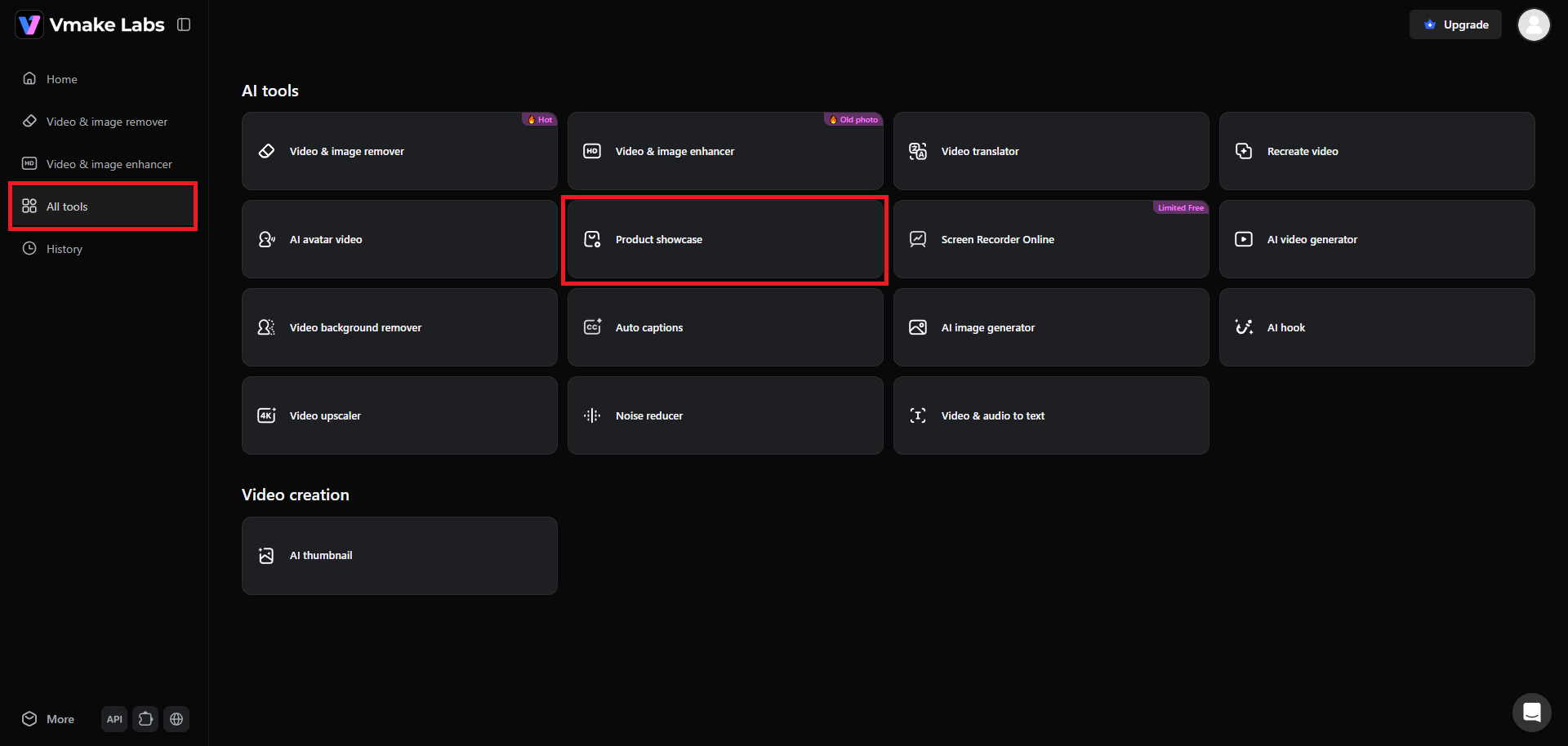
Step 1: Select the "Product showcase" option
Access your Vmake account and select the "All tools" option. From there, you need to select the "Product showcase" option. This will give you access to creating product demo videos.
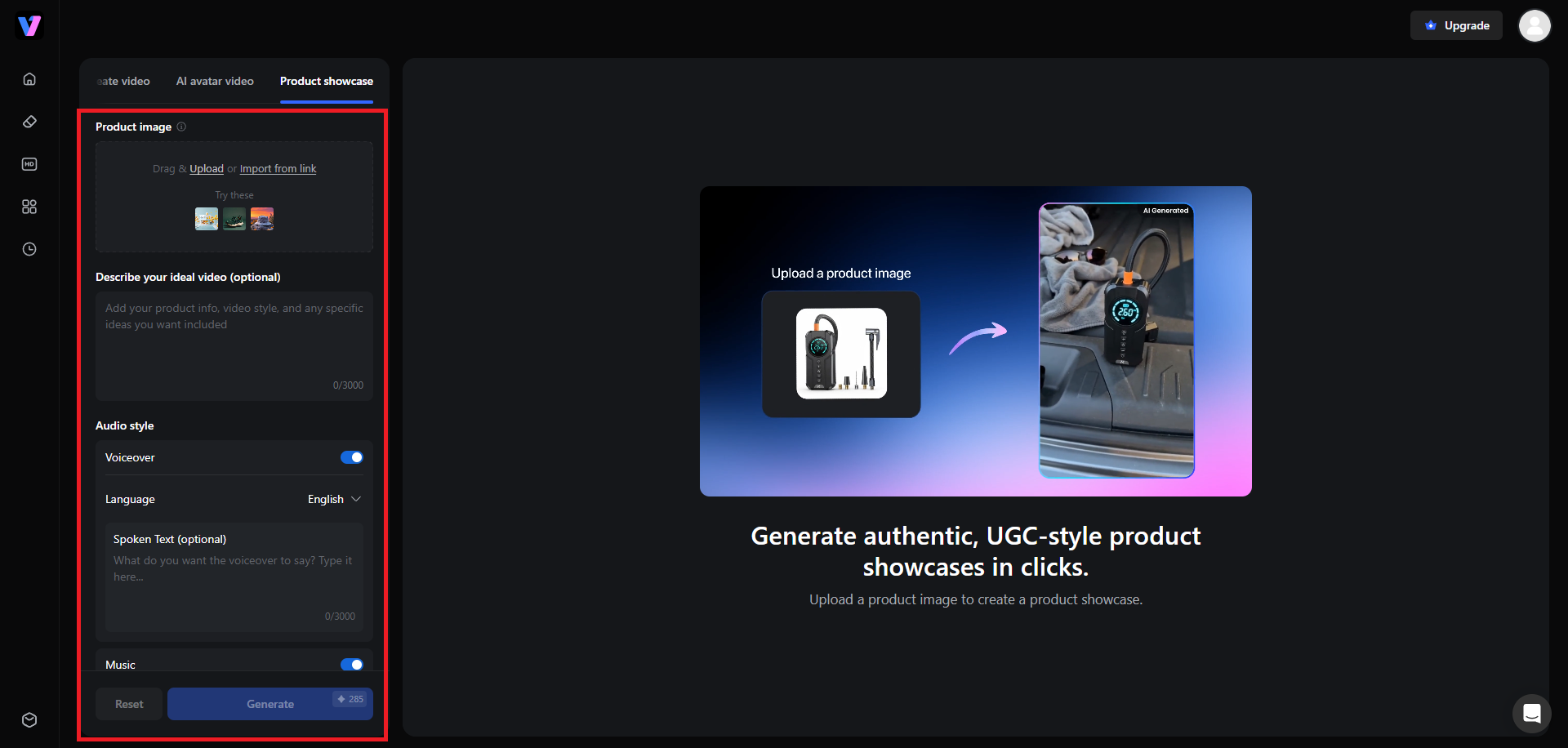
Step 2: Enter your product details to create a demo video
A new web page will open, where you will be required to upload your product image. After that, provide a detailed prompt regarding the type of product demo video you want to create, select the option for voiceover and its language, choose the option for music and AI template, and finally the AI video generation model. The current supported models include Sora 2, Kling 3.0 Omni, and Seedance 2.0. Additionally, select your video resolution, aspect ratio, and duration.
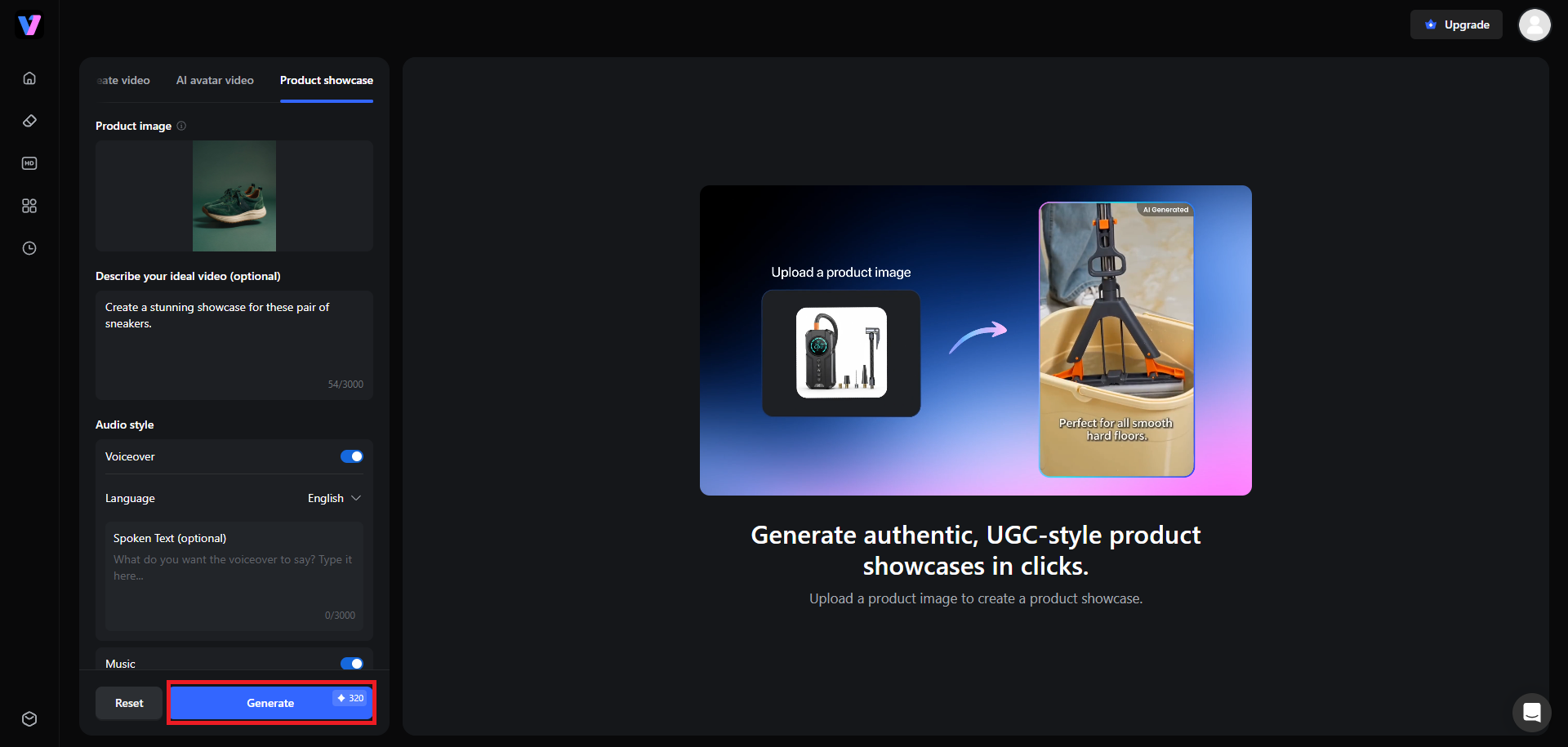
Step 3: Generate and export your product demo video
After entering all your necessary details, click on "Generate". Vmake will start generating your video and once that is completed, you will be able to download it directly to your local device for sharing.
Expert tips and common mistakes to avoid when creating product demos
Maximize the performance of your AI-generated assets by applying these essential guidelines and avoiding critical workflow pitfalls:
Pro tips for success |
Mistakes to avoid |
|---|---|
|
|
Wrapping up
Product demo videos are no longer optional, they are the most effective way to convert passive browsers into loyal, paying customers. While traditional camera setups once kept this power out of reach for smaller brands, Vmake AI has completely democratized the production landscape. By turning static photos into high-converting showcases in seconds, Vmake enables businesses to scale their visual content seamlessly and affordably.
So, don't let production costs hold your marketing back any longer. Head over to Vmake today, upload your first product image, and watch your brand's sales conversions soar.
Frequently Asked Questions (FAQs)
How long should a product demo video be?
Most product demo videos perform best between 30 seconds and 2 minutes, depending on the platform and product complexity. Focus on showcasing key features, benefits, and use cases without unnecessary details to keep viewers engaged.
Do I need professional camera gear to create a good product demo?
No, professional equipment is not always necessary. Modern smartphones, proper lighting, and clear audio can produce effective demos. AI video tools can further enhance visuals, improve quality, and create polished presentations with minimal resources.
What makes a product demo video successful?
A successful product demo clearly highlights the product's value, solves a customer problem, and demonstrates real-world usage. Strong visuals, concise messaging, engaging storytelling, and clear call-to-action help maximize viewer interest and conversions.
Can I use AI-generated product videos for paid social media ads?
Yes, AI-generated product videos can be used for paid advertising on most social platforms. Ensure the content complies with platform advertising policies, accurately represents the product, and uses properly licensed assets and media.
What kind of products work best with AI video generators?
AI video generators work particularly well for consumer products, software applications, fashion items, beauty products, gadgets, home goods, and digital services. Products with clear visual features, demonstrations, or transformations typically achieve the best results.

You May Be Interested
Runway AI Video Generator: Create Cinematic AI Videos

Ultimate Brand Video Guide: Types, Examples & Best Tools
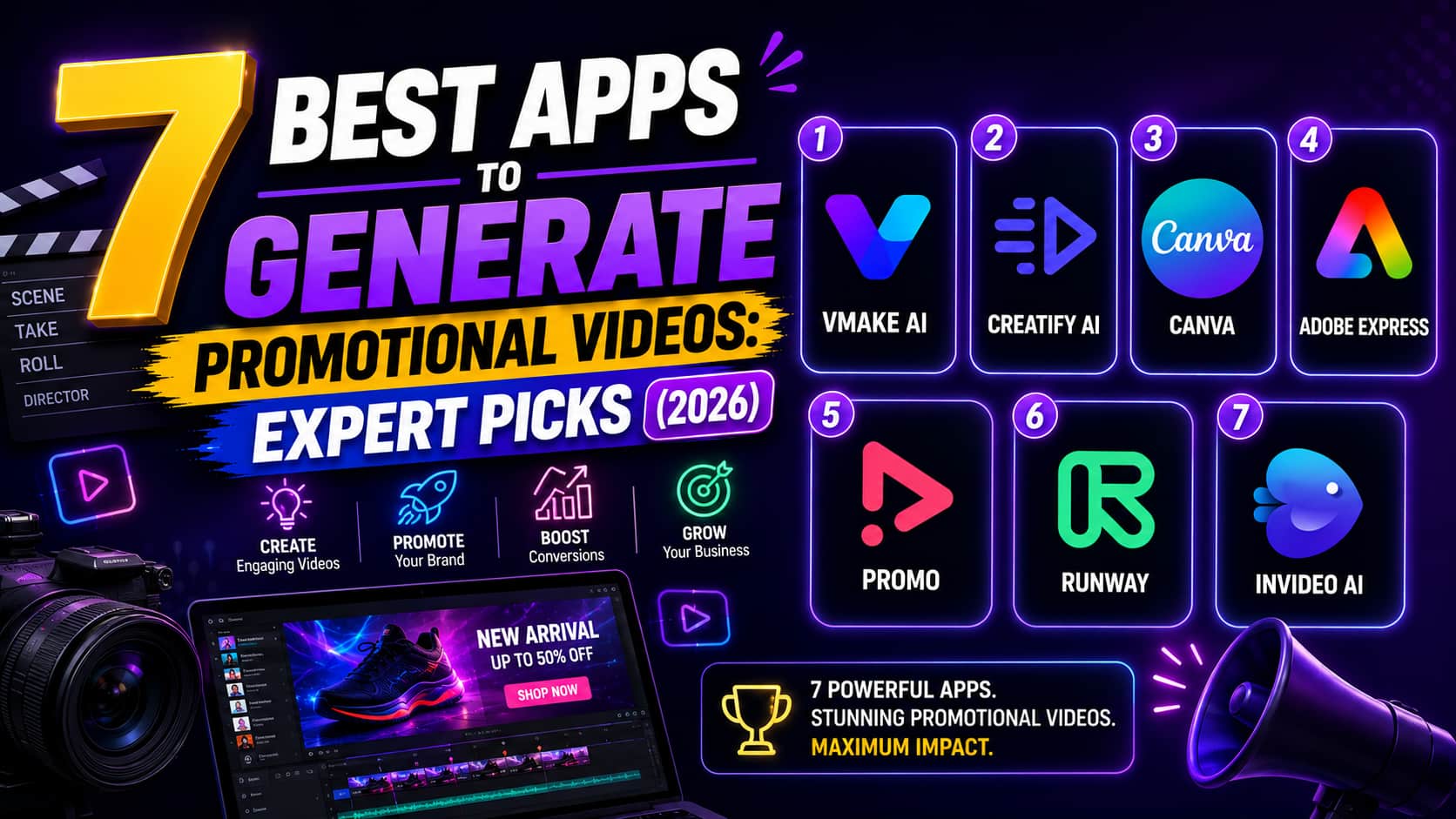
Best App to Generate Promotional Videos: Top 7 Ranked
How to Take Product Photos: A Beginner's Complete Guide
5 Top Shoppable Video Generators for TikTokers in 2026
