7 Best Online Video Editors in 2026: Create Professional Content Without Software
 Vmake Labs TeamMarch 30, 2026
Filming a video is a tedious task. You have to plan stellar content, create a captivating script, conform to the aesthetics, and sometimes go through multiple retakes too. But the video-making process does not end here – next comes the video editing, which itself can be pretty challenging, especially without the right tools. An online video editor makes this job doable in very less time with minimal efforts. Now, which free online video editor would be a good pick for you? This article dives into the benefits of using a video editor online, and lists the top 7 options to choose from based on your needs.
Why Choose an Online Video Editor Instead of Desktop Software?
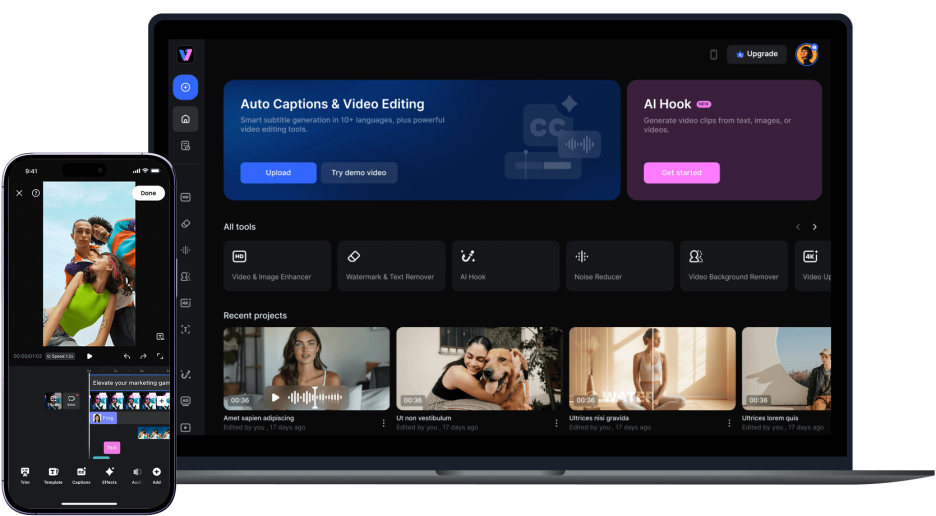
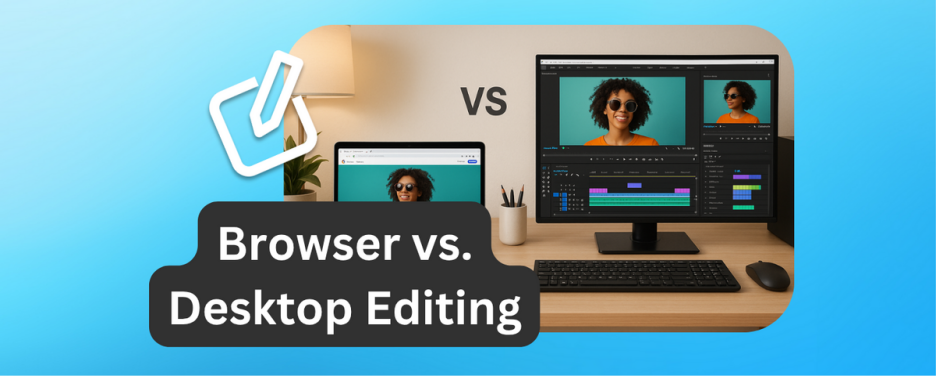
An online video editors work the same way as the desktop software. The only difference is that with an online video editor, you will work directly on your browser instead of downloading a software.
There are many advantages of using an online video editor over a desktop software:
-
Get started instantly
-
Cost-effective solution that saves you money
-
Access your work anytime, anywhere
-
Seamless collaboration with your team
-
Boost productivity with templates and automation
Best Online Video Editors in 2026 (Free & Paid)
If you are looking for the best free online video editor, here’s a list of top 7 options you can pick from:
1.
Vmake
Vmake is not just a collection of tools; it is an all-in-one AI Video Agent that redefines the editing experience. Whether you need to trim a clip, remove a watermark, upscale to 4K, or generate a full video from scratch, you don’t need to master complex timelines or professional skills. Simply describe your goal in natural language, and the Vmake Agent executes the task instantly. It eliminates the steep learning curve of traditional editors, transforming sophisticated video production into a simple conversation. From generative scene restoration to AI-driven promotion, Vmake handles the entire pipeline through intuitive, instruction-based intelligence.
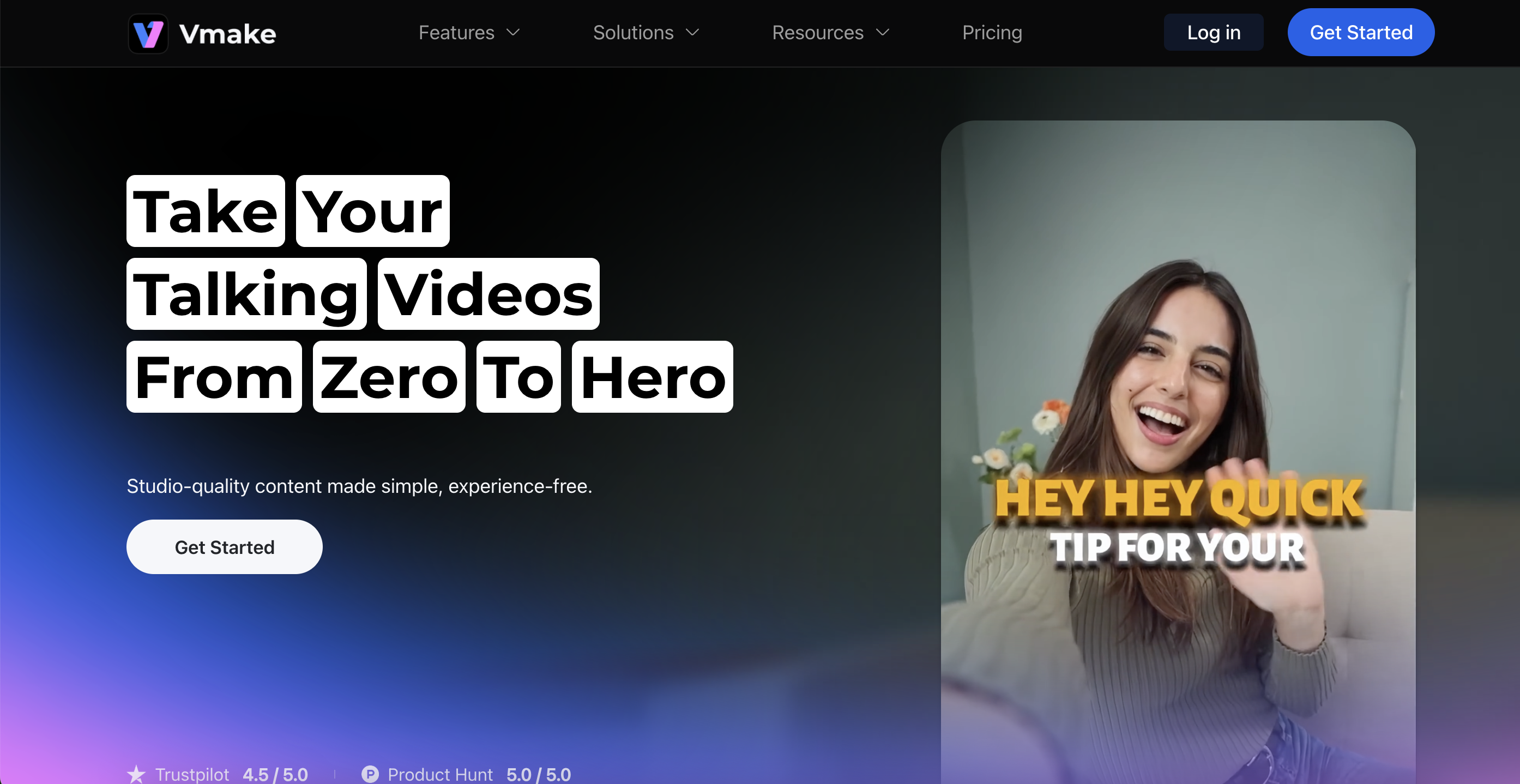
· Agent-driven video editor, smarter than traditional editors
· Covers full editing workflow, no manual steps
· All-in-one generation and editing tool
Cons:
·
Advanced features available on subscription
·
Limited export resolution and duration in free plans
·
Watermark added in free plan
Best-suited for: AI-assisted video production and social media marketing content, rather than traditional cinematic editing.
2.
Kapwing
Kapwing is a powerful, non-linear collaborative editor that lives in the cloud. It excels at modern video workflows, offering AI-driven tools like "Smart Cut," automatic subtitling, and background noise removal. While it has shifted toward automation, its core remains a high-performance timeline editor. It is best suited for teams that need precise control over their layers while benefiting from AI shortcuts to speed up social media content production.
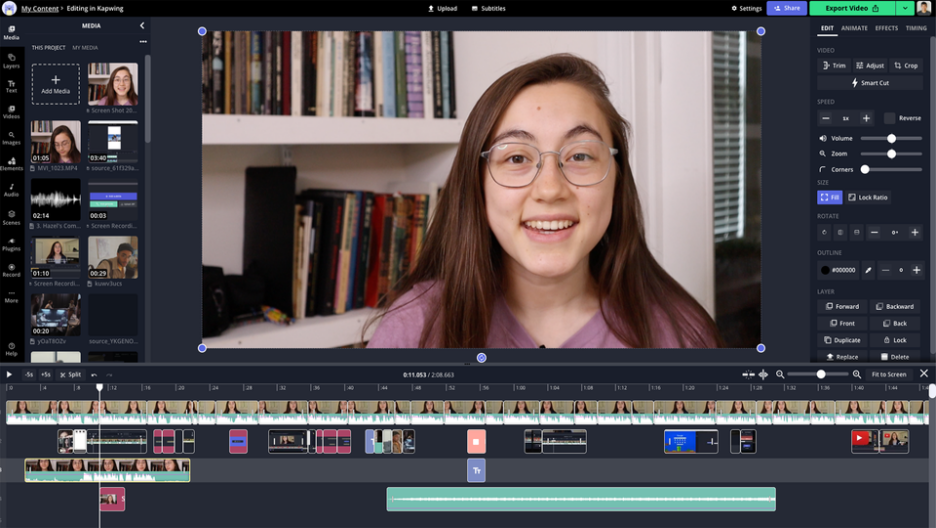 Pros:
Pros:
·
Powerful AI tools
·
Text-based editing
·
Real-time collaboration
Cons:
·
Performance can slow down with large files
·
Advanced features available on subscription
·
Limited export resolution and duration in free plans
·
Watermark added in free plan
Best-suited for: content creator teams and social media agencies that need fast video production workflows.
3.
Canva
Canva brings its signature "drag-and-drop" simplicity to the world of video, making it the go-to platform for quick marketing assets. It relies on a massive library of templates and stock media to help non-designers assemble polished videos in minutes. While it includes basic AI features like "Magic Switch" and background removal, its strength lies in visual layout and branding rather than complex video generation or deep generative editing.
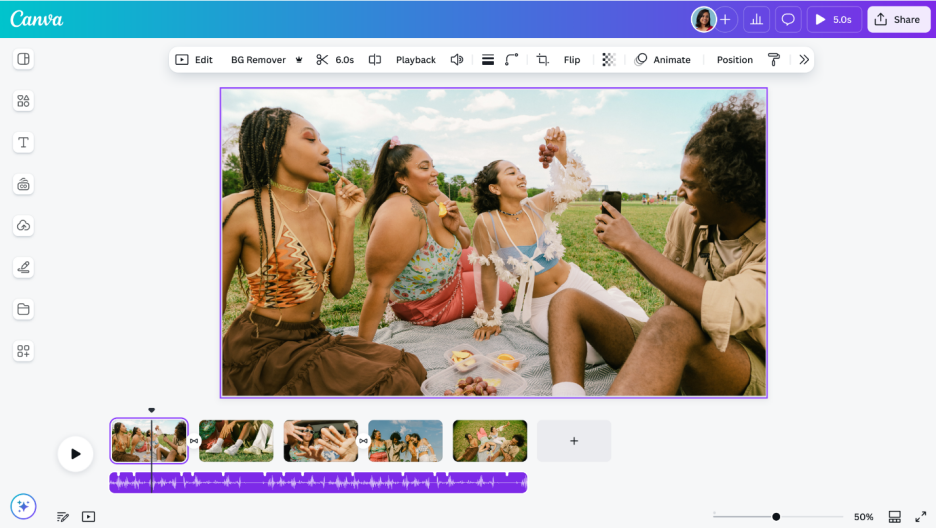
Pros:
·
Beginner-friendly interface
·
Huge library of templates, graphics, and stock media
·
Team collaboration
·
Branding made easy
Cons:
·
No advanced video editing features
·
Very limited AI editing
·
Many templates and assets are for Canva Pro (paid) users only
Best-suited for: business marketing teams, educators, and social media managers who need quick, visually appealing videos.
4. FlexClip
FlexClip is designed for maximum efficiency with a near-zero learning curve. It offers a balanced hybrid of storyboard and timeline editing, supported by a vast collection of royalty-free assets. It includes foundational AI capabilities like text-to-speech and auto-scripting, positioning itself as a template-driven solution for users who need to produce clear, effective marketing or educational videos without diving into professional editing techniques.
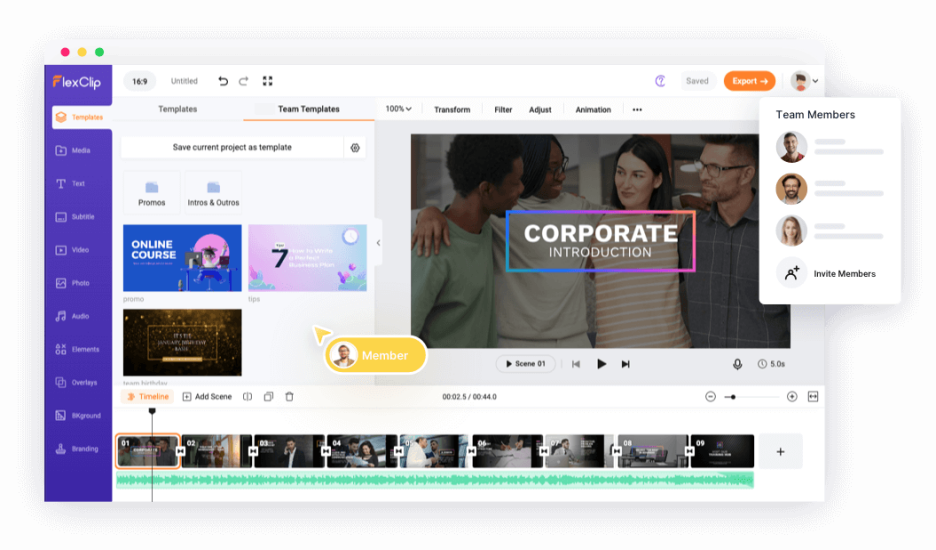
Pros:
·
Beginner-friendly interface
·
Huge library of templates, graphics, and stock media
Cons:
·
Very limited AI editing
·
Advanced features available on subscription
·
Limited export resolution and duration in free plans
·
Watermark added in free plan
Best-suited for: users with less video editing experience who want to generate quick marketing videos, presentations, and social media content.
5.
Adobe Express
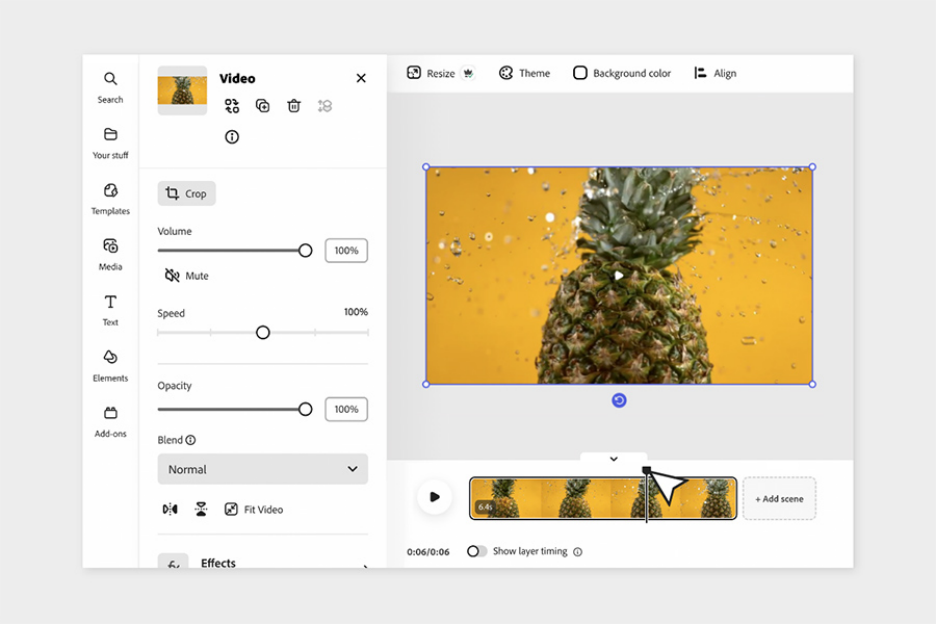
Adobe Express is the lightweight, cloud-based alternative to professional tools like Premiere Pro, designed for high-end aesthetic results with minimal effort. It integrates seamlessly with the Adobe Creative Cloud and features Firefly generative AI for creative text and image effects. It is a design-first video tool, ideal for creators who want to maintain professional brand standards and high-quality templates across their social media channels.
Pros:
·
Integration with the Adobe Creative Cloud ecosystem
·
High-quality templates and design tool
·
AI creative tools
·
Easy project sharing
·
Brand management tools
Cons:
·
Limited editing features compared to professional tools
·
Premium assets require a subscription
Best-suited for: designers who already use Adobe products.
6.
Clideo
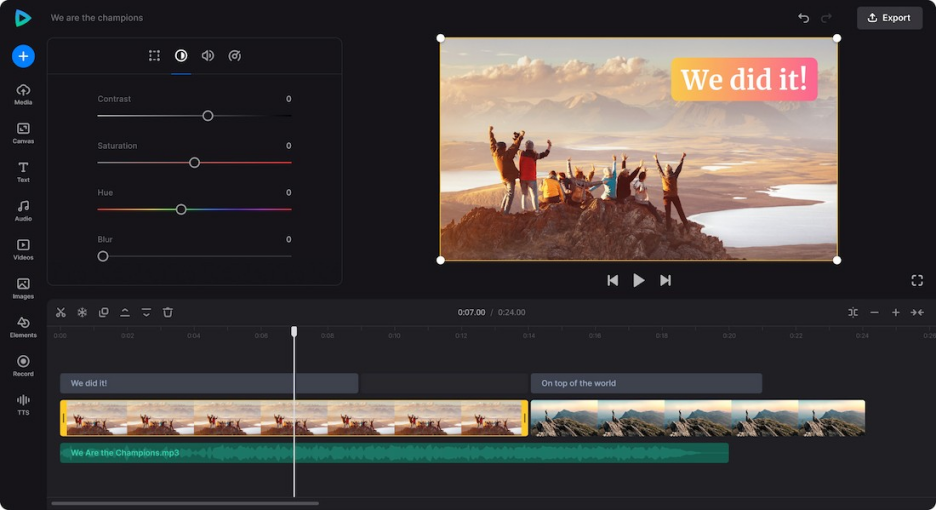
Clideo takes a "utility-first" approach, functioning as a specialized toolbox for specific video tasks. Instead of a single complex interface, it offers dedicated apps for trimming, looping, compressing, and resizing. It is the fastest solution for "one-off" edits where you don't need a full timeline or AI generation, making it a favorite for users who need to quickly format a clip for a specific platform.
 Pros:
Pros:
·
Beginner-friendly interface
·
All-in-one toolbox
·
Useful for quick fixes such as resizing videos for social media
Cons:
·
No advanced video editing features
·
Limited AI-editing features
·
Watermark added in free plan
·
Editing tools are separated rather than integrated into a full editor – therefore, not suitable for complex projects or long videos
Best-suited for: fast, single-purpose editing tasks.
7.
Clipchamp
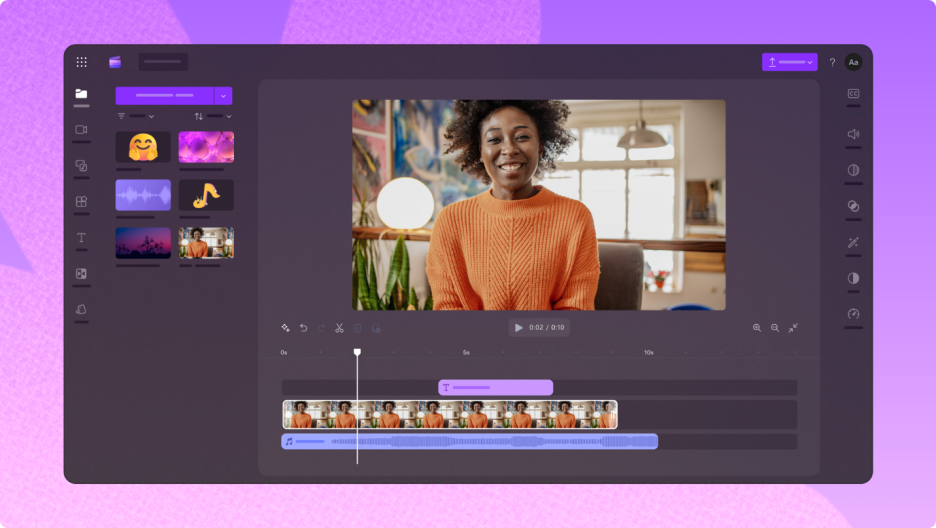
Developed by Microsoft, Clipchamp provides a familiar, desktop-like editing experience directly in the browser. It features a robust multi-track timeline, built-in screen recording, and a library of stock content. While it incorporates AI voiceovers and basic automation, its primary appeal is its deep integration with the Microsoft 365 ecosystem, making it a reliable choice for educators and business professionals.
Pros:
·
Integration with Microsoft account
·
Built-in screen and webcam recording
·
Large library of templates, audio, and stock videos
Cons:
·
Performance can slow down with large files
·
Limited AI-editing features
·
Limited collaboration feature
·
Premium assets require a subscription
Best-suited for: beginners as well as content creators (mostly popular amongst YouTubers, educators, and businesses) who need more control to create video tutorials or marketing content.
How to Choose the Best Online Video Editor for Your Needs
If you were to choose one of these, what will be the best free online video editor for you? There’s no one right answer to this question. The answer truly lies in your needs. Here’s a quick comparison of these software to help you decide your best pick.
|
Software
|
Video Editing Features
|
AI Video Generation
|
AI-Assisted Video Editing
|
Quick Video Clips & Cutting
|
Free Video Editing Without Watermarks
|
|
Vmake
|
Versatile
|
Yes
|
Yes
|
Yes
|
No
|
|
Kapwing
|
Full
(timeline & drag-drop)
|
Yes
|
Yes
|
Yes
|
No
|
|
Canva
|
Basic
(drag-drop, trimming)
|
Limited
|
Limited
|
Limited
|
Yes
(for free assets)
|
|
FlexClip
|
Basic
(storyboard & timeline)
|
Limited
|
Limited
|
Yes
|
No
|
|
Adobe Express
|
Basic
|
Yes
|
Limited
|
Limited
|
Yes
(for free assets)
|
|
Clideo
|
Very basic
|
No
|
No
|
Limited
|
No
|
|
Clipchamp
|
Full
(timeline & drag-drop)
|
Limited
|
Limited
|
Yes
|
Yes
|
Final Thought
Choosing the right online video editor depends on your workflow. If you prefer manual, frame-by-frame control, traditional timeline editors like Kapwing or Clipchamp remain reliable standards. For those needing quick, design-heavy clips, Canva and Adobe Express are the leading choices. However, if you want to bypass technical complexities entirely, an AI agent like Vmake Agent offers a different approach by replacing manual tools with simple natural language instructions for tasks like 4K restoration and scene cleaning.

You May Be Interested
2025 Best Tools to Create Clean and Readable Subtitle Fonts

5 Best Free Green Screen Video Backgrounds for Creators

5 Tools to Make Best Green Screen Backgrounds for Every Video Style