How to Make an Animation: A Complete Production Guide for Beginners
Bring your creative concepts to life without the frustration of manual editing. Use Vmake AI to generate fluid, high-quality video animations and free up time for your narrative storytelling.

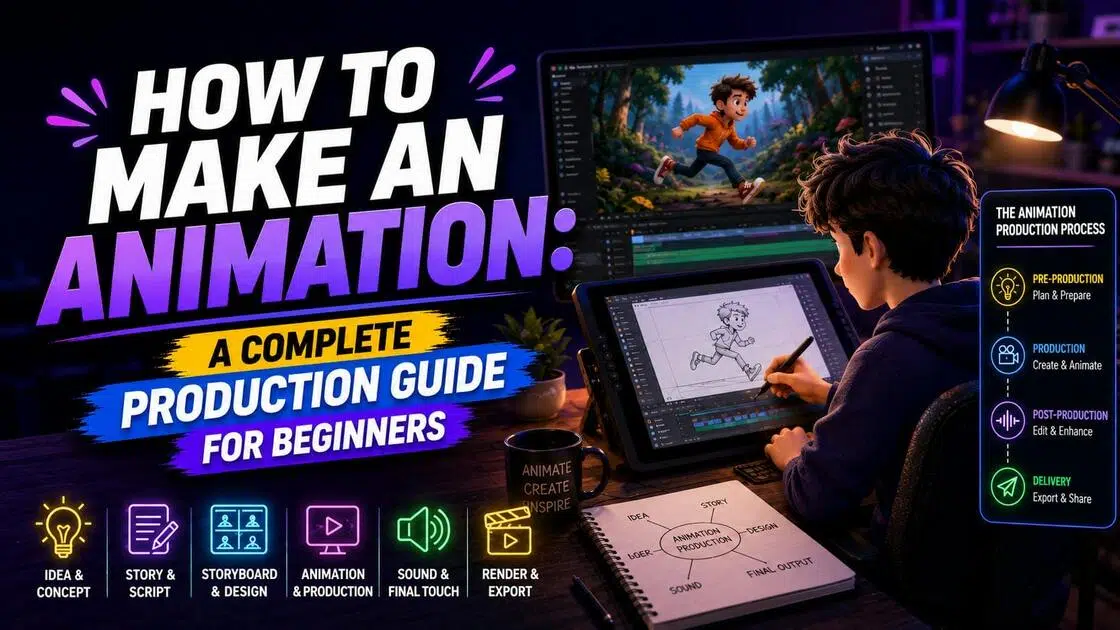
For a long time, learning how to make a video animation meant dealing with expensive software, specialized hardware, and a fairly steep learning curve. That's changed quite a bit. Today, this guide will walk you through the fundamentals, the major animation styles, and a practical production process you can actually follow from idea to finished video. Let's dive in now.
What Exactly Is Animation?

At its simplest, animation is the illusion of movement created by showing a series of still images one after another. When those images appear quickly enough, your brain blends them together and interprets them as motion.
That core principle hasn't changed much over the years. It applies to classic hand-drawn cartoons, big-budget 3D films, motion graphics, and even AI-generated videos. No matter the style, every animated project is built from individual frames arranged in sequence.
If you're trying to understand how to make a video animation, this is the foundation. Every movement you see on screen is really a collection of still images working together to create the impression of life and motion.
The Primary Types of Animation
Not all animation is created the same way. Different projects call for different techniques, and each style comes with its own strengths, limitations, and learning curve. Before you start figuring out how to make an animation, it helps to understand the most common animation categories.
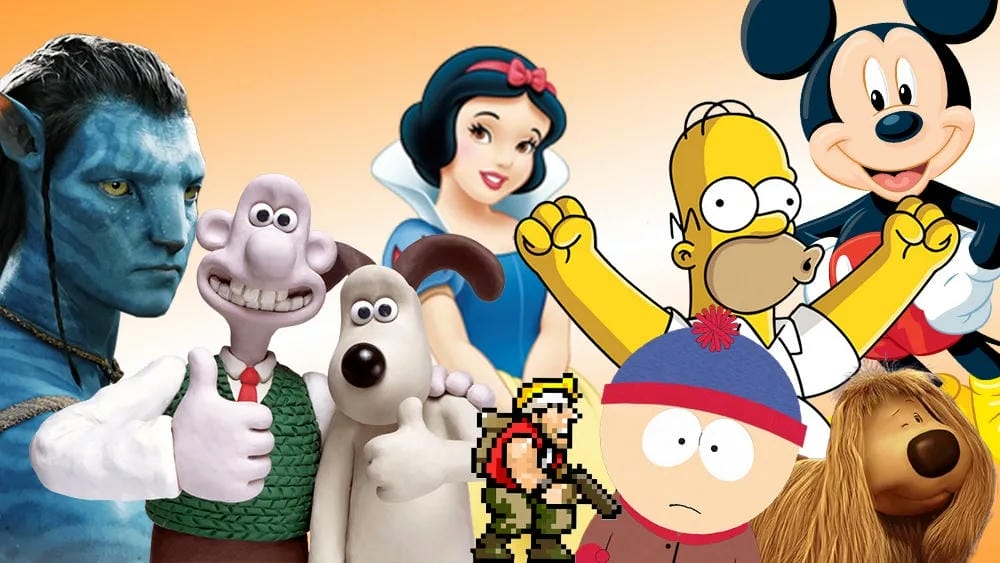
Traditional (Cel) Animation
Traditional animation is the classic frame-by-frame method. Artists draw each frame individually, either on paper or with digital drawing tools. Because every movement requires a new drawing, the workload can become enormous very quickly.
2D Vector-Based Animation:
2D vector animation takes a different approach. Instead of redrawing a character over and over, animators create a digital puppet and move its individual parts using a rigging system. It's a popular choice for explainers, social media content, marketing campaigns, and UGC video production.
3D Computer Animation
3D animation uses digital models that exist within a virtual three-dimensional environment. Animators can move characters, adjust camera angles, and add realistic lighting to create scenes that feel immersive and lifelike.
Motion Graphics
Motion graphics focus less on characters and more on visual elements such as text, icons, shapes, and logos. They're commonly used in advertisements, presentations, product launches, and explainer videos.
Stop Motion
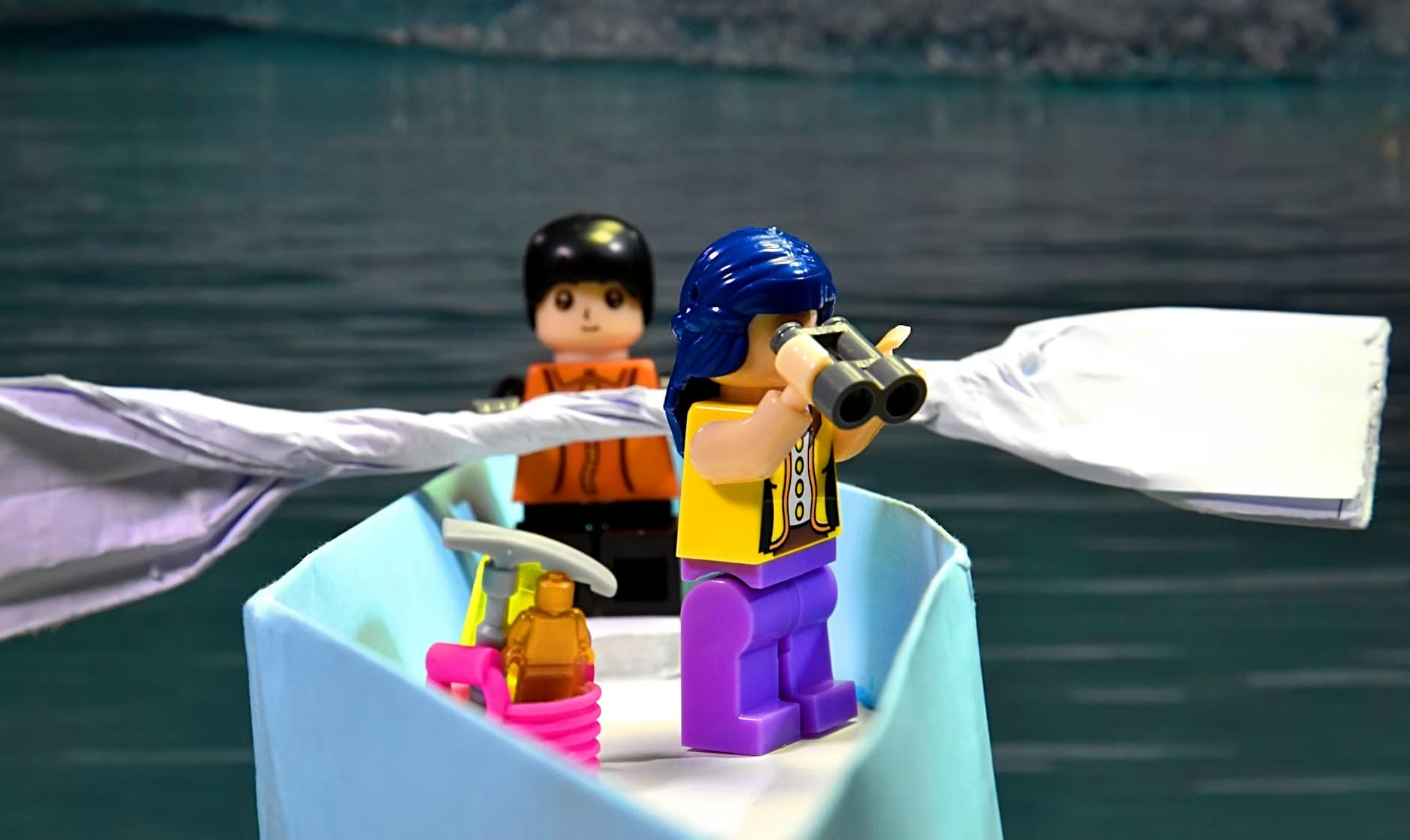
Stop motion is created by photographing real-world objects one frame at a time. The object is moved slightly between shots, and when the images are played back in sequence, the movement appears animated.
|
Animation Style |
Production Method |
Best For |
|---|---|---|
|
Traditional (Cel) |
Hand-drawn frames |
Artistic and character-driven projects |
|
2D Vector Animation |
Digital rigs and movable parts |
Marketing videos, explainers, social content |
|
3D Animation |
Digital models in a 3D environment |
Films, games, and realistic visuals |
|
Motion Graphics |
Animated text and graphic elements |
Advertising, presentations, product demos |
|
Stop Motion |
Frame-by-frame photography |
Handmade and creative visual storytelling |
Modern tech: How to Make an Animation with AI
Traditional animation software can be powerful, but it often comes with a steep learning curve and demanding hardware requirements. Programs used for professional animation may require advanced technical skills, large amounts of storage, and significant rendering power. For beginners learning how to make an animation, these barriers can make the process feel overwhelming.
AI-powered animation tools are changing that. Instead of manually creating every frame, users can now generate animated content from images, text prompts, or existing videos. Let's try out this straightforward method to make animations with less effort.
Step 1: Plan Your Animation
Every successful animation begins with a clear plan. Define your goal, audience, and message before creating any assets. Sketch a simple storyboard or outline the key scenes you want to include.
Whether you're creating a marketing video, social media clip, educational content, or a short film, planning helps maintain consistency throughout production. This foundation is especially important when learning how to make a video animation efficiently.
Step 2: Create or Gather Visual Assets
Once your storyboard is ready, collect the images, illustrations, characters, or video clips needed for your project. You can create these assets manually or use AI image generators to speed up the process.
Many creators now use AI tools to generate backgrounds, character concepts, and scene elements in minutes rather than hours. This significantly reduces production time while giving beginners more creative flexibility when learning how to make an animation project from scratch.
Step 3: Generate the Animation
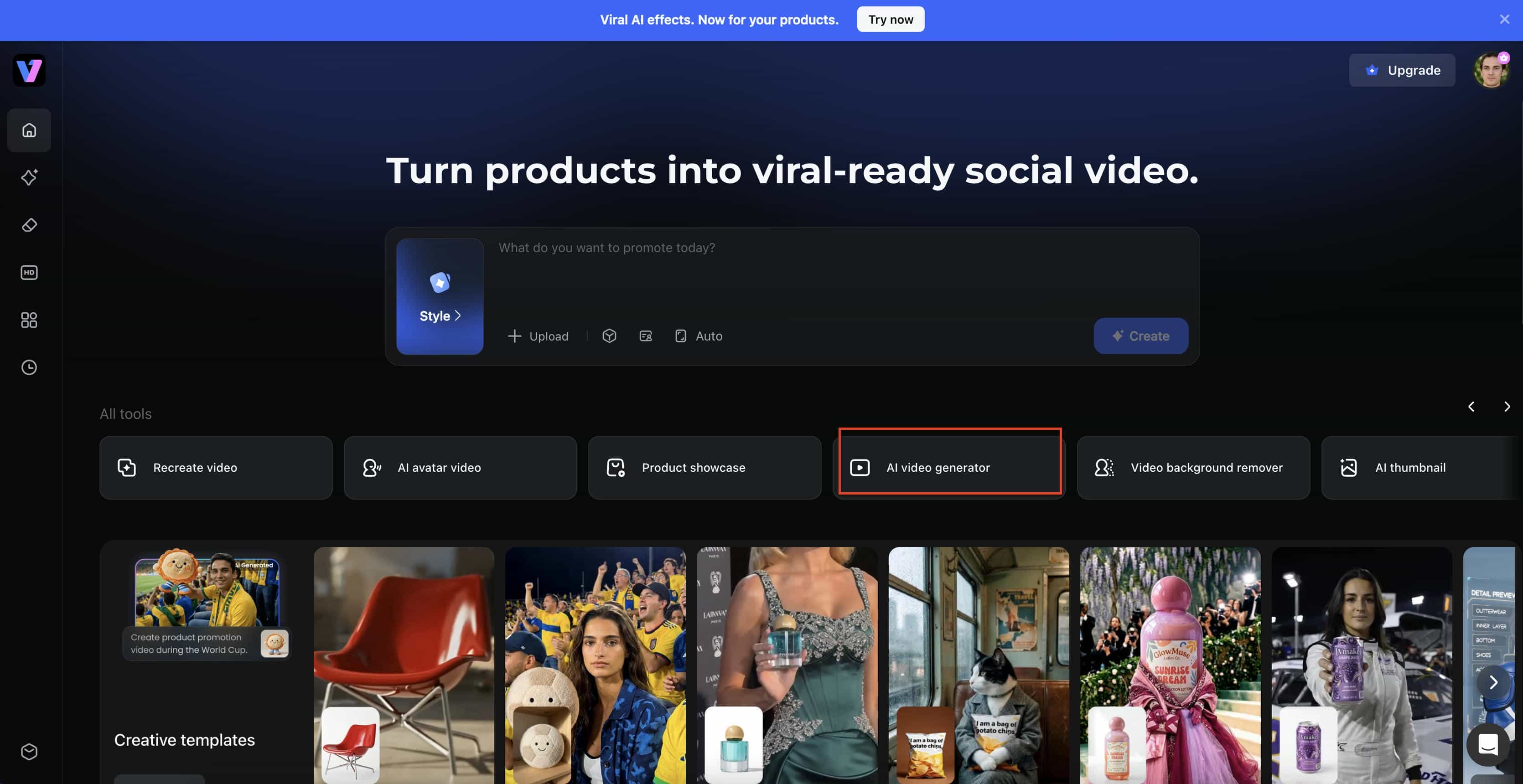
After preparing your assets, it's time to bring them to life. AI animation platforms can transform static images into moving scenes by automatically generating motion, camera movement, and visual effects. Here, we take one of the 2026 best video generators, Vmake, as an example to simplify this process:
-
Choose Generation Mode and Add Your Assets
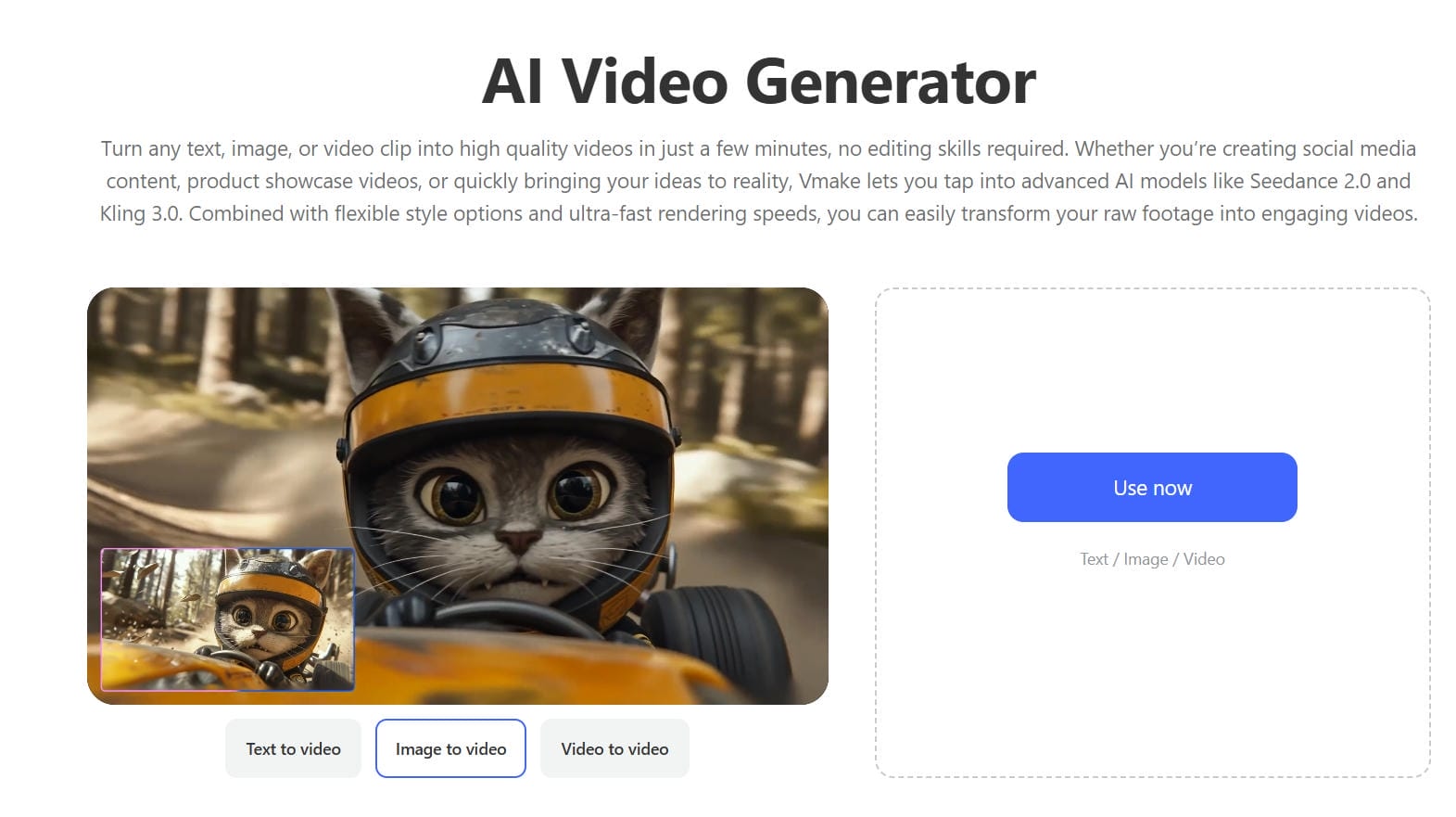
Start by opening the AI Video Generator and selecting either Text to Video or Image to Video. Text to Video creates an animation entirely from a written prompt, while Image to Video uses one or more reference images to guide the generated motion. Next, choose your preferred AI model, adjust the aspect ratio and video duration, and upload any images if required.
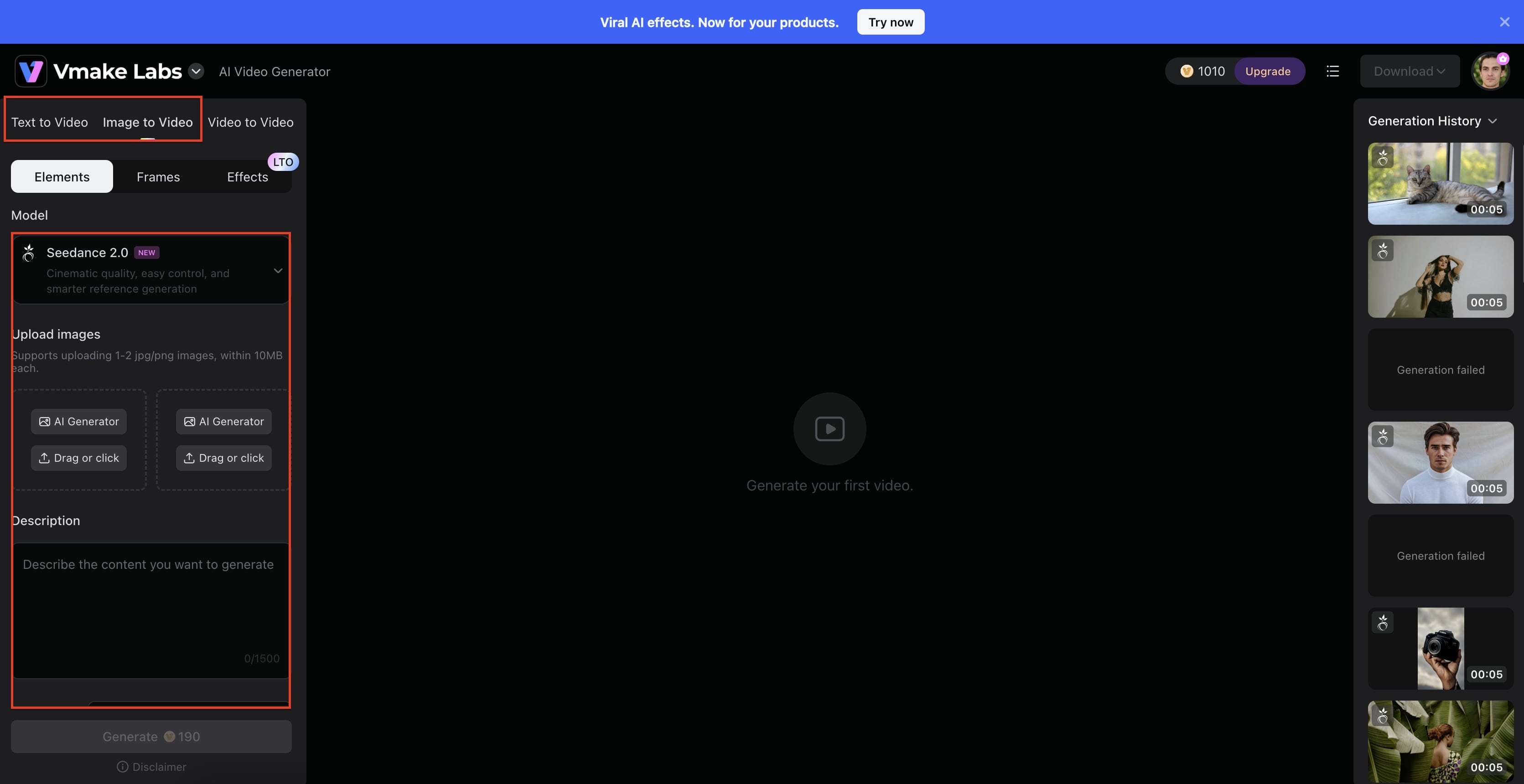
-
Describe the Animation and Generate
Enter a detailed prompt describing the movements, expressions, camera actions, or scene transitions you want to see. The AI uses these instructions to animate your content automatically. Once your settings are configured, click Generate and wait for the system to create the animation.
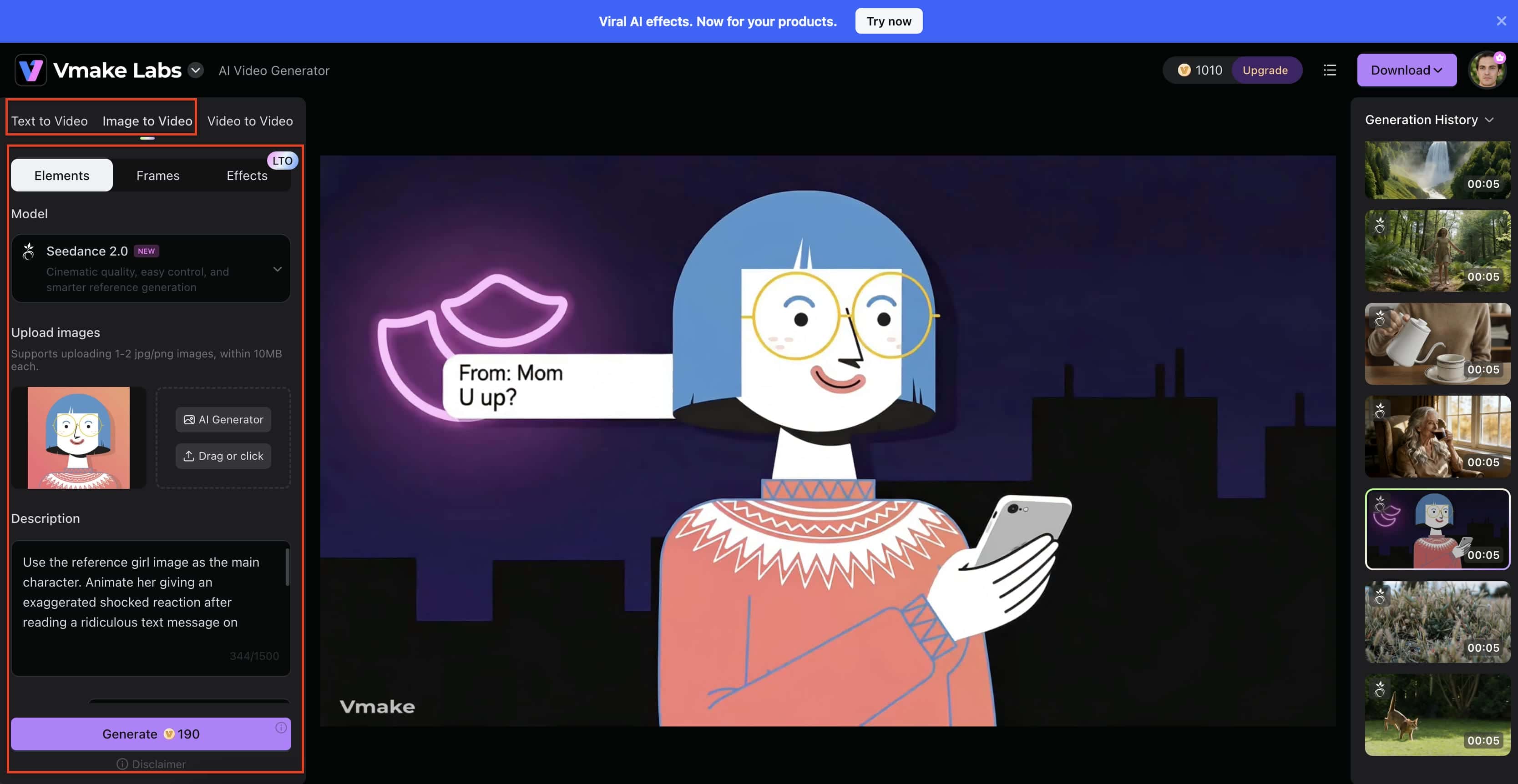
-
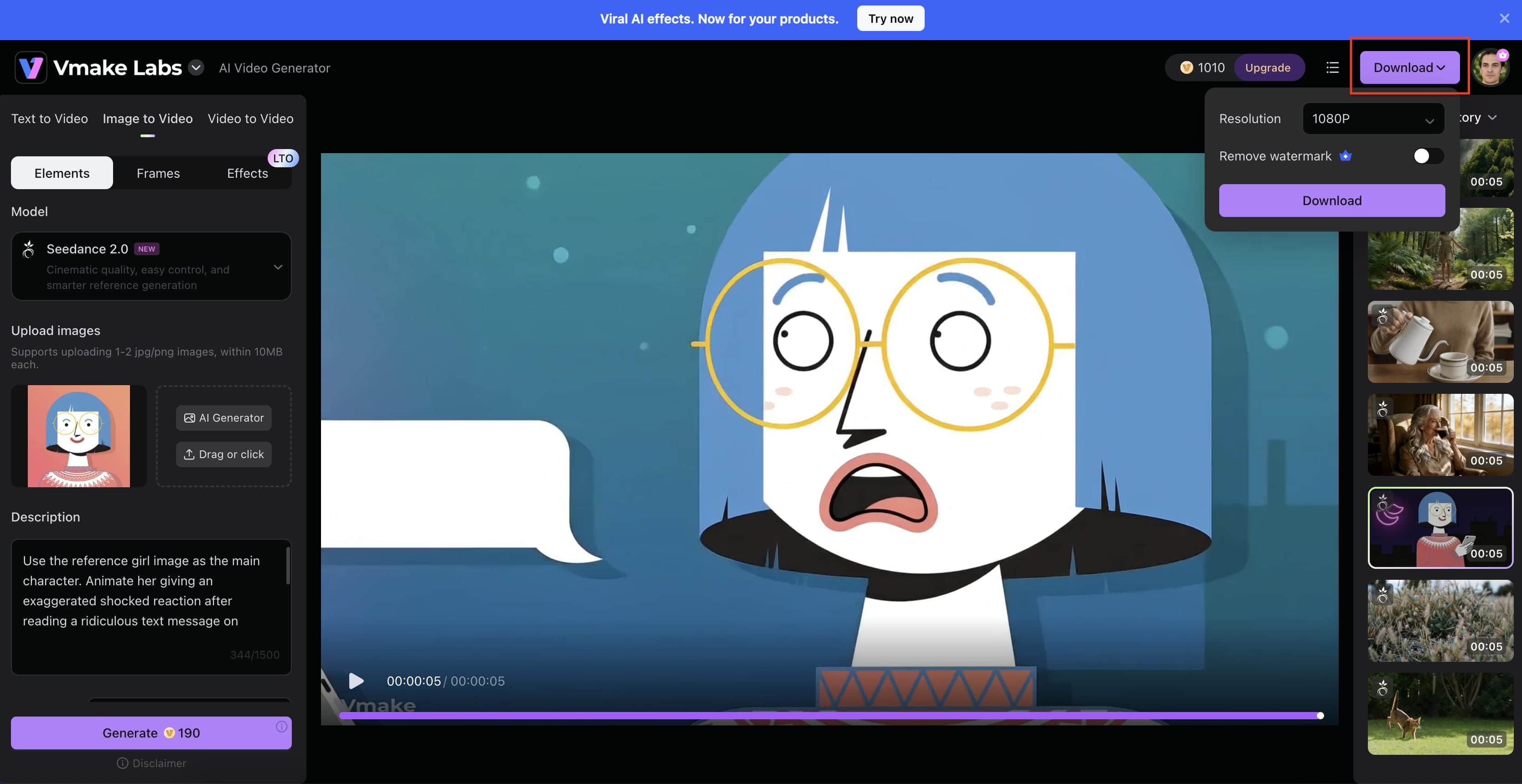
Review, Export, and Download
Preview the generated animation to ensure the motion, timing, and visual quality meet your expectations. If you're satisfied with the result, click Download, choose your preferred export settings such as resolution, and save the finished animation for publishing or further editing.
Step 4: Add Audio and Effects
Sound design plays a major role in creating professional animations. Add background music, narration, sound effects, and transitions to improve engagement and reinforce your message. Many AI-powered platforms also offer automatic voice generation and subtitle creation, making production even more efficient.
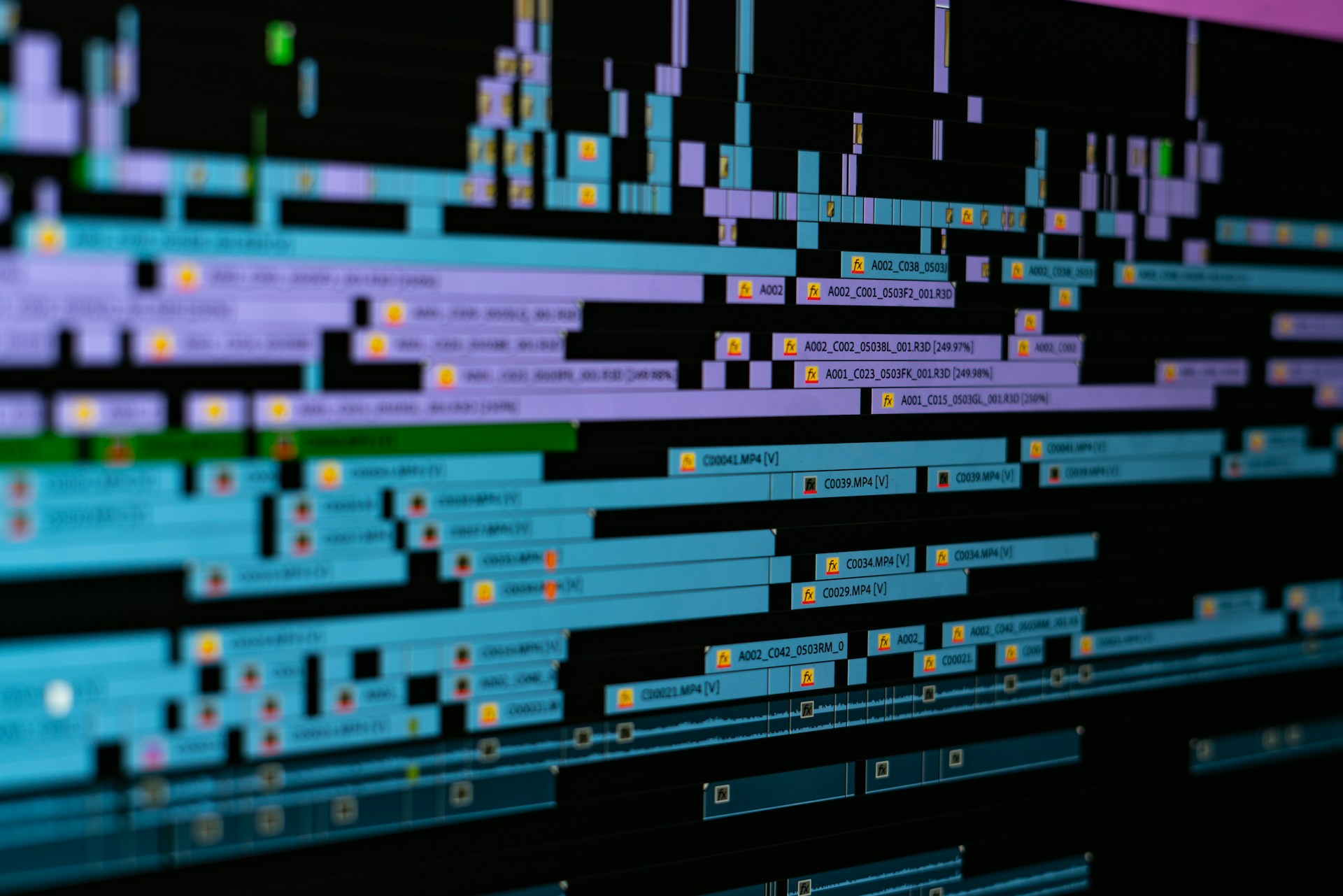
Step 5: Export and Optimize
Once the animation is complete, export it in the appropriate format for your target platform. Social media videos may require vertical formats, while YouTube and presentation videos often perform best in widescreen layouts.
Before publishing, review the final video for pacing, visual consistency, and audio quality. With modern AI tools, creators can now learn how to make an animation faster than ever while maintaining professional-quality results.
Why AI is Changing the Landscape
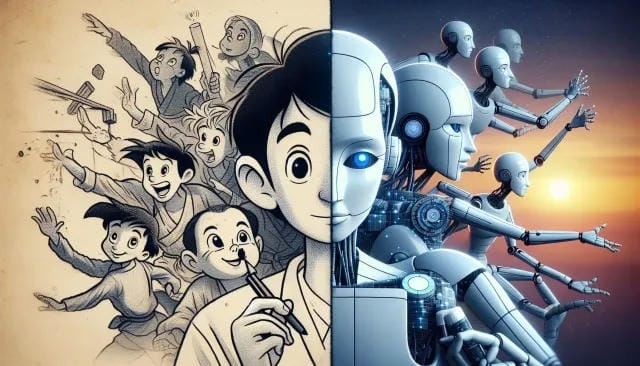
Emerging automation tools shift who gets to participate in motion design. Figuring out how to make an animation no longer demands a formal art degree. Machine learning networks process visual data mathematically, predicting movement rather than waiting for human input.
-
Less Manual Animation Work: Many AI tools can automatically generate movement, camera motion, and scene transitions. Instead of adjusting every animation detail by hand, creators can describe what they want and let the software handle much of the work.
-
Faster Content Creation: Creating characters, backgrounds, and visual assets traditionally takes significant time. AI can generate many of these elements in minutes, helping creators move from concept to finished animation much faster.
-
Making Animation More Accessible: Professional-looking animations are no longer limited to large studios with specialized teams. With modern AI tools, beginners, small businesses, and independent creators can produce high-quality animated content using simple workflows and affordable resources.
Conclusion
Understanding how to make an animation boils down to mastering frame pacing and strict pipeline management. Pick a visual style that fits your narrative scope. Keep your hardware limitations in mind, utilize modern cloud tools to handle the heavy rendering, and focus your hours on actual storytelling. The technical barriers have broken down, leaving creativity as the only real metric for success.
FAQs
Do I need to know how to draw to make an animation?
No. Many modern animation tools do not require drawing skills. You can create animations using pre-made assets, 3D models, motion graphics, or AI-powered tools that generate visuals from text prompts.
What is the easiest type of animation to learn?
Motion graphics and 2D vector animation are usually the easiest options for beginners. They allow you to animate existing shapes, text, or characters without drawing every frame by hand.
Can Vmake AI help reduce post-production costs?
Yes. Vmake AI automates many editing tasks, such as video enhancement and optimization, helping creators spend less time on manual editing and reducing overall production costs.
How long does it take to make a 1-minute animation?
The timeline depends on the animation style and complexity. Traditional animation can take weeks, while AI-powered tools can help create a short animation in just a few hours.
What software should a complete beginner start with?
Beginners should start with user-friendly animation or AI video generation tools that offer simple workflows and templates. As your skills grow, you can explore more advanced animation software.
What role does pre-production play in cost management?
Pre-production helps you plan your animation before production begins. Creating a storyboard, script, and visual plan early can prevent unnecessary revisions, save time, and reduce production costs.

You May Be Interested
Viggle AI Video Generator Review & Top 2026 Alternatives

Best AI Animation Generators for Creating Images and Videos

How to Touch Up Photos in 2026: Best AI Tools to Retouch Images Easily

Best AI Video Generator: Top Tools Tested (2026)