
Styles of Animation: Explore Popular Animation Styles & Techniques
From stop-motion to modern 3D experiences, explore different styles of animation techniques shaping today's visual content. Bring your ideas to life faster with Vmake AI today.

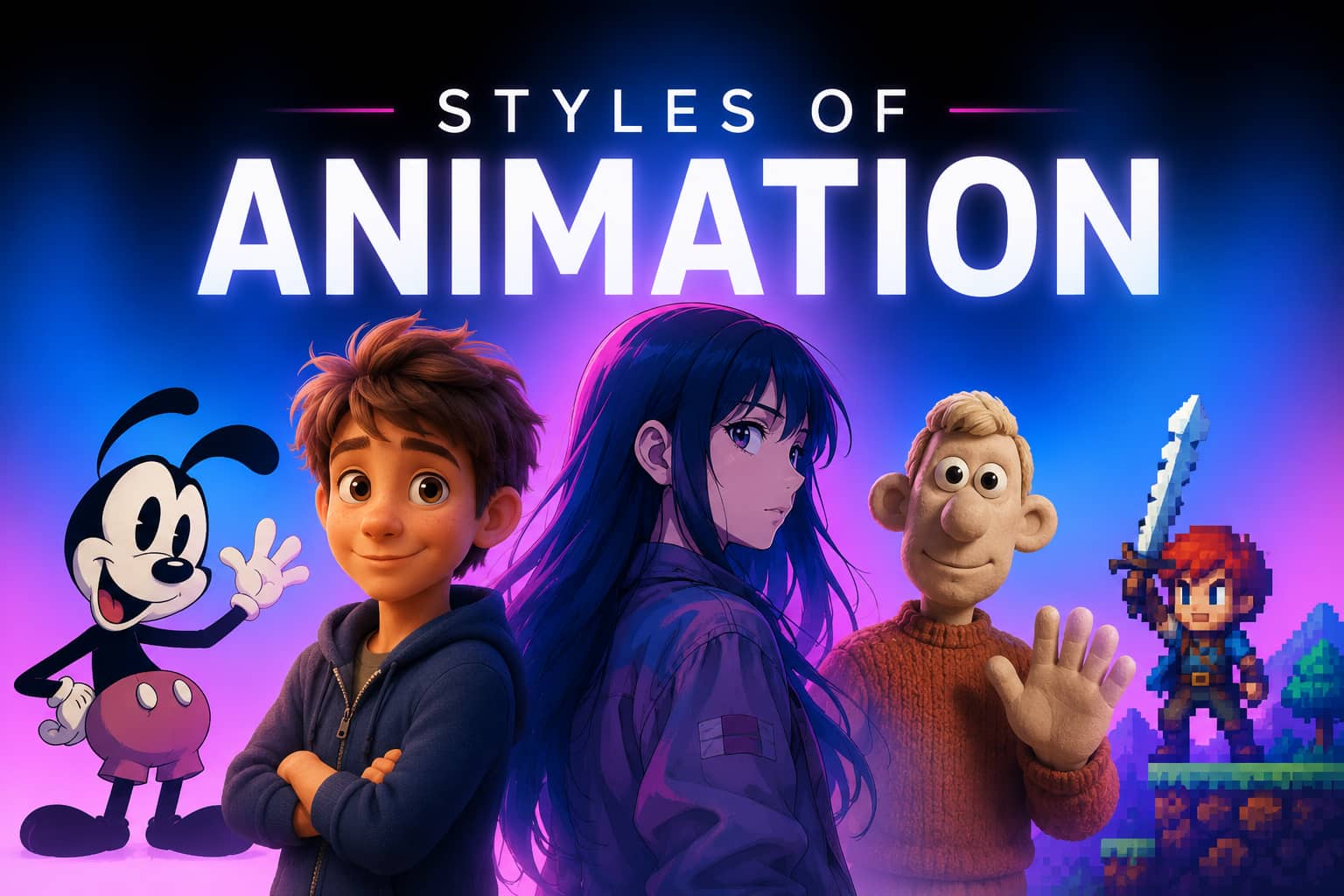
Choosing the right animation style, though, is where things get tricky. A style can look incredible in a showreel and still be completely wrong with your project. To clear up the confusion about which animation to select, this guide walks you through the different styles of animation, the situations where each one makes sense, and how tools like Vmake can help turn an idea into a finished video.
What are animation styles
Animation styles refer to the visual personality of an animation. They're what give a piece its look, mood, and overall feel long before the audience pays attention to the actual message. Some styles feel playful. Others lean realistic, polished, or even intentionally rough around the edges. That's part of the appeal. The same story can feel completely different depending on how it's animated.
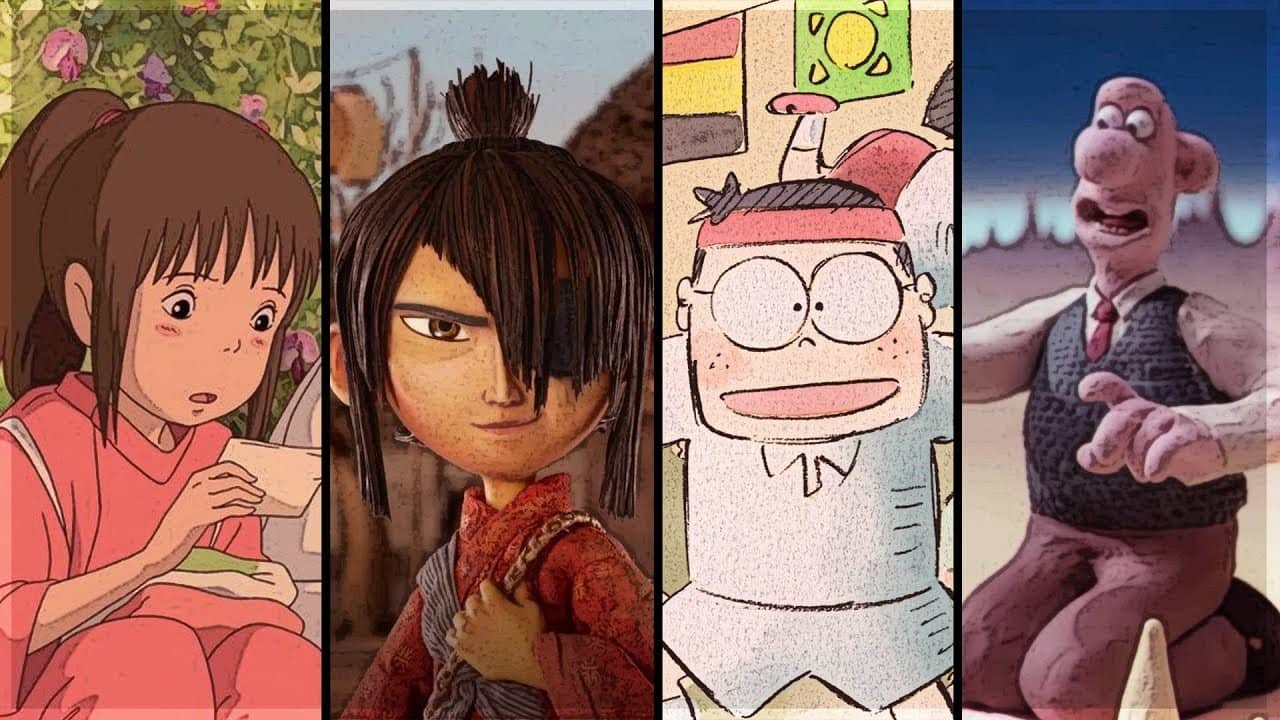
Some of the popular animation styles you can go for are cel animation, rotoscope animation, whiteboard animation, 2D animation, 3D animation, and motion graphics.
Think of animation styles as the visual language your audience notices before they process anything else. Every creative choice plays a role. Put the same message into two different animation styles, and you'll often get two completely different reactions. A strong style of animation can make your content instantly recognizable, which matters when you're trying to build a brand people remember.
Why choosing the right animation style matters
-
Strengthens your message
The visual style you choose shapes how people absorb information. If you're explaining something complicated, a clean visual style often makes it easier for people to keep up. Go in a more artistic direction, and you can add personality, mood, and a bit of emotional weight that plain visuals sometimes lack.
-
Enhance audience engagement
People react differently to different visuals. What grabs the attention of a younger audience on social media might feel out of place in a corporate training video. When the style feels familiar and relevant, viewers tend to stick around longer.
-
Reflects brand identity
Animation says something about your brand before a single word is spoken. A playful style creates one impression. A sleek, minimal style sends a very different message. Clean visuals can make a brand feel polished, focused, and confident without trying too hard.
-
Affects production cost and timeline
Not all animation styles require the same level of effort. Some can be produced relatively quickly. Others involve weeks of modeling, rendering, revisions, and testing. The price difference can be significant, too. Some animations might cost more than others, so choose what your budget allows.
-
Supports content goal and platform requirements
Not every platform plays by the same rules. An animation that looks fantastic on a website can struggle on social media, where people are scrolling faster than you'd probably like. Before choosing a style, think about where your content will actually be seen.
How to choose the best style of animation for your project
-
Set up your aims
Before you think about visuals, get clear on the goal. What are you actually trying to do? Maybe you're explaining a product. Maybe you're building brand awareness, training employees, or pushing for more sales. A polished animation can look fantastic and still fall short. If the message doesn't support the reason you're creating it in the first place, all that visual polish won't help much.
-
Understand what your viewers love
It's easy to pick an animation style based on what you personally like. The catch? Your audience may not respond to it at all. A style that pulls one group in within seconds can leave another scrolling past without a second glance. The better you understand the people you're trying to reach, the less guessing you'll do.
-
Consider the budget and resources
Every animation style comes with trade-offs. Some styles move through production fairly quickly with a lean team. Others ask for specialists, longer timelines, and budgets that seem to grow every time you open the project file. It's tempting to chase the most visually ambitious option, but that's not always suitable for your project. Pick a style you can actually execute well. What looks impressive in a pitch deck can feel very different once production gets underway
-
Evaluate production time
Deadlines shape more creative decisions. If you need content next week, some animation styles are probably off the table before the project even starts. It doesn't matter how impressive they look in a portfolio. Time has a vote. The more detailed the style, the more production hours tend to pile up. That doesn't mean you should automatically grab the fastest option and move on. Sometimes a little extra production time is absolutely worth it.
-
Match style with message
Your animation style should support the message rather than compete with it. The job of the animation should shape the style, not the other way around. When you're explaining something complicated, clarity usually wins. You want people to understand the message without having to stop to figure out what's happening on screen. Fancy visuals can help in some cases, but they can also get in the way.
The different types of animation styles
-
Traditional animation (Cel animation)
Traditional animation, often called cel animation, is where the art of animation began. Before computers took over much of the process, every movement you saw on screen had to be drawn by hand. One frame at a time.
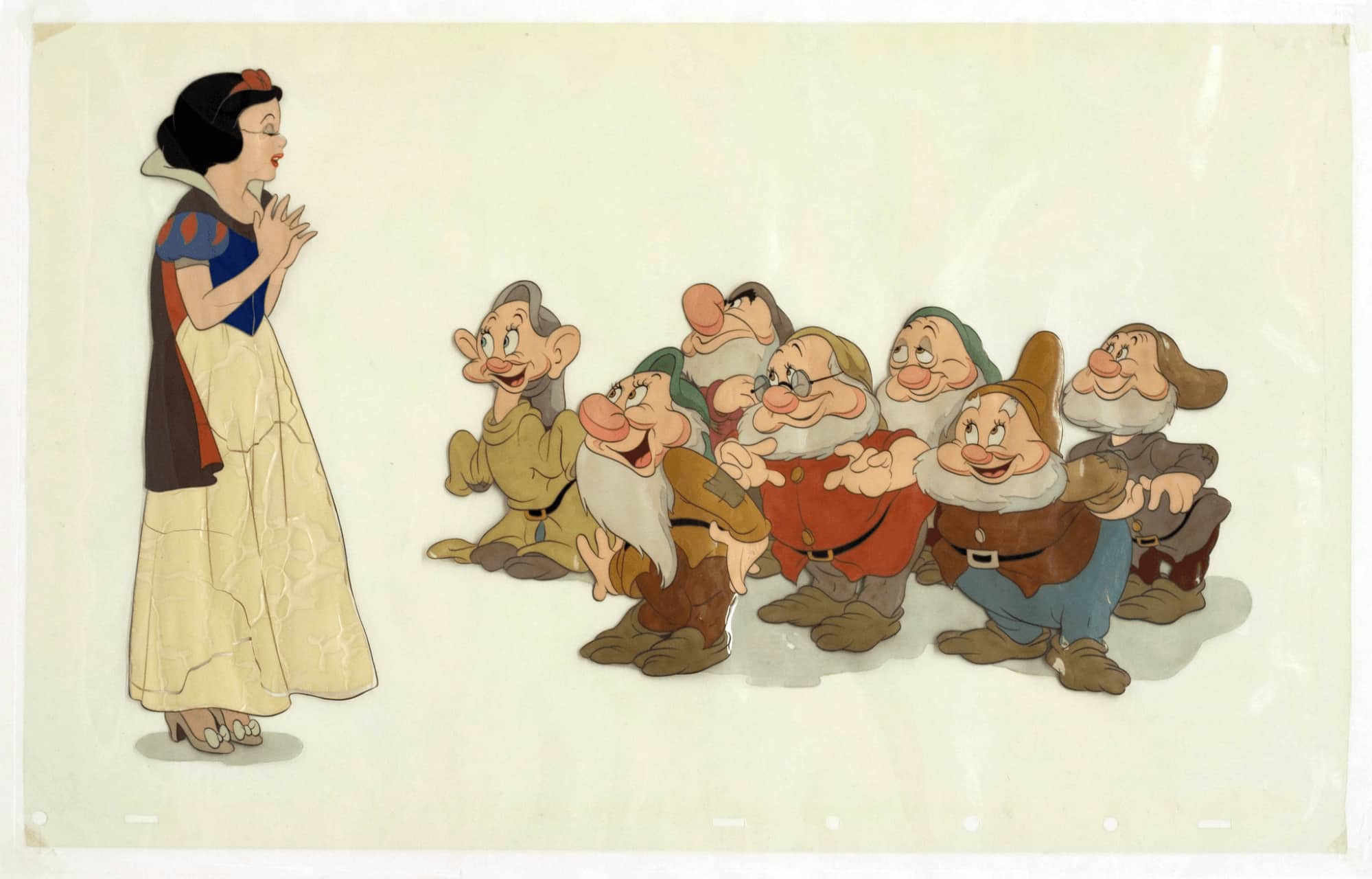
That's a staggering amount of work. Artists create thousands of individual drawings, each capturing a tiny slice of movement. When those images are photographed and played back in sequence, motion emerges. The small variations between drawings give the movement a character that's hard to fake.
-
2D animation
2D animation is built around flat characters, objects, and backgrounds, but don't mistake "flat" for limited. If you're looking for a style that can shift from playful and simple to highly expressive without dragging your timeline to the ground, it's still one of the strongest options available.
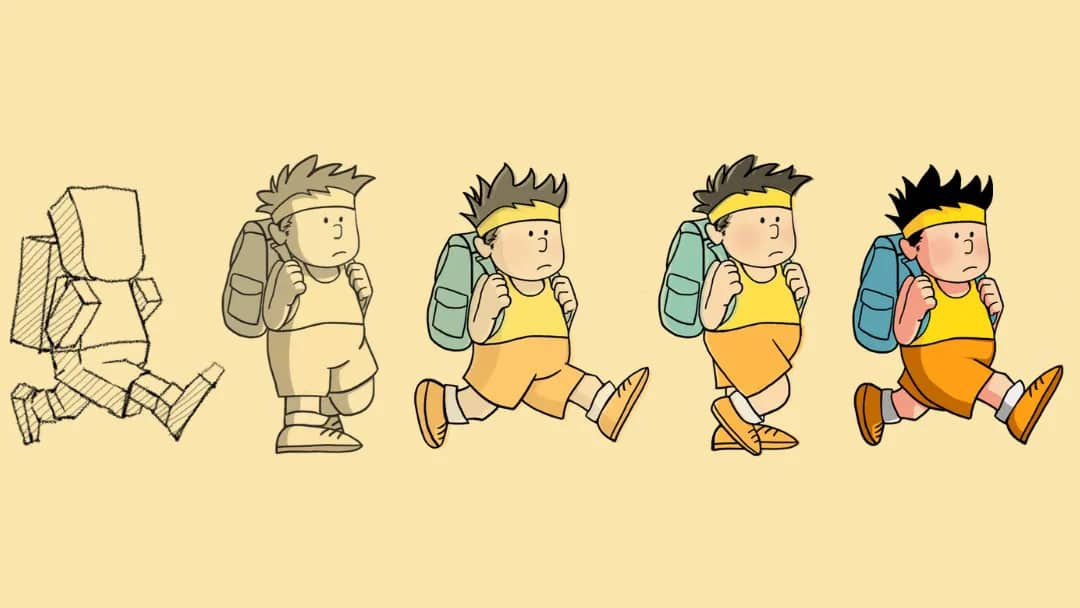
You get a surprising amount of creative freedom here. Some projects rely on clean shapes, restrained motion, and just enough detail to make the message land. Others push much further, building character-focused scenes packed with personality, visual nuance, and little touches that keep people watching. That's one reason 2D animation has stuck around for so long, while other trends have come and gone.
-
3D animation
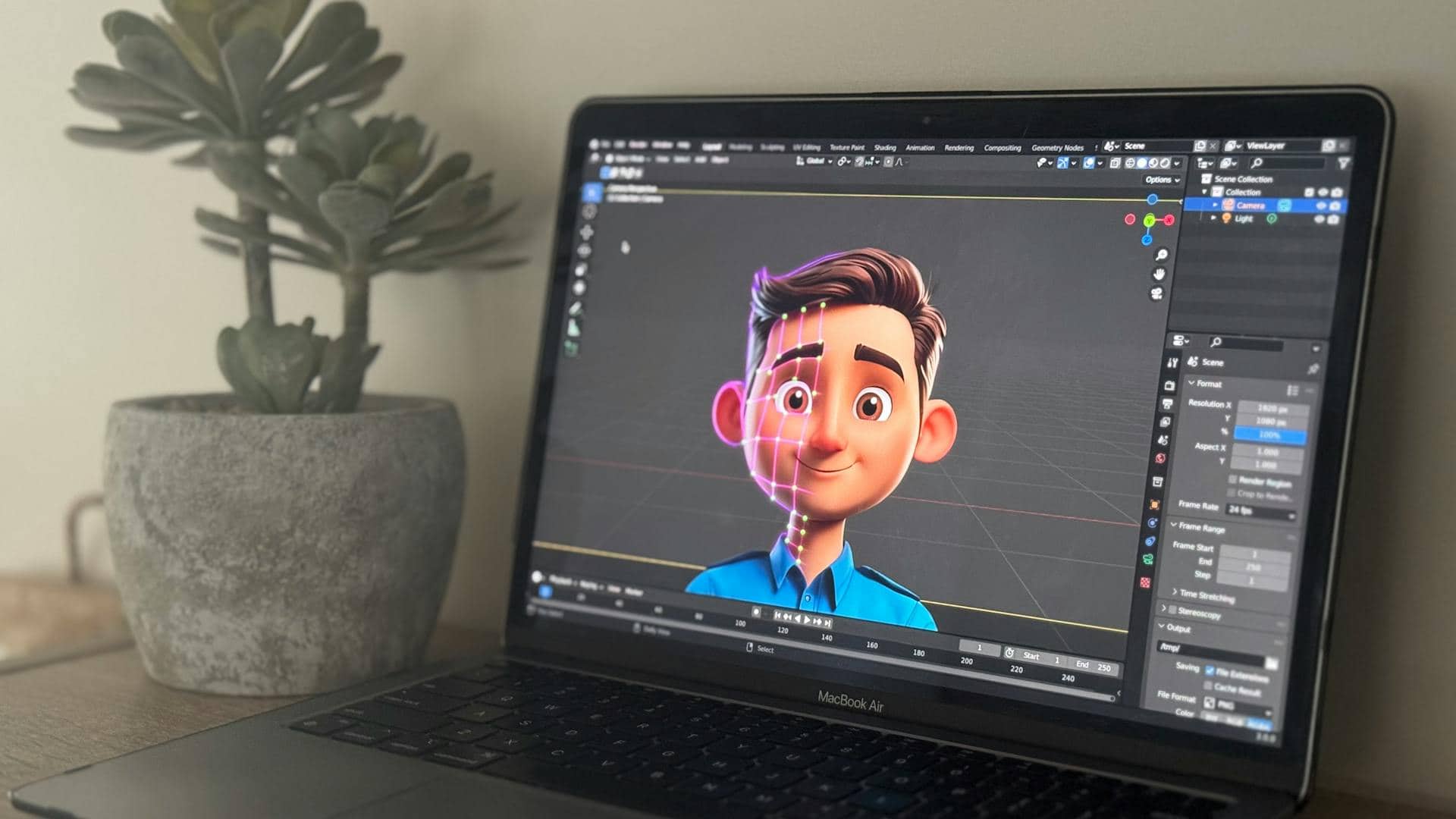
3D animation brings depth to the picture. Characters feel more tangible. Environments have weight, scale, and a sense of space that can pull you into the scene in a way flat visuals sometimes can't. One thing people appreciate is flexibility. Build it once, and you've already done most of the hard work. A character, object, or environment doesn't have to be recreated every time you need it.
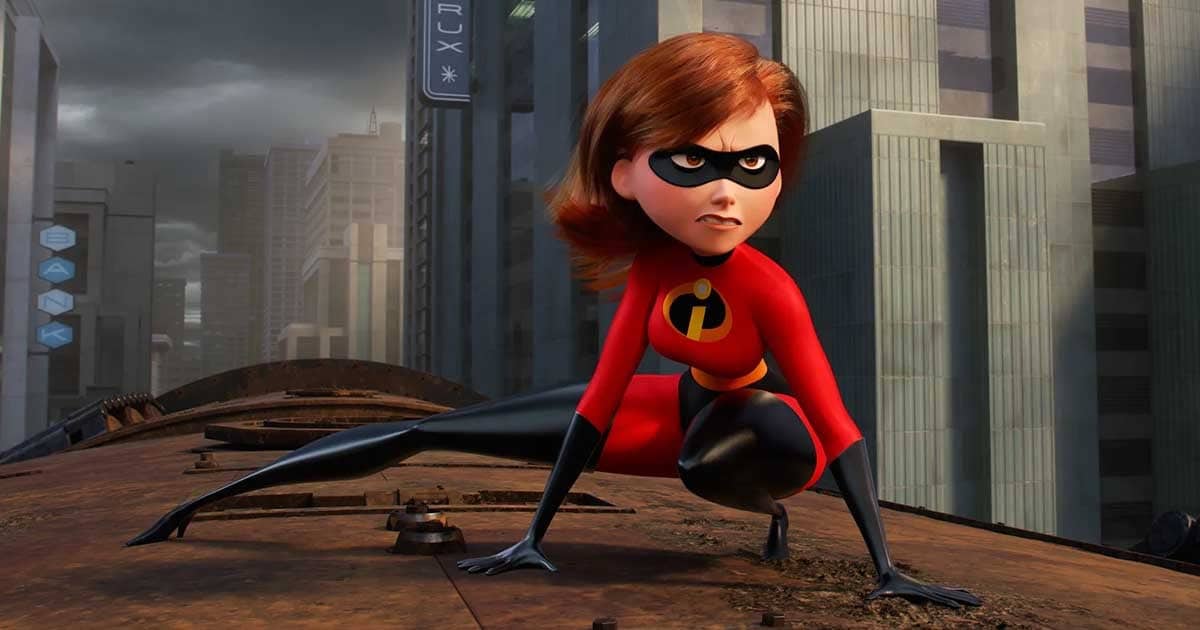
You can tweak details, adjust movements, change camera angles, or drop the same asset into an entirely different scene without starting from zero again. That can save a surprising amount of work later on.
-
Motion graphics animation
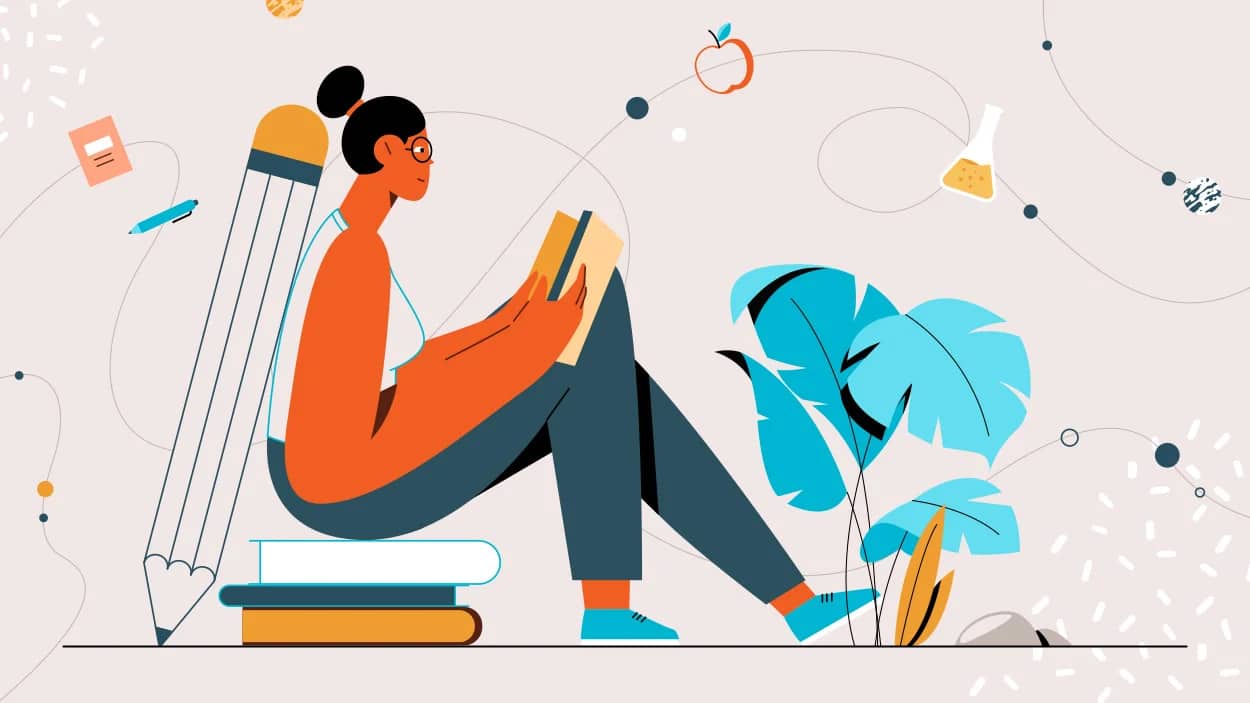
Motion graphics animation is less about characters and stories, and more about moving information in a way people can actually follow. When you need to explain data, product features, processes, or business ideas, this style often does the job remarkably well. That's why it shows up so often in corporate videos, presentations, and digital advertising.
-
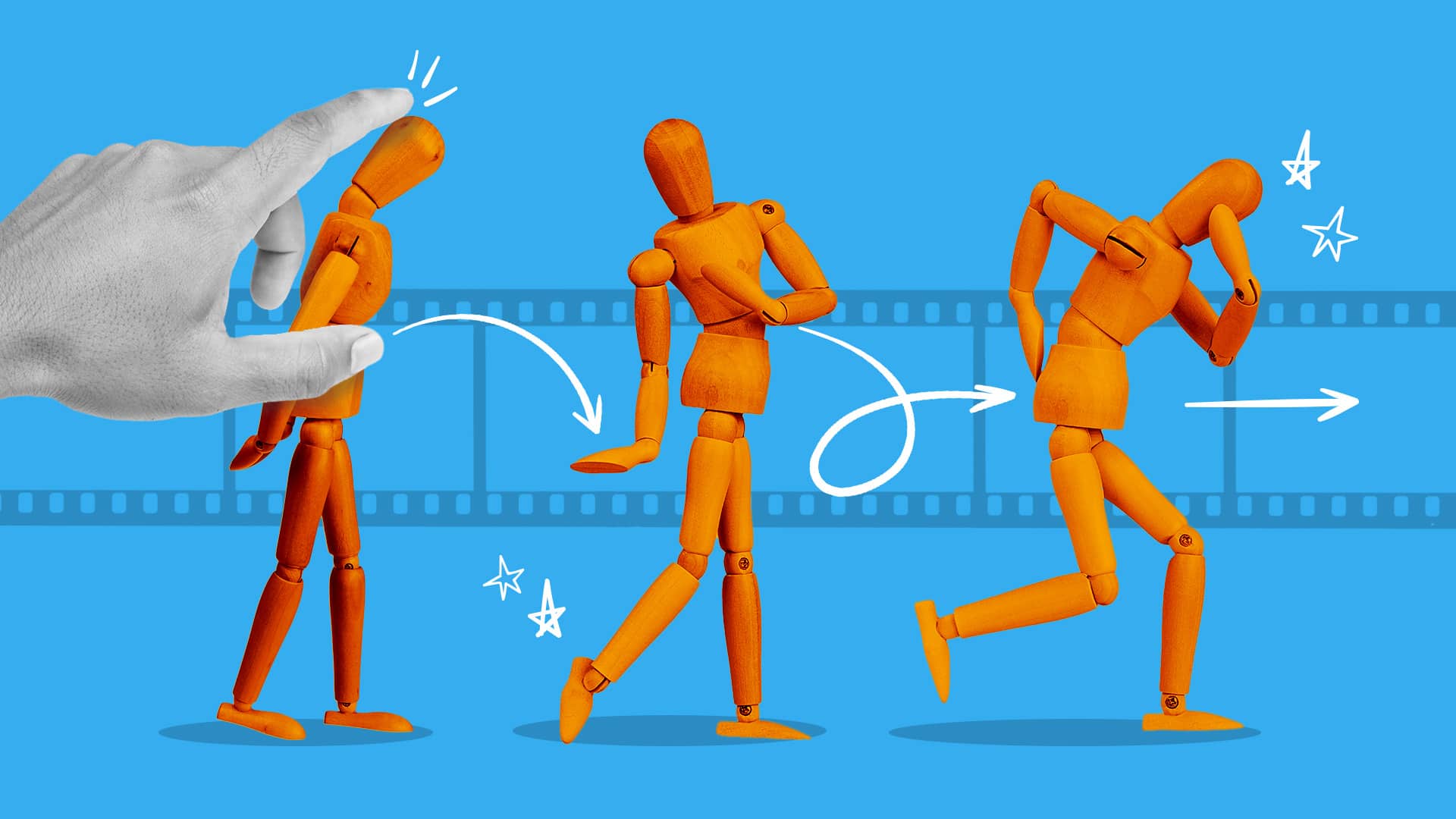
Stop motion animation
Stop motion animation is created one tiny movement at a time. Almost anything can become part of the process. Clay figures, paper cutouts, puppets, toys, or even ordinary household objects can take on a life of their own once the camera starts rolling. That's part of the charm. You're not watching a computer generate movement; you're watching physical objects perform in front of you. The look is hard to imitate. There's a handcrafted quality to stop motion that many digital techniques struggle to reproduce.
-
Whiteboard animation
Whiteboard animation explains ideas by making them appear as though they're being drawn right in front of you. There's something naturally engaging about watching a concept take shape piece by piece. You don't just see the information; you follow its construction.
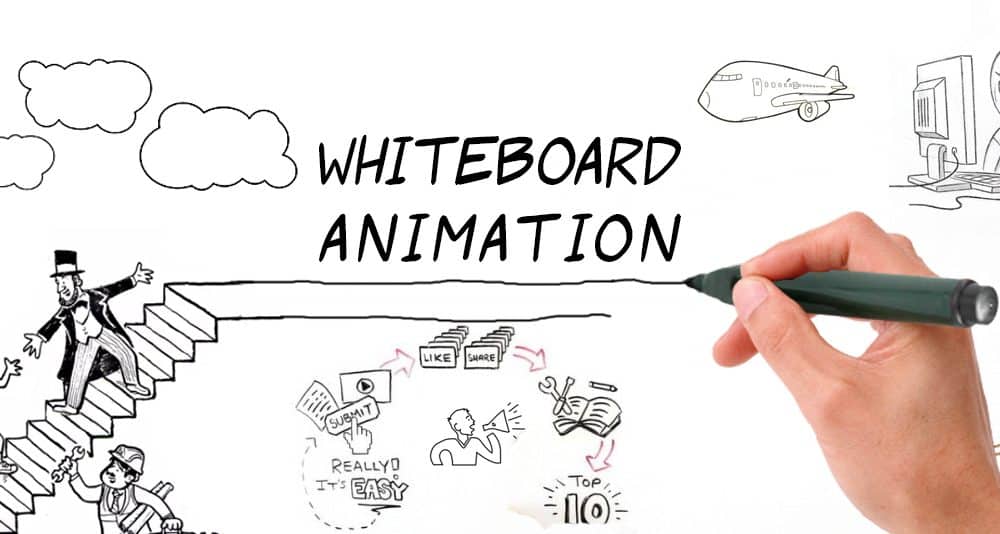
That's a big reason the format has lasted. If you're trying to educate, train, or unpack a complicated topic, whiteboard animation usually does the job remarkably well. It guides attention in a way many other formats don't. It keeps attention focused on information instead of competing for it with flashy visuals. Honestly, this is why so many explainer videos still rely on the format.
-
Rotoscope animation
Rotoscope animation starts with live-action footage. Instead of building movement from scratch, artists trace over real performances frame by frame. The result sits in an interesting space between reality and illustration. Rotoscoping captures much of that naturally because the motion already exists in the source footage. You get the realism of filmed performances, but with the visual freedom that animation brings.
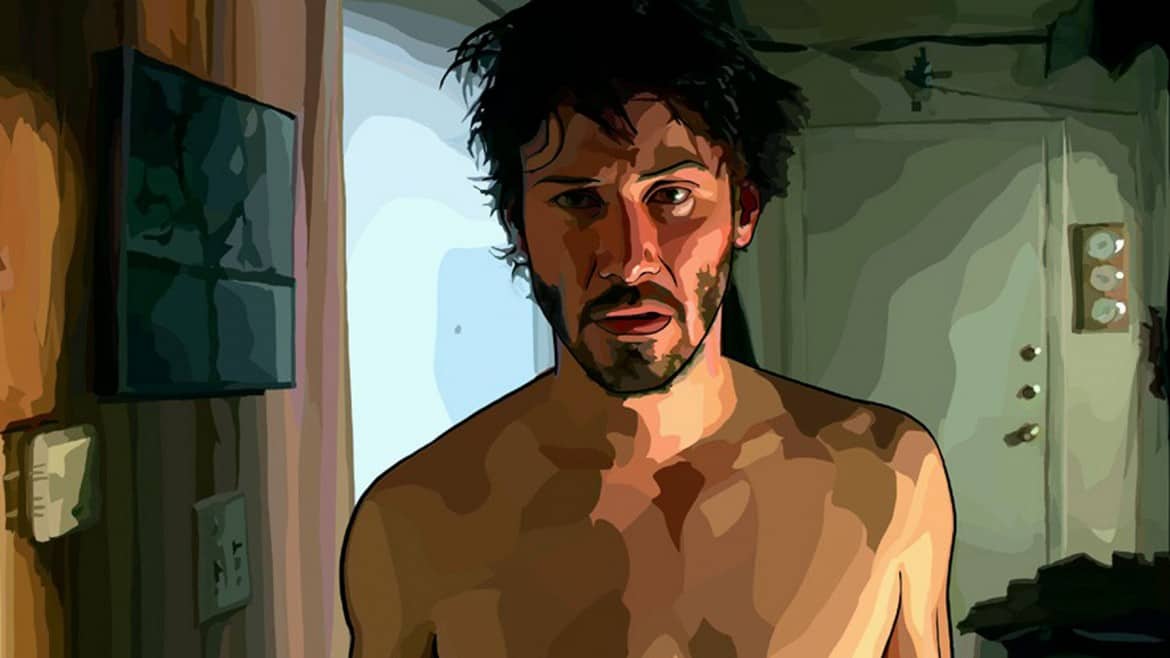
That's what gives rotoscoping its distinctive look. It doesn't feel completely live-action. It doesn't feel entirely animated either. Instead, it exists somewhere between the two, which is exactly why some creators are drawn to it.
Introducing Vmake: Bring your ideas to motion with AI
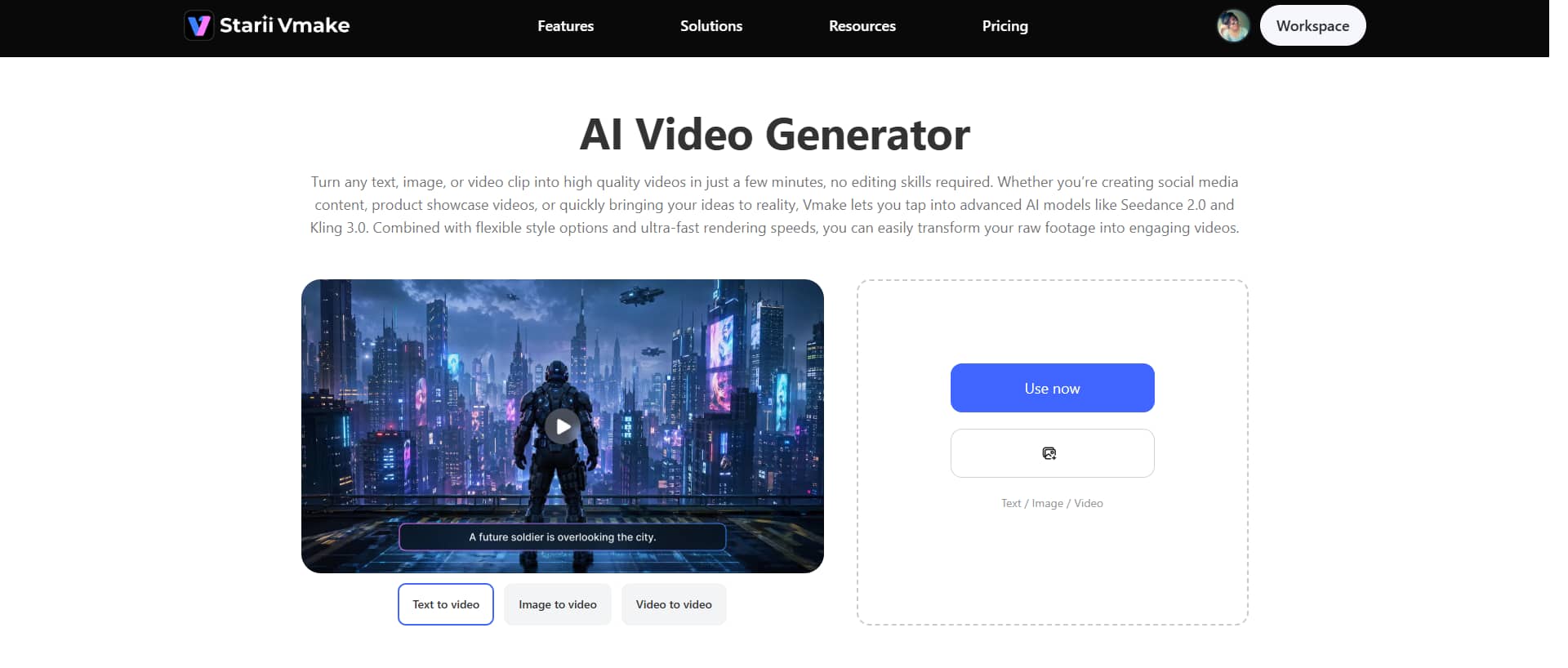
Vmake AI video generator supports multiple input formats and lets you generate videos from text prompts, animate static images, or take existing footage and turn it into something entirely different. The flexibility is useful, especially when you're juggling different content types and don't want to rebuild your workflow every time a project changes direction.
Key features
-
Multi-modal video generator
With Vmake, you can create videos using different AI models such as Seedance 2.0, Kling 3.0, Google Veo 3, Sora 2, Vidu Q2, and Wan 2.2, each bringing something a little different to the table. Not all models think alike. Some are better at realistic motion and natural-looking movement. Others lean into cinematic visuals, hold character consistency together more reliably, or produce stylized outputs.
-
High-resolution output
Vmake supports high-resolution videos and up to 4K video output. You can choose the output that fits the job instead of forcing every project into a one-size-fits-all format. Besides, the tool lets you remove noise from video and even upscale the resolution to achieve the best-quality output.
-
Multiple video generation methods
Vmake gives you a handful of ways to generate video: text-to-video, image-to-video, video-to-video, multi-image references, and frame-based controls. You don't need to walk in with a finished concept. A rough idea is often enough to get moving.
Step-by-step guide
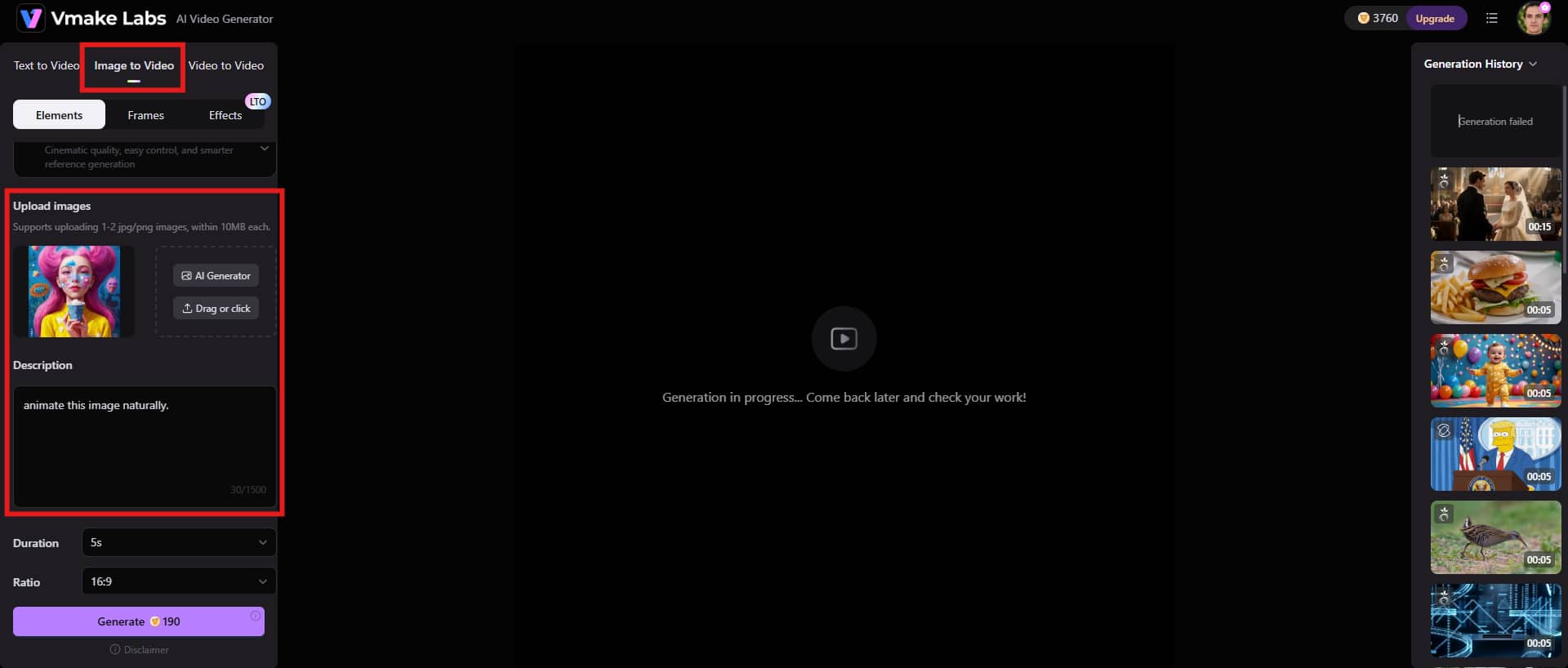
Step 1: Add a content idea
Start by adding your content idea, such as text-to-video, image-to-video, or video-to-video option. Upload reference images and describe your prompts as clearly as you can. The quality of the result often depends on the quality of the instructions.
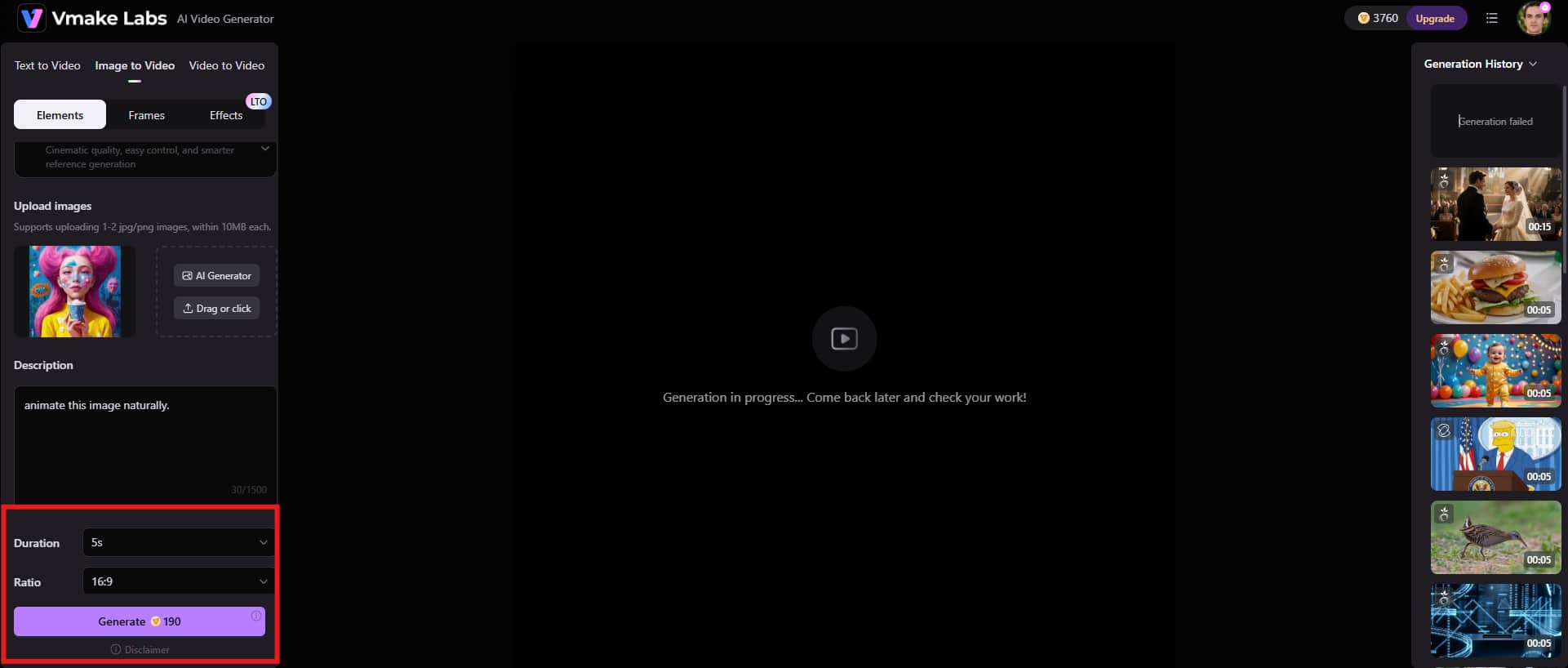
Step 2: Adjust preferences and generate
Take a minute to set the duration of the final video. A video that's too short can feel rushed. Stretch it too far, and the pacing starts to drag. Then choose the aspect ratio that fits the platform you're publishing on. Click the "Generate" button and let the process begin.
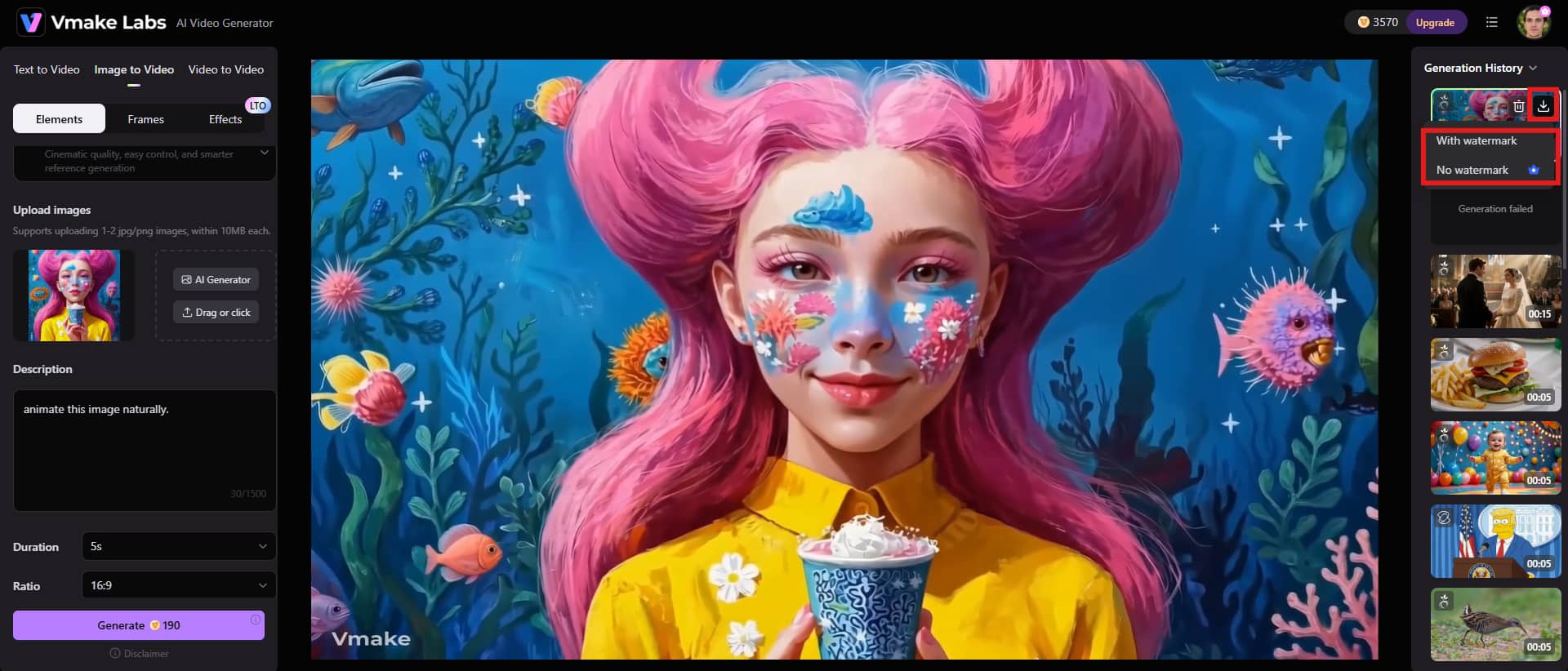
Step 3: Preview and download the video
You'll probably wait a few seconds while the tool generates your video. Take a close look at the preview before you download anything. If everything looks right, click the "Download" button and save the video for whatever comes next.
Best animation styles for different use cases
-
Marketing & advertising: Motion Graphics
Motion graphics work so well in marketing and advertising because they don't waste your audience's time. You can combine text, shapes, icons, and visual effects into a single message that people understand almost immediately. That's harder than it sounds. Most brands try to say too much at once, then wonder why nobody remembers the message afterward.
-
Social media: 2D animation
2D animation fits social media remarkably well because it grabs attention without demanding much from the viewer. You can build stories with flat characters, simple illustrations, and clean backgrounds, then reshape them for Instagram, TikTok, Facebook, or YouTube without starting from scratch every time. That's one reason brands keep coming back to it.
-
Education and training videos: whiteboard animation
Whiteboard animation has stayed popular in education and training for a reason, as it keeps things simple. You watch an idea unfold piece by piece instead of having everything thrown at you at once. For many learners, that's easier to process.
-
Product demonstration & explainer videos: 3D animation
3D animation shines when you need people to understand a product, not just look at it. You can show details that traditional filming often struggles to capture. Internal components, hidden mechanisms, complex systems; everything can be brought into view without cutting products apart or relying on awkward camera tricks.
-
Film & entertainment: Stop motion animation
Unlike most digital animation, this style is built by physically moving objects, puppets, or models a tiny amount at a time and photographing each movement individually. It's a slow process. Sometimes painfully slow.
Conclusion
Animation comes in a lot of forms, and not all of them solve the same problem. If your goal is to explain an idea fast, motion graphics are usually the better choice. Whiteboard animation takes a different route. It walks through a topic step by step. So, the final choice depends on you. Choosing among different styles of animation isn't just a creative decision. It's a communication decision. The style that works perfectly for a product demonstration may fall flat in a training video, and the opposite is often true.
Modern AI tools have lowered the barrier to entry considerably. Platforms like Vmake AI help creators generate videos from text, images, and existing footage without requiring years of animation experience.
FAQs
What are the main types of animation styles?
The most common animation styles include 2D animation, 3D animation, motion graphics, whiteboard animation, stop motion animation, and traditional frame-by-frame animation. Each style serves different creative and communication goals.
What is the difference between 2D and 3D animation?
The biggest difference comes down to depth. 2D animation exists on a flat plane and typically uses illustrated characters, backgrounds, and objects. 3D animation creates the illusion of real-world depth, making characters and products appear more lifelike and dimensional.
Which animation style is best for marketing videos?
Marketing goals shift, audiences respond differently, and what works for one campaign might miss the mark completely in another. Need to explain something fast? Motion graphics are often the first place to look. They do a good job of turning complicated ideas into something people can understand without much effort on their part.
Is stop motion animation still used today?
Absolutely, and the reason is simple. When you watch stop motion, you can often feel that a real object existed in front of a camera. That's hard to fake. The textures look tangible. Small movements aren't perfectly smooth. Tiny flaws sneak into the final shot, and strangely enough, those flaws are often part of the appeal.
How can AI help with animation and video creation?
AI can cut video production time dramatically. Tasks that used to require niche software and years of practice can now be handled in minutes. You type a prompt, and a video starts taking shape. Static images can move. Existing clips can be reworked into something new. Visual effects that once demanded painstaking frame-by-frame work are suddenly within reach. That's where tools like Vmake come in. Instead of bouncing between different apps and services, you get multiple AI models working inside a single workflow.
Which animation style is most popular?
Popularity depends heavily on where you look. For social media content, 2D animation remains one of the most widely used styles because it's adaptable, visually engaging, and often more affordable than complex alternatives. Motion graphics dominate many marketing and advertising campaigns because they communicate information quickly. Meanwhile, 3D animation continues to be the preferred option for industries such as technology, manufacturing, gaming, and product design.

You May Be Interested

Free AI Video Enhancer: Enhance Videos Online Instantly

AI TikTok Video Generator | Create High-Quality AI Videos
