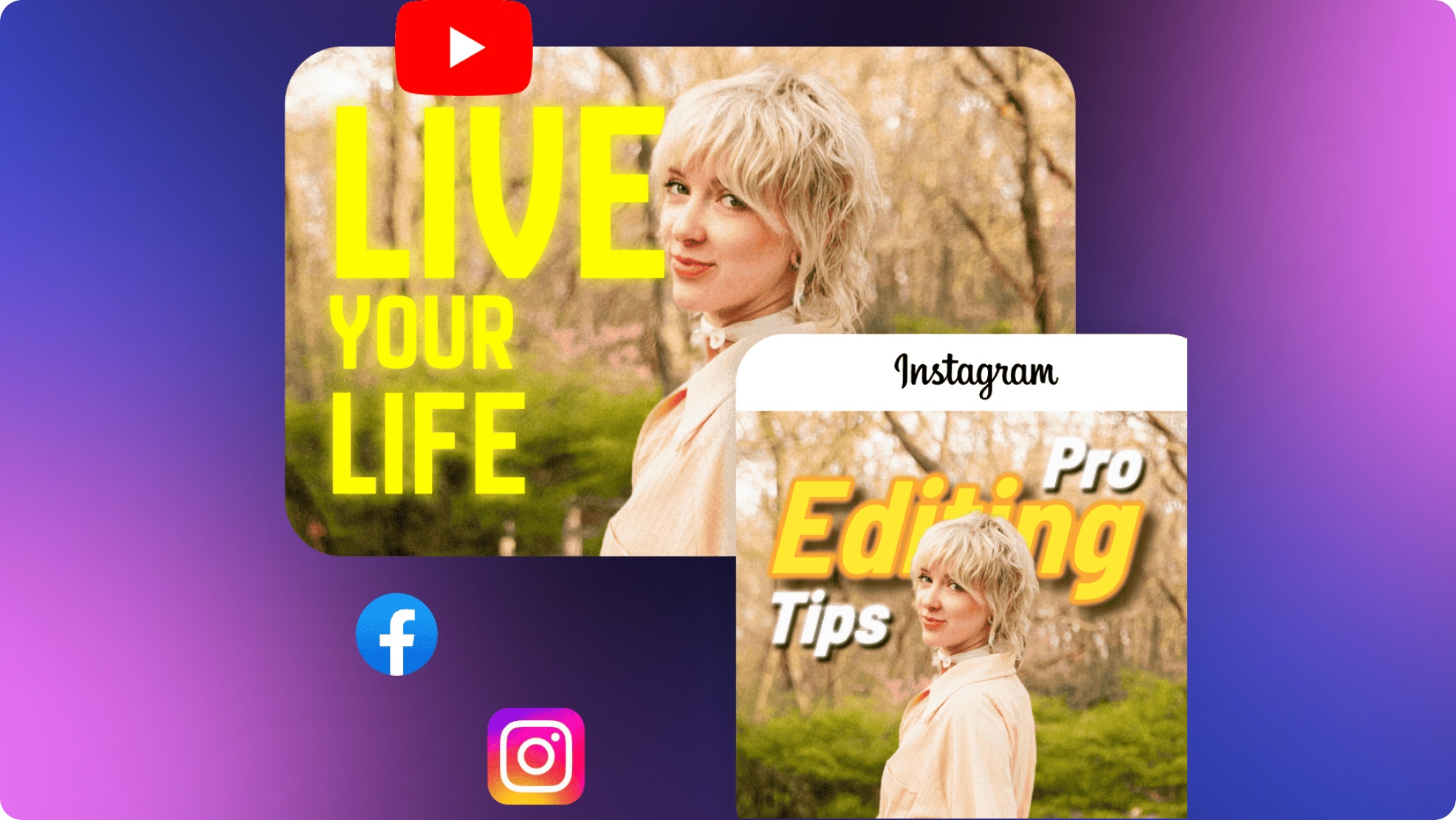
Best YouTube Thumbnail Size and Design Tips for High CTR
 Ken DawsonMarch 24, 2026
In the early days of YouTube, a 1280x720 (720p) image was the gold standard. But as we move through 2026, the tech landscape has shifted under our feet. Most of your viewers are now watching on high-pixel-density OLED mobile screens, massive 4K smart TVs, or even the latest VR/AR headsets.
If your thumbnail looks even slightly "soft" or pixelated, the human brain subconsciously flags it as low-quality. To stay competitive in an era of infinite choice, you must adapt to the New Standard of 2026.
- The Resolution Secret: Why 1080p is the New 720p
- The "Safe Zone" Audit: Navigating the 2026 UI
- Designing for the "0.5-Second Glance"
- AI-Driven Texture: The End of "Plastic" Faces
- Technical Quick-Reference for 2026
- FAQ: Technical Quick-Hits for Creators
- Beyond the Resolution: The Psychology of Depth
- Conclusion: Quality is a Feature
The Resolution Secret: Why 1080p is the New 720p
While YouTube’s official technical recommendation often still points to 1280x720, the professional creator landscape of 2026 has moved decisively to 1920x1080.
The Advantage of "Over-Sampling"
When you upload a 1080p image, you aren't just uploading a larger picture; you are giving YouTube’s compression algorithm more raw data to work with. On modern Retina and Super Retina displays, a 720p thumbnail can appear "muddy" or "artifacted" around the edges of text. By starting at 1080p, your lines stay sharper, your gradients remain smoother, and your text stays legible even when scaled down to a tiny mobile notification.
The 2MB Hard Limit
The challenge in 2026 is the 2MB file size limit. High resolution usually means high file weight.
- The Struggle: How do you maintain 1080p clarity without crossing the 2MB threshold?
- The Vmake Fix: I use the Vmake AI Thumbnail Maker because it is pre-configured for the 2026 1080p standard. It uses intelligent encoding to strip out unnecessary metadata while keeping every visual pixel sharp. This ensures you hit that 2MB "sweet spot" every time without sacrificing professional clarity.
The "Safe Zone" Audit: Navigating the 2026 UI
It’s not just the bottom-right corner anymore. In 2026, the YouTube User Interface (UI) is more dynamic and intrusive than ever. If you place your "Hook" or a key facial expression in the wrong spot, it will be physically covered by YouTube's own elements.
The New Obstacles
1.
The Duration Badge: Still sits in the bottom-right. It’s larger now to accommodate higher screen resolutions.
2.
The Progress Bar: A thin red line that frequently appears at the bottom of thumbnails on the homepage, indicating how much of the video the viewer has already watched.
3.
The "Watch Later" & "Add to Queue" Icons: These pop up in the top-right corner when a user hovers over your video.
4.
The Live Badge: If you are streaming, a "LIVE" tag covers the bottom-left.
The "Central-Left Island" Strategy
The safest place for your hero elements (your face, the product, and your 3-word text hook) is the Central-Left Island.
- Rule of Thumb: Leave at least 15% padding on all edges.
- The Fix: Treat your thumbnail like a stage. Keep the "star of the show" slightly to the left of center to avoid all potential UI overlaps.
In 2026, "Browse" feeds move at light speed. You no longer have two seconds to catch an eye; you have half of one. If your thumbnail is cluttered, the brain skips it to reduce "cognitive load."
The Squint Test
Professional designers use this trick: squint your eyes until the screen becomes a blur. Can you still tell what the thumbnail is about? If the primary subject doesn't stand out as a distinct shape, your design is too busy.
The "Sticker Effect" (Subject-Background Separation)
The biggest design trend of the year is High-Contrast Separation. Your subject should look like it was physically cut out and placed on top of the background.
- The Vmake Hack: For those who aren't professional editors, Vmake AI Thumbnails automates this "Sticker Effect." It uses AI to detect the subject and instantly separate them from the background with perfect contrast.
- Pro Tip: Use the AI Shadow & Glow tool in Vmake to add a subtle outer glow or a drop shadow to your subject. This creates a "3D-pop" that makes the image jump off the screen even on a tiny mobile display.
Early AI thumbnails in the 2020s looked "fake"—faces were overly smoothed and looked like plastic. In 2026, the trend has shifted toward Hyper-Realism.
The "Proof of Human" Signal
As AI-generated content floods the platform, viewers are becoming more sensitive to "AI Slop." Over-edited skin that looks like a wax figure actually decreases CTR because it destroys trust.
- The Fix: Use Vmake’s Texture Recovery (found within the AI Enhancer). It sharpens specific details—like the texture of a shirt, the individual hairs of a beard, or the glint in an eye—while still correcting lighting and shadows.
- The Result: This "organic" look signals to the viewer that there is a real human behind the camera, increasing the "Authenticity Score" of your channel.
Technical Quick-Reference for 2026
To save you time, here is the master technical spec sheet for all YouTube uploads this year:
|
Attribute
|
2026 Standard
|
Why it Matters
|
|
Resolution
|
1920 x 1080 px
|
Superior clarity on 4K TVs and high-PPI mobile screens.
|
|
Aspect Ratio
|
16:9
|
The native horizontal format for long-form video players.
|
|
Max File Size
|
2 MB
|
Essential for fast loading; use AI compression to stay under.
|
|
File Format
|
.JPG (Optimized)
|
Best balance of color depth and file size for photos.
|
|
Safe Zone
|
Center-Left Island
|
Avoids the "Duration Badge" and new UI overlays.
|
FAQ: Technical Quick-Hits for Creators
Q: JPG or PNG for 2026?
A: Use JPG for thumbnails featuring real people and photos with gradients. It handles color transitions better at smaller file sizes. Use PNG only if your thumbnail is 90% text and flat vector graphics to avoid "fuzziness" (mosquito noise) around the letters.
Q: Can I use a vertical image?
A: No. YouTube strictly uses a 16:9 aspect ratio for long-form thumbnails. If you upload a 9:16 image, it will be cropped, and your "Hook" will likely disappear.
Q: Does 4K resolution (3840x2160) help?
A: No. It is almost impossible to keep a 4K image under the 2MB limit without destroying the quality through heavy compression. 1080p is the absolute "Sweet Spot" for quality vs. performance.
Q: My image is 720p. Is it too late to fix it?
A: Not at all. Use Vmake’s AI Image Enhancer to upscale your old 720p assets to 1080p. It doesn't just stretch the pixels; it "re-imagines" the missing detail, giving your old library an instant professional facelift.
Beyond the Resolution: The Psychology of Depth
As we wrap up this guide, remember that high resolution is only the "Floor"—Depth is the "Ceiling." In 2026, the YouTube algorithm heavily favors immersive images that create a 3D effect on a 2D screen. Achieving this level of professional layering no longer requires a degree in graphic design; it requires a smart AI workflow.
By combining the Vmake AI Thumbnail Maker with the AI Image Enhancer, you can transform a flat, amateur photo into a cinematic masterpiece:
- Phase 1: Structuring with the Thumbnail Maker Start by selecting a high-performing thumbnail style from Vmake’s template library instead of building from scratch. These templates are already designed with strong visual hierarchy and depth in mind. Upload your image and adapt it into the layout, allowing you to quickly establish a clean composition where the subject stands out clearly. This approach helps you achieve that professional “layered” look without manual design work
- Phase 2: Adding Realism with the AI Image Enhancer Once your composition is set, run it through the AI Image Enhancer to breathe life into the layers. The tool applies an intelligent Bokeh Blur to your new background, forcing the viewer’s eye to lock onto the subject. Crucially, it matches the lighting and color temperature between your subject and the AI-generated scene, ensuring the final 1080p output looks like a high-stakes photograph rather than a digital collage.
This two-step process ensures that your thumbnail isn't just "clear"—it’s deep. It creates a visual vacuum that pulls the viewer's eye in, making your video the only logical choice in a sea of flat, uninspired competition.
In a world of infinite content, Quality is a Signal. A crisp, high-resolution thumbnail tells the viewer that the video behind it is worth their time. It shows that you care about the details, which builds immediate authority before the first second of your video even plays.
Don't let your content stay invisible because of a "soft" image. Step up to the 1080p standard, master your safe zones, and let Vmake AI handle the technical heavy lifting.

You May Be Interested
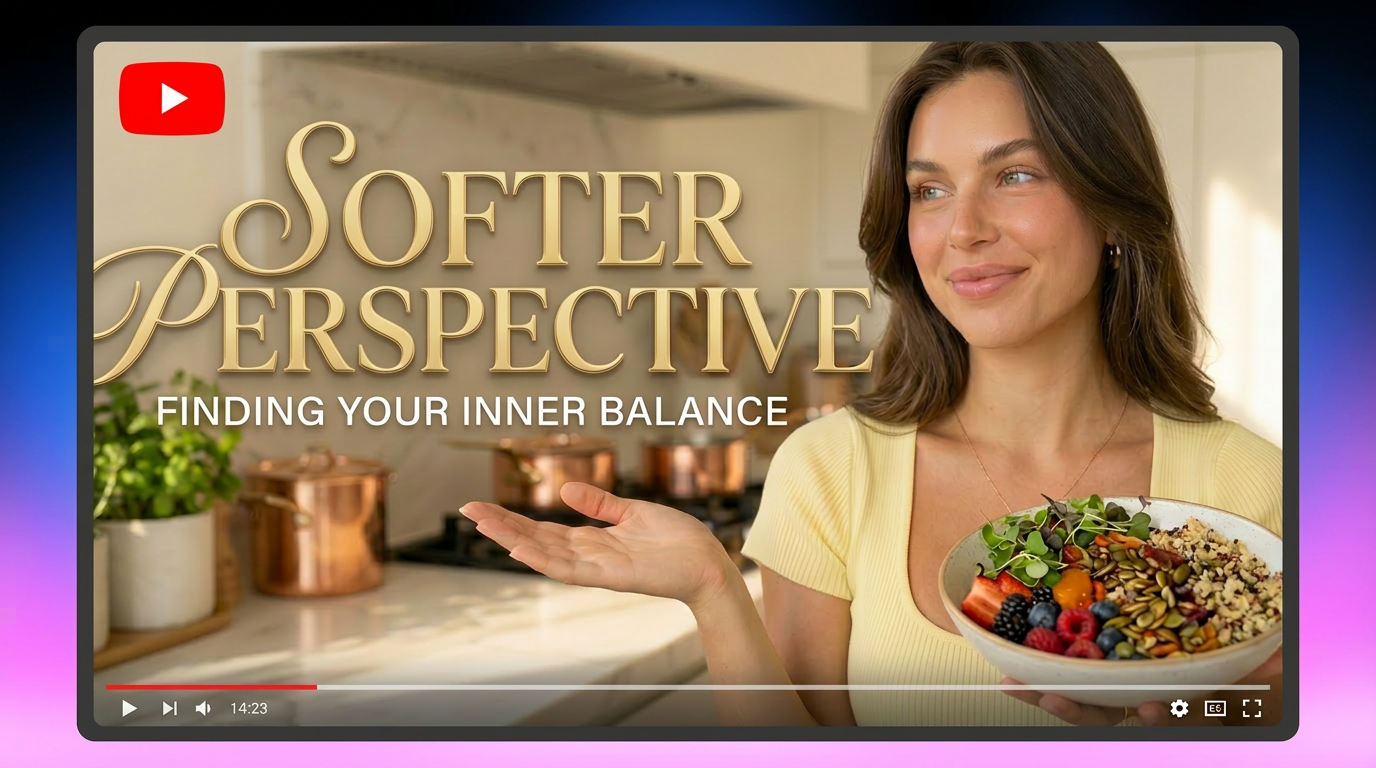
How to Create Professional YouTube Thumbnails with AI: A Creator’s 2026 Strategy
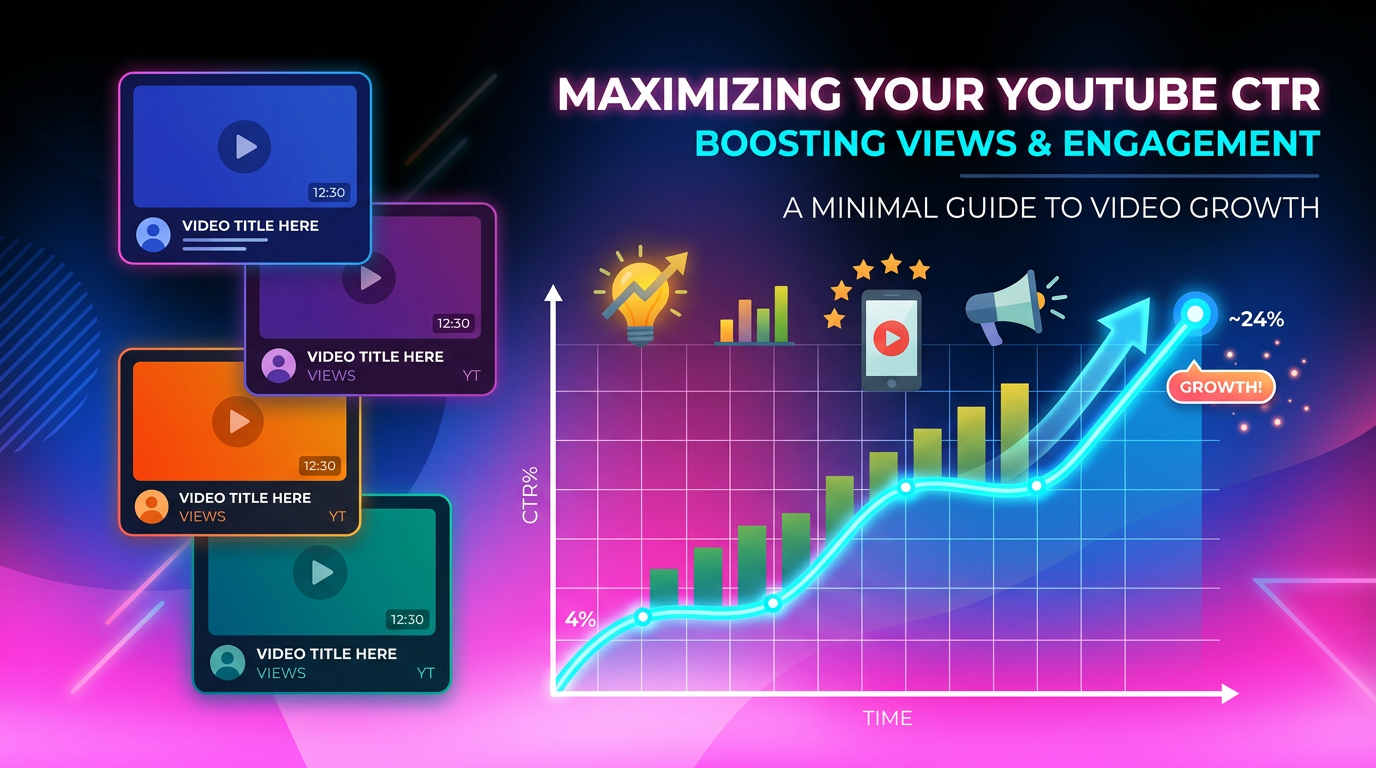
9 YouTube Thumbnail Mistakes Killing Your Channel Growth
How to Enhance Video for YouTube Like a Pro