
InVideo AI Video Generator Review 2026: Is It Worth It?
 Vmake Labs TeamMay 31, 2026
InVideo AI promises to turn simple text prompts into full videos with voiceovers, music, and clips in minutes. It's popular with creators and marketers who need quick content without fancy editing skills. But does it deliver in 2026? This review breaks down the real strengths, weaknesses, pricing, and a strong alternative.
What is InVideo AI?
InVideo AI is a tool that lets you type a simple idea and get a full video with script, clips, voiceover, music, and subtitles. No need for a camera, editing software, or pro skills. InVideo launched back in 2017 as a simple template-based video editor.
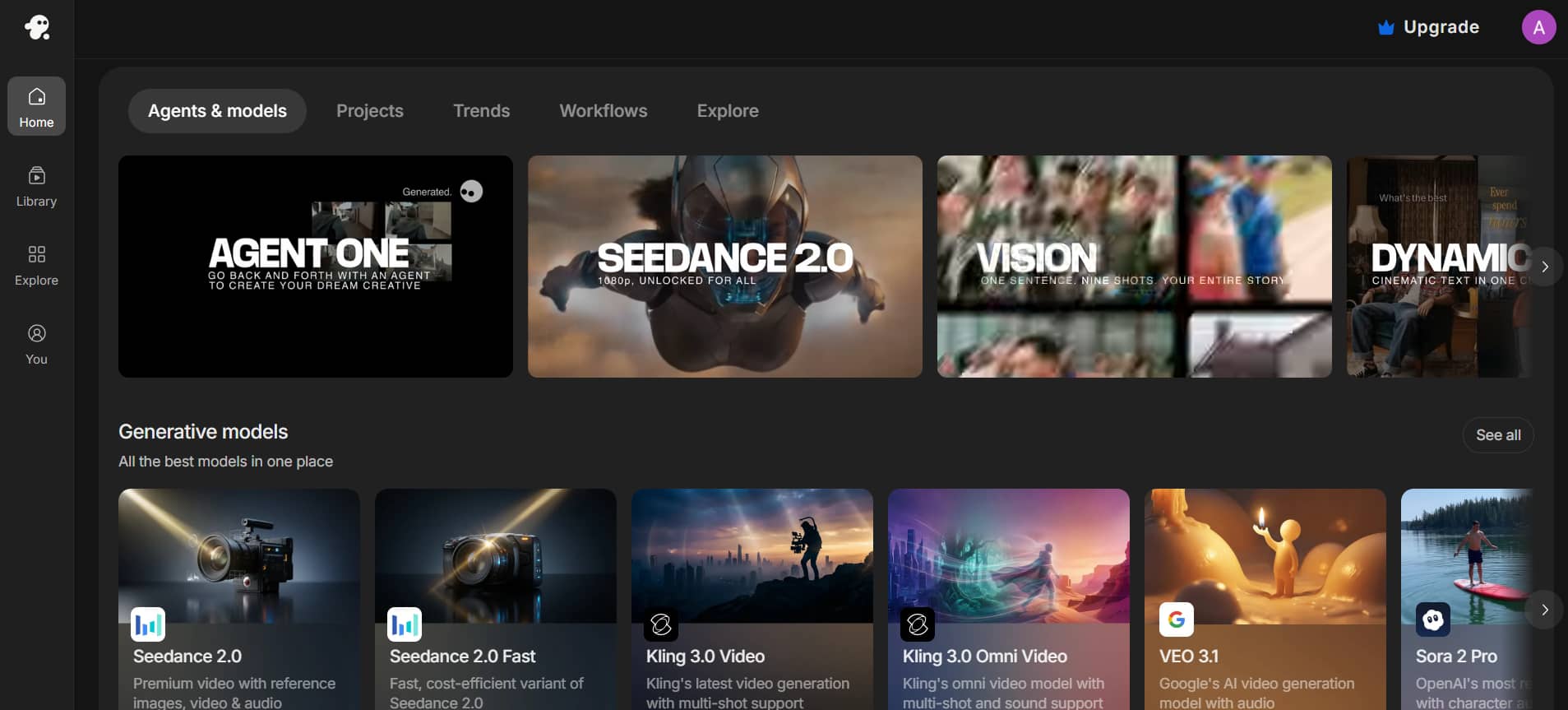
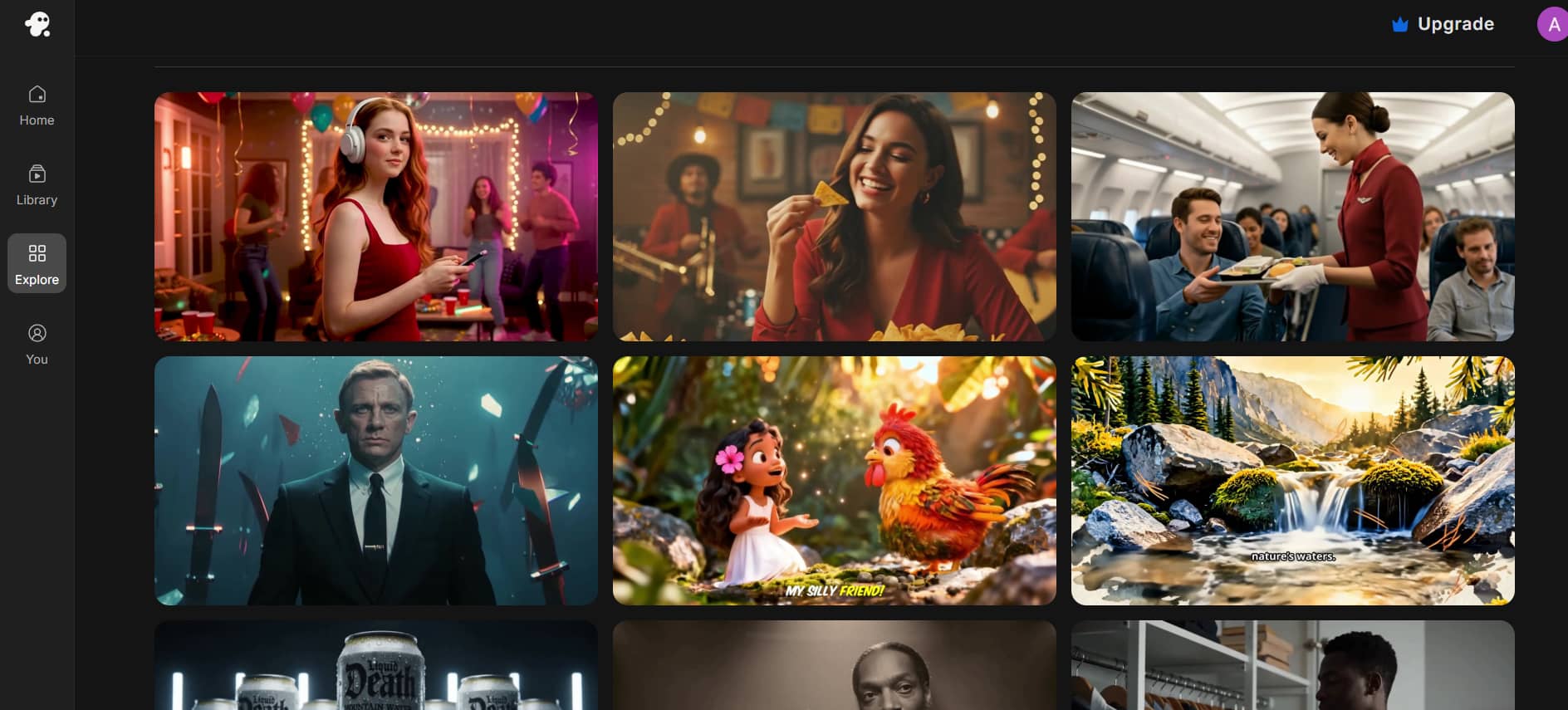
As of 2026, InVideo has approximately 50 million users in 190+ countries and produces around 8 million videos monthly. The company has raised around $52.5 million in funding and continues to move quickly. One of the major highlights of 2025–2026 is its deep integration with top models such as Sora 2 (from OpenAI) and Veo 3.1 (from Google). Rather than paying hundreds separately, you get easy access to these powerful generators on one platform.
Key features of InVideo AI video generator
-
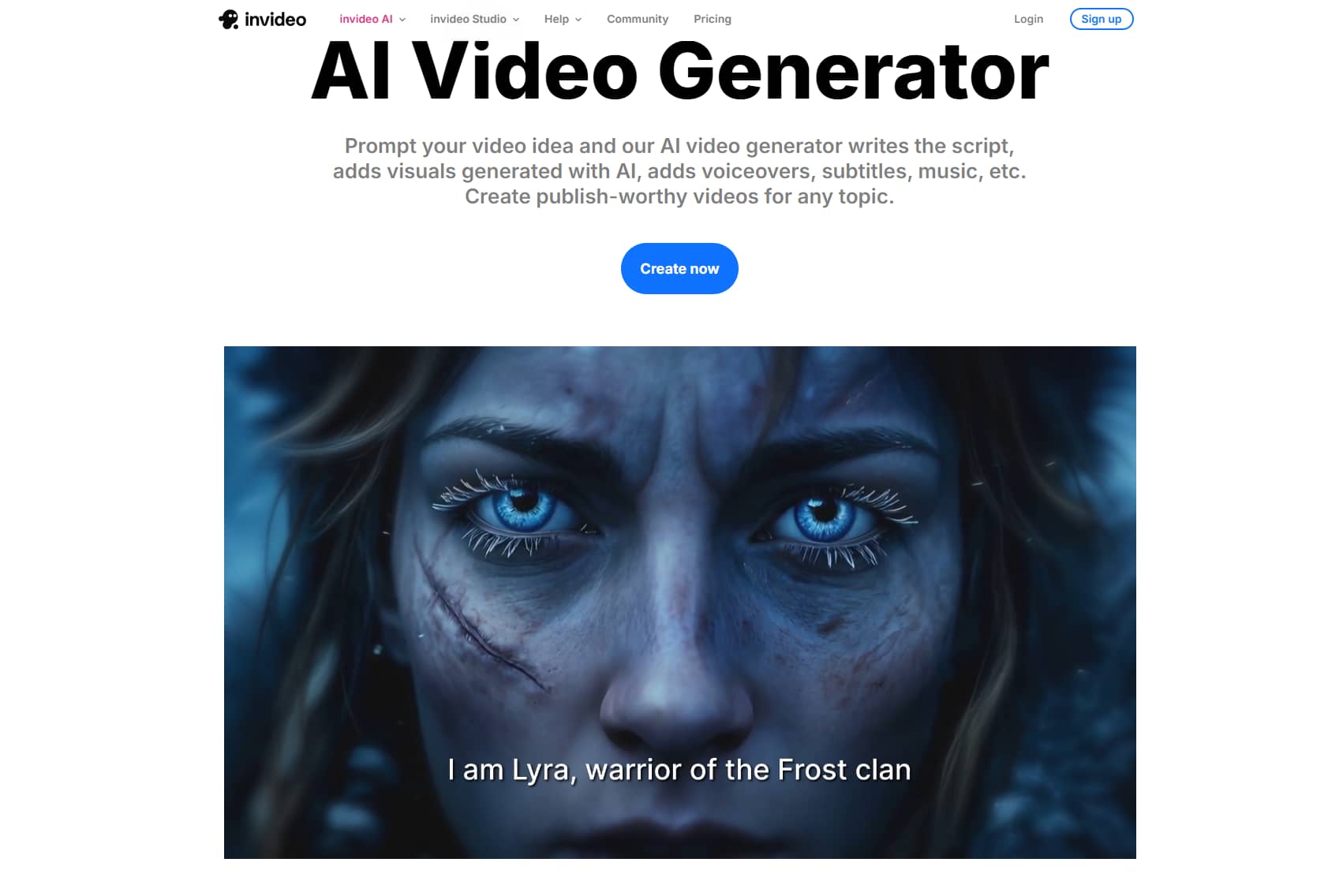
AI text-to-video generation: InVideo AI text-to-video generator turns a simple prompt into a complete video automatically. It writes the script, selects the appropriate footage, and adds transitions, background music, and subtitles all at once. About 70% of the output can be used without significant changes, making it ideal for fast-paced content creation and social media publishing workflows.
-
AI voiceover & voice cloning: With 30+ natural-sounding voices in 50+ languages, the platform makes global content easy. You can clone your own voice from just a 30-second sample, with 2 clones on the Plus plan and 5 on the Max plan. But it may mispronounce common names, or technical product terms sometimes.
-
Brand kits & team collaboration: With Brand Kits, you can upload your logo, colors, and fonts at once, and they are automatically applied to each video you create. It also has real-time collaboration, allowing teams to edit together, leave timeline comments, and sync changes instantly. This is valuable for agencies and marketing teams.
-
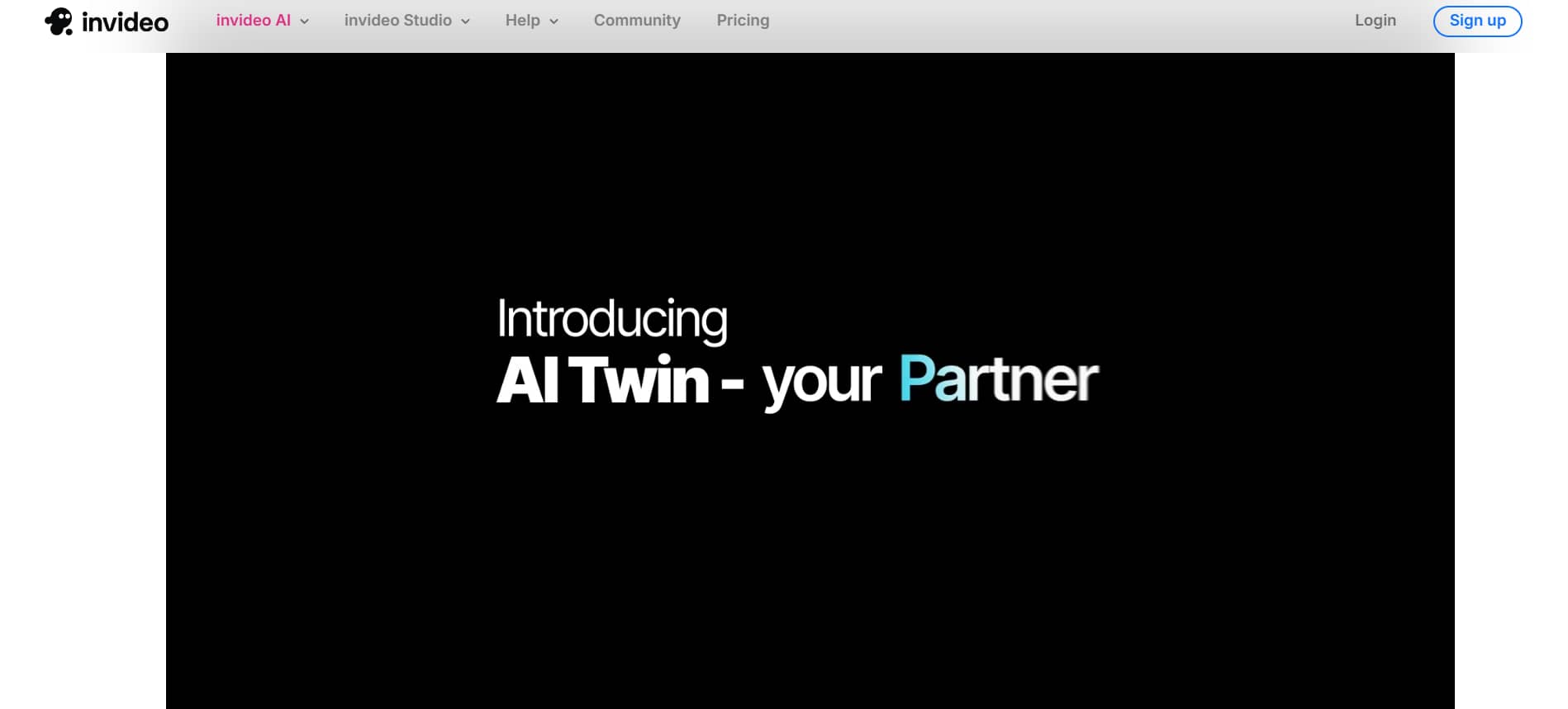
UGC avatars & AI twin: InVideo AI offers AI human avatars to create talking-head style videos without filming. The AI Twin feature allows users to upload footage and clone their look to create personalized videos. It's great for short mobile-optimized content.
-
Template library & media assets: InVideo AI generator provides over 10,000 ready-made templates for ads, YouTube Shorts, Instagram Stories, and promos. It also includes iStock integration with credit limits (95 on Plus, 320 on Max). On top of that, users get access to 16 million royalty-free stock photos, videos, and audio assets.
InVideo AI pricing plans (2026)
InVideo AI is built on a tiered subscription model that depends on monthly generation credits. It scales flexibly from absolute beginners dipping a toe in the water, to high-volume creative teams churning out content on a daily basis.
|
Feature |
Free |
Plus |
Max |
Generative |
Elite |
|---|---|---|---|---|---|
|
Monthly Price |
$0 |
$17/mo (billed yearly $200) |
$85/mo (billed yearly $1,000) |
$170/mo (billed yearly $2,000) |
$900/mo (billed yearly $10,800) |
|
Best For |
Testing & Exploration |
Exploring & Light Use |
Occasional / Regular Creators |
Daily & Heavy Generative Use |
Power Users & Teams |
|
Credits / Generation |
Limited (Watermarked) |
Starter credits |
390 credits |
Higher credits |
Highest credits |
|
AI Video Generation |
Very Limited |
Moderate |
Good volume |
High volume |
Unlimited / Enterprise |
|
Storage |
Limited |
100 GB |
Higher |
2 TB |
High |
|
iStock Downloads |
Limited |
200 |
Higher |
1,000 |
High |
|
Watermark |
Yes |
No |
No |
No |
No |
|
Exports |
Limited |
Unlimited |
Unlimited |
Unlimited |
Unlimited |
|
Access to Models |
Basic |
Full (Sora 2, Veo 3.1, Kling etc.) |
Full |
Full |
Full + Priority |
Note: Your video generation credits do NOT roll over to the next month. Any unused balance resets at the start of your next billing cycle, so you have a "use it or lose it" system. Advanced frontier models (like Sora 2 and Veo 3.1) consume this credit pool at a higher rate per second of video generated.
InVideo AI review: Pros and cons
No tool is perfect. InVideo AI has some genuinely impressive strengths, but also a few limitations that could be dealbreakers depending on how you plan to use it.
|
Pros |
Cons |
|---|---|
|
|
Meet Vmake AI: A powerful alternative to InVideo AI
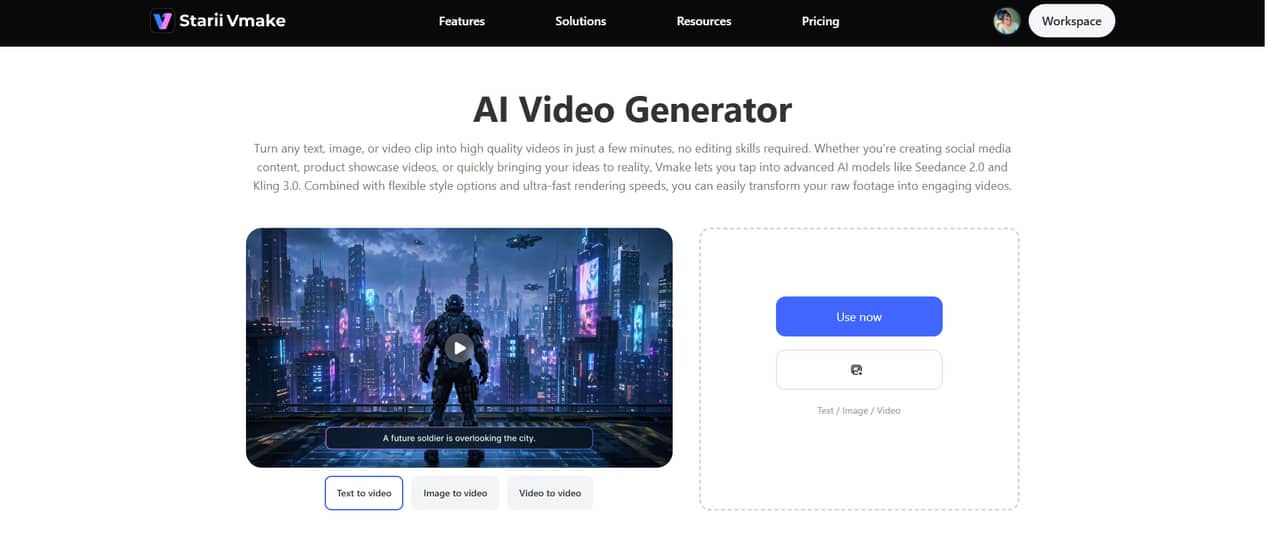
Vmake AI is a fast and easy all-in-one AI video generator. It can turn your text, images, or short video clips into great-looking videos in just a few minutes, no editing skills needed. Whether you want to createsocial media videos, product showcases, or UGC-style ads, Vmake uses powerful AI models like Seedance 2.0, Kling 3.0, Veo 3, and Sora 2. It gives you fast results with many styles to choose from.
Key features
-
Multi-model AI video generation: Vmake gives you access to several leading AI video generation models: Seedance 2.0, Kling 3.0, Google Veo 3.1, Sora 2, and Vidu Q2.
-
Multiple creation modes: Whether you're starting from a text prompt, a single image, or an existing video clip, Vmake supports all three creation modes.
-
Video enhancer & upscaler (up to 4K): Vmake's AI-powered video enhancer automatically adjusts brightness, contrast, color, sharpness, and noise across every frame. You can upscale low-resolution footage to 2K, 4K, or AI 4K+ quality.
-
Video translator & auto captions: Vmake AI can translate your videos into many languages with natural AI dubbing and lip-sync. It also automatically adds stylish captions and eye-catching hooks.
-
Rich visual styles: Choose from a wide range of visual aesthetics, including Japanese manga, American comics, Eastern styles, cinematic, and realistic looks.
Steps to generate videos using Vmake AI
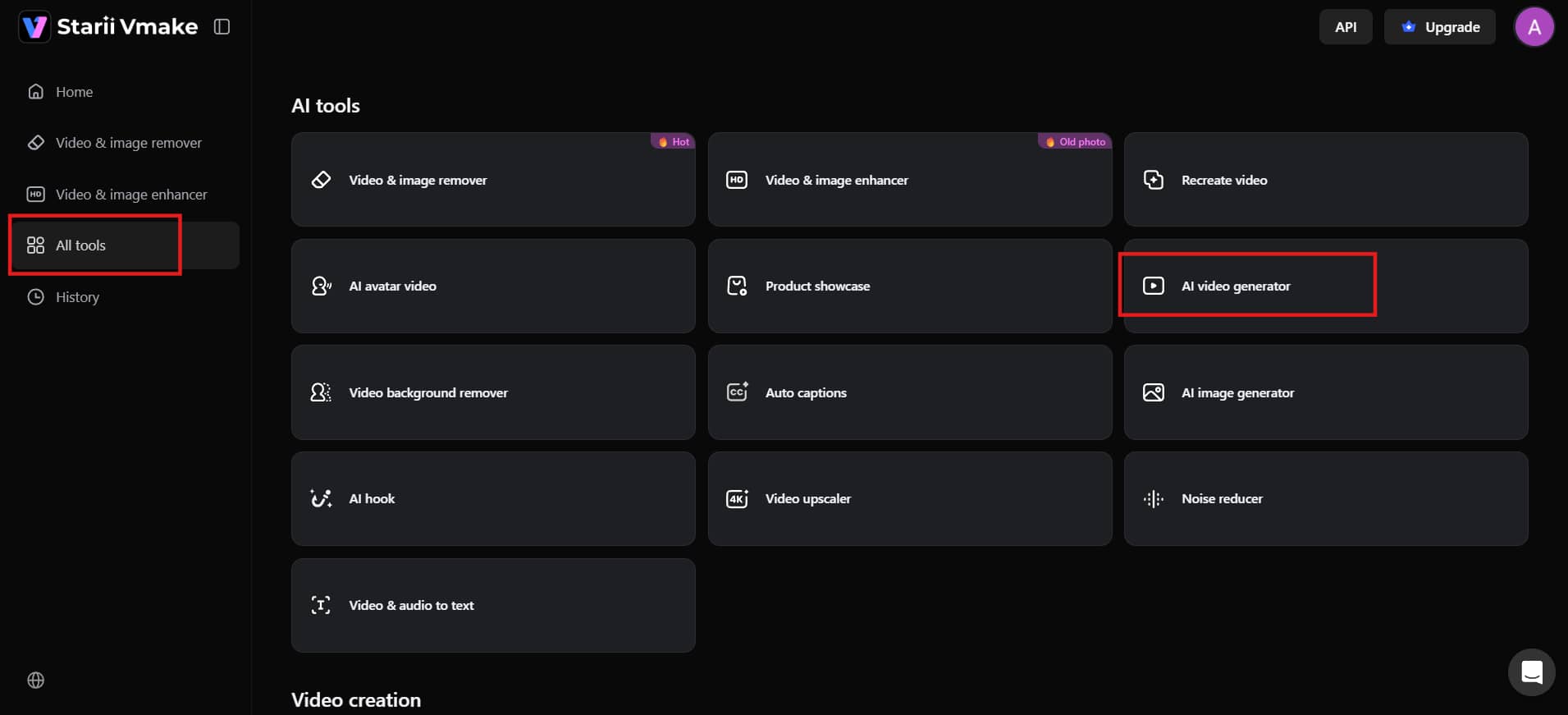
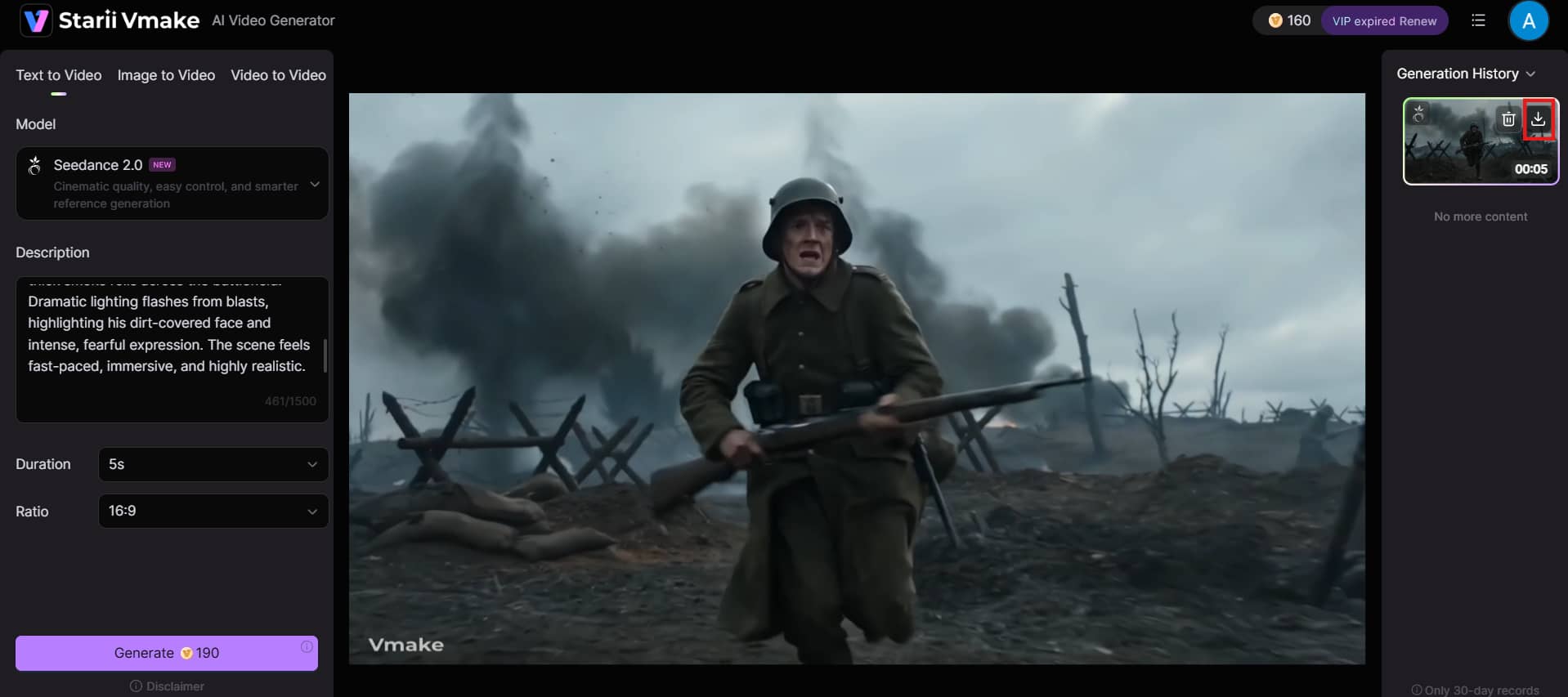
Step 1: Navigate to the AI video generator
From your Vmake dashboard, select "AI tools" on the left panel. Browse the list of tools and click on "AI video generator" to open the main creation workspace.
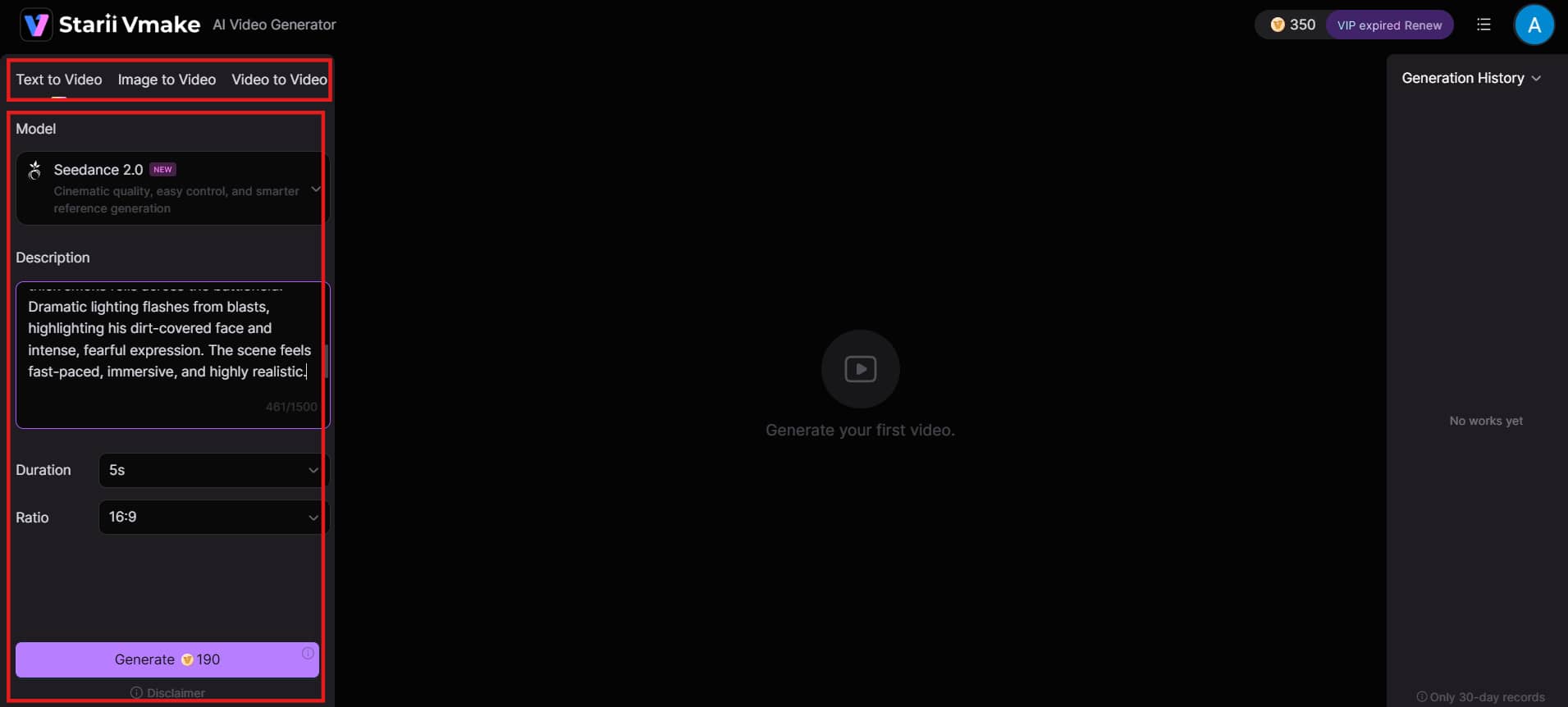
Step 2: Add your content or ideas
Type a short text prompt, upload an image, or drop in an existing video clip. Pick your preferred AI model (Seedance 2.0, Kling 3.0, Veo 3, and others), choose aspect ratio, pick your ideal video length, and click "Generate".
Step 3: Preview and download
Once ready, preview the result. When you're satisfied, click "Download" to save your video and publish it directly to social media, your product page, or anywhere your audience is active.
InVideo AI vs Vmake AI: Which one is better in 2026?
Choosing between these two platforms depends entirely on your content goals. Let's look at how their targeting, core workflows, and generation engines compare to see which matches your needs.
|
Category |
InVideo AI |
Vmake AI |
|---|---|---|
|
Best For |
Text-to-video, full video creation from scratch |
UGC creation, video enhancement & editing raw footage |
|
Core Strength |
AI video generation + natural language editing |
Video enhancer, UGC ads, watermark remover |
|
Text-to-Video |
Yes |
Yes |
|
Image-to-Video |
Limited |
Yes |
|
Video-to-Video |
No |
Yes |
|
Video Generation |
Excellent (Text/Image to Video + 200+ models) |
Good (UGC-focused, image-to-video) |
|
Video Enhancement |
Average |
Excellent (4K upscale, clarity, color correction) |
|
UGC / Product Videos |
Good |
Outstanding (product showcase, talking avatars) |
|
Ease of Use |
Very Beginner-Friendly |
Simple & Fast |
|
Editing Style |
Text commands + timeline |
Specialized tools (enhancer, remover, captions) |
|
Top AI Models |
Sora 2, Veo 3.1, Kling 3.0 + many more |
Supports major models + strong UGC models |
Conclusion
InVideo AI is a solid text-to-video tool that makes creating videos fast and easy, especially for beginners. It offers good speed, multilingual voices, and access to powerful models like Sora 2 and Veo. However, its credit system, generic outputs, and need for manual fixes can be limiting.
For many creators in 2026, Vmake AI proves to be the stronger and more practical choice, especially if you want realistic UGC-style videos that actually convert on social media. With its powerful models, video enhancer, UGC avatars, and creator-friendly tools, Vmake delivers more authentic, high-performing content with less hassle. Try both InVideo AI and Vmake AI yourself: they're free to test. Pick the one that best matches your style and goals.
FAQs
Is InVideo AI free to use?
Yes, InVideo AI offers a free plan that lets you create videos with limited monthly credits. However, videos come with watermarks and you have restricted access to premium features and advanced AI models. It's great for testing the tool, but most serious creators upgrade to a paid plan for watermark-free exports and higher usage.
Is InVideo AI good for beginners?
Absolutely. InVideo AI is one of the most beginner-friendly tools in 2026. You don't need any video editing experience. Just type your idea in plain English, and the AI handles script writing, visuals, voiceover, and editing. The natural language "Magic Box" makes changes super easy.
Can I use my own voice in InVideo AI?
Yes, you can. InVideo AI video generator allows voice cloning by uploading a 30-second audio sample of your voice. Paid plans let you create 2 to 5 clones depending on the tier. The cloned voice sounds natural, though it may occasionally struggle with difficult brand names or technical terms.
Can I cancel my InVideo AI subscription anytime?
Yes, you can cancel your InVideo AI subscription at any time from your account settings. The plan will remain active until the end of your current billing period. After that, your account will be downgraded to the free version, meaning you won't be charged for the following period. However, be aware that unused credits do not roll over even if you cancel mid-month.
How long does it take to create a video with InVideo AI?
Most short videos (30–90 seconds) can be created in 10 to 15 minutes from start to finish. This includes generating the first draft and making small edits. More complex videos with custom footage or heavy refinements may take 20–30 minutes.
Do my unused InVideo AI monthly credits roll over?
No, unused video generation minutes and credits do not roll over to the next month. Any remaining credits expire at the end of your billing cycle. Your credit balance resets completely at the start of each new billing cycle. Additionally, utilizing frontier models like Sora 2 or Veo 3.1 consumes your available pool much faster.
Is InVideo AI good for YouTube automation?
It is one of the most popular platforms for faceless channels and YouTube automation. Because the software handles the tedious parts of production—including automated scriptwriting, high-quality voiceover generation, subtitle burns, and stock footage syncing—it allows a single creator to push out mass content efficiently.

You May Be Interested

5 Top Shoppable Video Generators for TikTokers in 2026
Vmake AI Video Generator Now Powered by Google Veo 3.1
OpenClaw 2026: Ultimate Guide to World-Changing Local AI

OpenAI Sora 2 now built into Vmake AI Video Generator
Remove Sora 2 Video Watermark Easily with Vmake AI