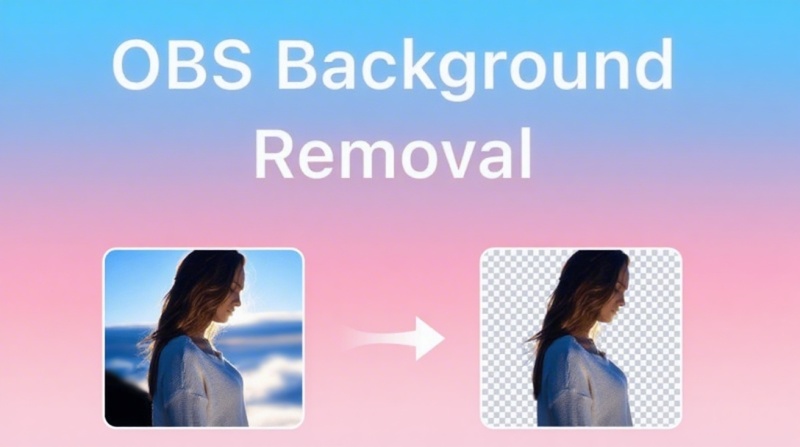
The Ultimate Guide to Chroma Key: Master Video Background Removal
What is chroma key and how does it actually work? Uncover the secrets of green screen technology, its major benefits, and expert tips for clean videos. Also, learn how to use Vmake to remove video backgrounds cleanly.

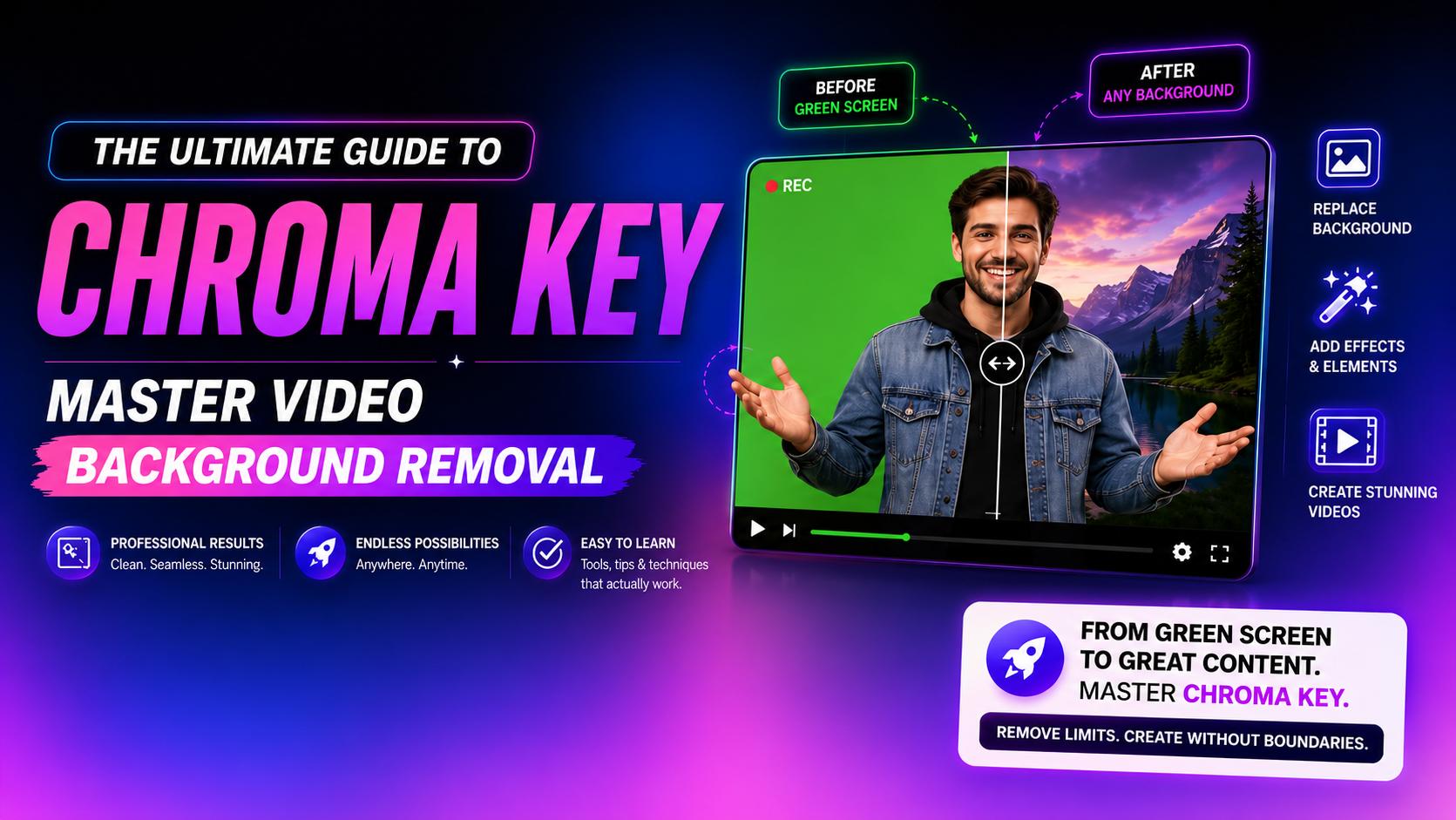
Nowadays, creating stunning visual narratives doesn't require multi-million dollar physical sets. Modern creators and legendary filmmakers alike rely on a powerful trick to blend reality with imagination. This master technique is chroma key.
In this ultimate guide, we will unpack how this essential technology works, detail its cost-saving benefits, and show you how to easily key out backgrounds yourself using AI.
What is chroma key and how does it work?
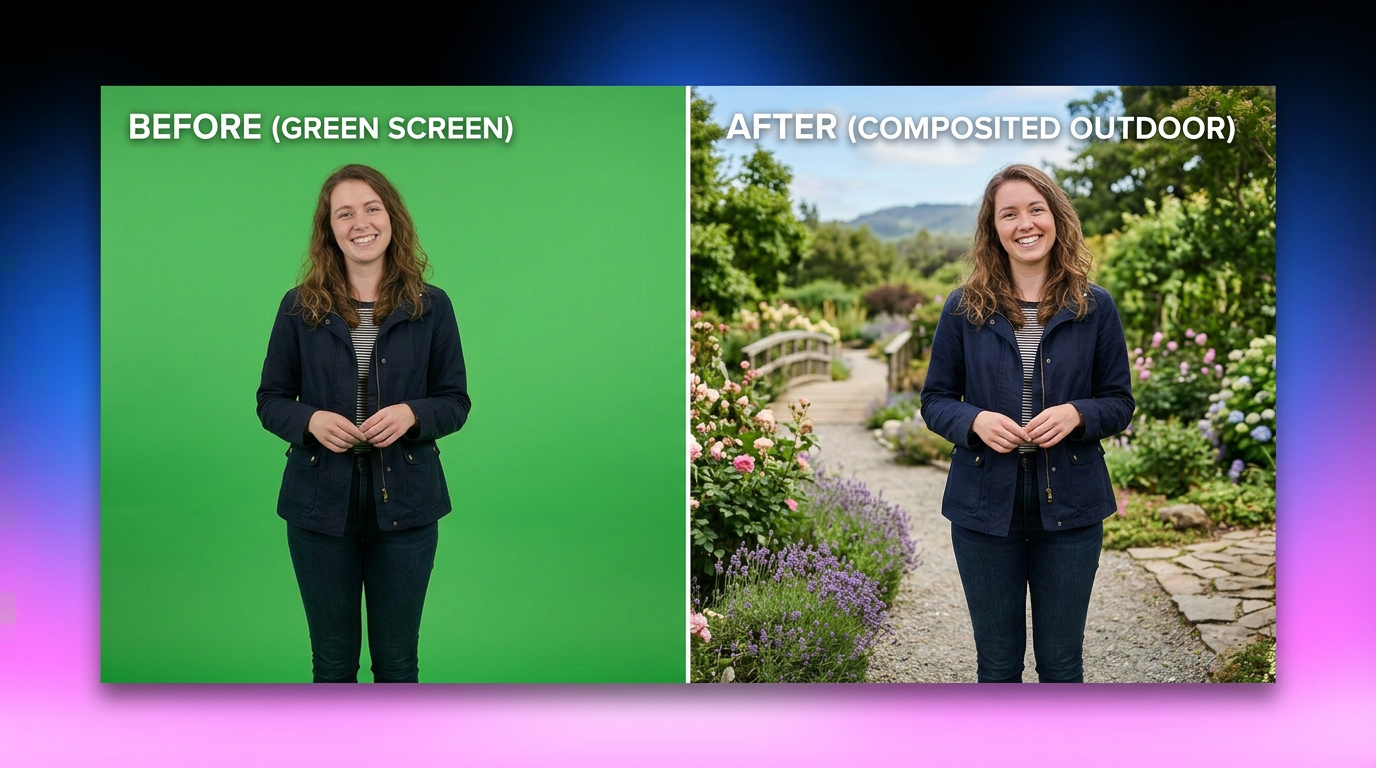
Chroma key is a visual effects technique used to layer two images or video streams together based on color hues. By filming a subject in front of a single, solid color background, editors can isolate that specific color and make it transparent, allowing them to place any backdrop behind the subject.
How chroma key removes backgrounds?
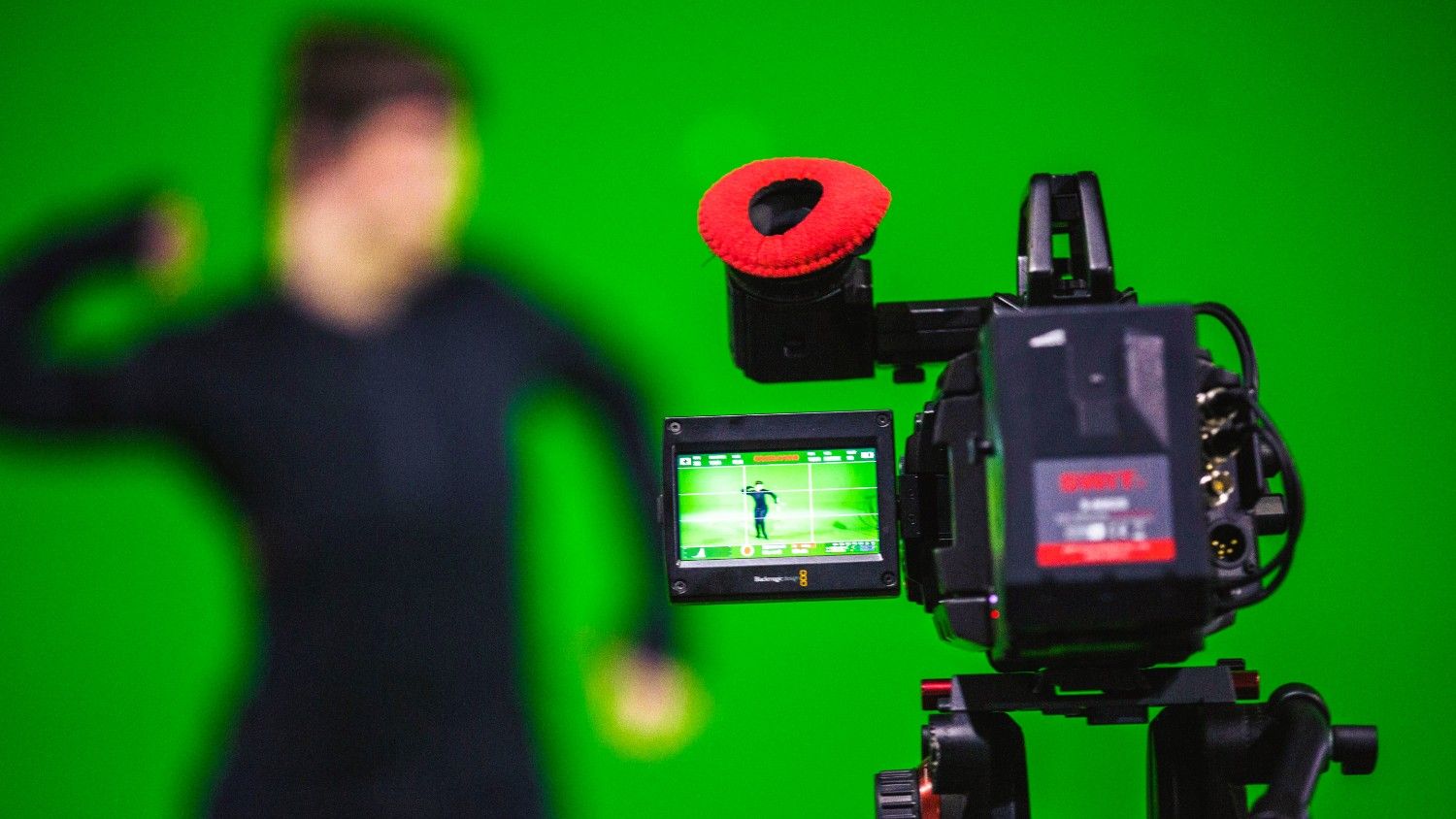
The magic happens in post-production. Editing software analyzes the video frame, identifies the exact color value of the backdrop, and removes every pixel matching that color. This creates a transparent alpha channel, leaving the foreground subject perfectly intact so a new background can be seamlessly inserted underneath.
Why are green and blue colors commonly used?
Green and blue are standard because they do not exist in natural human skin tones or hair colors. This prevents parts of the subject from being accidentally keyed out. Additionally, digital camera sensors are highly sensitive to green, making it easier to key with minimal visual noise.
Advantages of chroma key technology: why filmmakers use it?
Filmmakers across the globe rely on keying technology because it shatters traditional production barriers, offering unparalleled freedom and efficiency.

-
Ultimate creative control over environments
Creators can transport their subjects anywhere, from a fantasy realm to a futuristic cityscape, without leaving the studio. This complete control over the backdrop allows visual storytellers to build immersive, unrestricted worlds that align perfectly with their creative vision.
-
Massive cost savings on set designs and location scouting
Building elaborate physical sets or flying a crew to exotic locations is incredibly expensive. Chroma key bypasses these costs entirely, letting productions simulate high-end sets or remote landscapes digitally with just a green wall and a computer.
-
Enhanced production flexibility and resource efficiency
Weather changes, travel logistics, and lighting shifts can derail any movie or film shoot. By filming in a controlled indoor environment, productions save precious time and resources, ensuring consistent shooting conditions regardless of what is happening in the outside world.
-
Seamless integration with digital visual effects (VFX)
Keying is the foundation of modern VFX. It allows editors to easily composite CGI assets, live-action footage, and animated elements. This creates complex, layered scenes where actors interact naturally with fantastical elements in a visually believable way.
Real-world examples of chroma key technology usage
Weather forecasts and live television
Meteorologists stand before a green screen while digital maps are projected behind them. This lets presenters point to real-time weather changes, making complex graphics easy for viewers to understand.

Hollywood sci-fi and fantasy blockbusters
Studios use massive colored screens to construct immersive, CGI-heavy environments. Chroma key allows filmmakers to place actors into breathtaking, fantastical worlds that would be physically impossible or expensive to build.

YouTube creators and streamers
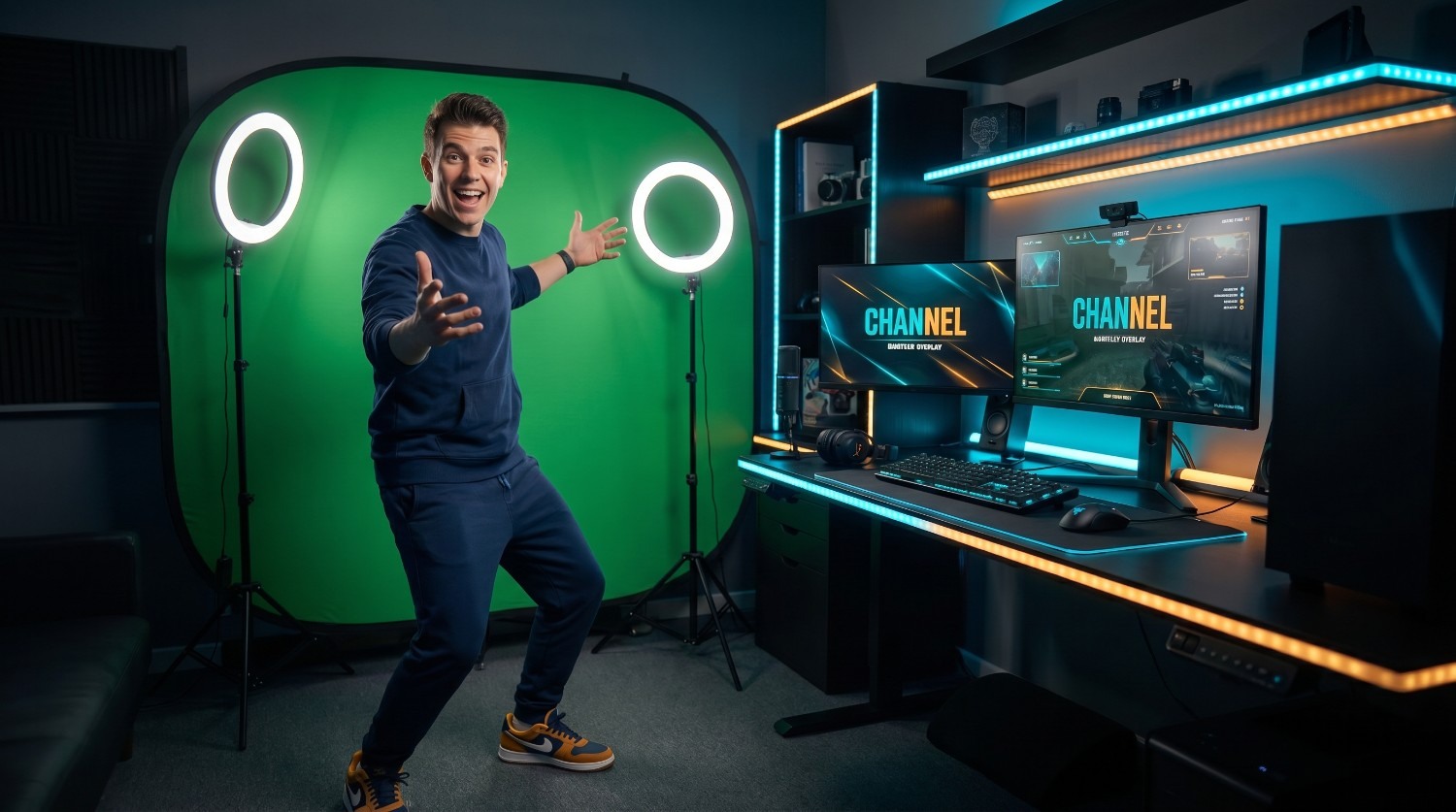
Online creators rely on portable chroma setups to clean up backgrounds or add custom gameplay overlays. This budget-friendly technique keeps focus on the creator, instantly elevating overall production value.
Chroma key vs green screen: know the difference
While often used interchangeably, green screen & chroma key are not the same thing. "Green screen" refers to the physical backdrop used during filming, while "chroma key" is the digital process used in editing to remove that backdrop.
|
Feature |
Chroma Key |
Green Screen |
|---|---|---|
|
Definition |
The digital post-production editing technique. |
The physical colored background used on set. |
|
Nature |
Software-based process. |
Physical hardware/cloth asset. |
|
Color Variety |
Can target any color (typically green or blue). |
Usually green, but can be blue or other colors. |
While traditional keying once required expensive software and manual, frame-by-frame adjustments, today's creators can achieve flawless background removal instantly, thanks to powerful browser-based AI tools designed to simplify your workflow.
How to remove video backgrounds easily with Vmake Labs?
Setting up physical green screens and tweaking complex software settings can be overwhelming for creators on tight schedules. Fortunately, modern technology has evolved past tedious manual mask adjustments.
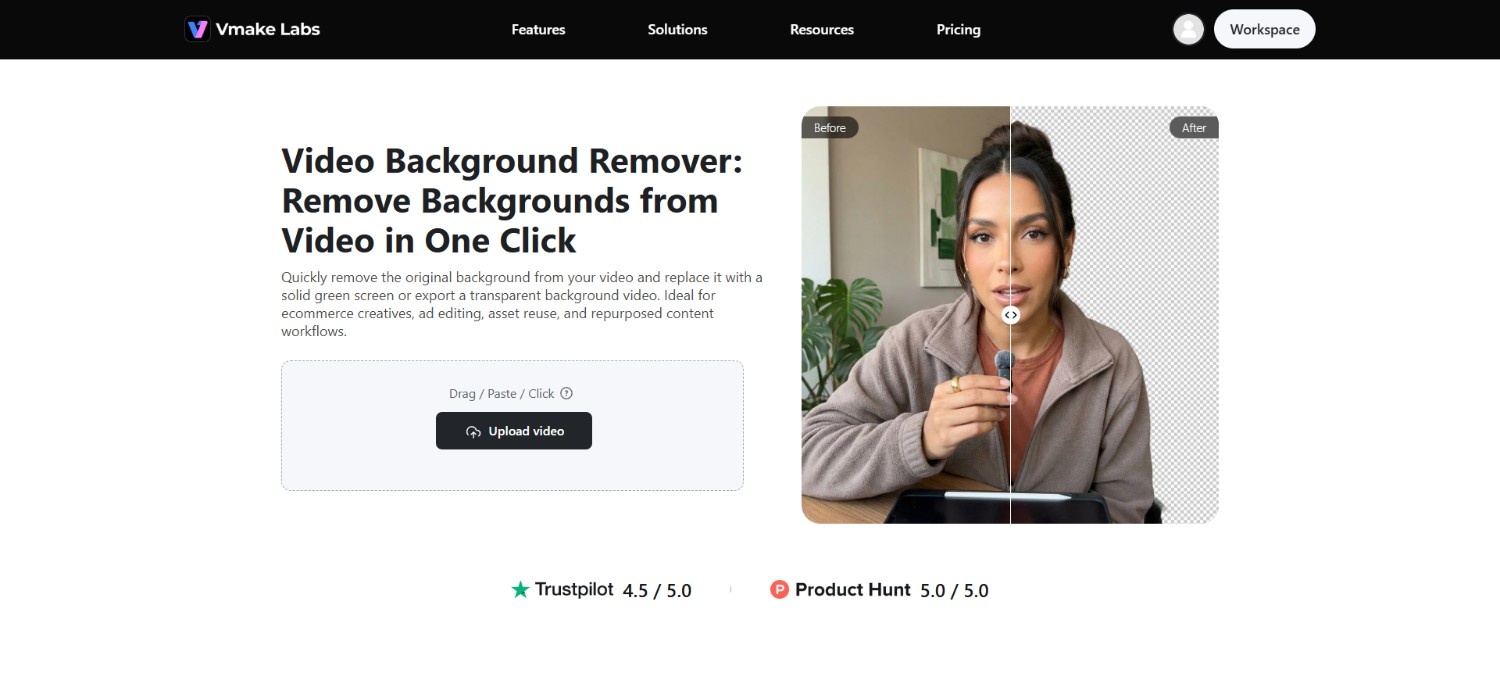
Vmake Labs' video background remover offers an incredibly accessible, web-based alternative that completely eliminates the need for expensive physical backdrops or advanced editing skills. Using highly trained artificial intelligence, Vmake automatically detects your subject, separates them from the background, and delivers a clean cutout in seconds.
It is the ultimate tool for vloggers, marketers, and independent filmmakers looking to elevate their content with minimal effort.
Key features of Vmake Labs video background remover
-
Smart AI-powered color visual isolation: The advanced AI instantly analyzes video frames to isolate subjects from complex backgrounds, eliminating the need for a physical green screen or tedious manual keying processes.
-
Precision edge detection and smoothing: Vmake Labs intelligent algorithms precisely detect fine details like hair strands and clothing edges, preventing harsh, pixelated borders and ensuring a natural, professional-looking blend with your new background.
-
One-click instant background replacement: Swap out messy real-world backgrounds for clean corporate settings, vibrant solid colors, or custom landscapes in just one click, dramatically accelerating your editing pipeline.
-
High-definition video export and format compatibility: Export your finalized, background-free videos in crisp high definition. Vmake Labs supports popular video formats, ensuring seamless integration into any editing workflow or social platform.
How to use Vmake Labs video background remover in 3 easy steps?
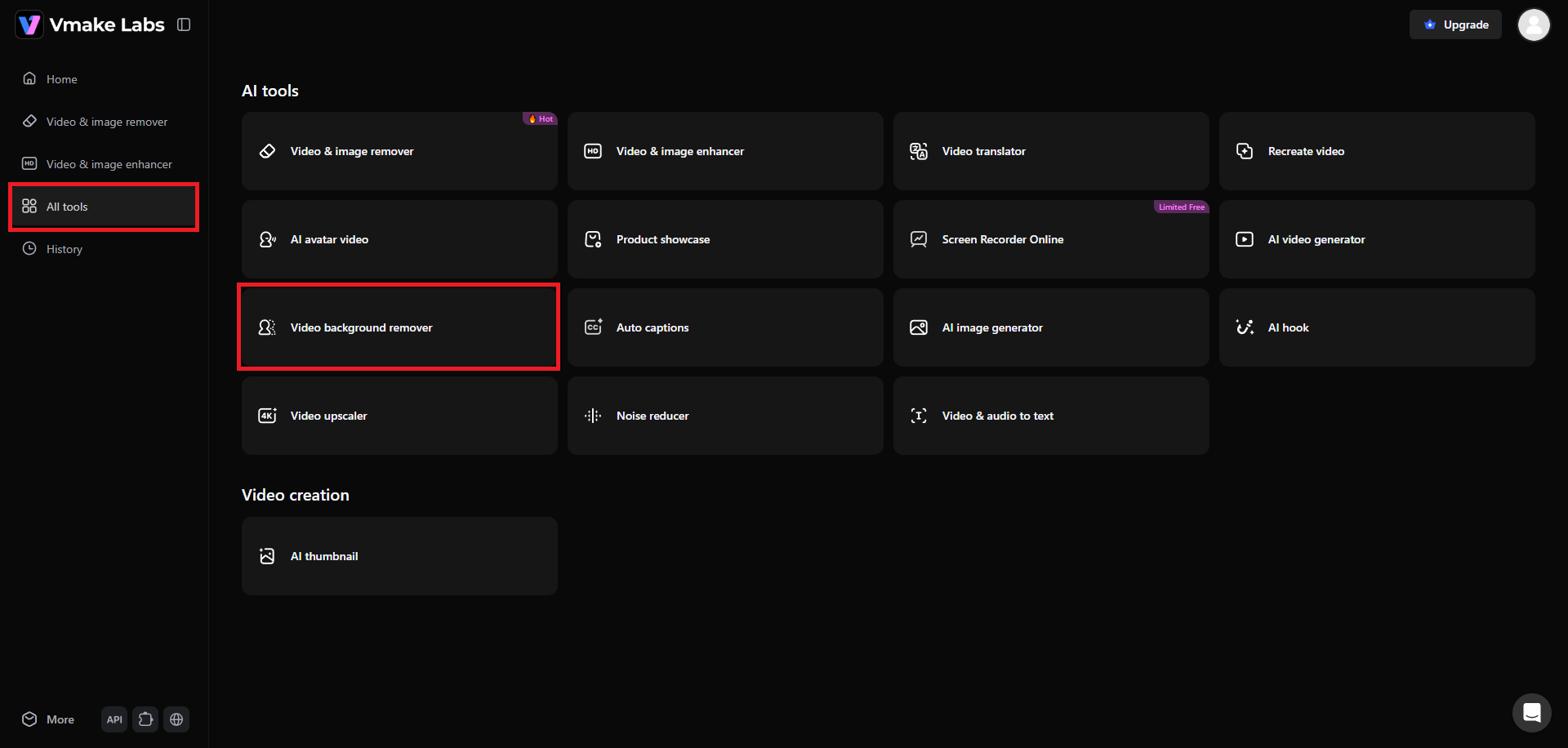
Step 1: Select the "Video background remover" tool
Begin your journey by first accessing your Vmake Labs account. After signing-in, head over to the "All tools" page and then select the "Video background remover" function.
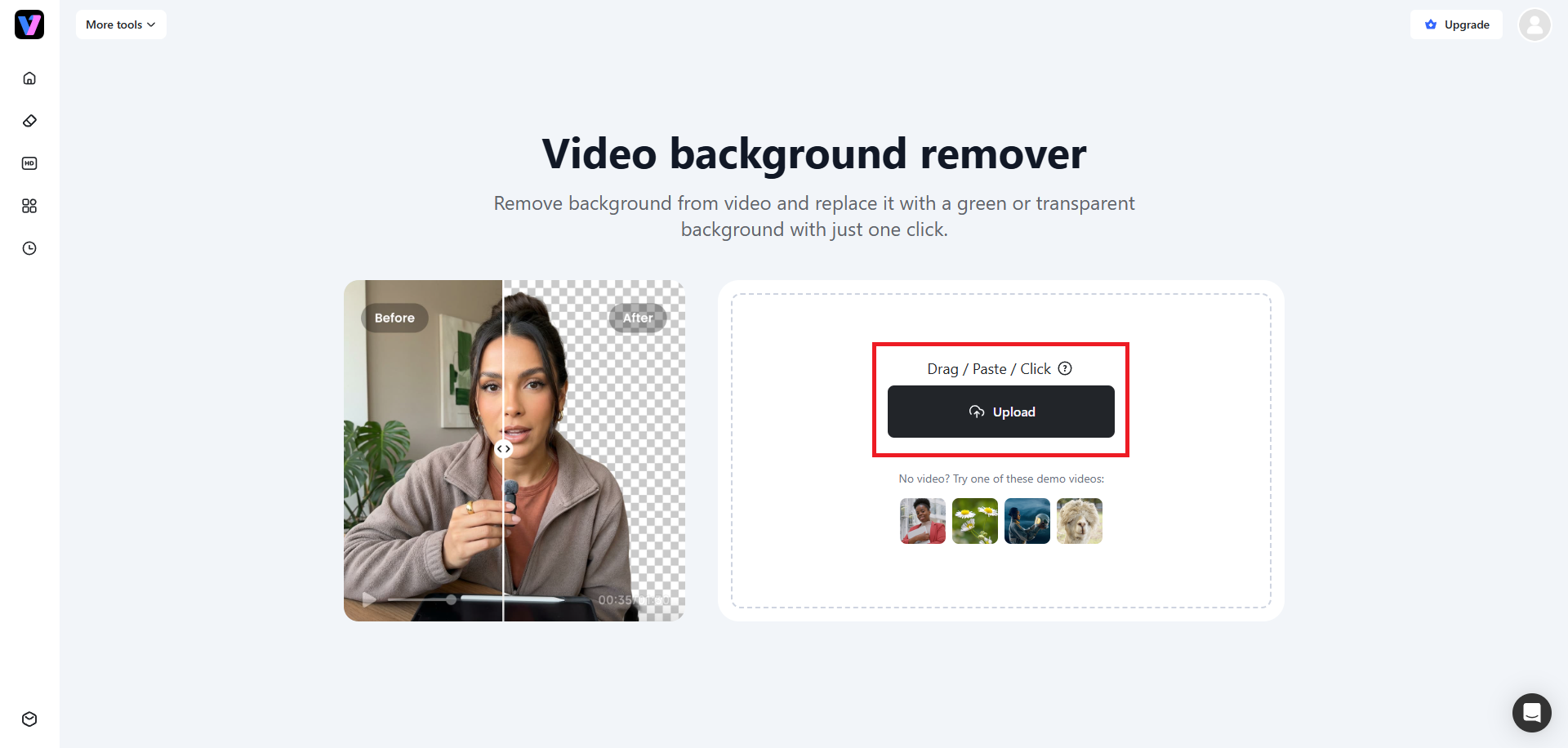
Step 2: Upload your video for background removal
A new web page will open where you will need to upload your video. Simply click on the "Upload" button and you will be able to upload your video to Vmake Labs' servers.
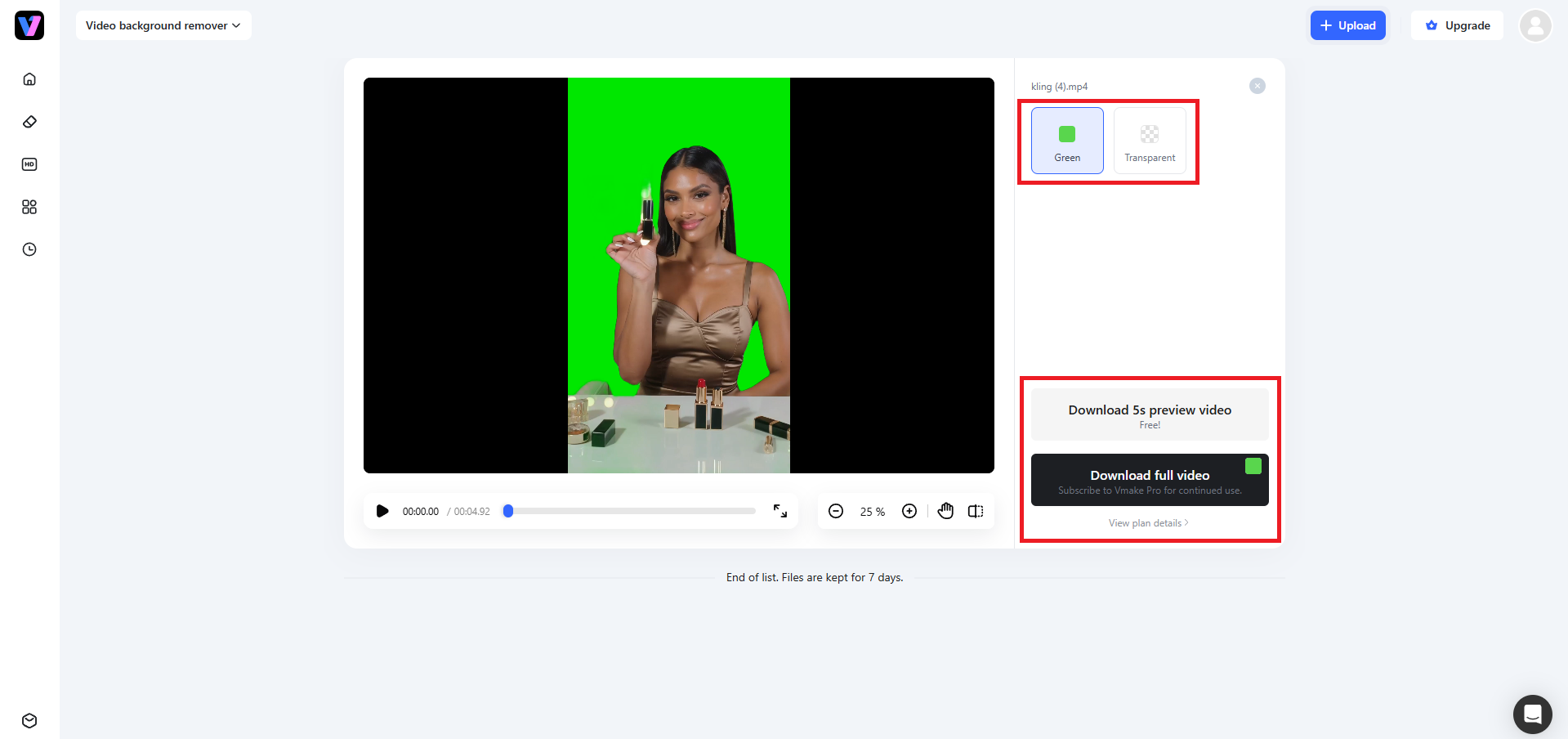
Step 3: Finalize and export your video
Once the uploading process is complete, Vmake will start processing it. The original background will then be replaced by a "Green" background automatically. Alternatively, you can also choose the "Transparent" background option as well. Once you are done removing your video background, you can proceed to download the video (with the removed original background) to your device for further usage.
Best practices and common mistakes when using chroma key
To get the absolute best results from using chroma key, whether using traditional software or AI tools, the following tips and warnings will help you to optimize your source footage properly.
Ideal practices to follow
-
Achieve perfectly-even lighting to eliminate shadows
Shadows and wrinkles on your backdrop create color variations that confuse keying tools. Light your screen separately from your subject using soft, diffused lights to ensure a flat, uniform color across the entire surface.
-
Keep proper distance between the subject and the screen
Standing too close to the screen causes green light to reflect onto your subject’s hair and skin, creating an ugly green "spill." Keep your subject at least six to ten feet away to prevent this reflection.
-
Avoid matching wardrobe colors and reflective materials
If your subject wears green in front of a green screen, that clothing will disappear during editing. Avoid matching clothes, and steer clear of reflective jewelry or glasses that might bounce green light back.
-
Optimize your camera settings for high data capture
Shoot at a high bitrate with a fast shutter speed to reduce motion blur, which makes edges fuzzy and hard to key. Set a low ISO to minimize visual noise in your background colors.

Common mistakes to avoid
-
Neglecting to Smooth Out Fabric Wrinkles
Leaving creases in your fabric backdrop creates dark pockets of shadow. These uneven areas are incredibly difficult for editing software to key out cleanly, causing severe pixelated noise.
-
Positioning Subjects Too Close to the Backdrop
Standing right against the screen causes green light to reflect onto the subject's skin and hair. This "green spill" creates fuzzy borders that make seamless extraction impossible.
-
Wearing Wardrobe Colors That Match the Screen
Dressing subjects in colors matching the backdrop is a major blunder. The software will process their clothes as the background, turning parts of their torso completely invisible.
-
Relying on Automatic Camera Exposure Settings
Letting cameras auto-adjust exposure during filming causes shifts in background brightness. This dynamic variation ruins the keying consistency, forcing tedious, manual frame-by-frame color corrections later.
Conclusion
Chroma key technology has truly democratized video production, allowing anyone to transcend physical limitations and tell stories from any environment imaginable.
Whether you are building an epic sci-fi universe or simply tidying up a home office backdrop for a professional webinar, the power to transform your videos is now at your fingertips. By combining classic production tips with powerful modern tools like Vmake Labs' AI-powered video background remover, achieving professional, high-definition cutouts is easier than ever before.
Step into the future of effortless content creation and let your imagination take center stage.
FAQs
What is the difference between chroma key and a green screen?
Green screen is the physical colored backdrop you stand in front of while filming. Chroma key is the digital editing process used to remove that specific color and make it transparent.
Can I use any color for a chroma key background?
Yes, technically any solid color works. However, neon green and vibrant blue are preferred because they are highly distinct and do not match natural human skin tones, preventing accidental body parts from disappearing.
Why do clothes sometimes disappear when using a chroma key?
If your clothing matches the color of your background, the keying software cannot tell them apart. It treats clothes as part of the background, making them transparent during the removal process.
How do you prevent green light spills on a subject?
Keep your subject six to ten feet away from the screen, use backlight to neutralize reflections, and light the backdrop independently so the green light doesn't bounce onto the subject’s hair or shoulders.
Do I need a professional camera to use chroma key technology?
No! Modern smartphones shoot excellent high-definition video that keys beautifully. The quality of your lighting and background smoothness matters far more than having a high-end, expensive cinematic camera.

You May Be Interested
How to Remove Green Screen from Video: Best Methods and Tools in 2026

How to Edit Videos with Green Screen Backgrounds Easily

Top Sites to Download Green Screen Videos and Images

[2026] How to Blur Background in Zoom: Desktop & Mobile